Add Date And Name To Photo Instantly

Choose a Text Style That Matches Your Photo
From minimal timestamps to bold watermark signatures, pick a filter that makes your date and name look intentional rather than just pasted on.
Key Features for Adding Text to Photos
gloglo makes photo annotation effortless. You get smart placement tools, clean text rendering, and a fast workflow that never requires a desktop editor.

Clean, Sharp Text
Every letter stays crisp even after saving in high resolution. The AI renders your date and name with smooth edges, so the result looks professional on prints, posts, and profile pages.
Clean, Sharp Text
Every letter stays crisp even after saving in high resolution. The AI renders your date and name with smooth edges, so the result looks professional on prints, posts, and profile pages.

Flexible Placement
Move your timestamp to any corner, center, or empty space in the frame. Adjust the size and rotation until the text feels like it belongs in the original shot.
Flexible Placement
Move your timestamp to any corner, center, or empty space in the frame. Adjust the size and rotation until the text feels like it belongs in the original shot.
One Tap Sharing
Save your annotated image in seconds and post it directly to Instagram, WhatsApp, or your family group. No export settings, no quality loss, no extra steps.
One Tap Sharing
Save your annotated image in seconds and post it directly to Instagram, WhatsApp, or your family group. No export settings, no quality loss, no extra steps.
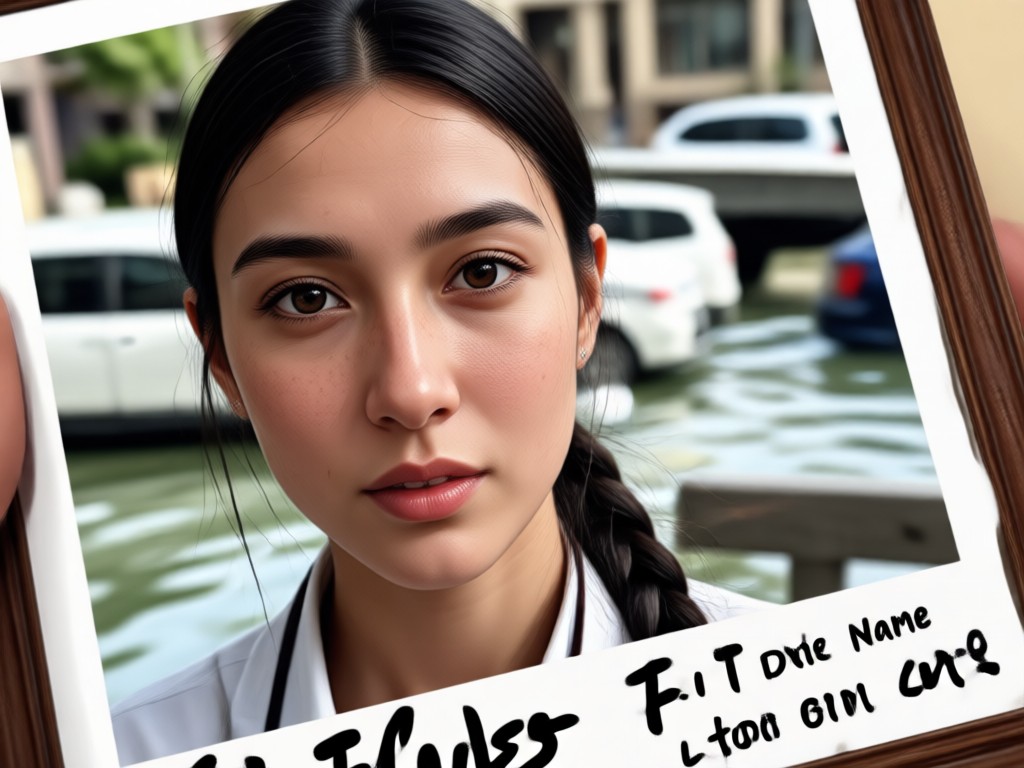
See Date and Name Annotations in Action
Browse examples of photos with clean date and name labels. Whether it is a birthday memory, a project update, or a portfolio piece, the right text style makes all the difference.












How to Add Date And Name To Photo
You do not need a desktop tool or a design background. Follow three simple steps in the gloglo app to add a clean date and name to any image.

Step 01.
Download the gloglo app from Google Play and open it on your phone. Tap the image editor to upload the photo you want to annotate.

Step 02.
Type your date and name. Pick a font style that fits the mood of your photo, then drag the text to the perfect spot.

Step 03.
Save your image in high resolution and share it directly with friends, family, or your followers. The whole process takes less than a minute.

Why Add a Date and Name Before You Share?
A simple timestamp turns a casual photo into a labeled memory. Adding a name also helps you protect your work when you post it online. gloglo gives you both without a clunky desktop editor.
Why Add a Date and Name Before You Share?
A simple timestamp turns a casual photo into a labeled memory. Adding a name also helps you protect your work when you post it online. gloglo gives you both without a clunky desktop editor.

Add Date And Name To Photo on Android
The gloglo app brings clean photo annotation to your Android phone. Type, place, and save a precise date and name stamp without ever switching to a computer.

Frequently Asked Questions
Get quick answers about adding a date and name to your photos with the gloglo app.
Label Your Memories the Easy Way
Download gloglo and add a clean date and name to any photo in under a minute. Your images stay sharp, your memories stay organized, and your work stays protected.
Label Your Memories the Easy Way
Download gloglo and add a clean date and name to any photo in under a minute. Your images stay sharp, your memories stay organized, and your work stays protected.