Add Someone To A Picture
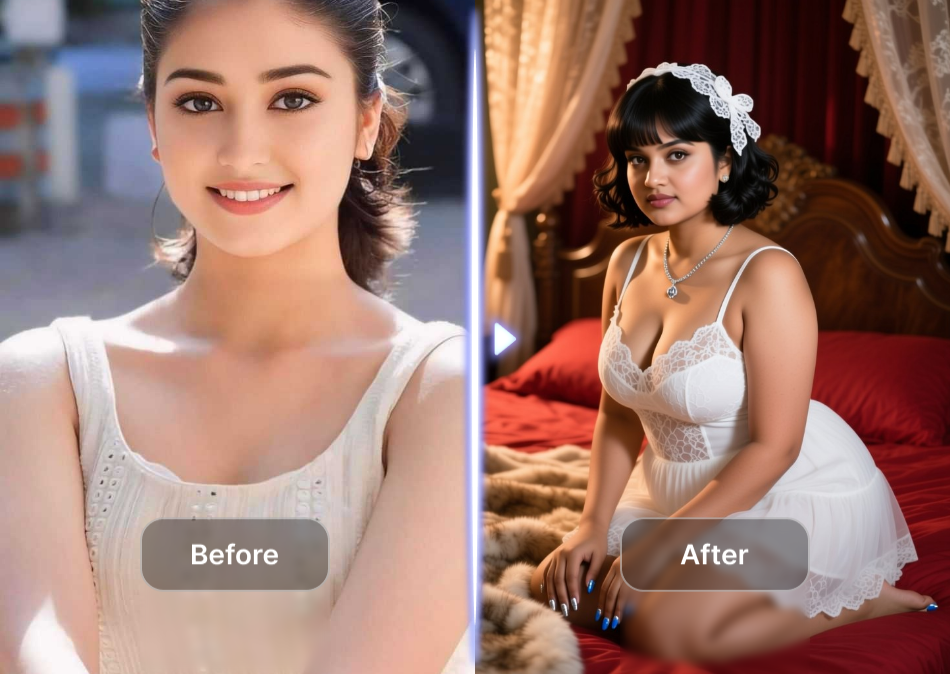
Choose the Person Adding Filter That Fits
Explore AI filters for face blending, group photo insertion, and natural person compositing. Find the right effect for your photo style.
Why Use gloglo to Add Someone to a Picture
Powerful AI photo editing tools that make person insertion simple, realistic, and fun. No experience needed.
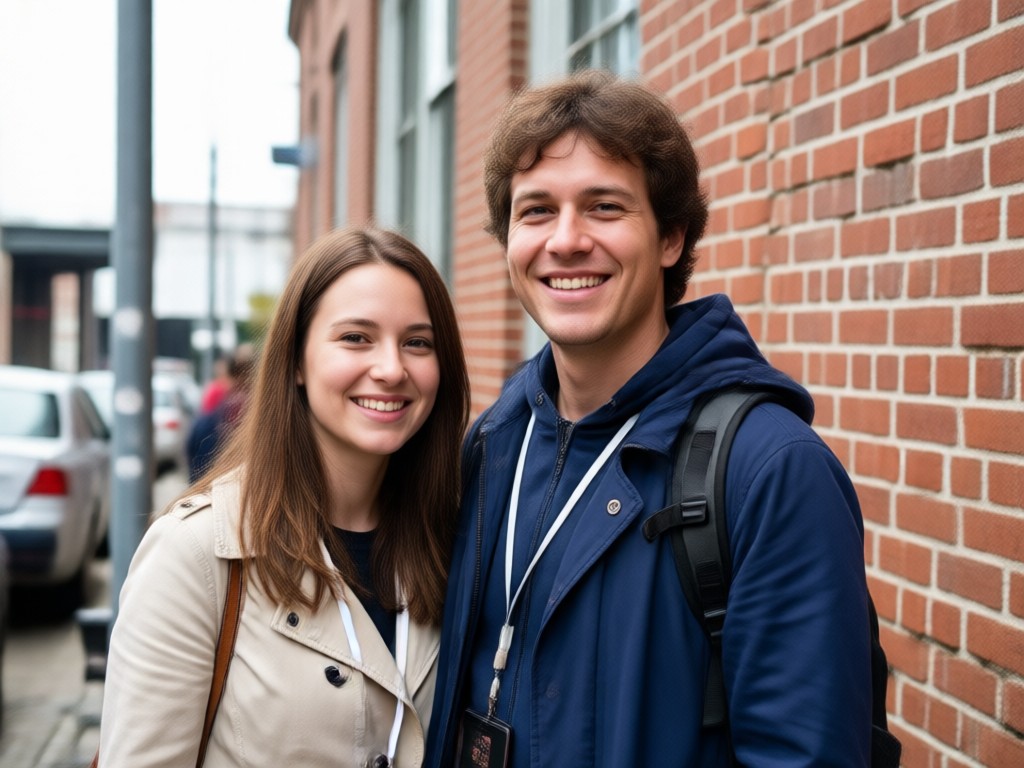
Natural Face Blending
AI matches skin tone, shadows, and lighting so the added person looks like they were always there. Perfect for family and group photos.
Natural Face Blending
AI matches skin tone, shadows, and lighting so the added person looks like they were always there. Perfect for family and group photos.
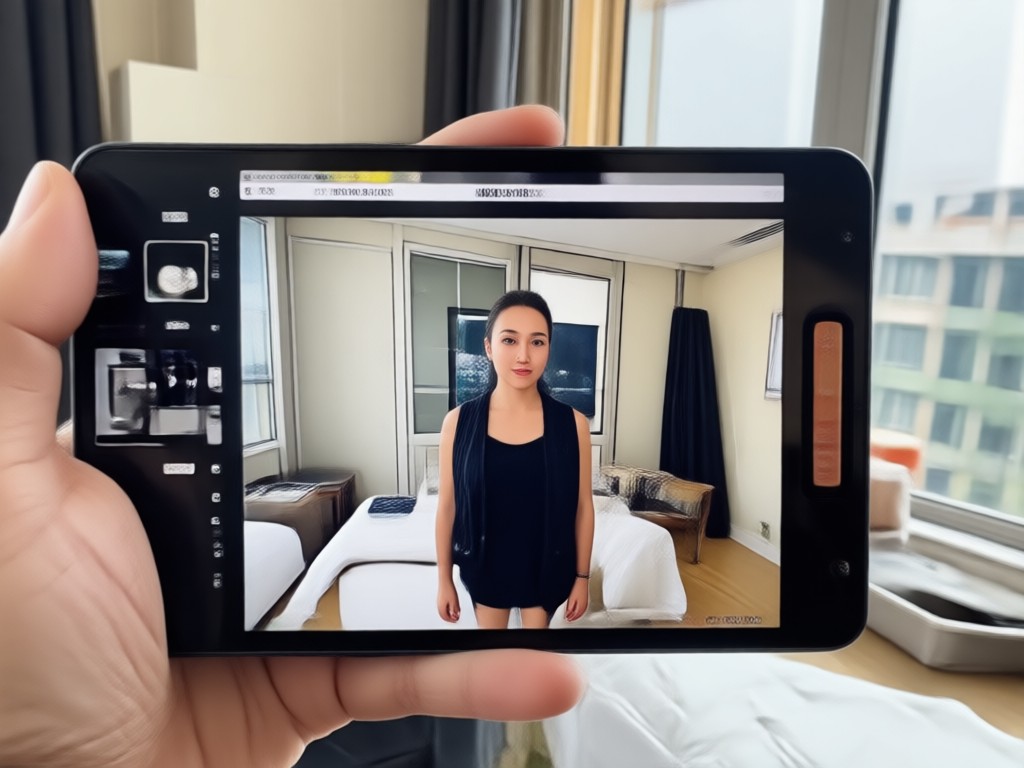
Group Photo Insertion
Add a missing friend or family member to any group shot. AI preserves everyone's face while blending the new person seamlessly.
Group Photo Insertion
Add a missing friend or family member to any group shot. AI preserves everyone's face while blending the new person seamlessly.
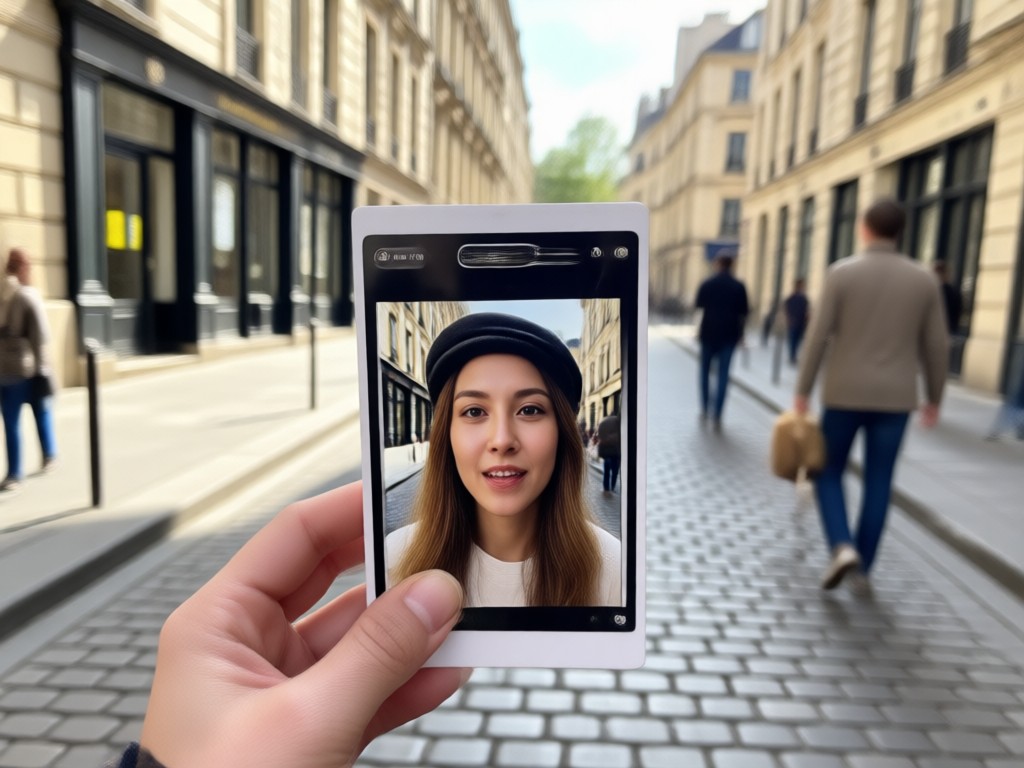
Fun Pose and Style Matching
Match the pose, angle, and style of the original photo. From casual snaps to formal portraits, get realistic placement every time.
Fun Pose and Style Matching
Match the pose, angle, and style of the original photo. From casual snaps to formal portraits, get realistic placement every time.
How to Add Someone to a Picture in 3 Steps
Download gloglo, upload your photos, and let AI handle the rest. No editing skills required.
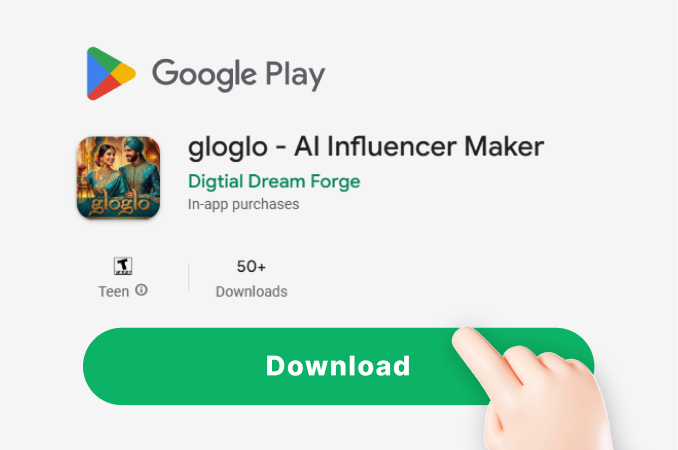
Step 01.
Download gloglo from Google Play and open the AI photo editor on your phone.
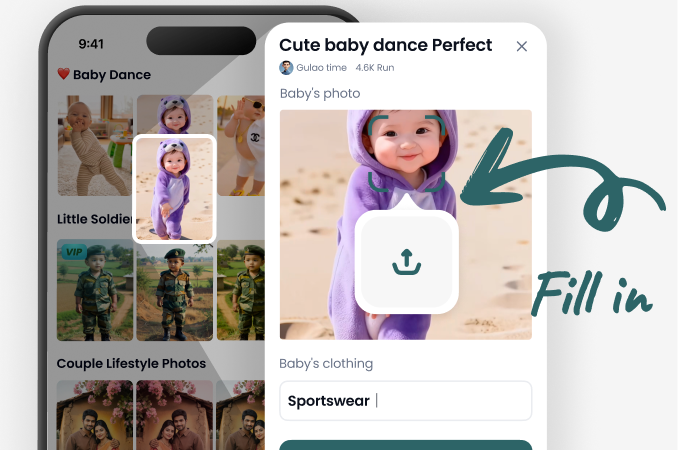
Step 02.
Select the person you want to add and choose a template filter that matches your photo.
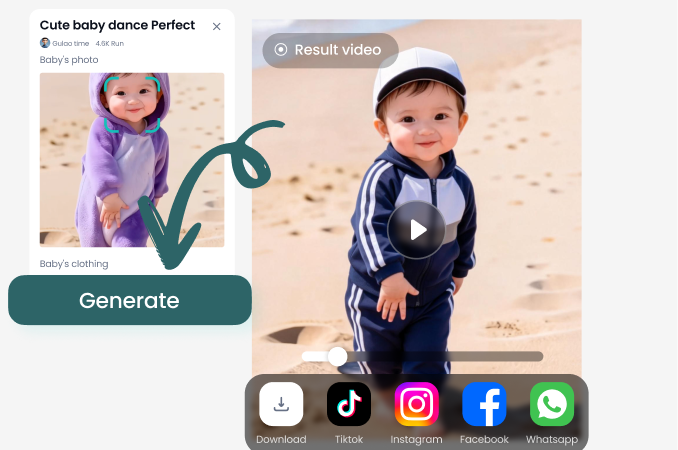
Step 03.
Generate your edited picture, then save or share it directly to social media.
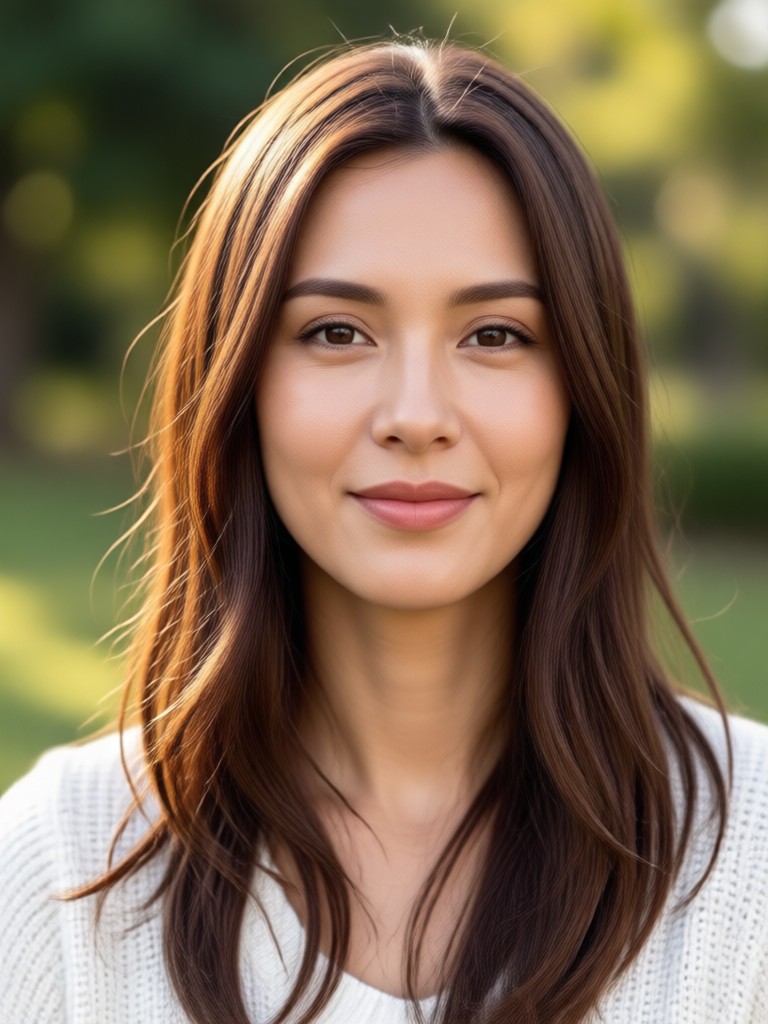
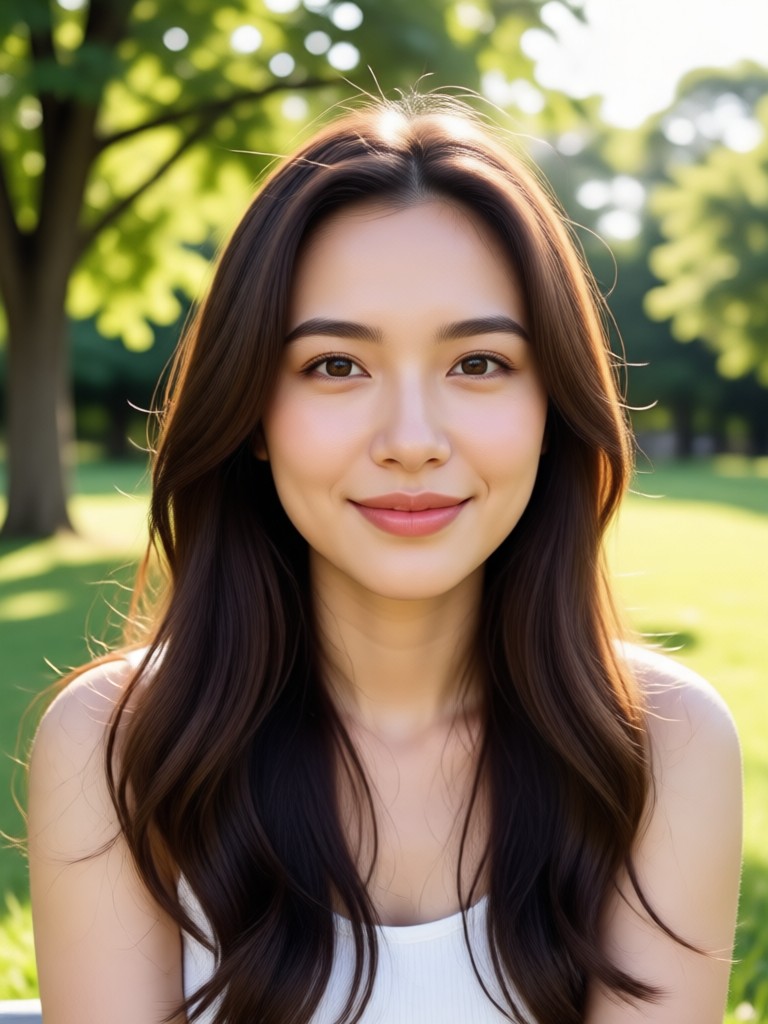
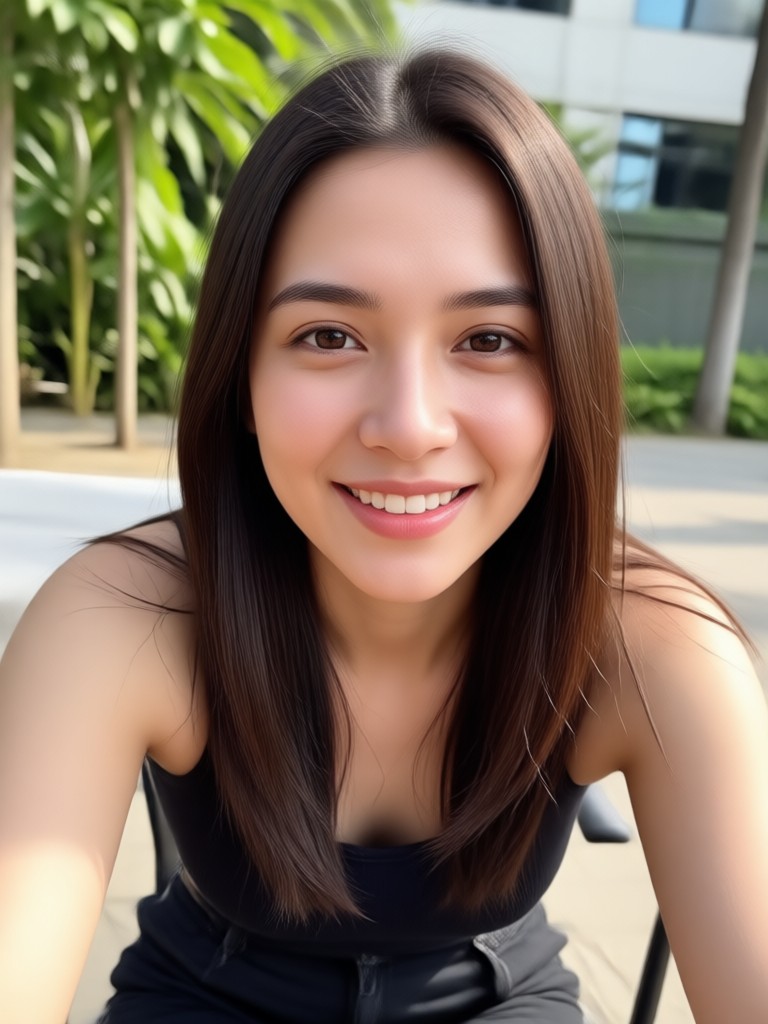
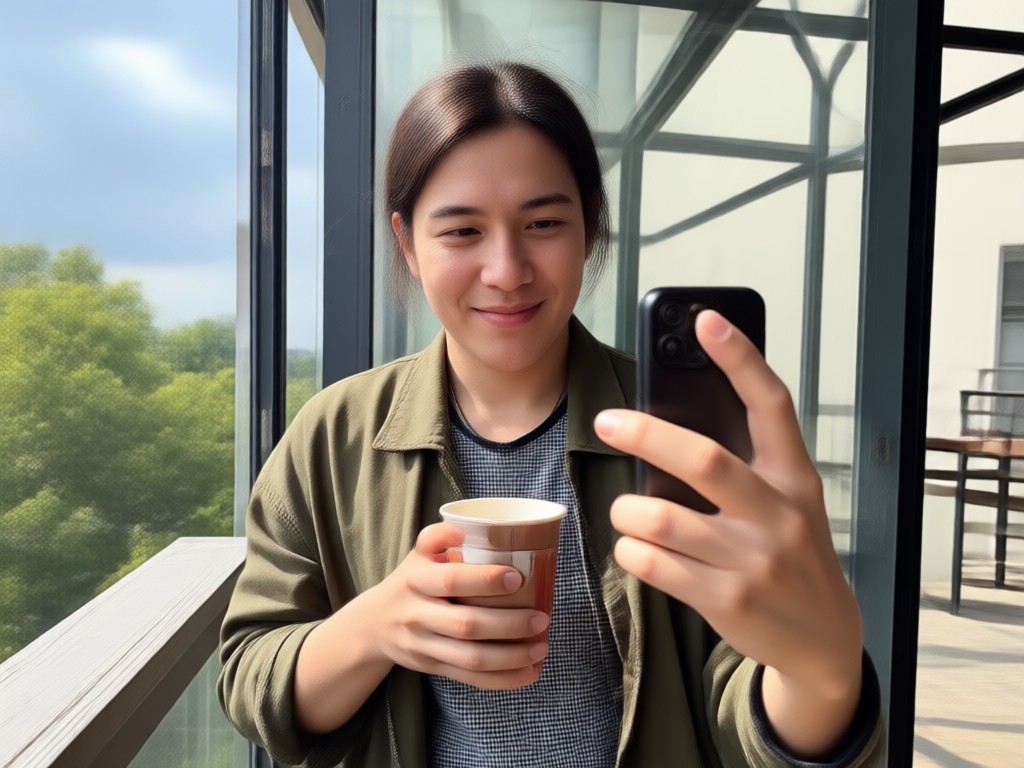
Popular Add Someone to a Picture Examples
See how gloglo users bring people into their favorite photos. Try these categories for inspiration.
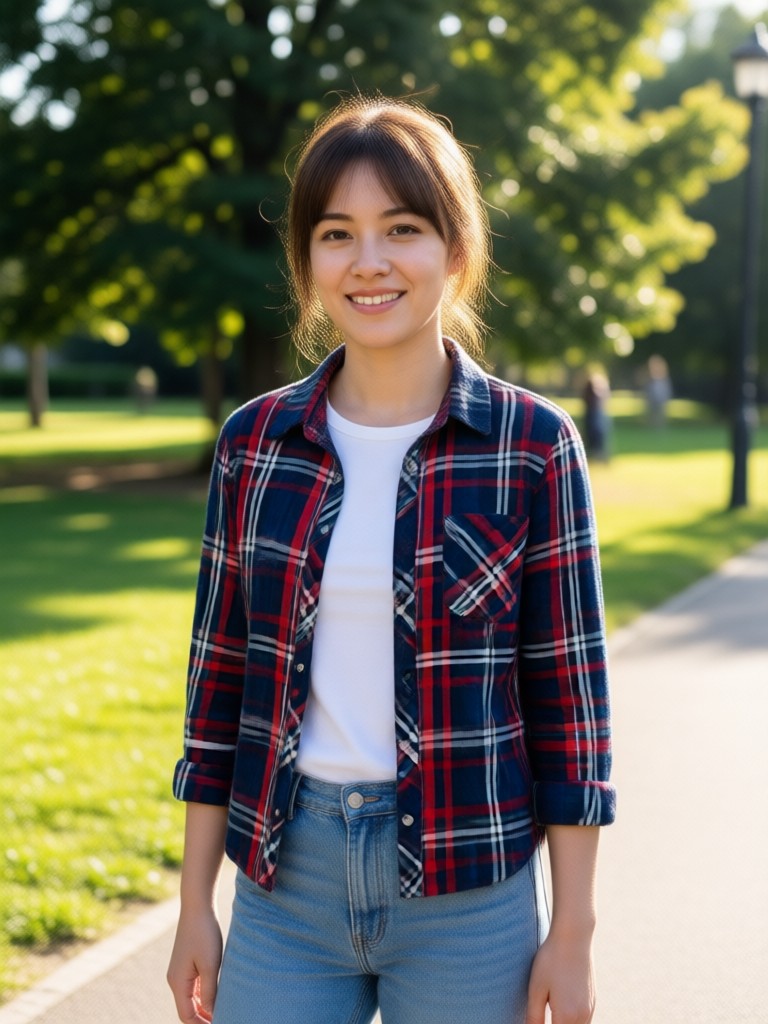

Why Choose gloglo for Adding People to Photos
gloglo combines advanced AI with an ultra-simple mobile app. You do not need to learn complex editing tools. Just upload, select, and generate. Whether you want to add a missing person to a family portrait or create a fun edit with friends, gloglo delivers realistic results in seconds.
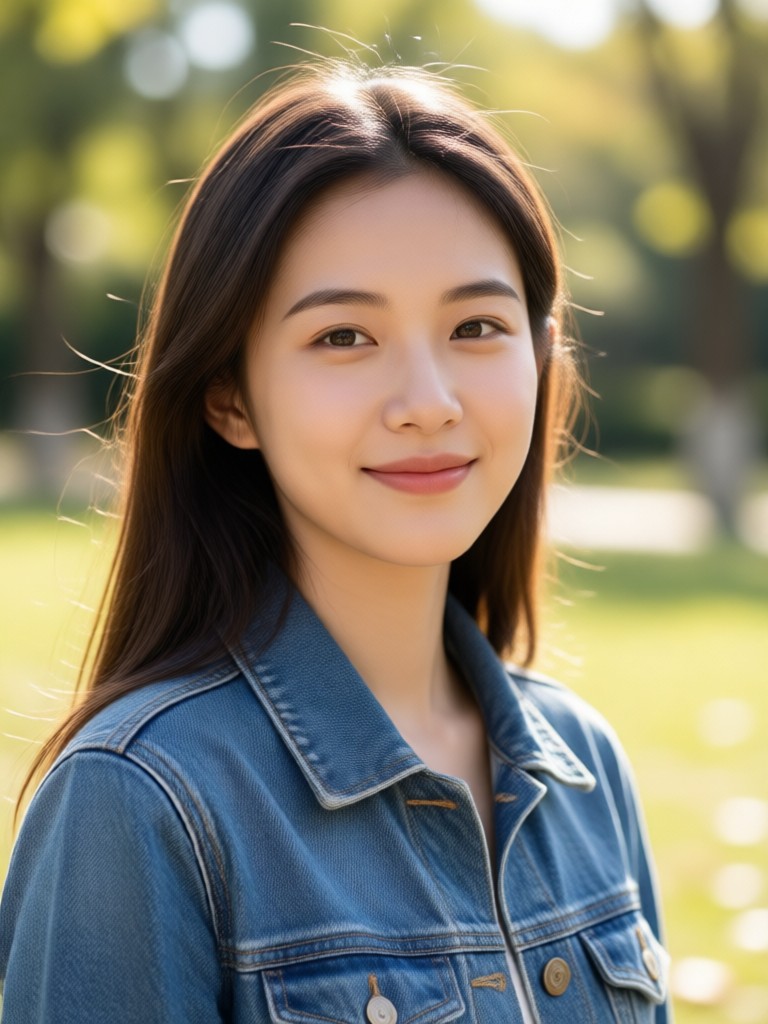
Add Someone to a Picture on Android
The easiest mobile AI editor for inserting people into photos. Works directly on your Android device with no desktop software needed.

What Users Say About Adding People to Photos
Finally a simple way to fix group photos
I needed to add my brother to a wedding photo where he was missing. gloglo blended him in perfectly. The lighting and shadows matched so well.
So easy and realistic
I added my friend to a travel photo just for fun. It looked like she was really standing next to me. Took less than a minute.
Great for creative edits
I use gloglo to add celebrities and fictional characters to my photos for memes. The face matching is impressive and the results are always funny.
Frequently Asked Questions About Adding Someone to a Picture
Find answers about using AI to insert people into photos with gloglo.
More Topics You May Like
Explore more topics you may like and discover fresh ideas tailored to your interests.
Turn Any Photo into a Joke with Funny Picture Filters
How to Remove Audio From Video on Windows 10 Instantly
Choose My Makeup Filter Online Free | Instant AI Beauty Try-On
Free AI Generator No Sign Up: Create Instantly
Turn Any Photo into a Joke with Funny Picture Filters
How to Remove Audio From Video on Windows 10 Instantly
Choose My Makeup Filter Online Free | Instant AI Beauty Try-On
Free AI Generator No Sign Up: Create Instantly
Add Someone to a Picture in Seconds
Download gloglo now and start creating realistic AI photo edits from your phone. No experience needed, just upload and generate.

Add Someone to a Picture in Seconds
Download gloglo now and start creating realistic AI photo edits from your phone. No experience needed, just upload and generate.