AI Bloom Effect
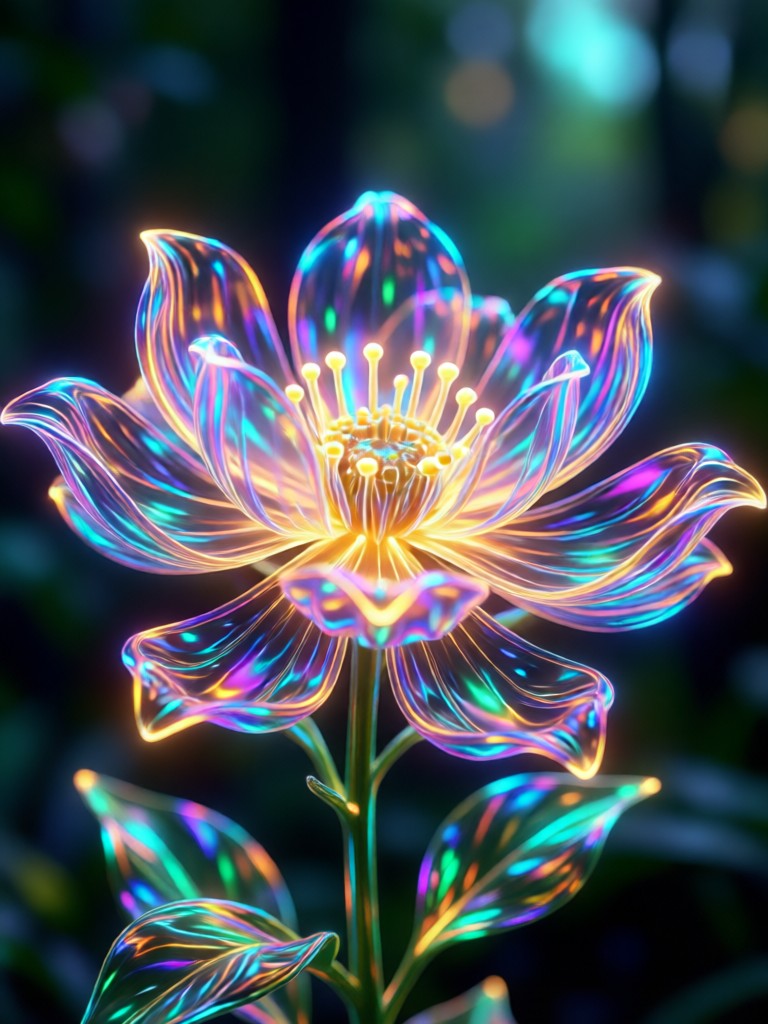
Discover Your Perfect Glow
From soft golden hour warmth to cool magical auras, find the bloom filter that matches your vision.
Why Choose Our AI Bloom Effect
Our AI doesn't just add a generic overlay. It intelligently creates light diffusion, halation, and soft focus for results that feel organic and professionally edited.
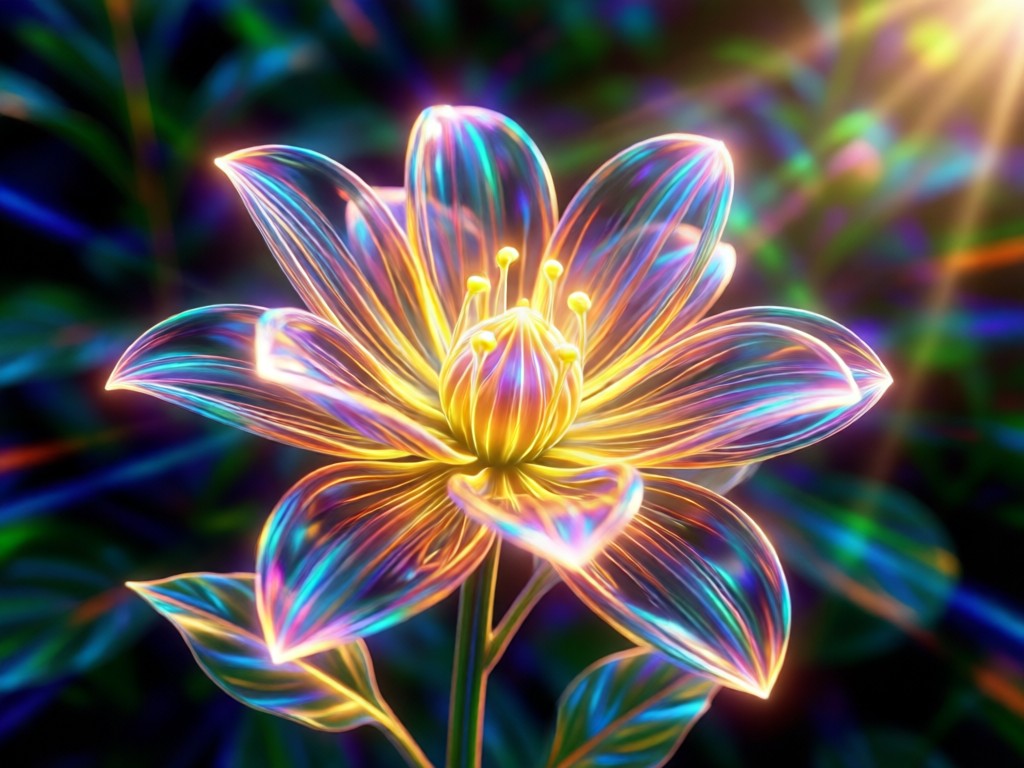
Intelligent Light Detection
The AI automatically identifies highlights, light sources, and bright areas in your photo to apply bloom precisely where it will have the most impact, creating a natural glow effect.
Intelligent Light Detection
The AI automatically identifies highlights, light sources, and bright areas in your photo to apply bloom precisely where it will have the most impact, creating a natural glow effect.
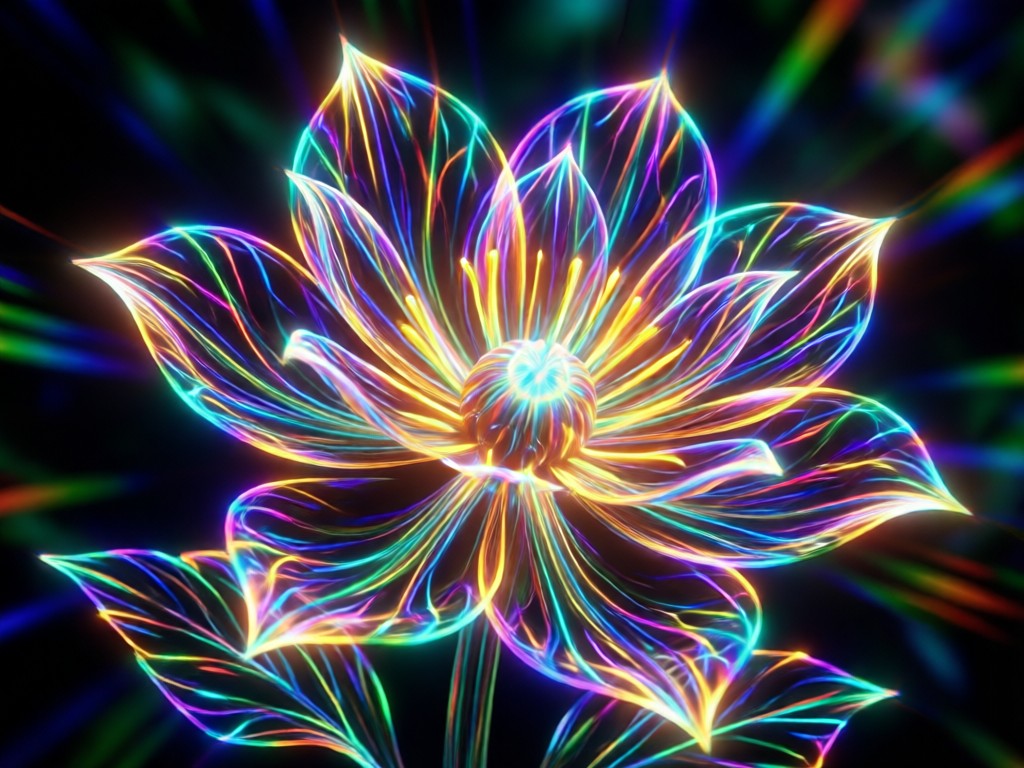
Adjustable Intensity & Color
Full control over your bloom. Adjust the glow intensity, spread, and color temperature from warm golden hues to cool ethereal blues to match your photo's mood perfectly.
Adjustable Intensity & Color
Full control over your bloom. Adjust the glow intensity, spread, and color temperature from warm golden hues to cool ethereal blues to match your photo's mood perfectly.
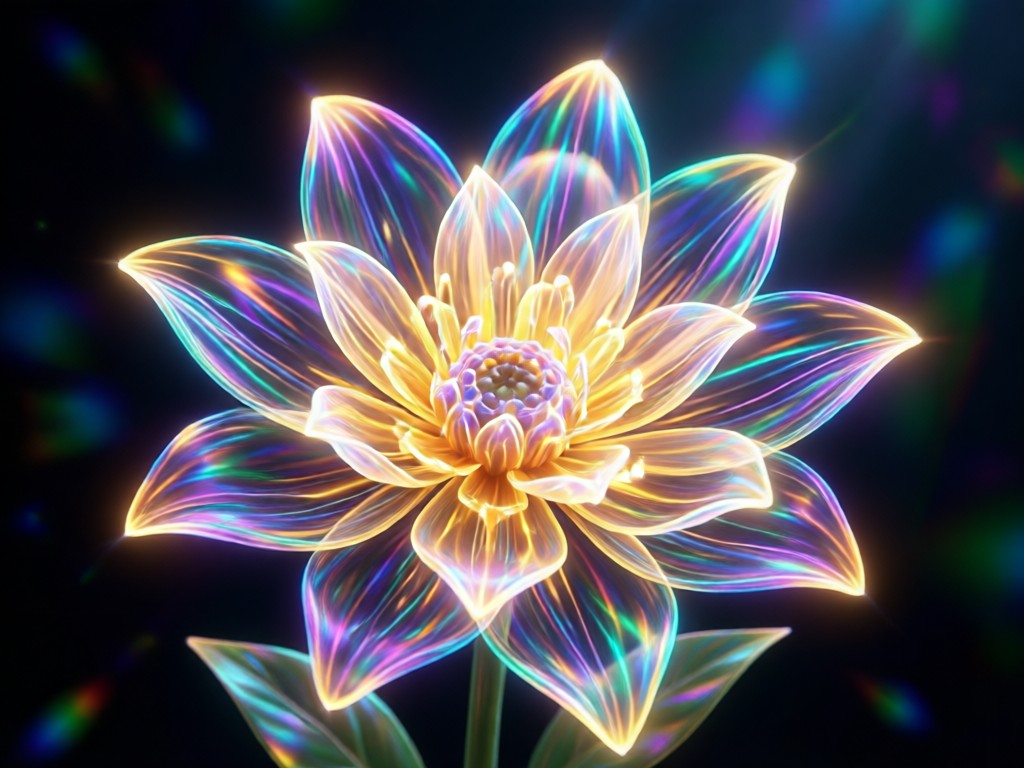
One-Tap Professional Styles
Apply curated bloom styles inspired by cinematic looks, vintage film, fantasy art, and social media trends. Achieve complex lighting effects without manual editing.
One-Tap Professional Styles
Apply curated bloom styles inspired by cinematic looks, vintage film, fantasy art, and social media trends. Achieve complex lighting effects without manual editing.
AI Bloom Effect Transformations
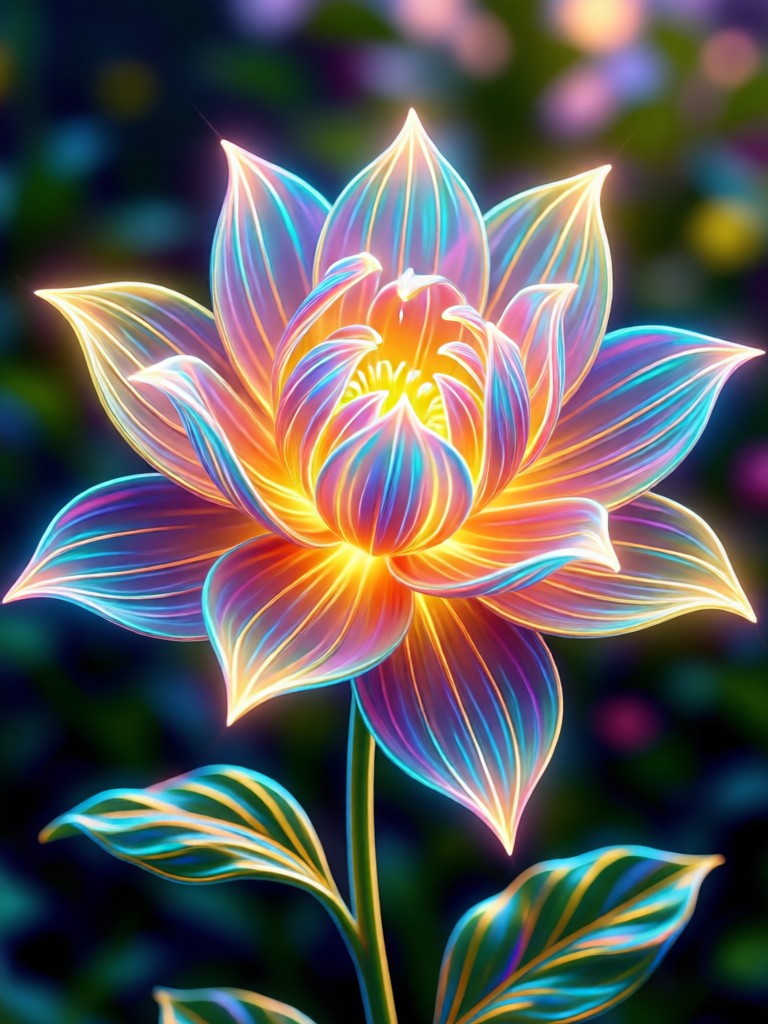
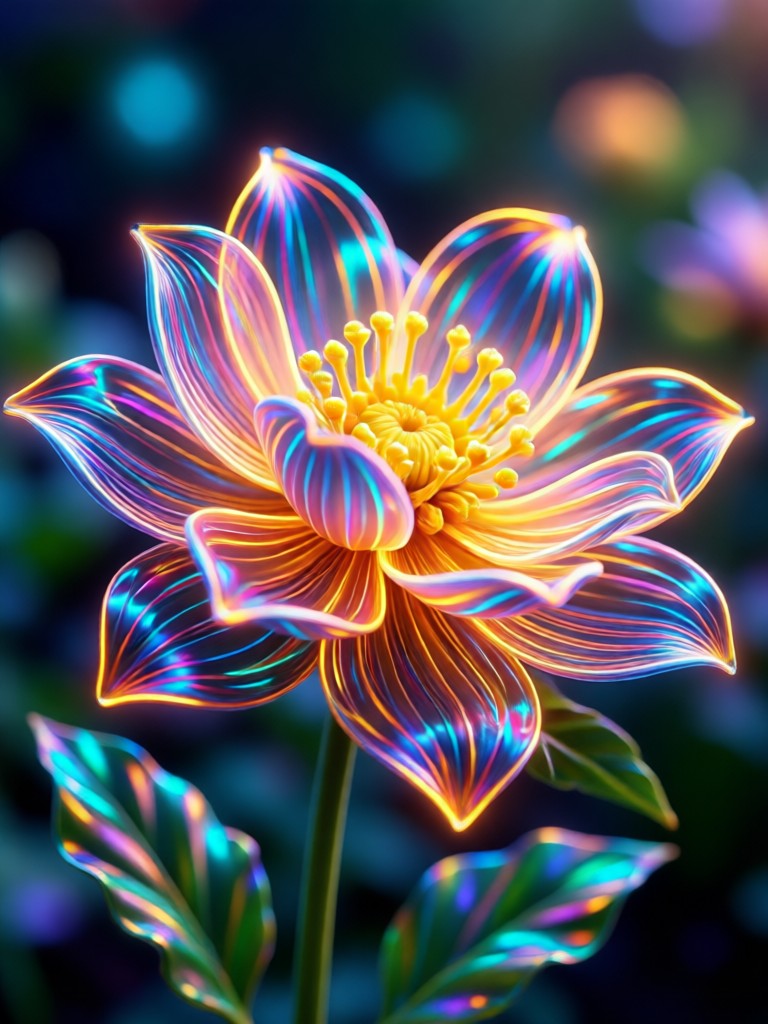
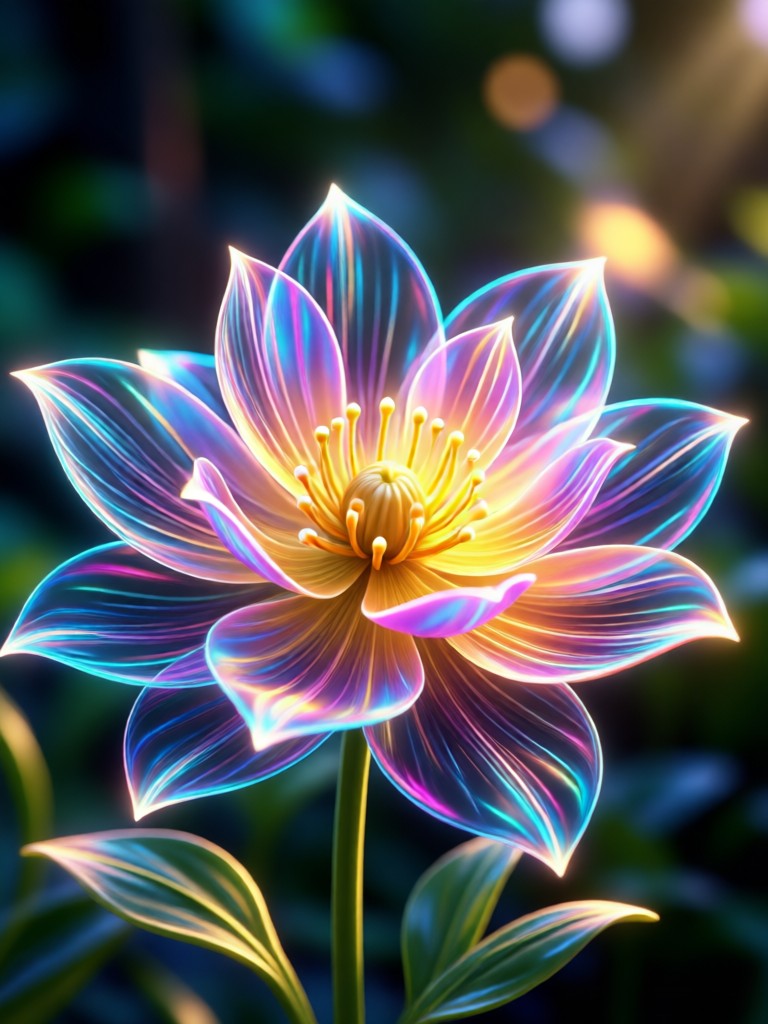
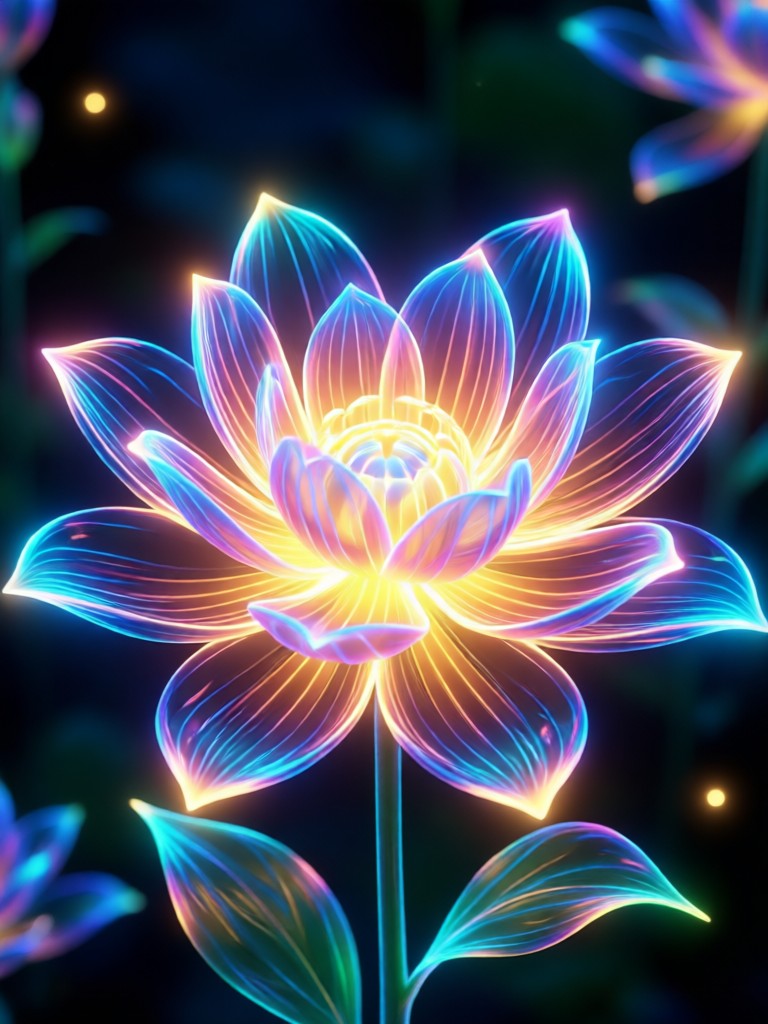
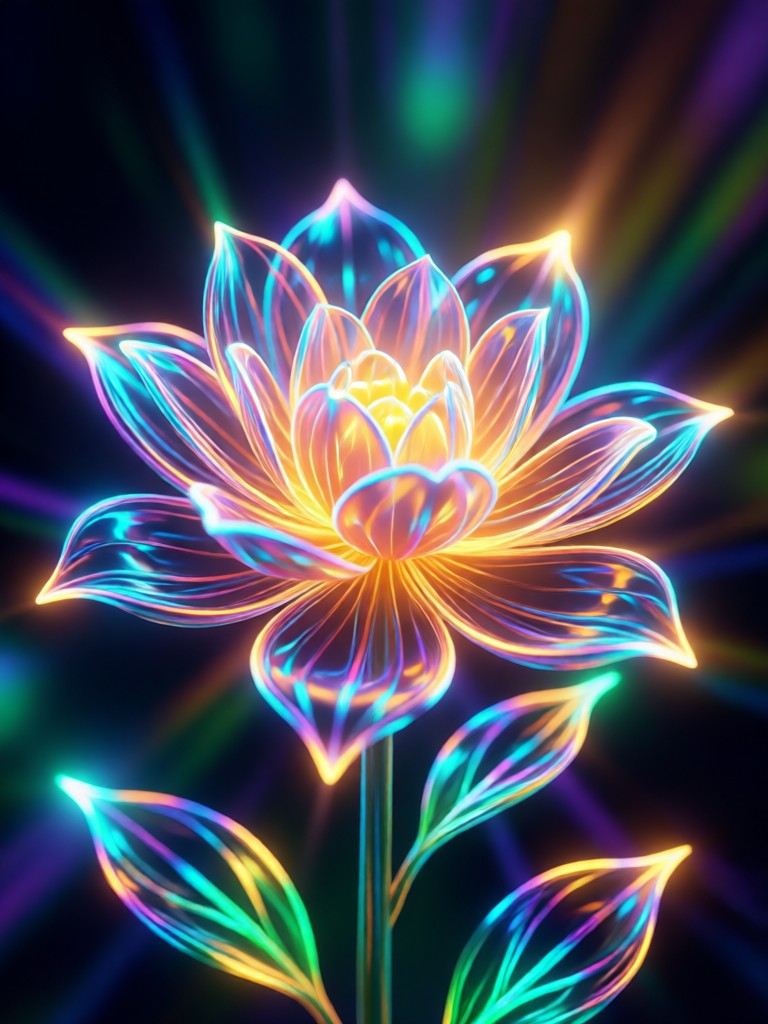
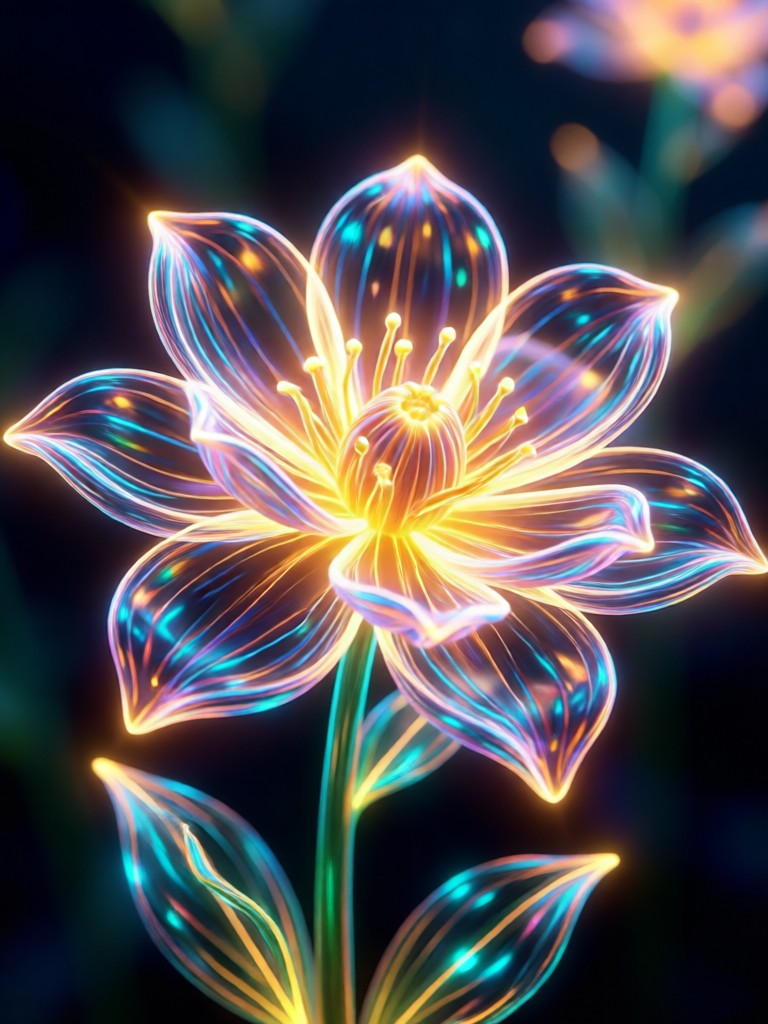
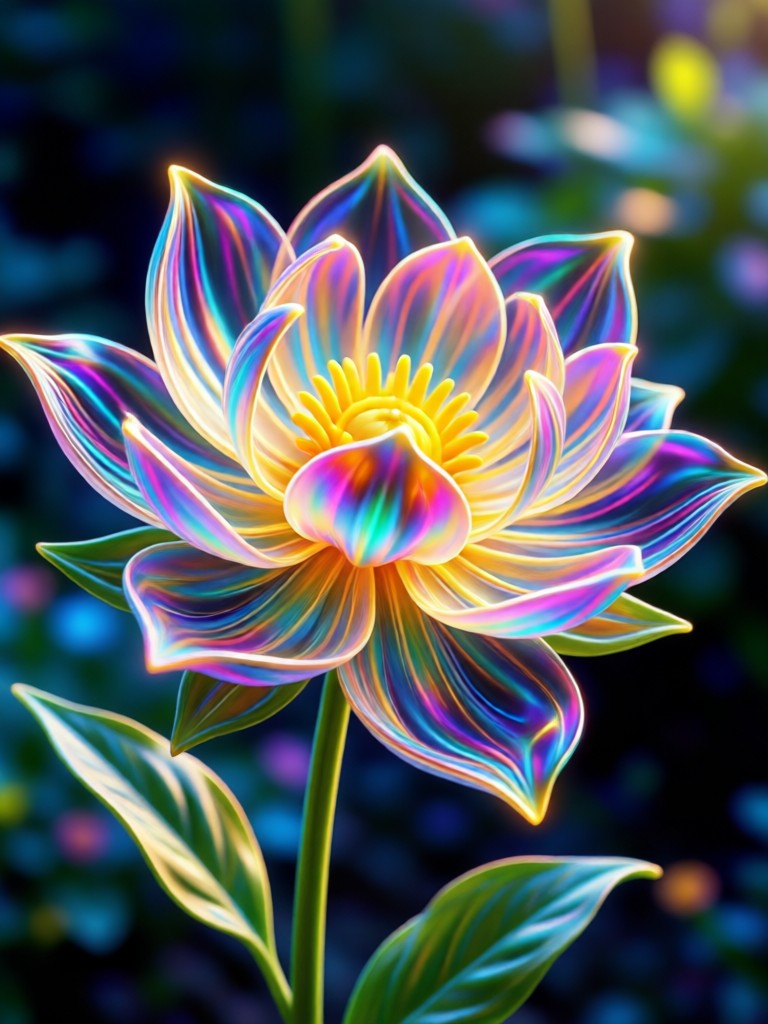
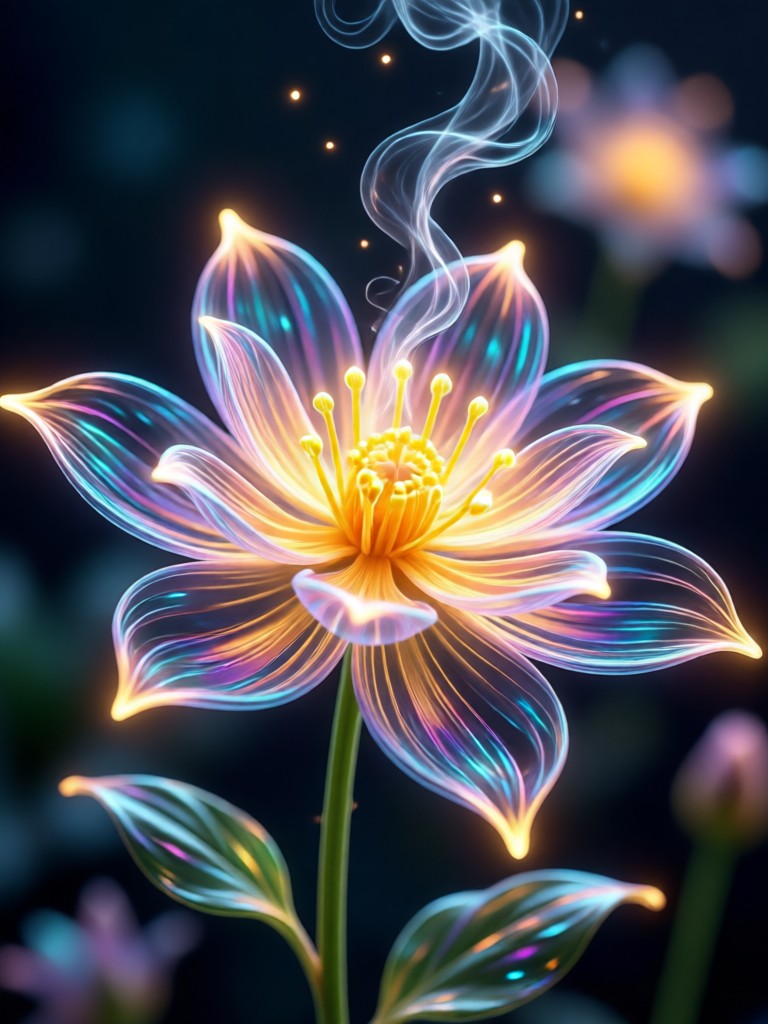
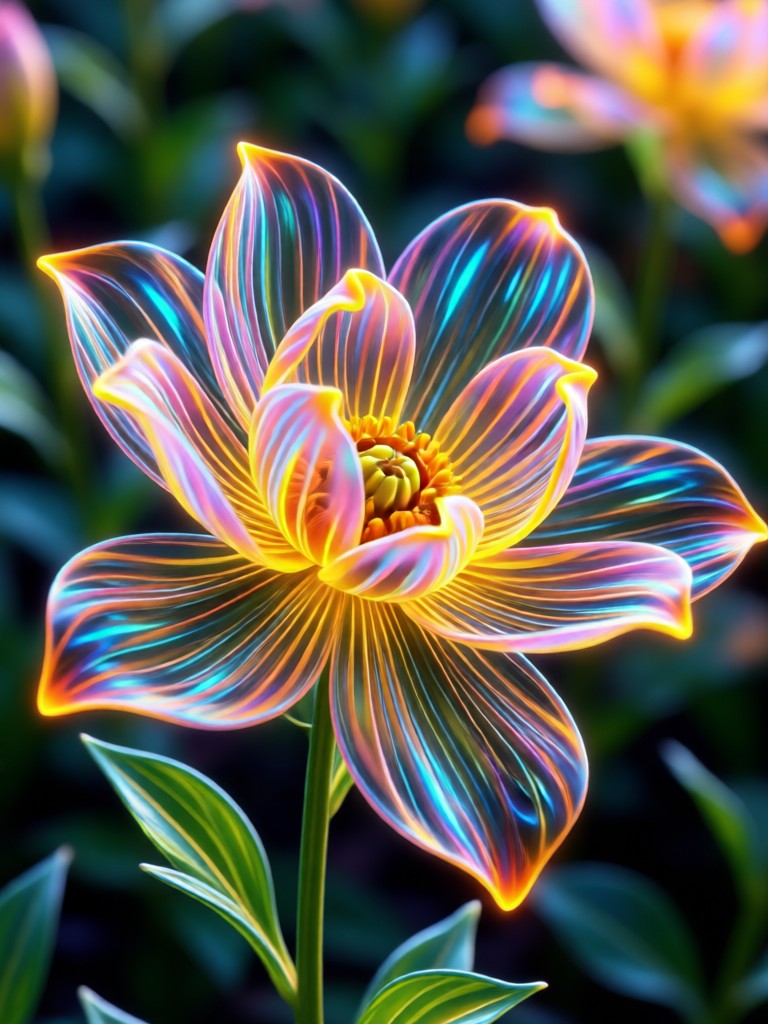
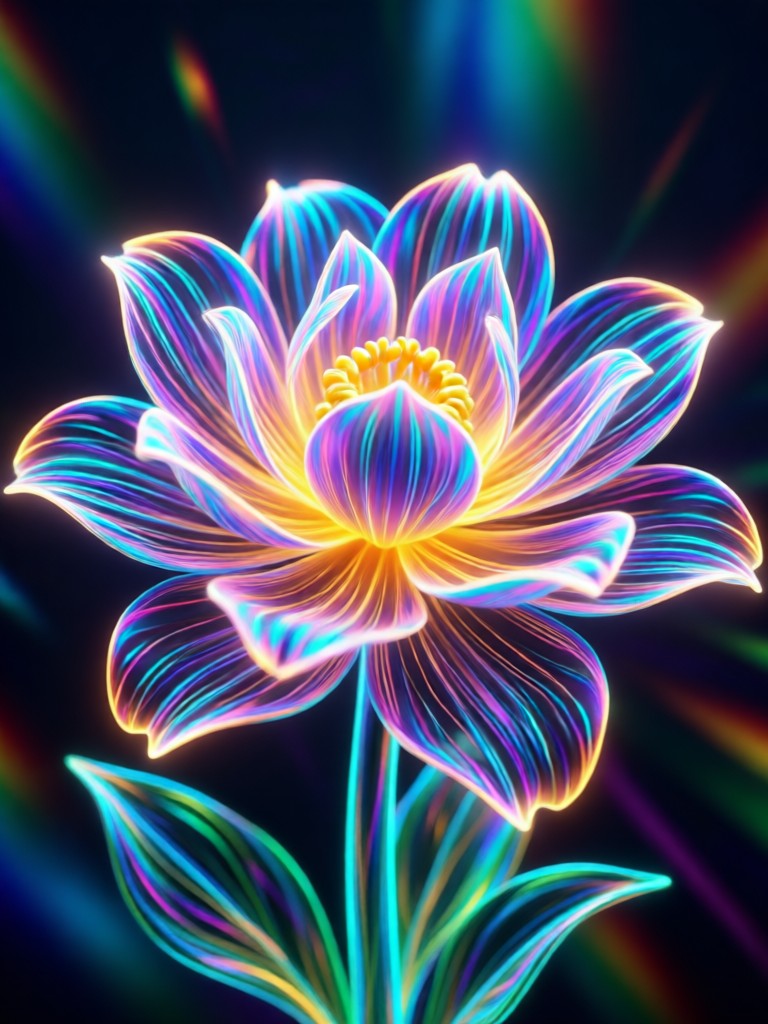
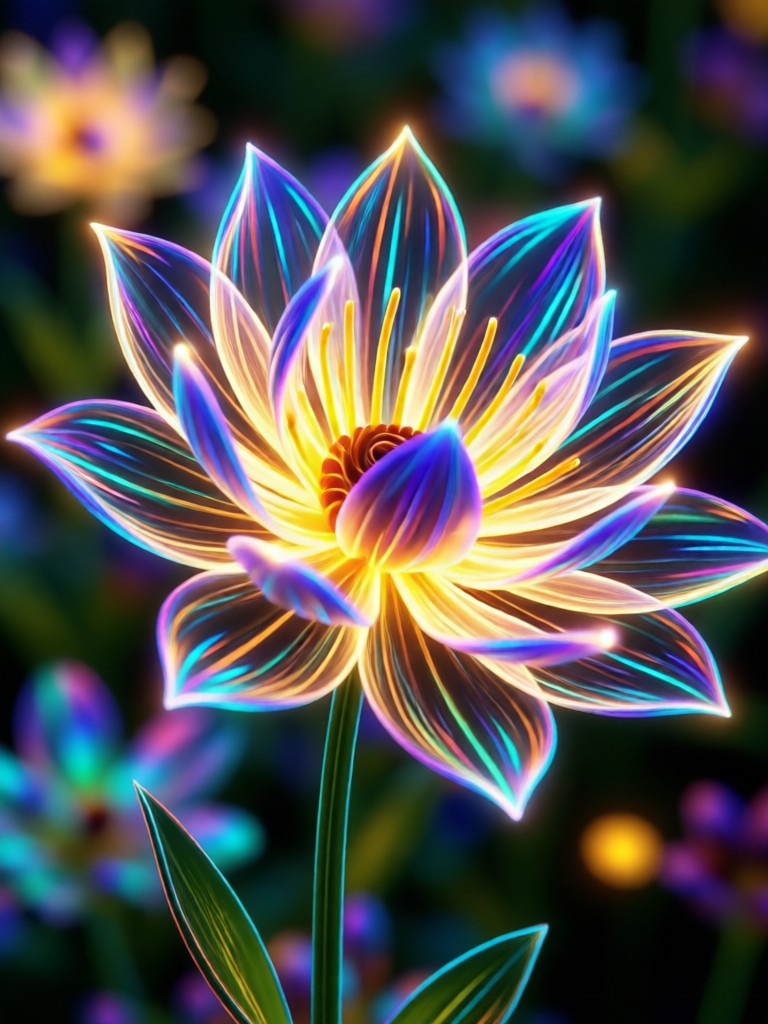
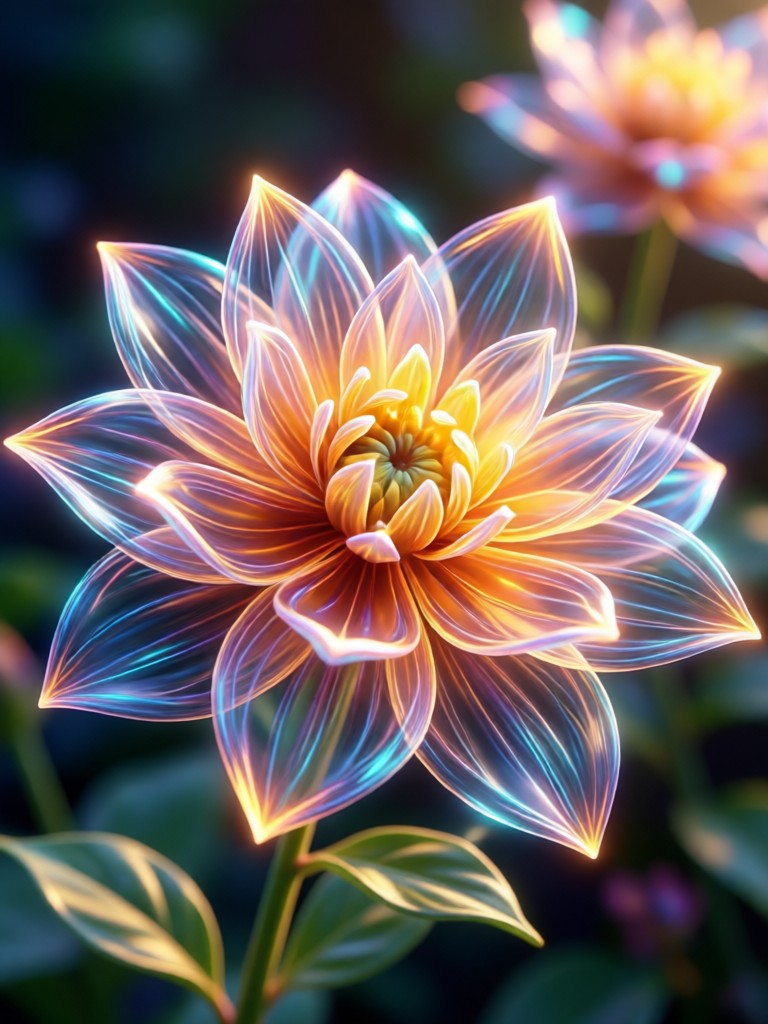
See how the AI Bloom Effect adds a magical, professional touch to portraits, cityscapes, nature shots, and everyday moments. Each glow is uniquely tailored to the image.
How to Add Bloom Effect in 3 Steps
Create stunning, glowing photos directly from your phone in less than a minute. No complex software required.

Step 01.
Download the gloglo app from Google Play. It's your all-in-one mobile studio for AI photo and video effects, completely free to start.

Step 02.
Open the app, upload your photo, and navigate to the 'Effects' or 'Filters' section. Select the 'AI Bloom' category and browse the style templates.

Step 03.
Tap your chosen bloom style. The AI processes instantly. Adjust intensity if desired, then save your glowing masterpiece to your camera roll or share directly.
Creators Love the AI Bloom Effect
Sophia R.
As a portrait photographer, I use this to add that 'magic hour' glow to client shots even when we shoot indoors. It saves hours in Photoshop. The light detection is incredibly smart.

Marcus T.
My travel content went viral after I started using the bloom effect on city lights and sunsets. It makes everything look cinematic and dreamy. My followers always ask what filter I use.
Chloe P.
This is my secret weapon for making product photos and brand visuals stand out on crowded feeds. The adjustable color temperature lets me match any brand palette perfectly.
Leo K.
I create fantasy character art, and the bloom effect adds that final layer of mystical lighting that brings my illustrations to life. The 'ethereal' and 'magic aura' presets are perfect.
Sophia R.
As a portrait photographer, I use this to add that 'magic hour' glow to client shots even when we shoot indoors. It saves hours in Photoshop. The light detection is incredibly smart.
Marcus T.
My travel content went viral after I started using the bloom effect on city lights and sunsets. It makes everything look cinematic and dreamy. My followers always ask what filter I use.
Chloe P.
This is my secret weapon for making product photos and brand visuals stand out on crowded feeds. The adjustable color temperature lets me match any brand palette perfectly.
Leo K.
I create fantasy character art, and the bloom effect adds that final layer of mystical lighting that brings my illustrations to life. The 'ethereal' and 'magic aura' presets are perfect.
Sophia R.
As a portrait photographer, I use this to add that 'magic hour' glow to client shots even when we shoot indoors. It saves hours in Photoshop. The light detection is incredibly smart.
Marcus T.
My travel content went viral after I started using the bloom effect on city lights and sunsets. It makes everything look cinematic and dreamy. My followers always ask what filter I use.
Chloe P.
This is my secret weapon for making product photos and brand visuals stand out on crowded feeds. The adjustable color temperature lets me match any brand palette perfectly.
Leo K.
I create fantasy character art, and the bloom effect adds that final layer of mystical lighting that brings my illustrations to life. The 'ethereal' and 'magic aura' presets are perfect.
Beyond a Simple Filter
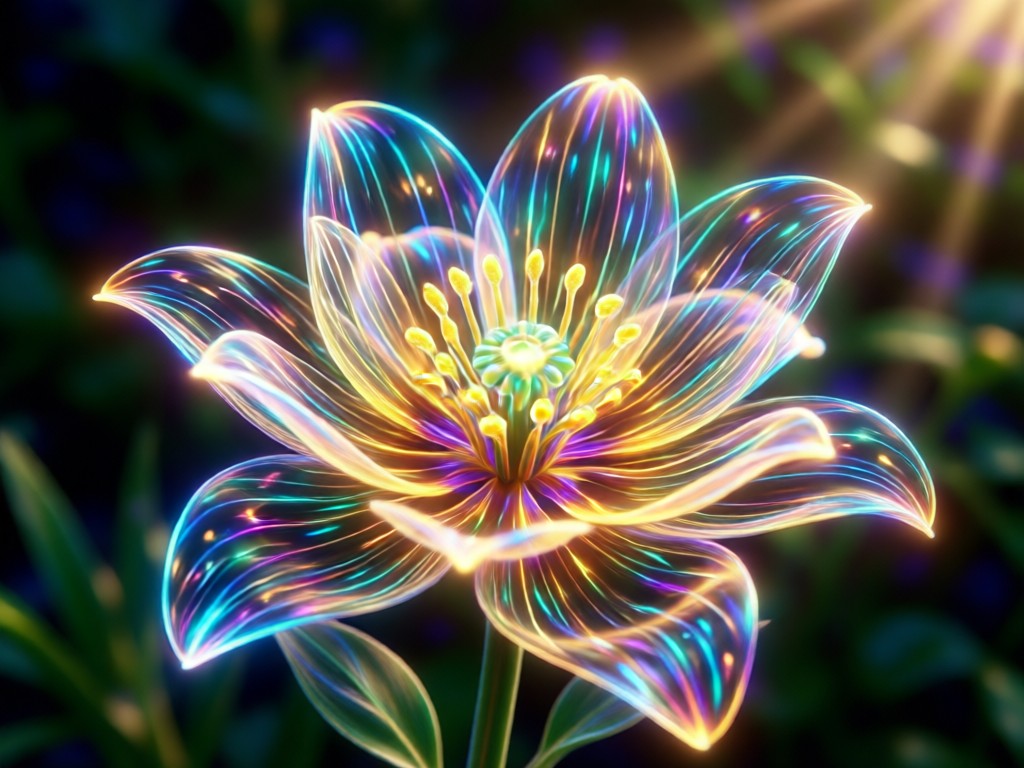
The AI Bloom Effect understands light and composition, creating bespoke glows that enhance rather than overpower your image.
Professional Grade, Simplified
Achieving a realistic bloom or halation effect typically requires advanced photo editing skills and software like Photoshop. Our AI democratizes this professional technique. It analyzes luminance values, edge detection, and color data to apply a glow that respects the image's original lighting and depth. This results in an effect that feels organic, as if captured with specialty camera lenses or filters, not a clumsy digital overlay. It's the difference between a realistic dreamy glow and a cheap-looking haze.
Professional Grade, Simplified
Achieving a realistic bloom or halation effect typically requires advanced photo editing skills and software like Photoshop. Our AI democratizes this professional technique. It analyzes luminance values, edge detection, and color data to apply a glow that respects the image's original lighting and depth. This results in an effect that feels organic, as if captured with specialty camera lenses or filters, not a clumsy digital overlay. It's the difference between a realistic dreamy glow and a cheap-looking haze.
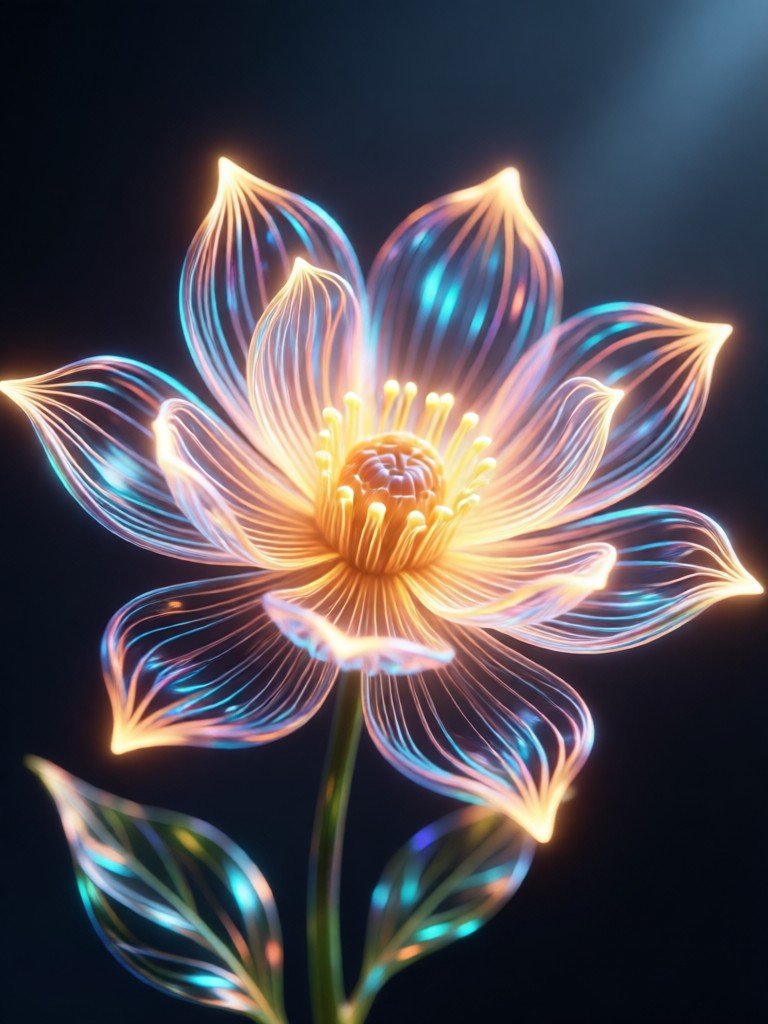
Your Pocket-Sized Photo Studio
gloglo packs powerful AI editing into your mobile device. Transform photos with Bloom, along with millions of other styles, directly from your phone.

AI Bloom Effect FAQs
Get answers to the most common questions about creating and customizing beautiful bloom effects with AI.
More AI Effects You May Like
Explore more topics you may like and discover fresh ideas tailored to your interests.
Craft Dark Fantasy Worlds with AI Art Generator
Old Money Aesthetic Generator: Create Luxury AI Portraits
Craft Your Perfect Wedding Invitations with AI Design
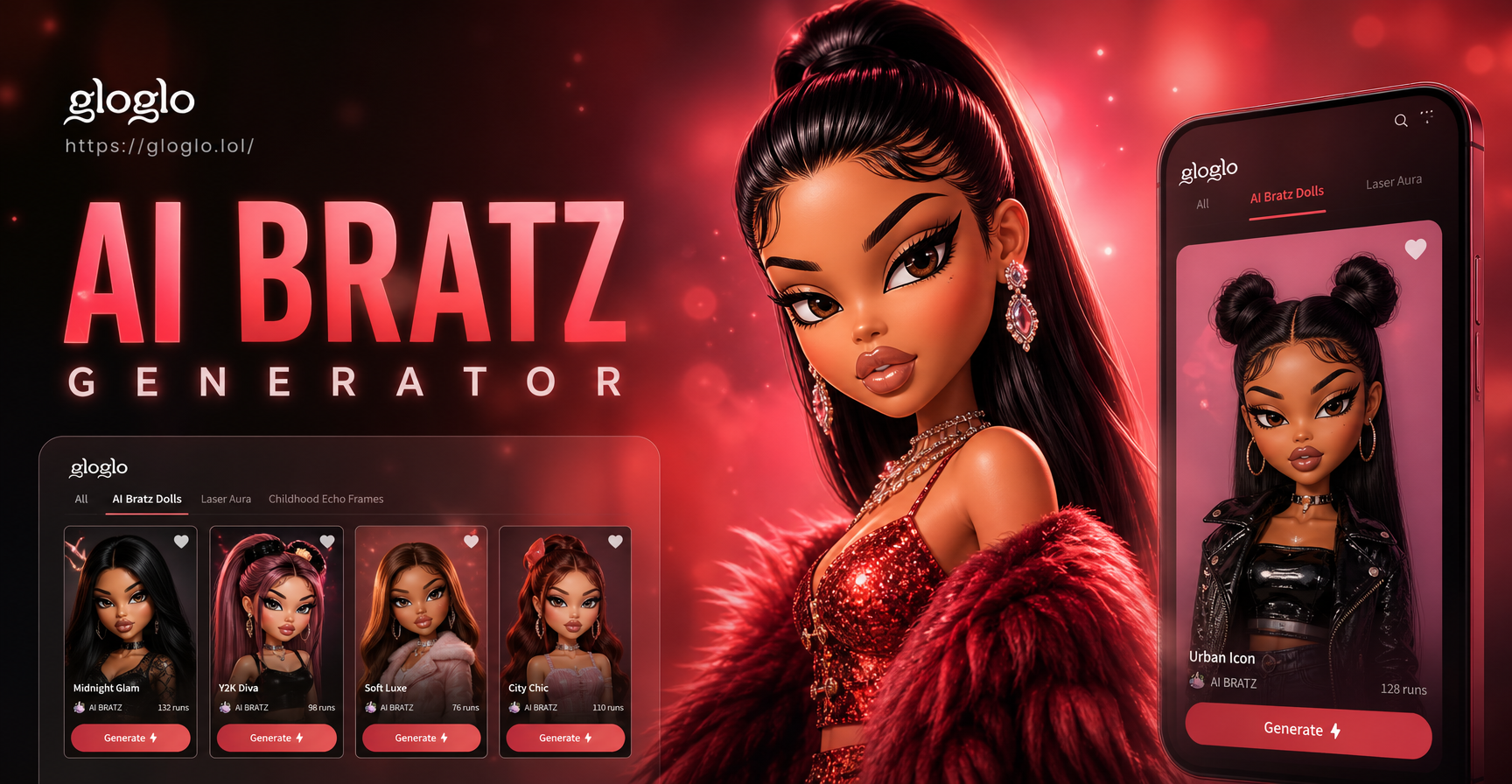
AI Bratz Doll Maker: Free Cartoon Character Creator
Craft Dark Fantasy Worlds with AI Art Generator
Old Money Aesthetic Generator: Create Luxury AI Portraits
Craft Your Perfect Wedding Invitations with AI Design
AI Bratz Doll Maker: Free Cartoon Character Creator
Add Magic to Your Light
Stop scrolling past dull photos. Download gloglo now and transform your highlights into breathtaking, luminous art with the AI Bloom Effect. Create your first masterpiece in seconds.
Add Magic to Your Light
Stop scrolling past dull photos. Download gloglo now and transform your highlights into breathtaking, luminous art with the AI Bloom Effect. Create your first masterpiece in seconds.