AI Double Exposure Portrait
Blend Your World Into Art
Choose from our top AI filters designed to create beautiful double exposure effects. From ethereal nature blends to urban architectural fusions.
Your Creative Toolkit for Double Exposure
Achieve professional level double exposure art with features built for seamless blending and creative control.
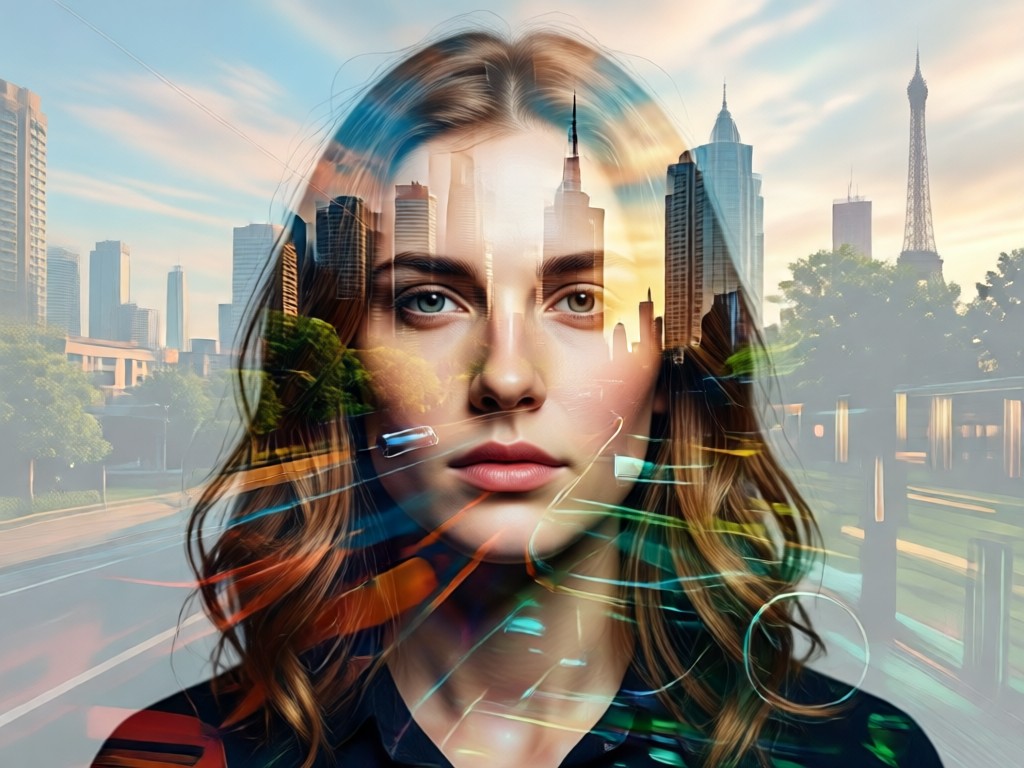
Intelligent Layer Blending
AI automatically adjusts transparency, contrast, and blending modes to create a harmonious merge between your portrait and secondary image.
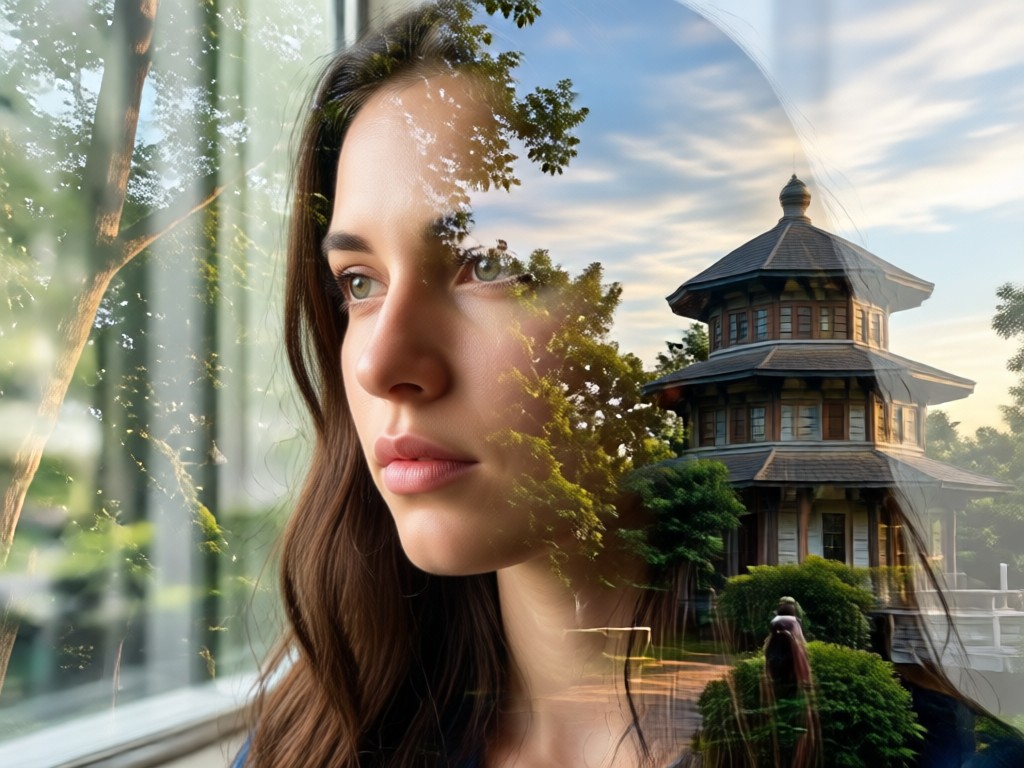
Massive Style Library
Access thousands of built in overlay images: majestic mountains, starry skies, blooming flowers, urban grids, and abstract patterns.
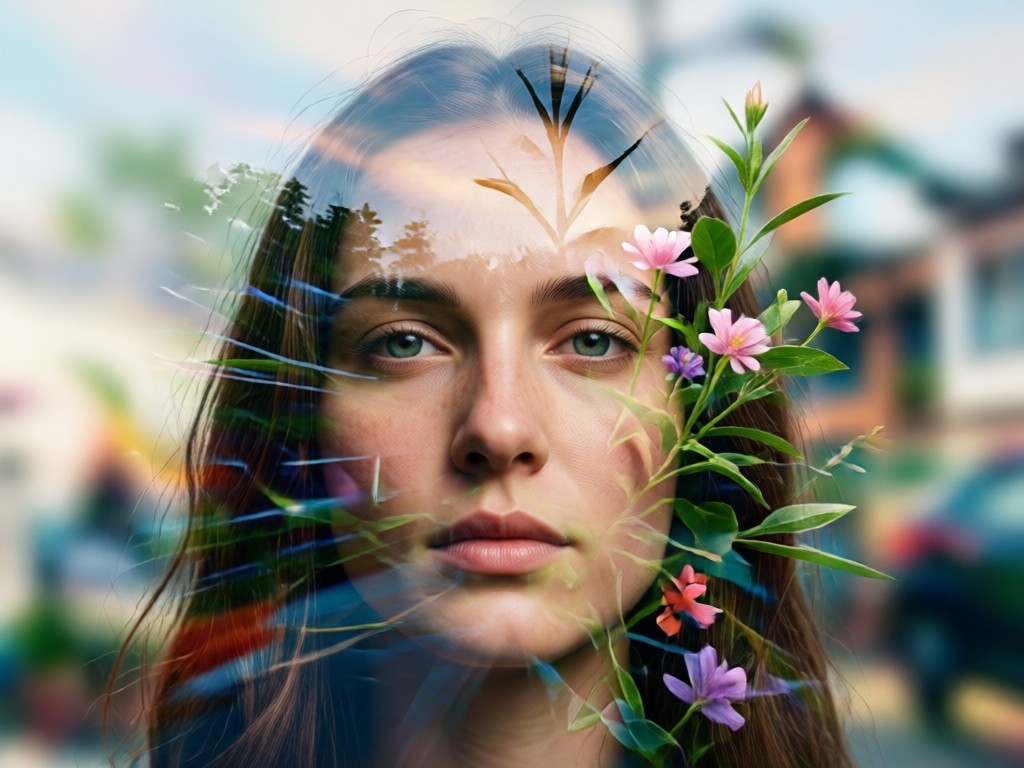
Precise Subject Detection
AI accurately isolates your portrait subject, ensuring clean edges and preserving facial details during the complex blend.
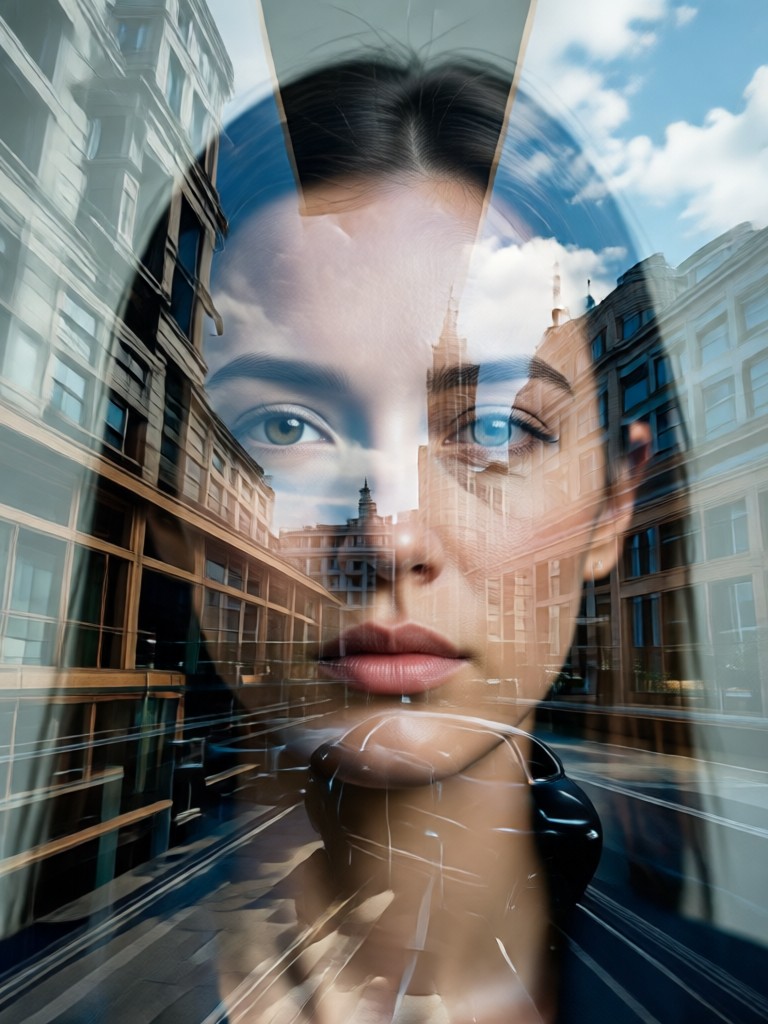
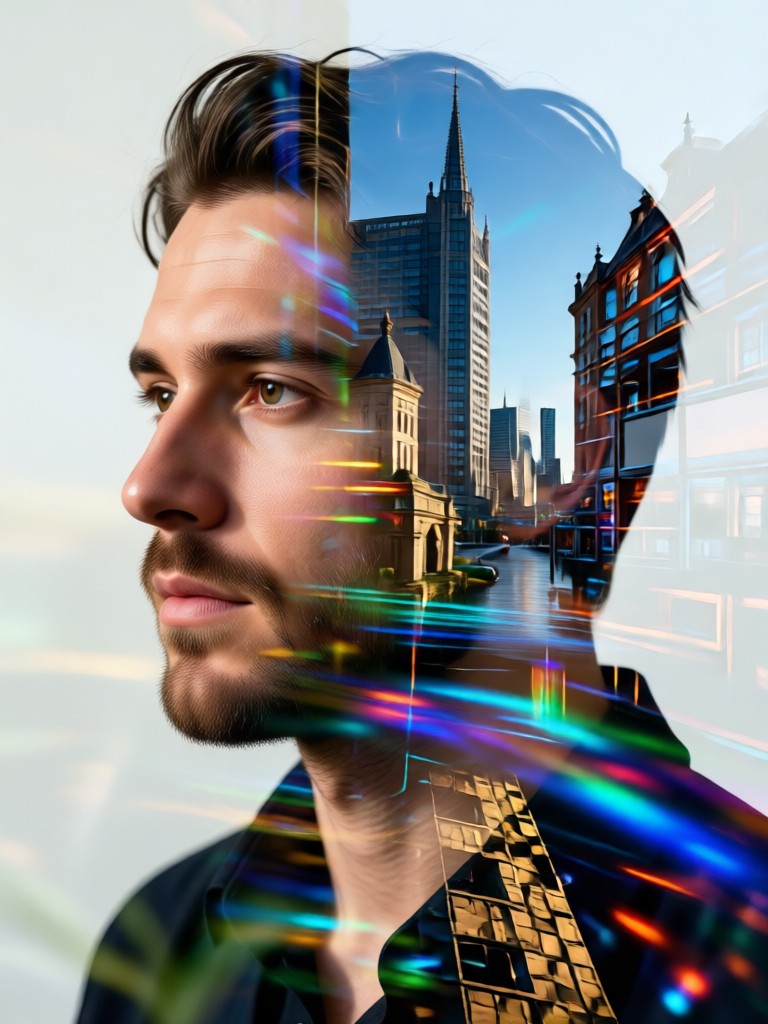
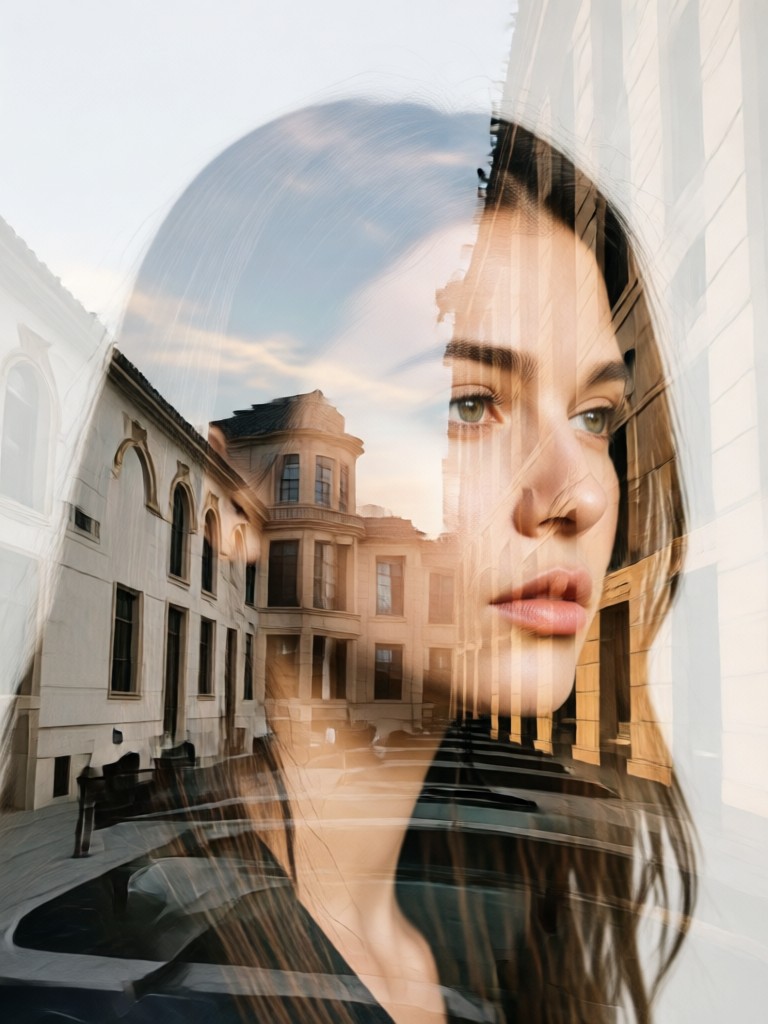
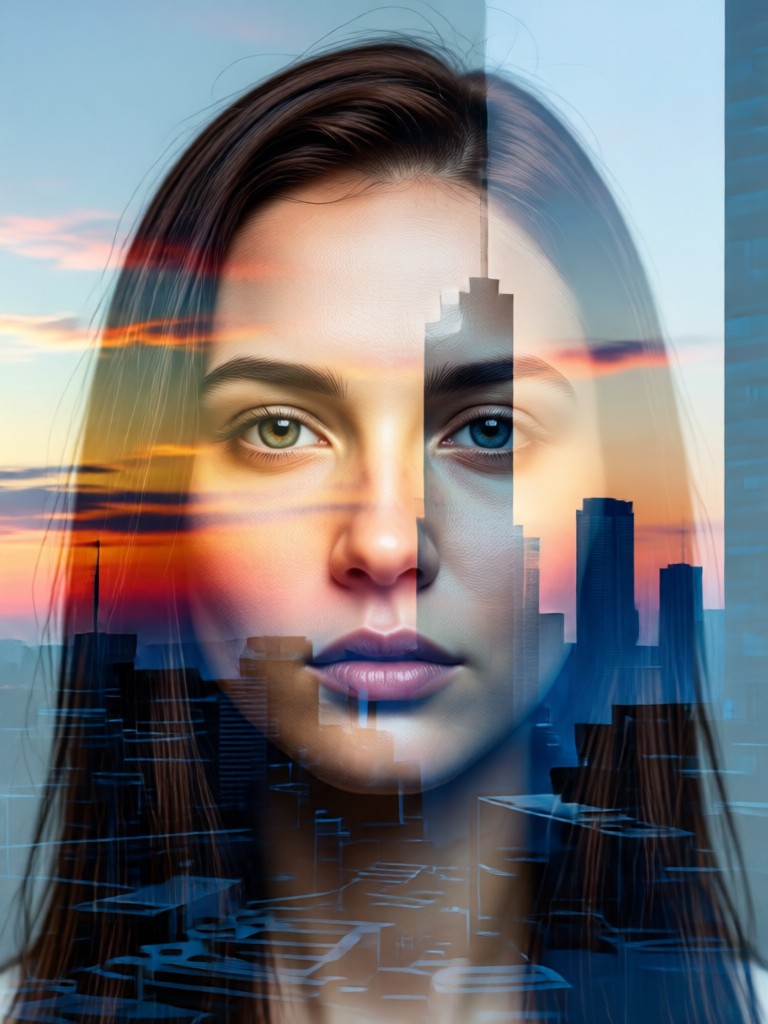
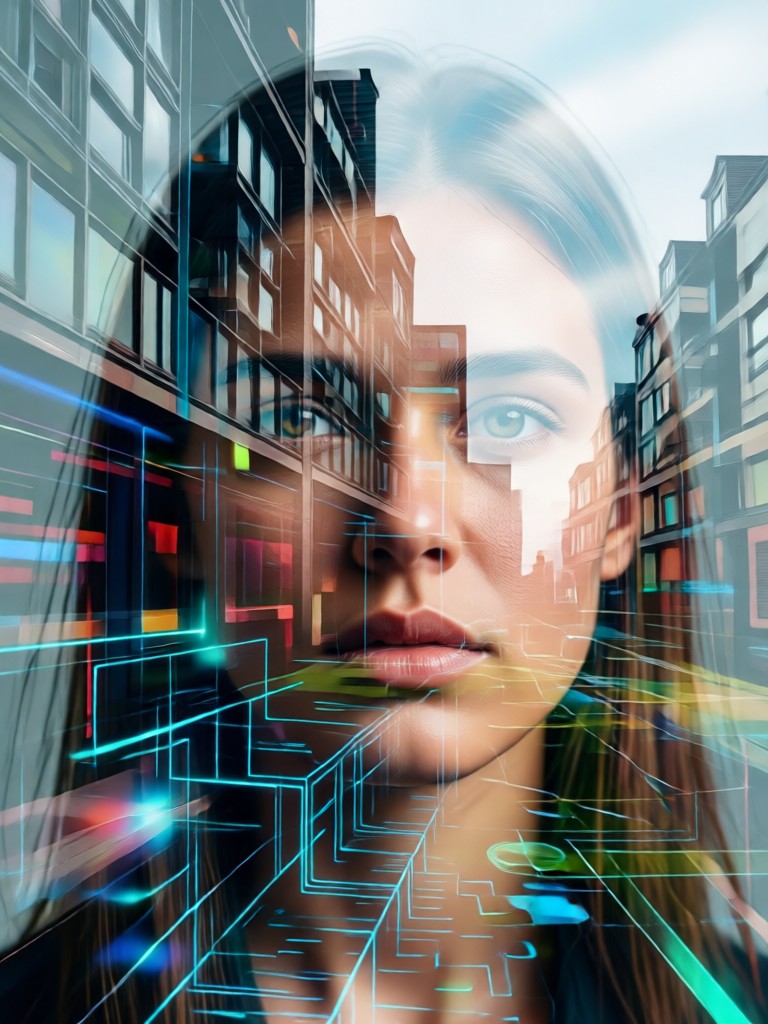
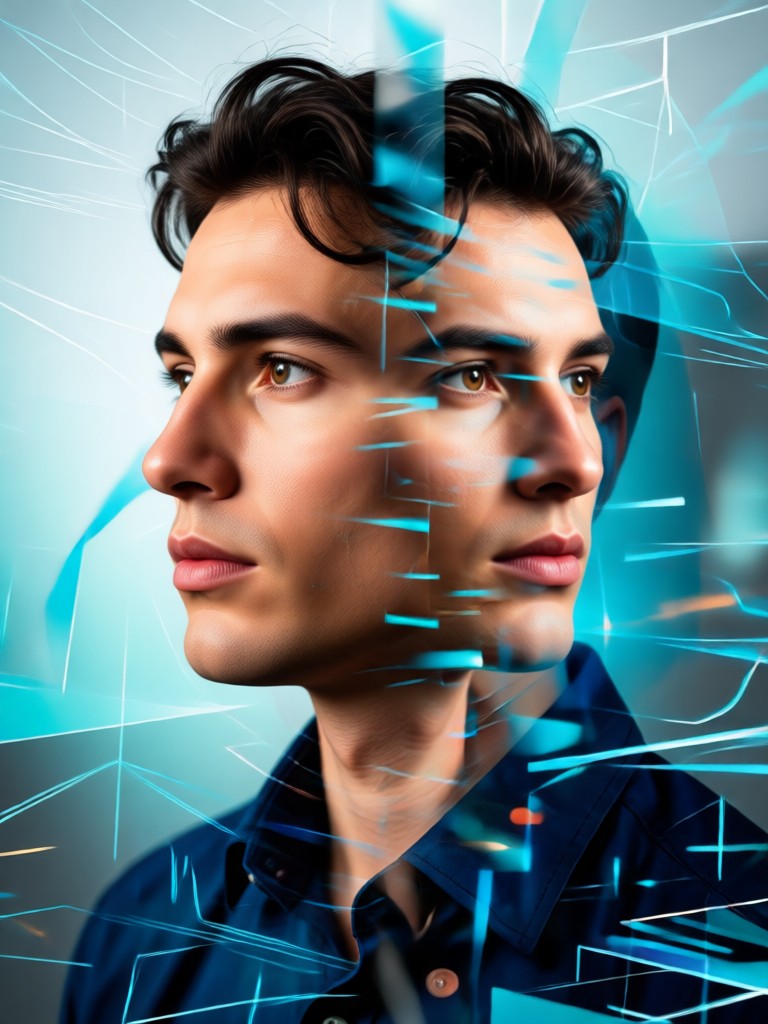
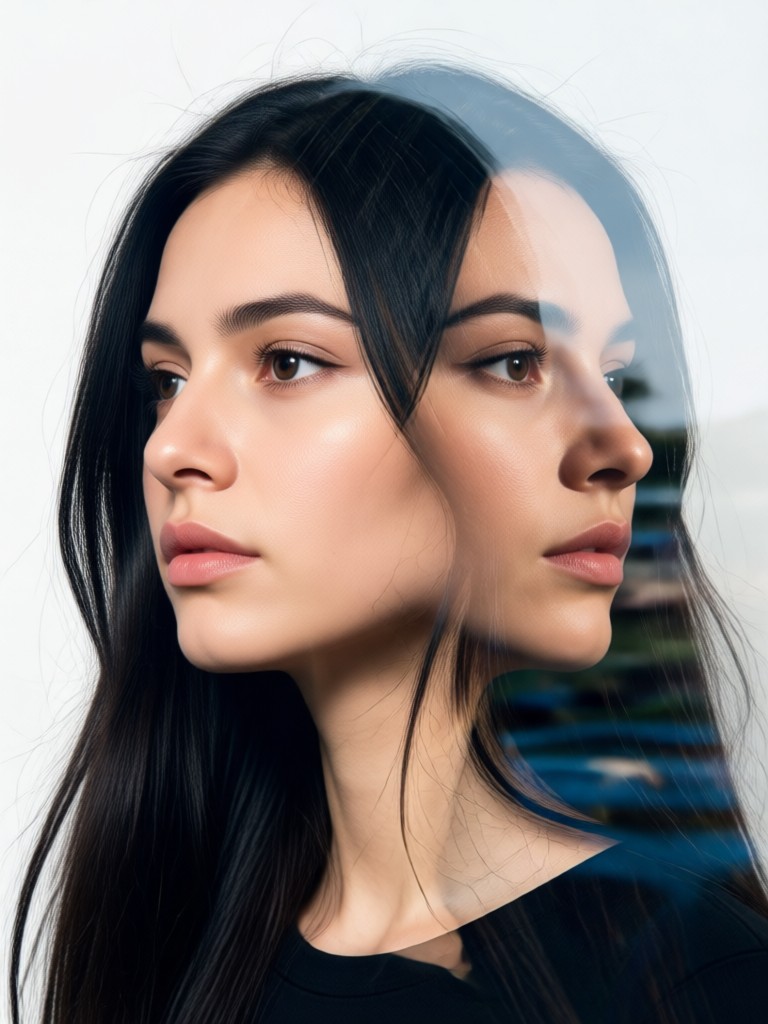
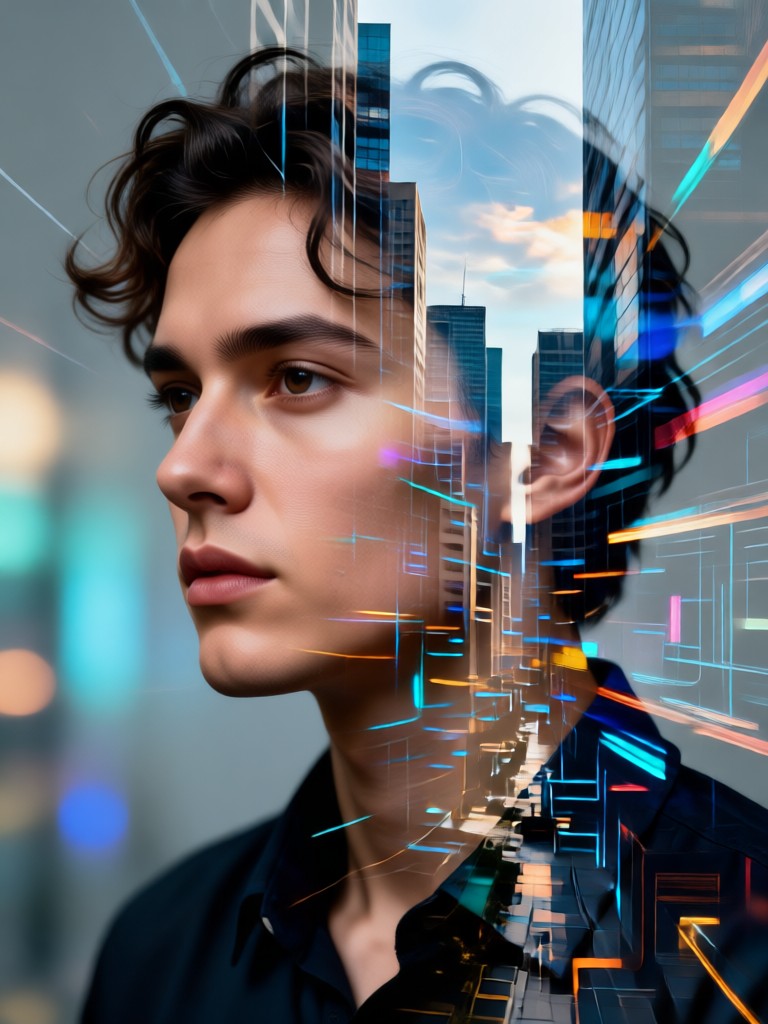
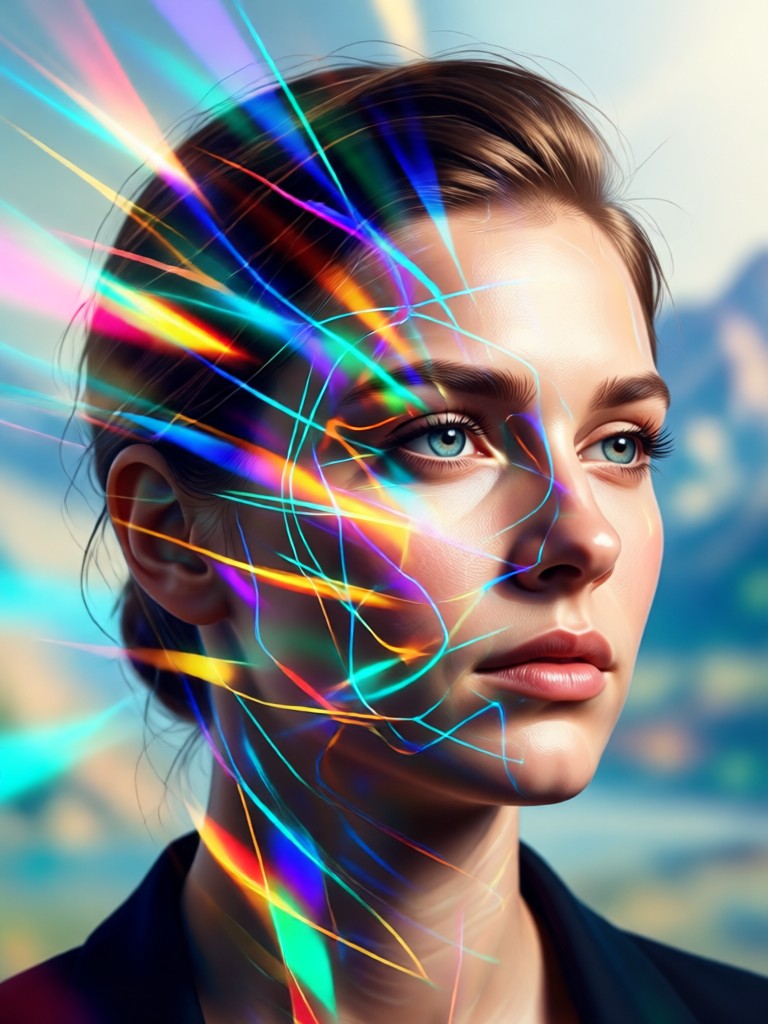
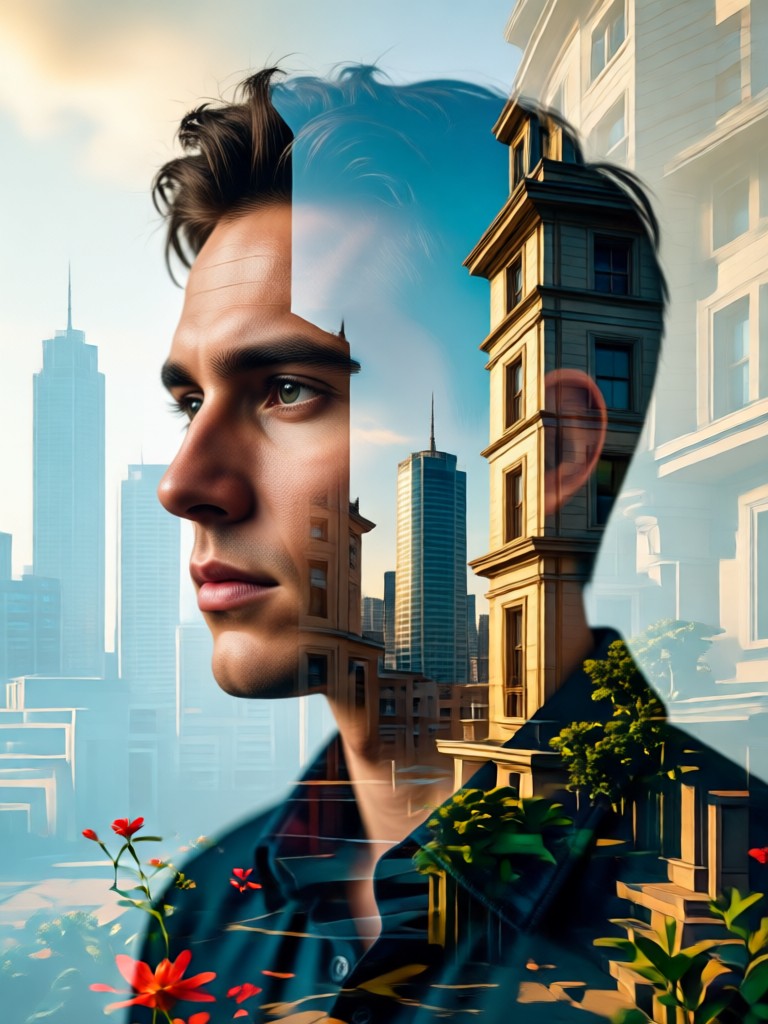
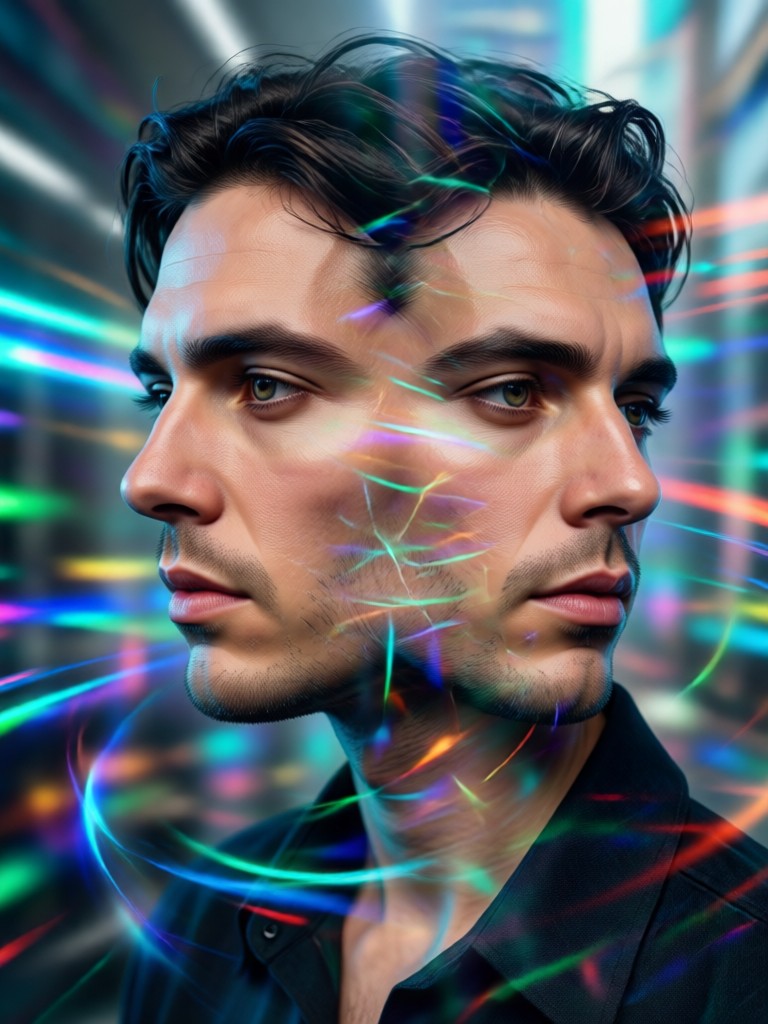
Gallery of AI Double Exposure Art
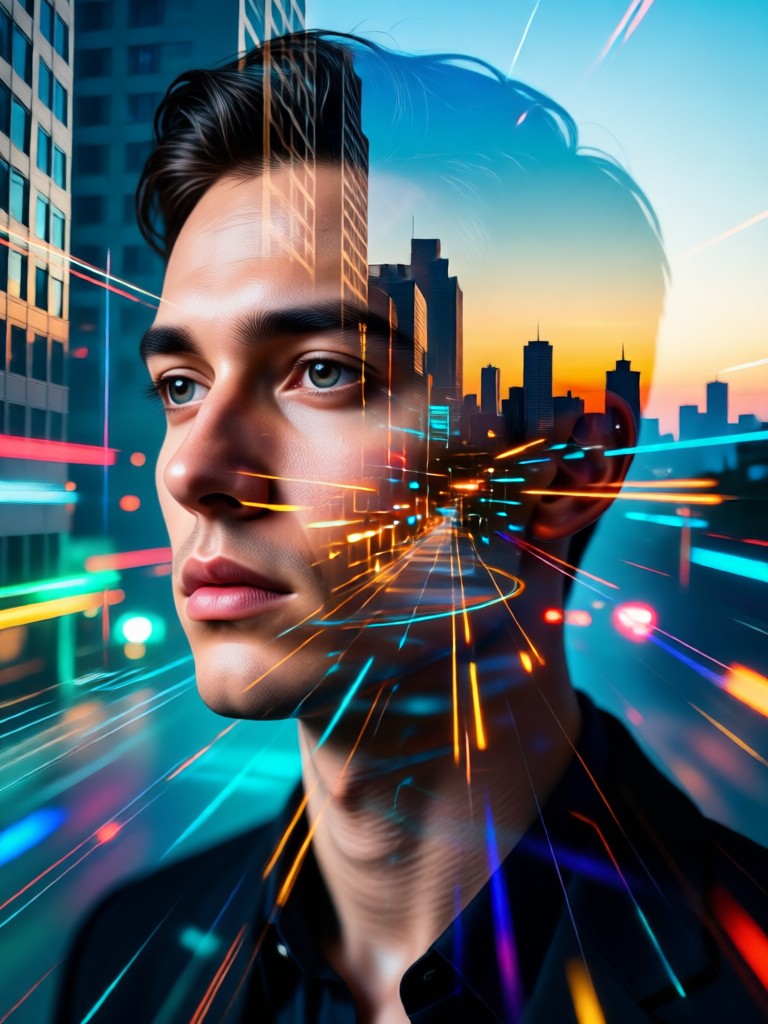
Explore stunning examples created by our community. See how portraits transform when fused with nature, architecture, and imagination.
How to Create an AI Double Exposure Portrait?
Follow three simple steps to transform your photos into captivating double exposure art.

Step 01.
Download the gloglo app from Google Play. All AI double exposure creation happens right on your mobile device.

Step 02.
Select the 'Double Exposure' filter category and upload your portrait. Then, choose a secondary image from our library or use your own.

Step 03.
Generate and customize. Adjust blend intensity, positioning, and apply final touches. Download your unique artwork and share it.
Why Create Double Exposure Portraits With AI?
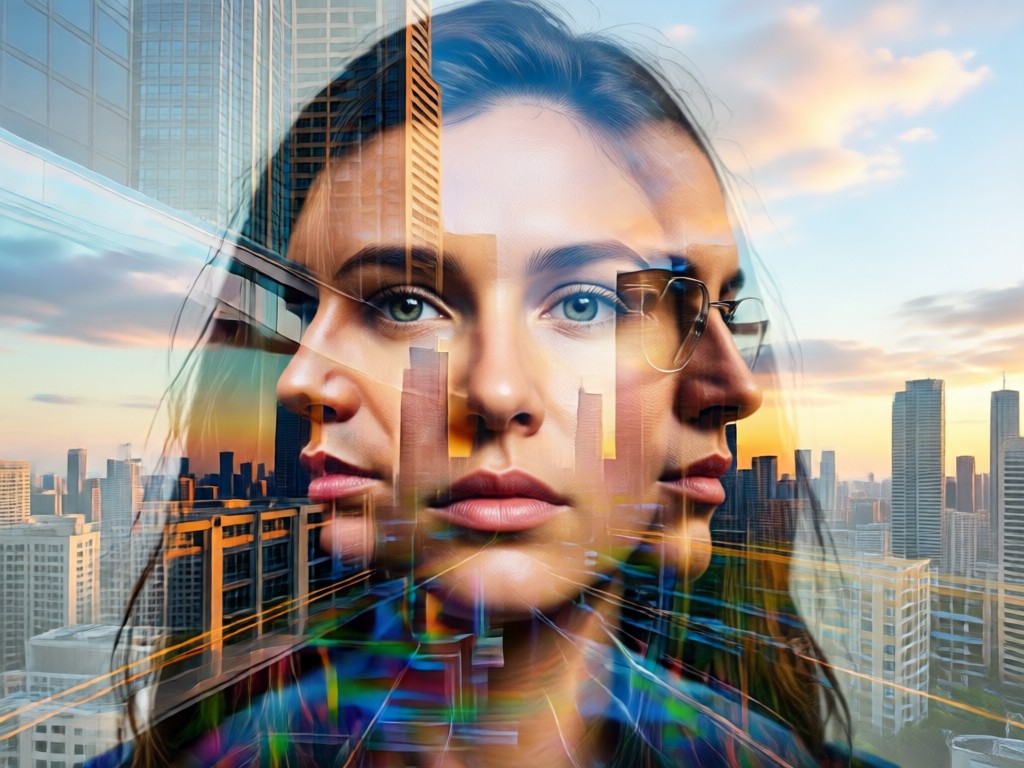
Traditional double exposure requires advanced Photoshop skills and hours of manual layer masking. Our AI does the heavy lifting, delivering stunning, gallery worthy results in seconds. Express complex emotions, tell visual stories, and create personal art that stands out.
Why Create Double Exposure Portraits With AI?
Traditional double exposure requires advanced Photoshop skills and hours of manual layer masking. Our AI does the heavy lifting, delivering stunning, gallery worthy results in seconds. Express complex emotions, tell visual stories, and create personal art that stands out.
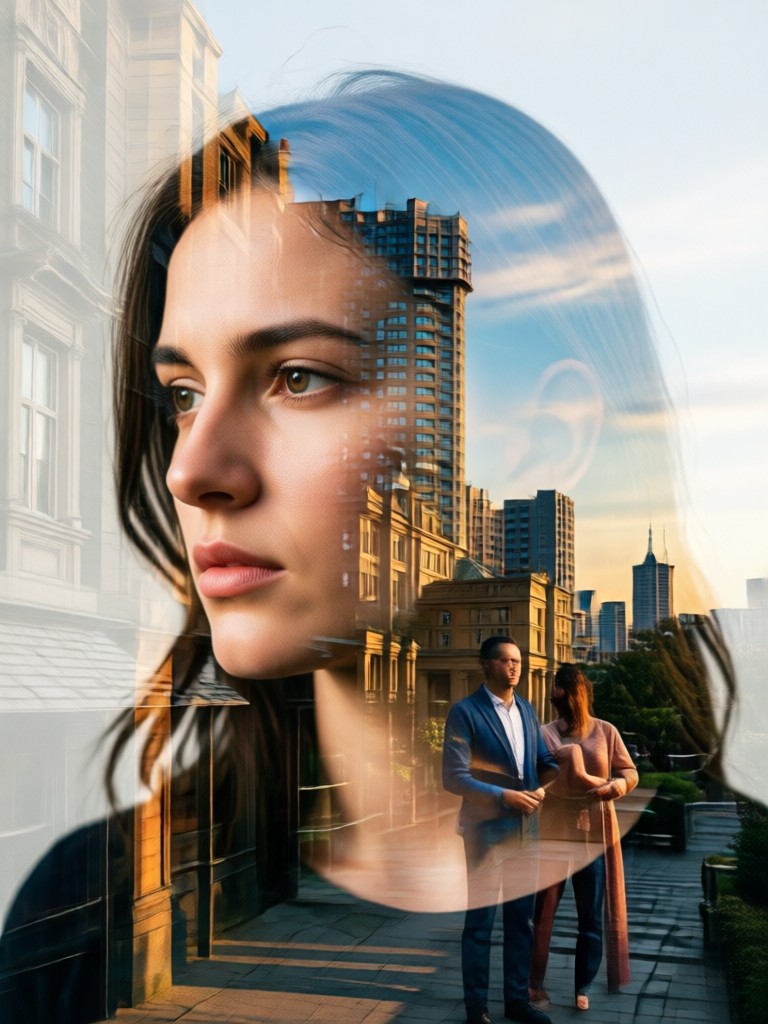
Double Exposure Art In Your Pocket
Carry a full AI photo studio with you. Create professional double exposure portraits anywhere, anytime, directly from your phone.

What Artists Are Saying About AI Double Exposure
Brought my conceptual ideas to life effortlessly
As a digital artist, I often sketch double exposure concepts but struggled with the technical execution in software. This AI tool understood my vision instantly. Blending a portrait with a circuit board pattern took one tap, and the result was perfectly balanced. It's like having a collaborative AI art director.
Revolutionized how I create client wedding gifts
I create personalized art for couples. Using this app, I can merge a bride's portrait with the location of their first date, or blend both partners' faces with a shared hobby. The emotional impact is incredible, and what used to take me a full day now takes minutes. My clients are amazed.
Perfect tool for social media content that stands out
In the crowded space of Instagram photography, you need unique content. My double exposure self portraits, merging my image with travel destinations or textures, consistently get the highest engagement and comments asking 'How did you do that?'. It's my secret weapon for viral potential.
AI Double Exposure Portrait FAQs
Get answers to common questions about creating stunning double exposure art with AI.
More Topics You May Like
Explore more topics you may like and discover fresh ideas tailored to your interests.
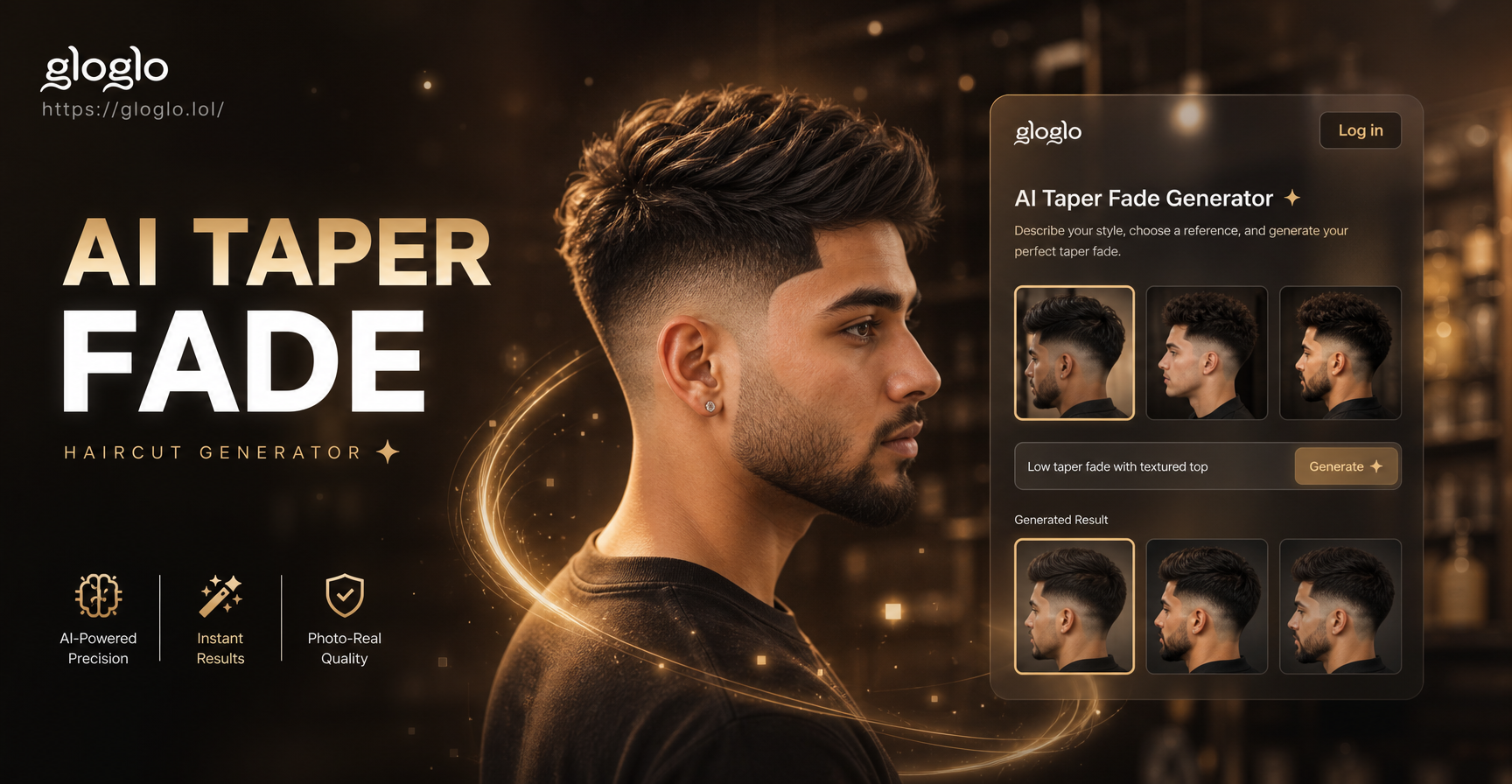
Try AI Taper Fade Haircut Generator | Free Virtual Try On
Experiment with the perfect taper fade haircut before you visit the barber. Our free AI tool lets you upload your photo, pick a style template, and visualize your new look in seconds. No risk, no guesswork, just confident style transformation.
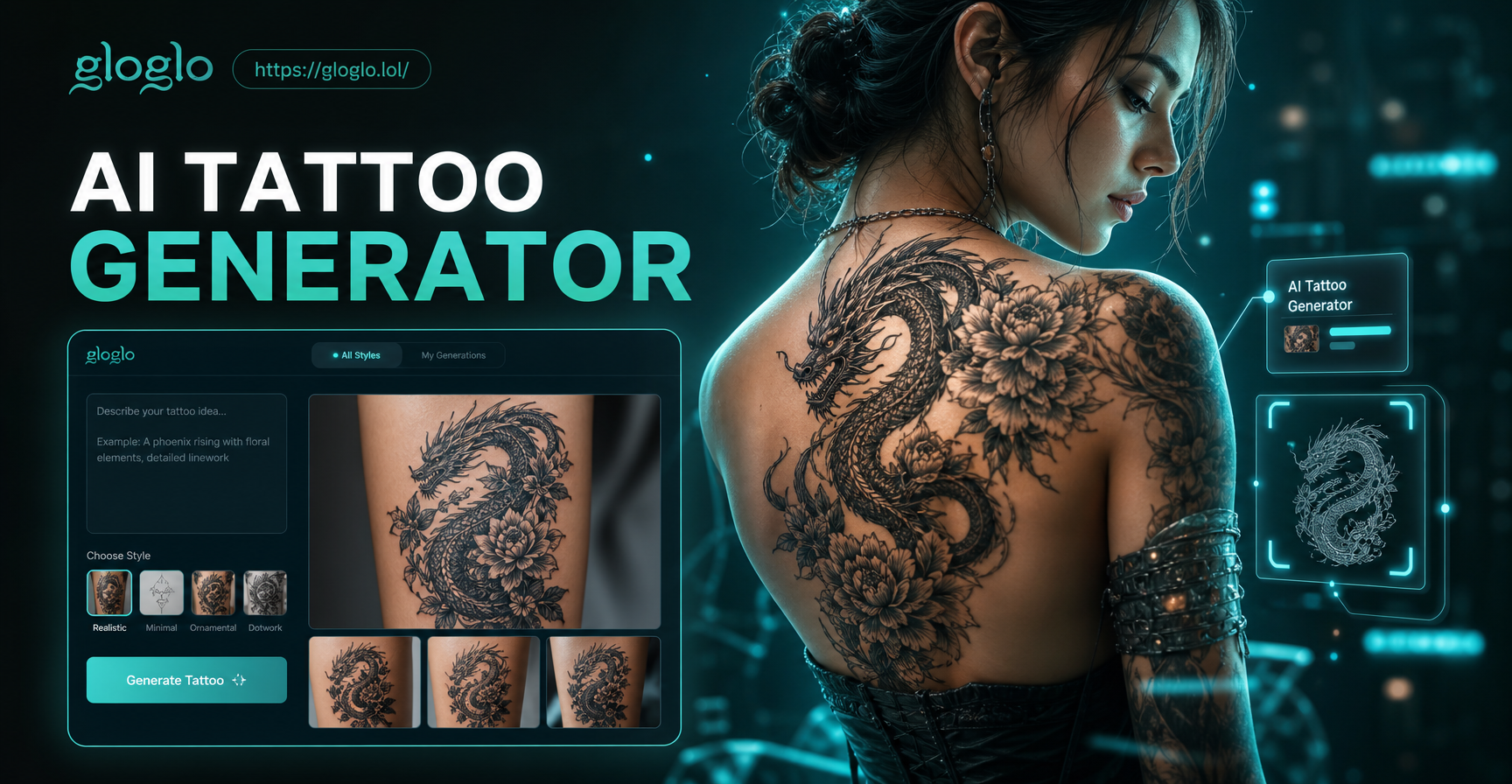
Design Your Dream Tattoo with AI: Create Custom Art in Seconds
Generate unique tattoo designs with our free AI tattoo generator. Describe your idea, explore styles, and get custom artwork instantly. No artistic skills required.
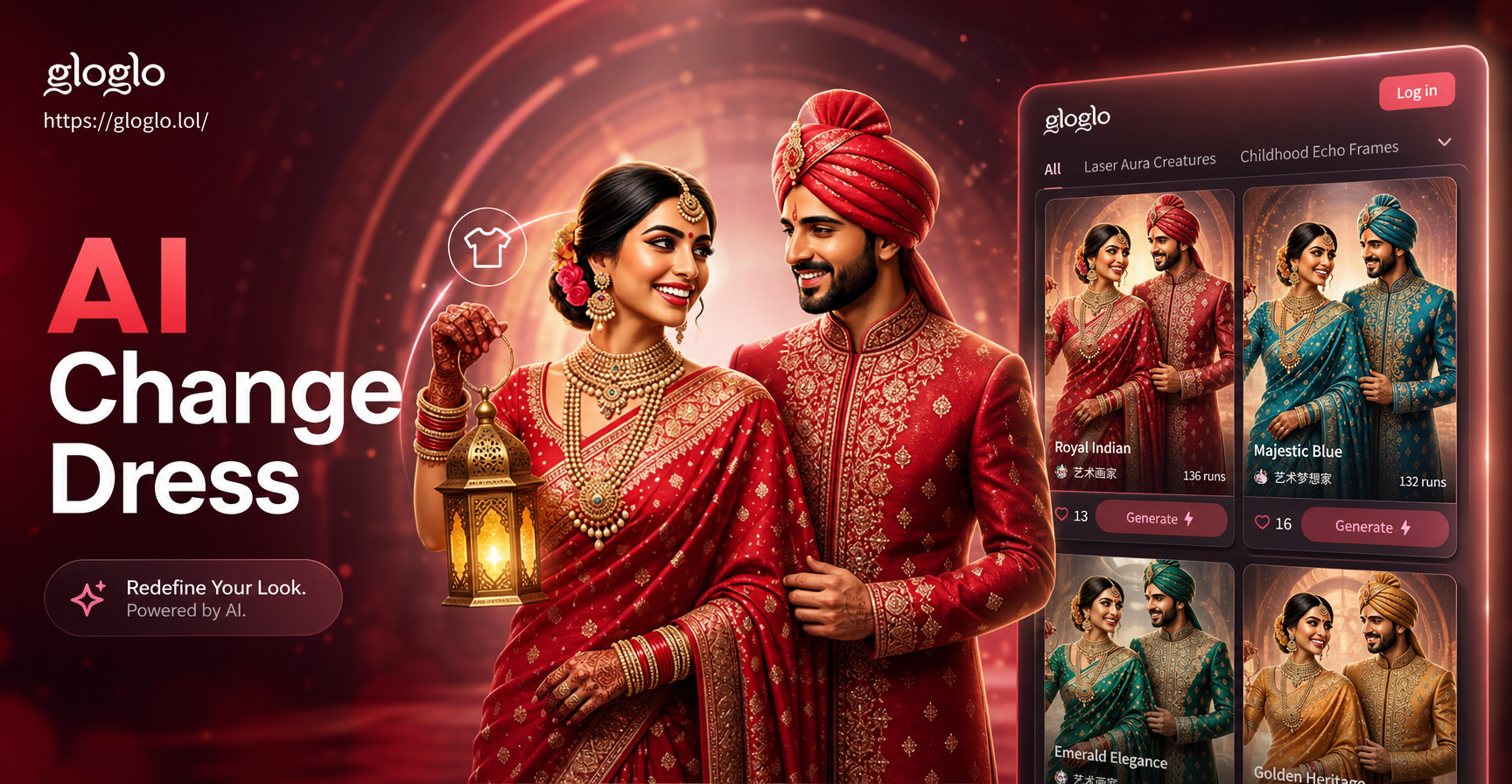
Transform Your Wardrobe Instantly with AI
Change your outfit in any photo with AI. Upload a picture, select a new dress style from our vast library, and get realistic results in seconds. Perfect for trying looks before you shop.
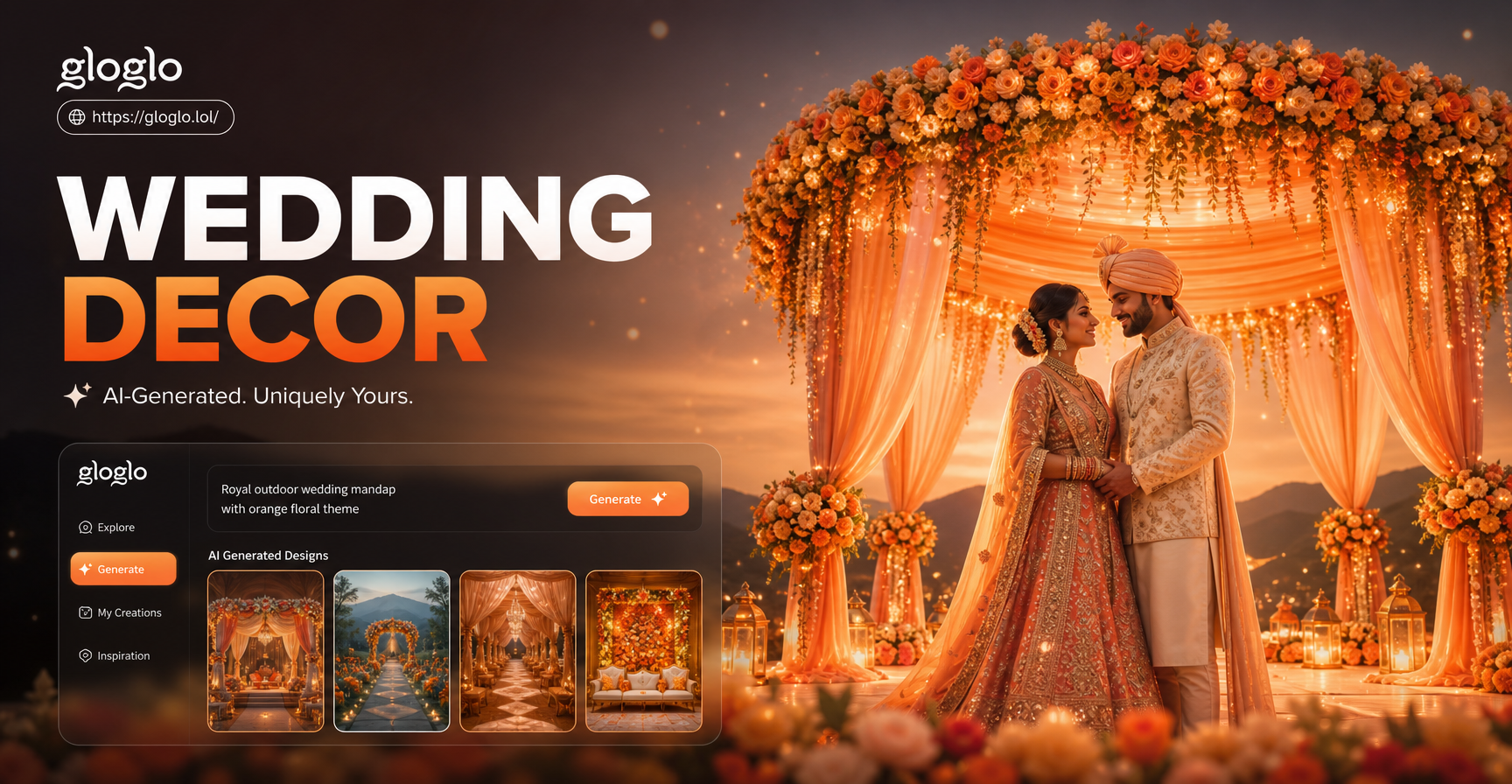
AI Wedding Decor: Design Your Dream Celebration
Create stunning wedding decor with AI. Design floral arrangements, centerpieces, backdrops, and tablescapes for your venue in seconds. See your vision before you spend.
Your Portrait, Transformed
Stop scrolling and start creating. Turn your photos into meaningful double exposure art with the power of AI. Download the app and make your first masterpiece in minutes.
Your Portrait, Transformed
Stop scrolling and start creating. Turn your photos into meaningful double exposure art with the power of AI. Download the app and make your first masterpiece in minutes.