AI Pennywise
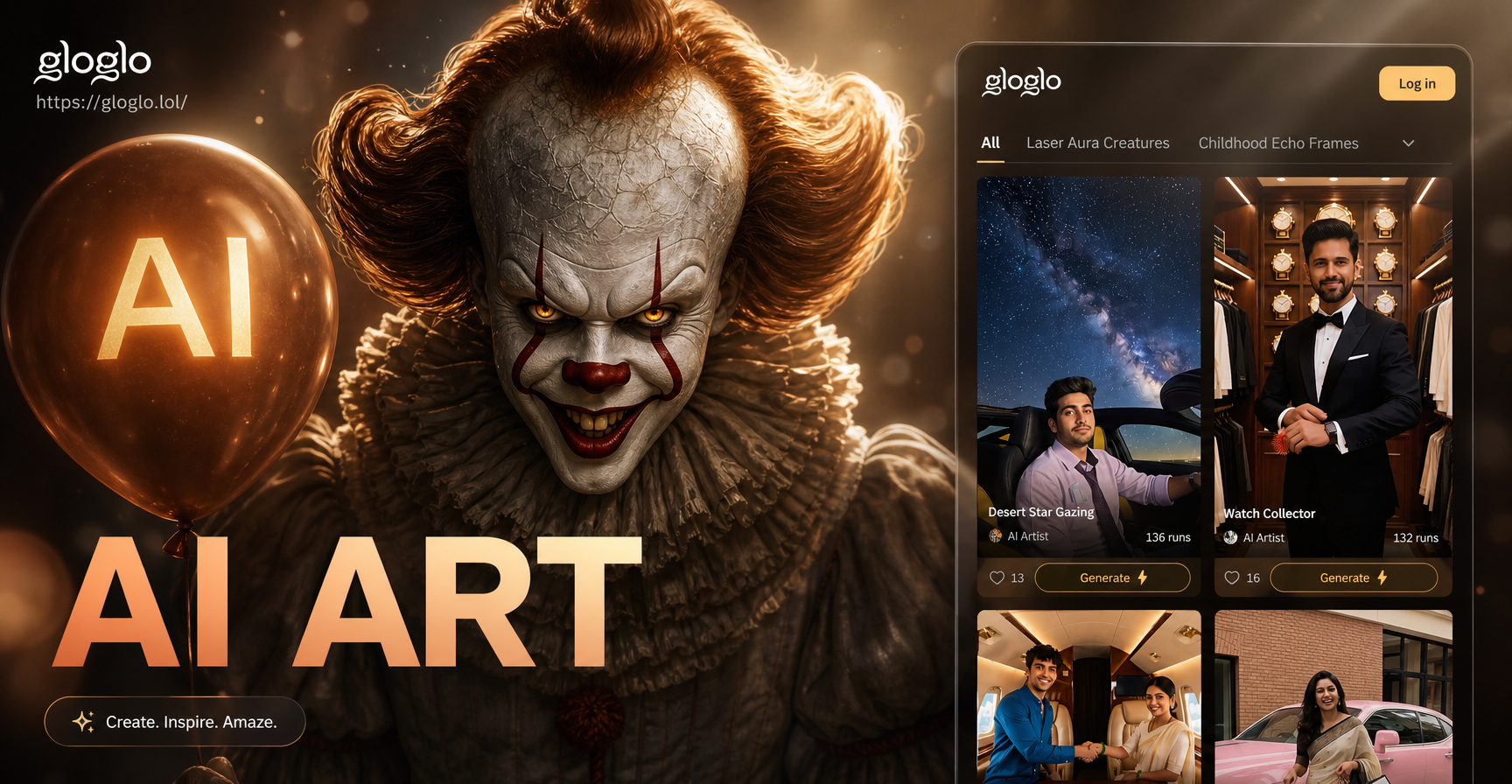
Unleash Your Inner Horror
Explore a collection of terrifying and fun AI character filters, from iconic villains to spooky creatures. Find your perfect Halloween persona.
How Does the AI Pennywise Filter Work?
Our AI goes beyond a simple overlay. It intelligently analyzes facial features to create a custom, hyper realistic Pennywise transformation that feels personal and terrifying.
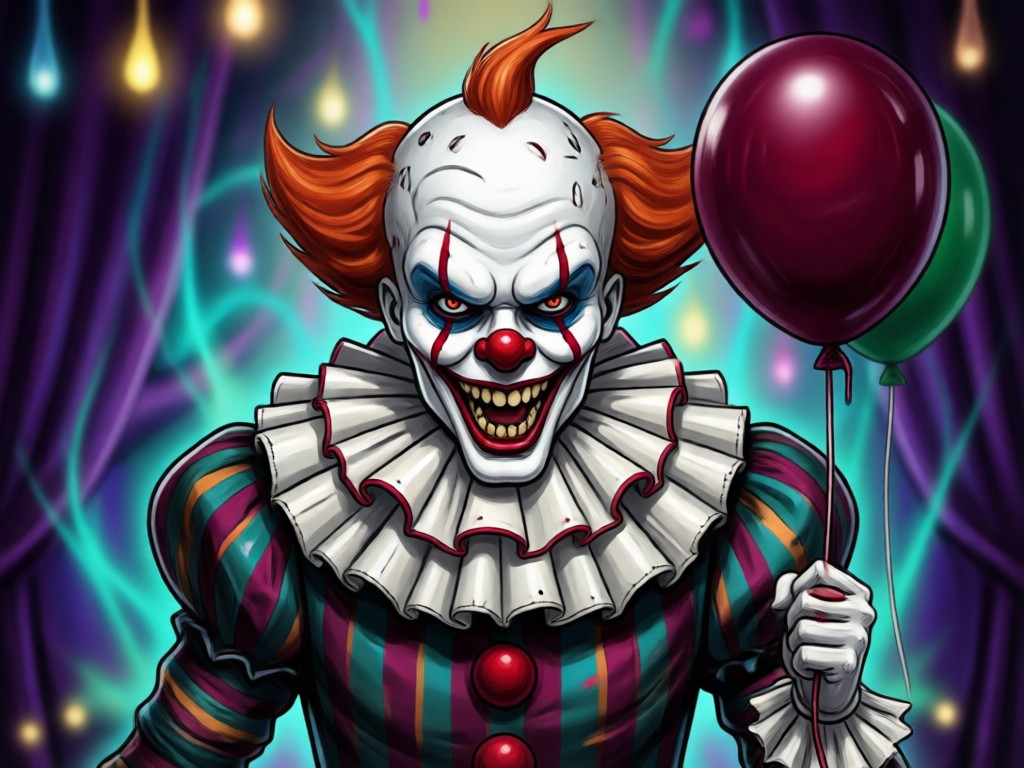
Intelligent Makeup & Prosthetic Application
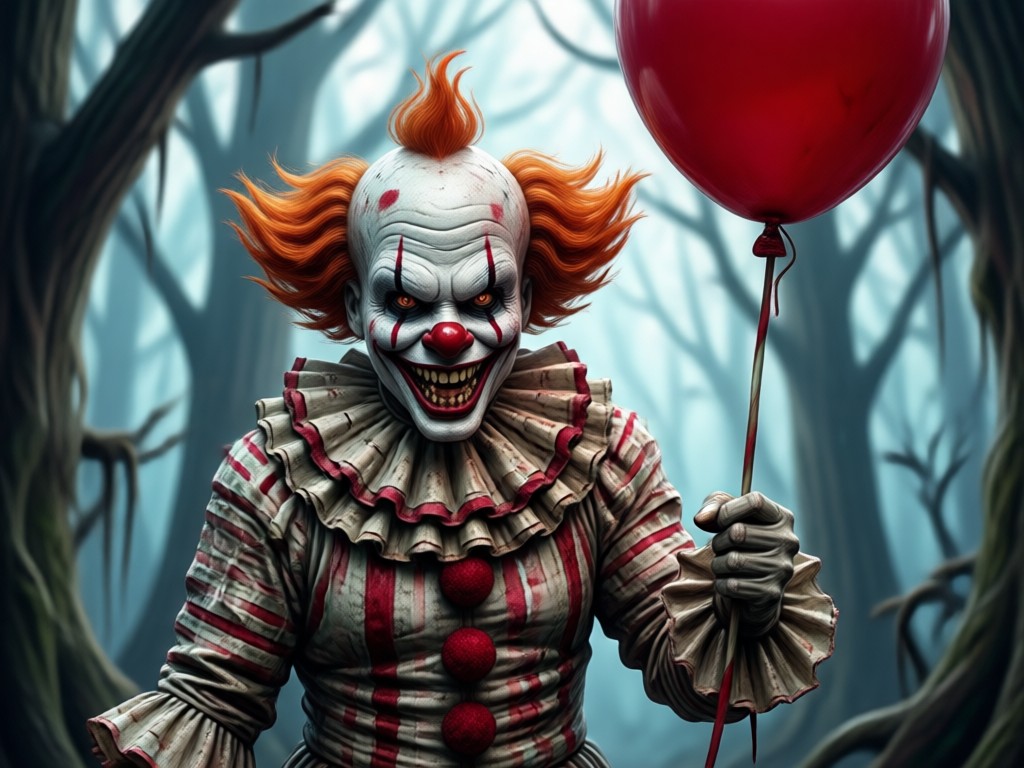
The AI maps Pennywise's signature white face paint, red nose, and sinister smile lines onto your unique facial structure, adapting for realistic shadows and highlights.
Intelligent Makeup & Prosthetic Application
The AI maps Pennywise's signature white face paint, red nose, and sinister smile lines onto your unique facial structure, adapting for realistic shadows and highlights.
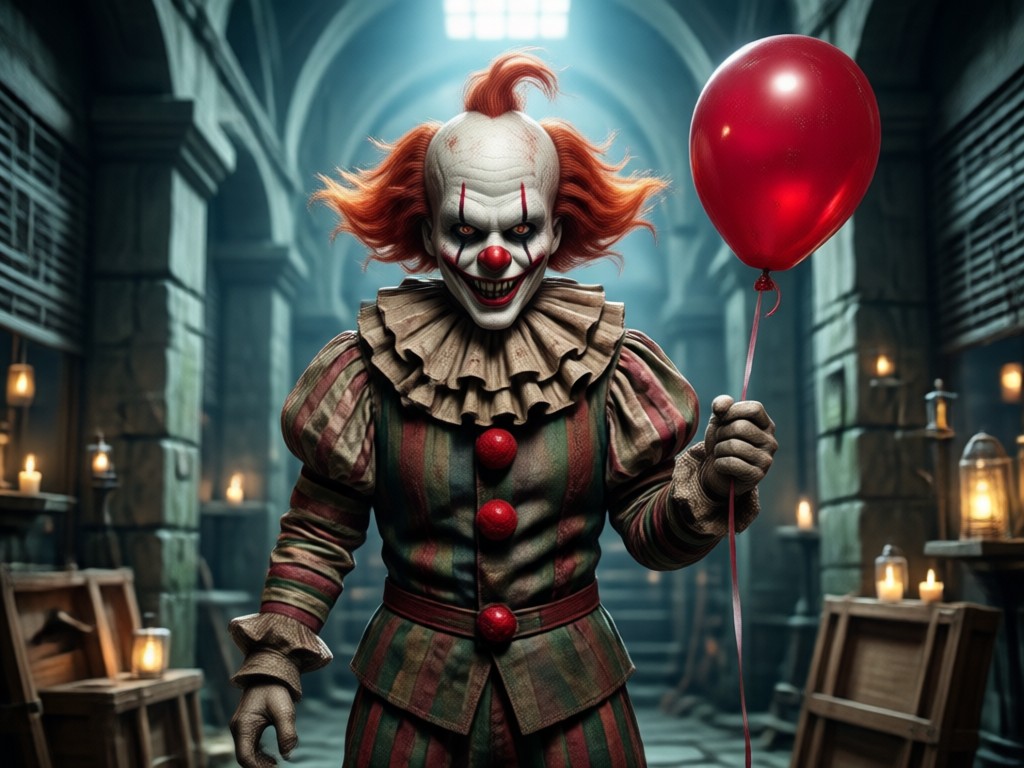
Dynamic Costume & Hair Integration
Watch as your clothes transform into Pennywise's puffy sleeves and ruffles. The AI also generates his iconic orange clown hair, blending it seamlessly with your photo.
Dynamic Costume & Hair Integration
Watch as your clothes transform into Pennywise's puffy sleeves and ruffles. The AI also generates his iconic orange clown hair, blending it seamlessly with your photo.
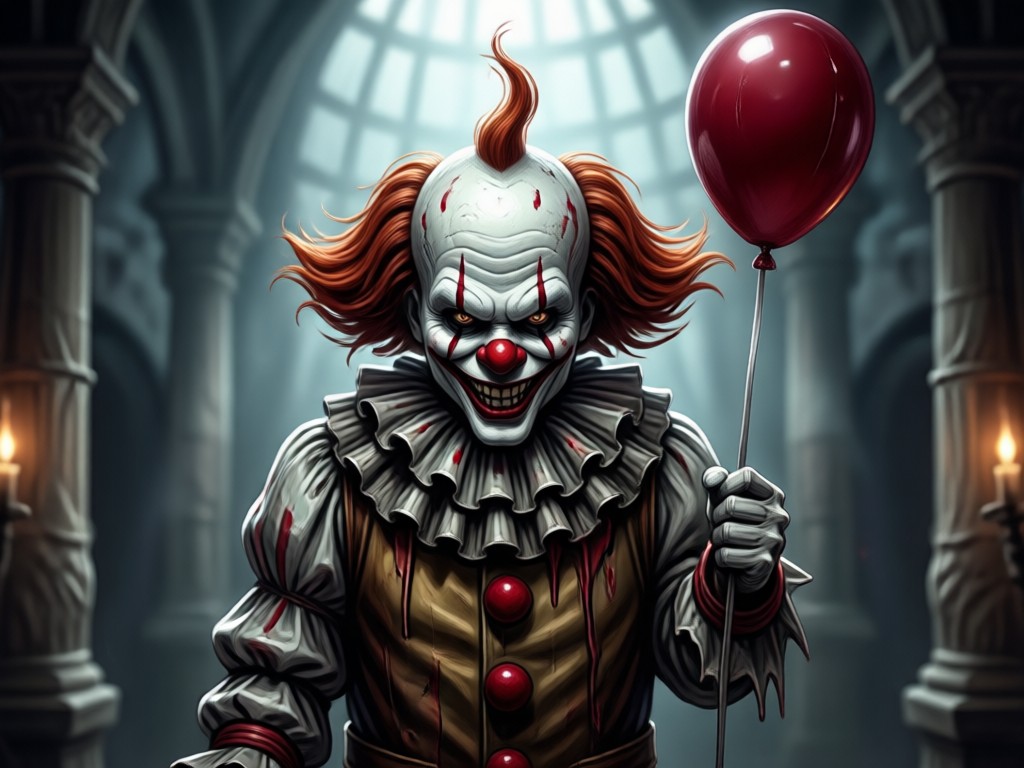
Animate Your Fear
Take it further by animating your Pennywise photo. Add a creepy smile, a slow blink, or make him float. Create a short, terrifying video to share.
Animate Your Fear
Take it further by animating your Pennywise photo. Add a creepy smile, a slow blink, or make him float. Create a short, terrifying video to share.
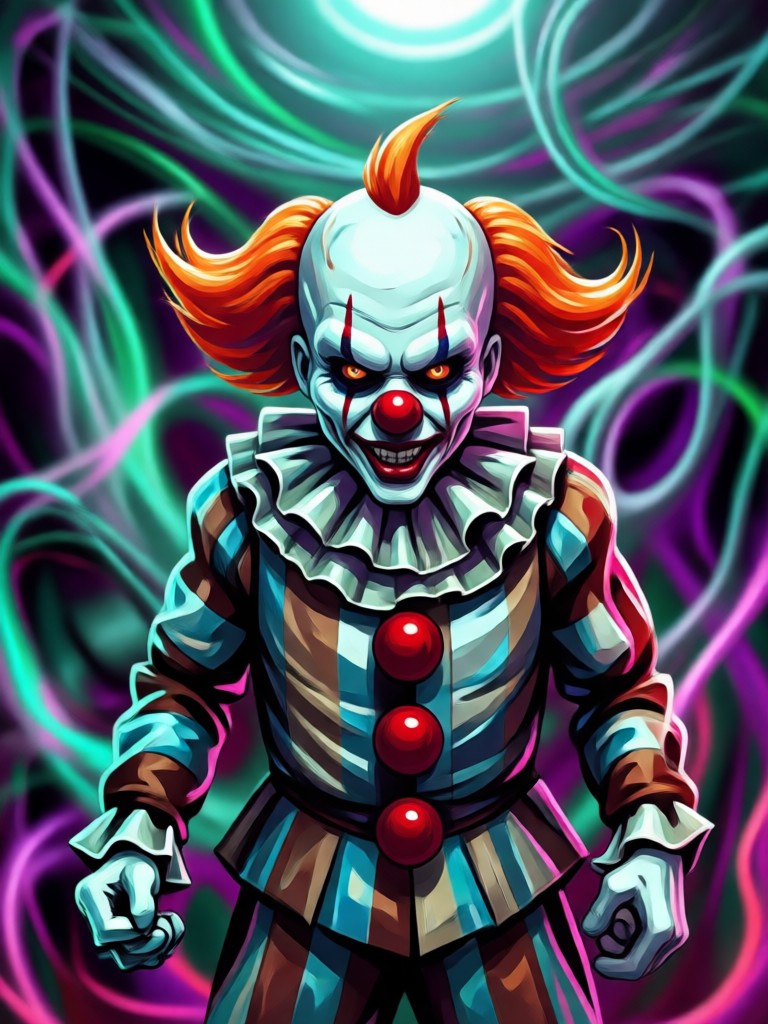
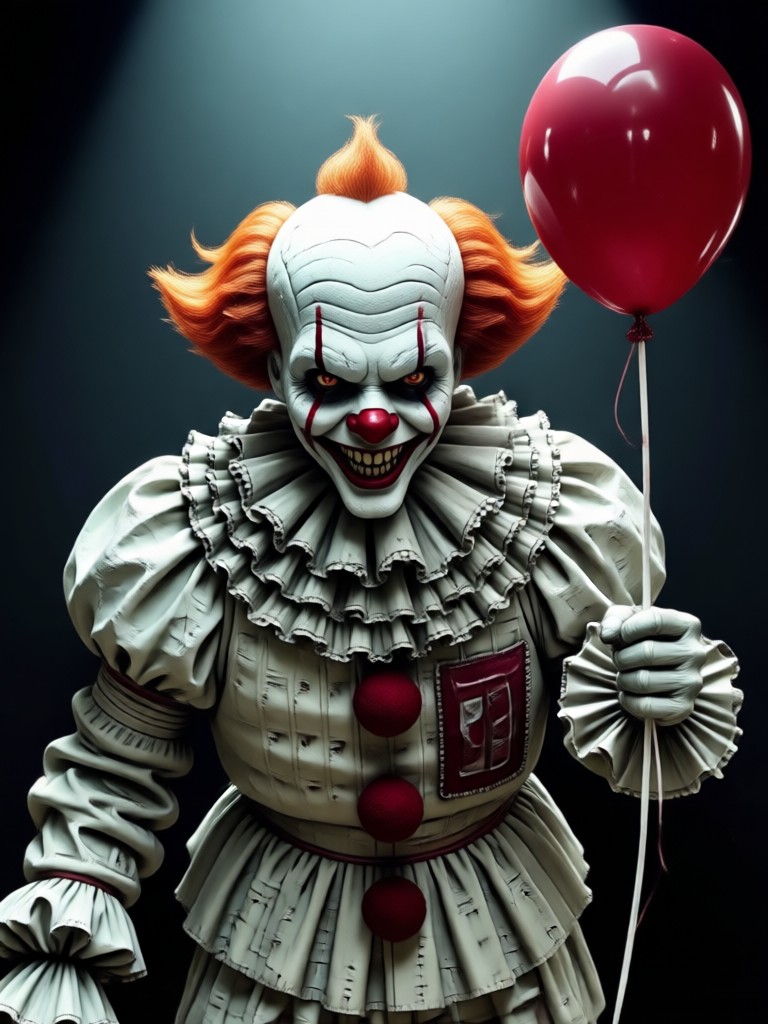
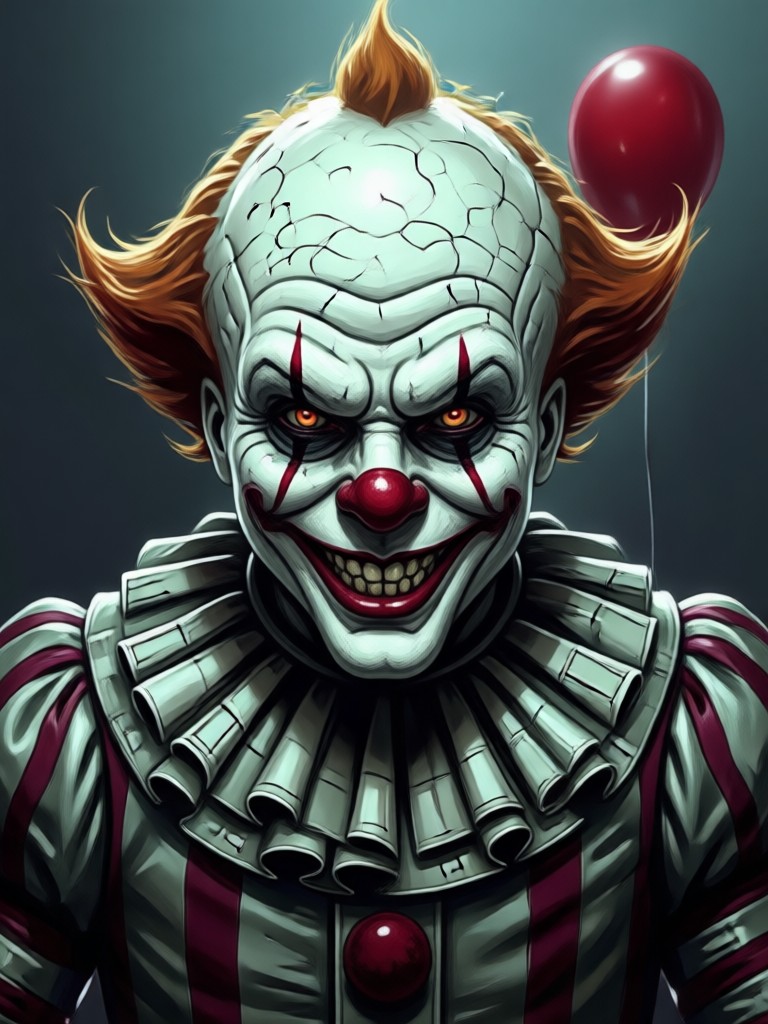
AI Pennywise Transformation Gallery
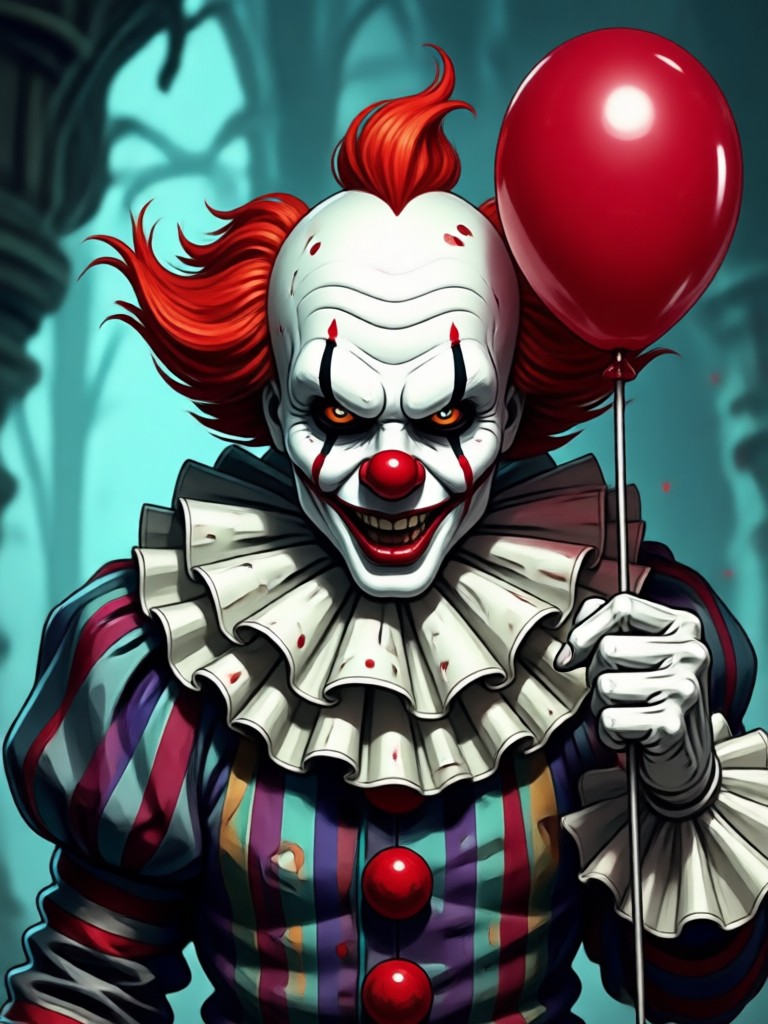
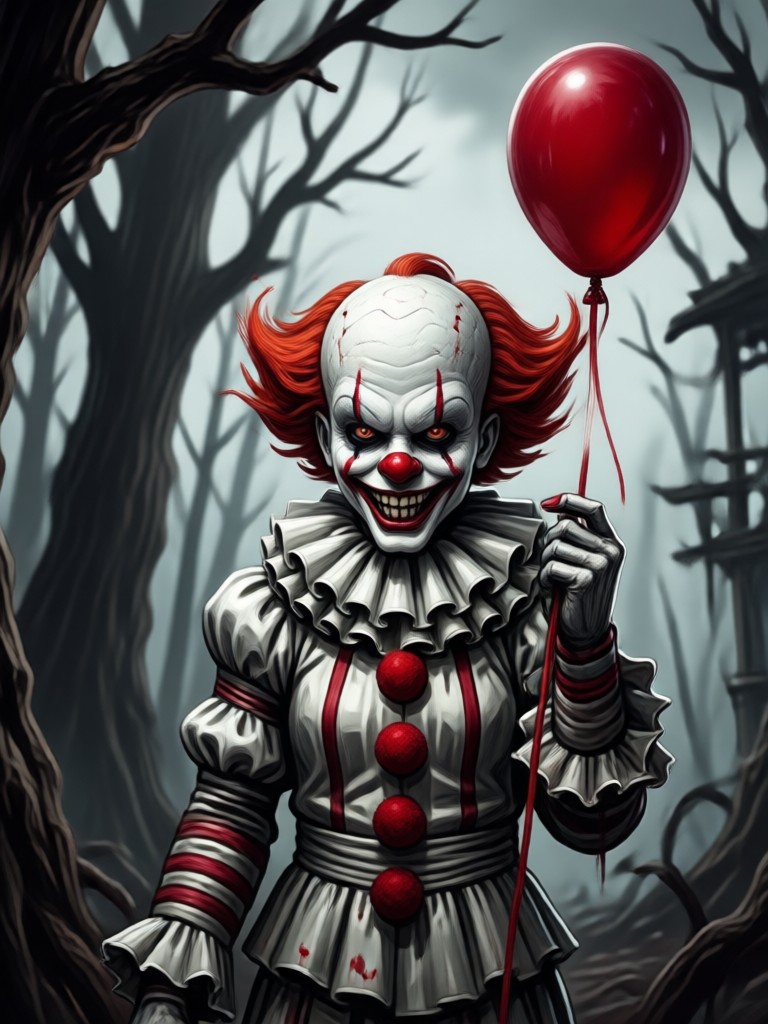
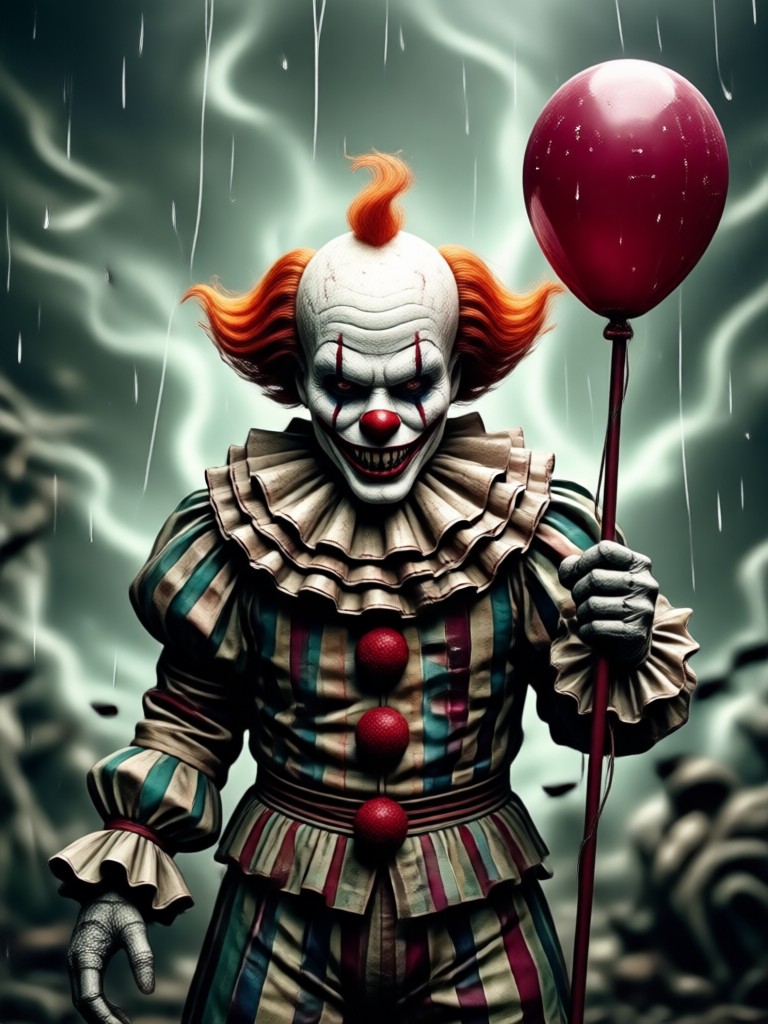
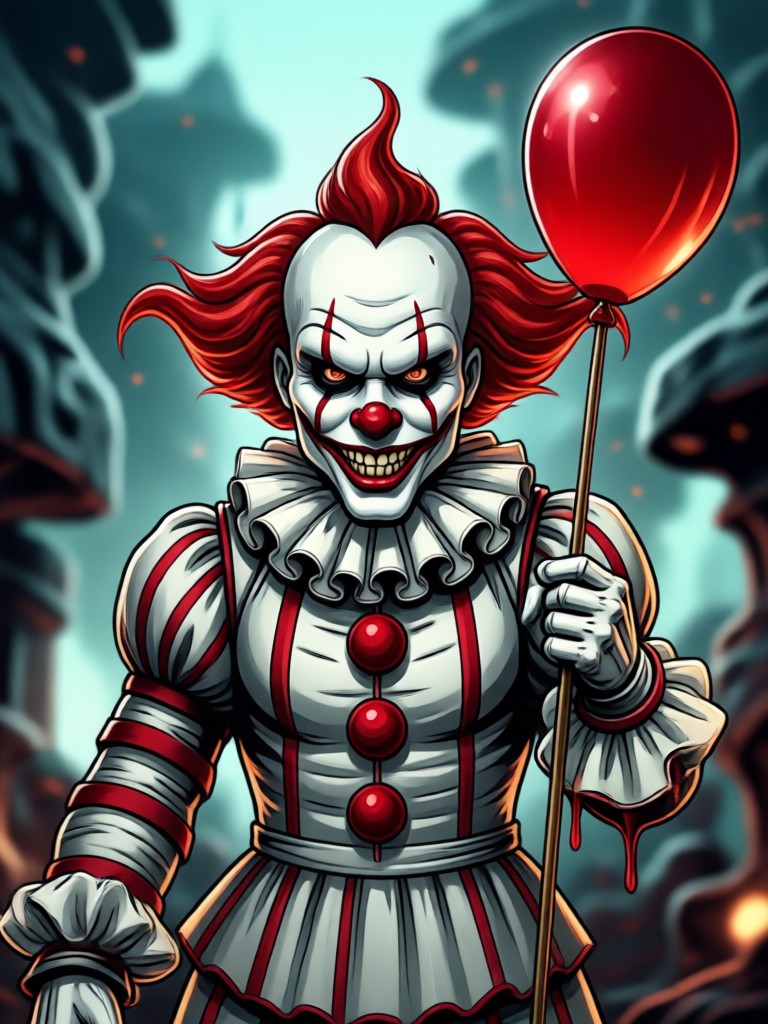
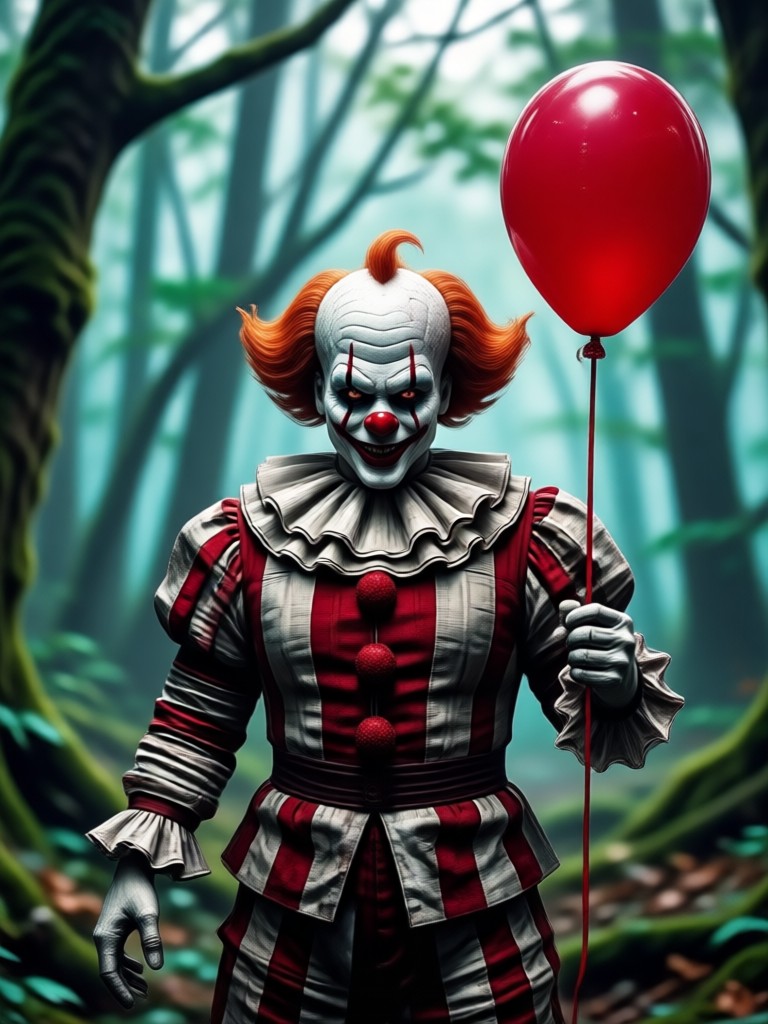
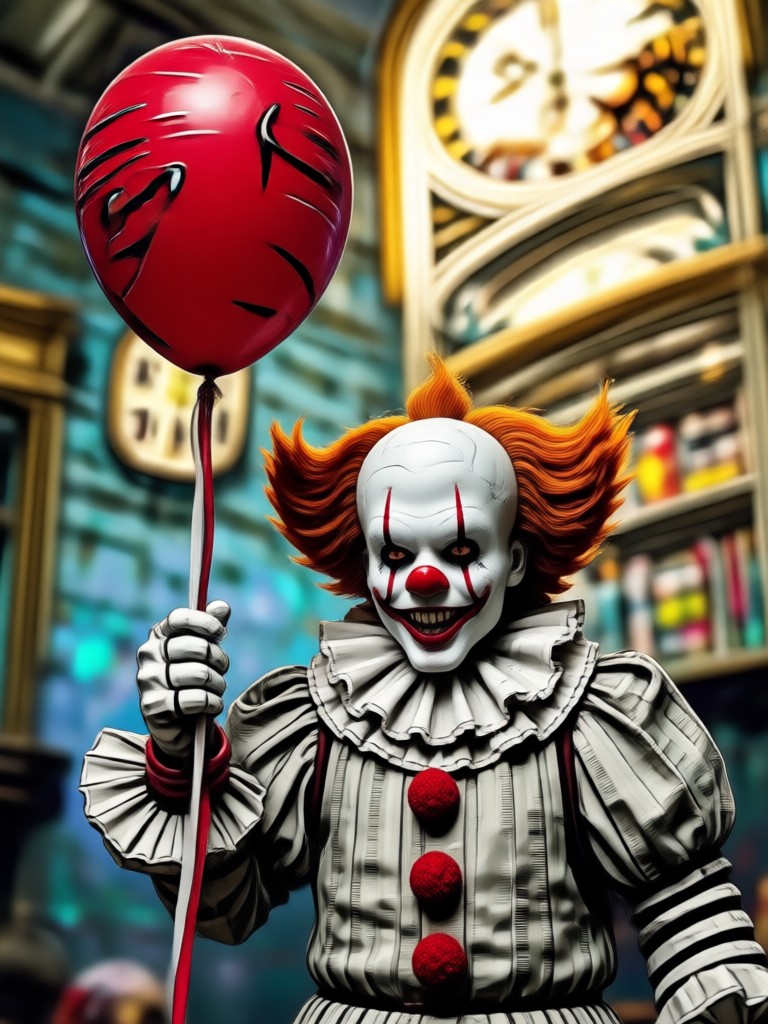
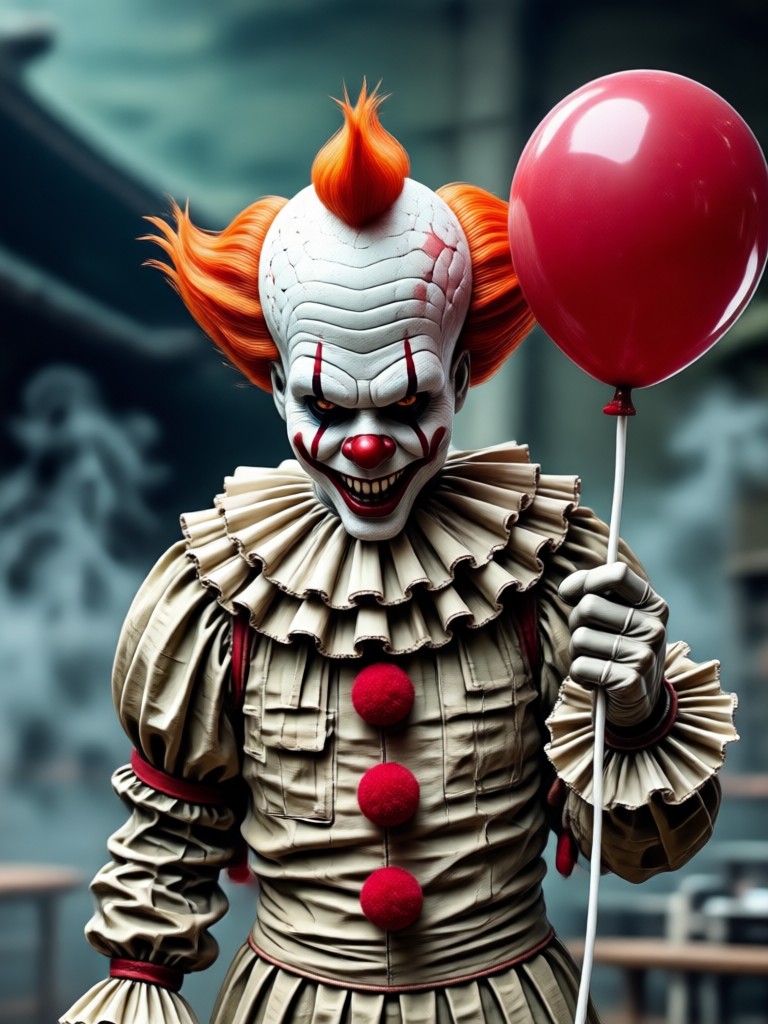
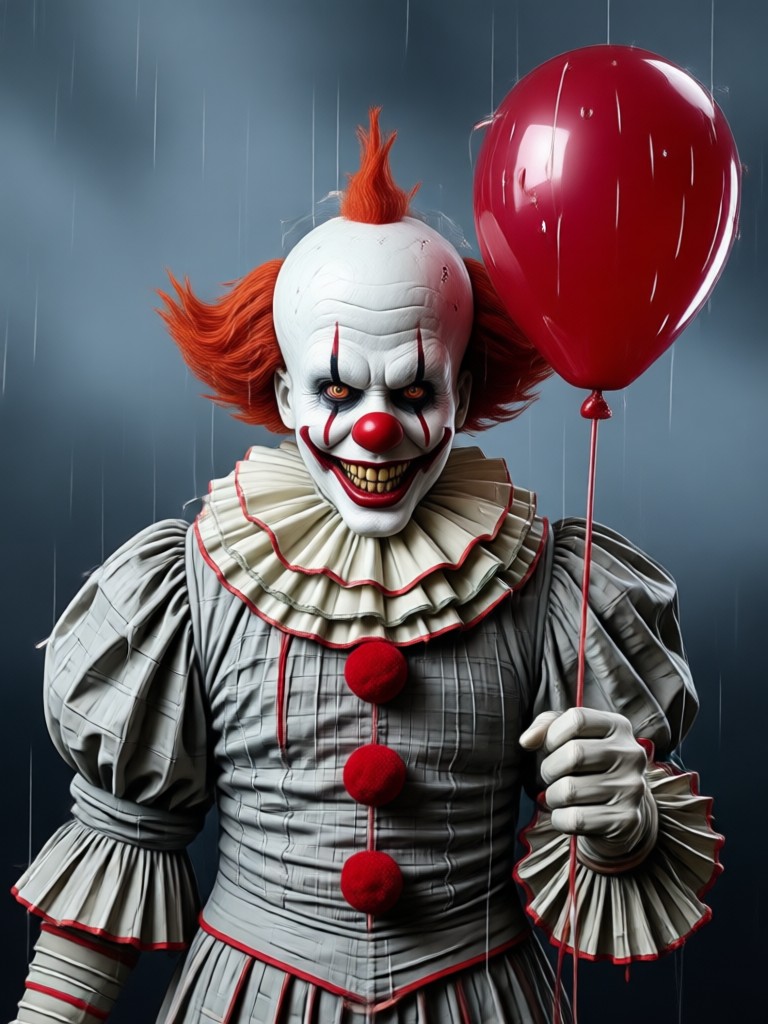
See the chilling results from our community. These aren't just filters, they're full AI character recreations. Upload your photo and see what you'd look like as the dancing clown.

How to Create an AI Pennywise in 3 Steps
Go from a regular selfie to a terrifying IT clown in less than a minute. No design skills or expensive costumes needed.
Step 01.
Download the gloglo app from Google Play. It's your all in one tool for AI photo and video transformations, including the Pennywise filter.
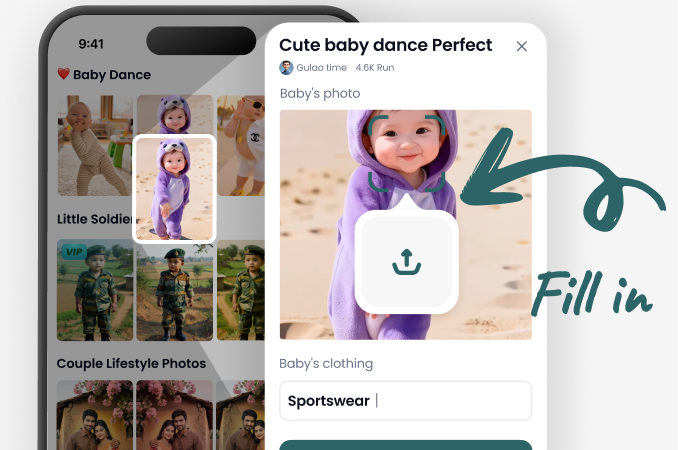
Step 02.
Open the app, tap 'AI Filters' and search for 'Pennywise'. Select the filter and upload a clear, well lit photo of a face.
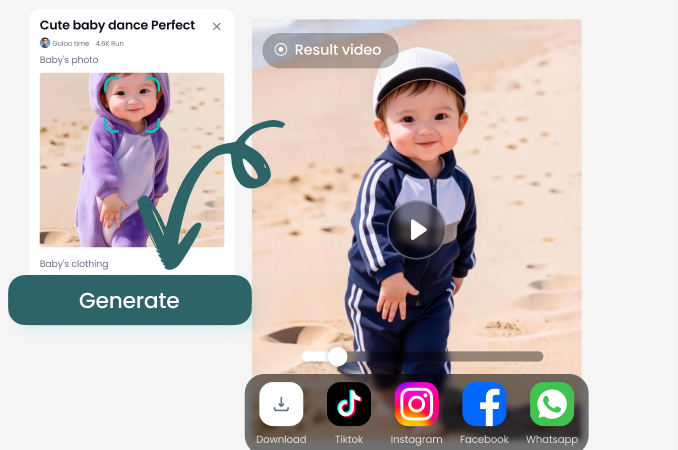
Step 03.
Watch the AI work its magic. In seconds, you'll see your Pennywise transformation. Download the image or video, or animate it further before sharing.
Why Use AI for Your Pennywise Transformation?
Forget complicated cosplay. AI gives you a perfect, personalized, and instantly shareable version of the clown that feeds on fear.
The Ultimate Halloween Tool
Creating a convincing Pennywise costume requires hours of makeup, specific clothing, and a certain look. Our AI Pennywise filter democratizes the horror. Anyone with a phone can achieve a photorealistic, customized version in seconds. It's perfect for Halloween social media posts, pranking friends, creating unique party invitations, or generating concept art for cosplayers. The AI ensures details like the ragged collar, starched ruffs, and that unsettling gaze are perfectly applied to your photo, saving you time, money, and effort while delivering professional level results.
The Ultimate Halloween Tool
Creating a convincing Pennywise costume requires hours of makeup, specific clothing, and a certain look. Our AI Pennywise filter democratizes the horror. Anyone with a phone can achieve a photorealistic, customized version in seconds. It's perfect for Halloween social media posts, pranking friends, creating unique party invitations, or generating concept art for cosplayers. The AI ensures details like the ragged collar, starched ruffs, and that unsettling gaze are perfectly applied to your photo, saving you time, money, and effort while delivering professional level results.
What Creators Are Saying About AI Pennywise
Absolutely terrified my friends group chat
I used the AI Pennywise filter on our group photo from last summer. I only transformed myself. The reactions were priceless. The detail on the smile and the way it changed my eye color was so realistic. Best Halloween prank ever.
Incredible tool for horror themed content
As a small horror channel, practical effects are expensive. This AI filter let me create thumbnail images and short creepy clips featuring Pennywise without a budget. The ability to animate the still image to make him wink sold it for me.
My kids loved the cartoon version for their party
I was hesitant because Pennywise is scary, but the app has a lighter, cartoon style filter too. We used it for my son's Halloween party, and all the kids got a silly clown version of themselves. It was a huge hit.
Beyond Pennywise: Create Any Horror Icon
The gloglo app isn't just for one clown. Discover a vast library of AI filters to become Freddy Krueger, Michael Myers, a zombie, vampire, or even create your own original monster. Your phone is now a portal to any horror character imaginable.
AI Pennywise Filter FAQs
Get answers to common questions about using the AI to transform into Pennywise, creating videos, and sharing your creepy creations.
Ready to Face Your Fears?
Download the app now and discover how easy it is to become Pennywise or any character you imagine. Your perfect, terrifying transformation is just one tap away.
Ready to Face Your Fears?
Download the app now and discover how easy it is to become Pennywise or any character you imagine. Your perfect, terrifying transformation is just one tap away.