AI Robot Filter
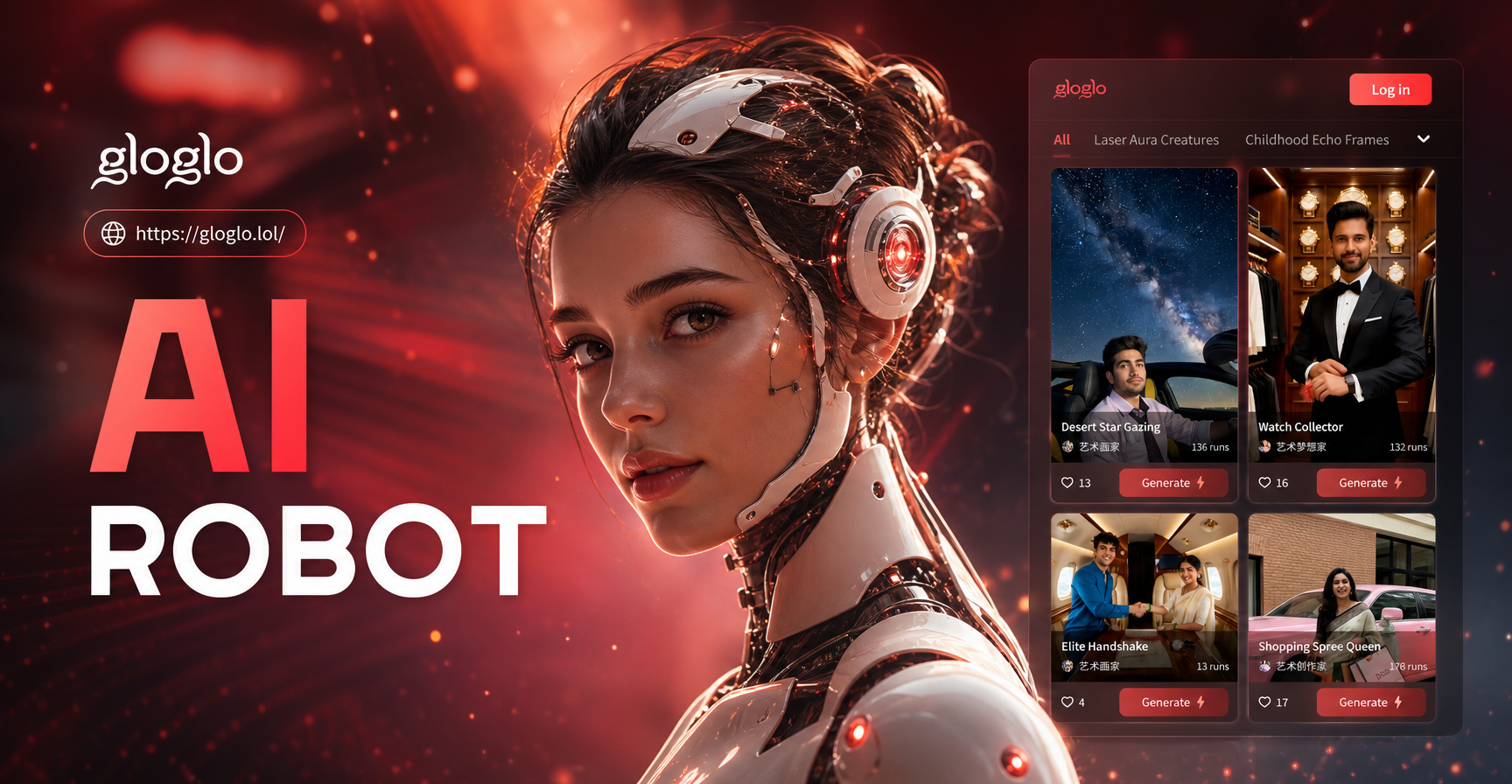
Choose Your Robotic Style
Explore a variety of futuristic robot aesthetics, from sleek androids to battle-worn cyborgs and glitchy AI entities.
Why Our AI Robot Filter Stands Out
Our technology goes beyond simple filters. It uses advanced AI to understand facial structure, lighting, and texture, creating a seamless and believable robotic transformation.
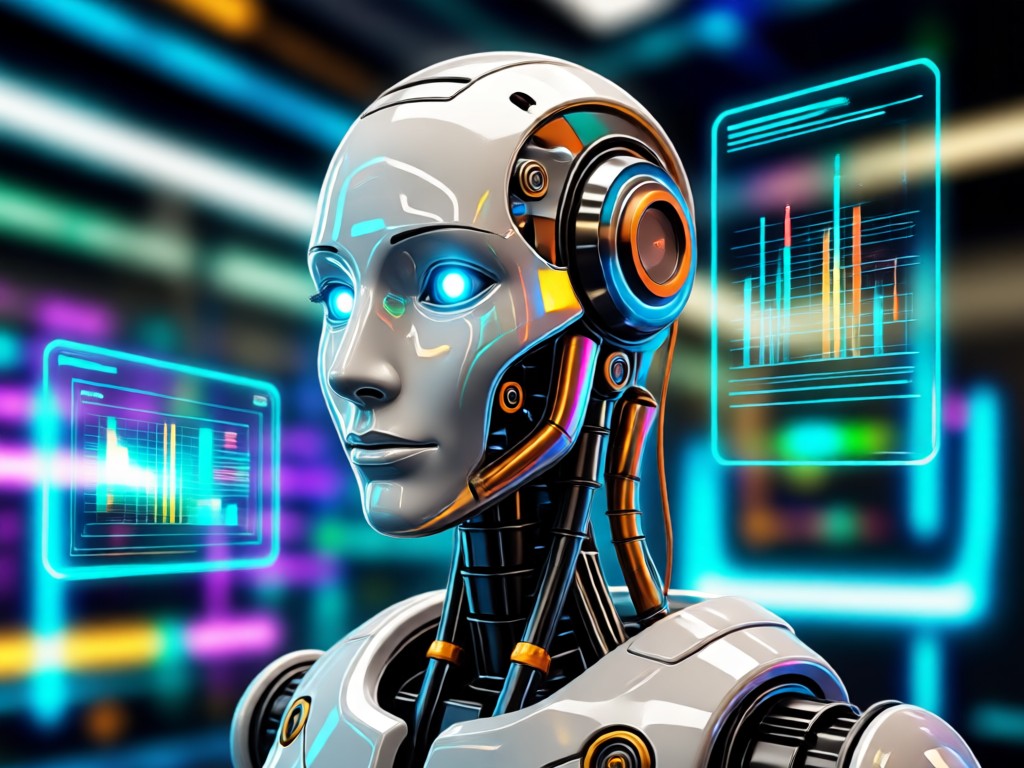
Hyper-Realistic Details
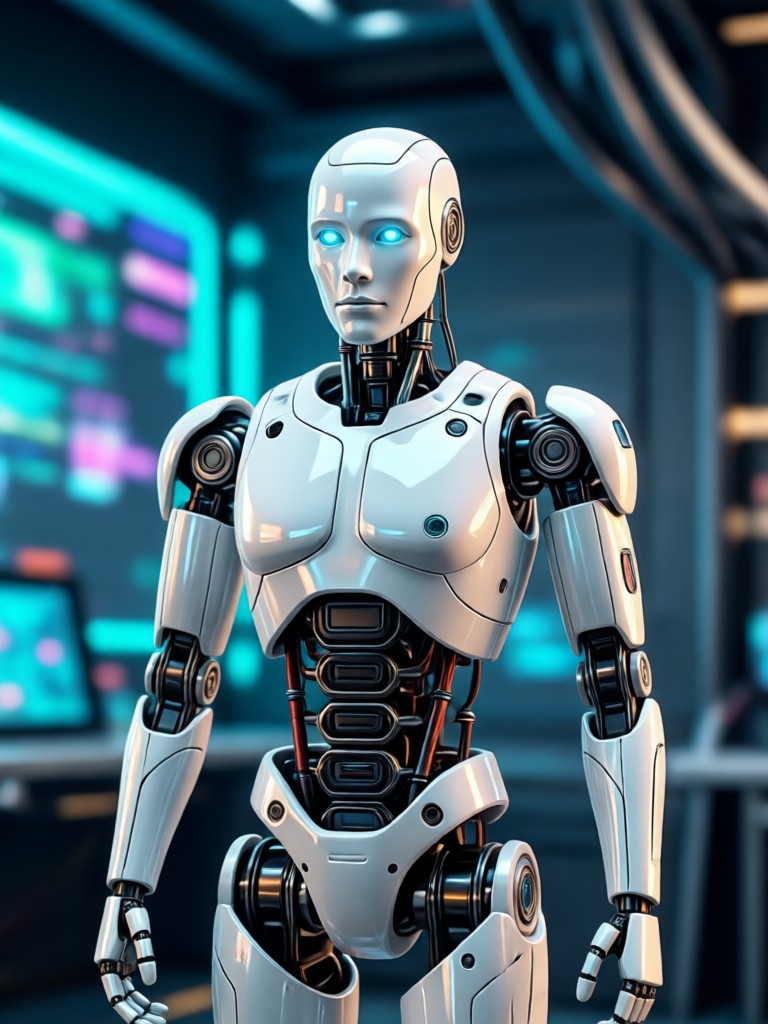
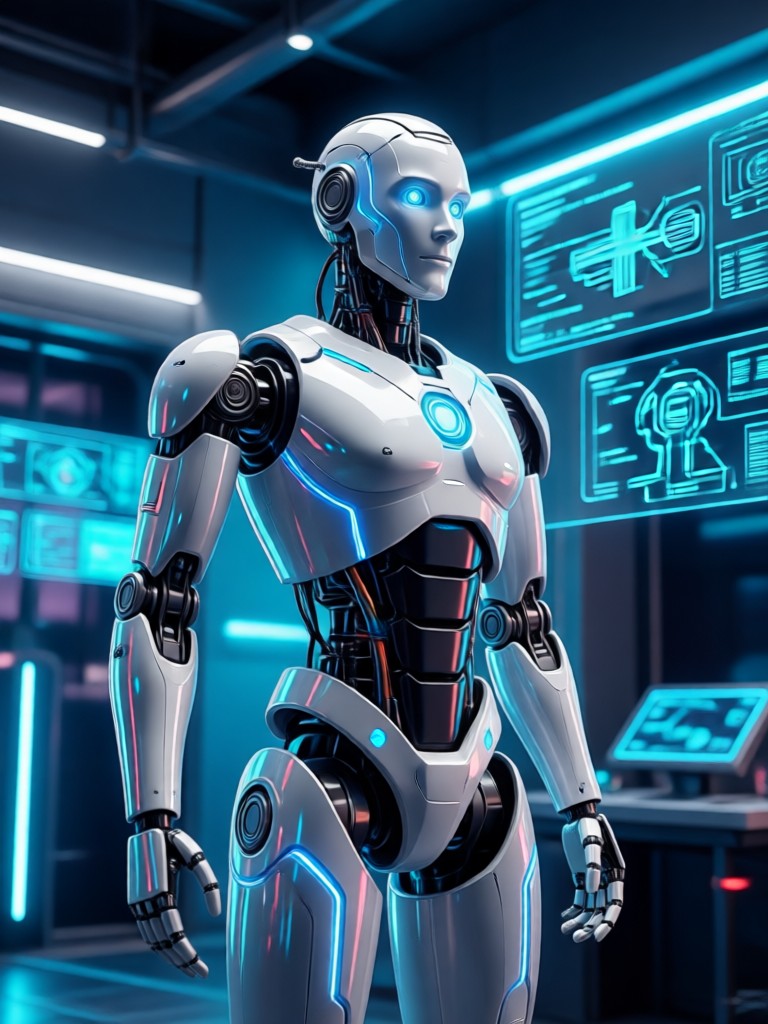
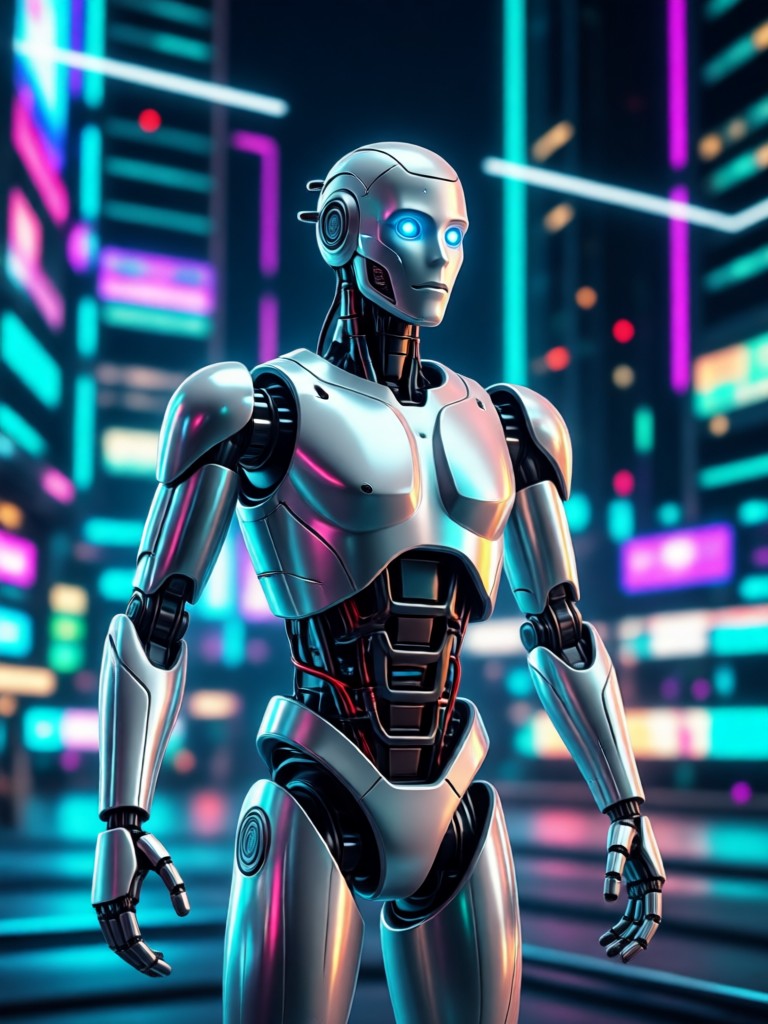
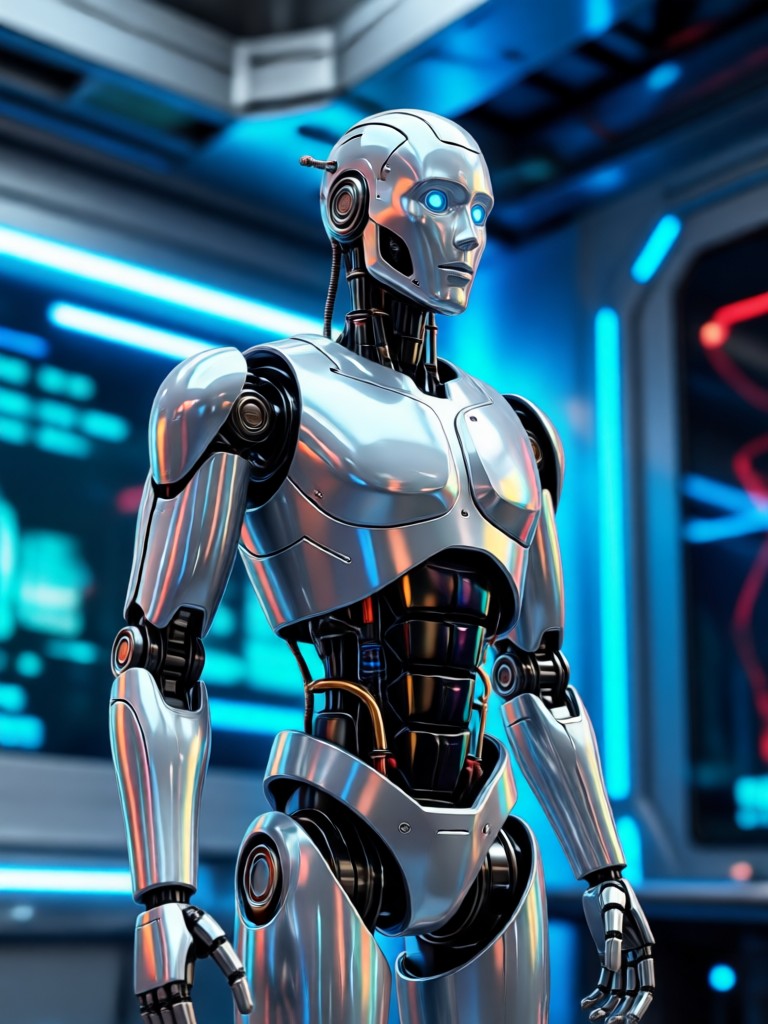
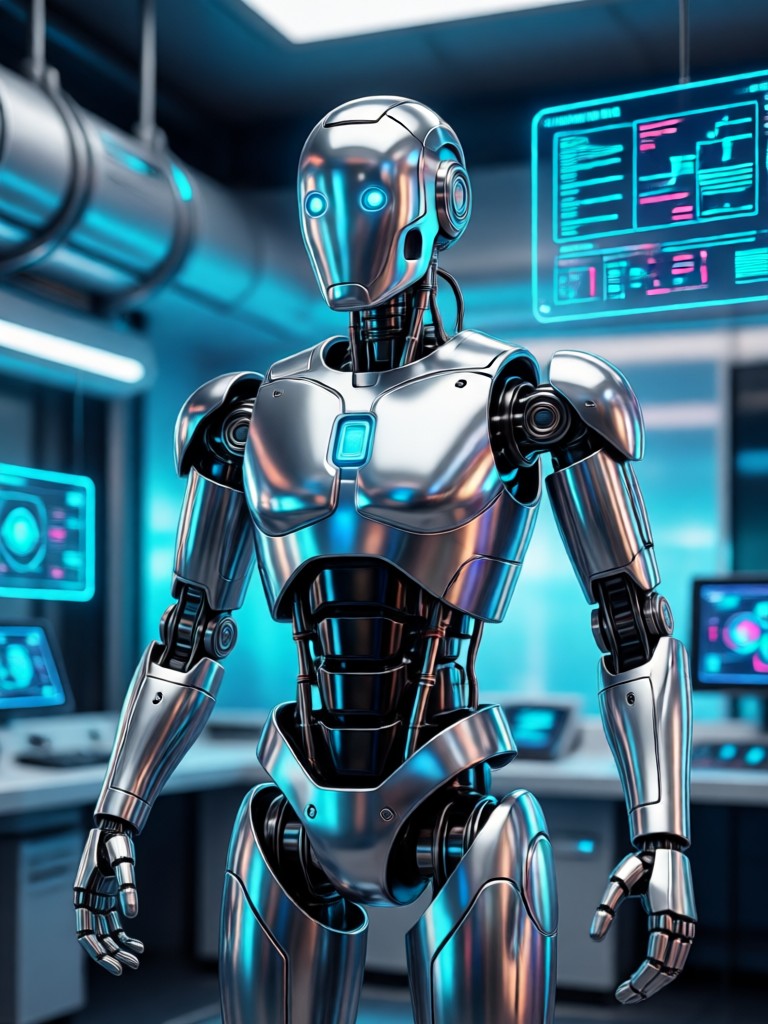
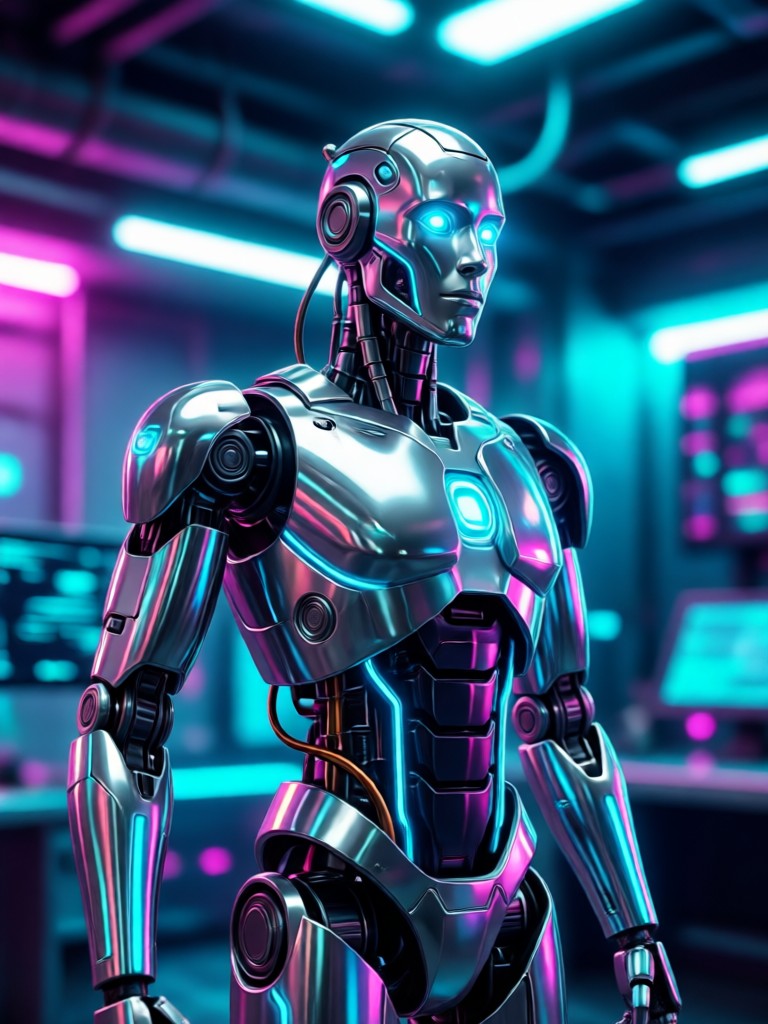
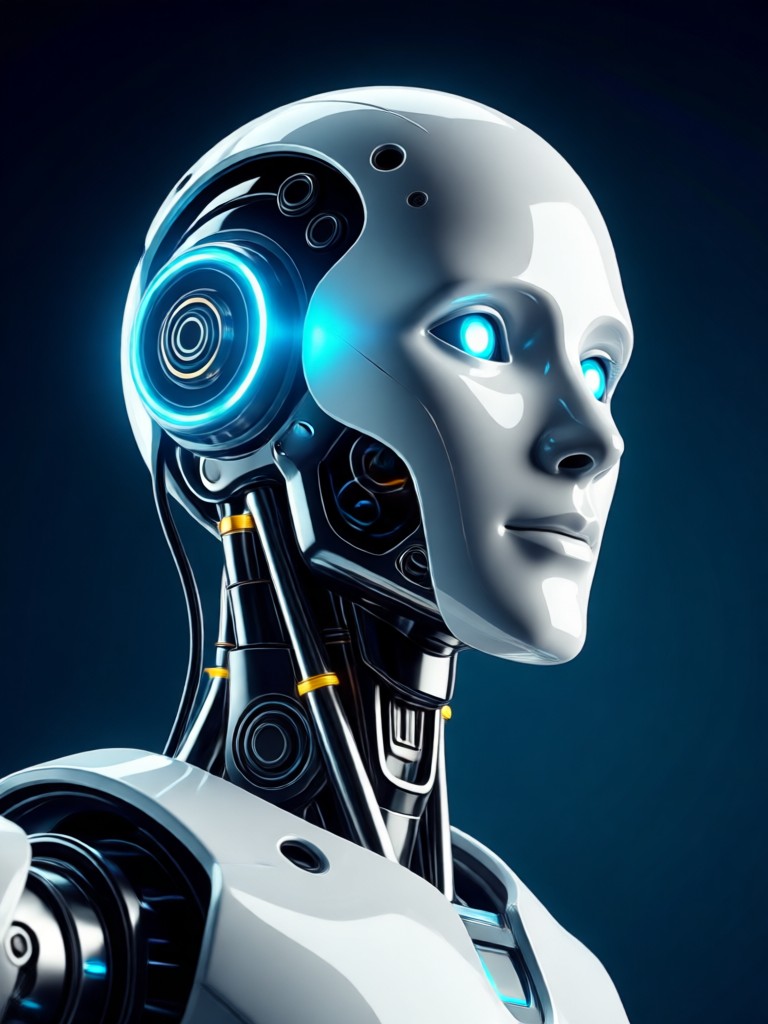
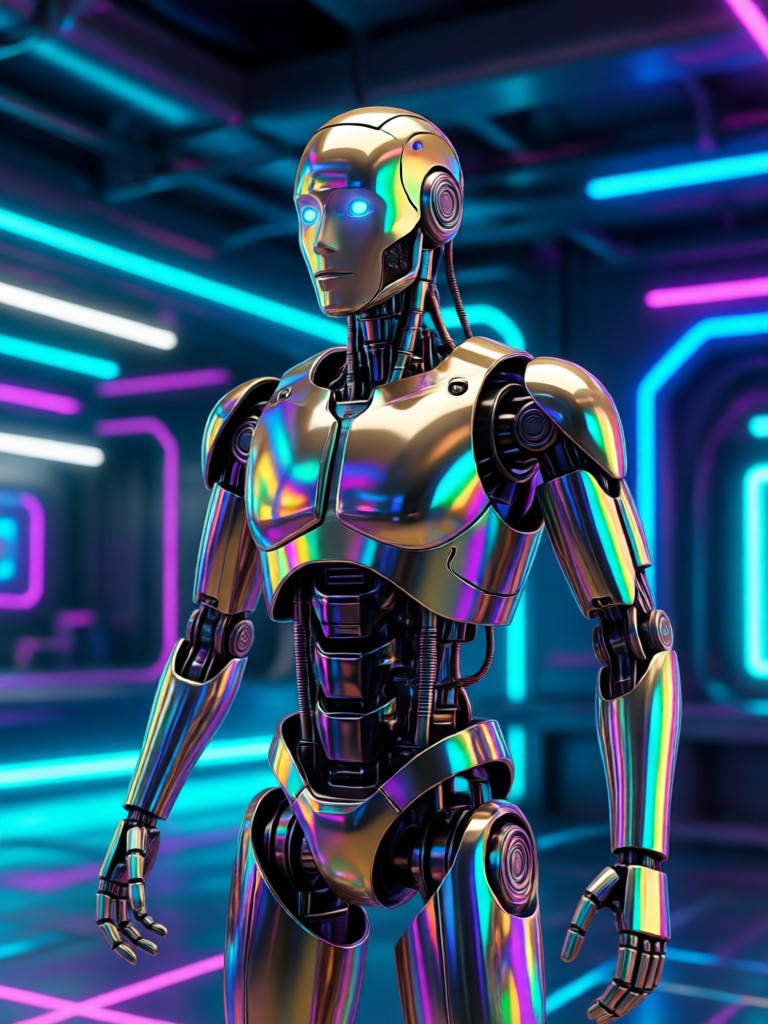
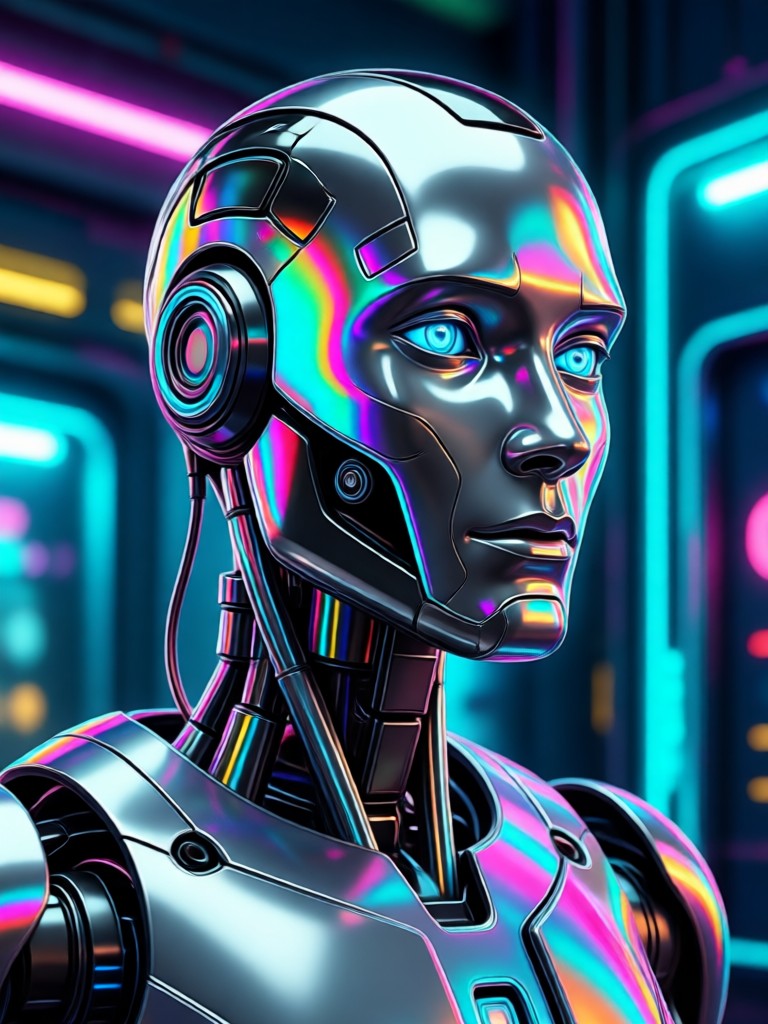
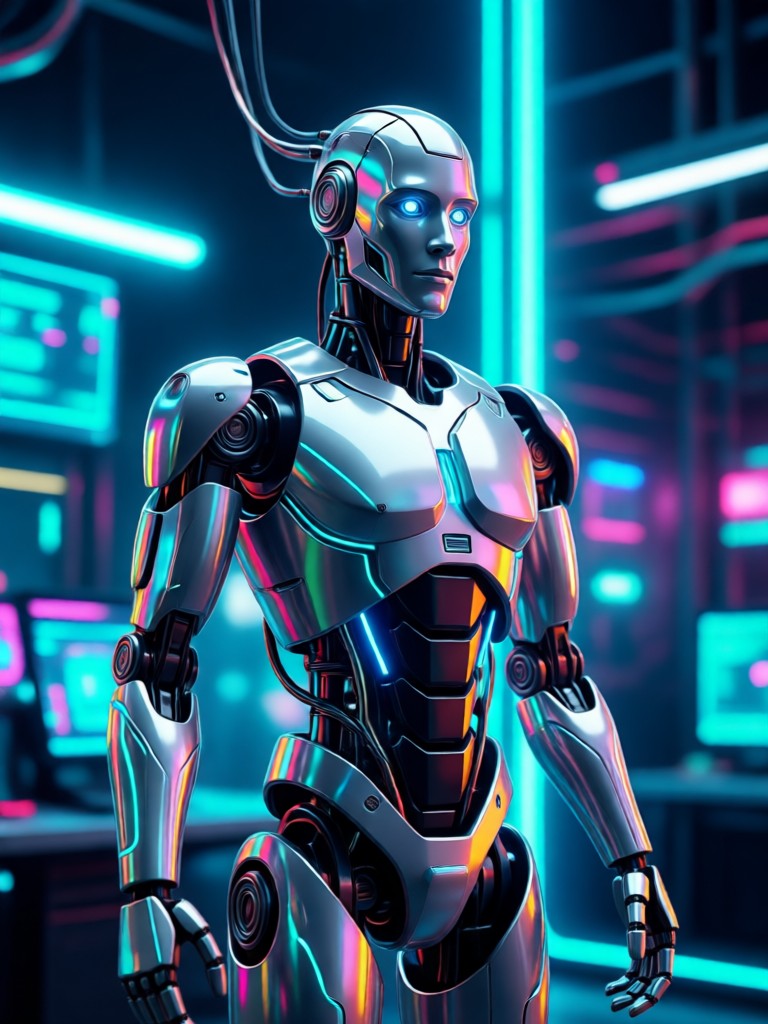
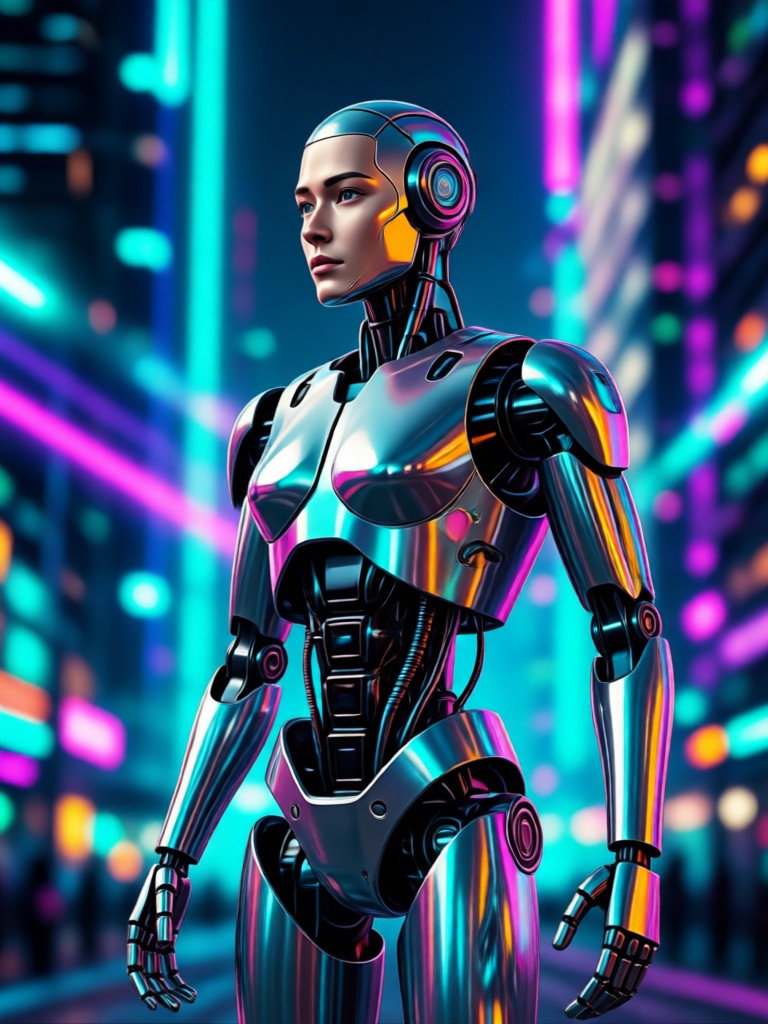
Generate intricate robotic details like panel lines, exposed wiring, LED lights, and metallic sheen that look like they belong in a sci-fi movie.
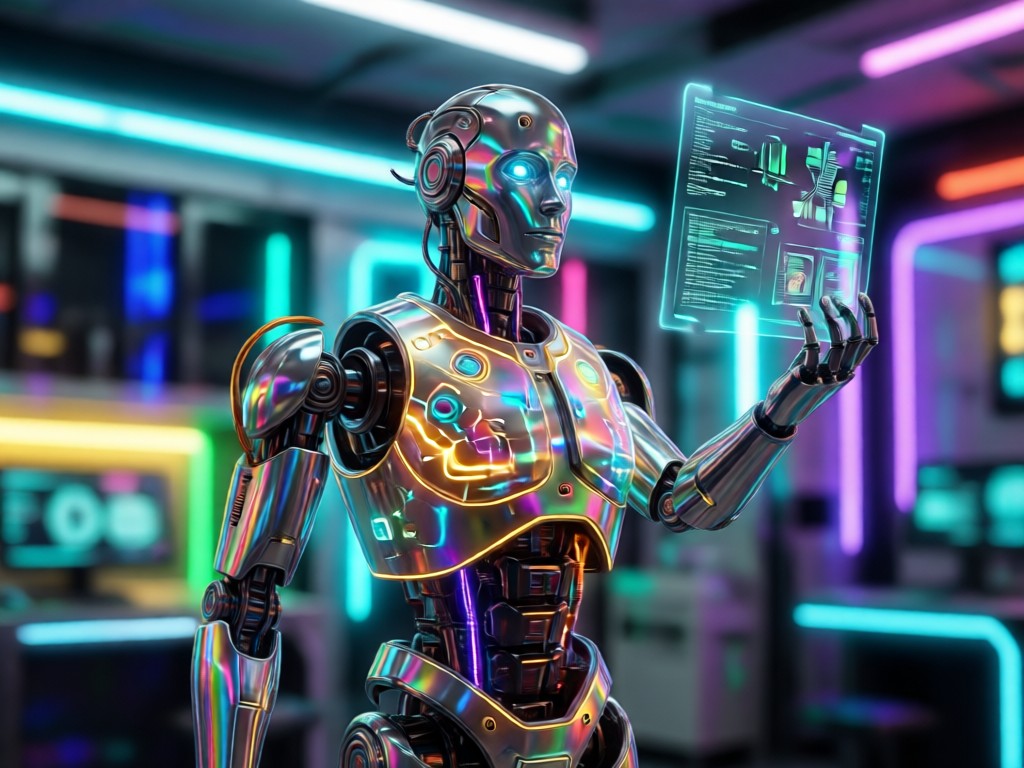
Style Variety
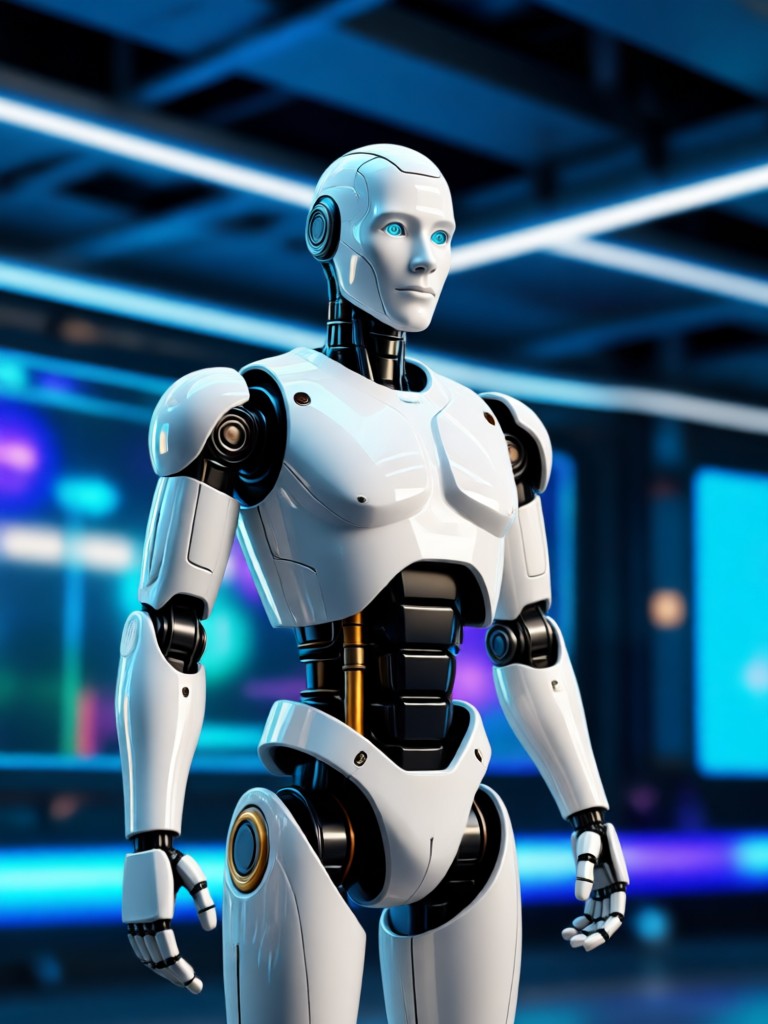
Choose from dozens of robot archetypes: sleek humanoid android, industrial mech, glitchy hologram, steampunk automaton, or battle-damaged cyborg.
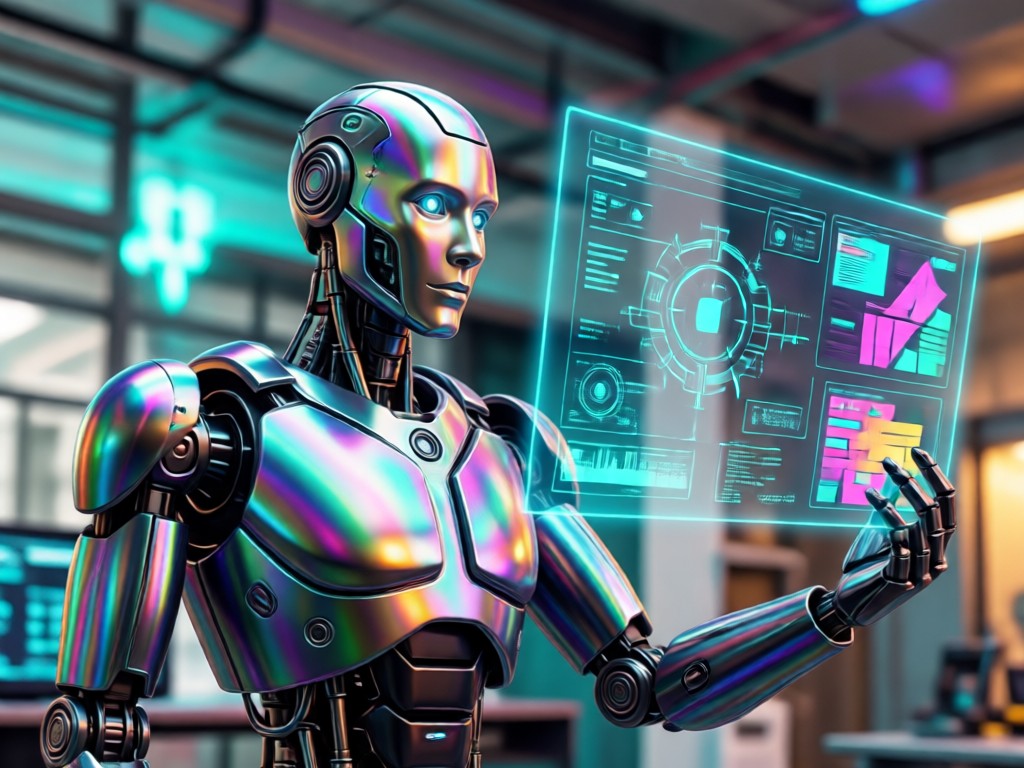
One-Click Transformation
Upload a selfie or portrait. The AI handles everything, perfectly mapping robotic features onto your unique face and pose for a flawless result.
AI Robot Filter Creations
See how ordinary photos are transformed into extraordinary robotic art. These examples showcase the power and creativity of our AI robot filter.
How to Use the AI Robot Filter?
Create your own cybernetic portrait in three simple steps. No technical knowledge or photo editing experience is necessary.

Step 01.
Download the gloglo app from the Google Play Store. It's your all-in-one mobile studio for AI photo and video transformation.

Step 02.
Open the app, tap 'AI Filters', and find the 'Robot' or 'Cyborg' category. Browse and select your favorite futuristic style template.

Step 03.
Upload a clear portrait. The AI will process it instantly. Download your robotic masterpiece and share it on social media.
Creators Using the AI Robot Filter
Alex R.
This filter is a game-changer for my sci-fi cosplay content. I can preview full robotic makeup looks before committing to hours in the chair. The detail on the mechanical parts is insane.
Maya T.
As a concept artist, I use it for rapid character prototyping. The 'particle filter AI' effects for energy glows and holograms give my designs a dynamic, alive feeling I can't get with static sketches.
Jin W.
Perfect for creating unique streaming avatars and profile pictures. My followers love my new 'glitch-core android' persona. It makes my channel branding instantly recognizable.
Leo S.
I generate NPC portraits for my futuristic RPG campaigns. Need a sinister corporate android or a rusty salvage bot? This AI has a filter for it. It brings my game world to life for my players.
Alex R.
This filter is a game-changer for my sci-fi cosplay content. I can preview full robotic makeup looks before committing to hours in the chair. The detail on the mechanical parts is insane.
Maya T.
As a concept artist, I use it for rapid character prototyping. The 'particle filter AI' effects for energy glows and holograms give my designs a dynamic, alive feeling I can't get with static sketches.
Jin W.
Perfect for creating unique streaming avatars and profile pictures. My followers love my new 'glitch-core android' persona. It makes my channel branding instantly recognizable.
Leo S.
I generate NPC portraits for my futuristic RPG campaigns. Need a sinister corporate android or a rusty salvage bot? This AI has a filter for it. It brings my game world to life for my players.
Alex R.
This filter is a game-changer for my sci-fi cosplay content. I can preview full robotic makeup looks before committing to hours in the chair. The detail on the mechanical parts is insane.
Maya T.
As a concept artist, I use it for rapid character prototyping. The 'particle filter AI' effects for energy glows and holograms give my designs a dynamic, alive feeling I can't get with static sketches.
Jin W.
Perfect for creating unique streaming avatars and profile pictures. My followers love my new 'glitch-core android' persona. It makes my channel branding instantly recognizable.
Leo S.
I generate NPC portraits for my futuristic RPG campaigns. Need a sinister corporate android or a rusty salvage bot? This AI has a filter for it. It brings my game world to life for my players.
Beyond a Simple Filter
Our AI robot filter uses sophisticated neural networks to create transformations that are coherent, detailed, and context-aware.
Advanced AI for Believable Robotics
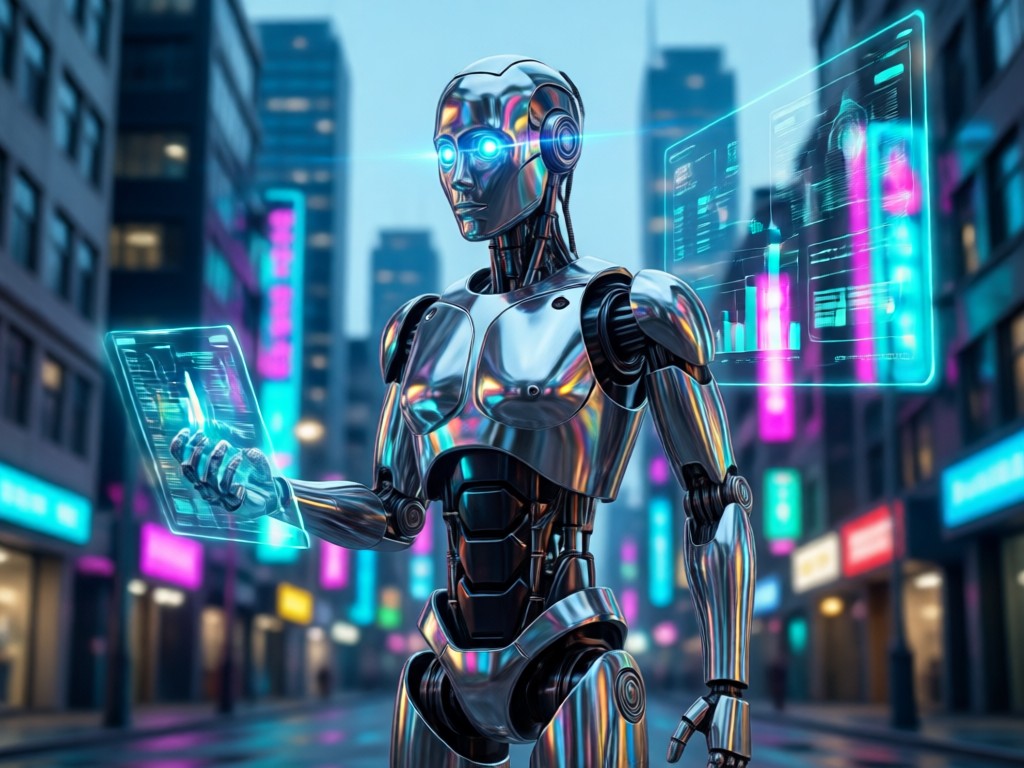
Unlike basic face apps that just overlay a static mask, our technology performs a true style transfer. It analyzes your photo's geometry, lighting, and texture, then reconstructs your features with robotic elements that respect the original perspective and shadows. This results in a seamless blend that looks like you were always part machine. The particle filter AI techniques ensure smooth transitions and realistic material rendering, from polished chrome to corroded iron.
Advanced AI for Believable Robotics
Unlike basic face apps that just overlay a static mask, our technology performs a true style transfer. It analyzes your photo's geometry, lighting, and texture, then reconstructs your features with robotic elements that respect the original perspective and shadows. This results in a seamless blend that looks like you were always part machine. The particle filter AI techniques ensure smooth transitions and realistic material rendering, from polished chrome to corroded iron.
AI Robot Filter FAQs
Got questions about creating your robotic alter ego? Find quick answers to the most common queries about our AI robot filter technology.
Your Robotic Transformation Awaits
Step into the future. Download gloglo now and explore the most advanced AI robot filter on mobile. Create your cyborg avatar in seconds.

Become the AI of Tomorrow, Today
Join thousands of creators using the #AIRobotFilter. Download gloglo from Google Play and start your futuristic photo transformation.

Become the AI of Tomorrow, Today
Join thousands of creators using the #AIRobotFilter. Download gloglo from Google Play and start your futuristic photo transformation.