Album Cover Double Exposure Portrait Maker
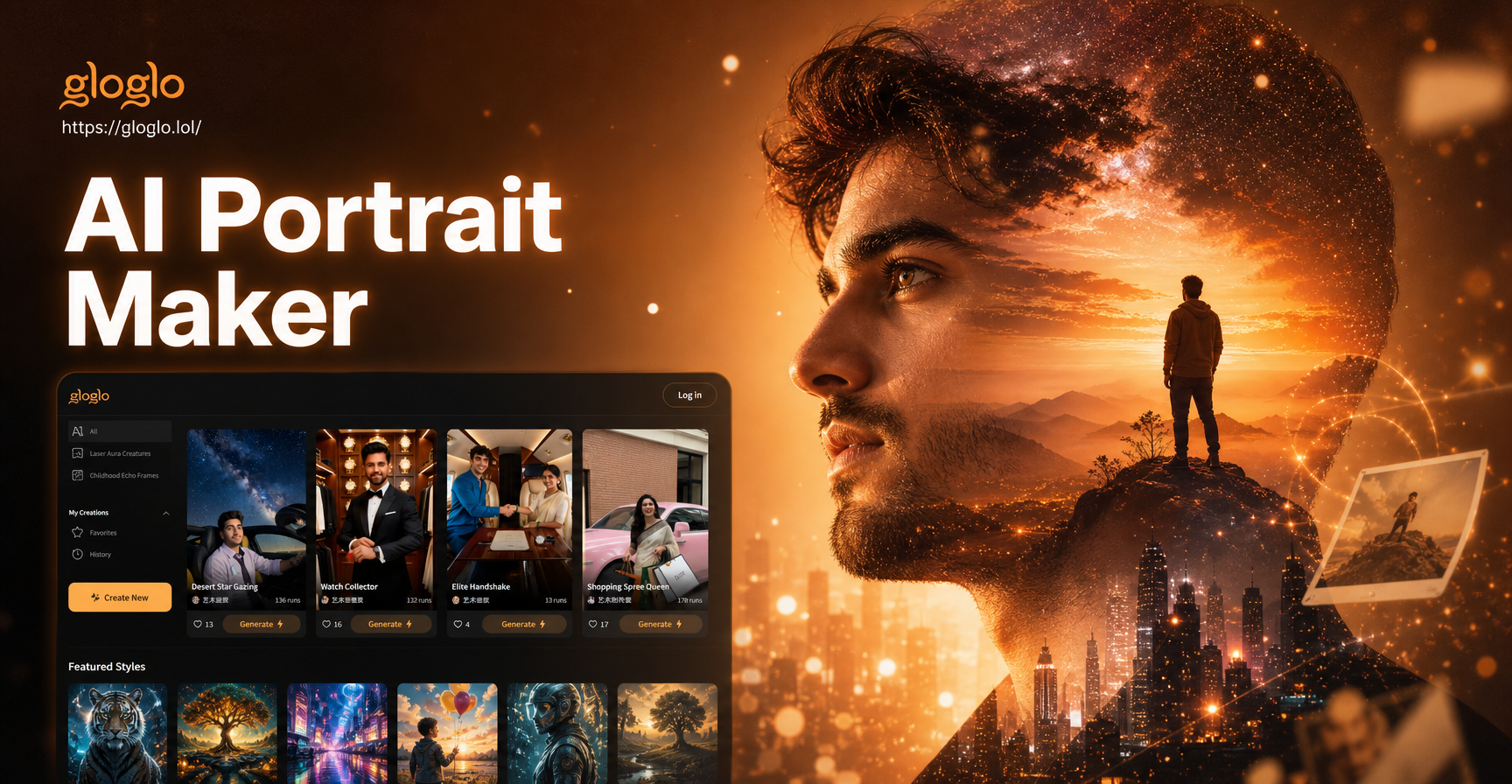
Discover Your Signature Double Exposure Style
Choose from a curated collection of artistic blend filters designed specifically for album artwork and portrait photography.
Powerful AI Tools for Artists
Our AI simplifies complex artistic techniques, giving you the power to create professional-grade album art without needing design software expertise.
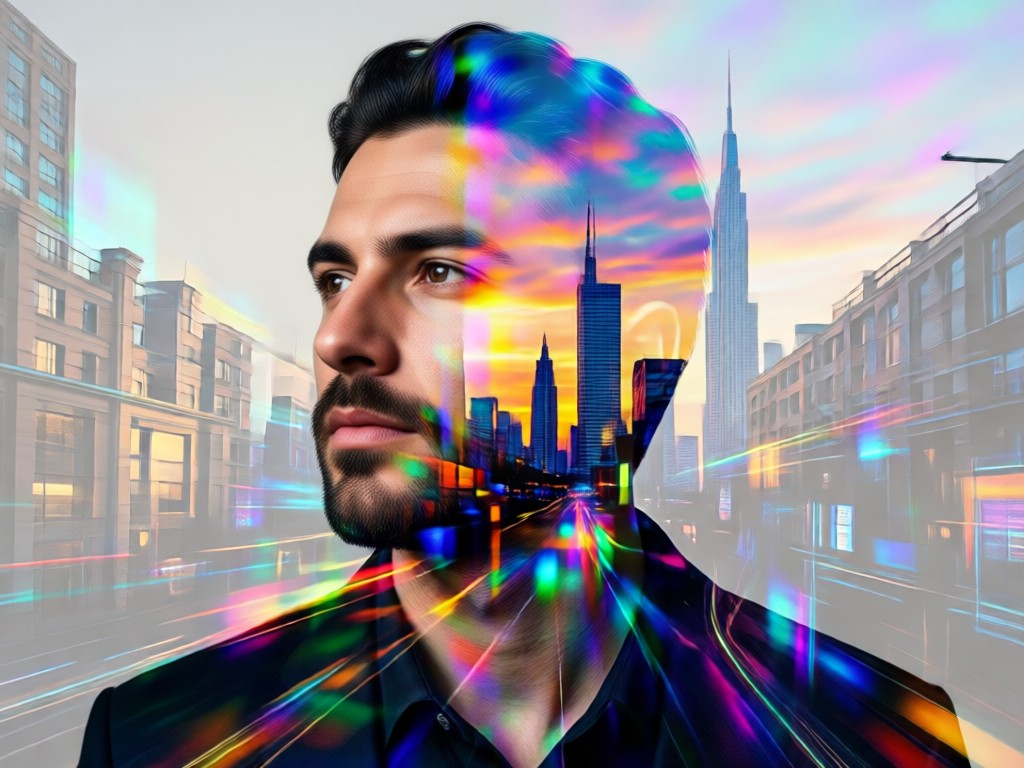
One-Click Double Exposure
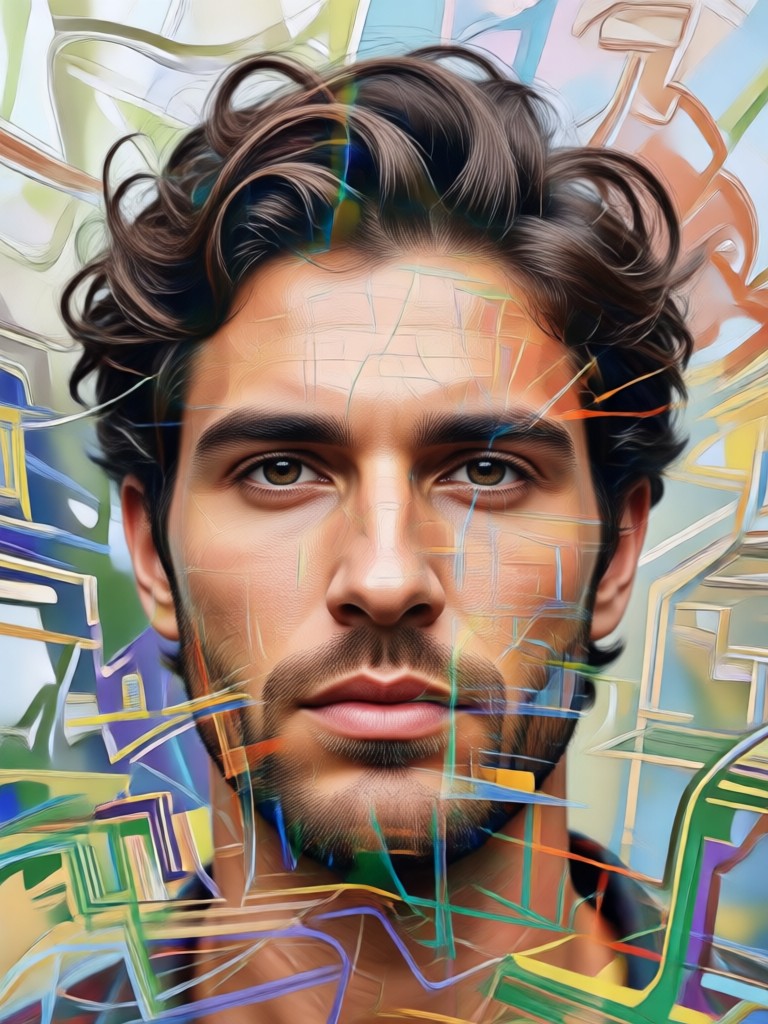
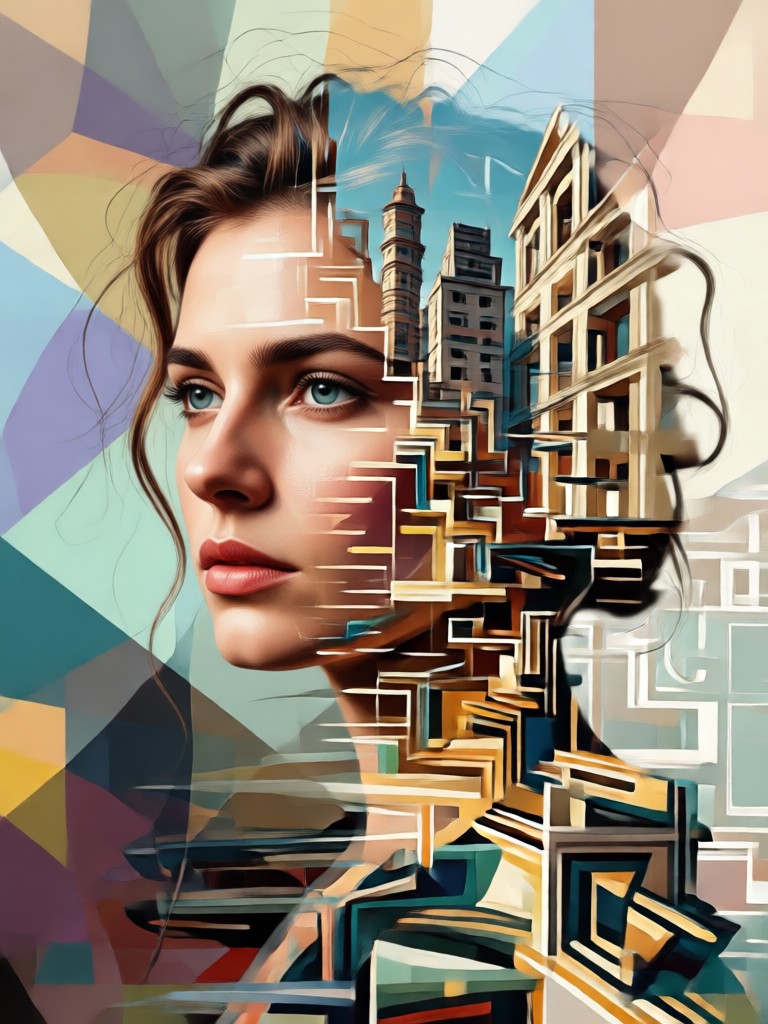
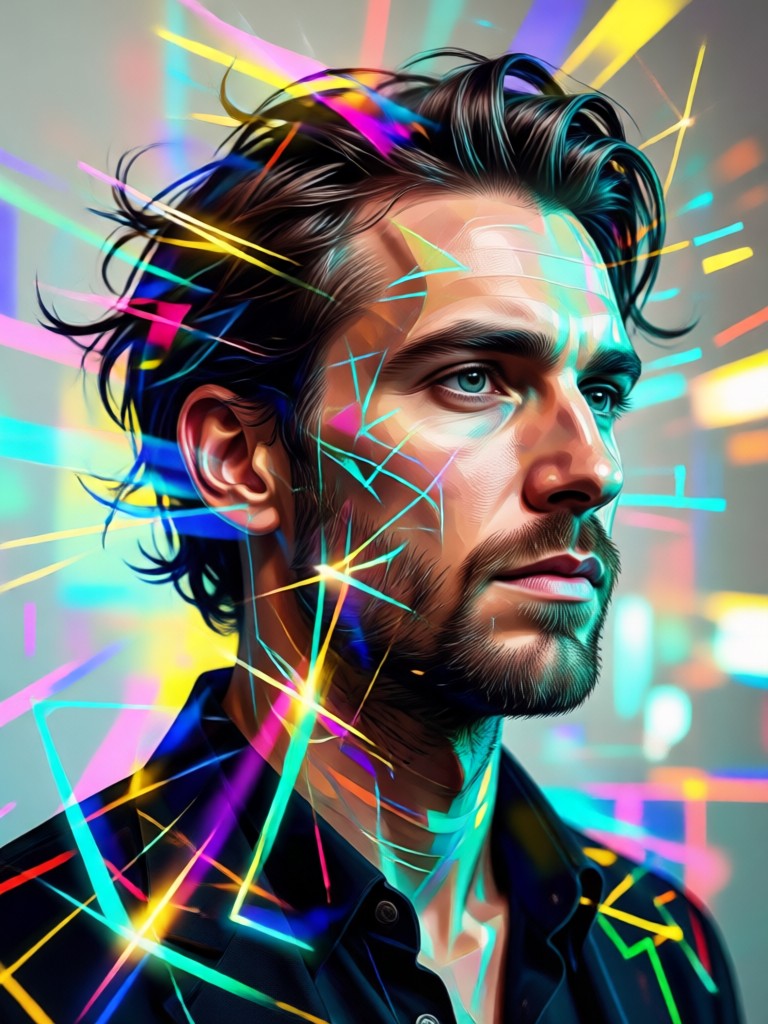
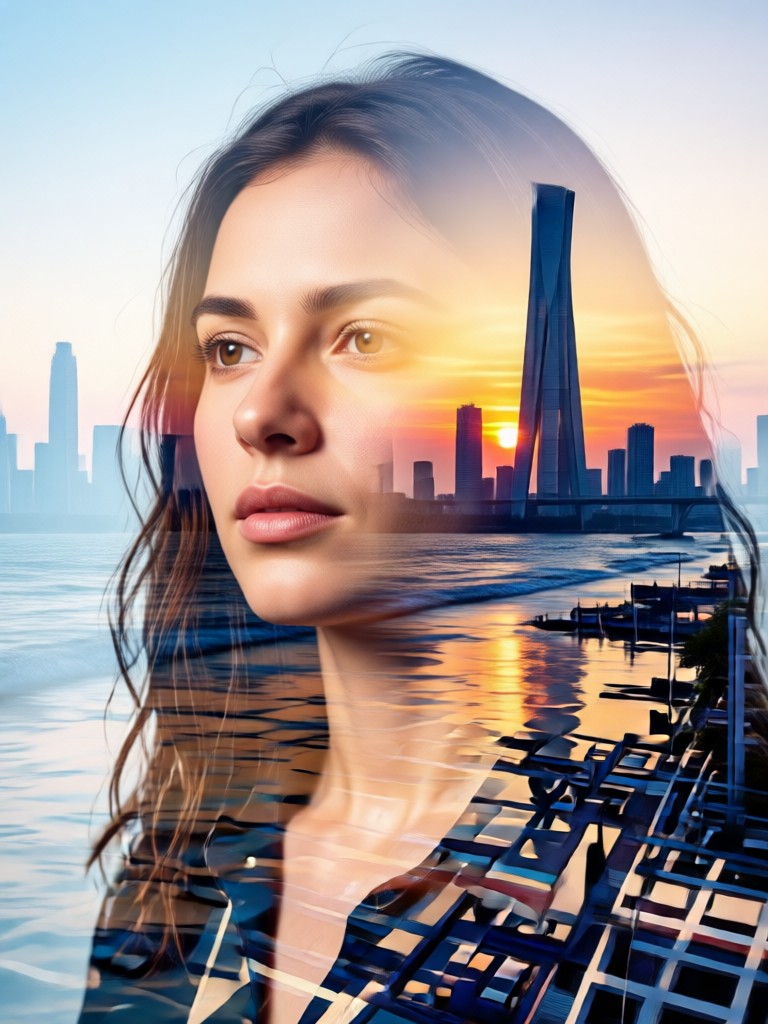
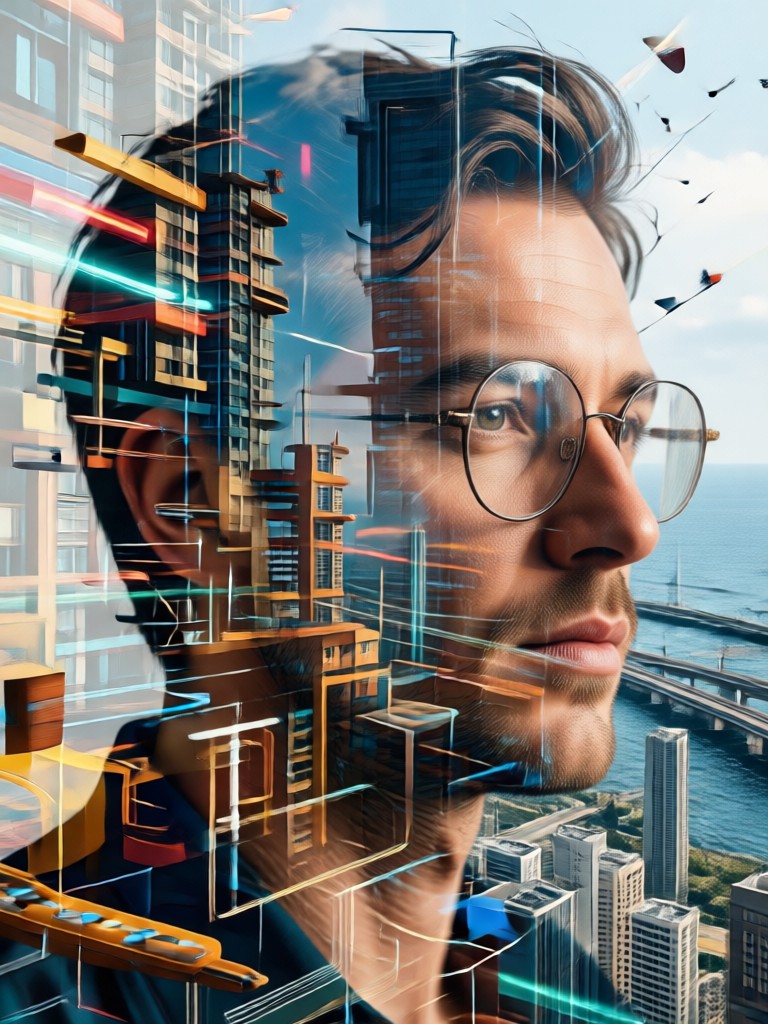
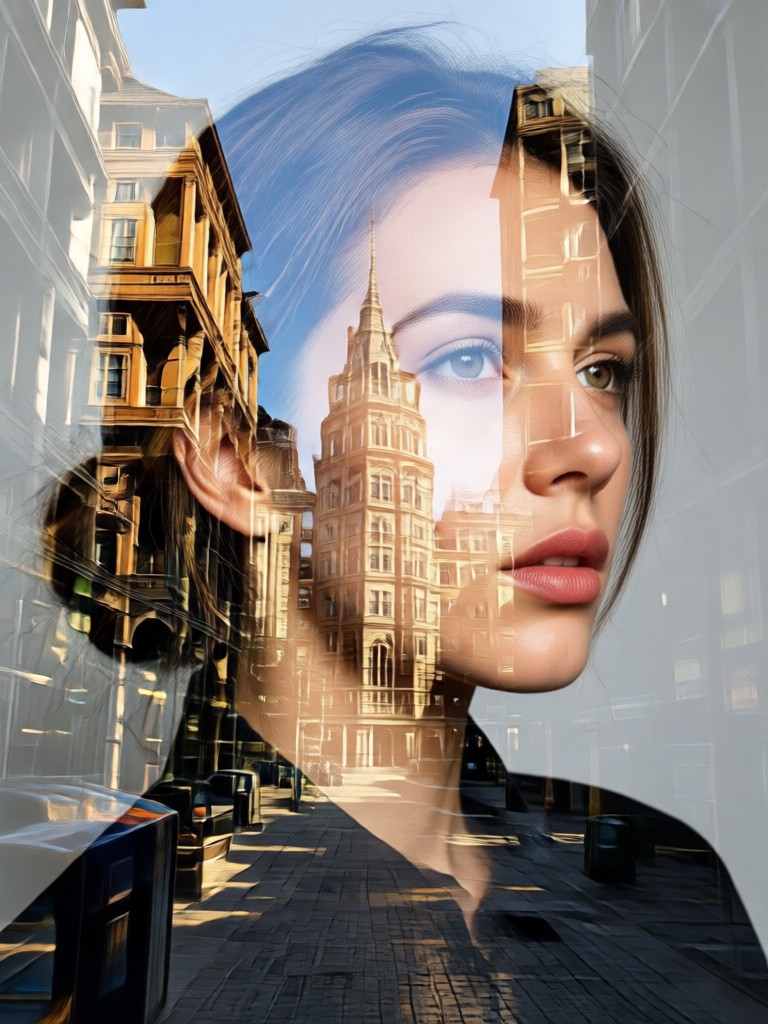
Instantly blend your portrait with a secondary image. Choose from layered cityscapes, flowing watercolor textures, or celestial star maps for a seamless artistic effect.
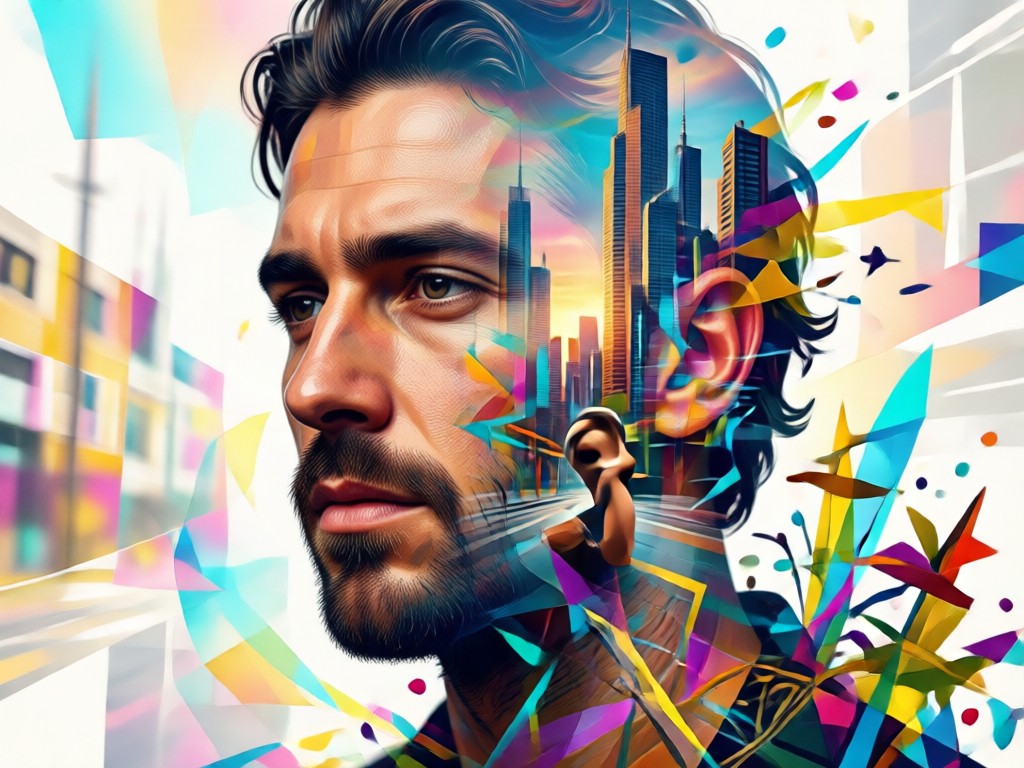
Intelligent Subject Detection
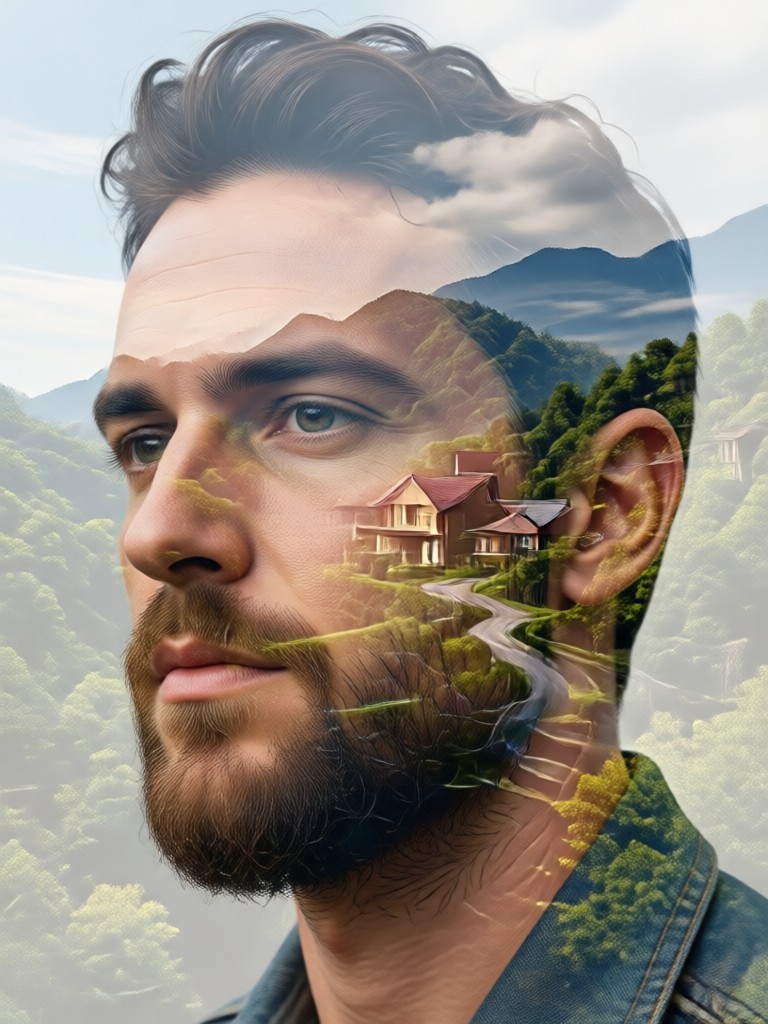
AI precisely isolates your face and silhouette, ensuring clean blends where the secondary image flows naturally through key features without messy cutouts.
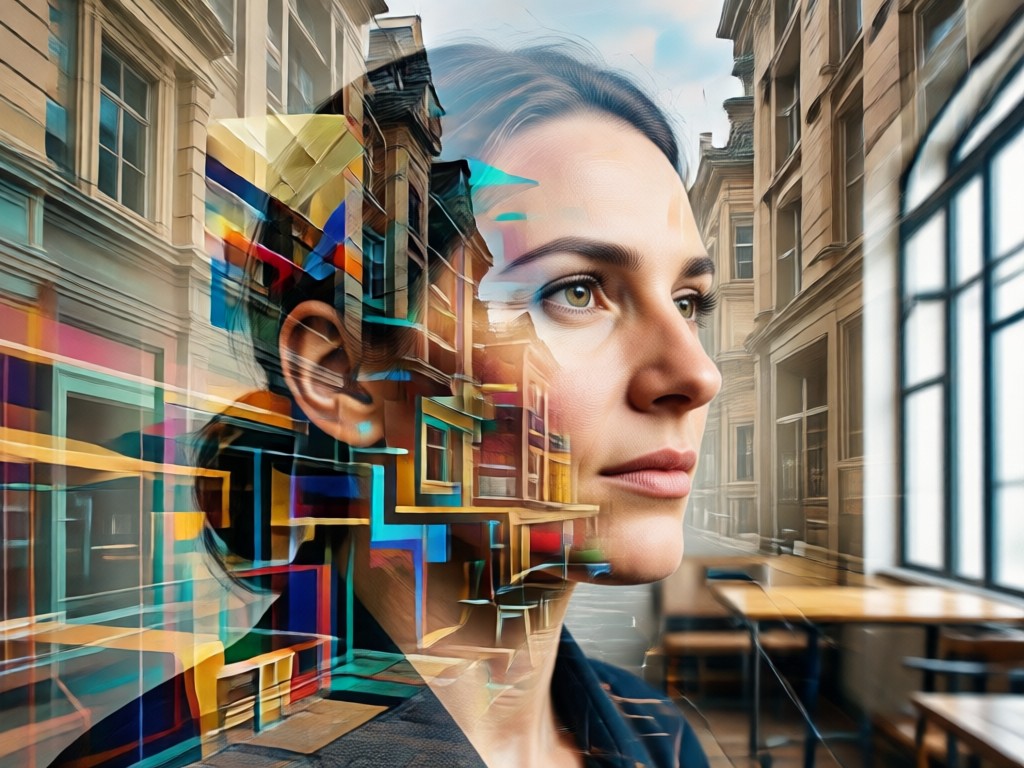
Style & Mood Control
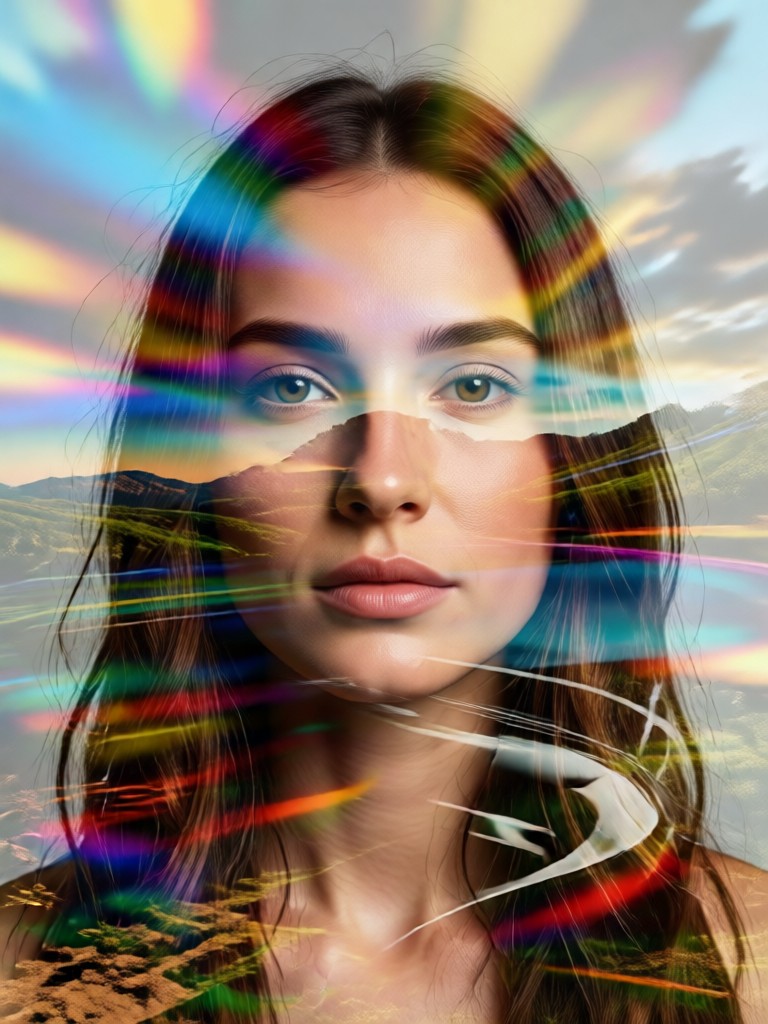
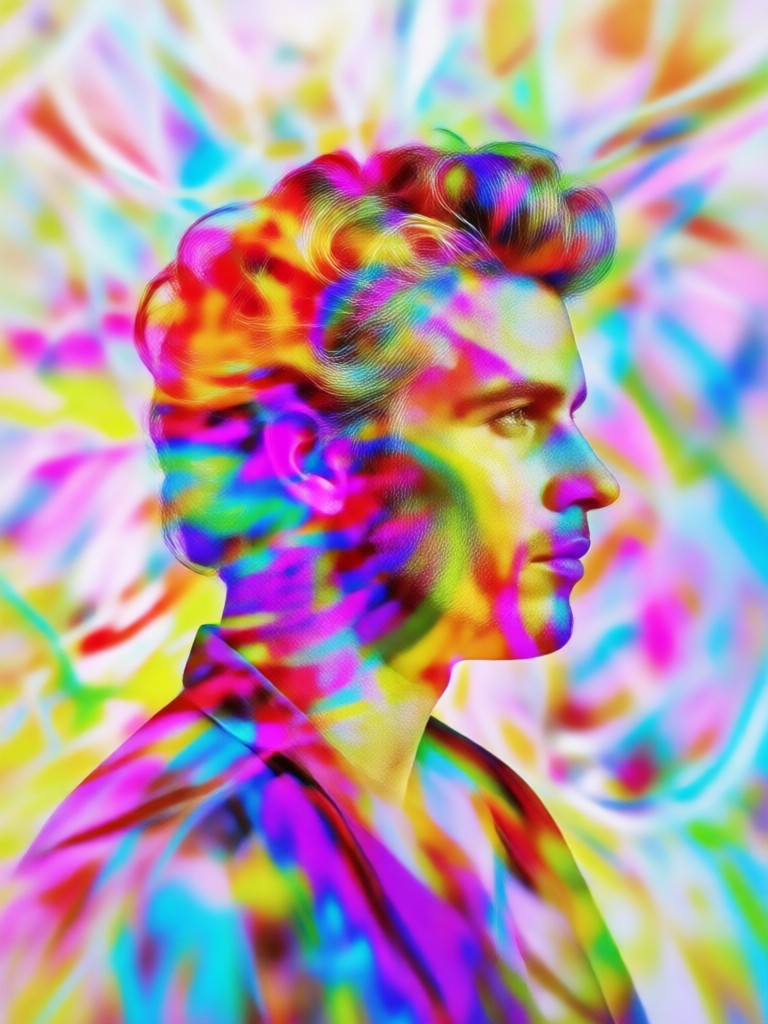
Fine-tune the blend's opacity, contrast, and color palette. Create anything from a dark, dramatic rock cover to a bright, airy indie folk aesthetic.
Gallery of AI-Generated Album Covers
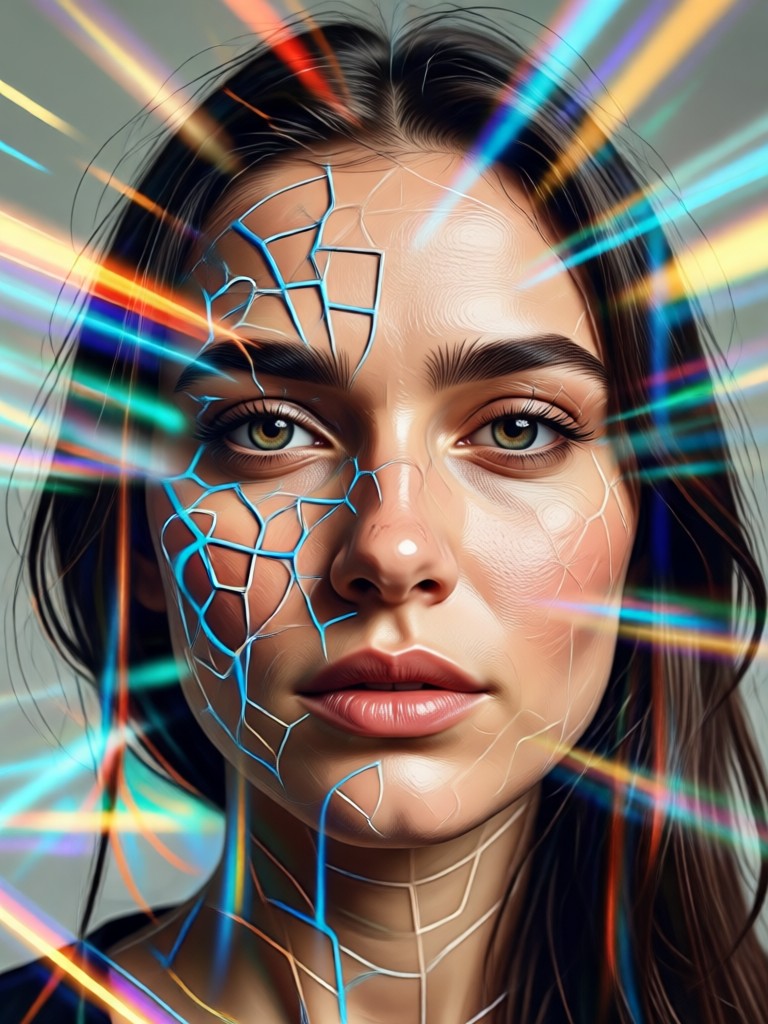
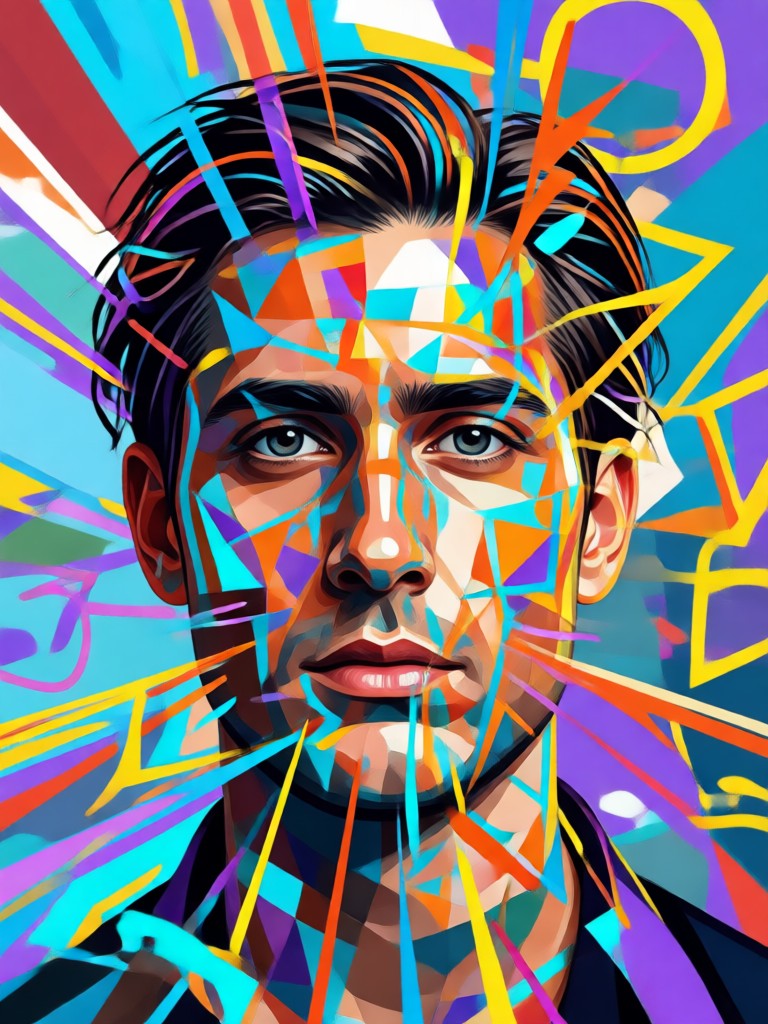
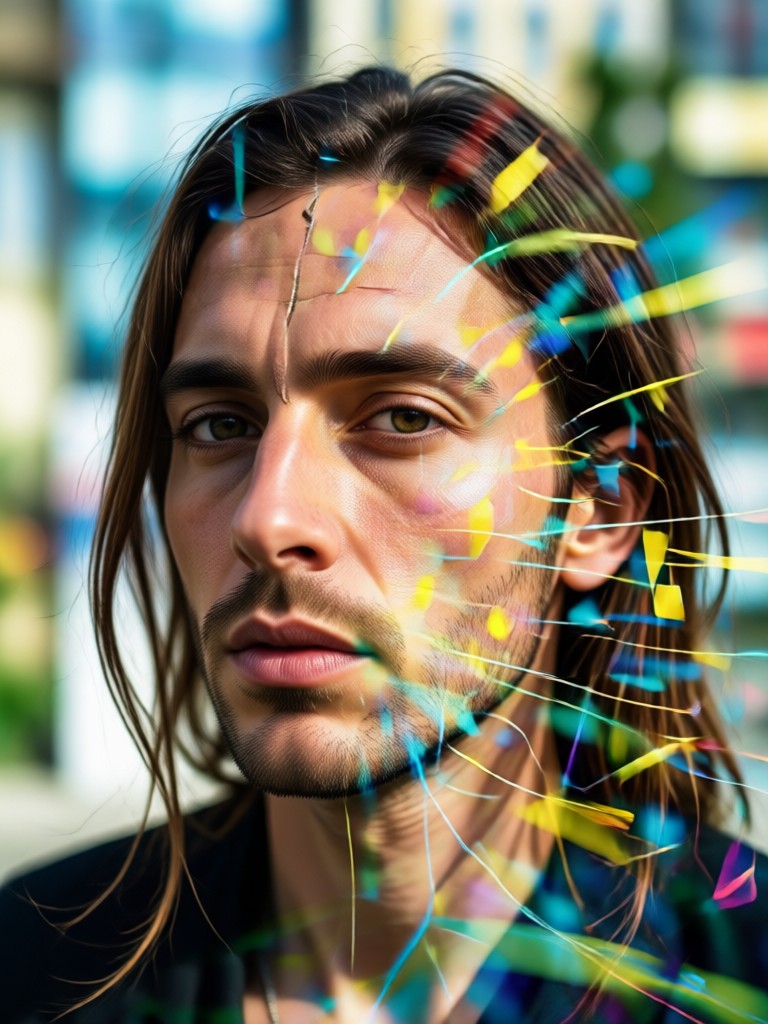
Browse a collection of stunning double exposure portraits created by users. See how different blends and styles can define an album's visual identity.
How to Create a Double Exposure Album Cover?
Design your own stunning album artwork in just three simple steps with the Gloglo AI app.
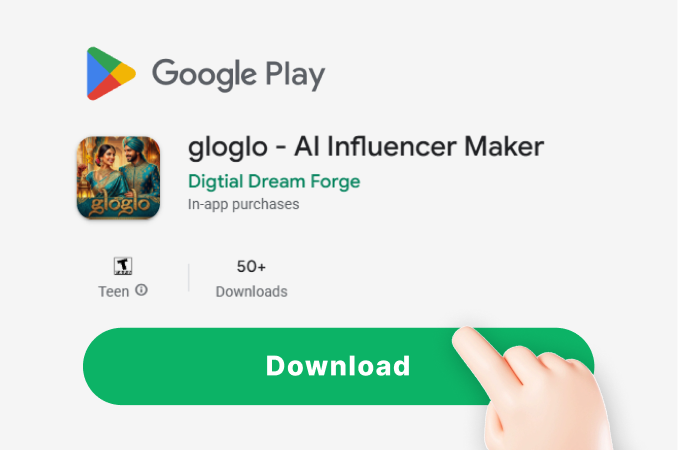
Step 01.
Download the Gloglo app from the Google Play Store. Open it and navigate to the photo effects section to begin.
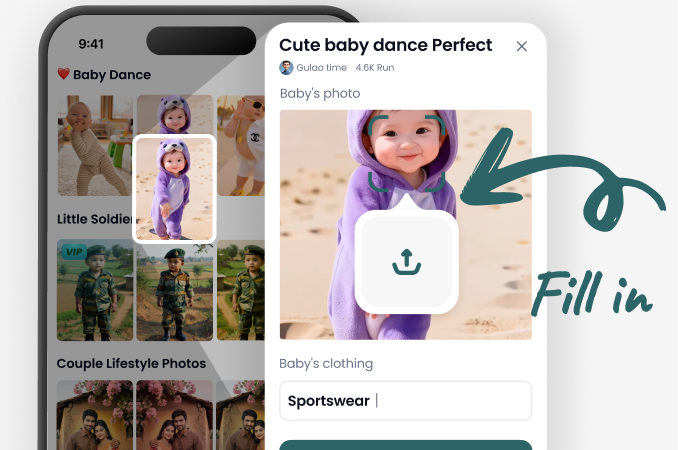
Step 02.
Upload a clear portrait photo. Then, browse and select a Double Exposure style template or choose a secondary image to blend.
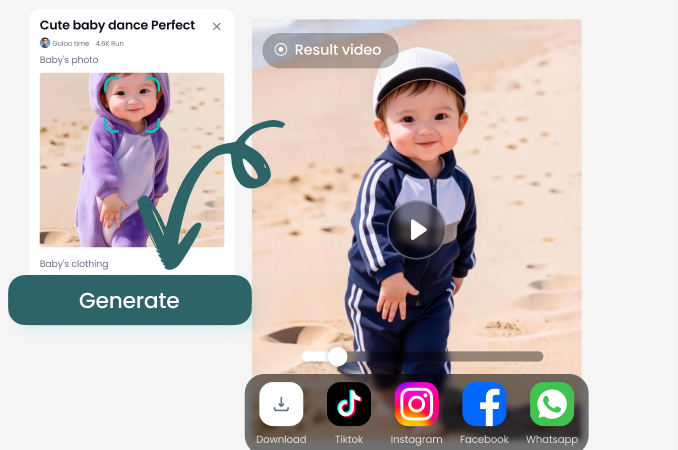
Step 03.
Let AI generate your cover. Adjust the blend intensity and colors, then download your high-resolution artwork ready for streaming platforms.
What Musicians Are Saying
Game-Changer for Independent Artists
As a solo musician on a budget, getting professional cover art was a hurdle. This AI tool let me create a perfect double exposure piece that truly represents my EP's theme in under 10 minutes. It looks incredible on Spotify.
Perfect for Visualizing Album Concepts
I had a clear vision of blending my face with a city skyline for my electronic album, but couldn't execute it in Photoshop. This app understood the assignment perfectly and delivered a stunning, high-res file ready for print and digital.
Saves So Much Time and Money
Hiring a designer for every single release was unsustainable. Now, I experiment with different double exposure blends for singles and albums myself. The quality is professional, and it gives me full creative control over my brand's visuals.
Album Cover Double Exposure FAQs
Get quick answers to common questions about creating your own double exposure portrait album covers with AI.
Visualize Your Sound
Your music deserves artwork that speaks as loudly as your sound. Break free from generic stock photos and create a cover that captures your unique artistic identity with a custom double exposure portrait.
More Topics You May Like
Explore more topics you may like and discover fresh ideas tailored to your interests.
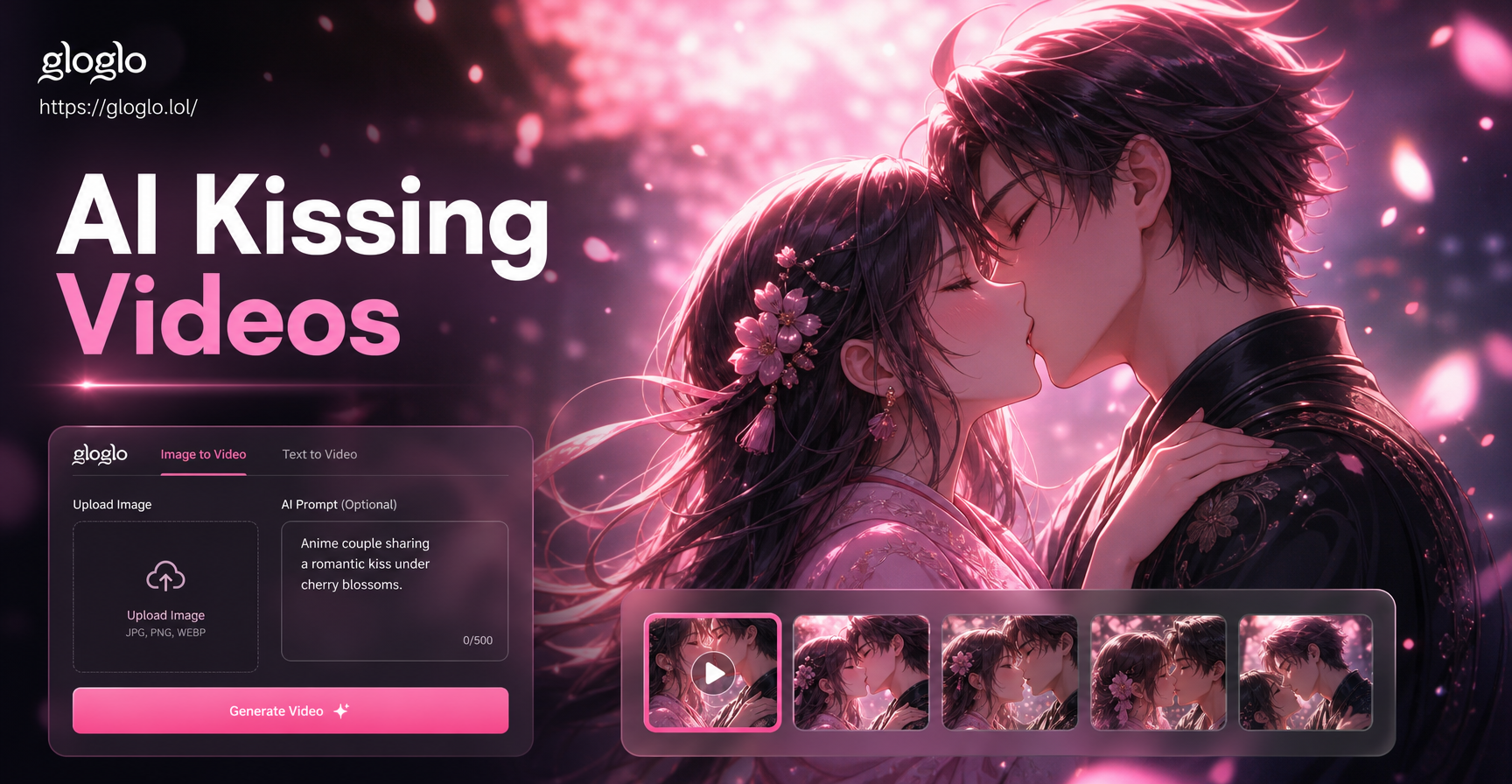
Bring Your Anime Fantasies to Life: Kissing Video Maker
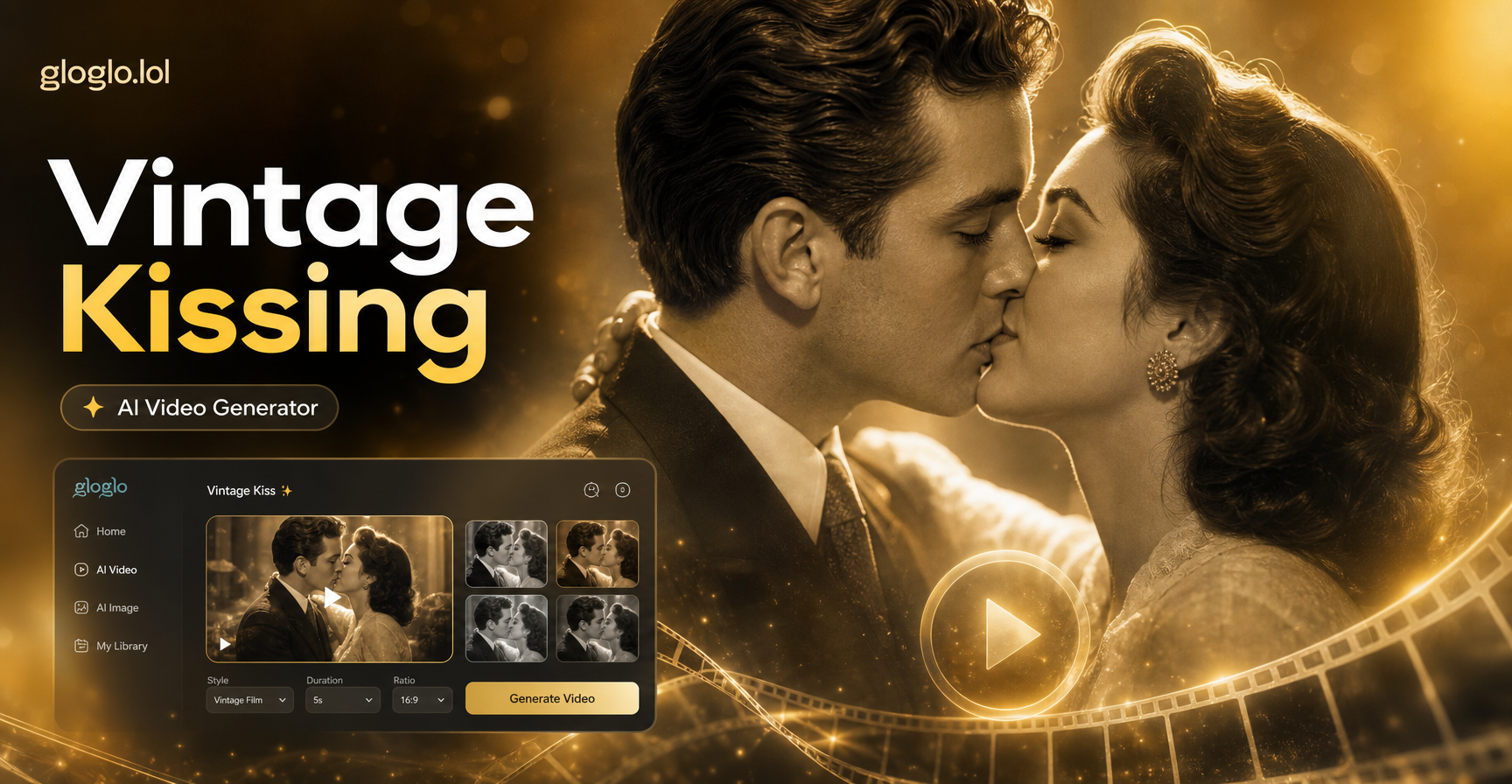
Create Timeless Romance with a Vintage Kissing Video
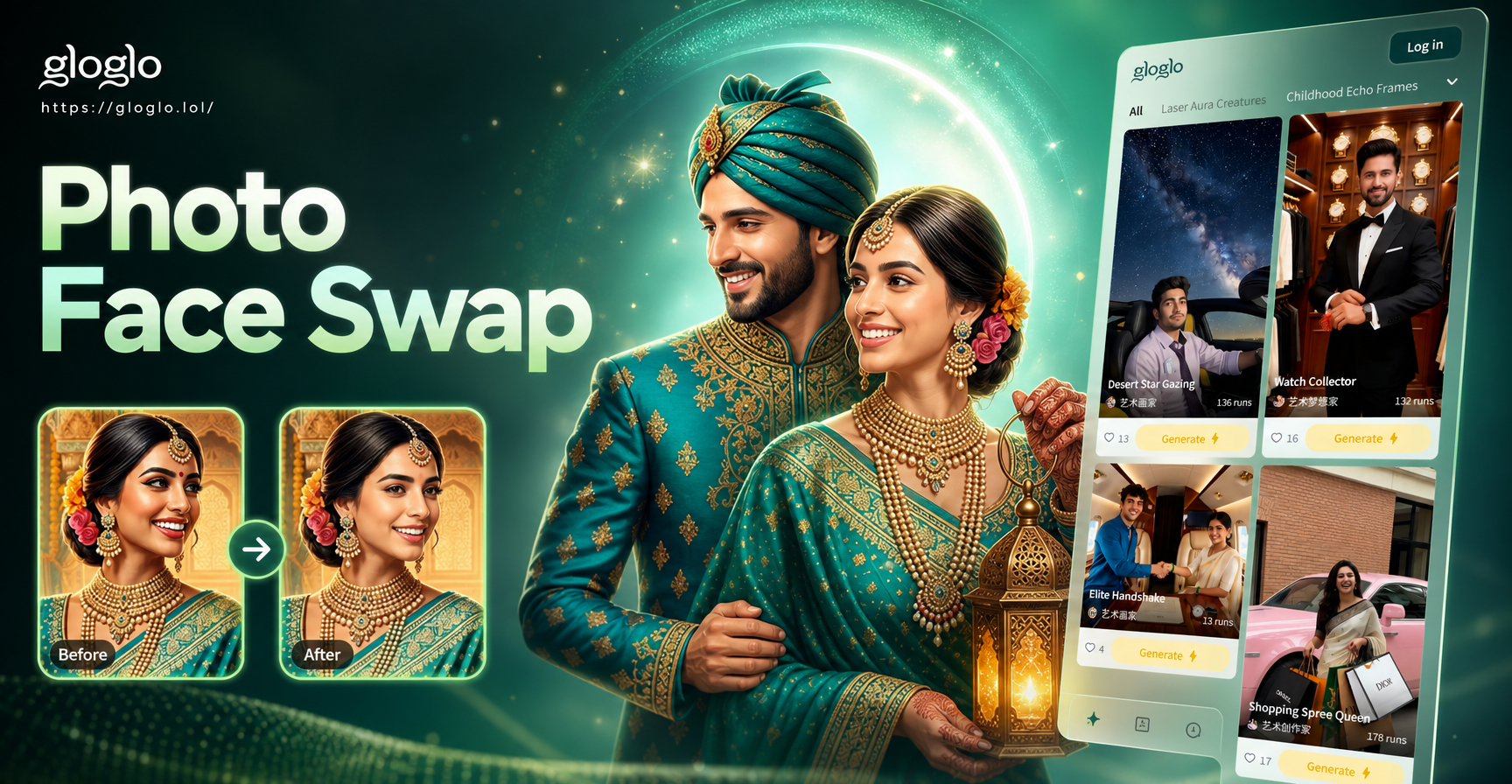
Seamlessly Swap Faces on Any Photo
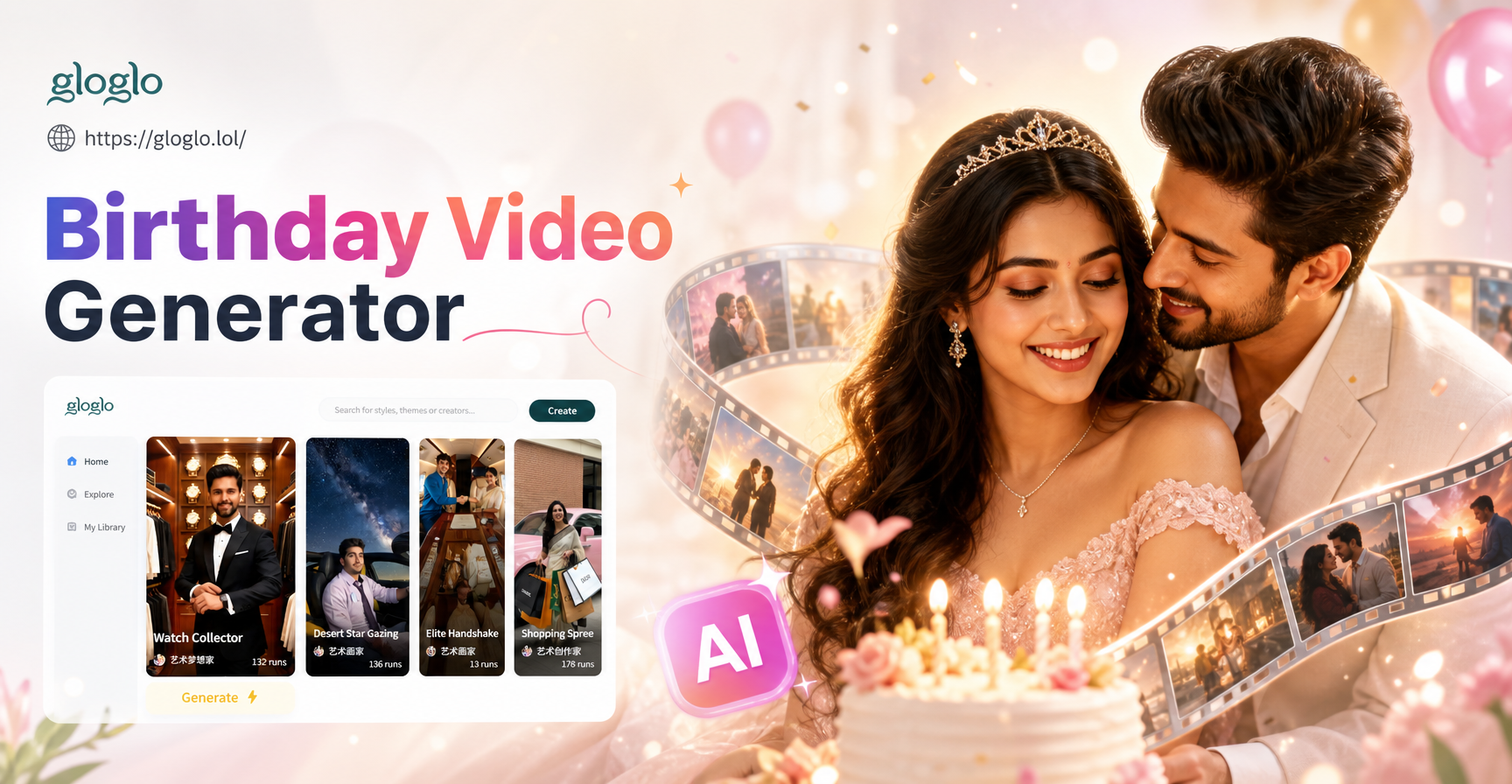
Create a Heartfelt Birthday Video for Your Wife
Bring Your Anime Fantasies to Life: Kissing Video Maker
Create Timeless Romance with a Vintage Kissing Video
Seamlessly Swap Faces on Any Photo
Create a Heartfelt Birthday Video for Your Wife
Define Your Sound Visually
Stop searching for the perfect cover art. Create it. Download Gloglo now and turn your portrait into a iconic double exposure album cover in minutes.
Define Your Sound Visually
Stop searching for the perfect cover art. Create it. Download Gloglo now and turn your portrait into a iconic double exposure album cover in minutes.