Can You Take A Filter Off A Saved Snapchat Video
Choose the Right AI Cleaner for Your Snapchat Video
Pick a filter removal and restyle option that matches your saved clip. Each template works on short videos and keeps faces natural.
How gloglo Cleans Saved Snapchat Videos
Three simple AI tools work together to remove unwanted filters, reduce visual noise, and restore a clean, natural look to your saved Snapchat clips.
Filter Removal
Upload your saved Snapchat video and let AI detect and tone down face filters, color shifts, and overlays while keeping the original motion.
Clean Restyle
If the original filter cannot be fully reversed, choose a subtle clean style to replace it. The AI keeps your face and background looking natural.
Quick Export
Preview the cleaned video, adjust intensity if needed, and export a polished clip ready for Instagram, TikTok, or personal storage.
Clean Results from Saved Snapchat Videos
See how gloglo removes heavy Snapchat filters and restores natural tones. Each clip keeps the original movement while losing the artificial overlay.


Why Use gloglo for Snapchat Filter Removal
Most Snapchat filters are baked into the video file. gloglo uses AI to estimate the clean frame and reduce the filter effect without manual mask drawing or frame by frame editing.
Why Use gloglo for Snapchat Filter Removal
Most Snapchat filters are baked into the video file. gloglo uses AI to estimate the clean frame and reduce the filter effect without manual mask drawing or frame by frame editing.
How to Remove a Filter from a Saved Snapchat Video
Clean your Snapchat clip in three steps. No desktop software needed. Download gloglo and restore a natural look in minutes.
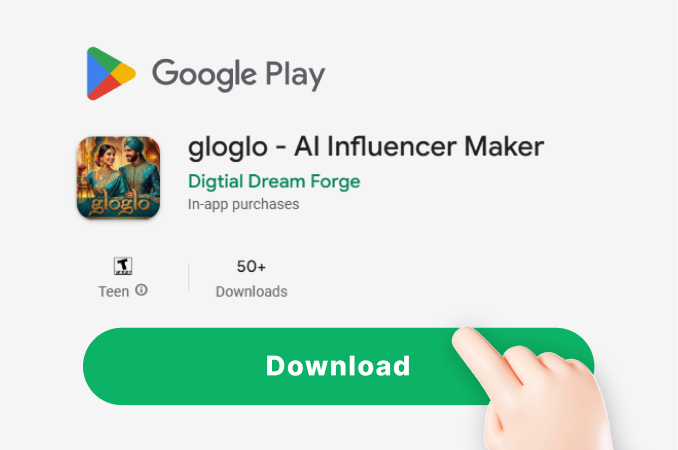
Step 01.
Download gloglo from Google Play and open the AI video cleaner.
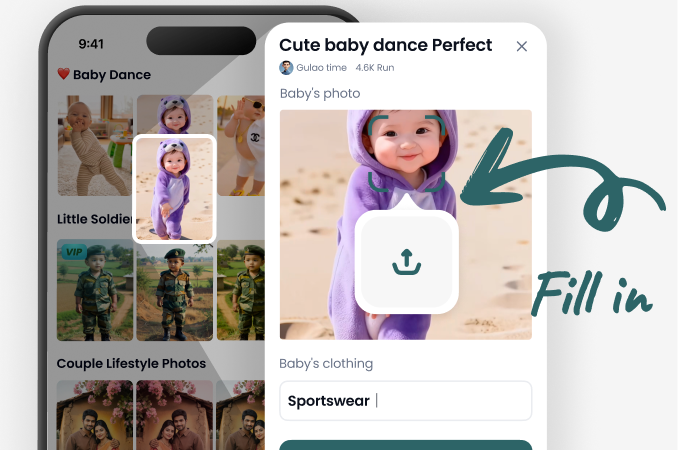
Step 02.
Upload your saved Snapchat video and choose the Clean or Natural style template.
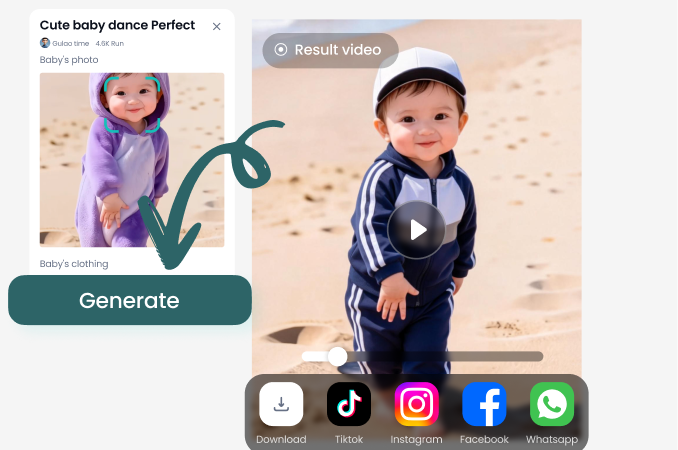
Step 03.
Preview the result, adjust intensity if needed, and save the cleaned video to your phone.
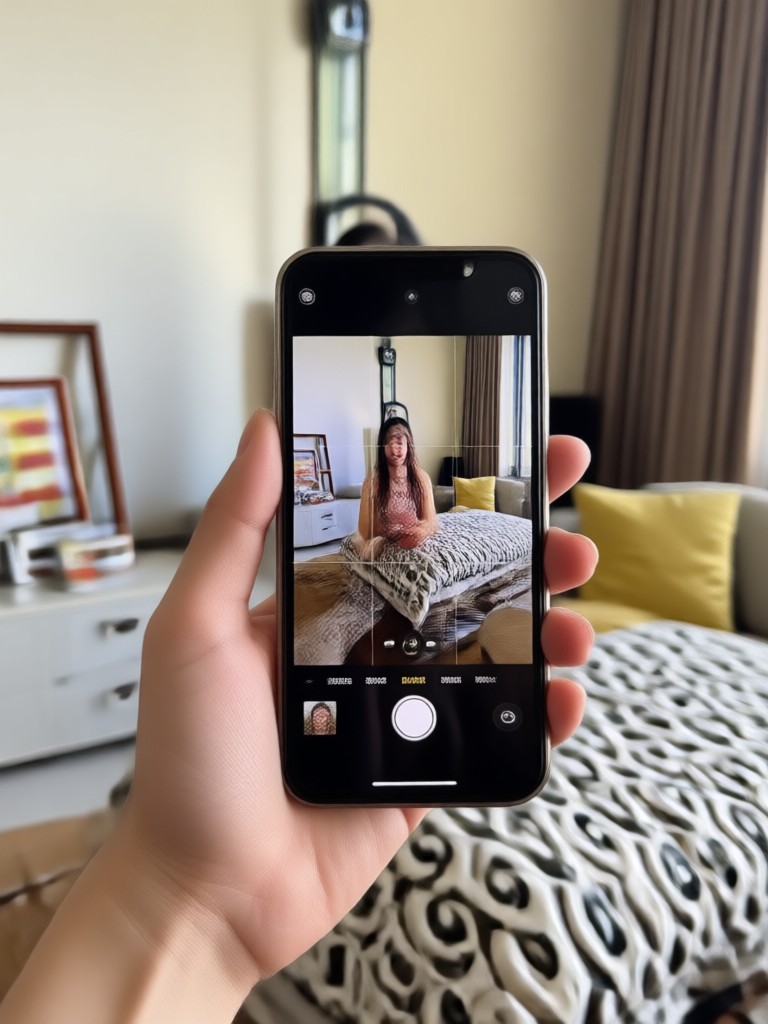
AI Filter Remover On Your Phone
Remove Snapchat filters from saved videos directly in the gloglo app. No uploads to a browser, no complex timeline tools, just a few taps to a cleaner clip.

What Users Say About Cleaning Saved Videos
Finally removed that old dog filter
I had a saved Snapchat video with a heavy cartoon filter and no original. gloglo toned it down enough to use in a birthday edit. The face looked natural and the motion stayed smooth.
Better than screen recording again
Instead of trying to recreate the video without the filter, I just uploaded it to gloglo. The clean style made it look like a normal phone video again.
Great for old memories
Some old Snapchat clips were covered in extreme color filters. gloglo reduced the effect and gave me back a watchable version for my family album.
Frequently Asked Questions
Clear answers about removing filters from saved Snapchat videos with the gloglo app.
More Topics You May Like
Explore more AI video and photo editing guides to keep your content looking clean and share ready.

AI Parody Maker - AI Powered Creative Tool | gloglo
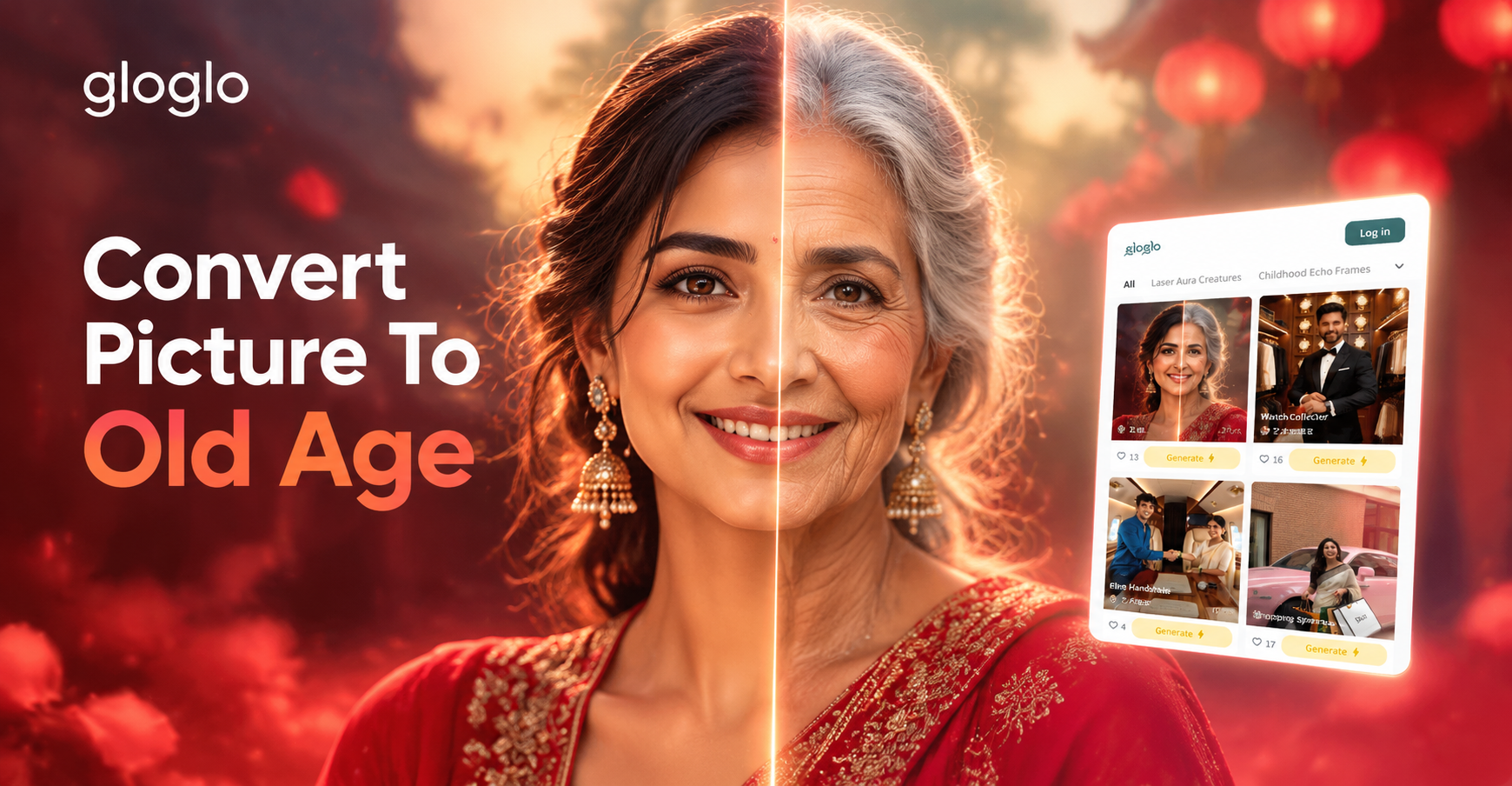
See Your Future Self: AI Age Photo Editor Online
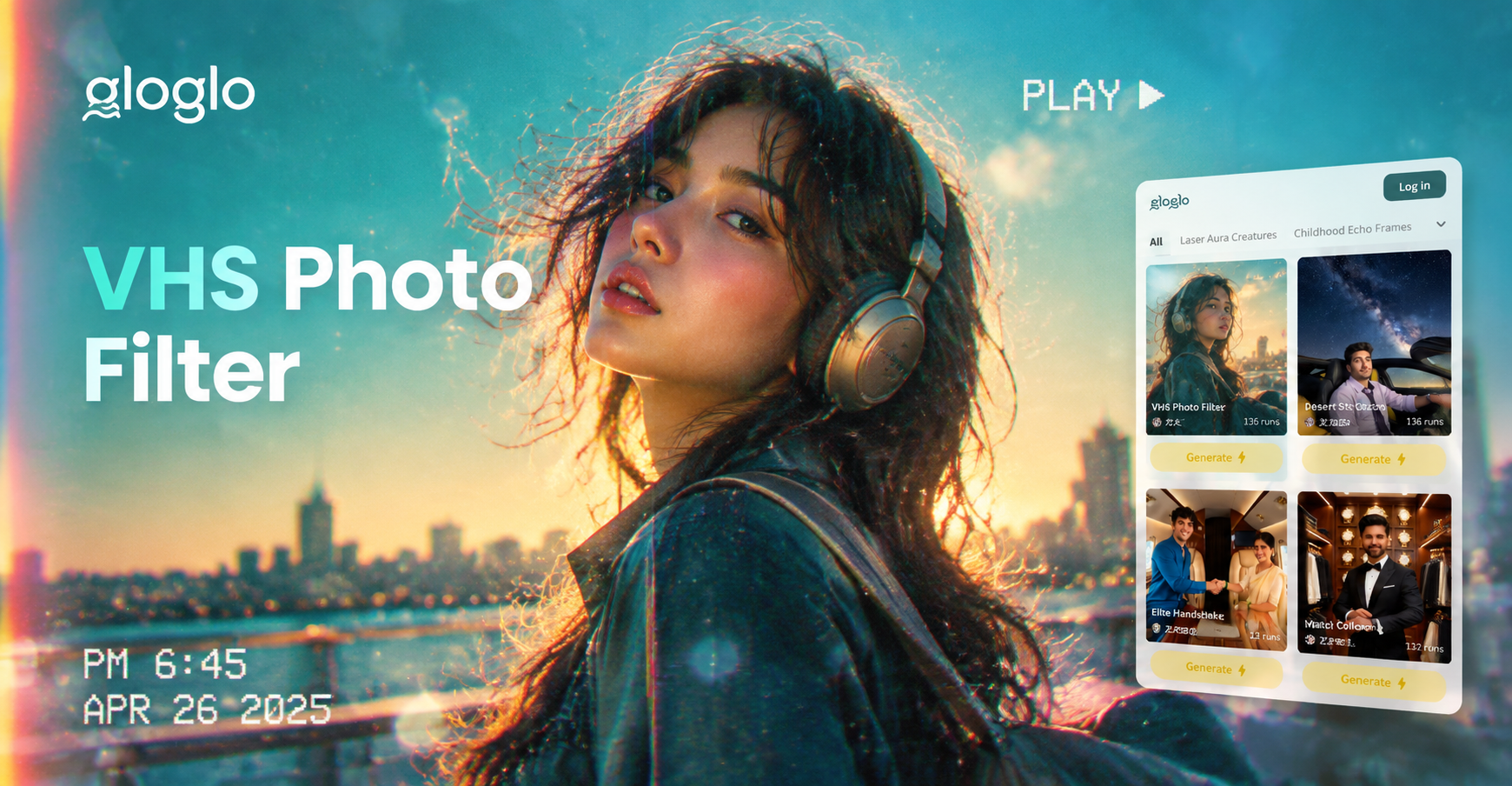
VHS Photo Filter: Add Retro Camcorder Grain to Photos
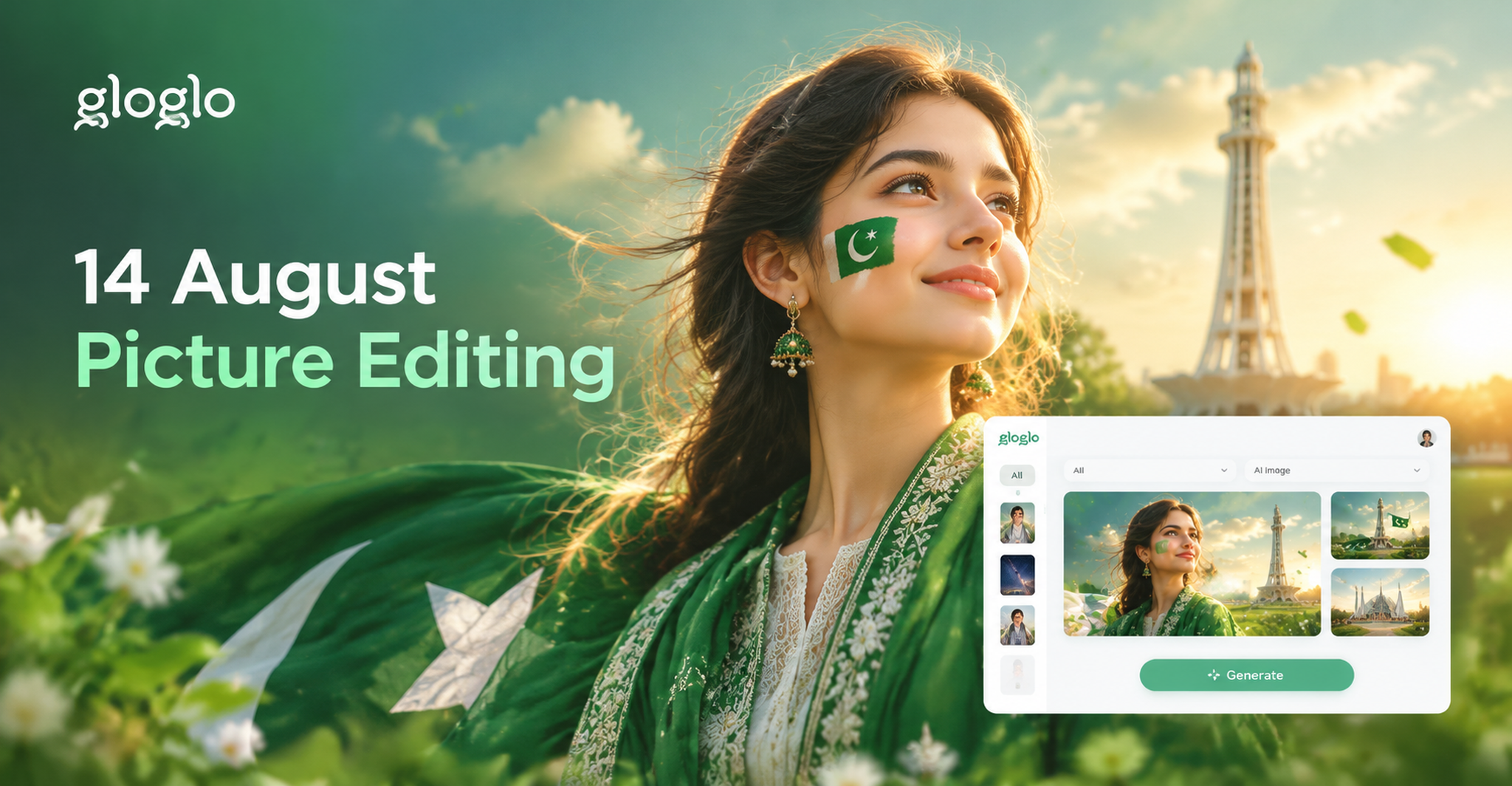
14 August Picture Editing: Transform Your Photos
AI Parody Maker - AI Powered Creative Tool | gloglo
See Your Future Self: AI Age Photo Editor Online
VHS Photo Filter: Add Retro Camcorder Grain to Photos
14 August Picture Editing: Transform Your Photos
Clean Your Saved Snapchat Videos Now
Download gloglo, upload your clip, and let AI remove unwanted filters or restyle the video in seconds. Keep your memories looking natural.

Clean Your Saved Snapchat Videos Now
Download gloglo, upload your clip, and let AI remove unwanted filters or restyle the video in seconds. Keep your memories looking natural.