Cinematic Noir Portrait
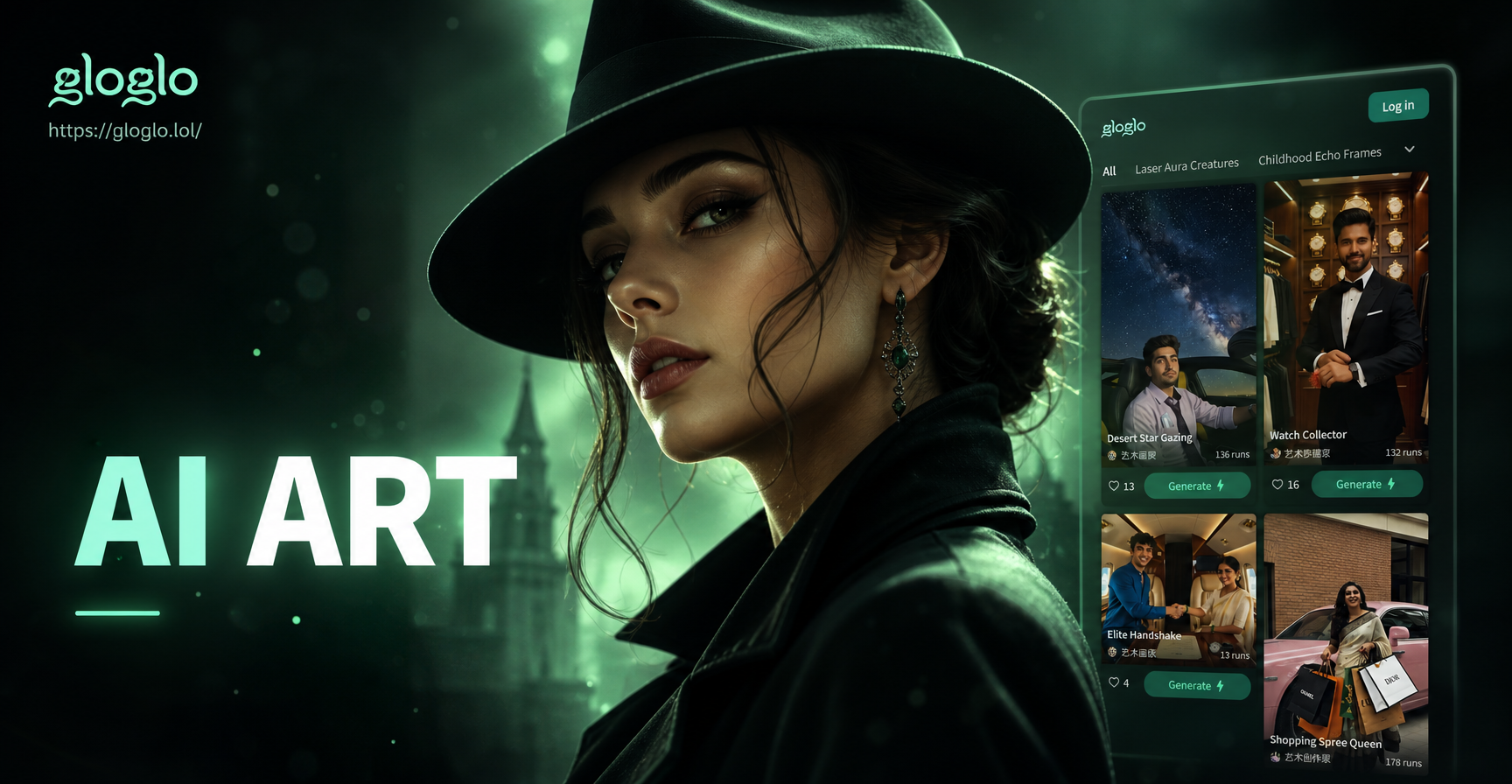
Explore the Noir Aesthetic Spectrum
From hard-boiled detective vibes to glamorous femme fatale styles, choose the perfect noir filter to match your character's story.
Craft Your Noir Masterpiece
Gloglo gives you total control to create authentic film noir portraits with professional-grade cinematic effects, all from your phone.
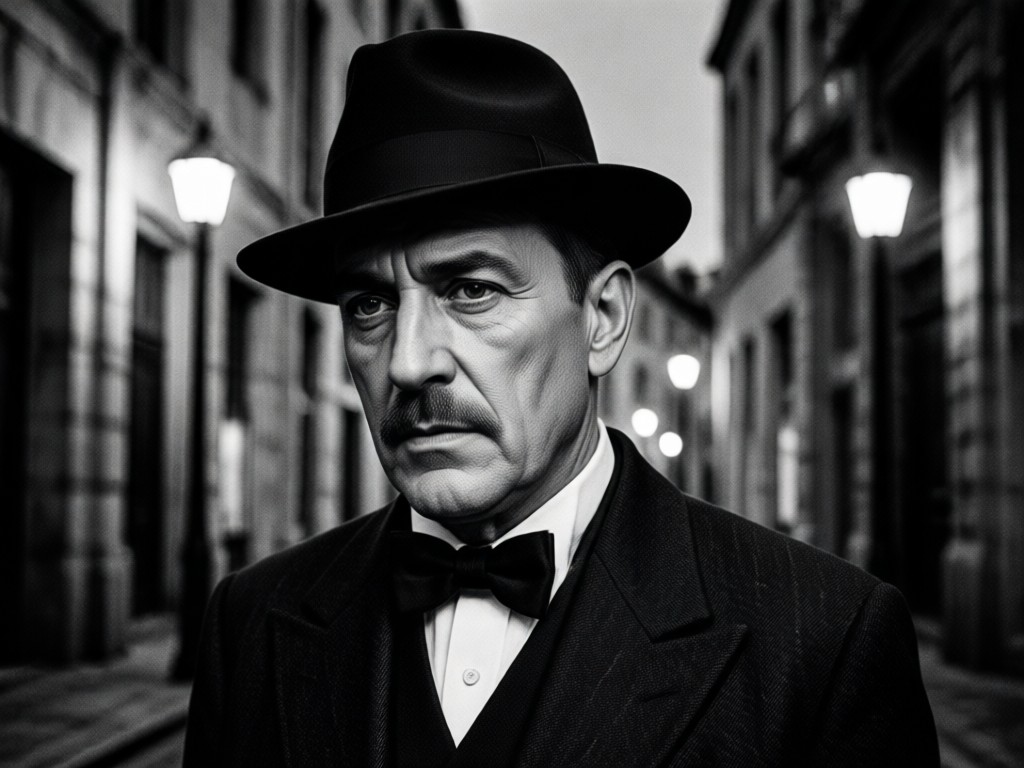
Dramatic Shadow & Light
AI analyzes your photo to apply realistic chiaroscuro lighting. It creates deep, meaningful shadows and sharp highlights that define mood and character, just like classic noir cinematography.
Dramatic Shadow & Light
AI analyzes your photo to apply realistic chiaroscuro lighting. It creates deep, meaningful shadows and sharp highlights that define mood and character, just like classic noir cinematography.
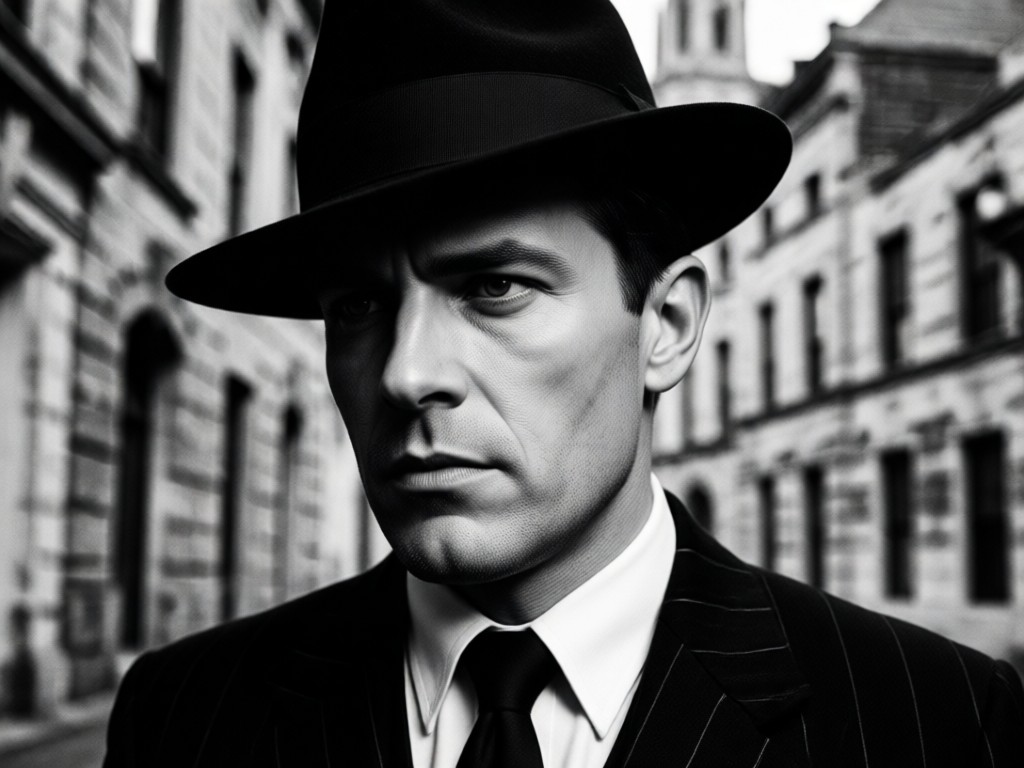
Monochrome Color Grading
Go beyond simple black and white. Our AI applies nuanced tonal grading, from cool steel blues to warm sepia undertones, achieving the authentic grainy texture and contrast of vintage film stock.
Monochrome Color Grading
Go beyond simple black and white. Our AI applies nuanced tonal grading, from cool steel blues to warm sepia undertones, achieving the authentic grainy texture and contrast of vintage film stock.
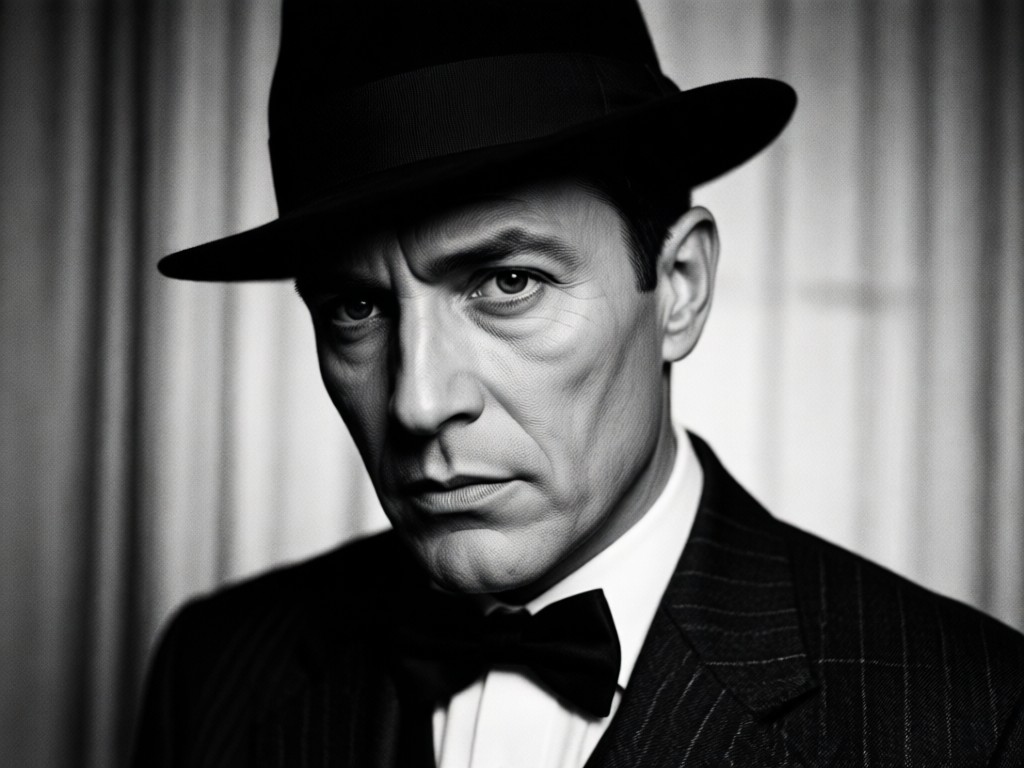
Atmospheric Element Overlays
Add authentic noir ambiance with subtle overlays like simulated rain on a window, swirling cigarette smoke, or soft lens flares to enhance the narrative and dramatic feel of your portrait.
Atmospheric Element Overlays
Add authentic noir ambiance with subtle overlays like simulated rain on a window, swirling cigarette smoke, or soft lens flares to enhance the narrative and dramatic feel of your portrait.
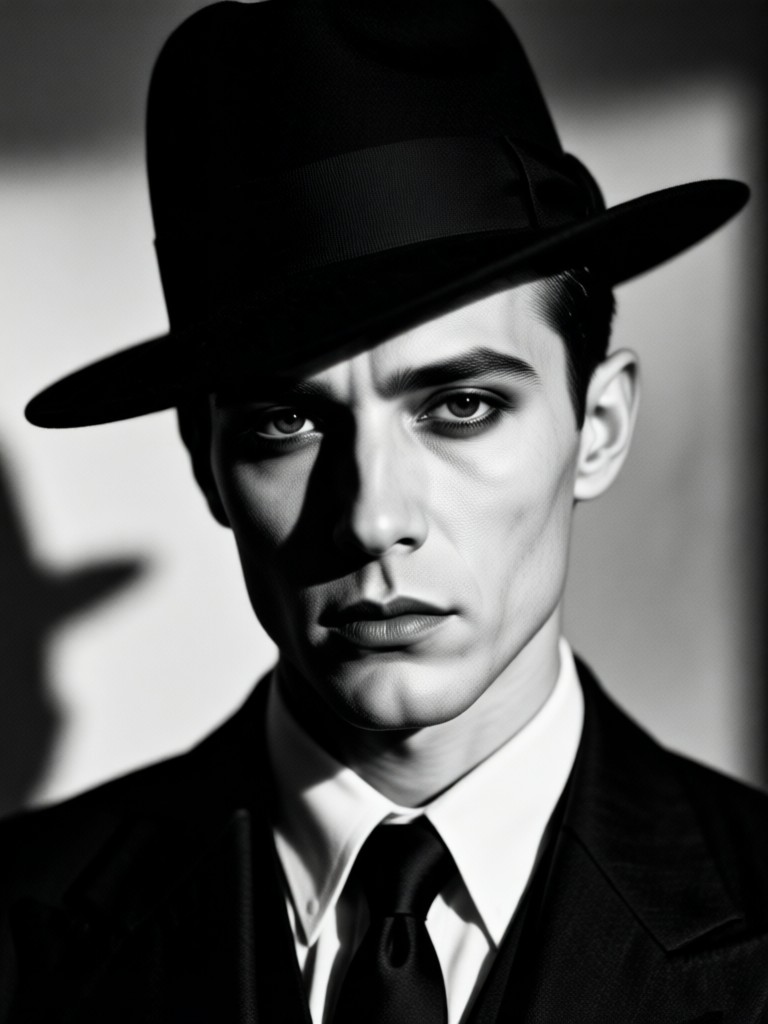
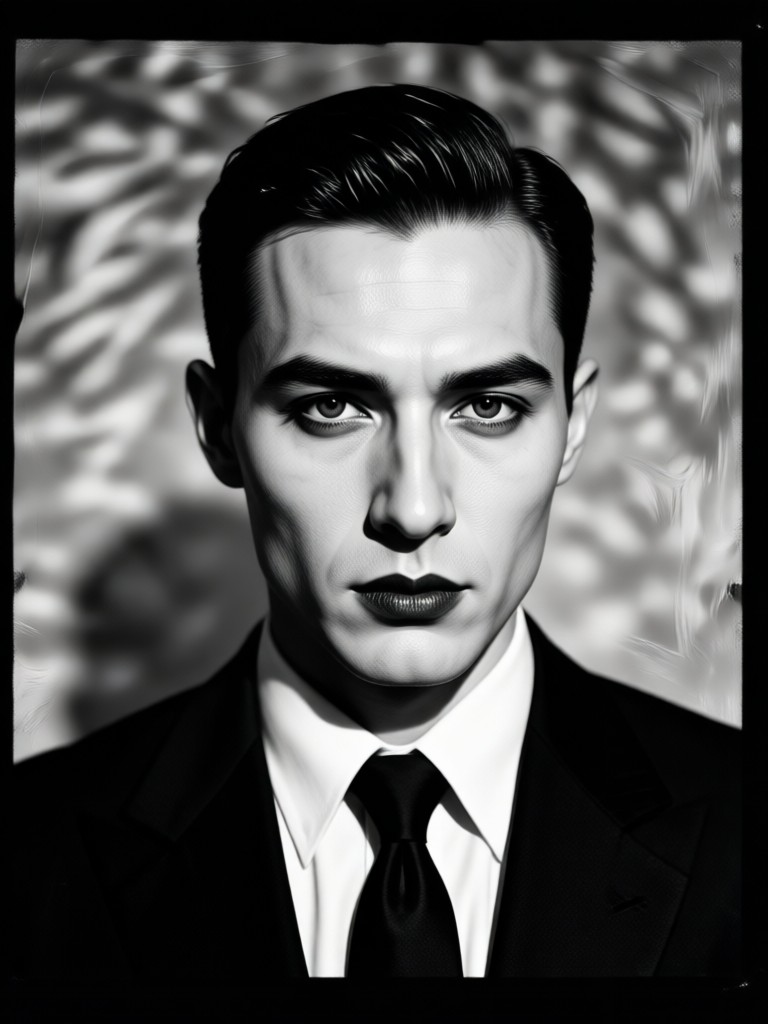
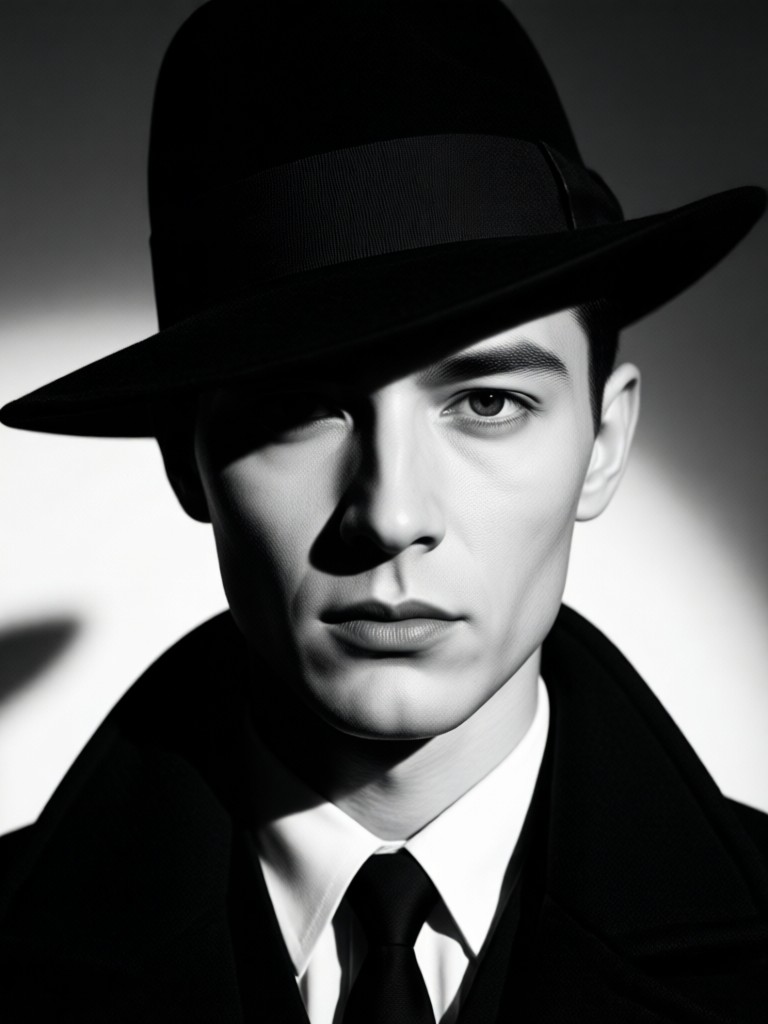
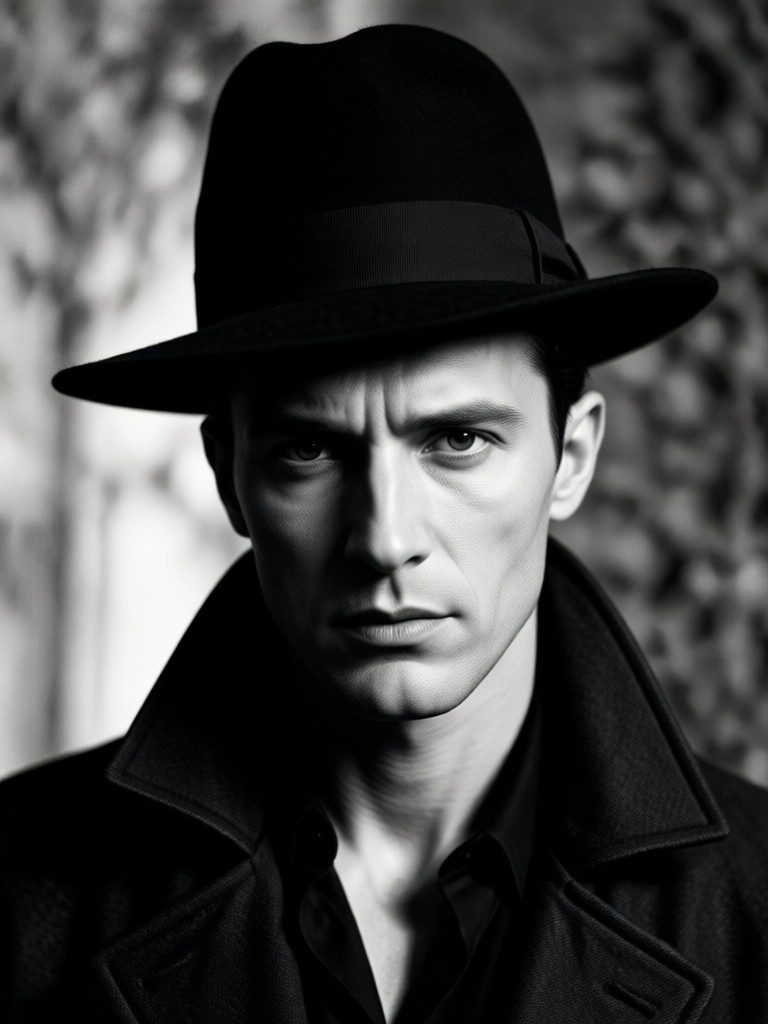
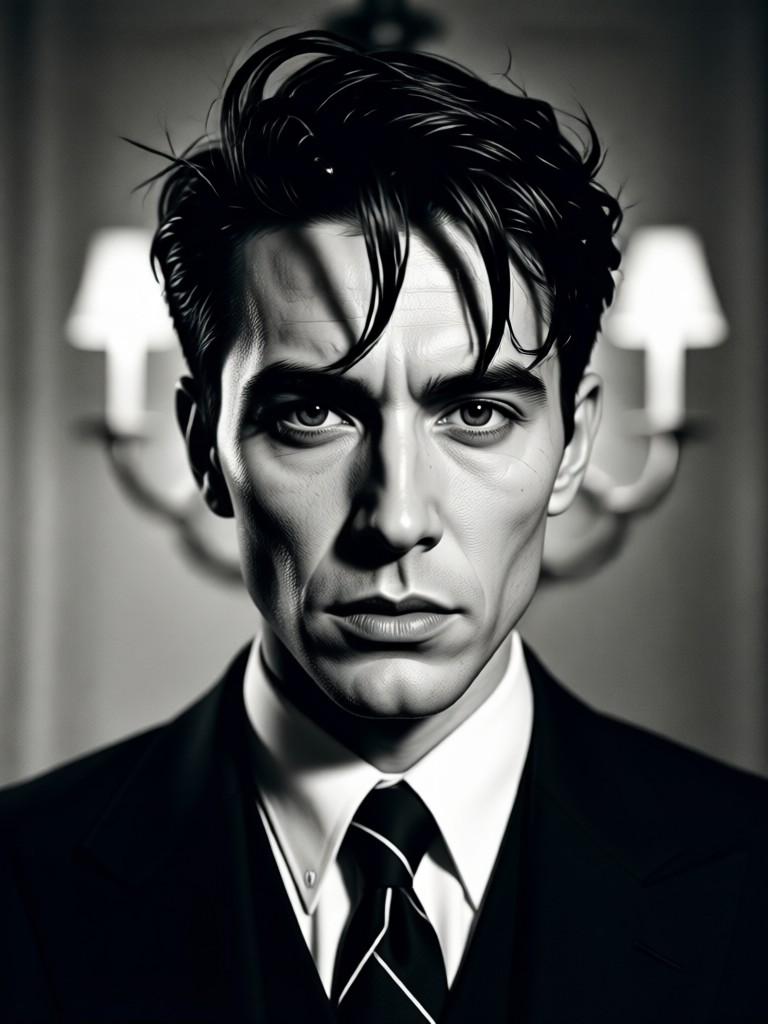
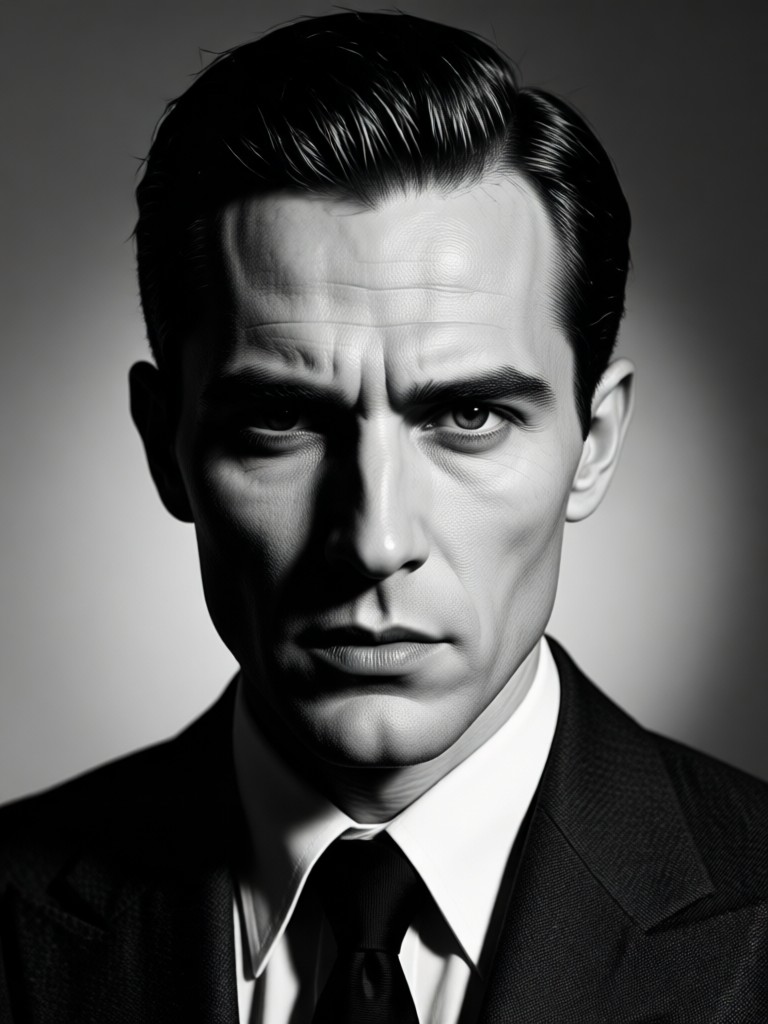
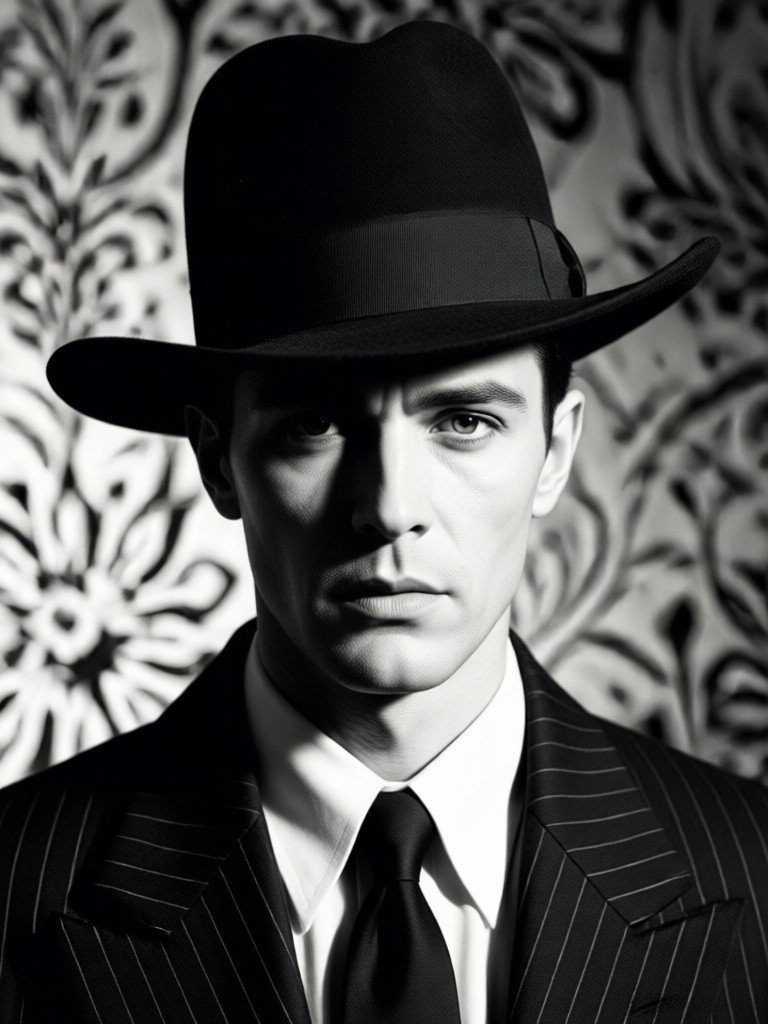
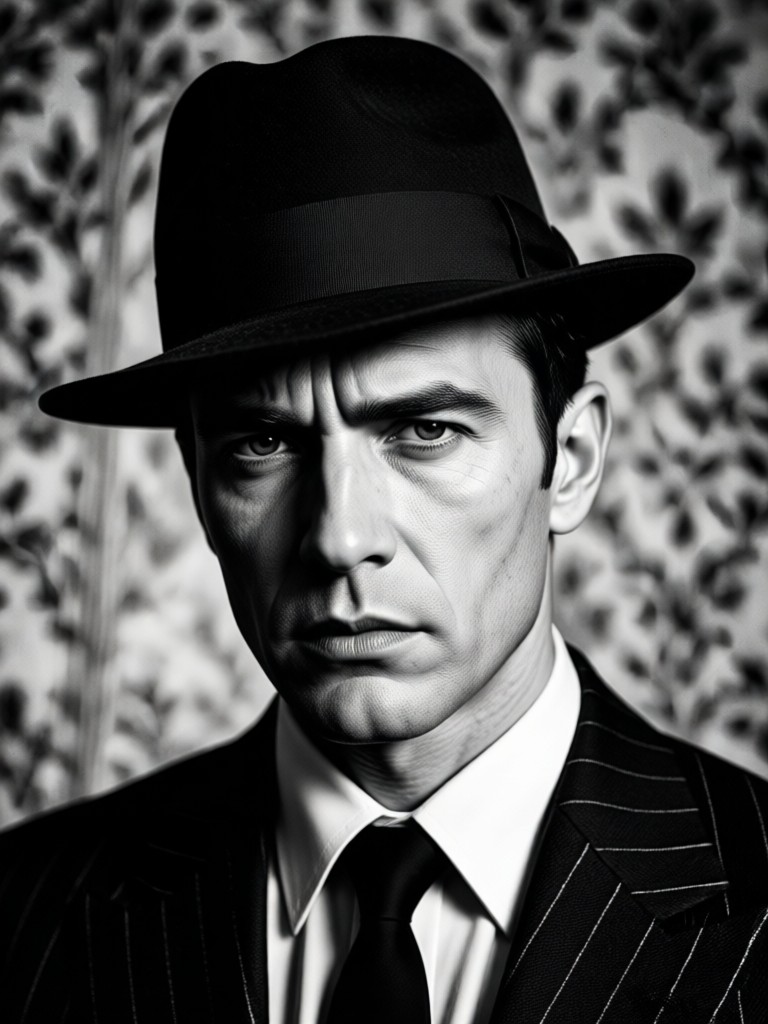
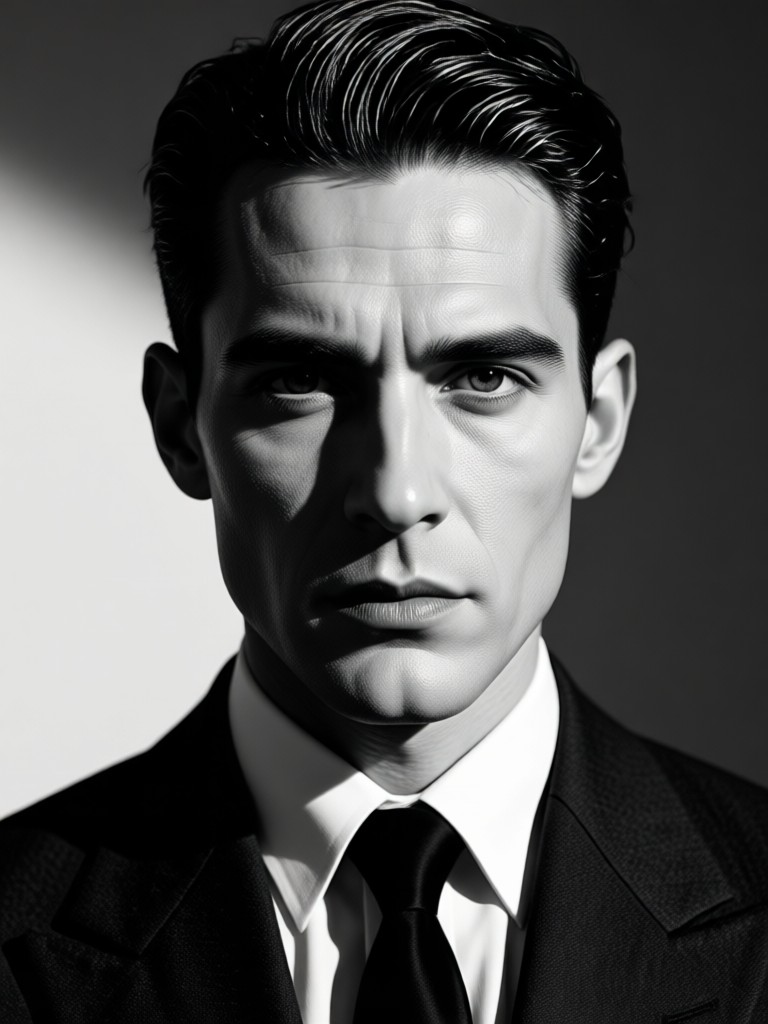
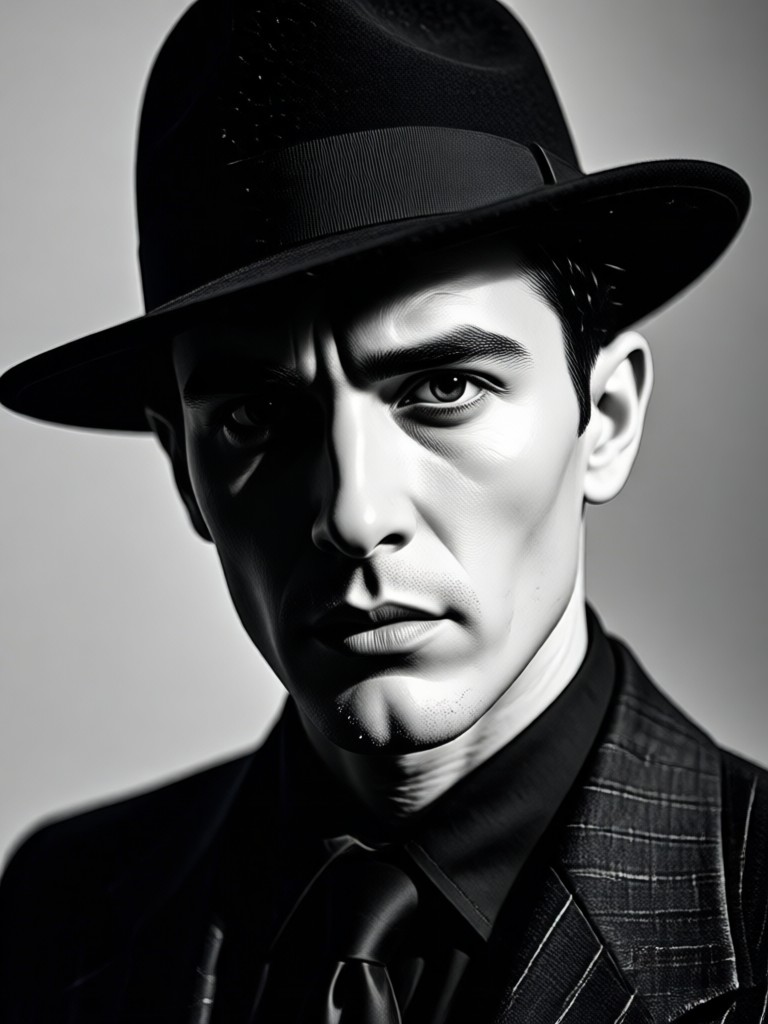
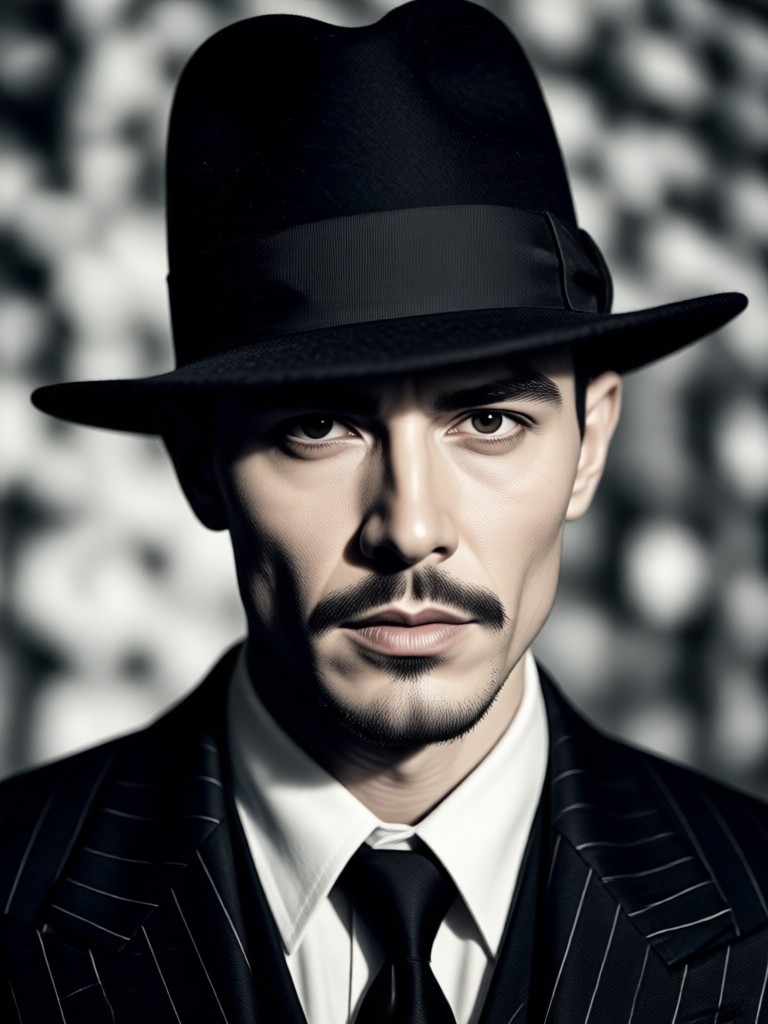
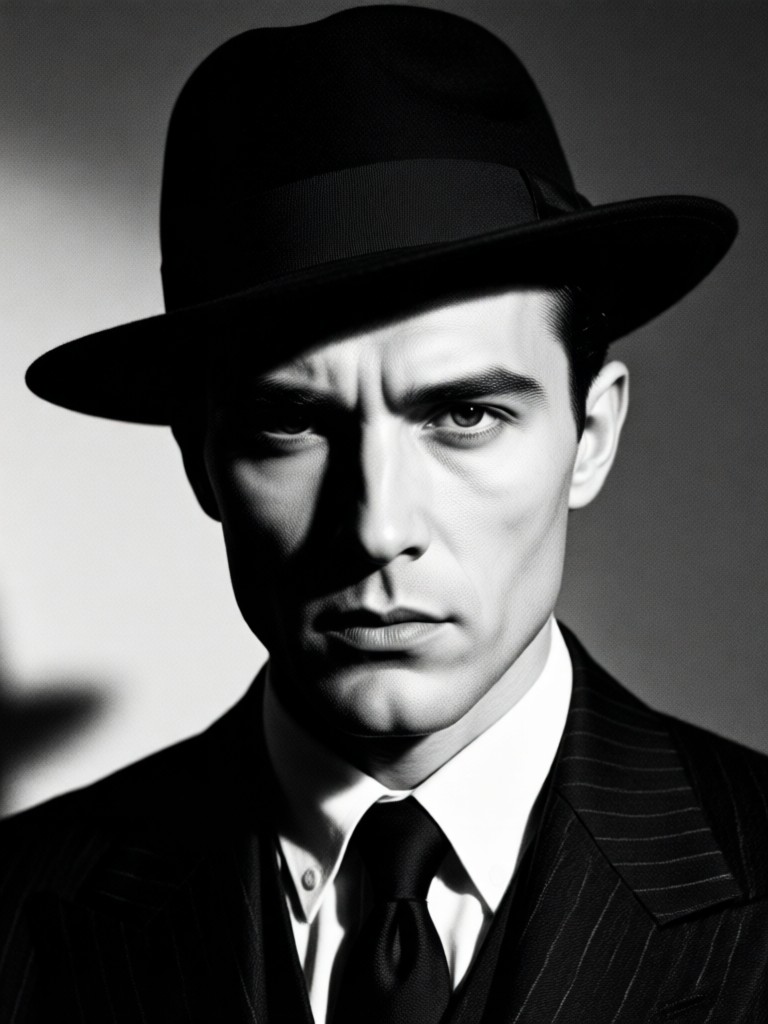
Gallery of Shadows and Mystery
See how ordinary photos are transformed into compelling noir narratives. Each portrait tells a story through light, shadow, and AI-crafted mood.
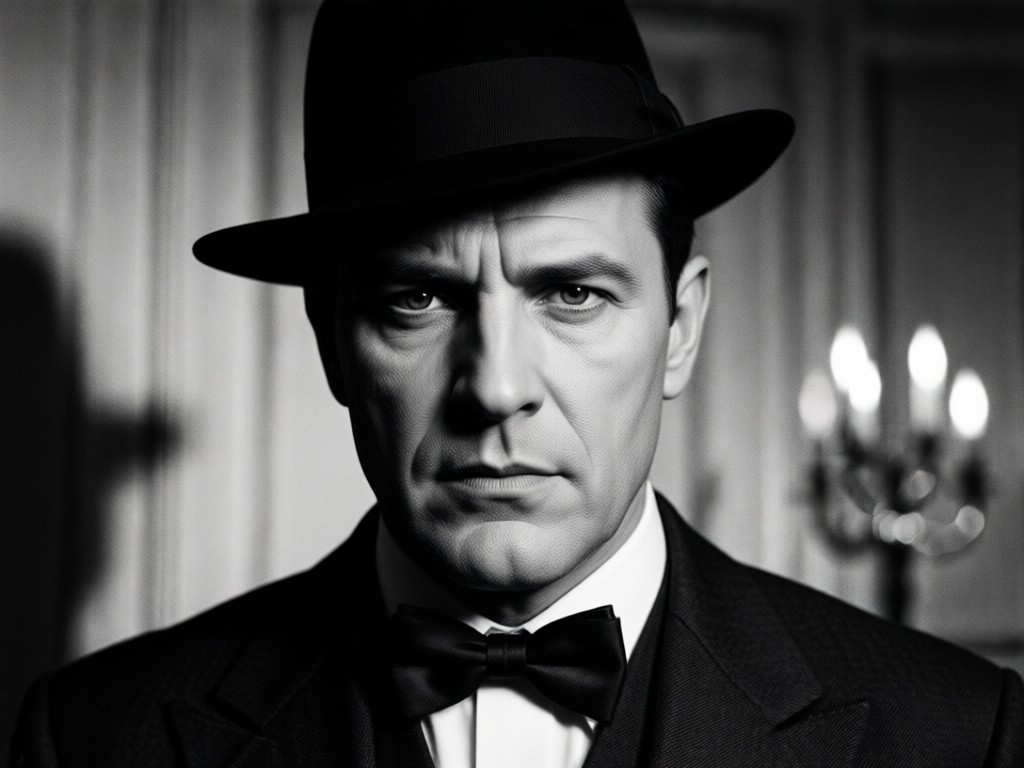
Why Create Noir Portraits with AI?
Achieving authentic film noir style requires expert knowledge in lighting and color theory. Our AI democratizes this classic art form, giving anyone the tools to create professional, moody cinematic portraits instantly.
Why Create Noir Portraits with AI?
Achieving authentic film noir style requires expert knowledge in lighting and color theory. Our AI democratizes this classic art form, giving anyone the tools to create professional, moody cinematic portraits instantly.
How to Make a Cinematic Noir Portrait?
Create stunning film noir style portraits in three simple steps using the Gloglo mobile app. No complex software or editing experience required.

Step 01.
Download the Gloglo app from Google Play. It's your all in one mobile studio for AI art, photo editing, and cinematic transformations.

Step 02.
Upload your portrait photo and browse our 'Cinematic' category. Select a Noir filter or style template that matches the mood you want to create.

Step 03.
Generate and customize. Let the AI work its magic, then adjust intensity, add atmospheric elements, and download your high quality noir portrait to share.
What Creators Say About Noir AI Portraits
Perfect for building a mysterious character portfolio
As an aspiring actor, I use Gloglo's noir filters to create dramatic headshots that stand out. The lighting effects are so authentic, casting directors often ask about my photographer. It's become an essential part of my digital portfolio.
Transformed my cosplay photos into cinematic scenes
I cosplay classic detective and vintage characters. This tool lets me turn my convention photos into stills from an old movie. The grain and shadow detail add a layer of storytelling that regular filters just can't match. My followers love the narrative quality.
An invaluable mood setting tool for writers
I write noir fiction and use these AI generated portraits to visualize my characters. Uploading a reference image and applying a noir style helps me solidify their look and mood before I even write a description. It sparks creativity.
Cinematic Noir Portrait FAQs
Get answers to common questions about creating AI powered film noir style portraits with Gloglo.
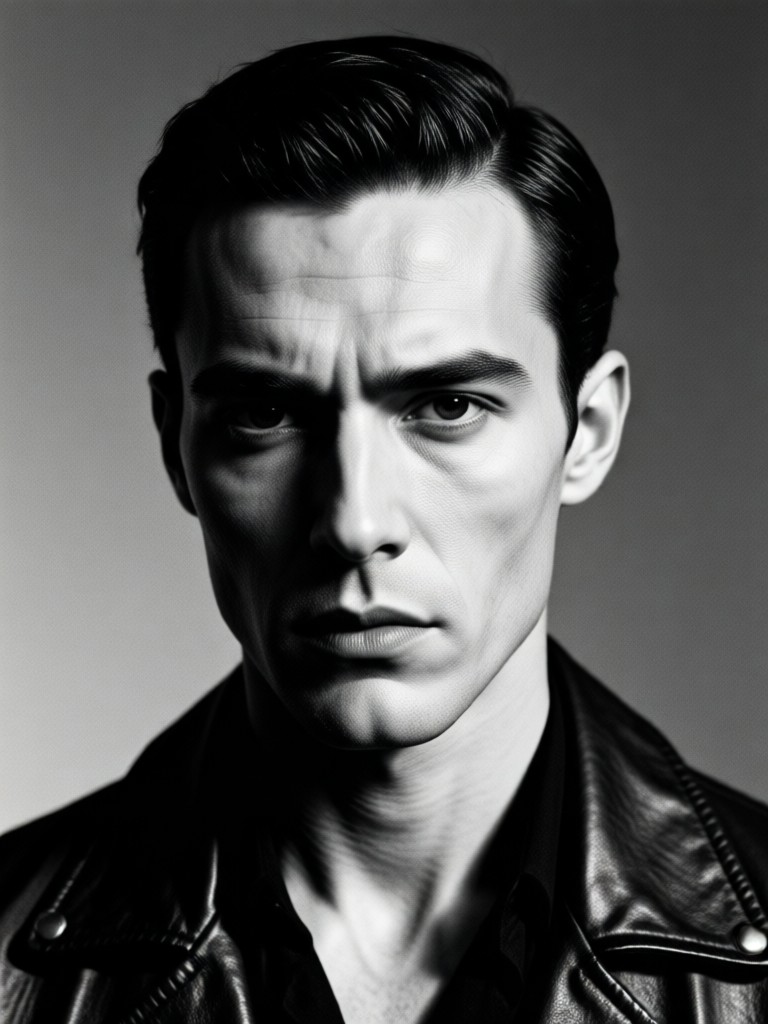
Your Pocket Noir Film Studio
Carry the power of cinematic transformation everywhere. Download Gloglo and turn your phone into a tool for creating iconic, moody portraits inspired by classic cinema.

More AI Art Styles You May Like
Explore more creative possibilities and discover fresh artistic ideas tailored to your interests.
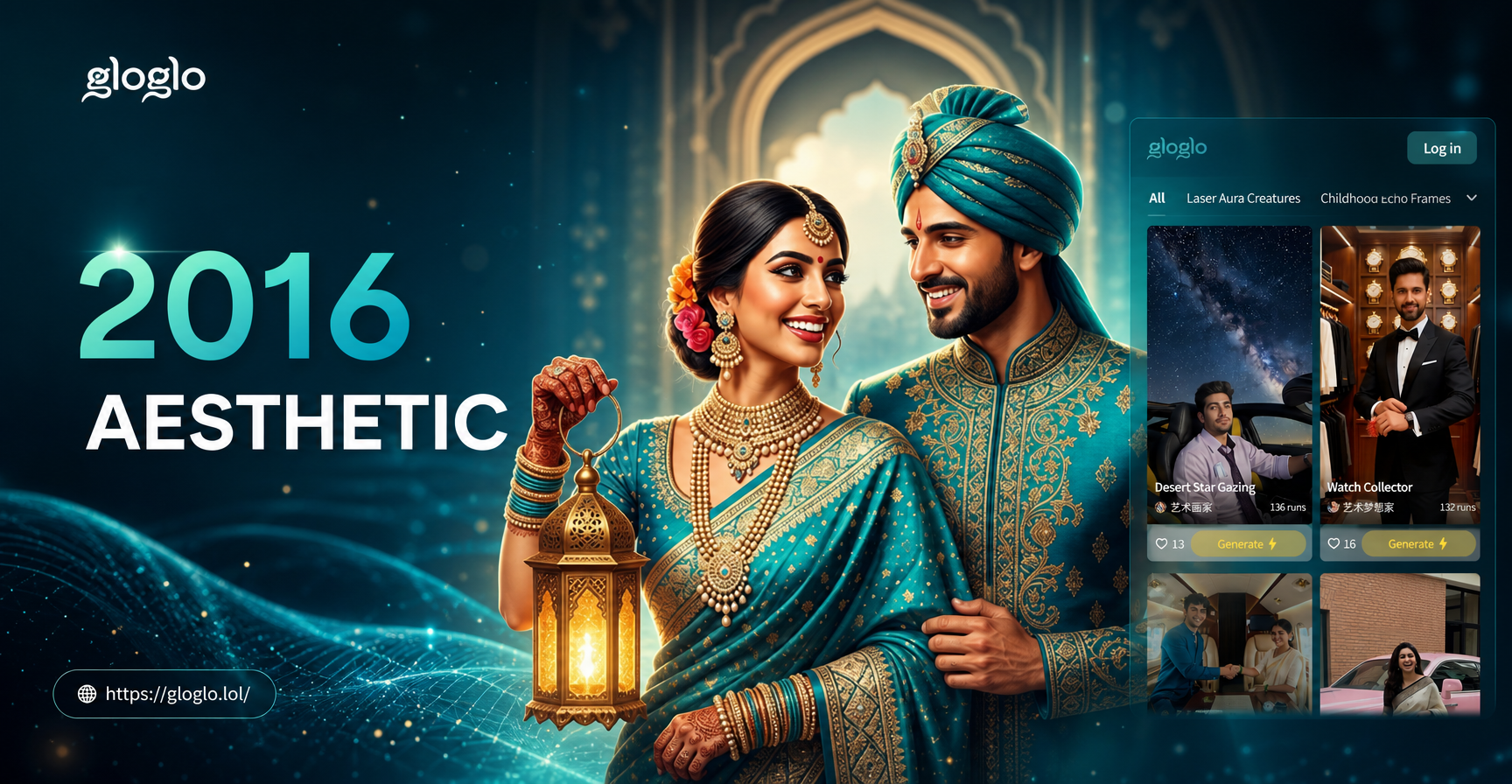
2016 Aesthetic Filter: Relive the Golden Era of Instagram
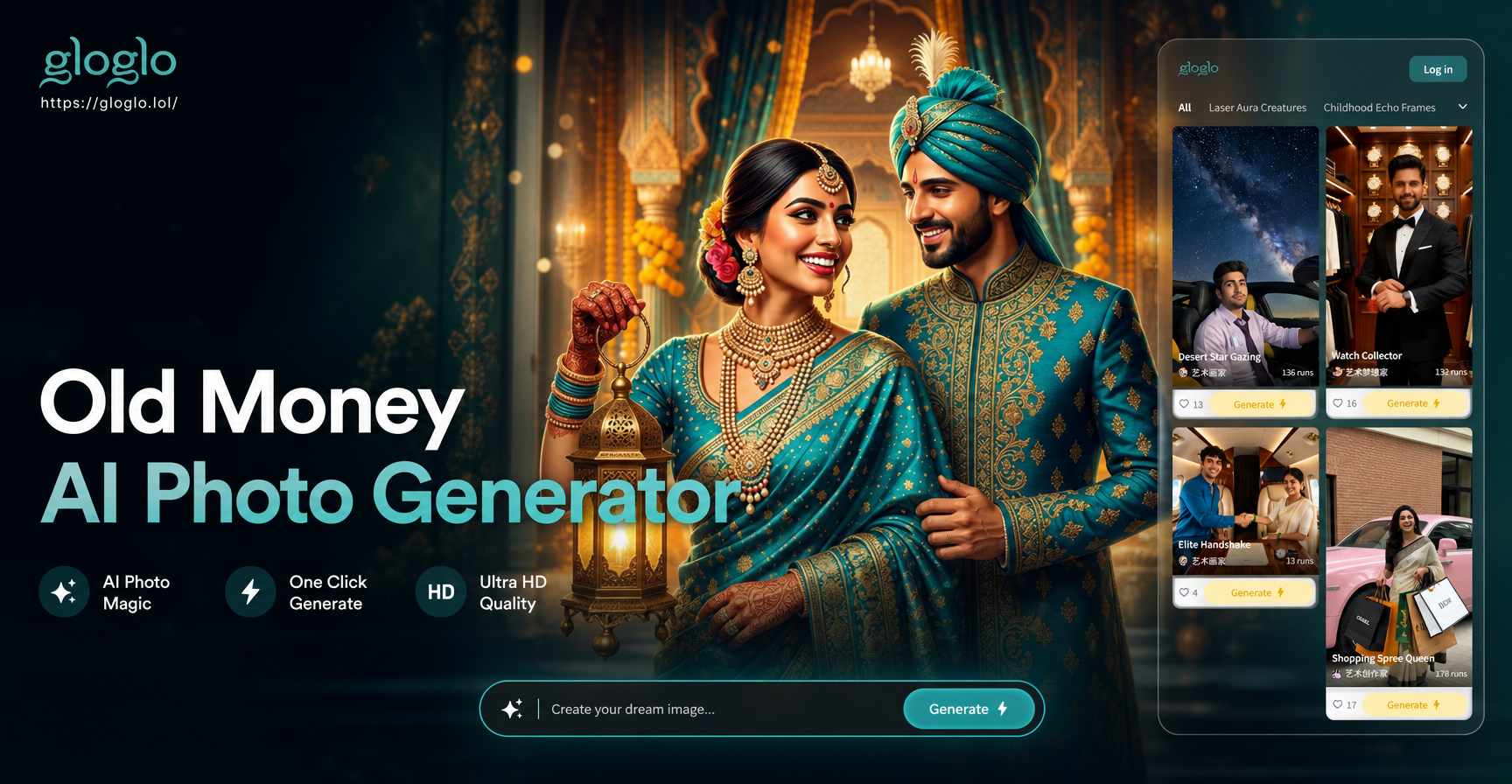
Old Money Aesthetic Generator: Create Luxury AI Portraits

Take Selfies with Celebrities Using AI
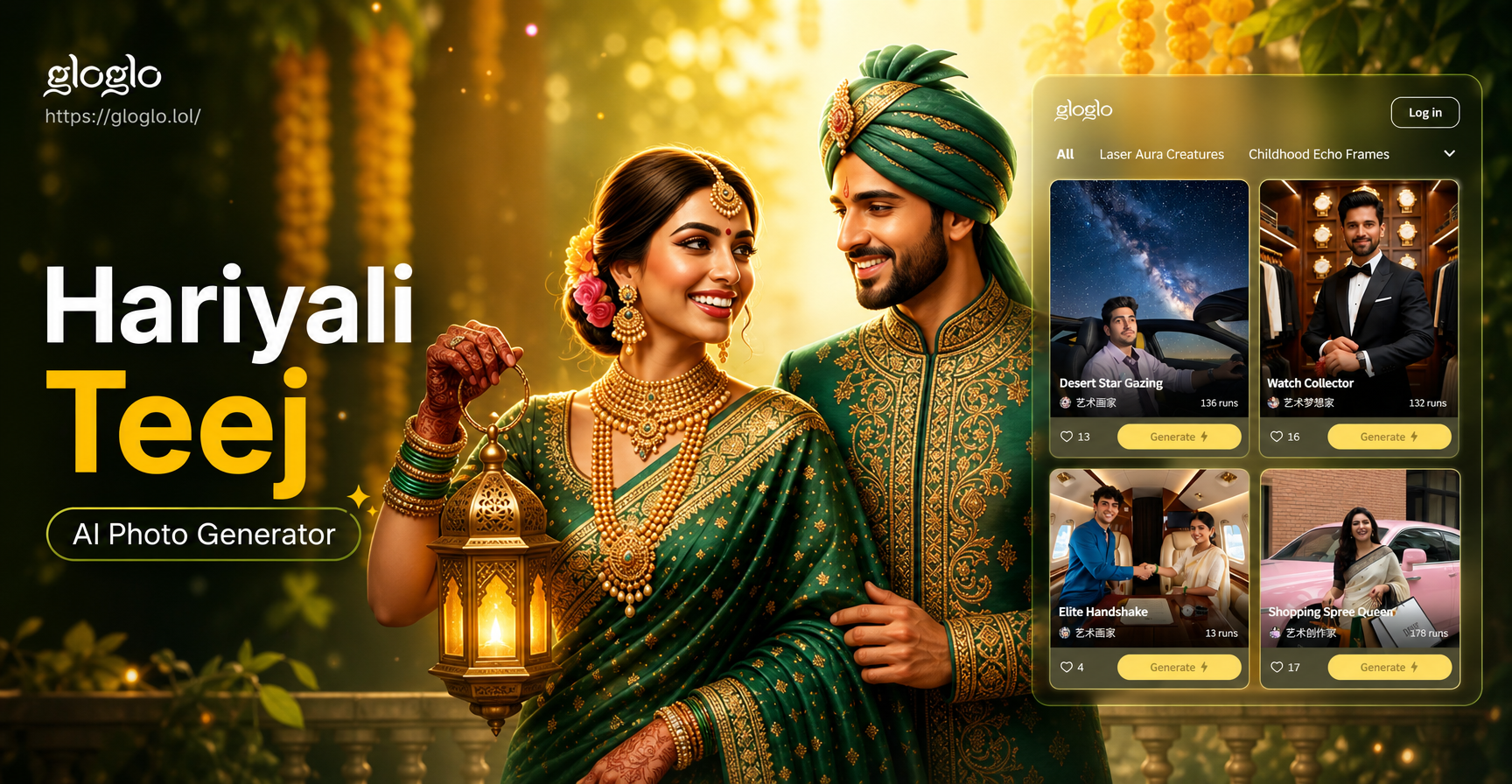
Celebrate Hariyali Teej with AI Photo Magic
2016 Aesthetic Filter: Relive the Golden Era of Instagram
Old Money Aesthetic Generator: Create Luxury AI Portraits
Take Selfies with Celebrities Using AI
Celebrate Hariyali Teej with AI Photo Magic
Step Into the Shadows. Create Your Noir.
Unleash the drama and mystery of classic cinema on your photos. With Gloglo, you're not just applying a filter, you're directing a scene.
Step Into the Shadows. Create Your Noir.
Unleash the drama and mystery of classic cinema on your photos. With Gloglo, you're not just applying a filter, you're directing a scene.