Cinematic Smoke Portrait Generator
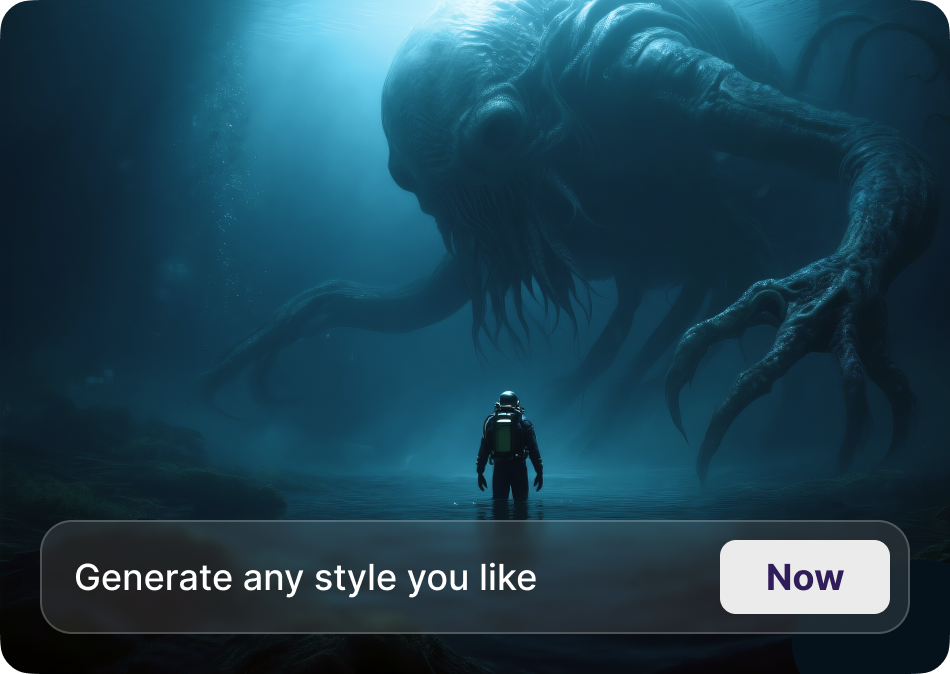
Choose Your Cinematic Smoke Style
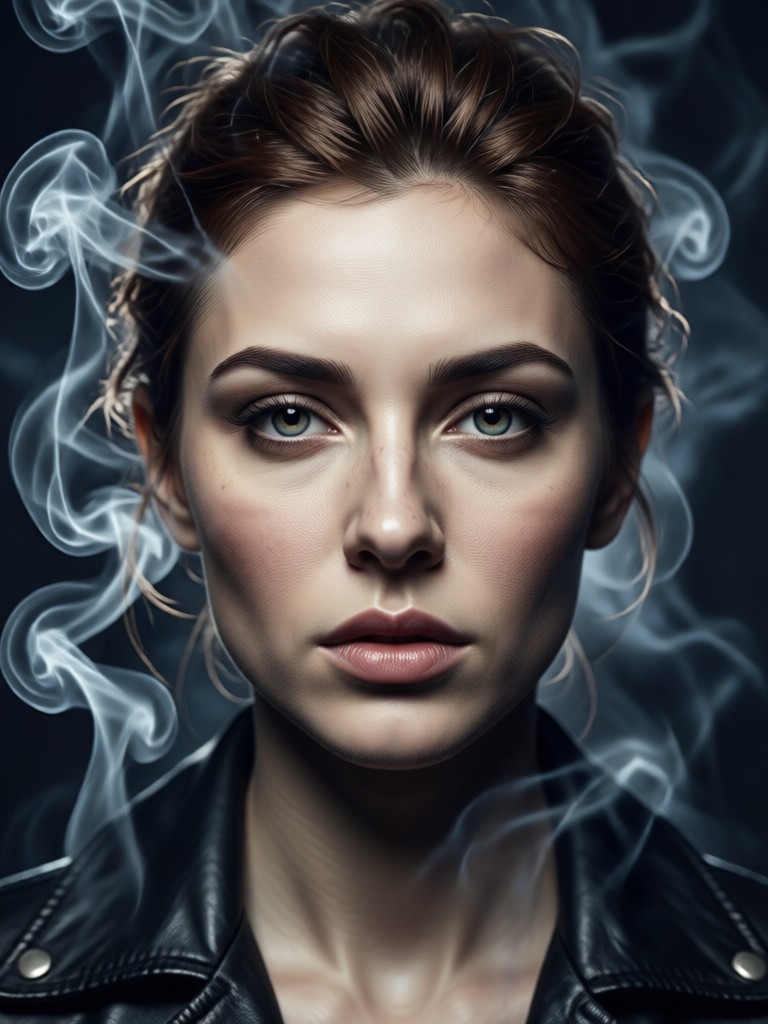
From ethereal mist to dramatic, billowing clouds, find the perfect smoke filter to match your creative vision and portrait mood.
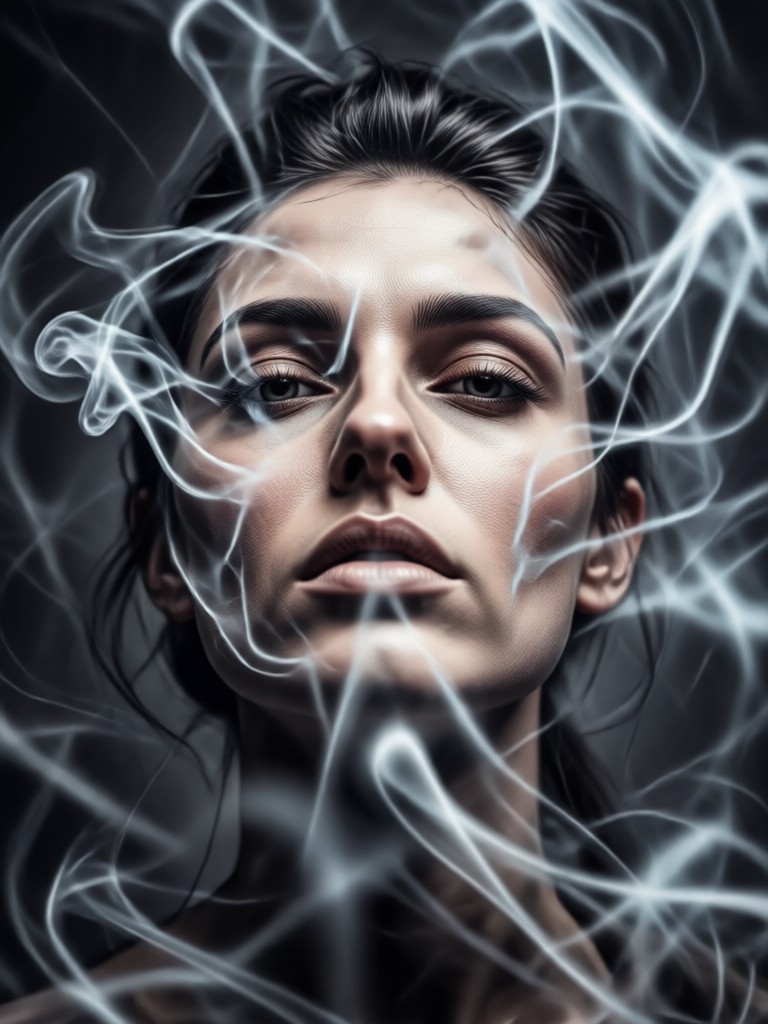
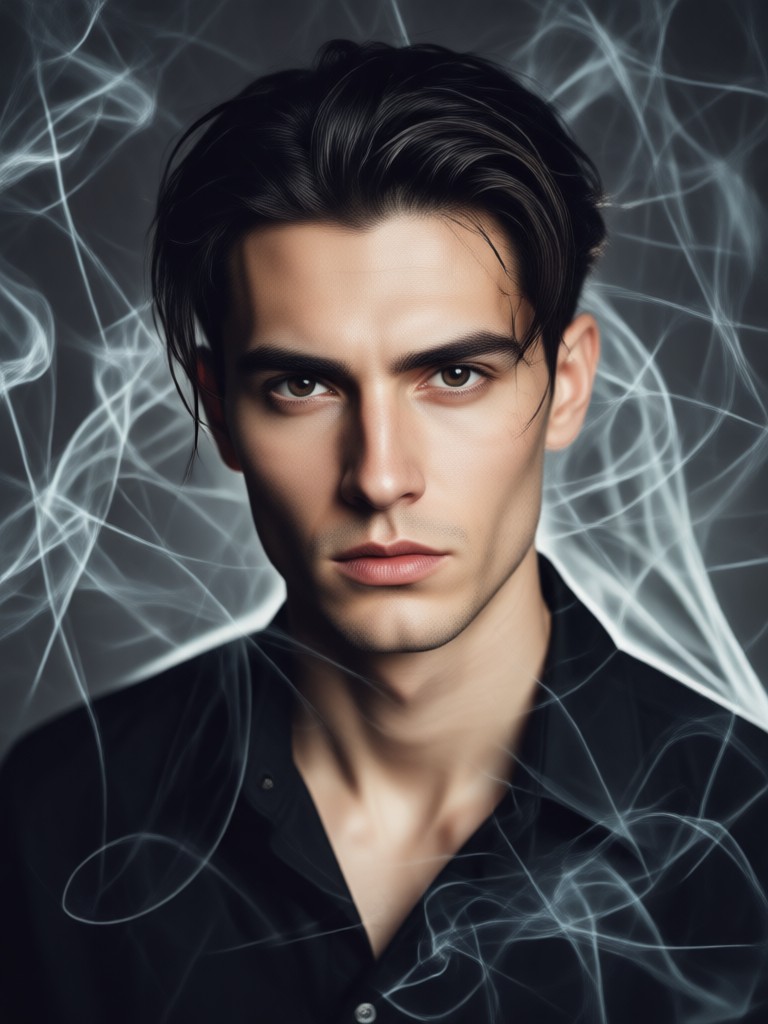
Popular Cinematic Smoke Portrait Styles
Explore our most requested smoke portrait transformations. See how AI can add depth, mystery, and a professional cinematic touch to any photo.
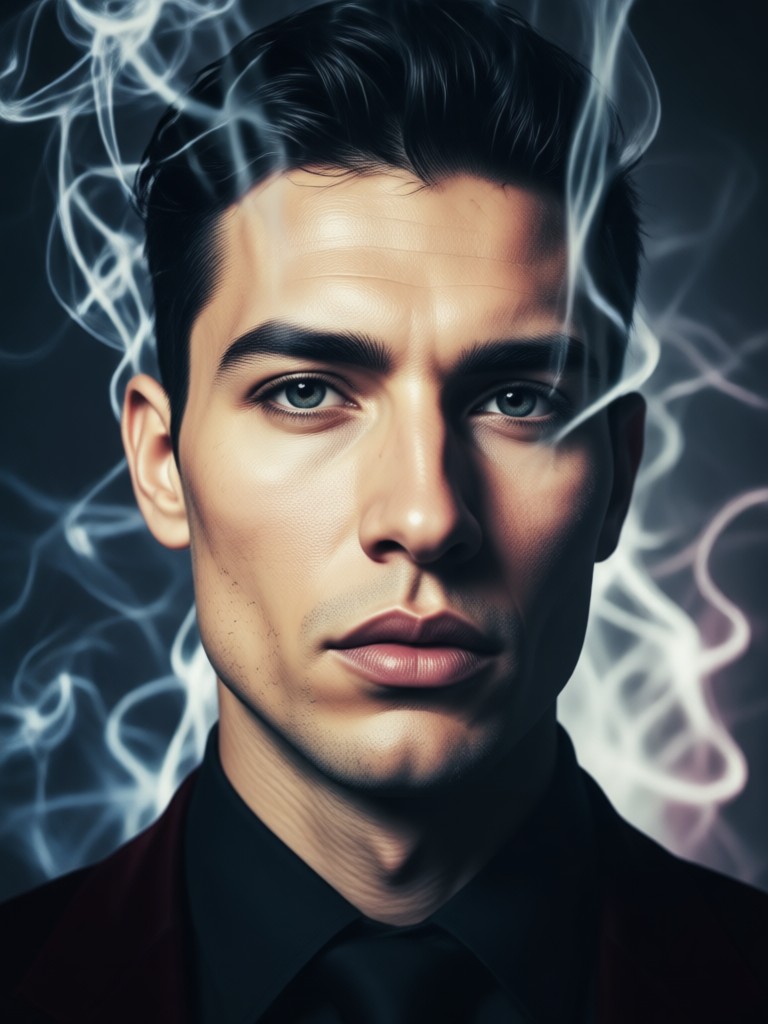
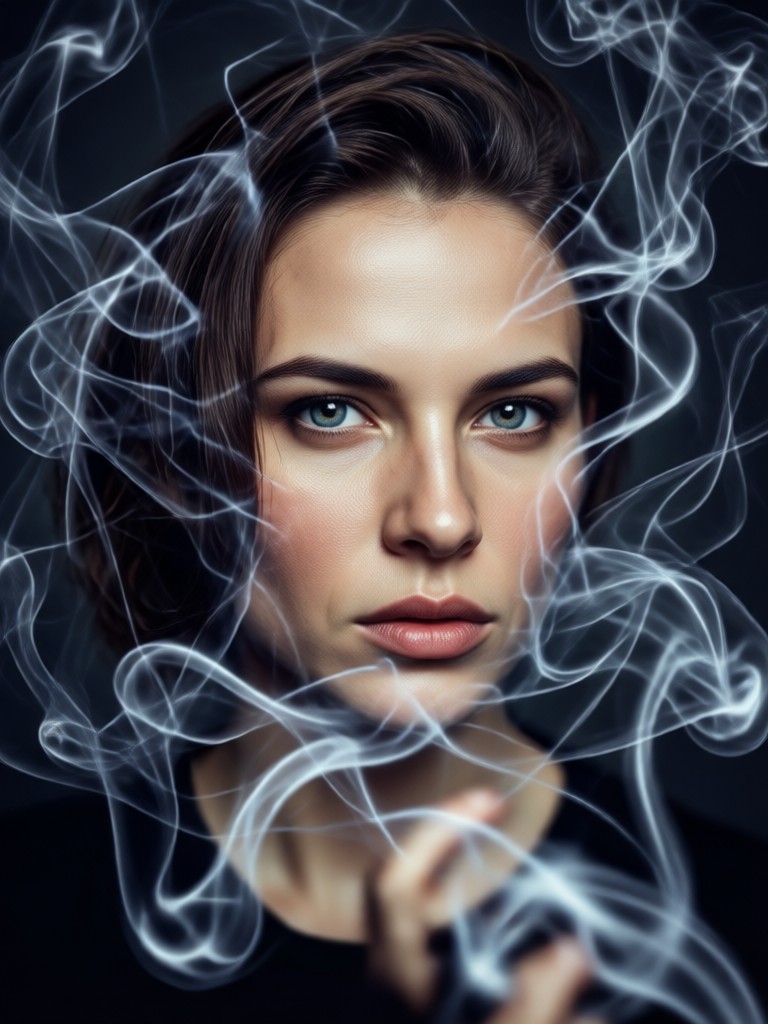
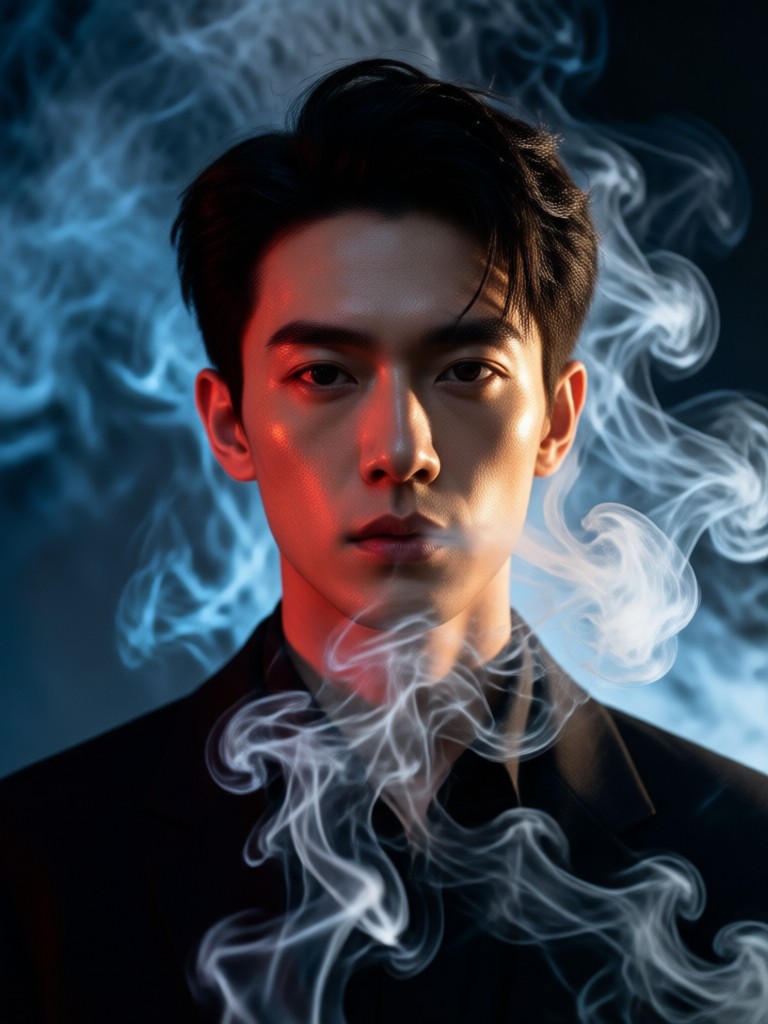
Key Features of Our Smoke Portrait Generator
Our AI tool is built to give you professional-grade cinematic effects with simplicity and control at its core.
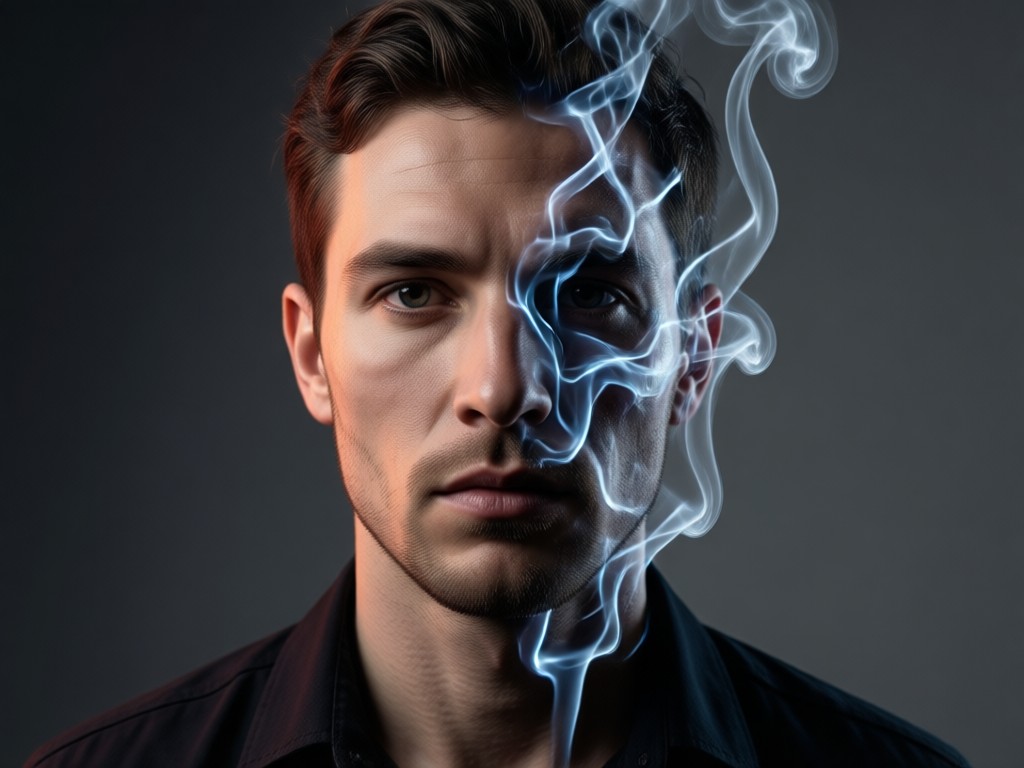
Realistic Smoke Simulation
Generate photorealistic smoke, fog, and mist that interacts naturally with light and shadow in your portrait, creating believable depth and atmosphere.
Realistic Smoke Simulation
Generate photorealistic smoke, fog, and mist that interacts naturally with light and shadow in your portrait, creating believable depth and atmosphere.
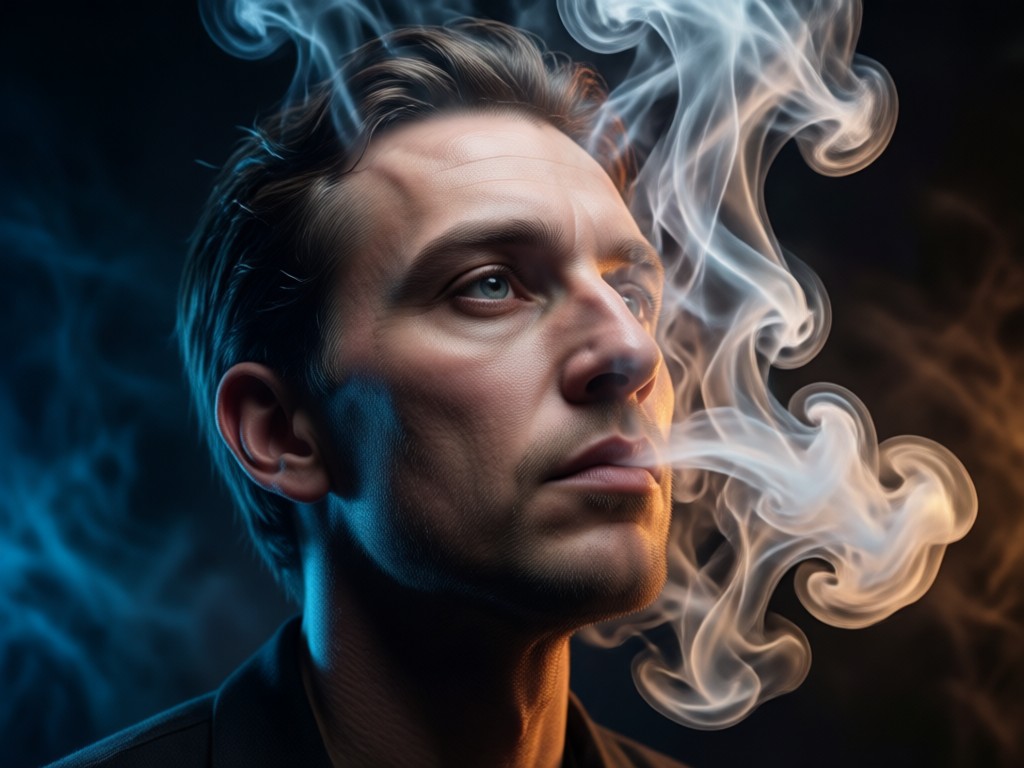
Style Customization
Adjust the density, color, flow direction, and intensity of the smoke to perfectly complement the mood and lighting of your original portrait.
Style Customization
Adjust the density, color, flow direction, and intensity of the smoke to perfectly complement the mood and lighting of your original portrait.
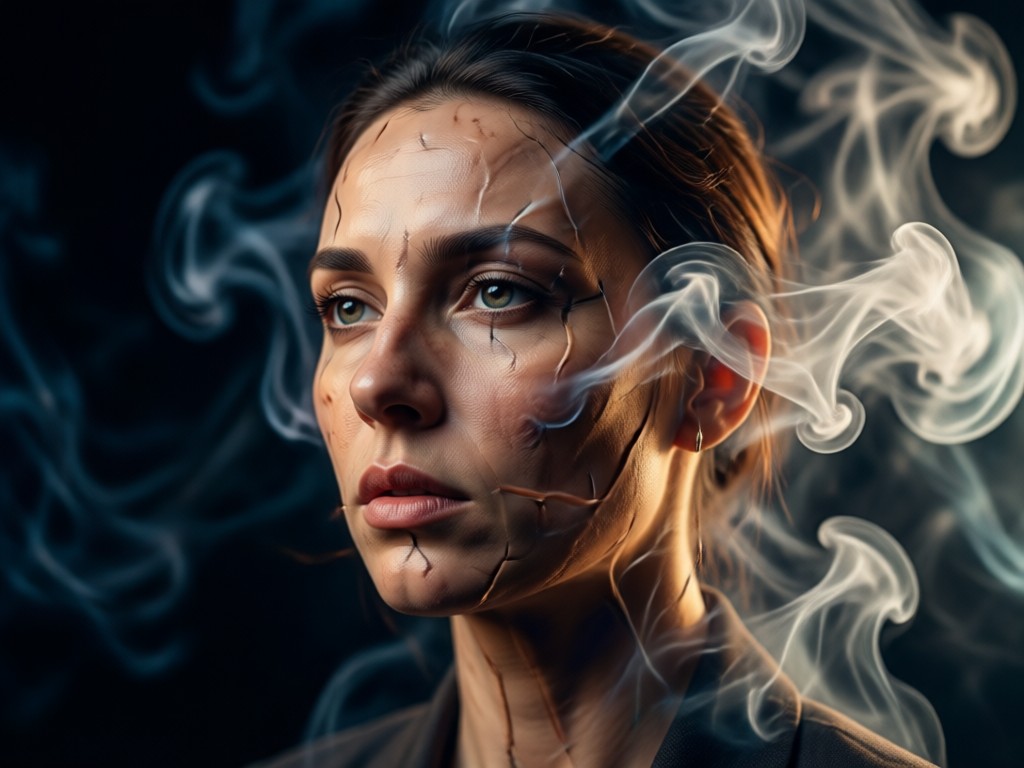
One-Click Transformation
Upload your photo, select a smoke filter, and watch the AI apply a seamless, high-quality cinematic transformation in seconds. No manual masking or blending needed.
One-Click Transformation
Upload your photo, select a smoke filter, and watch the AI apply a seamless, high-quality cinematic transformation in seconds. No manual masking or blending needed.
How to Create a Cinematic Smoke Portrait?
Follow three simple steps to transform any portrait into a stunning piece of smoke art using our mobile app.

Step 01.
Download the gloglo app from Google Play. It's your all-in-one mobile studio for AI portraits and videos.
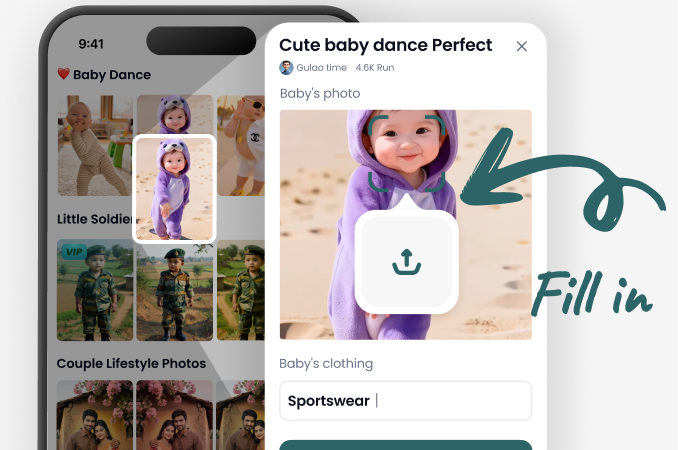
Step 02.
Upload your portrait and browse the 'Cinematic' or 'Effects' category to select from dozens of unique smoke and fog style templates.
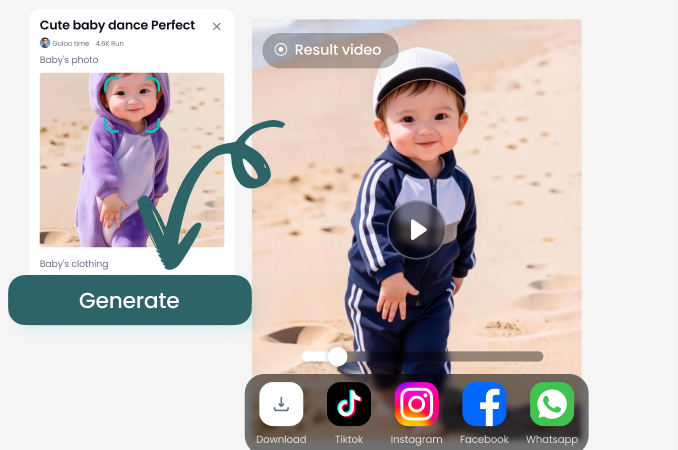
Step 03.
Generate your smoke portrait. You can further refine the effect, then save and share your cinematic creation directly to social media.
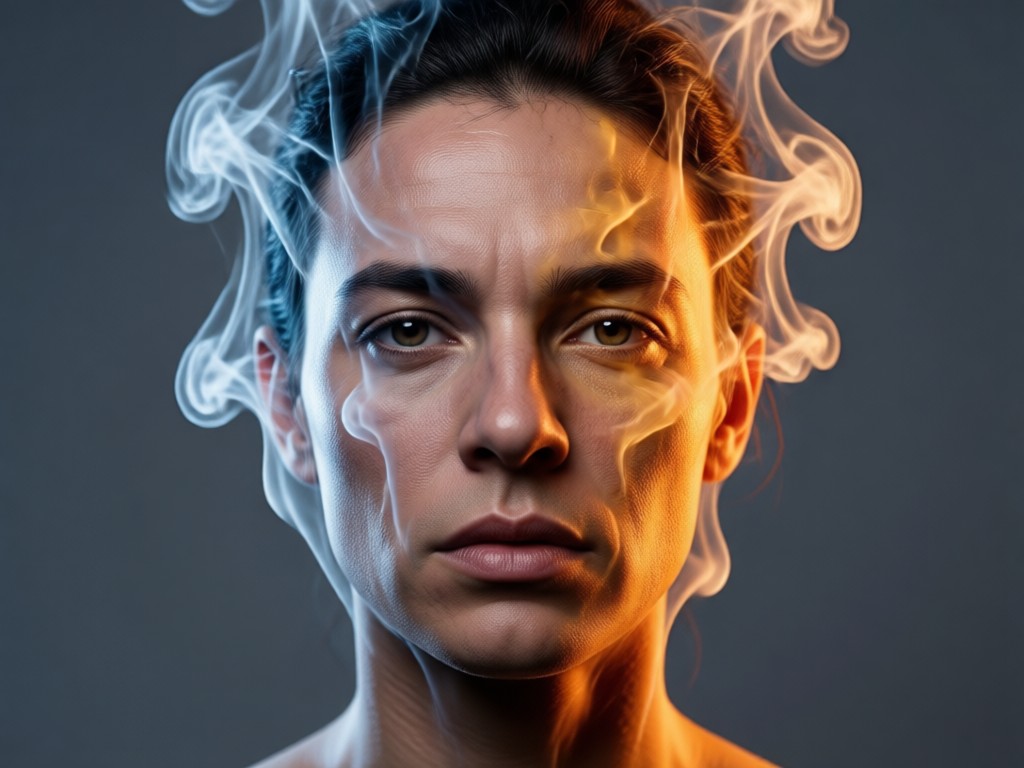
Why Choose Our AI Smoke Portrait Tool?
Achieve a level of cinematic artistry typically reserved for high-end photo shoots and complex Photoshop compositing, all from your phone.
Why Choose Our AI Smoke Portrait Tool?
Achieve a level of cinematic artistry typically reserved for high-end photo shoots and complex Photoshop compositing, all from your phone.
What Creators Are Saying About Smoke Portraits
Transformed my portrait photography
As a photographer, adding realistic smoke in post-production used to take hours. This app does it in seconds with stunning, believable results. My clients are amazed.
Perfect for album covers and mood boards
The ethereal smoke effects have become a staple for my music project's visual identity. It adds the exact right amount of mystery and drama we were looking for.
Makes social media content stand out
My engagement skyrocketed when I started using these cinematic smoke portraits. They have a professional, high-concept look that stops people from scrolling.
Create Cinematic Portraits on Mobile
Turn your phone into a portable visual effects studio. Download gloglo now and start generating stunning smoke portrait art wherever you are.

Cinematic Smoke Portrait FAQs
Get quick answers to common questions about creating and using AI-generated smoke portrait effects.
More Topics You May Like
Explore more topics you may like and discover fresh ideas tailored to your interests.
Design Your Perfect Book Cover with AI
AI World Cup Face Paint Maker: Design Your Colors Instantly
Create Stunning AI Girl Photos Instantly
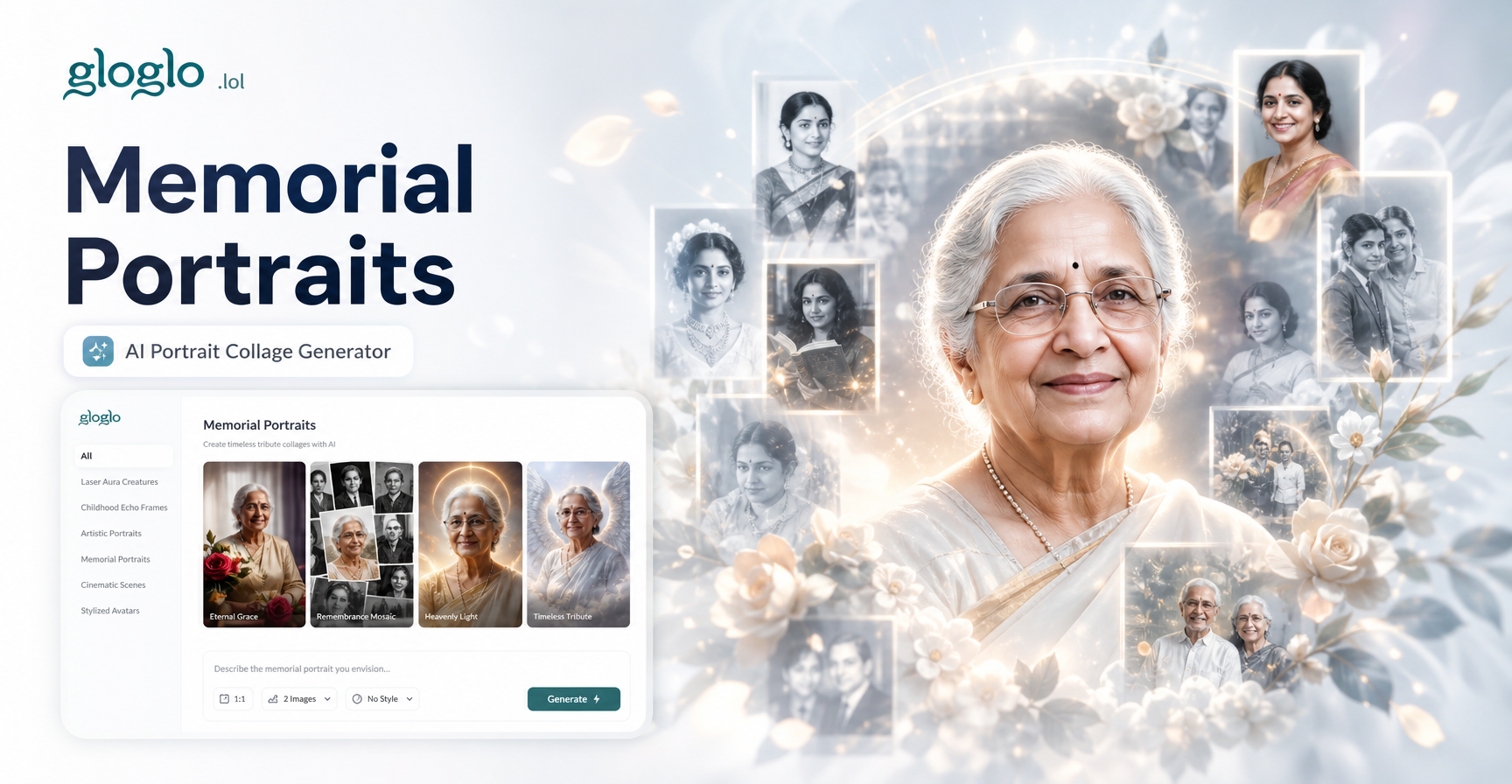
Craft Lasting Tributes: AI Memorial Portrait Collage Generator
Design Your Perfect Book Cover with AI
AI World Cup Face Paint Maker: Design Your Colors Instantly
Create Stunning AI Girl Photos Instantly
Craft Lasting Tributes: AI Memorial Portrait Collage Generator
Ready to Create Your Masterpiece?
Unlock the power of cinematic AI art. Download gloglo now and transform your portraits with ethereal smoke, dramatic fog, and breathtaking atmosphere in seconds.

Ready to Create Your Masterpiece?
Unlock the power of cinematic AI art. Download gloglo now and transform your portraits with ethereal smoke, dramatic fog, and breathtaking atmosphere in seconds.