Convert Video To 4K Quality with AI in Seconds
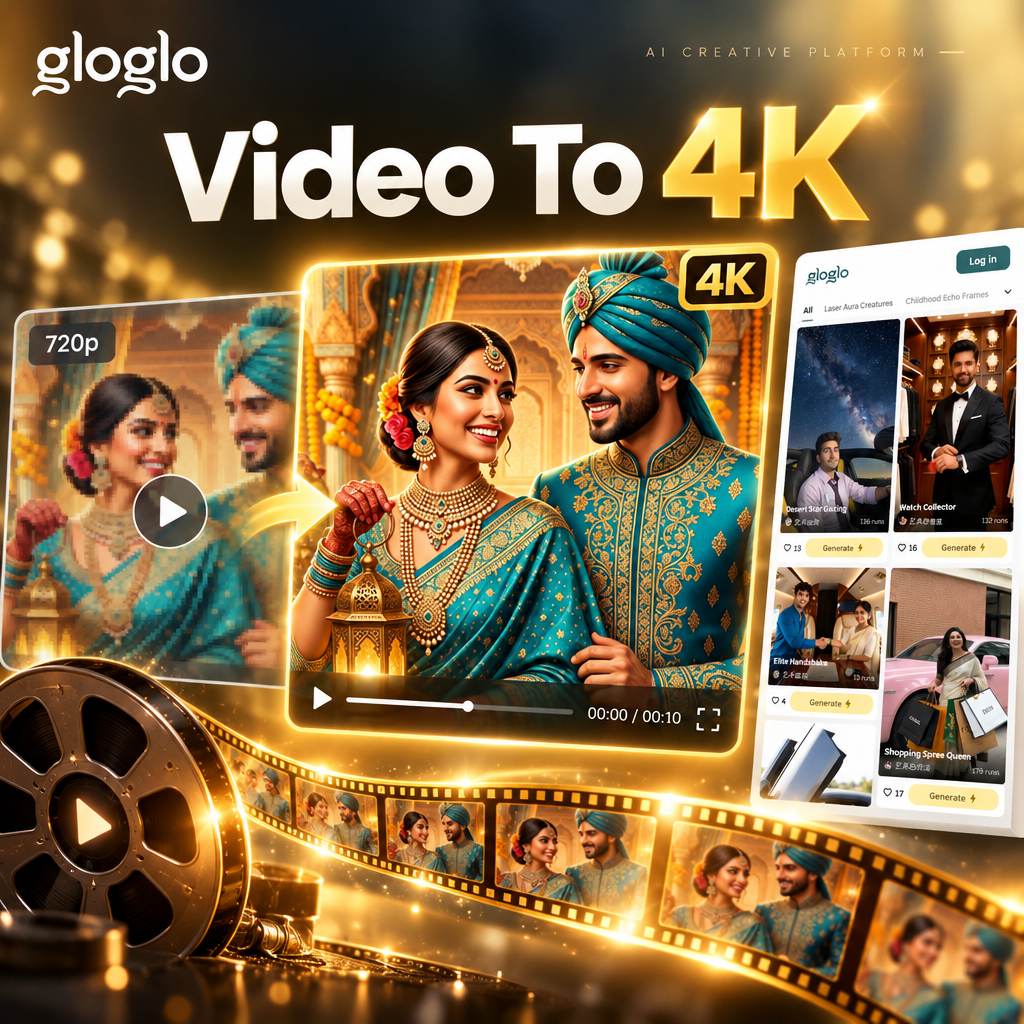
Choose the Right 4K Upscaling Style
Discover specialized AI filters for video enhancement, from cinematic color grading to sharp detail restoration.
Powerful Features for 4K Video Conversion
gloglo's AI video enhancer delivers professional-grade upscaling with three core technologies that work together to transform your footage.
AI Detail Restoration
Our advanced AI reconstructs missing pixels and sharpens edges, turning soft or blurry video into crisp 4K quality with natural-looking textures.
AI Detail Restoration
Our advanced AI reconstructs missing pixels and sharpens edges, turning soft or blurry video into crisp 4K quality with natural-looking textures.
Noise Reduction Cleanup
Automatically remove grainy artifacts and compression noise from your videos while preserving fine details for a clean, high-definition result.
Noise Reduction Cleanup
Automatically remove grainy artifacts and compression noise from your videos while preserving fine details for a clean, high-definition result.
Style Enhancement Presets
Apply cinematic color grading, HDR-like contrast, or vibrant saturation with one tap to make your 4K videos look professionally edited.
Style Enhancement Presets
Apply cinematic color grading, HDR-like contrast, or vibrant saturation with one tap to make your 4K videos look professionally edited.
How to Convert Video to 4K Quality?
Follow these three simple steps to upscale your videos to ultra-sharp 4K using the gloglo mobile app.

Step 01.
Download the gloglo app from Google Play and open it on your Android device.

Step 02.
Upload your video and choose an upscaling filter like 4K Enhancer or Cinematic Boost.

Step 03.
Preview the enhanced video, then export and share your stunning 4K result directly to social media.
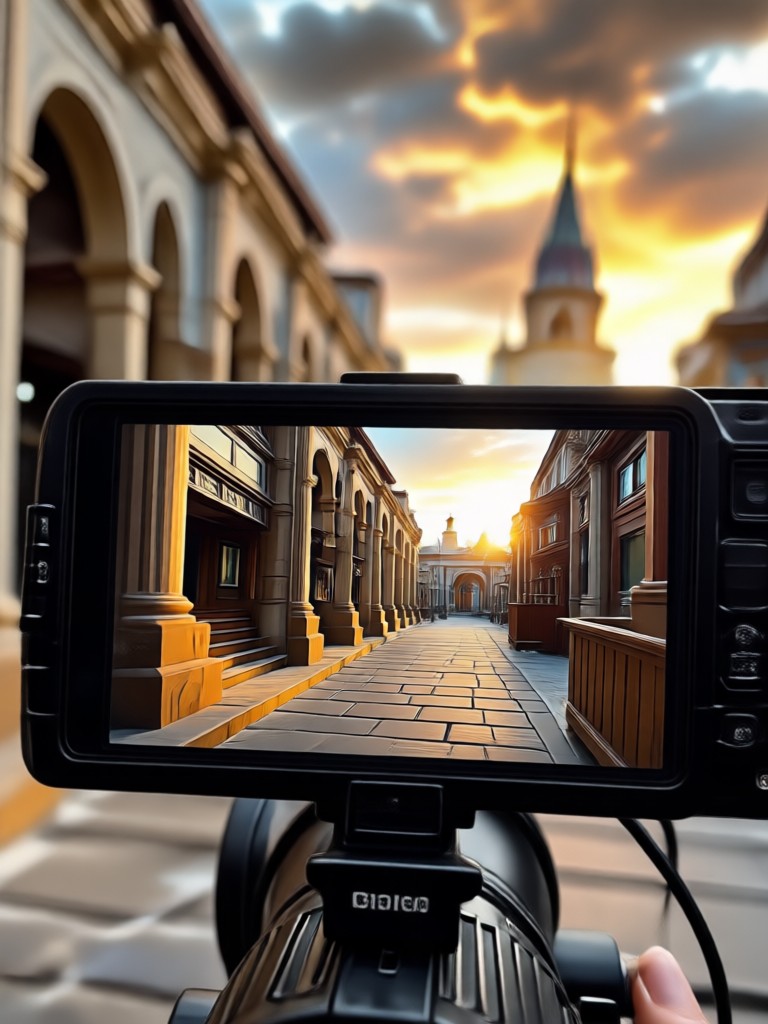
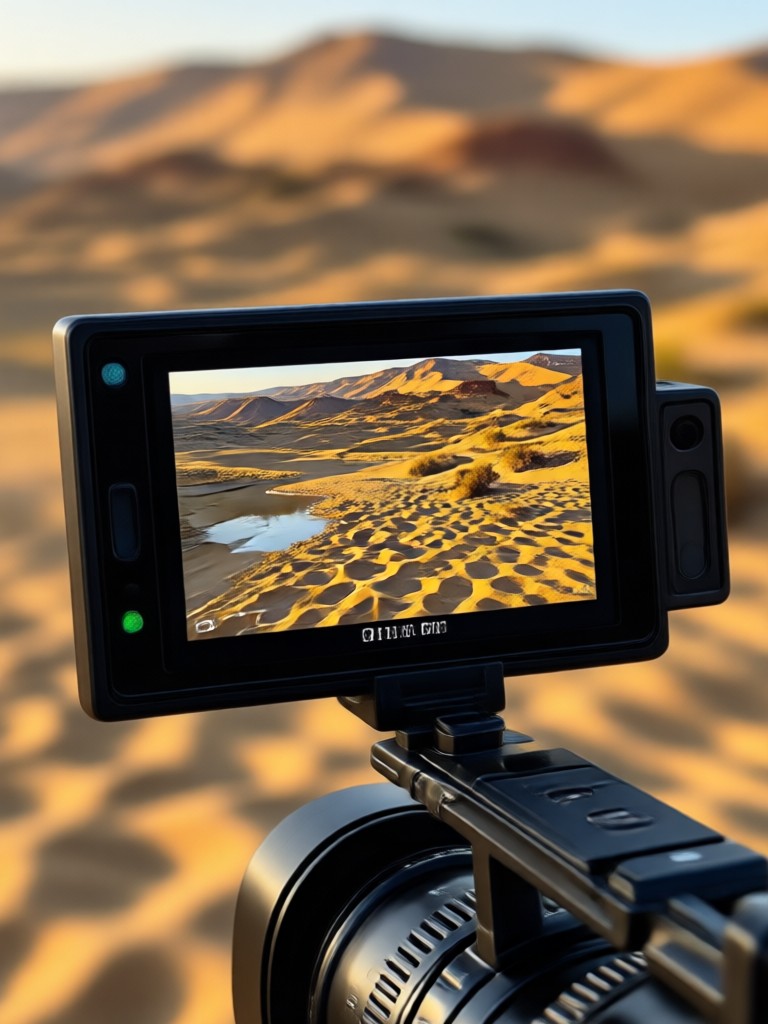
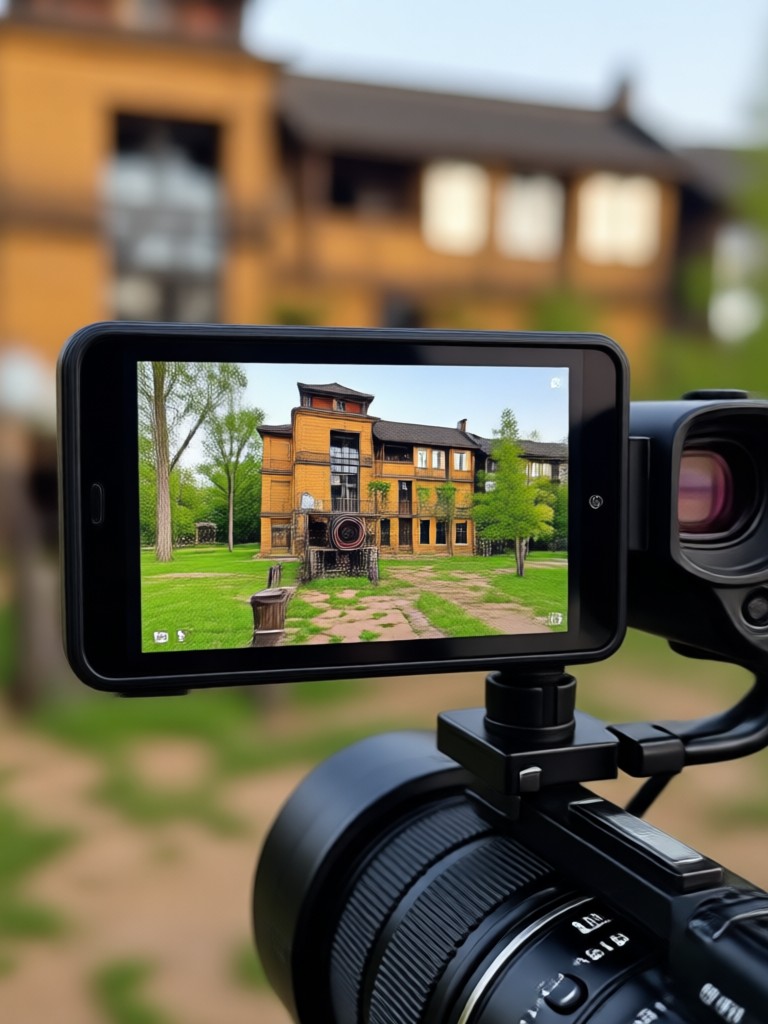
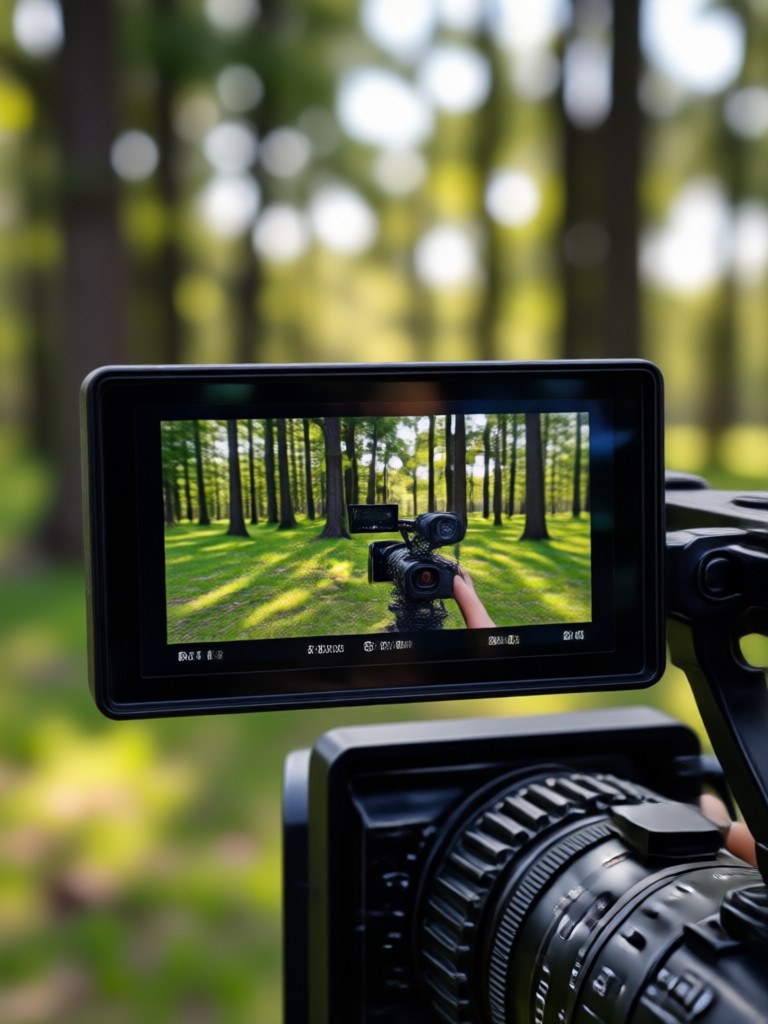
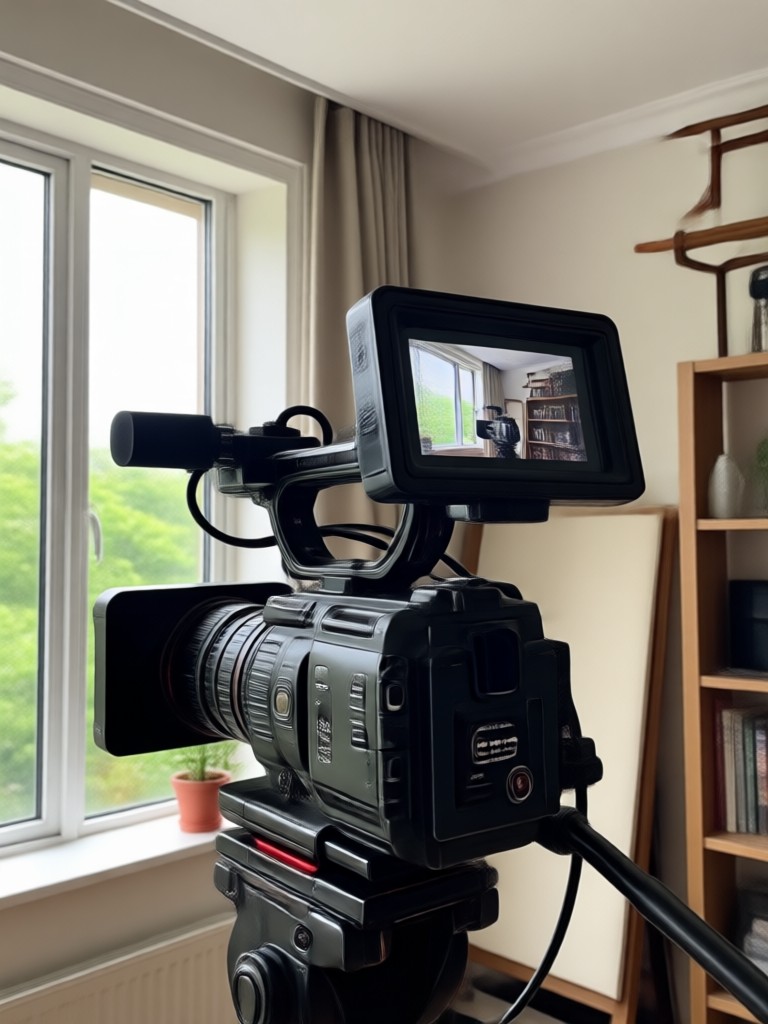
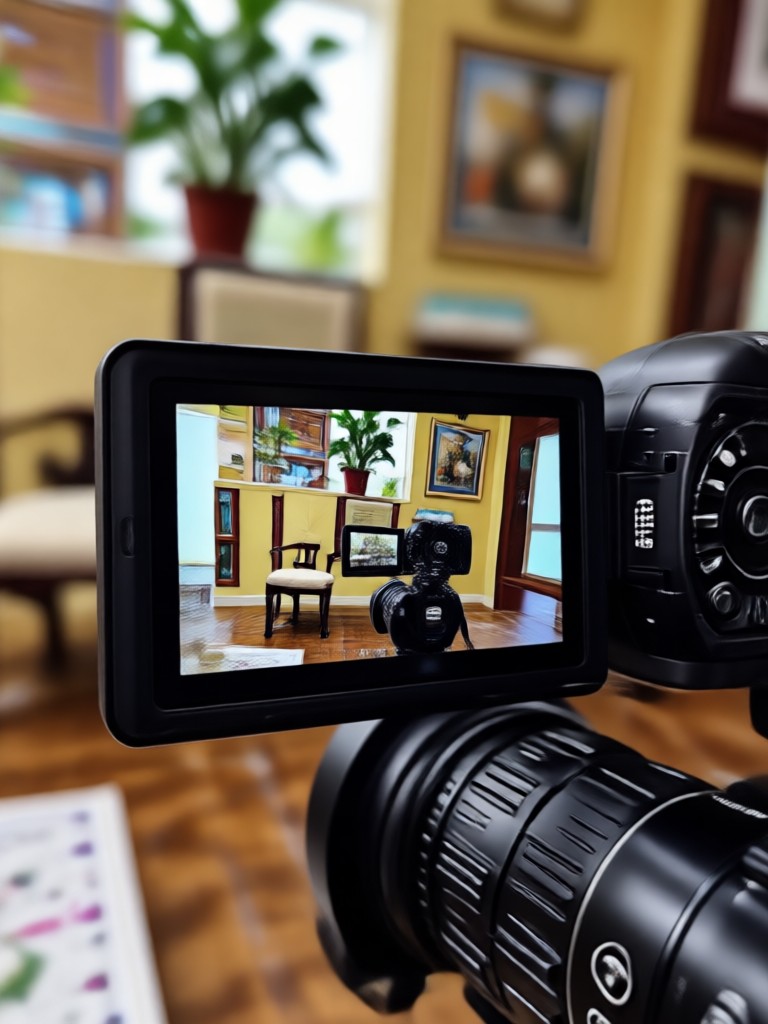
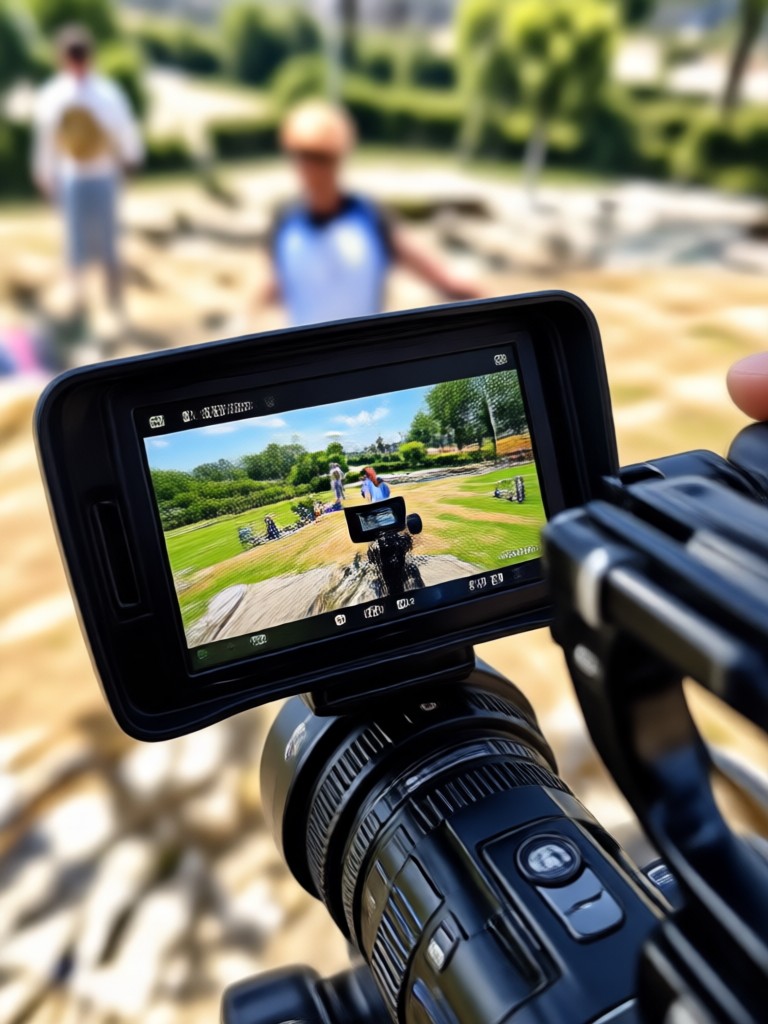
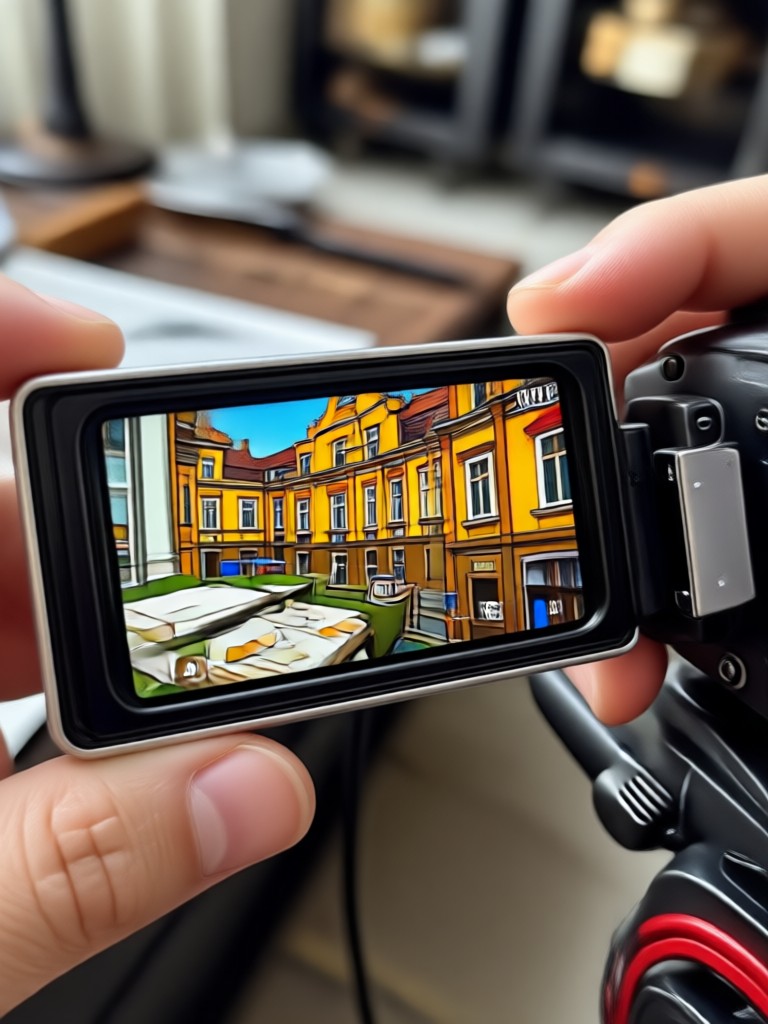
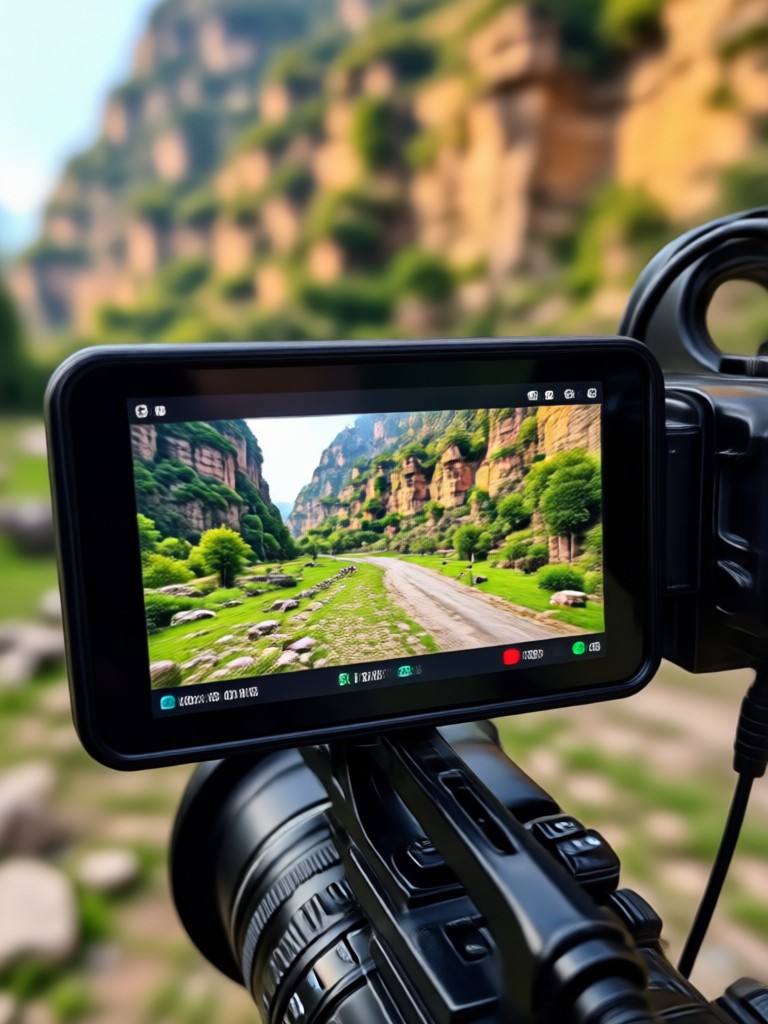
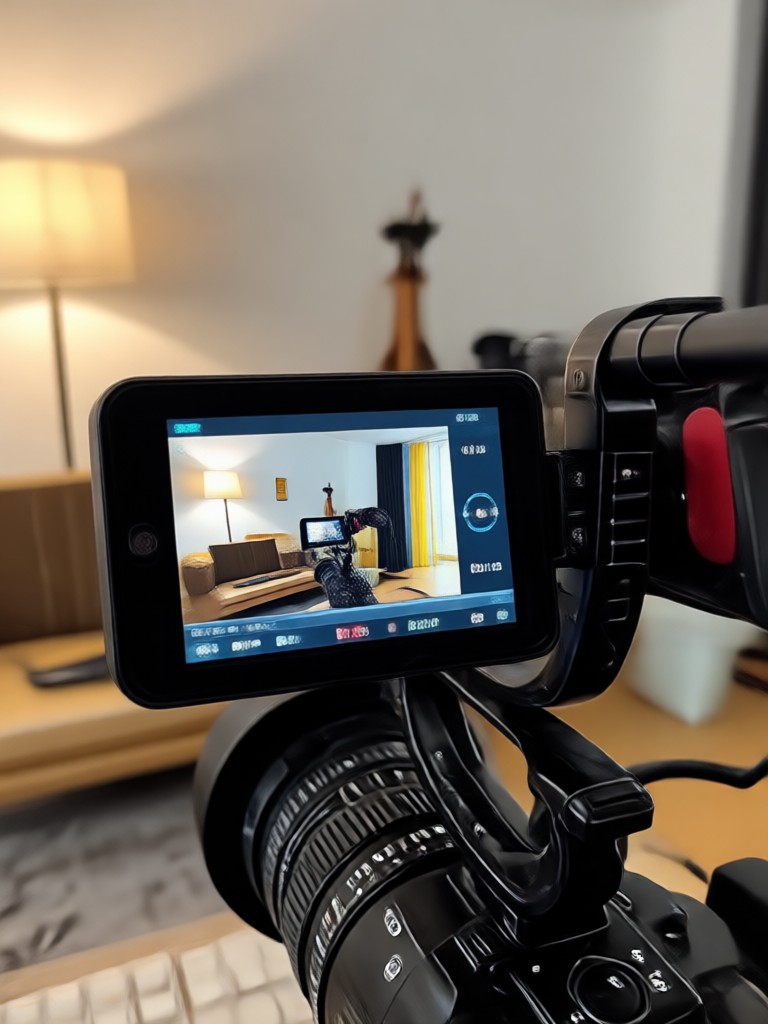
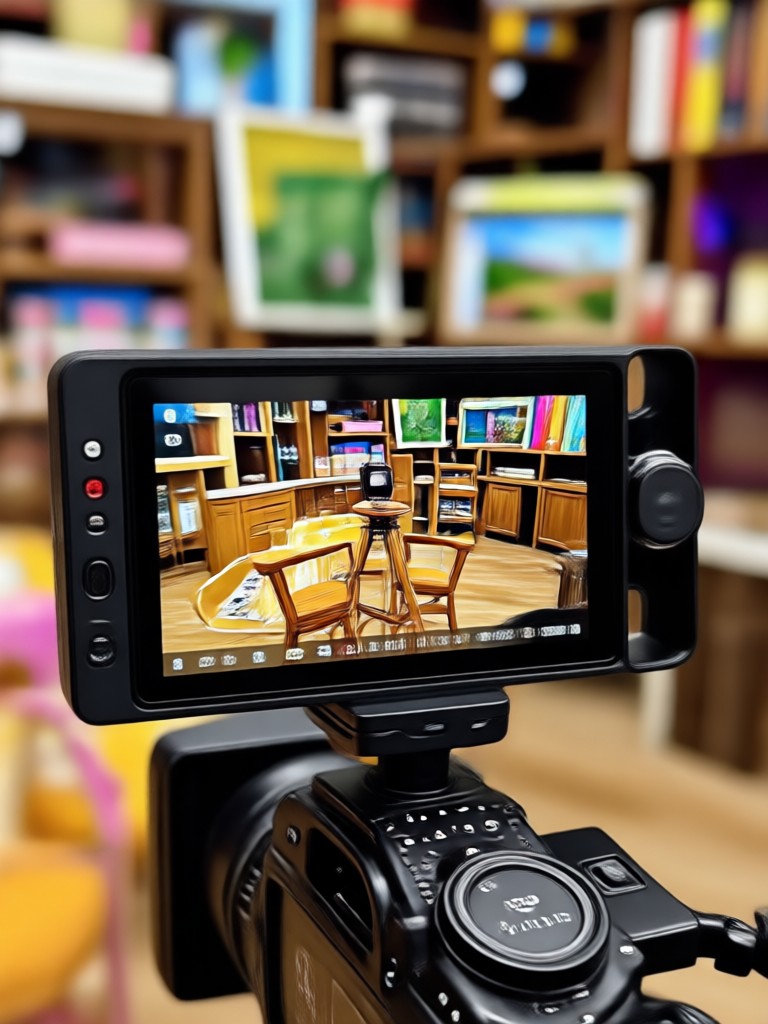
See the 4K Difference: Upscaled Video Frames
Browse real examples of videos upscaled to 4K quality with gloglo. Each frame shows the dramatic improvement in sharpness, color, and detail.
Why Use gloglo for Video Upscaling?
Because your videos deserve the best quality. gloglo combines cutting-edge AI with a user-friendly mobile interface to deliver 4K conversion that looks natural and professional.
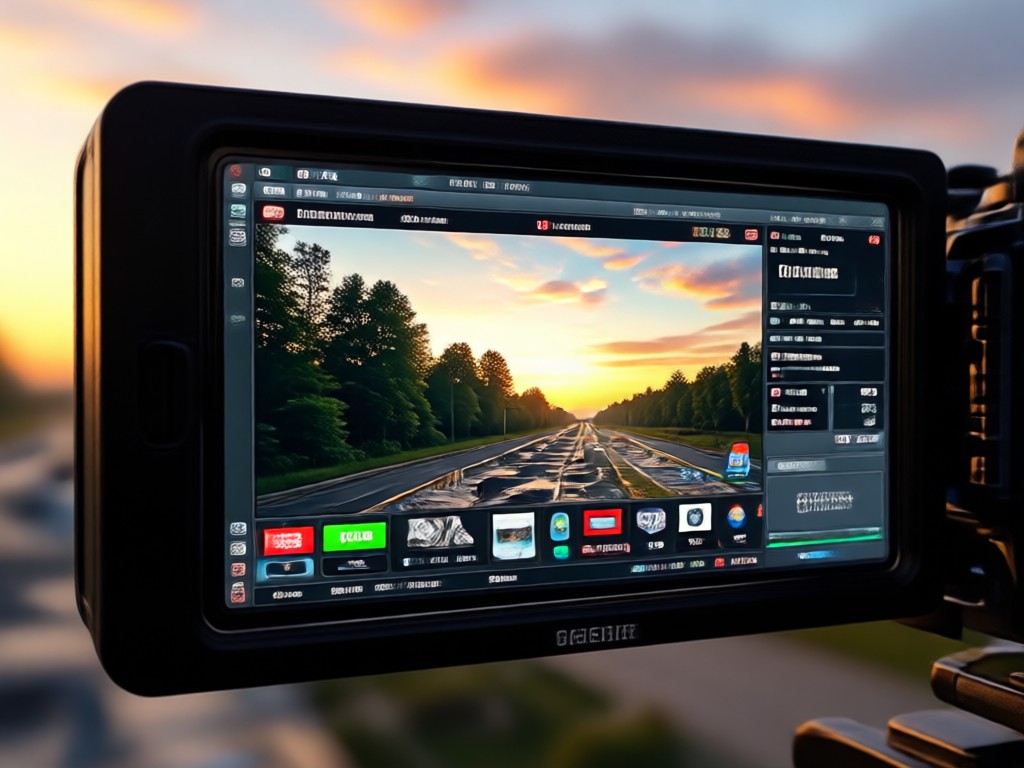
Advanced AI, Simple App
Unlike complex desktop software, gloglo puts powerful 4K upscaling in your pocket. The app automatically analyzes each frame, restores lost details, and enhances colors without any manual adjustments. Whether you are a content creator, social media manager, or casual user, you can convert your old videos to crystal-clear 4K in just a few taps. No watermarks, no hidden fees, and no learning curve. Download gloglo today and give your footage the quality upgrade it deserves.
Advanced AI, Simple App
Unlike complex desktop software, gloglo puts powerful 4K upscaling in your pocket. The app automatically analyzes each frame, restores lost details, and enhances colors without any manual adjustments. Whether you are a content creator, social media manager, or casual user, you can convert your old videos to crystal-clear 4K in just a few taps. No watermarks, no hidden fees, and no learning curve. Download gloglo today and give your footage the quality upgrade it deserves.
What Video Creators Say About Our 4K Converter

Alex Rivera
I upscaled my old travel vlogs to 4K and they look brand new. The detail restoration is incredible, and the app is so easy to use.

Priya Sharma
As a YouTuber, getting 4K quality from my phone footage used to be impossible. gloglo changed that. My videos now look sharp and professional.

Daniel Kim
The noise reduction feature is a game changer. My low-light clips are now clean and crisp. Highly recommend for anyone who wants quick video enhancement.

Maya Chen
I love the one-tap style presets. I can give my videos a cinematic look while converting to 4K. It saves me hours of editing.
Alex Rivera
I upscaled my old travel vlogs to 4K and they look brand new. The detail restoration is incredible, and the app is so easy to use.
Priya Sharma
As a YouTuber, getting 4K quality from my phone footage used to be impossible. gloglo changed that. My videos now look sharp and professional.
Daniel Kim
The noise reduction feature is a game changer. My low-light clips are now clean and crisp. Highly recommend for anyone who wants quick video enhancement.
Maya Chen
I love the one-tap style presets. I can give my videos a cinematic look while converting to 4K. It saves me hours of editing.
Alex Rivera
I upscaled my old travel vlogs to 4K and they look brand new. The detail restoration is incredible, and the app is so easy to use.
Priya Sharma
As a YouTuber, getting 4K quality from my phone footage used to be impossible. gloglo changed that. My videos now look sharp and professional.
Daniel Kim
The noise reduction feature is a game changer. My low-light clips are now clean and crisp. Highly recommend for anyone who wants quick video enhancement.
Maya Chen
I love the one-tap style presets. I can give my videos a cinematic look while converting to 4K. It saves me hours of editing.
Frequently Asked Questions About Video to 4K Conversion
Find answers to common questions about upscaling videos to 4K quality with gloglo.
Ready to Convert Your Videos to 4K?
Download gloglo from Google Play and start upscaling your videos to stunning 4K quality today. No editing skills needed, just upload and let AI do the rest.

Ready to Convert Your Videos to 4K?
Download gloglo from Google Play and start upscaling your videos to stunning 4K quality today. No editing skills needed, just upload and let AI do the rest.