Converter Video Mov: Your Mobile Format Solution
Cute Figurine



Key Features of the MOV Video Converter
gloglo offers a streamlined video conversion experience designed for mobile users who value quality and speed. Change file formats without compromising visual integrity.
Quick Format Conversion
Convert video to MOV format in just a few taps. The AI processes your file locally on your device, ensuring a smooth and responsive workflow from upload to export.
Quick Format Conversion
Convert video to MOV format in just a few taps. The AI processes your file locally on your device, ensuring a smooth and responsive workflow from upload to export.
Retain Original Quality
Worried about losing sharpness? Our engine prioritizes high fidelity output. Convert video files to MOV while preserving the original resolution, frame rate, and audio clarity.
Retain Original Quality
Worried about losing sharpness? Our engine prioritizes high fidelity output. Convert video files to MOV while preserving the original resolution, frame rate, and audio clarity.
All In One Mobile Tool
Beyond changing formats, gloglo allows you to edit, enhance, and stylize clips. Create MOV files for iMovie, Final Cut, or social media directly from your Android phone.
All In One Mobile Tool
Beyond changing formats, gloglo allows you to edit, enhance, and stylize clips. Create MOV files for iMovie, Final Cut, or social media directly from your Android phone.
How to Convert Video to MOV Format
Changing your video file type to MOV is straightforward with the gloglo mobile app. Follow these simple steps to get your compatible file ready.

Step 01.
Download gloglo from the Google Play Store and install it on your Android device.

Step 02.
Upload the video you want to change. Select the MOV output format from the conversion settings.

Step 03.
Tap convert and wait for the AI to process. Download the new MOV file to your gallery or share it instantly.
See the Video Format Transformation
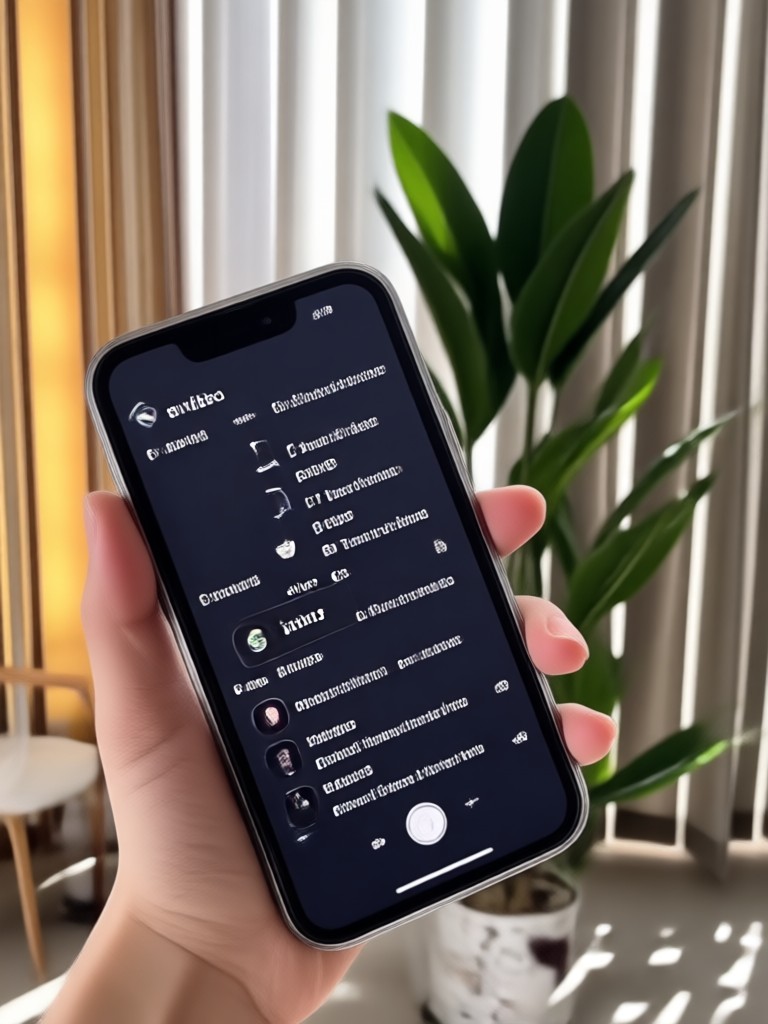
Preview how gloglo handles different video inputs and outputs professional MOV files. The gallery shows the app's interface and the quality of results you can expect when converting formats on the go.
Frequently Asked Questions About Video to MOV
Get answers to common questions about converting video files to MOV format using the gloglo mobile app.
The Fastest MOV Converter on Mobile
Stop waiting for desktop encoders. Convert your videos to MOV format directly on your Android device. Download the app to experience high-speed processing and high-quality results.

What Creators Say About Format Conversion
Perfect for my editing workflow
I needed to switch my drone footage to MOV for a client project. This app did it in seconds. The file played perfectly in my editing suite.
Saved me from buying expensive software
I just wanted to watch my videos on my iPad but the format wasn't supported. Converting to MOV was super easy and the quality looks identical.
Reliable and fast
I use this app every week to standardize my video files. The MOV conversion is consistent and never crashes on my phone.
Ready to Convert Video to MOV?
Transform your video files into high-quality MOV format with just a few taps. Experience the convenience of mobile conversion with gloglo.

Ready to Convert Video to MOV?
Transform your video files into high-quality MOV format with just a few taps. Experience the convenience of mobile conversion with gloglo.