Dress Change In Passport Size Photo
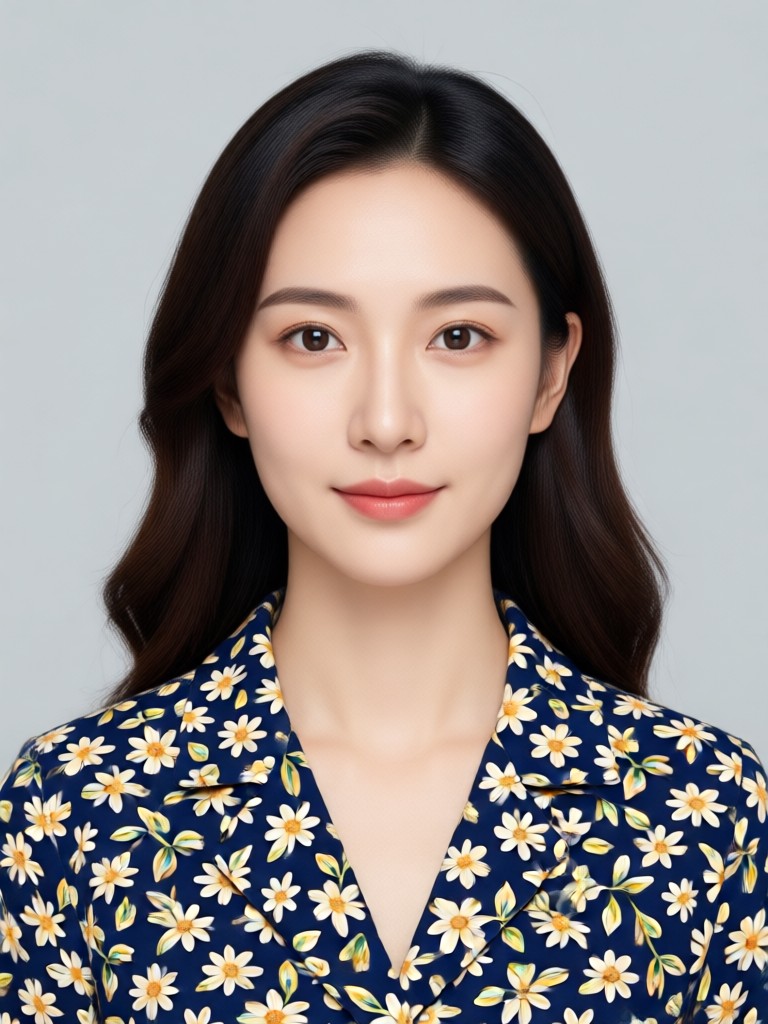
Pick a Formal Dress Style for Your Passport Photo
Choose from multiple formal outfit filters to match your country's passport photo guidelines. Suits, shirts, blazers, and more, all in one tap.
Key Features of AI Dress Change for Passport Size Photo
Everything you need to turn a regular photo into a compliant passport size image with a new outfit.
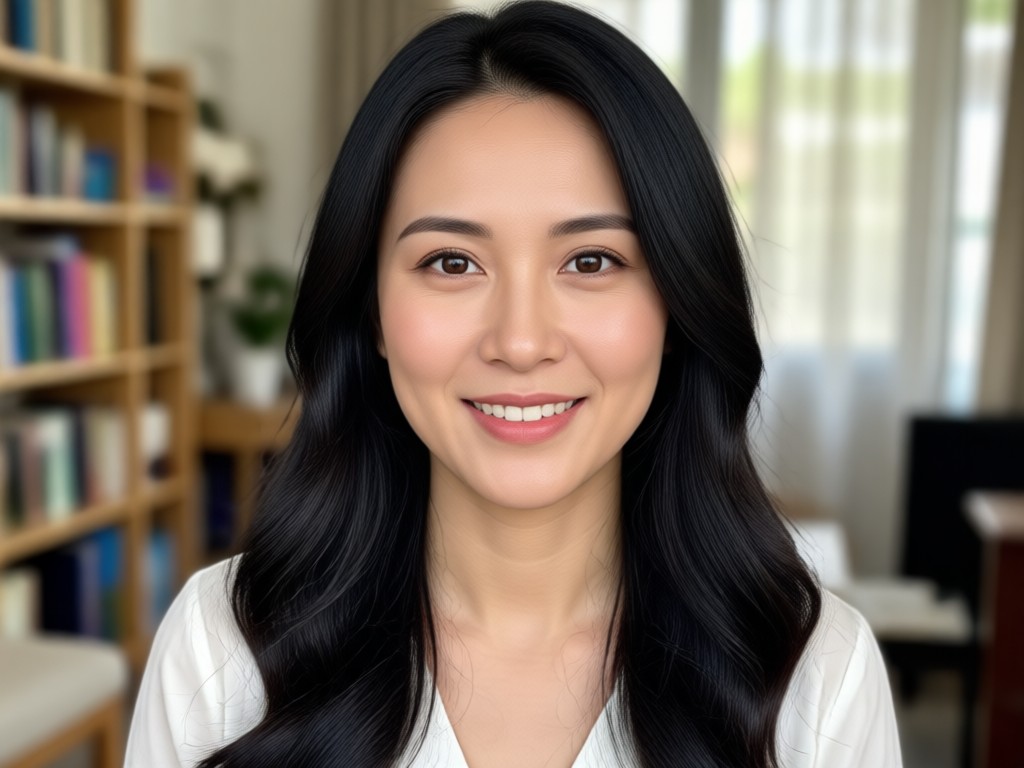
One Tap Formal Outfit Swap
Upload a clear photo and choose from hundreds of formal dress templates. The AI replaces your clothes while keeping your face, pose, and background sharp and natural.
One Tap Formal Outfit Swap
Upload a clear photo and choose from hundreds of formal dress templates. The AI replaces your clothes while keeping your face, pose, and background sharp and natural.
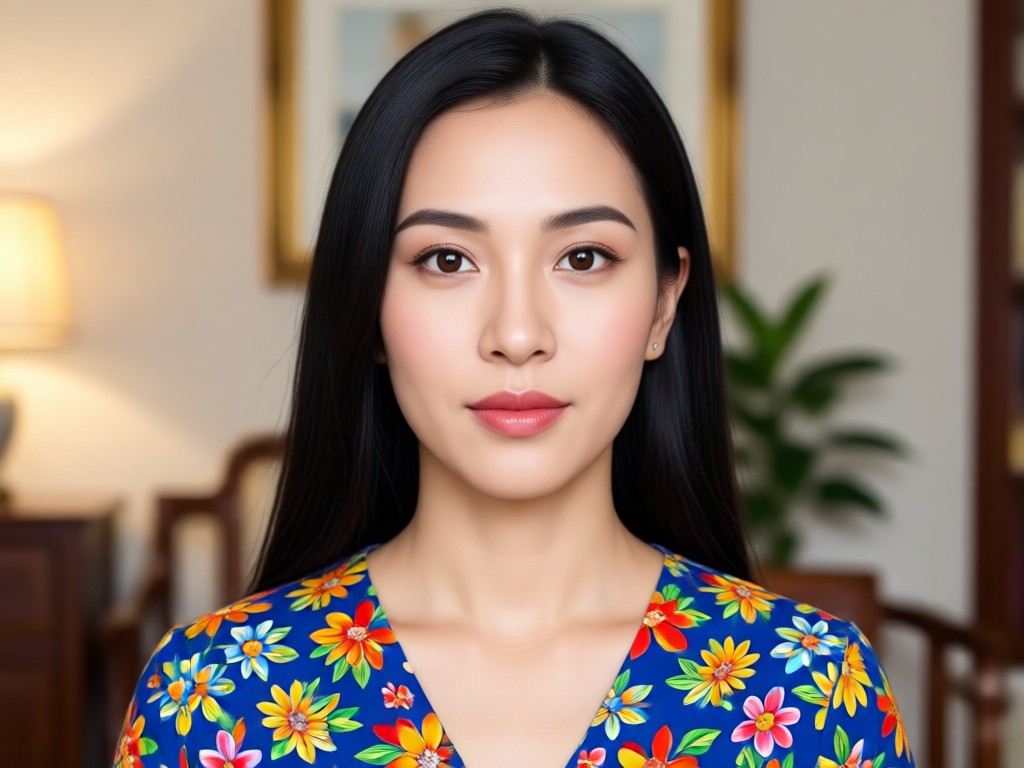
Passport Size Preset Ready
Get the exact 2x2 inch or 35x45 mm crop with a plain white background. Your new dress fits standard passport photo dimensions without extra editing.
Passport Size Preset Ready
Get the exact 2x2 inch or 35x45 mm crop with a plain white background. Your new dress fits standard passport photo dimensions without extra editing.
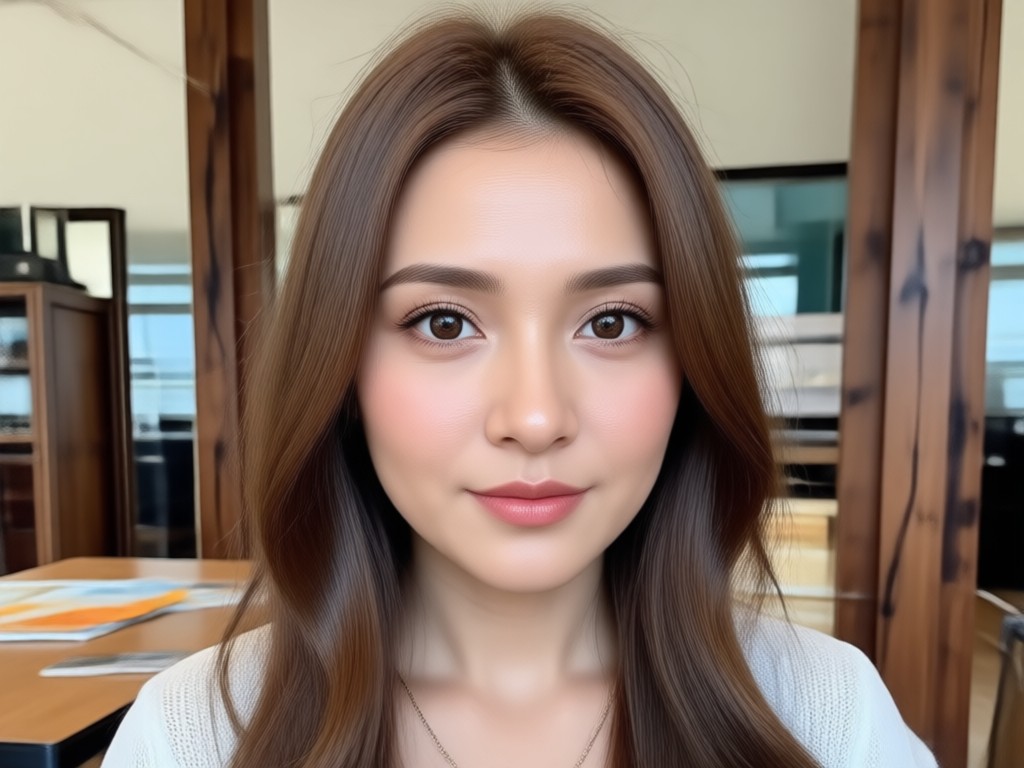
Realistic Fabric and Lighting
The AI understands collar, lapel, and shadow details. It blends the new outfit with your skin tone and the original photo lighting for a natural result.
Realistic Fabric and Lighting
The AI understands collar, lapel, and shadow details. It blends the new outfit with your skin tone and the original photo lighting for a natural result.
How to Change Dress in Passport Size Photo
Create a professional passport photo with a new formal outfit in three simple steps using the gloglo mobile app.

Step 01.
Download the gloglo app from Google Play and open the AI Dress Change tool on your phone.

Step 02.
Upload a clear front facing photo and select a formal dress template such as a suit, shirt, or blazer.

Step 03.
Preview the passport size result, adjust if needed, then save and share the final image.
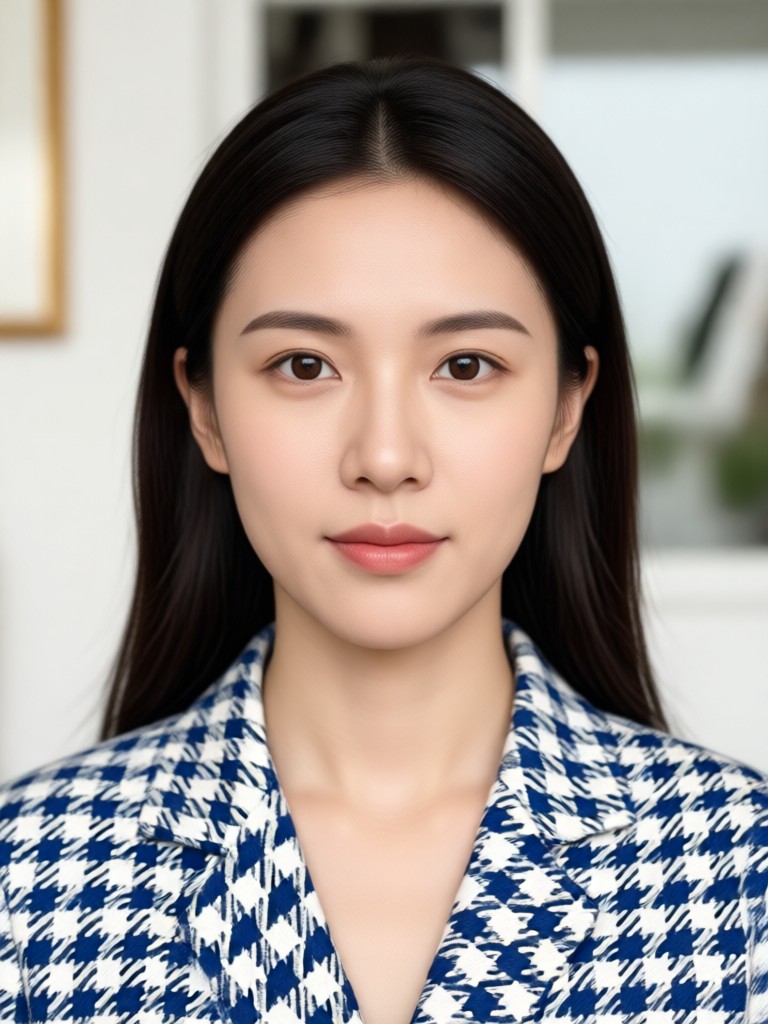
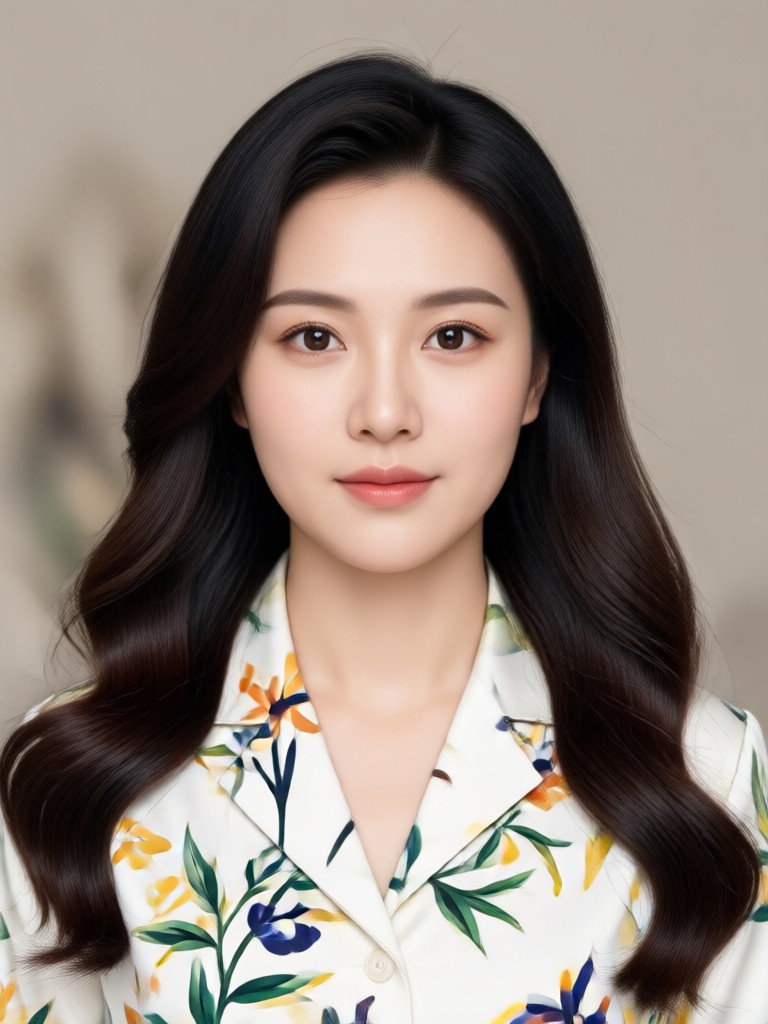
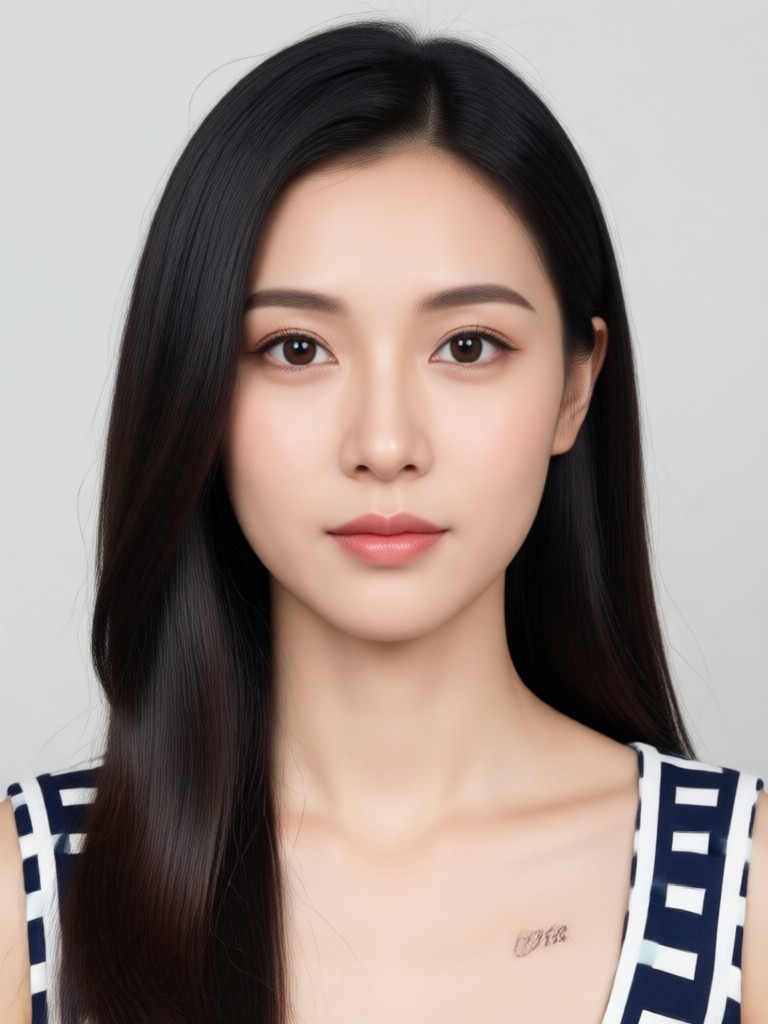
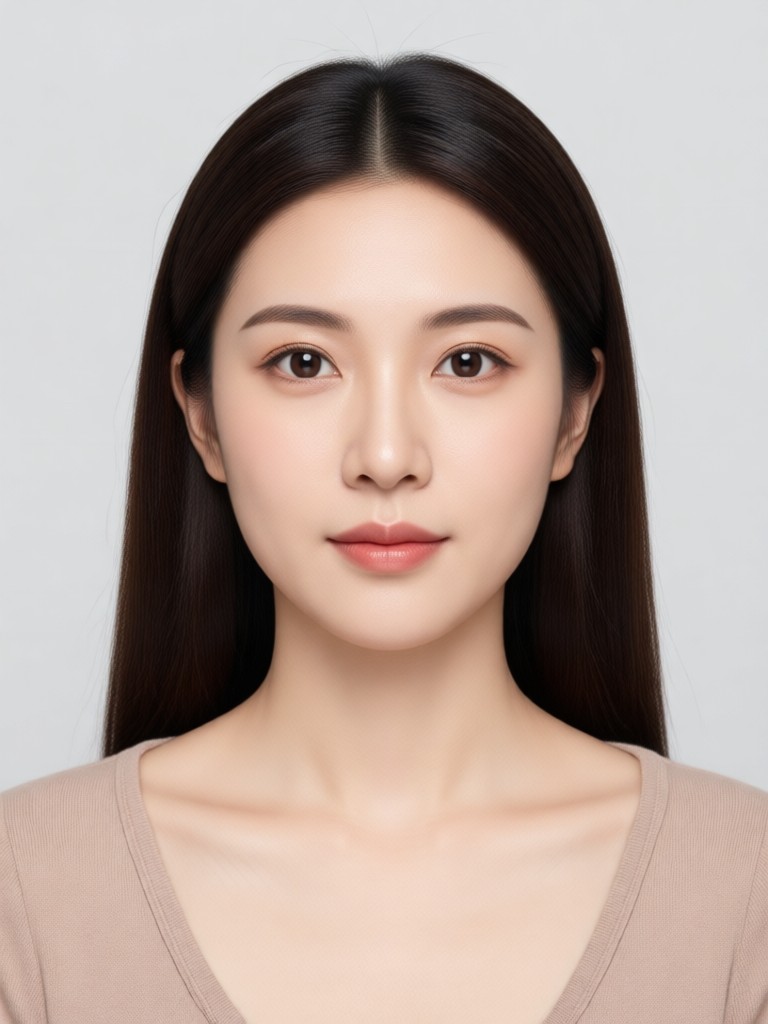
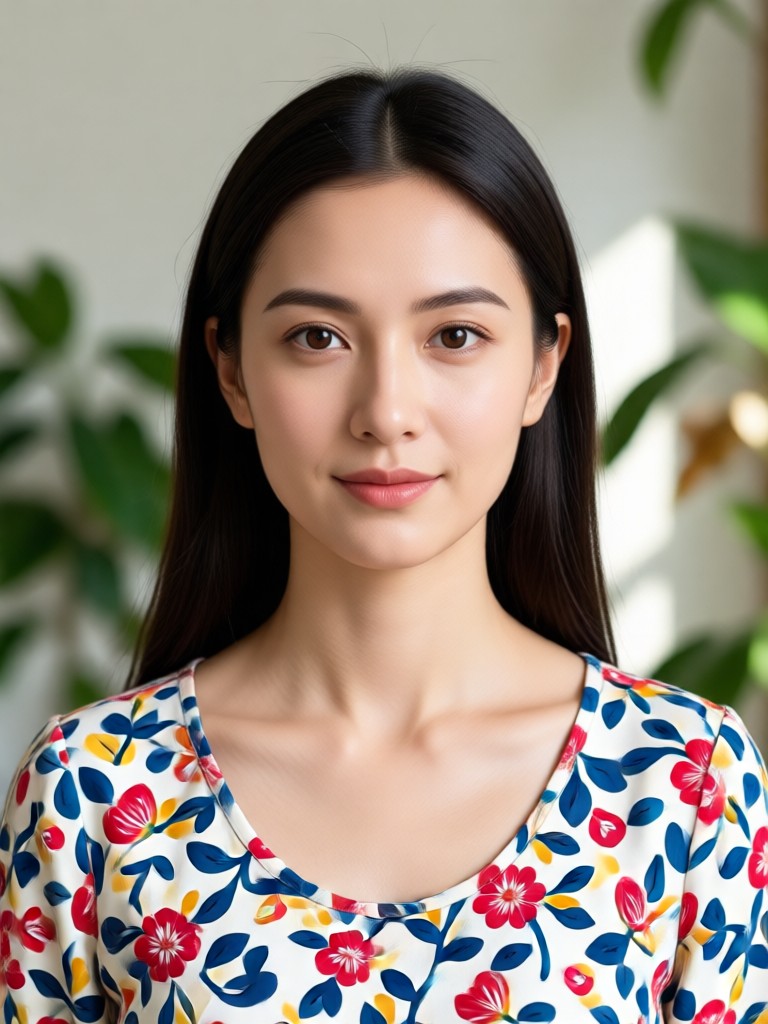
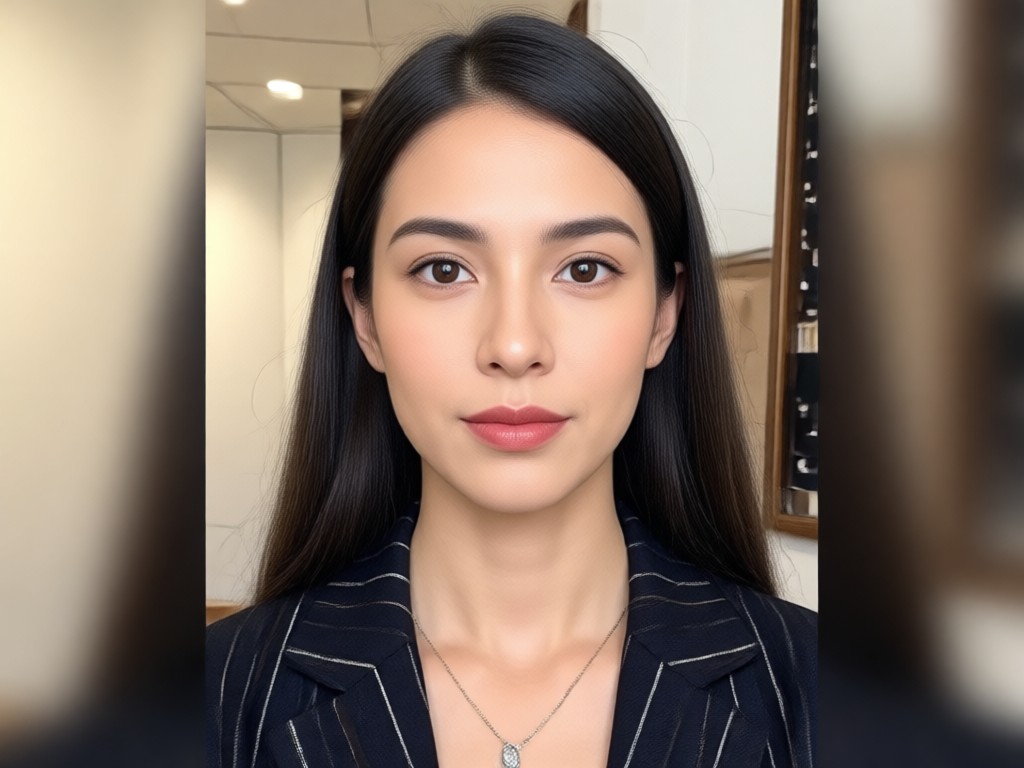
Passport Photo Dress Change Results
See how gloglo transforms casual outfits into sharp formal wear for passport size photos. Each image uses a different dress template to match official photo standards.
Why Use gloglo for Dress Change in Passport Size Photo?
Skip the photo studio and get a compliant passport photo from your phone. Choose from hundreds of formal outfits, apply the correct size preset, and keep your identity natural and clear.
Why Use gloglo for Dress Change in Passport Size Photo?
Skip the photo studio and get a compliant passport photo from your phone. Choose from hundreds of formal outfits, apply the correct size preset, and keep your identity natural and clear.
Who Uses AI Dress Change for Passport Size Photo

Priya Nair
I needed a passport photo for an urgent visa application. gloglo changed my t-shirt into a formal blazer in seconds and the photo was accepted.
James Carter
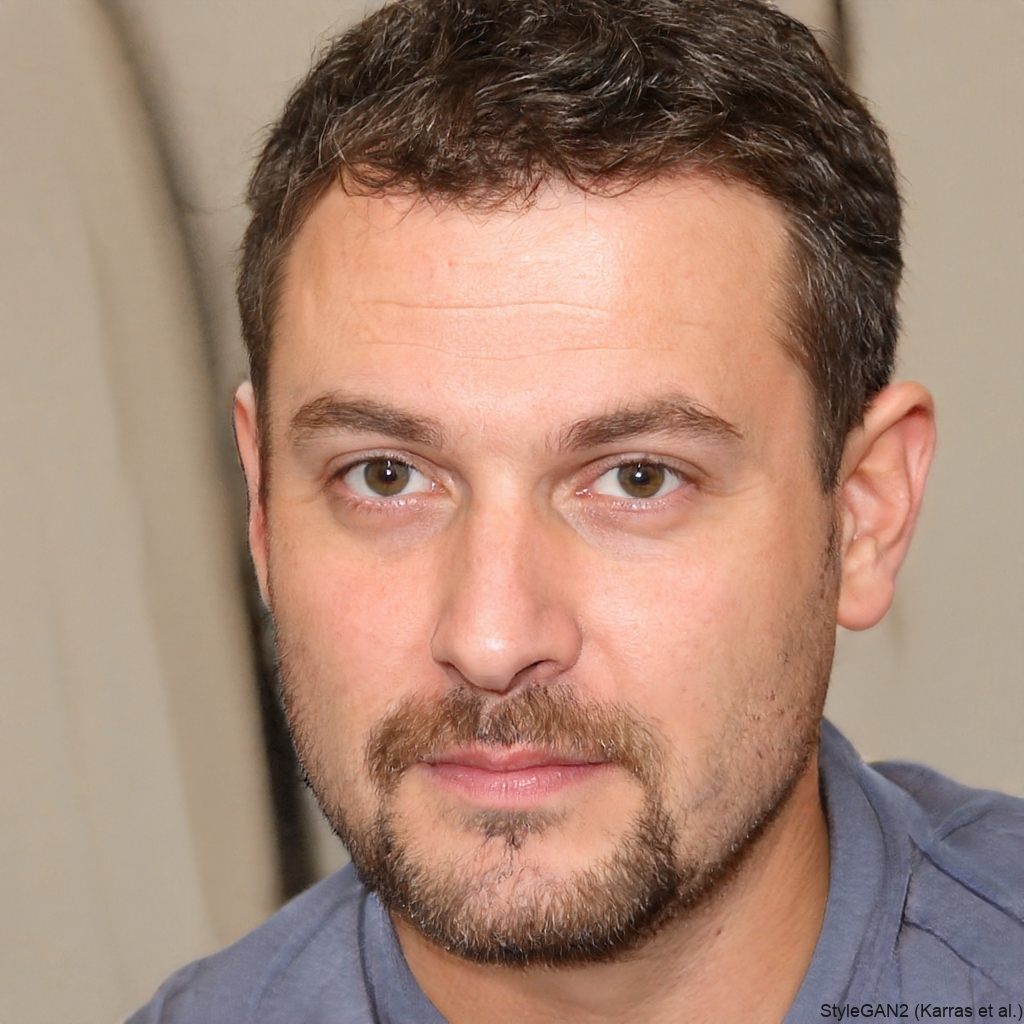
I hate wearing suits. I took a photo in a hoodie and the app changed it to a navy suit for my ID card. It looked completely real.

Meera K.
The passport size preset saved me. I didn't have to crop or adjust anything. The dress change matched the lighting perfectly.
Daniel Osei
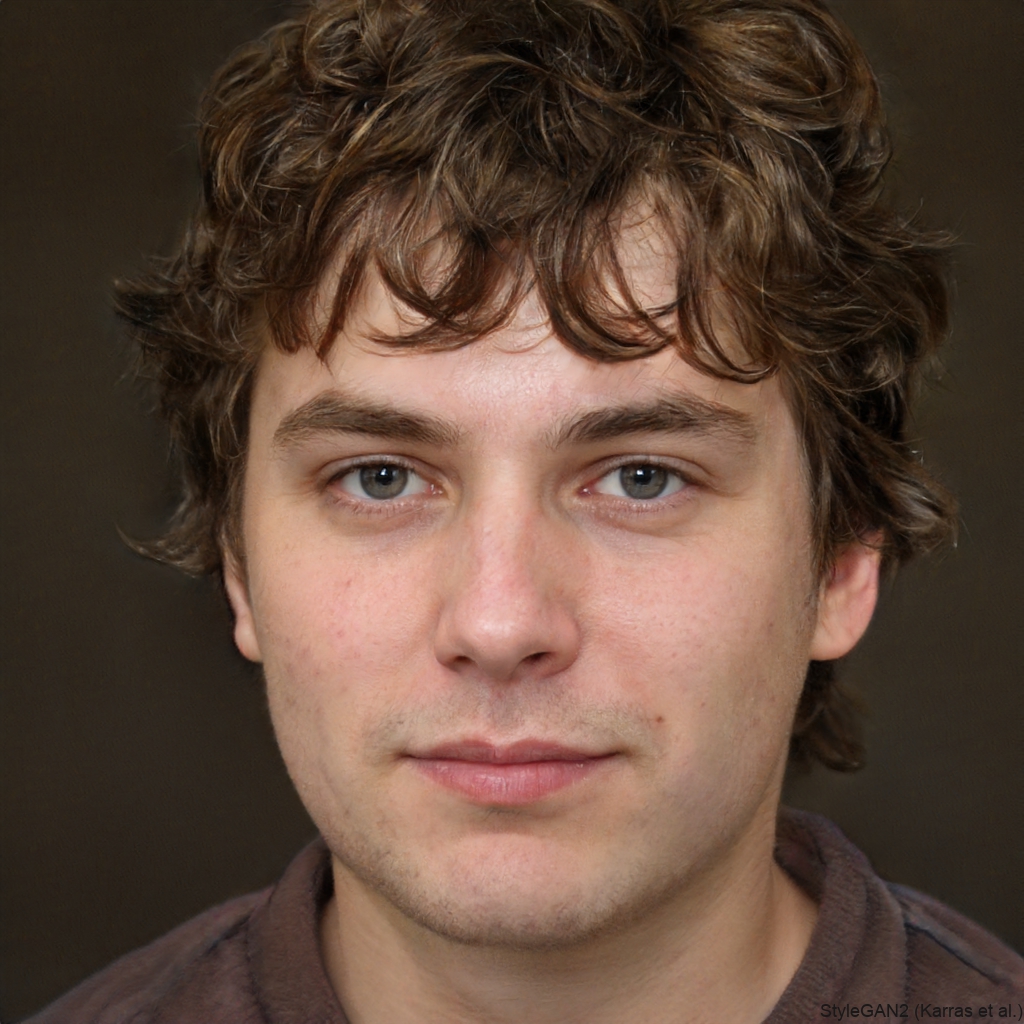
I used gloglo to change my shirt to a tie and blazer for a government ID. The result was sharper than the studio photo I paid for.
Priya Nair
I needed a passport photo for an urgent visa application. gloglo changed my t-shirt into a formal blazer in seconds and the photo was accepted.
James Carter
I hate wearing suits. I took a photo in a hoodie and the app changed it to a navy suit for my ID card. It looked completely real.
Meera K.
The passport size preset saved me. I didn't have to crop or adjust anything. The dress change matched the lighting perfectly.
Daniel Osei
I used gloglo to change my shirt to a tie and blazer for a government ID. The result was sharper than the studio photo I paid for.
Priya Nair
I needed a passport photo for an urgent visa application. gloglo changed my t-shirt into a formal blazer in seconds and the photo was accepted.
James Carter
I hate wearing suits. I took a photo in a hoodie and the app changed it to a navy suit for my ID card. It looked completely real.
Meera K.
The passport size preset saved me. I didn't have to crop or adjust anything. The dress change matched the lighting perfectly.
Daniel Osei
I used gloglo to change my shirt to a tie and blazer for a government ID. The result was sharper than the studio photo I paid for.
Frequently Asked Questions About Passport Size Photo Dress Change
Get clear answers about changing your outfit in a passport size photo with AI, file requirements, and how to get the best result.
Ready to Change Your Dress in a Passport Size Photo?
Download gloglo now and get a professional passport photo with a formal outfit in minutes. No studio, no stress, no Photoshop.

Ready to Change Your Dress in a Passport Size Photo?
Download gloglo now and get a professional passport photo with a formal outfit in minutes. No studio, no stress, no Photoshop.