Enhance Resolution Of Photo
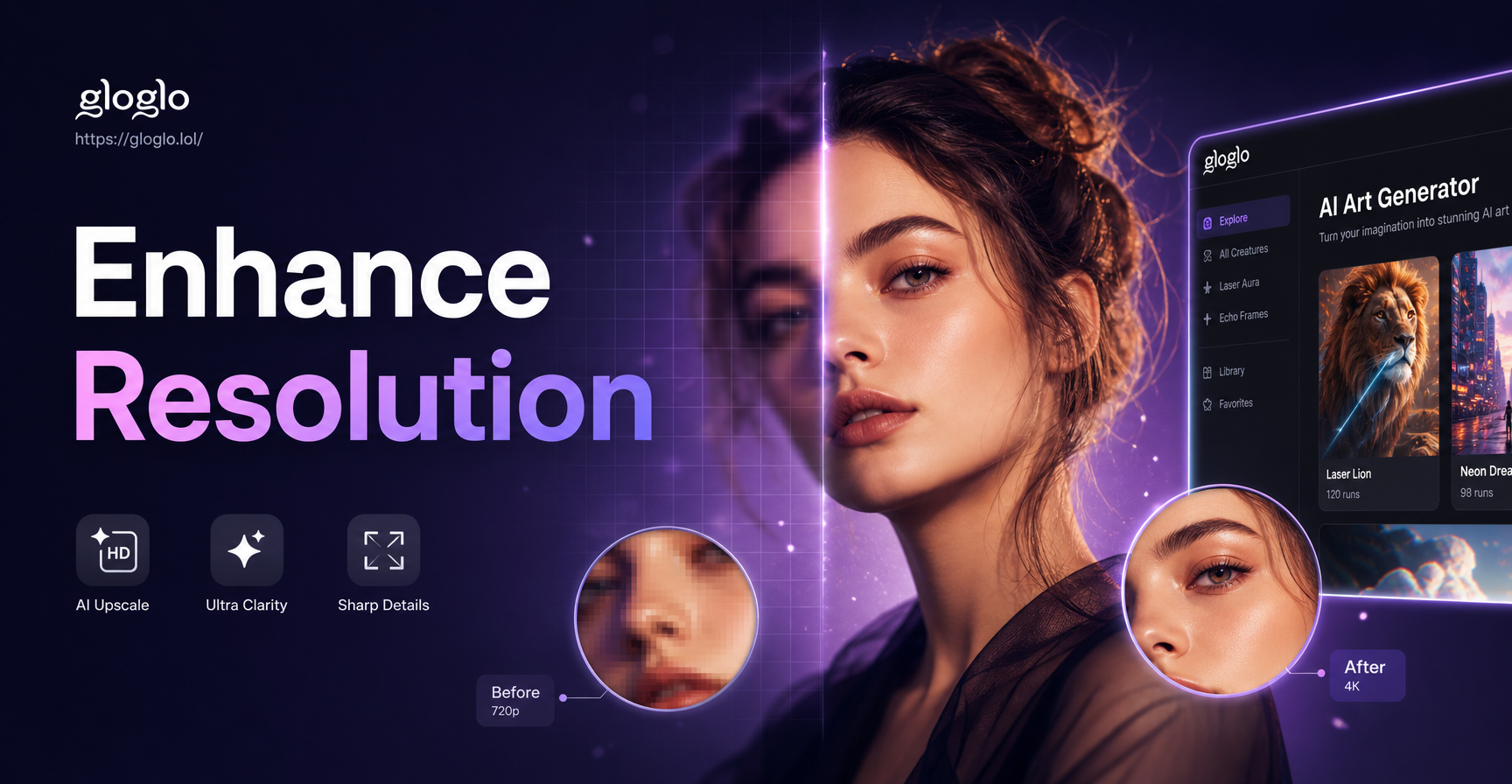
Advanced Filters for Photo Enhancement
From HD upscaling to noise reduction and detail recovery, select the perfect AI filter to enhance your photo's resolution and overall quality.
How AI Enhances Your Photo Resolution
Our AI technology goes beyond simple upscaling. It intelligently reconstructs details, corrects artifacts, and enhances textures to deliver a genuinely high-quality result.
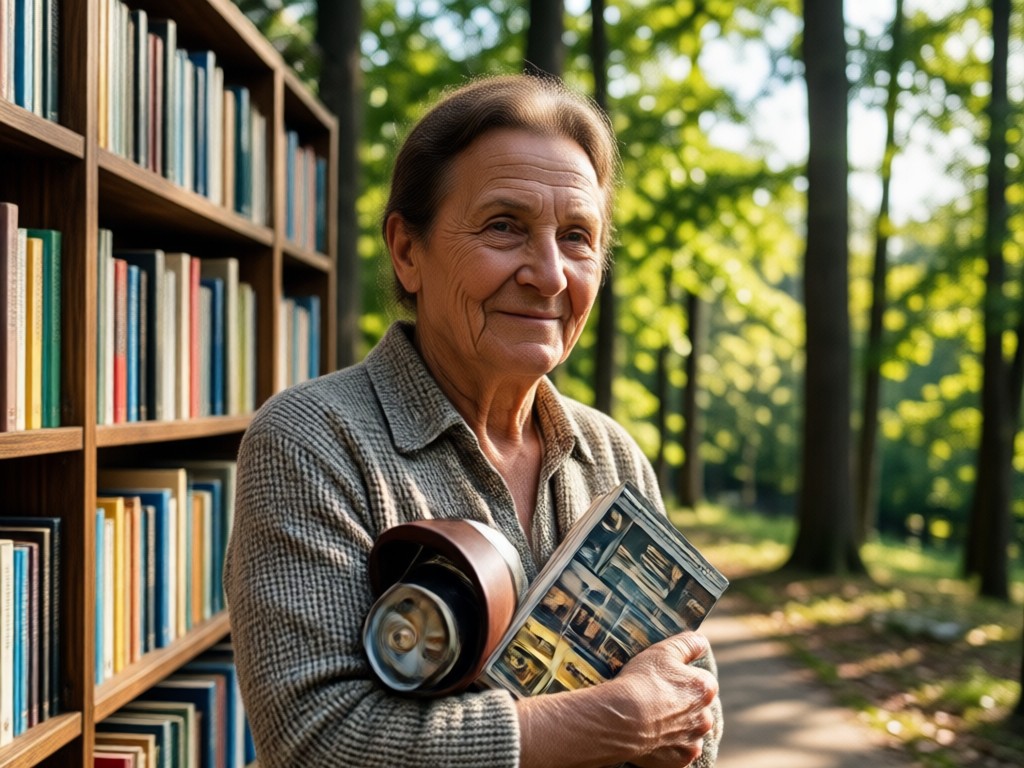
Smart Detail Reconstruction
AI analyzes pixel patterns to intelligently reconstruct missing details and textures, turning blurry areas into sharp, defined elements without creating a plastic look.
Smart Detail Reconstruction
AI analyzes pixel patterns to intelligently reconstruct missing details and textures, turning blurry areas into sharp, defined elements without creating a plastic look.
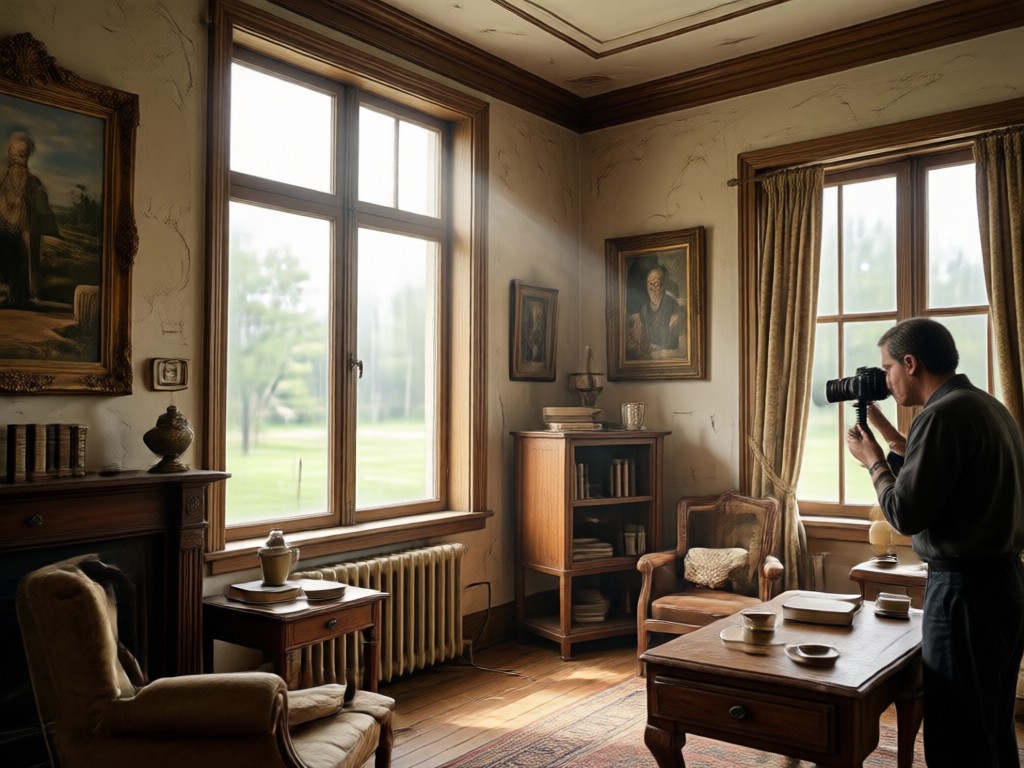
Noise & Artifact Reduction
Eliminate grain, JPEG compression blocks, and digital noise from old photos or screenshots, resulting in a clean, smooth, and professional-looking image.
Noise & Artifact Reduction
Eliminate grain, JPEG compression blocks, and digital noise from old photos or screenshots, resulting in a clean, smooth, and professional-looking image.
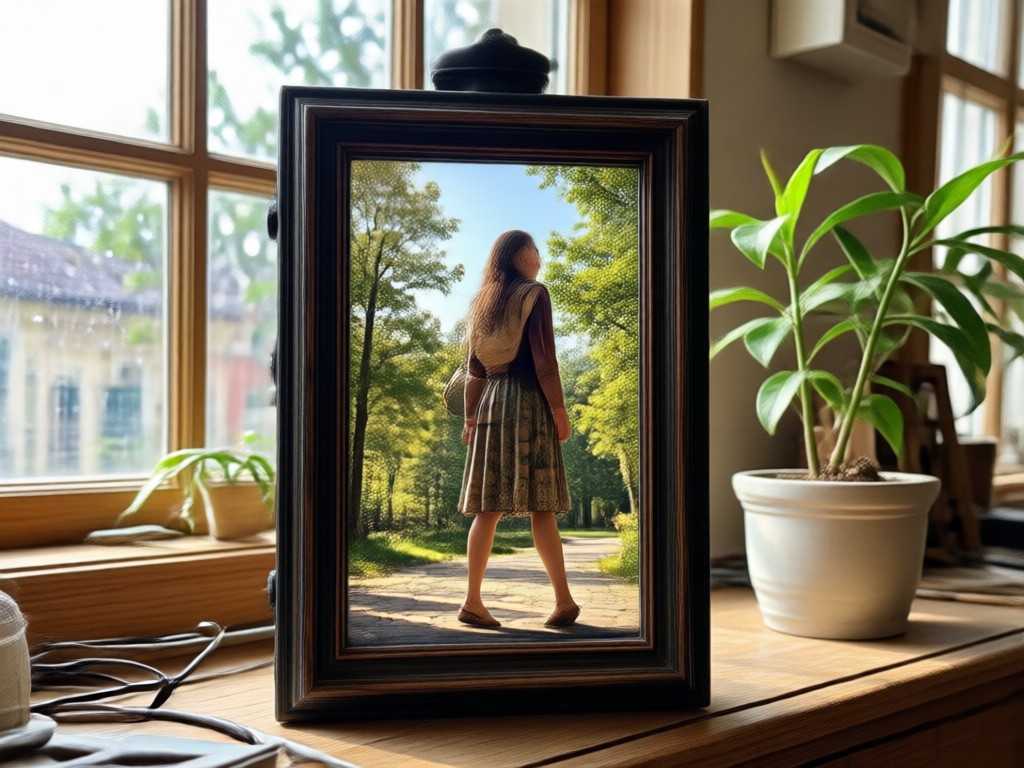
Multi-Format Upscaling
Enhance resolution for any photo type, from vintage scans and social media downloads to modern smartphone pictures, supporting various input and output formats.
Multi-Format Upscaling
Enhance resolution for any photo type, from vintage scans and social media downloads to modern smartphone pictures, supporting various input and output formats.
How to Enhance Photo Resolution in 3 Steps
Achieve professional-grade image clarity in seconds with our simple, three-step process inside the app.
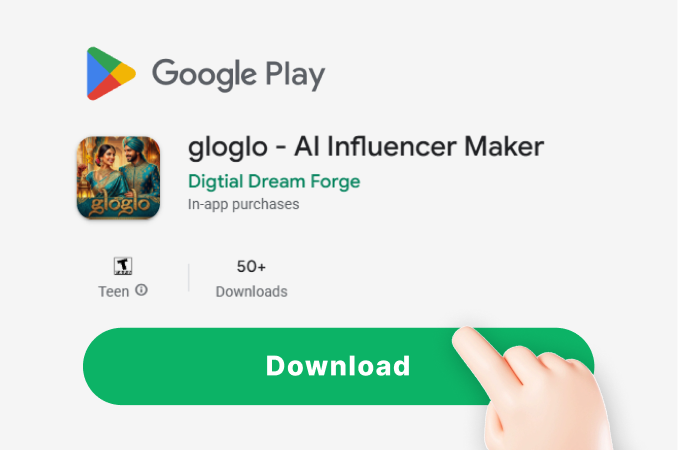
Step 01.
Download the Gloglo app from Google Play. It's your all-in-one mobile tool for AI-powered photo and video enhancement.
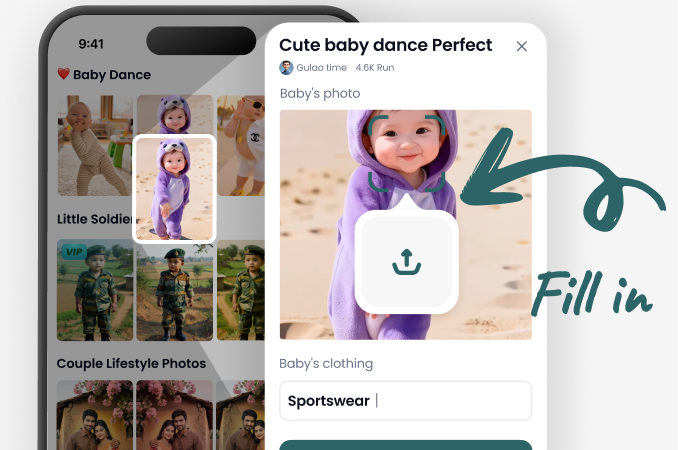
Step 02.
Upload your low-res photo and select the 'Enhance Resolution' filter. Adjust settings like sharpness and output size to match your needs.
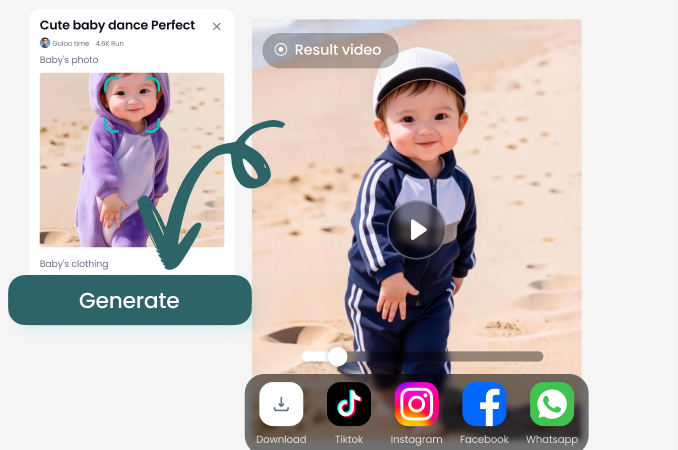
Step 03.
Let the AI process your image. In moments, download your newly enhanced, high-resolution photo, ready for printing or sharing online.
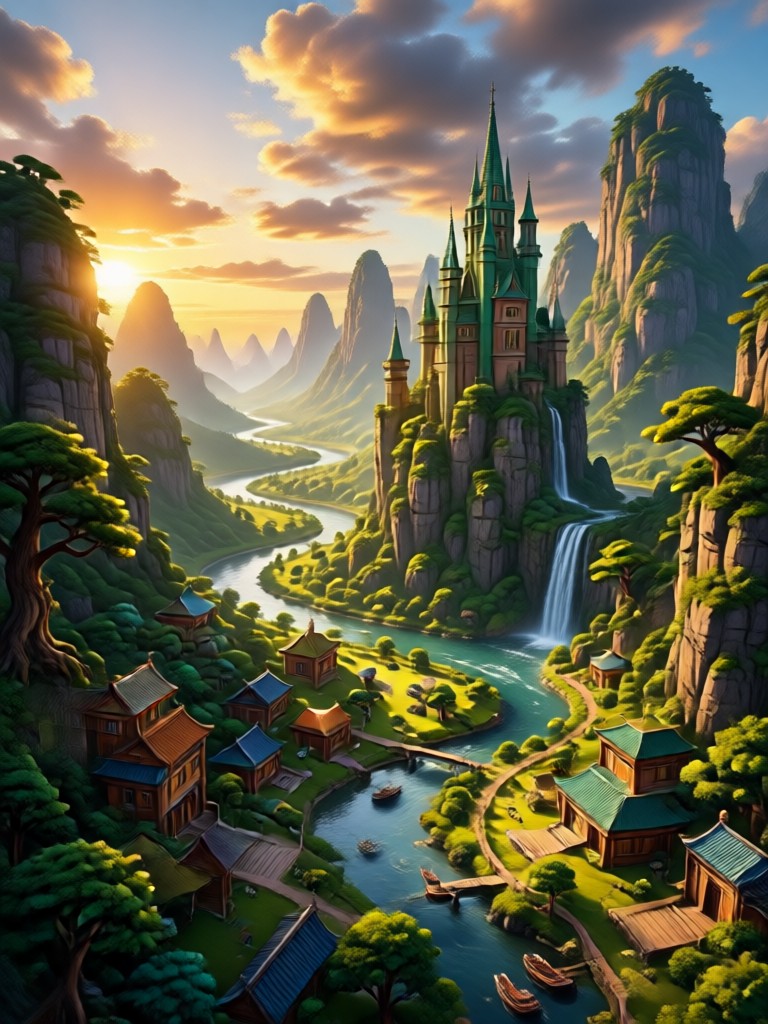
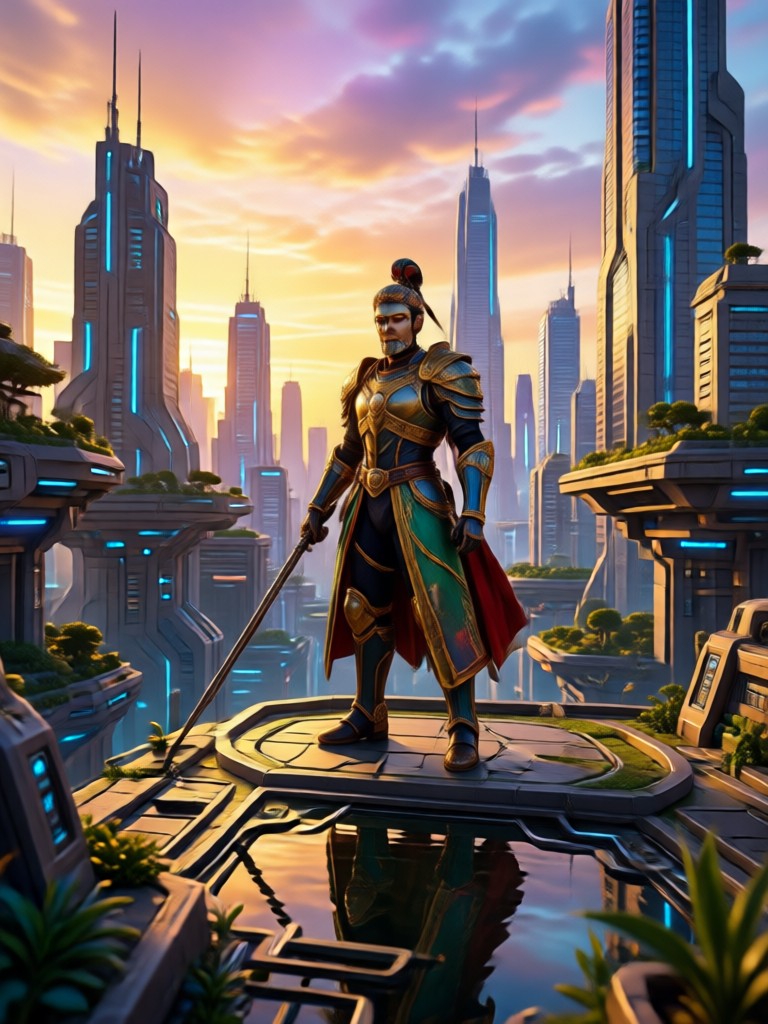
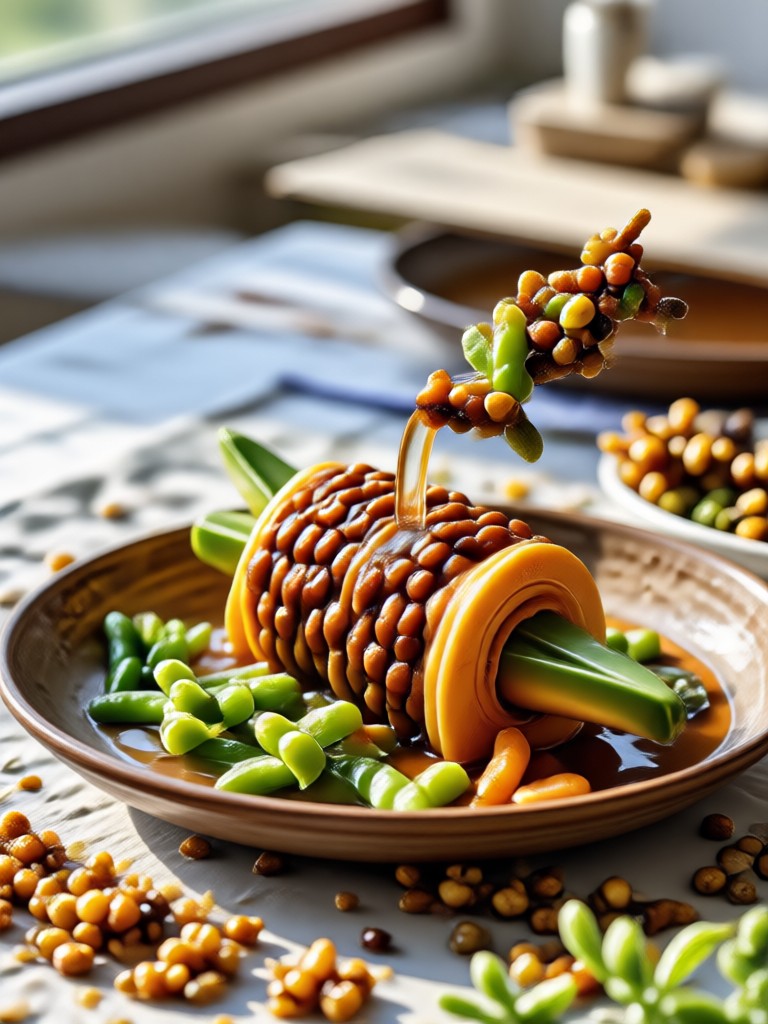
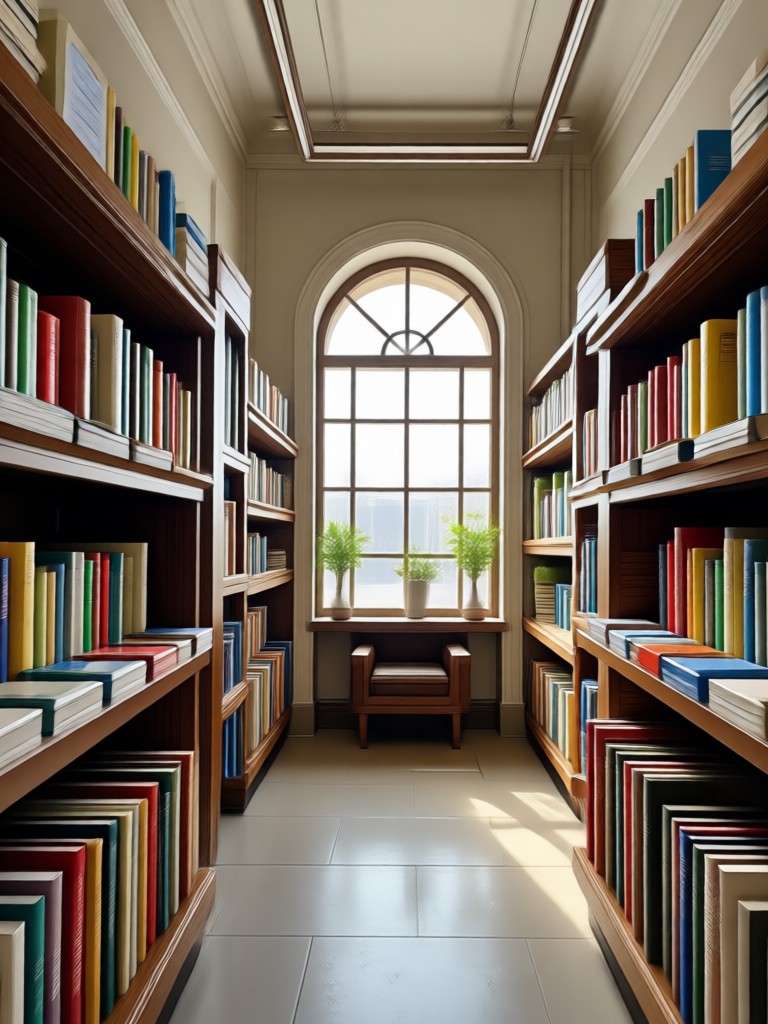
Resolution Enhancement Results Gallery
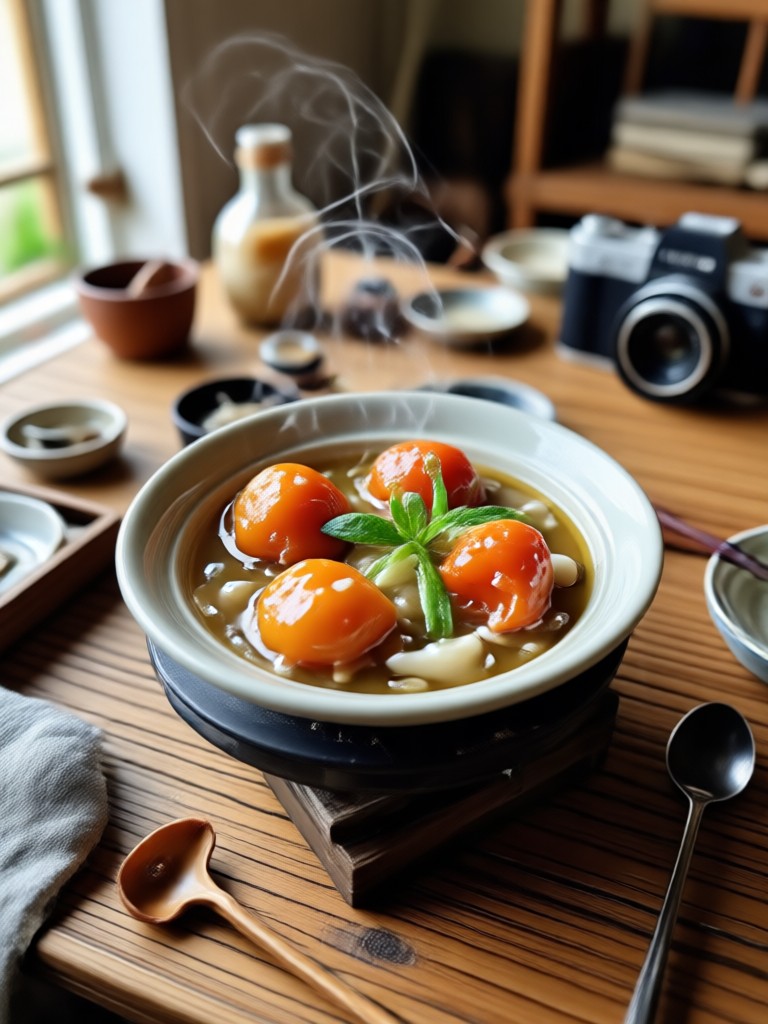
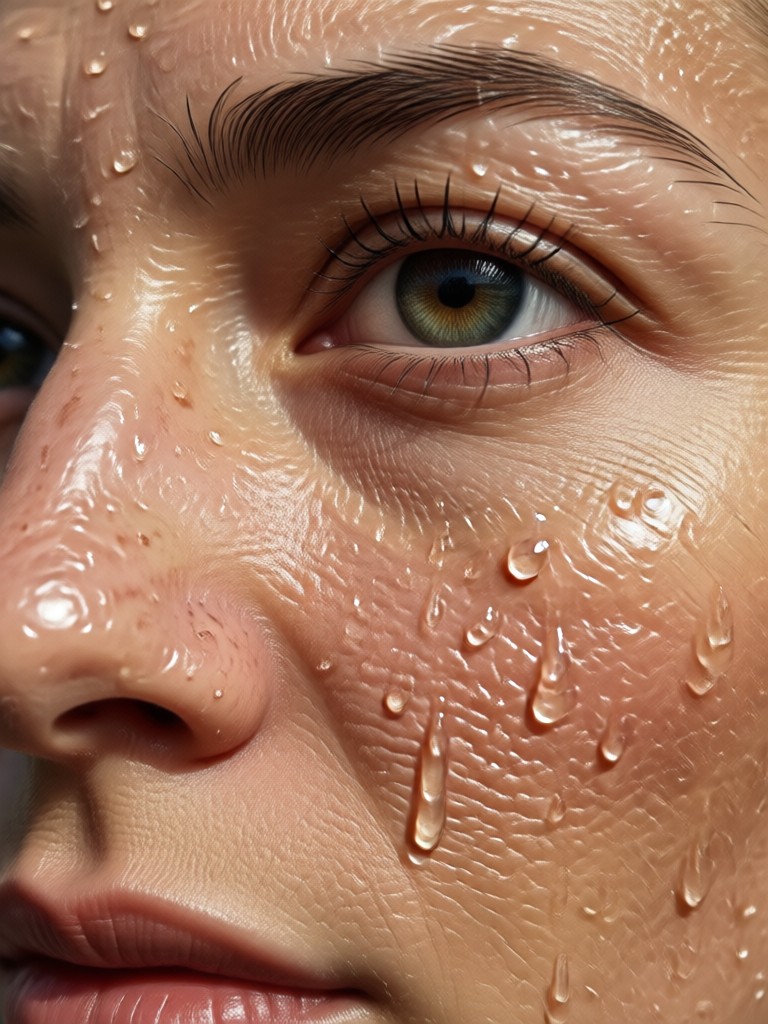
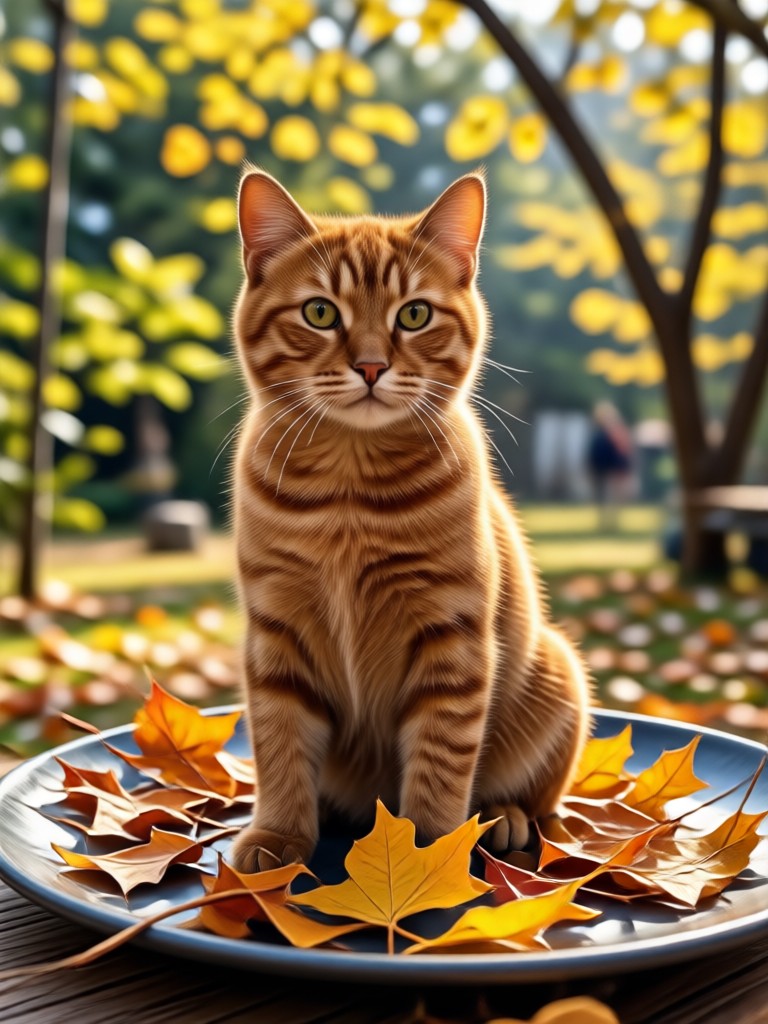
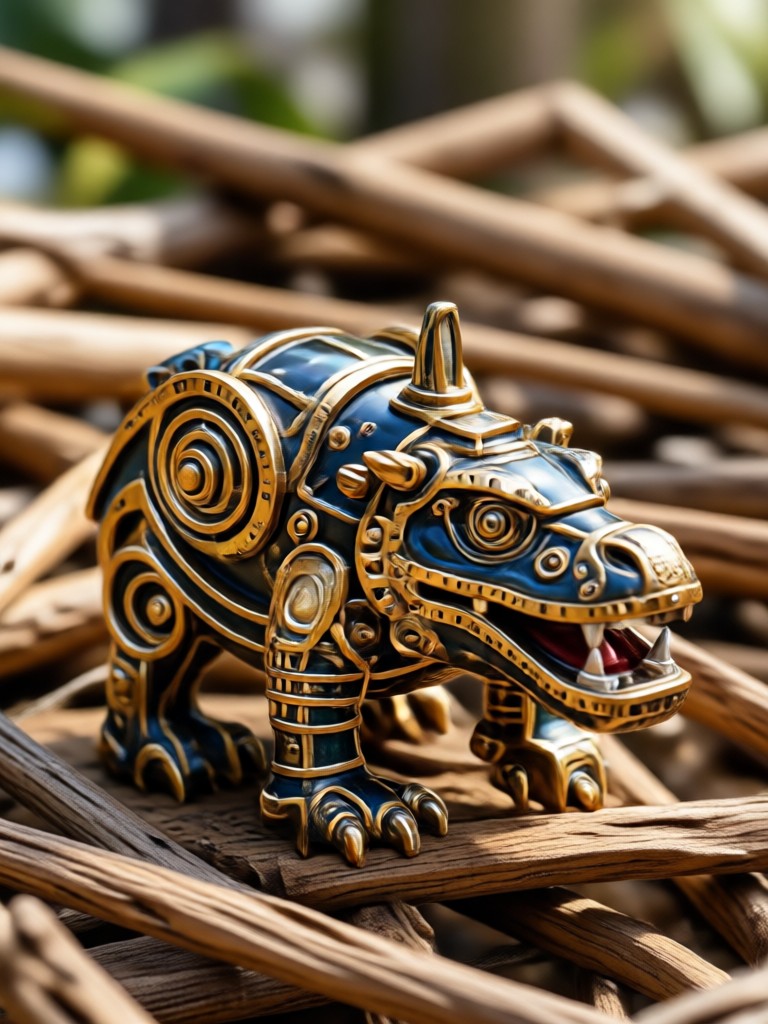
See the transformative power of AI resolution enhancement. These real examples show how blurry, pixelated photos are restored to sharp, detailed clarity.
What Users Say About Photo Resolution Enhancement
Breathed new life into my old photo albums
I scanned decades-old family photos, and they were tiny and blurry. This AI tool enhanced the resolution so well, I could see details I'd forgotten. Printed them for my parents, and they were thrilled.
A must-have tool for my real estate business
Client photos from older listings were often low quality. Now I can enhance the resolution in seconds, making properties look sharp and professional online. It has directly improved my listing engagement.
Saved a crucial project deliverable
A key image for a client presentation was accidentally saved at a very low resolution. With a tight deadline, this AI enhancer upscaled it perfectly without looking artificial. The client never knew there was an issue.
Why Choose AI for Resolution Enhancement?
Traditional upscaling simply makes pixels bigger, creating a blurry, blocky result. AI enhancement is fundamentally different and more effective.
The Intelligent Difference
Our AI doesn't just interpolate pixels, it understands the content of your image. It recognizes faces, textures, edges, and patterns. When you enhance resolution, it reconstructs plausible details, sharpens lines naturally, and reduces noise contextually. This means your enhanced photo looks authentically detailed and clear, not artificially processed or smoothed over. It's the difference between making a small image bigger and truly restoring its quality for modern displays and prints.
The Intelligent Difference
Our AI doesn't just interpolate pixels, it understands the content of your image. It recognizes faces, textures, edges, and patterns. When you enhance resolution, it reconstructs plausible details, sharpens lines naturally, and reduces noise contextually. This means your enhanced photo looks authentically detailed and clear, not artificially processed or smoothed over. It's the difference between making a small image bigger and truly restoring its quality for modern displays and prints.
Photo Resolution Enhancement FAQs
Find answers to common questions about enhancing photo resolution with AI to get the best results for your images.
More Topics You May Like
Explore more topics you may like and discover fresh ideas tailored to your interests.
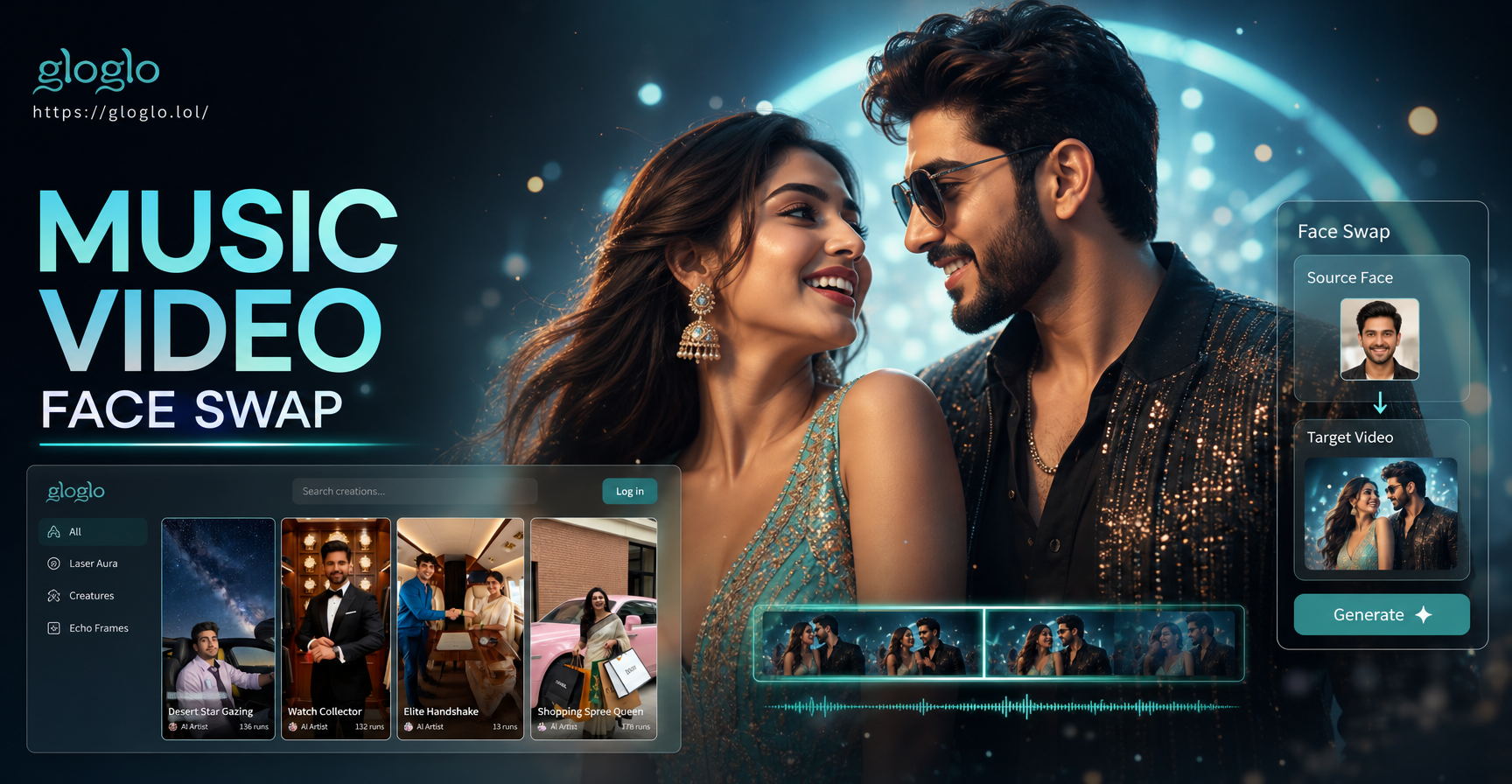
Become a Music Video Star with AI Face Swap
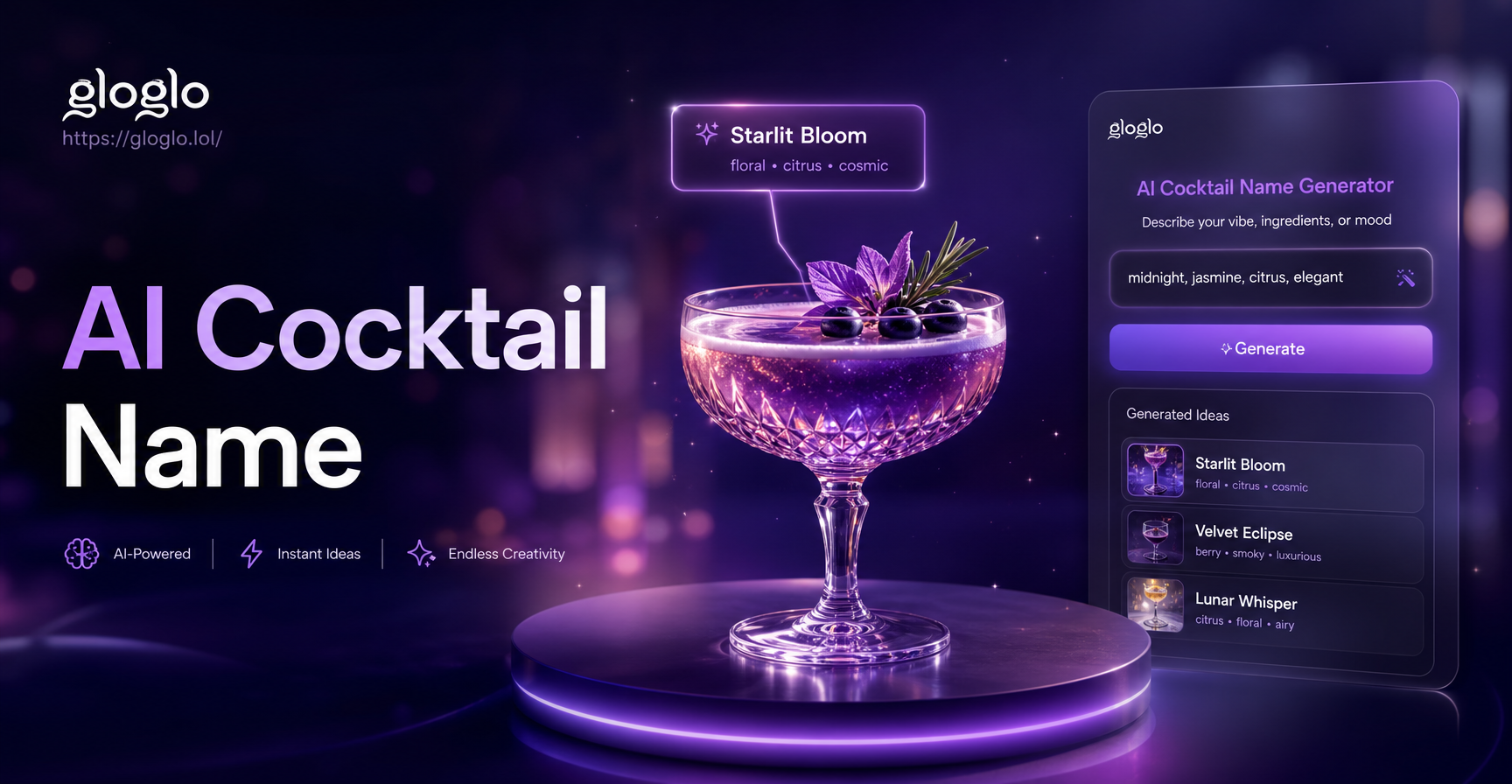
Unique Cocktail Names in Seconds with AI | Free Generator
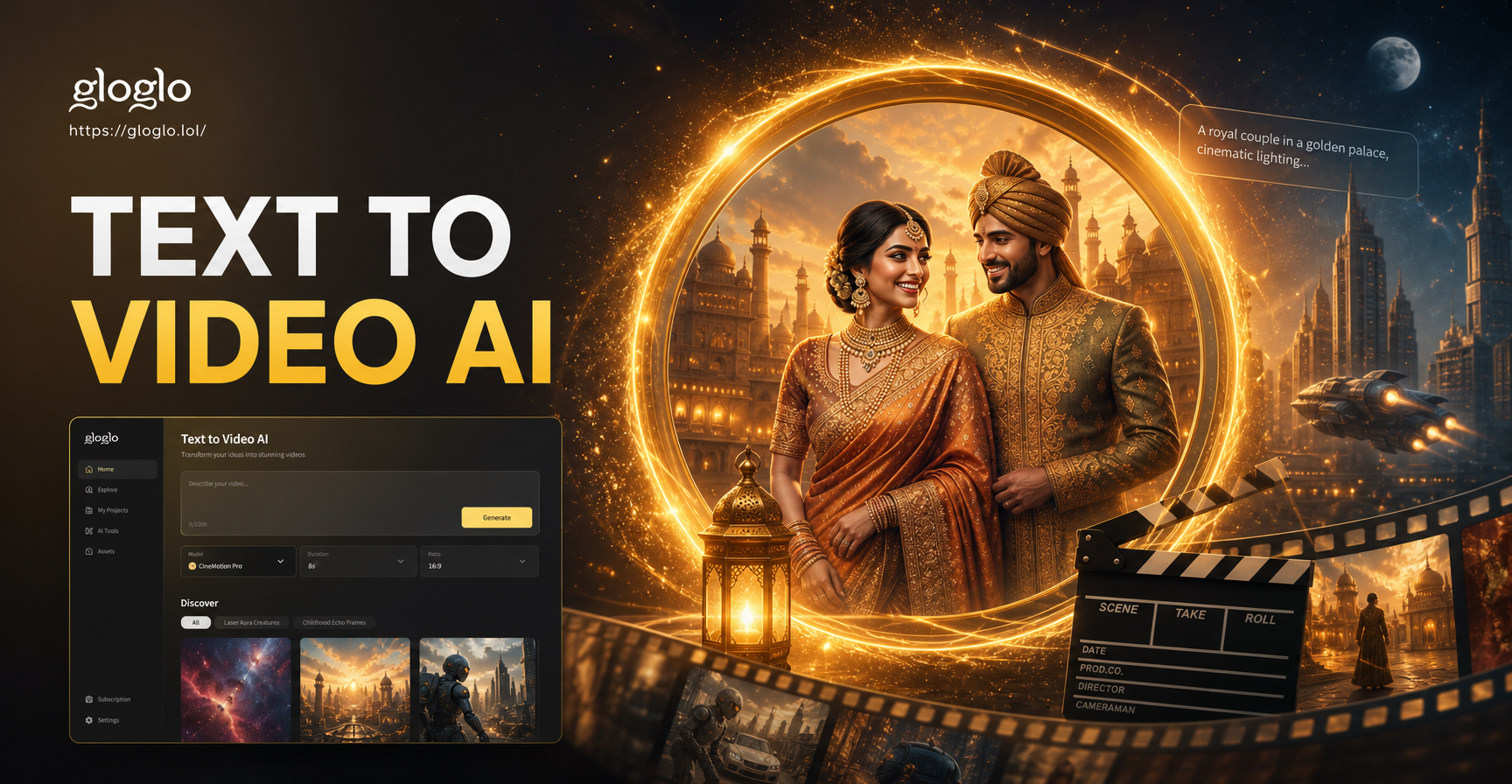
Turn Your Words into Viral Videos with Text to Video AI
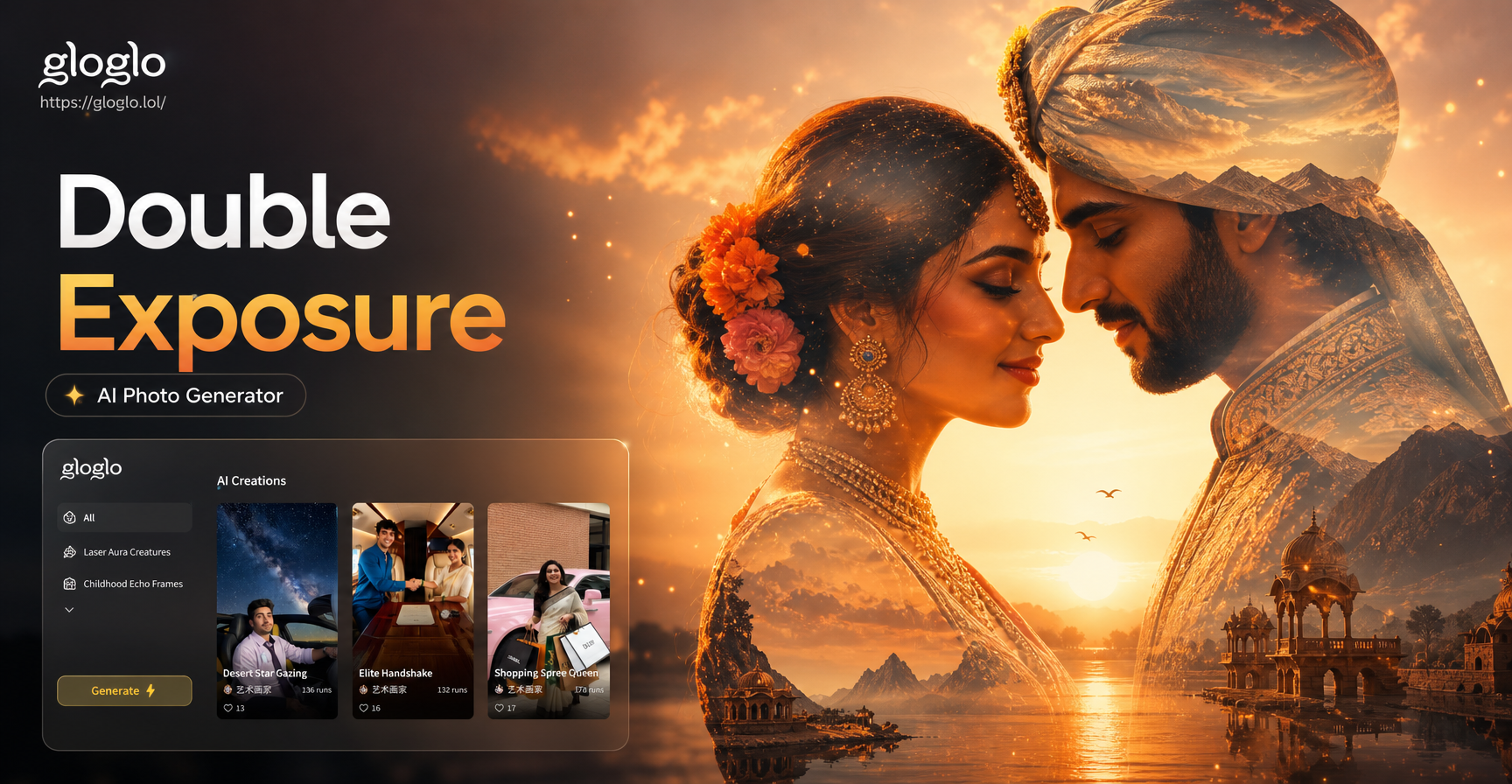
Create Stunning Double Exposure Photos for Couples
Become a Music Video Star with AI Face Swap
Unique Cocktail Names in Seconds with AI | Free Generator
Turn Your Words into Viral Videos with Text to Video AI
Create Stunning Double Exposure Photos for Couples
Transform Your Photos with AI Clarity
Don't let low resolution limit your memories or projects. Download Gloglo now and turn every photo into a sharp, detailed masterpiece with just a tap.

Transform Your Photos with AI Clarity
Don't let low resolution limit your memories or projects. Download Gloglo now and turn every photo into a sharp, detailed masterpiece with just a tap.