Hari Malaysia Photo Edit
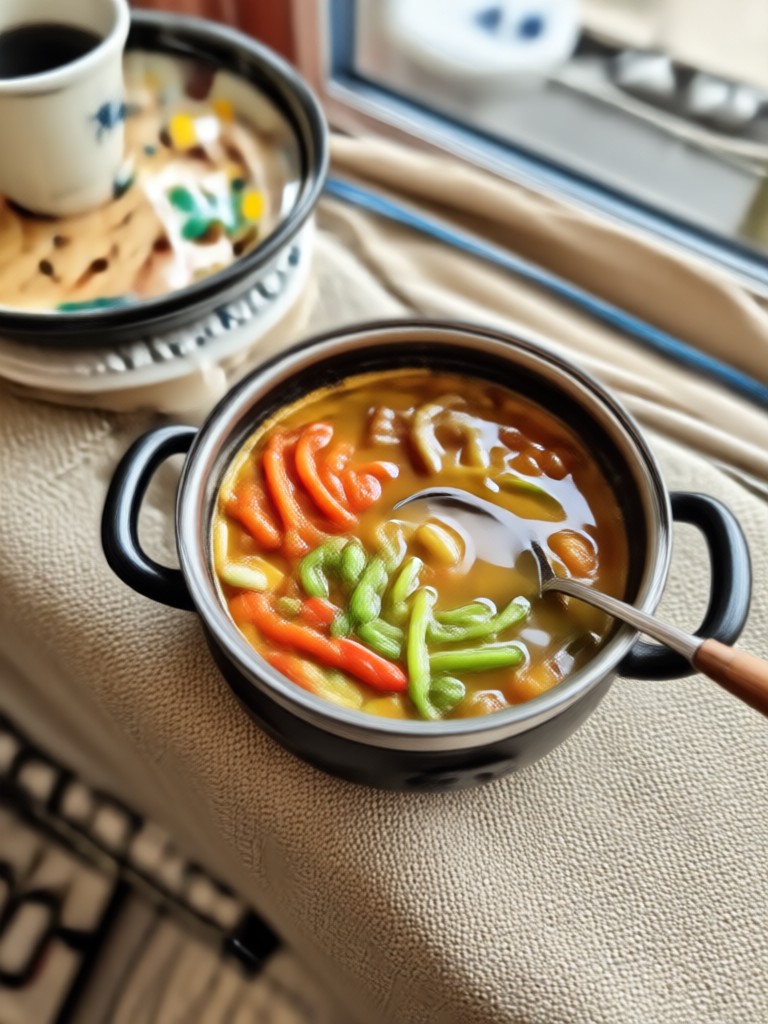
Top Filters for Hari Malaysia Photo Edits
Discover the perfect AI filter to celebrate Malaysia Day with pride. From Jalur Gemilang overlays to traditional baju kurung and baju Melayu transformations.
How to Create Hari Malaysia Photo Edits in 3 Steps
Celebrate Hari Malaysia with AI powered photo transformations. Follow these simple steps to create stunning patriotic images in minutes.

Step 01.
Download gloglo from Google Play. The app is free and installs in seconds on any Android device.

Step 02.
Upload your photo and browse the Hari Malaysia filter collection. Look for Merdeka themed styles, Jalur Gemilang overlays, and traditional outfit transformations.

Step 03.
Let AI process your image, then save or share your patriotic creation directly to WhatsApp, Instagram, TikTok, or Facebook.
Hari Malaysia Photo Edit Inspiration Gallery
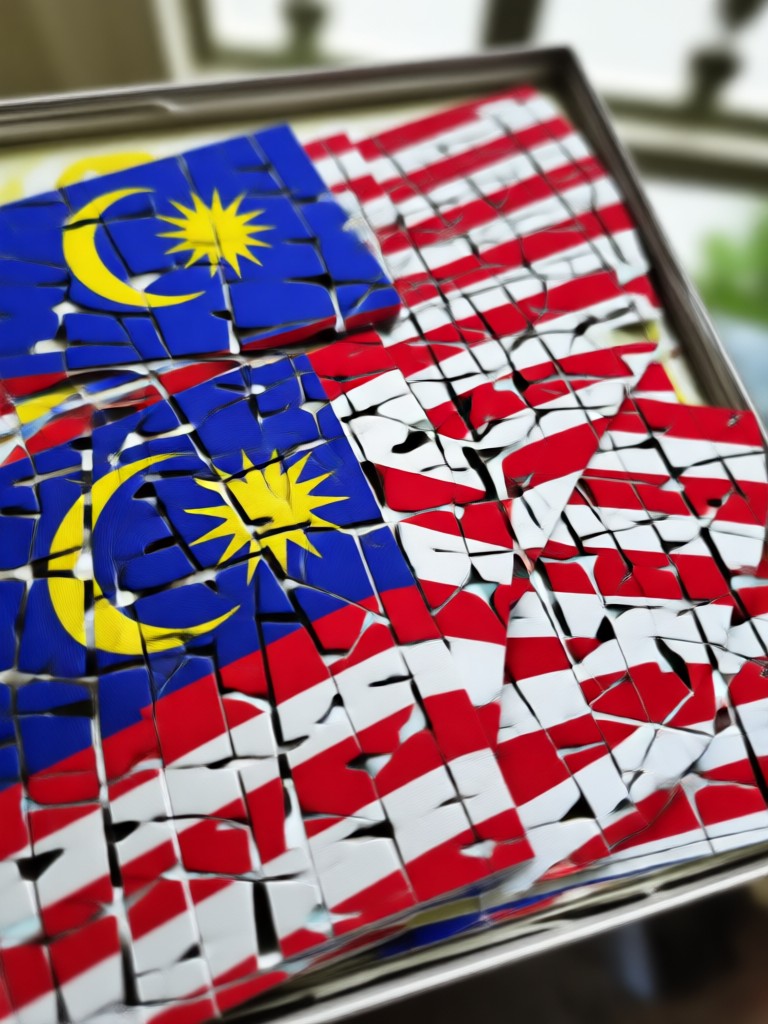
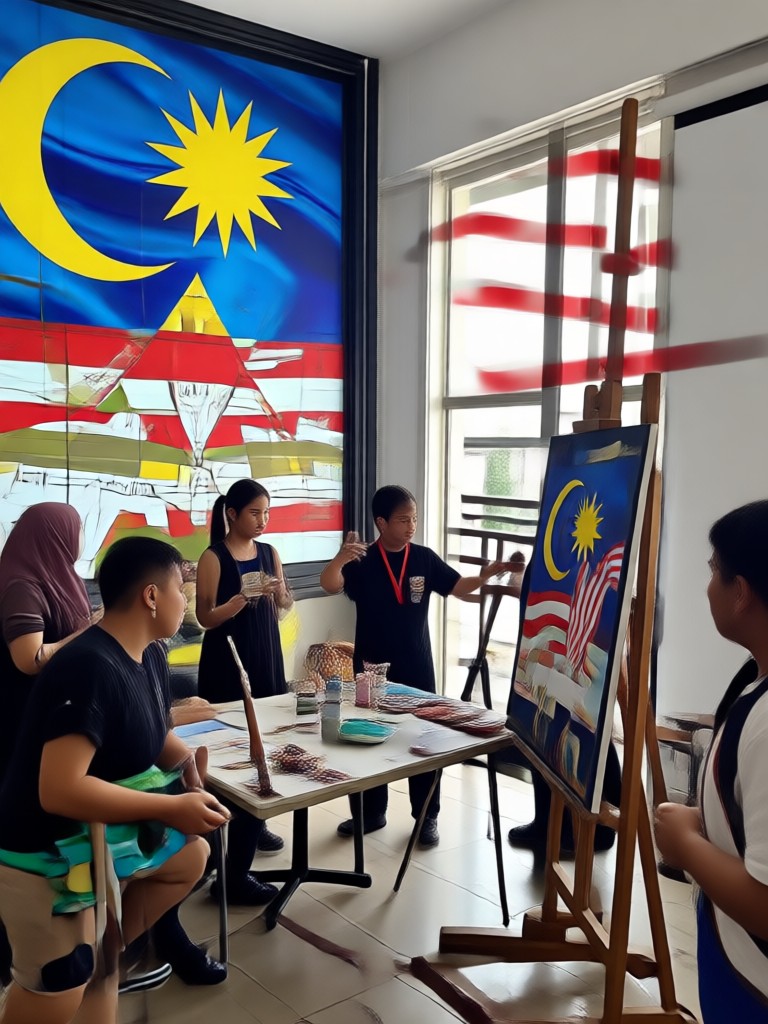
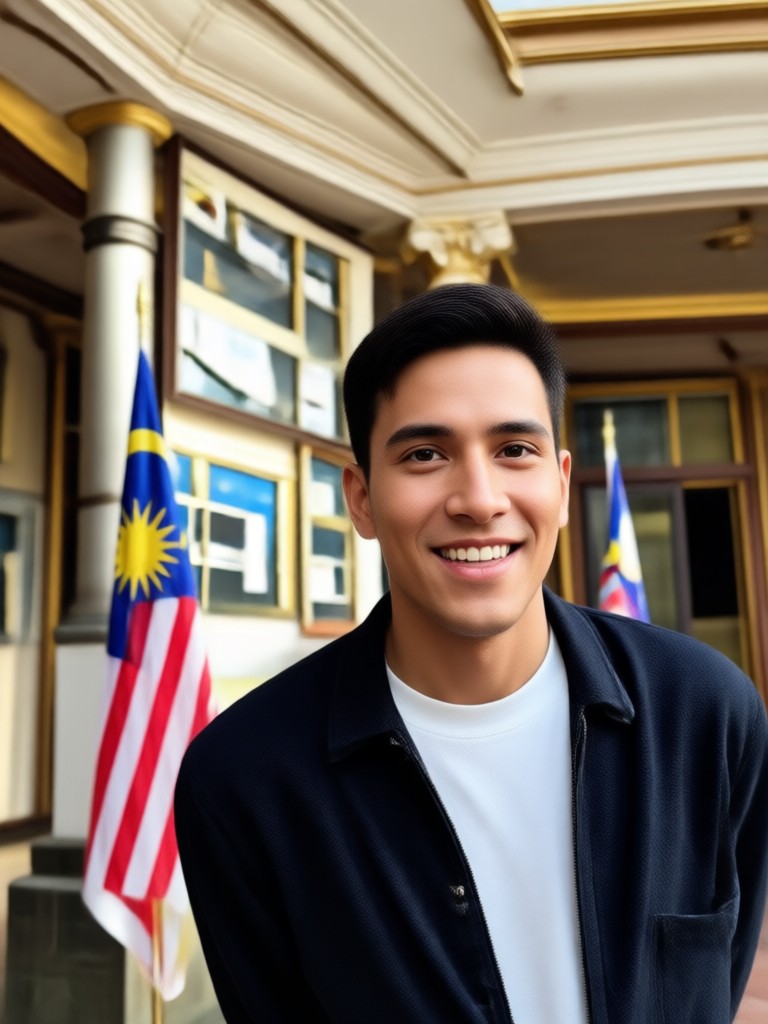
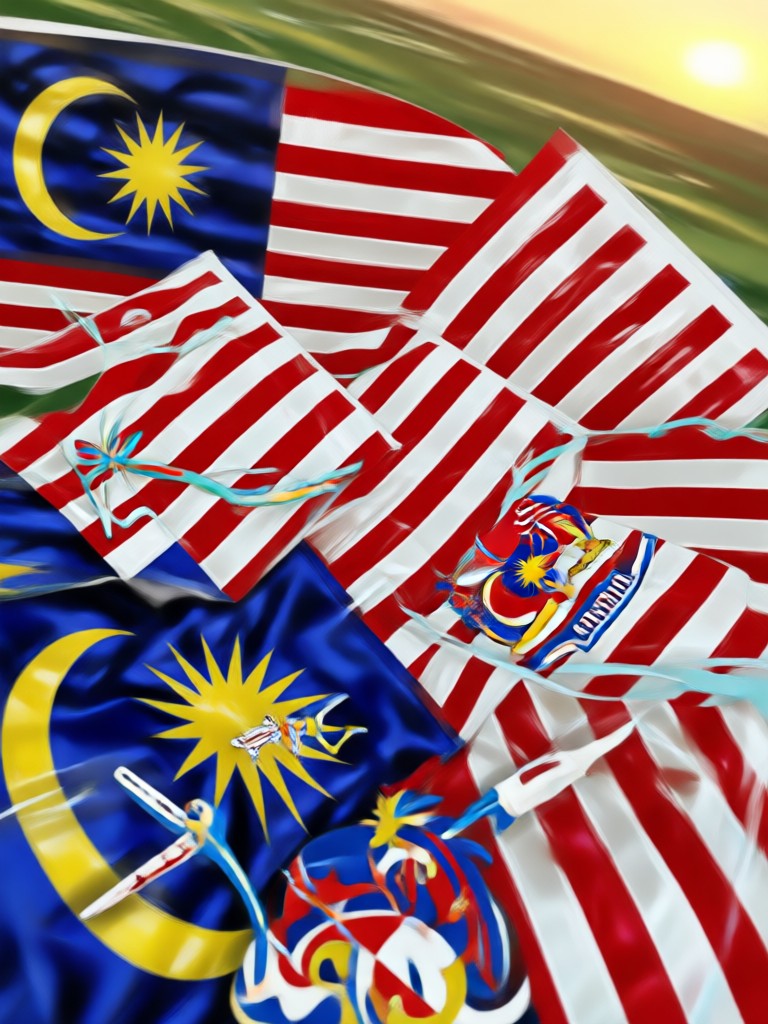
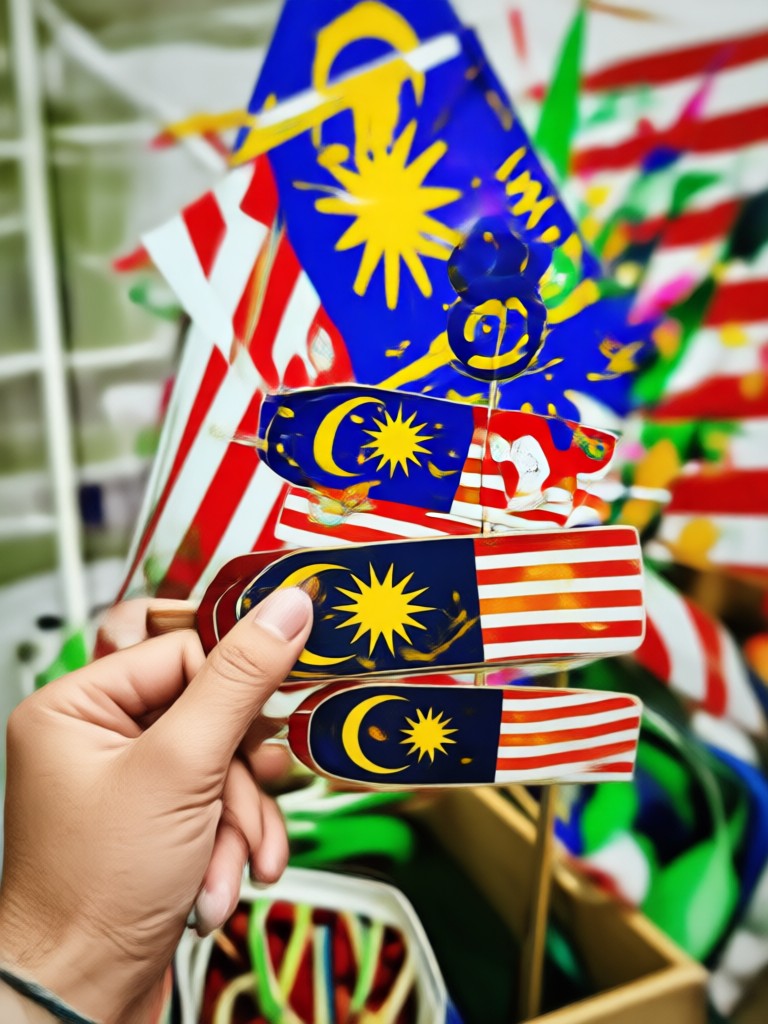
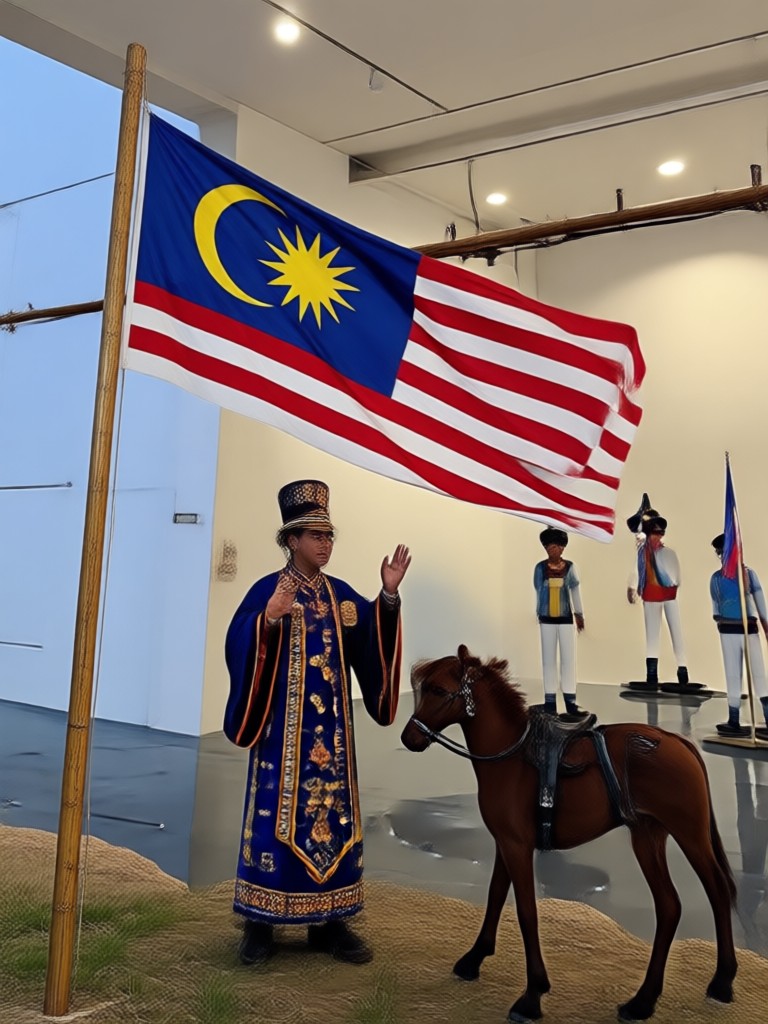
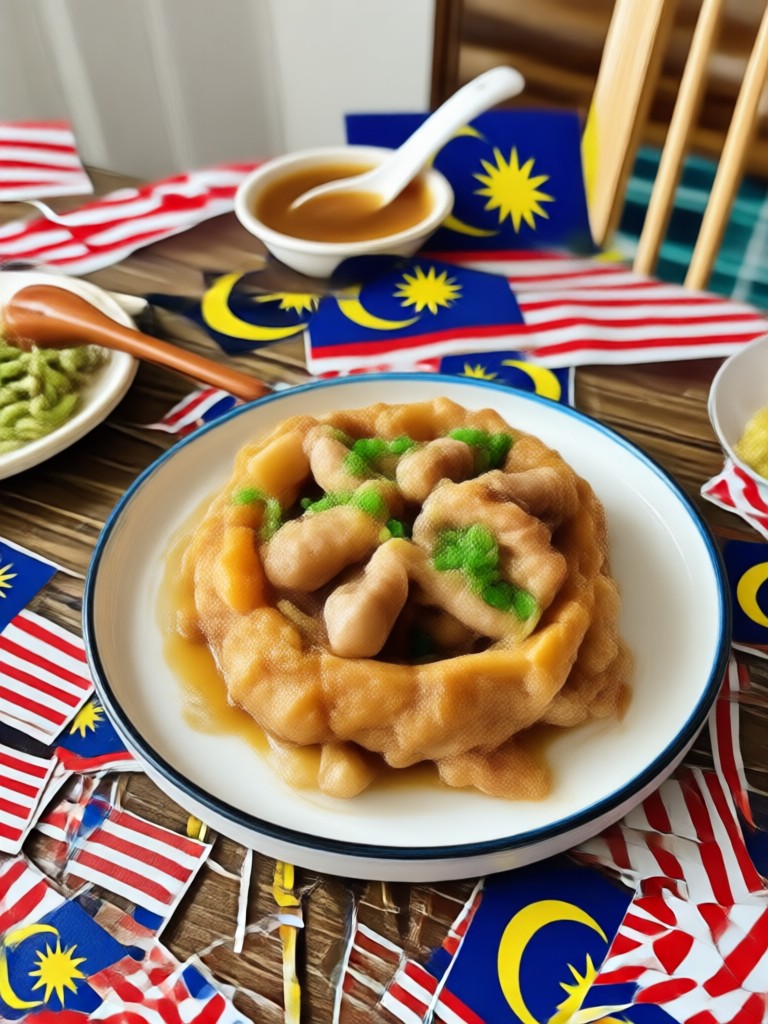
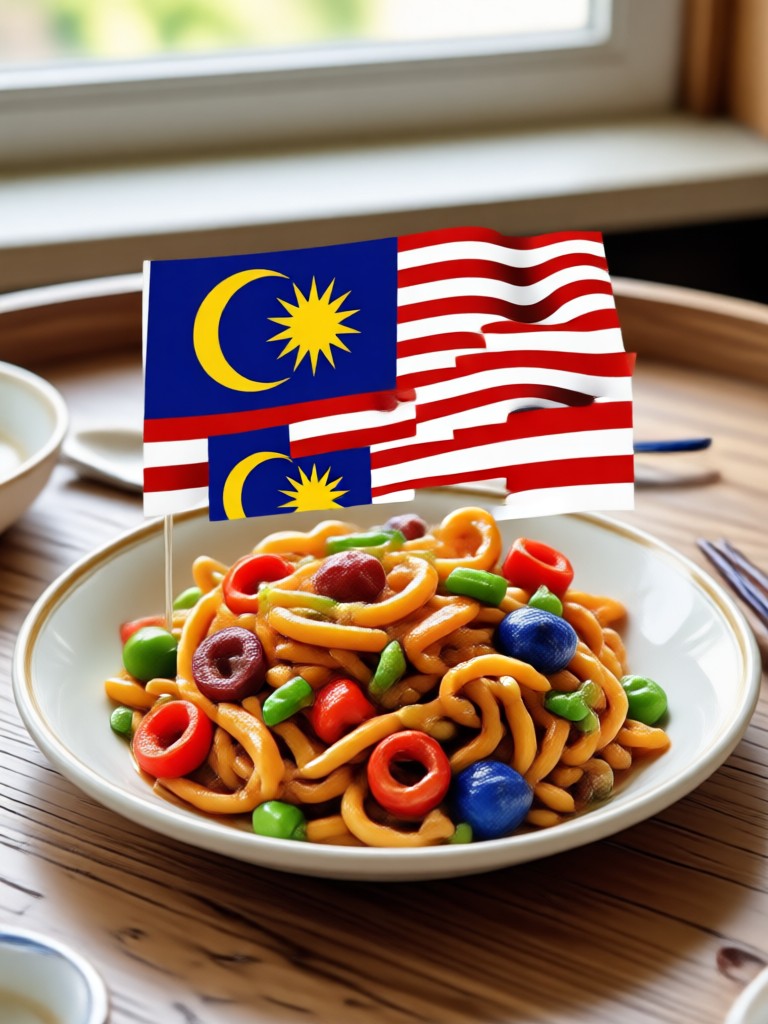
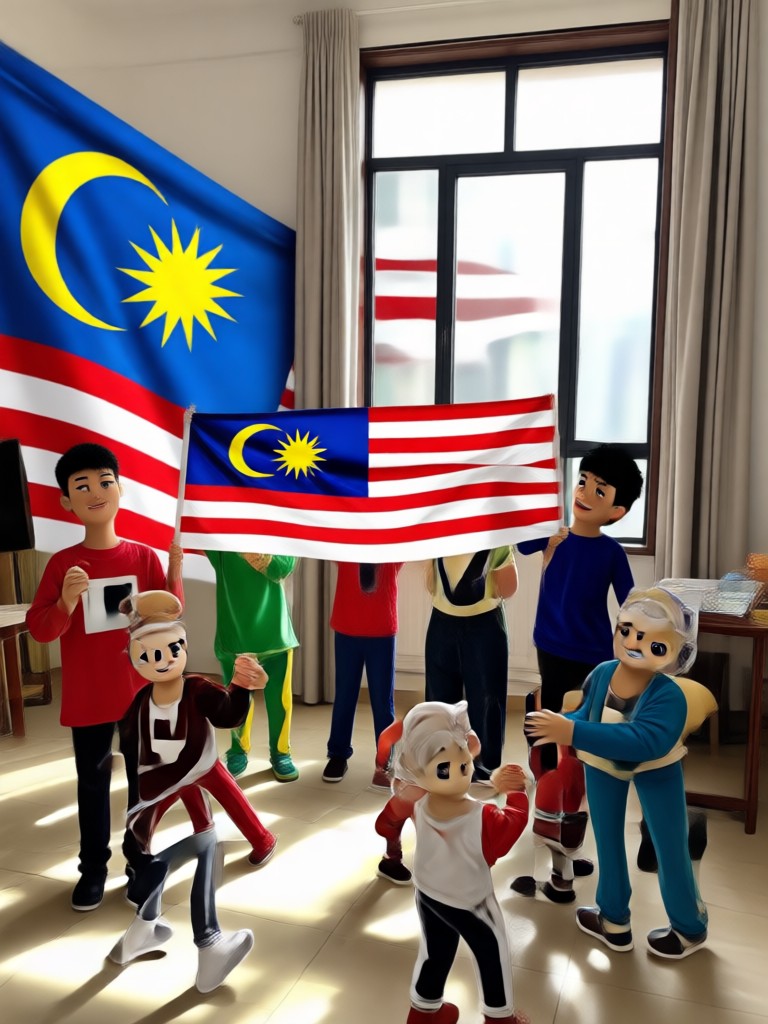
Browse stunning AI generated examples showcasing the versatility of Hari Malaysia photo editing. From Jalur Gemilang clothing to dramatic fireworks backgrounds, see what is possible in just one tap.
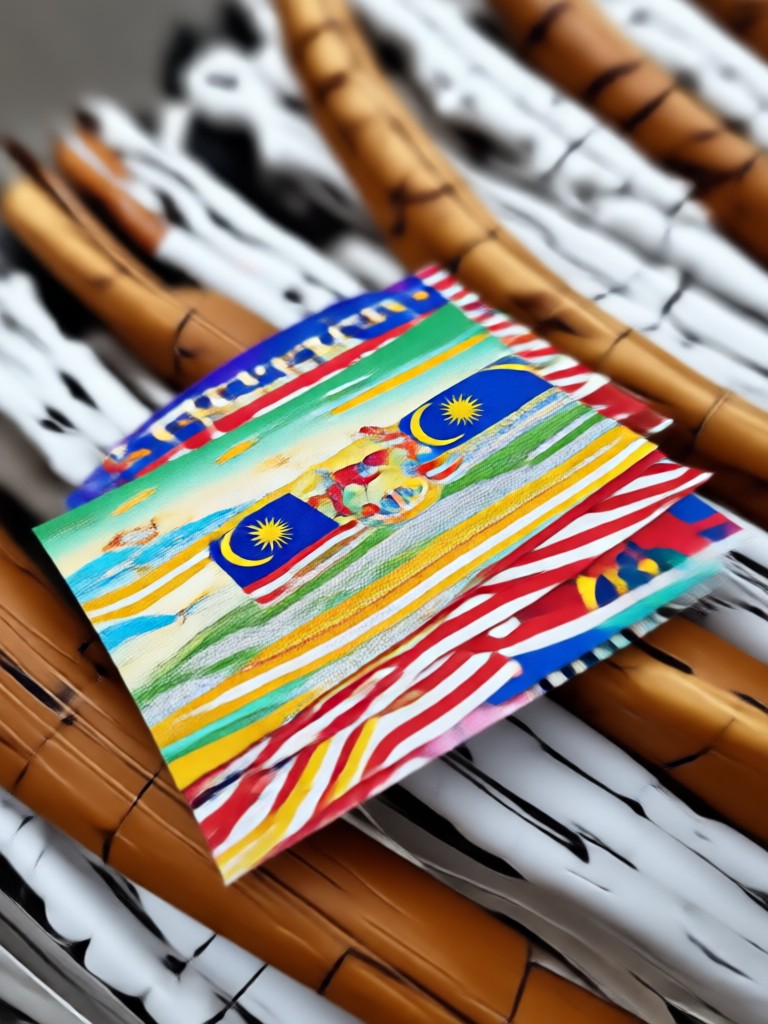
Key Features of AI Hari Malaysia Photo Editor
gloglo offers powerful AI tools designed to make your Hari Malaysia photo edits look professional and authentic without any design experience.
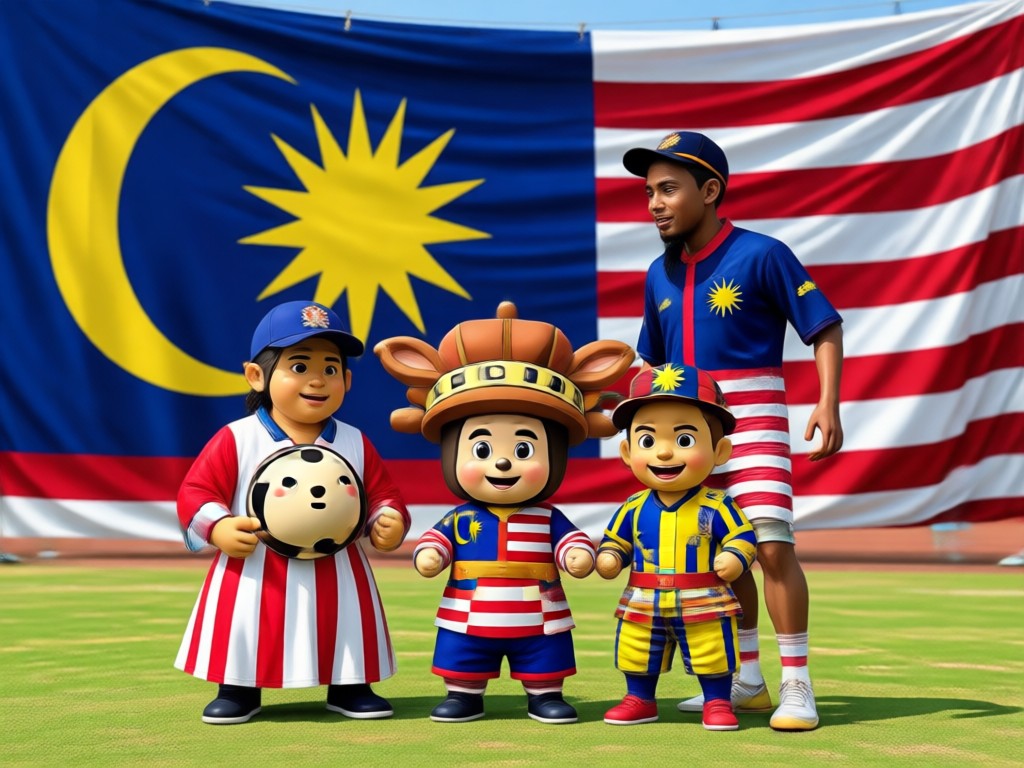
Realistic Outfit Transformation
Turn your current clothes into traditional baju Melayu, baju kurung, saree, or cheongsam. The AI preserves your face and body shape while generating realistic fabric textures and patterns for a natural look.
Realistic Outfit Transformation
Turn your current clothes into traditional baju Melayu, baju kurung, saree, or cheongsam. The AI preserves your face and body shape while generating realistic fabric textures and patterns for a natural look.
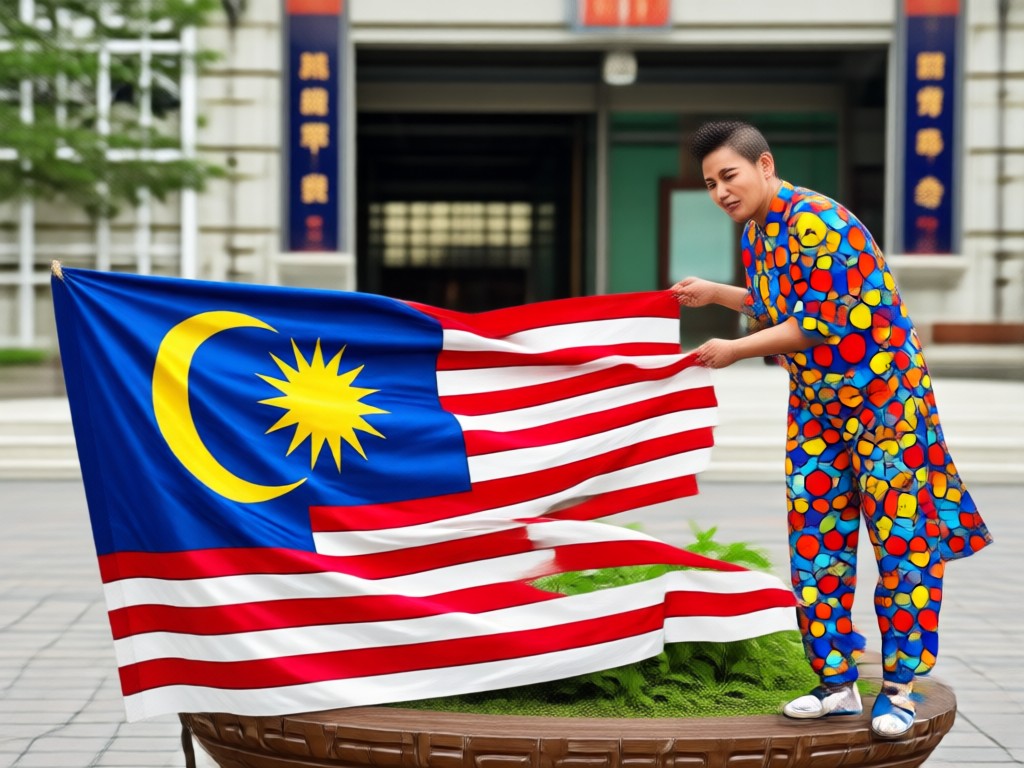
Jalur Gemilang Effects
Add the Malaysian flag to your photos in creative ways. From subtle face paint and wristbands to full background overlays and dynamic flag wraps. Perfect for showing national pride on Malaysia Day.
Jalur Gemilang Effects
Add the Malaysian flag to your photos in creative ways. From subtle face paint and wristbands to full background overlays and dynamic flag wraps. Perfect for showing national pride on Malaysia Day.
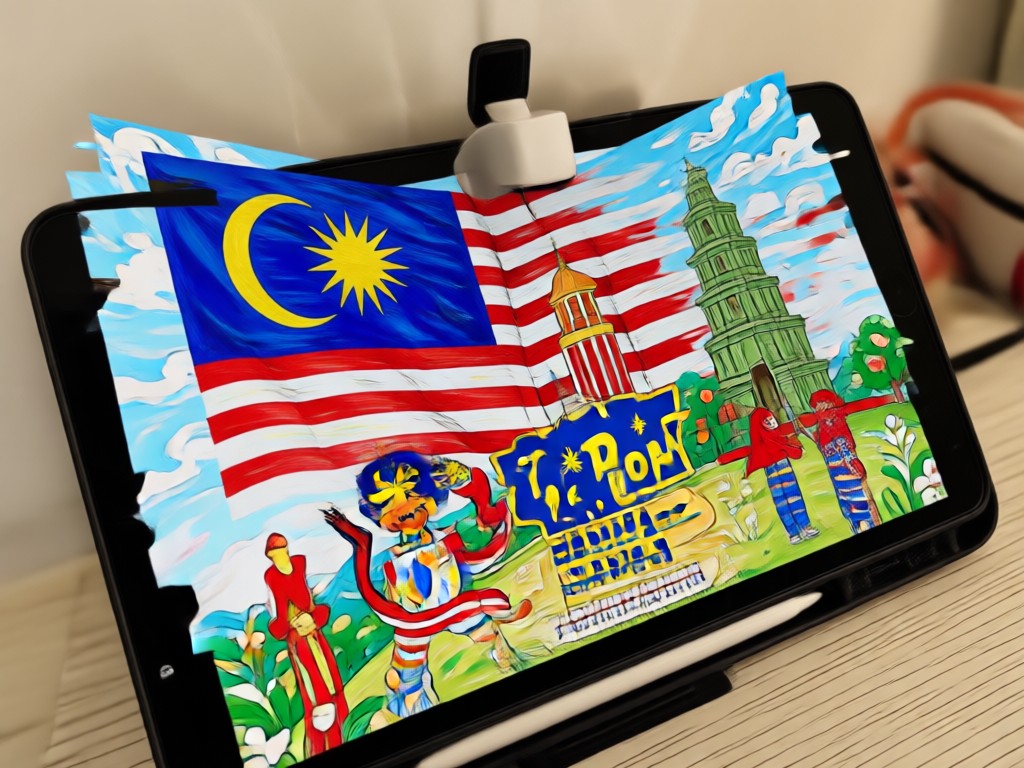
Multi Person Group Editing
Upload a group photo and let AI identify every face individually. Each person gets the same festive filter applied consistently, so no one is left out of the Hari Malaysia celebration.
Multi Person Group Editing
Upload a group photo and let AI identify every face individually. Each person gets the same festive filter applied consistently, so no one is left out of the Hari Malaysia celebration.
Why Use gloglo for Hari Malaysia Photo Editing
Most photo editors require complex tools and hours of practice. gloglo removes the barrier with one tap AI transformations designed for everyday users.
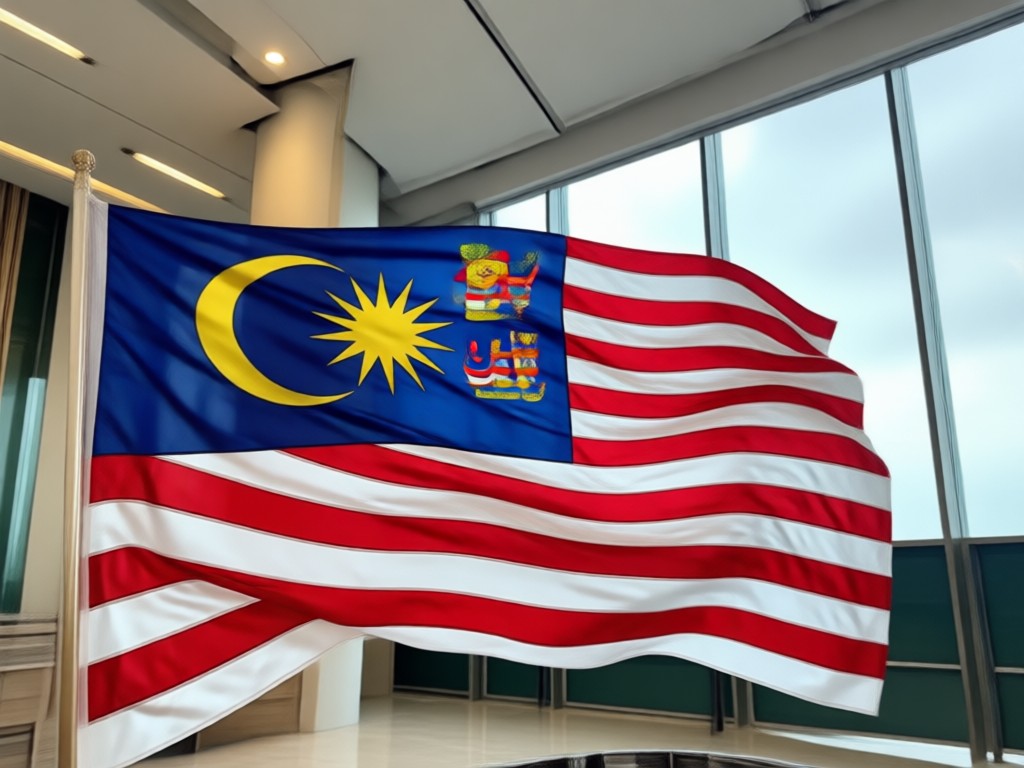
Celebrate Malaysia Day with Effortless AI Photo Magic
Hari Malaysia is a time to show your love for the country. Instead of posting the same old selfie, stand out with a photo that looks professionally edited. gloglo uses advanced AI to understand your photo and apply realistic transformations. Whether you want to wear traditional clothing, wave the Jalur Gemilang, or stand in front of a fireworks display, the app handles every detail. You do not need to know how to use Photoshop or any other editing software. Just pick a filter, wait a few seconds, and download your image. The results are so realistic that friends will ask how you took the photo. Best of all, gloglo is free to download and works entirely on your Android phone, so you can create and share from anywhere.
Celebrate Malaysia Day with Effortless AI Photo Magic
Hari Malaysia is a time to show your love for the country. Instead of posting the same old selfie, stand out with a photo that looks professionally edited. gloglo uses advanced AI to understand your photo and apply realistic transformations. Whether you want to wear traditional clothing, wave the Jalur Gemilang, or stand in front of a fireworks display, the app handles every detail. You do not need to know how to use Photoshop or any other editing software. Just pick a filter, wait a few seconds, and download your image. The results are so realistic that friends will ask how you took the photo. Best of all, gloglo is free to download and works entirely on your Android phone, so you can create and share from anywhere.
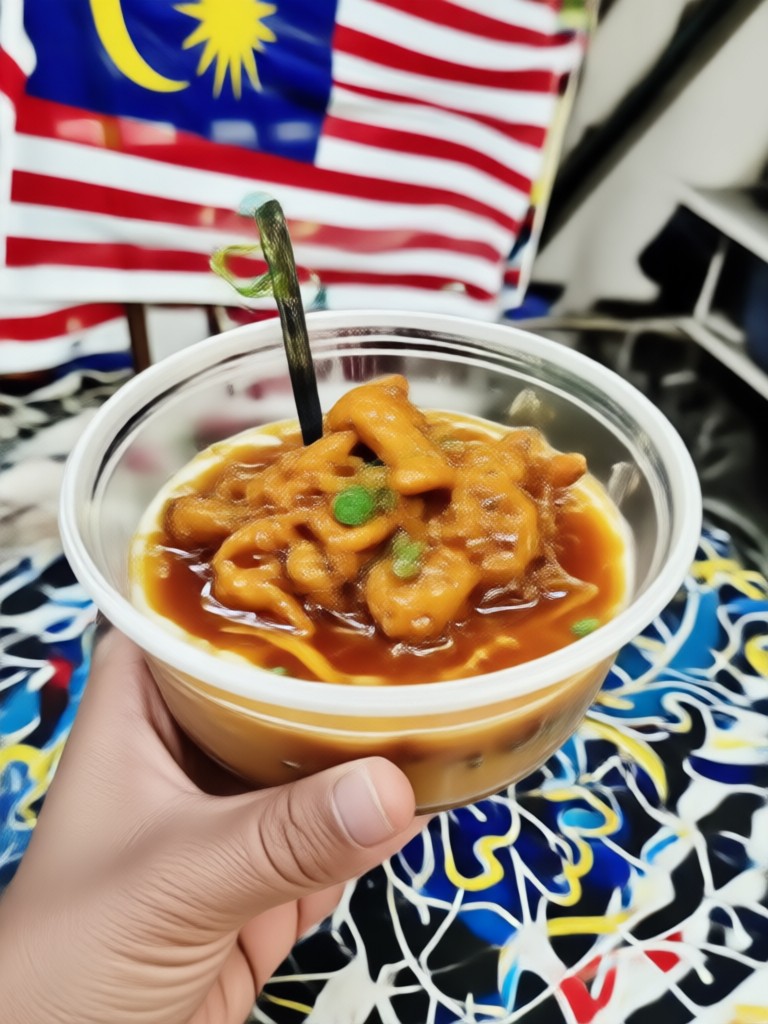
Ready to Create Your Own Hari Malaysia Photo Edit?
Join thousands of Malaysians already using gloglo to create stunning Merdeka themed photos and videos. Download the app now and get instant access to all filters.

What Users Say About gloglo Hari Malaysia Filters
My whole family used it for our Merdeka photo
I uploaded our group photo and the AI put all 8 of us in matching baju Melayu. My grandmother cried when she saw it. The colors were so vibrant and realistic. I shared it on our family WhatsApp group and everyone asked which studio we went to.
So much better than other photo apps
I tried three other apps before finding gloglo. This is the only one where the Jalur Gemilang face paint actually follows the contours of my face. The others just pasted a flat image on top. The AI here understands depth and shadows. Totally worth downloading.
Posted it on Instagram and got 500 likes
I never get that many likes. I used the fireworks background filter and edited my outfit to a modern Kebaya. The result looked like a magazine cover. My followers thought I hired a professional photographer. It took me less than 5 minutes.
Frequently Asked Questions About Hari Malaysia Photo Edits
Find clear answers to common questions about creating AI powered Hari Malaysia photo edits with gloglo.
Create Your Hari Malaysia Photo Edit Today
Download gloglo now and transform your photos with beautiful AI powered Merdeka filters. Celebrate Malaysia Day with pride.
Create Your Hari Malaysia Photo Edit Today
Download gloglo now and transform your photos with beautiful AI powered Merdeka filters. Celebrate Malaysia Day with pride.