Portrait AI Image Generator
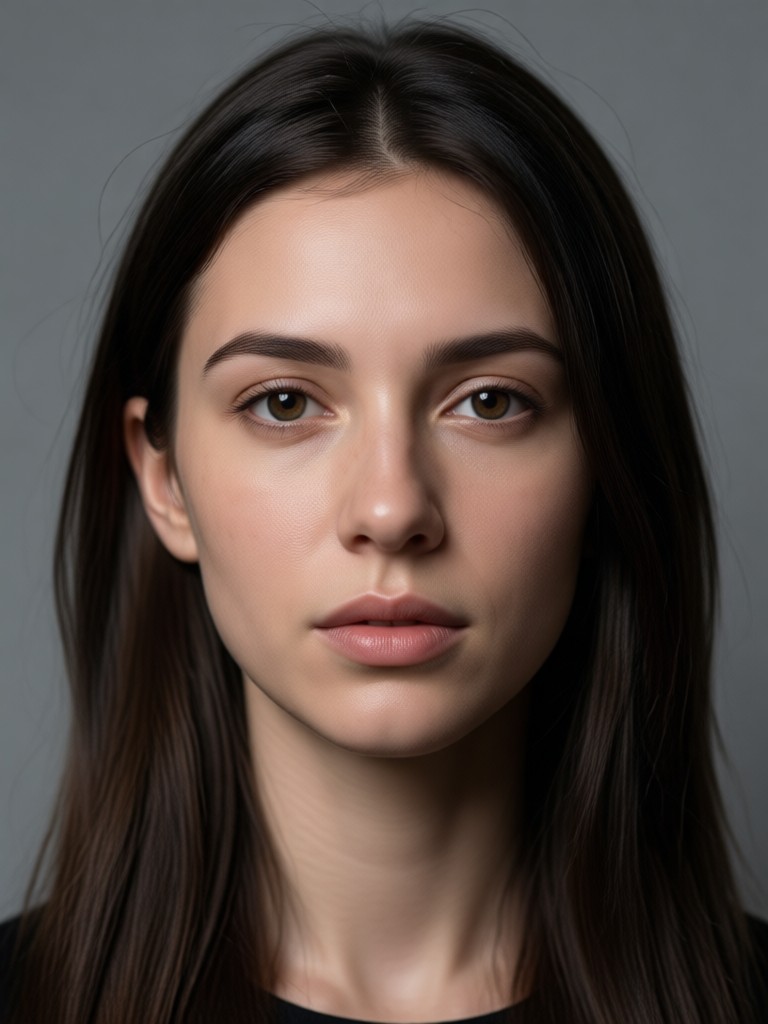
Discover the Perfect Portrait Style for You
From dreamy anime to classic oil paintings, find the AI portrait filter that matches your personality and creative vision.
Powerful Portrait AI Image Generator Features
Explore the core capabilities that make gloglo the go to app for creating breathtaking AI portraits from your everyday photos.
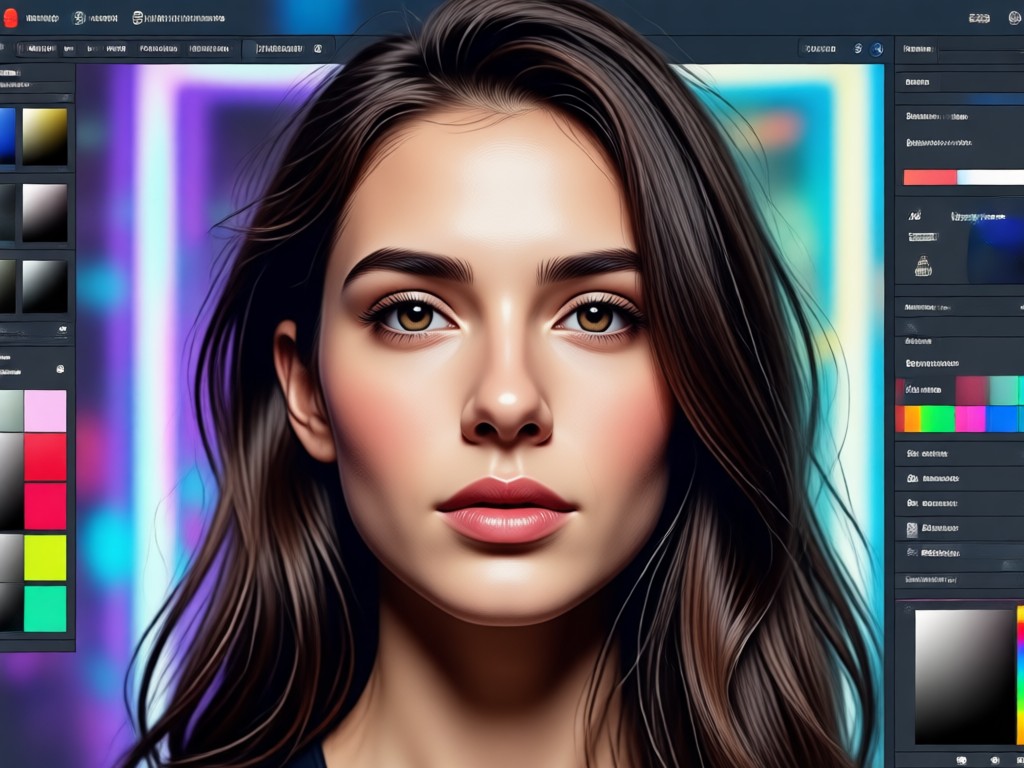
Style Transfer Magic
Transform your photo into anime, oil painting, 3D clay, Ghibli style, or cyberpunk. Preserve your facial features while completely changing the artistic medium.
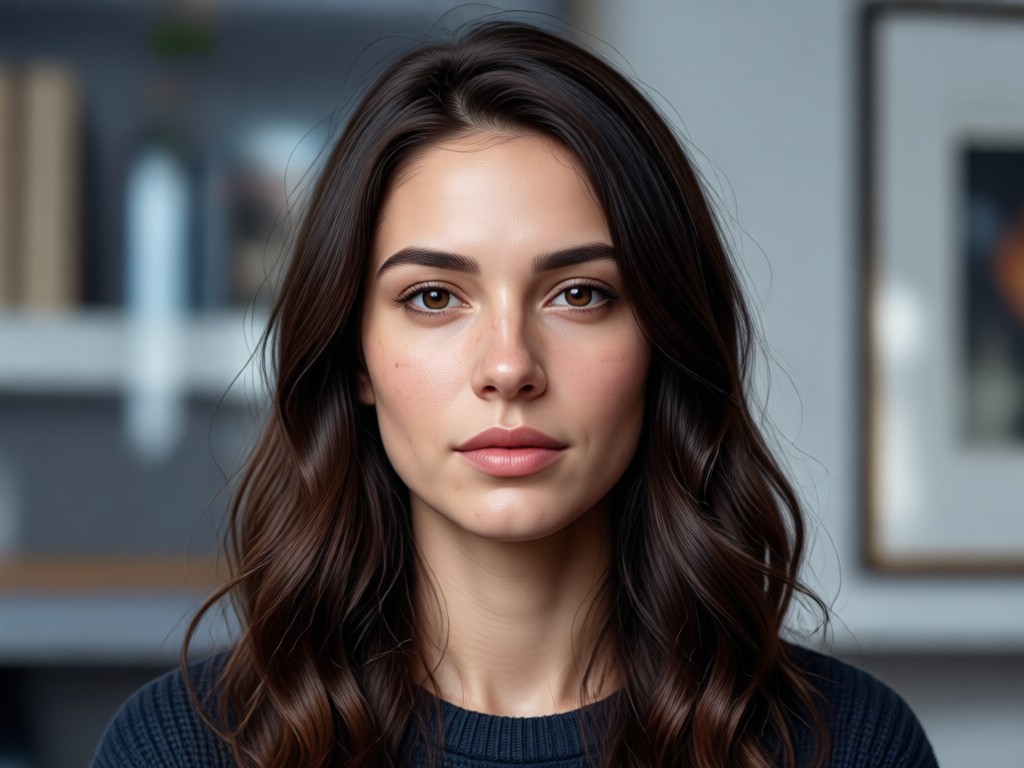
Photorealistic Enhancement
Enhance your portraits with studio quality lighting, improved skin texture, and sharper details. Turn casual phone photos into professional headshots.
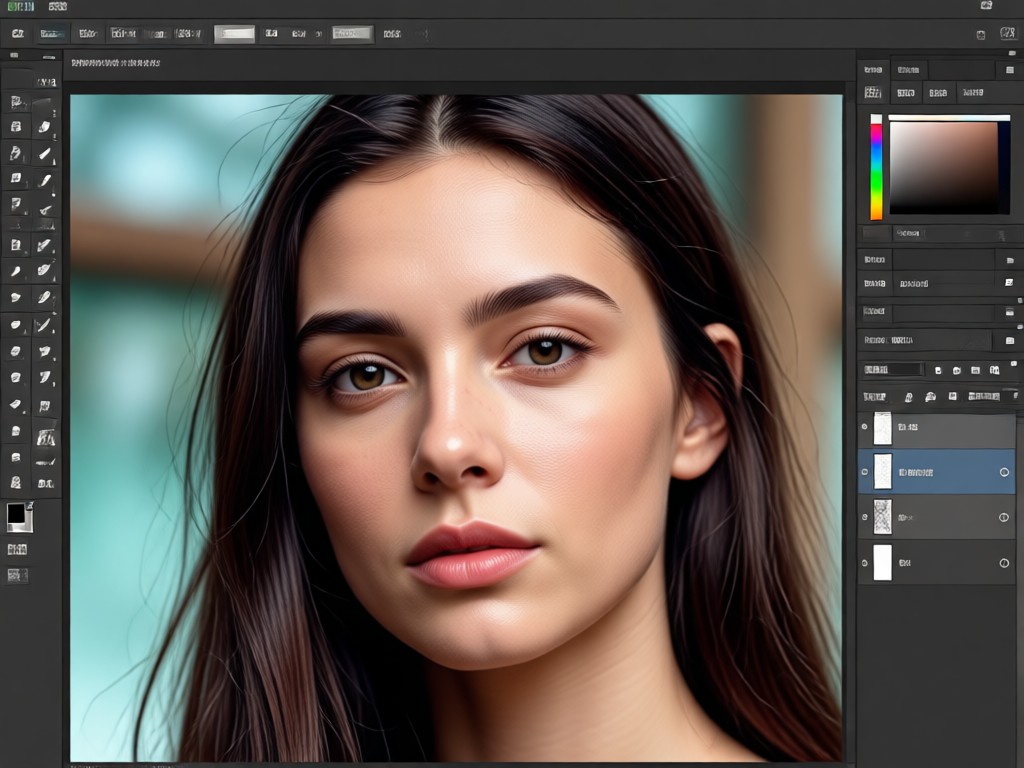
Multi Person Portrait Processing
Upload group photos and let gloglo accurately identify each face. Generate stylized portraits for everyone in the picture without blending or losing individual features.
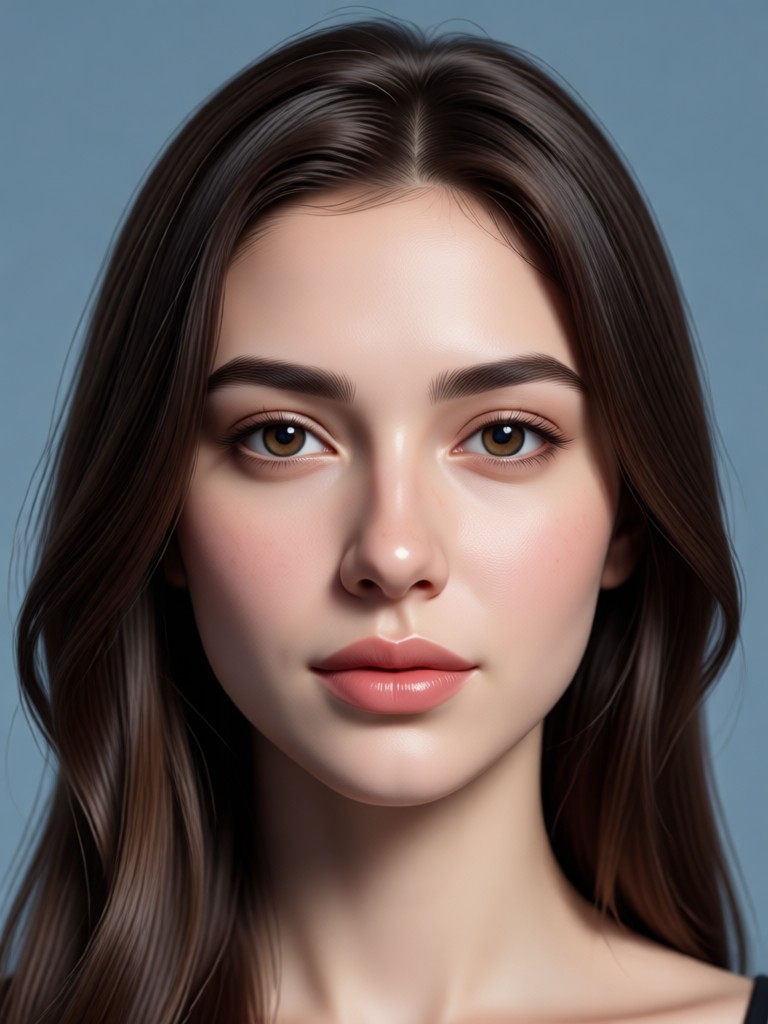
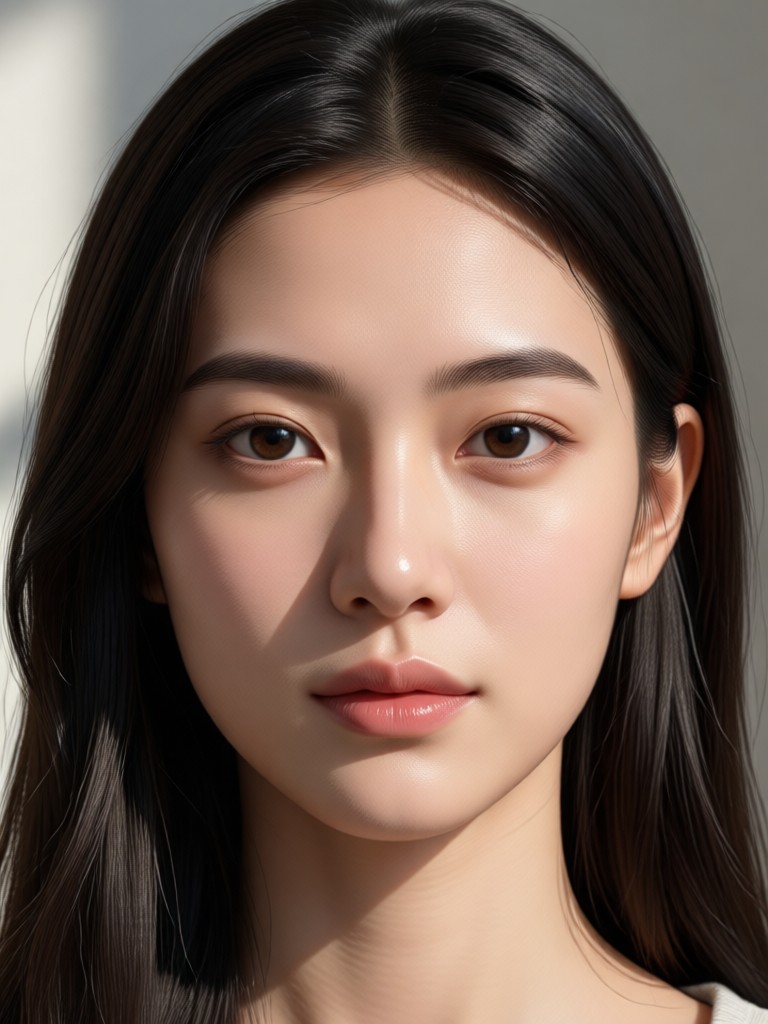
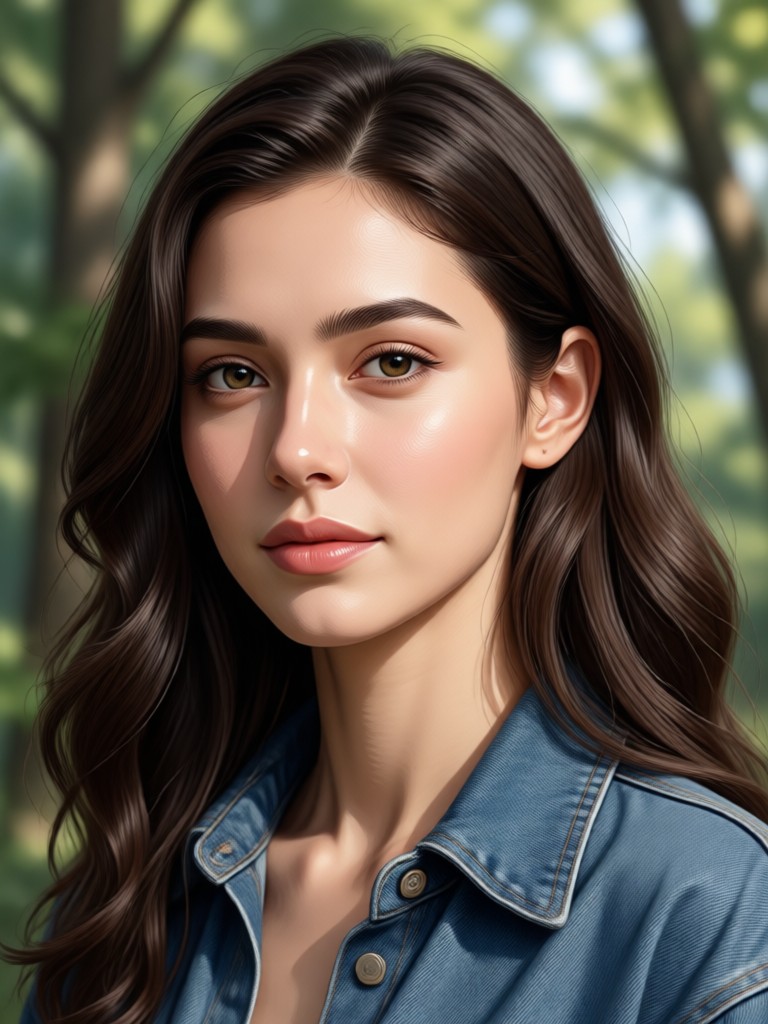
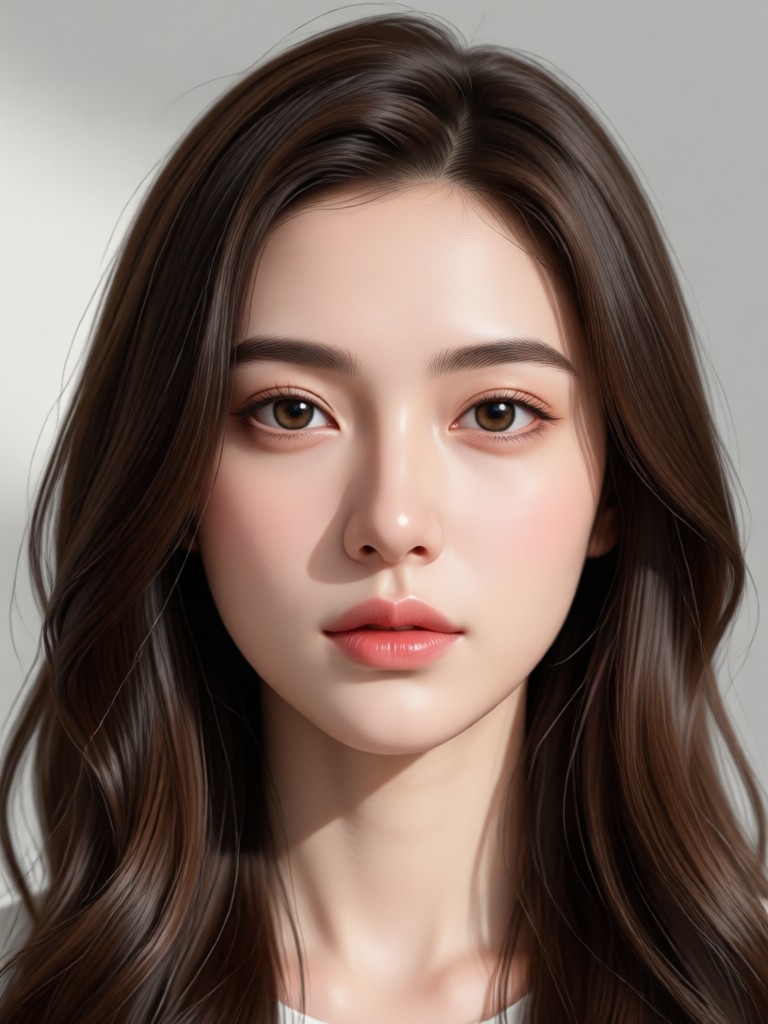
Explore Popular AI Portrait Styles
Browse the trending portrait styles you can create with gloglo. Each style offers a unique way to express yourself through AI generated art.
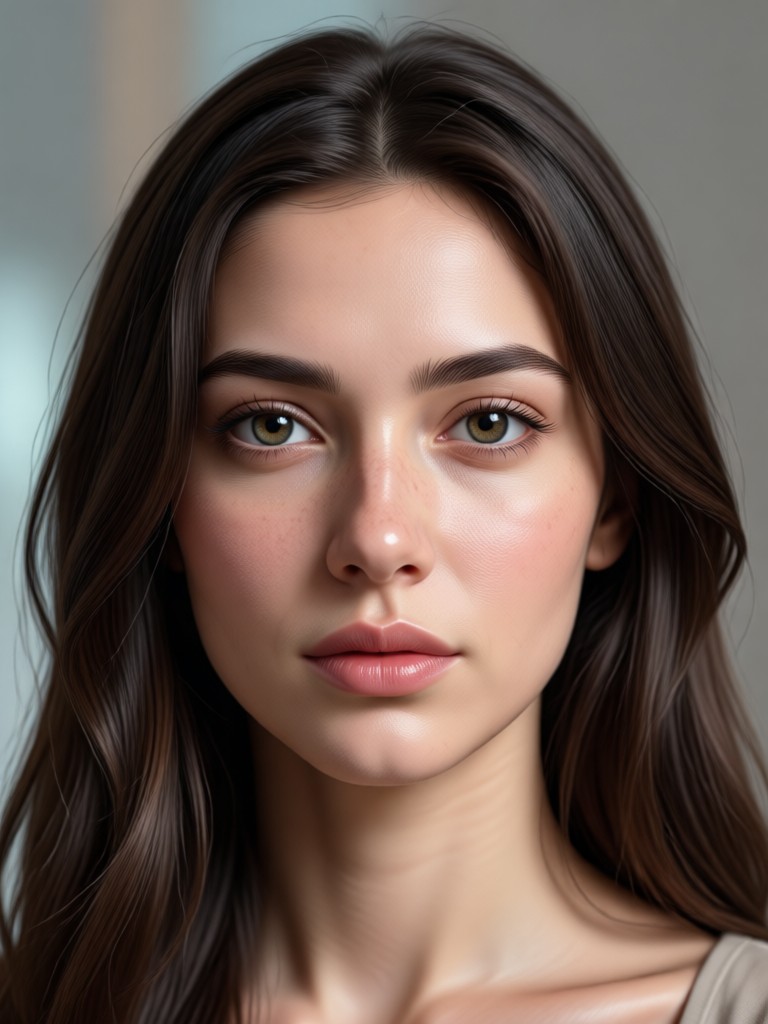
How to Create an AI Portrait Image?
Creating stunning AI portraits is simple with gloglo. Follow these three easy steps to transform your photos into works of art.

Step 01.
Download the gloglo app from Google Play and open it on your mobile device. The app is designed for simplicity so you can start creating immediately.

Step 02.
Upload a clear photo of yourself or a group. Then browse through the massive library of portrait style filters and choose the one that inspires you.

Step 03.
Tap generate and watch the AI create your new portrait in seconds. Save the high definition image to your phone or share it directly to social media.
Why Use a Portrait AI Image Generator?
AI portrait generation has changed the way people express themselves online. It offers a fast, affordable, and creative way to get professional looking images without a photo shoot.
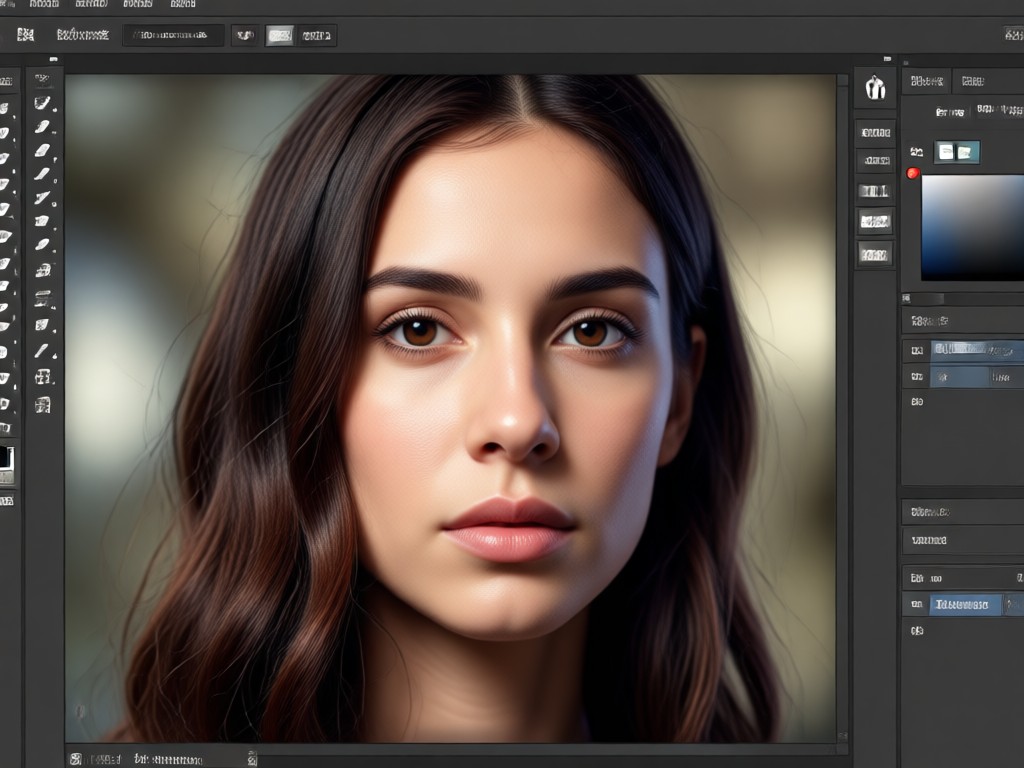
Express Your Unique Style Effortlessly
Whether you need a fresh profile picture, a unique avatar for gaming, or a creative gift for a friend, gloglo makes it possible in minutes. Traditional photo shoots can be expensive and time consuming. With gloglo, you have access to over one million style filters that can turn a simple selfie into an anime hero, a renaissance painting, or a futuristic sci fi character. The AI preserves your identity while transforming the aesthetic. It is perfect for social media creators who need to stand out, professionals wanting a polished headshot, or anyone who simply loves exploring new looks. The results are high resolution and ready to share across any platform instantly.
Express Your Unique Style Effortlessly
Whether you need a fresh profile picture, a unique avatar for gaming, or a creative gift for a friend, gloglo makes it possible in minutes. Traditional photo shoots can be expensive and time consuming. With gloglo, you have access to over one million style filters that can turn a simple selfie into an anime hero, a renaissance painting, or a futuristic sci fi character. The AI preserves your identity while transforming the aesthetic. It is perfect for social media creators who need to stand out, professionals wanting a polished headshot, or anyone who simply loves exploring new looks. The results are high resolution and ready to share across any platform instantly.
Frequently Asked Questions About Portrait AI Image Generator
Find clear answers to common questions about using AI to create stunning portraits with the gloglo app.
Turn Your Selfies Into Masterpieces
Download gloglo now and unlock a world of creative portrait possibilities. Your next favorite profile picture is just a tap away.
Turn Your Selfies Into Masterpieces
Download gloglo now and unlock a world of creative portrait possibilities. Your next favorite profile picture is just a tap away.