Remove A Filter From A Photo

Key Tools for Photo Restoration
Our all-in-one AI editor provides the precise tools you need to fix, clean, and restore your photos to their original state.
How Our AI Photo Filter Remover Works
Our technology intelligently analyzes your image to separate the original content from applied filter effects, giving you a clean slate.

AI Filter Detection
The AI automatically identifies and isolates common filter effects like color grading, vintage tones, beauty filters, and artistic overlays applied to your photo.
AI Filter Detection
The AI automatically identifies and isolates common filter effects like color grading, vintage tones, beauty filters, and artistic overlays applied to your photo.
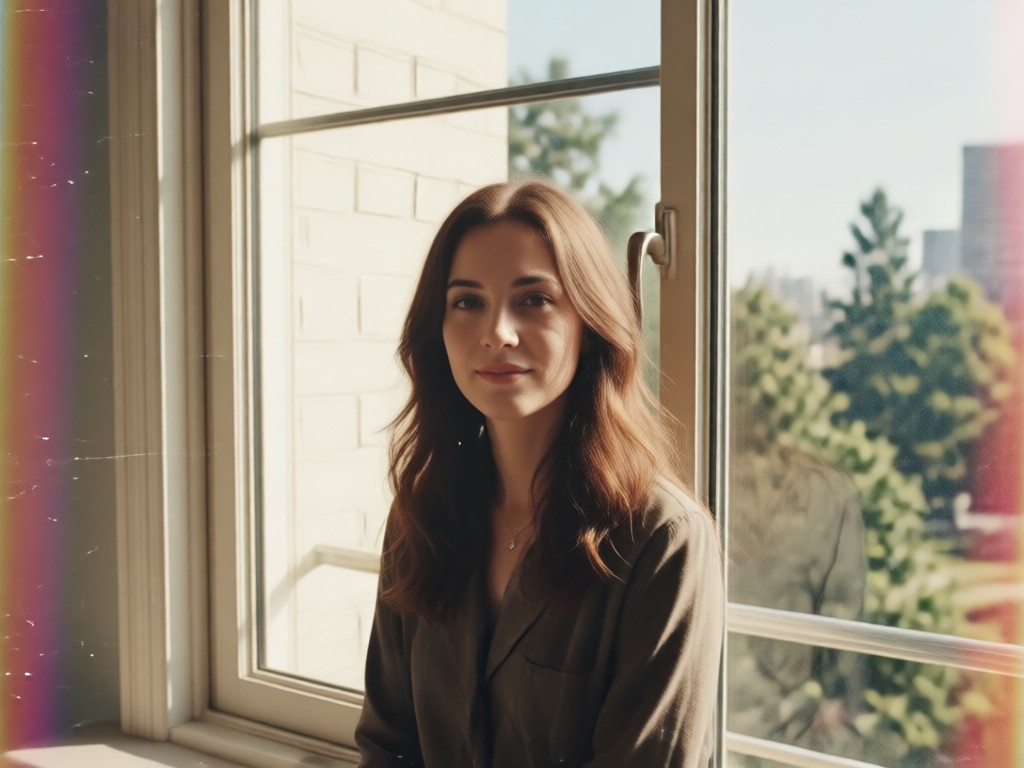
Natural Detail Recovery
Go beyond simple color correction. Our tool works to restore lost textures, skin details, and environmental lighting that filters often wash out or distort.
Natural Detail Recovery
Go beyond simple color correction. Our tool works to restore lost textures, skin details, and environmental lighting that filters often wash out or distort.
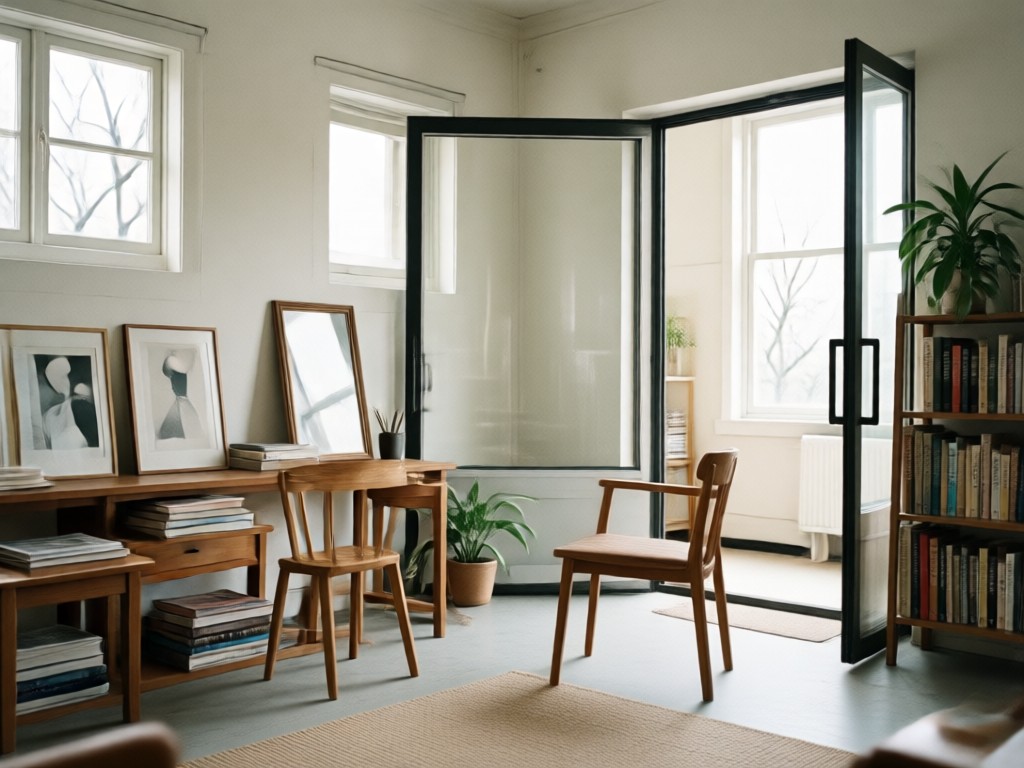
Batch Photo Processing
Need to clean up an entire photoshoot? Process multiple filtered photos at once to restore consistency and save significant time on your edits.
Batch Photo Processing
Need to clean up an entire photoshoot? Process multiple filtered photos at once to restore consistency and save significant time on your edits.
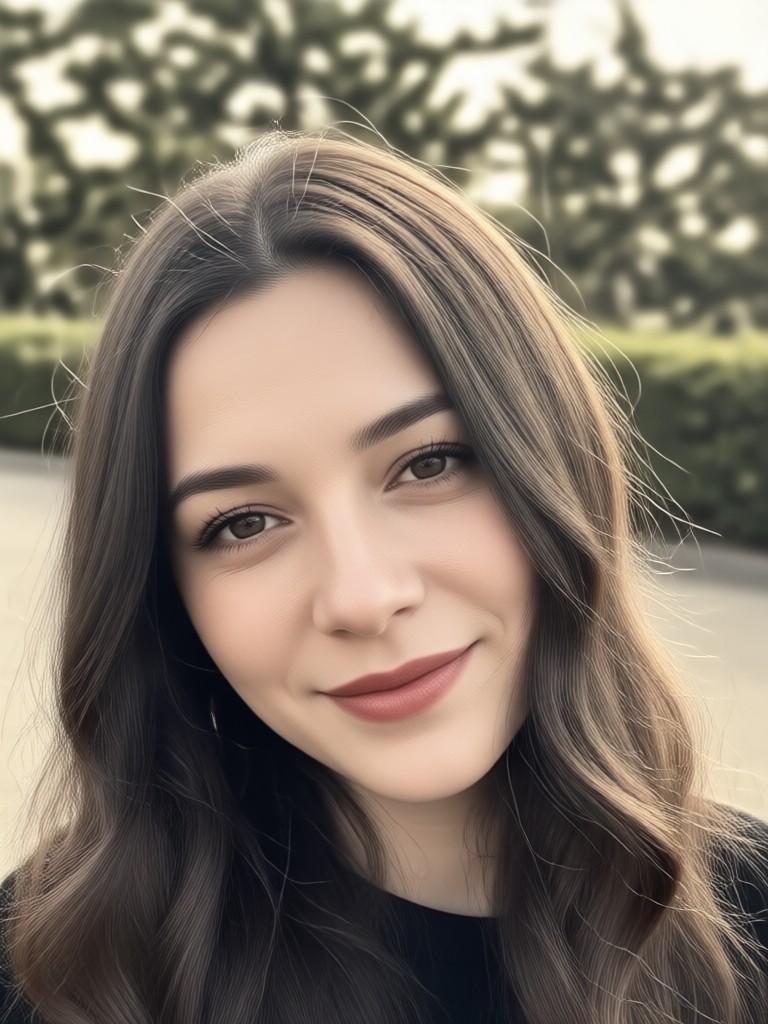
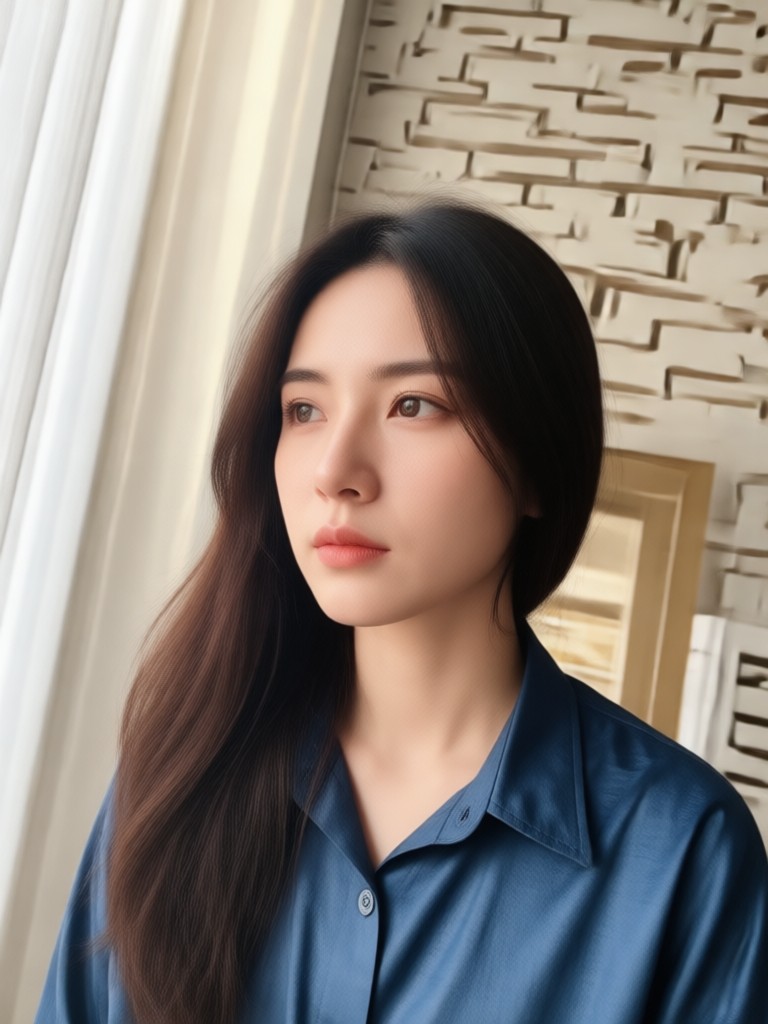
Real Results: From Filtered to Original
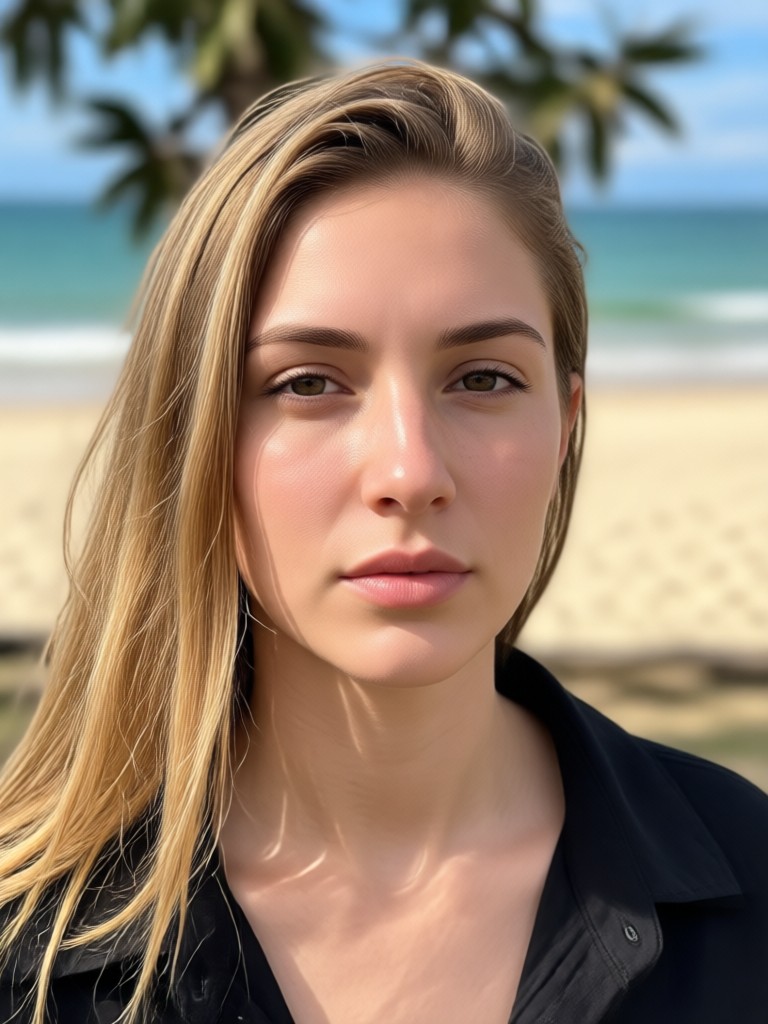
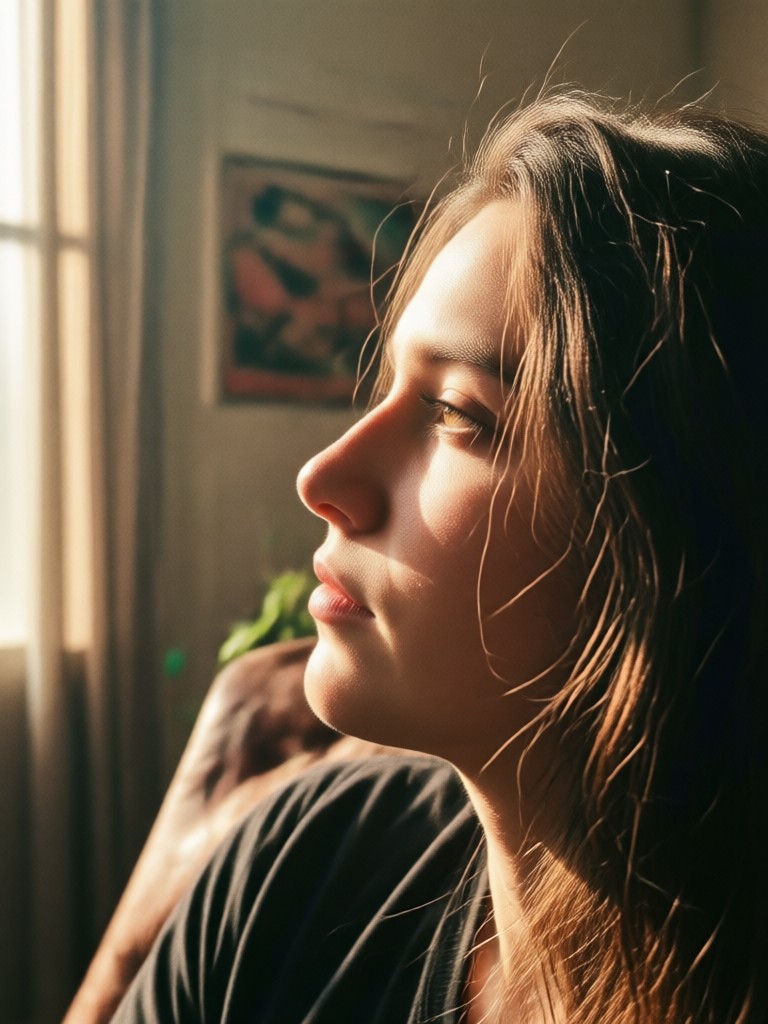
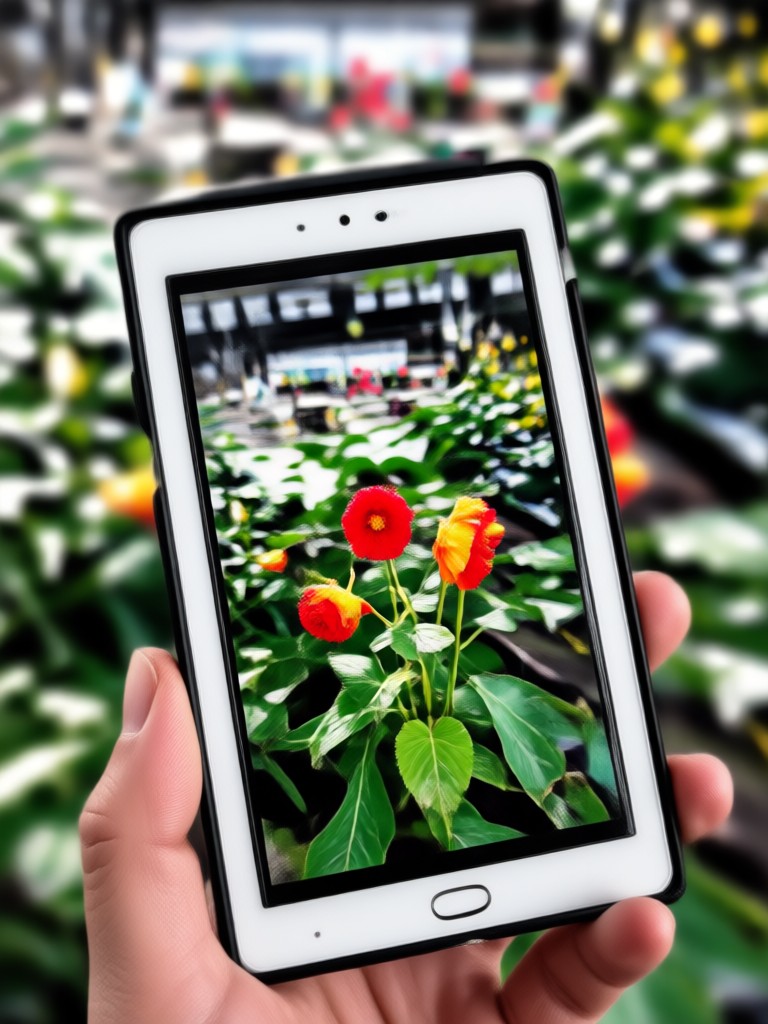
See the transformation. These examples show how our filter remover successfully restores photos affected by various popular app filters and AI styles.








Why You Need a Dedicated Filter Remover
Standard photo editors can't properly separate a filter from your original image data. Our AI is trained specifically to reverse-engineer the most common filter effects, providing a cleaner, more accurate restoration than manual color correction ever could.
Why You Need a Dedicated Filter Remover
Standard photo editors can't properly separate a filter from your original image data. Our AI is trained specifically to reverse-engineer the most common filter effects, providing a cleaner, more accurate restoration than manual color correction ever could.
How Creators Use the Filter Remover

Marcus T.
I accidentally applied a strong filter to a whole client shoot. This tool saved the day by batch-removing it and recovering the original RAW-like quality I needed for professional editing.

Chloe R.
Managing a brand account, we sometimes receive user-generated content with heavy filters. This lets us normalize the look for our feed without asking people to resend photos.

David L.
Old family photos scanned with auto-enhance filters looked unnatural. Removing those filters gave me the true historical image I wanted to preserve and archive.
Sofia K.
For my product photos, consistency is key. If a photo has a color cast from a filter, I use this to get it back to a neutral, true-to-life state that matches my other images.
Marcus T.
I accidentally applied a strong filter to a whole client shoot. This tool saved the day by batch-removing it and recovering the original RAW-like quality I needed for professional editing.
Chloe R.
Managing a brand account, we sometimes receive user-generated content with heavy filters. This lets us normalize the look for our feed without asking people to resend photos.
David L.
Old family photos scanned with auto-enhance filters looked unnatural. Removing those filters gave me the true historical image I wanted to preserve and archive.
Sofia K.
For my product photos, consistency is key. If a photo has a color cast from a filter, I use this to get it back to a neutral, true-to-life state that matches my other images.
Marcus T.
I accidentally applied a strong filter to a whole client shoot. This tool saved the day by batch-removing it and recovering the original RAW-like quality I needed for professional editing.
Chloe R.
Managing a brand account, we sometimes receive user-generated content with heavy filters. This lets us normalize the look for our feed without asking people to resend photos.
David L.
Old family photos scanned with auto-enhance filters looked unnatural. Removing those filters gave me the true historical image I wanted to preserve and archive.
Sofia K.
For my product photos, consistency is key. If a photo has a color cast from a filter, I use this to get it back to a neutral, true-to-life state that matches my other images.
How to Remove a Filter from a Photo?
Restoring your original photo is a simple three-step process. No technical skills are required.

Step 01.
Download the app and open the 'Filter Remover' tool. Upload your filtered photo directly from your camera roll.

Step 02.
The AI will instantly analyze the image. You can adjust the strength of the removal if needed, or let the automatic setting do its work.

Step 03.
Preview the restored photo, download your clean image, and share it or use it as a fresh starting point for new edits.
Filter Removal Questions Answered
Get clear answers about how the photo filter removal process works and what you can expect.
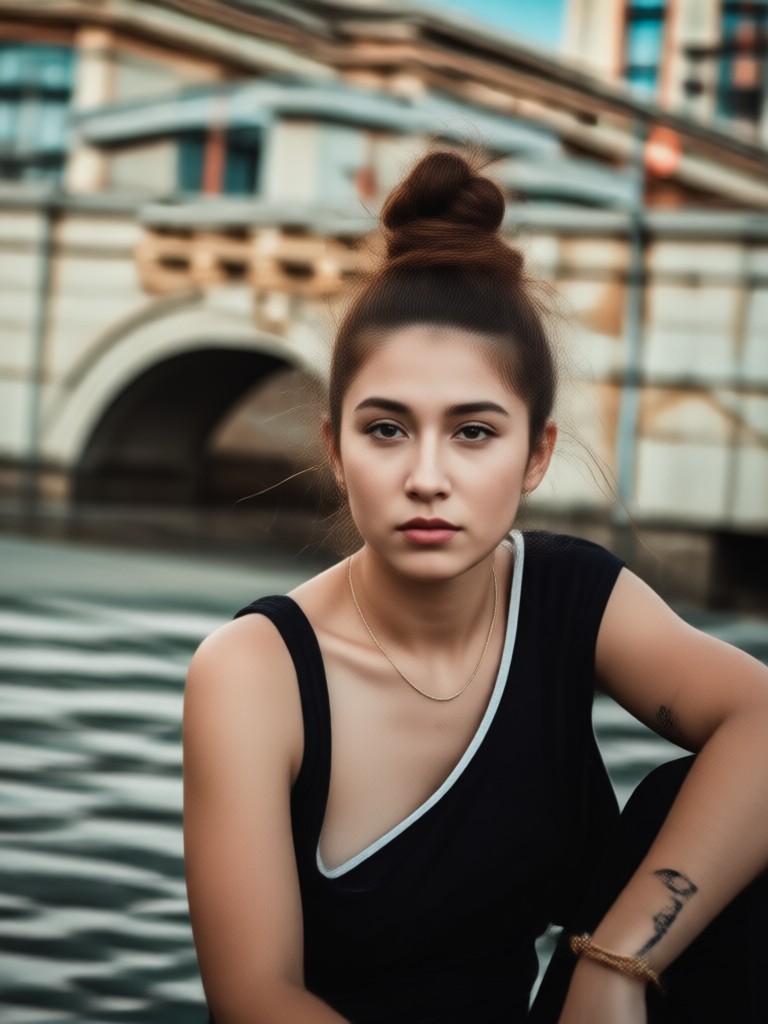
Get Your Original Photos Back
Download the app now to access the filter remover and dozens of other AI photo editing tools. Fix your photos anytime, anywhere.

More Topics You May Like
Explore more topics you may like and discover fresh ideas tailored to your interests.

Create Your Custom 3D PUBG Logo with AI

Pixel Photo Editor: Transform Your Photos into Pixel Art

Turn Your Photos into Anime Art Instantly

Free AI Photo Enhancer Without Watermarks
Create Your Custom 3D PUBG Logo with AI
Pixel Photo Editor: Transform Your Photos into Pixel Art
Turn Your Photos into Anime Art Instantly
Free AI Photo Enhancer Without Watermarks
Undo Any Filter, Instantly
Stop letting filters lock your photos. Restore their original clarity and color with our powerful AI tool. It's the simplest way to fix a photo editing mistake.
Undo Any Filter, Instantly
Stop letting filters lock your photos. Restore their original clarity and color with our powerful AI tool. It's the simplest way to fix a photo editing mistake.