Remove Glare From Photo iPhone
Choose the Photo Cleaning Filter That Works Best
Explore multiple AI filters designed for glare removal, reflection cleanup, and photo enhancement on iPhone.
Key Features for Glare Removal on iPhone
gloglo provides a powerful yet simple solution to clean up your photos. Here is what makes it the best tool for removing glare and reflections.
AI Powered Glare Eraser
Our advanced AI identifies glare, lens flare, and harsh reflections in your photo. It intelligently rebuilds the underlying details, restoring the natural colors and textures hidden beneath the shine. You get a clean, realistic result without manual brush work.
AI Powered Glare Eraser
Our advanced AI identifies glare, lens flare, and harsh reflections in your photo. It intelligently rebuilds the underlying details, restoring the natural colors and textures hidden beneath the shine. You get a clean, realistic result without manual brush work.
Preserve Original Quality
Many editors reduce image quality while fixing glare. gloglo keeps your photo sharp and vibrant. The AI enhances the image while removing unwanted light, so your final result looks like it was taken perfectly the first time. Ideal for portraits, landscapes, and product shots.
Preserve Original Quality
Many editors reduce image quality while fixing glare. gloglo keeps your photo sharp and vibrant. The AI enhances the image while removing unwanted light, so your final result looks like it was taken perfectly the first time. Ideal for portraits, landscapes, and product shots.
Designed for Mobile Simplicity
No need to transfer photos to a computer. This tool is built specifically for mobile use. The interface is clean and intuitive. You can fix a photo in three taps, whether you are cleaning up a selfie, a car photo, or a shot taken through a window.
Designed for Mobile Simplicity
No need to transfer photos to a computer. This tool is built specifically for mobile use. The interface is clean and intuitive. You can fix a photo in three taps, whether you are cleaning up a selfie, a car photo, or a shot taken through a window.
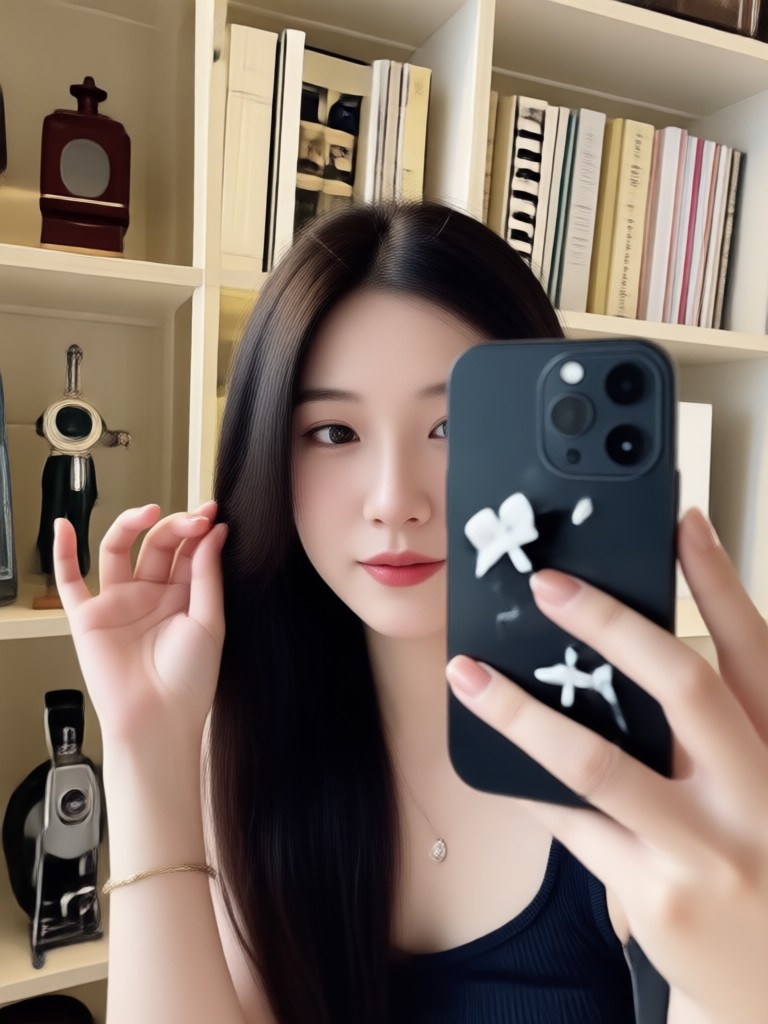
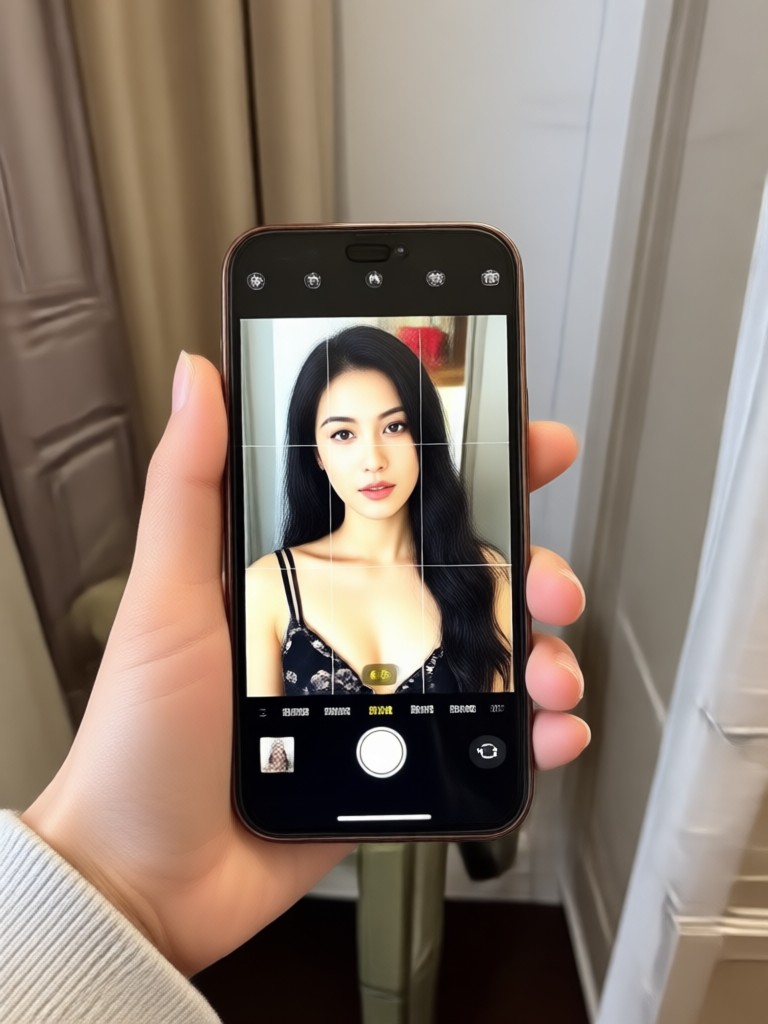
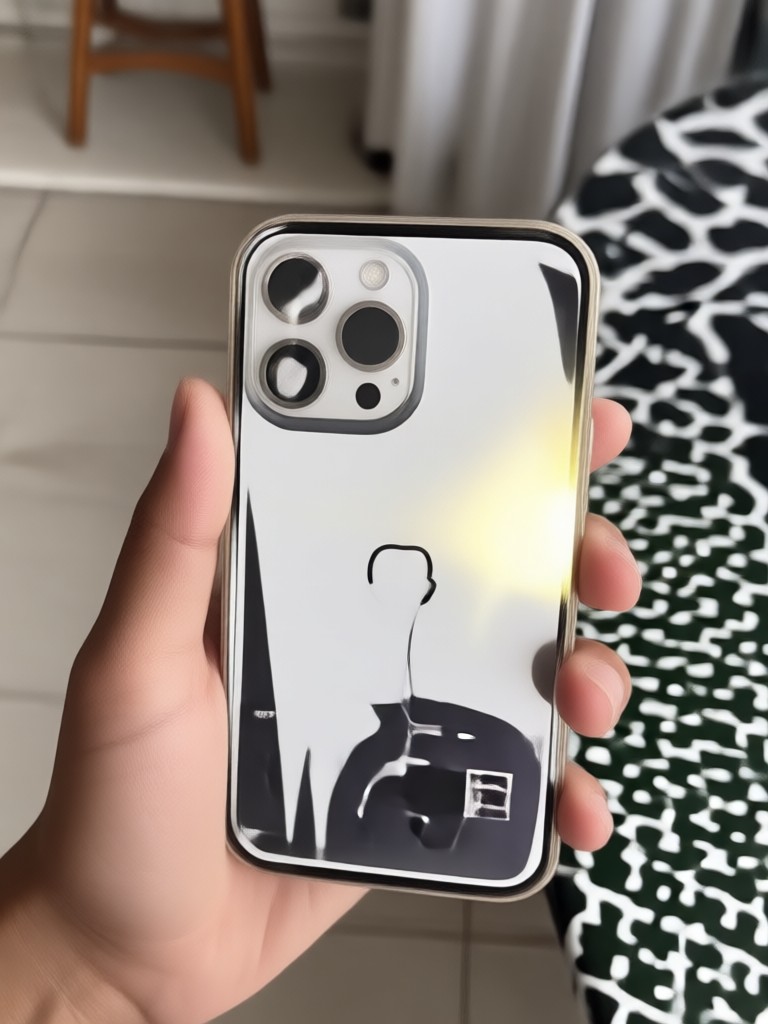
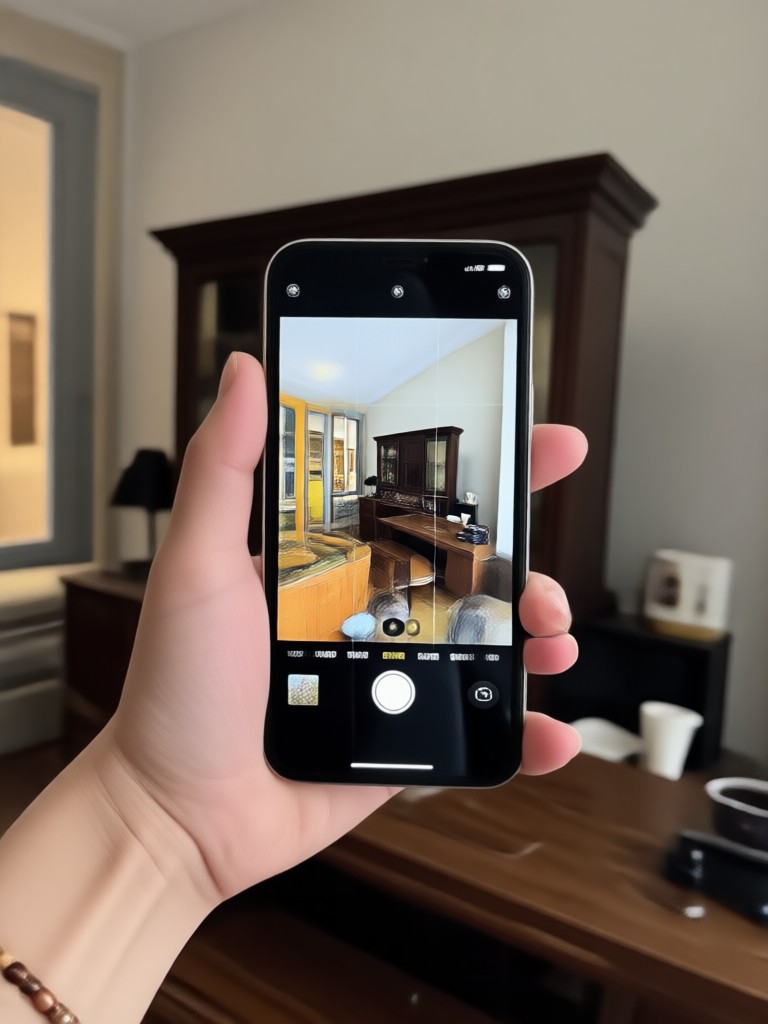
Explore AI Glare Removal Results
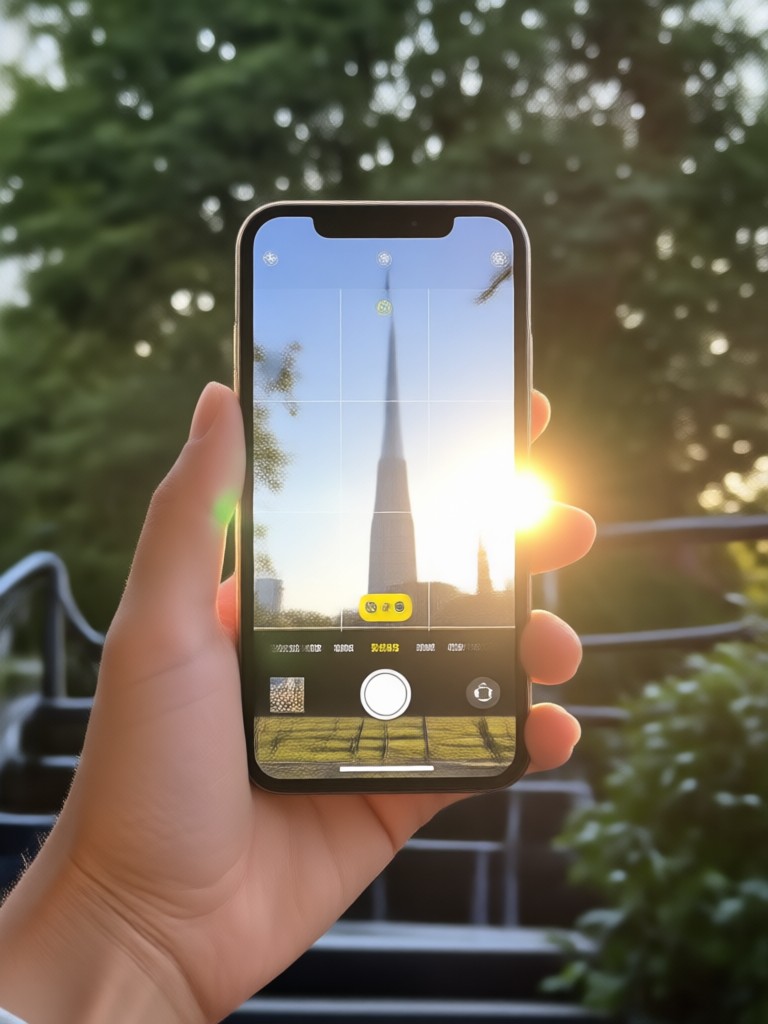
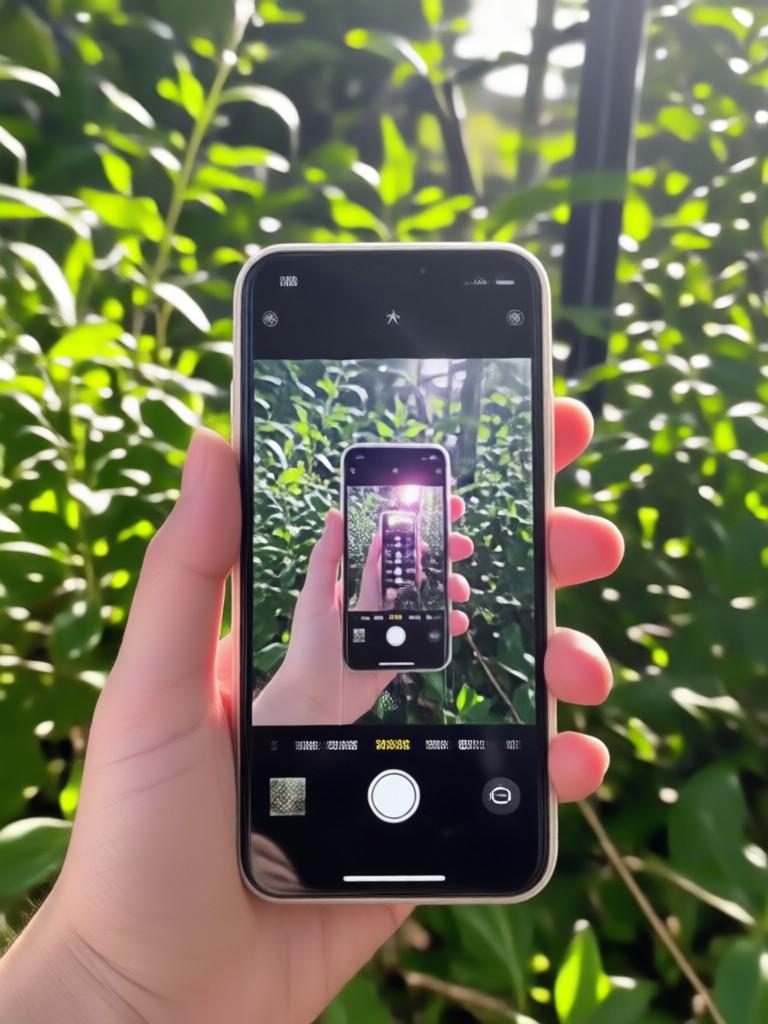
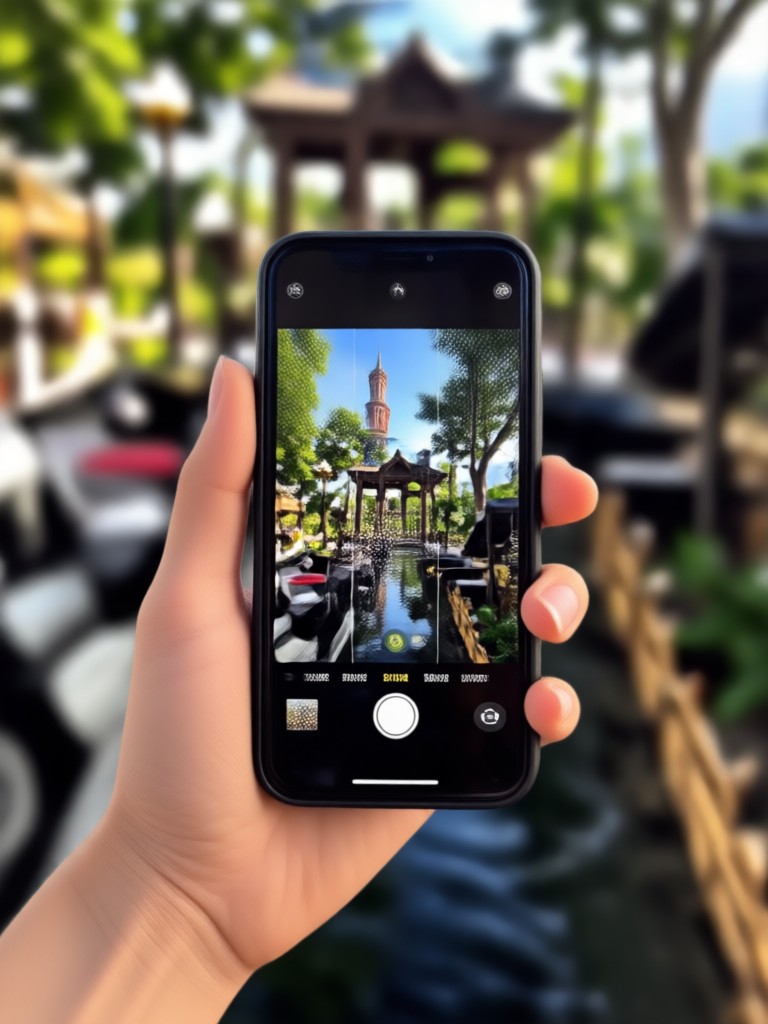
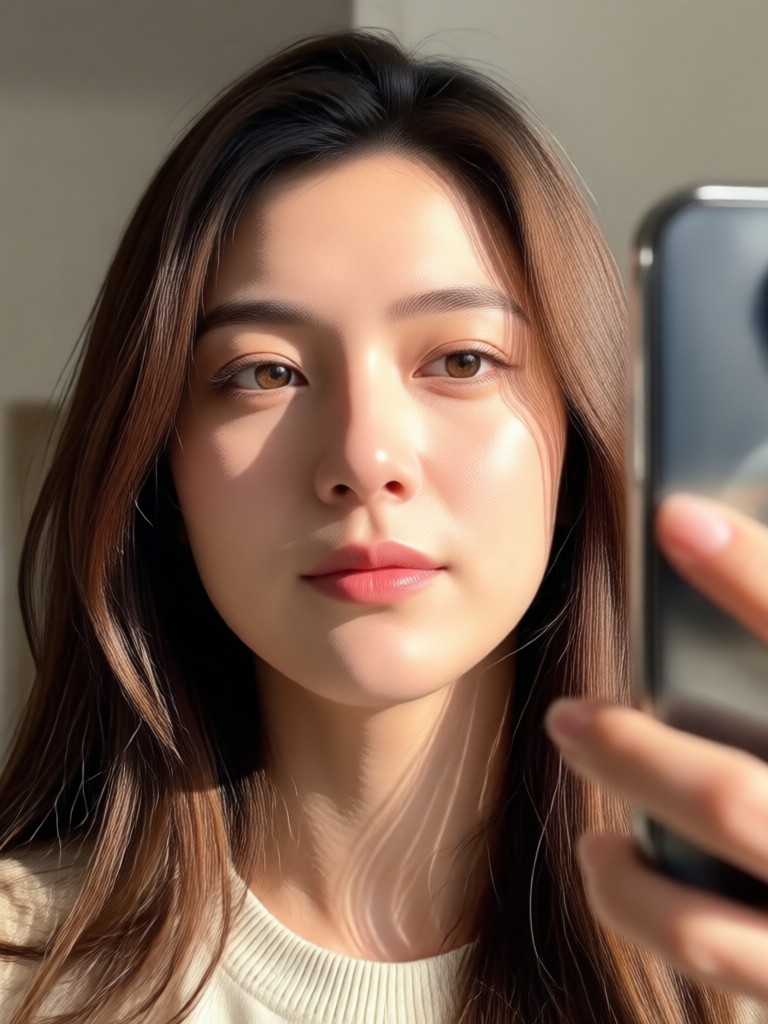
See the difference gloglo makes. Browse stunning before and after examples of glare removal, reflection cleanup, and photo restoration done entirely on iPhone.




How to Remove Glare From Photo iPhone?
Clean up your photos in a few simple steps using gloglo. No photo editing experience is required.

Step 01.
Download the gloglo app from the Google Play store and open it on your mobile device. The interface is designed for quick and easy navigation.

Step 02.
Upload the photo you want to fix. Choose the glare removal or photo cleaning filter that best matches your image. The AI will analyze the light and reflections.

Step 03.
Let the AI do the work. Review your clean, glare free photo, then download it in high resolution or share it directly to social media.
Why Choose gloglo for Photo Glare Removal?
Not all photo editors are created equal. gloglo combines speed, accuracy, and ease of use to give you the best glare removal experience on mobile.
The Smartest Way to Fix Reflections
Traditional editing tools require you to manually clone, patch, or blur glare spots, often leaving obvious marks. gloglo uses generative AI to understand the context of your photo. It reconstructs missing details realistically, whether it is removing a glare from a window, a mirror, or a shiny forehead. The result is a natural looking photo that appears untouched. You do not need to learn complex software or watch tutorials. Just upload your photo and let the AI handle the hard work. This allows you to focus on capturing moments without worrying about perfect lighting conditions.
The Smartest Way to Fix Reflections
Traditional editing tools require you to manually clone, patch, or blur glare spots, often leaving obvious marks. gloglo uses generative AI to understand the context of your photo. It reconstructs missing details realistically, whether it is removing a glare from a window, a mirror, or a shiny forehead. The result is a natural looking photo that appears untouched. You do not need to learn complex software or watch tutorials. Just upload your photo and let the AI handle the hard work. This allows you to focus on capturing moments without worrying about perfect lighting conditions.
Remove Glare From Photo iPhone App
Get the best AI glare remover for your mobile device. Download gloglo now and start cleaning up your photo library with professional level results.

Who Uses gloglo to Remove Glare?

Mandy Sander
I take a lot of photos through car windows for work. The glare removal tool is a lifesaver. It cleans up the reflection perfectly and keeps the dashboard looking sharp. Very impressed with the quality.

Louis Yule
I had a great portrait ruined by harsh sunlight on my forehead. I tried gloglo and it removed the shine completely while keeping my skin texture looking natural. No more embarrassing flash reflections.

Sam Green
As a reseller, I take product photos daily. Shiny surfaces are my biggest enemy. gloglo's AI removes glare from my listings faster than any desktop software I have used. It is now part of my workflow.

Orville Garcia
I am not tech savvy at all. I downloaded the app, uploaded my photo, and it just worked. The reflection from my glasses is completely gone. The app is super simple and the results look real.
Mandy Sander
I take a lot of photos through car windows for work. The glare removal tool is a lifesaver. It cleans up the reflection perfectly and keeps the dashboard looking sharp. Very impressed with the quality.
Louis Yule
I had a great portrait ruined by harsh sunlight on my forehead. I tried gloglo and it removed the shine completely while keeping my skin texture looking natural. No more embarrassing flash reflections.
Sam Green
As a reseller, I take product photos daily. Shiny surfaces are my biggest enemy. gloglo's AI removes glare from my listings faster than any desktop software I have used. It is now part of my workflow.
Orville Garcia
I am not tech savvy at all. I downloaded the app, uploaded my photo, and it just worked. The reflection from my glasses is completely gone. The app is super simple and the results look real.
Mandy Sander
I take a lot of photos through car windows for work. The glare removal tool is a lifesaver. It cleans up the reflection perfectly and keeps the dashboard looking sharp. Very impressed with the quality.
Louis Yule
I had a great portrait ruined by harsh sunlight on my forehead. I tried gloglo and it removed the shine completely while keeping my skin texture looking natural. No more embarrassing flash reflections.
Sam Green
As a reseller, I take product photos daily. Shiny surfaces are my biggest enemy. gloglo's AI removes glare from my listings faster than any desktop software I have used. It is now part of my workflow.
Orville Garcia
I am not tech savvy at all. I downloaded the app, uploaded my photo, and it just worked. The reflection from my glasses is completely gone. The app is super simple and the results look real.
Frequently Asked Questions
Find clear answers to common questions about removing glare from photos using gloglo on your iPhone.
Remove Glare From Photo iPhone Today
Stop letting harsh light ruin your memories. Download gloglo now and experience the fastest way to clean up glare, reflections, and shine on your mobile device.
Remove Glare From Photo iPhone Today
Stop letting harsh light ruin your memories. Download gloglo now and experience the fastest way to clean up glare, reflections, and shine on your mobile device.