Remove Object Video with AI in Seconds

Choose the Video Cleanup Tool That Fits
Explore object removal presets for people, text, logos, clutter, and more. Each tool is optimized for different scenes so you get the cleanest result.
Key Features of Remove Object Video AI
Remove Object Video on gloglo combines precise masking with intelligent background fill to deliver clean edits on every frame.

Smart Object Masking
Mark any person, object, text, or watermark in a frame. AI tracks it across the full clip and removes it consistently without manual keyframes.

Background Auto Fill
After removing the target, AI studies surrounding pixels and reconstructs a natural background. Edges stay clean and no smudges or blurry patches remain.
Frame by Frame Consistency
Unlike photo editors, gloglo processes every video frame. Motion stays smooth and the erased area blends seamlessly from start to finish.
How to Remove Objects from a Video
Clean up your clips in three simple steps using the gloglo mobile app. No desktop software needed.

Step 01.
Download gloglo from Google Play and open the app on your phone.
Step 02.
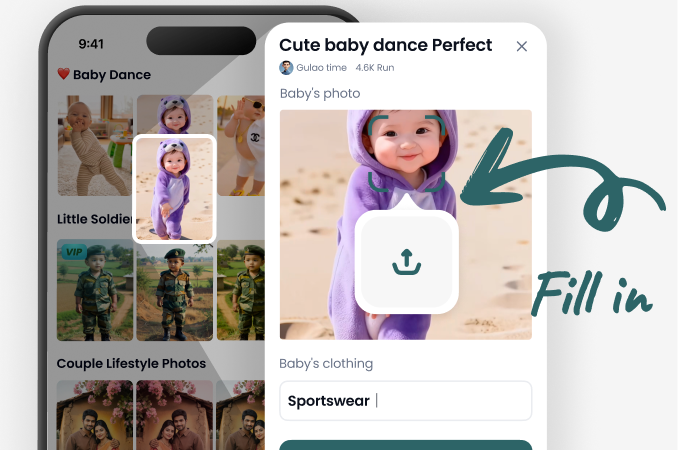
Upload your video and use the brush or lasso to select the object you want to erase.
Step 03.
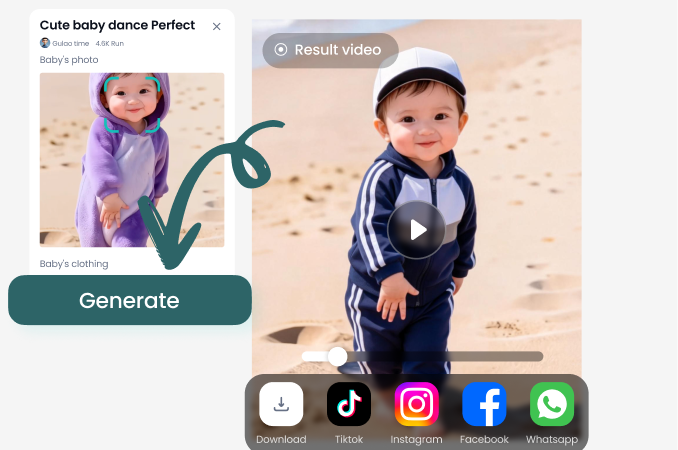
Tap generate and let AI process every frame. Preview your clean video, then download or share it.
See Real Object Removal Results
Browse before and after examples from gloglo users who cleaned up their videos by erasing people, clutter, text, and unwanted objects.













Why Use AI to Remove Objects from Video
Manual object removal in desktop editors takes hours of frame by frame masking and clone stamping. gloglo automates the entire process on your phone, delivering clean clips in minutes. Whether you are fixing a travel video, removing an ex from a clip, or cleaning up a product demo, the AI handles complex backgrounds, motion blur, and occlusions so you do not have to.
What Users Say About Remove Object Video AI
Finally removed my ex from our travel clips
I had dozens of videos from a trip with my ex everywhere. Marking him frame by frame would have taken days. This app erased him cleanly and the background looked natural. I could finally keep my memories.
Cleaned up product demos without a desktop editor
I record product demos on my phone and often have random clutter in the background. Now I just mark the mess, tap generate, and the video is ready for my store. Saves me hours every week.
Removed text overlays from stock footage
I needed clean background footage for a client project. This app removed the burned in text labels without leaving smears. The result was smooth across all frames. Highly recommend the object remover.

Remove Unwanted Objects from Video on Android
gloglo works entirely on your phone. Download the app from Google Play, upload any clip, and erase objects in a few taps.

Frequently Asked Questions
Find clear answers to common questions about removing objects from video with gloglo AI.
Clean Up Any Video in Minutes
Download gloglo and start erasing unwanted objects, people, text, and watermarks from your clips. No desktop software, no learning curve, just clean videos.
Clean Up Any Video in Minutes
Download gloglo and start erasing unwanted objects, people, text, and watermarks from your clips. No desktop software, no learning curve, just clean videos.