Xvid Video Converter For Android
Choose the Video Processing Style That Fits You
Discover AI filters and conversion presets that match your video needs, from format conversion to creative style transfers.
Key Features of Xvid Video Converter For Android
gloglo combines format conversion with AI enhancement on your Android device. Convert Xvid files while improving visual quality, applying creative filters, and exporting results that look better than the original.
AI Format Conversion
Convert Xvid to MP4 and other popular formats directly on your Android device. gloglo handles codec compatibility automatically so your videos play on any screen without quality loss.
Smart Video Enhancement
Improve older Xvid clips with AI upscaling and noise reduction. Sharpen details, boost colors, and turn compressed footage into crisp, high resolution video ready for modern displays.
Creative Style Filters
Apply over a million AI style templates to your converted videos. Add cinematic looks, anime effects, 3D clay renderings, or watercolor tones with a single tap inside the mobile app.
See AI Video Conversion Results
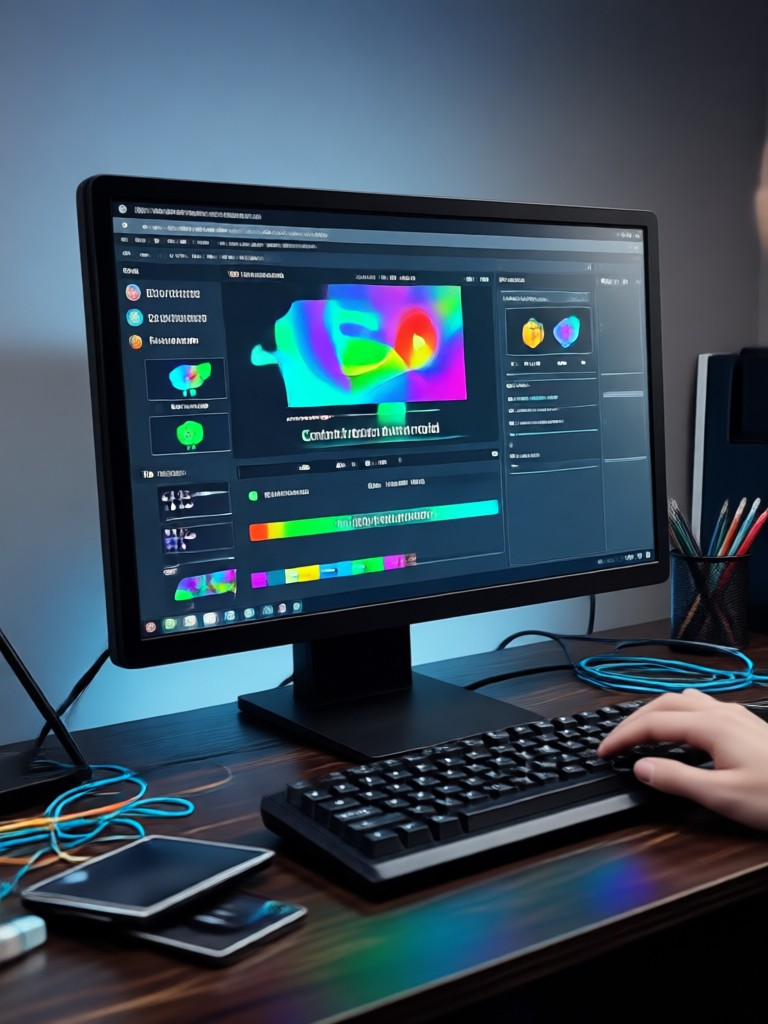
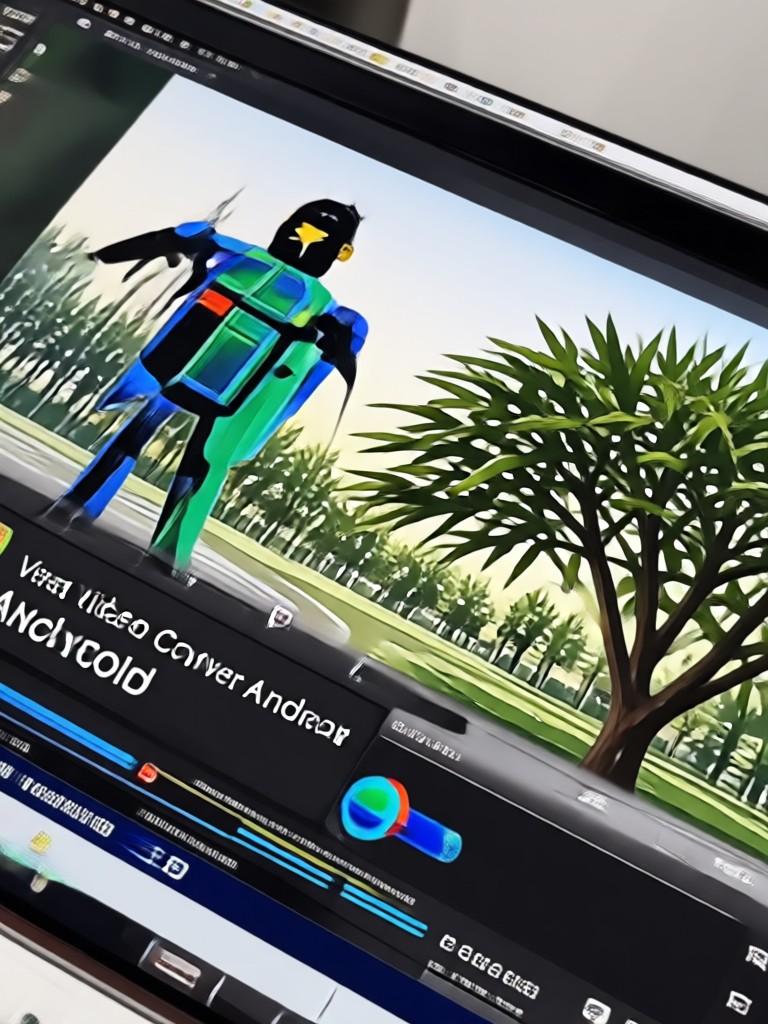
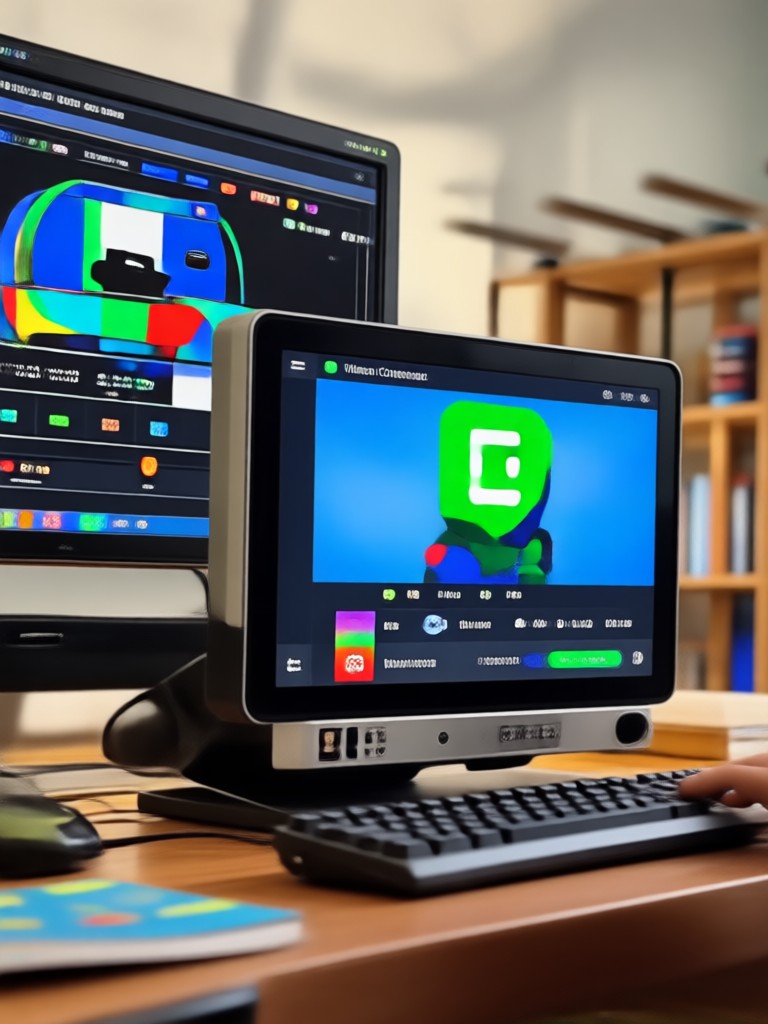
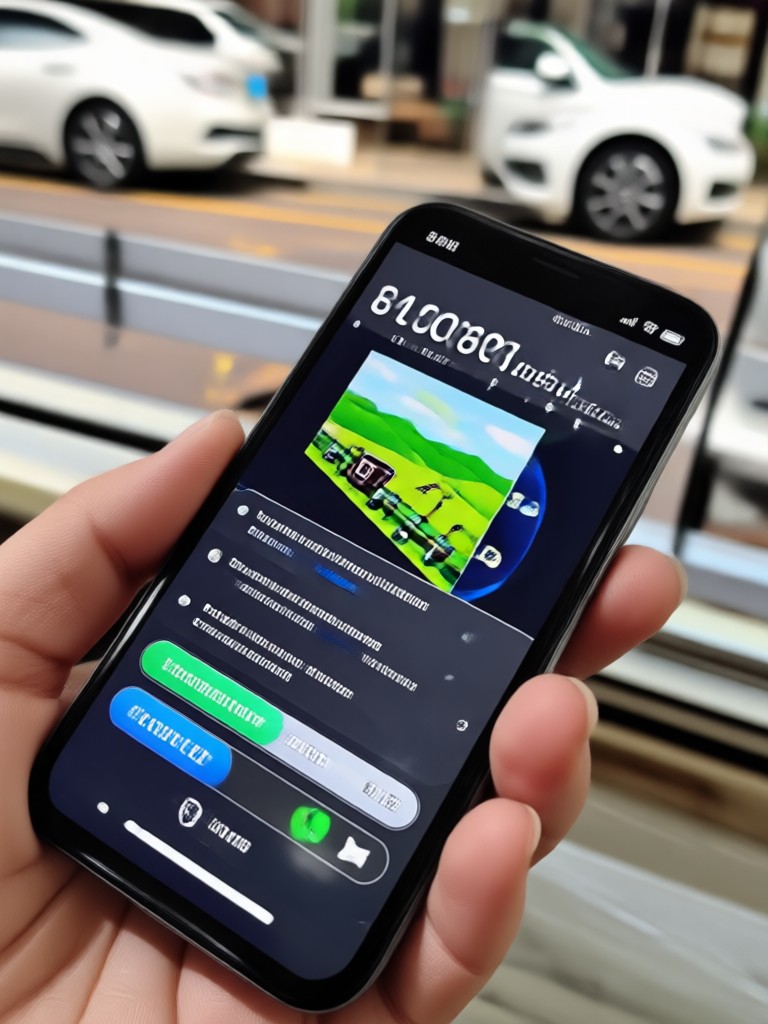
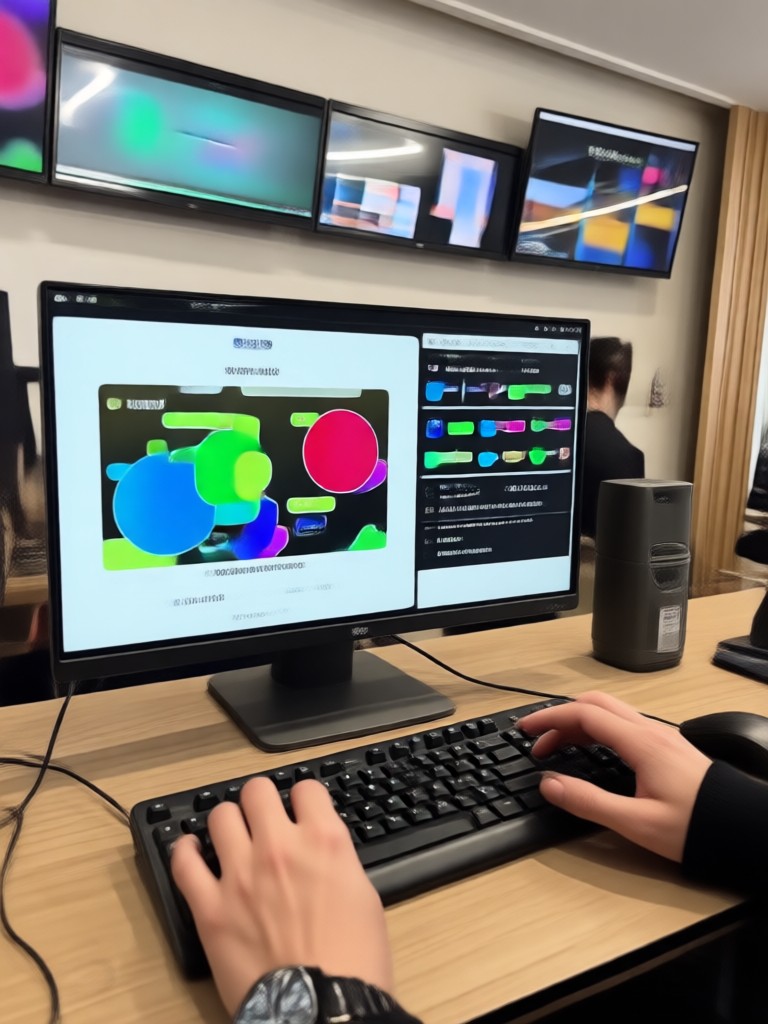
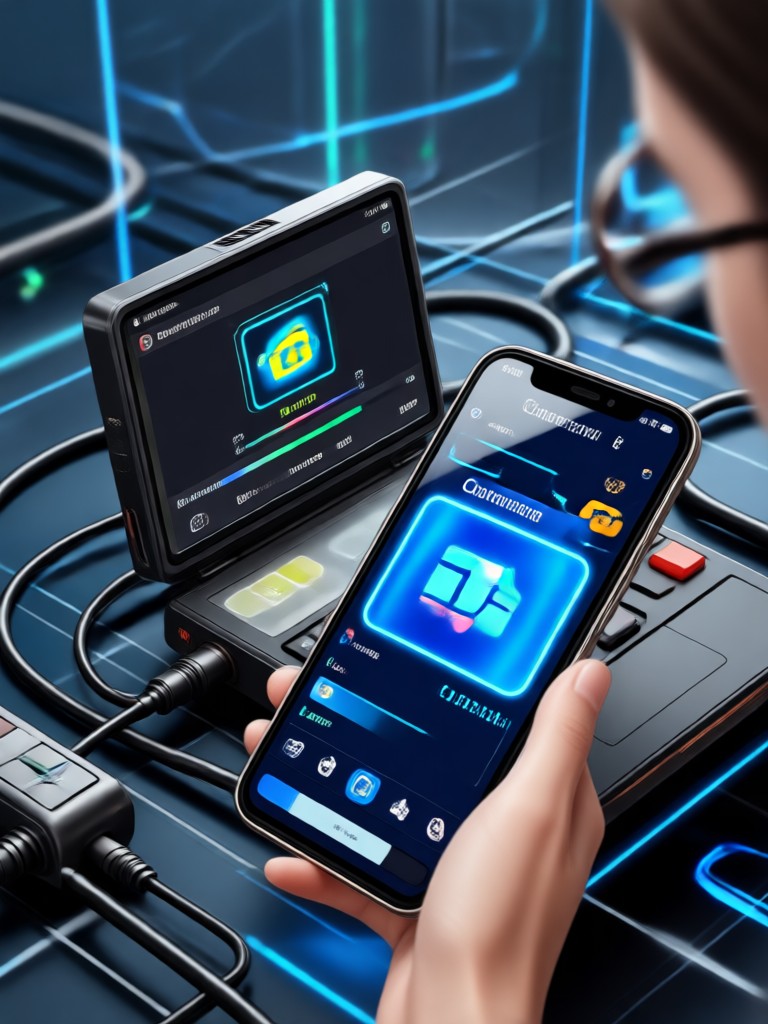
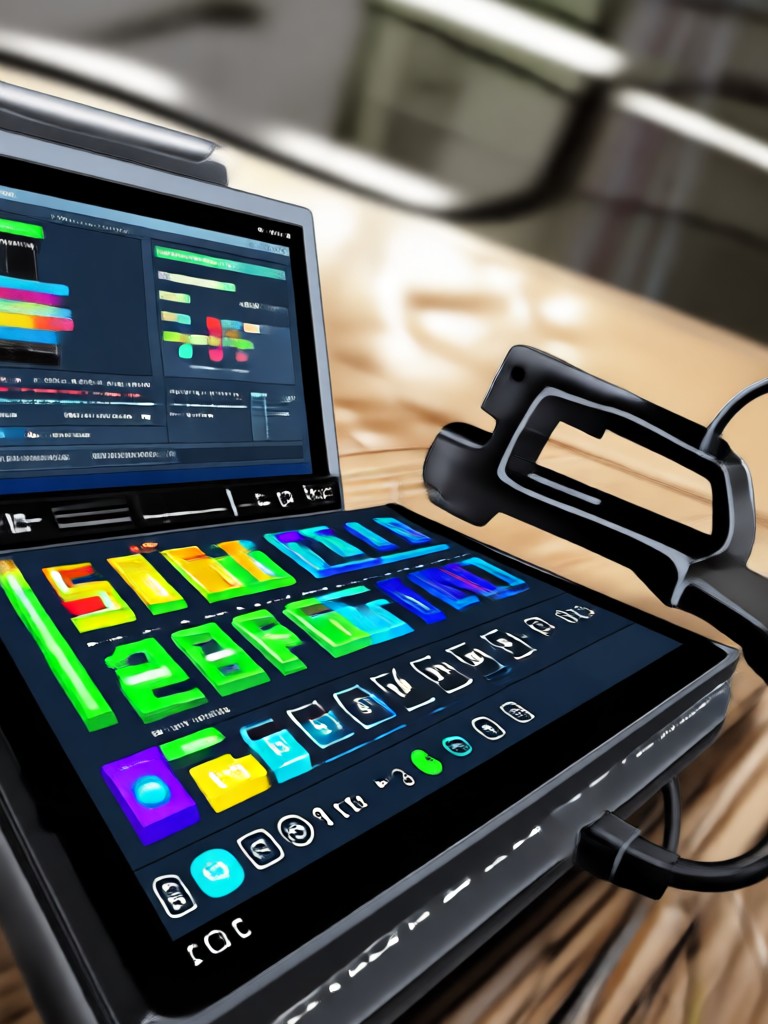
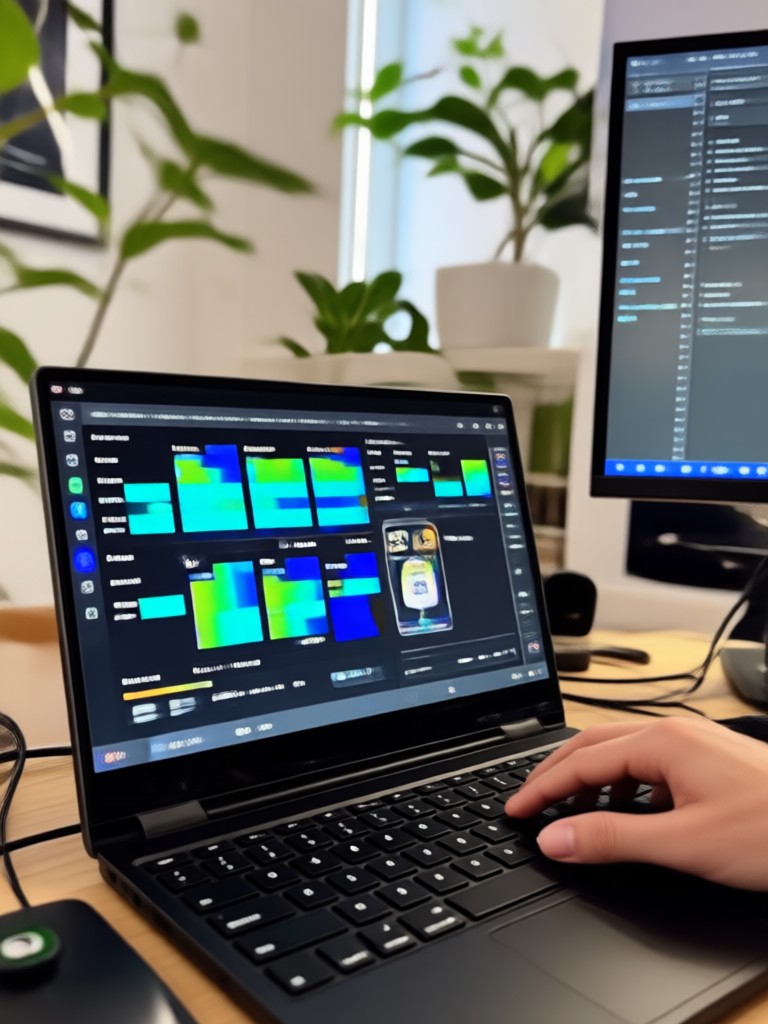
Browse stunning examples of videos processed with gloglo on Android. From Xvid conversion to AI style transfer, see how smart processing transforms ordinary footage into share worthy content.
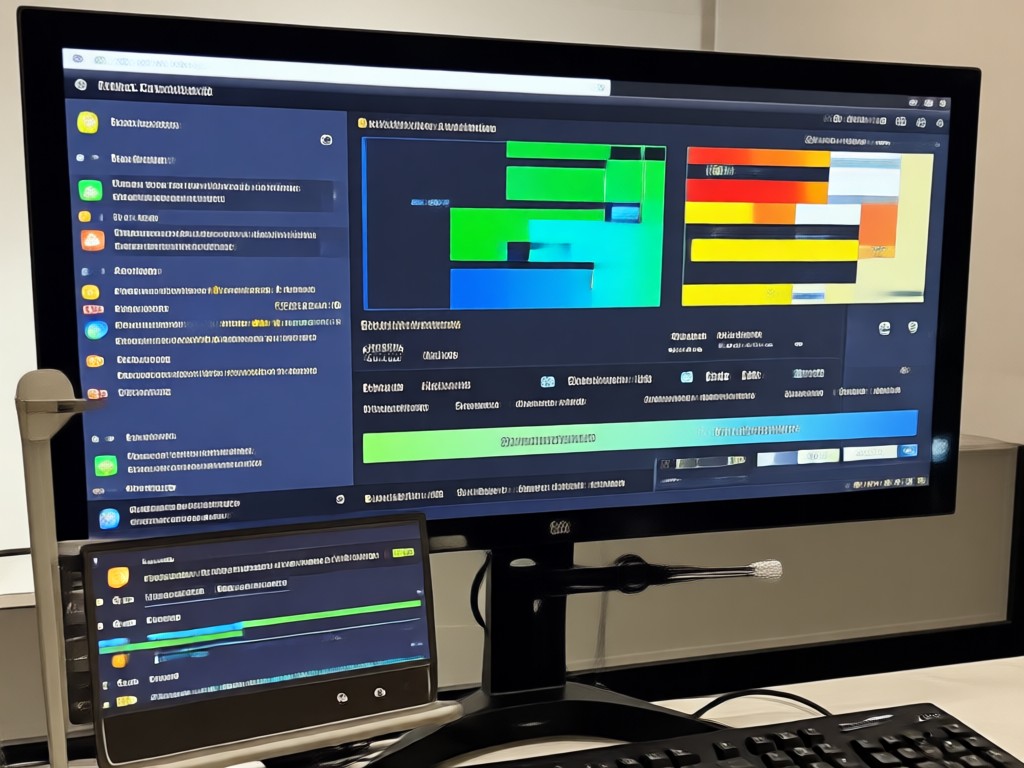
Why Use gloglo for Xvid Video Conversion
Most Android video converters focus on basic format changes but ignore visual quality. gloglo combines Xvid conversion with AI powered enhancement so your videos look better after conversion, not worse. No watermark, no waiting for a desktop, no confusing settings. Just download the app, pick your file, choose a style, and export.
How to Convert Xvid Videos on Android
Convert Xvid videos to MP4 and other formats on your Android device in three simple steps using the gloglo app.
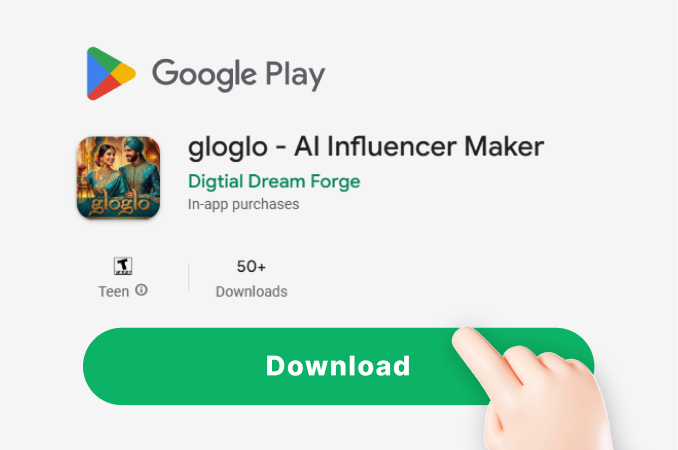
Step 01.
Get the gloglo app from Google Play. Install and open it on your Android phone or tablet. The entire conversion toolset works on mobile, so no computer is needed.
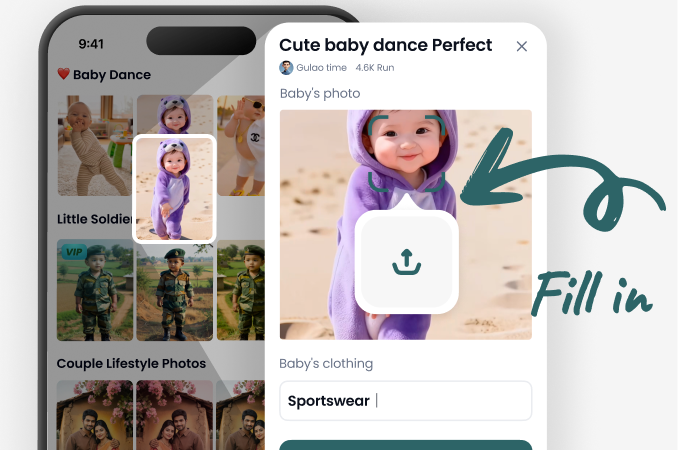
Step 02.
Select your Xvid video from the gallery. Choose the output format you want such as MP4, or pick a style filter from the AI library to enhance your clip.
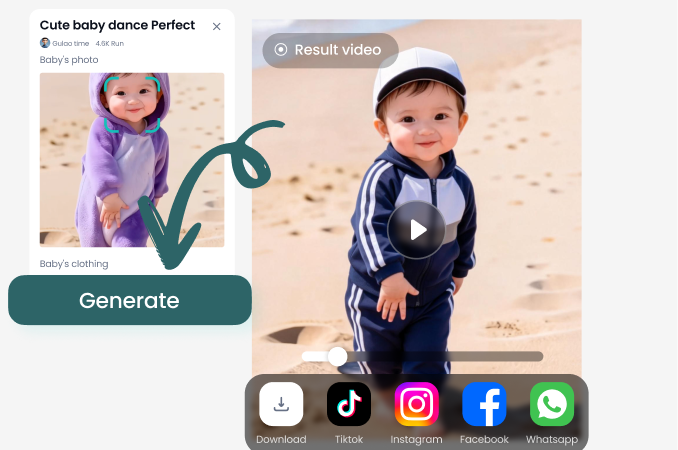
Step 03.
Tap generate and let AI process your video. Download the converted file or share it directly to social media, messaging apps, or cloud storage.
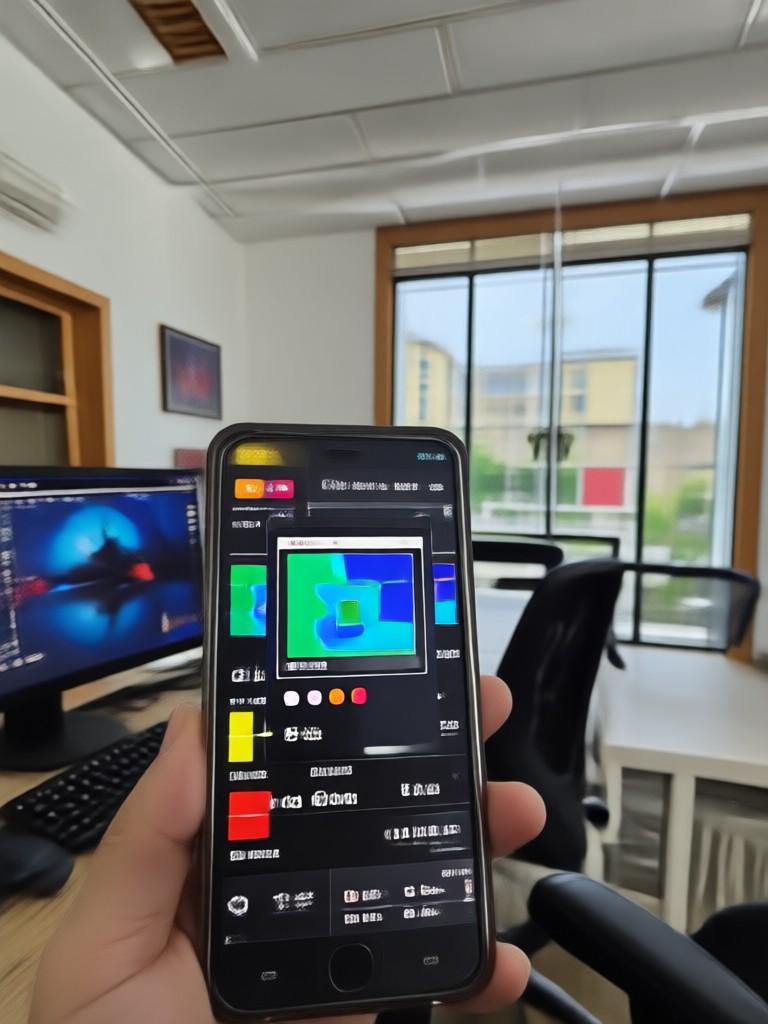
Xvid Video Converter For Android Your Pocket Solution
Convert Xvid files to MP4 and other formats anywhere with your Android phone. gloglo handles the heavy lifting with AI powered processing so you get clean, high quality output without a desktop computer.

Here is What People Think About gloglo
Finally an Android converter that handles Xvid properly
I had dozens of old Xvid videos from my camcorder that would not play on my new phone. Downloaded gloglo and converted everything to MP4 in one afternoon. The AI enhancement made my old footage look sharper than the original files.
Converted my old Xvid home videos to MP4 in minutes
Tried several Android video converters before finding gloglo. This one actually works without ads, watermarks, or file size limits. The style filters are a bonus. I turned my old clips into Ghibli style animated videos for my family group chat.
The AI enhancement is a game changer
I work with compressed Xvid footage regularly. Most converters just change the container format. gloglo actually improves the video quality while converting. The upscaling and noise reduction features are impressive for a mobile app.
Frequently Asked Questions
Find clear answers to common questions about converting Xvid videos on Android with gloglo and get the guidance you need to start converting faster.
More Topics You May Like
Explore more topics you may like and discover fresh ideas tailored to your interests.
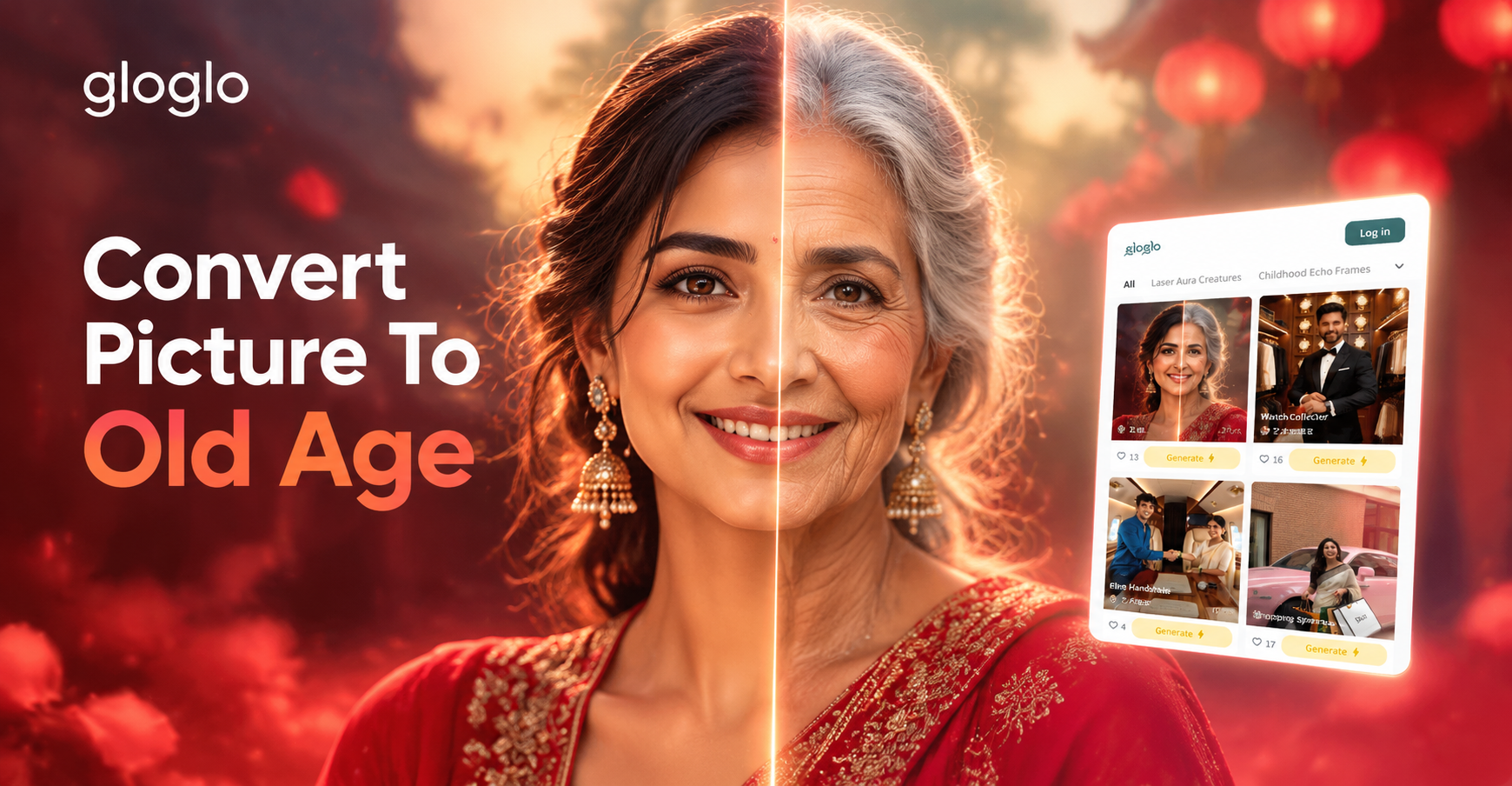
See Your Future Self: AI Age Photo Editor Online
Convert a picture to old age online with gloglo's AI filters. Upload a photo, apply realistic aging effects, and see your future self in seconds.
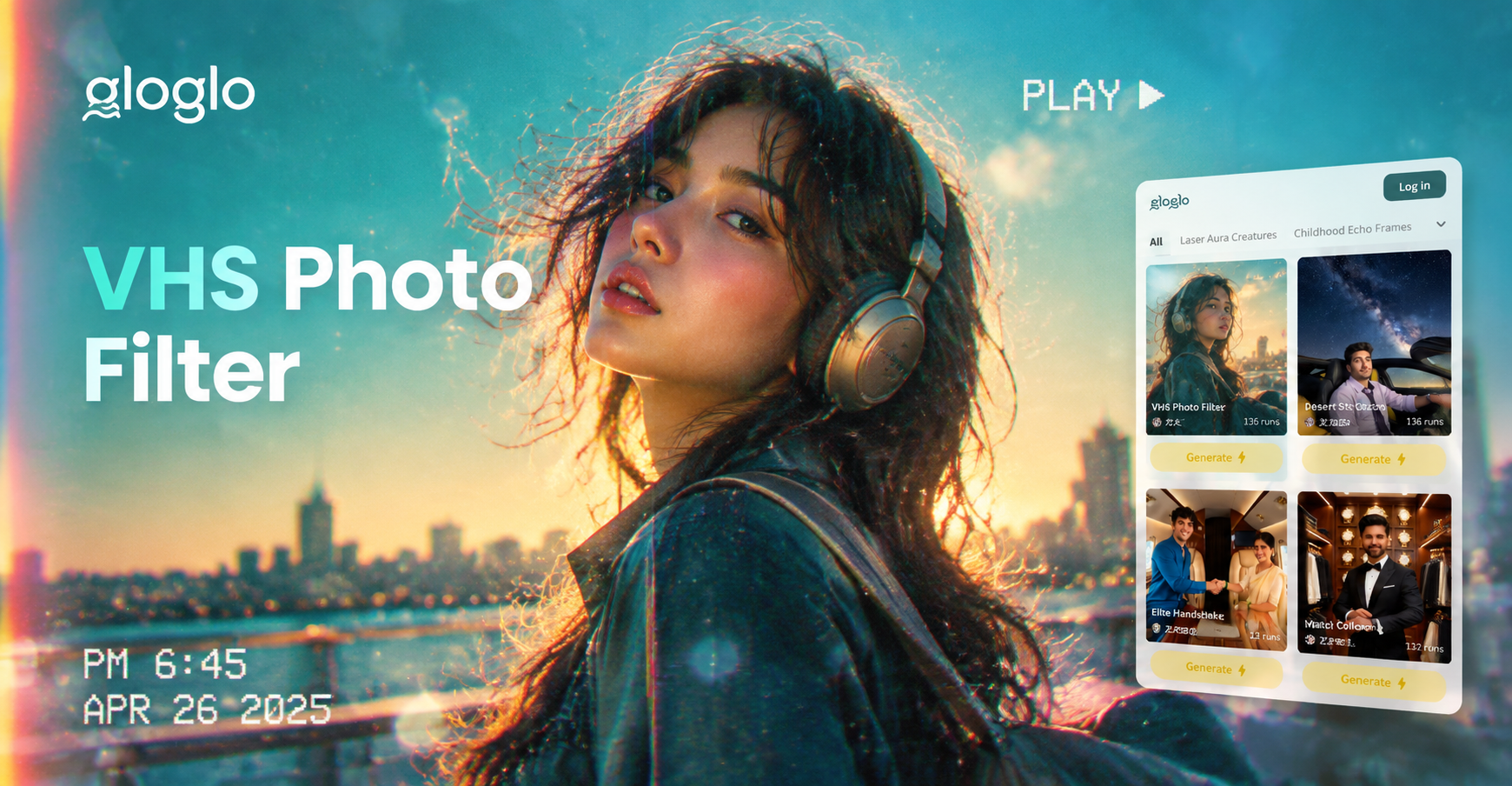
VHS Photo Filter: Add Retro Camcorder Grain to Photos
Turn photos into nostalgic VHS-style snapshots. Add retro camcorder grain, tracking lines, and 80s colors in one tap. Upload a photo, pick a style, and save your result instantly.
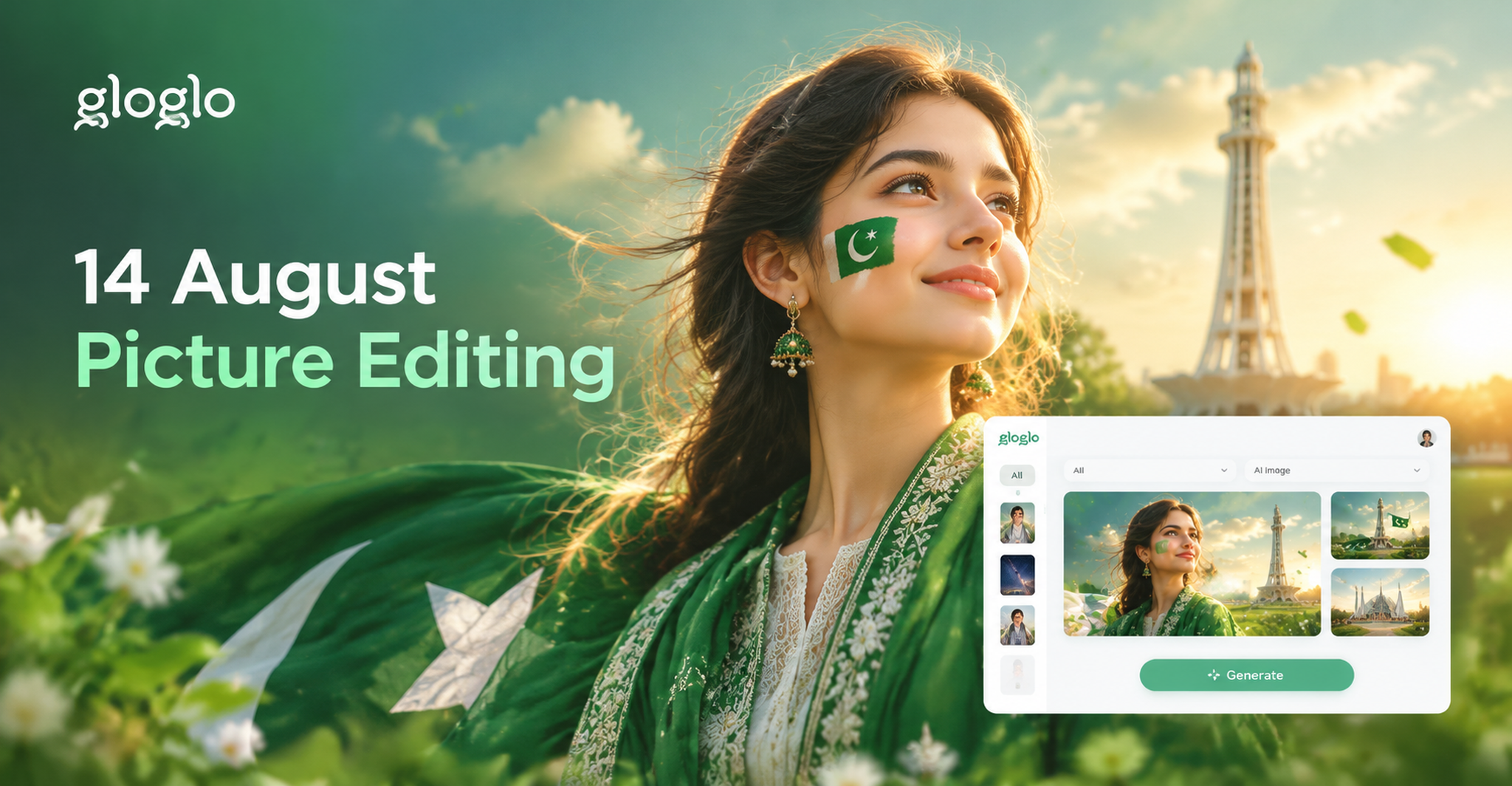
14 August Picture Editing: Transform Your Photos
Edit your 14 August photos with AI. Add patriotic filters, artistic styles, and create stunning profile pictures. Download gloglo for instant, high quality photo transformations.
Face Animation App Free: Turn Photos into Lively Videos
Discover the best free face animation app. Upload a photo and watch it smile, blink, talk, and move. Create viral videos with AI Hug, Kiss, and Ghibli effects. No editing skills needed. Download now and bring your pictures to life.
Convert Xvid Videos on Android Today
Download gloglo from Google Play and start converting Xvid videos to MP4 with AI enhancement. Fast, free, and designed for mobile.

Convert Xvid Videos on Android Today
Download gloglo from Google Play and start converting Xvid videos to MP4 with AI enhancement. Fast, free, and designed for mobile.