AI Glowing Effect Photo Prompt
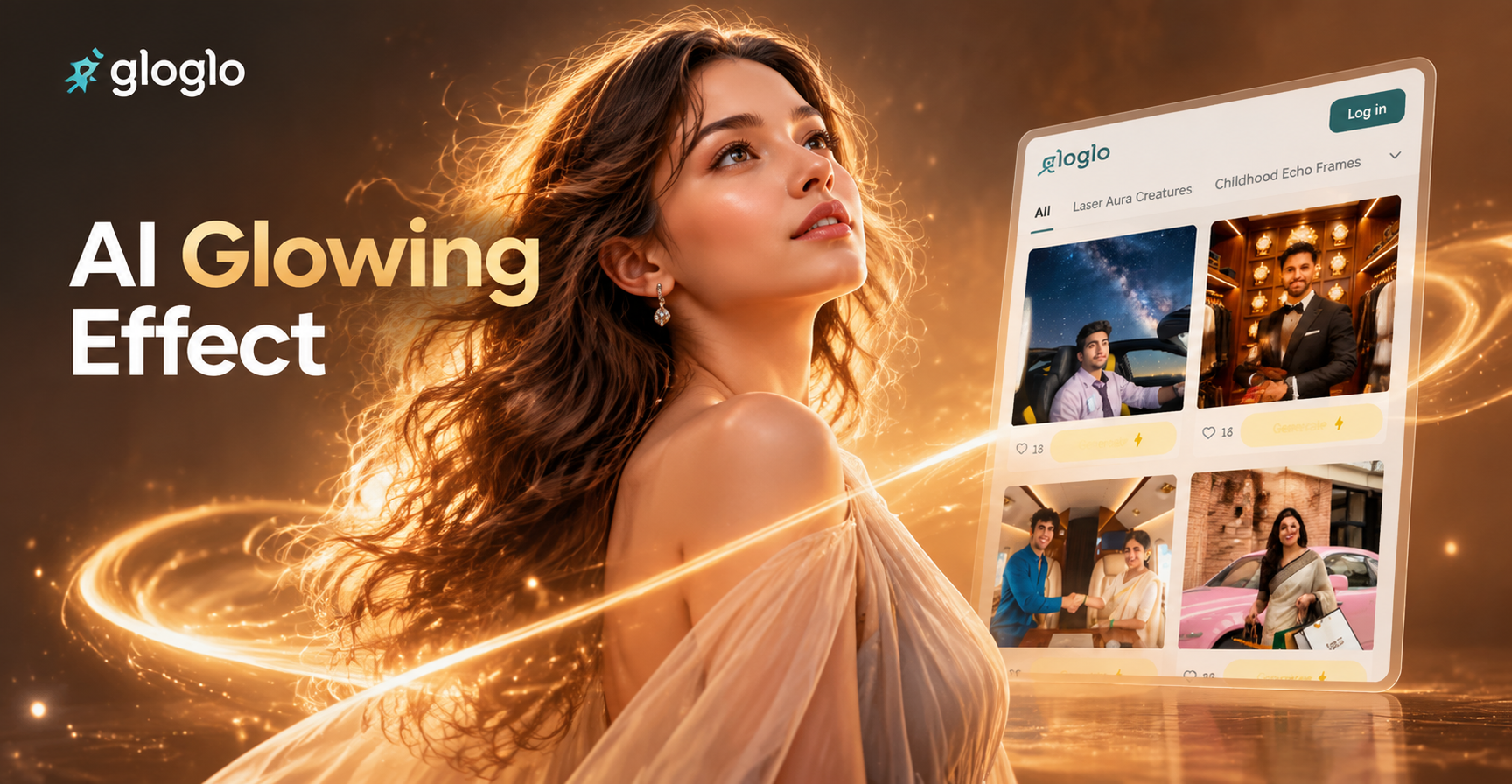
Choose the Glow Filter That Matches Your Style
Explore neon edge, ethereal halo, cyberpunk city, and dreamy bloom filters. Each filter uses AI to make your photos glow with realistic light.
Why AI Glowing Effects Work So Well
Turn ordinary photos into luminous art with three powerful glow styles. Each effect uses AI to read your photo, detect edges, and apply realistic light without losing detail.
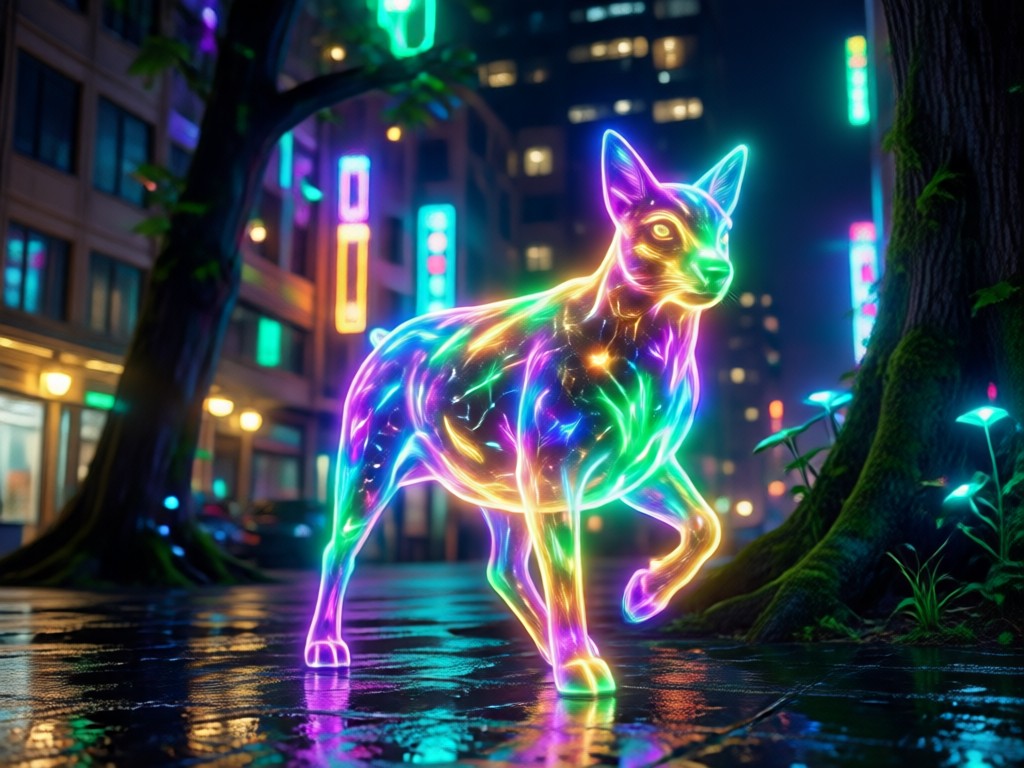
Neon Edge Light
AI detects your subject's outline and adds a crisp neon rim that separates you from the background. Perfect for bold portraits and album covers.
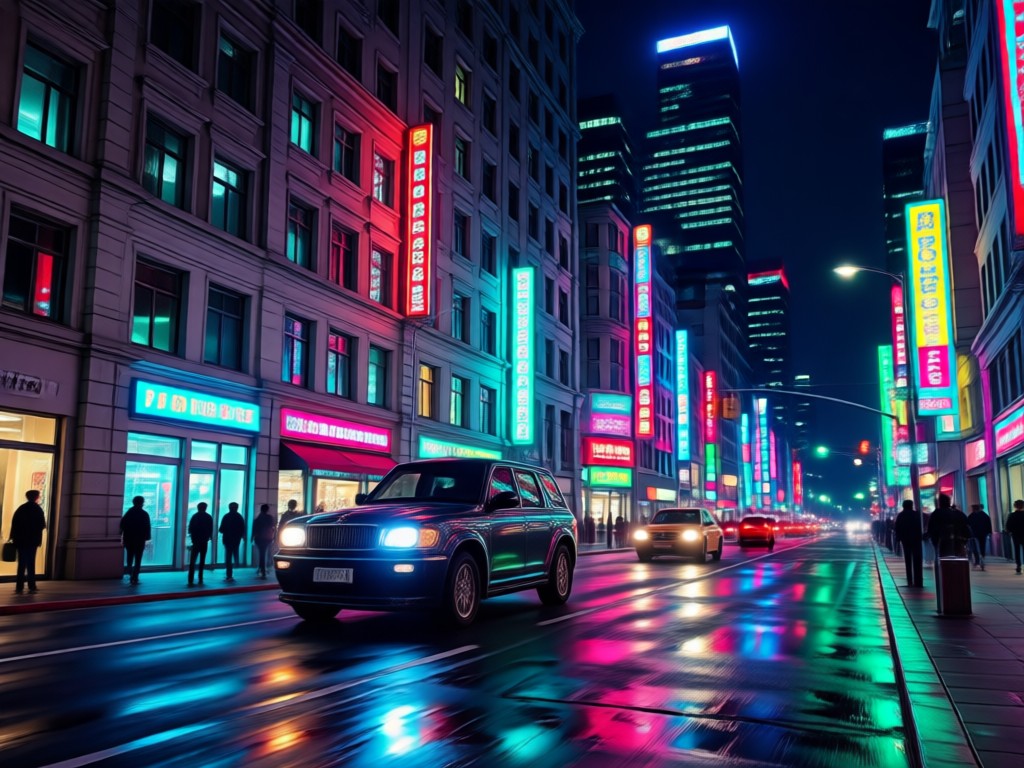
Cyberpunk City Glow
Place yourself inside a glowing urban scene with pink, blue, and orange light reflections. Your skin and clothes adapt to the colorful environment.
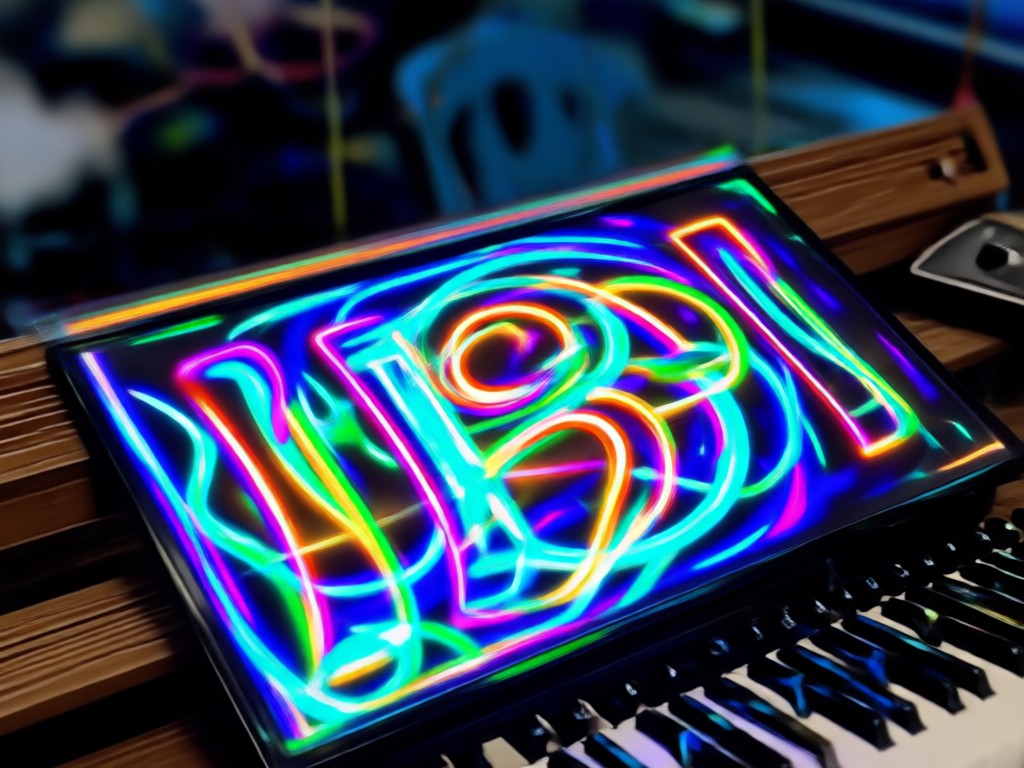
Ethereal Aura Bloom
Wrap your photo in a soft dreamlike glow with gentle halos and light leaks. Ideal for romantic, fantasy, or memory style images.
Glowing Effect Photo Gallery
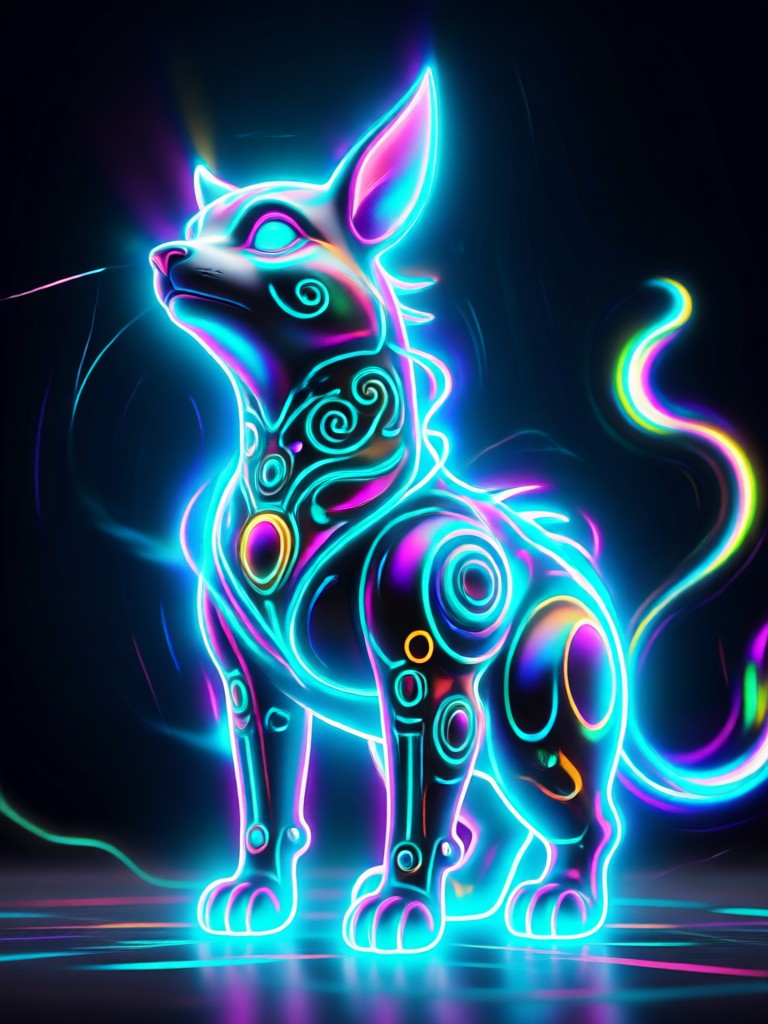
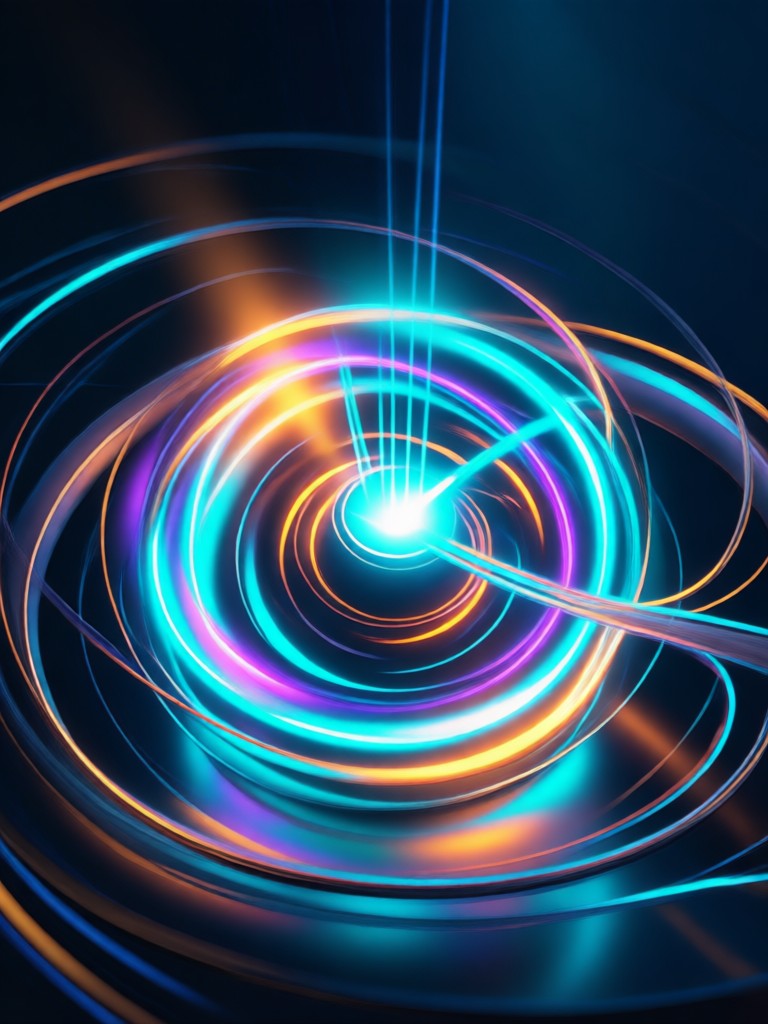
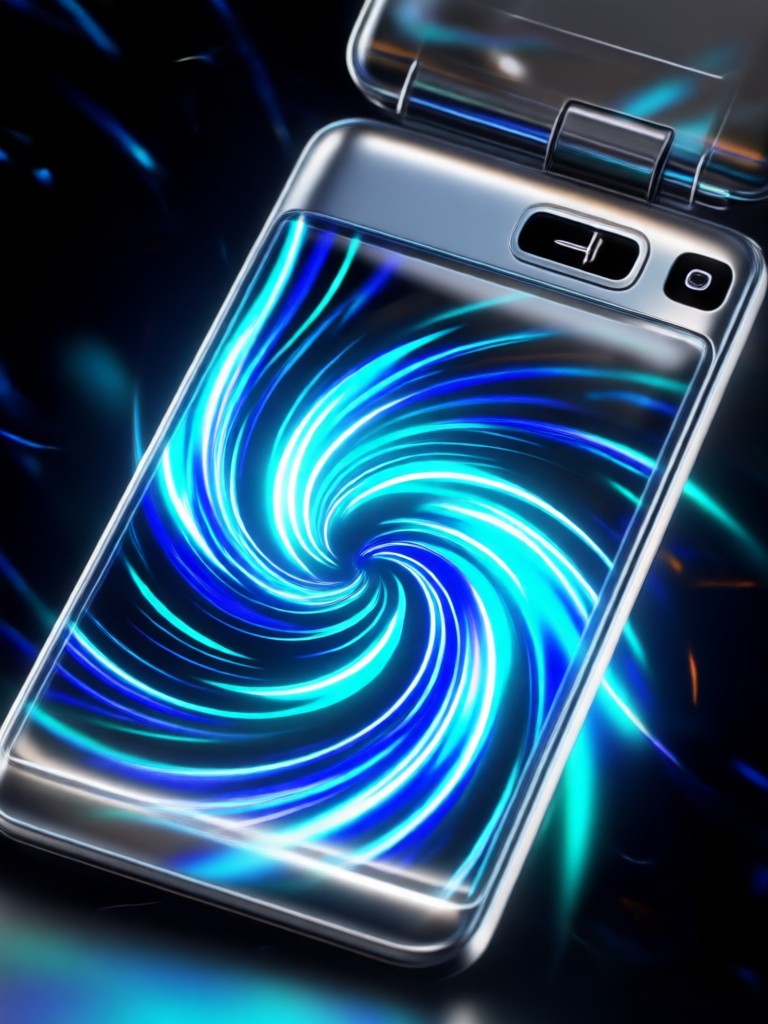
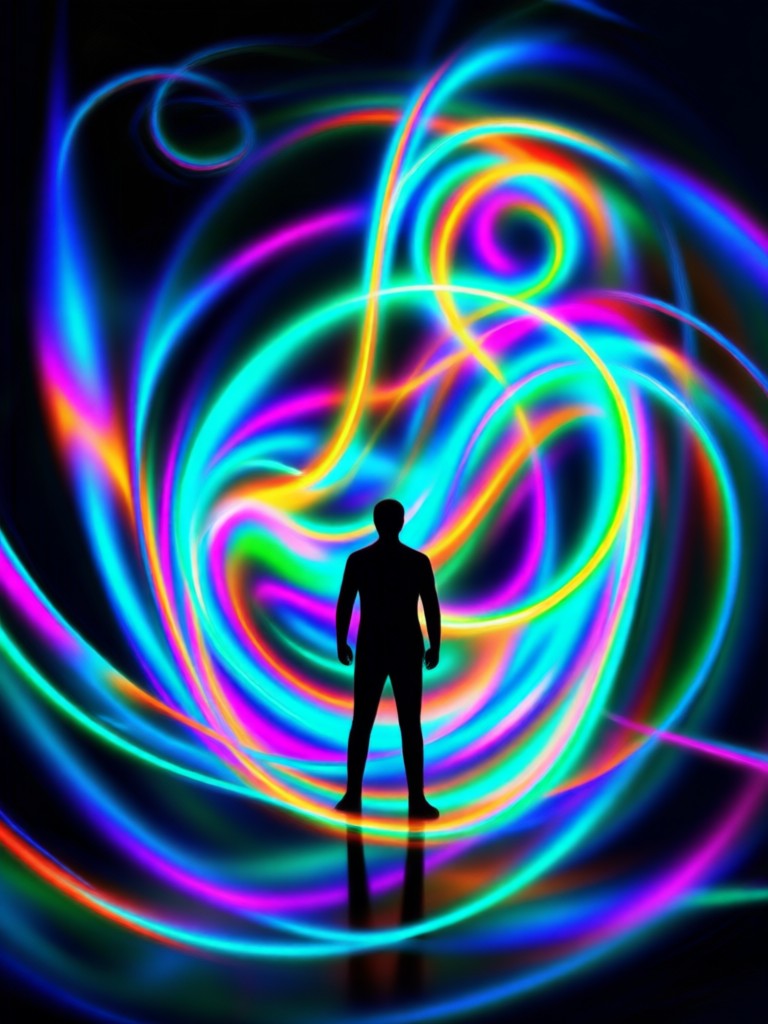
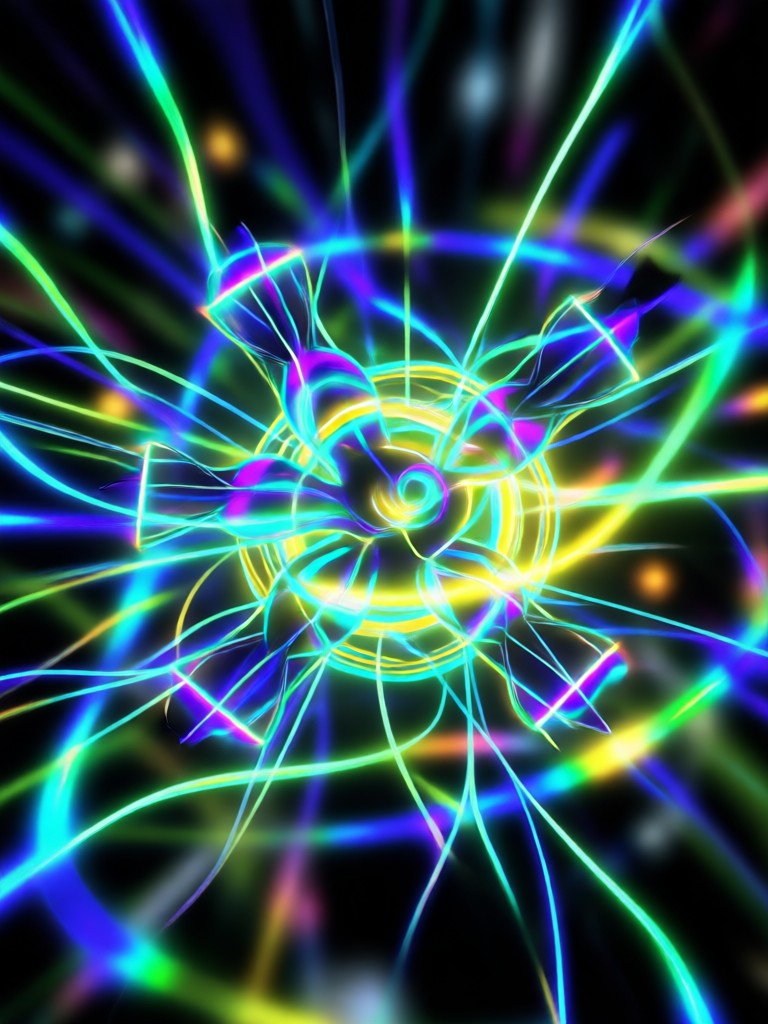
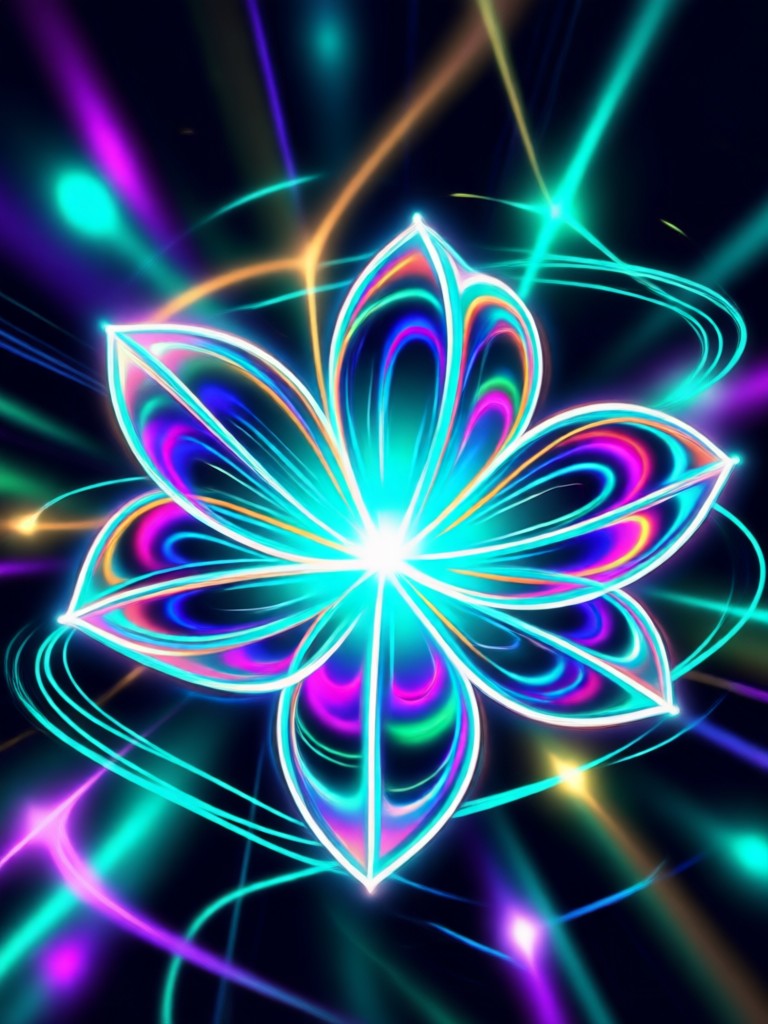
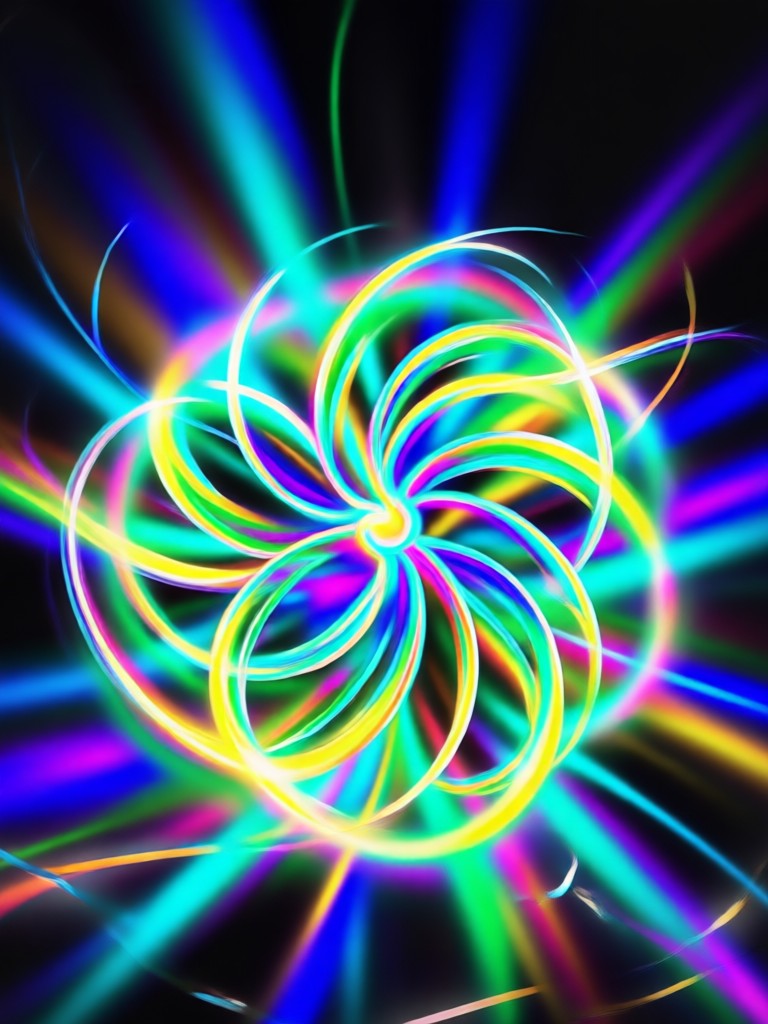
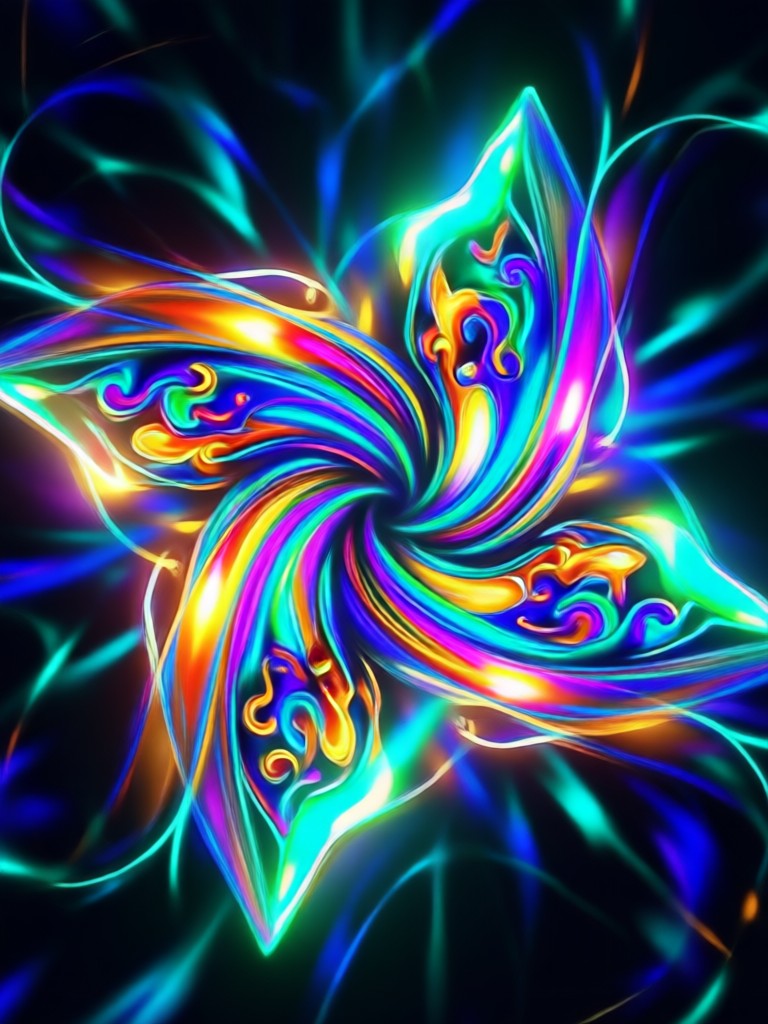
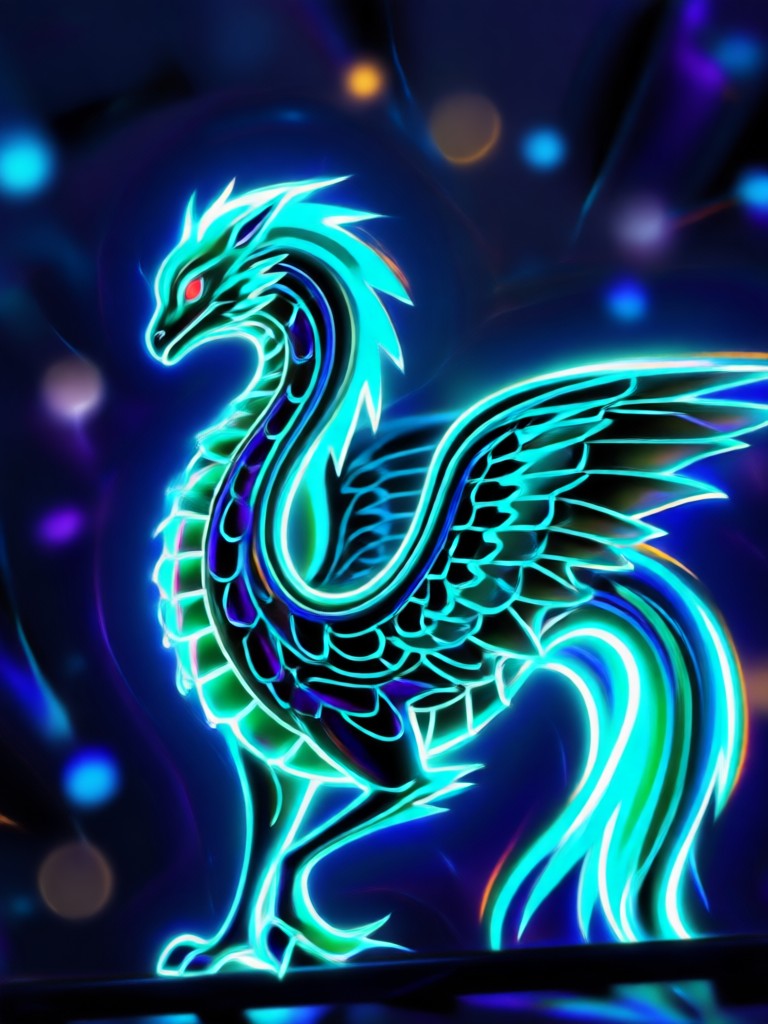
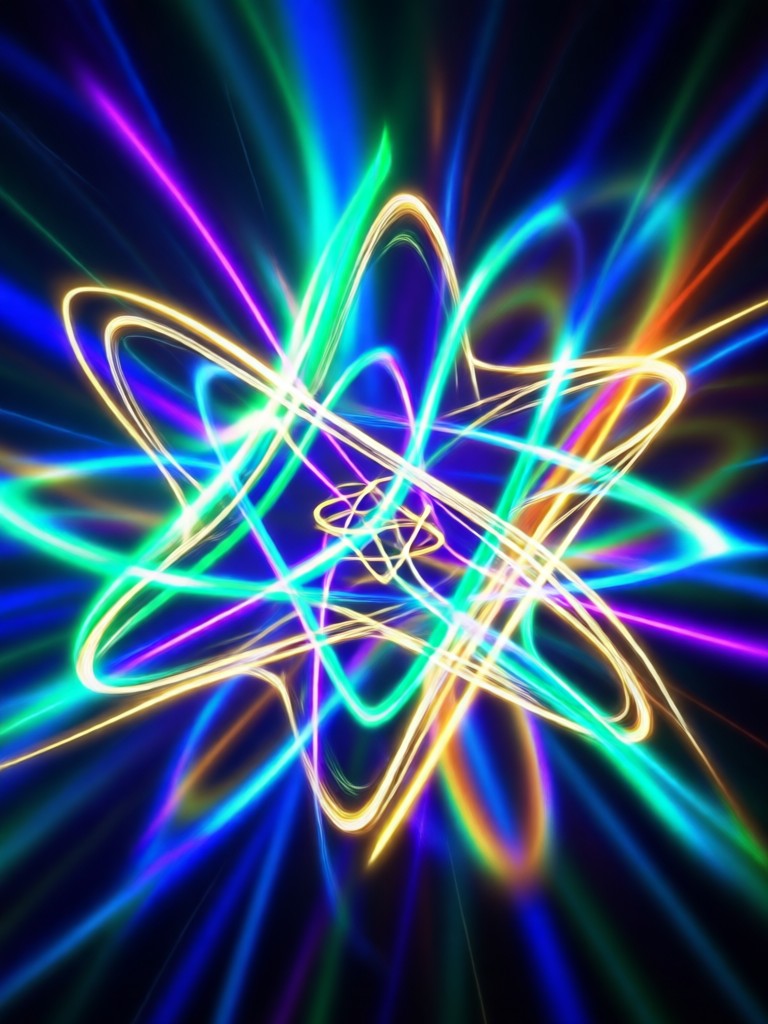
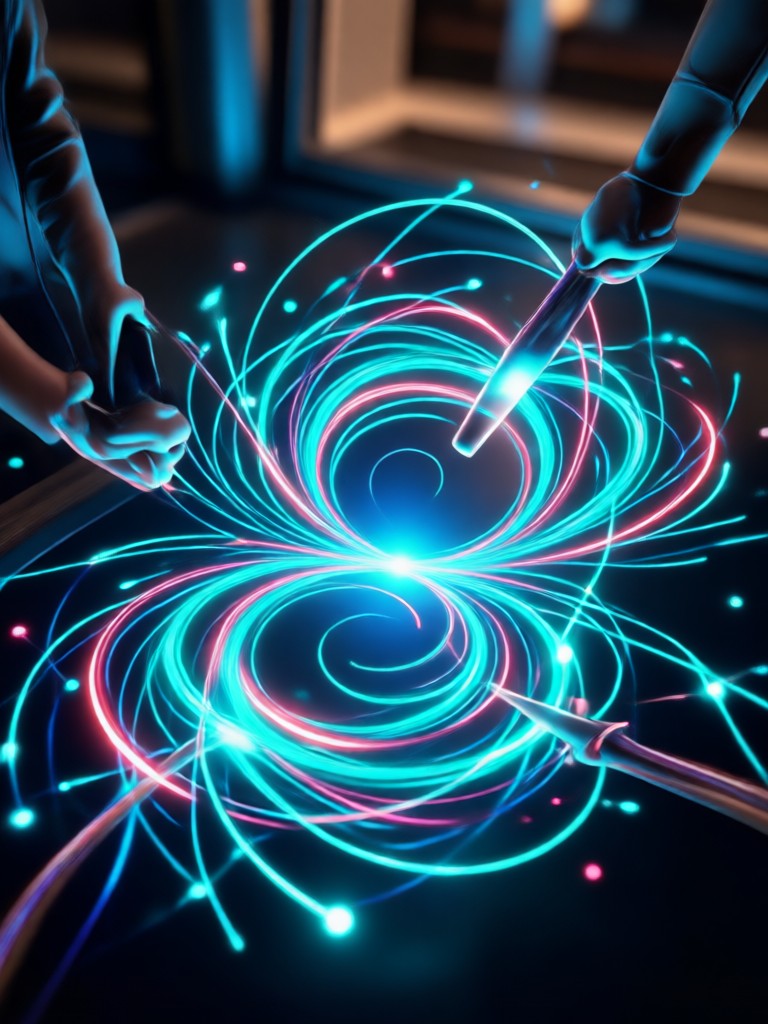
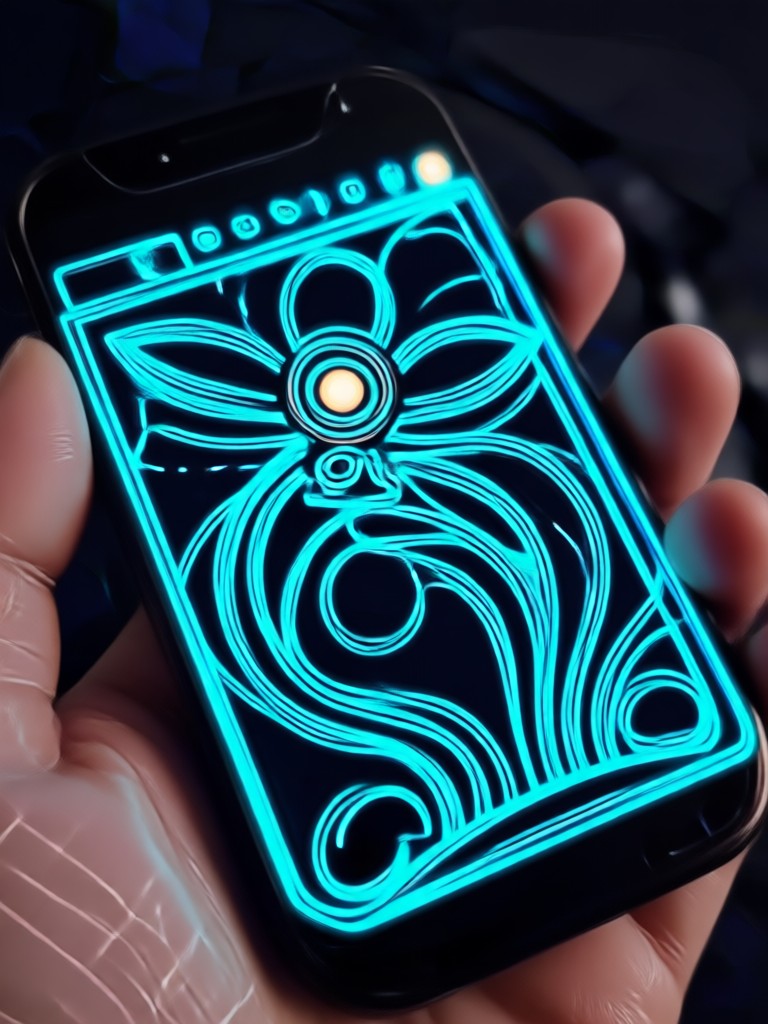
Browse stunning AI generated glowing portraits made with simple text prompts. See how neon edges, cyberpunk reflections, and ethereal halos transform ordinary photos.
How to Create an AI Glowing Effect Photo
Create glowing photo effects in three simple steps. No photo editing experience required.

Step 01.
Download the gloglo app from Google Play. It works entirely on mobile, so you can create glowing photo effects anytime and anywhere.

Step 02.
Pick a glow filter or style template such as neon edge, cyberpunk aura, or ethereal bloom. You can also type your own creative prompt.

Step 03.
Generate your glowing photo in seconds. Save it to your device and share it directly to social media or with friends.
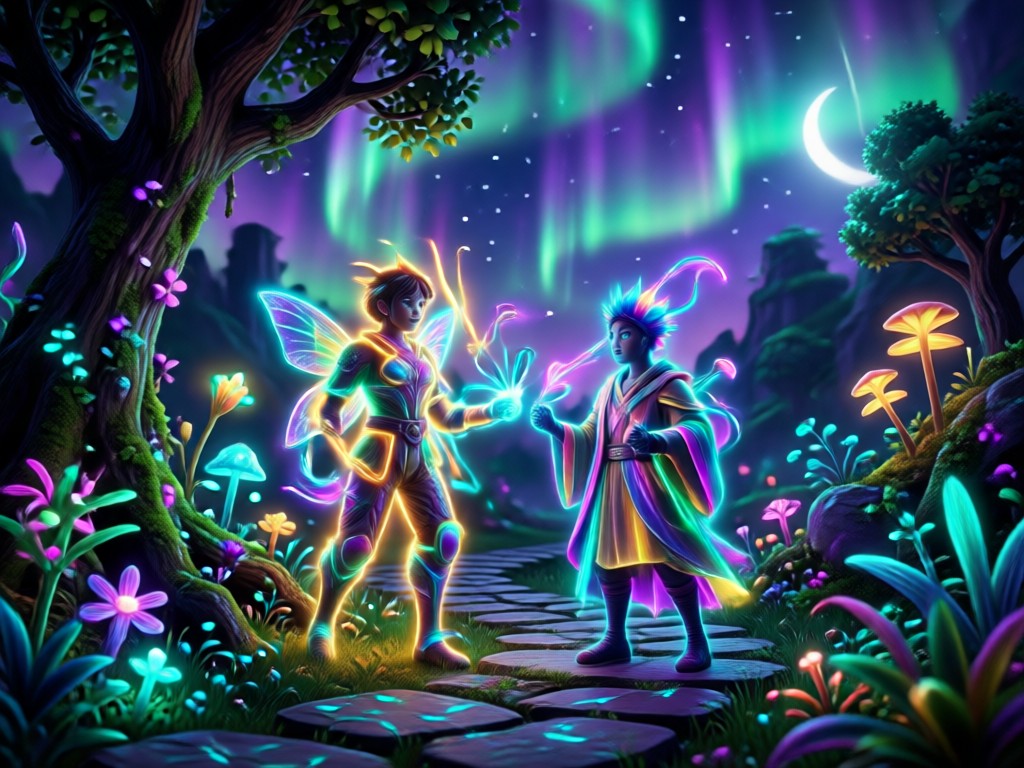
Why Use gloglo for Glowing Photo Effects
gloglo combines text prompts with one million plus style filters inside a simple mobile app. Upload any portrait, type a few words, and get realistic neon edges, halos, and colored light in seconds. No desktop software or complex editing needed.
Why Use gloglo for Glowing Photo Effects
gloglo combines text prompts with one million plus style filters inside a simple mobile app. Upload any portrait, type a few words, and get realistic neon edges, halos, and colored light in seconds. No desktop software or complex editing needed.
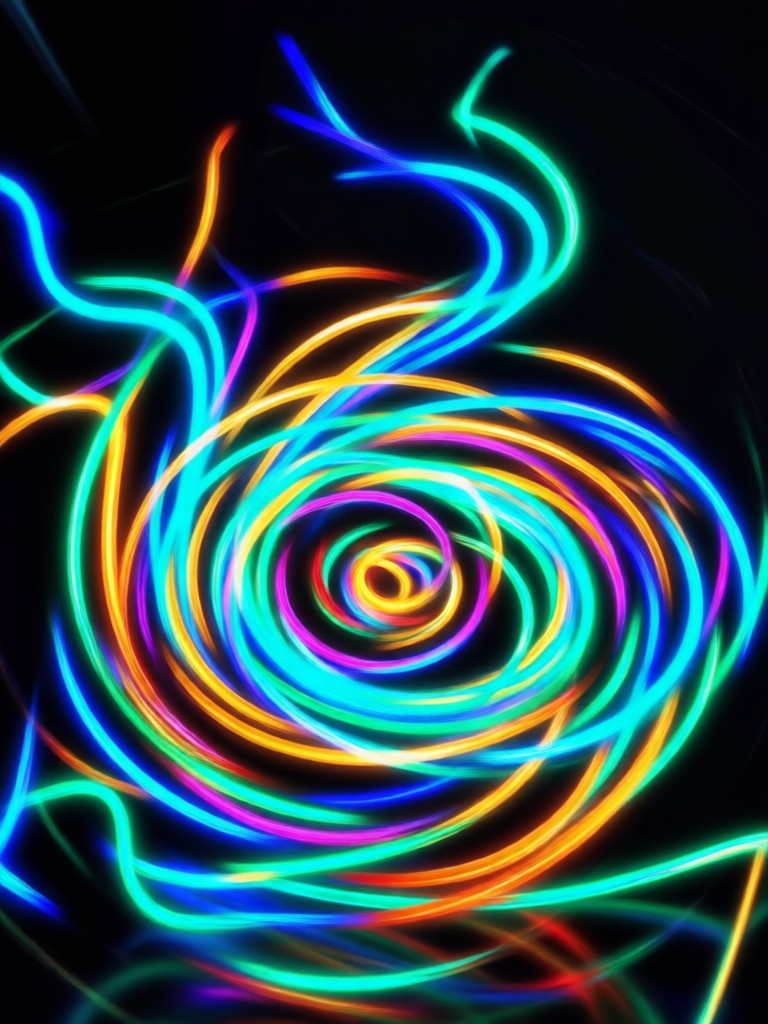
AI Glowing Effect Photo Prompt Made Simple
Type a short prompt and let AI add luminous edges, colored halos, and cinematic glow to any portrait. No desktop software needed.

Who Uses AI Glowing Effect Photo Prompts
Maya Chen
I use the neon edge filter for my music album covers. The AI keeps my face sharp while adding a gorgeous rim light that looks professionally shot.
Diego Ramos
Cyberpunk prompts turned my ordinary selfies into futuristic portraits. The colored reflections on my jacket and skin look incredibly real.
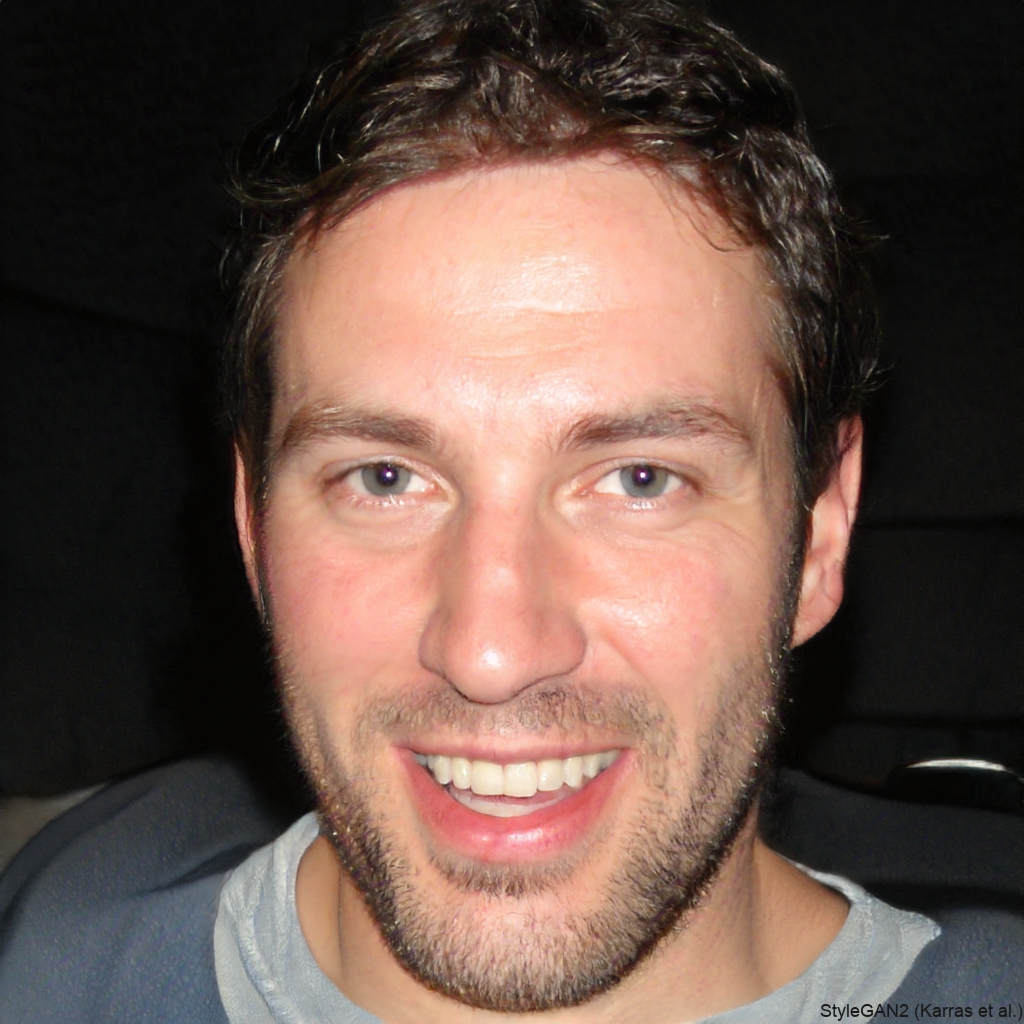
Ava Thompson
I create dreamy golden halo photos for my travel feed. The ethereal bloom filter adds a soft glow that makes every sunset portrait magical.
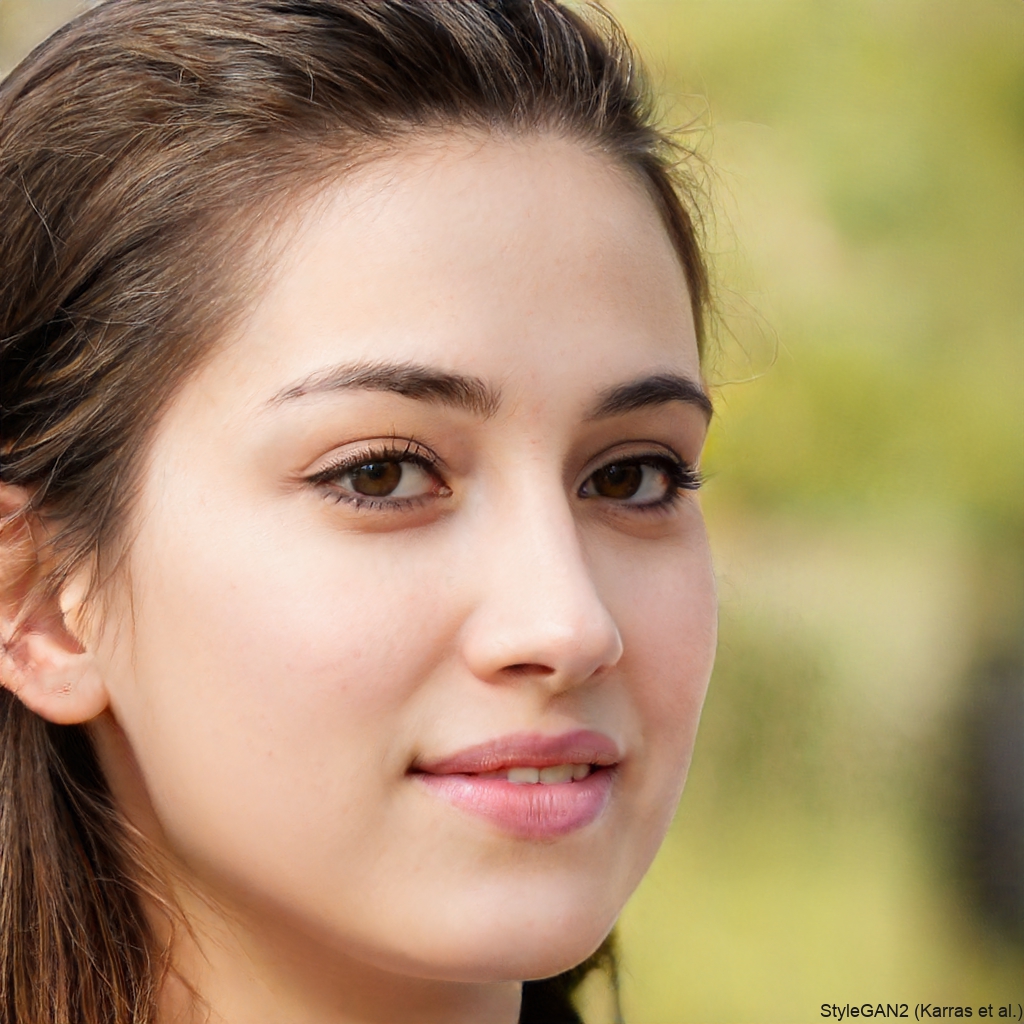
Liam Patel
My friend group used neon arch glow for our night out photos. Everyone's face stayed clear and the colored light matched the mood perfectly.
Maya Chen
I use the neon edge filter for my music album covers. The AI keeps my face sharp while adding a gorgeous rim light that looks professionally shot.
Diego Ramos
Cyberpunk prompts turned my ordinary selfies into futuristic portraits. The colored reflections on my jacket and skin look incredibly real.
Ava Thompson
I create dreamy golden halo photos for my travel feed. The ethereal bloom filter adds a soft glow that makes every sunset portrait magical.
Liam Patel
My friend group used neon arch glow for our night out photos. Everyone's face stayed clear and the colored light matched the mood perfectly.
Maya Chen
I use the neon edge filter for my music album covers. The AI keeps my face sharp while adding a gorgeous rim light that looks professionally shot.
Diego Ramos
Cyberpunk prompts turned my ordinary selfies into futuristic portraits. The colored reflections on my jacket and skin look incredibly real.
Ava Thompson
I create dreamy golden halo photos for my travel feed. The ethereal bloom filter adds a soft glow that makes every sunset portrait magical.
Liam Patel
My friend group used neon arch glow for our night out photos. Everyone's face stayed clear and the colored light matched the mood perfectly.
Frequently Asked Questions
Find clear answers to common questions about AI glowing effect photo prompts and how to create stunning glow images with the gloglo app.
More Topics You May Like
Explore more topics you may like and discover fresh ideas tailored to your interests.
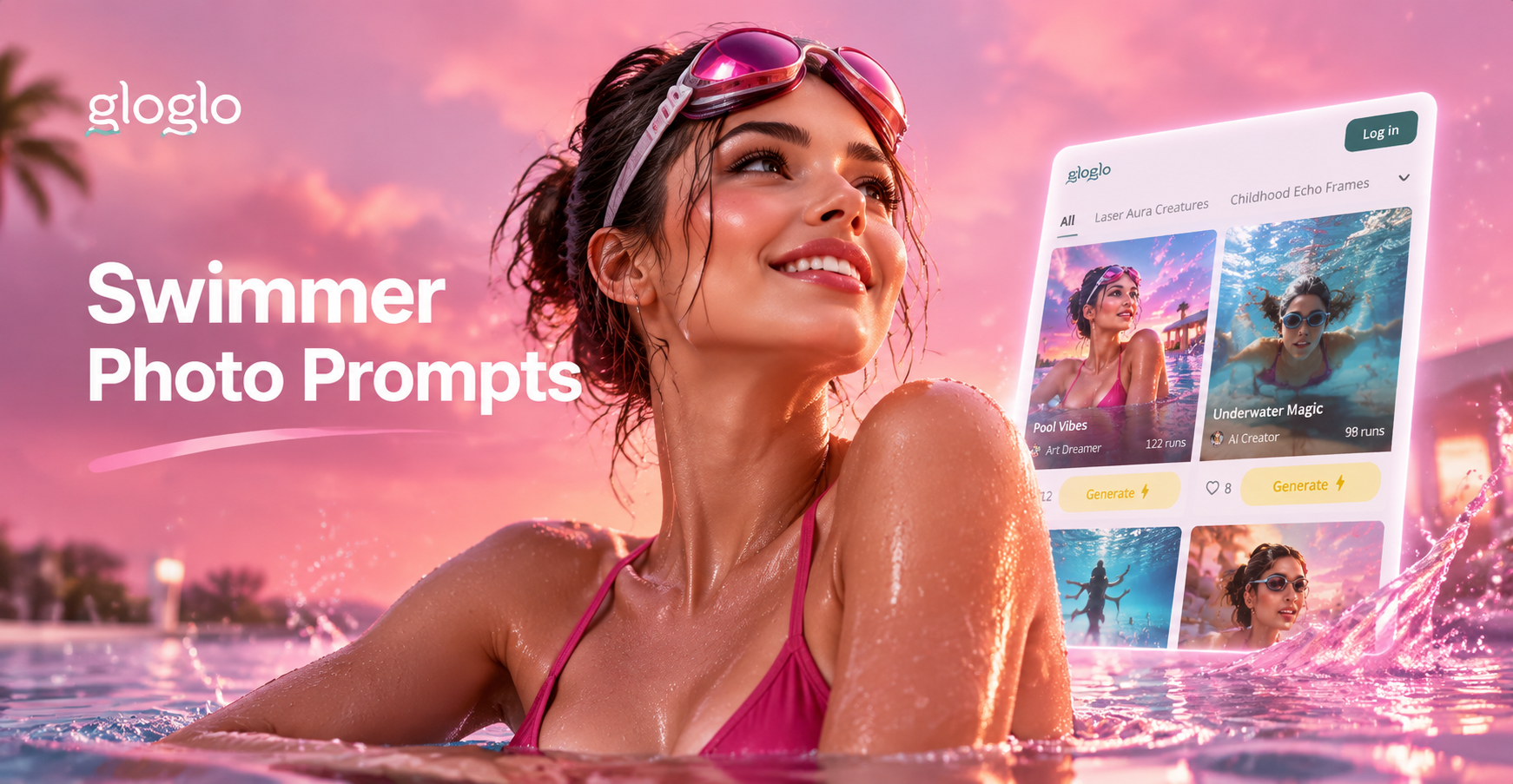
Turn Ideas Into Stunning Swimmer Photos with AI
Use swimmer photo prompts to generate realistic pool, ocean, and competitive swimming images. Pick a style, type your idea, and let AI create stunning swimmer photos in seconds.
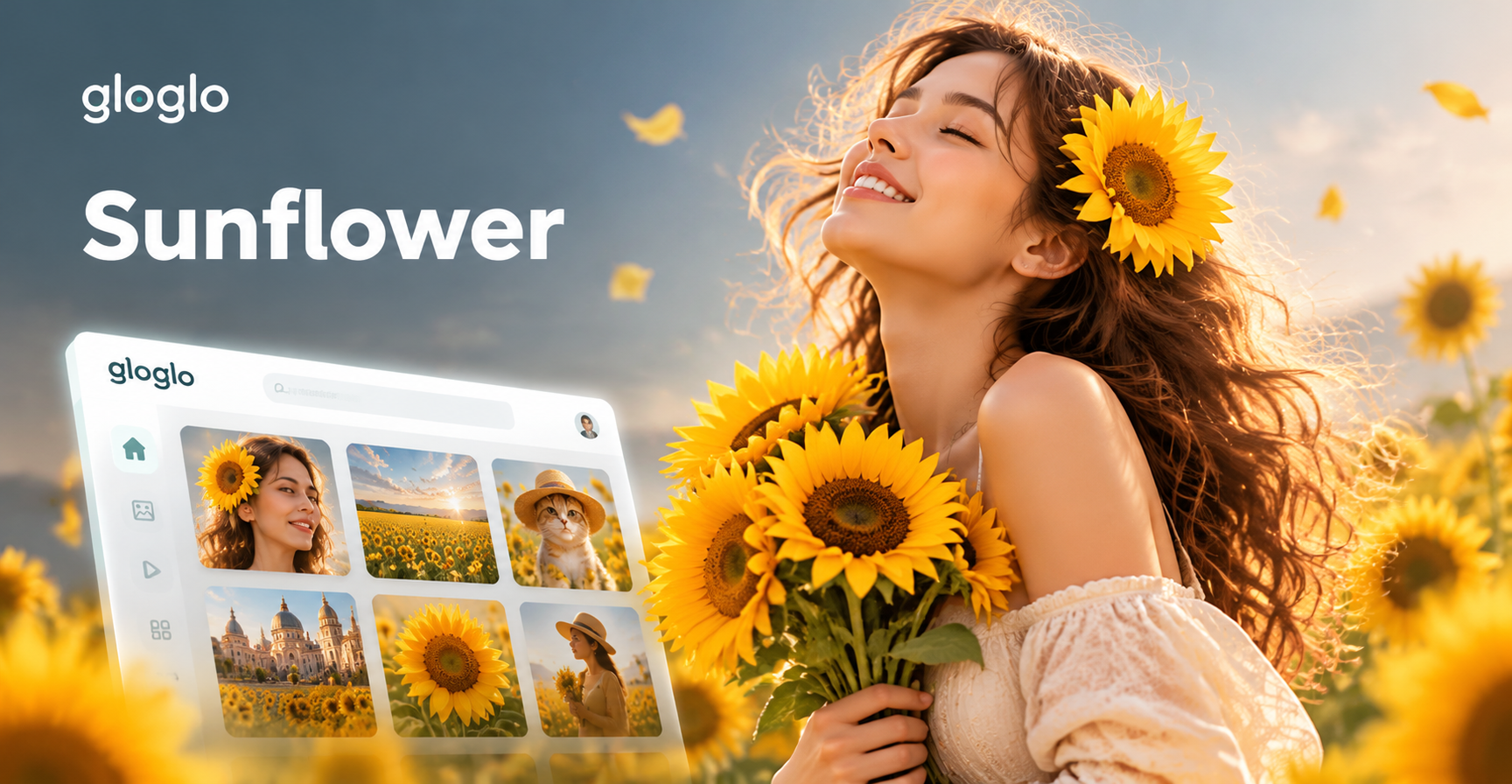
Sunflower Portrait Photo Prompts: Golden Hour Glow
Discover sunflower portrait photo prompts that turn simple photos into golden hour masterpieces. Explore style filters, realistic lighting, and creative ideas. Download gloglo and start generating today.
Create Sleeveless Dress Looks From a Simple Prompt
Use a sleeveless dress prompt to swap any outfit in seconds. Upload a photo, pick a style, and let gloglo create realistic sleeveless dress looks. Try it free.
Luxury Photo Prompt Ideas for Stunning AI Images
Generate high-end fashion, jewelry, cars, and lifestyle photos with luxury photo prompts. Download the app, choose a style, and create editorial quality images in seconds.
Ready to Make Your Photos Glow?
Turn any portrait into a luminous work of art with AI glowing effect prompts. Download gloglo on Google Play and start creating in seconds.

Ready to Make Your Photos Glow?
Turn any portrait into a luminous work of art with AI glowing effect prompts. Download gloglo on Google Play and start creating in seconds.