Heygen AI Prompts for Realistic Video Avatars
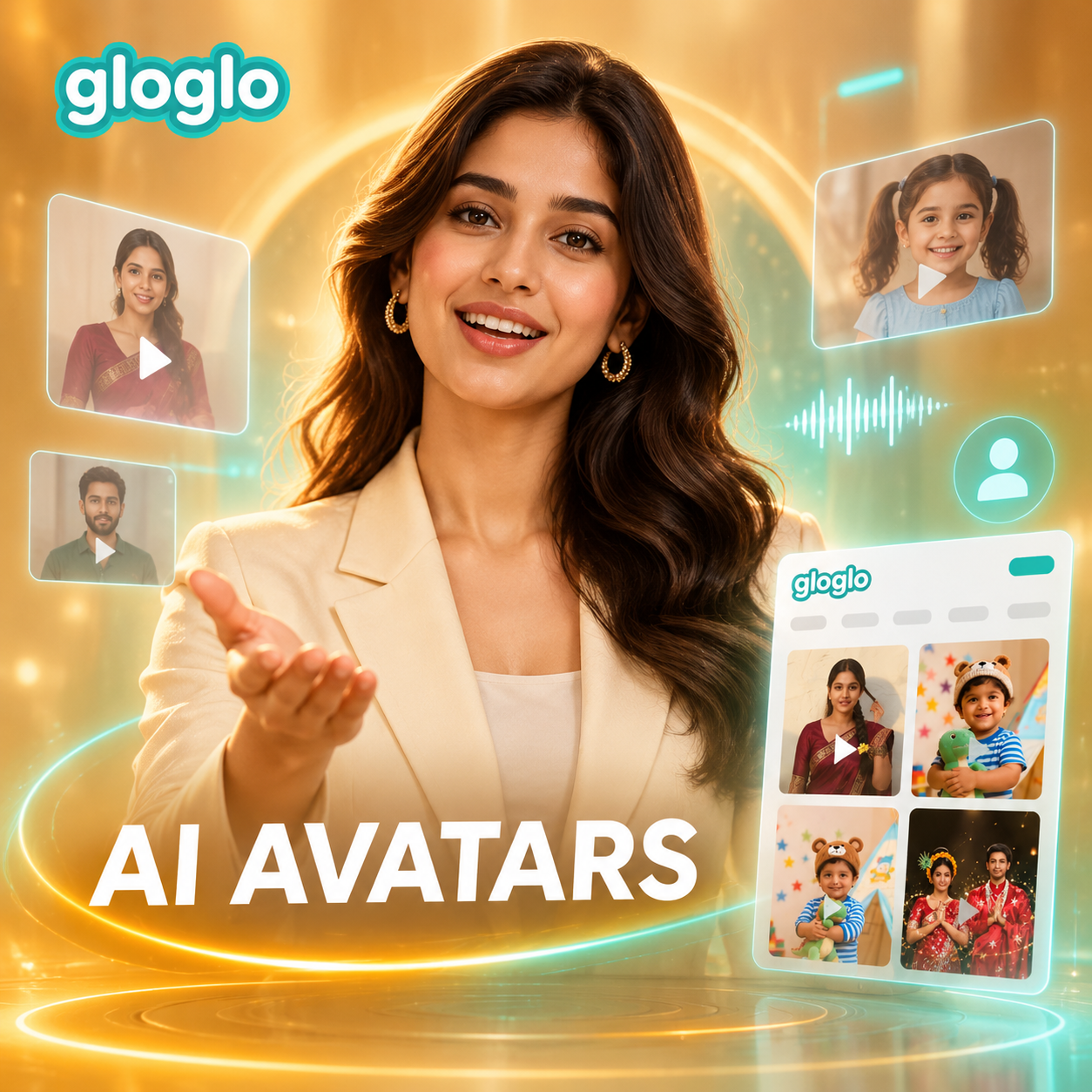

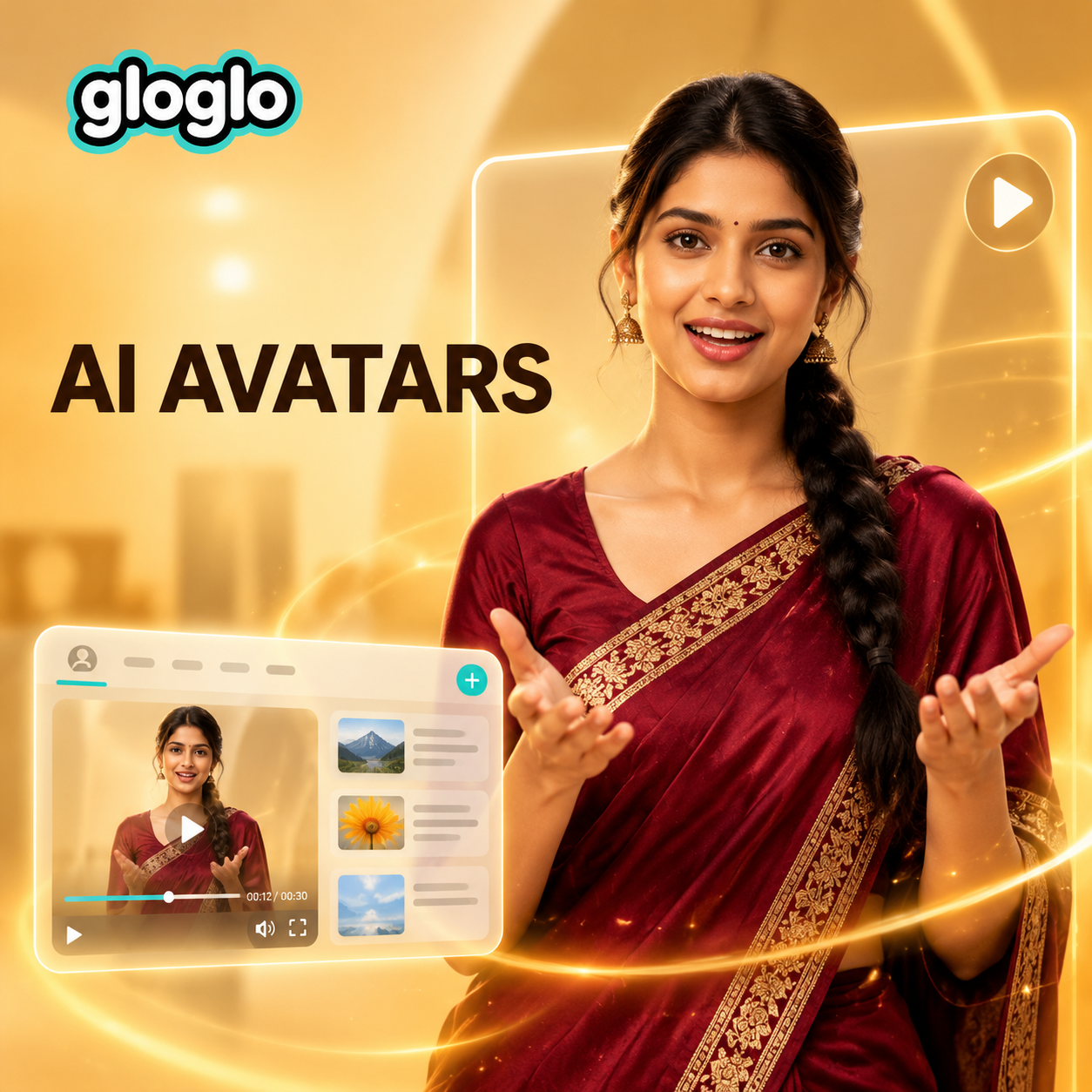
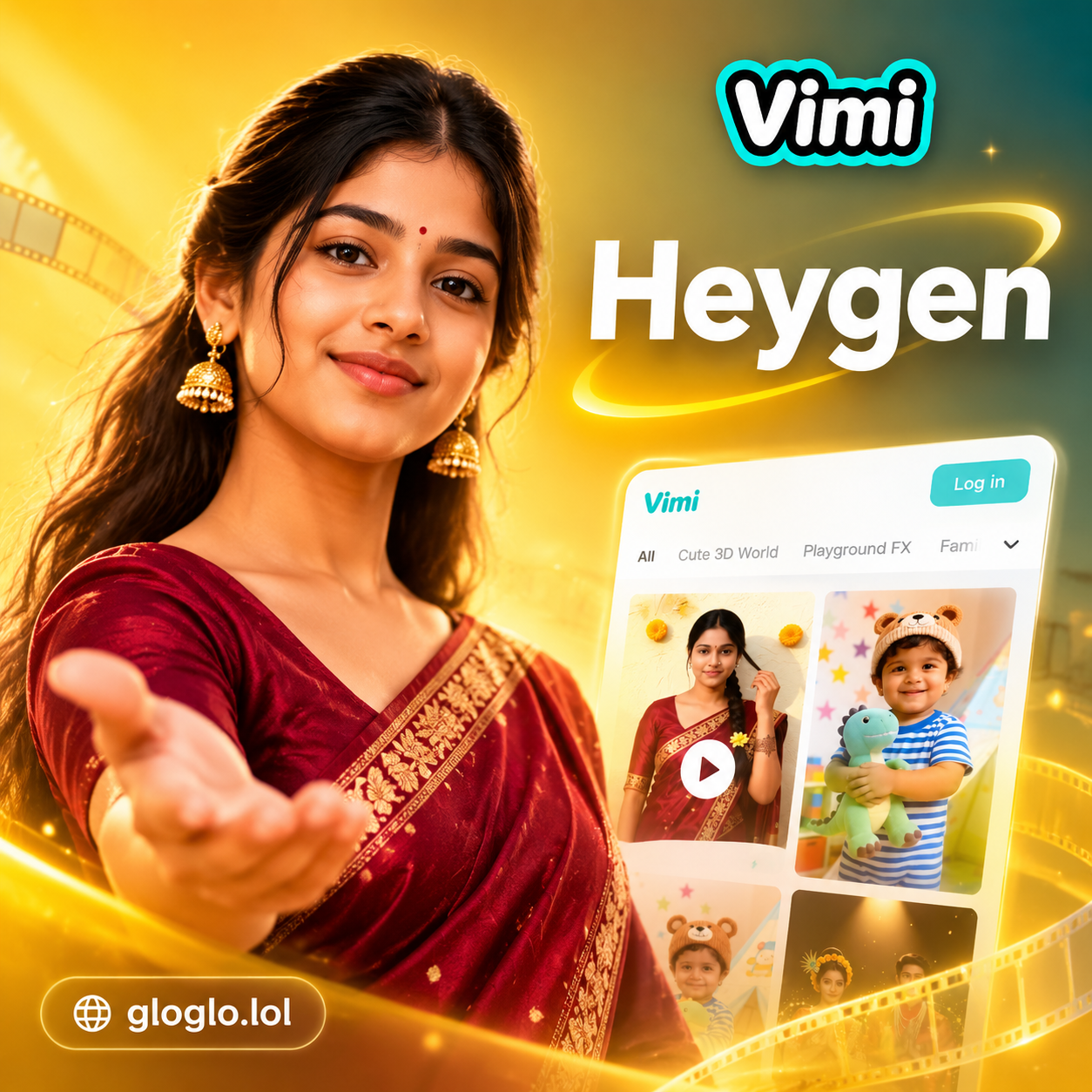
Find the Right AI Video Style for Your Heygen Prompts
Explore avatar, talking head, and text to video filters that match your Heygen prompt ideas.
Key Features of Heygen AI Video Generator Alternatives
gloglo gives you the same professional AI avatar results without complex tools. Create studio quality spokesperson videos from simple text or image prompts in minutes.

Text to Video Generation
Enter a short script or prompt and gloglo converts it into a realistic AI spokesperson video. Choose an avatar, set the tone, and get a broadcast ready result.
Text to Video Generation
Enter a short script or prompt and gloglo converts it into a realistic AI spokesperson video. Choose an avatar, set the tone, and get a broadcast ready result.

Image to Video Animation
Upload a portrait photo and make it blink, smile, turn, or talk. The AI preserves facial features while adding natural motion for a lifelike avatar video.
Image to Video Animation
Upload a portrait photo and make it blink, smile, turn, or talk. The AI preserves facial features while adding natural motion for a lifelike avatar video.

Realistic AI Avatars
Pick from hundreds of professional avatar styles for business, education, social media, or entertainment. No need for a Heygen login to make polished videos.
Realistic AI Avatars
Pick from hundreds of professional avatar styles for business, education, social media, or entertainment. No need for a Heygen login to make polished videos.
AI Avatar and Talking Head Video Gallery
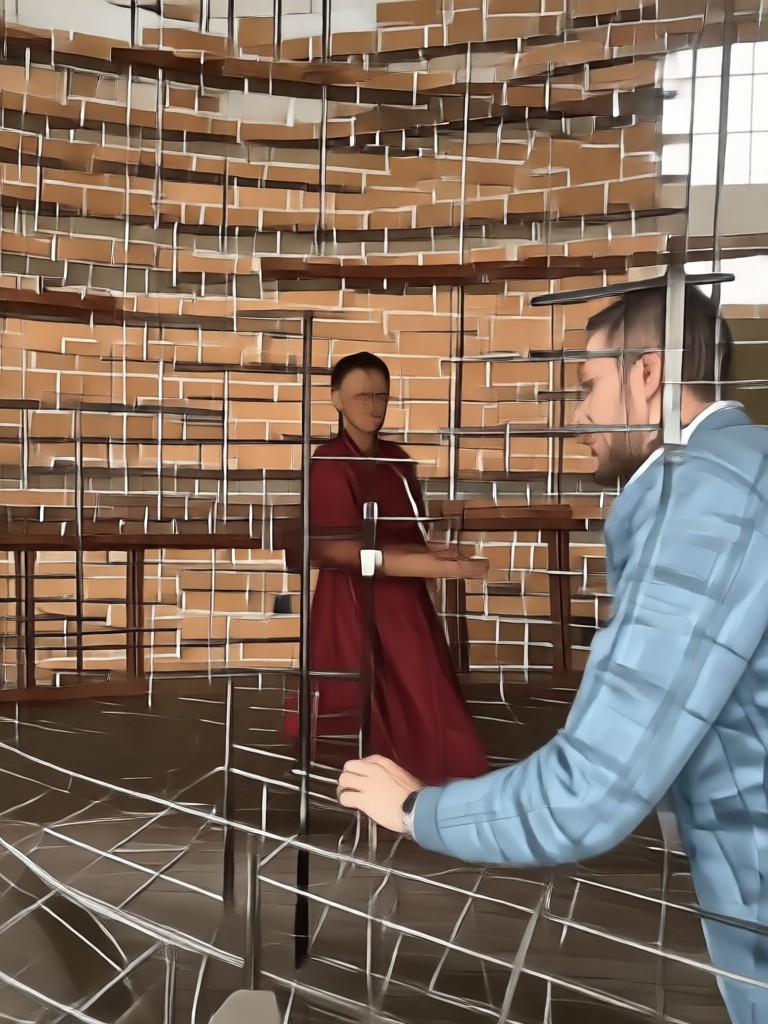
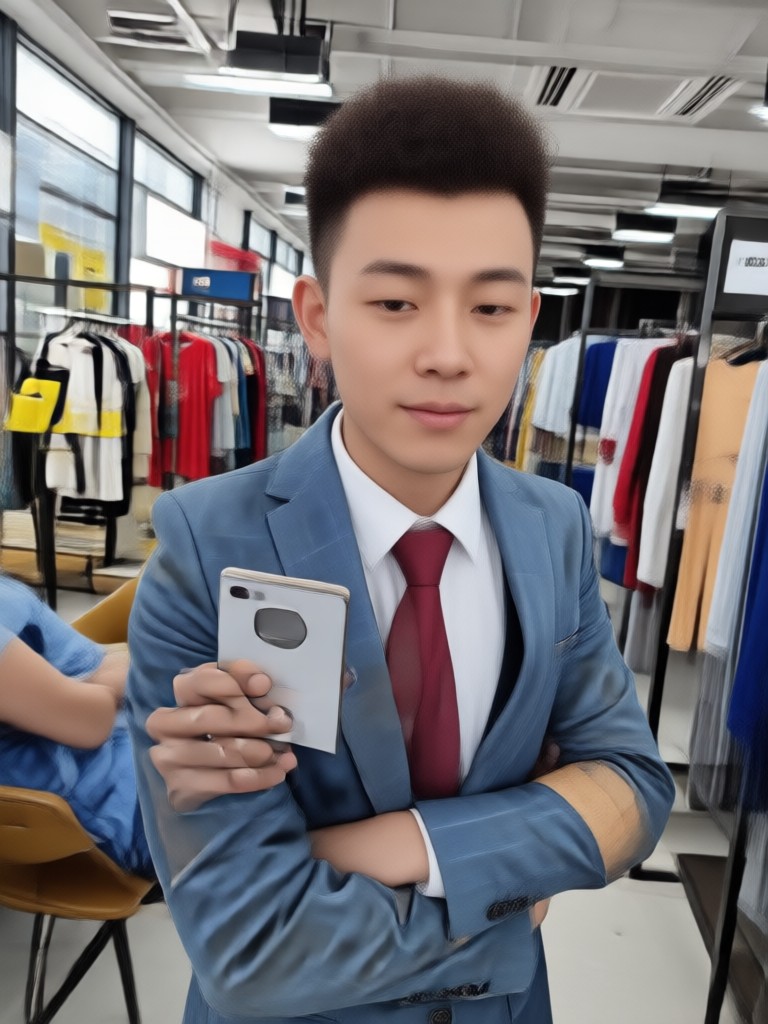
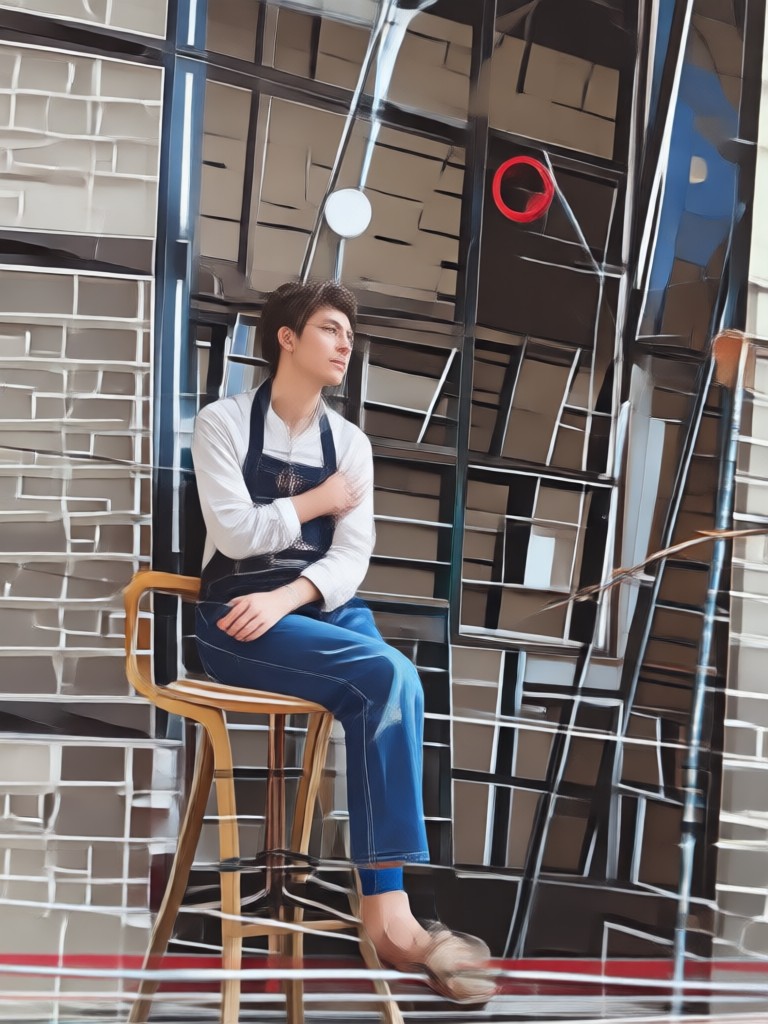
Browse Heygen style results made with gloglo prompts. Discover realistic spokesperson videos, animated portraits, and professional presenter avatars created by users.









Why Use gloglo for Heygen Style Prompts
gloglo puts a full AI video studio in your pocket. No Heygen login, no browser dashboard, and no complicated timeline. Just open the app, type a prompt or upload a photo, and generate a professional avatar video on your phone.
Why Use gloglo for Heygen Style Prompts
gloglo puts a full AI video studio in your pocket. No Heygen login, no browser dashboard, and no complicated timeline. Just open the app, type a prompt or upload a photo, and generate a professional avatar video on your phone.
How to Generate Heygen AI Videos with gloglo
Create your own AI spokesperson video in three simple steps. No Heygen login or editing skills needed.

Step 01.
Download the gloglo app from Google Play and open it on your phone.

Step 02.
Type a Heygen prompt or upload a portrait photo, then choose an avatar, voice, or talking head style.

Step 03.
Generate your AI avatar video, preview the lip sync, and download or share it directly to social media.

Heygen Login Alternative? No Account Needed
Skip the Heygen login. Download gloglo and start generating AI avatar videos right away. No web dashboard required and no complicated setup.

What Creators Say About gloglo AI Video Prompts
Best Heygen alternative for quick avatar videos
I needed a spokesperson video for my online course but did not want to record myself. I typed a short prompt and got a natural talking head in about a minute. The lip sync is surprisingly accurate.
No Heygen login, just instant results
I used to spend hours editing presenter videos. With gloglo I just upload a portrait, pick a style, and the AI handles the rest. It feels like a full production team in my pocket.
Great for social media content
I generate short AI spokesperson clips for Instagram and TikTok every week. The avatar options are diverse and the videos look way better than I expected.
Heygen AI Prompts FAQ
Find clear answers about Heygen AI prompts, Heygen login alternatives, and how to create AI spokesperson videos with gloglo.
More Topics You May Like
Explore more topics you may like and discover fresh ideas for AI video creation.

Best YouTube Alternatives: Top 8 Picks for Creators
Discover the top 8 YouTube alternatives for creators and turn ideas into videos with gloglo. Generate text to video, image to video, and multi person clips for any platform in seconds.
Create Heygen Style AI Videos Now
Download gloglo, paste a prompt, and generate professional AI avatar videos without Heygen login. Get started for free.
Create Heygen Style AI Videos Now
Download gloglo, paste a prompt, and generate professional AI avatar videos without Heygen login. Get started for free.