Add Bangs To Photo
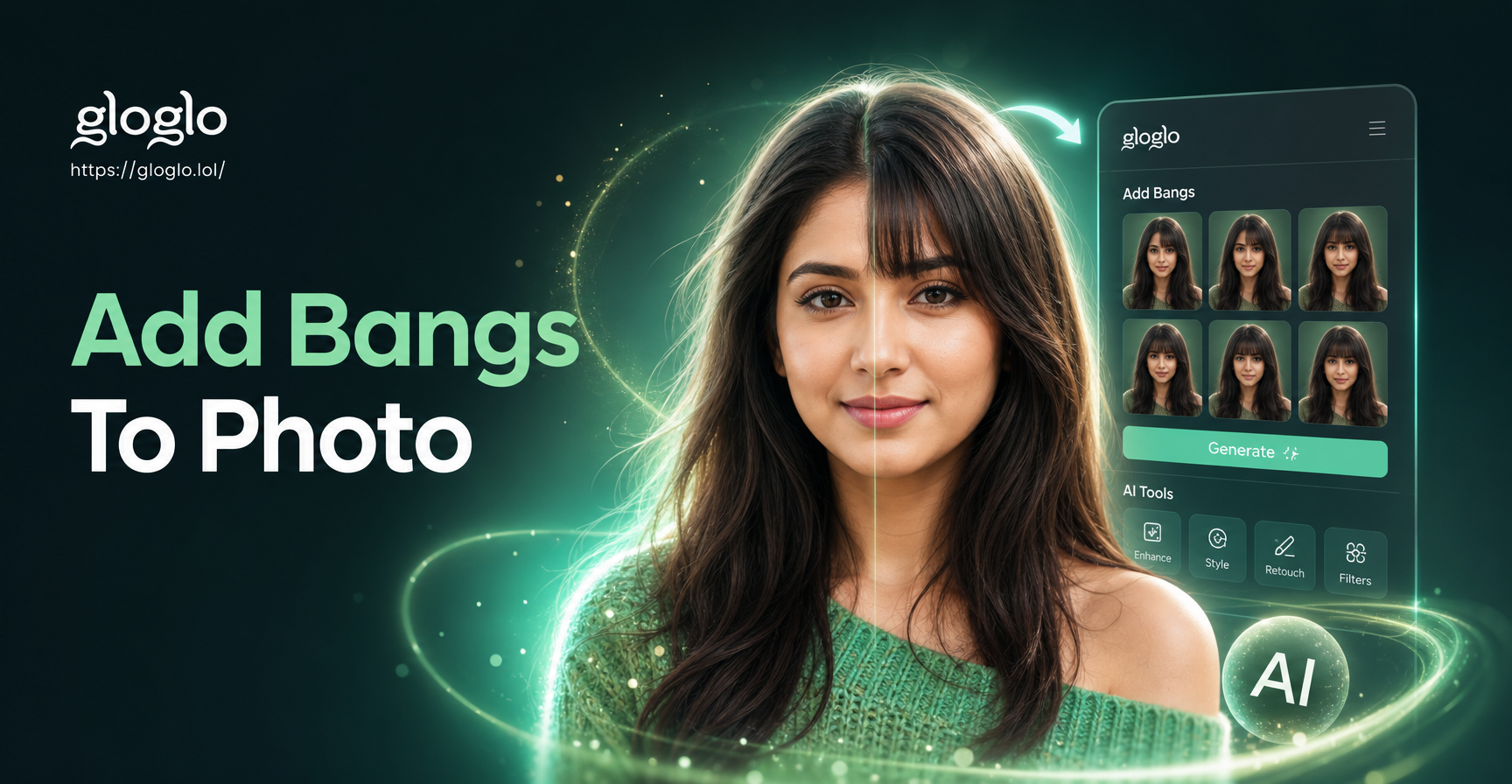
Choose the Perfect Bangs Style for Your Face
Discover bangs filters that match your face shape, hair type and personal style in just a few taps.
Key Features of Add Bangs To Photo
See exactly how you look with bangs before reaching for the scissors. gloglo makes virtual hair transformations fast, realistic and fun.
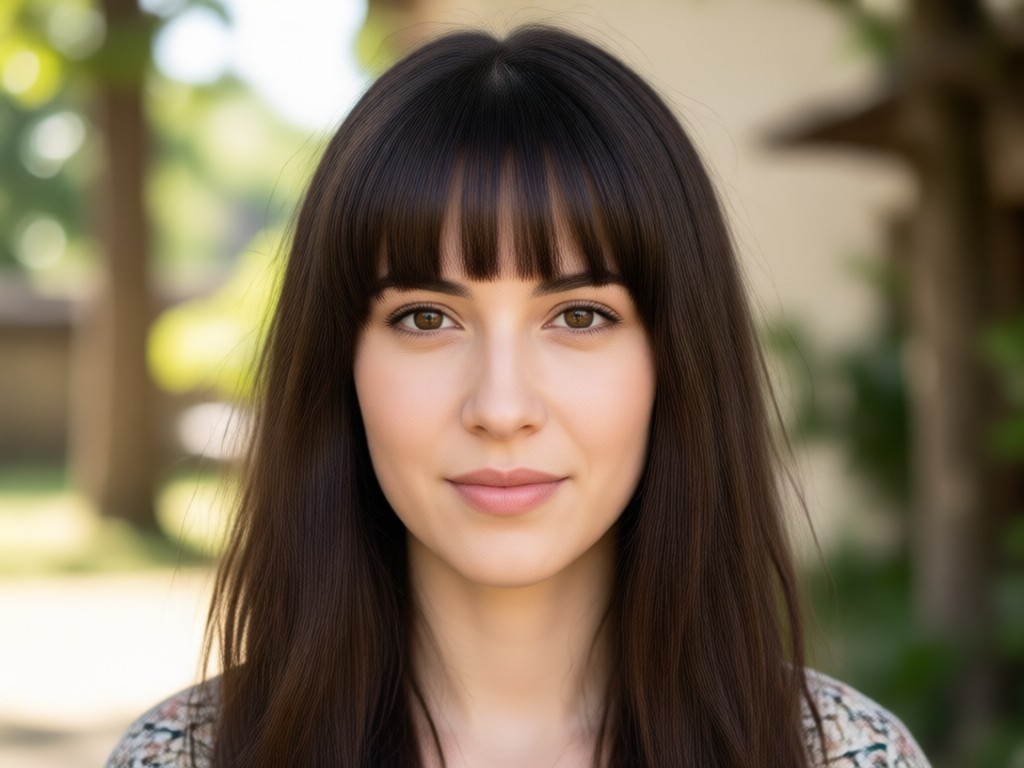
Realistic AI Face Mapping
Our advanced AI detects your face shape, hairline and facial features to place bangs naturally. Every result looks like a real photo, not a cartoon edit.
Realistic AI Face Mapping
Our advanced AI detects your face shape, hairline and facial features to place bangs naturally. Every result looks like a real photo, not a cartoon edit.
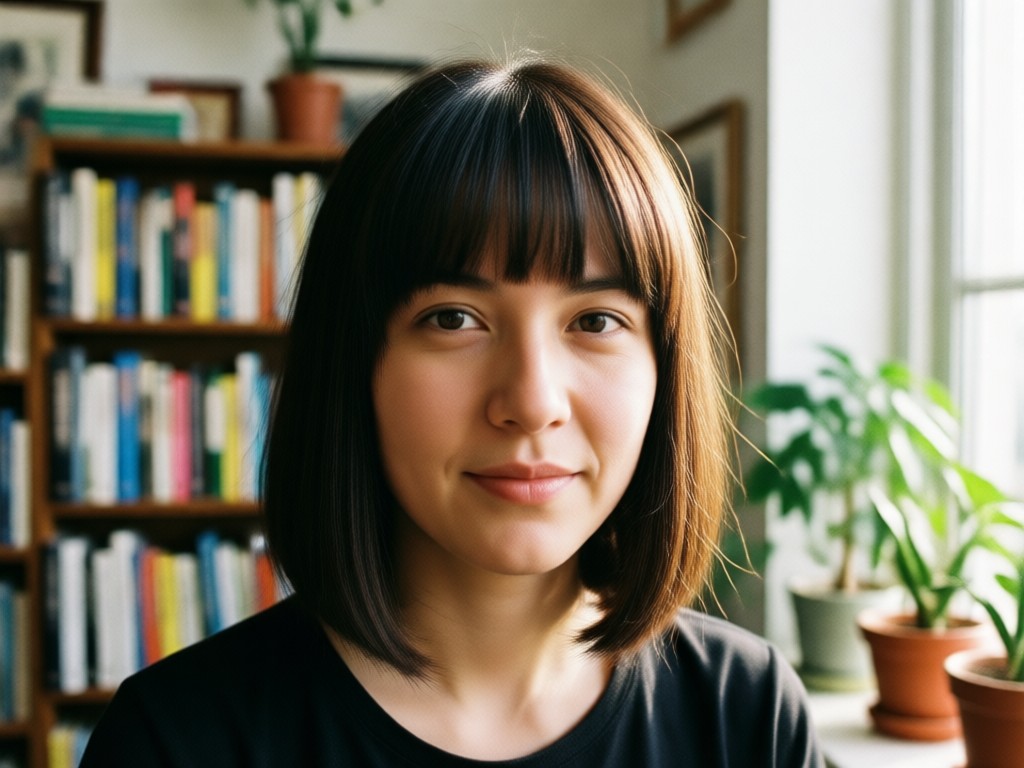
Multiple Bangs Styles
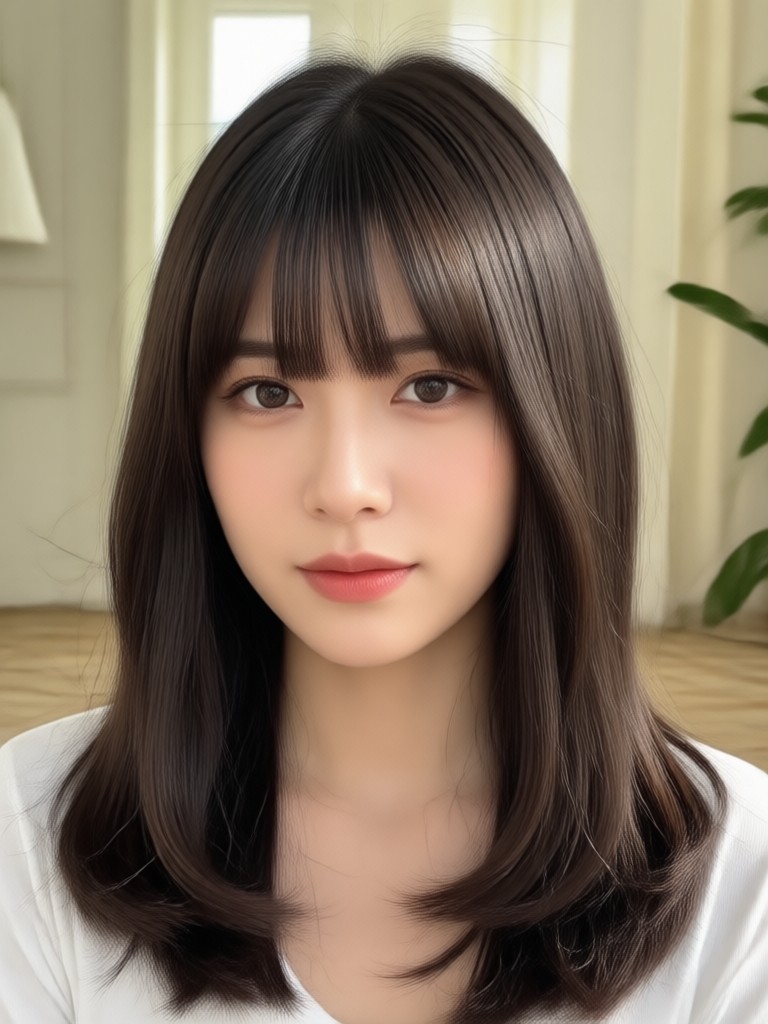
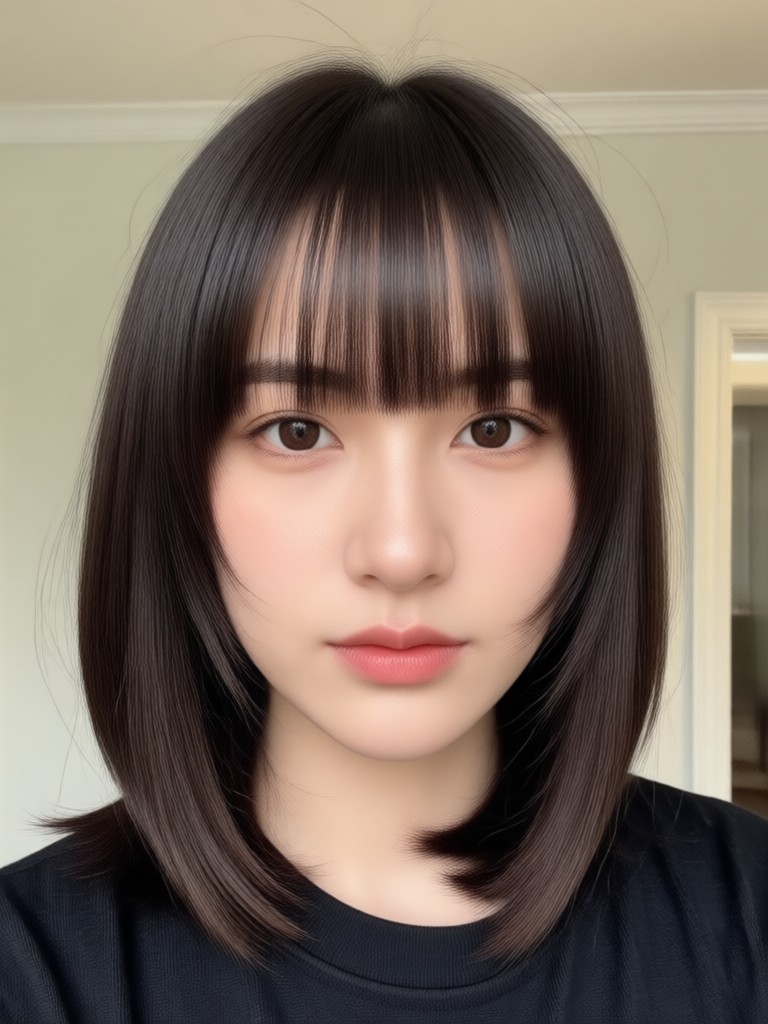
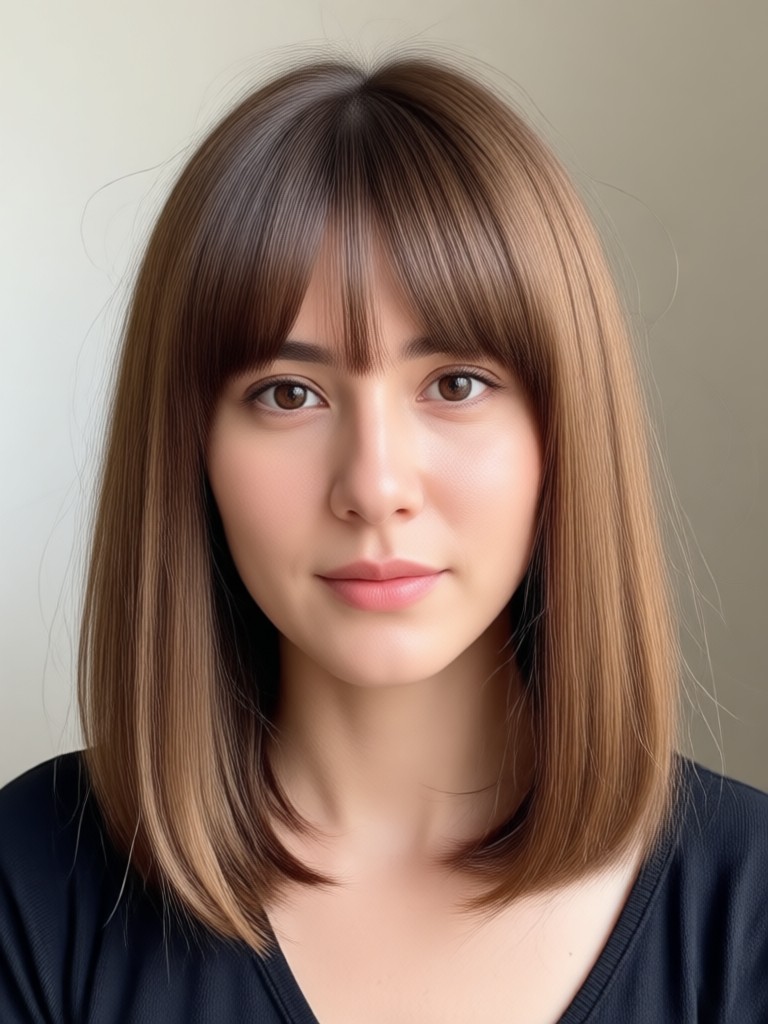
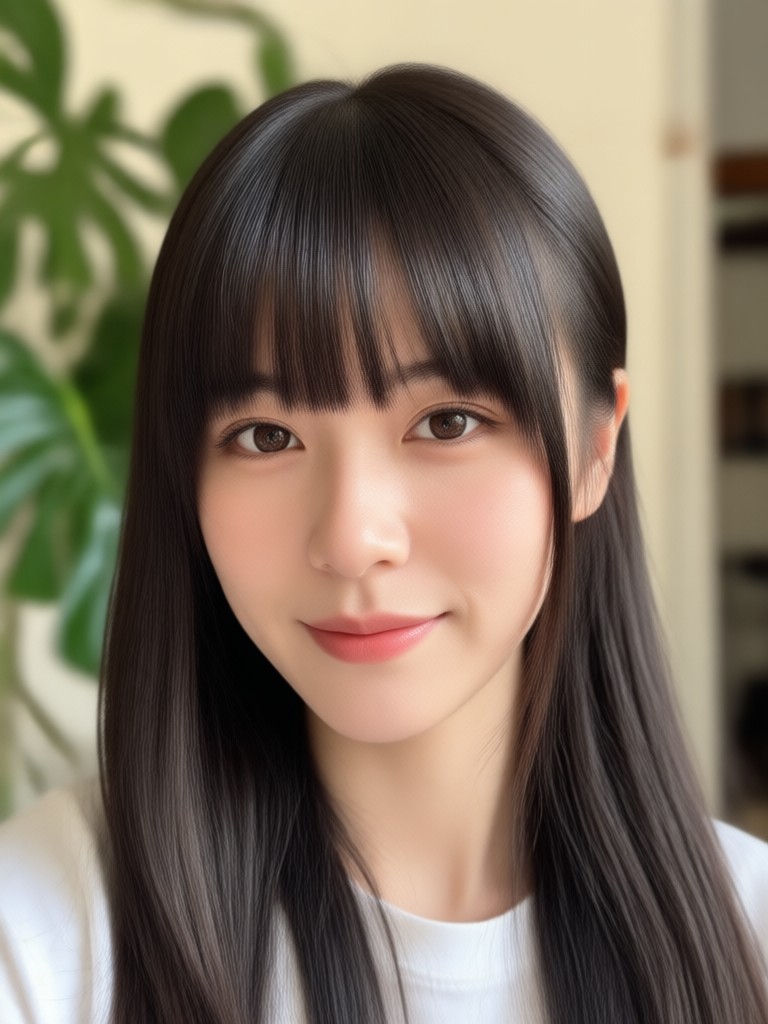
Switch between blunt, curtain, wispy, side swept, Korean air bangs and more. Compare styles side by side to find your perfect match.
Multiple Bangs Styles
Switch between blunt, curtain, wispy, side swept, Korean air bangs and more. Compare styles side by side to find your perfect match.
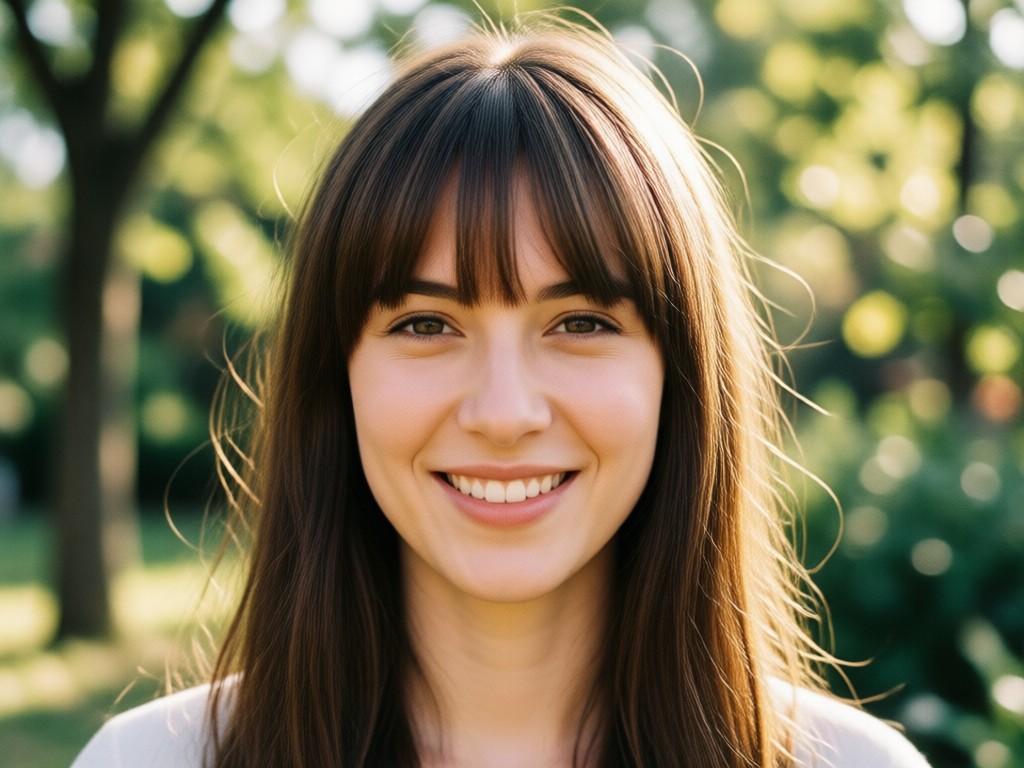
Instant Results, Zero Regret
Generate your bangs look in seconds. Save favorites, share with friends for opinions, and decide with confidence before any real haircut.
Instant Results, Zero Regret
Generate your bangs look in seconds. Save favorites, share with friends for opinions, and decide with confidence before any real haircut.
How to Add Bangs To Photo in 3 Easy Steps
Create a realistic bangs preview in just a few simple steps using gloglo on your phone.

Step 01.
Download gloglo from Google Play and open the app on your Android device. The app is free to install and takes up minimal storage space.

Step 02.
Upload a clear front facing photo of yourself. Choose a bangs style from the gallery that matches your face shape and hair texture.

Step 03.
Generate your new look in seconds. Download the final image and share it with friends or post it on social media to get opinions.
See What Your New Bangs Could Look Like
Preview popular bangs styles on real photos. From soft wispy bangs to dramatic blunt cuts, explore the looks you can try on with gloglo in seconds.
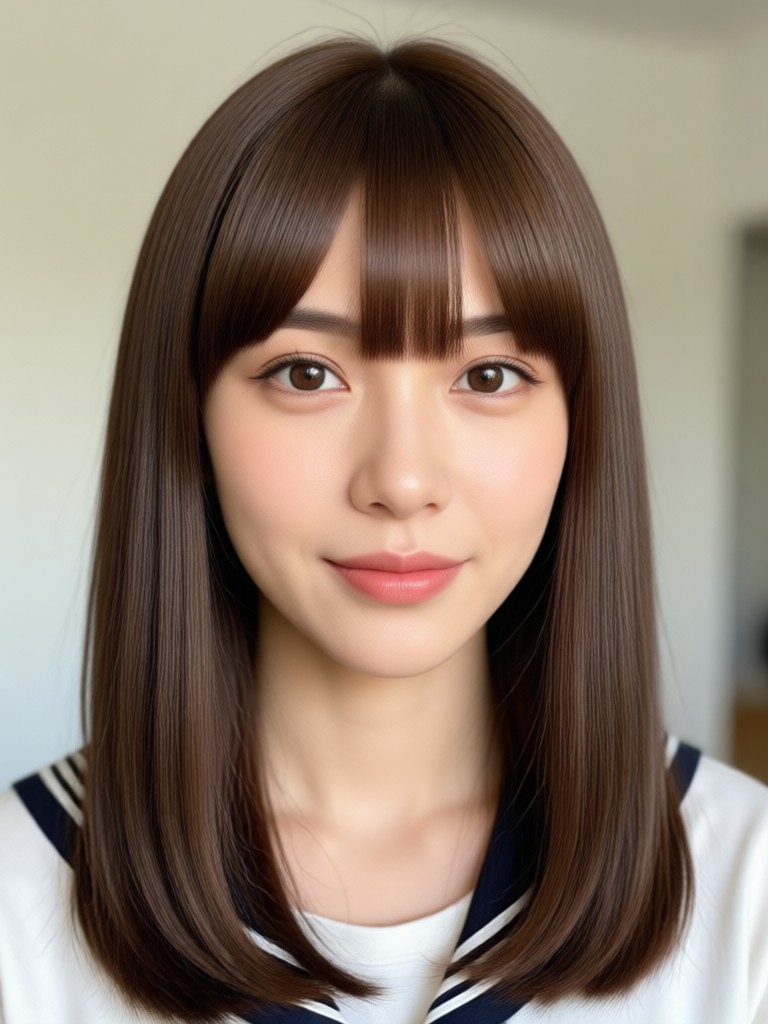
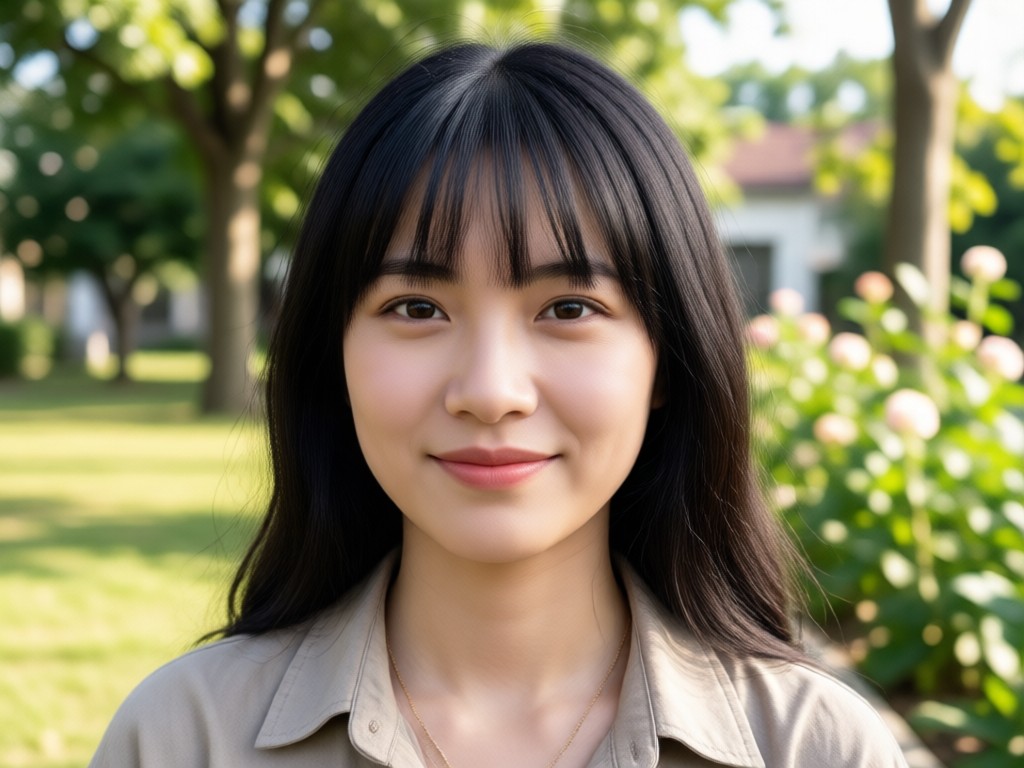
Why Use gloglo to Add Bangs To Photo?
A virtual bangs try on saves you from haircut regret. gloglo uses advanced AI to show you exactly how bangs will frame your face before you take the real world plunge. Try as many styles as you want, compare looks, and share with friends for their honest opinion. No salon appointment, no commitment, no pressure.
Why Use gloglo to Add Bangs To Photo?
A virtual bangs try on saves you from haircut regret. gloglo uses advanced AI to show you exactly how bangs will frame your face before you take the real world plunge. Try as many styles as you want, compare looks, and share with friends for their honest opinion. No salon appointment, no commitment, no pressure.
What People Say About Virtual Bangs
Sarah M.
I always wanted curtain bangs but was terrified of hating them. gloglo let me try them on my own photo first. They looked amazing, so I finally took the plunge. No regrets!
Emily R.
I tried on five different bangs styles in one afternoon. The AI looks so real that my friends thought I actually cut my hair. This app saved me from a bad haircut.

Jessica L.
The side swept bangs filter convinced me to change my look for my new job. It was exactly the confidence boost I needed before walking into the salon.
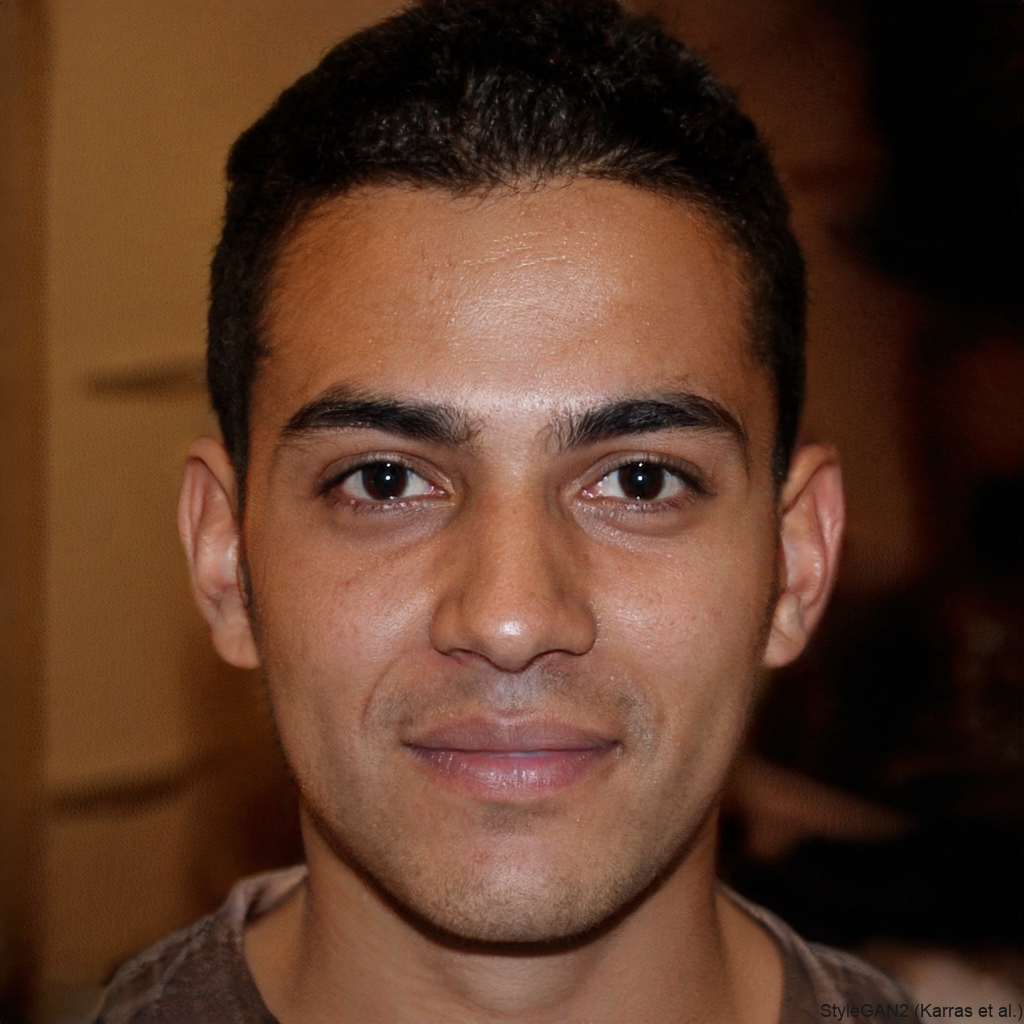
Maya K.
I used gloglo to see how I would look with Korean air bangs. The result was so natural and pretty. I showed my stylist the photo and she recreated it perfectly.
Sarah M.
I always wanted curtain bangs but was terrified of hating them. gloglo let me try them on my own photo first. They looked amazing, so I finally took the plunge. No regrets!
Emily R.
I tried on five different bangs styles in one afternoon. The AI looks so real that my friends thought I actually cut my hair. This app saved me from a bad haircut.
Jessica L.
The side swept bangs filter convinced me to change my look for my new job. It was exactly the confidence boost I needed before walking into the salon.
Maya K.
I used gloglo to see how I would look with Korean air bangs. The result was so natural and pretty. I showed my stylist the photo and she recreated it perfectly.
Sarah M.
I always wanted curtain bangs but was terrified of hating them. gloglo let me try them on my own photo first. They looked amazing, so I finally took the plunge. No regrets!
Emily R.
I tried on five different bangs styles in one afternoon. The AI looks so real that my friends thought I actually cut my hair. This app saved me from a bad haircut.
Jessica L.
The side swept bangs filter convinced me to change my look for my new job. It was exactly the confidence boost I needed before walking into the salon.
Maya K.
I used gloglo to see how I would look with Korean air bangs. The result was so natural and pretty. I showed my stylist the photo and she recreated it perfectly.
Frequently Asked Questions About Adding Bangs
Find clear answers to common questions about gloglo virtual bangs try on and AI hair transformations.
More Topics You May Like
Explore more AI photo and hair transformation topics you may like and discover fresh ideas tailored to your interests.

Reshape Your Body in Photos: Easy AI Editor
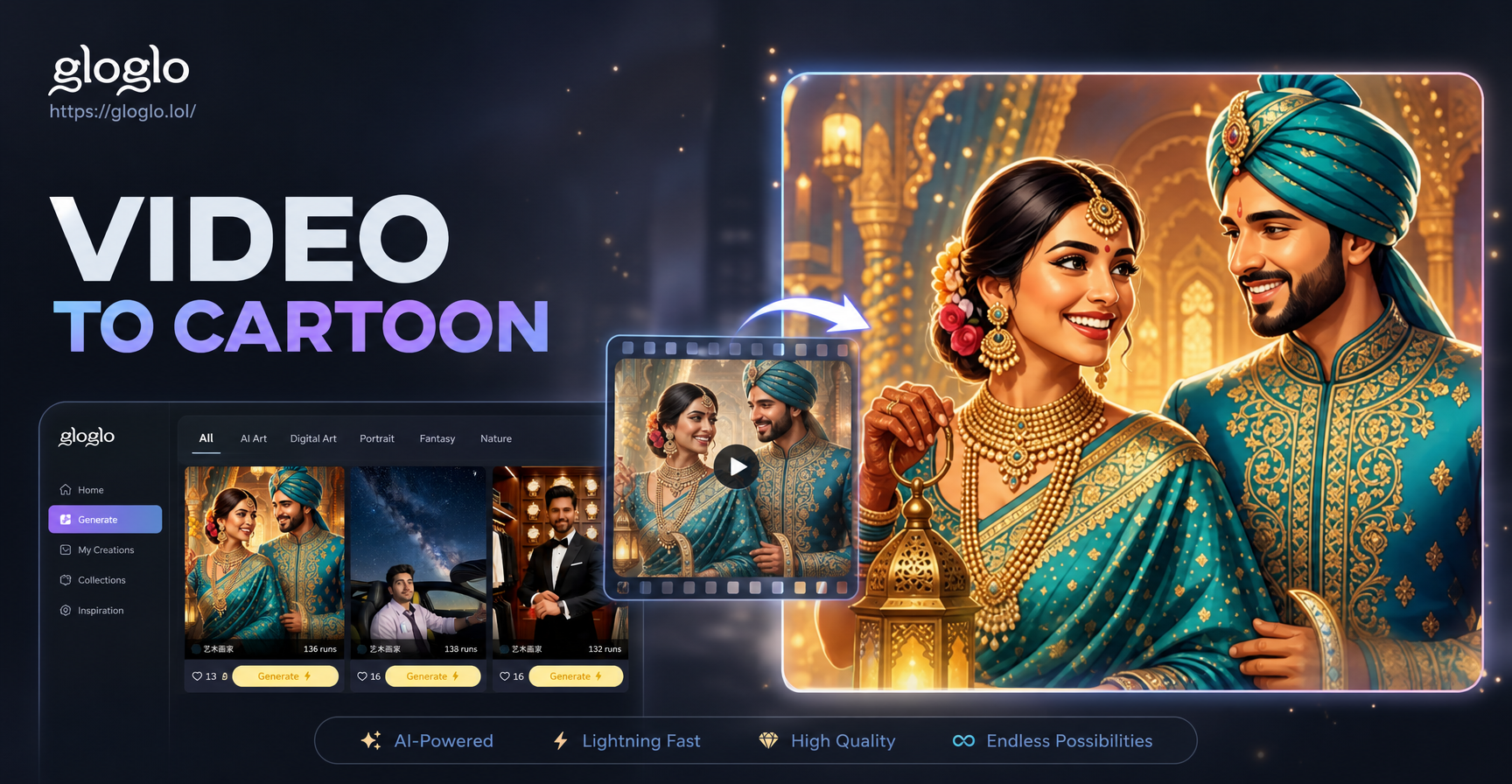
Turn Any Video Into a Cartoon Instantly
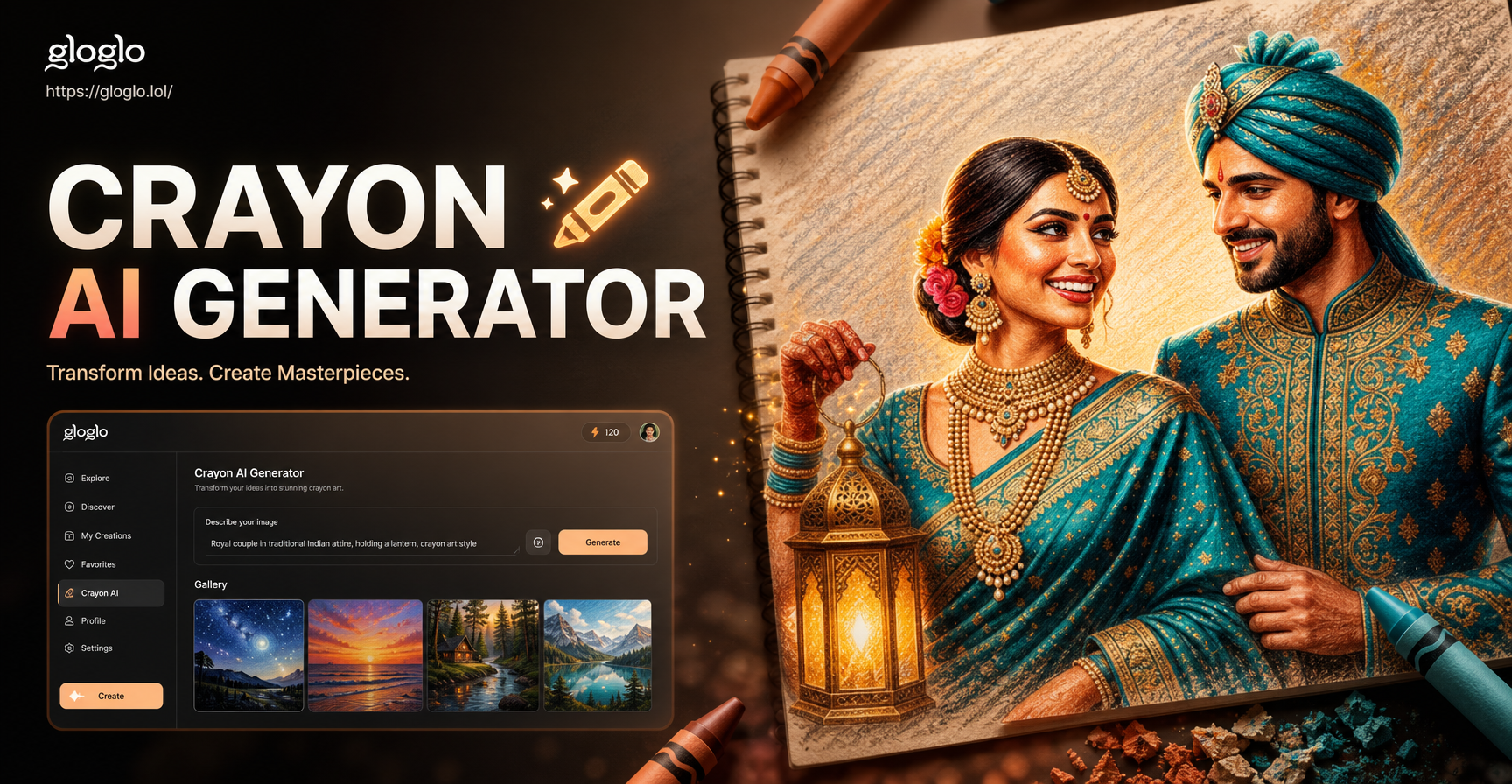
Crayon AI Generator: Draw Your Photos in Crayon Style
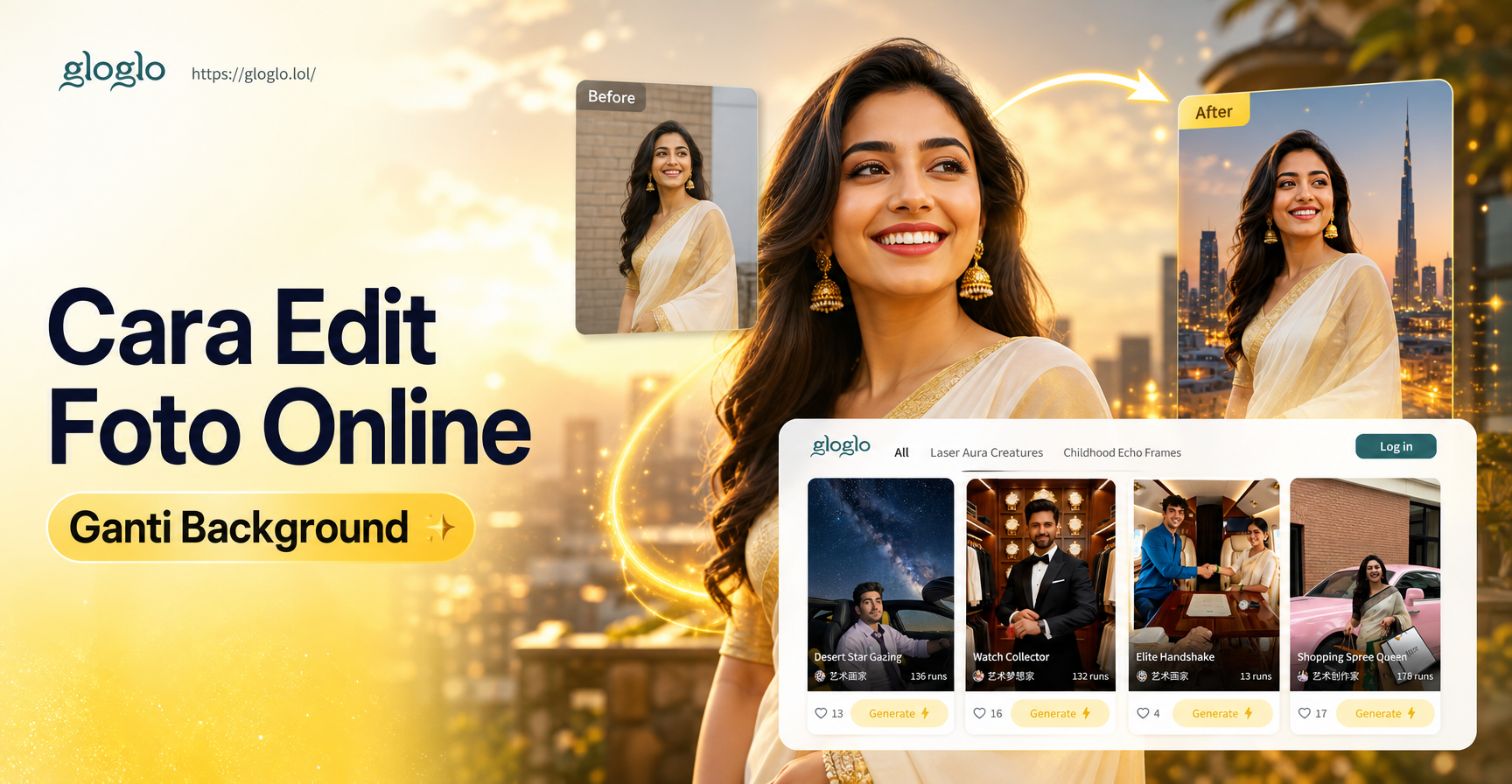
Edit Foto Online Ganti Background Cepat dan Mudah
Reshape Your Body in Photos: Easy AI Editor
Turn Any Video Into a Cartoon Instantly
Crayon AI Generator: Draw Your Photos in Crayon Style
Edit Foto Online Ganti Background Cepat dan Mudah
Ready to See Your New Look?
Download gloglo today and try on bangs in seconds. Realistic results, no commitment, all free.
Ready to See Your New Look?
Download gloglo today and try on bangs in seconds. Realistic results, no commitment, all free.