Body Reshaping Photo Editor
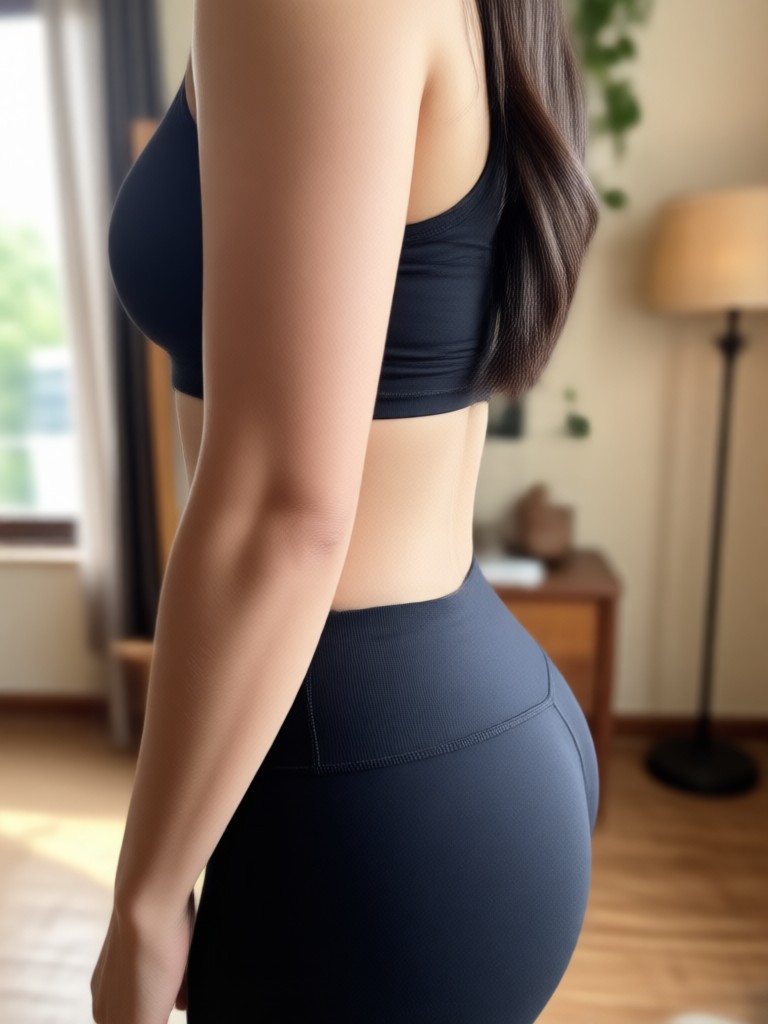
Choose the Body Transformation Filter That Fits You
Explore a variety of body shaping filters designed for different goals, from subtle smoothing to full body sculpting.
Key Tools in the Body Reshaping Photo Editor
Go beyond simple slimming. Use these powerful editing tools to refine your figure naturally while keeping every detail realistic.
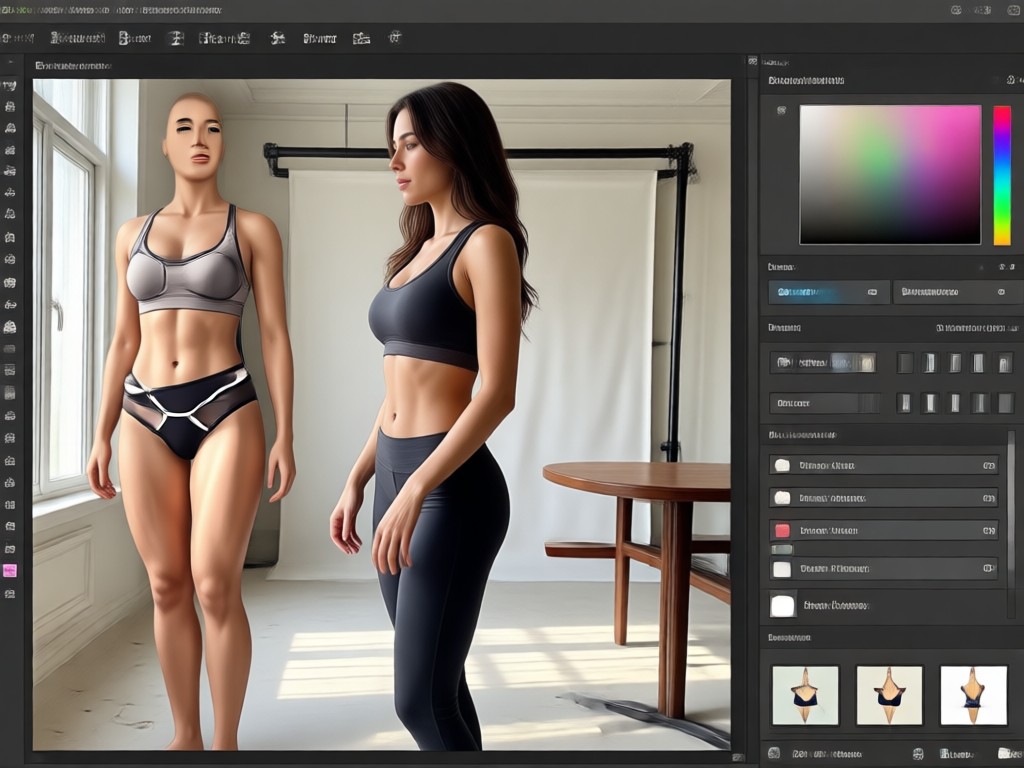
Natural Waist Slimming
Achieve a smoother waistline without looking overdone. The AI identifies your body contours and applies gentle reshaping that maintains natural shadows, skin texture, and clothing folds. No warped backgrounds, just a confident silhouette that still looks genuinely like you.
Natural Waist Slimming
Achieve a smoother waistline without looking overdone. The AI identifies your body contours and applies gentle reshaping that maintains natural shadows, skin texture, and clothing folds. No warped backgrounds, just a confident silhouette that still looks genuinely like you.
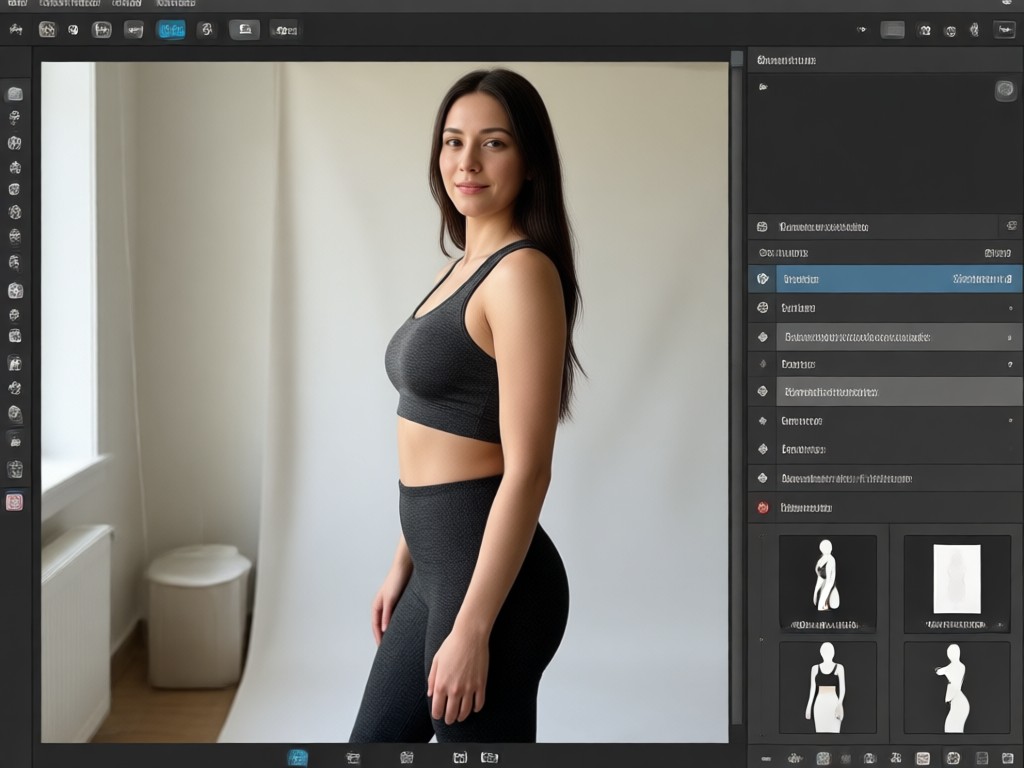
Leg Lengthening and Shaping
Make your legs look longer and more toned with a single tap. The editor automatically adjusts proportions while keeping your surroundings stable. Whether you want a subtle lengthen or a more defined shape, you stay in full control of the intensity.
Leg Lengthening and Shaping
Make your legs look longer and more toned with a single tap. The editor automatically adjusts proportions while keeping your surroundings stable. Whether you want a subtle lengthen or a more defined shape, you stay in full control of the intensity.
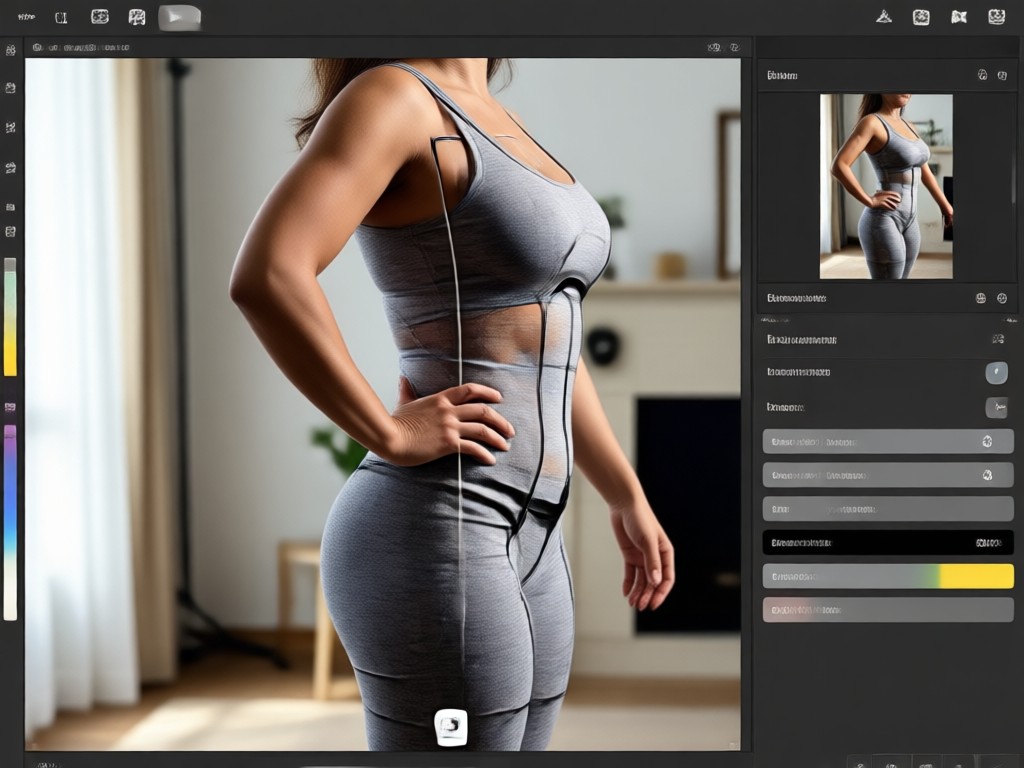
Overall Body Sculpting
Refine multiple areas at once with a comprehensive body sculpting tool. Adjust shoulders, arms, hips, and more with smooth, realistic results. The AI processes everything together so your final photo looks polished and proportional, never unnatural.
Overall Body Sculpting
Refine multiple areas at once with a comprehensive body sculpting tool. Adjust shoulders, arms, hips, and more with smooth, realistic results. The AI processes everything together so your final photo looks polished and proportional, never unnatural.
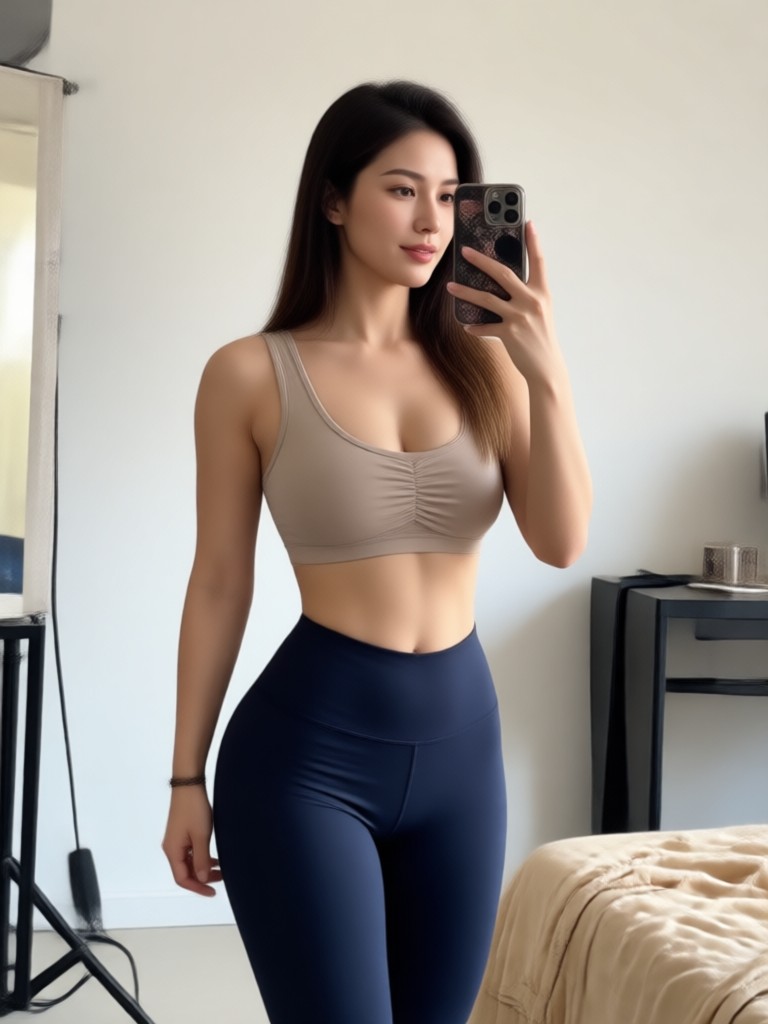
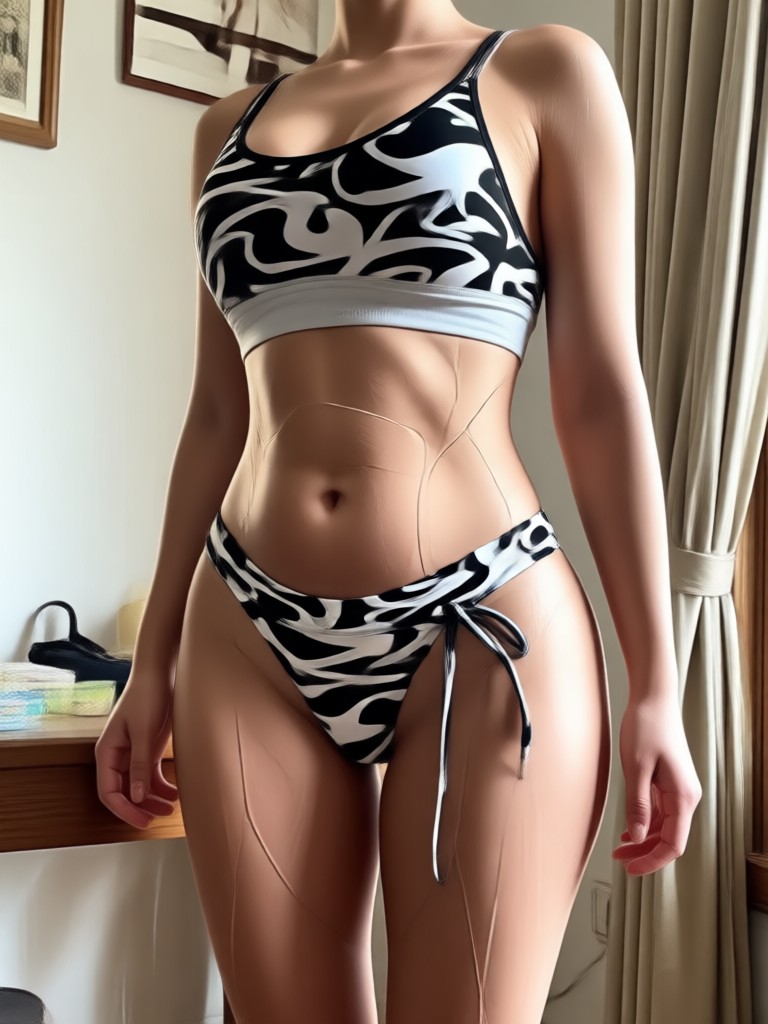
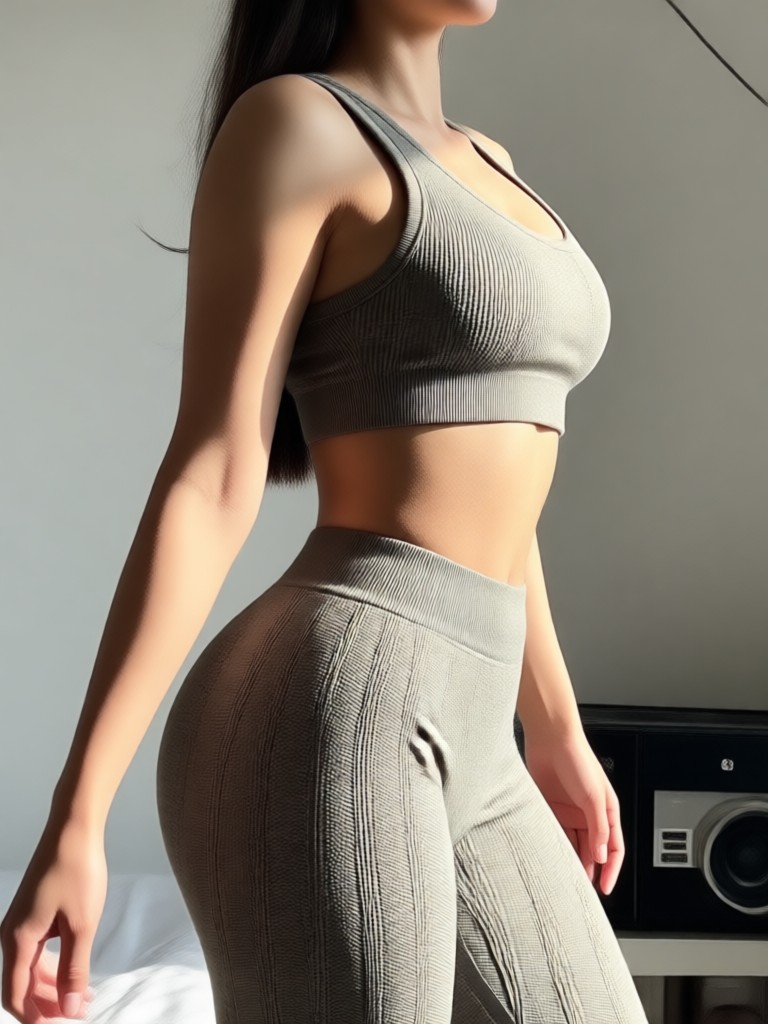
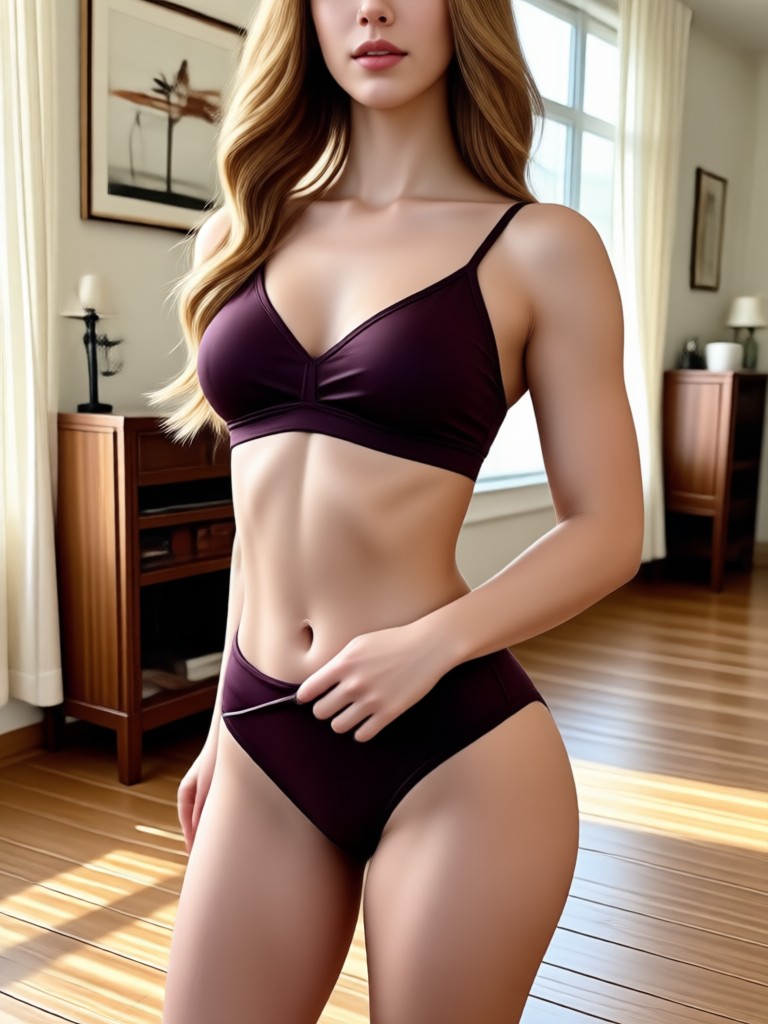
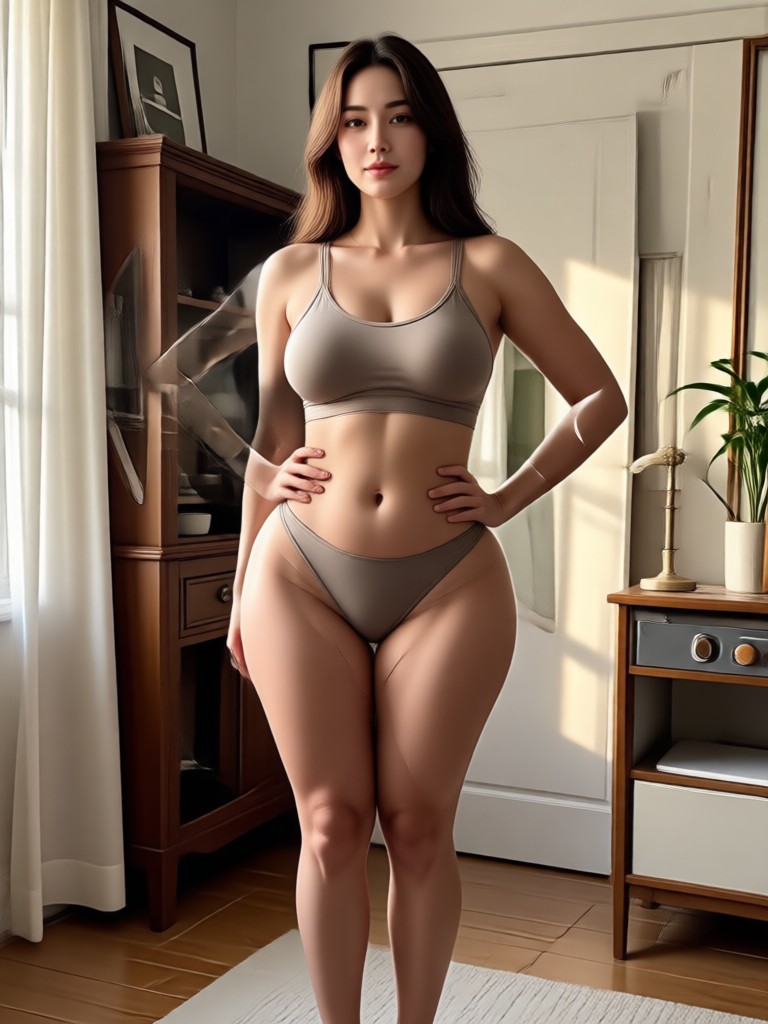
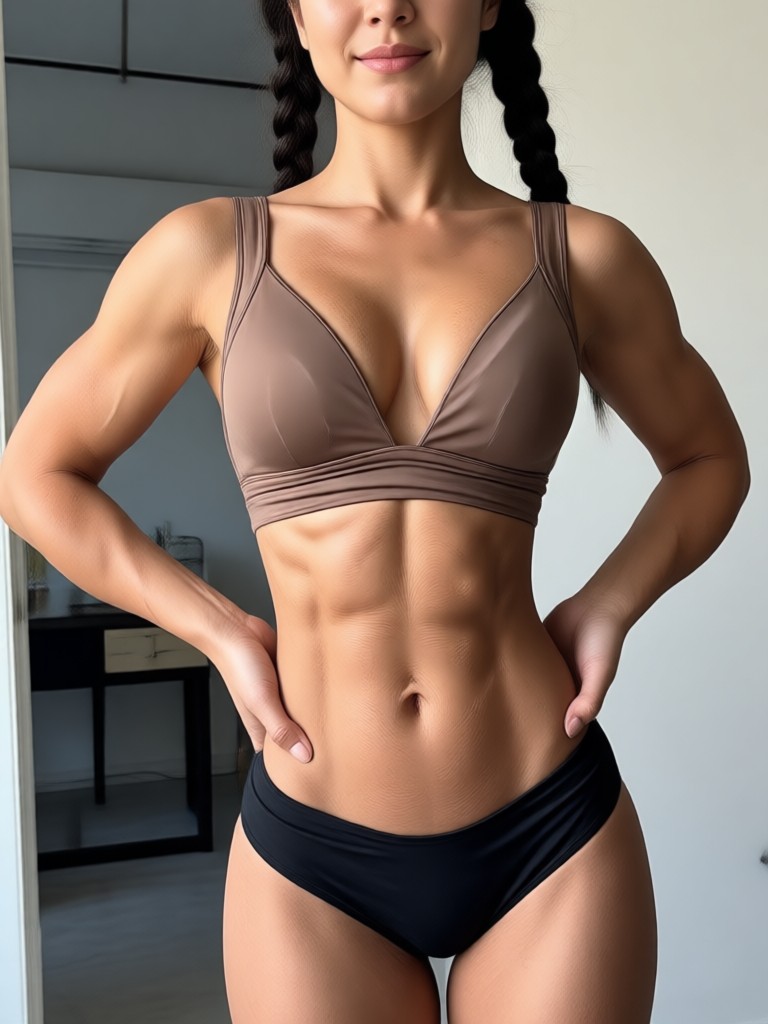
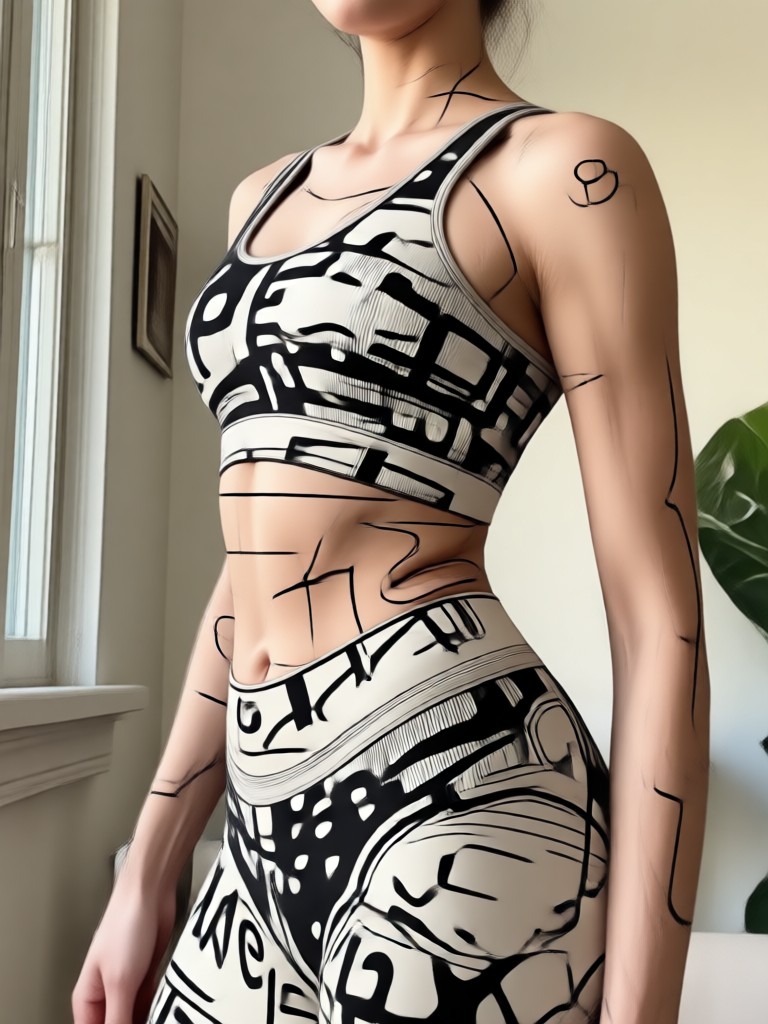
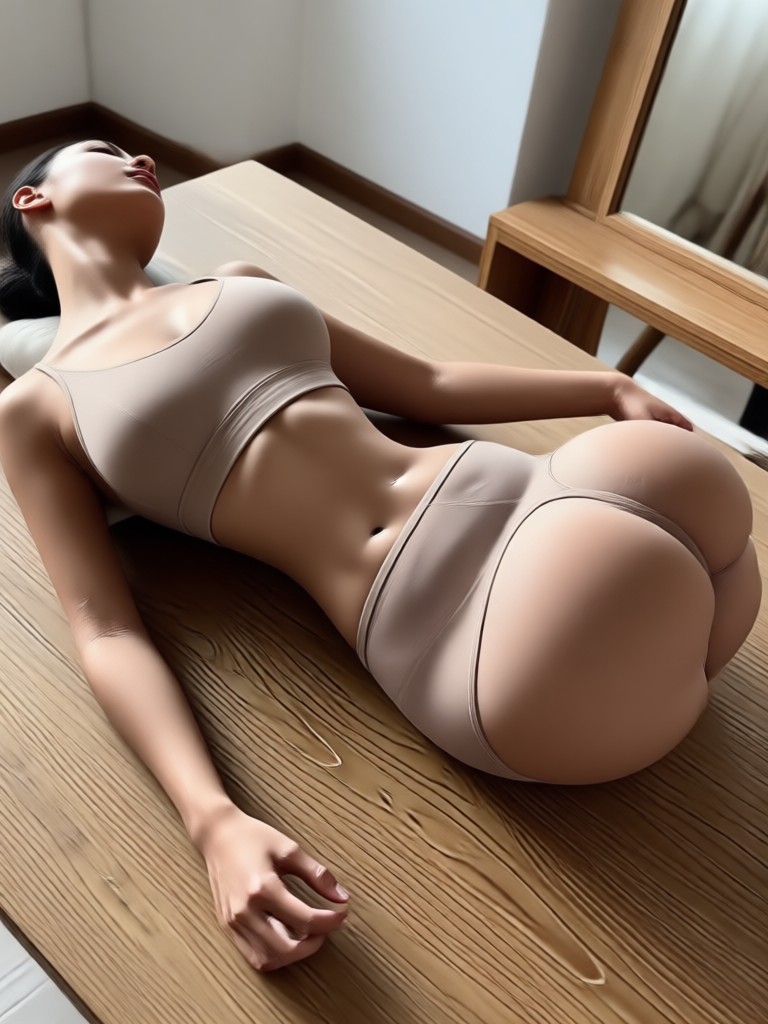
Real Body Reshaping Photo Editor Results
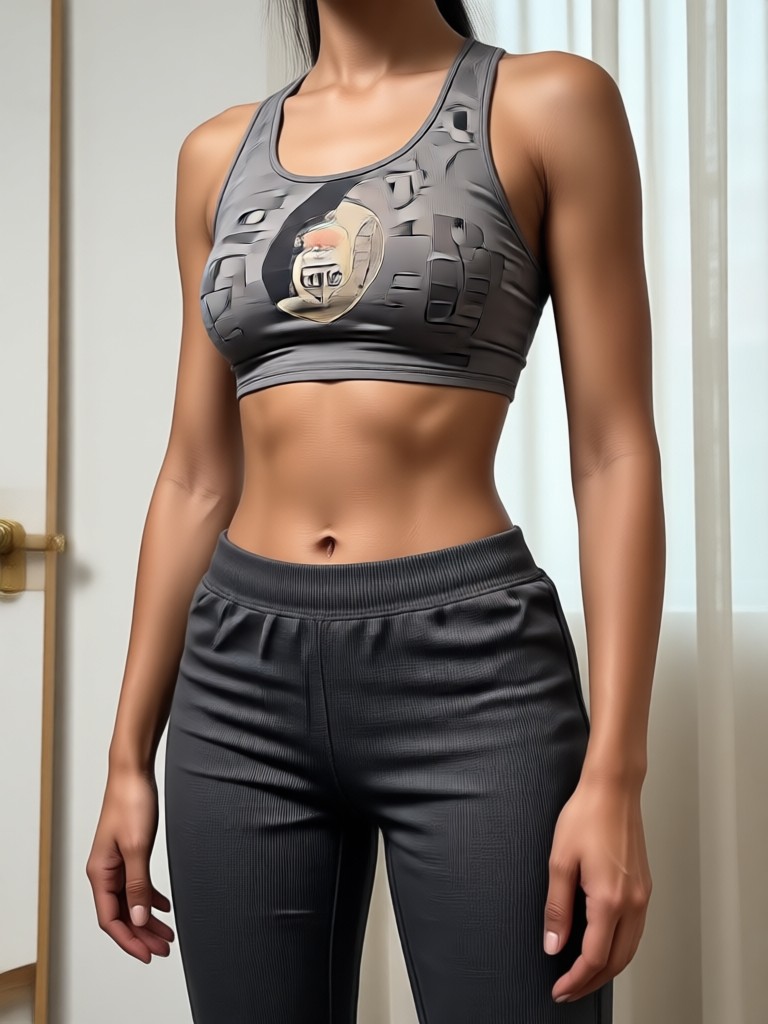
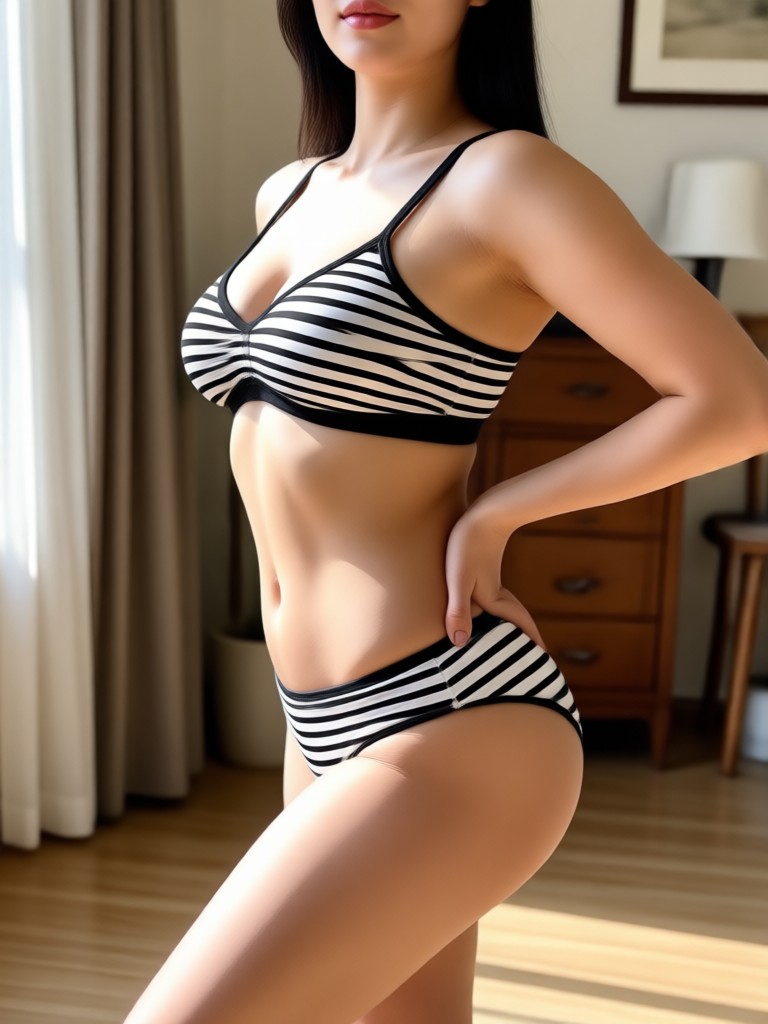
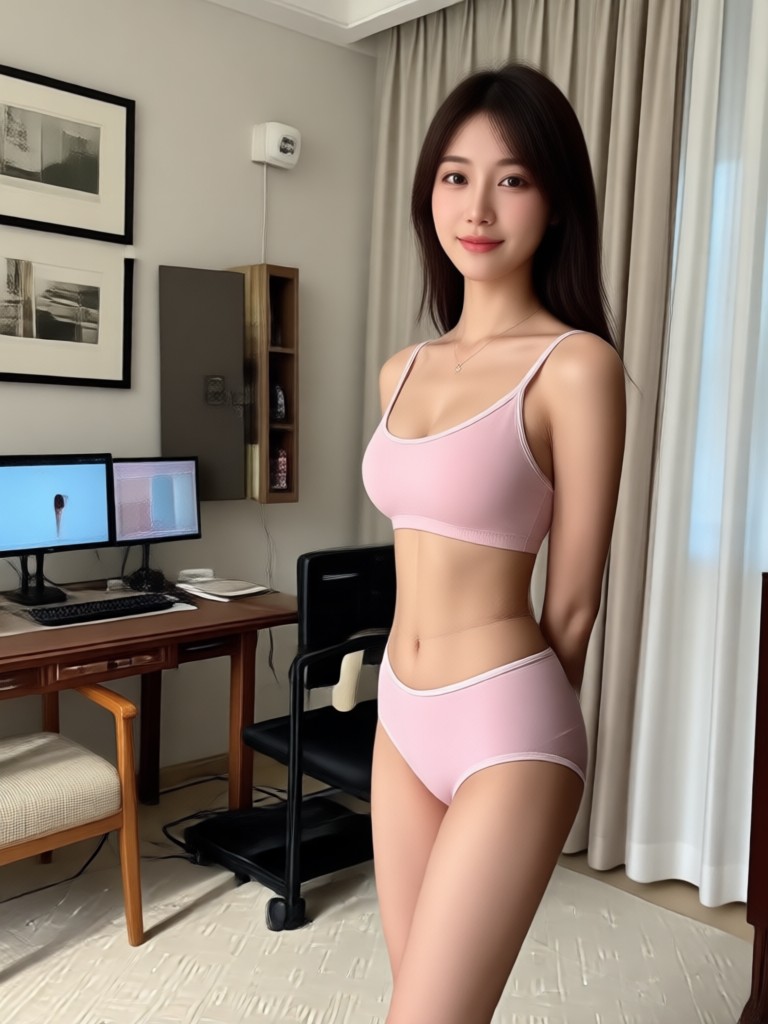
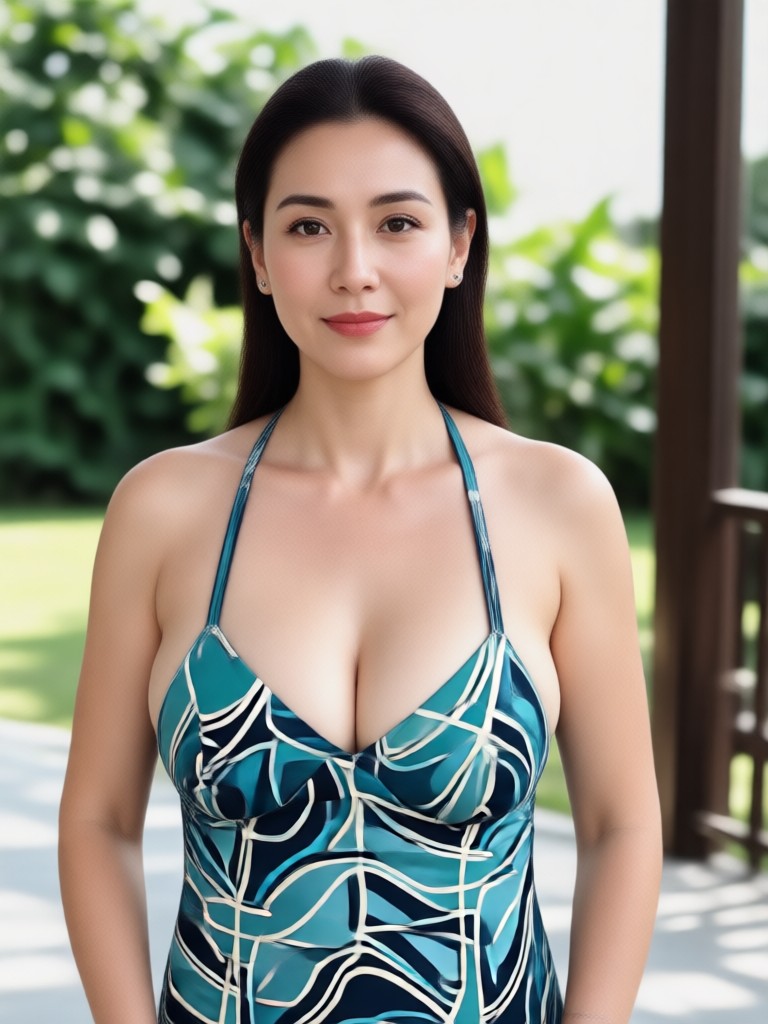
See how gloglo transforms ordinary photos into polished, natural looking images. These examples show the power of AI driven body editing across different styles and body types.
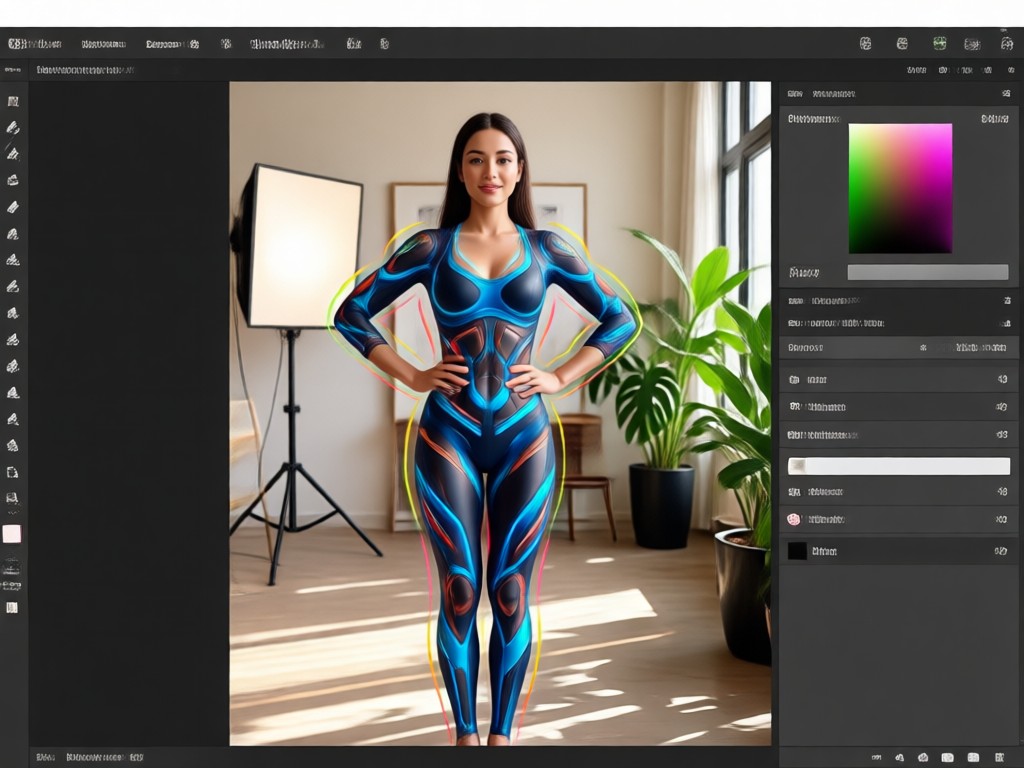
Why Use a Dedicated Body Reshaping Photo Editor?
Generic photo editors often make body edits look fake or warped. gloglo uses advanced AI to understand anatomy and light, so your adjustments blend seamlessly. You get the shape you want while keeping your photo looking natural. No more obvious photoshop fails. Just clean, realistic enhancements that boost your confidence without losing your identity.
Why Use a Dedicated Body Reshaping Photo Editor?
Generic photo editors often make body edits look fake or warped. gloglo uses advanced AI to understand anatomy and light, so your adjustments blend seamlessly. You get the shape you want while keeping your photo looking natural. No more obvious photoshop fails. Just clean, realistic enhancements that boost your confidence without losing your identity.
How to Reshape Your Body in Photos
Get a more confident silhouette in three simple steps using the gloglo mobile app.

Step 01.
Download the gloglo app from Google Play and open it on your phone.

Step 02.
Upload a full body or portrait photo and select the body reshaping filter you want to use.

Step 03.
Adjust the intensity, generate your new photo, and save or share it instantly.
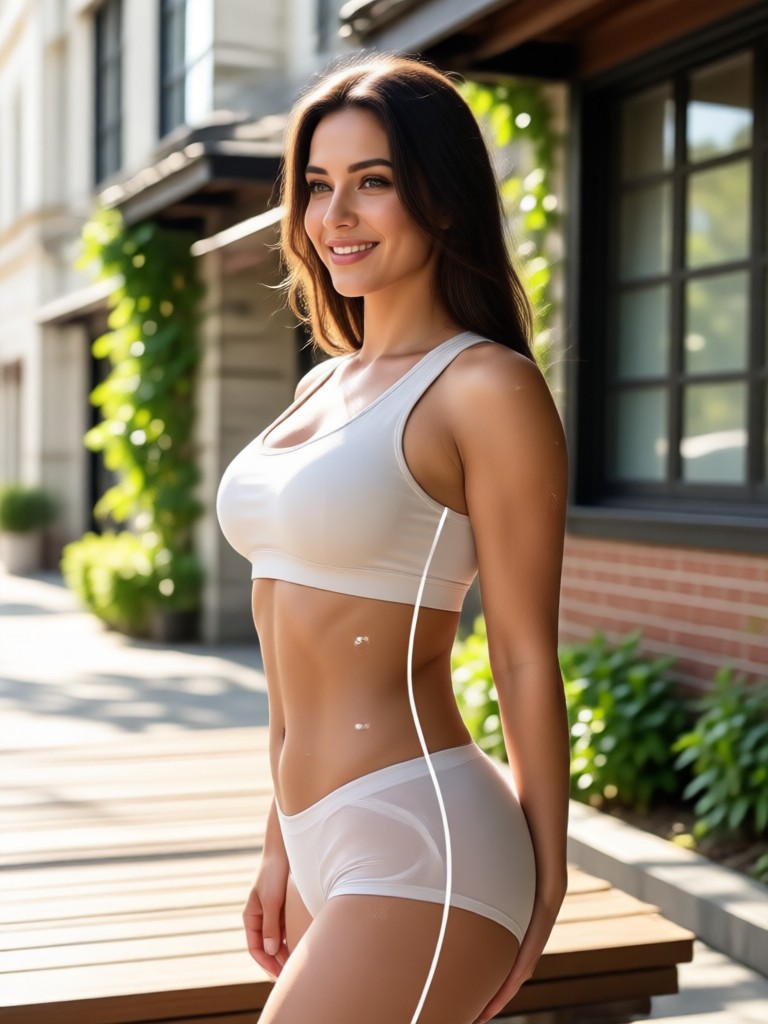
Body Reshaping Editor for Android
Take professional quality body editing wherever you go. The gloglo app works entirely on your phone, so you can reshape photos anytime without a computer.

Who Uses the Body Reshaping Photo Editor
Mia Chen
I use the body reshaping tool for all my outfit posts. It smooths things out without changing my face or making the background look weird. Totally saved my feed.
Derek Wilson
As a coach, I need my photos to look clean. This editor helps me correct small posture issues in moments. The results are always believable.

Amara Jones
Client photos often need tiny tweaks to proportions. gloglo does it fast and it does not look edited. It is now part of my regular editing workflow.
Sofia Rossi
Travel photos are hard to retake. This app lets me fix awkward angles in seconds. I love that I can adjust intensity for a natural look.
Mia Chen
I use the body reshaping tool for all my outfit posts. It smooths things out without changing my face or making the background look weird. Totally saved my feed.
Derek Wilson
As a coach, I need my photos to look clean. This editor helps me correct small posture issues in moments. The results are always believable.
Amara Jones
Client photos often need tiny tweaks to proportions. gloglo does it fast and it does not look edited. It is now part of my regular editing workflow.
Sofia Rossi
Travel photos are hard to retake. This app lets me fix awkward angles in seconds. I love that I can adjust intensity for a natural look.
Mia Chen
I use the body reshaping tool for all my outfit posts. It smooths things out without changing my face or making the background look weird. Totally saved my feed.
Derek Wilson
As a coach, I need my photos to look clean. This editor helps me correct small posture issues in moments. The results are always believable.
Amara Jones
Client photos often need tiny tweaks to proportions. gloglo does it fast and it does not look edited. It is now part of my regular editing workflow.
Sofia Rossi
Travel photos are hard to retake. This app lets me fix awkward angles in seconds. I love that I can adjust intensity for a natural look.
Body Reshaping Photo Editor FAQs
Find clear answers to common questions about using the AI body reshaping features in gloglo.
More Topics You May Like
Explore more AI editing tools and creative effects available in the gloglo app.
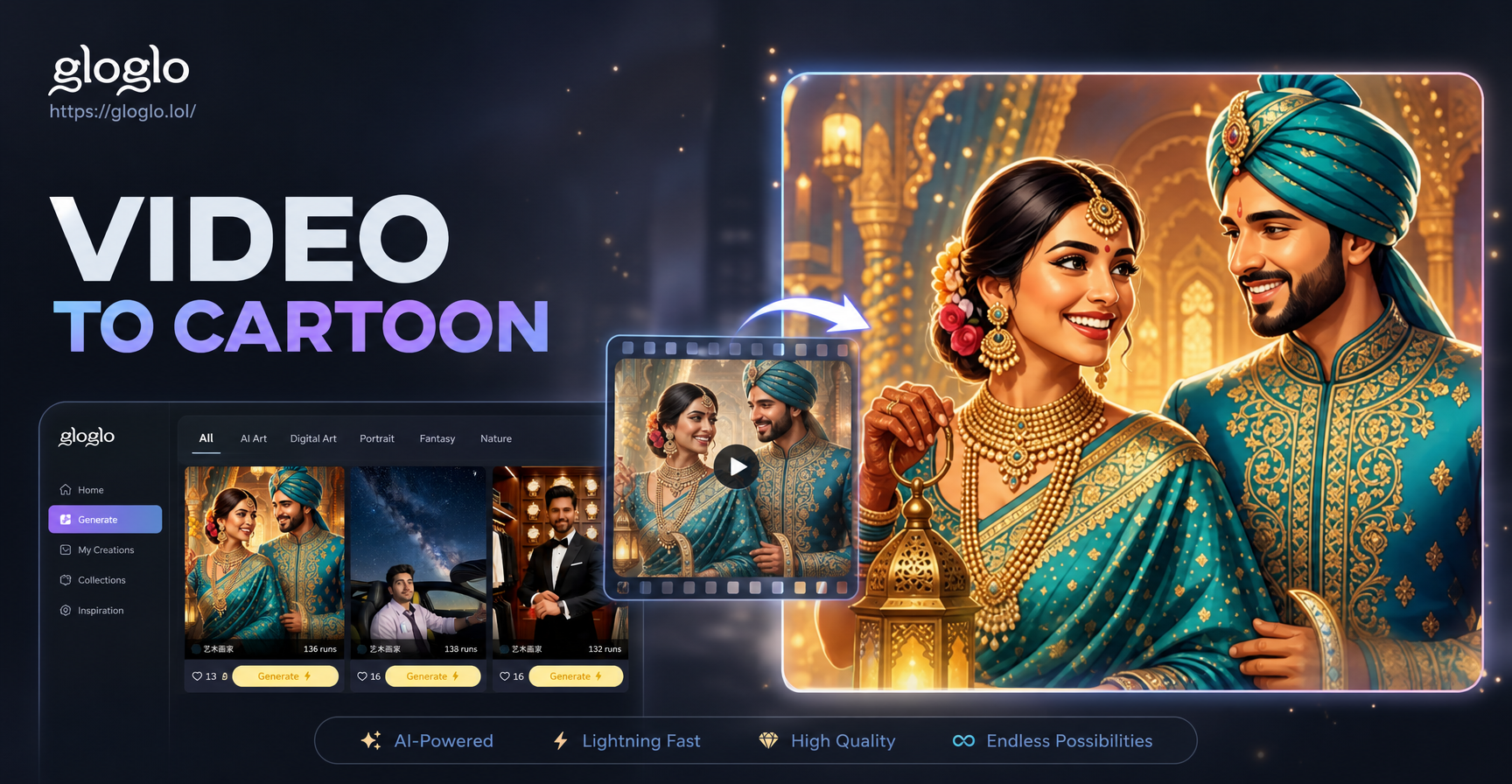
Turn Any Video Into a Cartoon Instantly
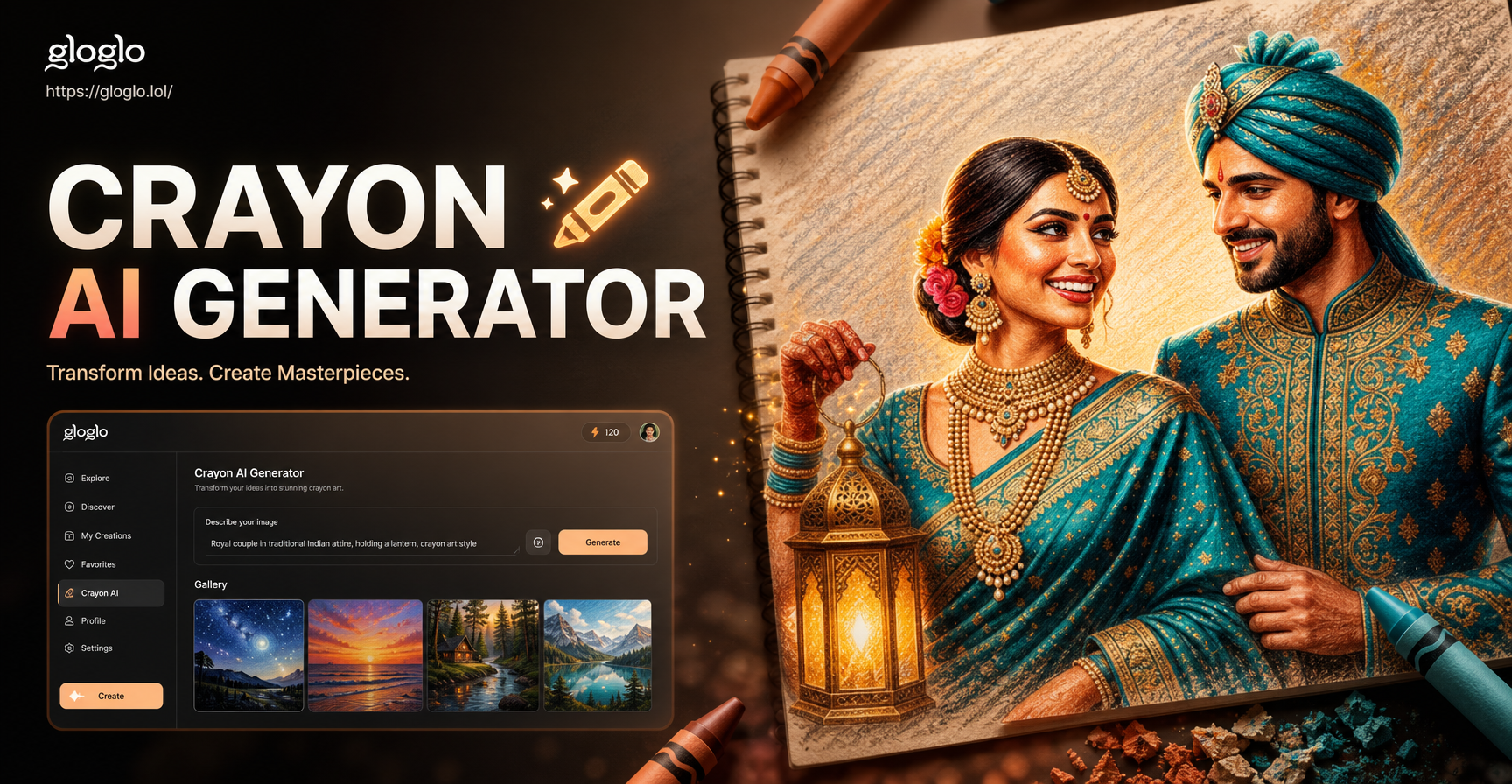
Crayon AI Generator: Draw Your Photos in Crayon Style
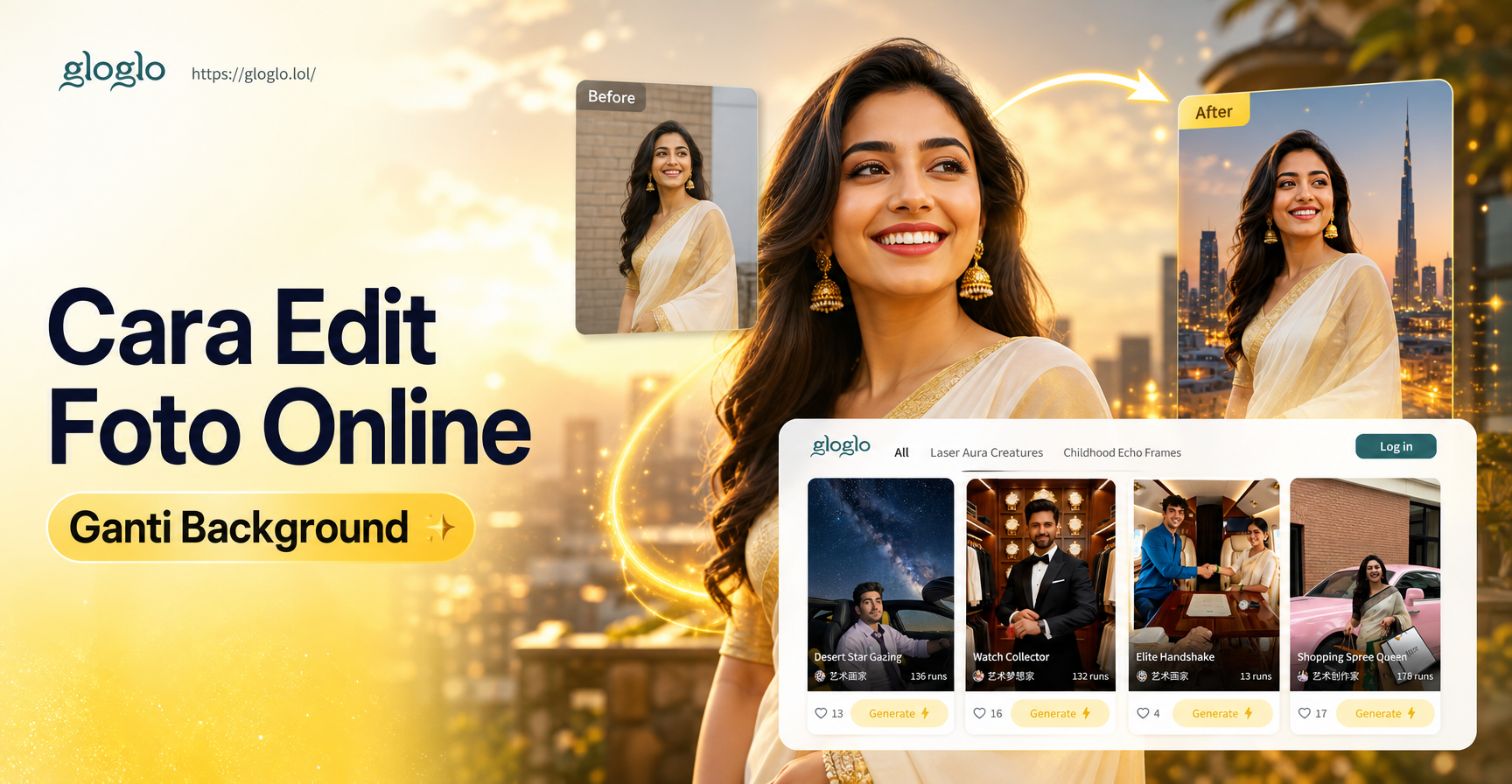
Edit Foto Online Ganti Background Cepat dan Mudah
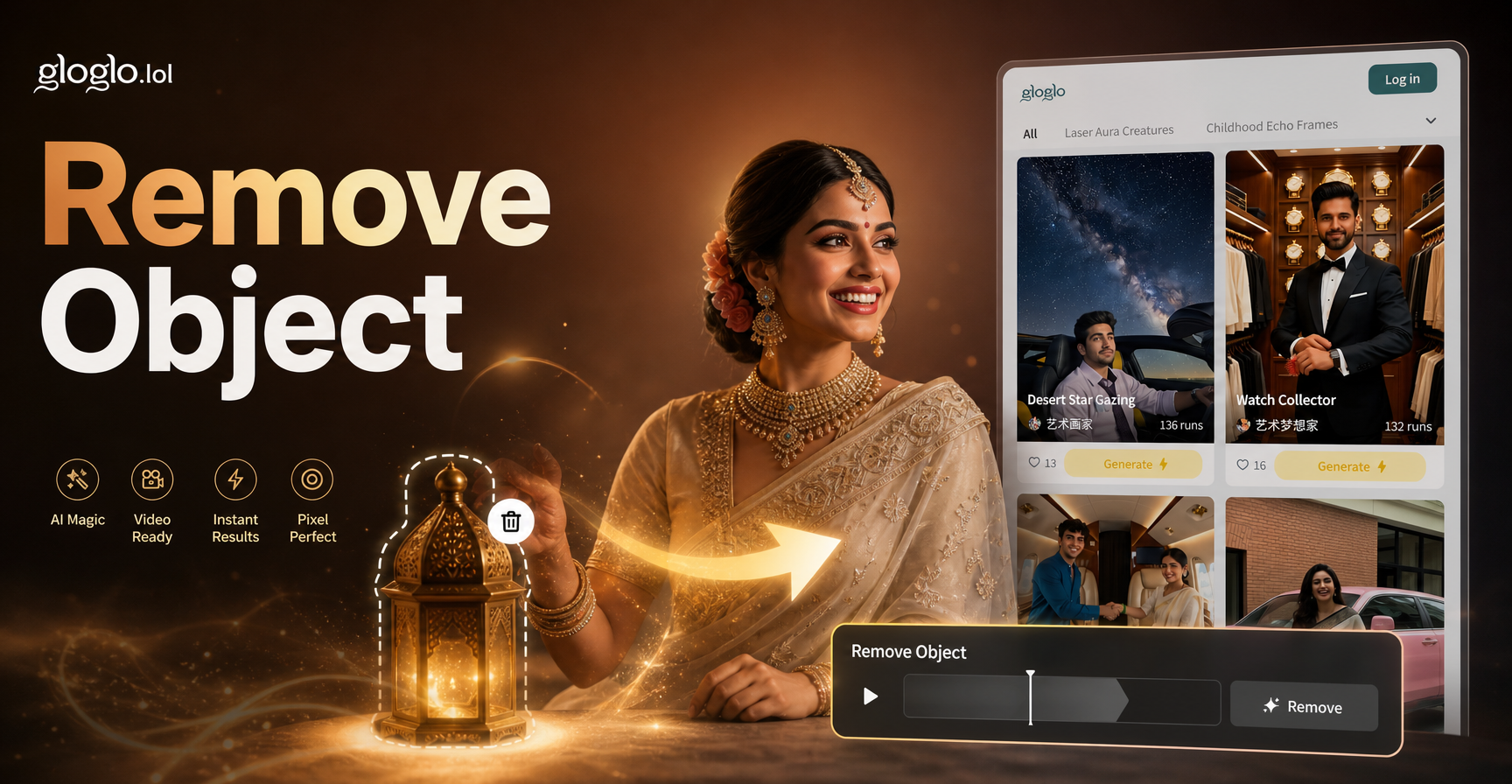
Remove Object Video with AI: Clean Up Clips Fast
Turn Any Video Into a Cartoon Instantly
Crayon AI Generator: Draw Your Photos in Crayon Style
Edit Foto Online Ganti Background Cepat dan Mudah
Remove Object Video with AI: Clean Up Clips Fast
Ready to Reshape Your Photos?
Download gloglo now and start using the most natural looking body reshaping photo editor. Get the figure you want in every shot.
Ready to Reshape Your Photos?
Download gloglo now and start using the most natural looking body reshaping photo editor. Get the figure you want in every shot.