Add Freckles To Photo
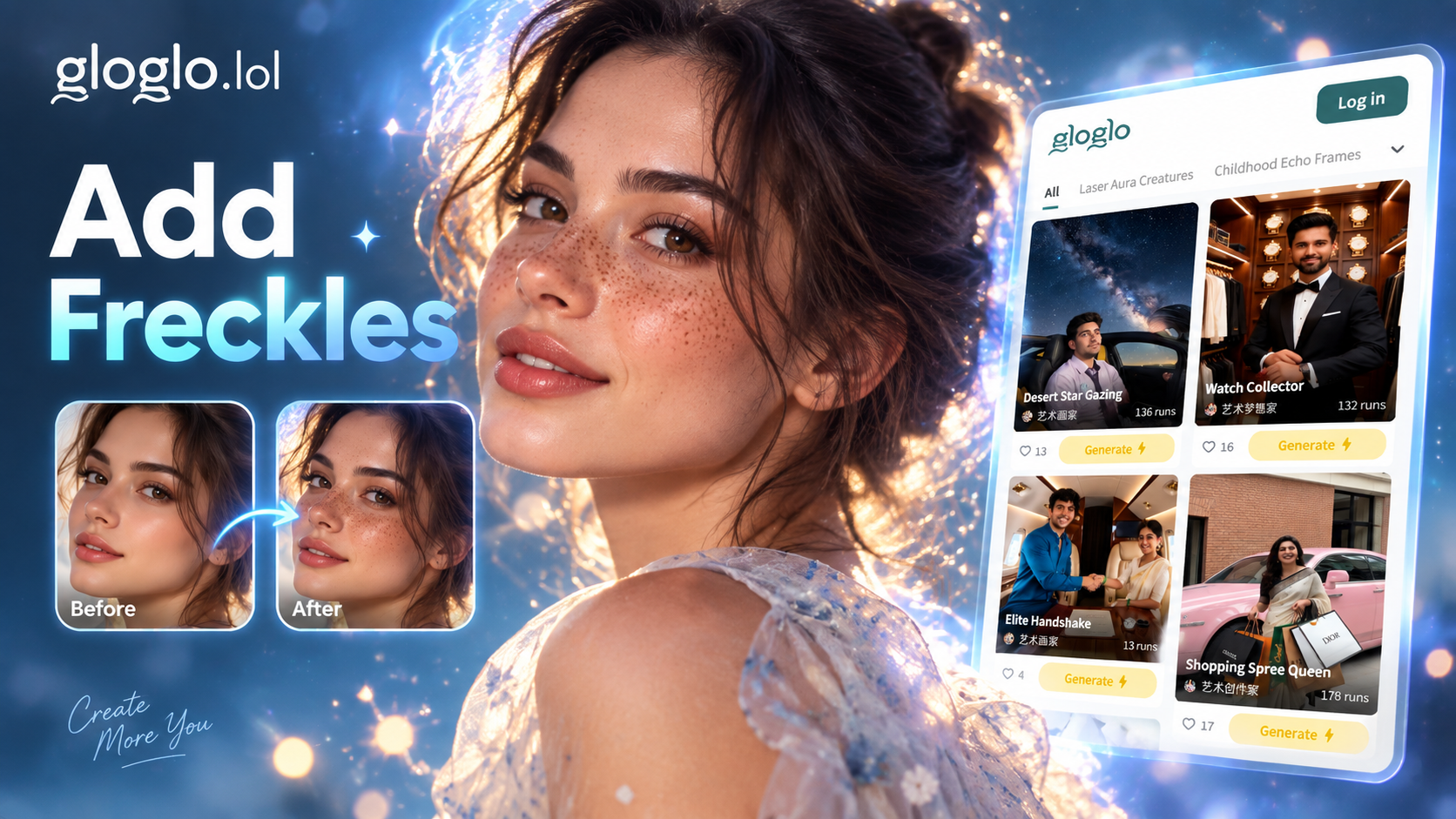
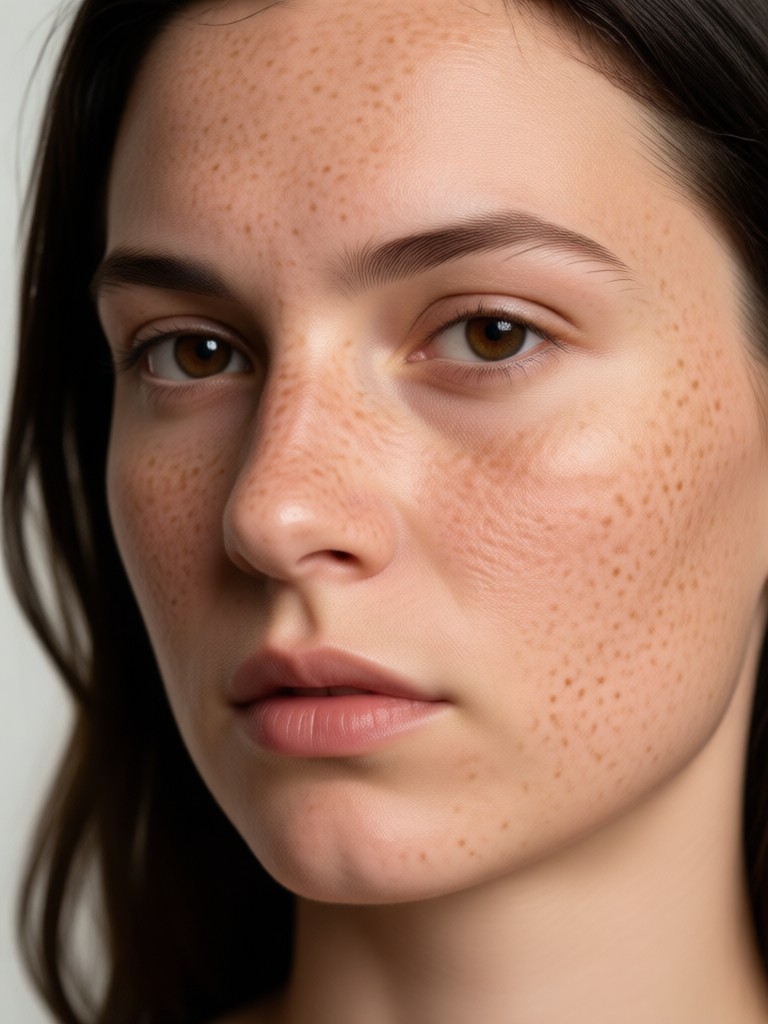
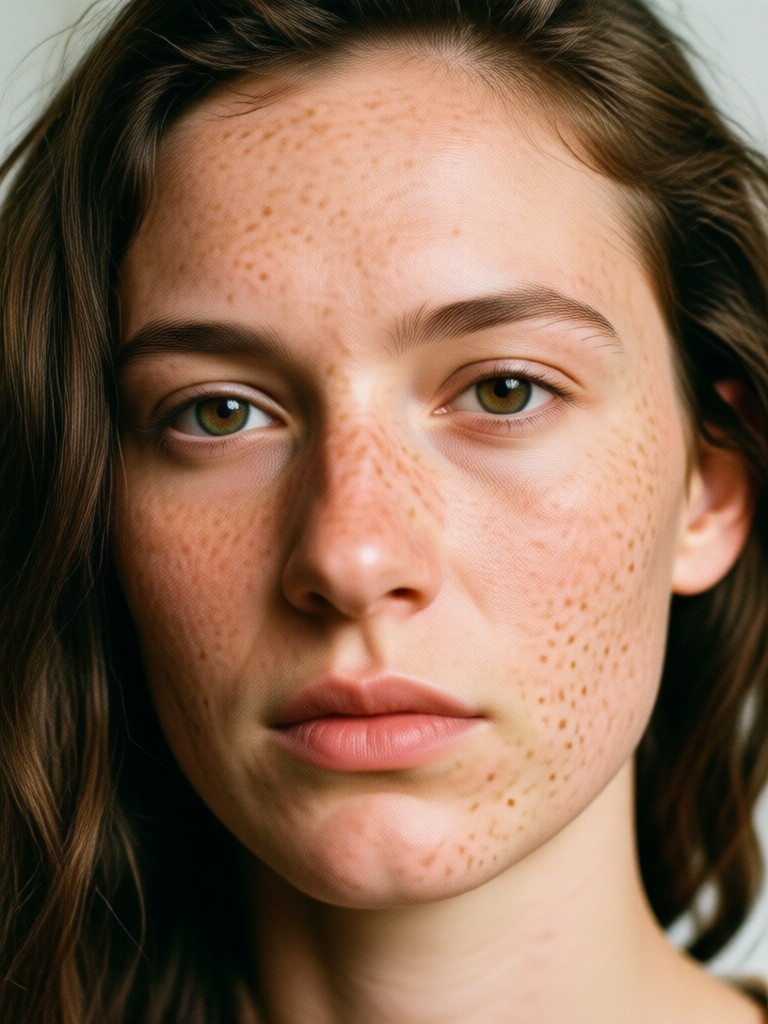
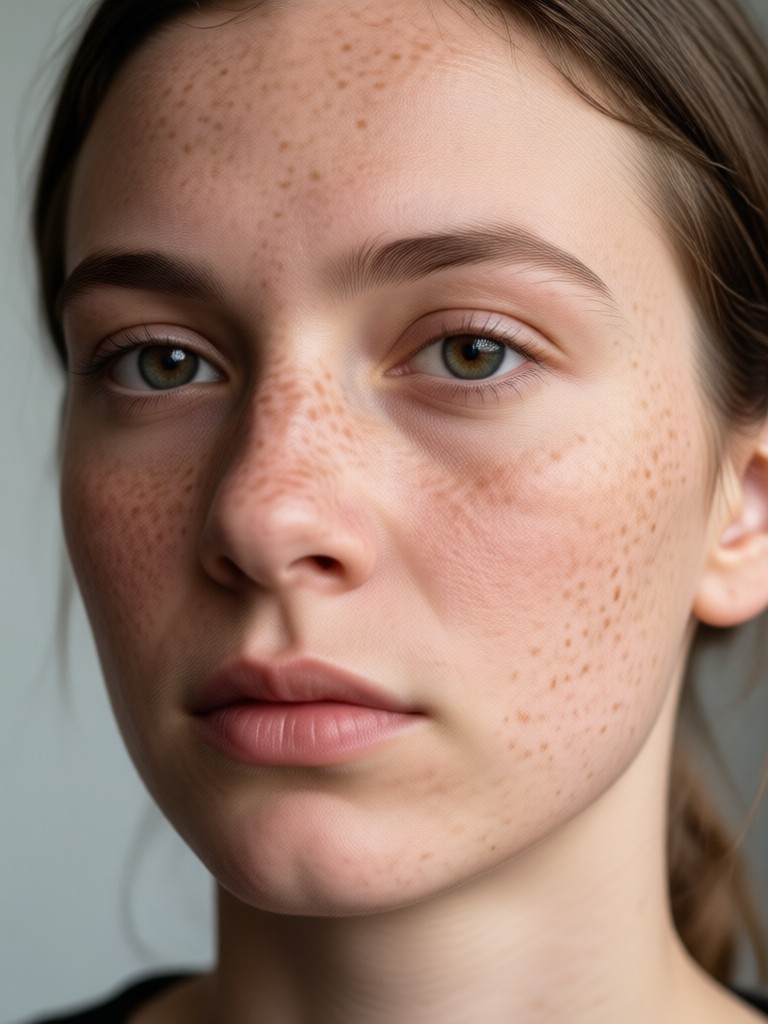
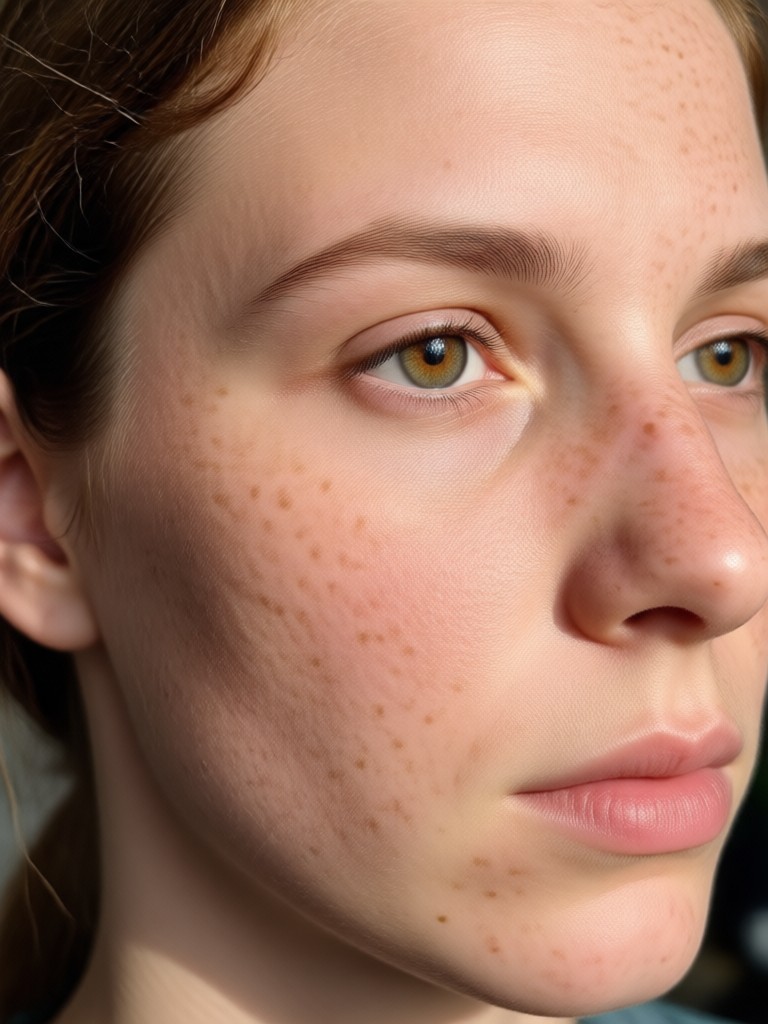
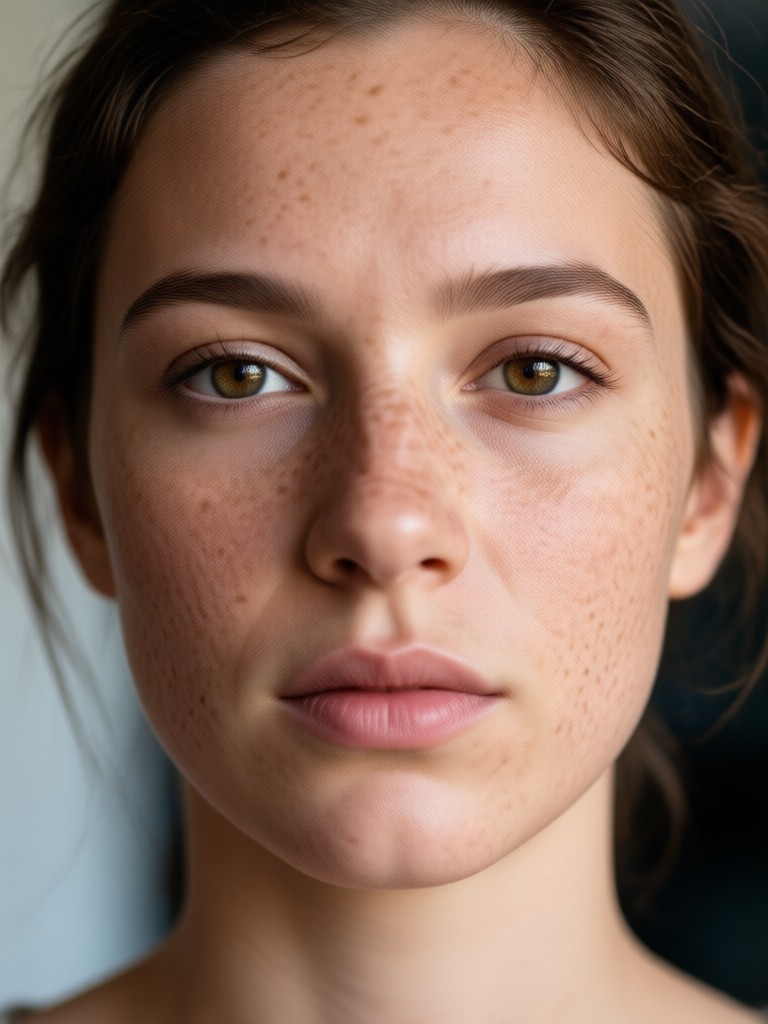
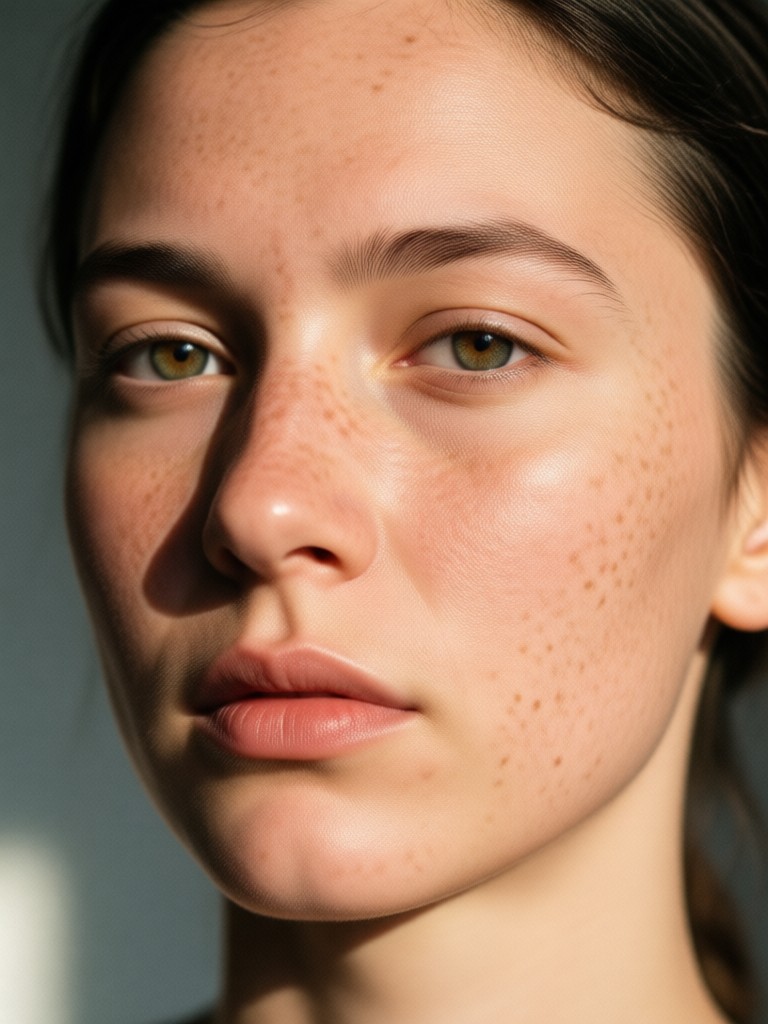
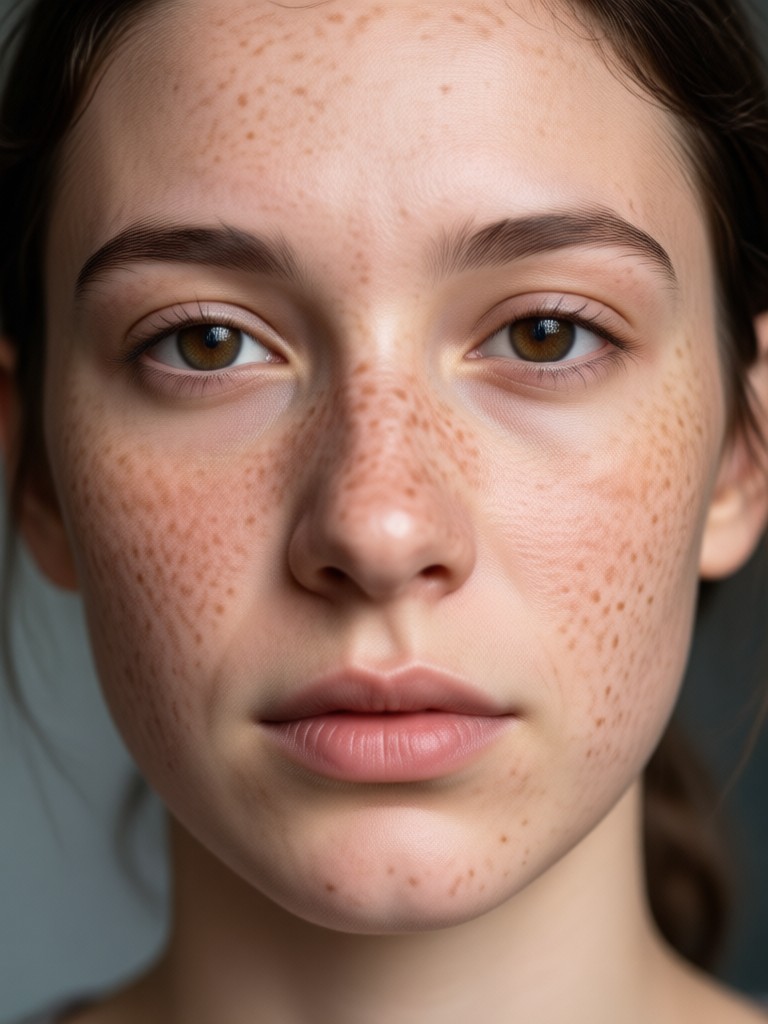
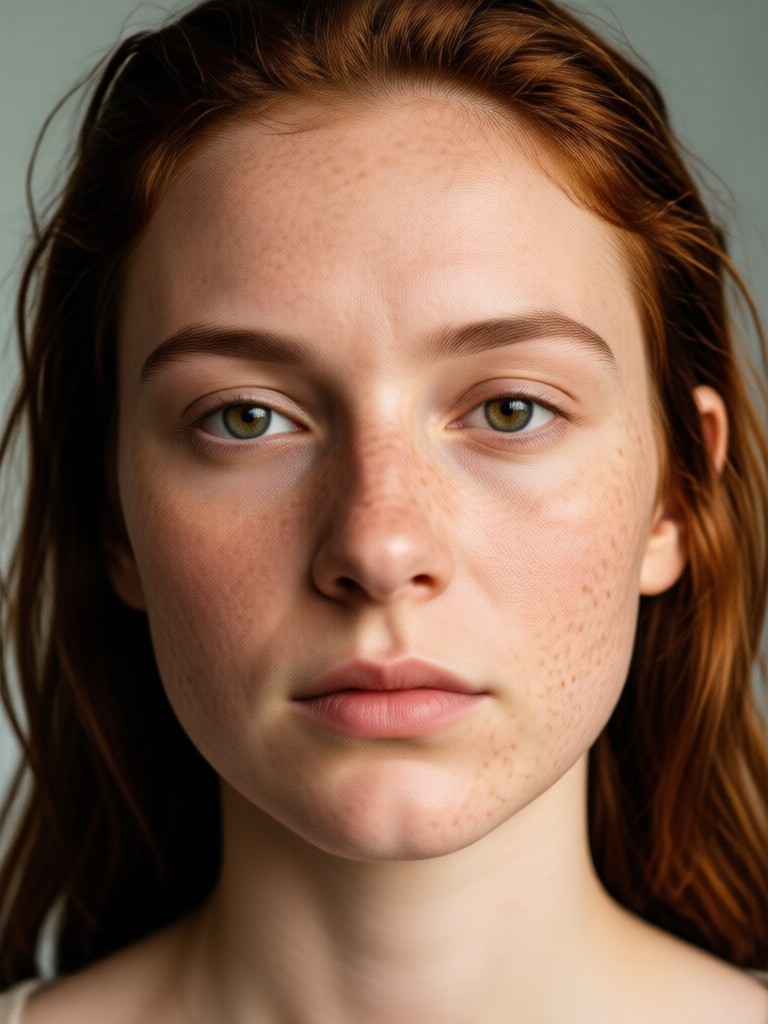
Discover Your Perfect Freckle Style
From barely-there speckles to defined, artistic clusters, find the freckle effect that matches your unique aesthetic and mood.
Why Choose Our AI Freckle Tool
Our technology is designed to give you realistic, customizable, and high-quality results that enhance your natural beauty without looking fake.
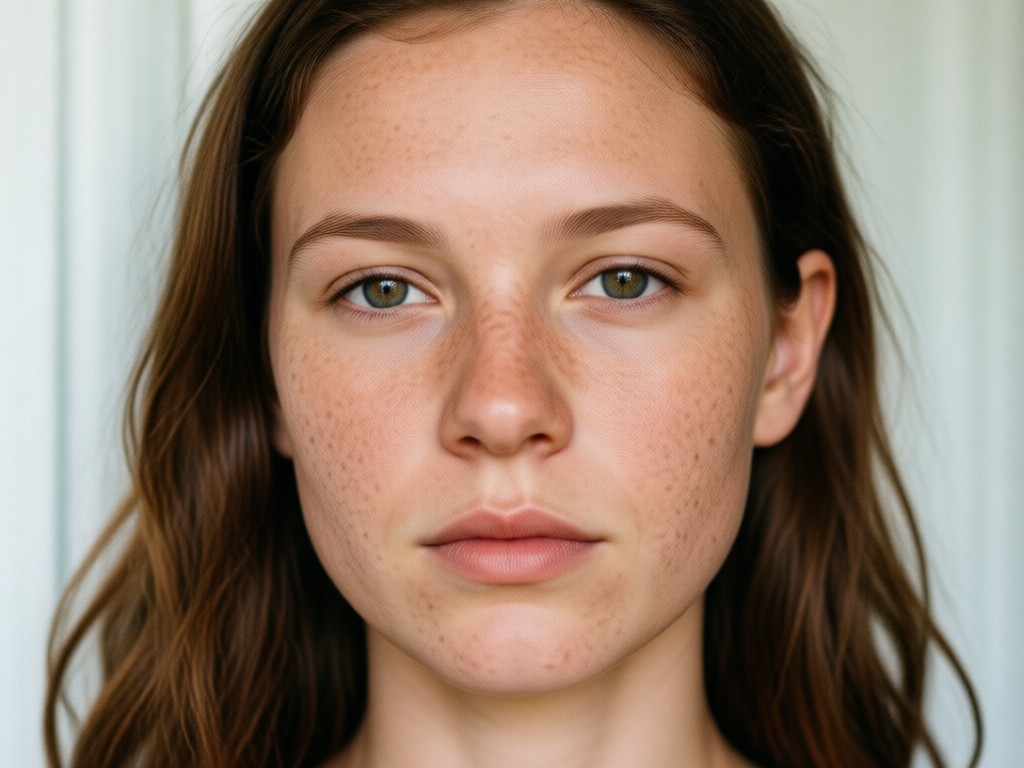
Hyper-Customizable Placement
Go beyond a simple filter. Adjust the size, color, opacity, and density of your freckles. Place them naturally across your nose, cheeks, and shoulders for a truly authentic, sun-kissed effect.
Hyper-Customizable Placement
Go beyond a simple filter. Adjust the size, color, opacity, and density of your freckles. Place them naturally across your nose, cheeks, and shoulders for a truly authentic, sun-kissed effect.
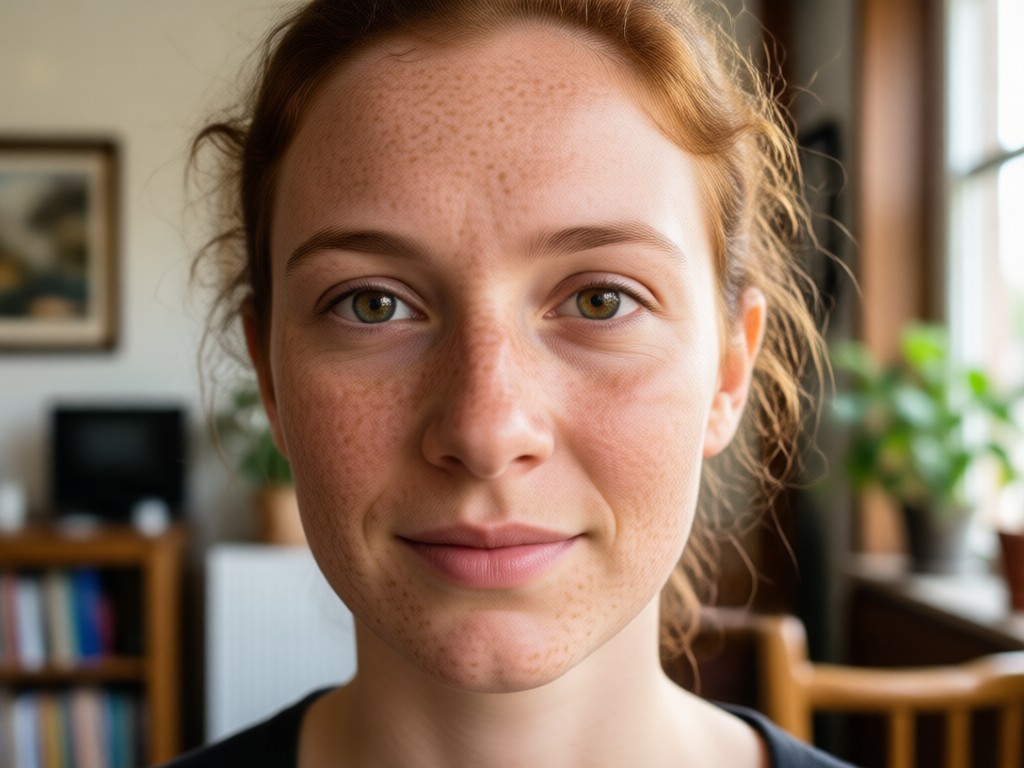
Realistic Skin Blending
Our AI intelligently analyzes your skin tone, texture, and lighting to blend freckles seamlessly. They look like they are part of your original photo, not a digital overlay.
Realistic Skin Blending
Our AI intelligently analyzes your skin tone, texture, and lighting to blend freckles seamlessly. They look like they are part of your original photo, not a digital overlay.
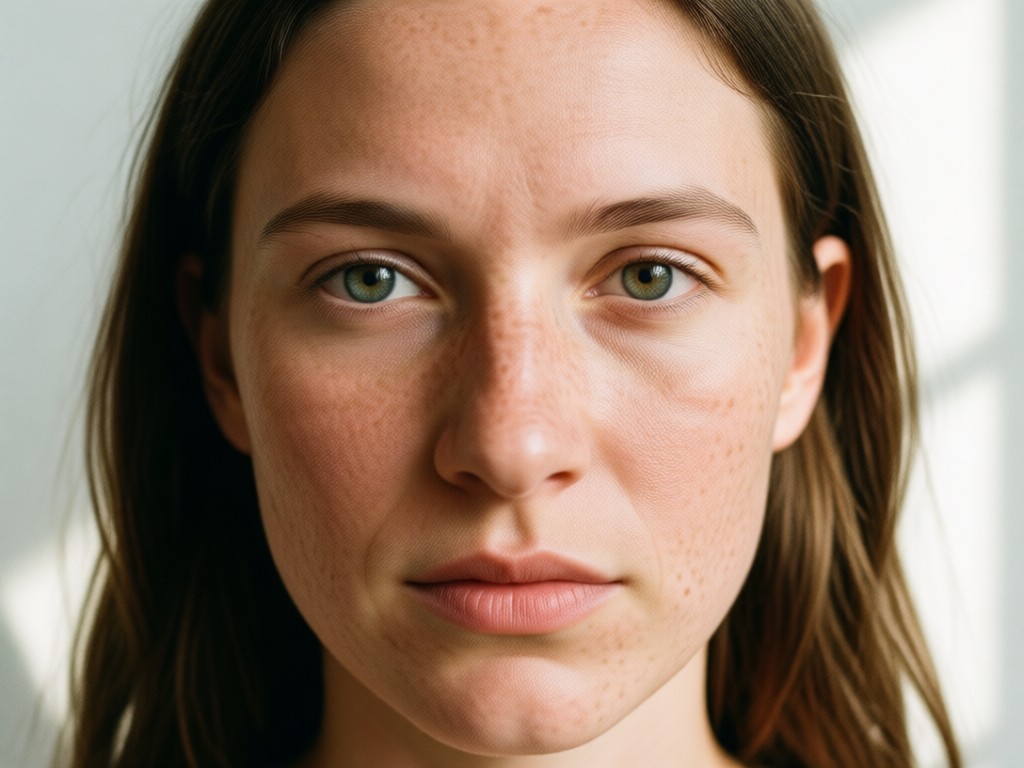
Viral Trend Creation
Jump on social media trends instantly. Create 'faux freckles' looks, ethereal fairy freckles, or artistic constellations for your next viral post or profile picture update.
Viral Trend Creation
Jump on social media trends instantly. Create 'faux freckles' looks, ethereal fairy freckles, or artistic constellations for your next viral post or profile picture update.
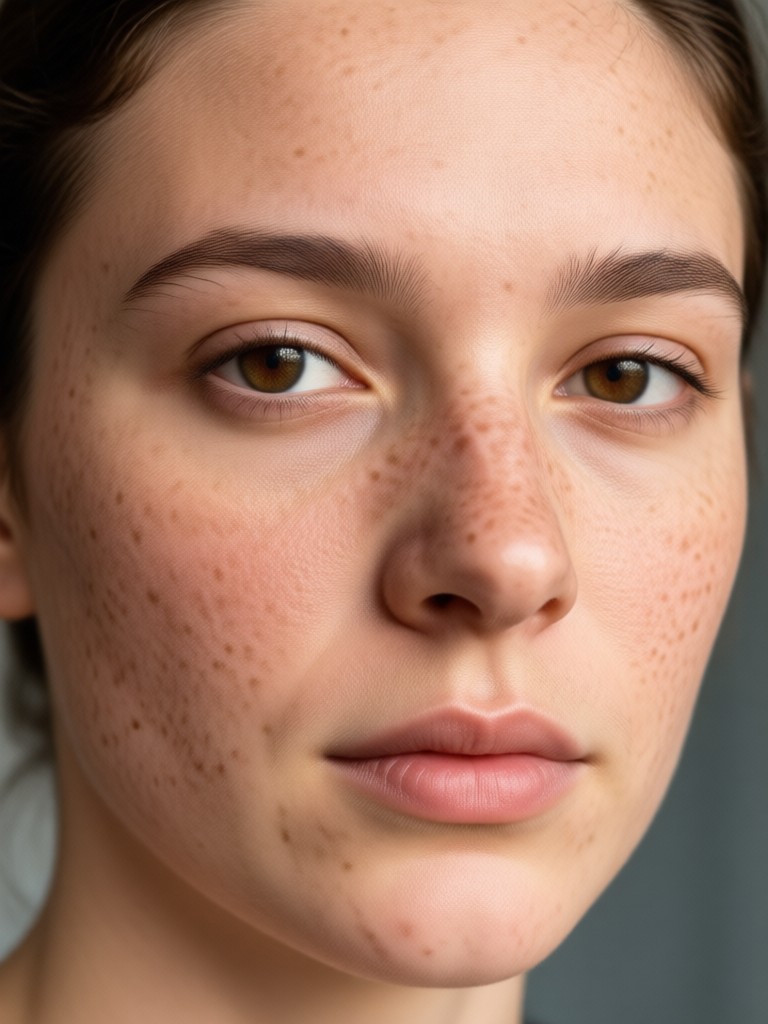
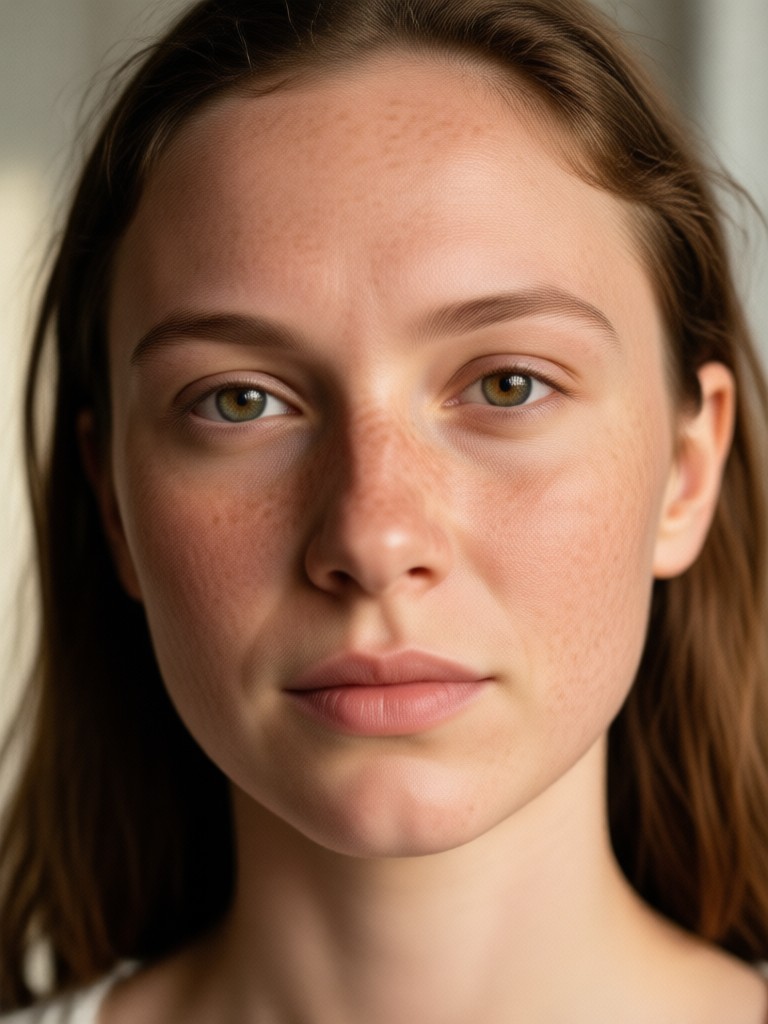
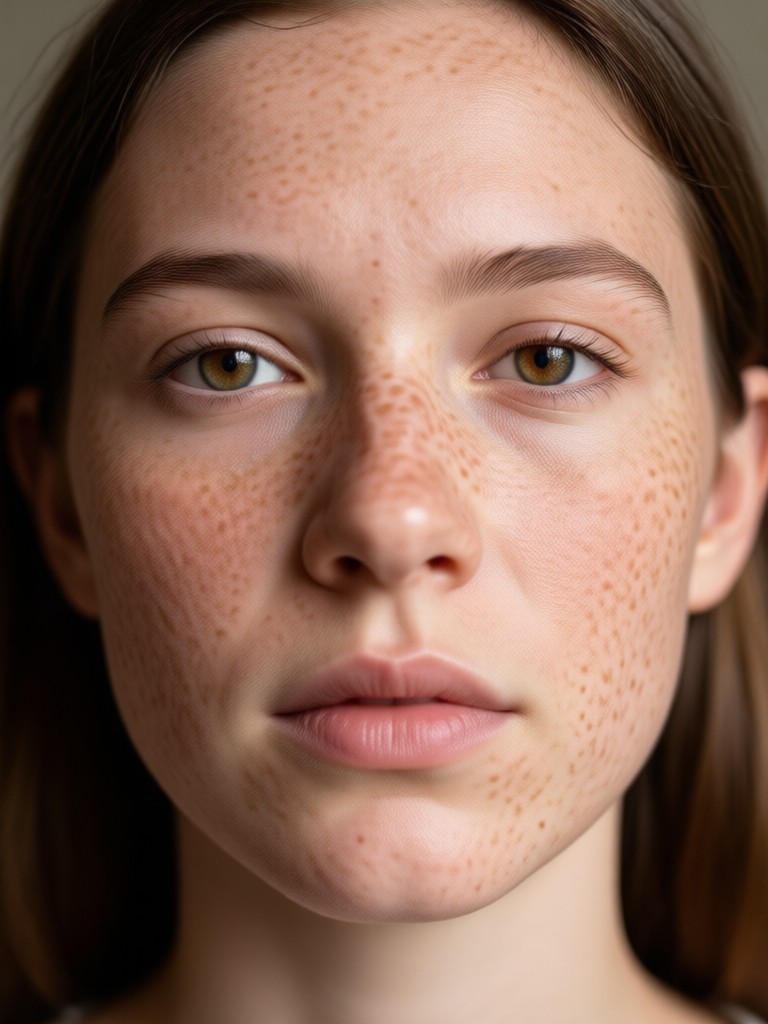
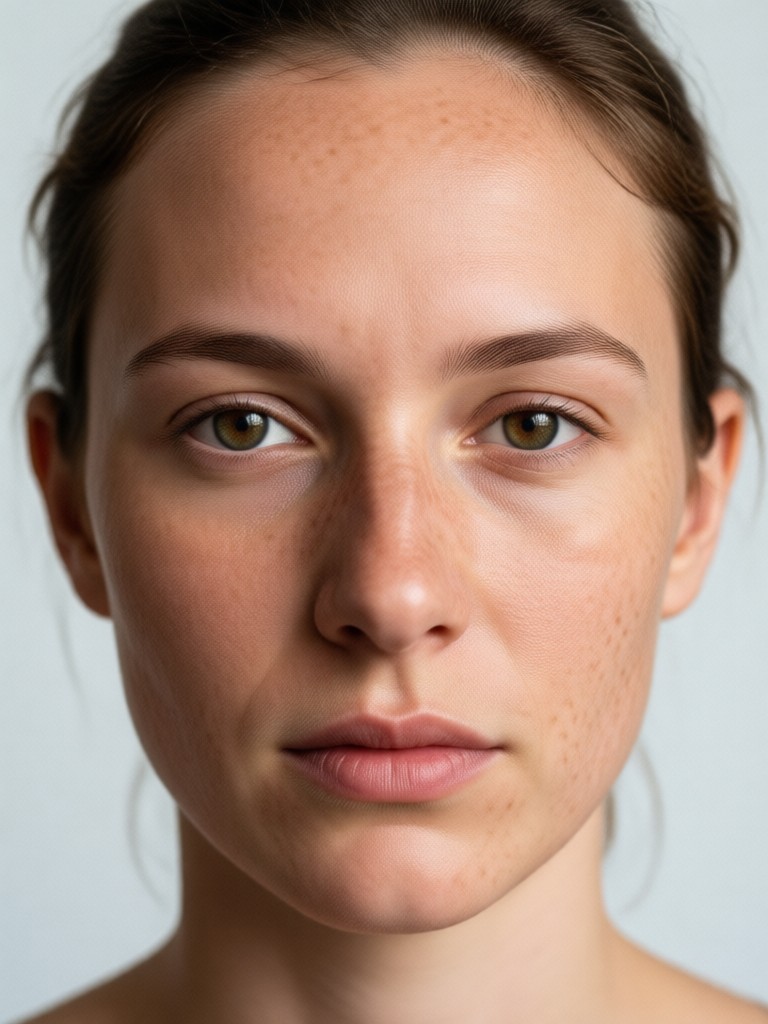
AI Freckles Gallery
See how AI can transform any portrait. From subtle enhancements to bold, artistic statements, explore the creative possibilities of adding digital freckles.
How to Add Freckles to Your Photo?
Create your perfect freckled look in just three simple steps with the gloglo app. No complex editing required.
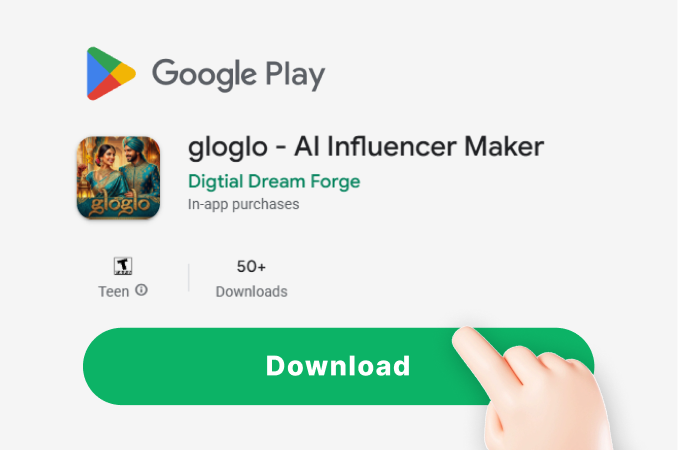
Step 01.
Download the gloglo app from the Google Play Store to access the freckle generator and all other AI style tools on your mobile device.
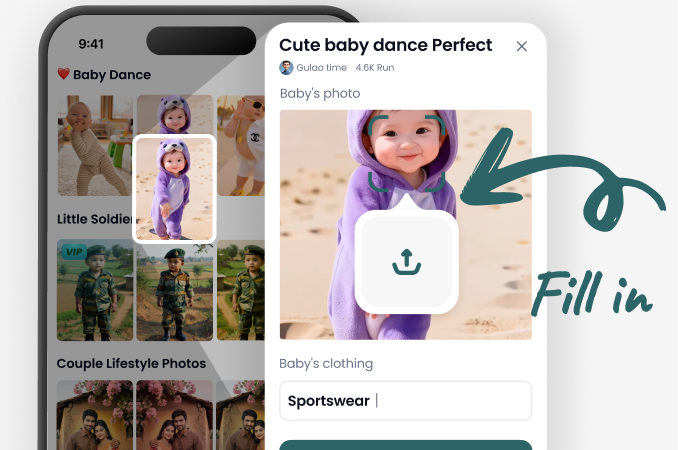
Step 02.
Upload your portrait photo and choose from our collection of freckle filters. Select one that matches your desired style, from natural to artistic.
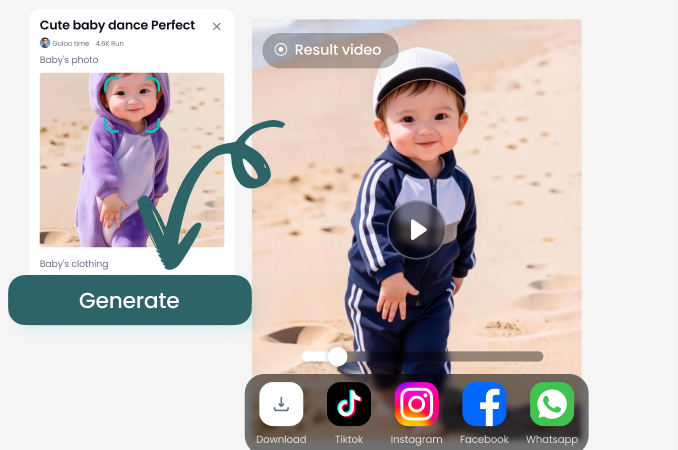
Step 03.
Use the customization sliders to perfect your look. Adjust the color, size, and density of the freckles, then save and share your new image.
Here is What People Think About AI Freckles
Perfect for my content aesthetic
I run a whimsical fashion blog, and adding subtle freckles helps me create a consistent, ethereal character. This tool is so easy to use and gives me exactly the natural look I want.
Finally, realistic-looking freckles
I've tried other apps, and the freckles always looked stamped on. This AI actually blends them with my skin tone and texture. It's my secret for creating 'I woke up like this' summer photos all year round.
So fun for social media trends
My friends and I all used this to try the 'fairy freckle' trend. We could all customize the color and placement to match our individual styles. It made for a super fun and cohesive group post.
Frequently Asked Questions
Get answers to common questions about adding freckles to photos with AI. Learn how to achieve the most natural and customizable results.
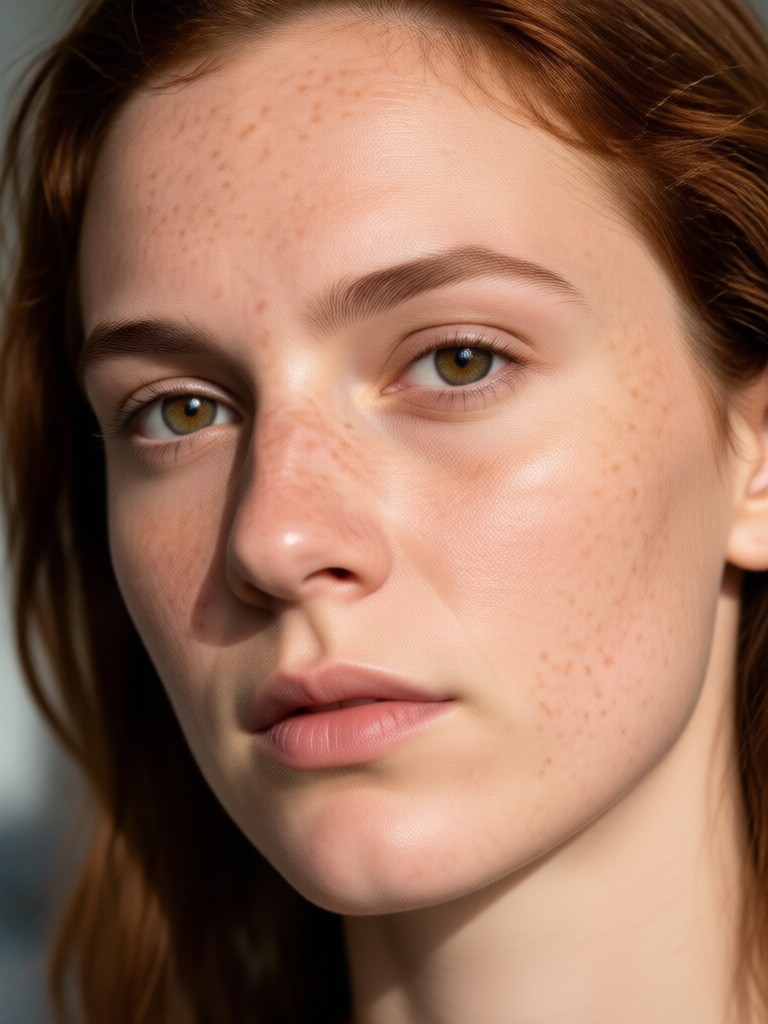
Your Freckles, Your Style
Unlock endless creativity. Download gloglo now to add natural, artistic, or whimsical freckles to any photo in your gallery.

More Topics You May Like
Explore more topics you may like and discover fresh ideas tailored to your interests.
AI Polaroid Photo Booth for Couples | Make Your Memory
AI Generated Coloring Pages for Instant Creative Fun
Cinematic Smoke Portrait Art | Transform Photos with AI
Design Your Perfect Book Cover with AI
AI Polaroid Photo Booth for Couples | Make Your Memory
AI Generated Coloring Pages for Instant Creative Fun
Cinematic Smoke Portrait Art | Transform Photos with AI
Design Your Perfect Book Cover with AI
Create Your Signature Look Today
Stop wondering how you'd look with freckles. Use AI to experiment with sun-kissed, natural, or artistic styles and find your perfect match instantly.
Create Your Signature Look Today
Stop wondering how you'd look with freckles. Use AI to experiment with sun-kissed, natural, or artistic styles and find your perfect match instantly.