AI Toy Touch Filter
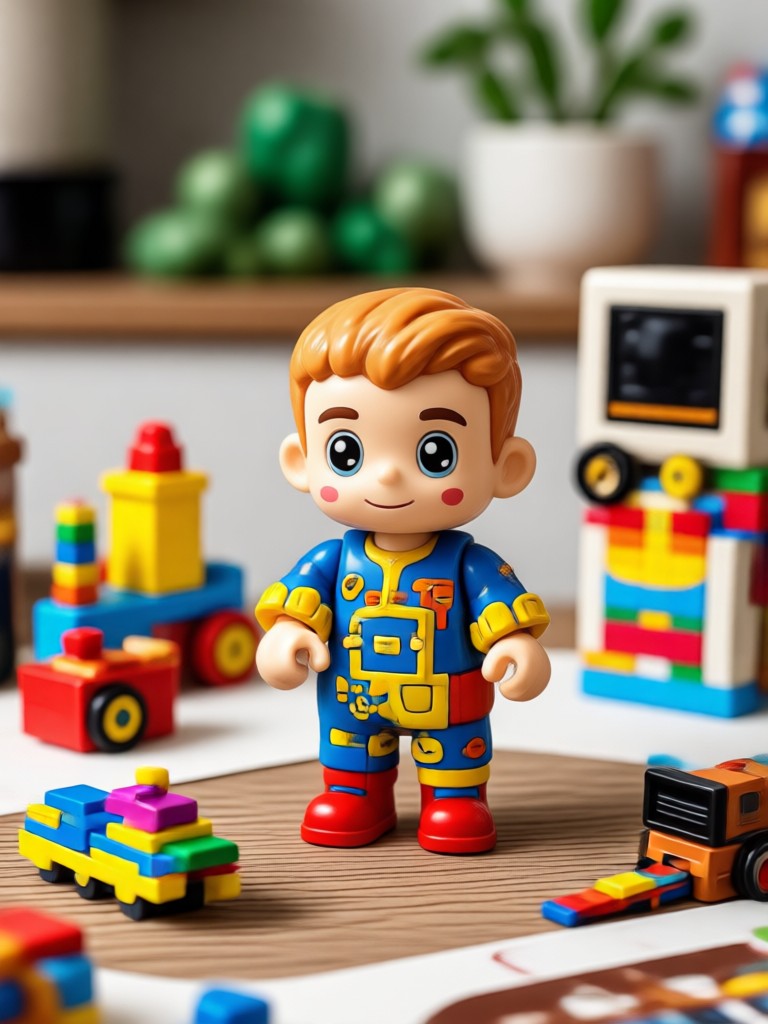
Choose Your AI Toy Touch Filter Style
Explore hundreds of AI filters and templates to create AI Toy Touch Filter that match your vision perfectly.
Why gloglo is the Best for AI Toy Touch Filter
Create high-quality AI Toy Touch Filter with cutting-edge AI technology. Here is what makes gloglo the top choice for creators around the world.
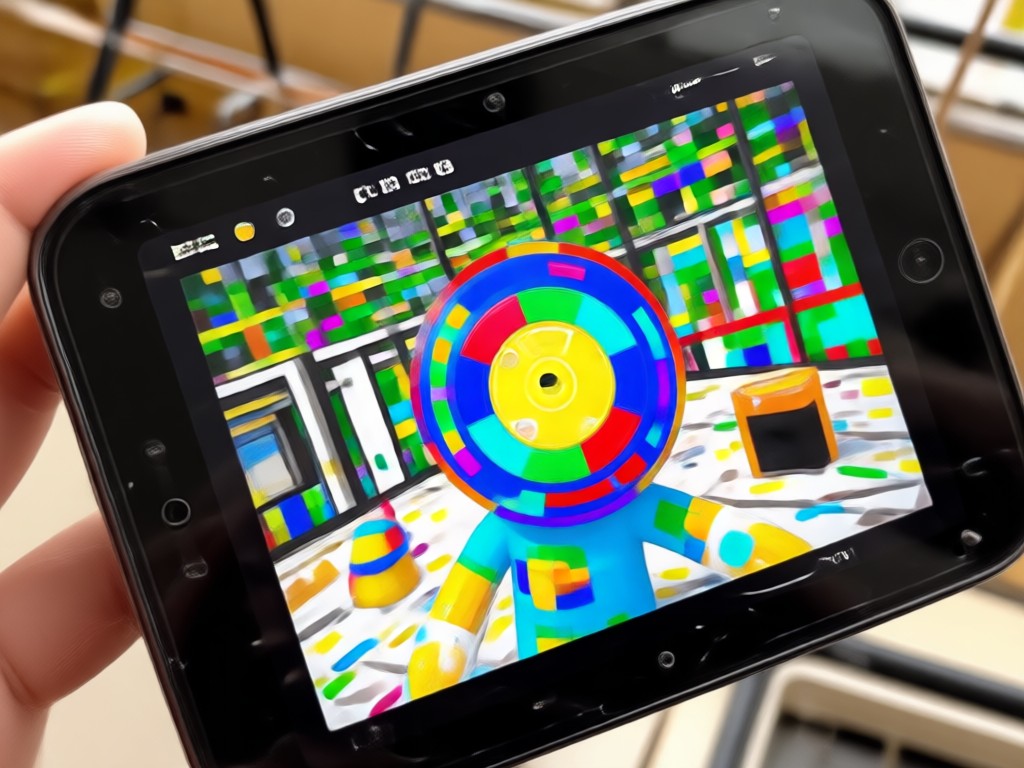
One Tap AI Toy Touch Filter Generation
Just describe your idea or upload a photo, and gloglo AI transforms it into professional AI Toy Touch Filter instantly. No complex settings or technical knowledge required.
One Tap AI Toy Touch Filter Generation
Just describe your idea or upload a photo, and gloglo AI transforms it into professional AI Toy Touch Filter instantly. No complex settings or technical knowledge required.
Massive Style Library
Choose from over a million style filters for AI Toy Touch Filter. From anime and 3D clay to realistic photography and oil painting, find the perfect aesthetic for your project.
Massive Style Library
Choose from over a million style filters for AI Toy Touch Filter. From anime and 3D clay to realistic photography and oil painting, find the perfect aesthetic for your project.
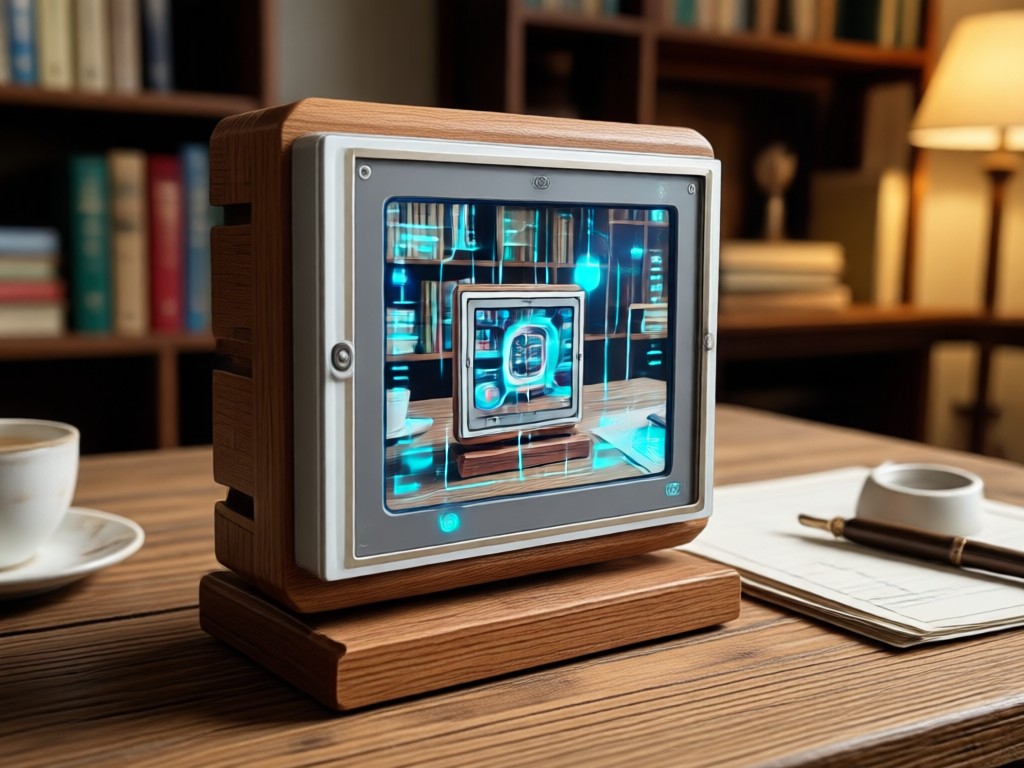
Share Your AI Toy Touch Filter Everywhere
Download your creations in HD and share them directly to social media. Impress your followers with unique AI Toy Touch Filter made by gloglo AI.
Share Your AI Toy Touch Filter Everywhere
Download your creations in HD and share them directly to social media. Impress your followers with unique AI Toy Touch Filter made by gloglo AI.
Inspiring AI Toy Touch Filter Creations
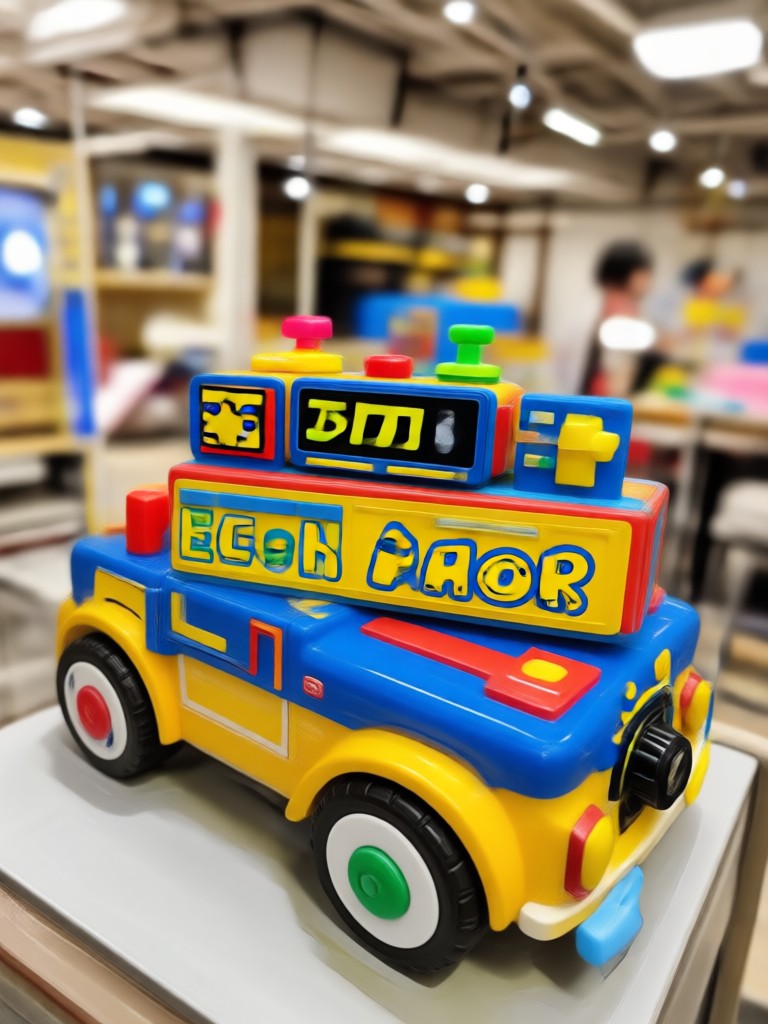
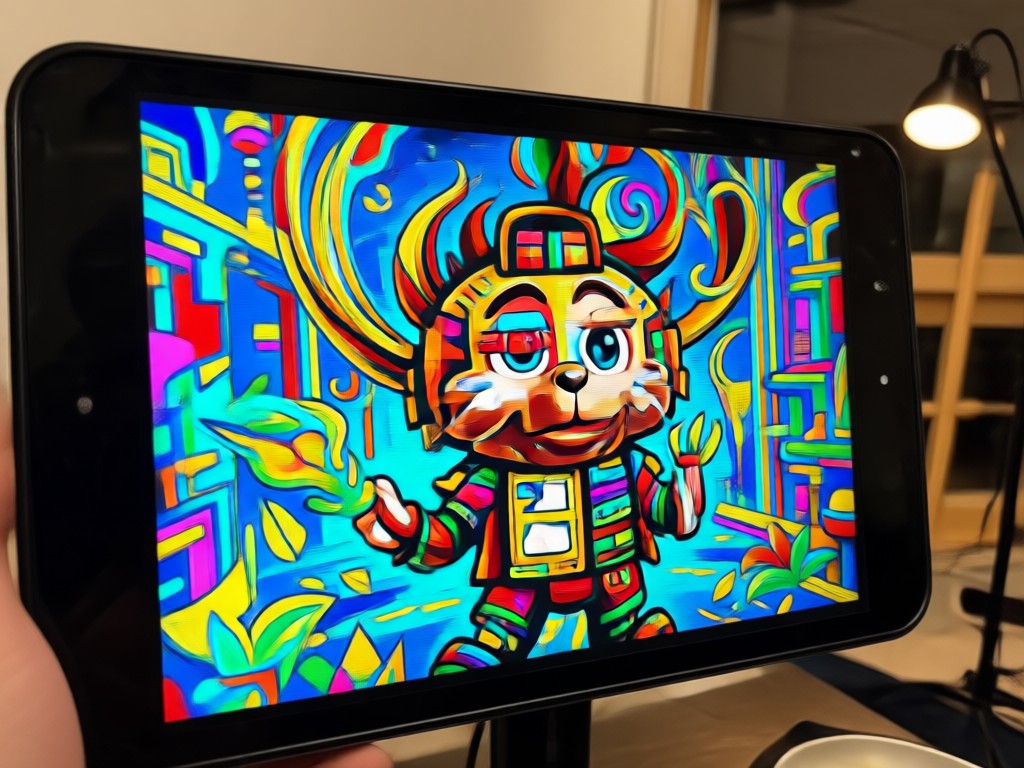
See what others have made with gloglo. Browse this gallery of stunning AI Toy Touch Filter and find inspiration for your next masterpiece.
Create AI Toy Touch Filter Like Never Before
With gloglo, you are not just generating images; you are bringing your imagination to life. Experience the power of AI creativity.
Create AI Toy Touch Filter Like Never Before
With gloglo, you are not just generating images; you are bringing your imagination to life. Experience the power of AI creativity.
How to Create AI Toy Touch Filter in 3 Simple Steps
Generating amazing AI Toy Touch Filter with gloglo is incredibly easy. Follow these simple steps and start creating in minutes.
Step 01.
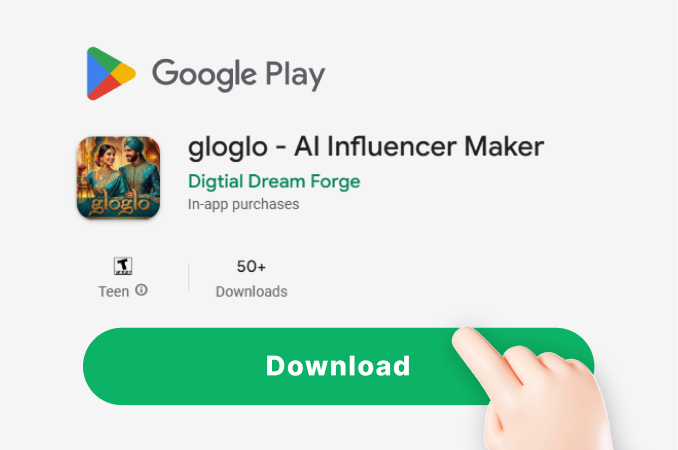
Download the gloglo app from Google Play. It is free and only takes a moment to install on your device.
Step 02.
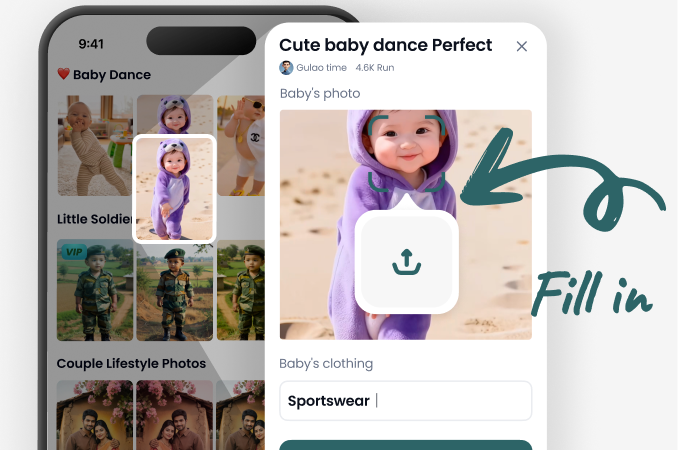
Enter your idea or upload a reference image. Then choose your favorite style from our vast library to customize your AI Toy Touch Filter.
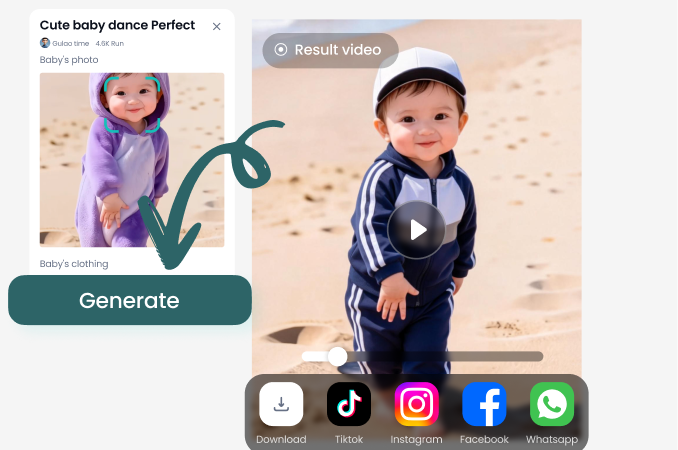
Step 03.
Tap generate and watch AI create your AI Toy Touch Filter. Download the result and share it with the world instantly.
Who Uses gloglo for AI Toy Touch Filter

Sarah J.
I use gloglo to create unique AI Toy Touch Filter for my social media posts. My engagement has skyrocketed since I started posting AI art.

Michael T.
As a designer, gloglo helps me generate quick AI Toy Touch Filter concepts for clients. It saves me hours of work and inspires new ideas.

Emily R.
I am not an artist, but gloglo makes me feel like one. Creating AI Toy Touch Filter is so much fun and the results are always impressive.

David L.
I love experimenting with different styles. gloglo offers the best variety for AI Toy Touch Filter, and the quality is top-notch.
Sarah J.
I use gloglo to create unique AI Toy Touch Filter for my social media posts. My engagement has skyrocketed since I started posting AI art.
Michael T.
As a designer, gloglo helps me generate quick AI Toy Touch Filter concepts for clients. It saves me hours of work and inspires new ideas.
Emily R.
I am not an artist, but gloglo makes me feel like one. Creating AI Toy Touch Filter is so much fun and the results are always impressive.
David L.
I love experimenting with different styles. gloglo offers the best variety for AI Toy Touch Filter, and the quality is top-notch.
Frequently Asked Questions About AI Toy Touch Filter
Find answers to common questions about AI Toy Touch Filter and using gloglo. We are here to help you get started with ease.
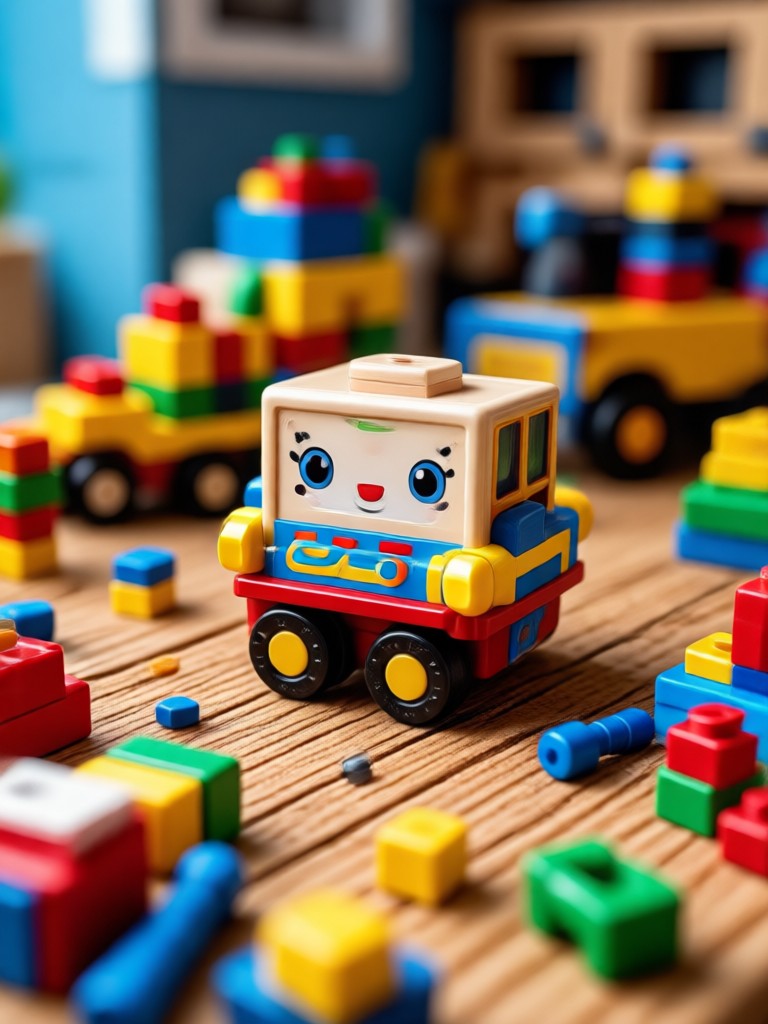
Ready to Create Your Own AI Toy Touch Filter?
Join millions of creators already using gloglo to generate amazing AI content. Download the app today and start your creative journey.

Video Tutorials for AI Toy Touch Filter Creation
Learn how to master AI Toy Touch Filter creation with gloglo. Watch these tutorials and start creating like a pro.
More Topics You May Like
Explore more creative topics and discover fresh ideas tailored to your interests.
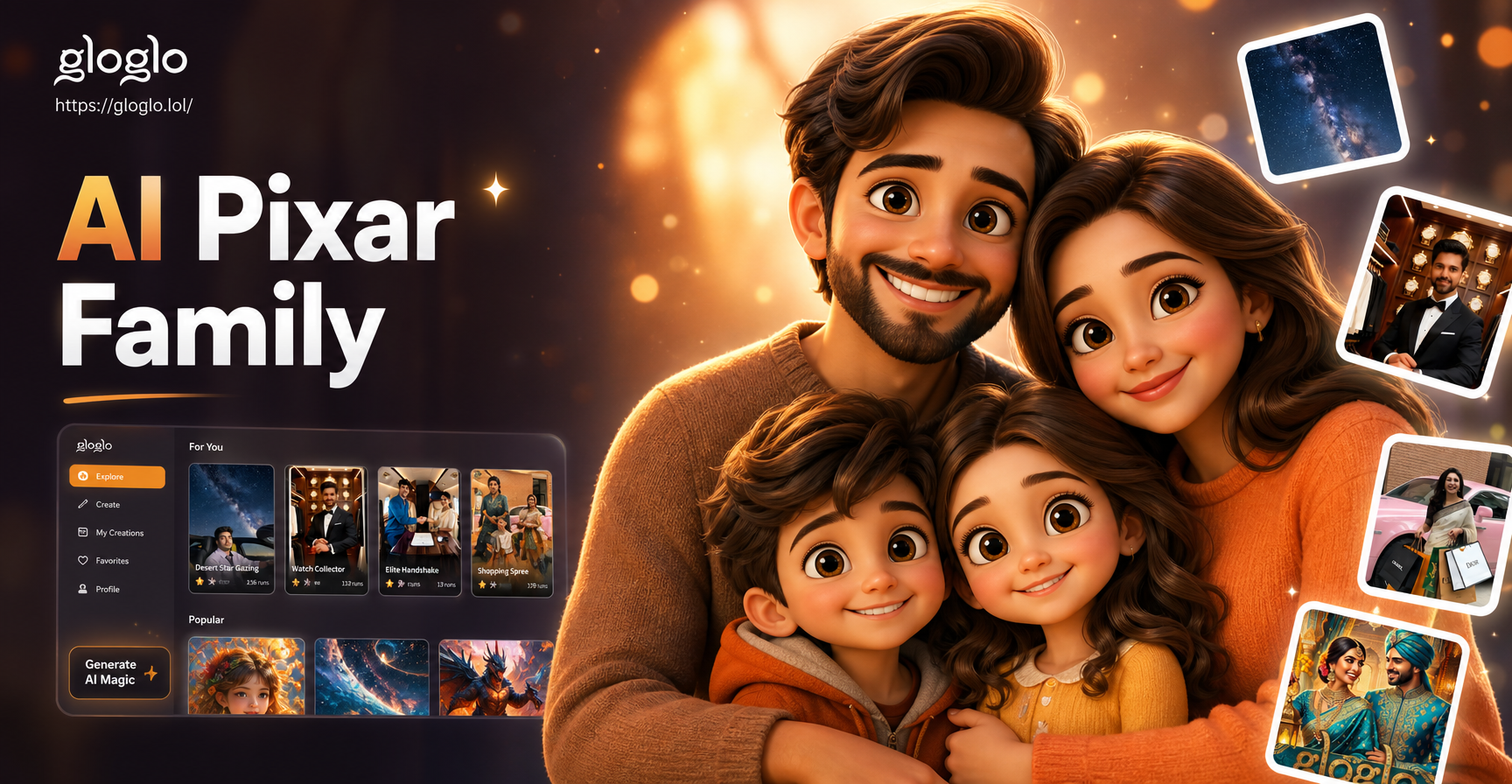
Create Your AI Pixar Family Portrait Instantly
Turn your photos into Pixar-style animated characters with AI. Create a family portrait, solo character, or fantasy scene in the iconic animation style. No artistic skills required—download the app and generate in seconds.

AI Pikki Pikki Dance Filter: Create Viral Dance Videos in Seconds
Transform your photos into the viral Pikki Pikki AI dance trend. Upload any picture, choose the dance template, and watch as our AI animates your subject. No editing skills required—go viral with one tap.
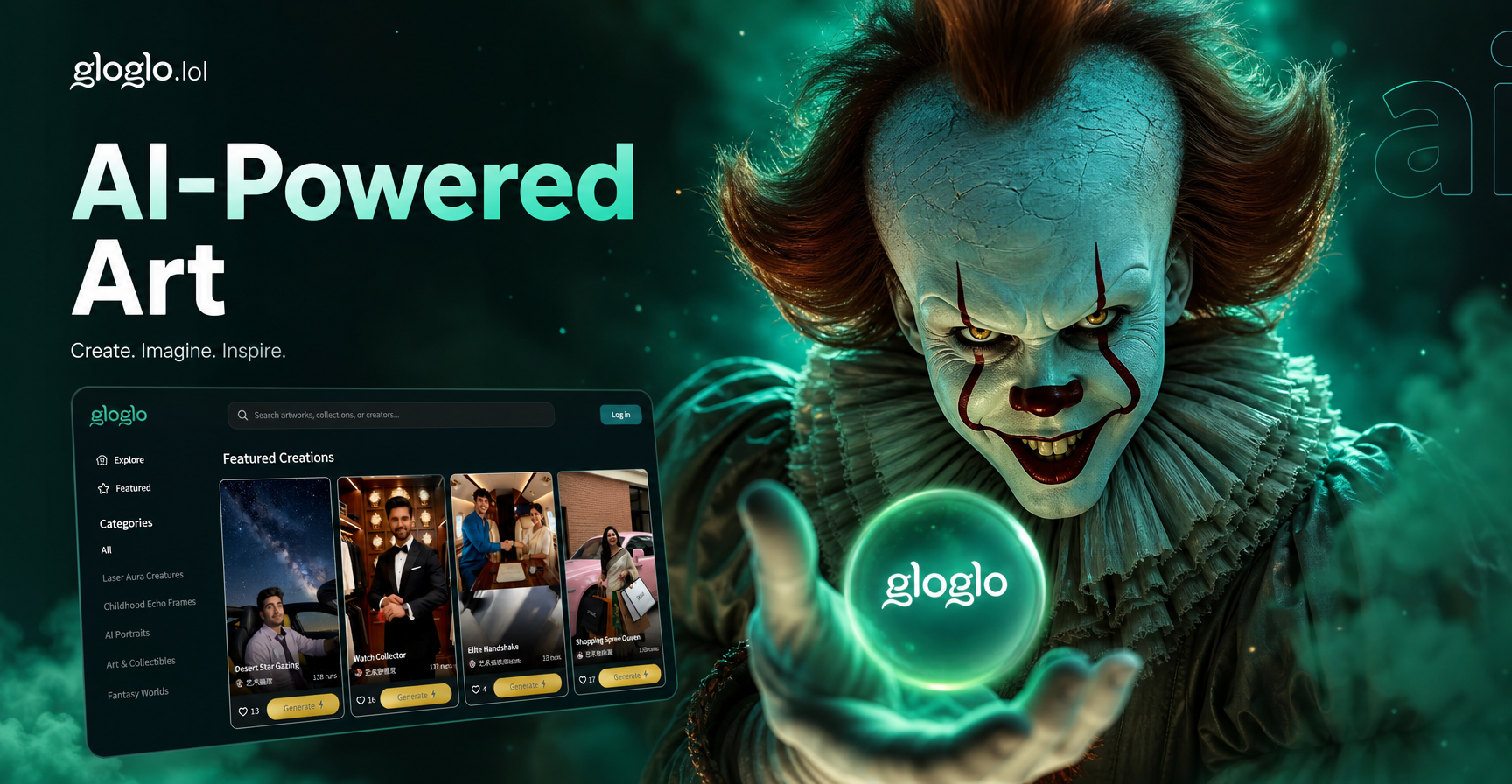
Create Your Own Pennywise with AI Costume & Makeup
Transform any photo into the terrifying clown from 'It' using AI. Upload a selfie, apply the Pennywise AI filter, and get realistic, high-quality horror transformations instantly. Download the app and join the AI Halloween trend.
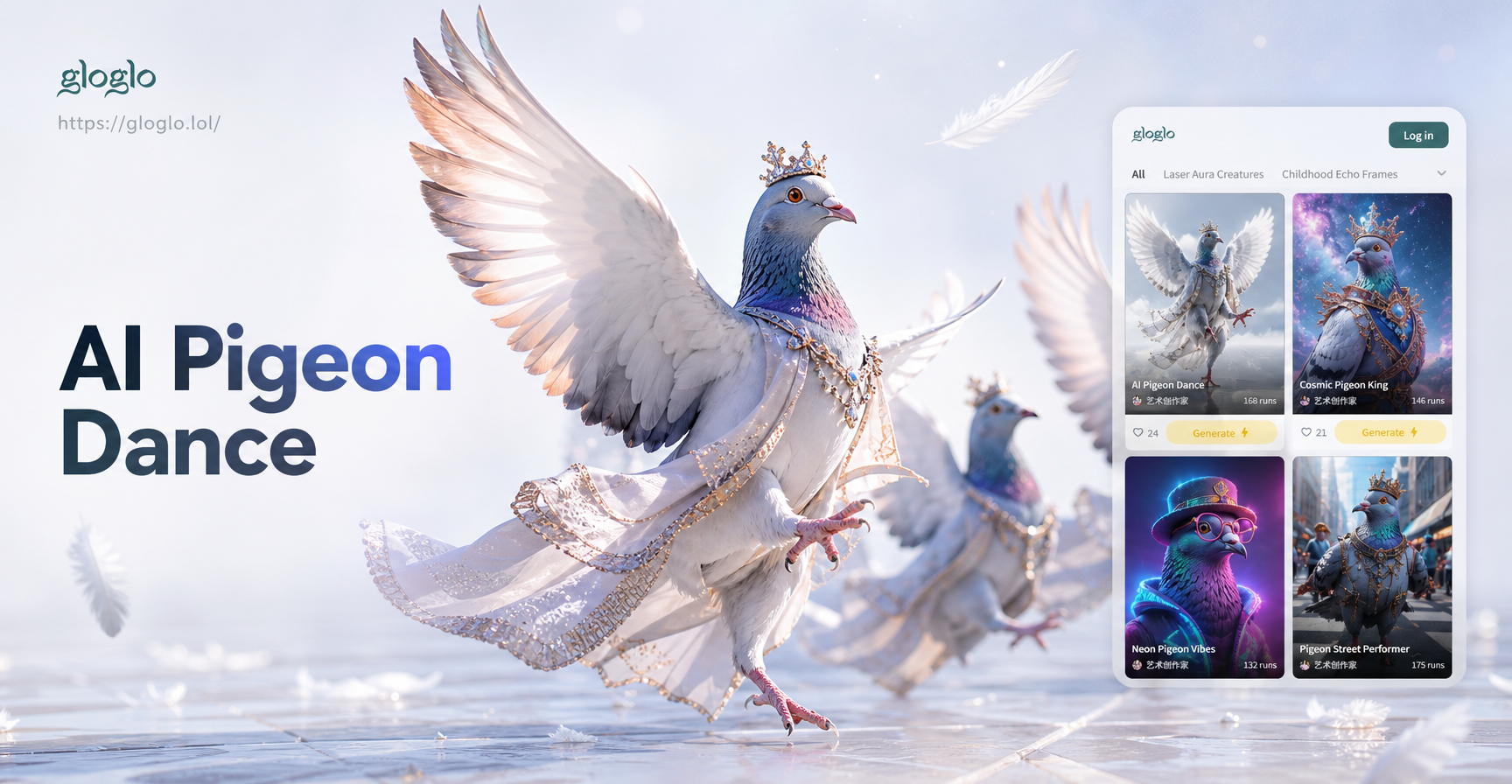
AI Pigeon Dance: Create Viral Bird Videos in Seconds
AI Pigeon Dance brings photos to life. Upload any image, choose the dance, and generate a hilarious animated video. Make your pet, friend, or meme character dance in minutes. No skills needed.
Your AI Toy Touch Filter Awaits
Download gloglo now and unlock unlimited creative possibilities. Turn your ideas into reality today.
Your AI Toy Touch Filter Awaits
Download gloglo now and unlock unlimited creative possibilities. Turn your ideas into reality today.