Ambedkar Photo Editing
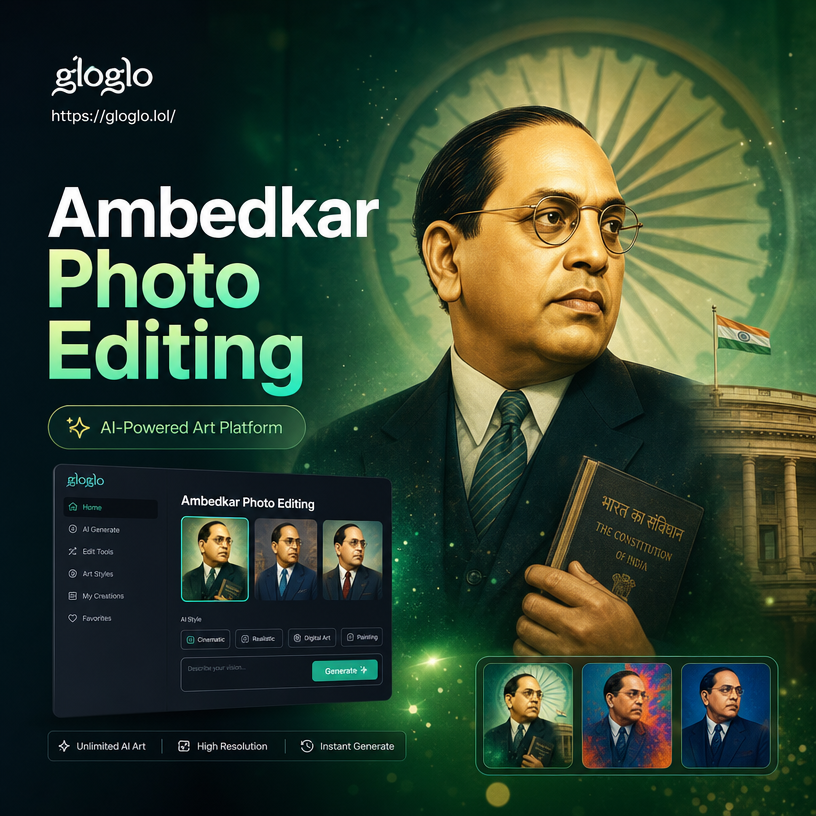
Explore Ambedkar Photo Editing Filters
Discover multiple AI filters designed for Ambedkar photo editing. Choose from realistic portrait styles, vintage tributes, modern poster designs, and more.
Key Features of Ambedkar Photo Editing
Transform ordinary photos into meaningful tributes with gloglo's Ambedkar photo editing suite. AI-powered tools, customizable elements, and one-tap effects make it effortless.
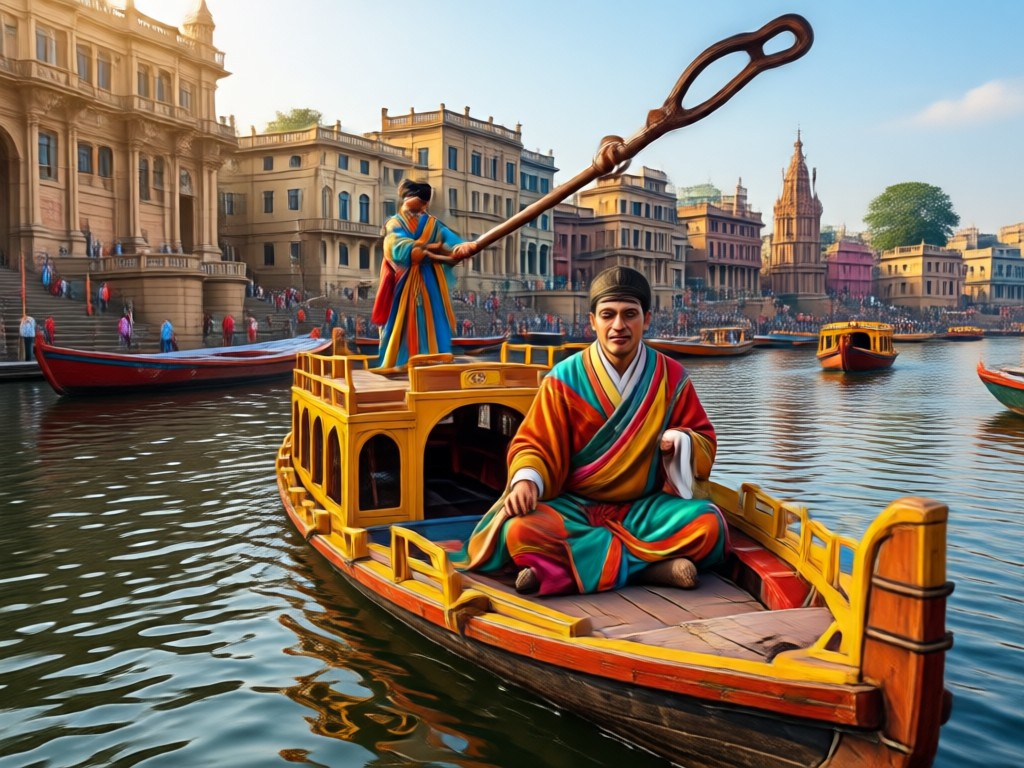
AI-Powered Face Detection
The app automatically detects faces in your photo and applies Ambedkar-themed edits with precision, preserving natural features while adding respectful tributes.
AI-Powered Face Detection
The app automatically detects faces in your photo and applies Ambedkar-themed edits with precision, preserving natural features while adding respectful tributes.
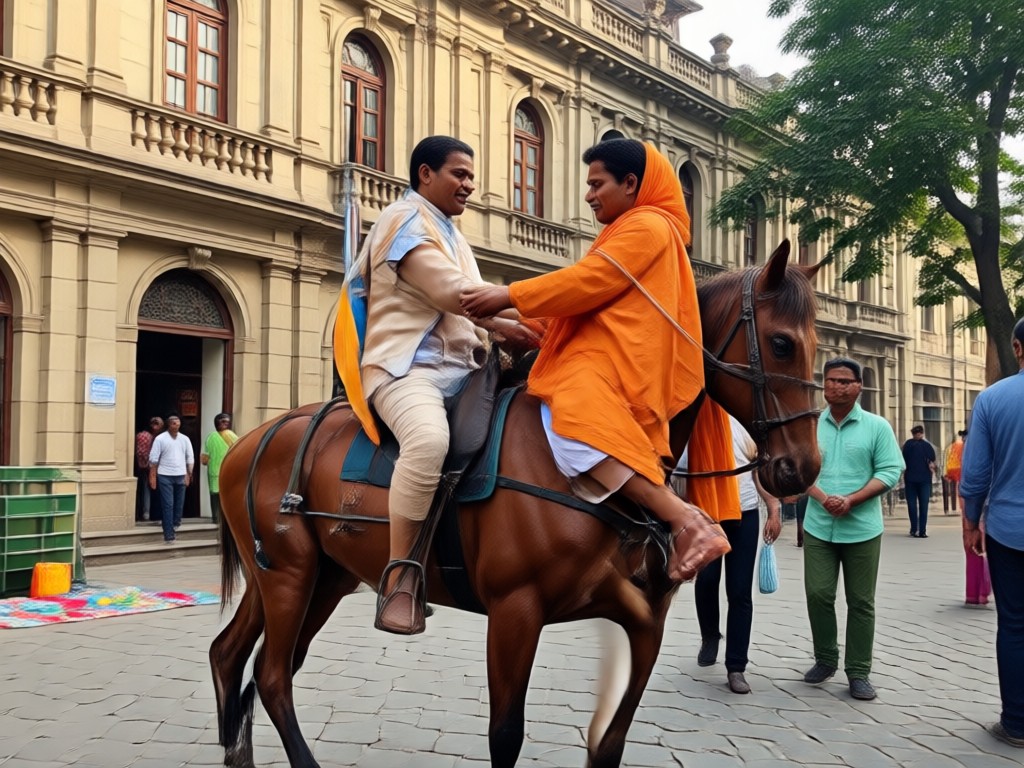
Customizable Backgrounds and Frames
Choose from hundreds of Ambedkar photo frames, including tricolor backgrounds, historical monuments, and elegant border designs to create the perfect tribute image.
Customizable Backgrounds and Frames
Choose from hundreds of Ambedkar photo frames, including tricolor backgrounds, historical monuments, and elegant border designs to create the perfect tribute image.
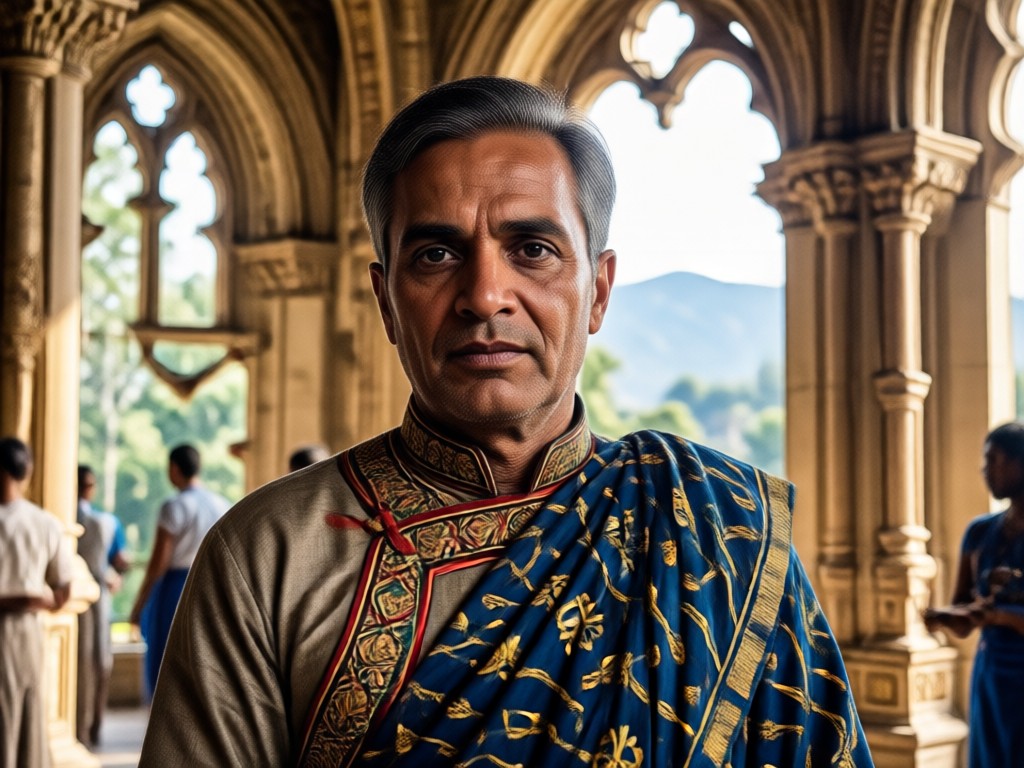
One-Tap Style Transfer
Apply realistic sketch, oil painting, or vintage effects to your Ambedkar photo edits. Share directly to social media in high resolution.
One-Tap Style Transfer
Apply realistic sketch, oil painting, or vintage effects to your Ambedkar photo edits. Share directly to social media in high resolution.
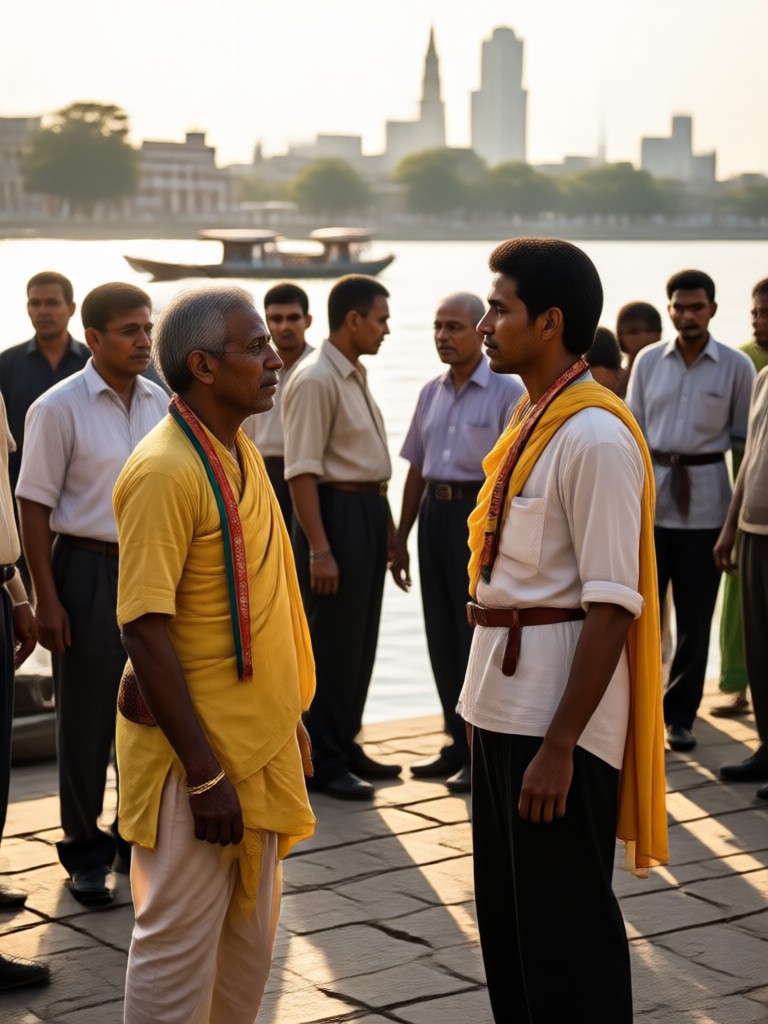
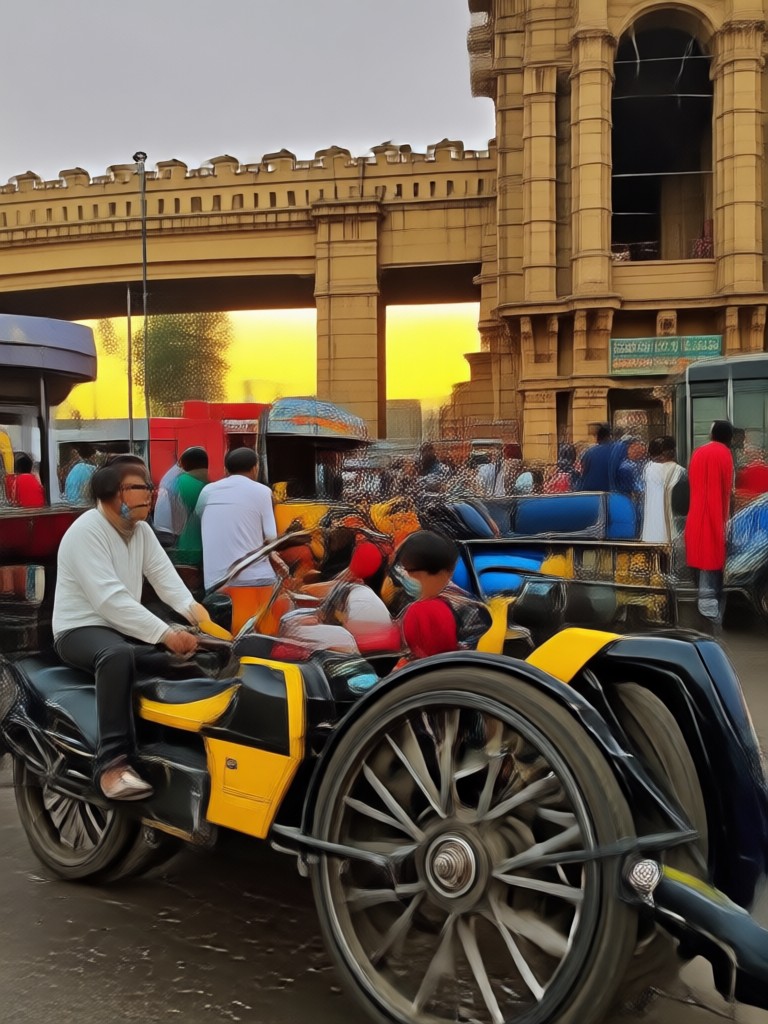
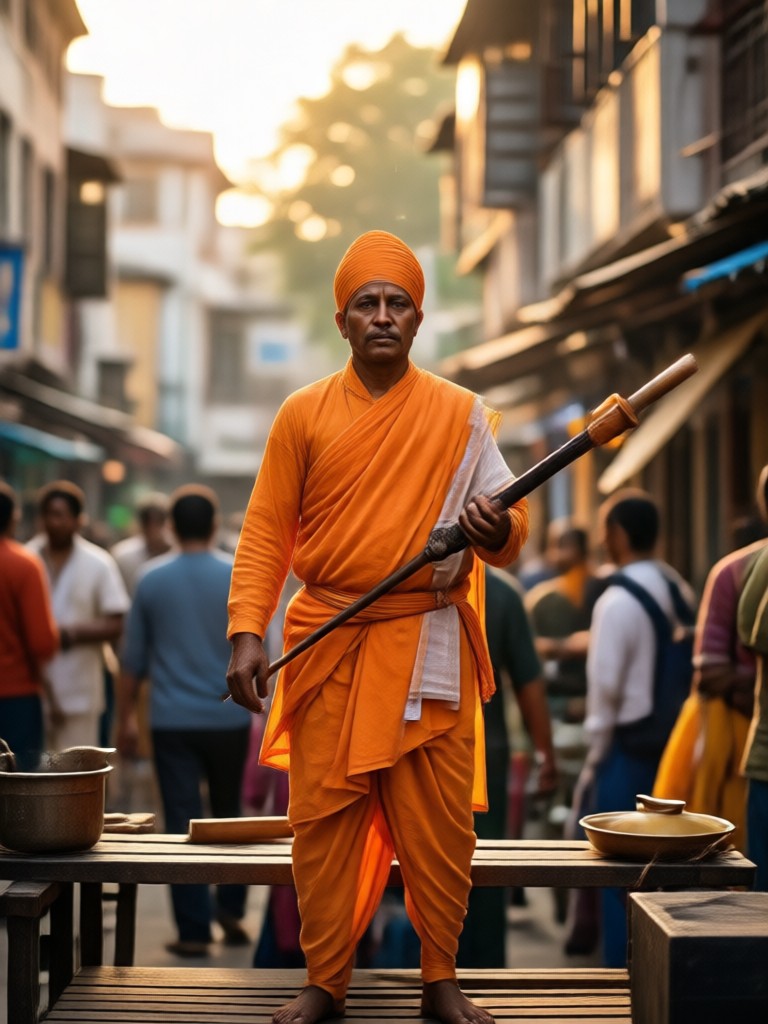
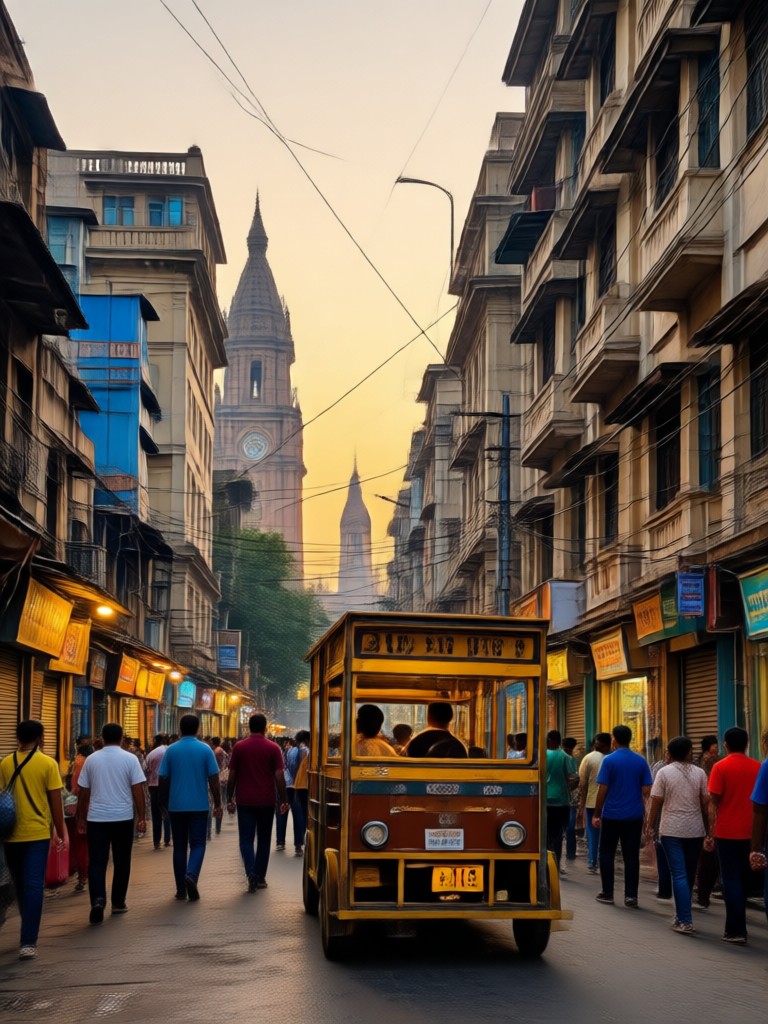
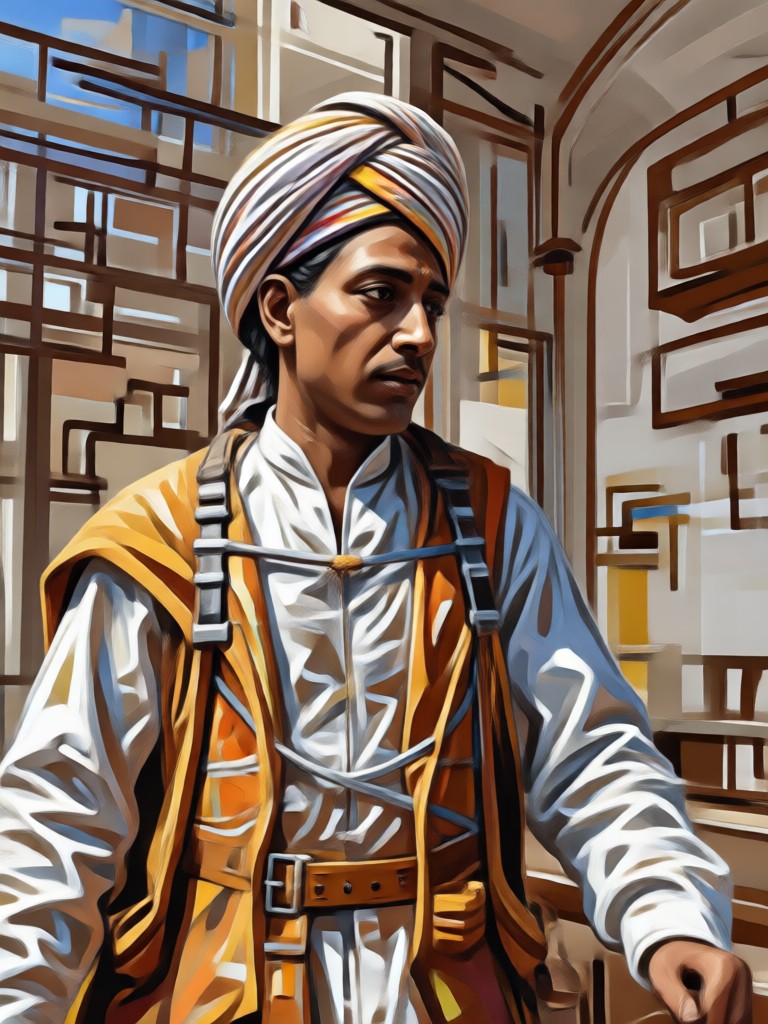
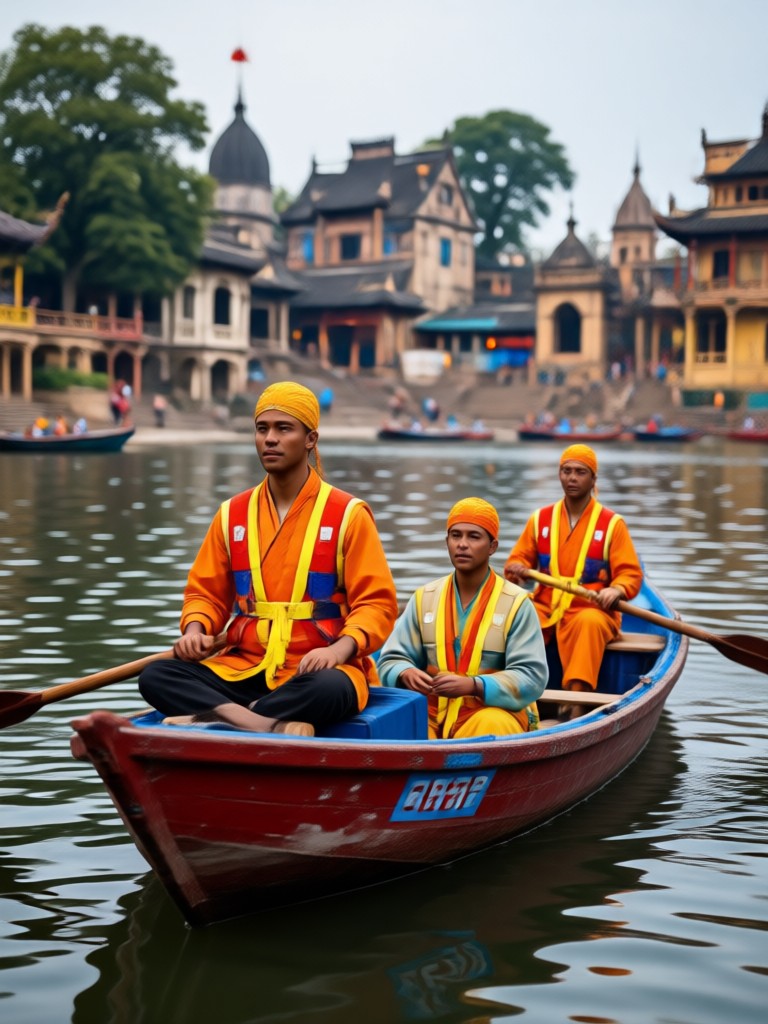
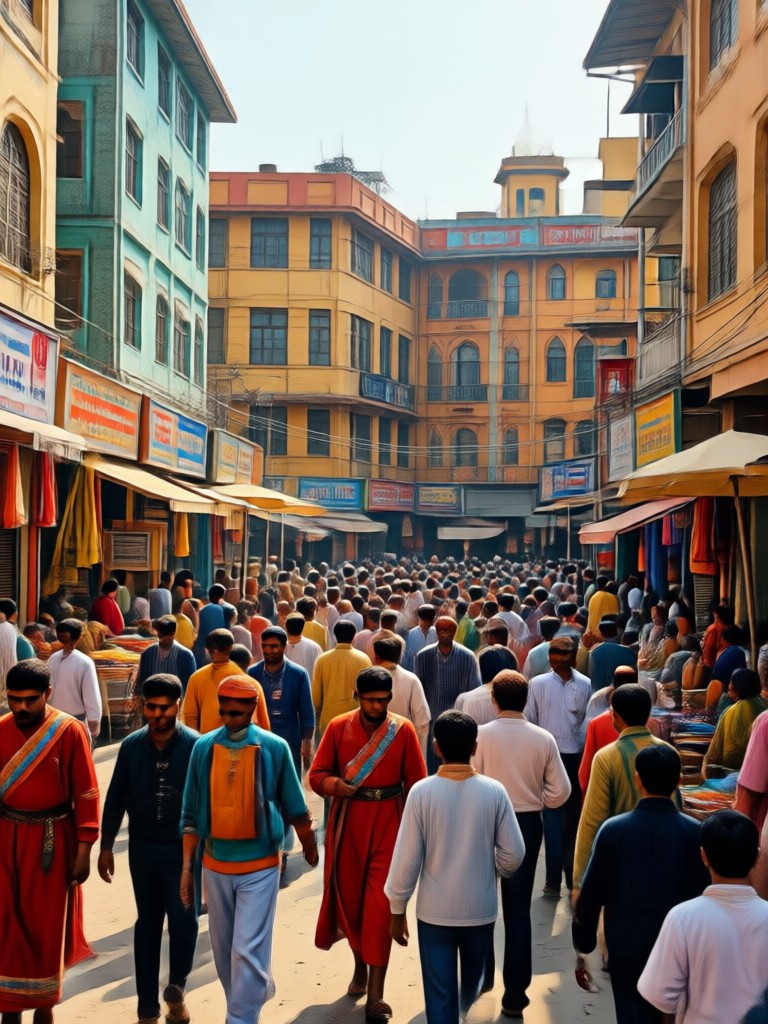
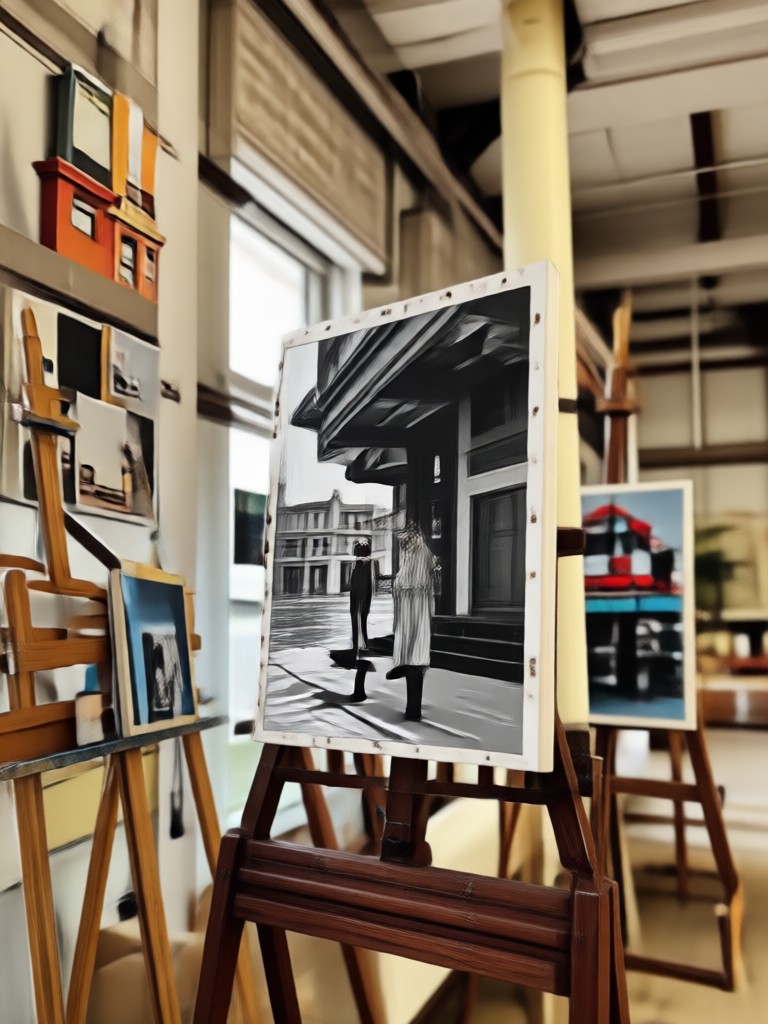
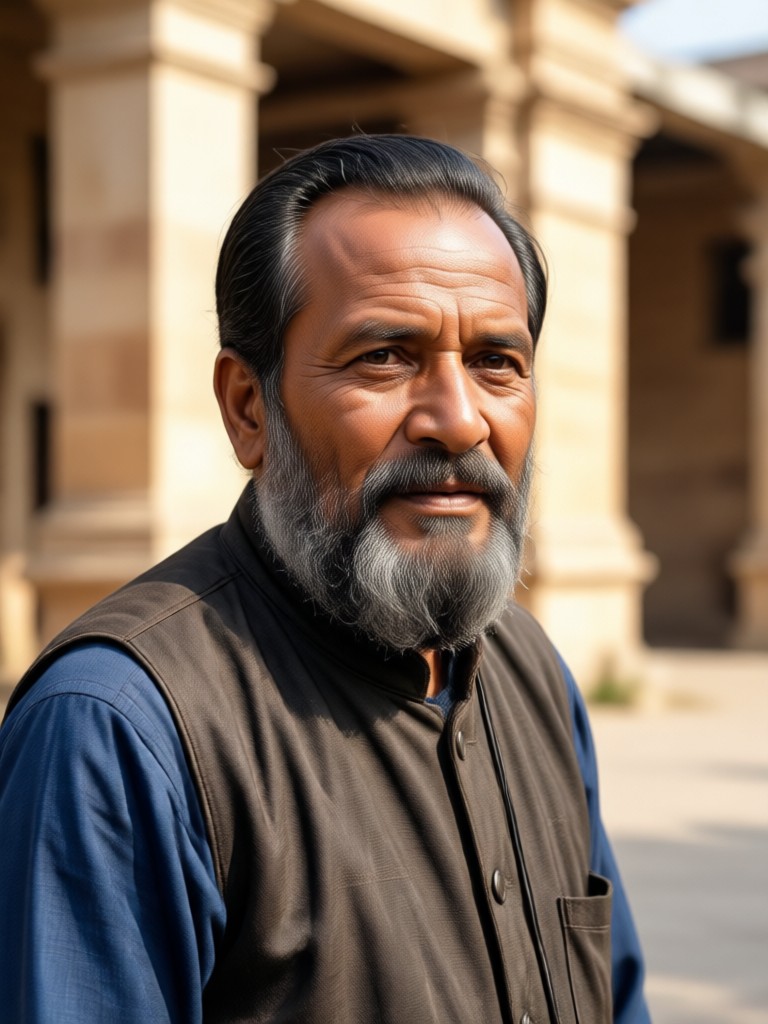
Ambedkar Photo Editing Gallery
Browse stunning Ambedkar photo editing examples created by users. Get inspired by creative tributes, frames, and artistic transformations.
How to Edit Ambedkar Photos in 3 Steps
Create beautiful Ambedkar photo edits with our easy-to-use mobile app. Follow these simple steps to get started.

Step 01.
Get started by downloading the gloglo app from Google Play. It is free and takes less than a minute to install on your Android device.

Step 02.
Upload your photo and select an Ambedkar photo editing filter or frame. Choose from realistic, artistic, vintage, or modern styles.

Step 03.
Preview your edit, adjust if needed, then save or share your tribute image directly to social media.
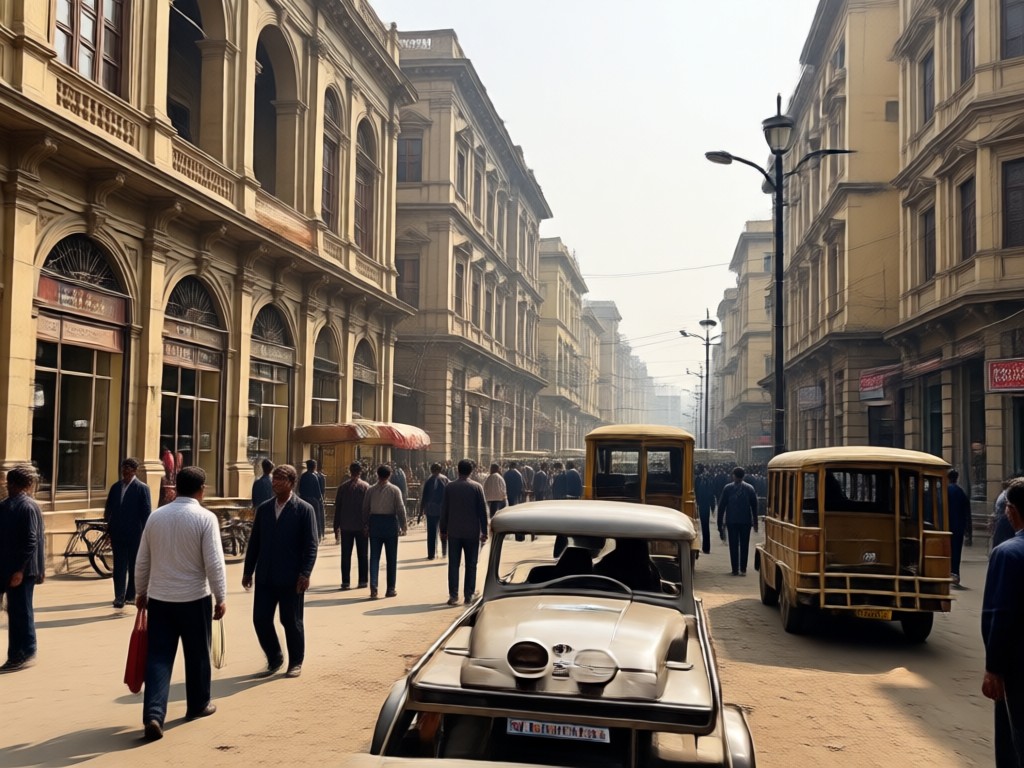
Why Choose gloglo for Ambedkar Photo Editing?
gloglo offers the most comprehensive Ambedkar photo editing toolkit on mobile. With AI-powered precision, a massive library of templates, and instant sharing, you can create respectful and beautiful tributes without any design experience. Join thousands of users honoring Dr. Ambedkar's legacy.
Why Choose gloglo for Ambedkar Photo Editing?
gloglo offers the most comprehensive Ambedkar photo editing toolkit on mobile. With AI-powered precision, a massive library of templates, and instant sharing, you can create respectful and beautiful tributes without any design experience. Join thousands of users honoring Dr. Ambedkar's legacy.
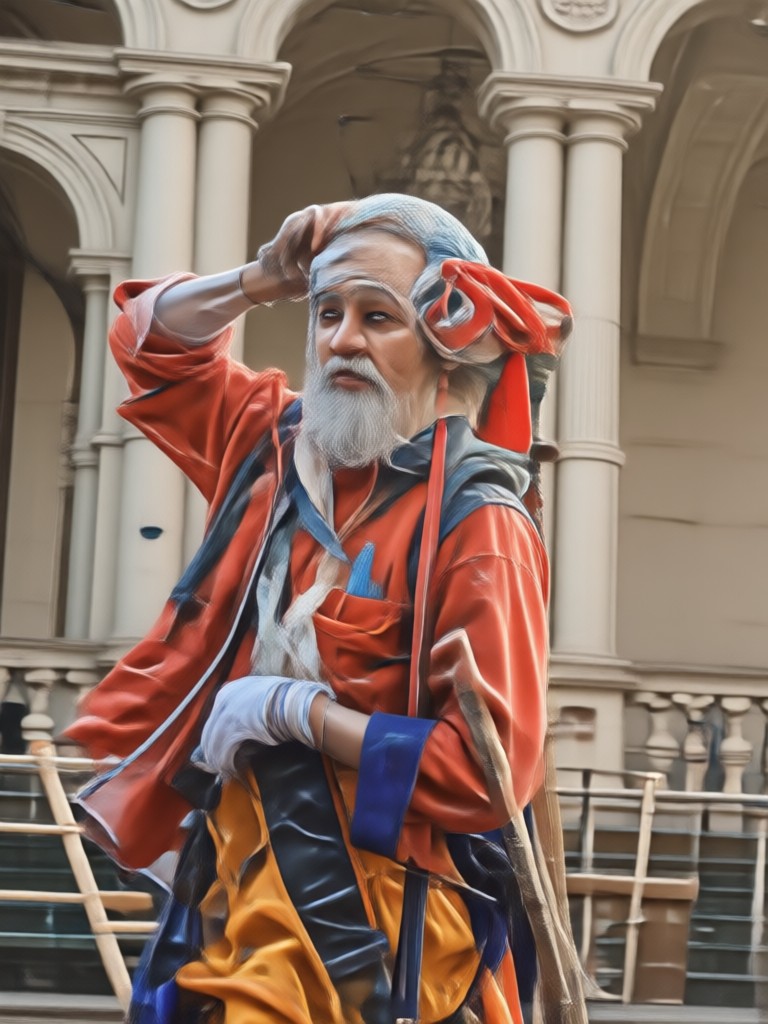
Ambedkar Photo Editing App for Android
Get the dedicated Ambedkar photo editing app with over 100,000+ filters and frames. Perfect for Ambedkar Jayanti, birthday tributes, and social media posts.

What Users Say About Ambedkar Photo Editing

Rahul S.
The Ambedkar photo frames are amazing. I created a beautiful poster for Ambedkar Jayanti in minutes. The AI face detection kept my photo natural.

Priya M.
I love the variety of backgrounds and filters. It's so easy to make a respectful tribute image. Highly recommend for anyone wanting to honor Babasaheb.
Anil K.
This app made my social media post stand out. The vintage style looks incredible. Very user friendly.

Sneha T.
Best Ambedkar photo editing app I've tried. The quality is great and the app is free to use with many options.
Rahul S.
The Ambedkar photo frames are amazing. I created a beautiful poster for Ambedkar Jayanti in minutes. The AI face detection kept my photo natural.
Priya M.
I love the variety of backgrounds and filters. It's so easy to make a respectful tribute image. Highly recommend for anyone wanting to honor Babasaheb.
Anil K.
This app made my social media post stand out. The vintage style looks incredible. Very user friendly.
Sneha T.
Best Ambedkar photo editing app I've tried. The quality is great and the app is free to use with many options.
Rahul S.
The Ambedkar photo frames are amazing. I created a beautiful poster for Ambedkar Jayanti in minutes. The AI face detection kept my photo natural.
Priya M.
I love the variety of backgrounds and filters. It's so easy to make a respectful tribute image. Highly recommend for anyone wanting to honor Babasaheb.
Anil K.
This app made my social media post stand out. The vintage style looks incredible. Very user friendly.
Sneha T.
Best Ambedkar photo editing app I've tried. The quality is great and the app is free to use with many options.
Frequently Asked Questions About Ambedkar Photo Editing
Find answers to common questions about using the Ambedkar photo editing features in the gloglo app.
More Topics You May Like
Explore more topics related to Ambedkar photo editing and creative tributes.
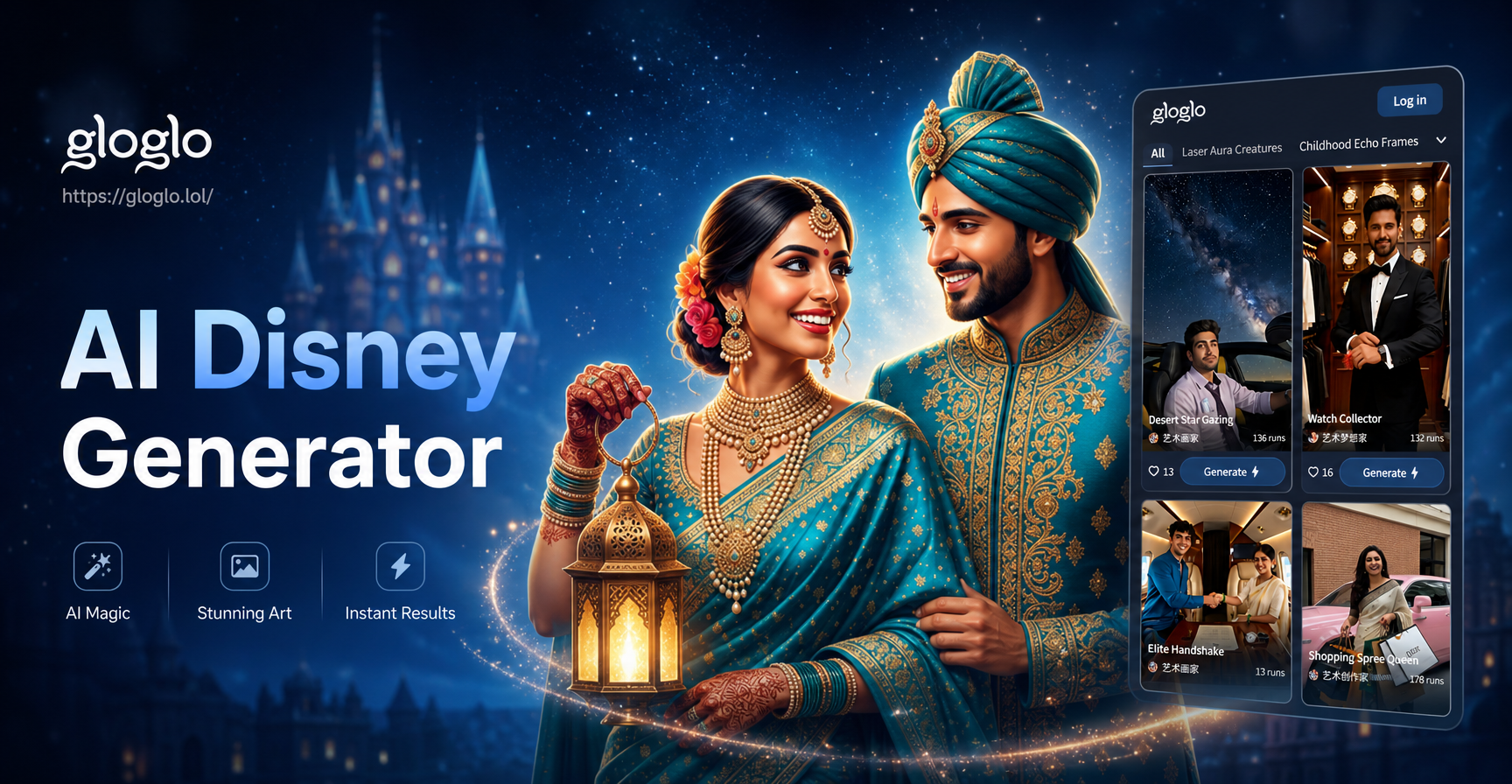
Magic Disney Style Photos with AI Disney Generator
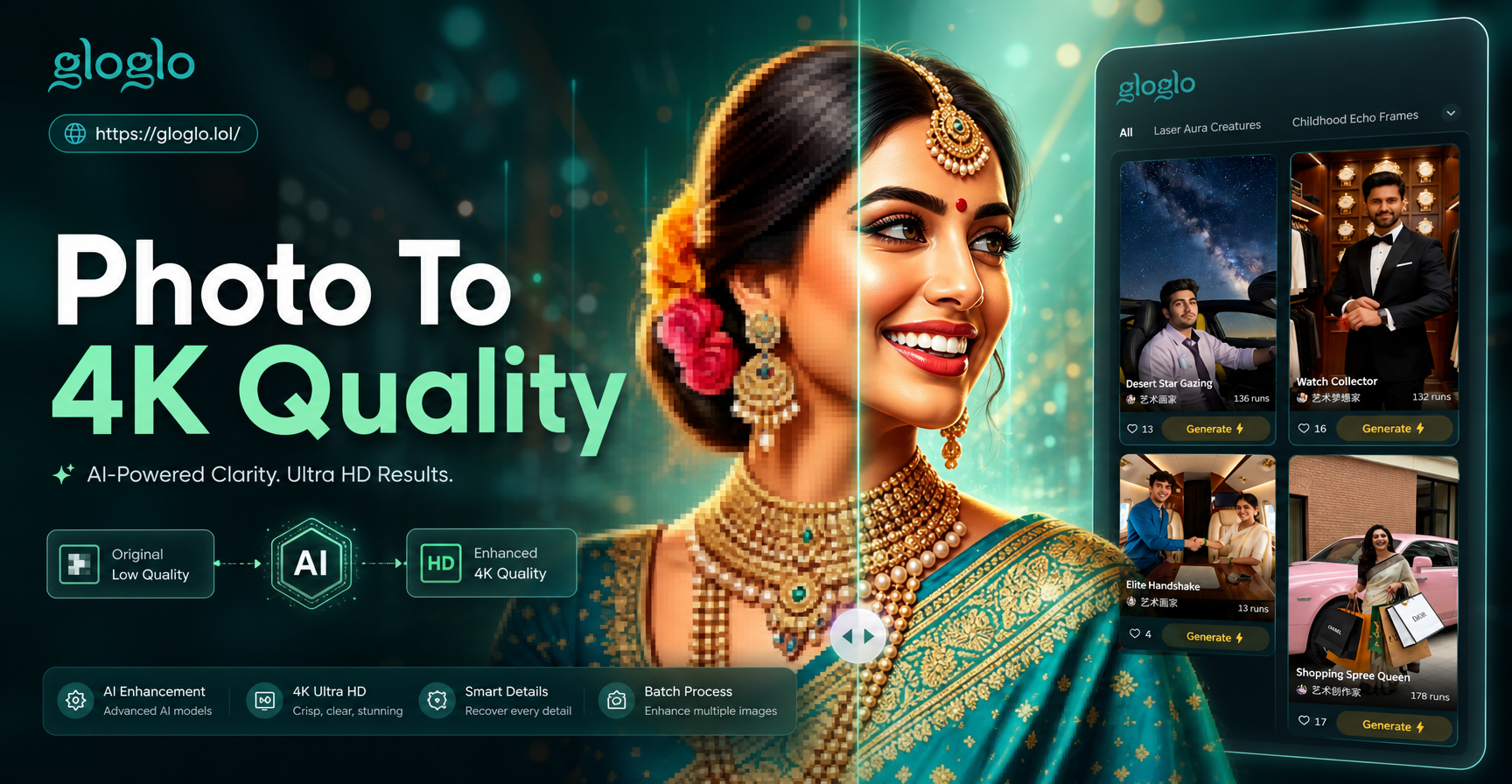
Photo To 4K Quality Converter: Turn Images Into Ultra HD
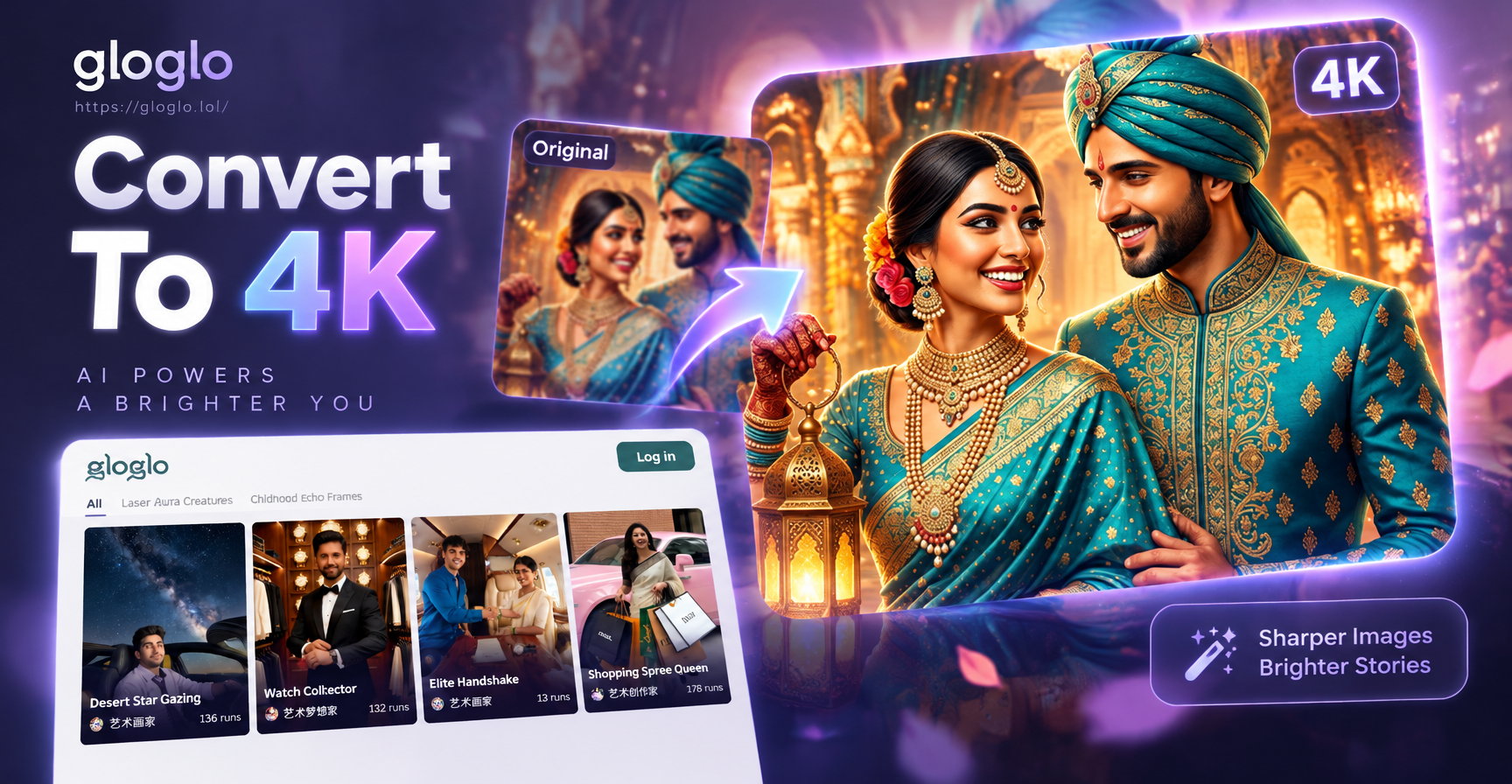
Convert Image To 4K: Crisp, Clear, Stunning
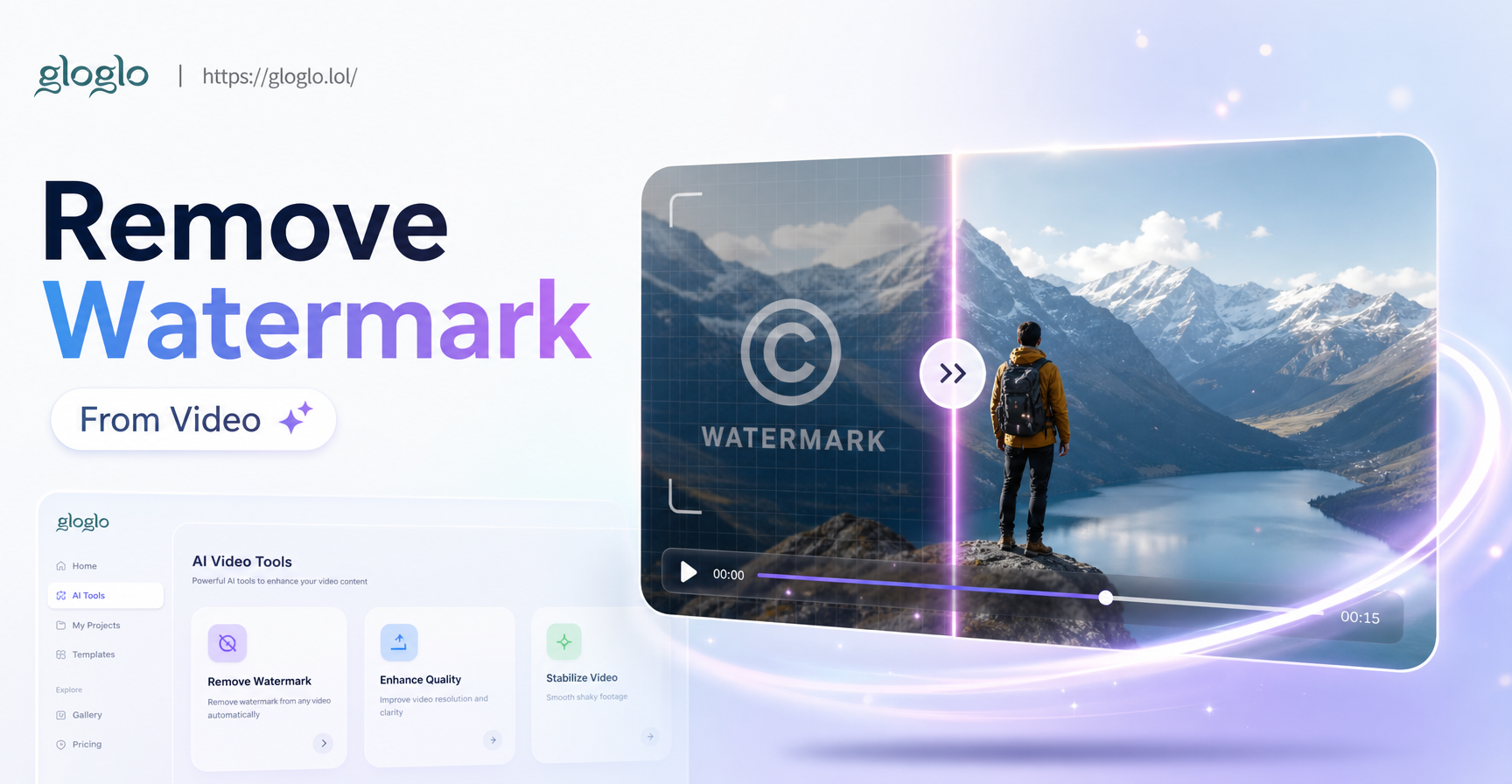
AI Watermark Remover: Video Cleanup in Seconds
Magic Disney Style Photos with AI Disney Generator
Photo To 4K Quality Converter: Turn Images Into Ultra HD
Convert Image To 4K: Crisp, Clear, Stunning
AI Watermark Remover: Video Cleanup in Seconds
Start Your Ambedkar Photo Editing Today
Download gloglo now and create stunning tributes in seconds. Join millions of users celebrating Dr. Ambedkar's legacy with beautiful photo edits.
Start Your Ambedkar Photo Editing Today
Download gloglo now and create stunning tributes in seconds. Join millions of users celebrating Dr. Ambedkar's legacy with beautiful photo edits.