Convert Image To 4K: Crisp, Clear, Stunning
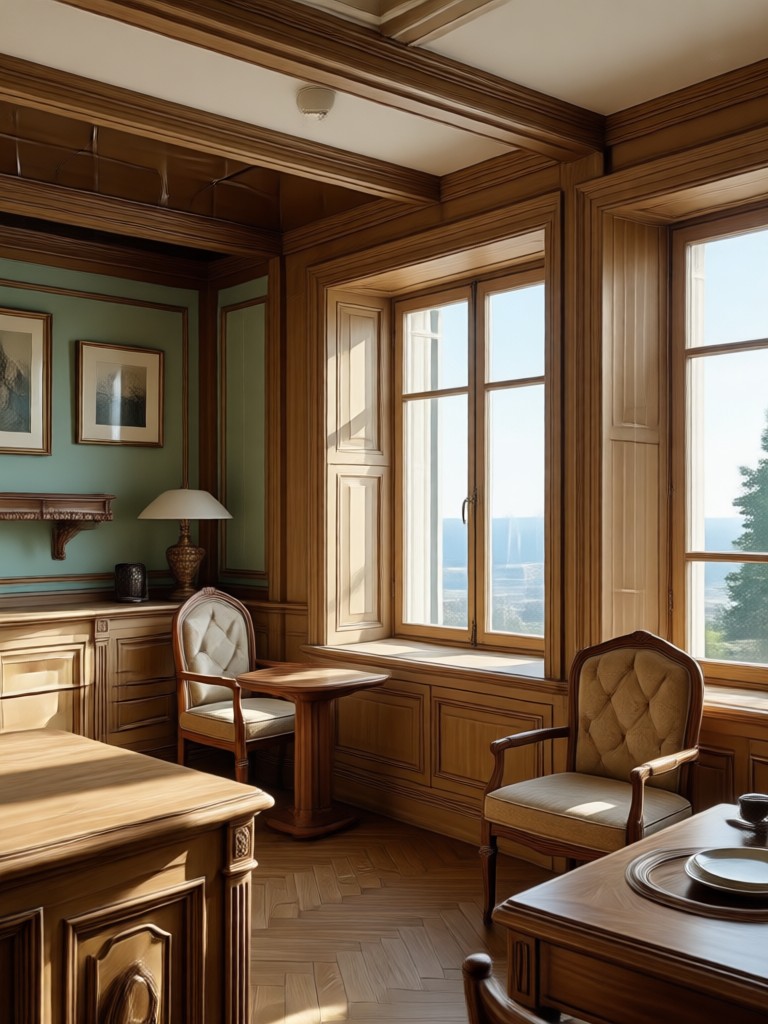
Pick the Right 4K Enhancement Filter
From cinematic portraits to crisp product shots, these filters make 4K upscaling feel effortless.
Why gloglo Excels at 4K Image Conversion
A dedicated mobile AI suite designed for creators who need pixel perfect results without the learning curve.
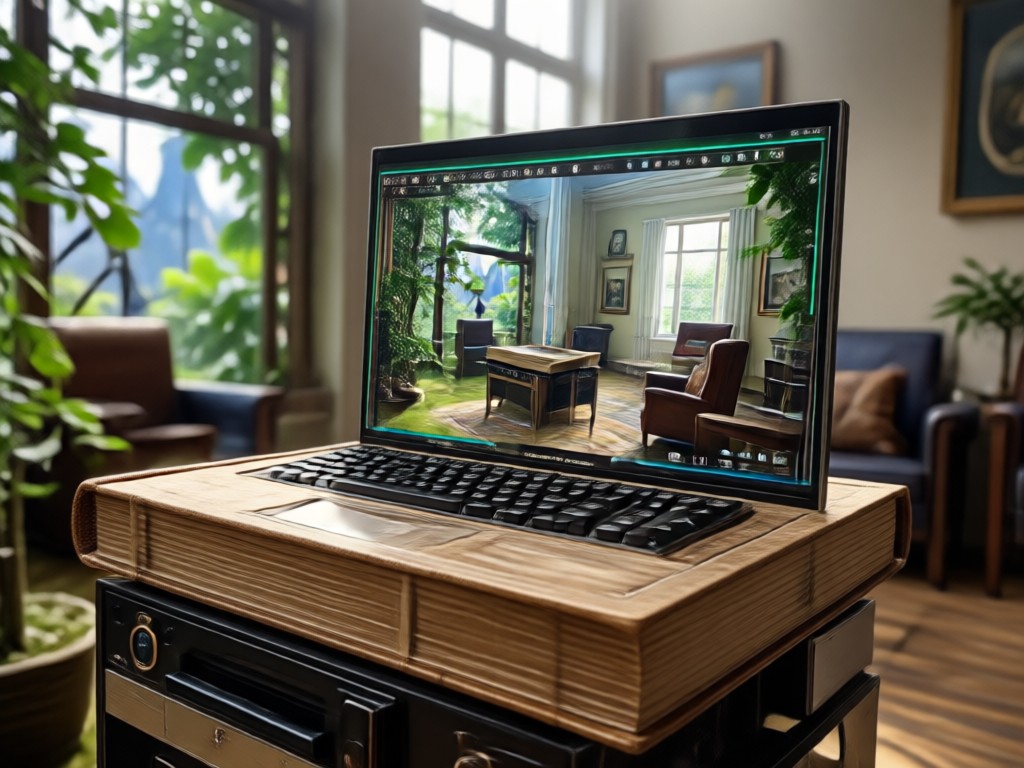
One Tap 4K Upscaling
No prompt engineering or slider juggling. Choose a 4K filter, upload your image, and gloglo handles resolution boost, noise reduction, and sharpening automatically.
One Tap 4K Upscaling
No prompt engineering or slider juggling. Choose a 4K filter, upload your image, and gloglo handles resolution boost, noise reduction, and sharpening automatically.
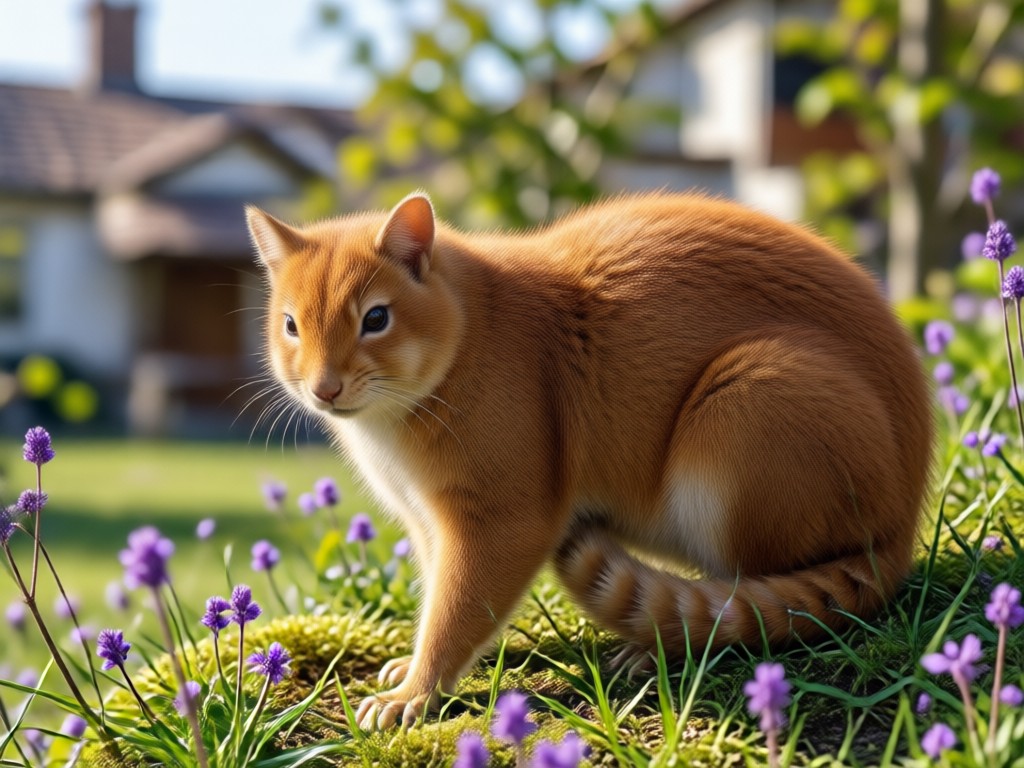
Detail Restoration
Recover facial features, fabric textures, and background elements lost to compression. The AI rebuilds micro-details for a realistic, natural finish instead of a plastic look.
Detail Restoration
Recover facial features, fabric textures, and background elements lost to compression. The AI rebuilds micro-details for a realistic, natural finish instead of a plastic look.
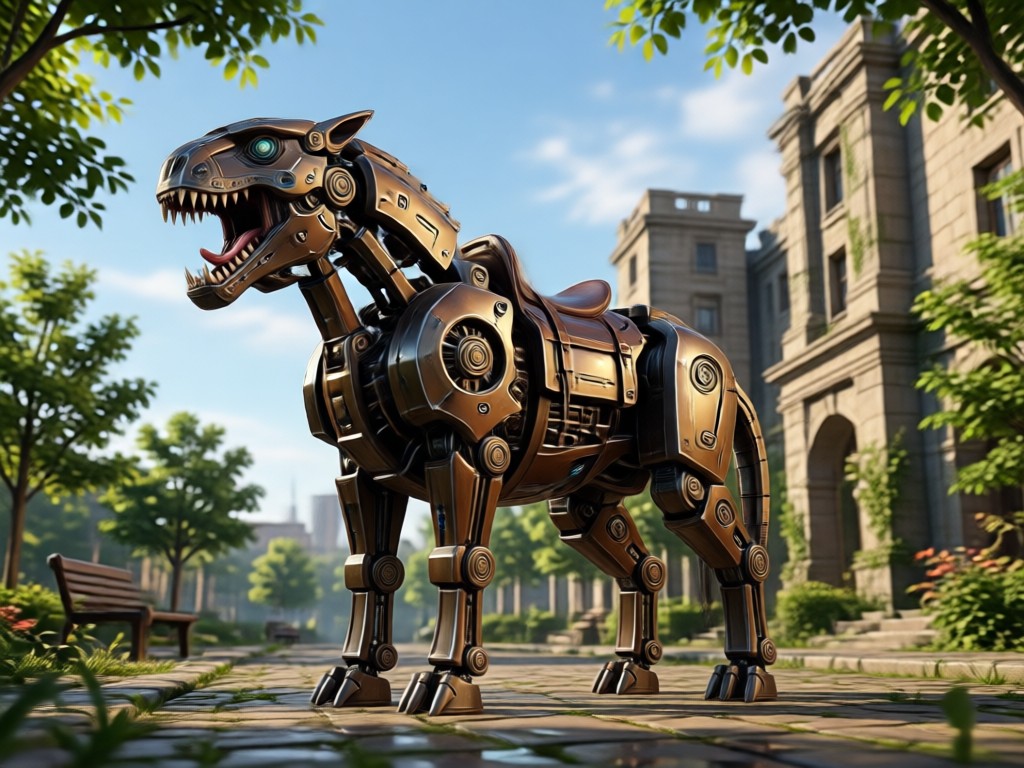
Batch Processing
Upgrade entire photo albums in minutes. Select multiple images, apply your preferred 4K enhancement preset, and export everything at once. Ideal for event photographers and social media managers.
Batch Processing
Upgrade entire photo albums in minutes. Select multiple images, apply your preferred 4K enhancement preset, and export everything at once. Ideal for event photographers and social media managers.
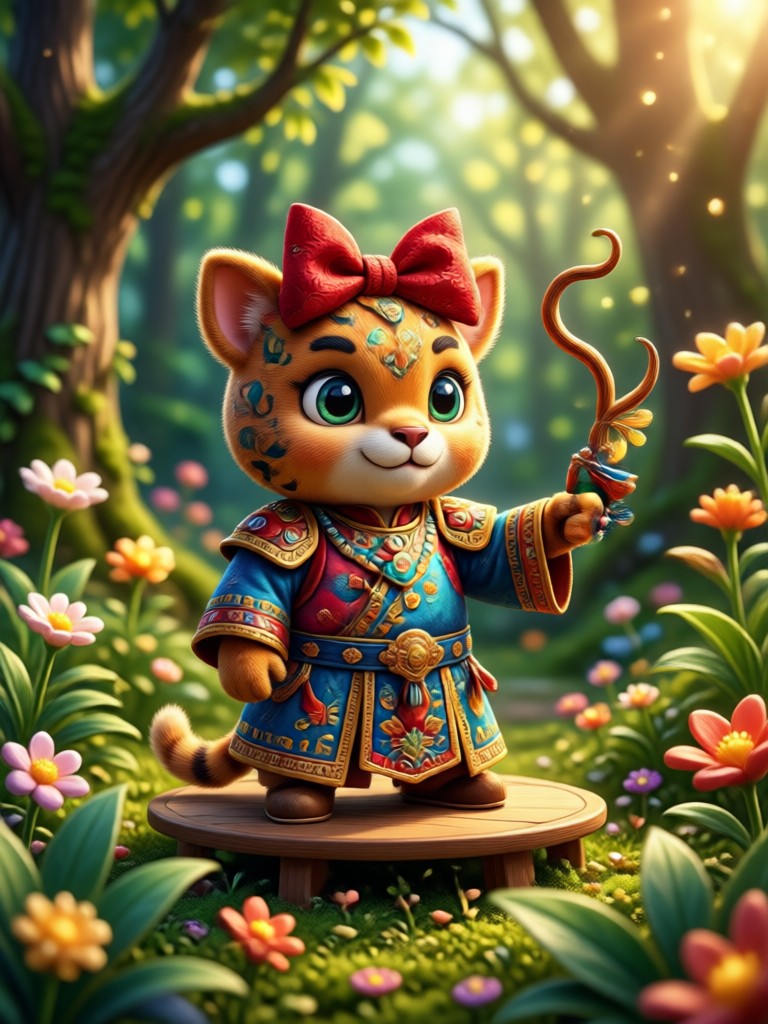
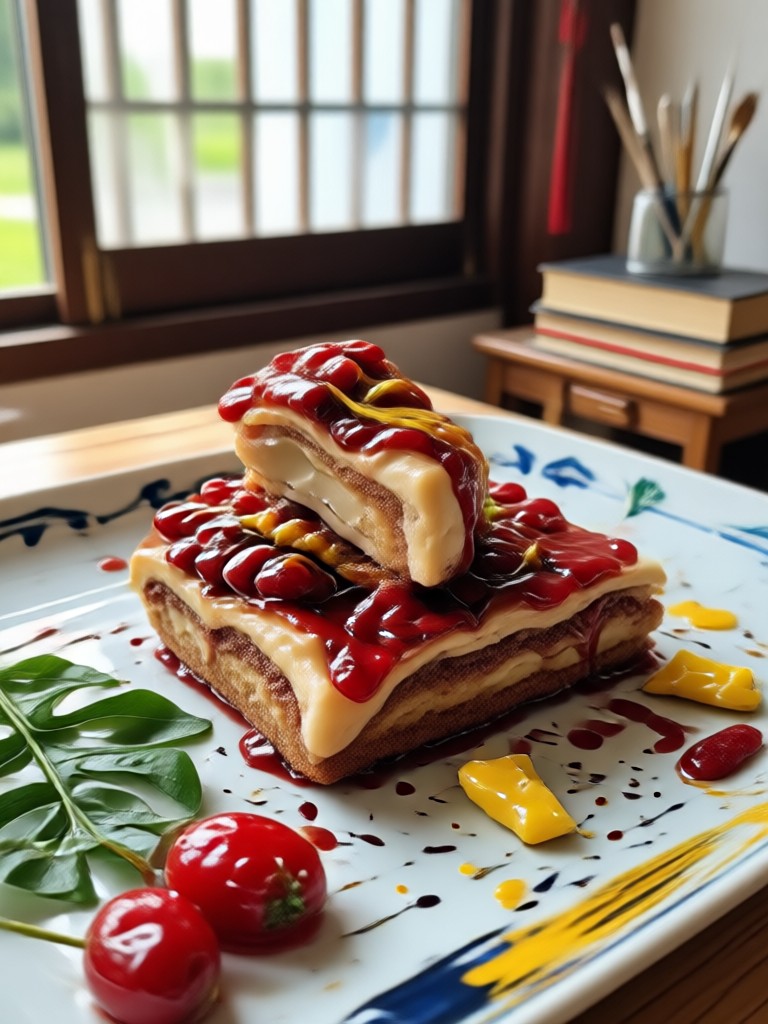
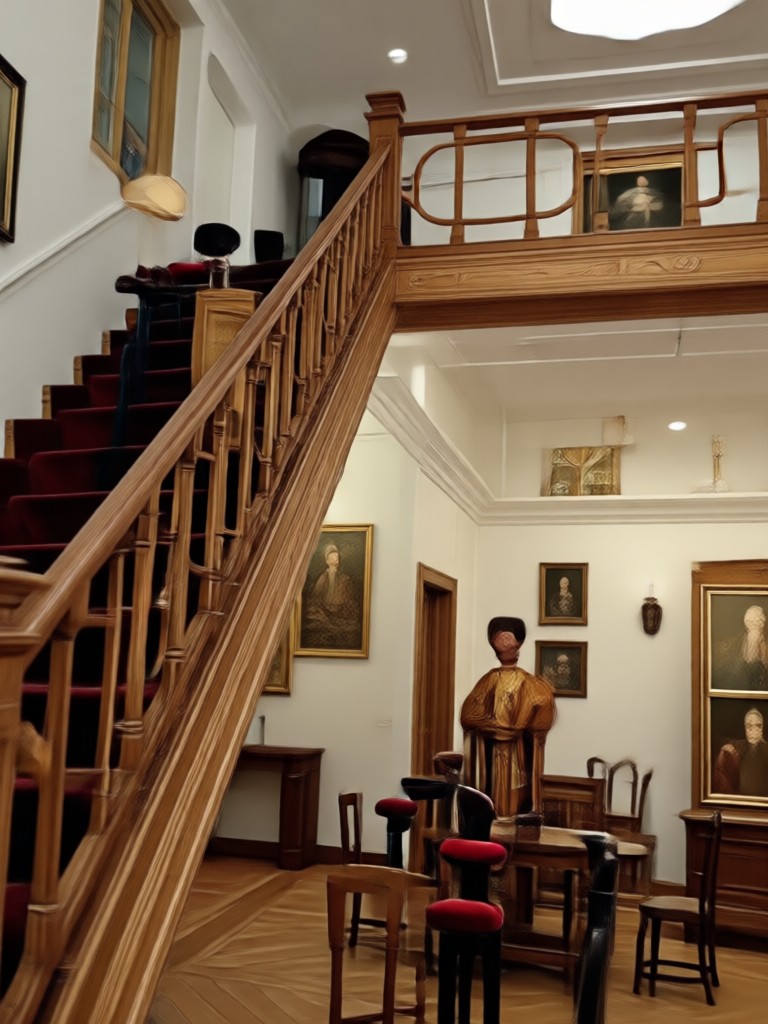
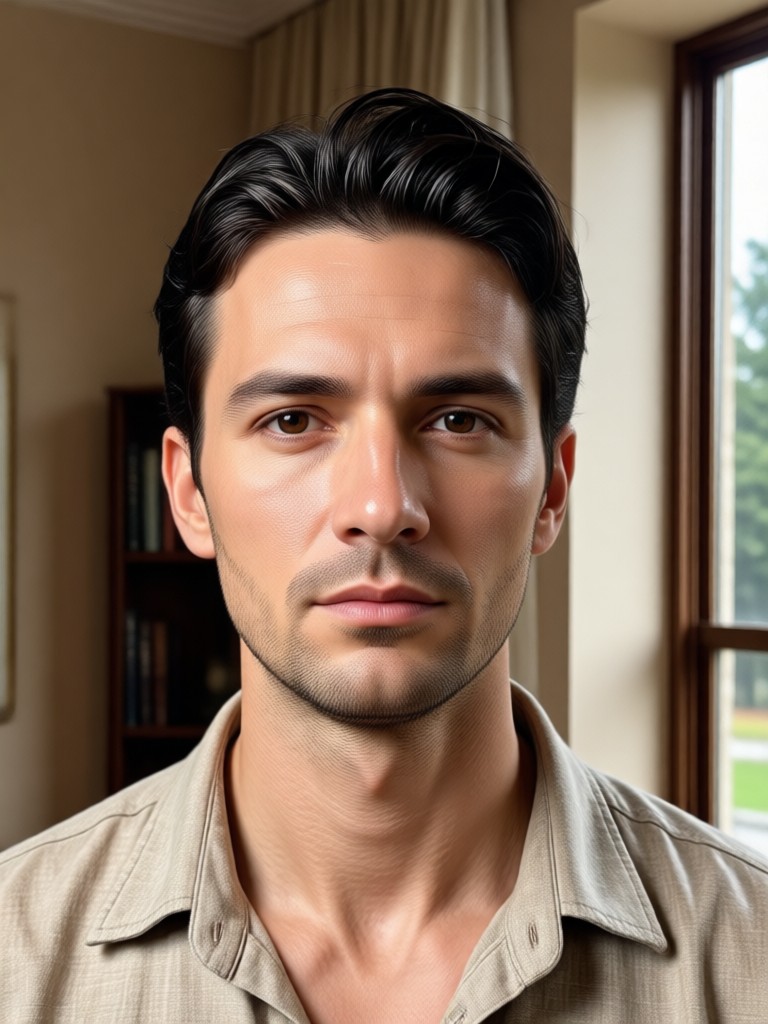
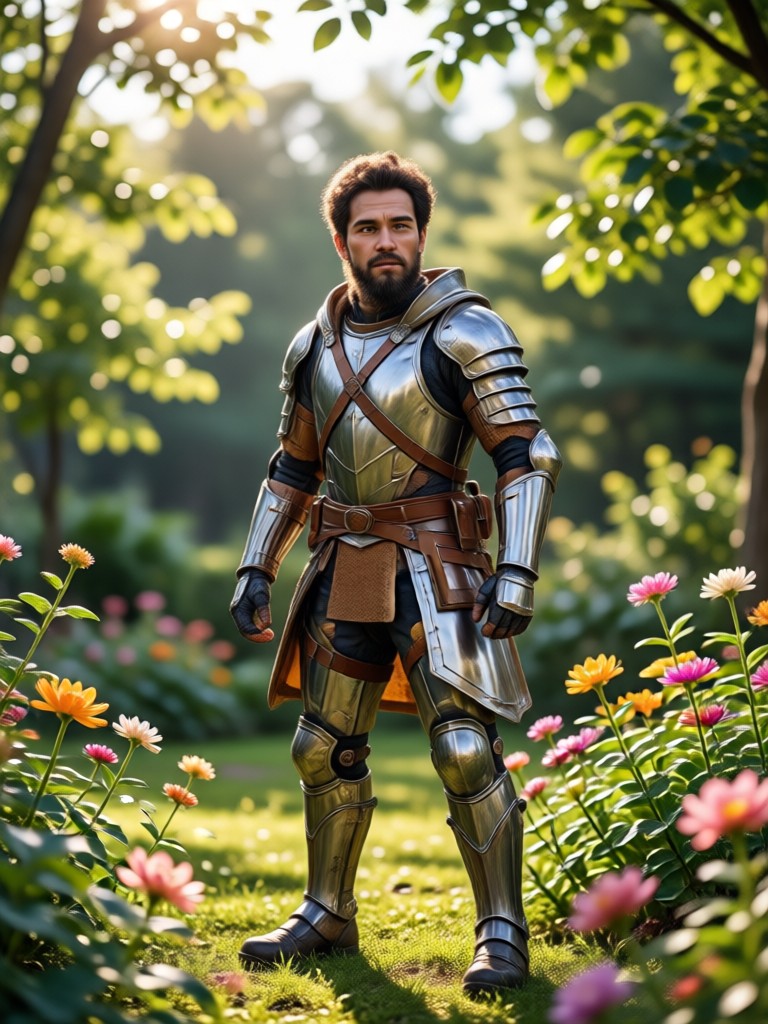
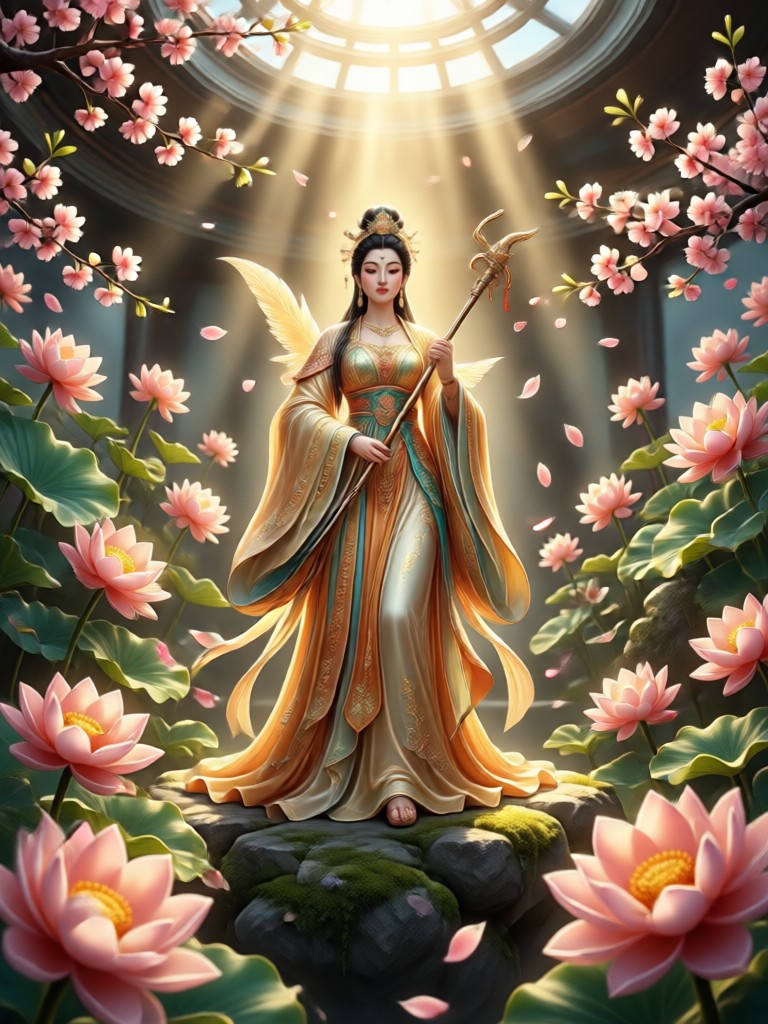
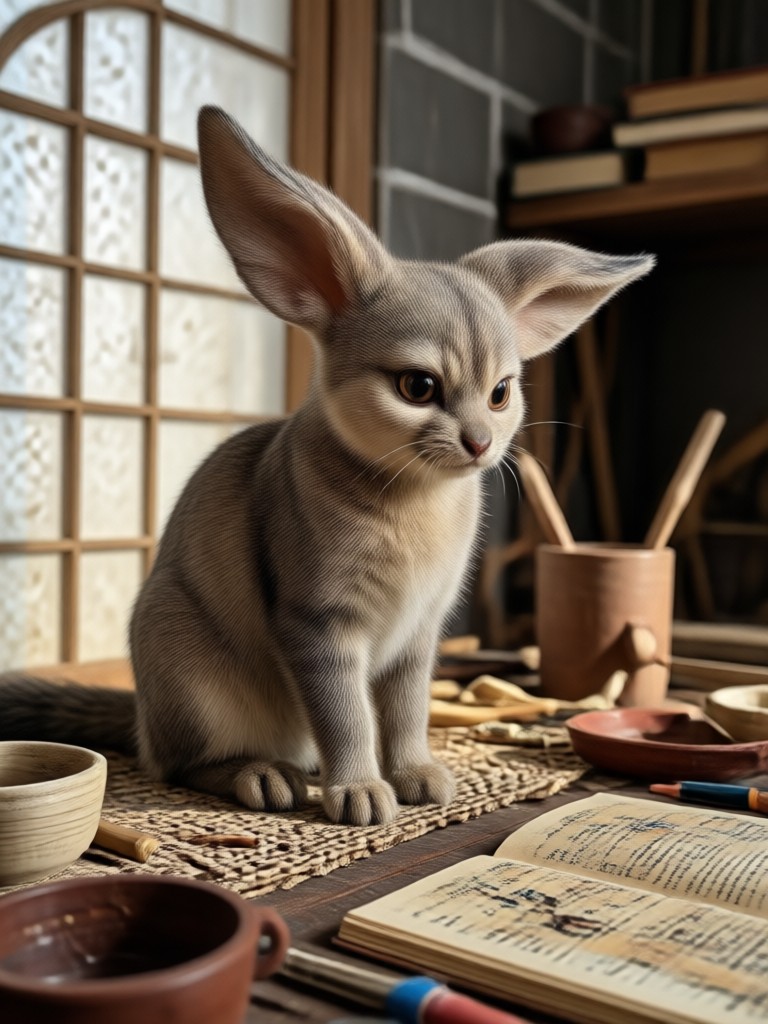
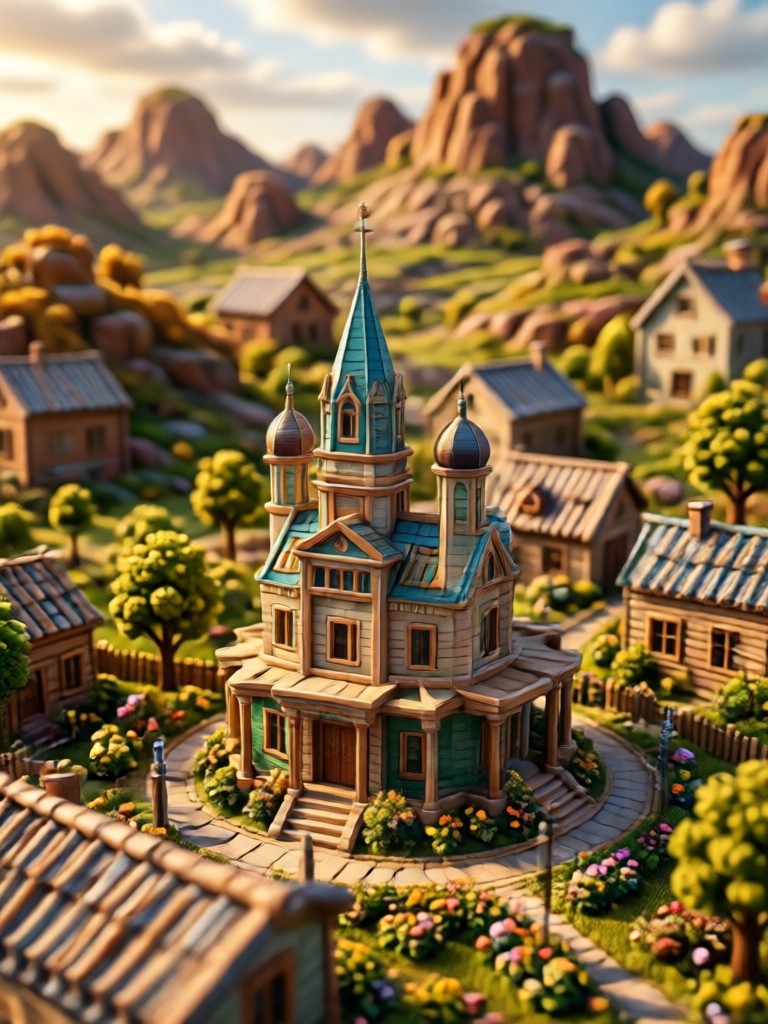
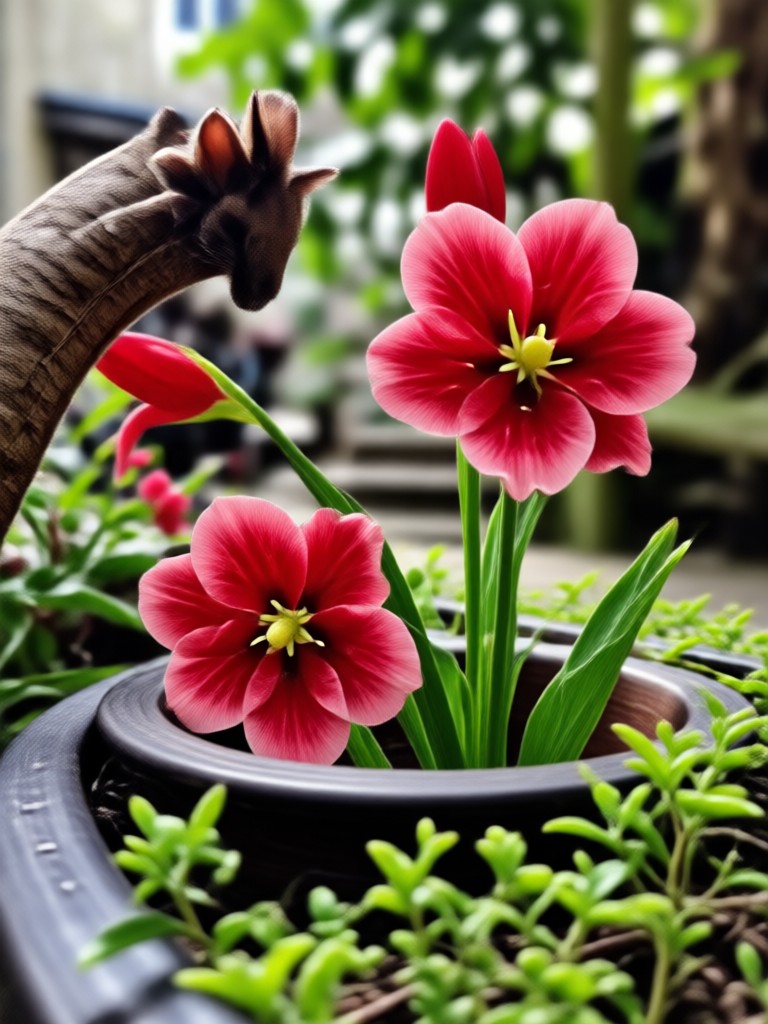
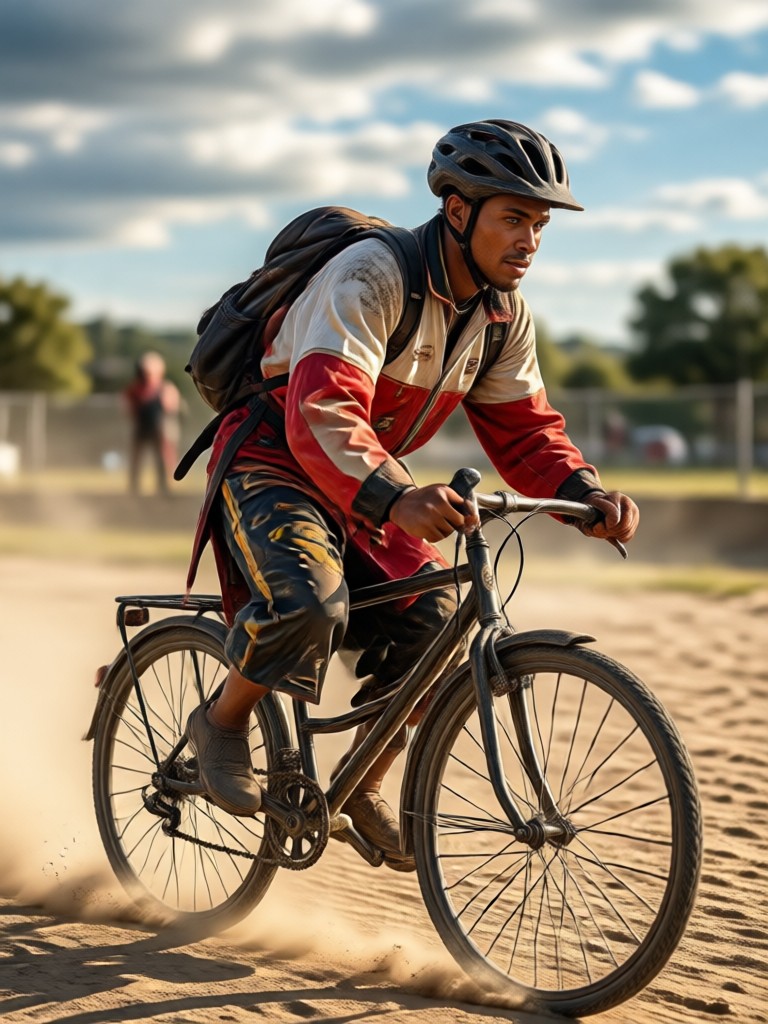
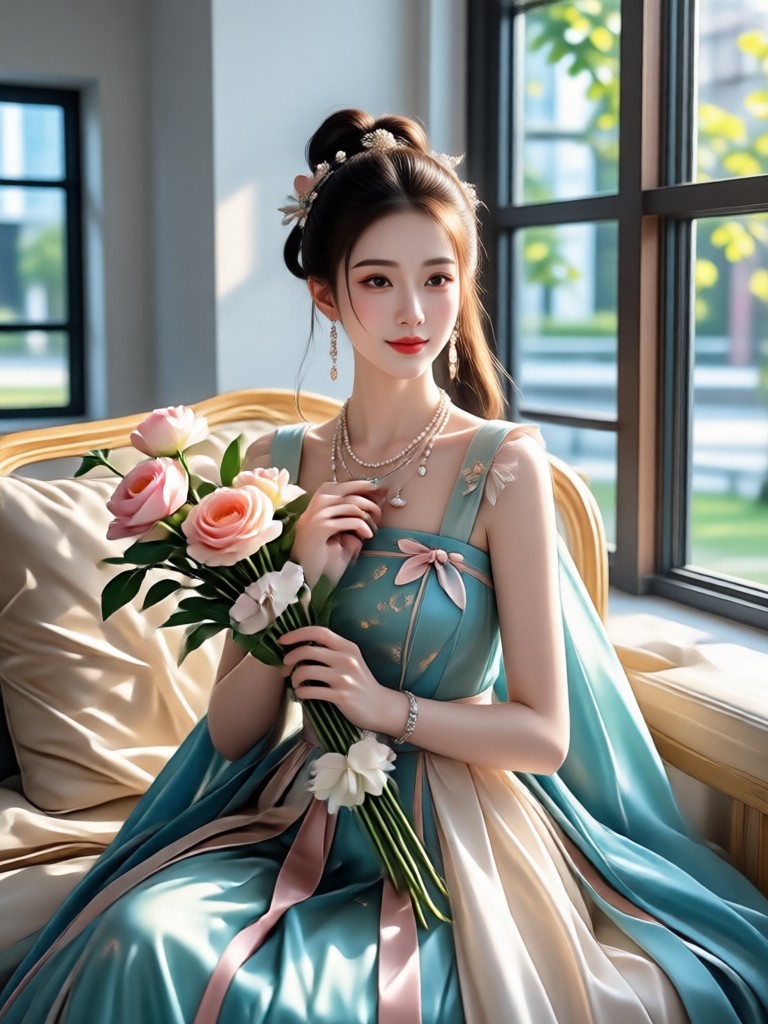
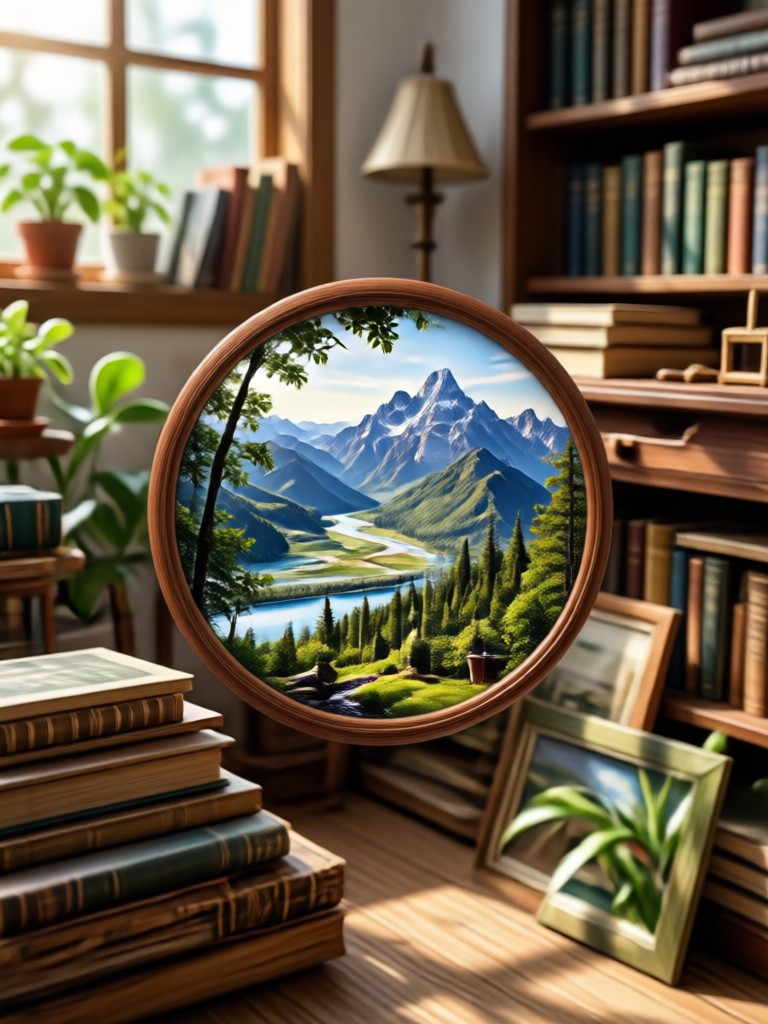
Real 4K Conversion Results
Browse real examples of images upscaled with gloglo. Every photo below was processed using the app's dedicated resolution enhancement filters.
How to Convert Image To 4K in Three Steps
Get professional grade 4K quality from your existing photos using the gloglo mobile app.

Step 01.
Download gloglo from Google Play and open the app on your phone. No account required to preview.

Step 02.
Upload your photo and select a 4K enhancement filter. Adjust intensity if you want a more natural or more aggressive boost.

Step 03.
Tap generate and save your new 4K image. Share directly to social media or export to your camera roll.
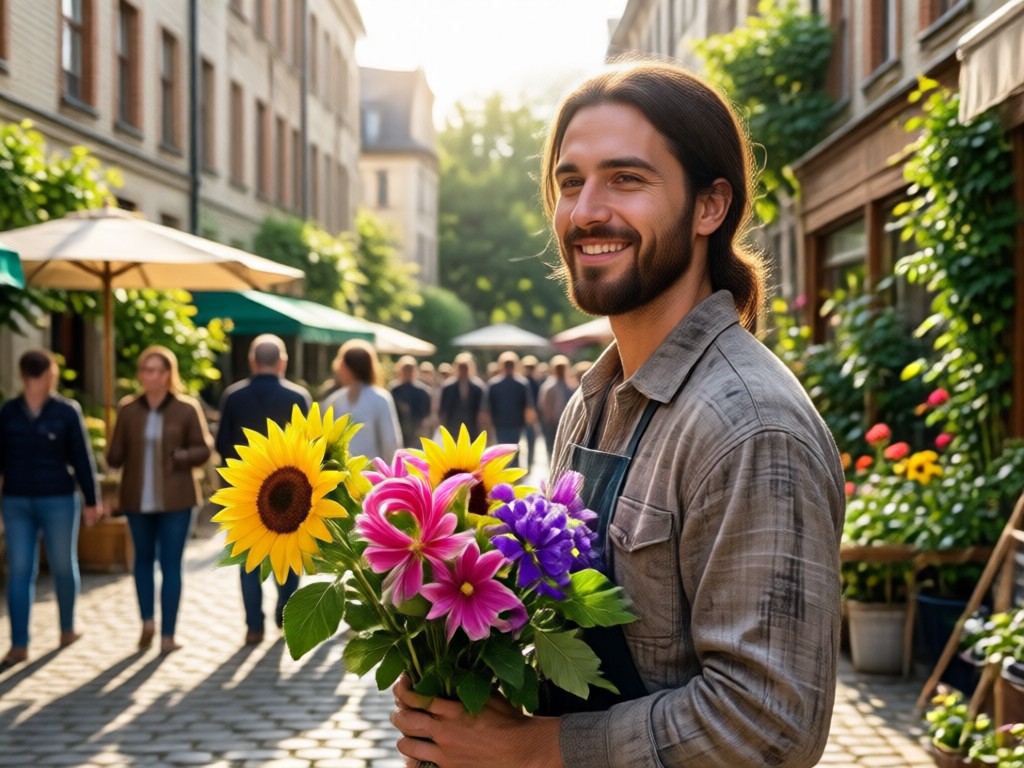
Stop Settling for Pixelated Photos
Most online upscalers compress your image again, strip metadata, or deliver a result that looks like an oil painting. gloglo processes locally on your device with dedicated mobile AI models, which means faster results, smaller file sizes, and no privacy concerns about uploading sensitive photos to random servers.
Stop Settling for Pixelated Photos
Most online upscalers compress your image again, strip metadata, or deliver a result that looks like an oil painting. gloglo processes locally on your device with dedicated mobile AI models, which means faster results, smaller file sizes, and no privacy concerns about uploading sensitive photos to random servers.
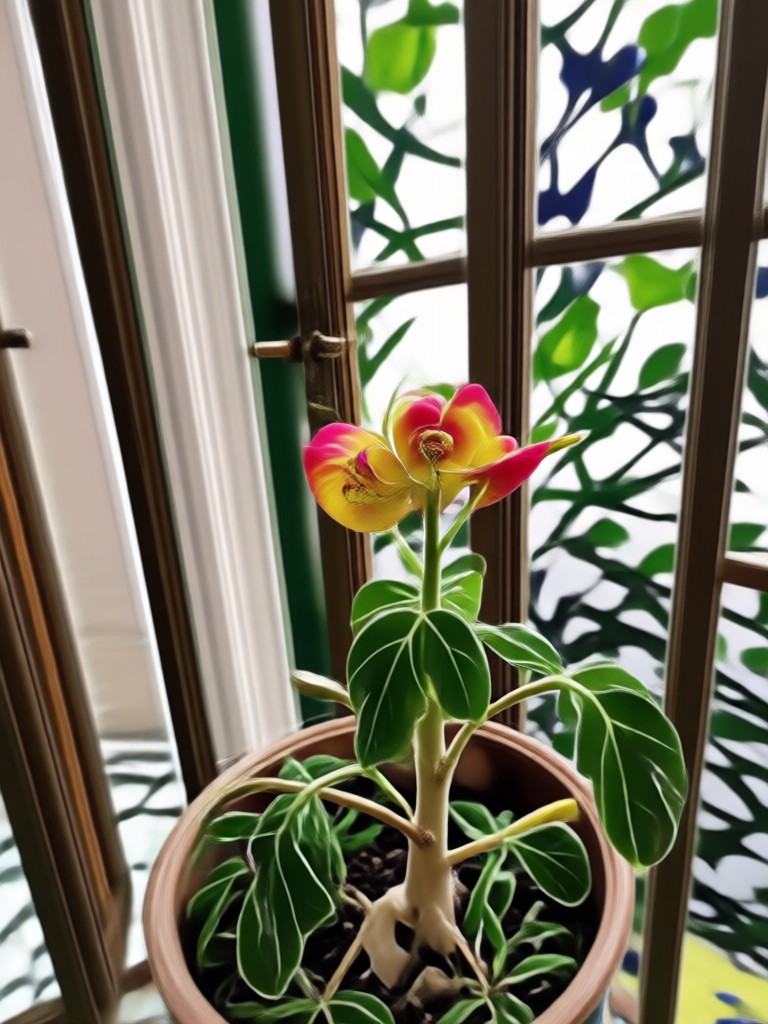
Your Photos Deserve 4K
gloglo is available now on Google Play. Turn old selfies, vacation snapshots, and product photos into crisp, high definition images you will be proud to post.

What Users Say About gloglo 4K Converter
Fixed my old vacation photos
I had hundreds of photos from a 2015 trip that looked terrible on my new phone. gloglo upscaled them all in one batch and they honestly look like I took them yesterday.
Perfect for product listings
I sell vintage items online and my phone camera is not great. The 4K filter makes every detail pop, from stitching on jackets to serial numbers on collectibles.
No more blurry screenshots
I share a lot of design previews with clients. Screenshots always looked fuzzy when sent over chat apps. Now I run everything through gloglo and they are sharp as print.
Frequently Asked Questions About 4K Conversion
Quick answers to common questions about converting images to 4K with gloglo.
More Tools You May Like
Explore other AI powered effects and generators available in the gloglo app.
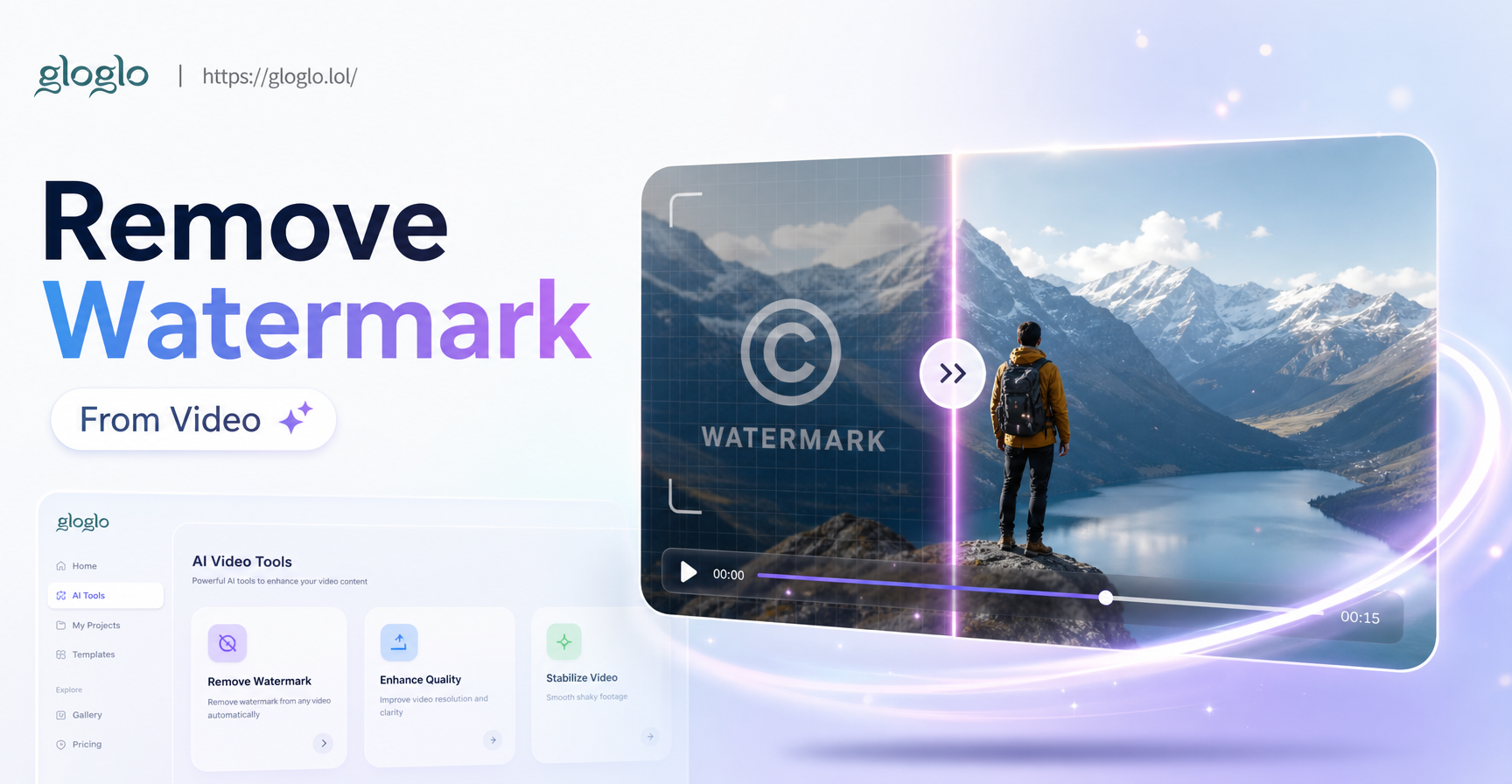
AI Watermark Remover: Video Cleanup in Seconds
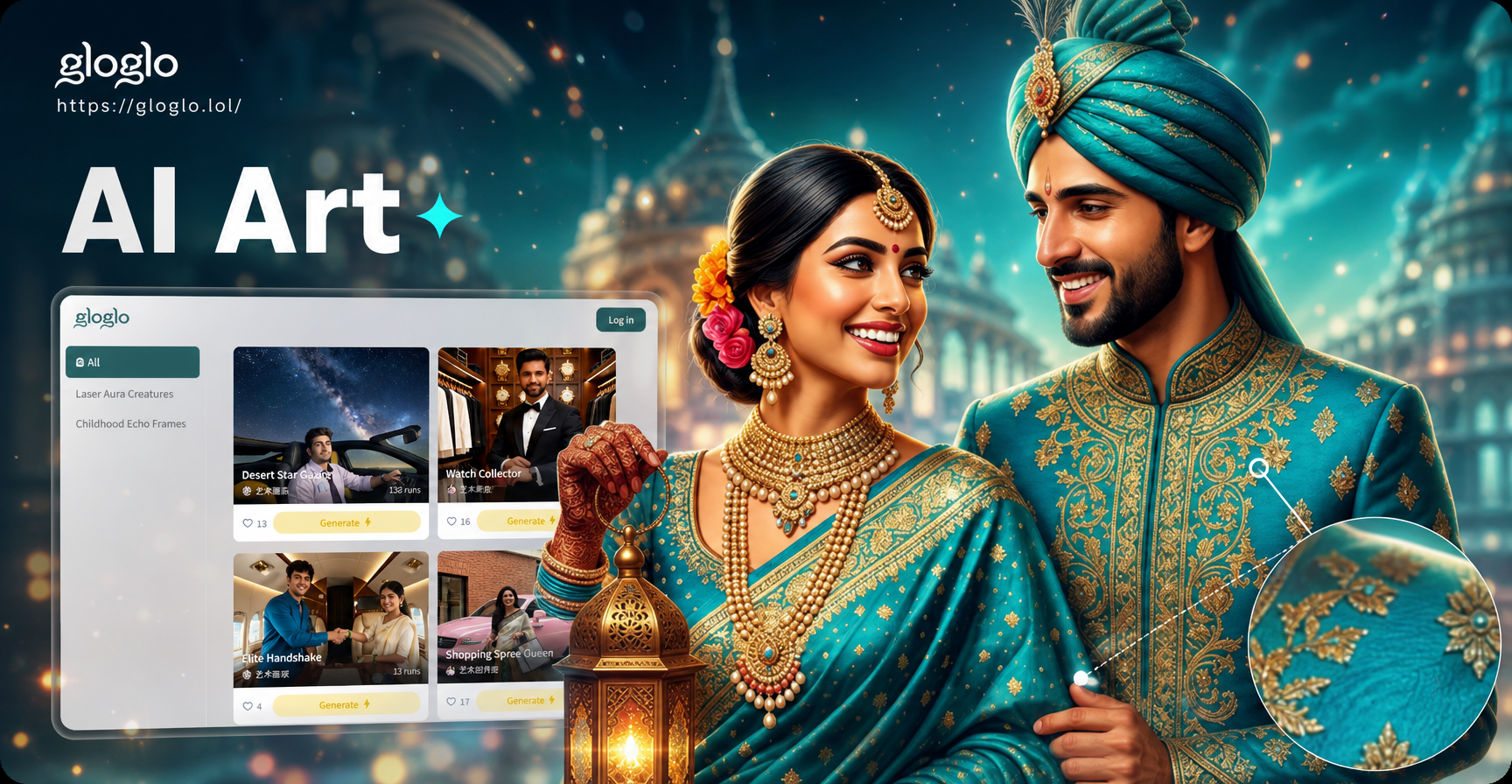
Photo Zoom In Effect: Zoom In on Any Photo Instantly
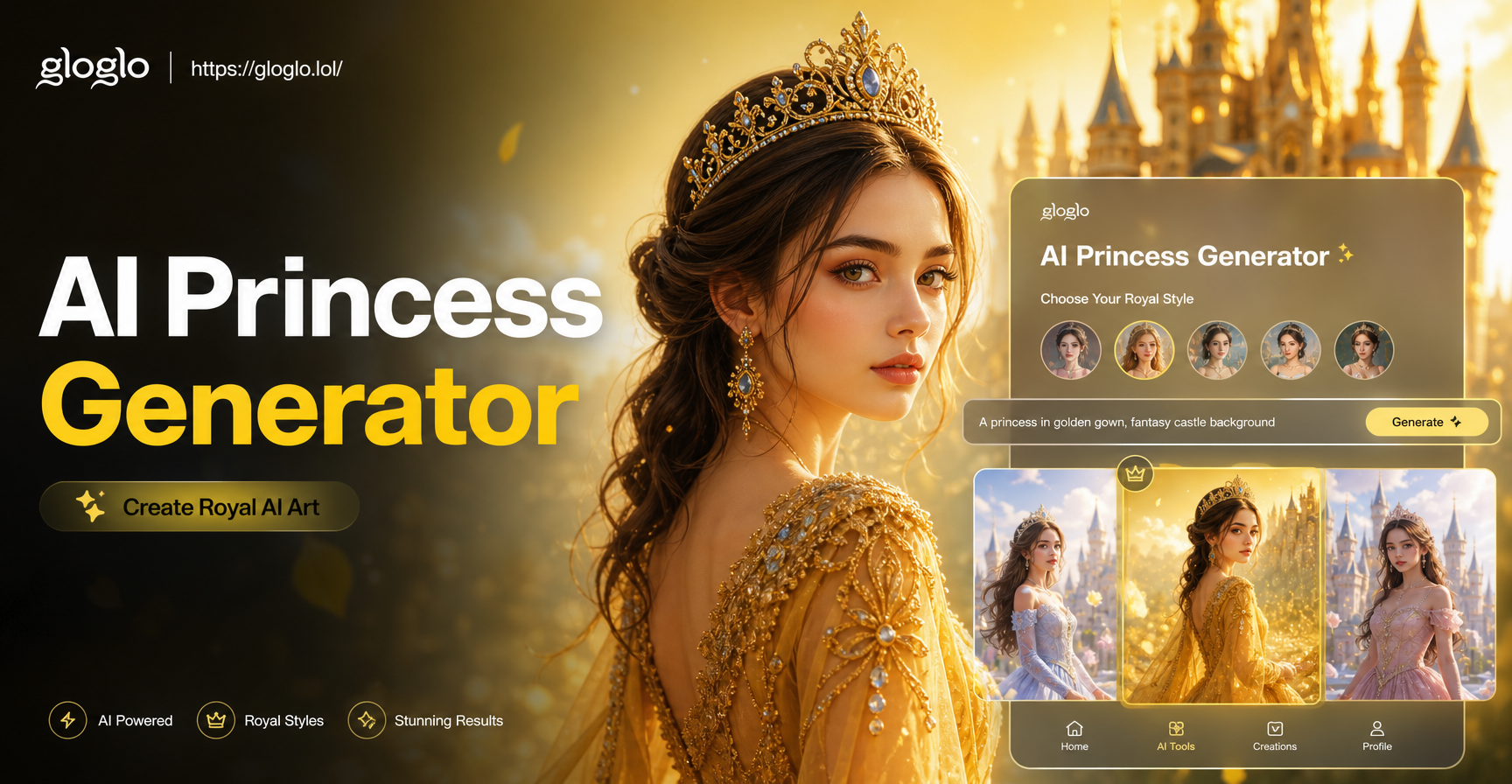
AI Princess Generator: Royal Portraits in Seconds
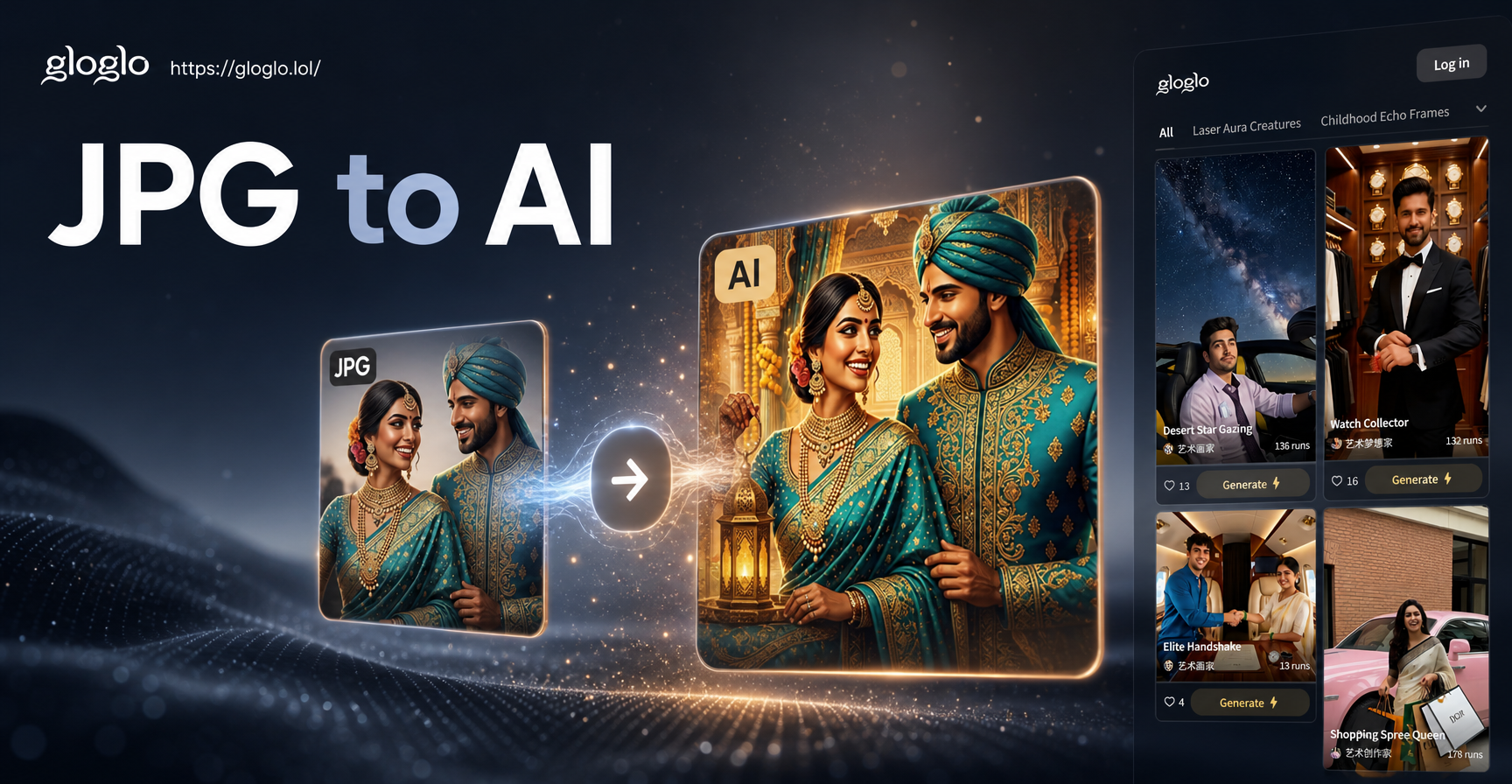
Turn Any JPG Into Stunning AI Art Instantly
AI Watermark Remover: Video Cleanup in Seconds
Photo Zoom In Effect: Zoom In on Any Photo Instantly
AI Princess Generator: Royal Portraits in Seconds
Turn Any JPG Into Stunning AI Art Instantly
Convert Your First Image to 4K Today
Download gloglo now and see your photos in stunning high definition. Fast, simple, and free to try.
Convert Your First Image to 4K Today
Download gloglo now and see your photos in stunning high definition. Fast, simple, and free to try.