Convert JPG To AI
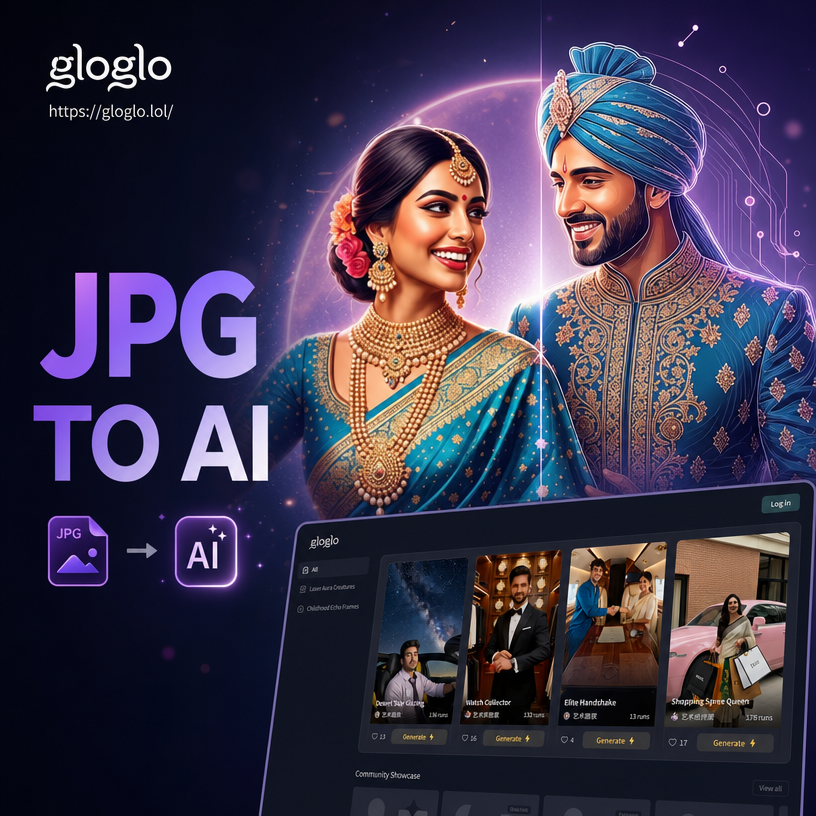
Choose Your Favorite JPG to AI Style
Discover the perfect AI art style for your JPG photo, from realistic enhancements to playful anime and cinematic looks.
Powerful Ways to Convert JPG to AI
Upload any JPG and let gloglo transform it with advanced AI. Keep your original details intact while exploring entirely new visual directions.
Photo to AI Art
Upload a JPG portrait or landscape and turn it into anime, oil painting, watercolor, or 3D clay. The AI preserves key features while applying a complete style transformation.
Style Transfer
Keep the composition of your JPG but change the visual language. Swap a realistic photo for cyberpunk, Ghibli, or cinematic looks in one tap.
Image to Video
Animate your JPG with AI video generation. Add subtle motion, expressive faces, or trending effects like AI Hug and Old Photo Revival.
Explore JPG to AI Creations
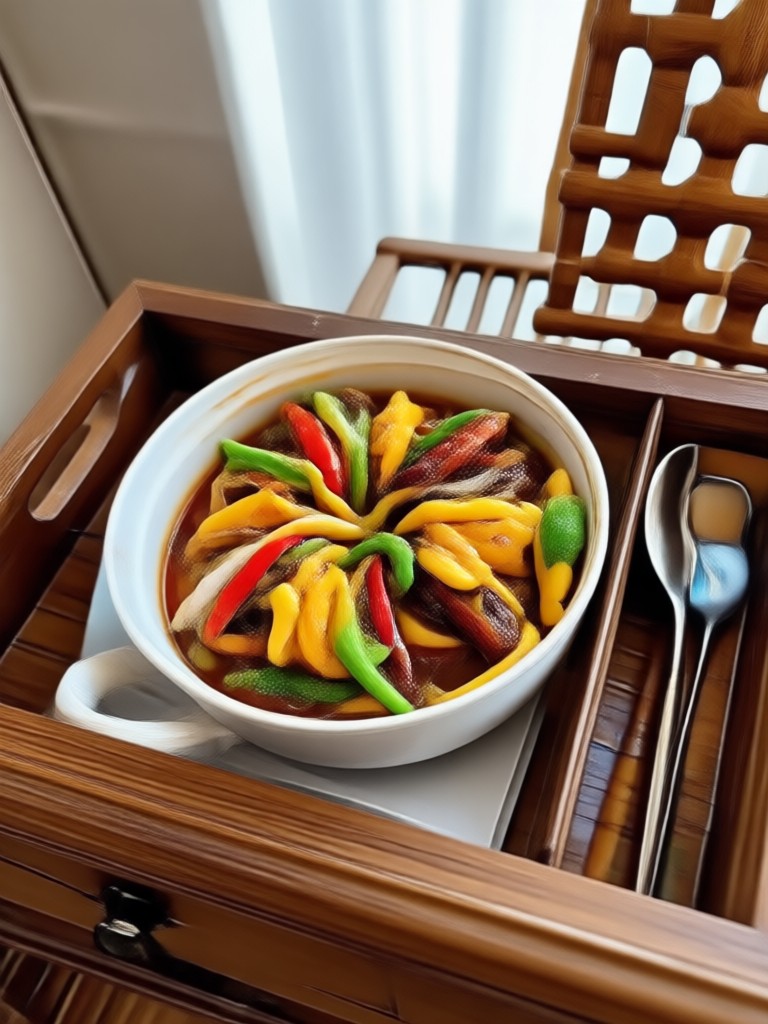
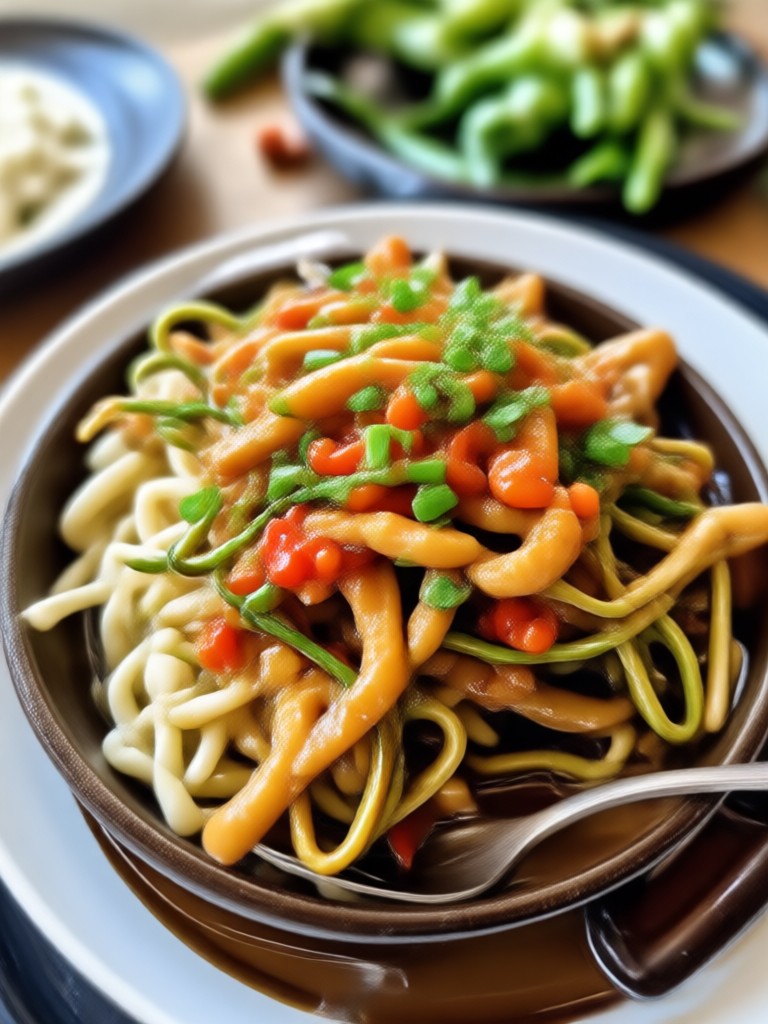
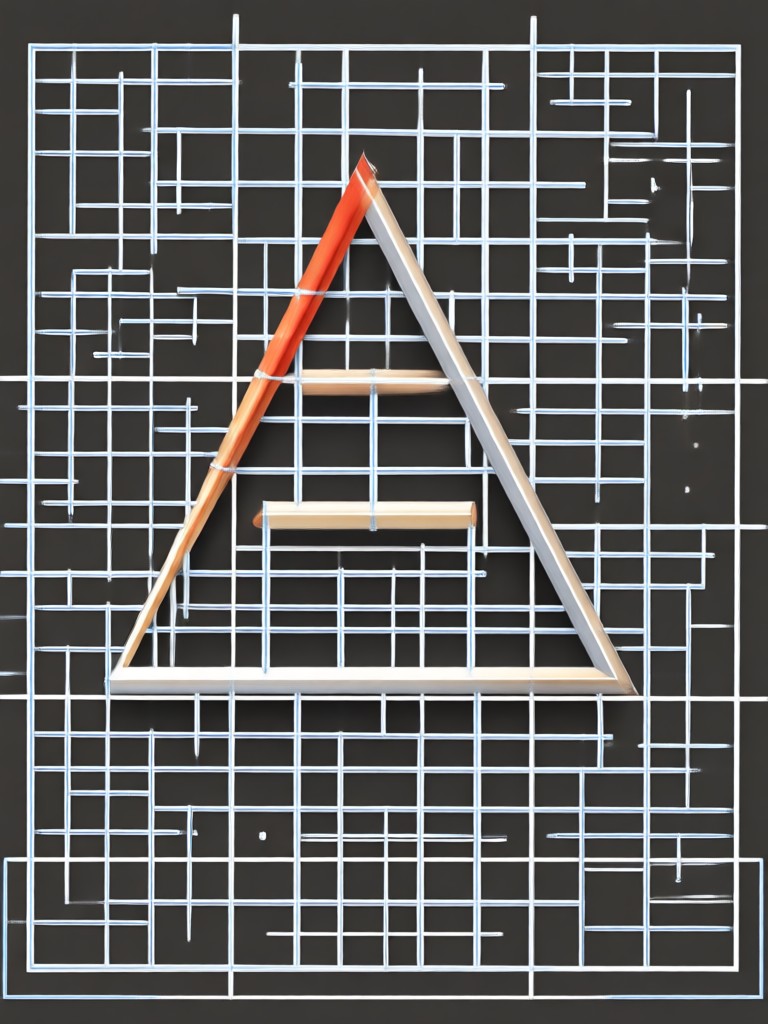
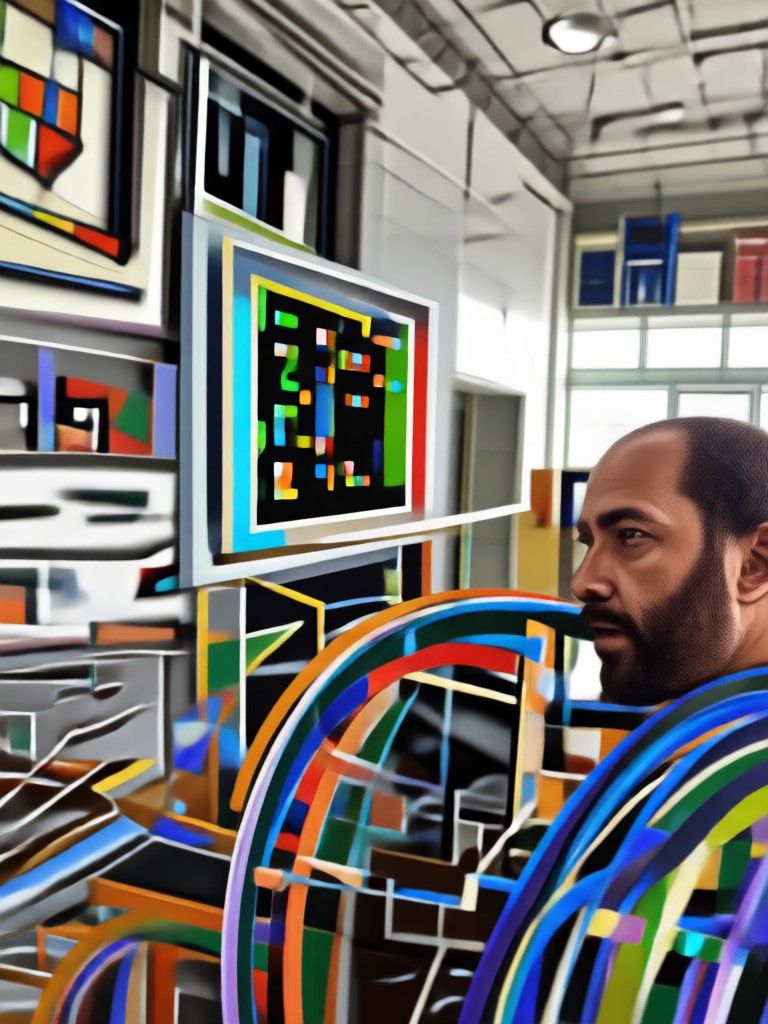
Browse real transformations made with gloglo. Each image shows how a simple JPG can become something entirely new.
How to Convert JPG to AI
Turn your JPG photo into AI art in three simple steps using the gloglo app.

Step 01.
Download gloglo from Google Play and open the app on your mobile device.

Step 02.
Upload your JPG photo and choose a style template from over one million filters, including anime, 3D, oil painting, and cinematic effects.

Step 03.
Generate your AI image or video, then save or share it directly to social media.
Convert JPG to AI On the Go
Download gloglo for Android and turn any JPG into AI art from anywhere. No desktop software or design experience needed.

What Creators Say About JPG to AI Conversion
Finally an app that actually respects my photos
I uploaded a portrait JPG and got a gorgeous anime version without losing the face. The style options are endless, and the output feels professional.
My social posts look completely different now
I convert JPG travel photos into watercolor and cinematic styles for Instagram. It takes seconds and my engagement jumped.
So simple my whole team uses it
No prompt engineering needed. We upload product JPGs and turn them into 3D clay or cyberpunk visuals for campaigns.
Frequently Asked Questions
Find clear answers about converting JPG to AI images and videos with gloglo.
More AI Photo Tools You May Like
Explore more topics and creative tools to get more from your JPG and AI transformations.
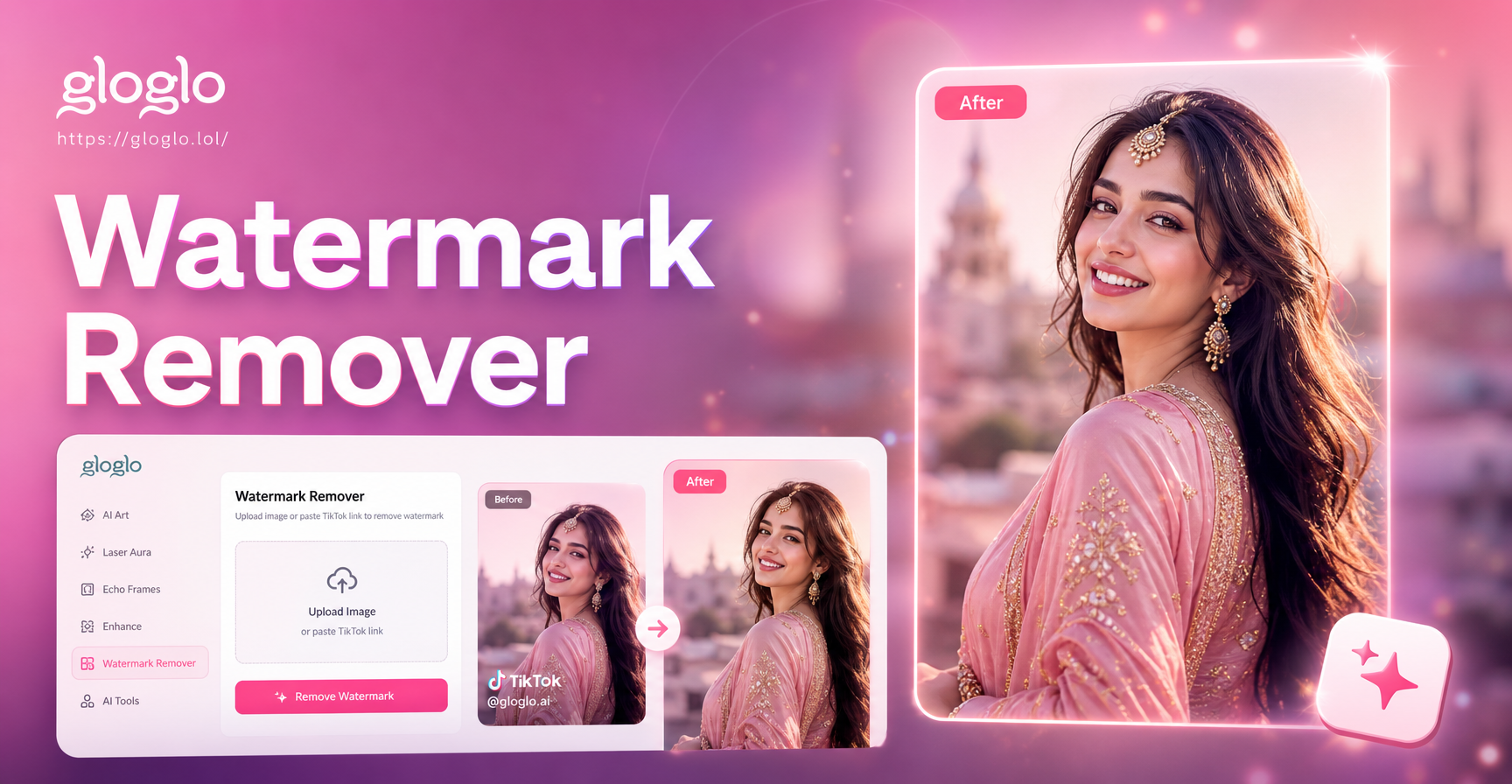
Remove TikTok Photo Watermarks in Seconds
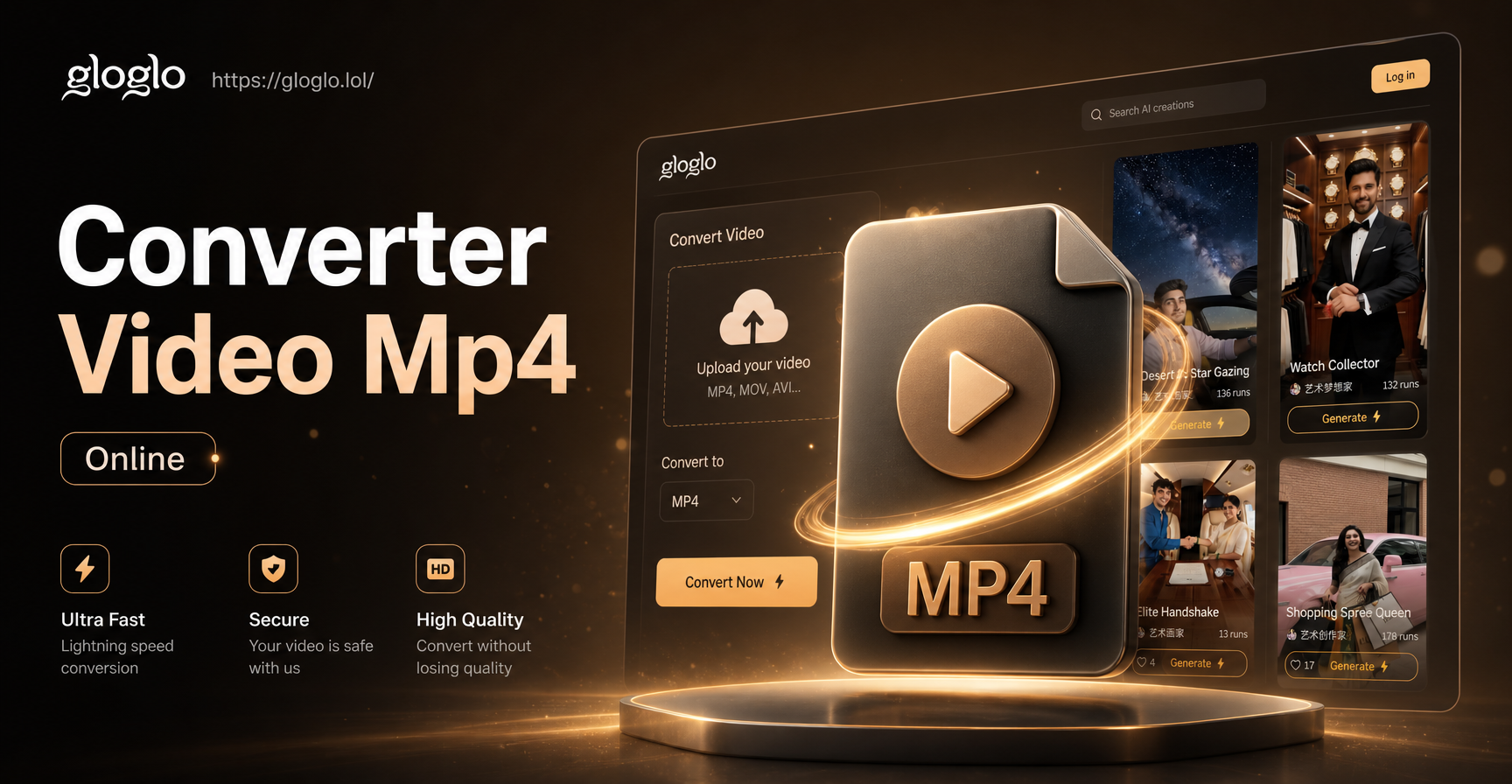
Convert Video to MP4 Online: Fast AI Video Converter
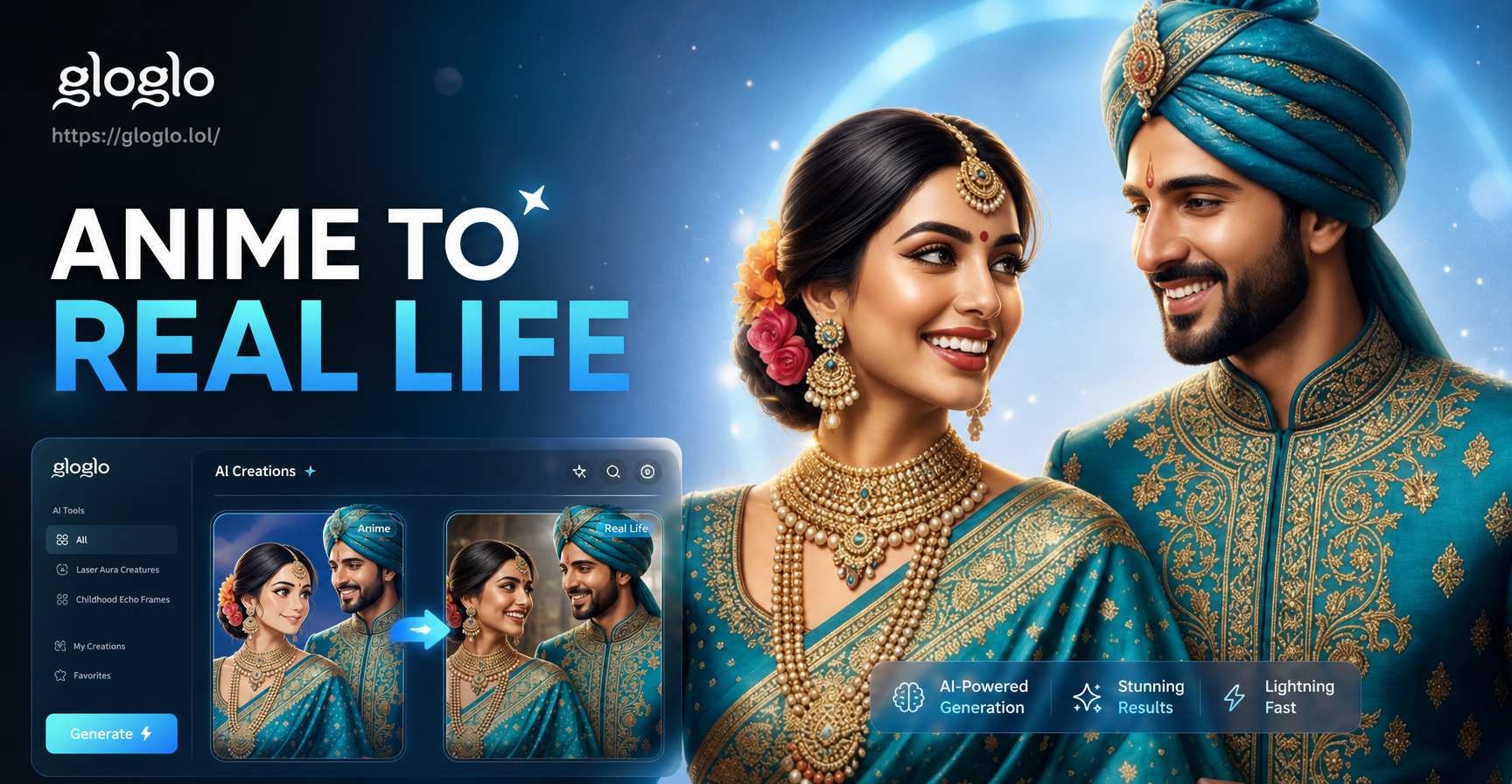
Turn Anime into Real Life Photos with AI
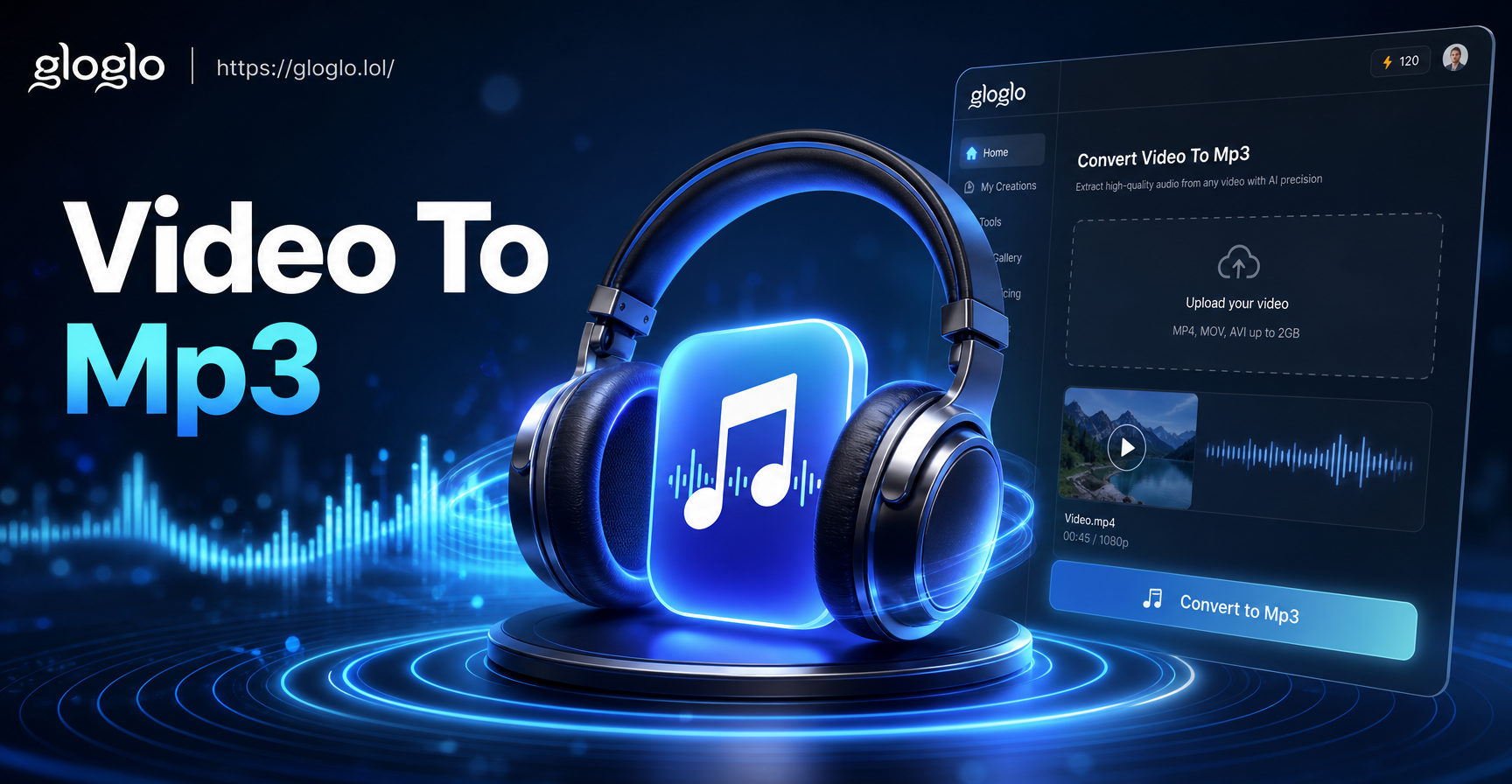
Convert Video To Mp3: Explore AI Video Tools on Mobile
Remove TikTok Photo Watermarks in Seconds
Convert Video to MP4 Online: Fast AI Video Converter
Turn Anime into Real Life Photos with AI
Convert Video To Mp3: Explore AI Video Tools on Mobile
Ready to Convert JPG to AI?
Download gloglo now and turn any JPG into AI art or video in seconds. Explore over one million styles and share your creations instantly.

Ready to Convert JPG to AI?
Download gloglo now and turn any JPG into AI art or video in seconds. Explore over one million styles and share your creations instantly.