Anime to Real Life Converter
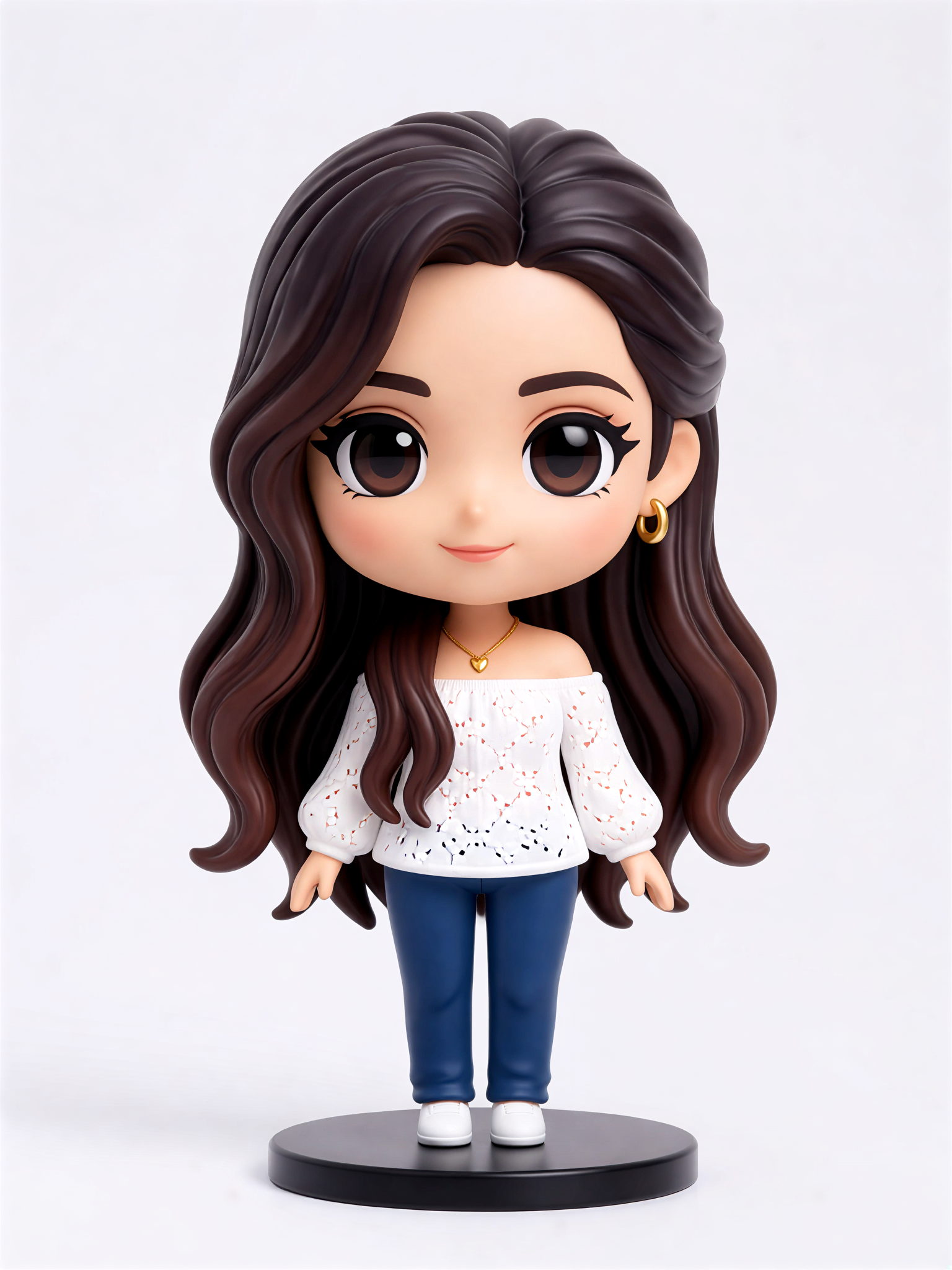
Cute Figurine

Key Features of Anime to Real Life Converter
Explore the core tools that make gloglo the easiest way to turn anime characters into realistic human photos.
Photorealistic Face Rendering
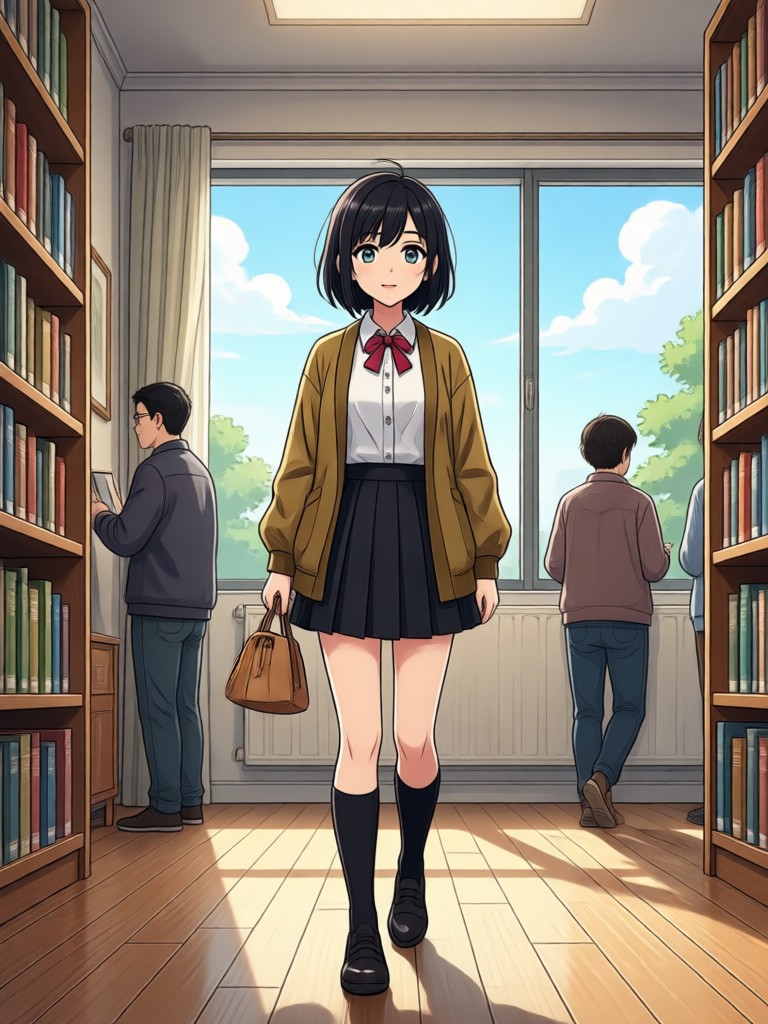
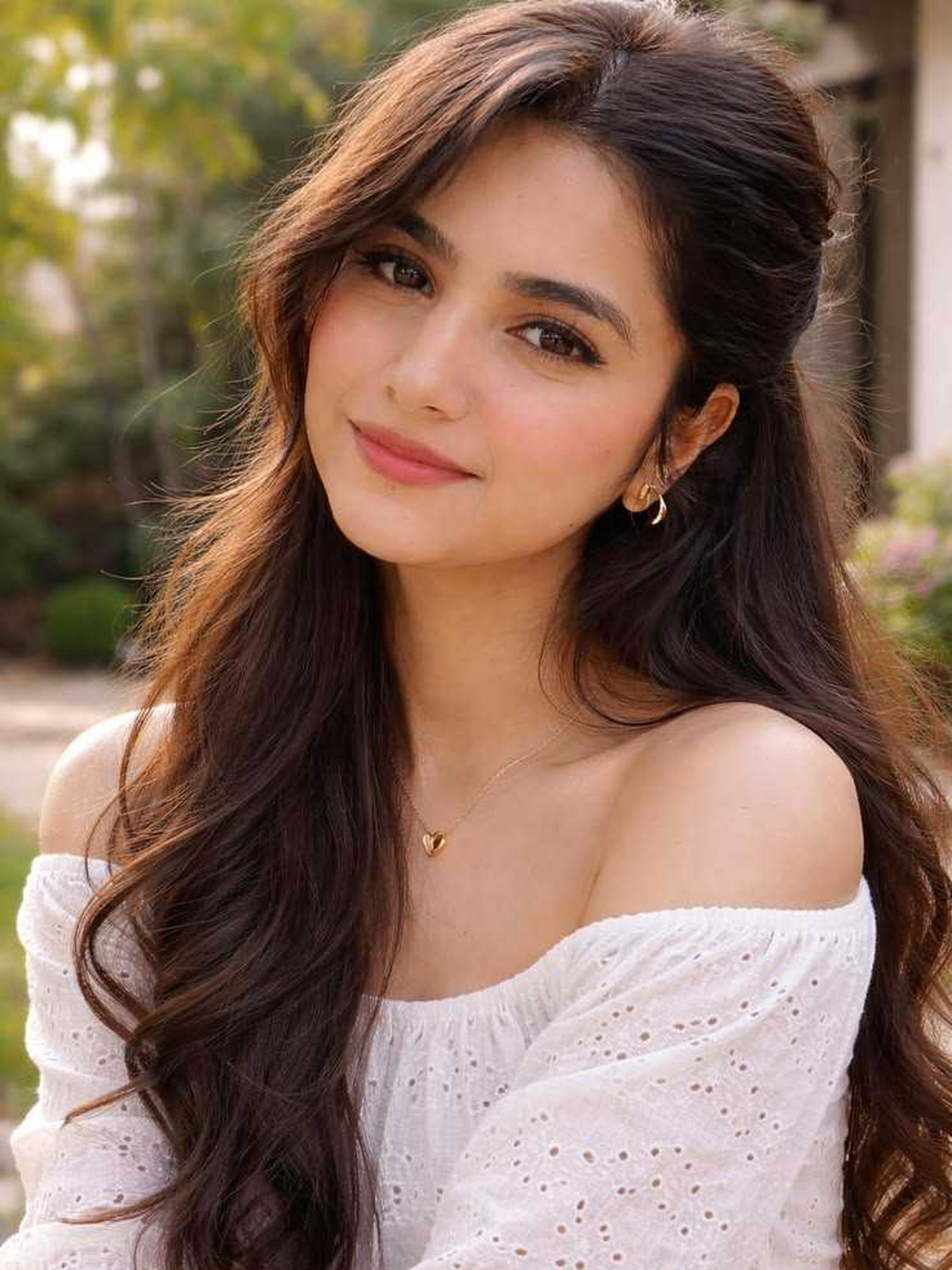
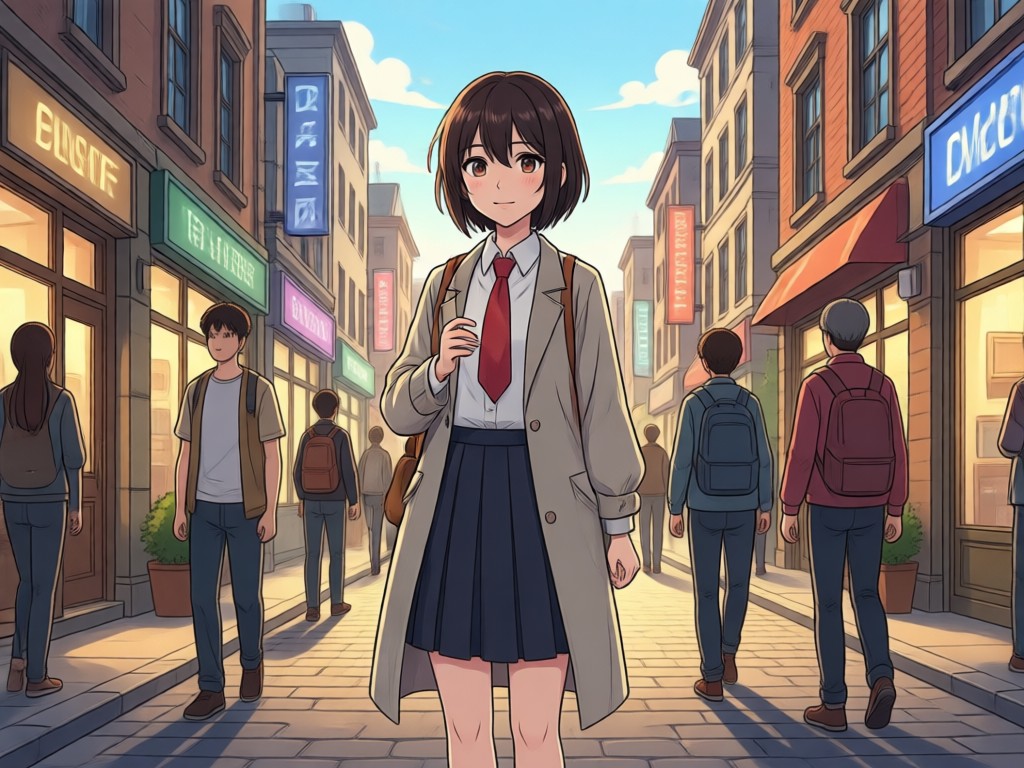
Convert anime faces into lifelike human portraits with natural skin texture, realistic eyes, and subtle lighting. The AI preserves the original character's essence while adding photographic depth.
Photorealistic Face Rendering
Convert anime faces into lifelike human portraits with natural skin texture, realistic eyes, and subtle lighting. The AI preserves the original character's essence while adding photographic depth.
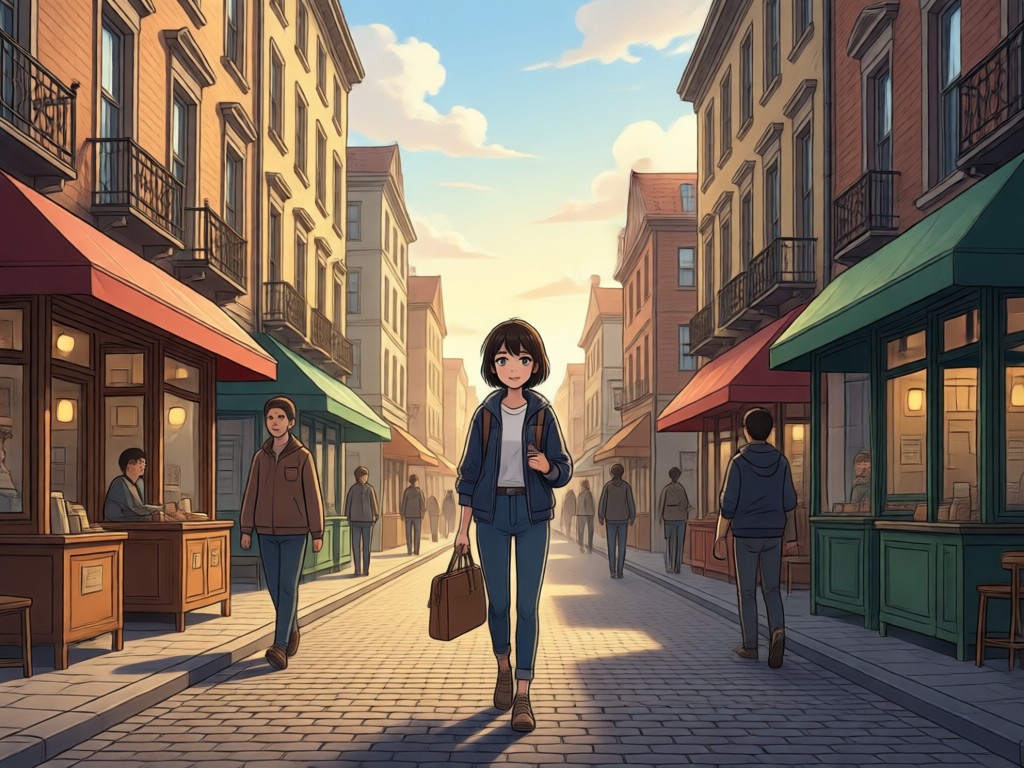
Style Control and Filters
Choose from cinematic, portrait, street fashion, or classic photography filters to match the mood of your anime image. Adjust skin tone and detail intensity in real time.
Style Control and Filters
Choose from cinematic, portrait, street fashion, or classic photography filters to match the mood of your anime image. Adjust skin tone and detail intensity in real time.
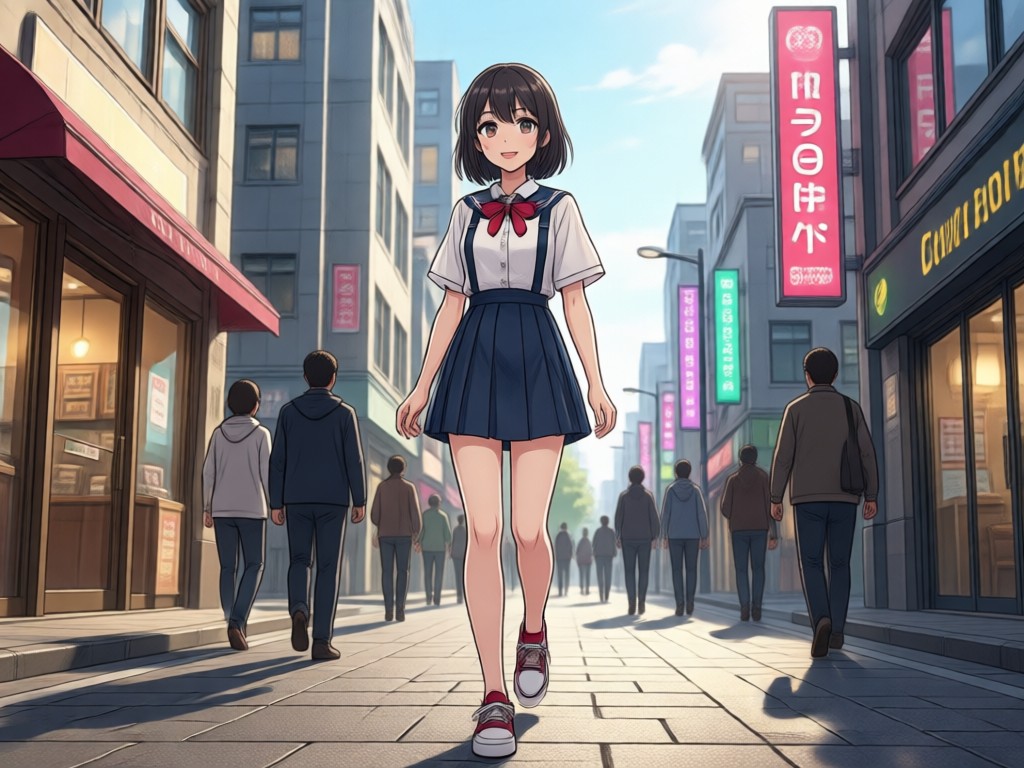
Batch Processing and Sharing
Upload multiple anime images at once and convert them in seconds. Save high resolution photos directly to your device and share them on social media instantly.
Batch Processing and Sharing
Upload multiple anime images at once and convert them in seconds. Save high resolution photos directly to your device and share them on social media instantly.
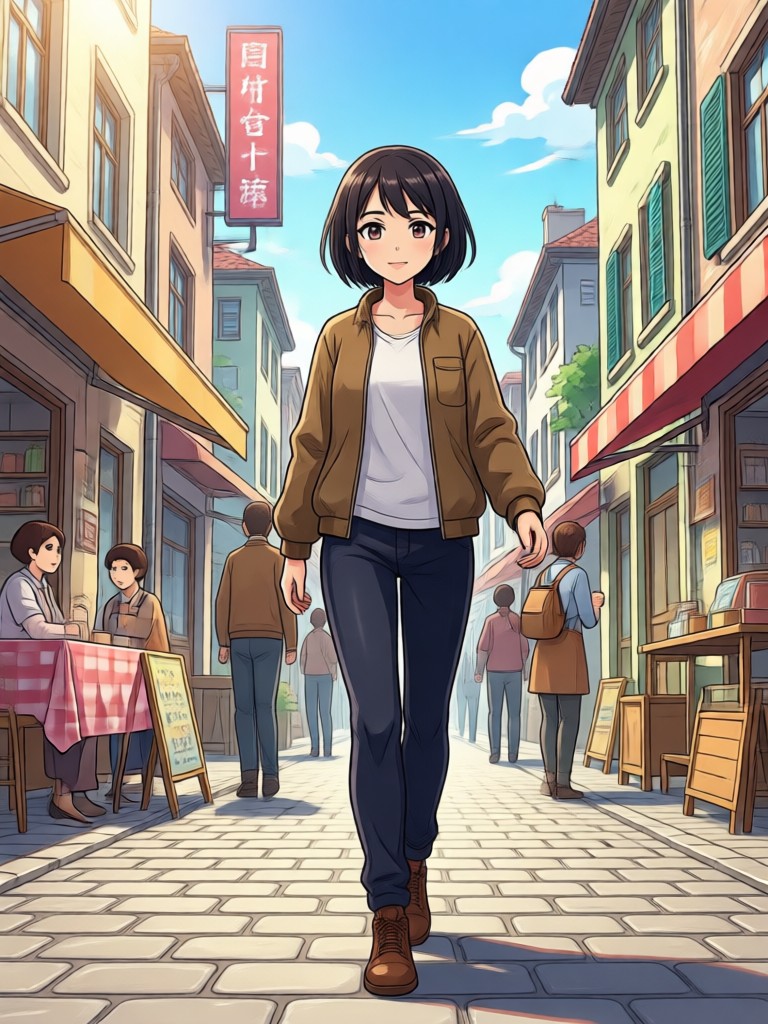
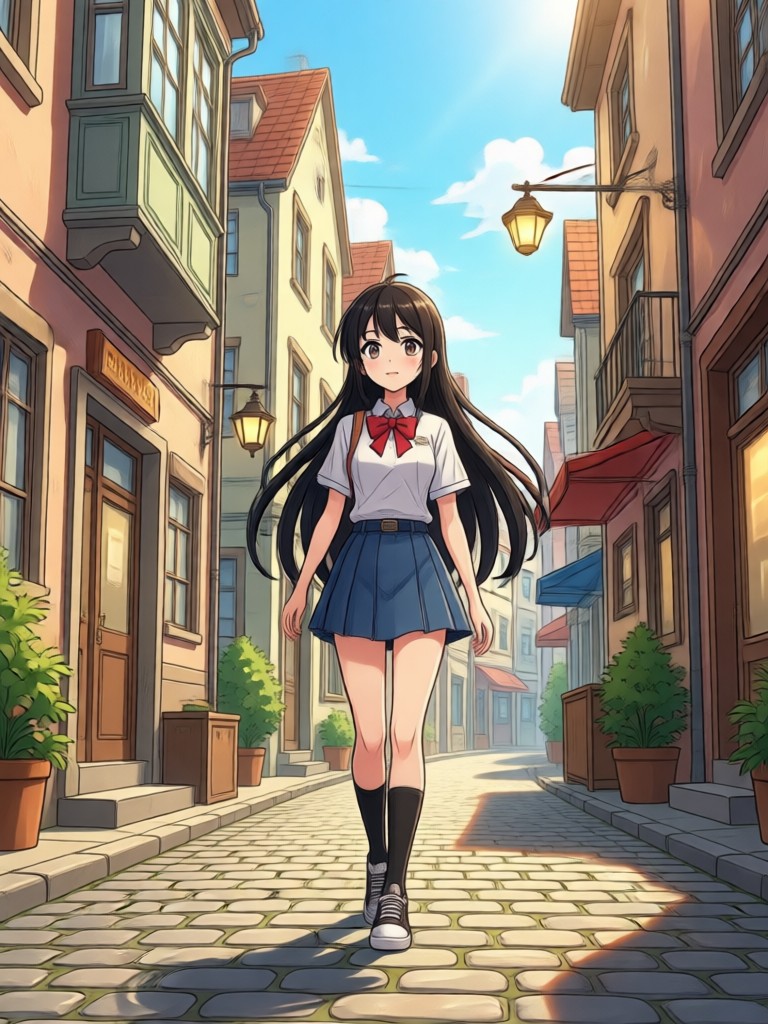
Realistic Anime to Human Transformations
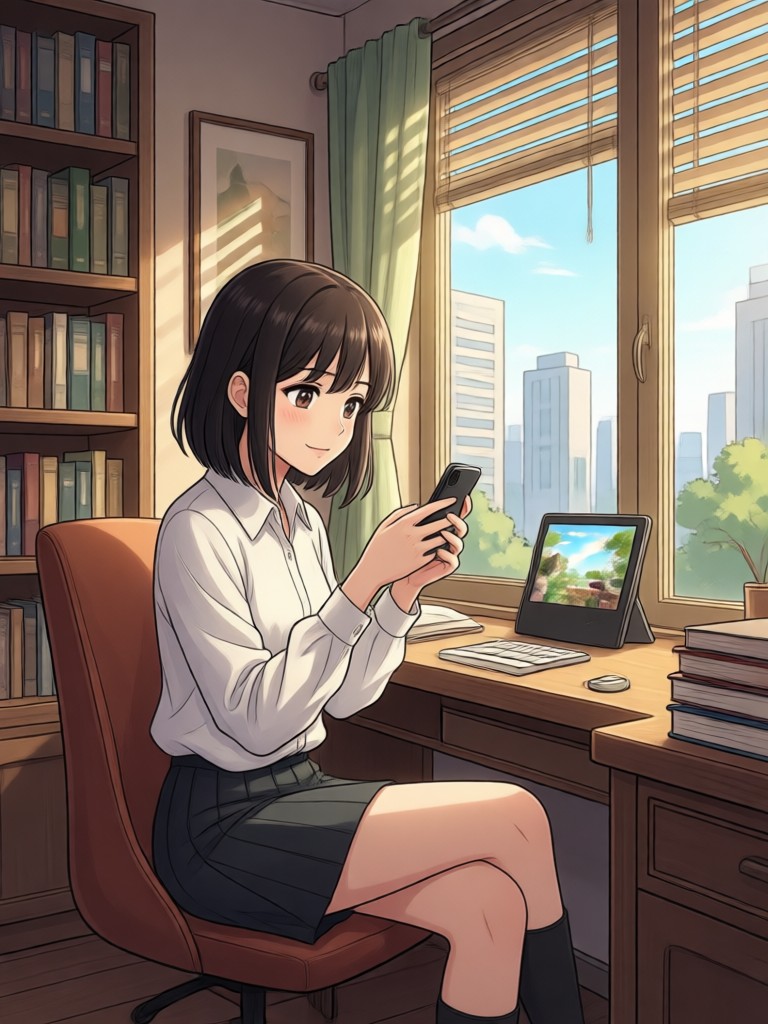
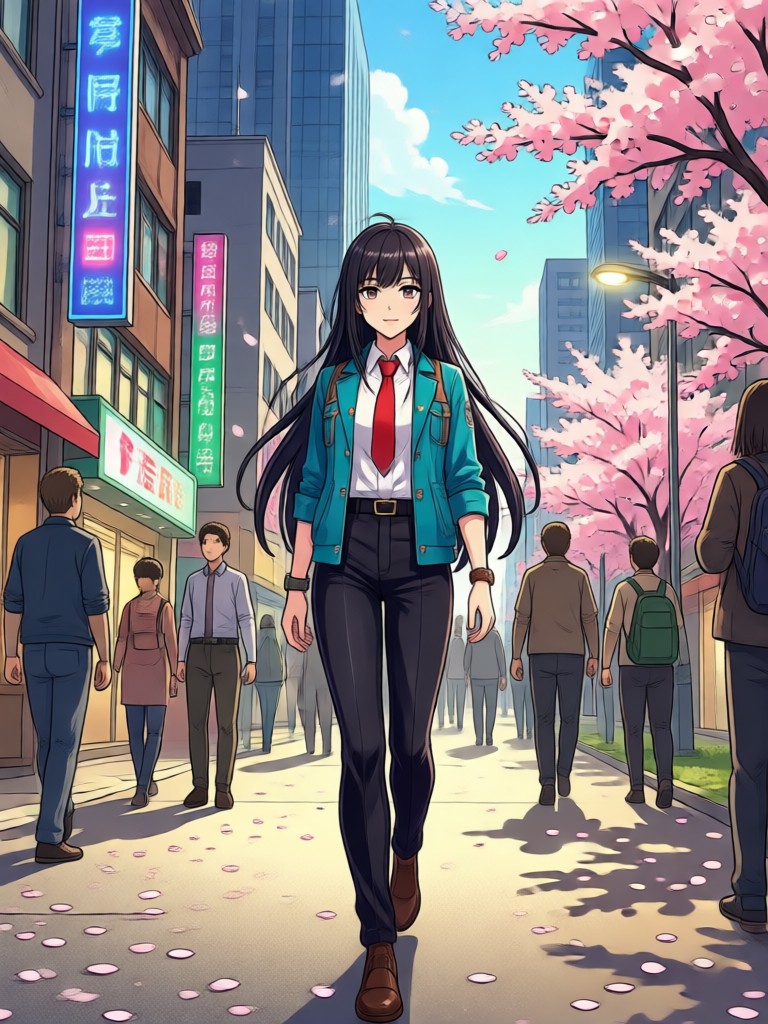
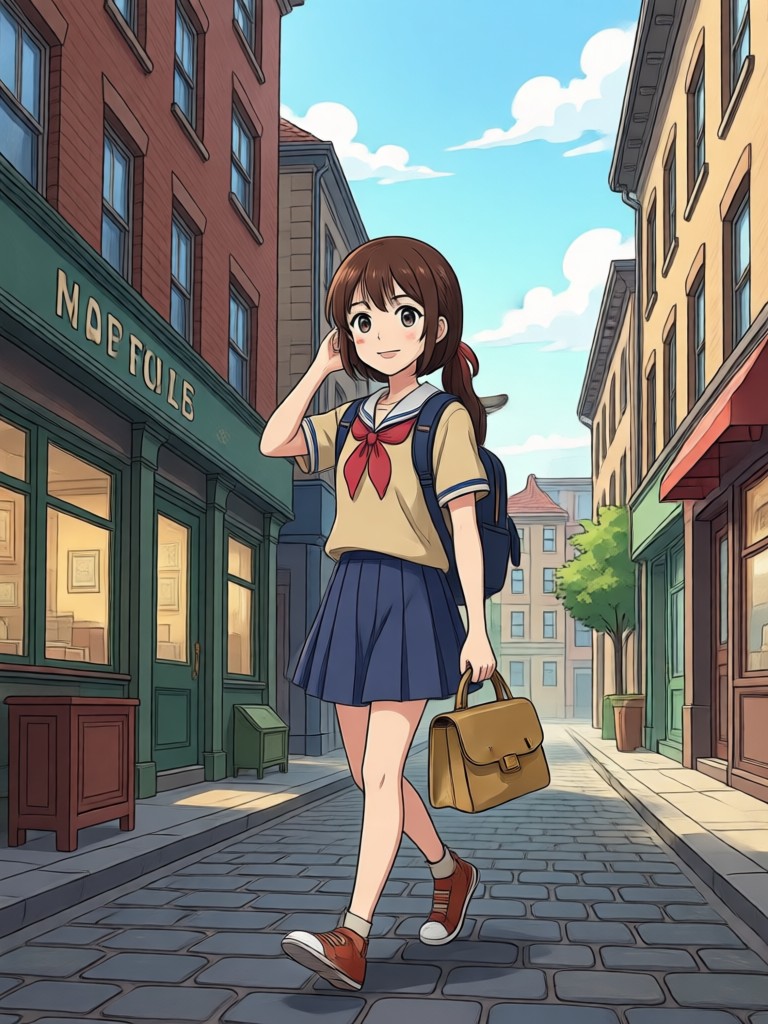
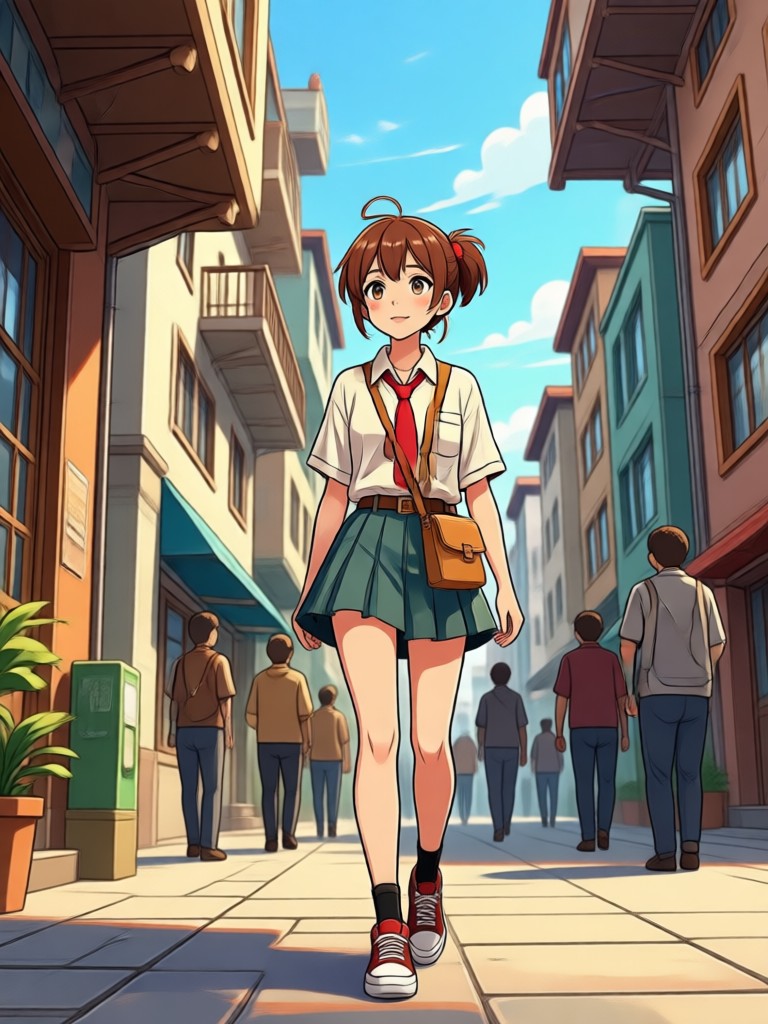
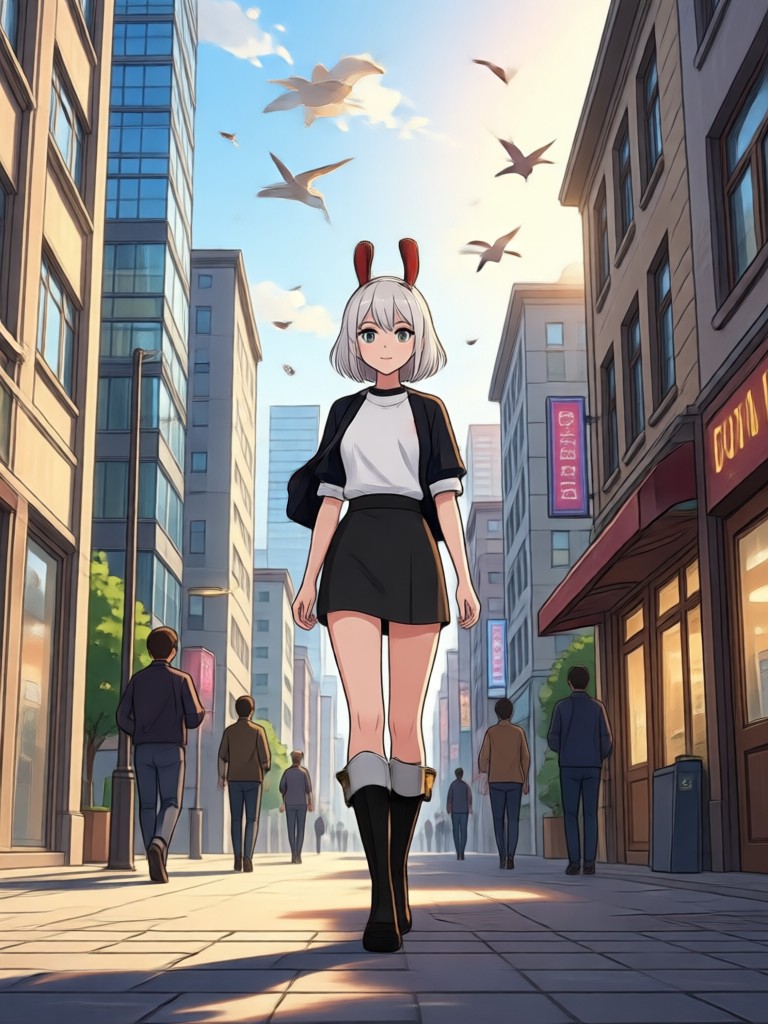
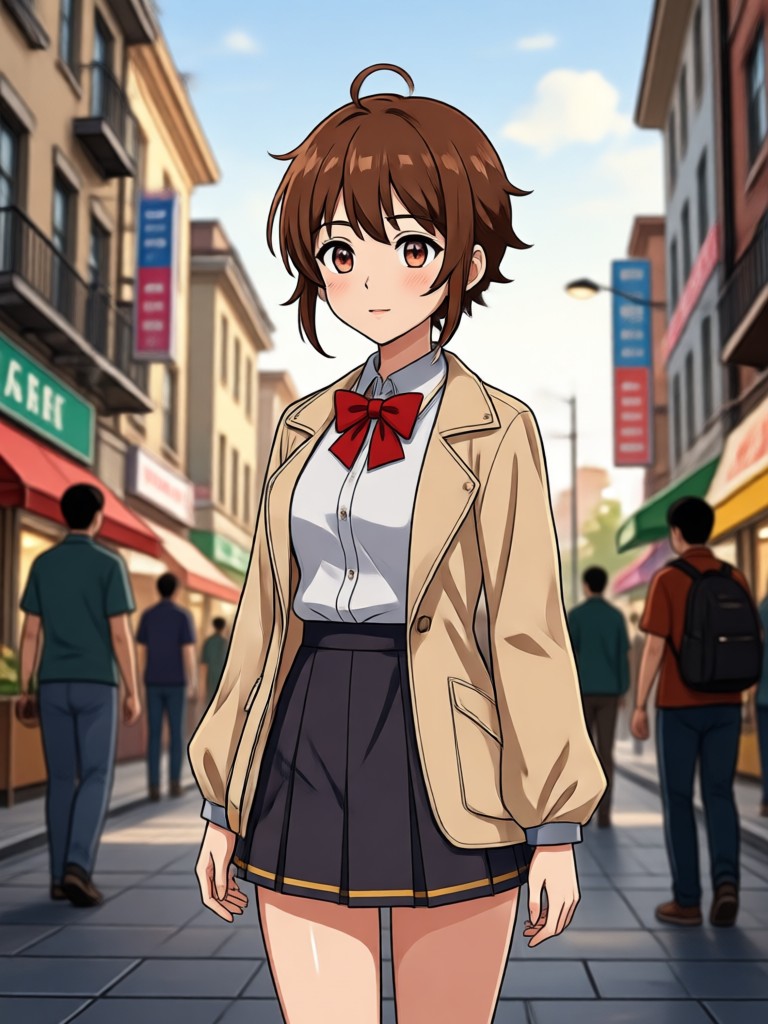
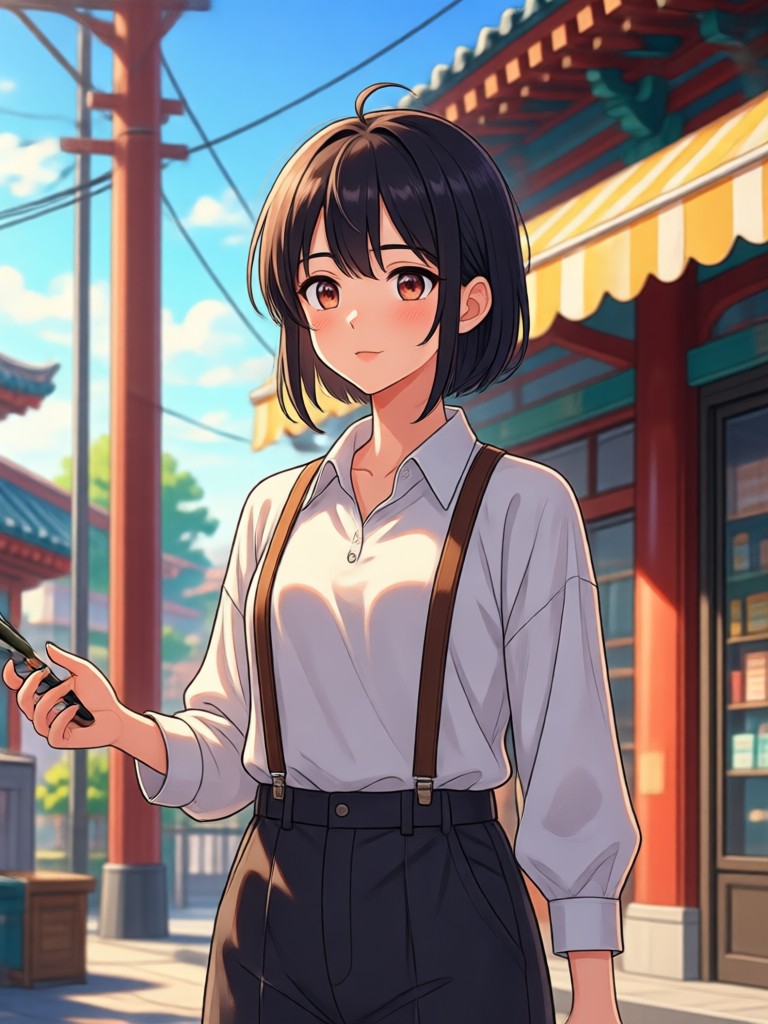
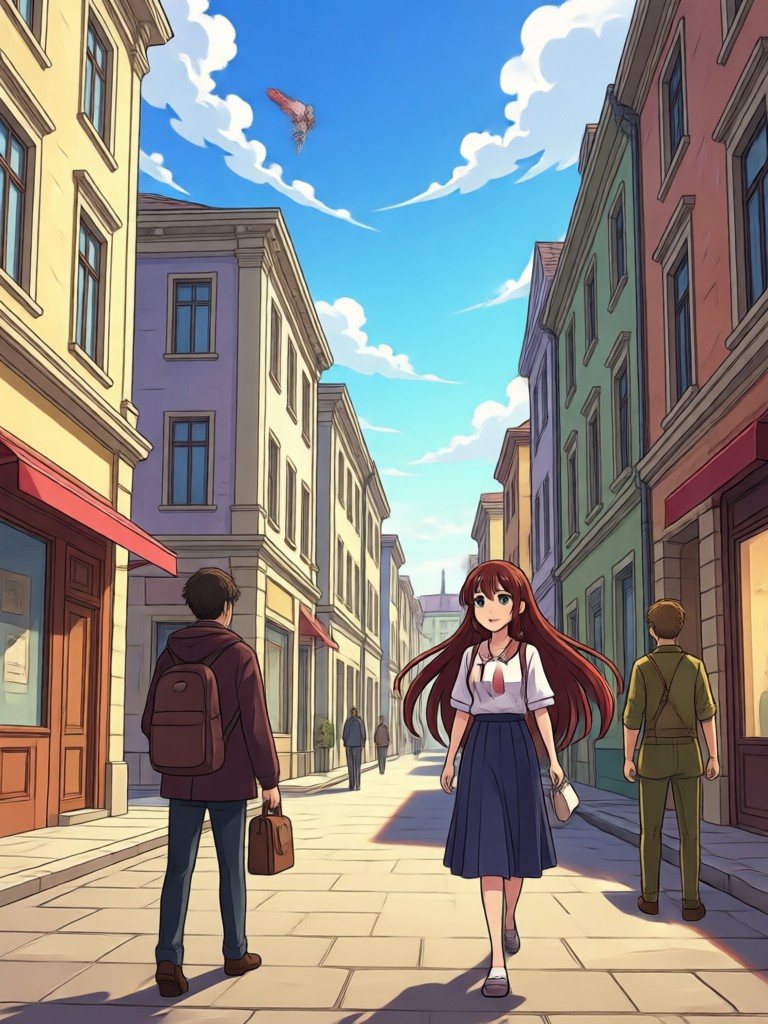
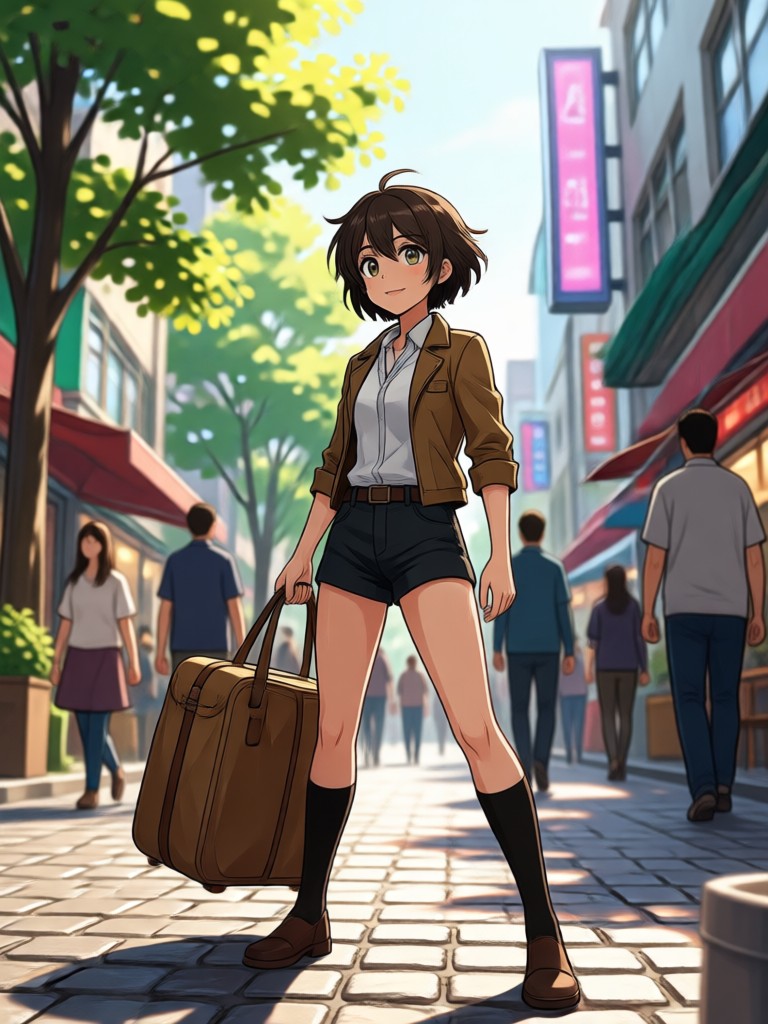
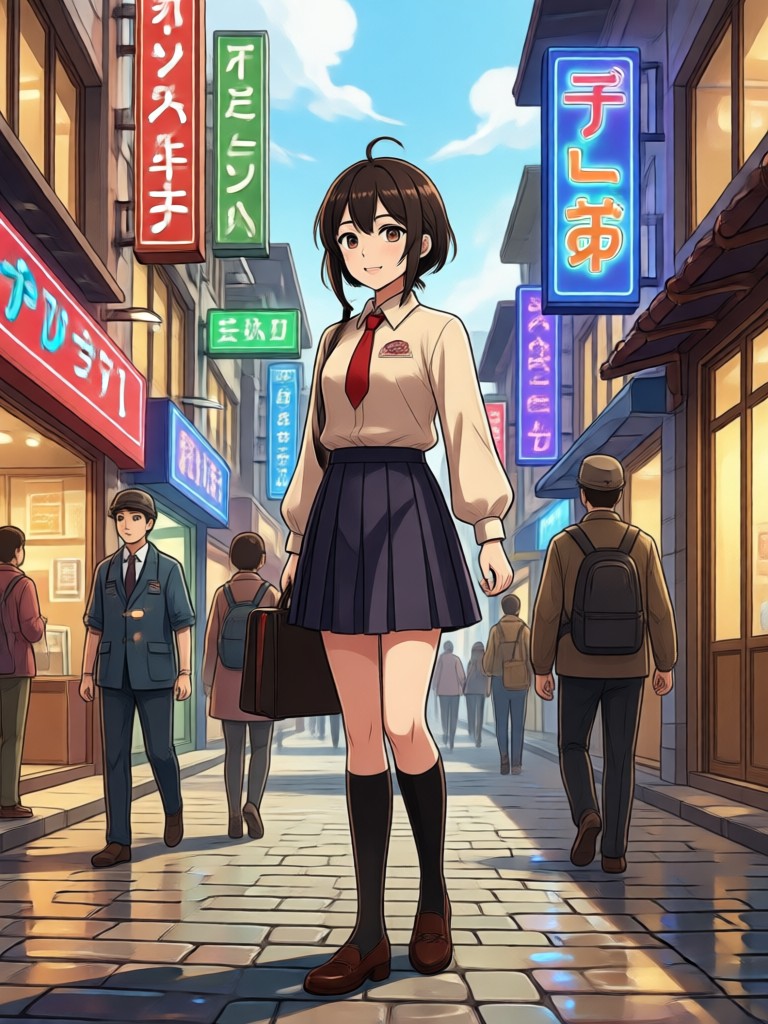
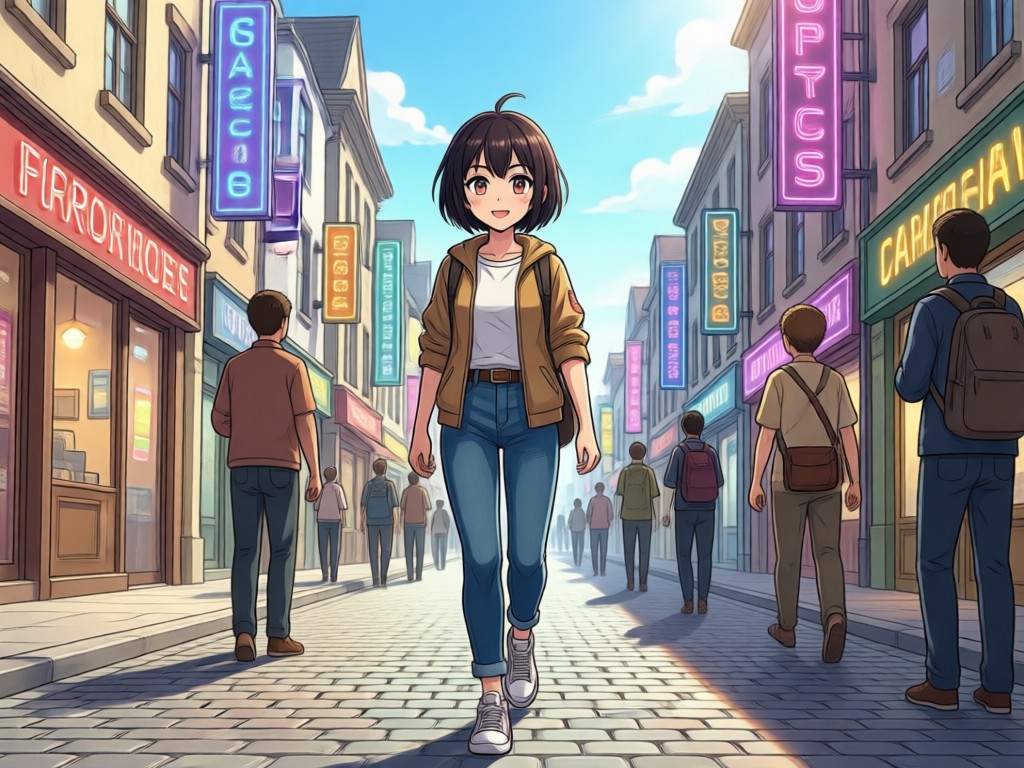
Browse stunning examples of anime characters converted into real people. See how gloglo preserves identity and expression while adding photographic realism. Get inspired and create your own transformation today.
Why Use an AI Anime to Real Life Converter?
Turning anime art into real human photos used to require expensive software and professional editing skills. gloglo changes that. Just upload your image, pick a filter, and let the AI handle the transformation. It is fast, intuitive, and available right on your phone.
Why Use an AI Anime to Real Life Converter?
Turning anime art into real human photos used to require expensive software and professional editing skills. gloglo changes that. Just upload your image, pick a filter, and let the AI handle the transformation. It is fast, intuitive, and available right on your phone.
How to Convert Anime to Real Life in 3 Steps
Transform your favorite anime character into a realistic human photo with gloglo in just three simple steps.

Step 01.
Download the gloglo app from Google Play and open the Anime to Real Life converter tool.

Step 02.
Upload your anime image or choose one from your gallery, then select a photorealistic style filter.

Step 03.
Generate your realistic photo, adjust details if needed, and save or share your result.
What Creators Say About gloglo
My anime portraits finally look human
I used the anime to real life converter on my original character art and was amazed at how natural the faces looked. It kept the hair color and expression perfectly while giving realistic skin and lighting.
Perfect for cosplay previews
Before investing in a cosplay, I convert my anime reference to a real life photo to see how the character might look as a person. It helps me choose wigs and makeup. So fast and fun.
No editing skills needed
I am not a designer. I just upload a screenshot from my favorite anime and the app gives me a realistic portrait in seconds. The filters are so easy to use.
Frequently Asked Questions About Anime to Real Life Conversion
Find clear answers about turning anime images into realistic human photos using gloglo's AI converter.
More Topics You May Like
Explore more topics you may like and discover fresh ideas tailored to your interests.
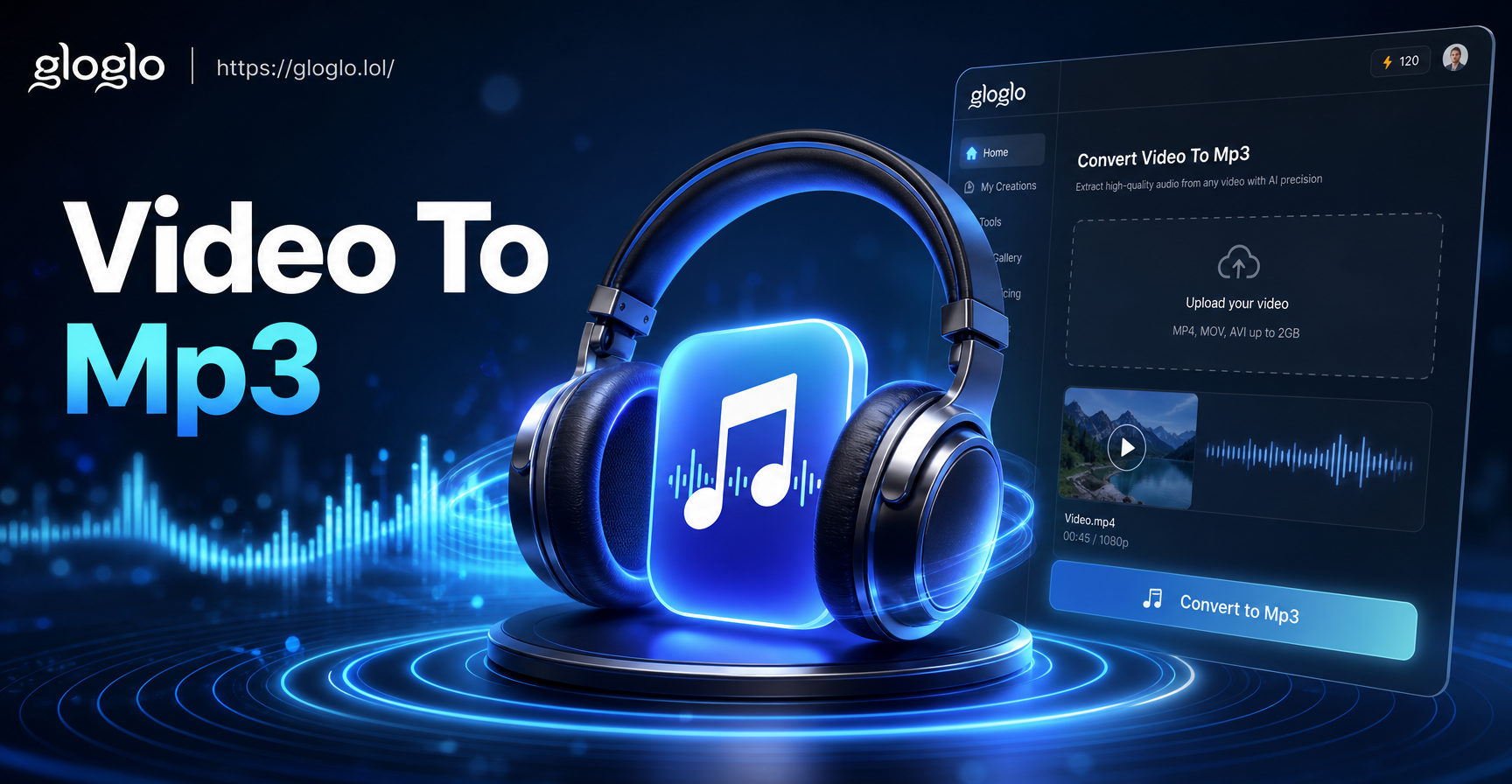
Convert Video To Mp3: Explore AI Video Tools on Mobile
Transform video content with AI tools. gloglo offers text-to-video generation, photo animation, and 1M+ style filters for mobile creators. Download the app and start today.
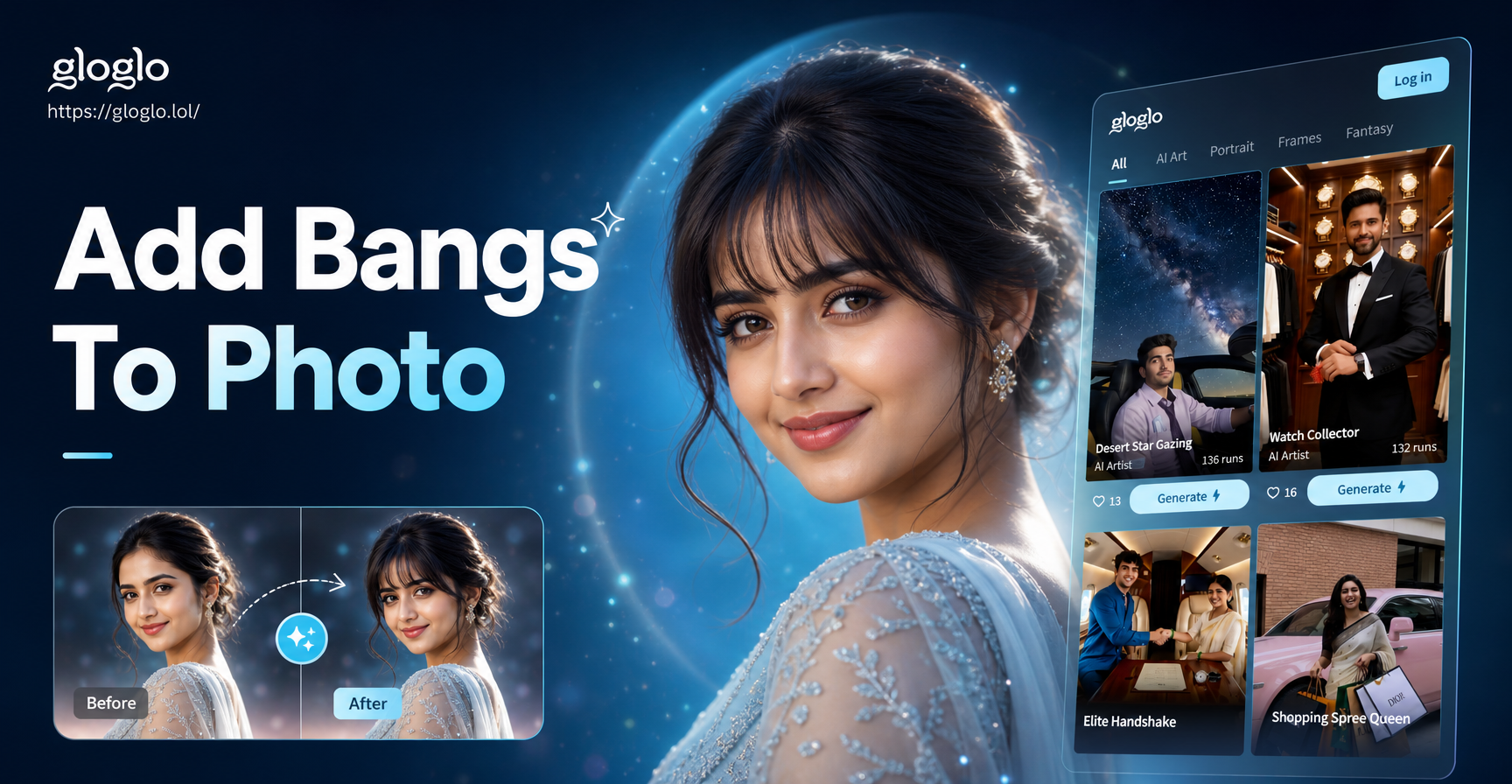
Add Bangs To Photo with AI: Virtual Try On App
Add bangs to photo with gloglo AI. Upload a selfie, try on wispy, blunt, side swept or curtain bangs in seconds. No salon visit needed. Download the app today.

Reshape Your Body in Photos: Easy AI Editor
Use the Body Reshaping Photo Editor to slim, sculpt, and enhance your figure in any photo. Upload a picture, apply realistic edits, and get natural results. Download gloglo for free.
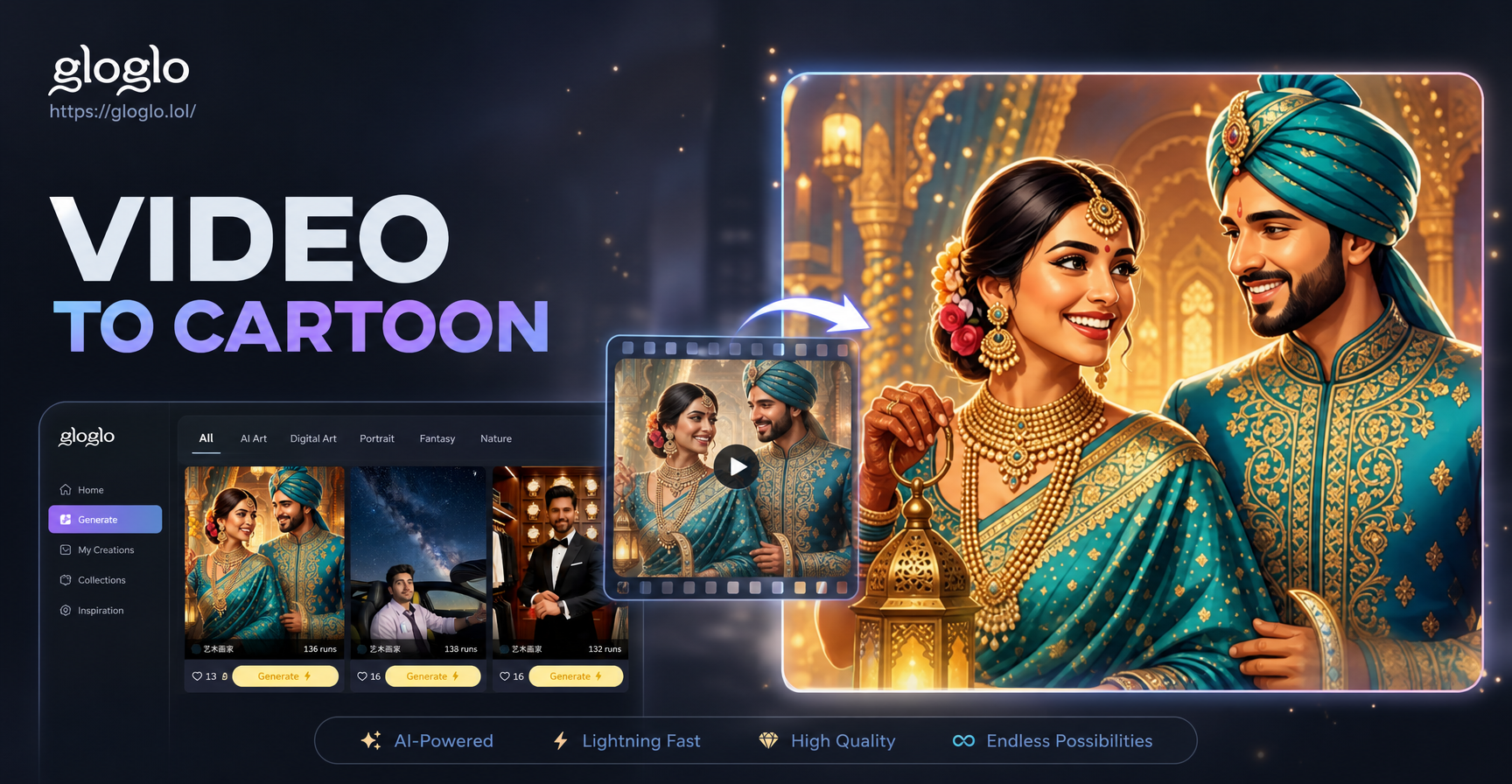
Turn Any Video Into a Cartoon Instantly
Transform your videos into stunning cartoon animations with AI. Upload a clip, choose a cartoon style, and download in seconds. No editing skills needed. Try gloglo now.
Turn Your Anime Art into Real Life Today
Download gloglo on Google Play and start converting anime to real life in seconds. No design skills needed, just upload and generate.

Turn Your Anime Art into Real Life Today
Download gloglo on Google Play and start converting anime to real life in seconds. No design skills needed, just upload and generate.