Convert Video WMV to MP4
Pick a Video Tool for Your Conversion
Choose from a range of AI video tools inside gloglo. Convert your WMV file to MP4, then apply style effects, enhance clarity, or generate a short clip for social media.
Why Convert WMV to MP4 in gloglo
The gloglo app is built for creators who need fast, reliable video formatting on the go. No desktop is required and no technical setup is needed. Your video is ready to share anywhere.
Universal Playback
WMV files often fail on iPhones, iPads, and some social apps. MP4 solves that. Convert video WMV to MP4 once, then play it on any device without extra players or codec packs.
Mobile First Workflow
You do not need a computer to change WMV to MP4. Open the gloglo app, upload your file, and export an MP4. The entire process happens on your phone in a few taps.
Quality Preserved
Format conversion should not ruin your footage. gloglo processes your WMV video cleanly and outputs an MP4 with sharp visuals and clear audio, ready for editing or posting.
Video Styles Available After Conversion
Once you convert video WMV to MP4, the real fun begins. Apply AI style filters, turn clips into animations, or generate a brand new MP4 segment. Here are popular video effects you can try inside the app.
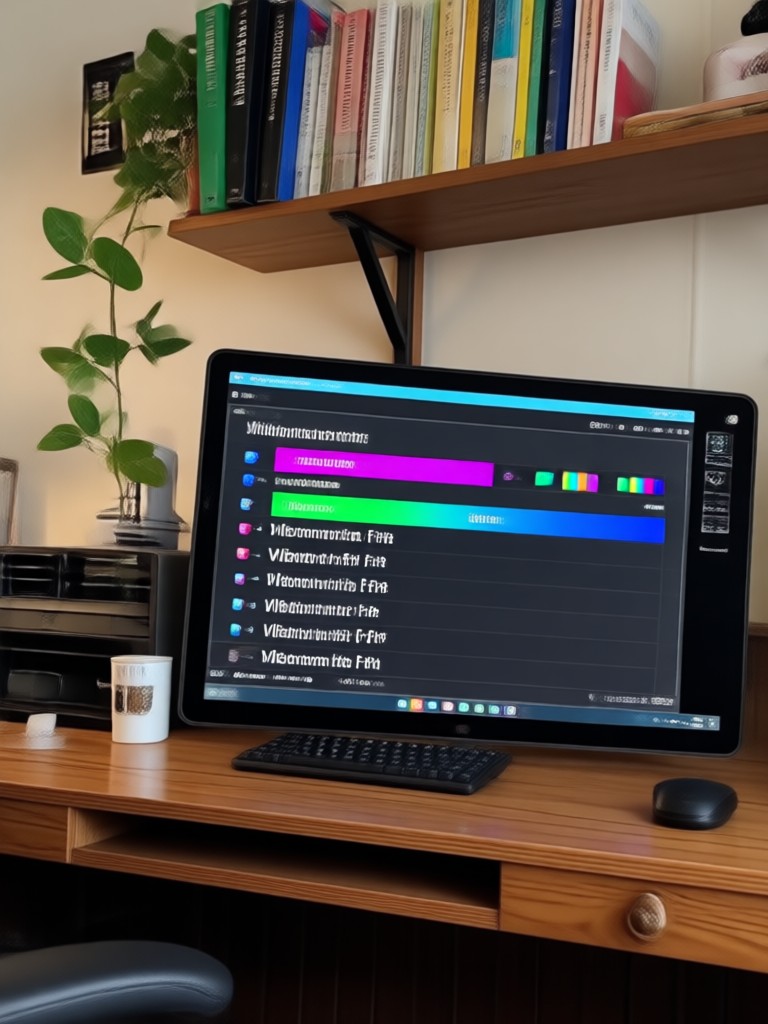
How to Convert Video WMV to MP4
Change your Windows Media Video into a modern MP4 in just three simple steps using the gloglo mobile app.
Step 01.
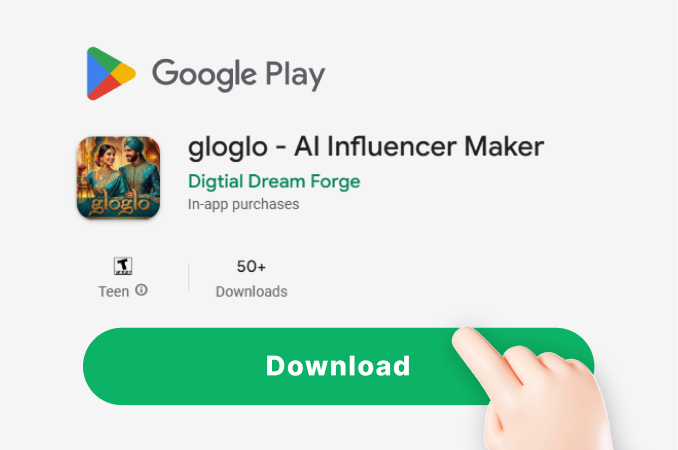
Download the gloglo app from Google Play and open it on your Android phone. No registration is required to start.
Step 02.
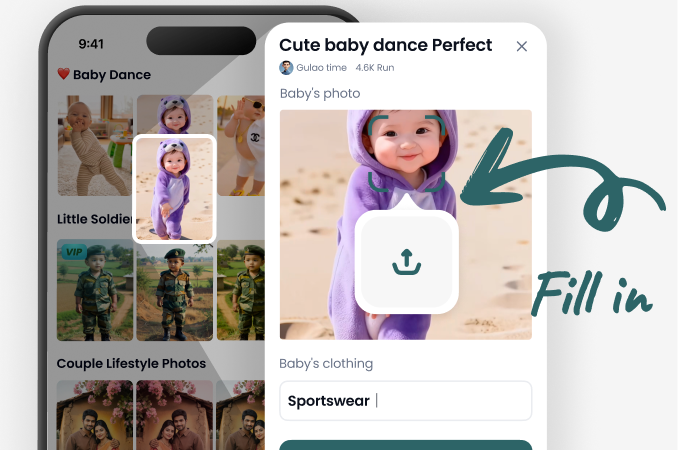
Tap the Convert or Upload button. Select your WMV file from your phone storage or file manager.
Step 03.
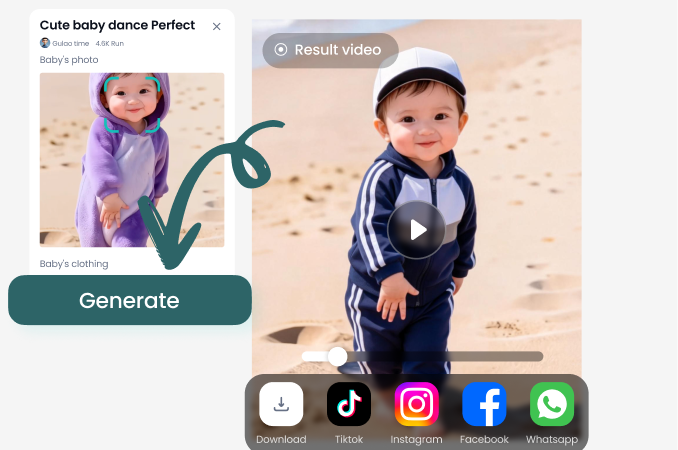
Choose MP4 as the output format. Tap Convert, wait a few seconds, then save your new MP4 to your gallery. Done.
More Than Just a WMV to MP4 Converter
gloglo is a complete AI video platform for mobile creators. Convert files, enhance footage, apply viral effects, and generate new videos from text or images. You get a full editing suite without leaving the app. Perfect for social media managers, small business owners, and everyday users who want professional looking results without professional software.
Convert Video WMV to MP4 on Android
The gloglo app runs smoothly on Android phones and tablets. Download it from Google Play, import your WMV file, and export a clean MP4 without watermarks on your first conversion.

What Users Say About gloglo Video Tools
Finally I can play old WMV files
My old camcorder saved everything as WMV. I converted about 20 clips to MP4 in one afternoon using gloglo. The app is fast and the videos look exactly the same. Zero complaints.
Better than online converters
I used to upload files to random websites to change WMV to MP4. With gloglo, everything stays on my phone. No file size limits, no dodgy pop ups. I converted a 10 minute video in under a minute.
Simple tool for my business
A client sent me a WMV video and I needed it on Instagram. gloglo converted it to MP4 and even let me add a text overlay. Saved me from downloading any desktop software.
Frequently Asked Questions
Clear answers about converting WMV videos to MP4 using the gloglo app. Learn about compatibility, quality, file size, and more.
More Video Topics You May Like
Explore more video conversion and AI editing guides to get the most out of your footage.
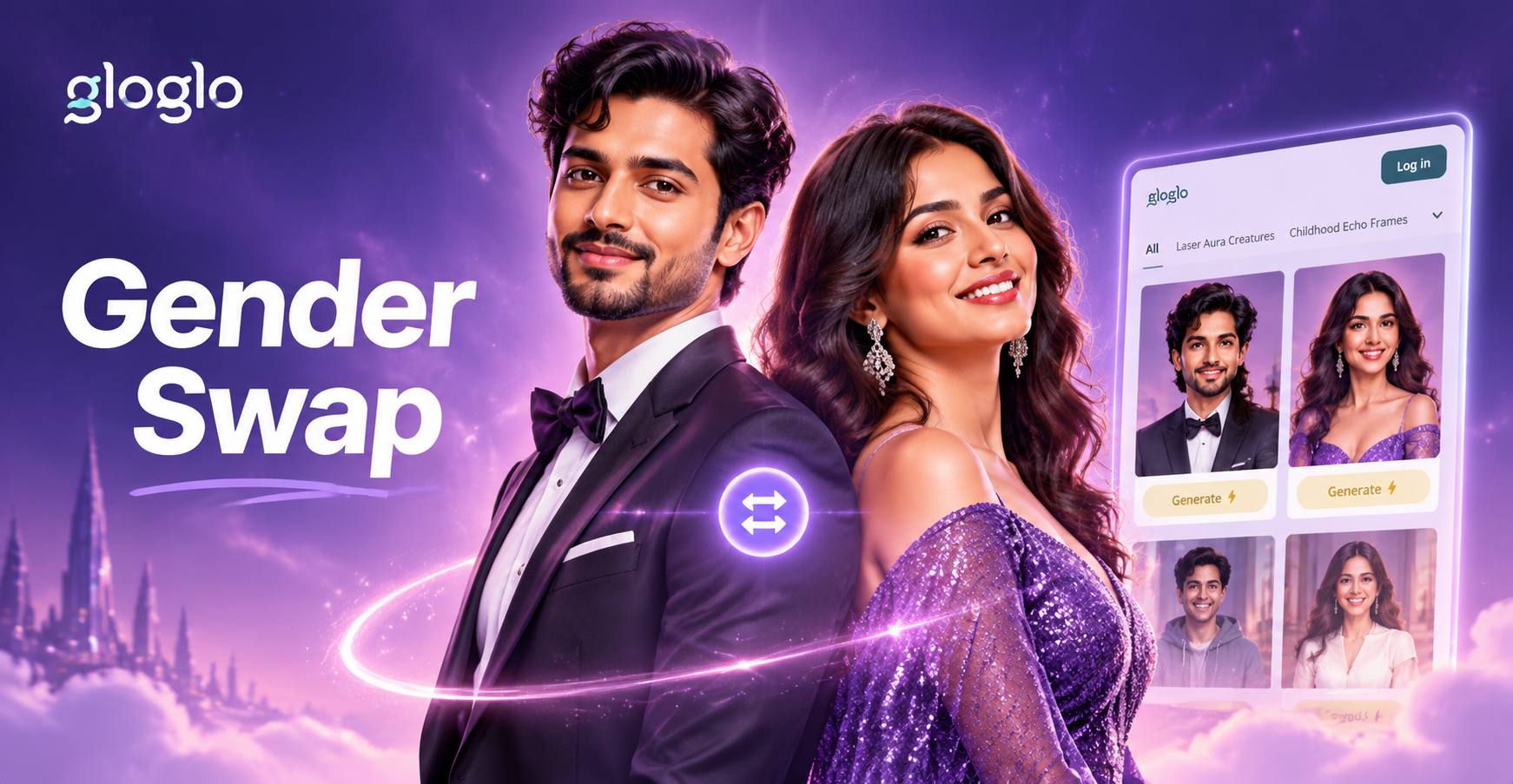
Gender Swap Picture: AI Face & Body Transformation
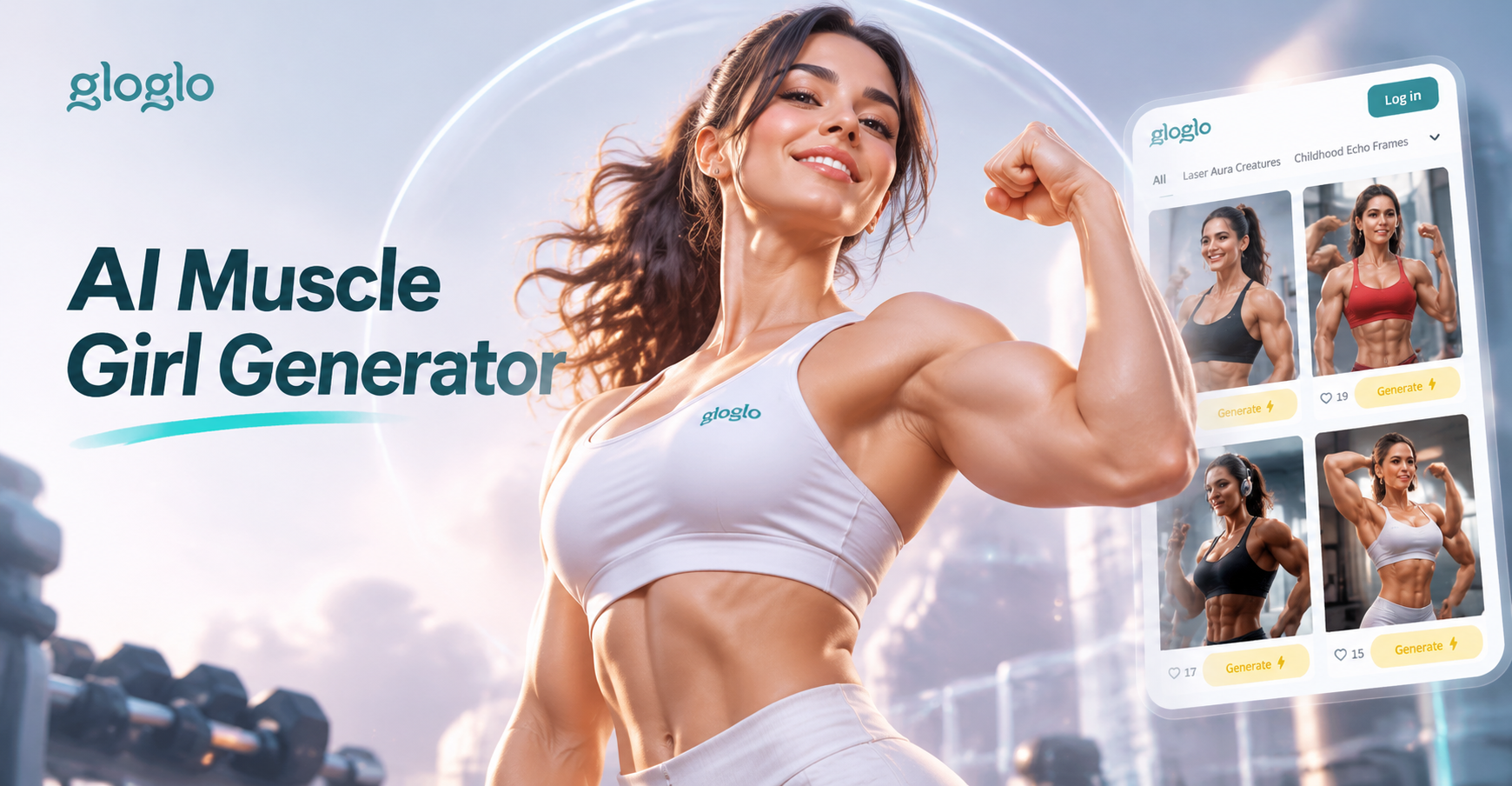
AI Muscle Girl Generator: Create Stunning Muscular Art
Face Animation App Free: Turn Photos into Lively Videos
Change Dress in Passport Size Photo with AI
Gender Swap Picture: AI Face & Body Transformation
AI Muscle Girl Generator: Create Stunning Muscular Art
Face Animation App Free: Turn Photos into Lively Videos
Change Dress in Passport Size Photo with AI
Convert Video WMV to MP4 Right Now
Download gloglo for free and change your WMV files into universal MP4 videos in seconds. Compatible with Android phones and tablets.
Convert Video WMV to MP4 Right Now
Download gloglo for free and change your WMV files into universal MP4 videos in seconds. Compatible with Android phones and tablets.