Create Silhouette From Photo
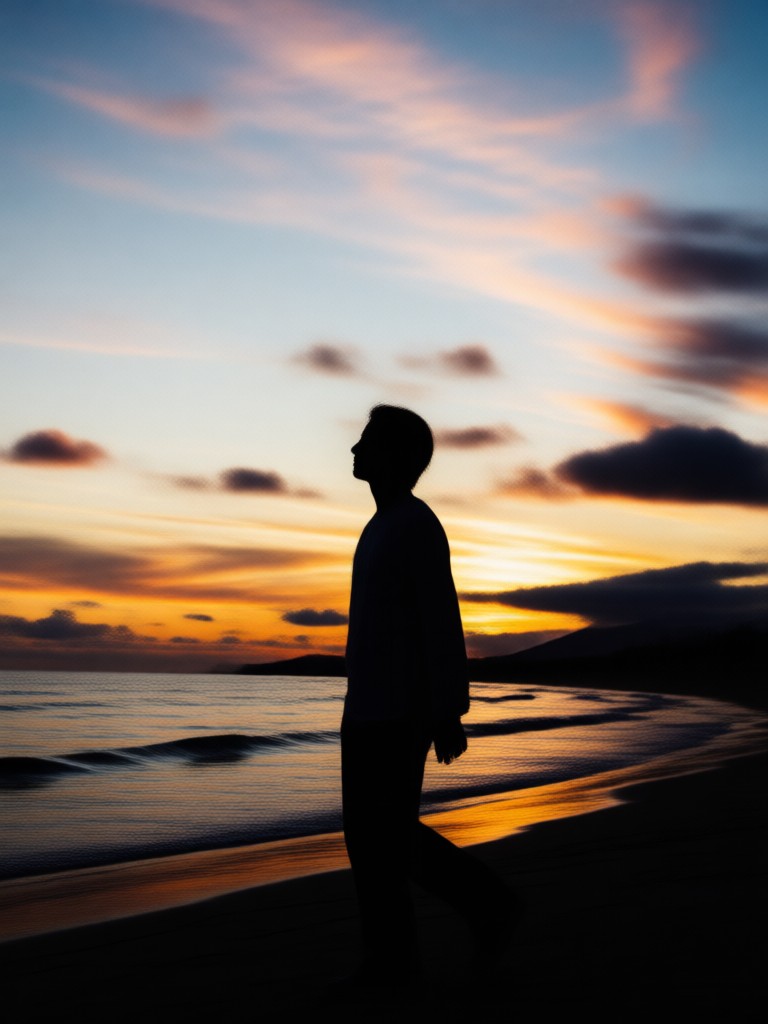
Choose the Silhouette Filter That Suits Your Style
Discover silhouette filters that perfectly match your creative vision, from classic black profiles to glowing neon outlines and dramatic sunset shadows.
Why gloglo Is the Best Silhouette Maker From Photo
Discover the key features that make gloglo the fastest and easiest way to turn photo into silhouette art. Our AI powered platform combines instant processing, massive style variety, and professional quality output without design experience.
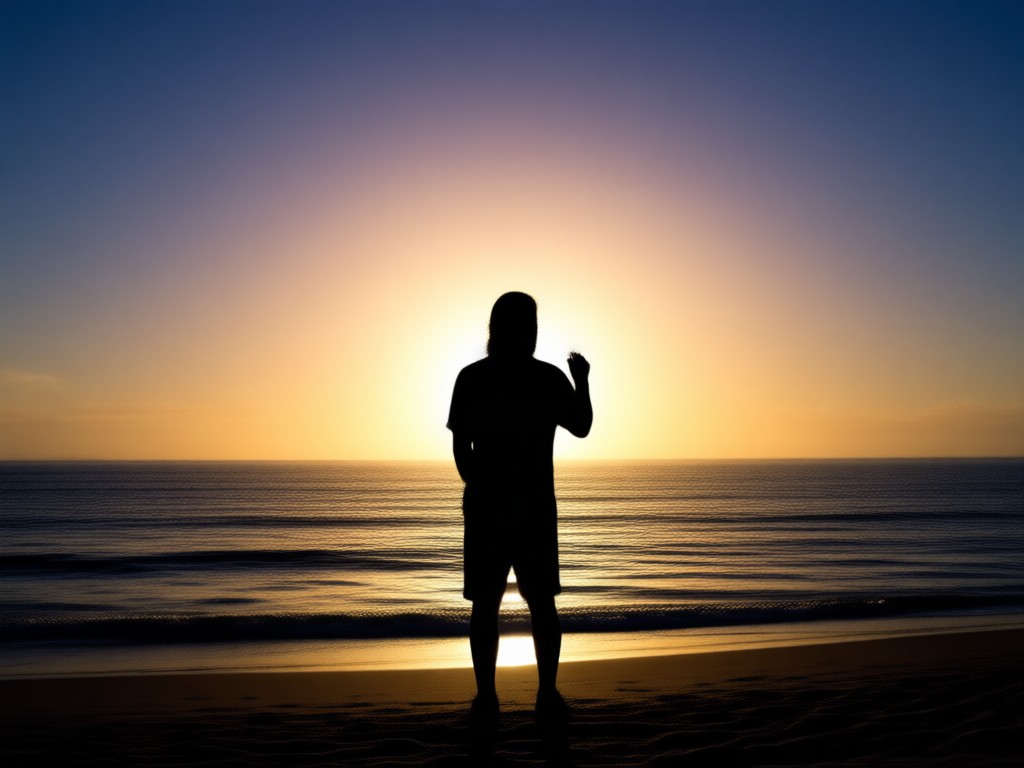
AI Silhouette Extraction
Upload any portrait and gloglo AI instantly detects the subject outline. The system separates your figure from the background and converts it to a clean black silhouette profile. Advanced edge detection ensures smooth contours, sharp boundaries, and no jagged artifacts even with complex hairstyles or clothing shapes.
AI Silhouette Extraction
Upload any portrait and gloglo AI instantly detects the subject outline. The system separates your figure from the background and converts it to a clean black silhouette profile. Advanced edge detection ensures smooth contours, sharp boundaries, and no jagged artifacts even with complex hairstyles or clothing shapes.
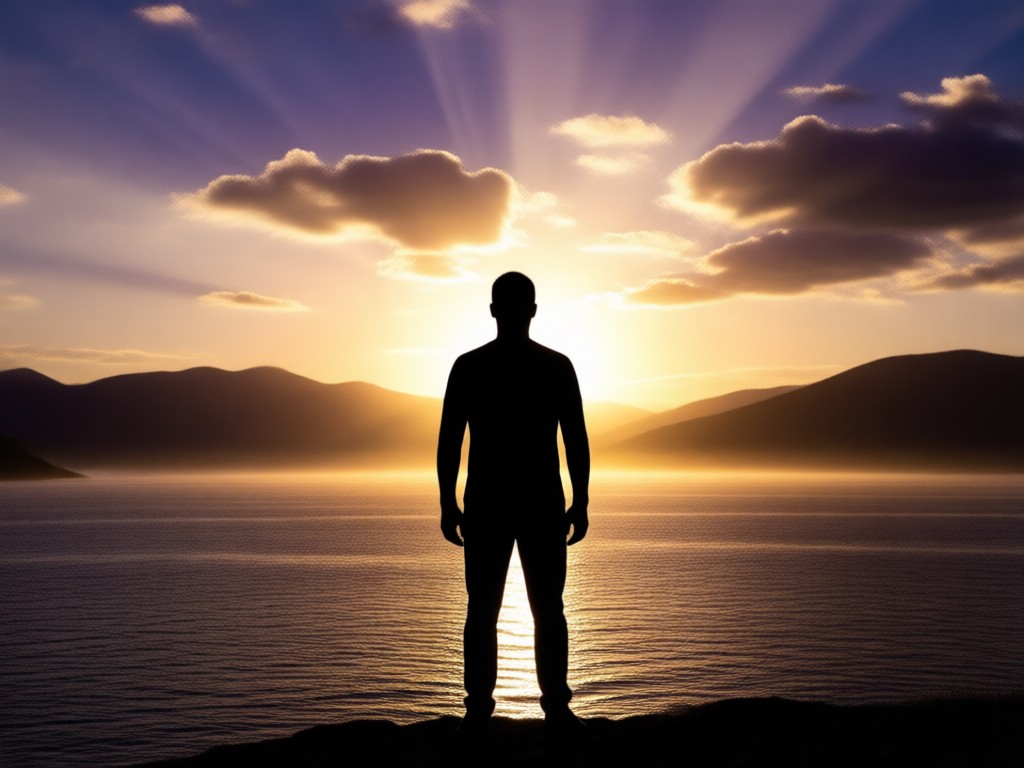
Diverse Style Templates
Choose from over one million style filters built into gloglo. Classic black silhouettes, glowing rim light, sunset shadows, neon outlines, and artistic ink profiles are all available. Each template interprets your photo differently, giving you multiple silhouette art options from a single source image without redoing any steps.
Diverse Style Templates
Choose from over one million style filters built into gloglo. Classic black silhouettes, glowing rim light, sunset shadows, neon outlines, and artistic ink profiles are all available. Each template interprets your photo differently, giving you multiple silhouette art options from a single source image without redoing any steps.
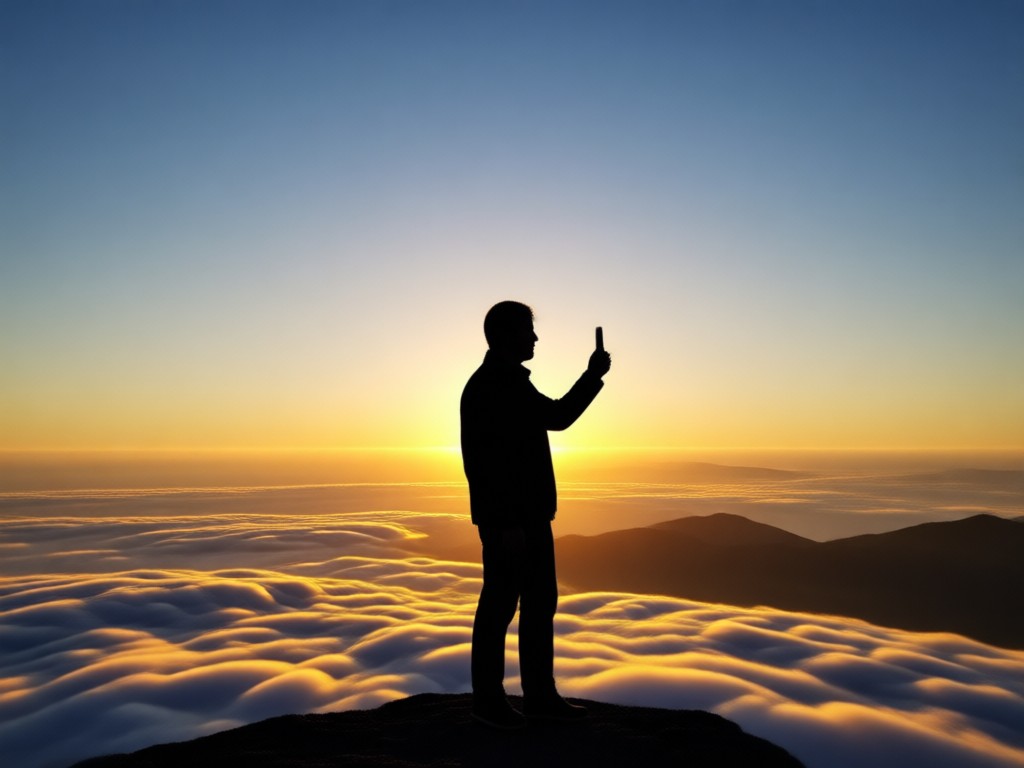
One Tap Download and Share
Export your silhouette creations in high resolution directly to your phone gallery. Share instantly to Instagram, TikTok, WhatsApp, or any social platform. The AI processes everything in seconds so you can post dramatic silhouette art while the trend is fresh. No watermarks on generated images with most subscription tiers.
One Tap Download and Share
Export your silhouette creations in high resolution directly to your phone gallery. Share instantly to Instagram, TikTok, WhatsApp, or any social platform. The AI processes everything in seconds so you can post dramatic silhouette art while the trend is fresh. No watermarks on generated images with most subscription tiers.
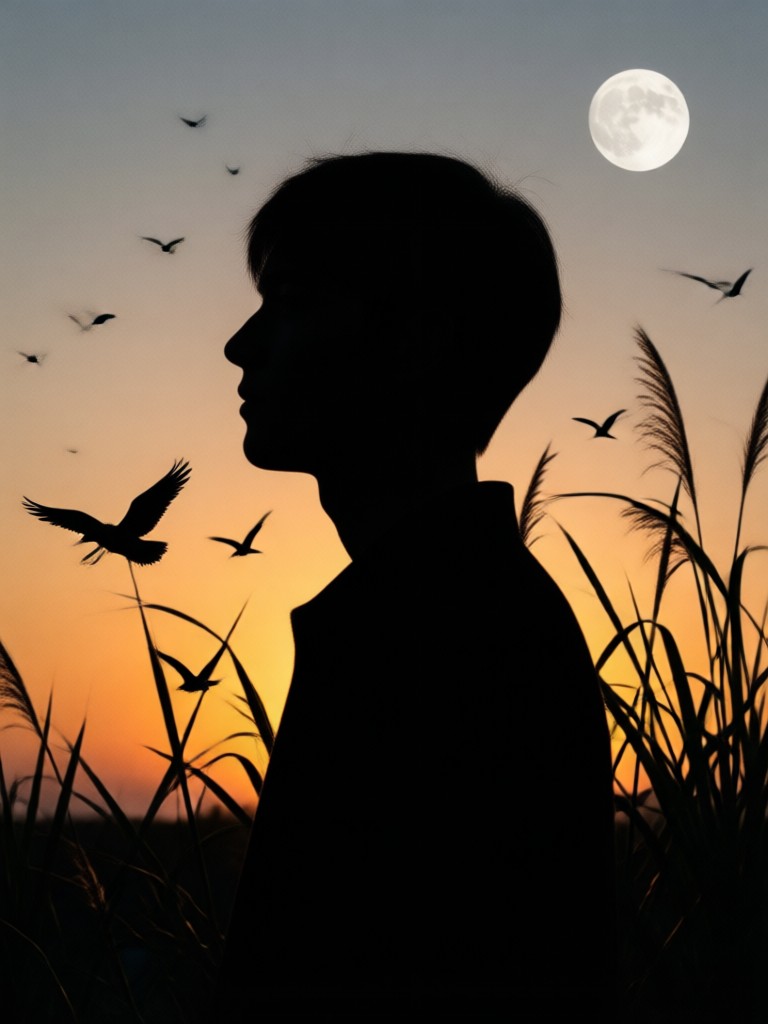
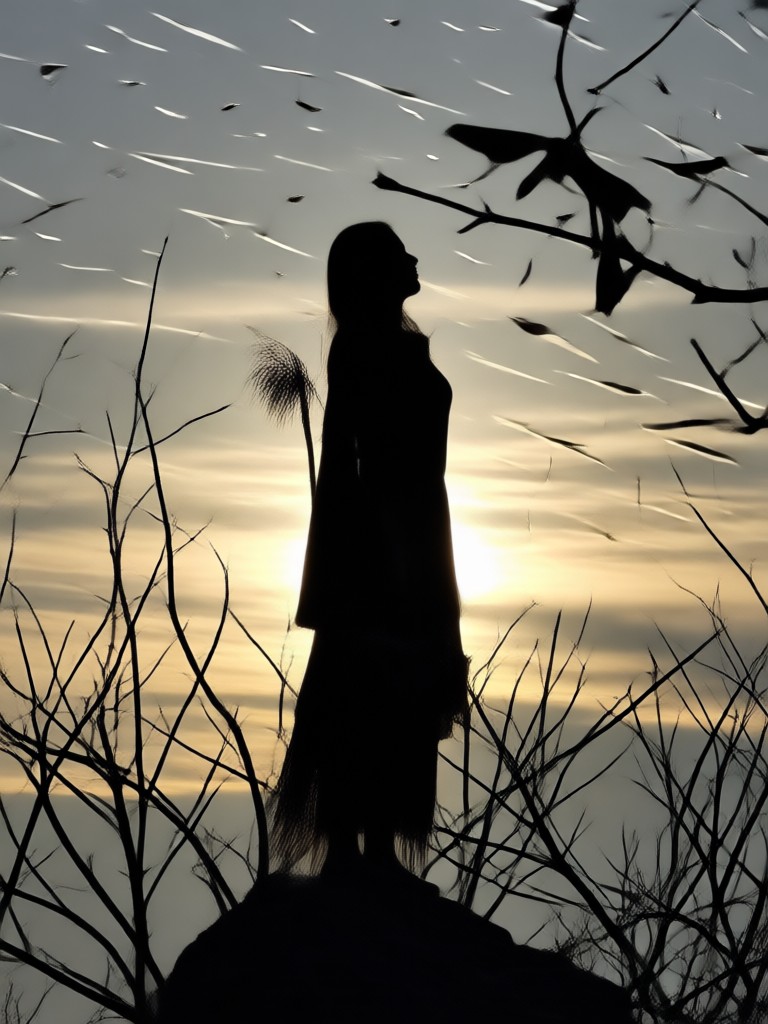
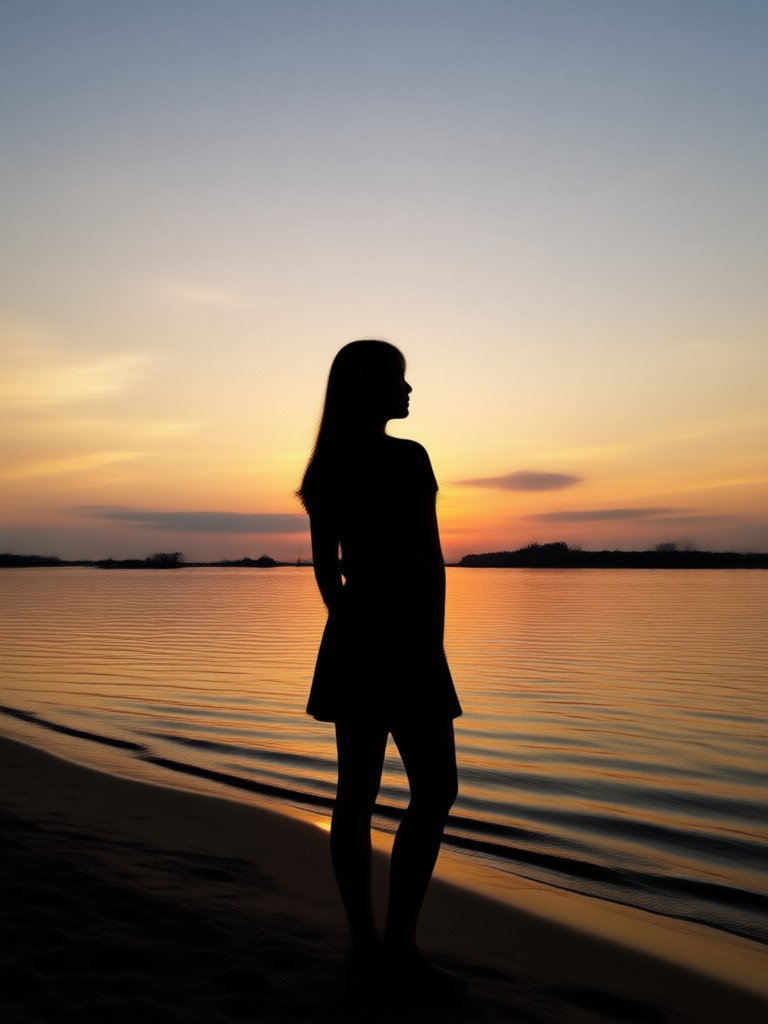
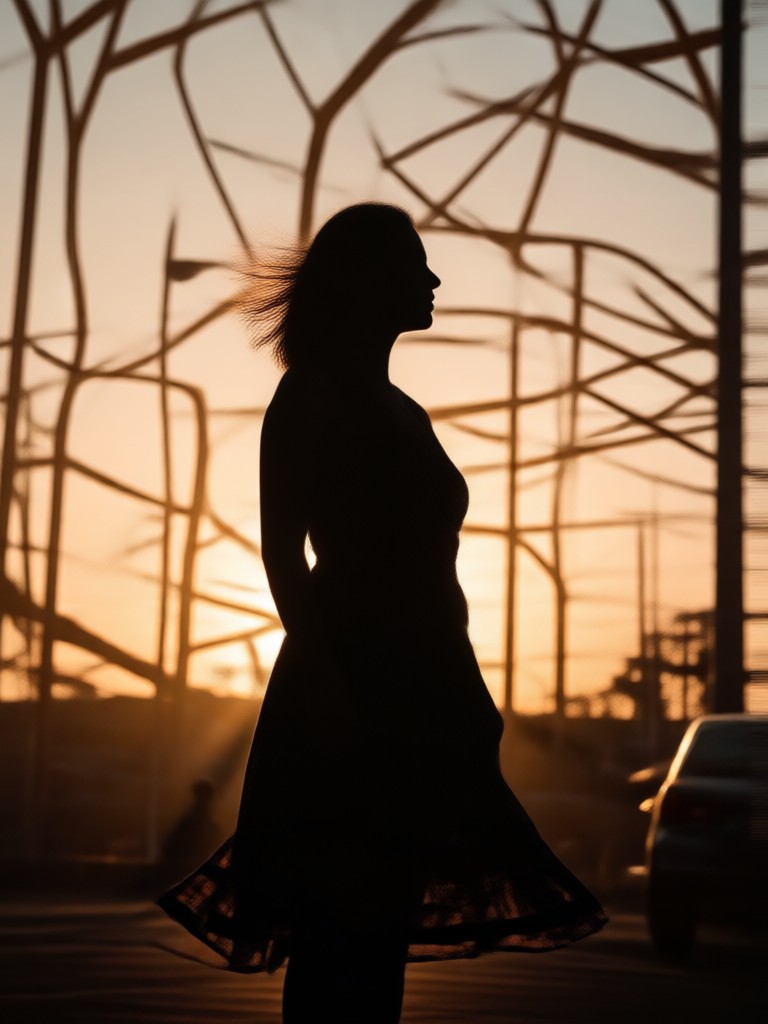
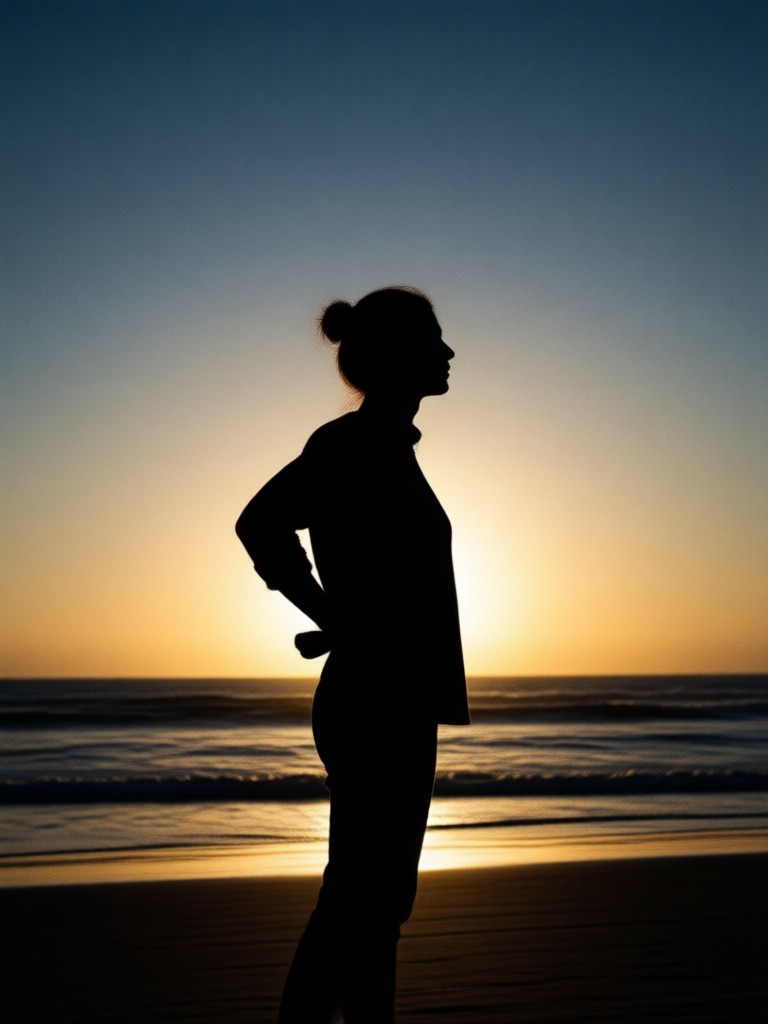
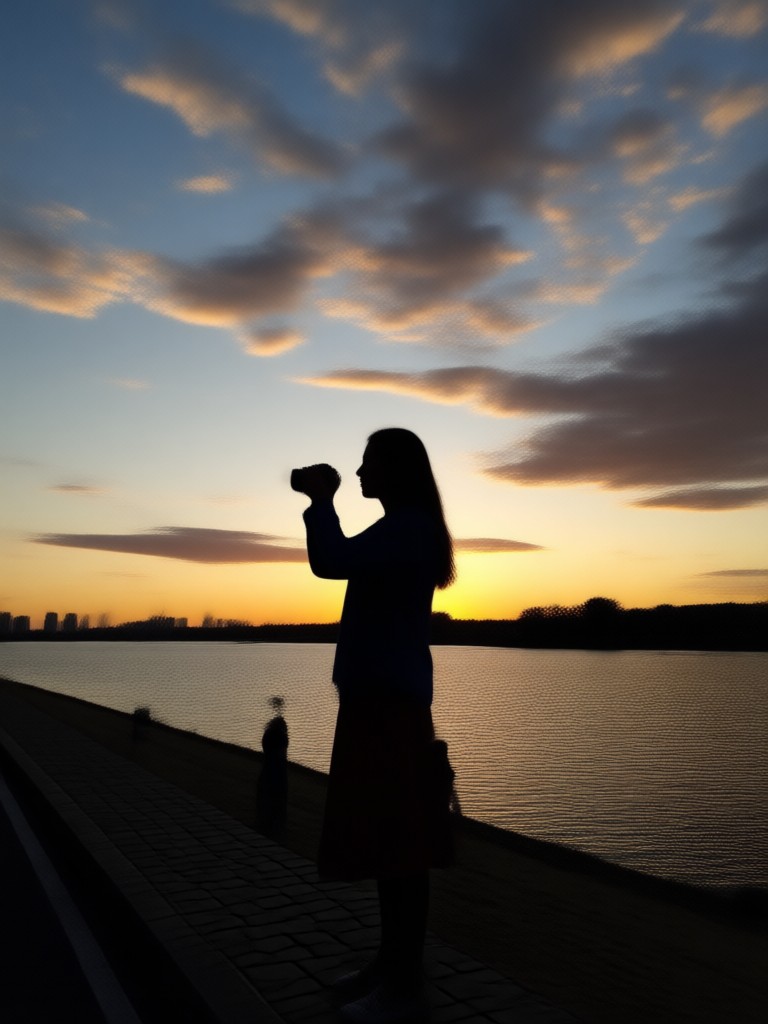
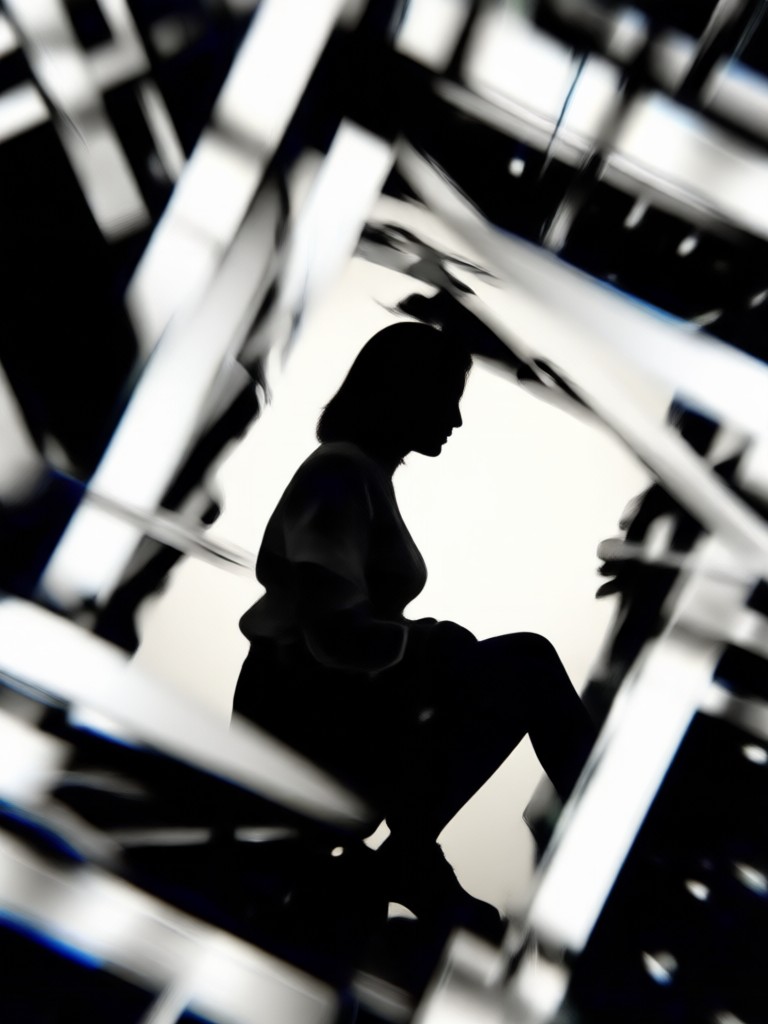
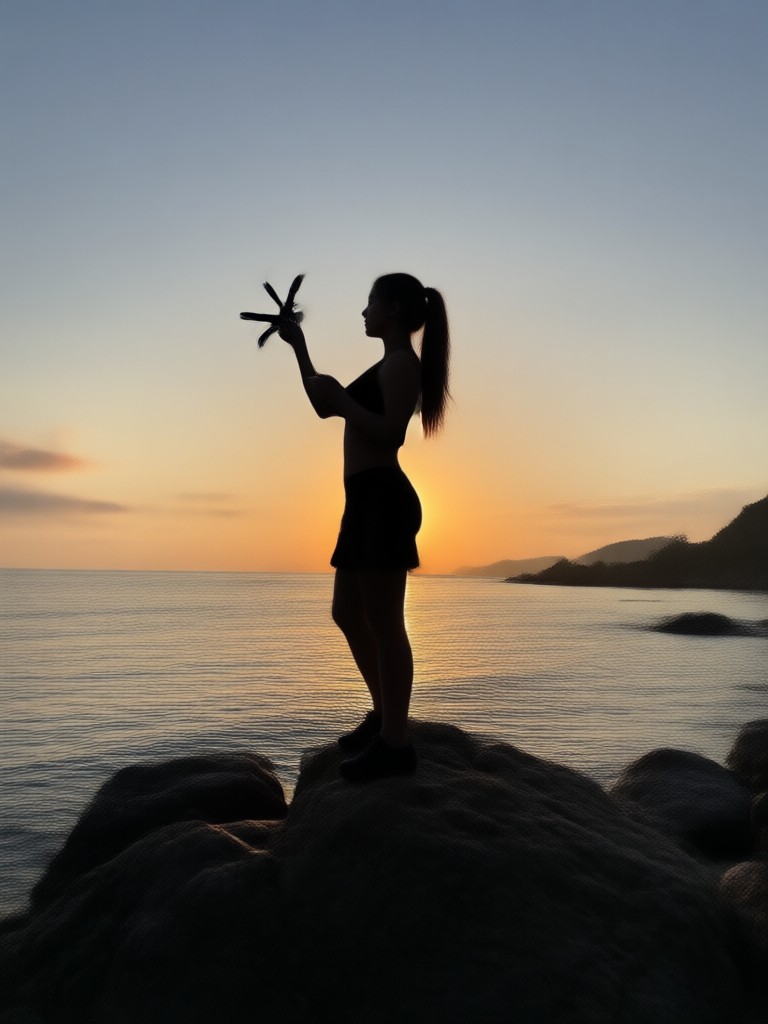
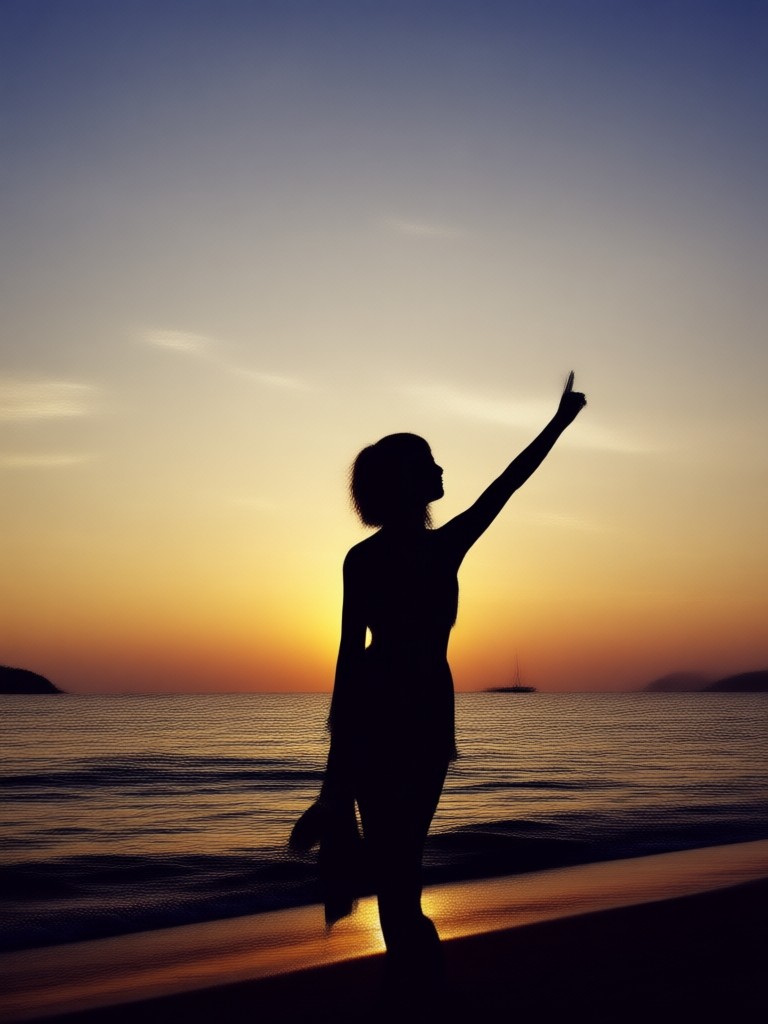
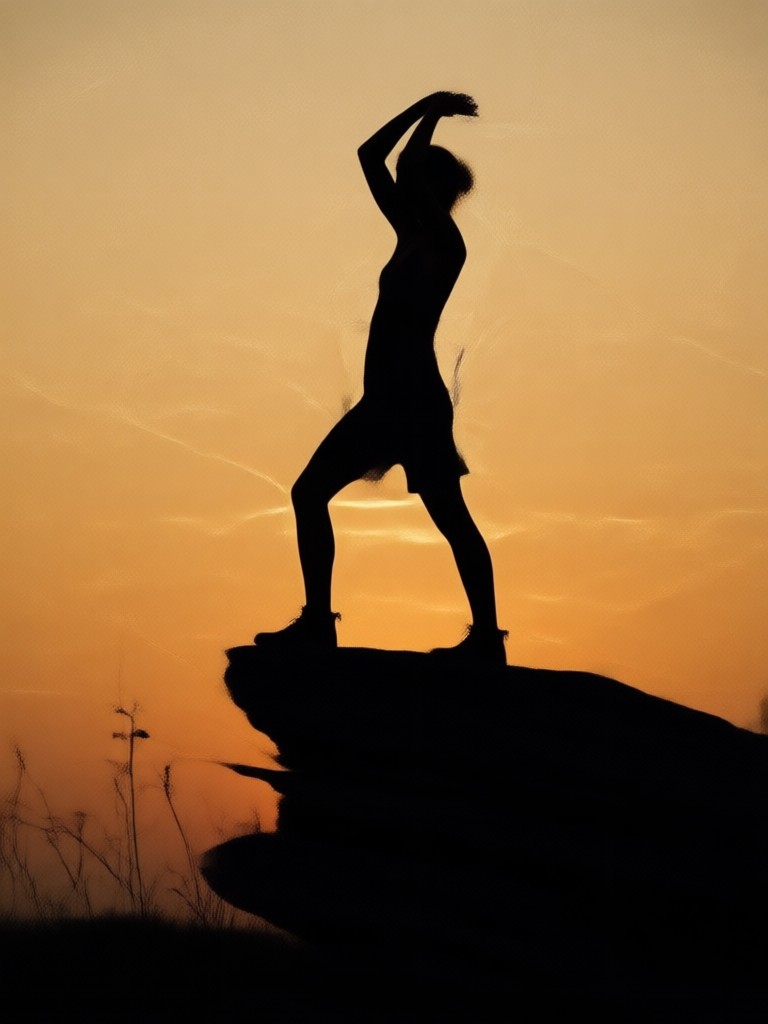
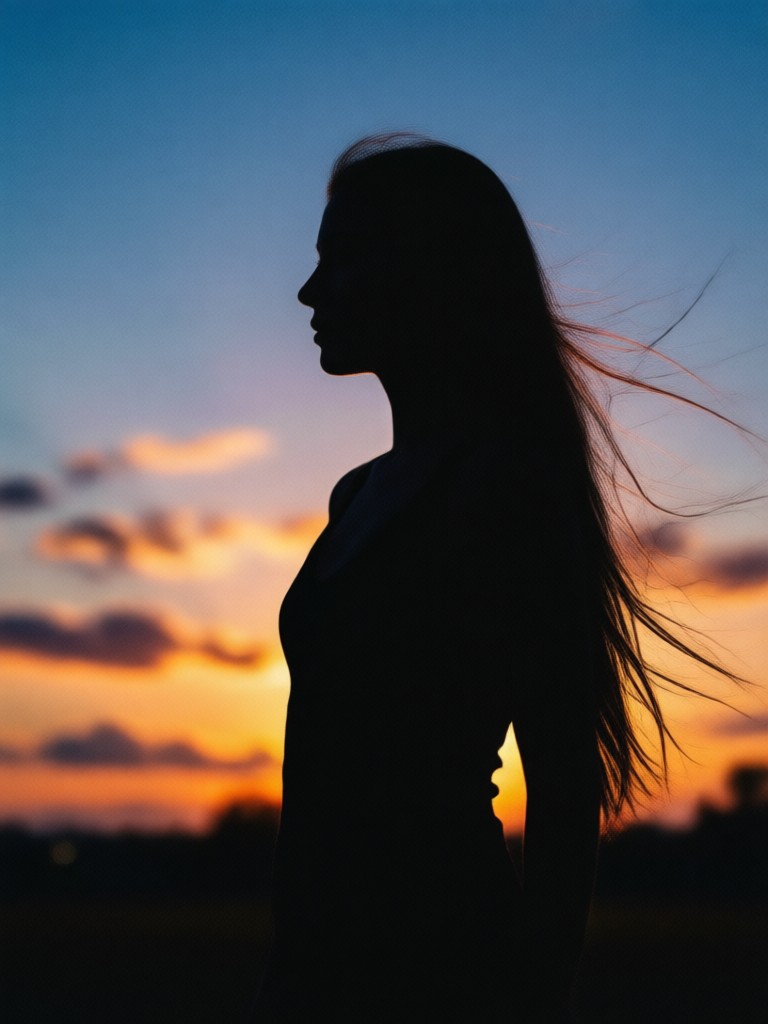
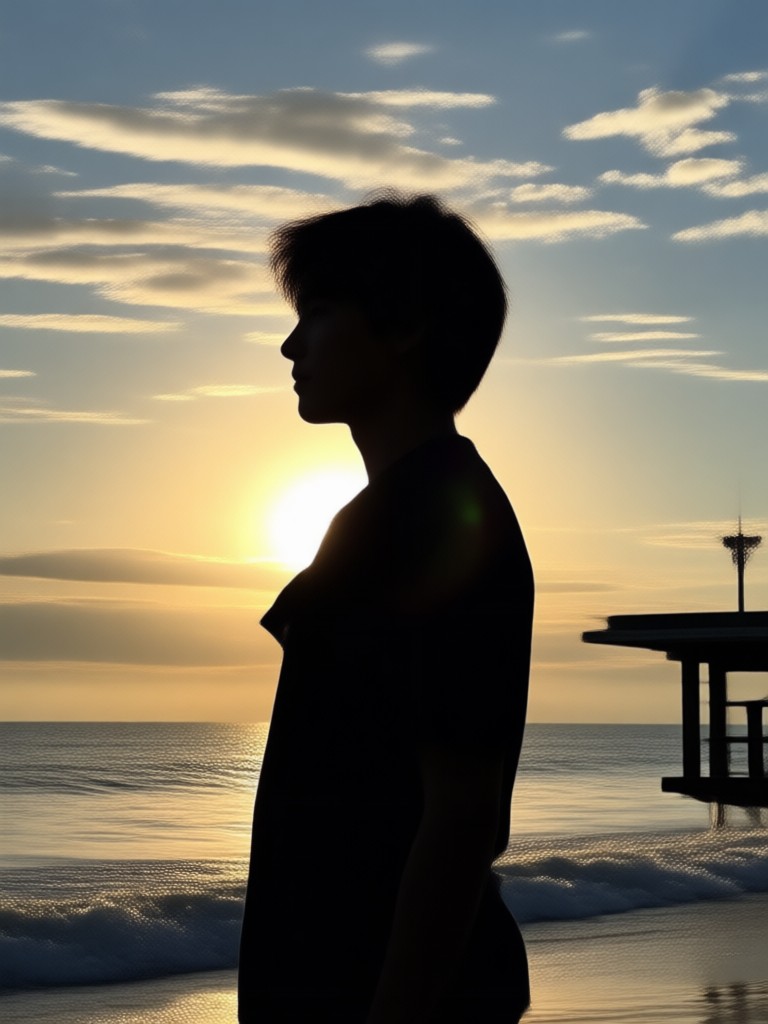
Silhouette Art Examples Created With gloglo
Browse stunning silhouette transformations generated with gloglo AI photo filters. Each image shows a different style approach from classic black profiles to glowing neon outlines. These examples demonstrate what you can create in seconds with the right template paired with your photo.
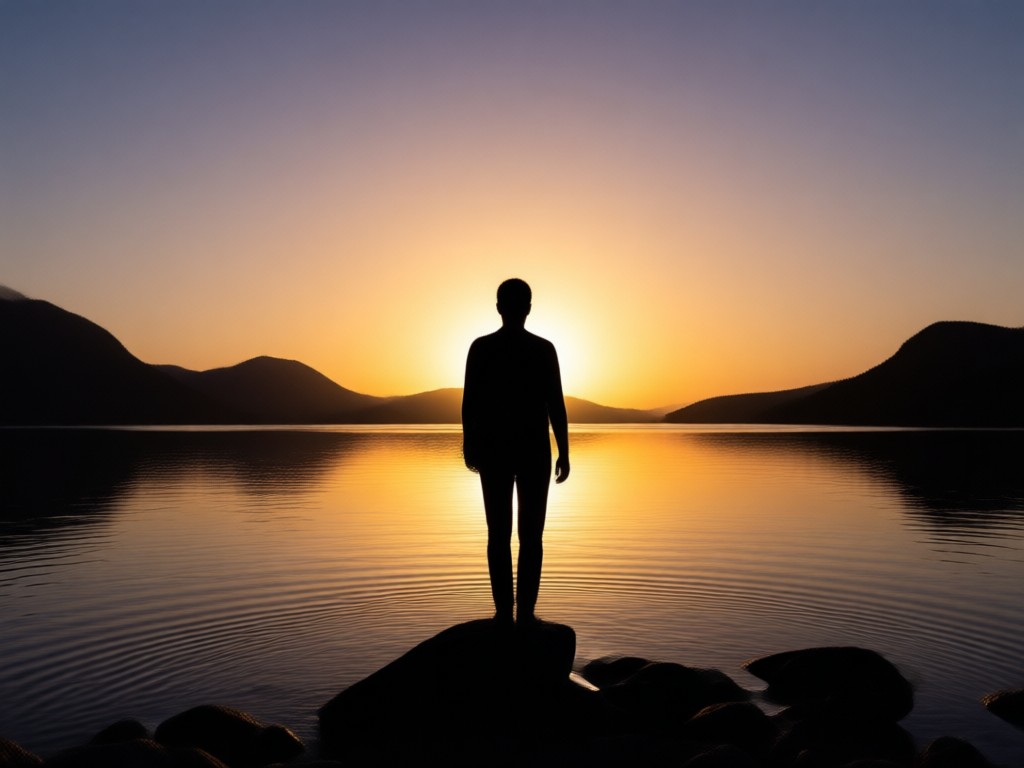
One App for Every Silhouette Style You Need
Why use gloglo silhouette creator instead of complex desktop software? Mobile first design means you can create wherever inspiration strikes. No learning curve, no tedious layer masks. Just select a photo, tap a silhouette template, and let AI handle edge detection, background removal, and contrast adjustment automatically.
One App for Every Silhouette Style You Need
Why use gloglo silhouette creator instead of complex desktop software? Mobile first design means you can create wherever inspiration strikes. No learning curve, no tedious layer masks. Just select a photo, tap a silhouette template, and let AI handle edge detection, background removal, and contrast adjustment automatically.
How to Create Silhouette From Photo?
Create dramatic AI silhouette images in just a few simple steps using gloglo powerful mobile platform. No design experience needed.

Step 01.
Get started by downloading gloglo from Google Play to easily generate silhouette images from your photos anytime, anywhere.

Step 02.
Upload your portrait and select from a variety of silhouette templates including classic black, glowing edges, sunset shadows, and artistic ink styles.

Step 03.
Generate your silhouette image, preview multiple style variations, and download your favorite HD result to share on social media.
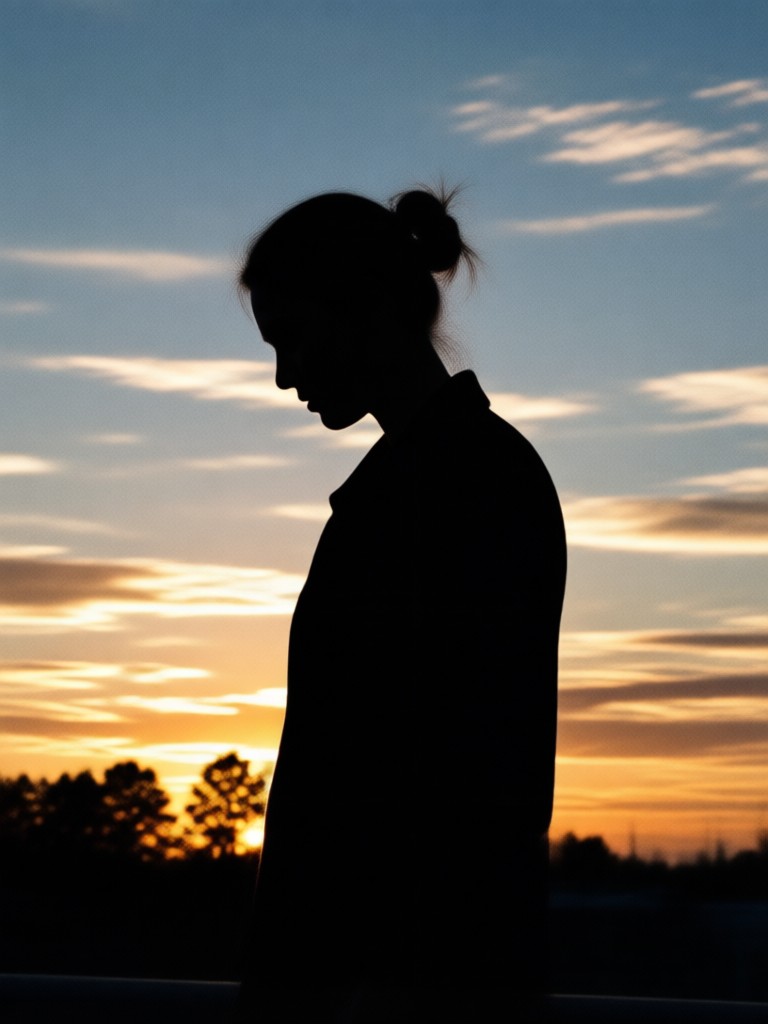
Silhouette Photo Editor for Android
Transform ordinary portraits into striking black silhouette art with free AI templates. Remove backgrounds, enhance subject edges, and apply dramatic shadow effects without any manual editing or design experience.

Who Uses gloglo for Silhouette Photo Effects
Mia Chen
I turned my engagement photo into a beautiful silhouette keepsake. The AI handled my hair and dress details perfectly. The whole process took less than a minute.

David Okafor
Created a sunrise silhouette profile for my fitness brand. The contrast and edge detection are incredibly sharp even with my complex workout pose.
Sara Kim
Made silhouette art from my kids first day of school photo. The glowing outline template was exactly what I wanted for our family announcement card.
Marcus Reid
I needed a silhouette logo concept for my podcast. Uploaded a portrait and got four different dark profile options. Exported directly to my phone. Super efficient.
Mia Chen
I turned my engagement photo into a beautiful silhouette keepsake. The AI handled my hair and dress details perfectly. The whole process took less than a minute.
David Okafor
Created a sunrise silhouette profile for my fitness brand. The contrast and edge detection are incredibly sharp even with my complex workout pose.
Sara Kim
Made silhouette art from my kids first day of school photo. The glowing outline template was exactly what I wanted for our family announcement card.
Marcus Reid
I needed a silhouette logo concept for my podcast. Uploaded a portrait and got four different dark profile options. Exported directly to my phone. Super efficient.
Mia Chen
I turned my engagement photo into a beautiful silhouette keepsake. The AI handled my hair and dress details perfectly. The whole process took less than a minute.
David Okafor
Created a sunrise silhouette profile for my fitness brand. The contrast and edge detection are incredibly sharp even with my complex workout pose.
Sara Kim
Made silhouette art from my kids first day of school photo. The glowing outline template was exactly what I wanted for our family announcement card.
Marcus Reid
I needed a silhouette logo concept for my podcast. Uploaded a portrait and got four different dark profile options. Exported directly to my phone. Super efficient.
Frequently Asked Questions About Silhouette Creation
Find clear answers to common questions about creating silhouette art from photos with gloglo AI powered tools and filters.
More Topics You May Like
Explore more AI photo transformation topics and discover fresh creative ideas tailored to your interests.

Remova o Logo do TikTok e Deixe Seus Vídeos Limpos
Remova o logo do TikTok de vídeos e fotos com IA. Envie seu arquivo, escolha um filtro de limpeza e remova marcas d'água em segundos. Resultados realistas. Disponível no celular.

Bing Image Creator Free Download: Get It Now in 2025
Looking for the Bing Image Creator free download? Discover how to install the app and unlock unlimited AI image generation. Compare features, get tips, and start creating today.

Face Animation Online: Animate Photos with AI in Seconds
Turn static portraits into lifelike moving faces with gloglo. Upload a photo, pick a style, and see your face blink, smile, and turn naturally. Easy face animation online. Download now.

Free Video Editing Software For PC: No Watermark, Pure Magic
Discover the best free video editing app for PC and mobile. Create stunning AI videos without watermark. Edit, generate, and animate with 1M+ filters.
Ready to Create Silhouette From Photo?
Download gloglo now and unlock over one million AI style filters for dramatic silhouette art, glowing portraits, and shadow profiles. Your next profile picture could be a work of art.
Ready to Create Silhouette From Photo?
Download gloglo now and unlock over one million AI style filters for dramatic silhouette art, glowing portraits, and shadow profiles. Your next profile picture could be a work of art.