Free Video Editing Software For PC Without Watermark: Meet gloglo
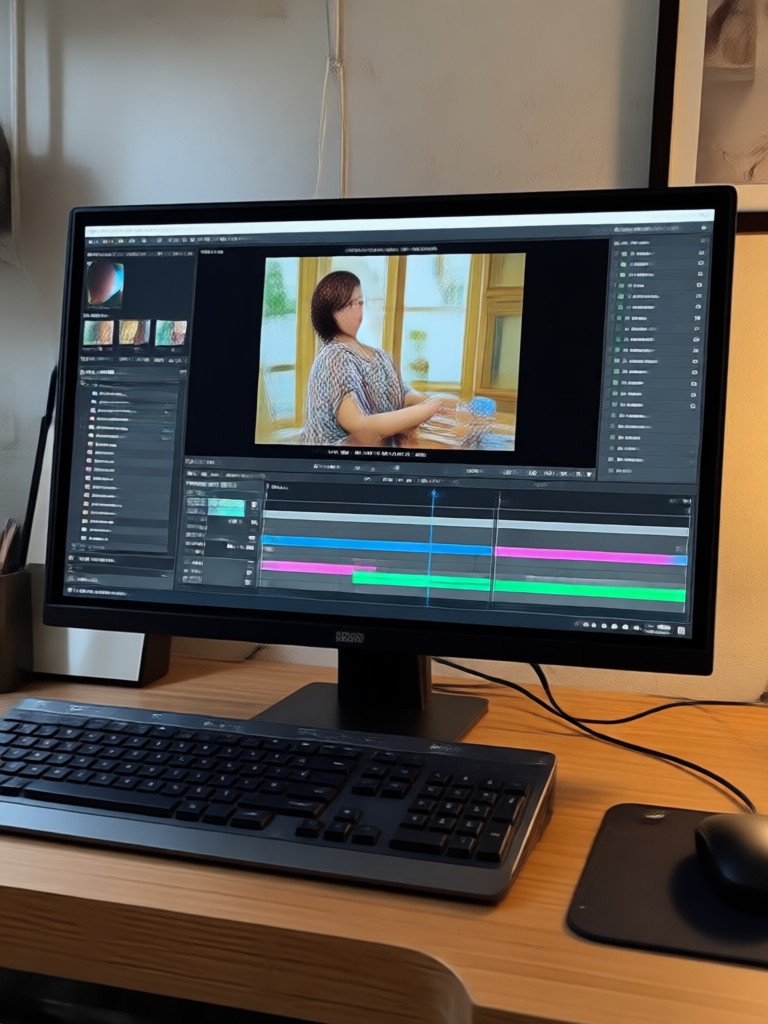
Choose the Perfect Video Style for Your Edit
Discover the AI video filters that perfectly match your content strategy, mood, and target audience.
Why gloglo Beats Traditional Free Video Editors
Traditional video editing software often forces you to choose between paying a premium or accepting intrusive watermarks. gloglo changes the game with AI driven editing that gives you complete freedom to create and export clean, professional videos without any branding.
100% Watermark Free Exports
Unlike other free video editing software for PC, gloglo never stamps your content. Generate, edit, and animate videos with absolute creative freedom. Export your final cut in high definition and publish it directly to your social channels without worrying about logos ruining your aesthetic.
100% Watermark Free Exports
Unlike other free video editing software for PC, gloglo never stamps your content. Generate, edit, and animate videos with absolute creative freedom. Export your final cut in high definition and publish it directly to your social channels without worrying about logos ruining your aesthetic.
Text to Video Generation
Skip the steep learning curve of traditional free video editing software. Simply type a description of the scene you want, choose a style template from our massive library, and watch as the AI generates a dynamic, high quality video for you in seconds. No prompting skills required.
Text to Video Generation
Skip the steep learning curve of traditional free video editing software. Simply type a description of the scene you want, choose a style template from our massive library, and watch as the AI generates a dynamic, high quality video for you in seconds. No prompting skills required.
Animate Static Images
Breathe life into your photo library. Turn static portraits into talking avatars, make subjects smile or blink, and create narrative short videos from a single image. It is the fast, efficient alternative to complex animation software without watermark.
Animate Static Images
Breathe life into your photo library. Turn static portraits into talking avatars, make subjects smile or blink, and create narrative short videos from a single image. It is the fast, efficient alternative to complex animation software without watermark.
How to Edit Free Videos Without Watermark?
Create stunning AI videos without watermark in just a few simple steps using the gloglo mobile app.

Step 01.
Download the gloglo app from Google Play. It is the easiest way to access powerful free video editing software without watermark restrictions.

Step 02.
Select from a variety of viral AI filters and style templates. Choose from cinematic options, anime effects, or realistic enhancements to transform your footage.

Step 03.
Generate your video or image and export it instantly. Share your clean, watermark free creation directly to TikTok, Instagram Reels, or YouTube.
Explore AI Video Creations Made Without Watermark
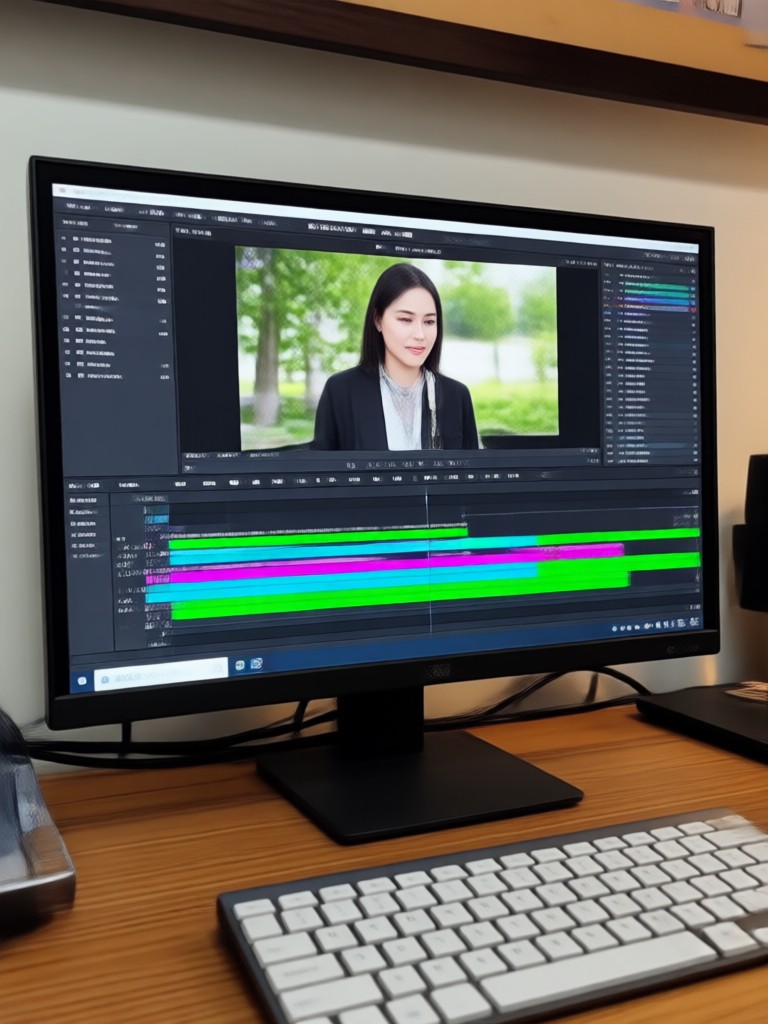
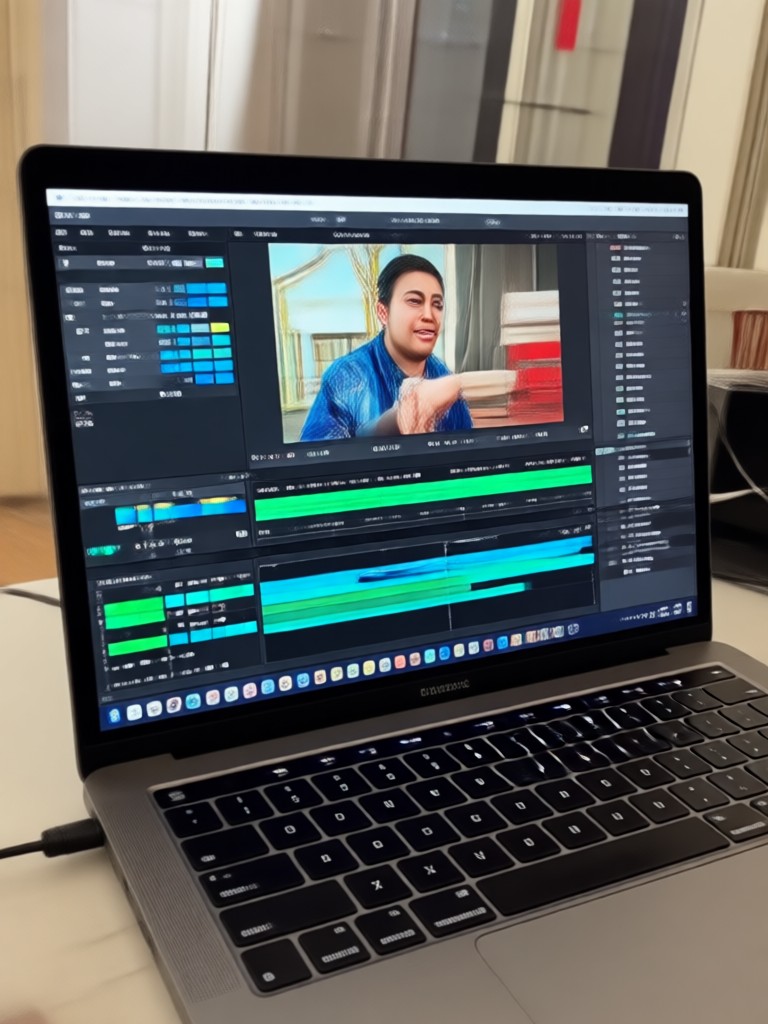
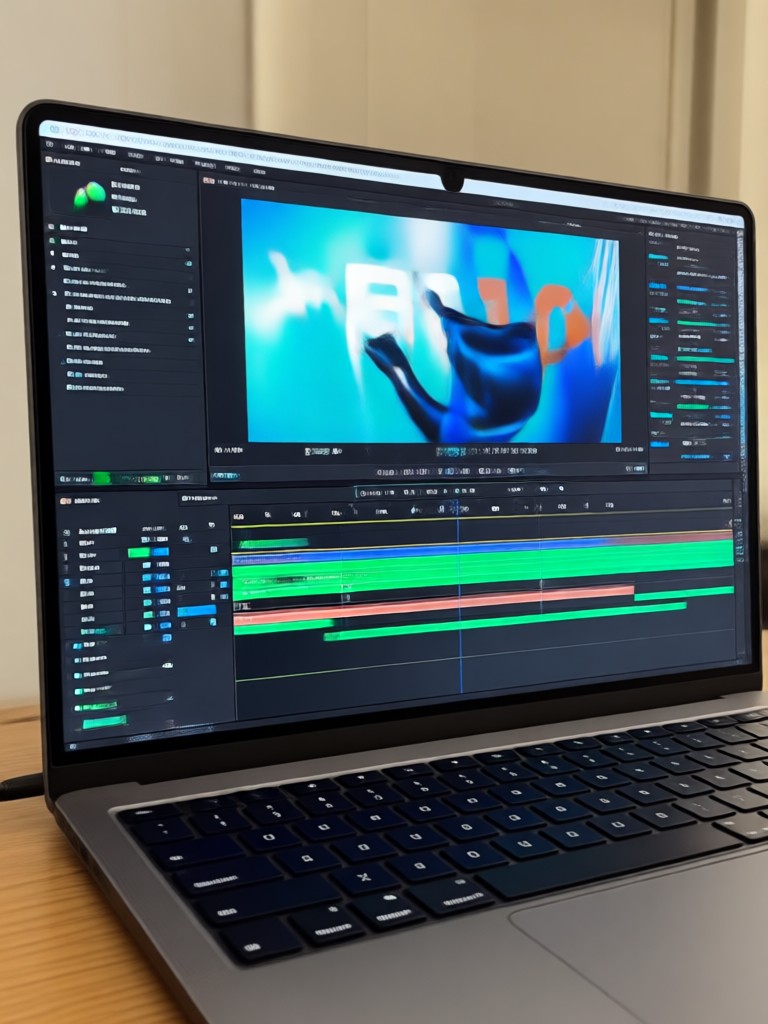
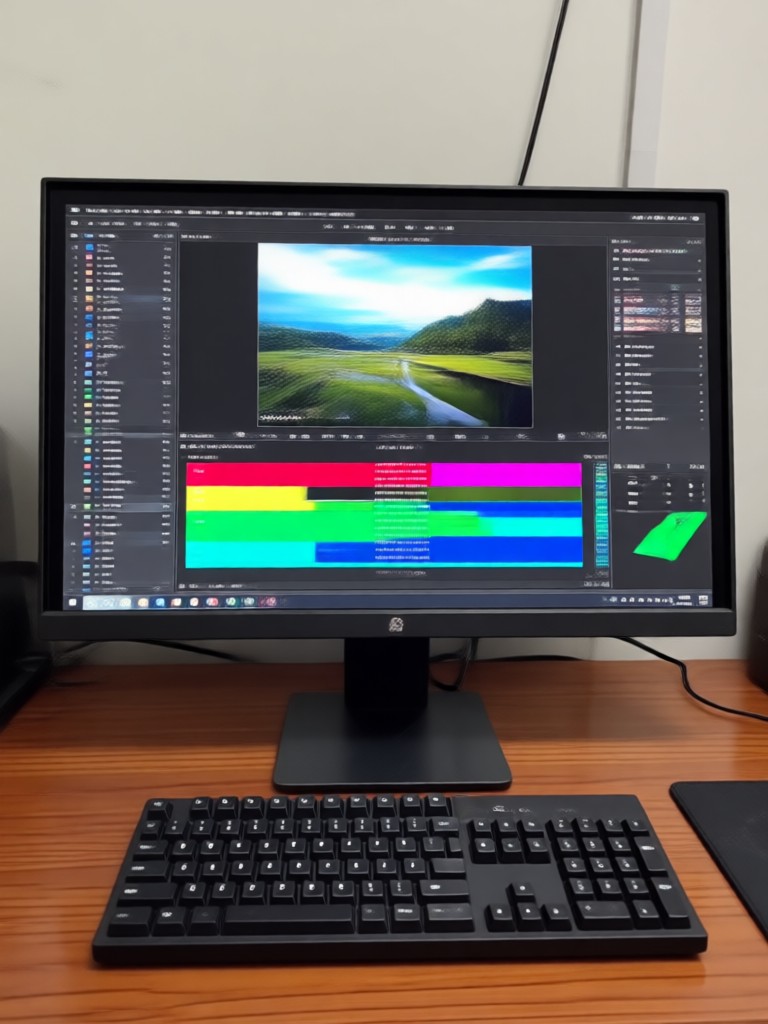
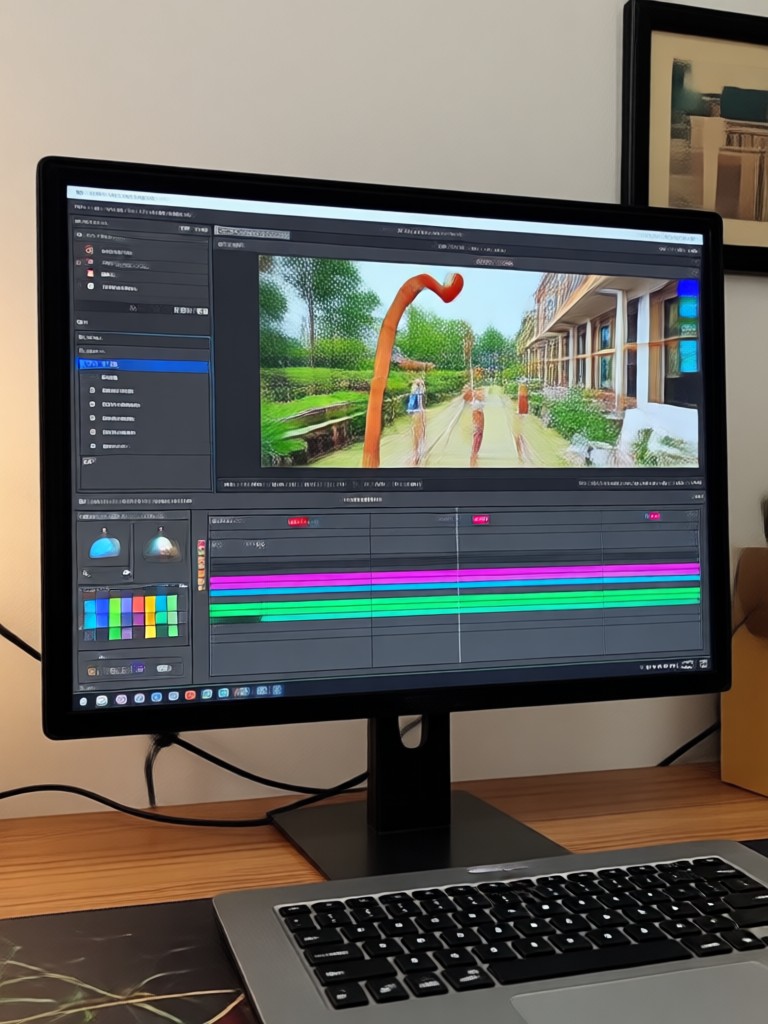
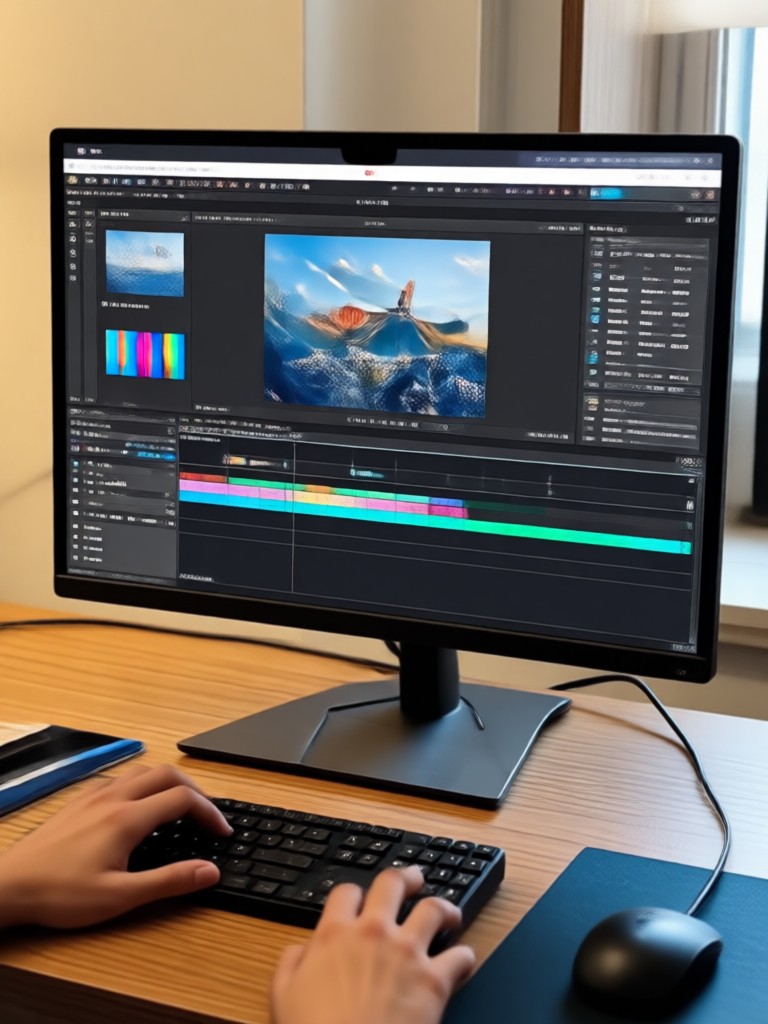
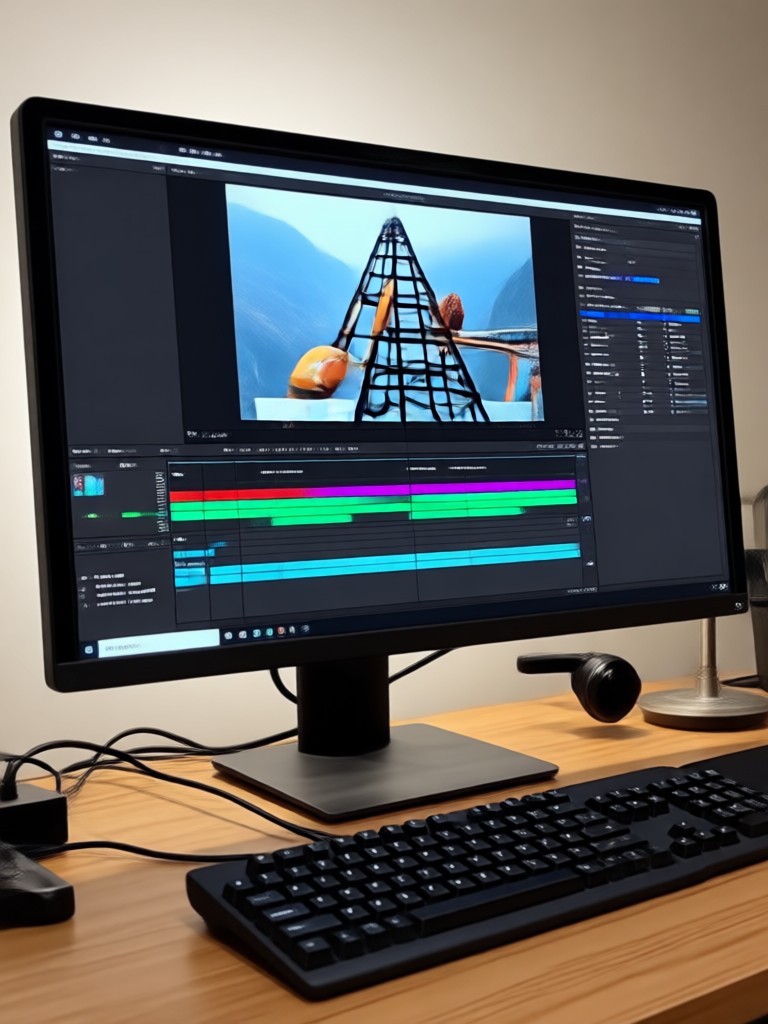
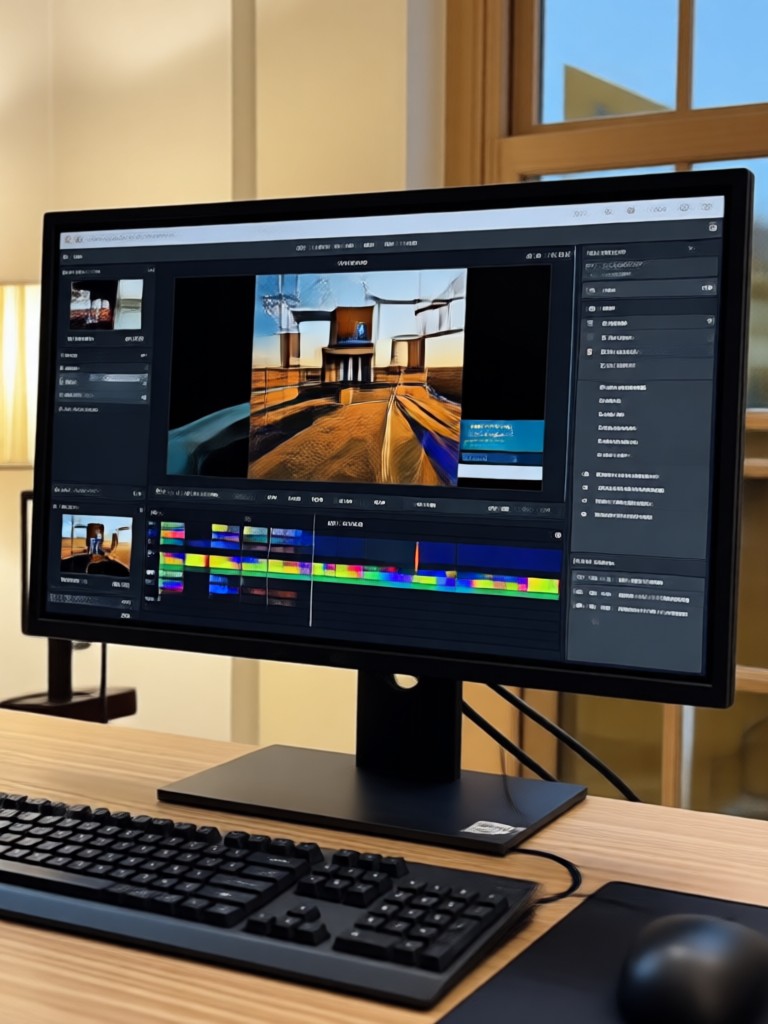
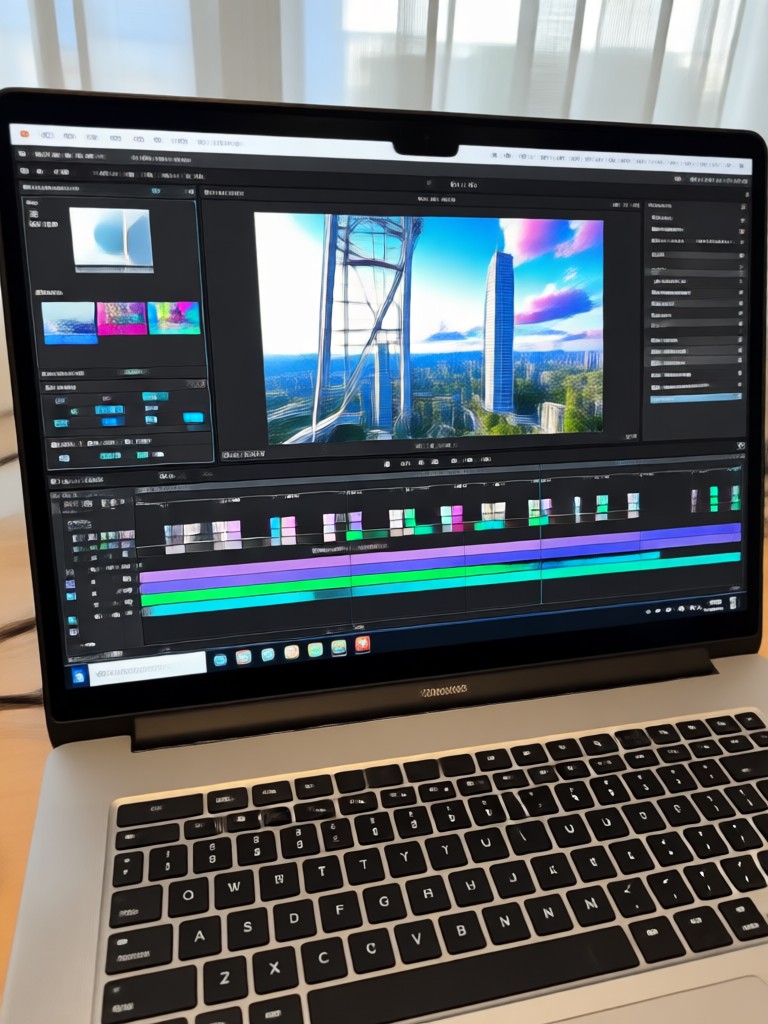
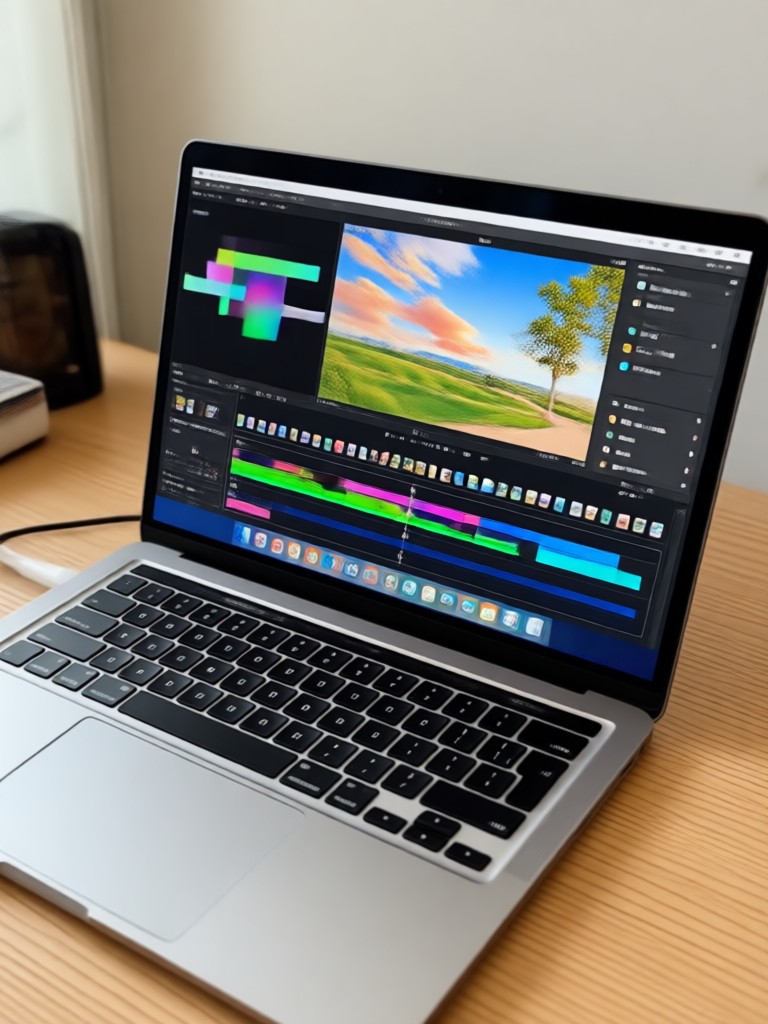
Browse stunning AI generated videos and images made with gloglo. See the level of detail and creativity possible when you remove the barriers of traditional editing software.
The Best Free Video Editor Alternative for Modern Creators
You no longer need to be chained to a desktop PC to produce high quality video content. gloglo brings the power of a full editing suite to your mobile device.
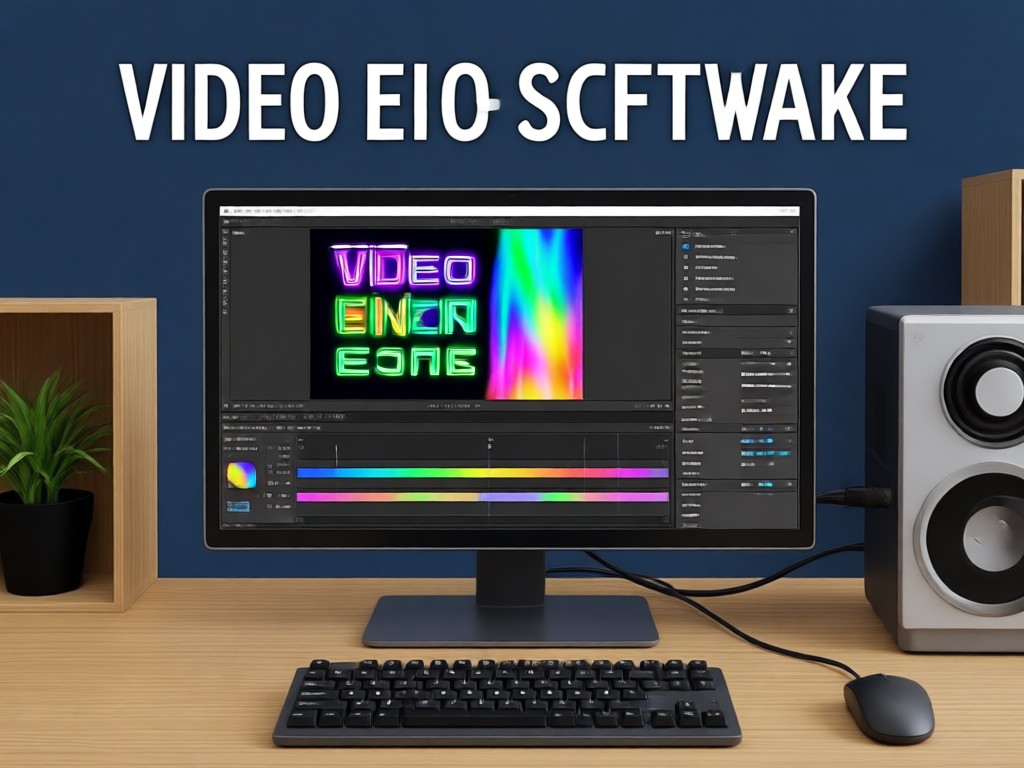
Why Creators Are Switching to AI Video Editing
Traditional free video editing software often limits you with timeline complexity, rendering times, and annoying watermarks. gloglo removes the friction. Upload a photo, type a prompt, or select a viral template, and the AI handles the heavy lifting. It offers the versatility of a PC editor with the convenience of a mobile app. With support for multi person photos and high resolution exports, you can finally publish professional content without paying a dime or seeing a logo in the corner of your clip.
Why Creators Are Switching to AI Video Editing
Traditional free video editing software often limits you with timeline complexity, rendering times, and annoying watermarks. gloglo removes the friction. Upload a photo, type a prompt, or select a viral template, and the AI handles the heavy lifting. It offers the versatility of a PC editor with the convenience of a mobile app. With support for multi person photos and high resolution exports, you can finally publish professional content without paying a dime or seeing a logo in the corner of your clip.
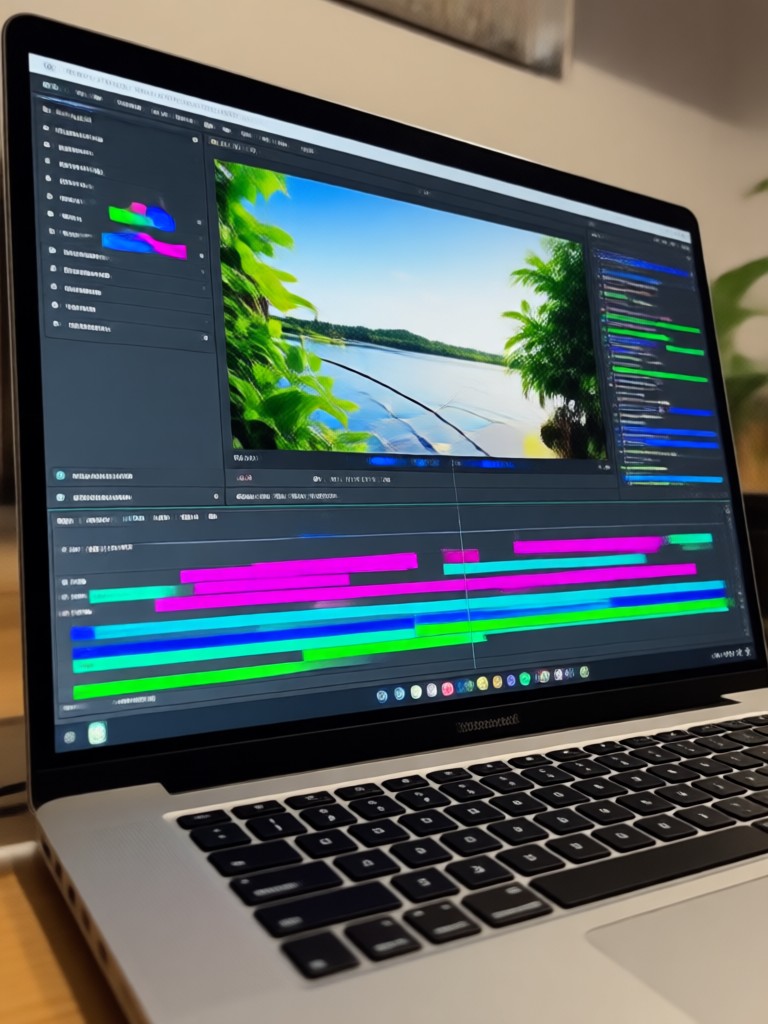
Free AI Video Editing App for PC and Mobile
Generate clean, watermark free videos and images instantly. Apply thousands of AI styles and viral effects with a single tap.

Who Uses gloglo for Free Video Editing?

Maya Chen
I needed free video editing software for PC without watermark for my Instagram reels. gloglo is even better because I can do everything from my phone. The AI effects get me 10x more views.

David Kim
I used to spend hours on desktop editors. Now I just upload product photos, type a description, and gloglo generates a promo video. No watermark, no hassle, and it looks professional.

Sofia Reyes
The sheer number of style filters is insane. I use it to animate my artwork and turn sketches into full video clips. It completely replaced my old free video editor.

Jordan Blake
Finally, an editing tool that understands trends. The AI Hug and AI Kiss effects brought my engagement up massively. And exporting without a watermark makes my profile look so much more premium.
Maya Chen
I needed free video editing software for PC without watermark for my Instagram reels. gloglo is even better because I can do everything from my phone. The AI effects get me 10x more views.
David Kim
I used to spend hours on desktop editors. Now I just upload product photos, type a description, and gloglo generates a promo video. No watermark, no hassle, and it looks professional.
Sofia Reyes
The sheer number of style filters is insane. I use it to animate my artwork and turn sketches into full video clips. It completely replaced my old free video editor.
Jordan Blake
Finally, an editing tool that understands trends. The AI Hug and AI Kiss effects brought my engagement up massively. And exporting without a watermark makes my profile look so much more premium.
Maya Chen
I needed free video editing software for PC without watermark for my Instagram reels. gloglo is even better because I can do everything from my phone. The AI effects get me 10x more views.
David Kim
I used to spend hours on desktop editors. Now I just upload product photos, type a description, and gloglo generates a promo video. No watermark, no hassle, and it looks professional.
Sofia Reyes
The sheer number of style filters is insane. I use it to animate my artwork and turn sketches into full video clips. It completely replaced my old free video editor.
Jordan Blake
Finally, an editing tool that understands trends. The AI Hug and AI Kiss effects brought my engagement up massively. And exporting without a watermark makes my profile look so much more premium.
Frequently Asked Questions About Free Video Editing
Find clear answers to common questions about watermark free video editing and AI generation with gloglo.
More Topics You May Like
Explore more topics you may like and discover fresh ideas tailored to your interests.

Create Divine Radha Krishna AI Art Images in Seconds

Create a Romantic AI Kissing Video with 2 Photos Free

Unblur Photos Instantly: Smarter Than Photoshop

Perjelas Video Blur Jadi Jernih dengan AI
Create Divine Radha Krishna AI Art Images in Seconds
Create a Romantic AI Kissing Video with 2 Photos Free
Unblur Photos Instantly: Smarter Than Photoshop
Perjelas Video Blur Jadi Jernih dengan AI
Start Creating Watermark Free Videos Today
Download gloglo now and unlock the power of AI video editing. No watermarks. No limits. Just pure creativity at your fingertips.

Start Creating Watermark Free Videos Today
Download gloglo now and unlock the power of AI video editing. No watermarks. No limits. Just pure creativity at your fingertips.