AI Unblur Image: The Photoshop Alternative That Works
Choose the Right Photo Enhancement Filter
Discover filters that perfectly match your unblur and sharpening needs, from subtle clarity boosts to dramatic detail restoration.
Key Features of AI Image Unblurring
gloglo delivers professional grade photo sharpening and clarity restoration without the complexity of Photoshop. Here is what makes our AI unblur technology stand out.
One Tap Photo Sharpening
Upload a blurry photo and let AI analyze every pixel to restore crisp detail automatically. No manual masks, layers, or complex sharpening tools required. The AI detects blur and fixes it instantly.
One Tap Photo Sharpening
Upload a blurry photo and let AI analyze every pixel to restore crisp detail automatically. No manual masks, layers, or complex sharpening tools required. The AI detects blur and fixes it instantly.
Detail and Clarity Restoration
Advanced neural networks reconstruct missing texture and facial details that Photoshop cannot recover. Perfect for restoring old photos, fixing out of focus shots, or enhancing low quality mobile images.
Detail and Clarity Restoration
Advanced neural networks reconstruct missing texture and facial details that Photoshop cannot recover. Perfect for restoring old photos, fixing out of focus shots, or enhancing low quality mobile images.
Batch Photo Enhancement
Process multiple blurry images at once with consistent quality. Save hours compared to fixing each photo manually in Photoshop. The AI applies the same sharpening logic across every image you upload.
Batch Photo Enhancement
Process multiple blurry images at once with consistent quality. Save hours compared to fixing each photo manually in Photoshop. The AI applies the same sharpening logic across every image you upload.
How to Unblur an Image Without Photoshop
Fix blurry photos in three simple steps using gloglo AI. No Photoshop skills or complex editing required.

Step 01.
Download gloglo from the Google Play Store and open the app on your phone. No account setup or complicated installation required.

Step 02.
Upload your blurry photo and choose an unblur or sharpening filter that suits your image. Preview different enhancement levels to find the perfect clarity.

Step 03.
Let AI process your image and download the sharpened result. Share it on social media or save it for later use.
Stunning AI Unblur Results Gallery
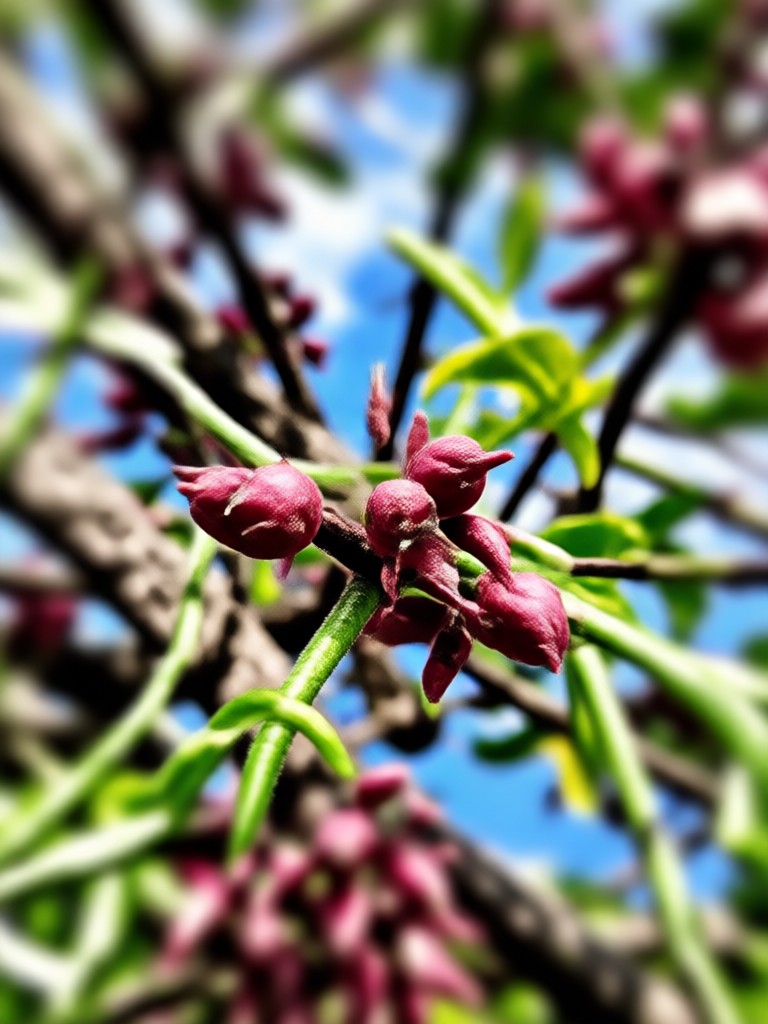
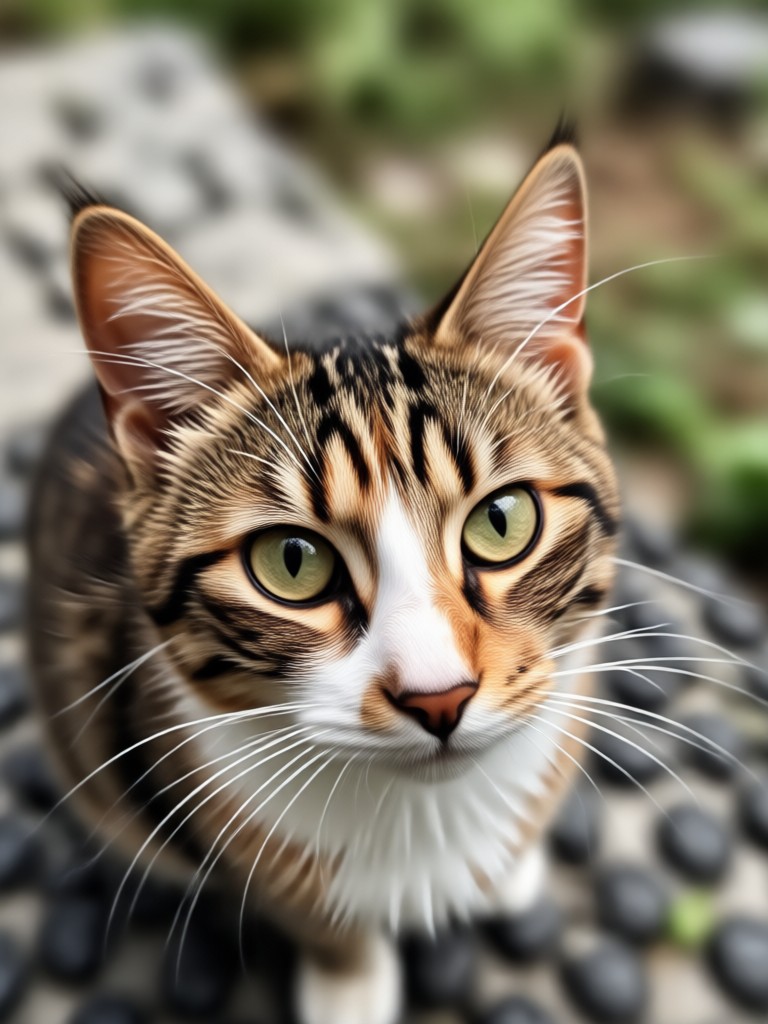
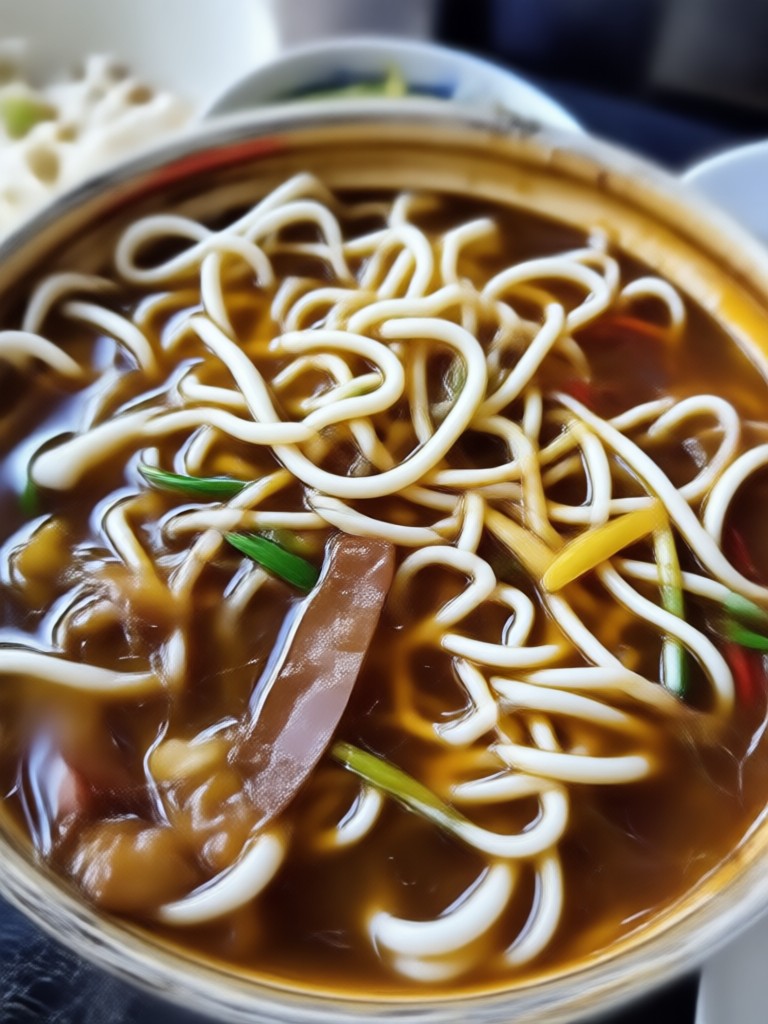
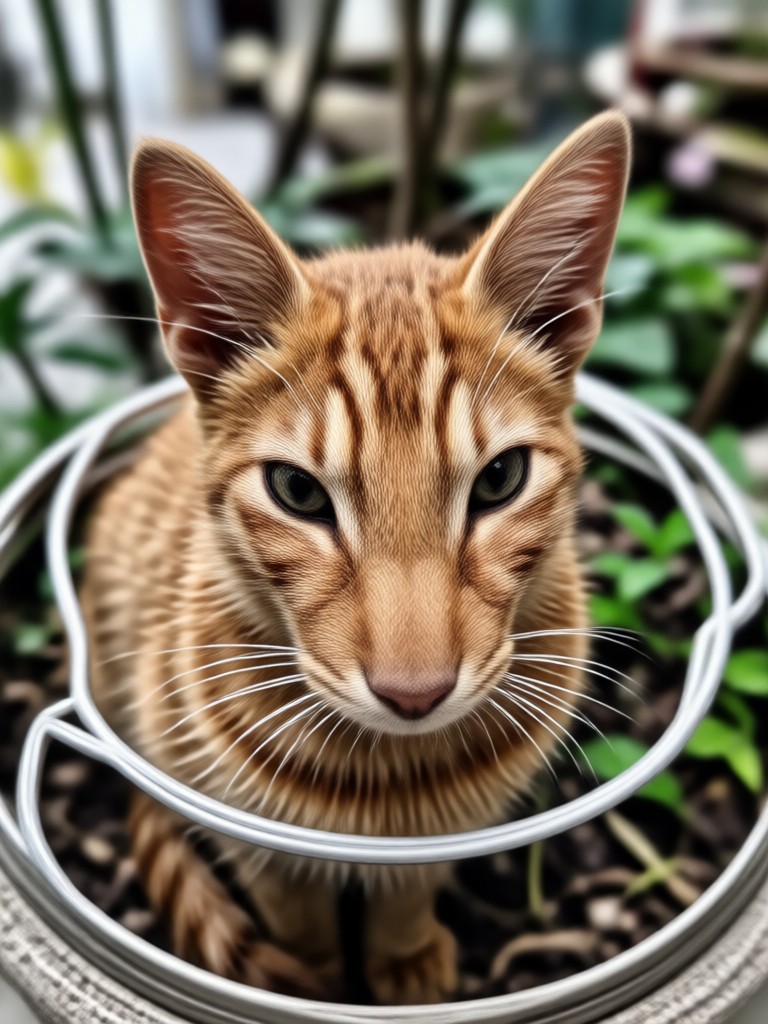
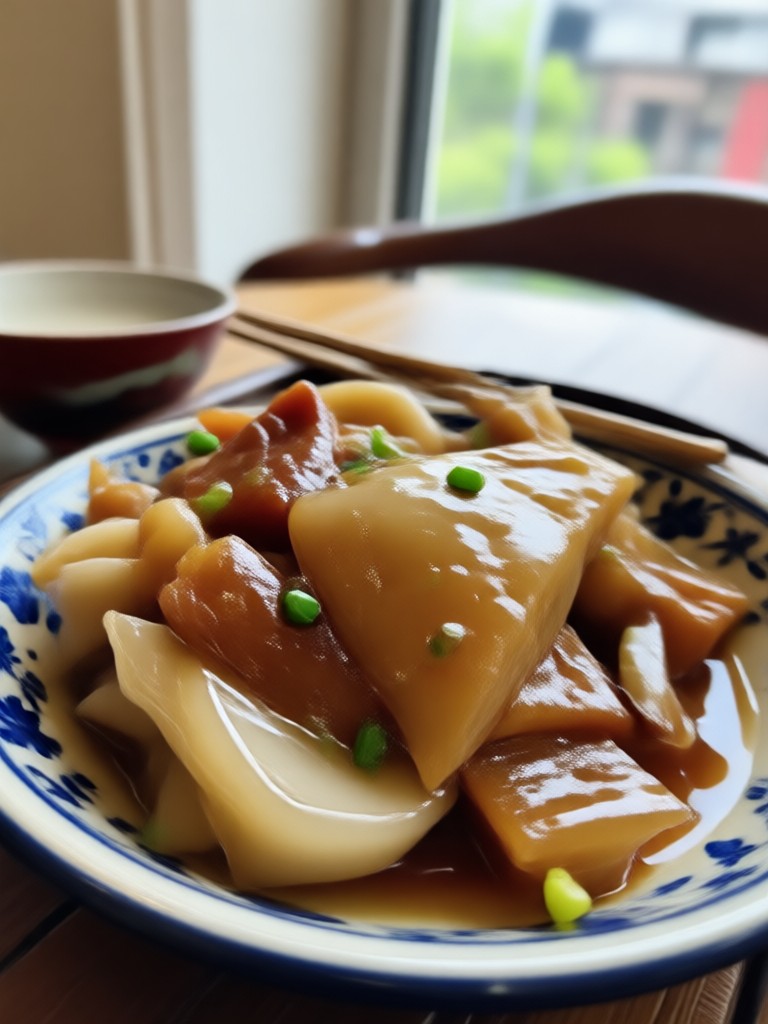
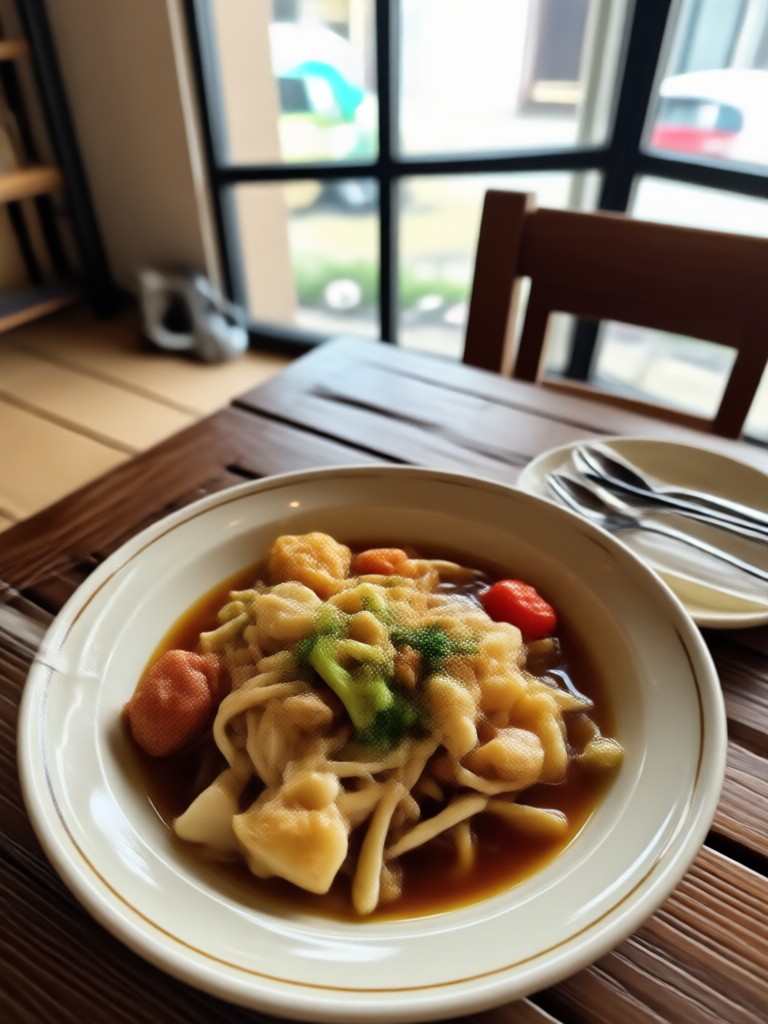
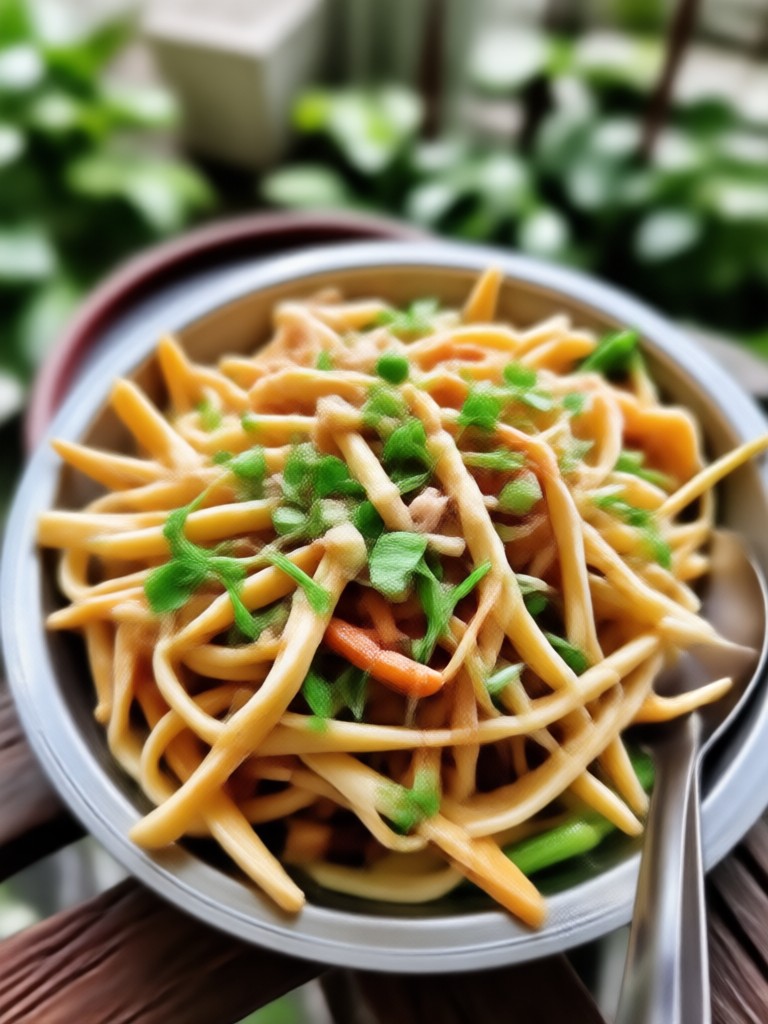
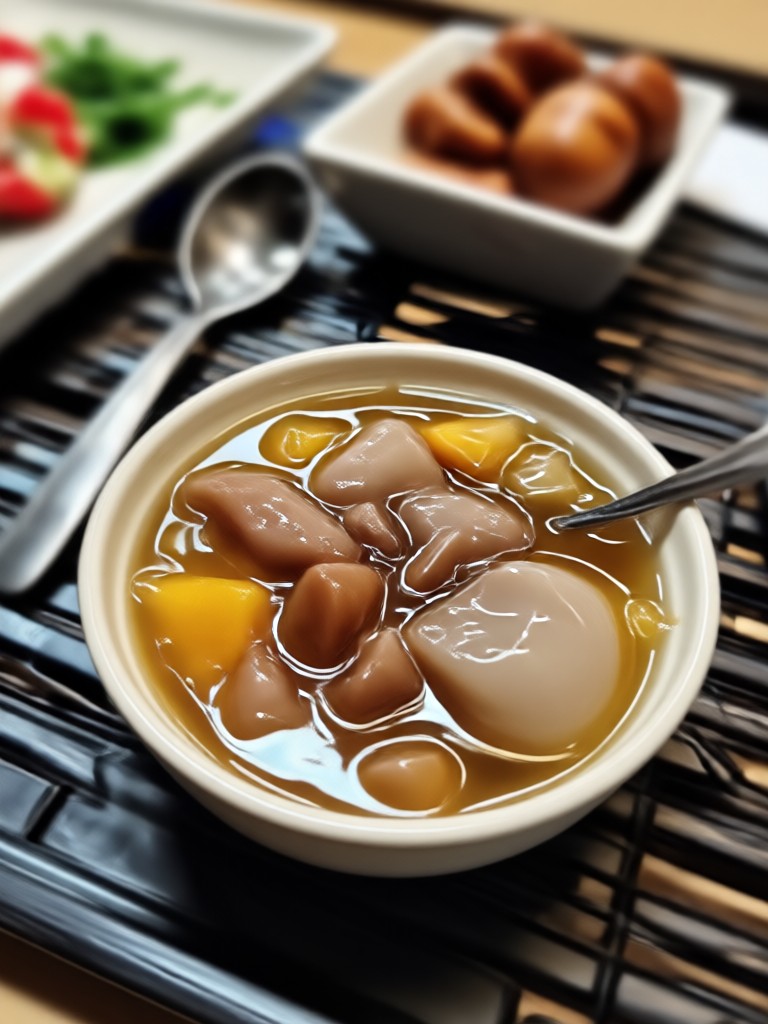
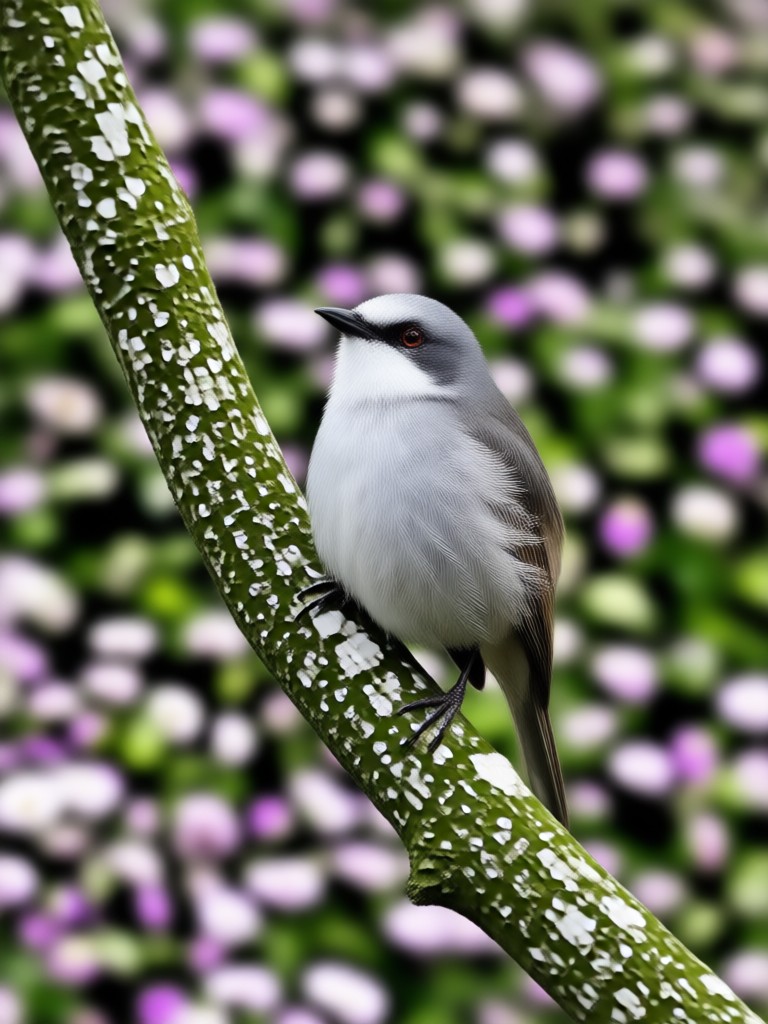
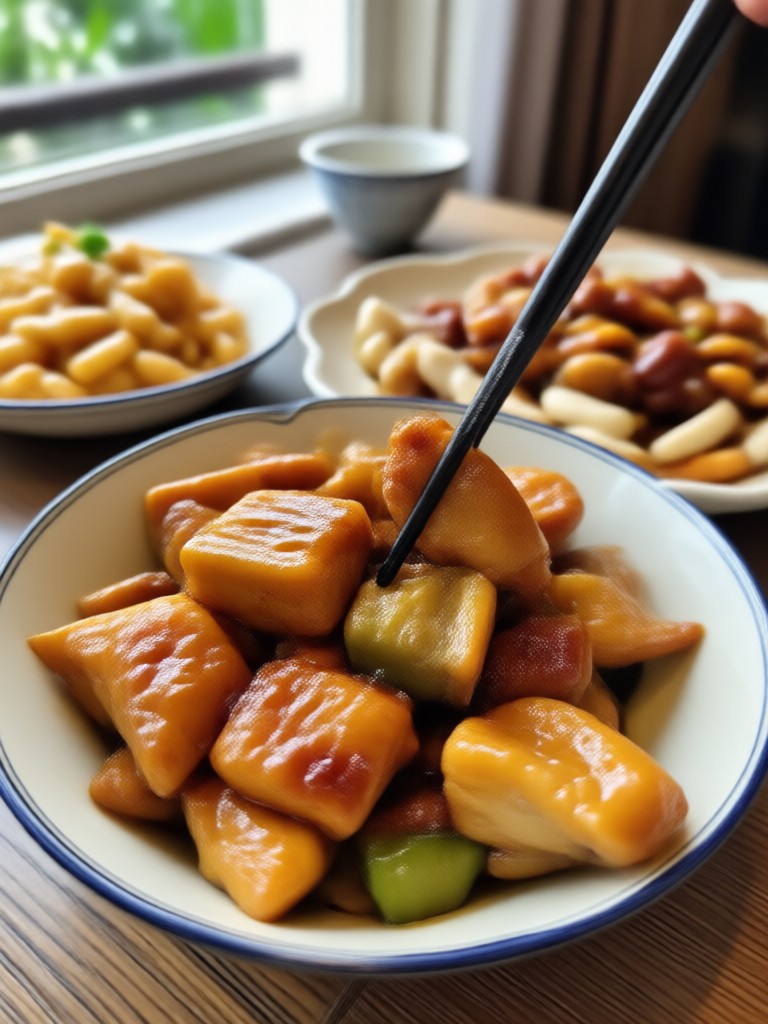
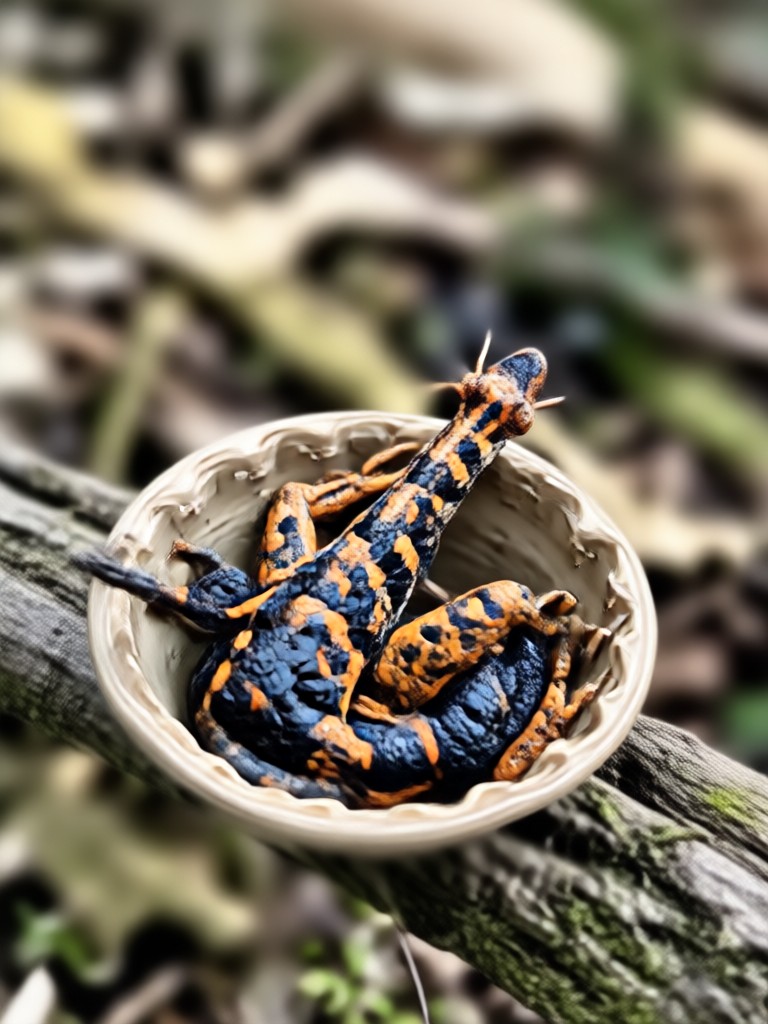
See how gloglo AI transforms blurry, out of focus photos into sharp, detailed images. Browse through real examples of photo clarity restoration.
Why Choose gloglo Over Photoshop for Unblurring Images
Photoshop requires years of practice and expensive subscriptions. gloglo delivers comparable or better unblur results in seconds with zero learning curve. Upload a photo, tap once, and get professional clarity restoration that would take hours in Photoshop.
Why Choose gloglo Over Photoshop for Unblurring Images
Photoshop requires years of practice and expensive subscriptions. gloglo delivers comparable or better unblur results in seconds with zero learning curve. Upload a photo, tap once, and get professional clarity restoration that would take hours in Photoshop.
Who Uses gloglo to Unblur Photos

Daniel Kim
I had dozens of blurry event photos that I thought were unusable. gloglo restored them to professional quality in minutes. My clients could not believe the results.
Priya Shah
As a content creator, I often shoot in low light and get soft images. gloglo sharpens everything perfectly before I post. It is now part of my daily editing routine.

Marcus Webb
Our product photos were blurry from an older phone camera. Instead of paying for Photoshop retouching, we used gloglo and got crisp, marketable images instantly.
Elena Torres
I restored old family photos that had severe motion blur and grain. gloglo recovered details I never thought possible. Truly impressive AI technology.
Daniel Kim
I had dozens of blurry event photos that I thought were unusable. gloglo restored them to professional quality in minutes. My clients could not believe the results.
Priya Shah
As a content creator, I often shoot in low light and get soft images. gloglo sharpens everything perfectly before I post. It is now part of my daily editing routine.
Marcus Webb
Our product photos were blurry from an older phone camera. Instead of paying for Photoshop retouching, we used gloglo and got crisp, marketable images instantly.
Elena Torres
I restored old family photos that had severe motion blur and grain. gloglo recovered details I never thought possible. Truly impressive AI technology.
Daniel Kim
I had dozens of blurry event photos that I thought were unusable. gloglo restored them to professional quality in minutes. My clients could not believe the results.
Priya Shah
As a content creator, I often shoot in low light and get soft images. gloglo sharpens everything perfectly before I post. It is now part of my daily editing routine.
Marcus Webb
Our product photos were blurry from an older phone camera. Instead of paying for Photoshop retouching, we used gloglo and got crisp, marketable images instantly.
Elena Torres
I restored old family photos that had severe motion blur and grain. gloglo recovered details I never thought possible. Truly impressive AI technology.
Frequently Asked Questions About Unblurring Images
Find clear answers to common questions about using AI to fix blurry photos and restore image clarity without Photoshop.
More Topics You May Like
Explore more topics you may like and discover fresh ideas tailored to your interests.

Perjelas Video Blur Jadi Jernih dengan AI
Perjelas video blur jadi jernih dalam hitungan detik. Unduh gloglo dan gunakan AI video enhancer untuk meningkatkan ketajaman, mengurangi noise, dan membuat video lama terlihat HD.

Add Beautiful Borders to Images Online in Seconds
Add borders to images online with gloglo. Upload a photo, choose from realistic, retro, or minimal frame styles, and get polished results instantly. No design skills needed.
See Your Future Face with the Old Age Photo Maker
See your future self with the Old Age Photo Maker. Upload a selfie, pick an aging style, and get realistic wrinkles, gray hair, and mature features in seconds. Download gloglo now.

Instant Photo Makeover: No Design Skills Needed
Ff Photo Edit swaps outfits, backgrounds, and style filters in seconds. Upload a photo, pick a template, get a realistic result. No design skills needed.
Ready to Fix Your Blurry Photos?
Download gloglo today and transform blurry, out of focus images into sharp, professional quality photos. No Photoshop skills needed, just one tap and AI does the rest.
Ready to Fix Your Blurry Photos?
Download gloglo today and transform blurry, out of focus images into sharp, professional quality photos. No Photoshop skills needed, just one tap and AI does the rest.