Gothic Filter
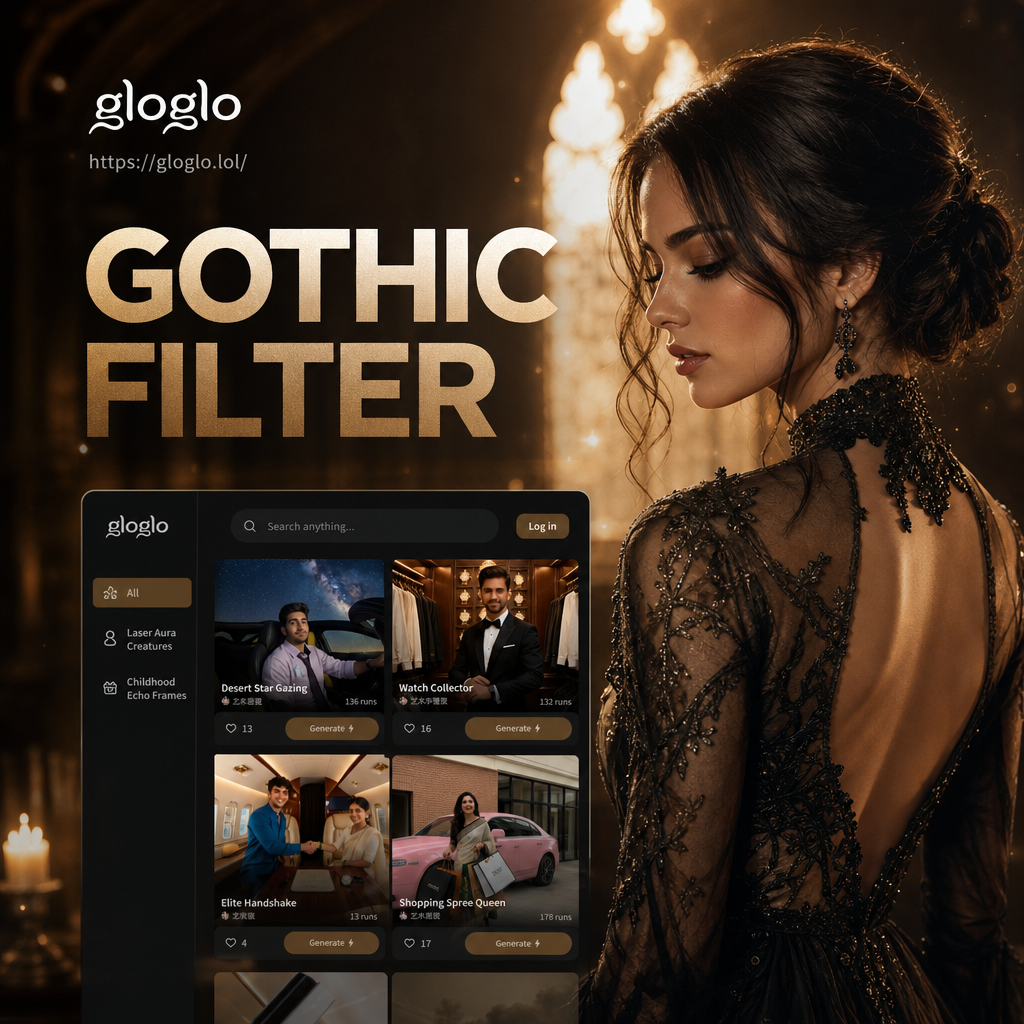
Choose the Gothic Filter Style That Fits Your Mood
Discover dark academia, romantic decay, Victorian noir, and punk gothic presets. Each one remaps color, shadow, and texture to create a completely different atmosphere.
Key Features of the Gothic Filter
The Gothic Filter does more than add a black and white preset. It rebuilds your photo with intentional shadows, desaturated skin, and cinematic depth. Here is what makes it stand out.
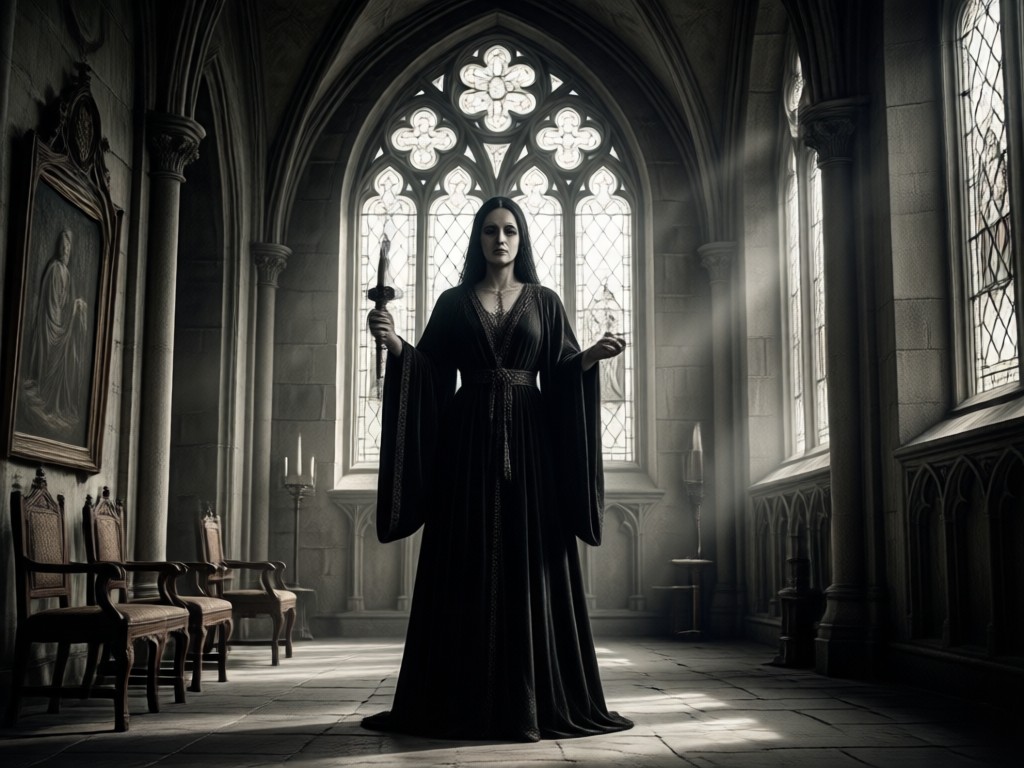
Realistic Photo Transformation
Upload any portrait or full body shot and the AI identifies facial structure, clothing edges, and background depth. It then applies a gothic color grade that keeps your features recognizable while shifting the entire mood into dark romantic territory.
Realistic Photo Transformation
Upload any portrait or full body shot and the AI identifies facial structure, clothing edges, and background depth. It then applies a gothic color grade that keeps your features recognizable while shifting the entire mood into dark romantic territory.
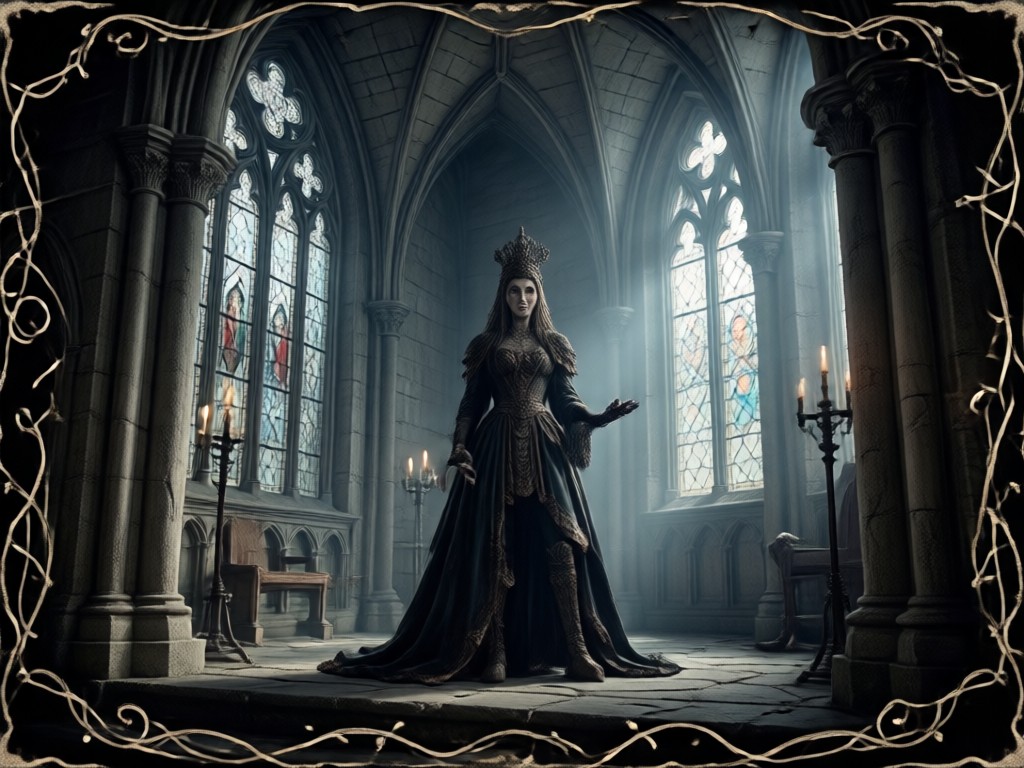
Style Intensity Control
Adjust how far the gothic effect goes. Slide from a subtle shadow boost to a full dramatic remake with pale skin, dark eyes, and heavy vignette. You control the intensity before the AI generates the final image.
Style Intensity Control
Adjust how far the gothic effect goes. Slide from a subtle shadow boost to a full dramatic remake with pale skin, dark eyes, and heavy vignette. You control the intensity before the AI generates the final image.
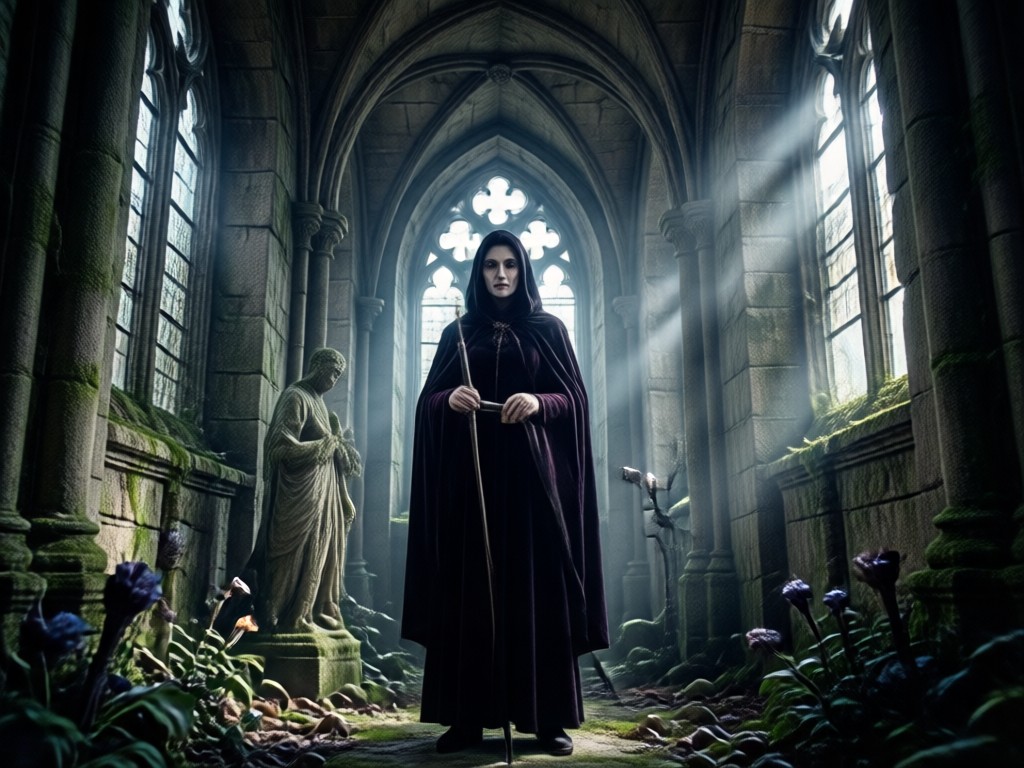
Video and Image Effects
Apply the gothic look to still photos or animate a static portrait into a short cinematic clip. Add slow camera movement, blinking eyes, or a subtle head turn. The video output keeps the same dark aesthetic.
Video and Image Effects
Apply the gothic look to still photos or animate a static portrait into a short cinematic clip. Add slow camera movement, blinking eyes, or a subtle head turn. The video output keeps the same dark aesthetic.
How to Use the Gothic Filter
Create dark, dramatic gothic images in three simple steps. No design background required.

Step 01.
Download the gloglo app from Google Play and open it on your phone.

Step 02.
Upload a photo or video, then select the Gothic Filter style that matches your mood.

Step 03.
Generate your gothic image or video, then download and share it with friends or on social media.
Explore Gothic Filter Creations
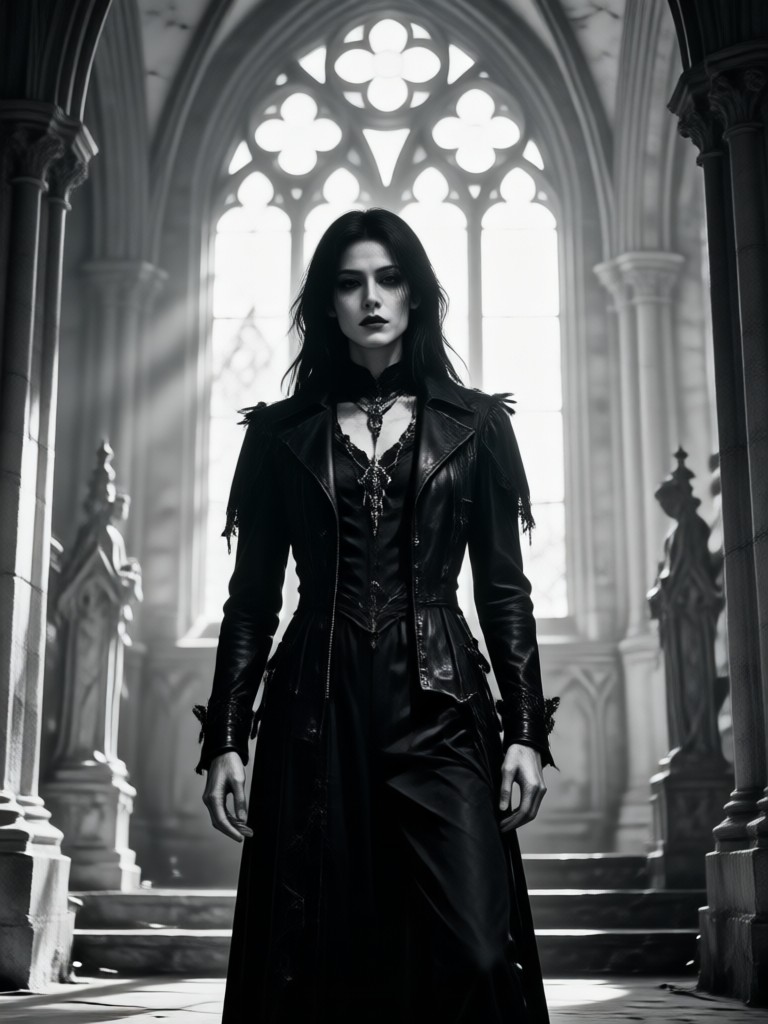
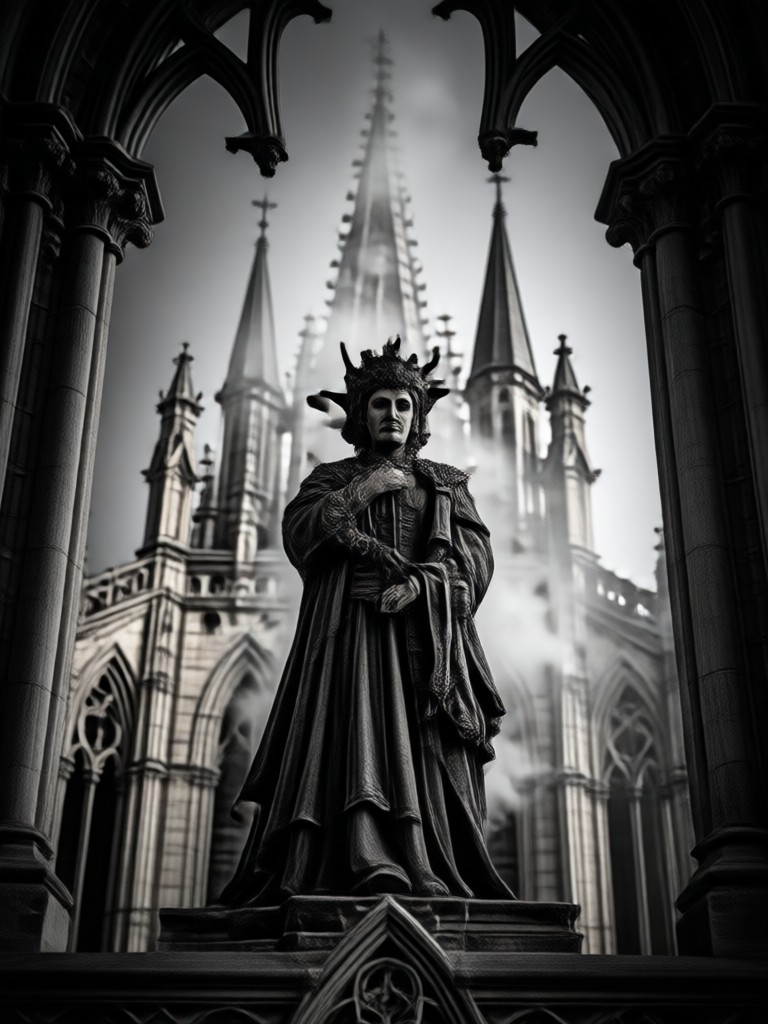
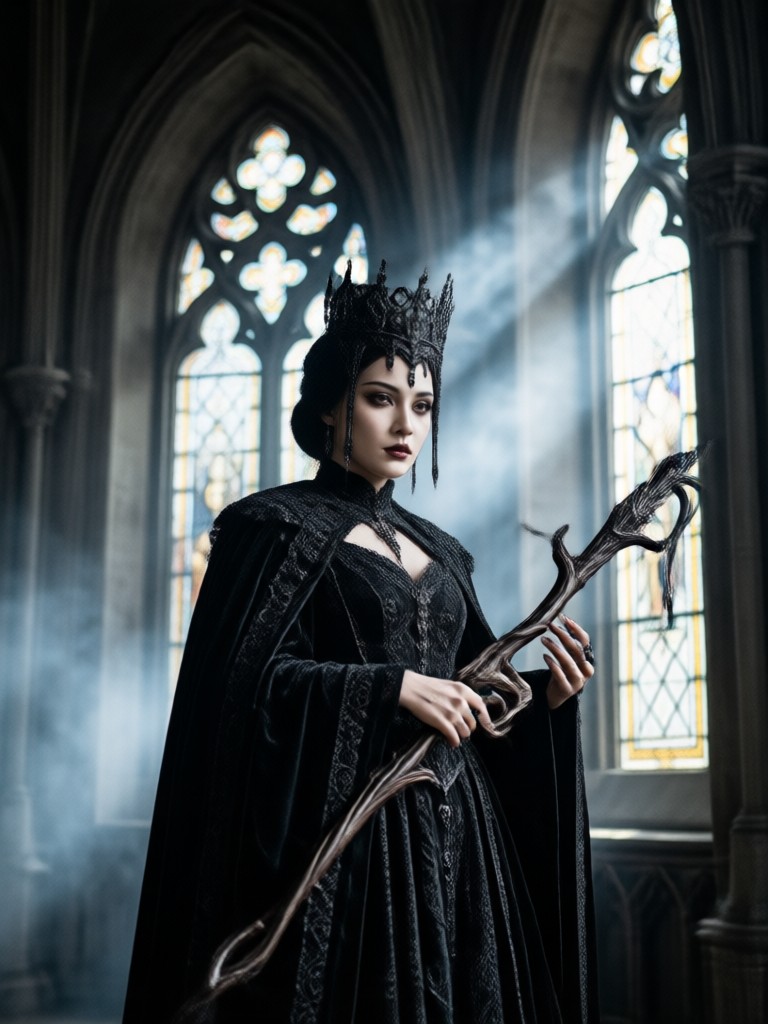
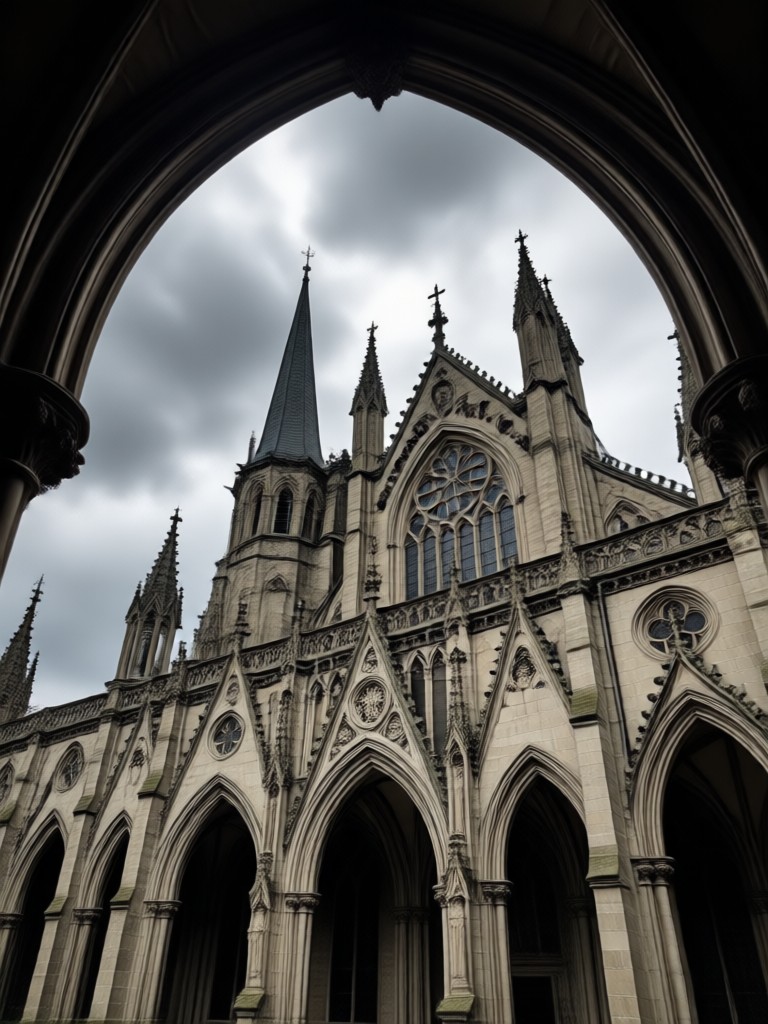
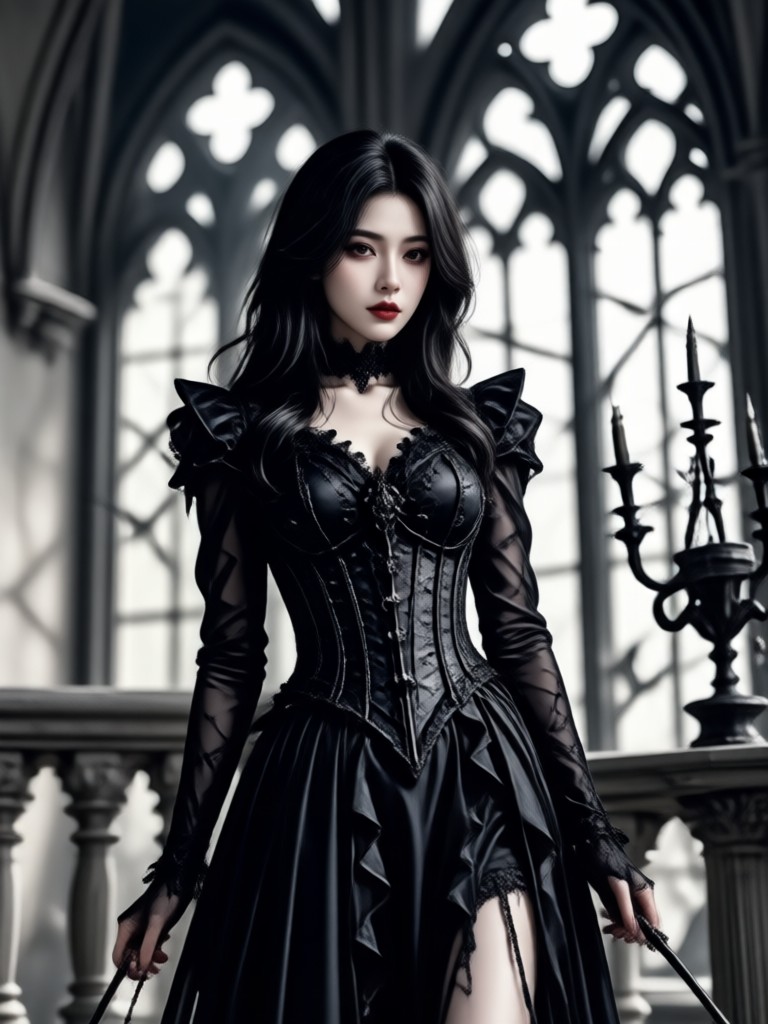
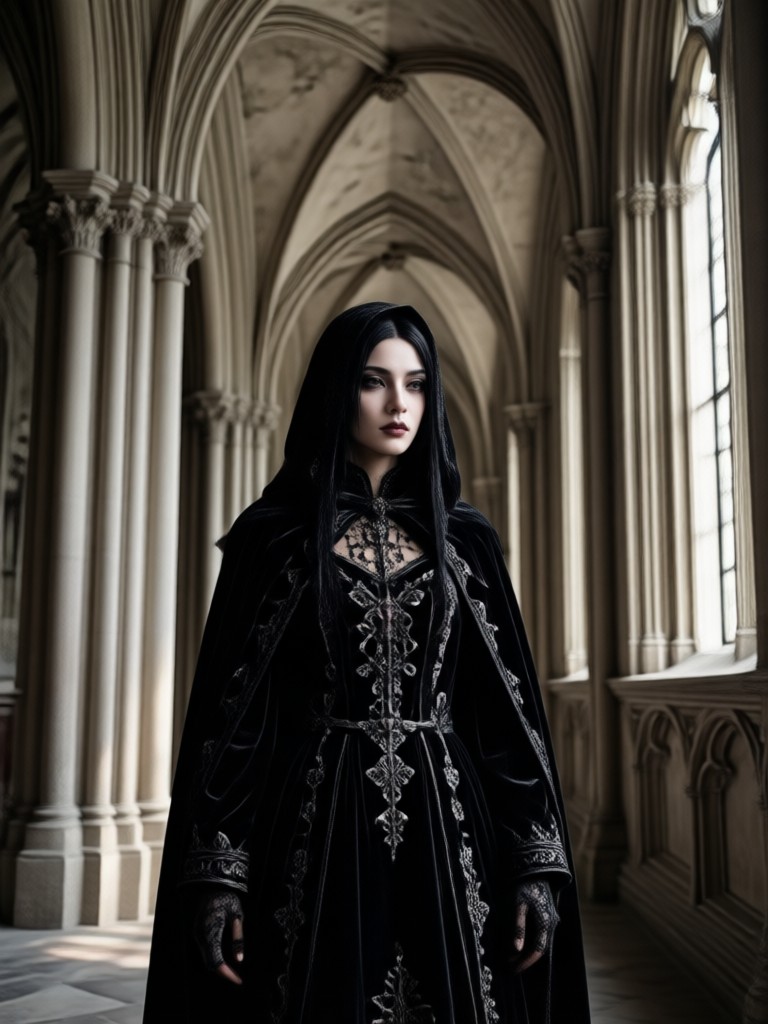
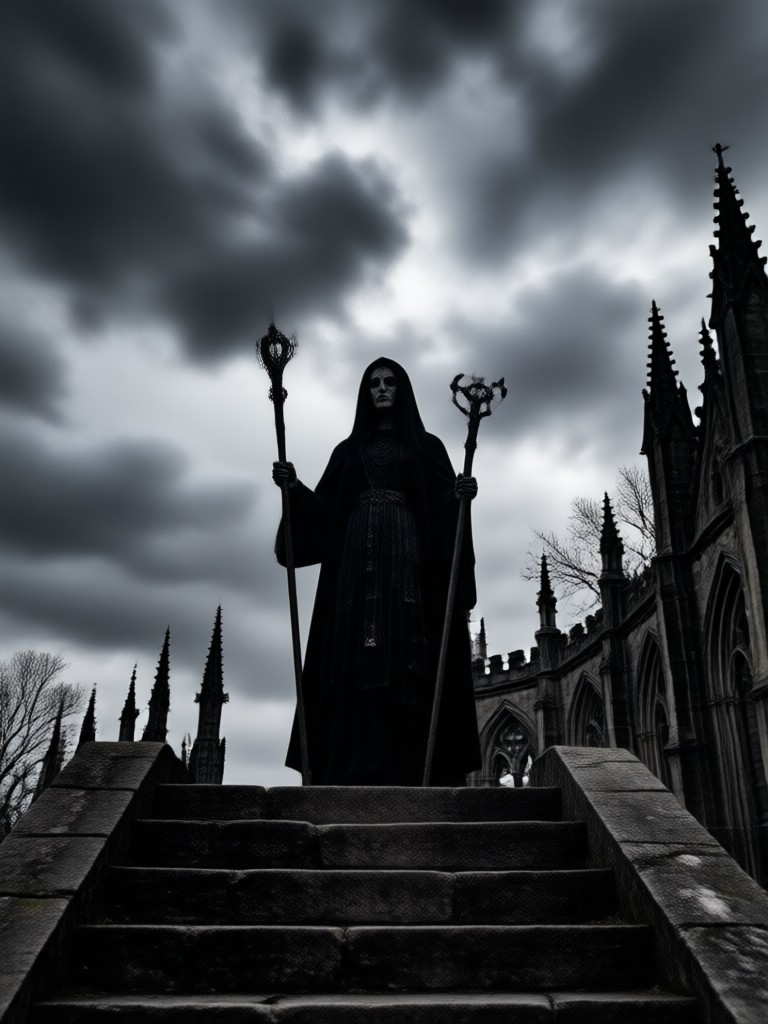
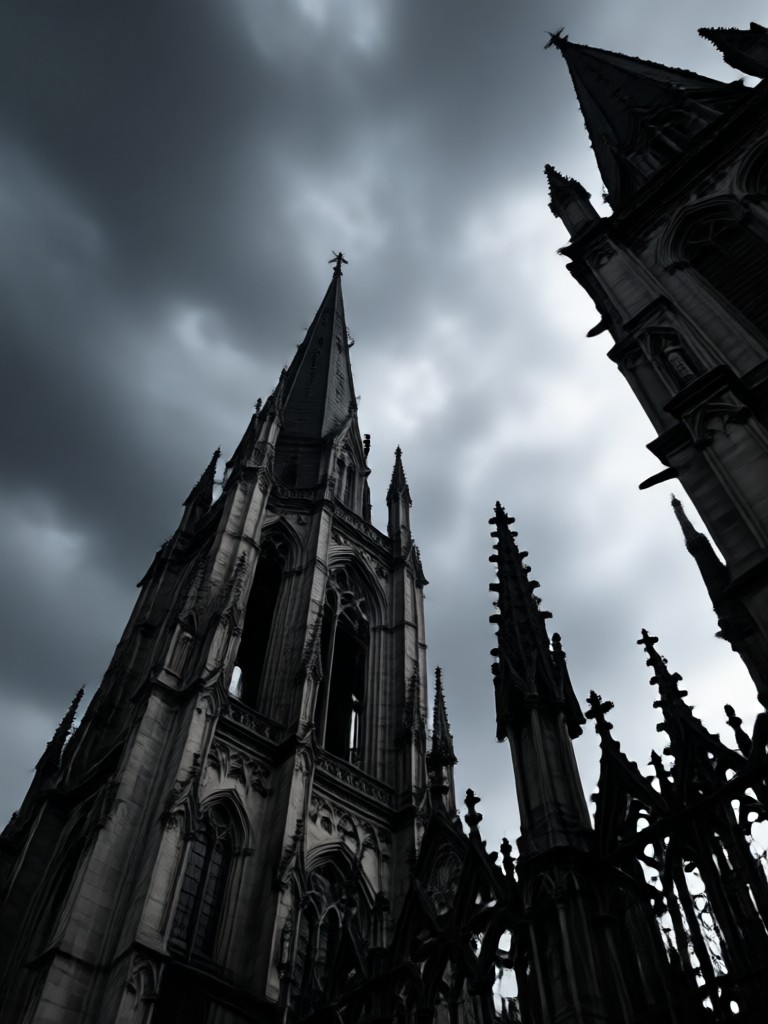
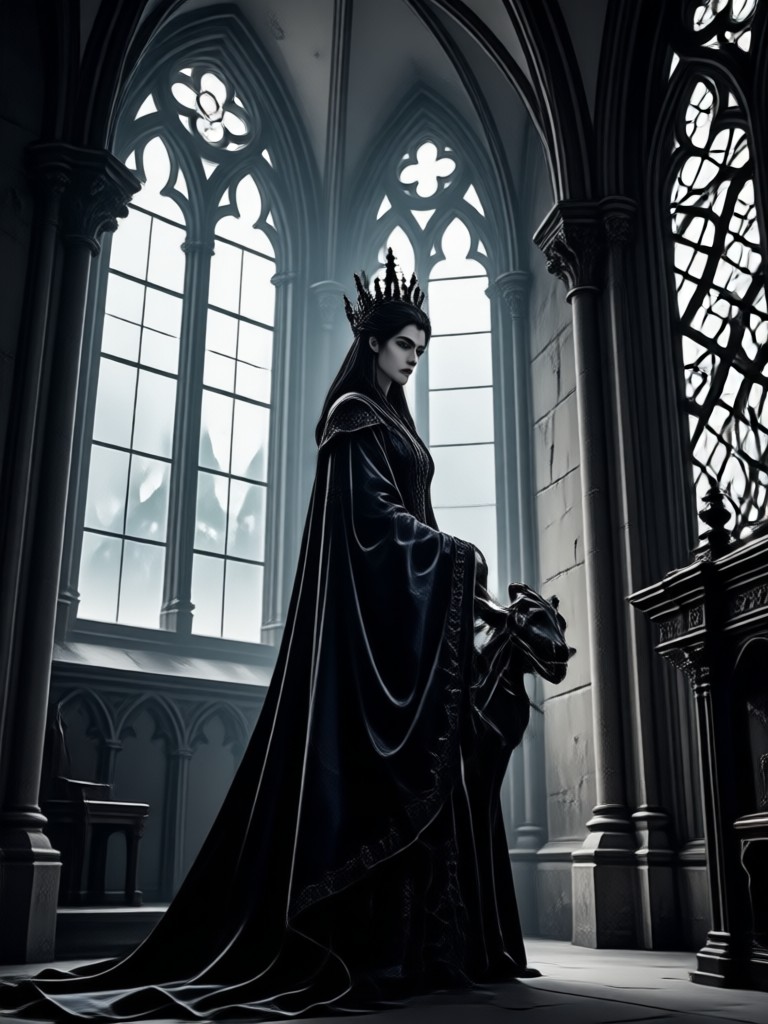
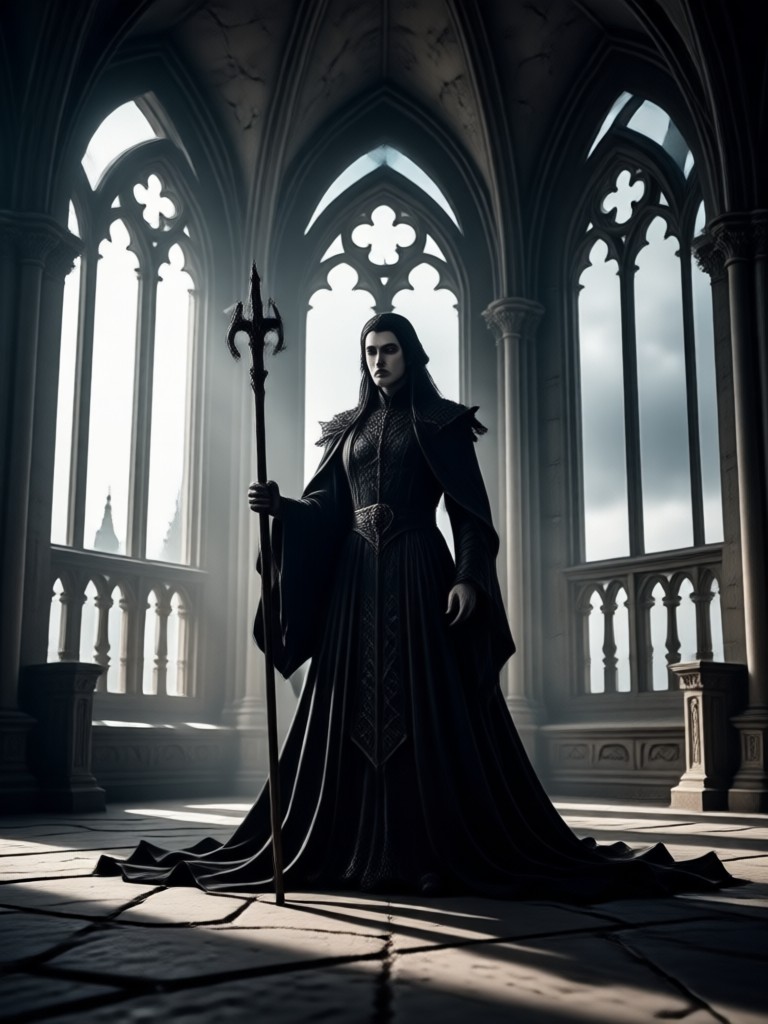
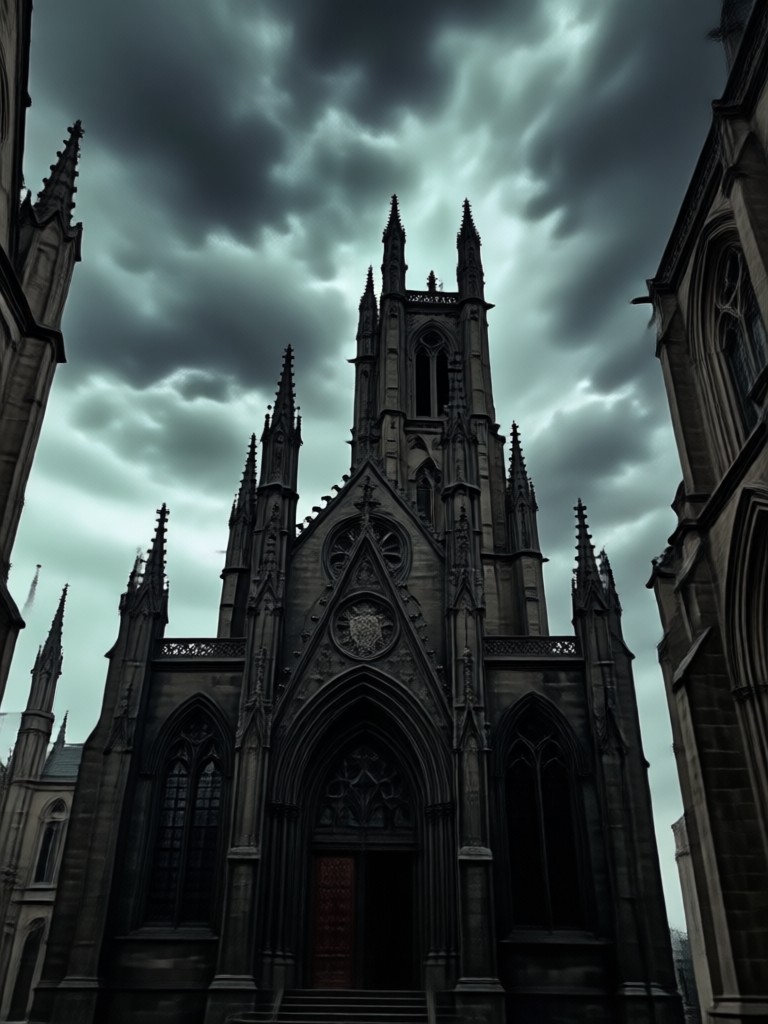
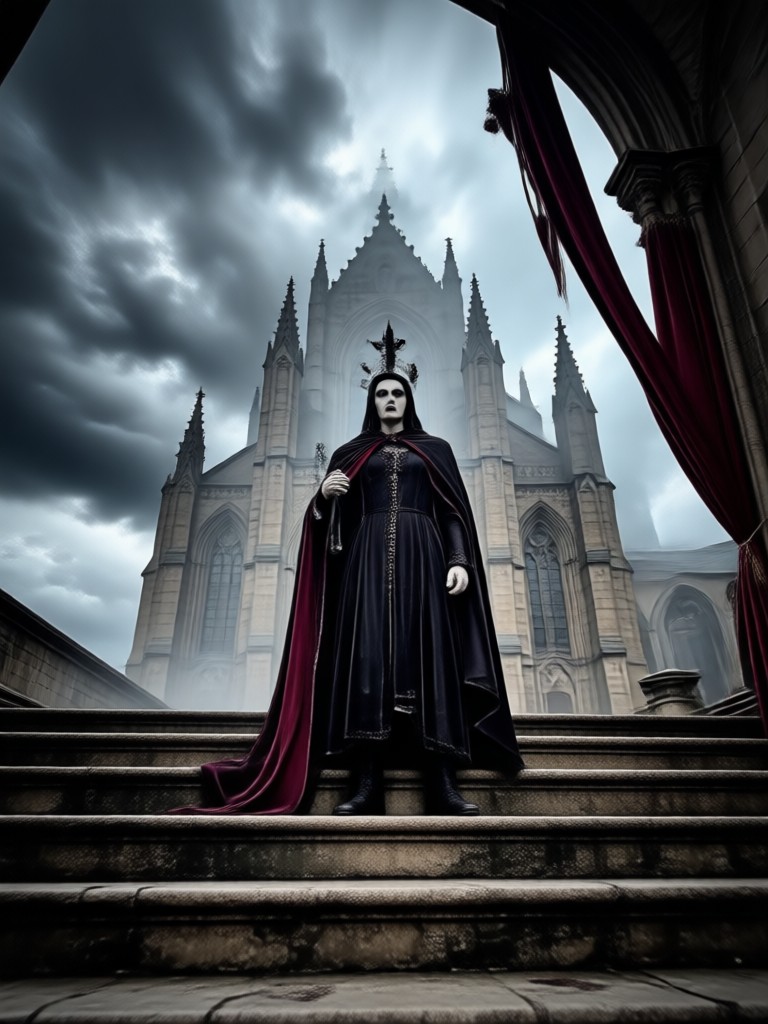
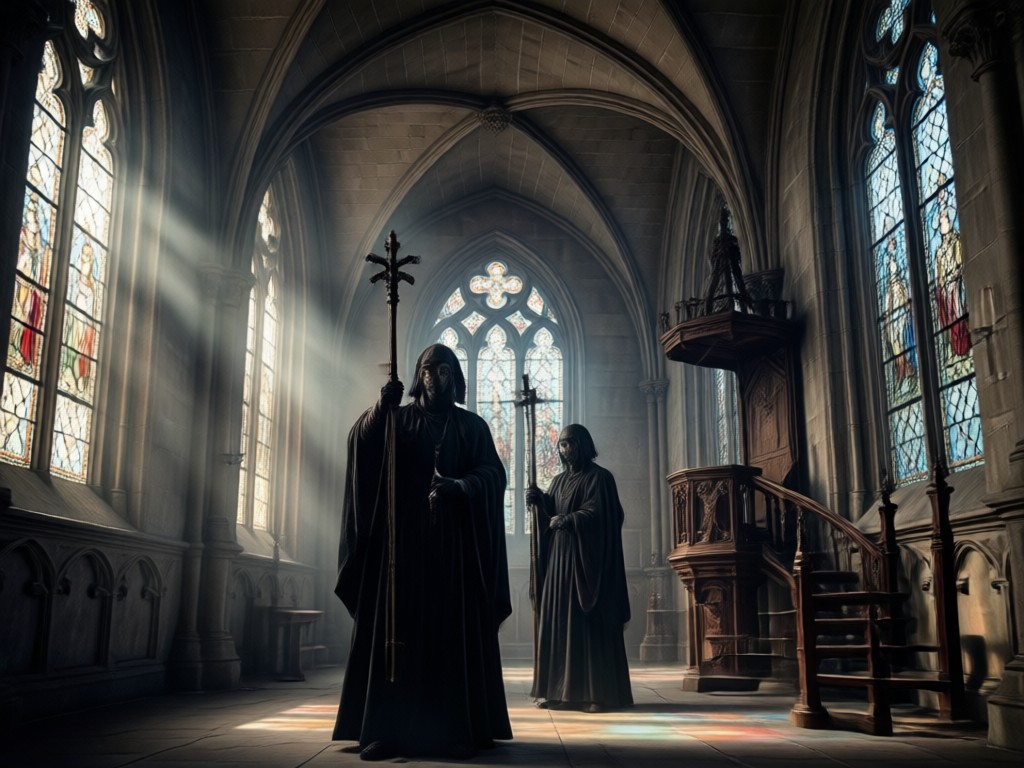
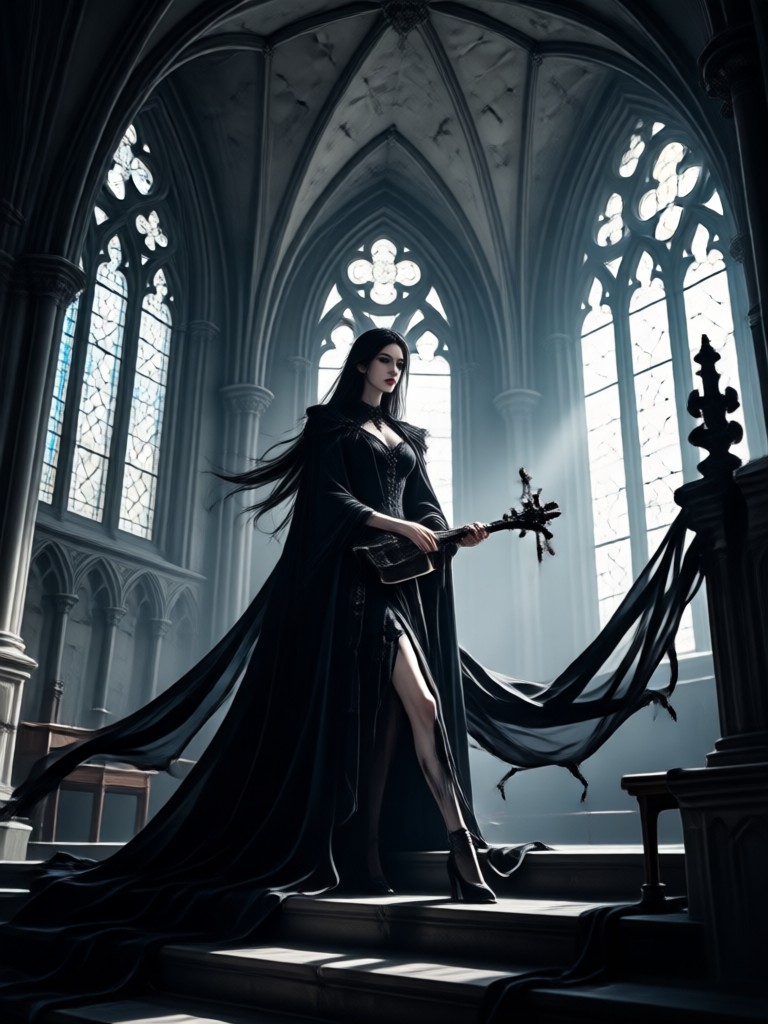
Browse stunning AI generated gothic images made with gloglo. From dark academia portraits to punk inspired fashion edits, these examples show the range of the filter.
Why Choose the Gothic Filter on gloglo
Other apps overlay a simple black and white preset and call it gothic. gloglo rebuilds the entire image with a deep understanding of shadow, skin tone, and fabric. The result looks intentional, not filtered. You can adjust the intensity, apply it to videos, and generate multiple variations from the same source photo.
Why Choose the Gothic Filter on gloglo
Other apps overlay a simple black and white preset and call it gothic. gloglo rebuilds the entire image with a deep understanding of shadow, skin tone, and fabric. The result looks intentional, not filtered. You can adjust the intensity, apply it to videos, and generate multiple variations from the same source photo.
Gothic Filter for Mobile
Turn your phone into a dark aesthetic studio. Download gloglo from Google Play and apply the Gothic Filter to any photo or video in seconds.

Who Uses the Gothic Filter

Raven Sable
I run a goth fashion account and this filter saves me hours of editing. I upload a raw mirror selfie and the AI adds the exact dark cinematic tone I used to create manually in Lightroom.

Damien Voss
Used it for my band's promo photos. The group photo feature kept all four of us looking sharp while giving the whole shot a cold, dramatic atmosphere. We look like a darkwave album cover.
Ophelia Night
I create bookish content and the dark academia setting is perfect. I turned a simple coffee shop photo into something that looks like a scene from a gothic novel. My followers asked what presets I use.
Lucian Grey
I animated an old photo of my grandmother with the gothic filter. The video output is subtle but powerful. She looks like a character from an Edwardian ghost story. Truly beautiful.
Raven Sable
I run a goth fashion account and this filter saves me hours of editing. I upload a raw mirror selfie and the AI adds the exact dark cinematic tone I used to create manually in Lightroom.
Damien Voss
Used it for my band's promo photos. The group photo feature kept all four of us looking sharp while giving the whole shot a cold, dramatic atmosphere. We look like a darkwave album cover.
Ophelia Night
I create bookish content and the dark academia setting is perfect. I turned a simple coffee shop photo into something that looks like a scene from a gothic novel. My followers asked what presets I use.
Lucian Grey
I animated an old photo of my grandmother with the gothic filter. The video output is subtle but powerful. She looks like a character from an Edwardian ghost story. Truly beautiful.
Raven Sable
I run a goth fashion account and this filter saves me hours of editing. I upload a raw mirror selfie and the AI adds the exact dark cinematic tone I used to create manually in Lightroom.
Damien Voss
Used it for my band's promo photos. The group photo feature kept all four of us looking sharp while giving the whole shot a cold, dramatic atmosphere. We look like a darkwave album cover.
Ophelia Night
I create bookish content and the dark academia setting is perfect. I turned a simple coffee shop photo into something that looks like a scene from a gothic novel. My followers asked what presets I use.
Lucian Grey
I animated an old photo of my grandmother with the gothic filter. The video output is subtle but powerful. She looks like a character from an Edwardian ghost story. Truly beautiful.
Frequently Asked Questions About the Gothic Filter
Find clear answers to common questions about the Gothic Filter and how to get the best results.
More Topics You May Like
Explore more topics you may like and discover fresh ideas tailored to your interests.

AI Photo Editing App: Better Than Gemini for Tagalog Users

Create Your Own Pennywise with AI Costume & Makeup
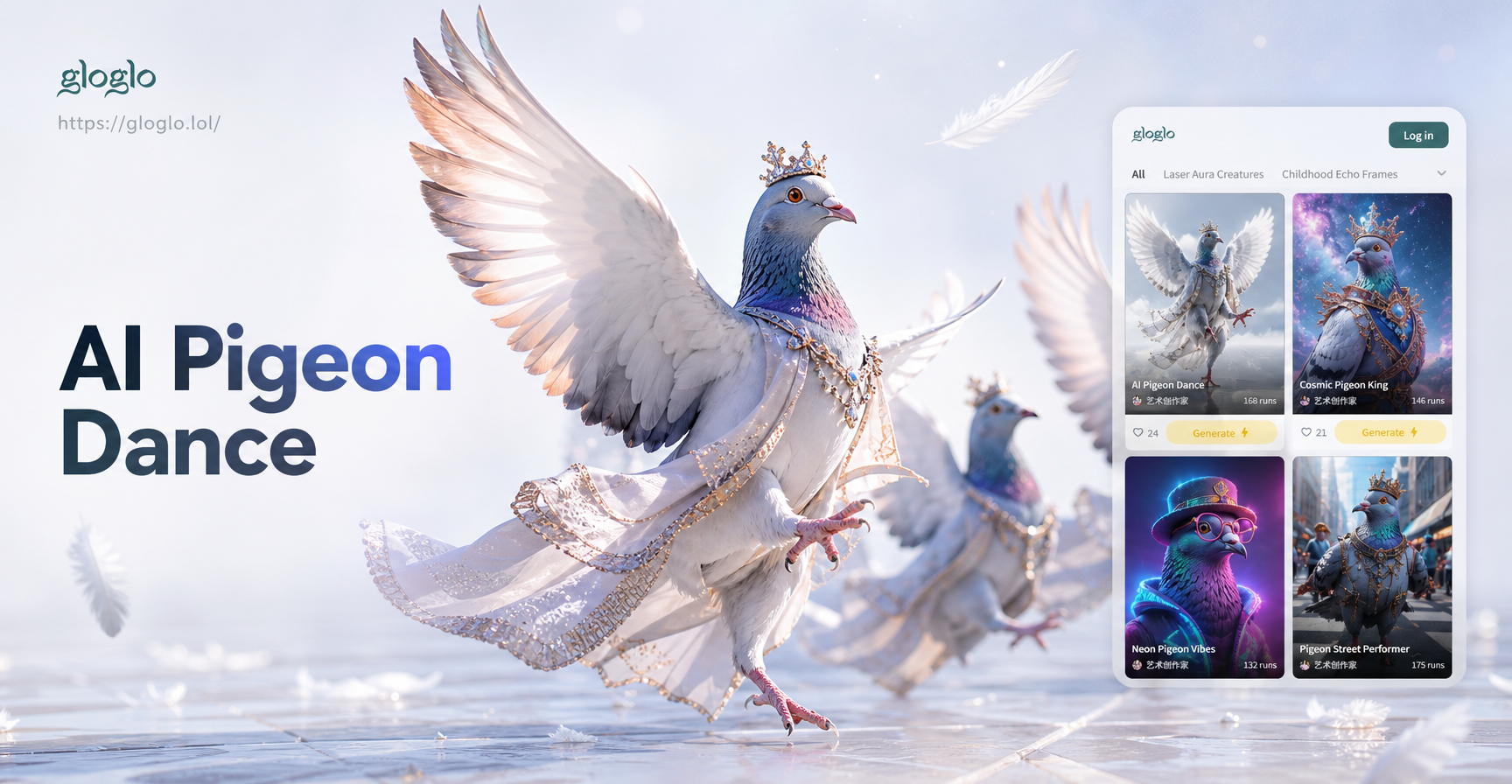
AI Pigeon Dance: Create Viral Bird Videos in Seconds

Create Your AI Pixar Family Portrait Instantly
AI Photo Editing App: Better Than Gemini for Tagalog Users
Create Your Own Pennywise with AI Costume & Makeup
AI Pigeon Dance: Create Viral Bird Videos in Seconds
Create Your AI Pixar Family Portrait Instantly
Ready to Try the Gothic Filter?
Download gloglo from Google Play and turn your ordinary photos into dark, dramatic works of art. No editing skills needed. Get the app and start creating in seconds.

Ready to Try the Gothic Filter?
Download gloglo from Google Play and turn your ordinary photos into dark, dramatic works of art. No editing skills needed. Get the app and start creating in seconds.