Leg Lengthening Photo Editor
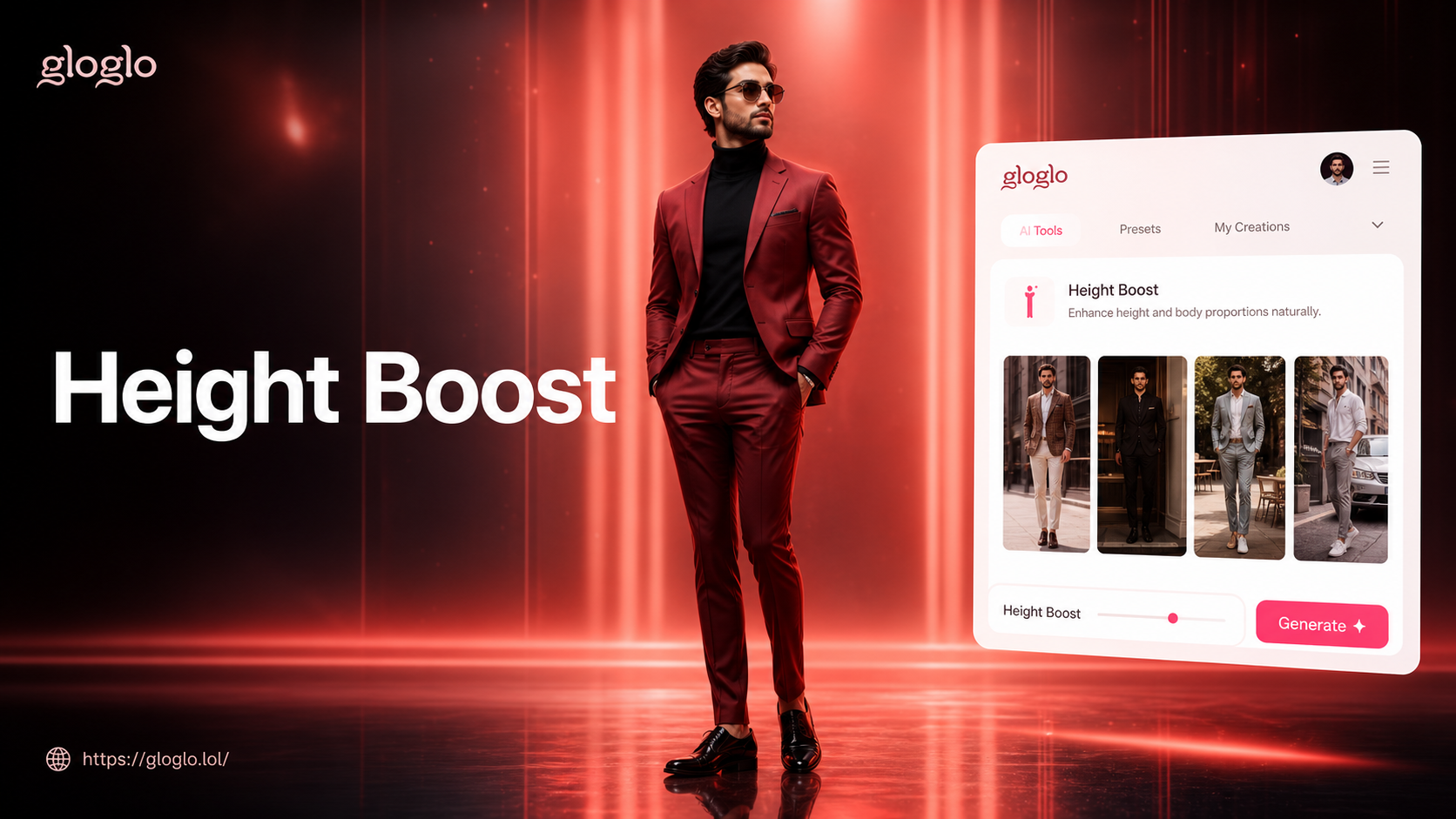
Perfect Your Silhouette with AI
Our AI toolkit goes beyond legs. Refine your entire figure with these popular body shaping filters to look your absolute best.
Why Choose Our Body Reshape Photo Editor
Our AI editor delivers professional-grade photo retouching in seconds. It’s fast, realistic, and incredibly easy to use.
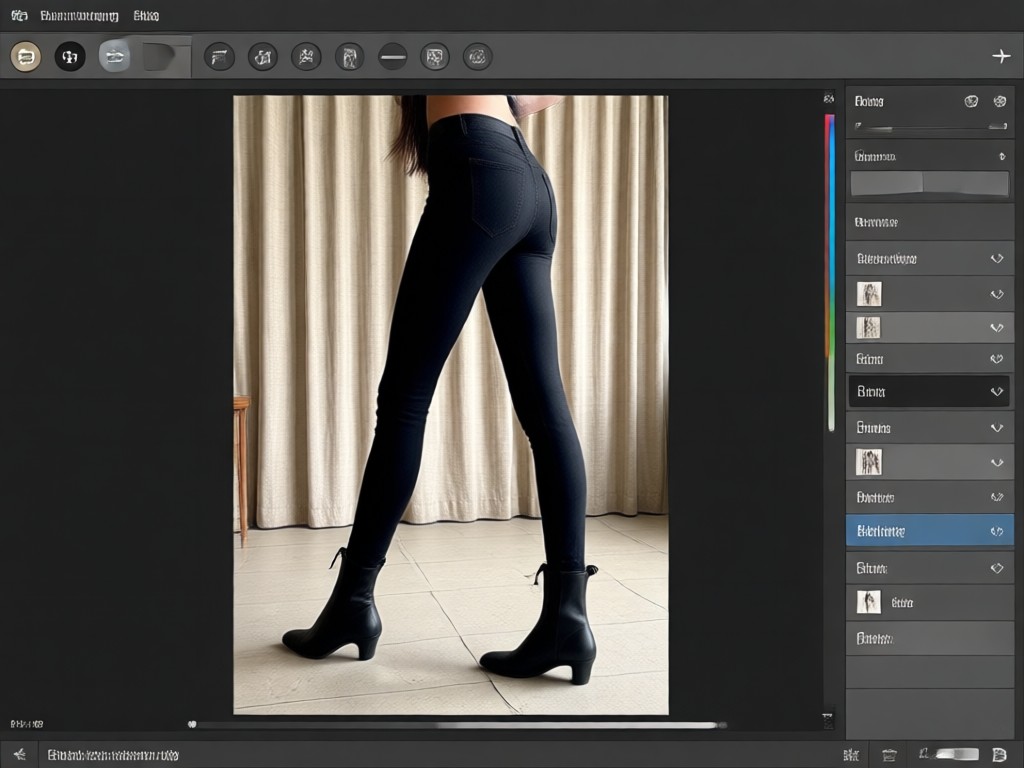
Smart Leg Lengthening
AI doesn't just stretch. It intelligently analyzes your pose and proportions to extend your legs realistically, preserving natural joints and backgrounds for flawless results.
Smart Leg Lengthening
AI doesn't just stretch. It intelligently analyzes your pose and proportions to extend your legs realistically, preserving natural joints and backgrounds for flawless results.
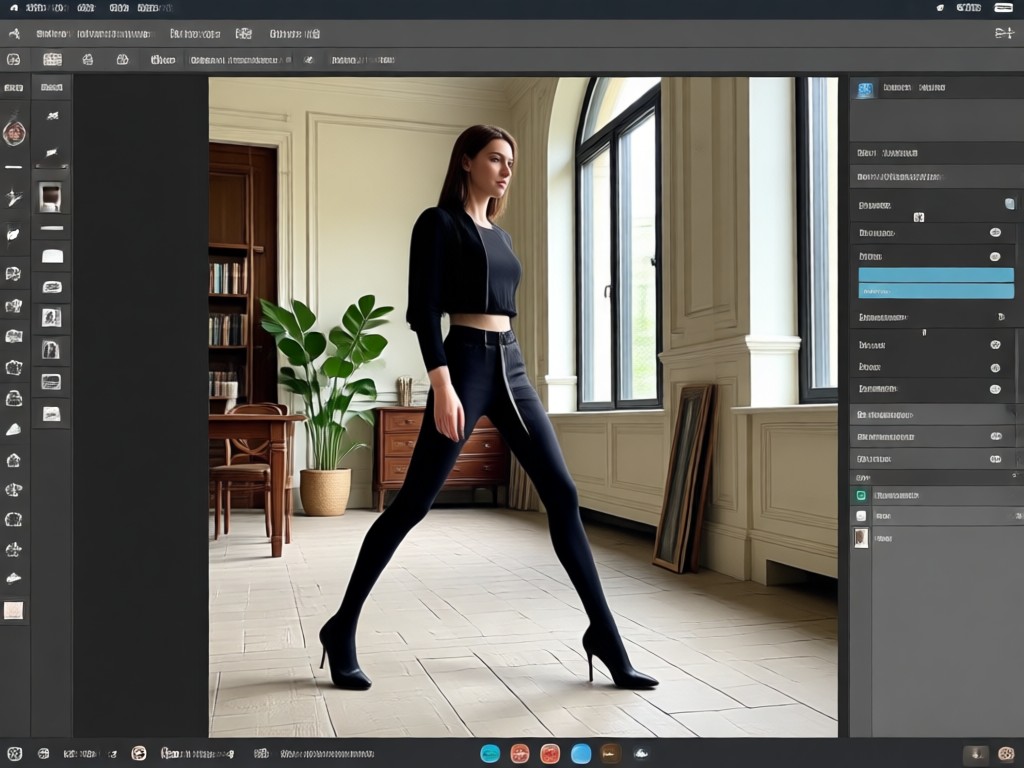
Full Body Reshaping
Adjust more than just leg length. Slim your waist, tone your arms, and improve your posture all in one edit for a complete, harmonious transformation.
Full Body Reshaping
Adjust more than just leg length. Slim your waist, tone your arms, and improve your posture all in one edit for a complete, harmonious transformation.
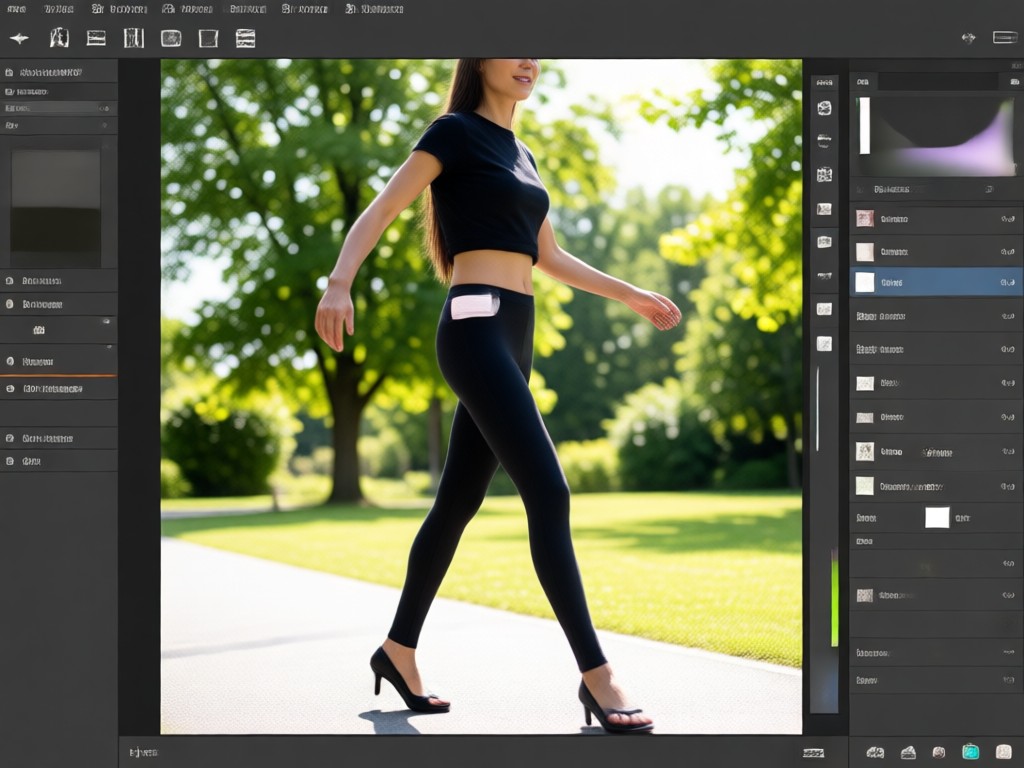
Ultra Realistic Results
Our advanced AI ensures every edit looks completely natural. No warping, distorted furniture, or tell-tale signs of bad Photoshop. Just a better you.
Ultra Realistic Results
Our advanced AI ensures every edit looks completely natural. No warping, distorted furniture, or tell-tale signs of bad Photoshop. Just a better you.
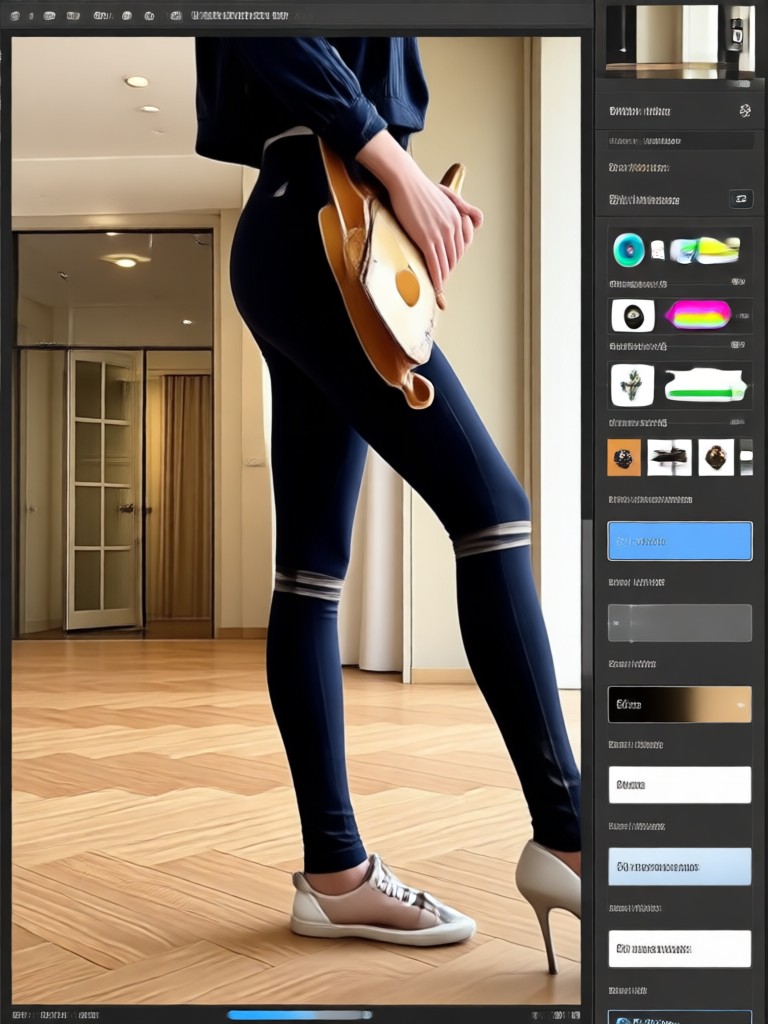
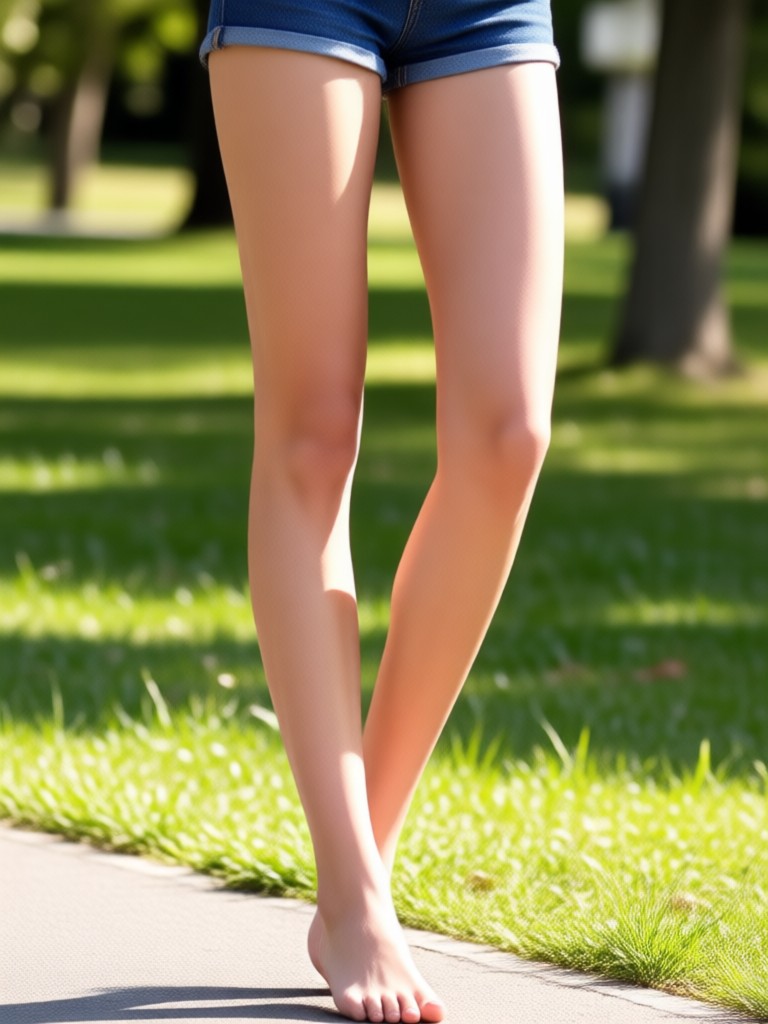
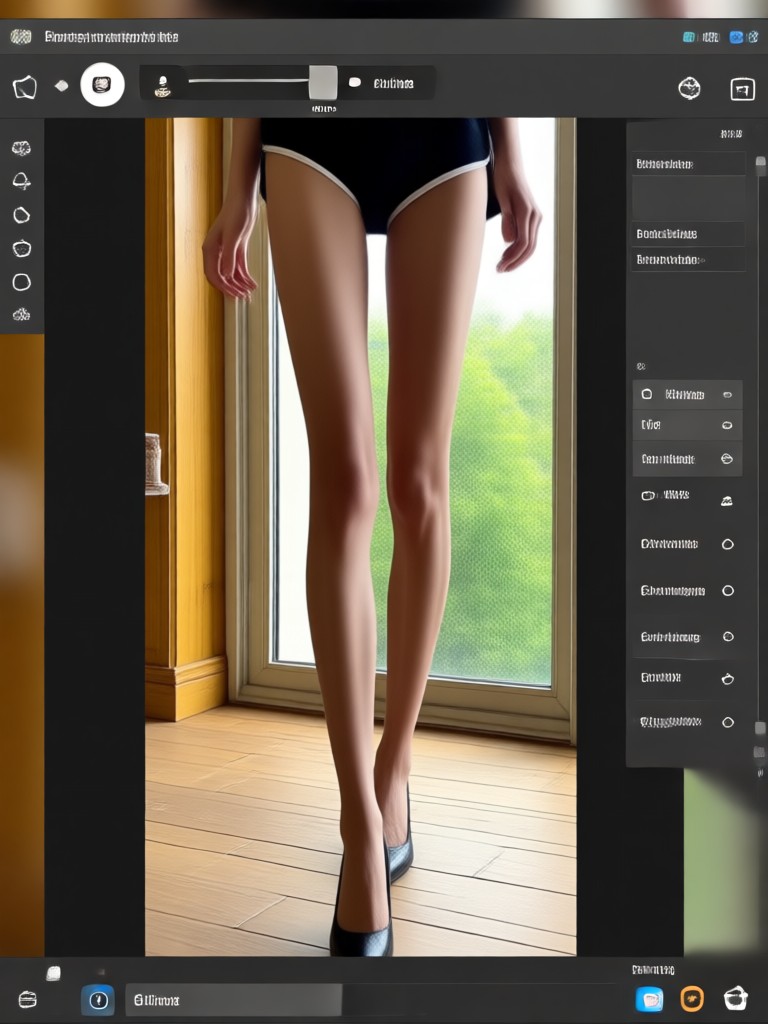
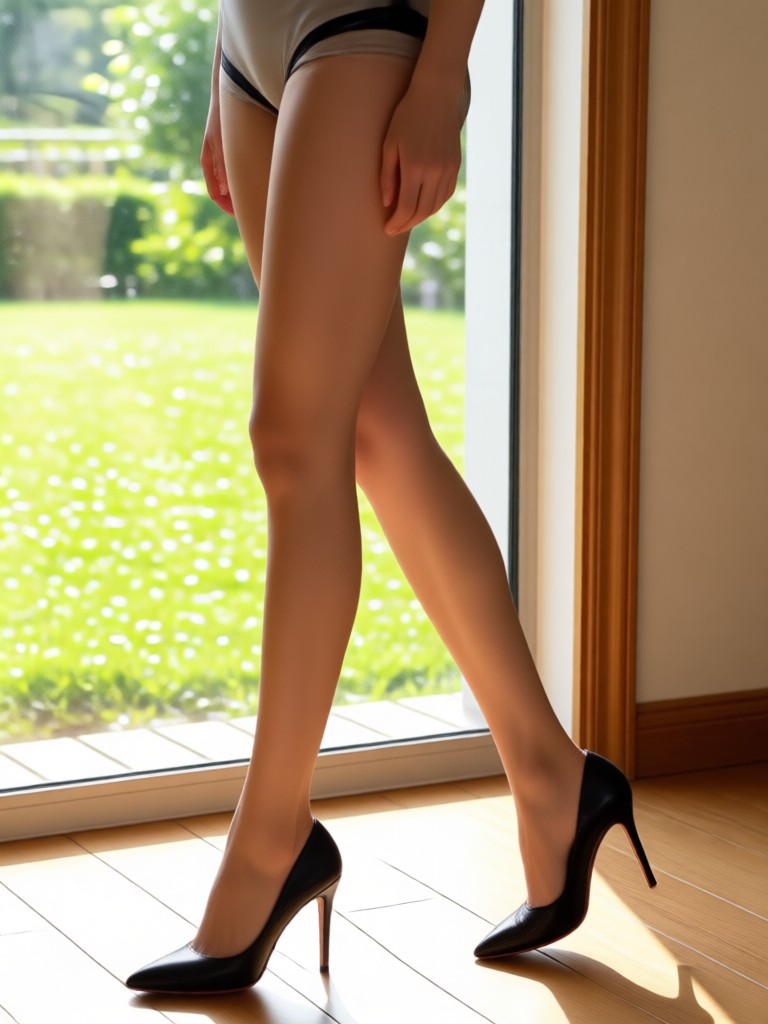
Leg Lengthening & Body Reshape Transformations
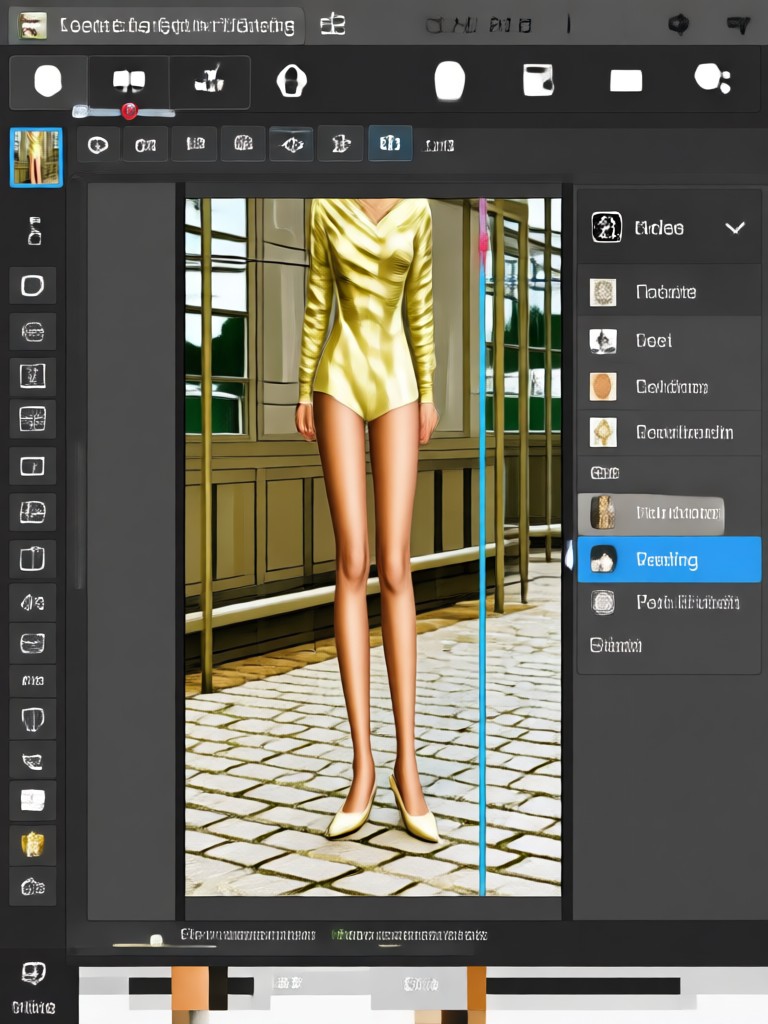
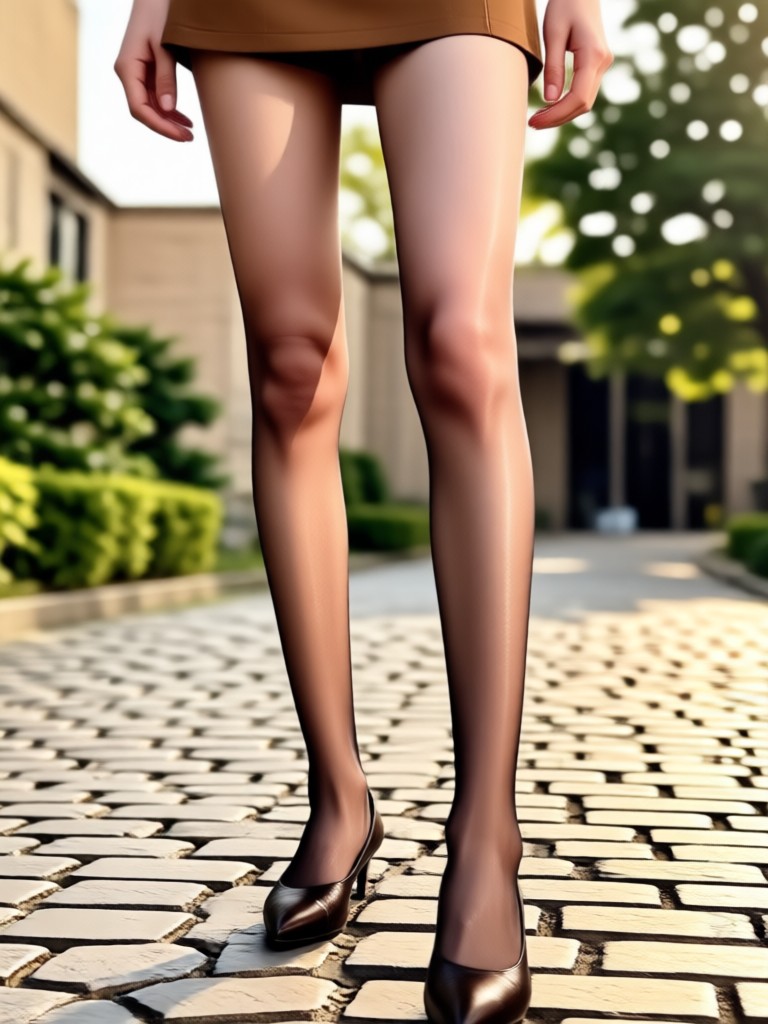
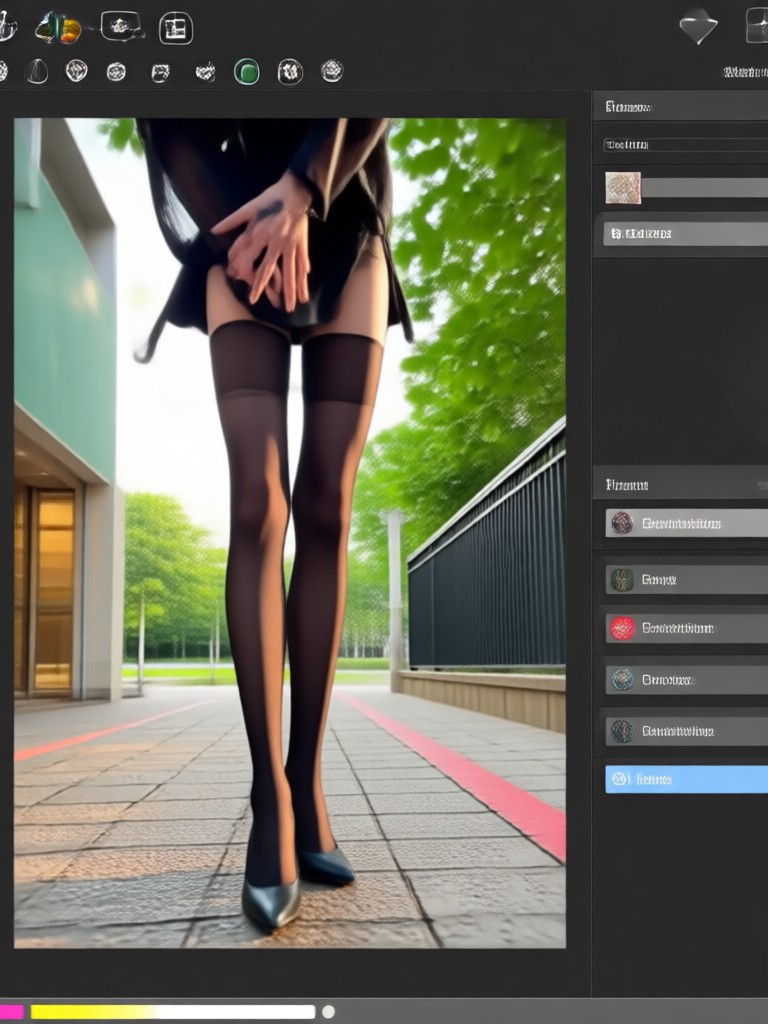
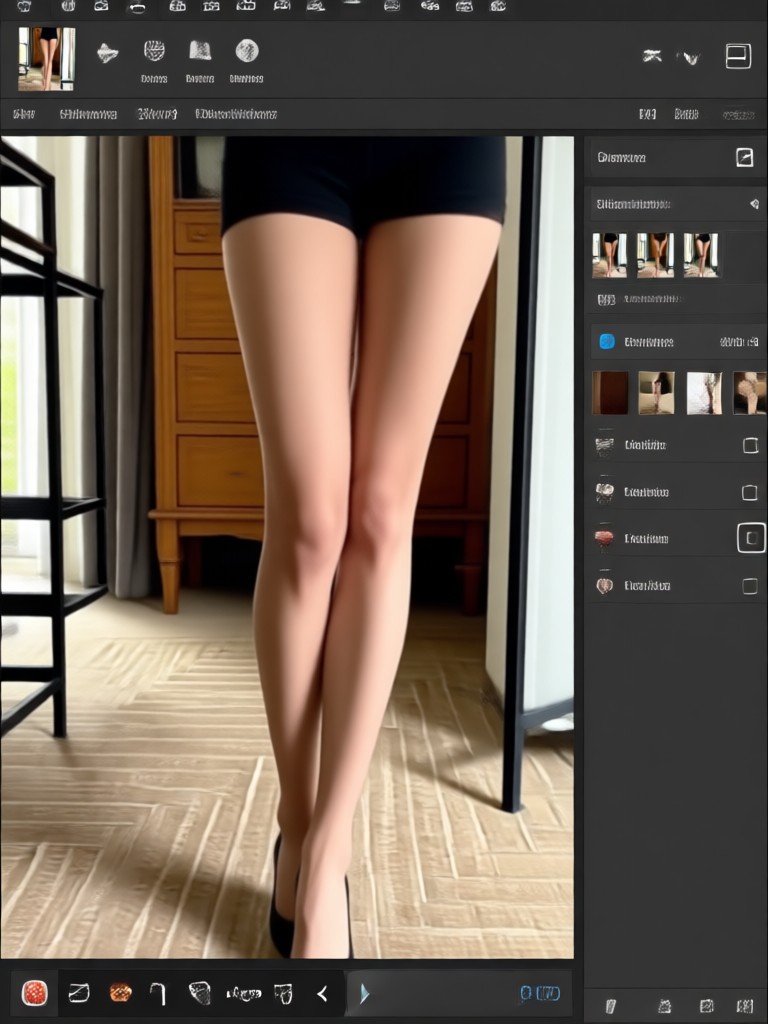
See the power of AI photo editing. These before-and-after examples show how our leg lengthening and body reshape editor can create stunning, realistic improvements to any photo.


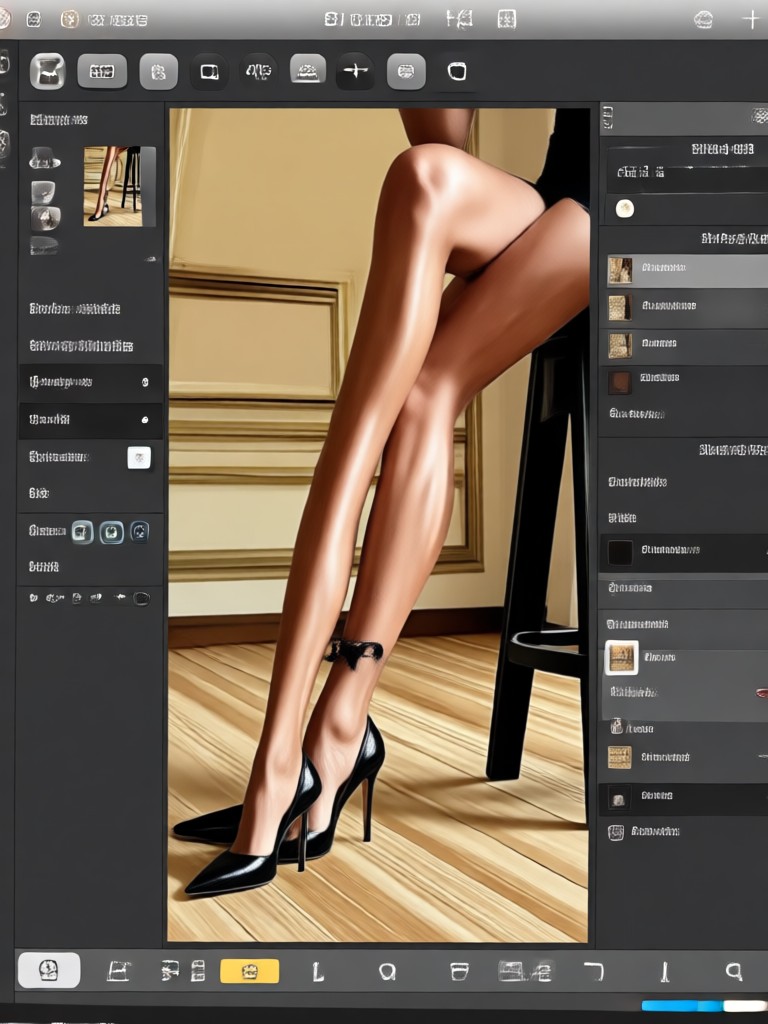
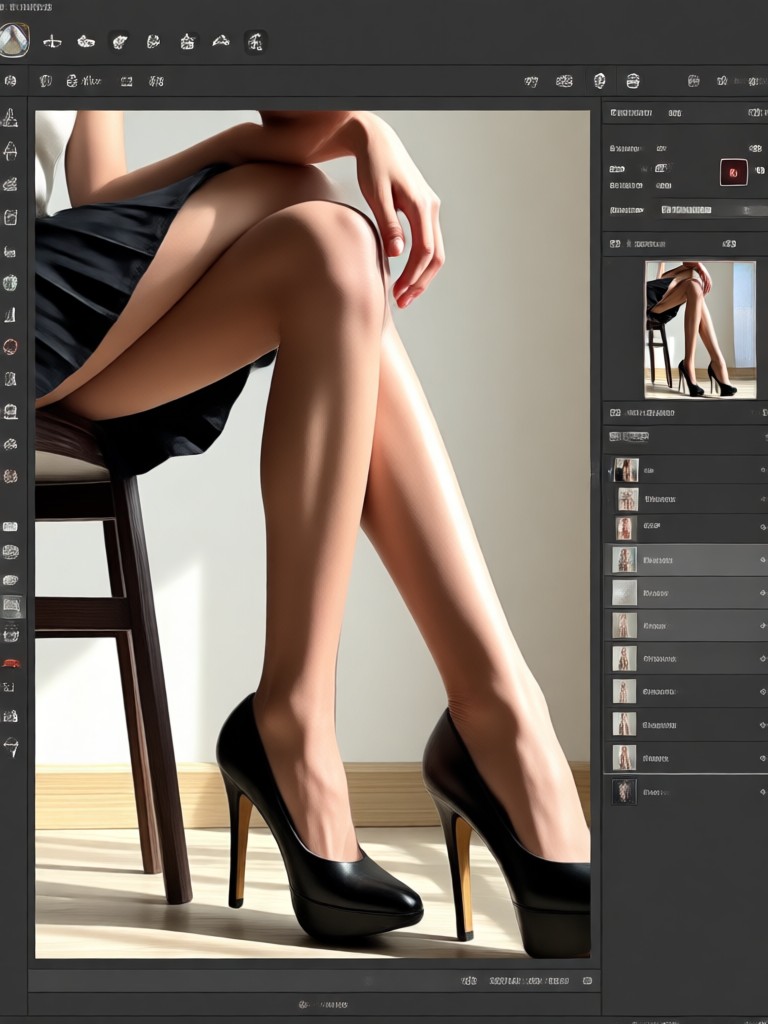
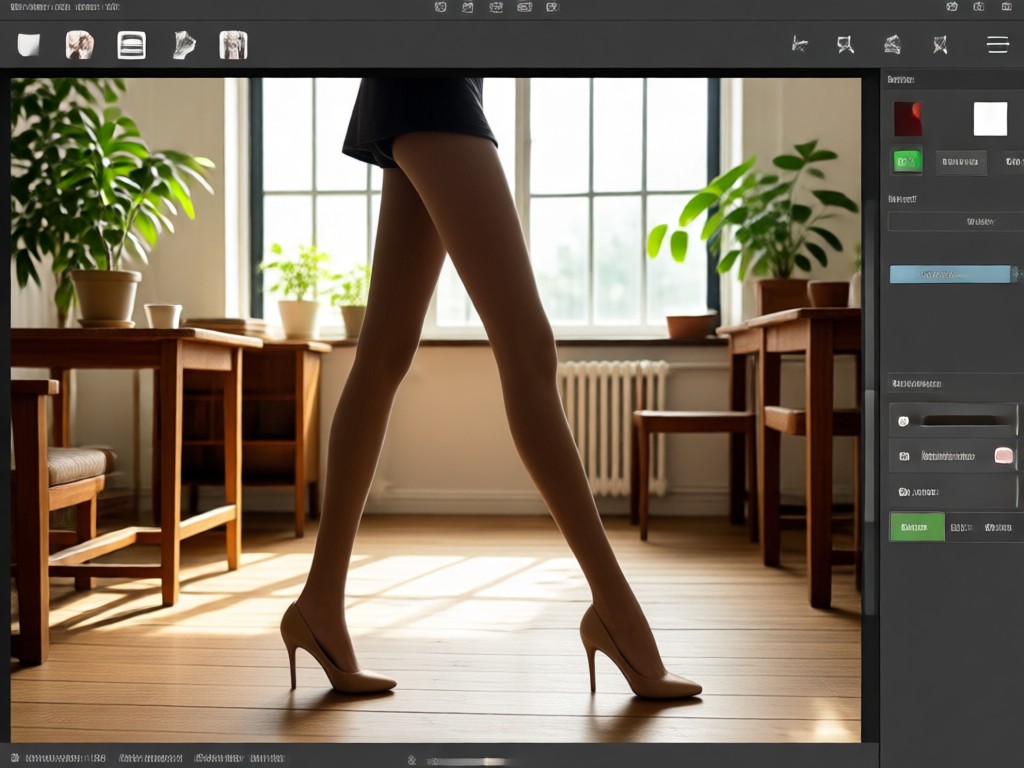
From Selfie to Supermodel Silhouette
Everyone has a photo where they wish they looked just a bit taller or more proportional. Expensive photo editors are complex, and manual editing often looks fake. Our AI leg lengthening photo editor solves this instantly. It uses professional retouching principles to give you that confident, elongated look you see in fashion magazines, with just a tap on your phone.
From Selfie to Supermodel Silhouette
Everyone has a photo where they wish they looked just a bit taller or more proportional. Expensive photo editors are complex, and manual editing often looks fake. Our AI leg lengthening photo editor solves this instantly. It uses professional retouching principles to give you that confident, elongated look you see in fashion magazines, with just a tap on your phone.
How to Use the Leg Lengthening Photo Editor?
Create a taller, more balanced version of yourself in just three simple steps. No technical knowledge required.

Step 01.
Download the gloglo app from Google Play. It's your all-in-one mobile studio for AI photo and video magic.

Step 02.
Open the app and upload your photo. Then, browse and select the 'Body Reshape' or 'Leg Lengthening' filter from our massive style library.

Step 03.
Let the AI work its magic! In seconds, you'll see your transformed photo. Download it instantly or share your stunning new look directly to social media.
What Users Say About Our AI Photo Editor
Finally, realistic leg lengthening!
I've tried apps that just stretch the whole image and it looks ridiculous. This AI actually understands anatomy and posture. My vacation photos look amazing now, and nobody can tell they're edited.
A game-changer for online dating profiles
It's not about being dishonest, it's about presenting your best self. This body reshape editor helped me adjust my posture and proportions subtly. The results gave me a huge confidence boost.
So easy my mom figured it out
I downloaded this to fix a family photo where everyone looked a bit squat. The app was incredibly intuitive. We adjusted a few proportions, and now it's the best picture we've ever taken together.
Your Pro Retoucher, In Your Pocket
Why pay for expensive software or a professional editor? Get studio-quality leg lengthening and body reshaping anytime, anywhere. Transform your photos directly on your phone.

Leg Lengthening Photo Editor FAQs
Got questions about how AI body reshaping works? Find quick, clear answers here to help you edit with confidence.
More AI Photo Magic to Explore
Discover other creative ways to transform your images with our powerful AI toolkit.
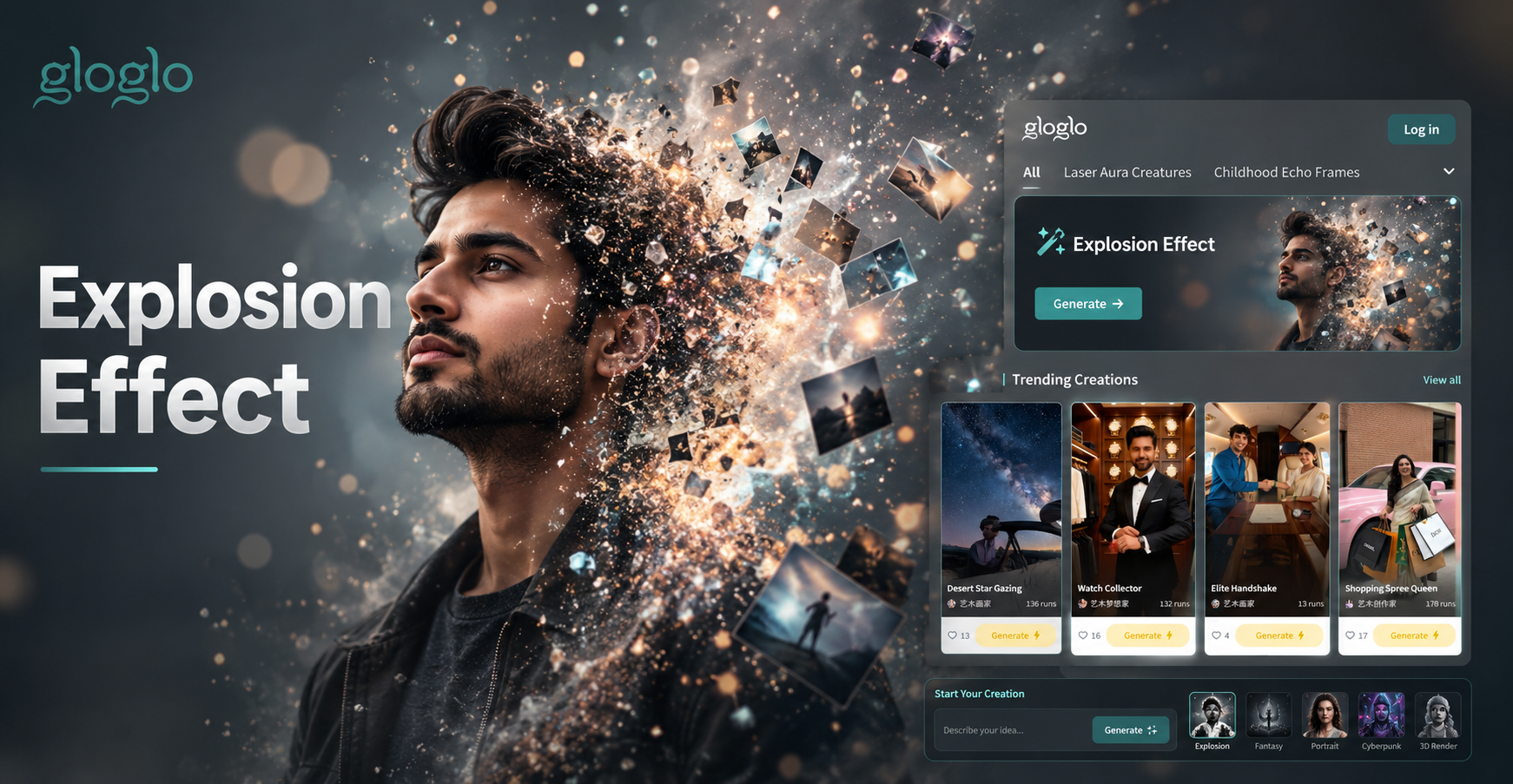
Cinematic Explosion Photo Editor: Add Realistic Blast Effects
Cinematic Explosion Photo Editor: Add Realistic Blast Effects
Ready to See a Taller, More Confident You?
Stop wishing your photos looked better. Download the app now and use the most advanced AI leg lengthening and body reshape photo editor. Transform your pictures in seconds.
Ready to See a Taller, More Confident You?
Stop wishing your photos looked better. Download the app now and use the most advanced AI leg lengthening and body reshape photo editor. Transform your pictures in seconds.