Explosion Photo Effect
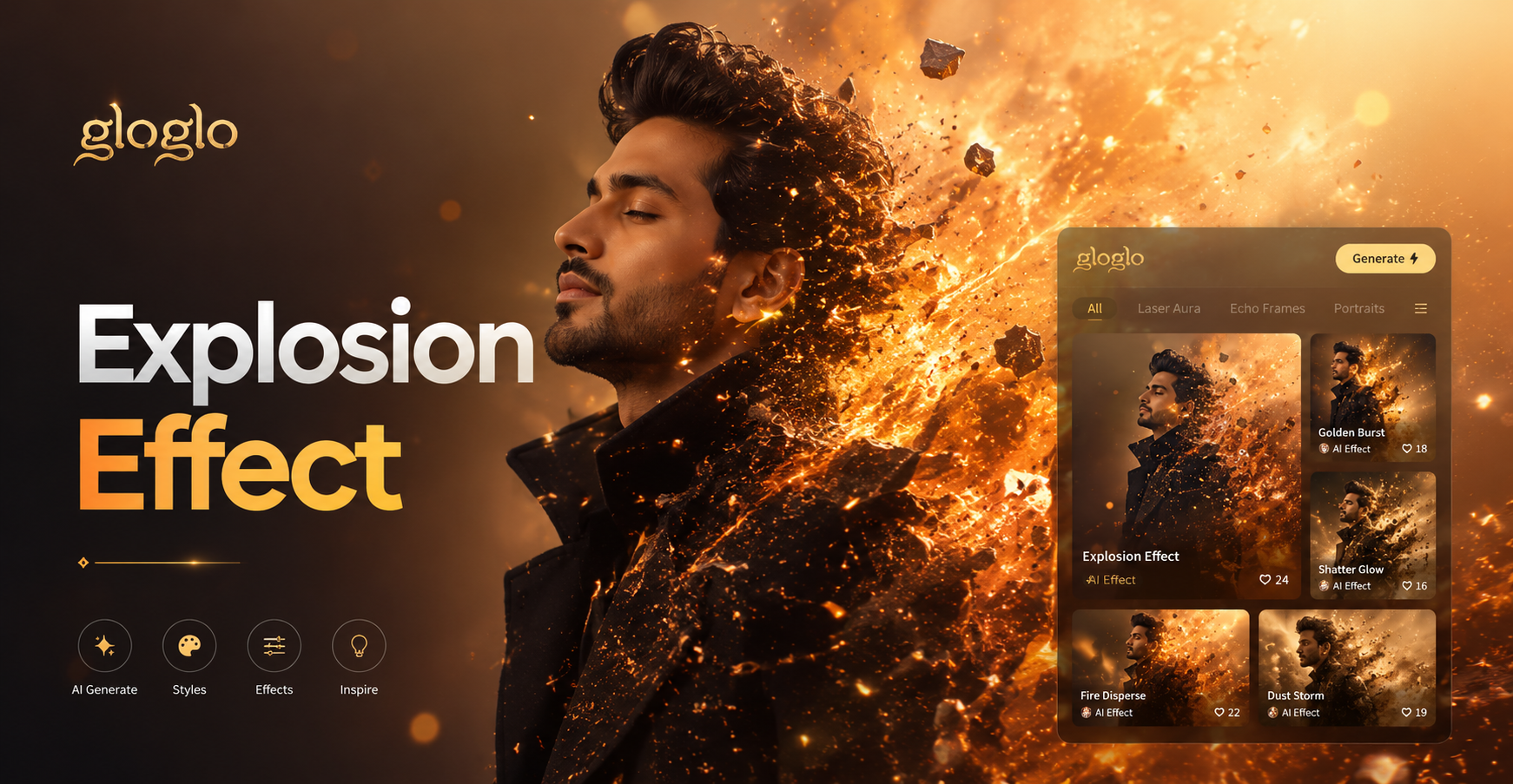
Choose Your Explosion Style
From subtle fiery bursts to massive nuclear blasts, select the perfect cinematic effect to match your vision.
Cinematic Explosion Photo Editor Features
Our AI-powered editor provides a full suite of tools to create photorealistic and stylized explosion scenes with unparalleled ease.
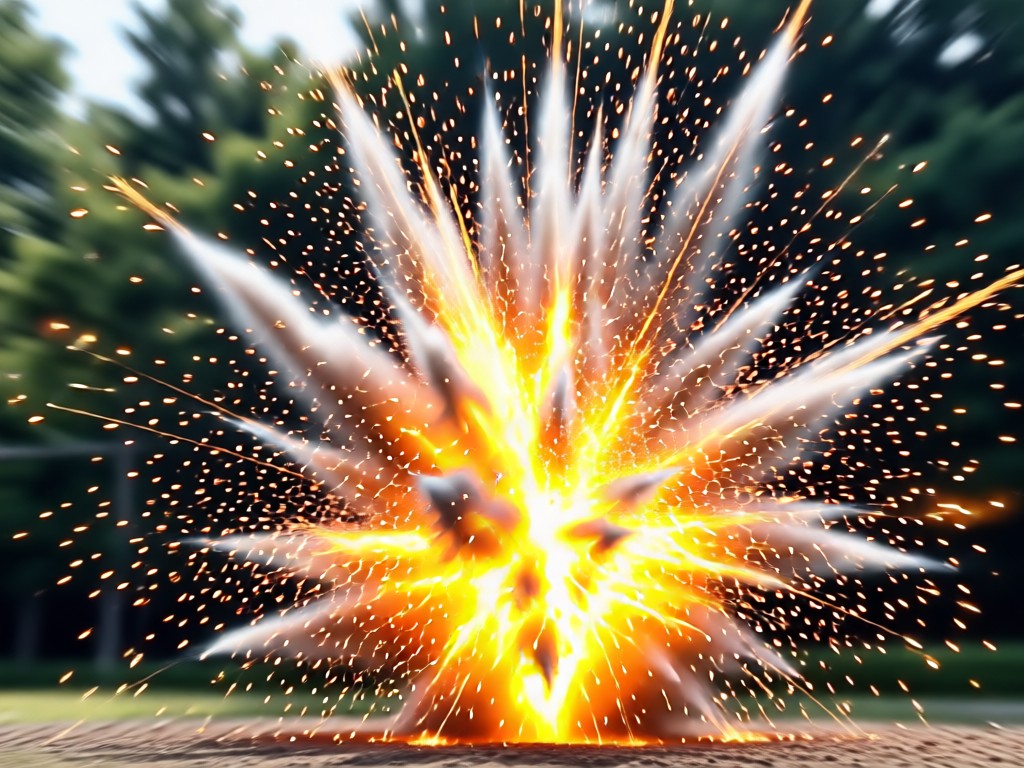
Realistic Fire & Smoke Physics
AI generates dynamic fireballs with authentic color, heat distortion, and volumetric smoke that interacts naturally with your photo's lighting and environment.
Realistic Fire & Smoke Physics
AI generates dynamic fireballs with authentic color, heat distortion, and volumetric smoke that interacts naturally with your photo's lighting and environment.
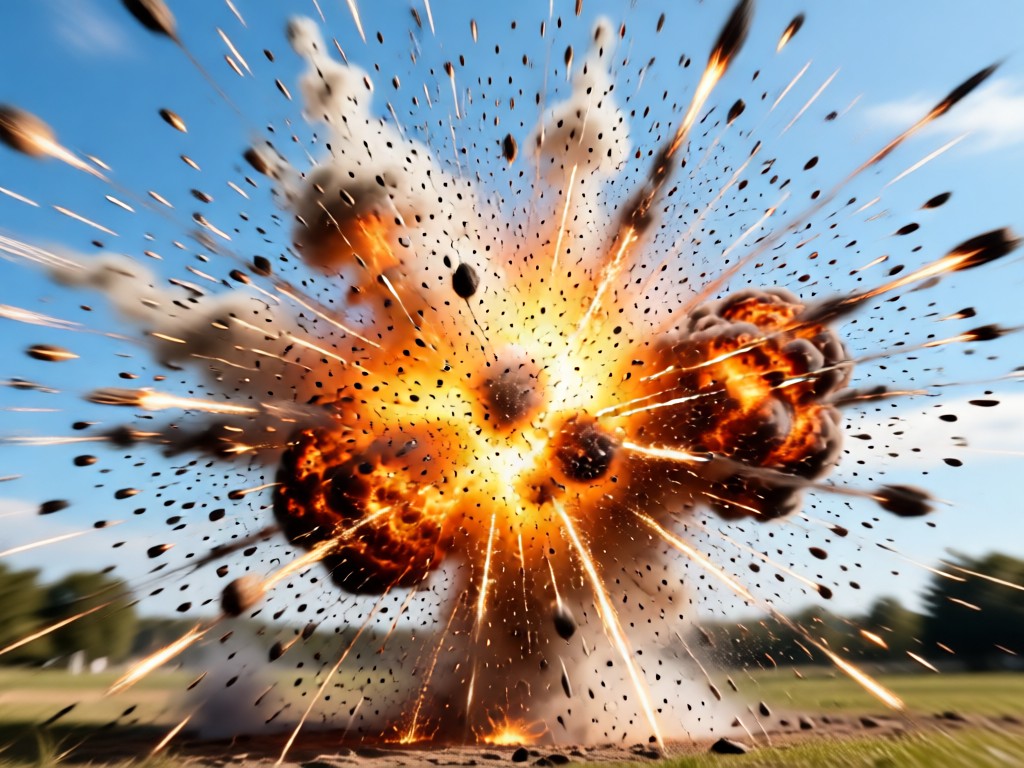
Debris & Shockwave Effects
Add flying rubble, dust clouds, and visible shockwave rings to create a sense of immense force and motion in your static images.
Debris & Shockwave Effects
Add flying rubble, dust clouds, and visible shockwave rings to create a sense of immense force and motion in your static images.
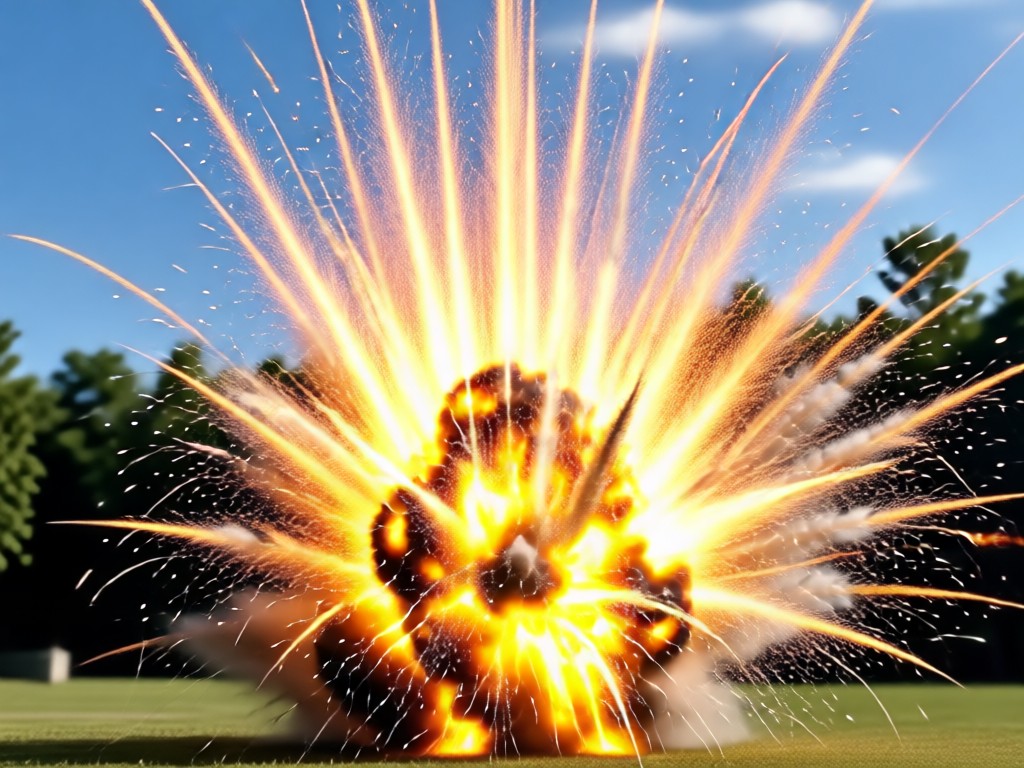
Dramatic Lighting & Color Grading
The AI automatically adjusts scene lighting, adding intense glows, lens flares, and cinematic color tones to sell the illusion of a real explosion.
Dramatic Lighting & Color Grading
The AI automatically adjusts scene lighting, adding intense glows, lens flares, and cinematic color tones to sell the illusion of a real explosion.
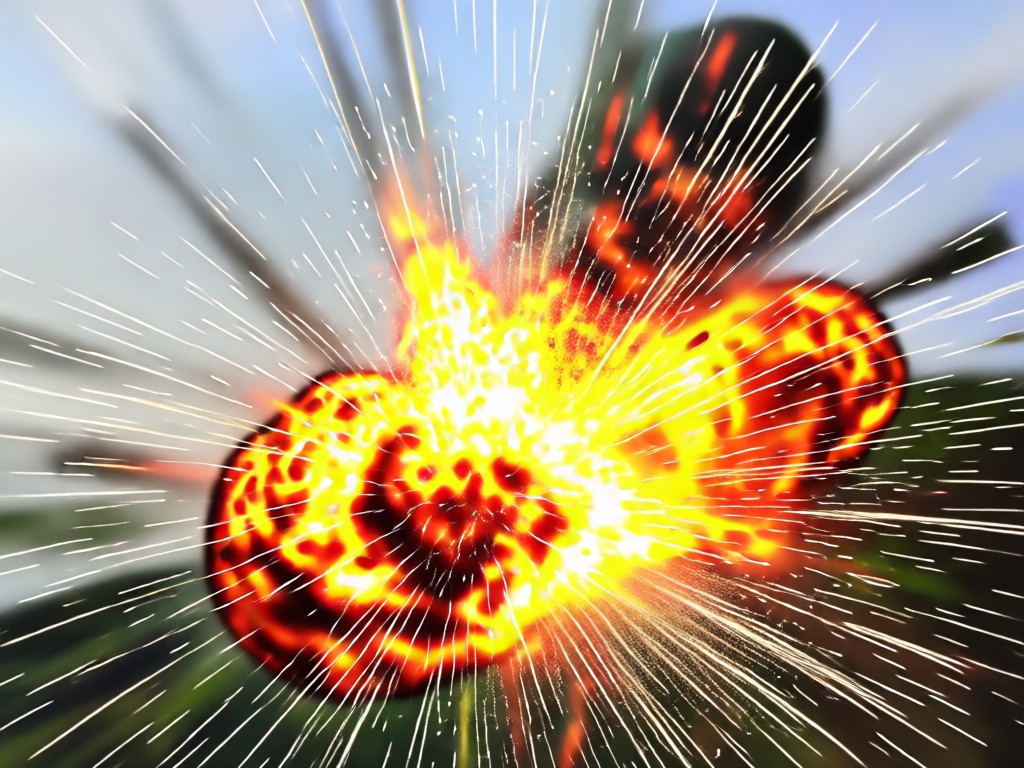
Why Use an AI Explosion Photo Editor?
Creating believable explosion effects traditionally requires advanced 3D software and hours of compositing. Our AI does the heavy lifting, analyzing your photo's perspective, lighting, and physics to insert a perfectly matched effect in under a minute.
Why Use an AI Explosion Photo Editor?
Creating believable explosion effects traditionally requires advanced 3D software and hours of compositing. Our AI does the heavy lifting, analyzing your photo's perspective, lighting, and physics to insert a perfectly matched effect in under a minute.
How to Add an Explosion Effect?
Create explosive cinematic photos in just three simple steps with our mobile AI editor.

Step 01.
Download the Gloglo app from Google Play to access the full suite of AI explosion and cinematic effects on your phone.
Step 02.
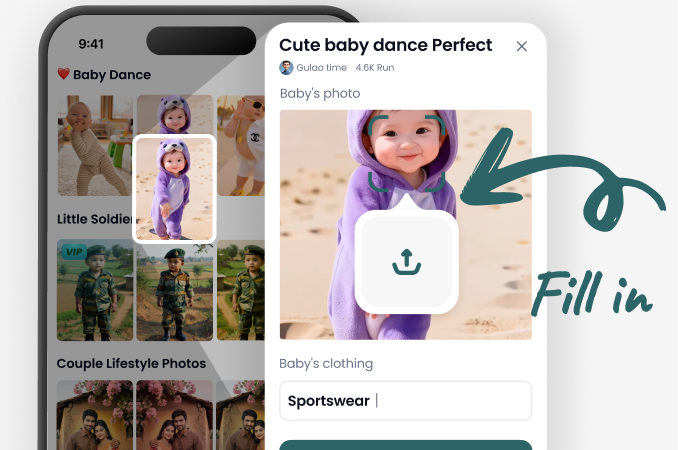
Upload your photo and browse the explosion effects library. Choose from fireballs, smoke clouds, sci-fi blasts, or magic explosions.
Step 03.
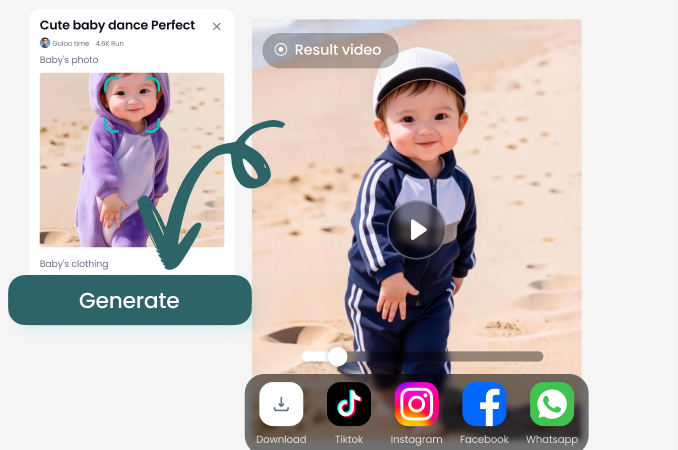
Generate your image. Fine-tune the effect's placement and intensity, then download and share your explosive creation instantly.
Creators Using Our Explosion Photo Editor
Game-changing for my action cosplay photos
I shoot fantasy and sci-fi cosplay, and adding explosion backgrounds used to take me hours in Photoshop. With this app, I get perfect, physics-aware fire and smoke behind my characters in under 60 seconds. It's completely elevated my portfolio.
Brings my storyboards to life instantly
As a indie filmmaker on a tight budget, I use this to create convincing pre-visualization shots. The AI understands depth and lighting so well that the explosions look like they belong in the scene. It helps me pitch my action sequences with impact.
My go-to for epic D&D character art
My players love when I bring their epic campaign moments to life. I take their character portraits and use the magic explosion and fiery blast effects to show off their spellcasting. It adds a whole new layer of excitement to our game nights.
Create Explosive Content Anywhere
Turn your phone into a portable VFX studio. No desktop software or subscriptions required. Download the app and start designing cinematic explosions today.

Explosion Photo Effect FAQ
Get quick answers to common questions about creating and using AI-generated explosion effects in your photos.
More Topics You May Like
Explore more topics you may like and discover fresh ideas tailored to your interests.
AI Motorcycle Photo Editor: Transform Your Bike Images
AI Photo Editor to Make Legs Look Longer Instantly
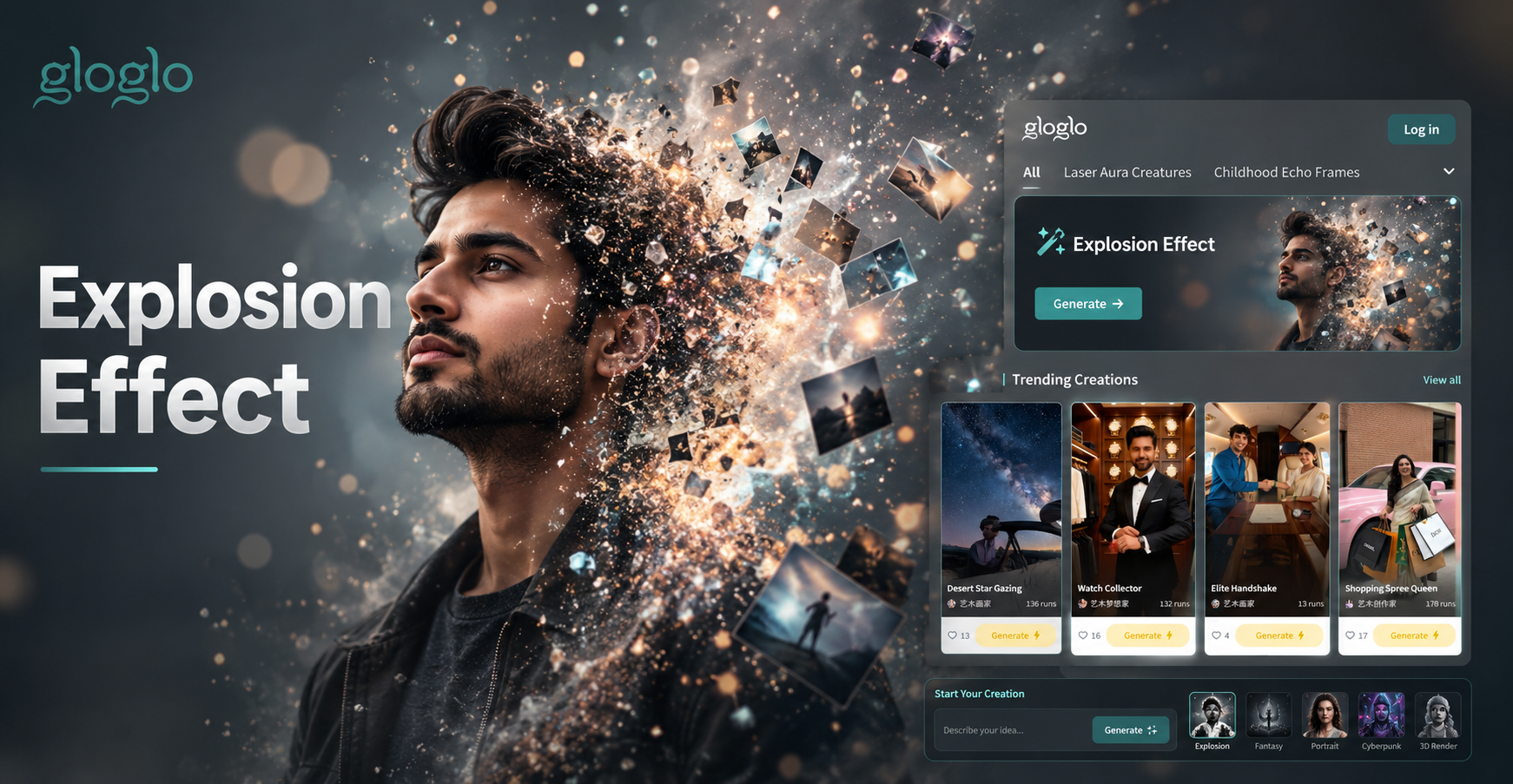
Cinematic Explosion Photo Editor: Add Realistic Blast Effects
AI Motorcycle Photo Editor: Transform Your Bike Images
AI Photo Editor to Make Legs Look Longer Instantly
Cinematic Explosion Photo Editor: Add Realistic Blast Effects
Ignite Your Creativity
Stop imagining explosive scenes and start creating them. Download the app and add Hollywood-level VFX to your photos in seconds.
Ignite Your Creativity
Stop imagining explosive scenes and start creating them. Download the app and add Hollywood-level VFX to your photos in seconds.