Photo Hdr Converter
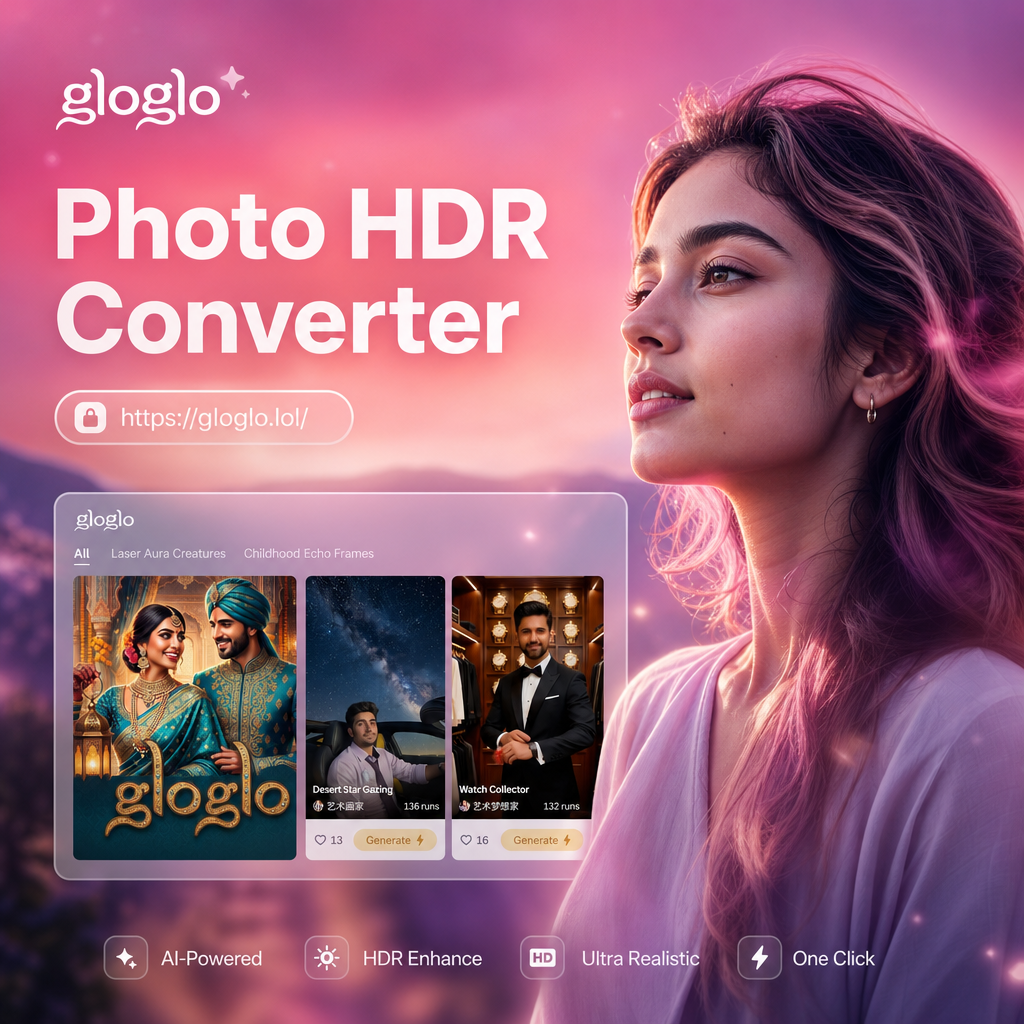
Choose the HDR Filter That Matches Your Style
Discover a variety of HDR filters, from subtle tone mapping to dramatic high contrast looks. Pick your favorite and apply it in one tap.
Key Features of Photo Hdr Converter
gloglo makes HDR conversion simple and powerful. Get realistic dynamic range, precise tone control, and fast results without any technical hassle.
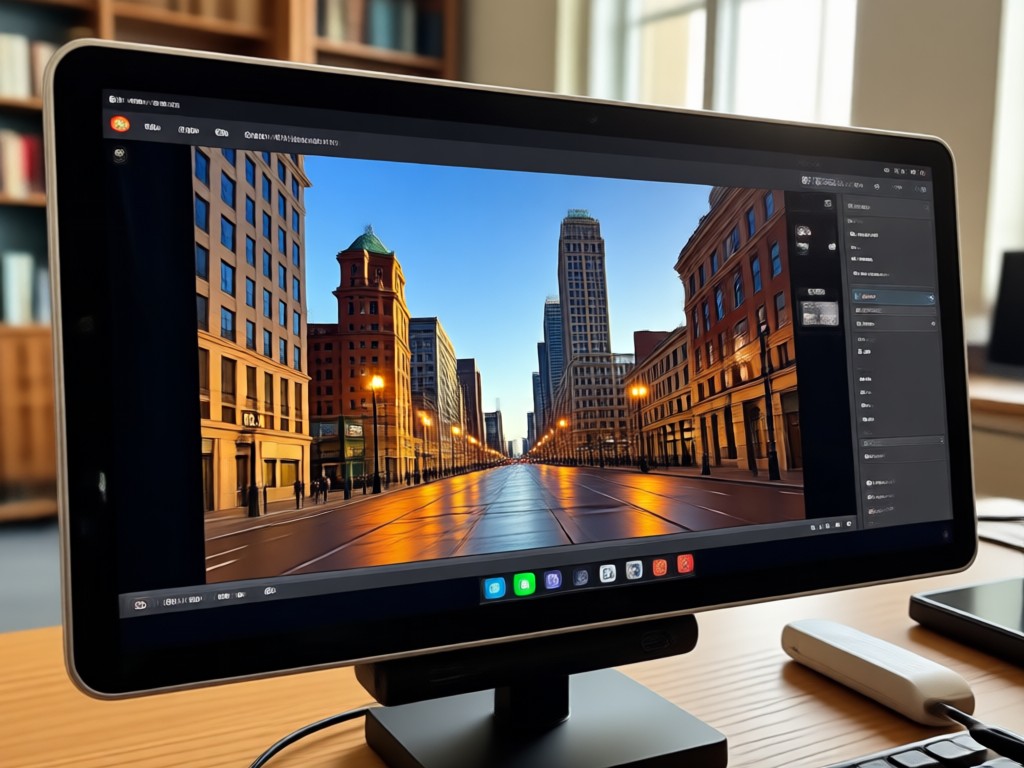
One Tap HDR Conversion
Upload any photo and apply a high dynamic range style instantly. No manual tone mapping or layer work required.
One Tap HDR Conversion
Upload any photo and apply a high dynamic range style instantly. No manual tone mapping or layer work required.
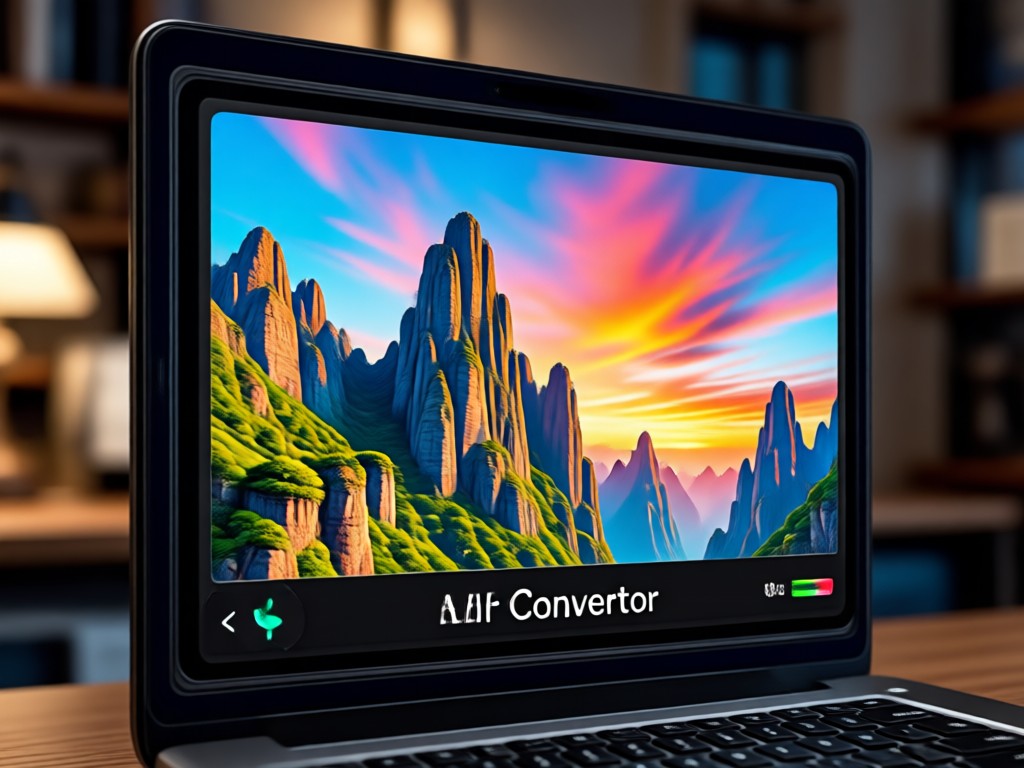
Realistic Detail Recovery
Bring back lost highlights and shadows while keeping skin tones natural. Perfect for portraits, landscapes, and product shots.
Realistic Detail Recovery
Bring back lost highlights and shadows while keeping skin tones natural. Perfect for portraits, landscapes, and product shots.
1,000,000+ Style Filters
Combine HDR with cinematic, film, anime, and many other styles. Create a unique look that matches your creative vision.
1,000,000+ Style Filters
Combine HDR with cinematic, film, anime, and many other styles. Create a unique look that matches your creative vision.
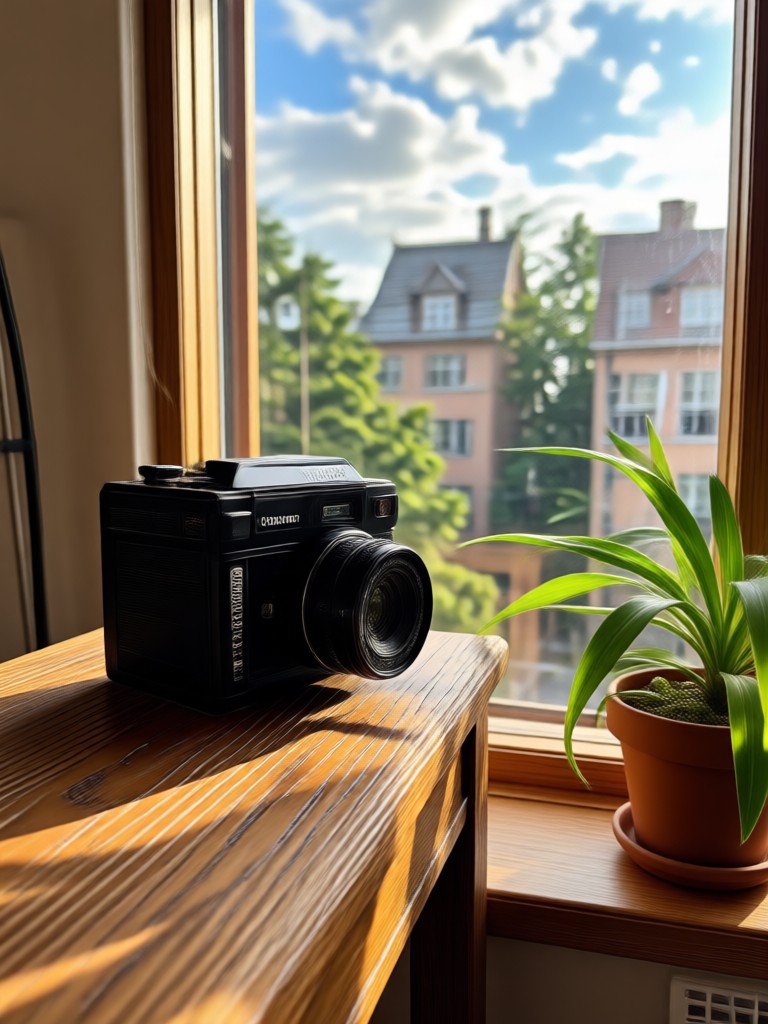
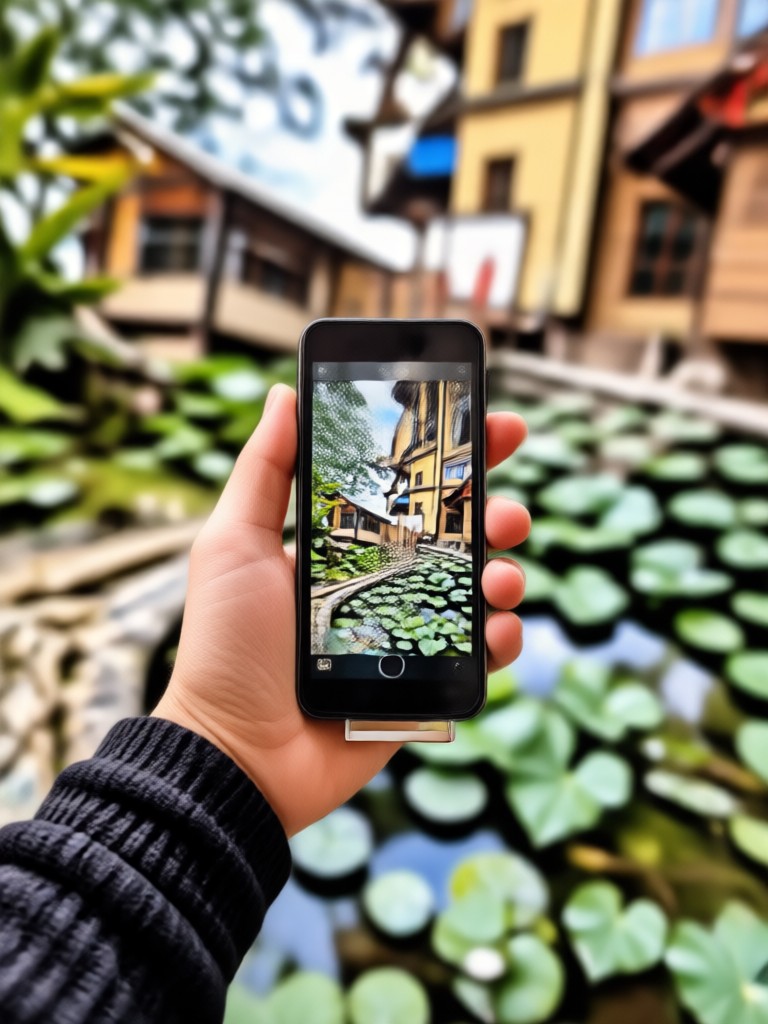
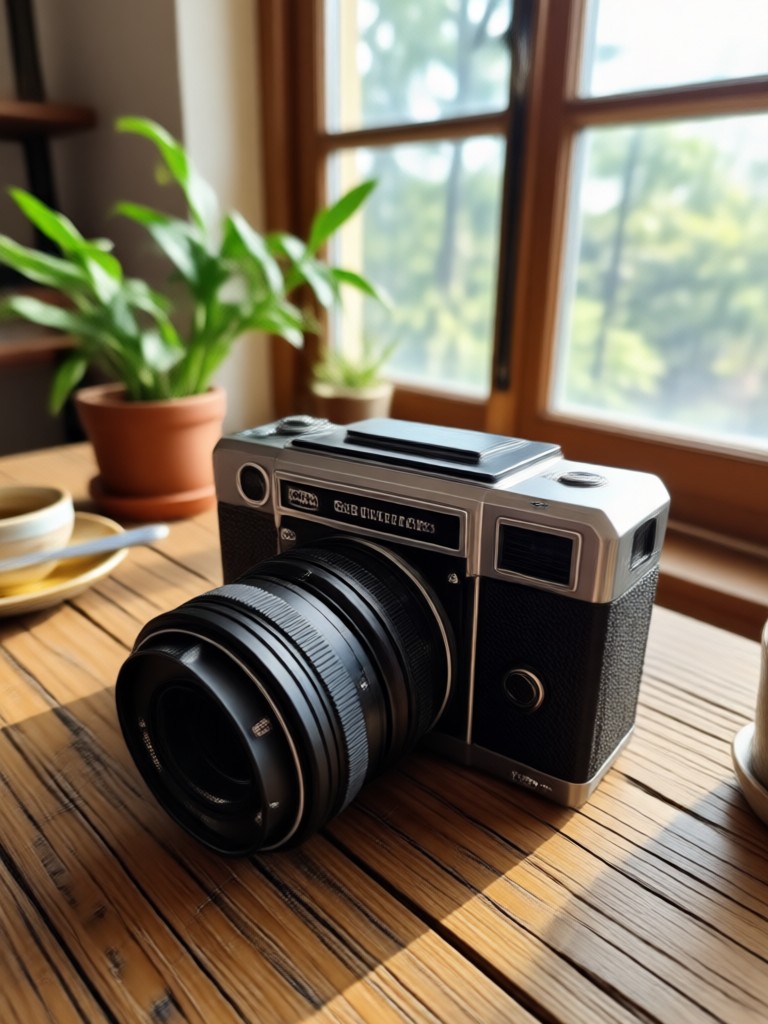
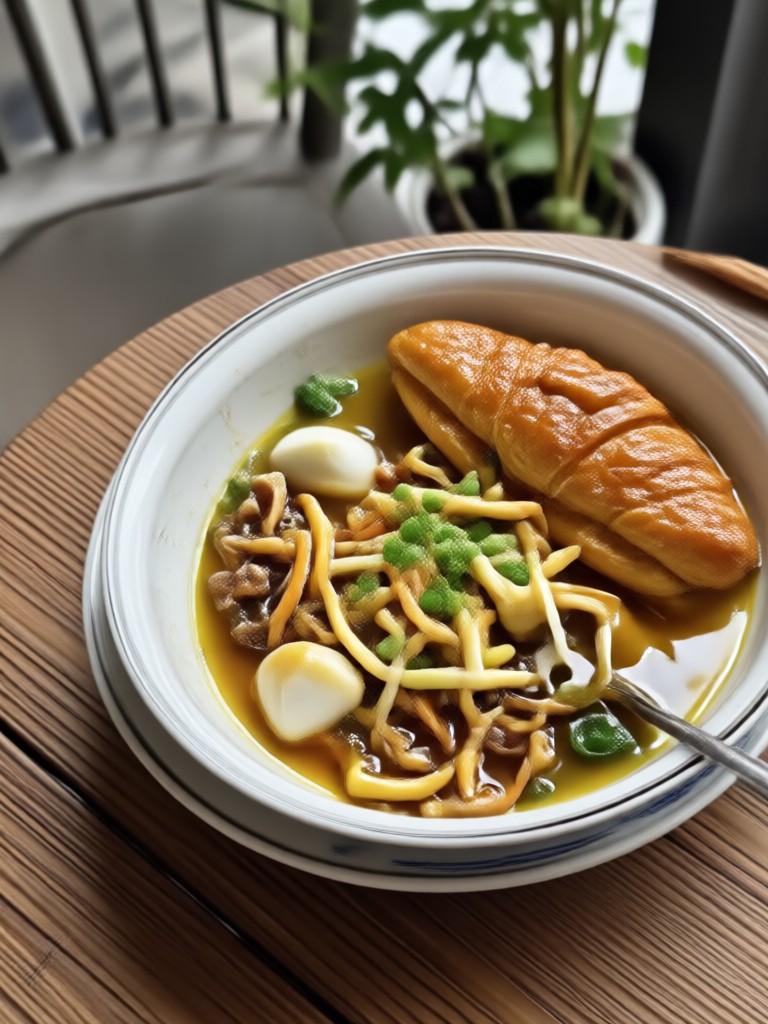
Photo Hdr Converter Results Gallery
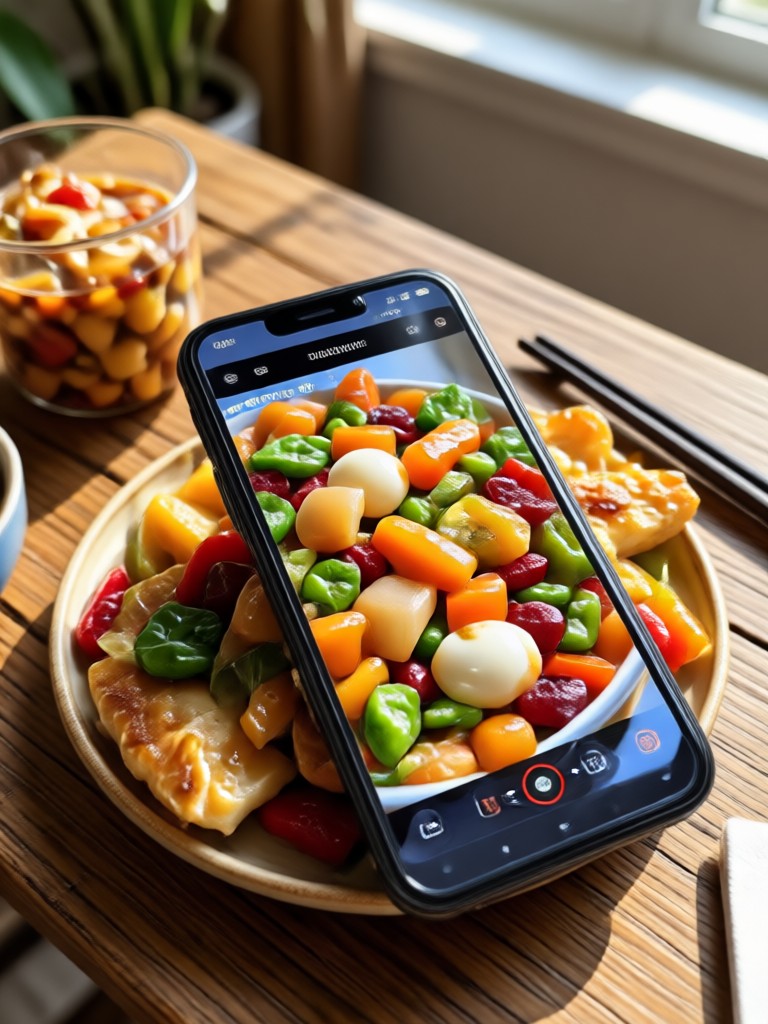
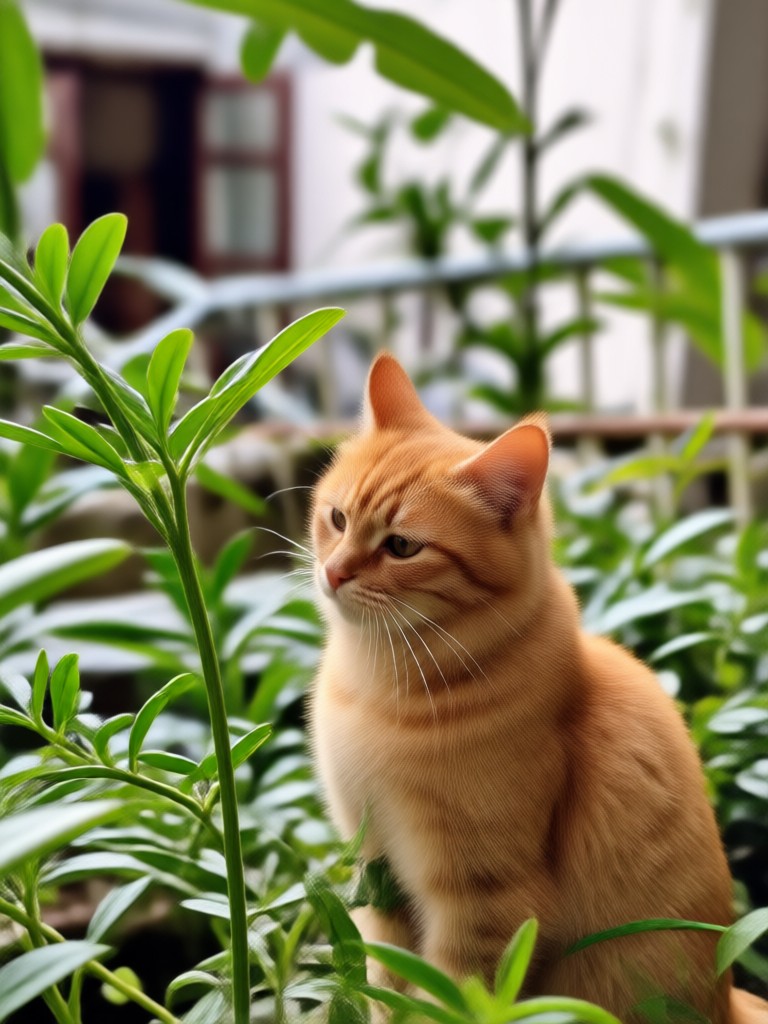
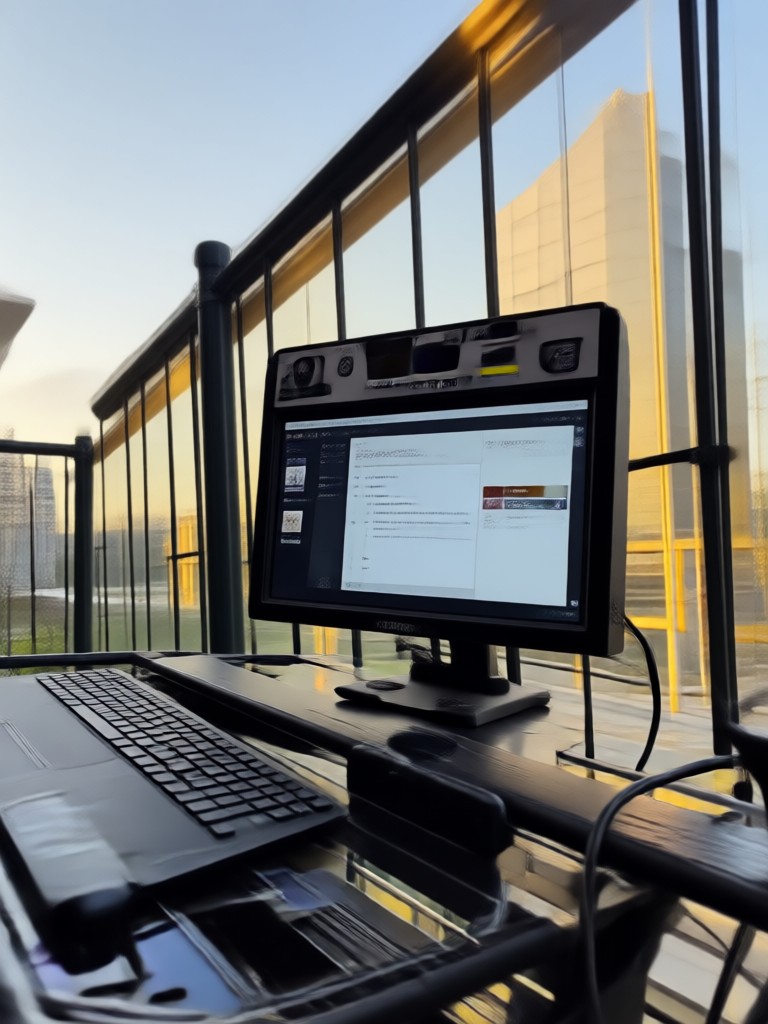
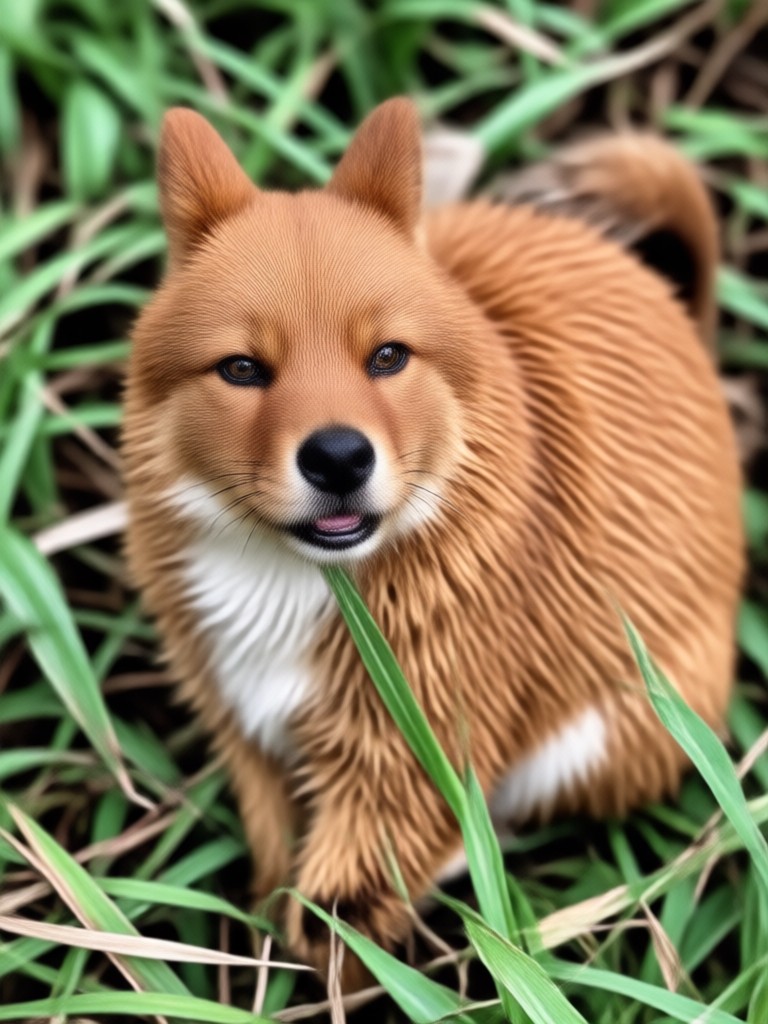
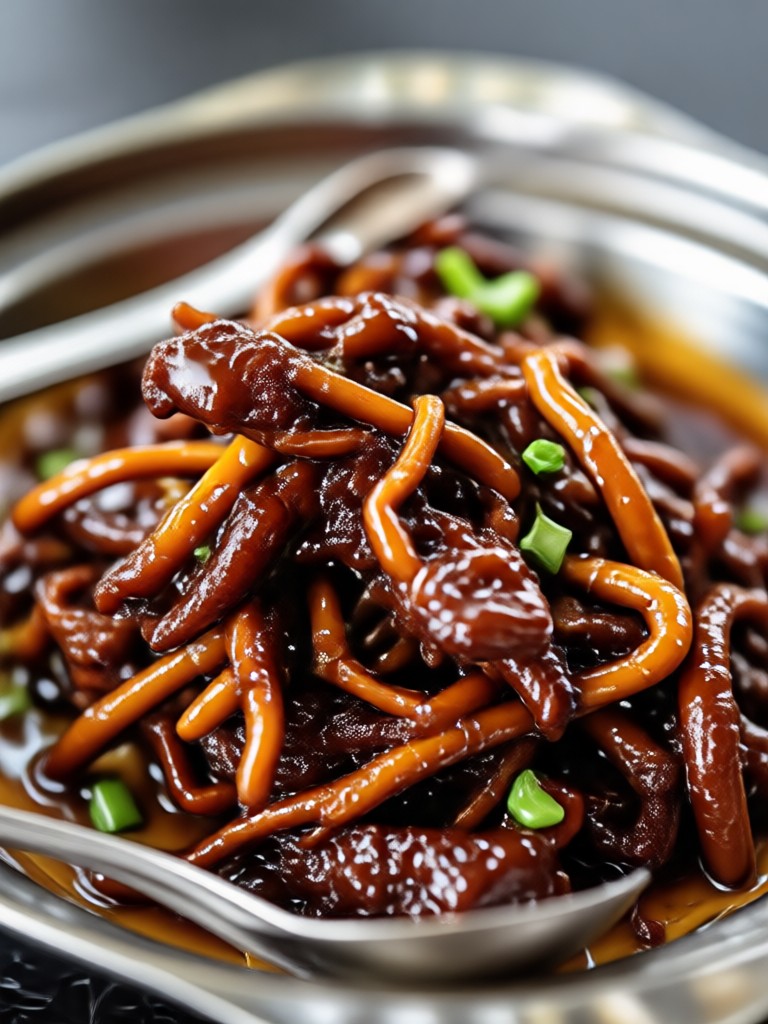
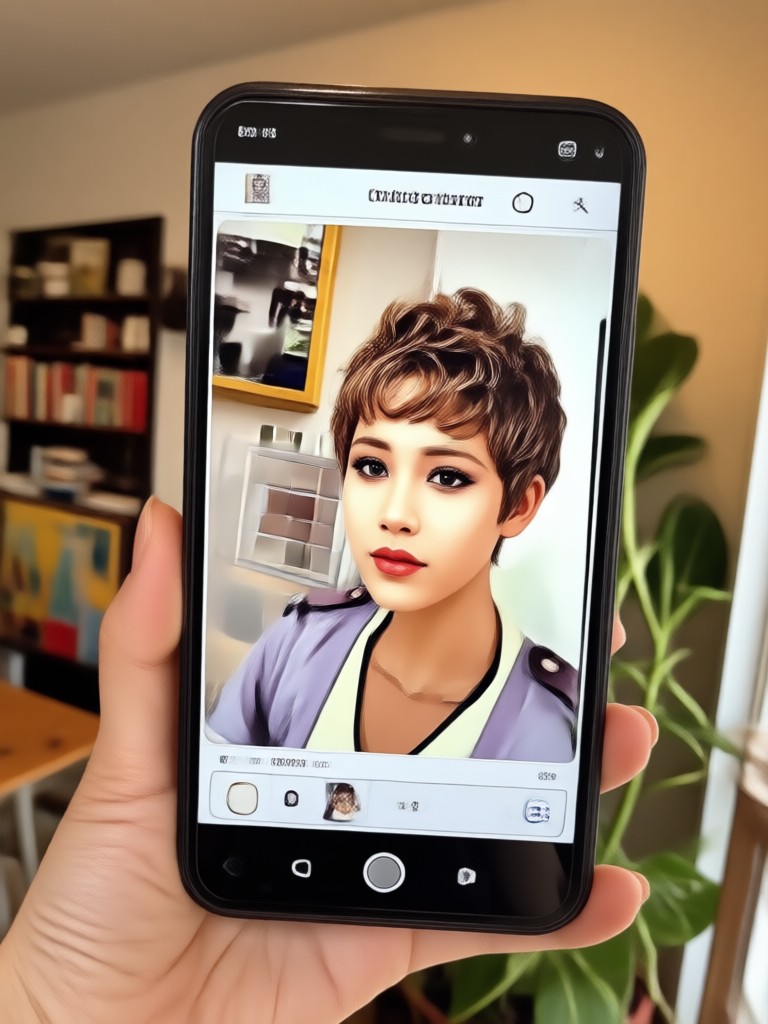
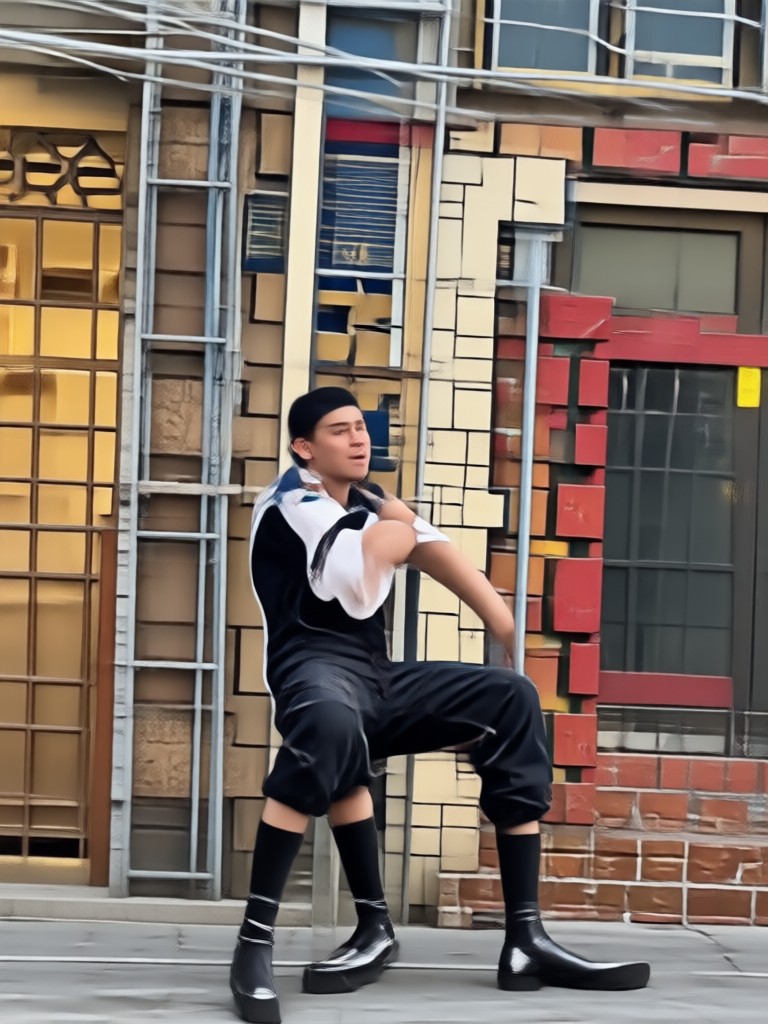
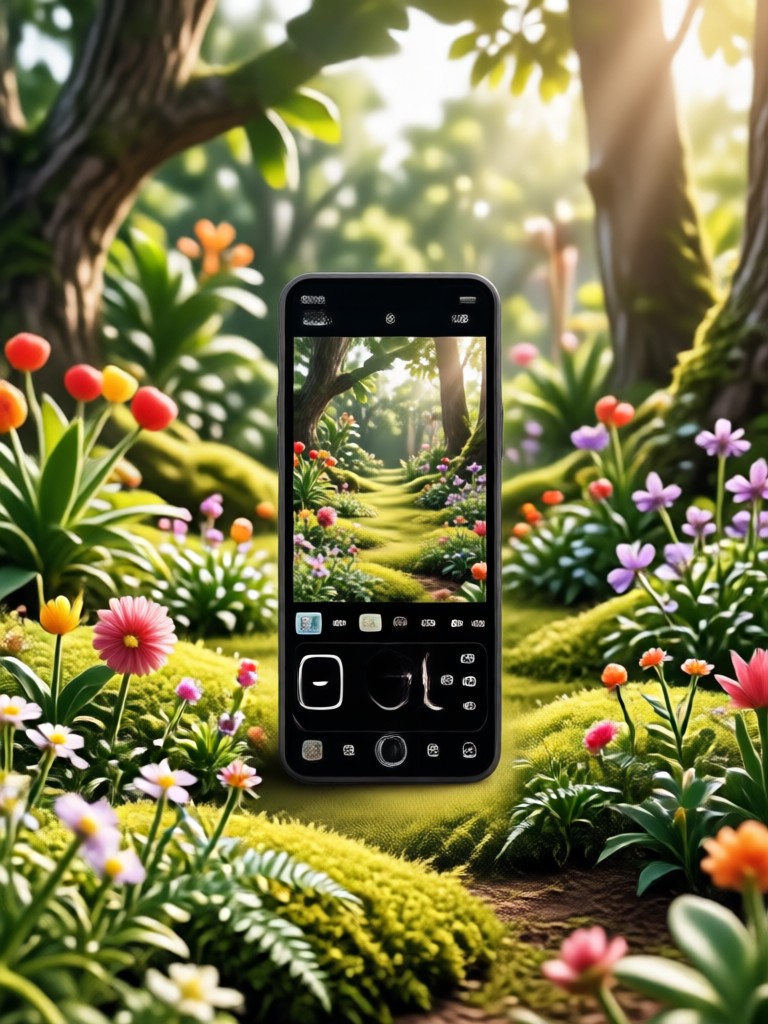
Browse real HDR transformations created with gloglo. From moody interiors to bright outdoor scenes, see how HDR brings every pixel to life.
How to Convert Photo to HDR
Create stunning HDR images in three simple steps using the gloglo mobile app.
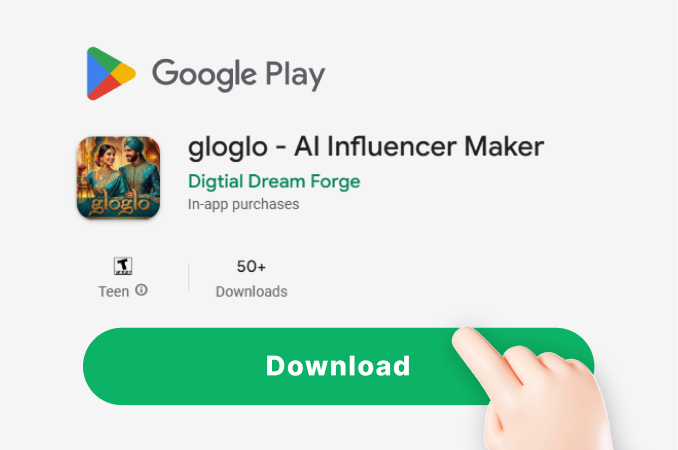
Step 01.
Download the gloglo app from Google Play and open it on your phone.
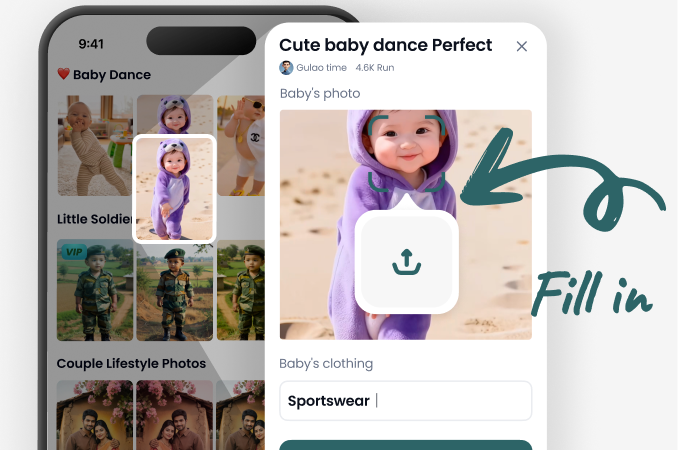
Step 02.
Upload a photo and choose an HDR filter or combine multiple styles from the library.
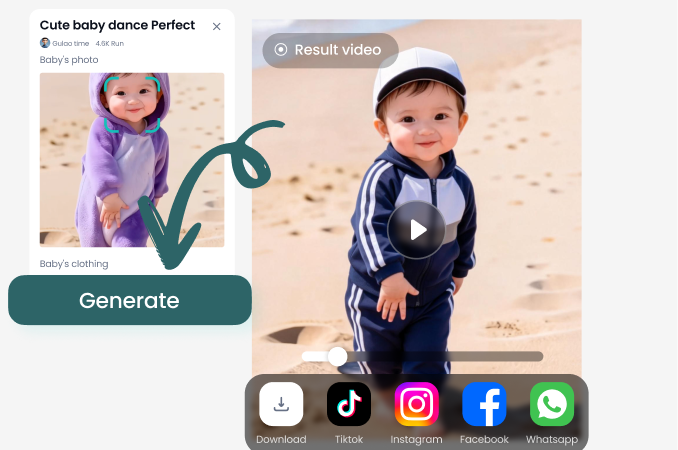
Step 03.
Tap generate, adjust if needed, then save or share your HDR photo directly to social media.
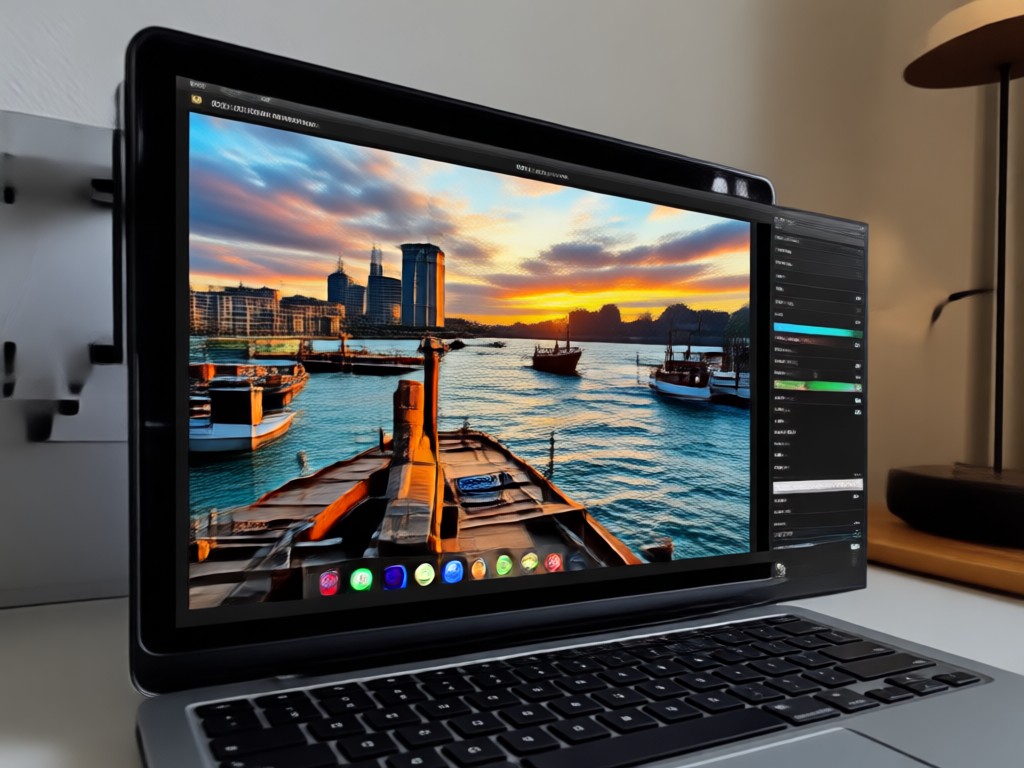
Why Use a Photo Hdr Converter?
Most photo editors flatten your images. gloglo uses AI to understand lighting, depth, and color, then applies HDR in a way that looks natural and professional. Whether you shoot on a phone or camera, your photos will stand out with richer contrast and deeper detail.
Why Use a Photo Hdr Converter?
Most photo editors flatten your images. gloglo uses AI to understand lighting, depth, and color, then applies HDR in a way that looks natural and professional. Whether you shoot on a phone or camera, your photos will stand out with richer contrast and deeper detail.
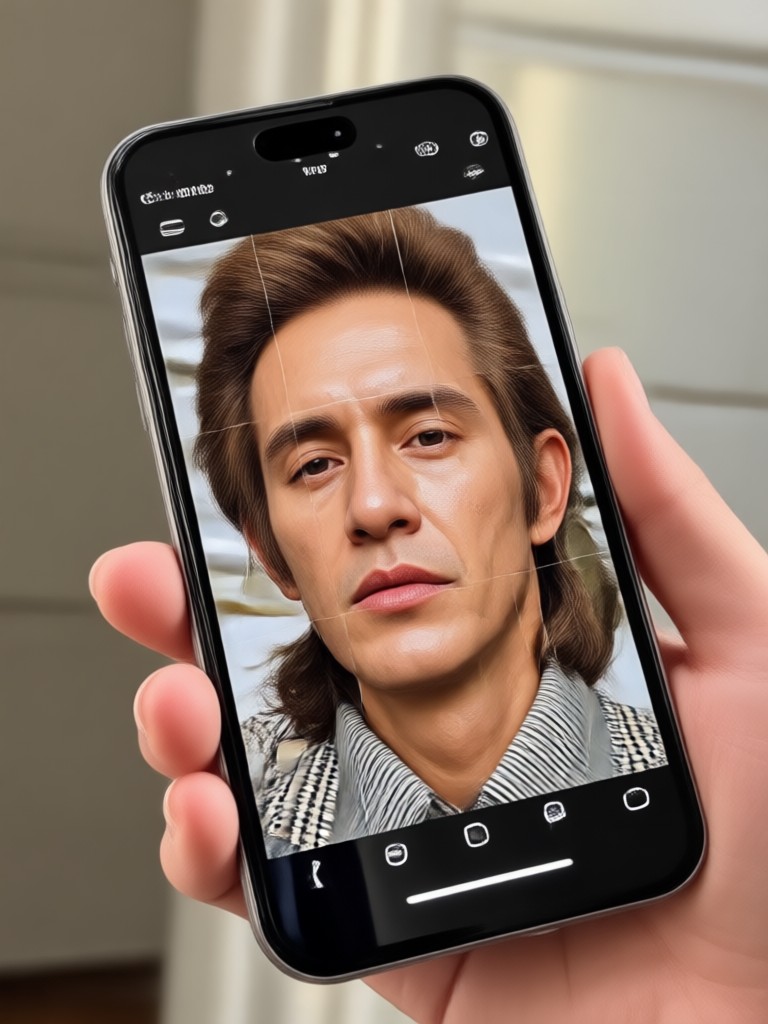
HDR Photo Editing on Android
Apply high dynamic range effects directly on your Android phone. No desktop software needed. Just install gloglo, pick an HDR filter, and transform your images in seconds.

Here is What People Think About Photo Hdr Converter
My vacation photos look incredible now
I used to think HDR was only for pros. gloglo converted my beach shots into rich, vibrant images in seconds. The filters are flexible and never look overdone.
Finally an HDR app that feels simple
I tried several HDR converters before, but they always made my portraits look orange. gloglo keeps skin tones natural while adding depth. It has become my go to before posting.
Perfect for product listings
I run a small online store and need product photos that pop. This app adds a clean high dynamic range effect that makes my items look premium without any editing experience.
Frequently Asked Questions About Photo Hdr Converter
Find clear answers to common questions about converting photos to HDR with gloglo.
More Topics You May Like
Explore more topics you may like and discover fresh ideas tailored to your interests.
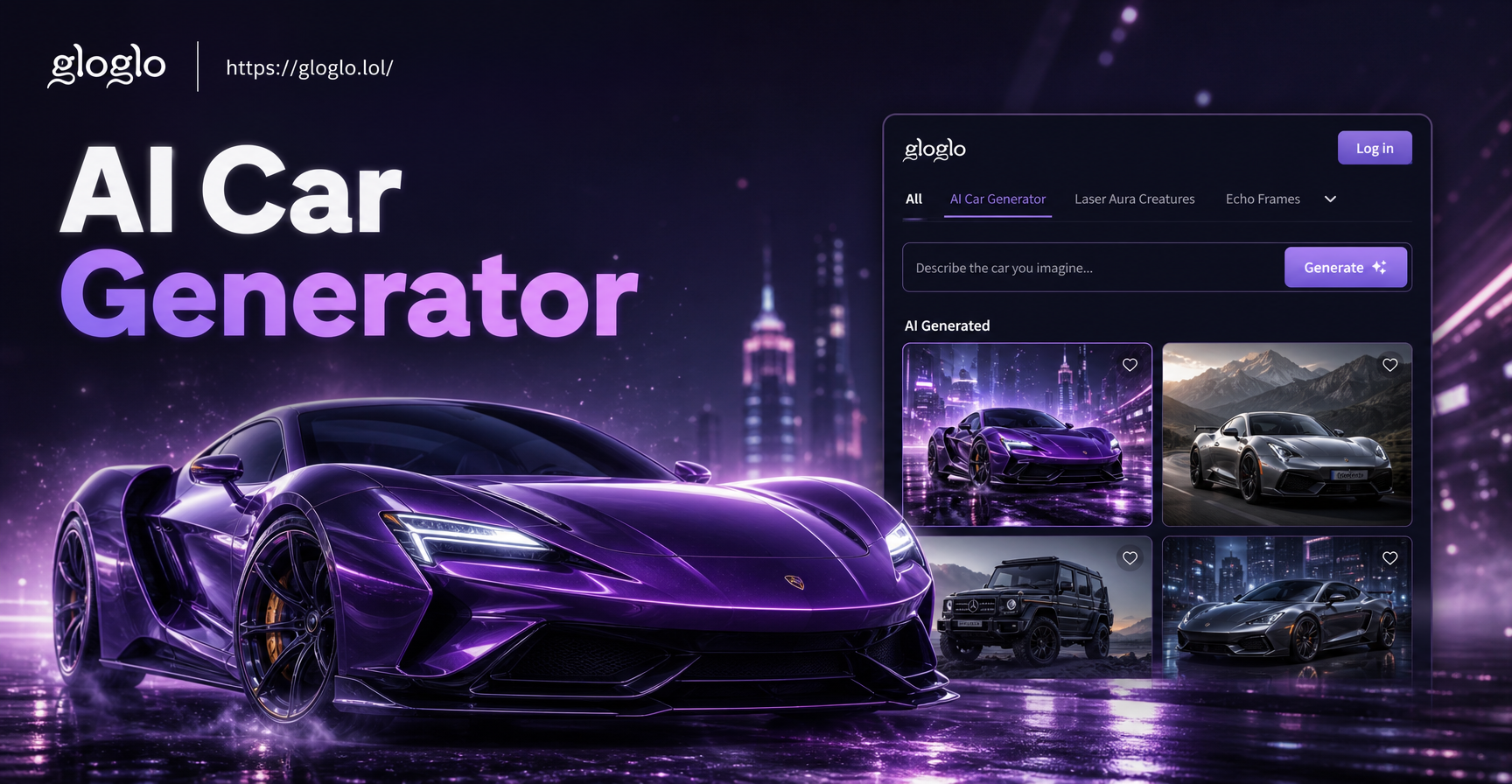
AI Car Image Generator: Create Stunning Auto Visuals
Create Stunning AI Generated Wallpapers in Seconds
Add Someone to a Picture Instantly with AI
Turn Any Photo into a Joke with Funny Picture Filters
AI Car Image Generator: Create Stunning Auto Visuals
Create Stunning AI Generated Wallpapers in Seconds
Add Someone to a Picture Instantly with AI
Turn Any Photo into a Joke with Funny Picture Filters
Ready to Transform Your Photos with HDR?
Download gloglo now and convert any photo into a stunning high dynamic range image. Your next viral post starts with one tap.
Ready to Transform Your Photos with HDR?
Download gloglo now and convert any photo into a stunning high dynamic range image. Your next viral post starts with one tap.