Photo Zoom In Effect

Choose the Photo Zoom In Filter That Suits You Best
Discover the perfect zoom in style for your photo. From slow cinematic pushes to fast dramatic reveals, find the effect that matches your creative vision.
Key Features of Photo Zoom In Effect
Turn your still photos into dynamic moving images with gloglo's AI powered zoom in effect. Create professional looking motion from any photo in just a few taps.

Cinematic Zoom Motion
Apply smooth, professional zoom in effects to any photo. Control the speed and intensity from subtle to dramatic. Your still images get the cinematic movement they deserve without complex editing software.
Cinematic Zoom Motion
Apply smooth, professional zoom in effects to any photo. Control the speed and intensity from subtle to dramatic. Your still images get the cinematic movement they deserve without complex editing software.

Multiple Zoom Styles
Choose from slow zoom, fast zoom, zoom to face, zoom to detail, and many more style templates. Each photo zoom in effect template is designed for a different creative purpose, from storytelling to product showcases.
Multiple Zoom Styles
Choose from slow zoom, fast zoom, zoom to face, zoom to detail, and many more style templates. Each photo zoom in effect template is designed for a different creative purpose, from storytelling to product showcases.

Zoom In on Any Subject
Whether it is a person, a pet, a product, or a landscape, gloglo automatically detects your main subject and applies a smooth zoom in effect around it. No manual keyframing required, the AI handles the motion for you.
Zoom In on Any Subject
Whether it is a person, a pet, a product, or a landscape, gloglo automatically detects your main subject and applies a smooth zoom in effect around it. No manual keyframing required, the AI handles the motion for you.
How to Create a Photo Zoom In Effect?
Create a stunning photo zoom in effect in just three simple steps using the gloglo app.

Step 01.
Download the gloglo app from Google Play and open it on your phone.

Step 02.
Upload your photo and choose a photo zoom in effect template from the style library.

Step 03.
Generate your zoomed in video, then download and share it on social media or with friends.
Explore Photo Zoom In Effect Creations
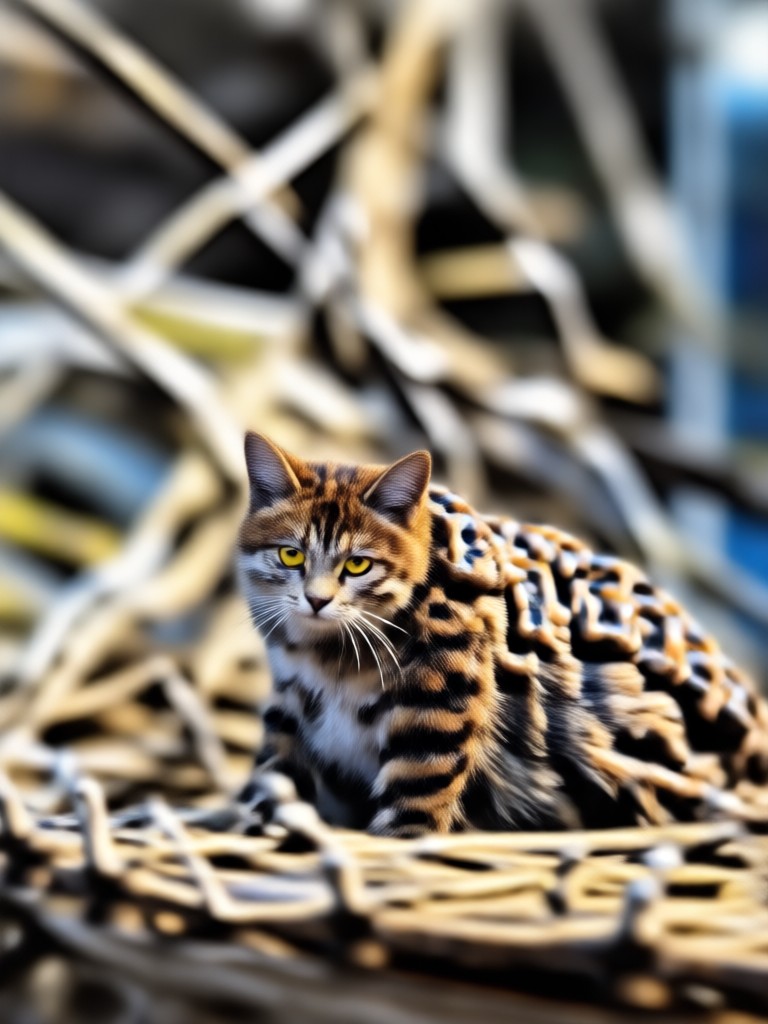
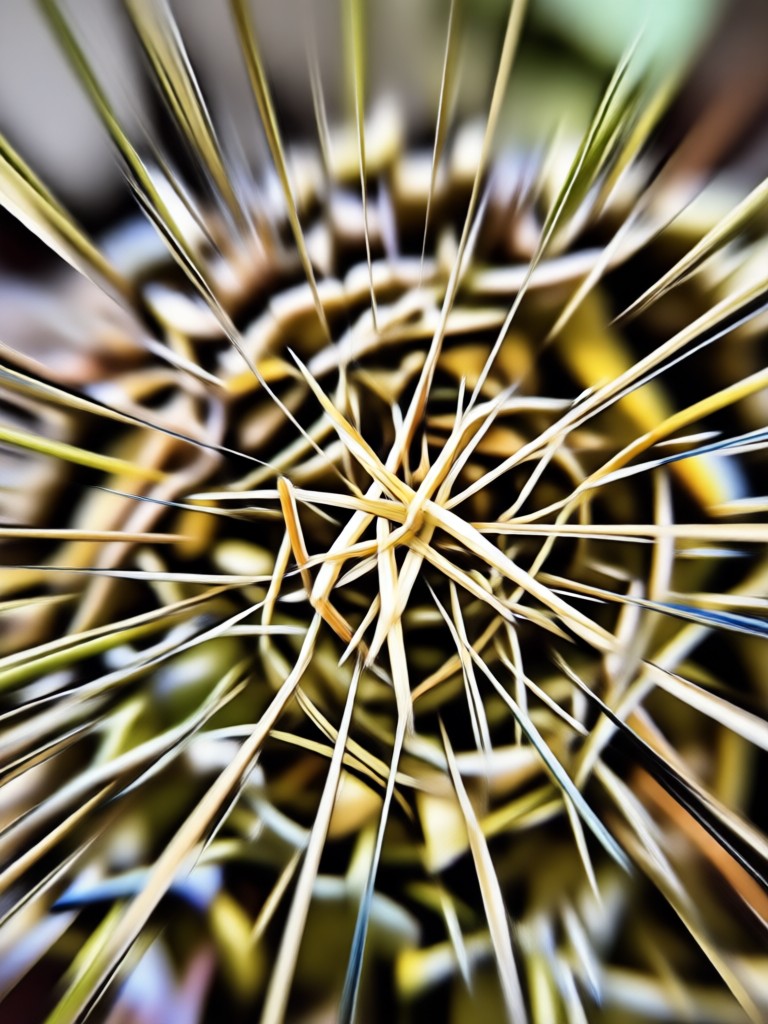
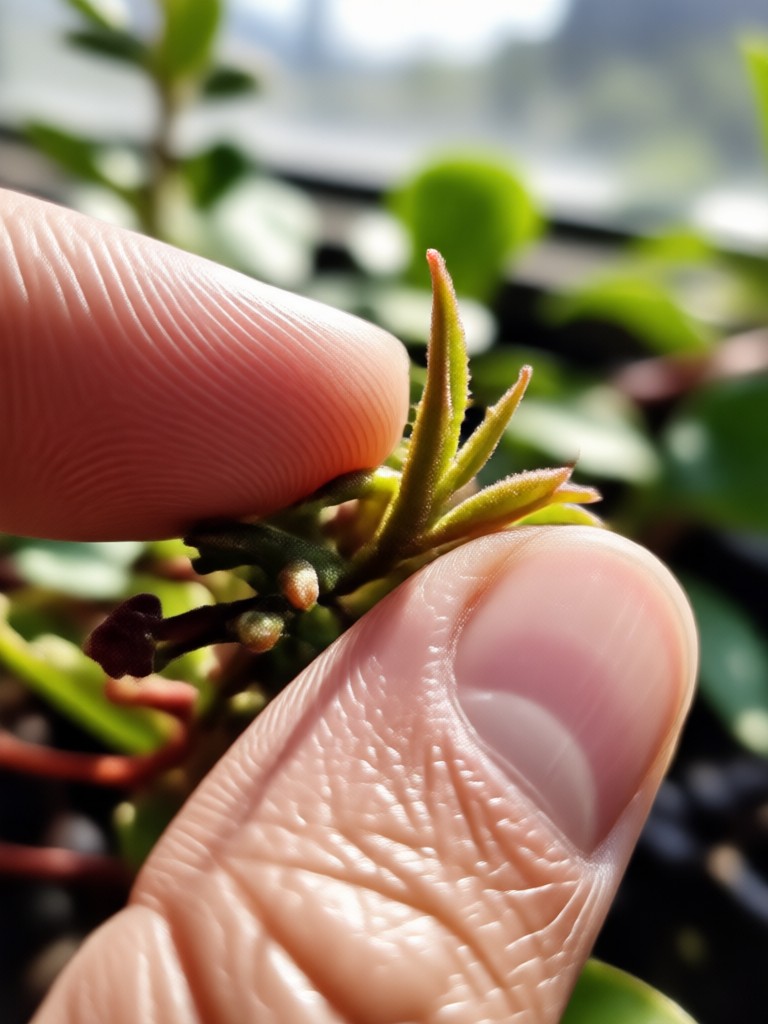
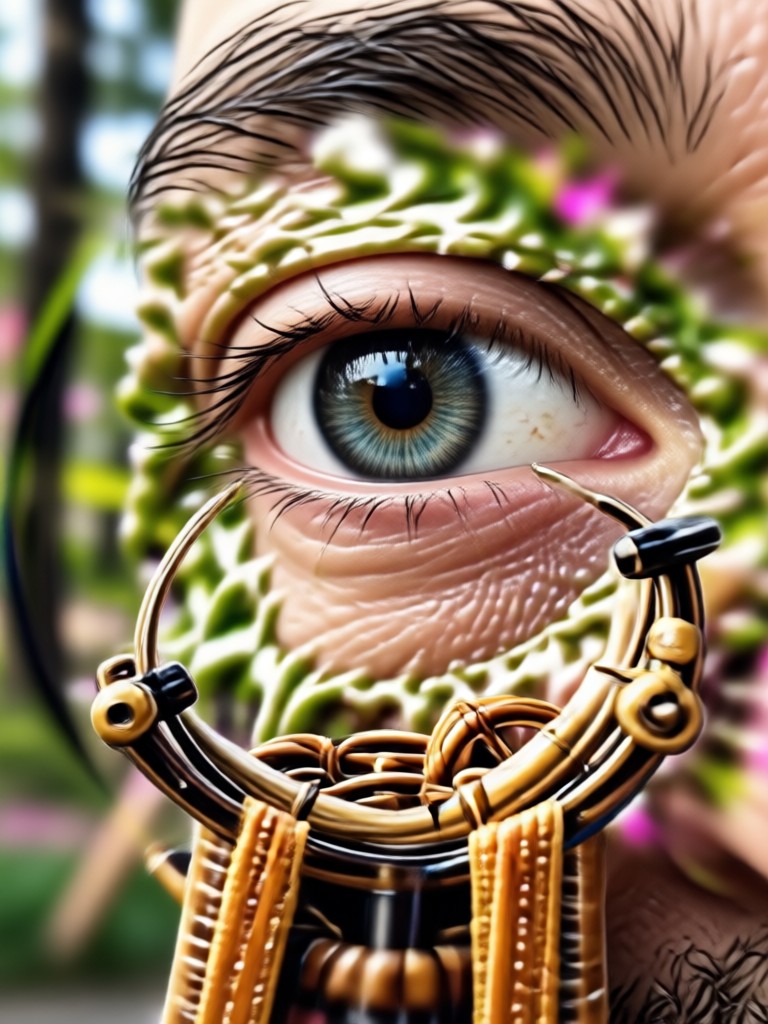
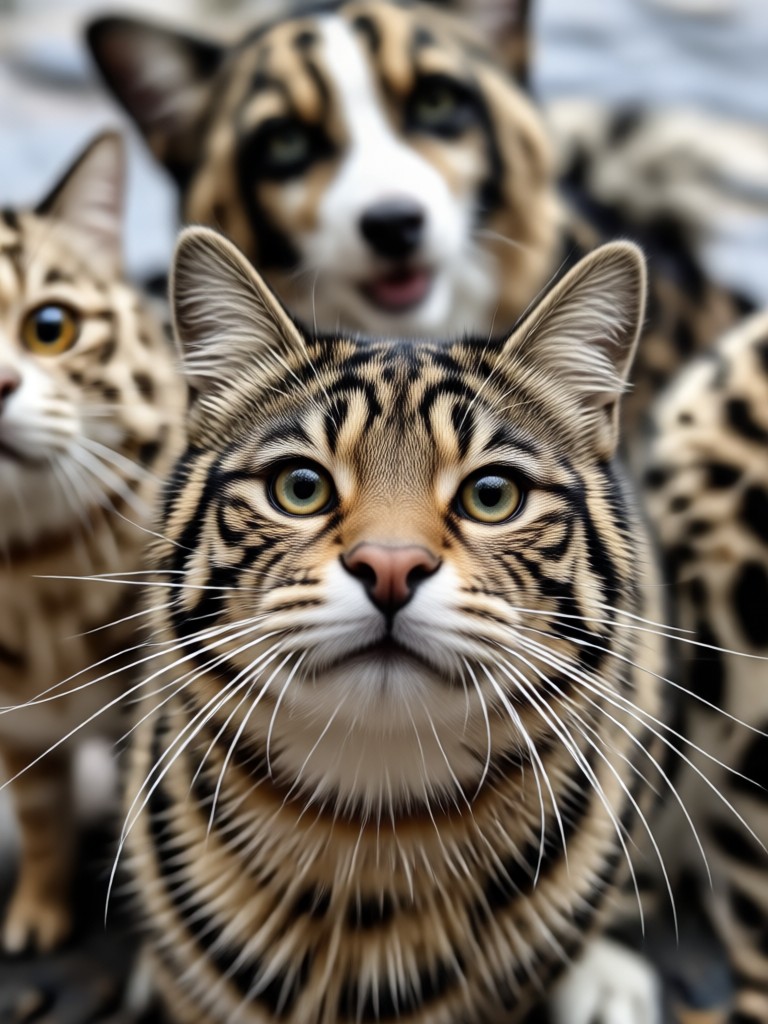
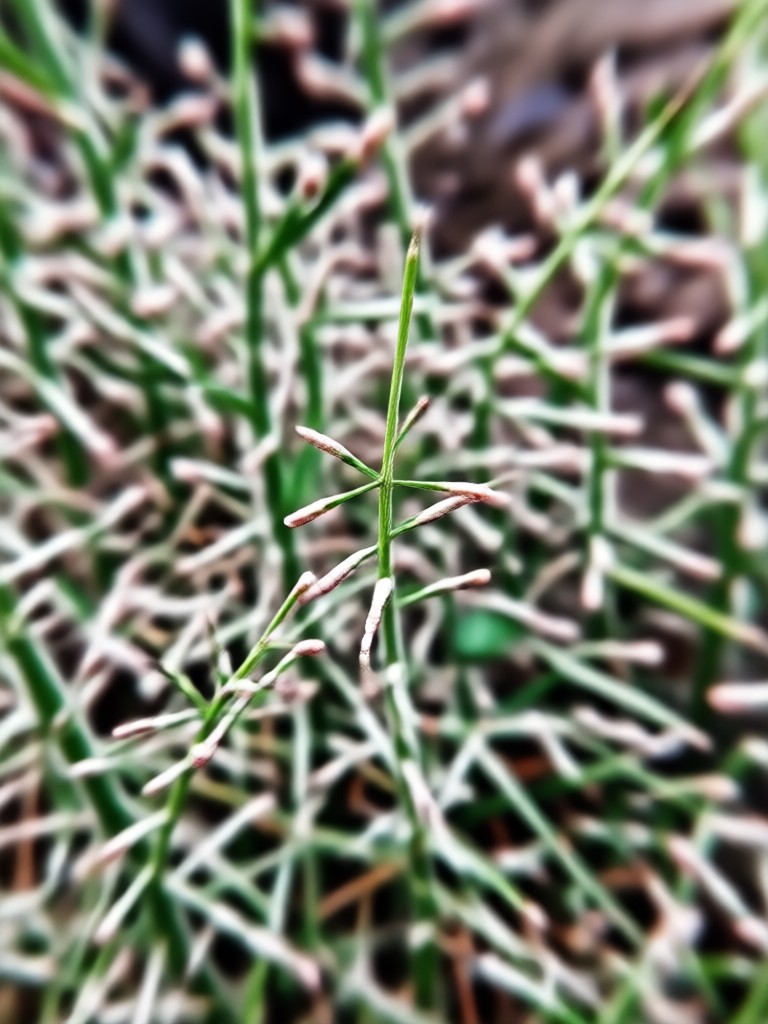
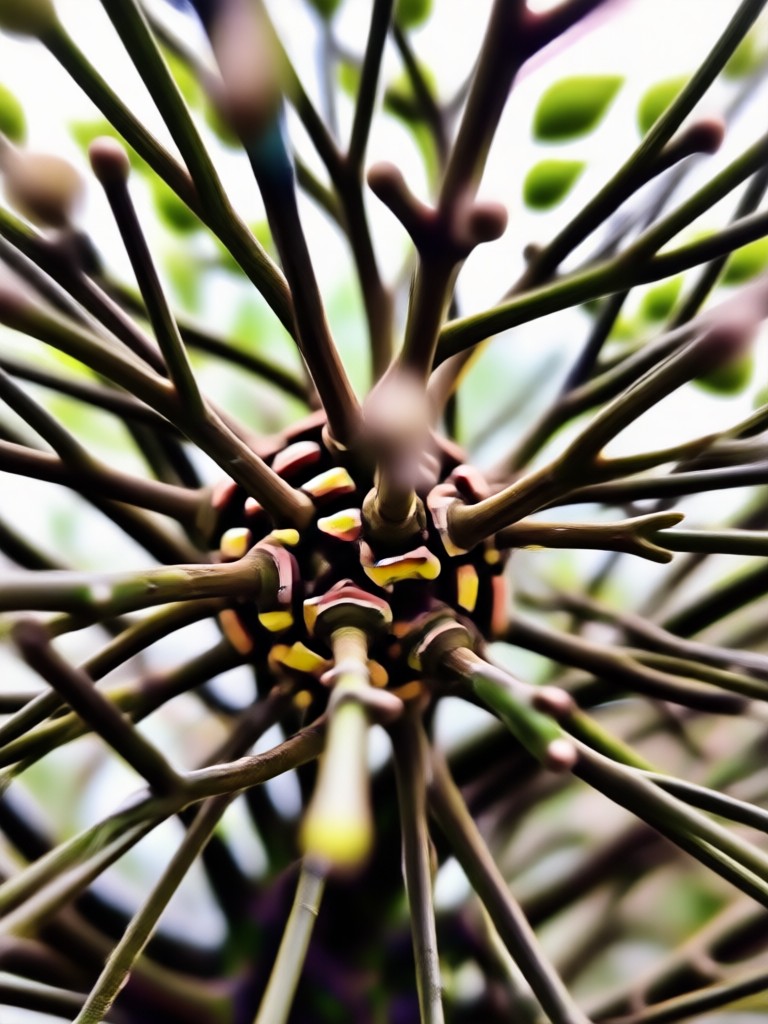
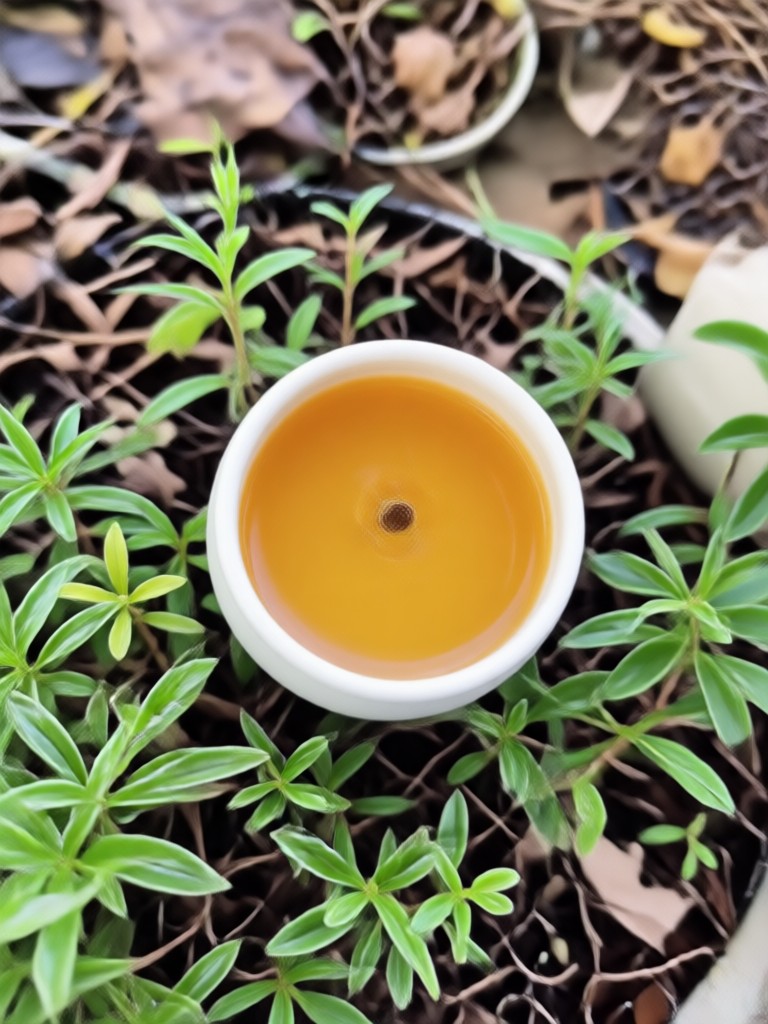
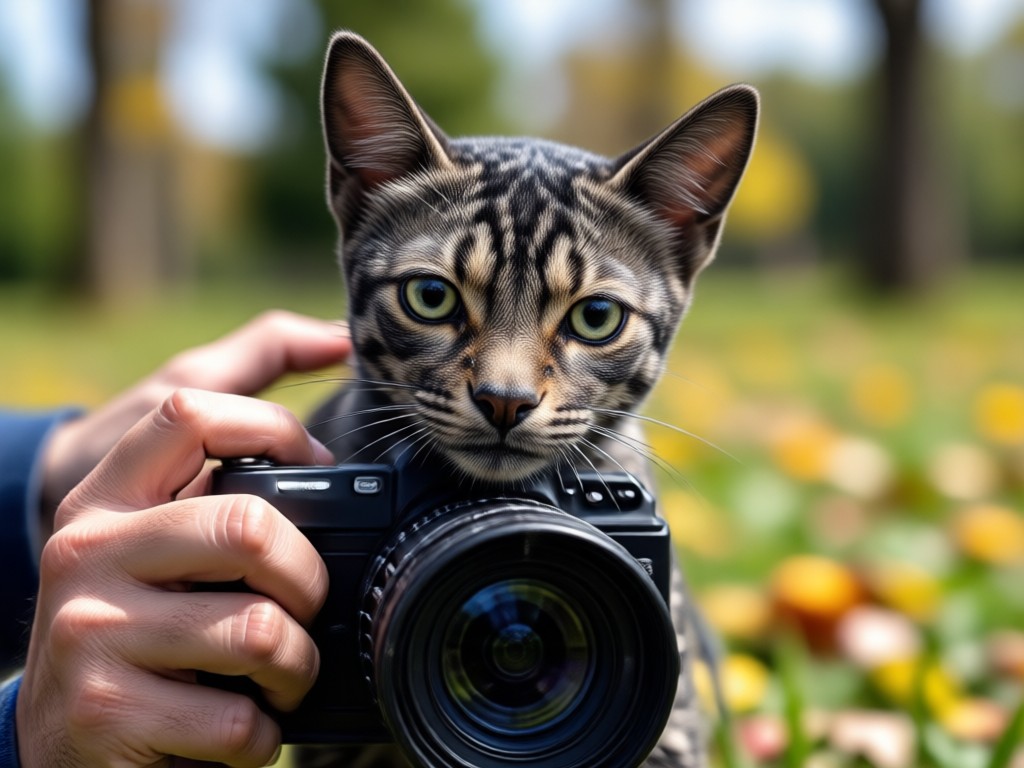
Browse stunning examples of AI generated photo zoom in effects created with gloglo. See how still images transform into dynamic videos with a simple zoom motion.




Why Use gloglo for Photo Zoom In Effect?
gloglo makes creating photo zoom in effects effortless. Unlike traditional video editors that require timeline scrubbing and keyframe adjustments, gloglo applies AI powered zoom motion automatically. You get professional results without the learning curve. Upload your photo, pick a template, and let the AI do the heavy lifting while you stay focused on your creative vision.
Why Use gloglo for Photo Zoom In Effect?
gloglo makes creating photo zoom in effects effortless. Unlike traditional video editors that require timeline scrubbing and keyframe adjustments, gloglo applies AI powered zoom motion automatically. You get professional results without the learning curve. Upload your photo, pick a template, and let the AI do the heavy lifting while you stay focused on your creative vision.
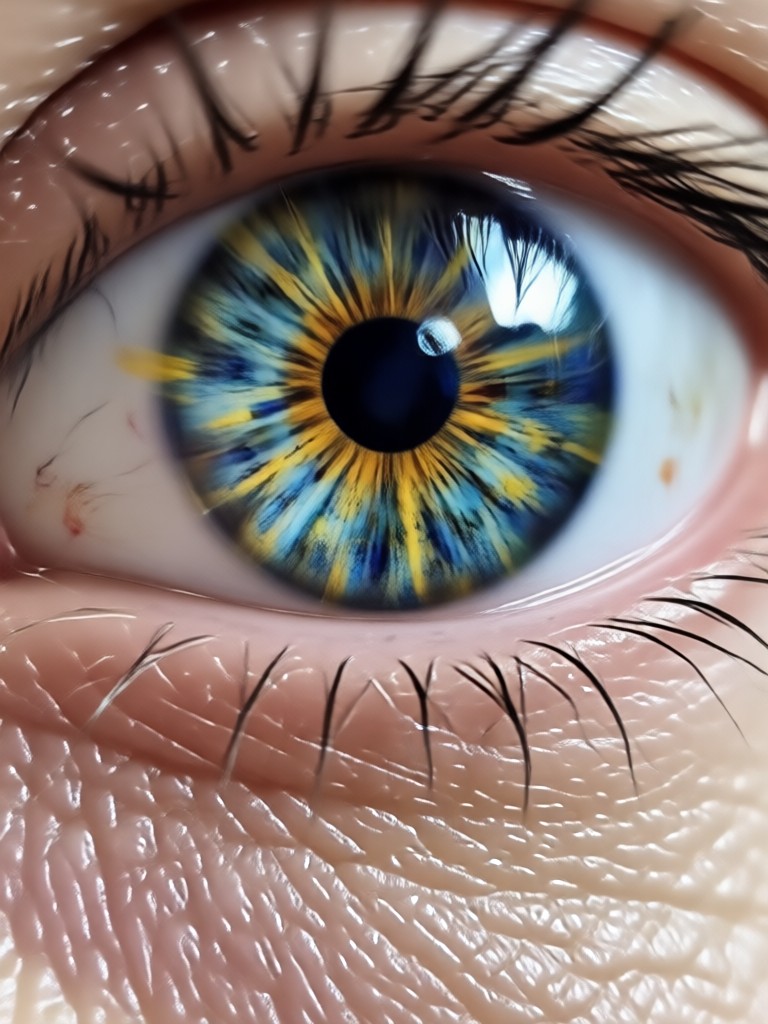
Photo Zoom In Effect App for Android
Download gloglo from Google Play and start creating photo zoom in effects on your mobile device. All AI tools are available right in the app, no desktop software needed.

Who Uses Photo Zoom In Effect
Mia Chen
I use the photo zoom in effect for my Instagram reels. It makes my fashion photos feel cinematic and keeps viewers watching longer.

Daniel Reyes
The zoom in effect is perfect for showcasing product details. I upload a clean photo and add a slow zoom to highlight textures and features.
Sofia Martinez
For wedding slideshows, I add zoom in effects to the couple's portraits. It creates an emotional, storytelling feel that clients absolutely love.

Leo Park
I film travel videos but sometimes only have still photos. gloglo's zoom effect turns those photos into moving clips that blend perfectly with my footage.
Mia Chen
I use the photo zoom in effect for my Instagram reels. It makes my fashion photos feel cinematic and keeps viewers watching longer.
Daniel Reyes
The zoom in effect is perfect for showcasing product details. I upload a clean photo and add a slow zoom to highlight textures and features.
Sofia Martinez
For wedding slideshows, I add zoom in effects to the couple's portraits. It creates an emotional, storytelling feel that clients absolutely love.
Leo Park
I film travel videos but sometimes only have still photos. gloglo's zoom effect turns those photos into moving clips that blend perfectly with my footage.
Mia Chen
I use the photo zoom in effect for my Instagram reels. It makes my fashion photos feel cinematic and keeps viewers watching longer.
Daniel Reyes
The zoom in effect is perfect for showcasing product details. I upload a clean photo and add a slow zoom to highlight textures and features.
Sofia Martinez
For wedding slideshows, I add zoom in effects to the couple's portraits. It creates an emotional, storytelling feel that clients absolutely love.
Leo Park
I film travel videos but sometimes only have still photos. gloglo's zoom effect turns those photos into moving clips that blend perfectly with my footage.
Frequently Asked Questions About Photo Zoom In Effect
Find clear answers to common questions about creating photo zoom in effects with gloglo.
More Topics You May Like
Explore more topics you may like and discover fresh ideas tailored to your interests.
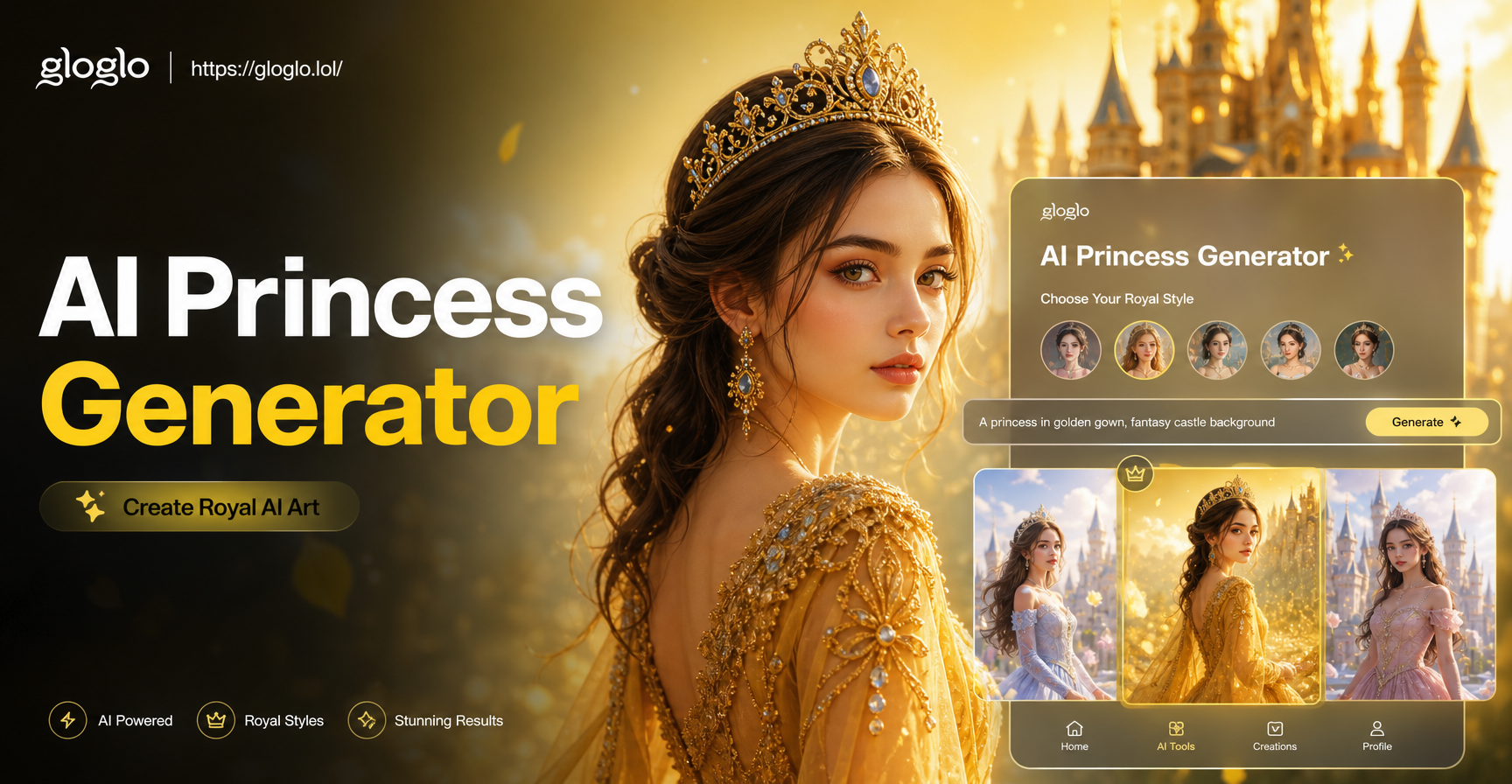
AI Princess Generator: Royal Portraits in Seconds
AI Princess Generator transforms photos into princess portraits. Choose fairy tale, anime, 3D clay, or Ghibli styles. Upload a selfie and generate royal magic in seconds.

Turn Any JPG Into Stunning AI Art Instantly
Convert JPG to AI images in seconds. Upload a JPG photo, choose a style, and watch it transform into realistic AI art, anime, 3D, and more. No design skills needed.
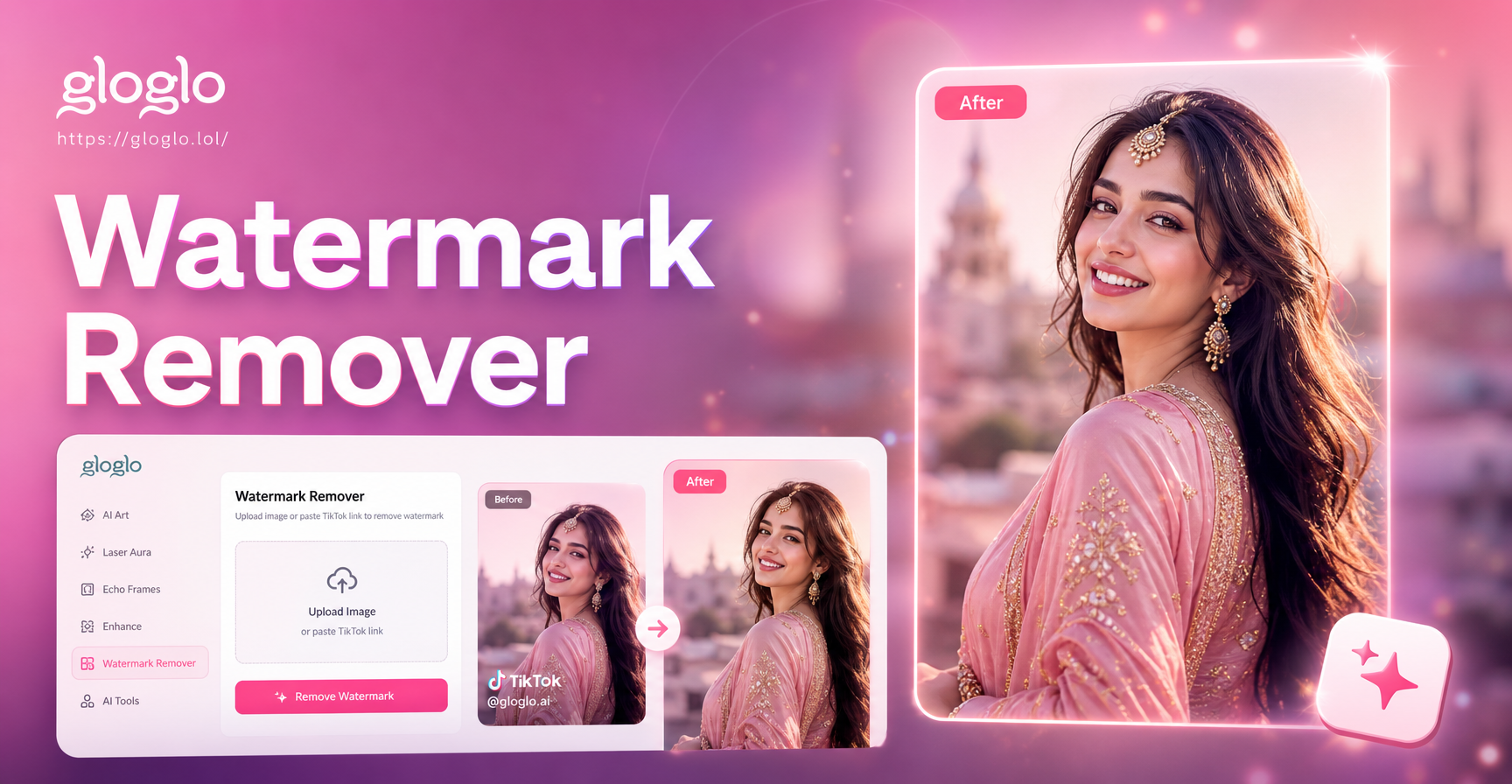
Remove TikTok Photo Watermarks in Seconds
Use gloglo to erase TikTok watermarks from photos instantly. Upload an image, let AI clean logos, text, and overlays while preserving quality. Download the app now.
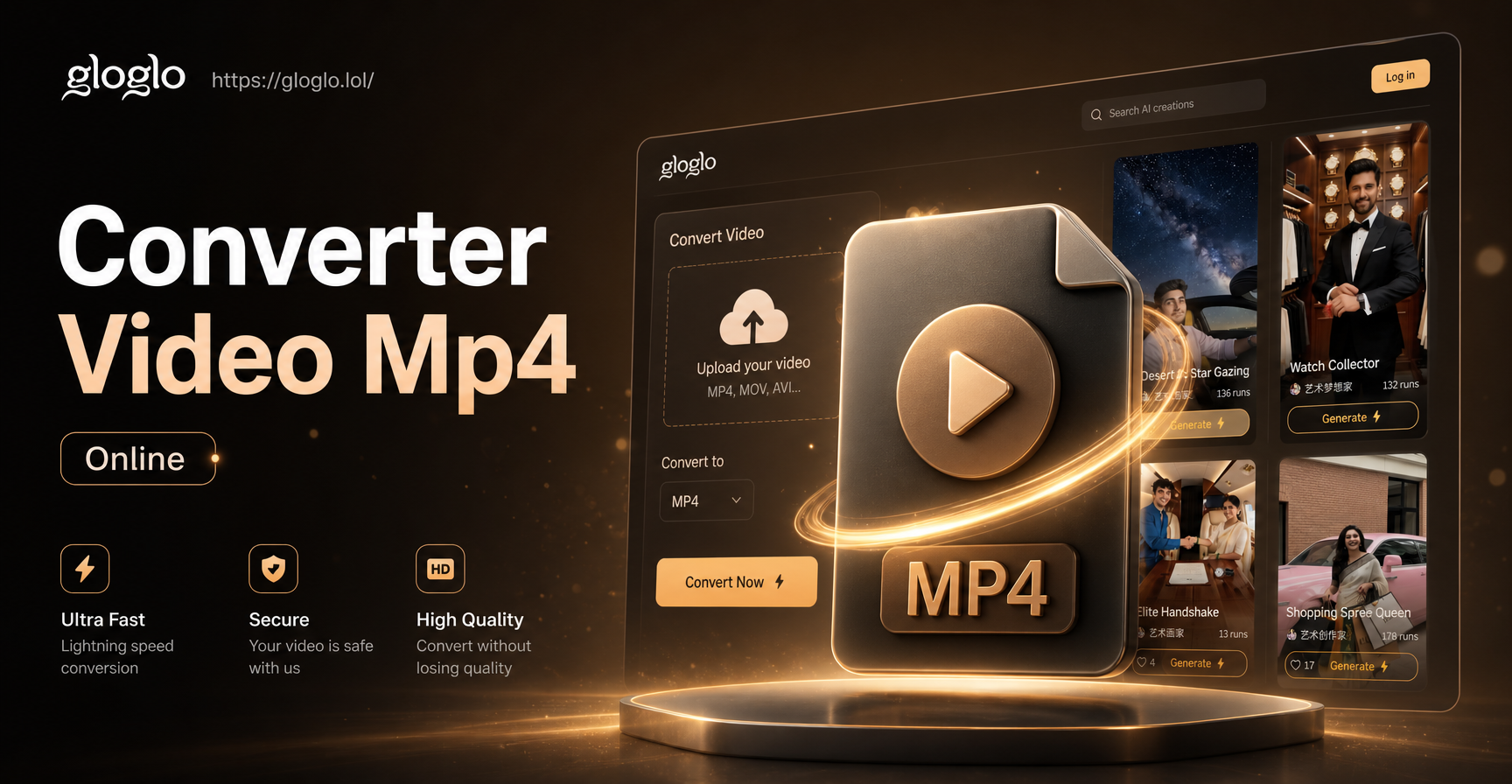
Convert Video to MP4 Online: Fast AI Video Converter
Convert video to MP4 online with gloglo. Upload any video, pick a style filter, and export in MP4 format in seconds. No design skills needed. Try it now.
Create Your Photo Zoom In Effect Today
Turn your favorite still photos into dynamic videos with AI powered zoom in motion. Download gloglo and start creating in minutes.
Create Your Photo Zoom In Effect Today
Turn your favorite still photos into dynamic videos with AI powered zoom in motion. Download gloglo and start creating in minutes.