Remove An Emoji From A Picture
AI Tools to Clean Up Your Photos
Discover specialized filters that remove emojis, stickers, text, and unwanted objects from any picture with one tap.
Key Features of Emoji Removal
Clean up your pictures with powerful AI tools designed for fast and precise edits.
AI Object Eraser
Select any emoji or sticker and let AI fill the area with matching background, texture, and lighting. Perfect for faces, landscapes, and product photos. The result looks completely natural.
AI Object Eraser
Select any emoji or sticker and let AI fill the area with matching background, texture, and lighting. Perfect for faces, landscapes, and product photos. The result looks completely natural.
High Resolution Output
Preserve original photo quality after removing emojis. The AI reconstructs details without blur, pixelation, or artifacts, so your final image stays crisp and shareable.
High Resolution Output
Preserve original photo quality after removing emojis. The AI reconstructs details without blur, pixelation, or artifacts, so your final image stays crisp and shareable.
Multi Emoji Cleanup
Remove multiple emojis, stickers, or text overlays from a single image. No need to process one at a time, just mark everything and let AI handle the rest.
Multi Emoji Cleanup
Remove multiple emojis, stickers, or text overlays from a single image. No need to process one at a time, just mark everything and let AI handle the rest.
How to Remove an Emoji From a Picture?
Follow three simple steps to erase emojis and get a clean photo instantly.

Step 01.
Download the gloglo app from Google Play and open it on your phone.

Step 02.
Upload the picture with the emoji and use the brush tool to mark the emoji you want gone.

Step 03.
Tap Generate and let AI remove the emoji. Save or share your clean photo in high resolution.
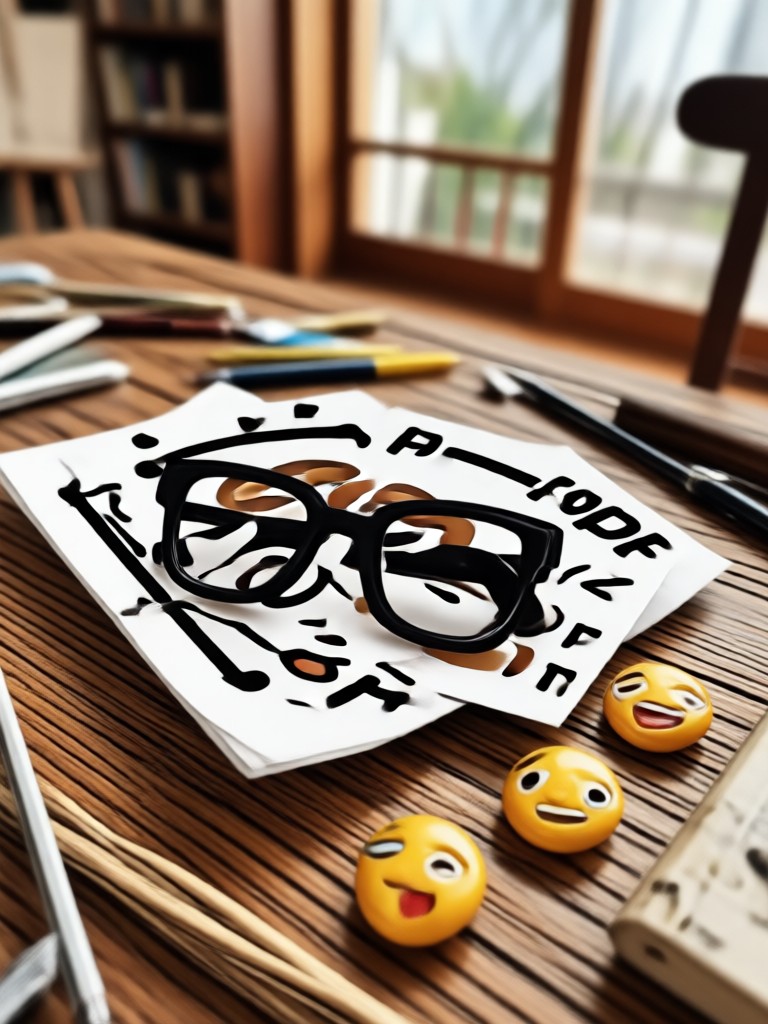
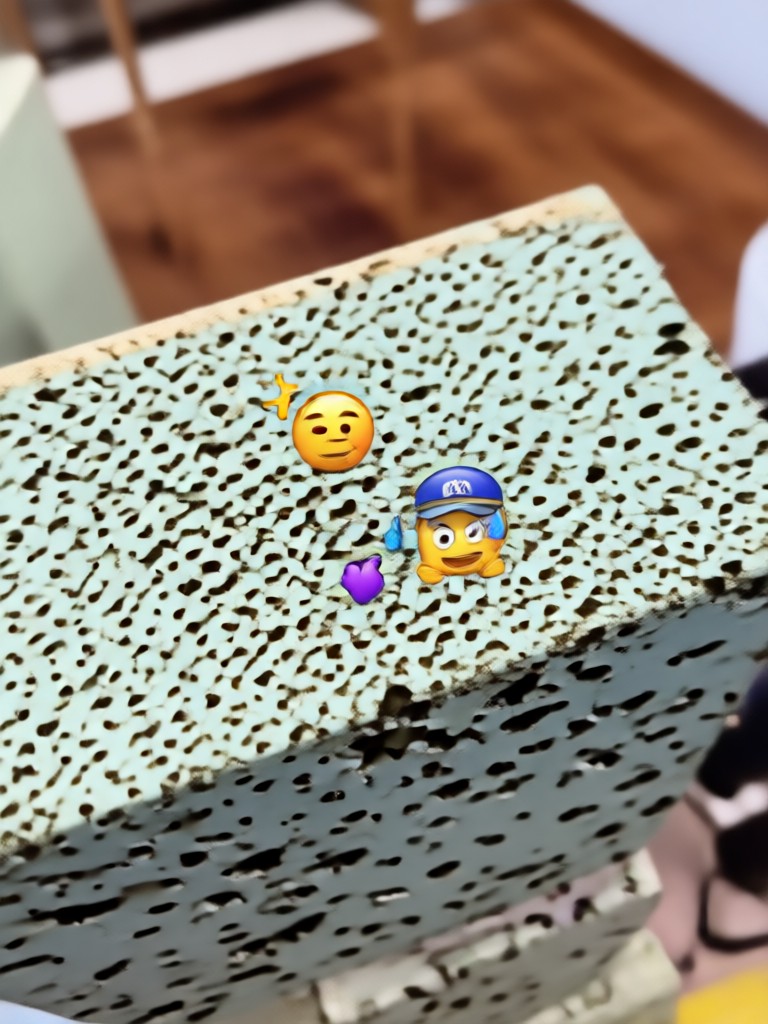
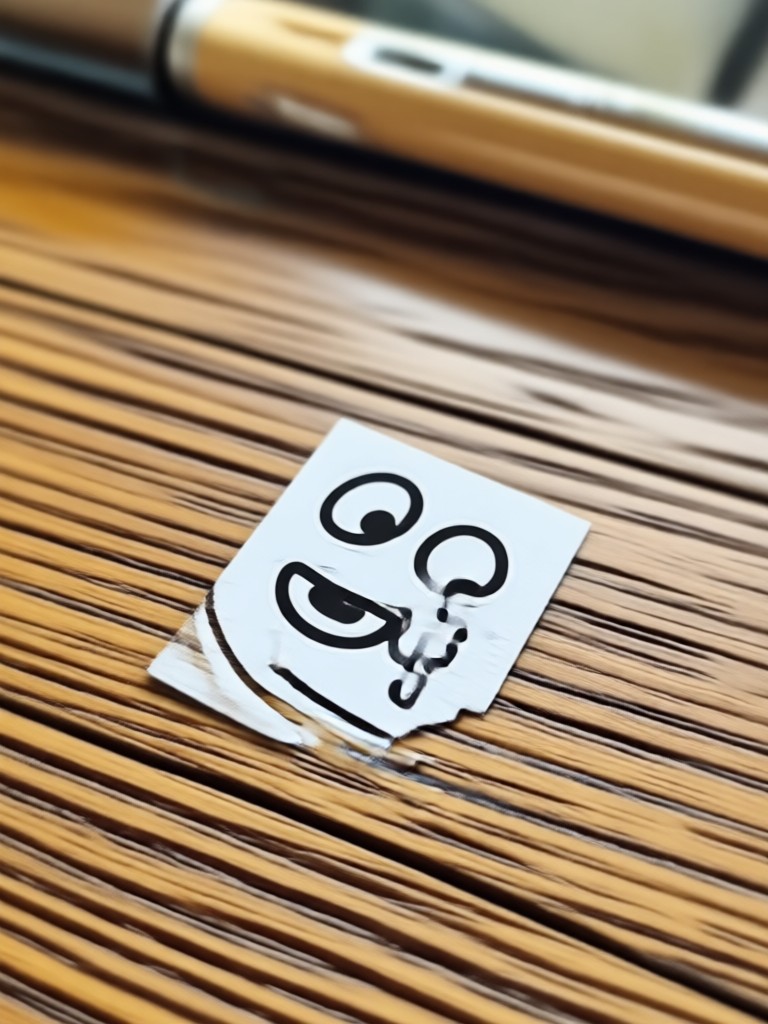
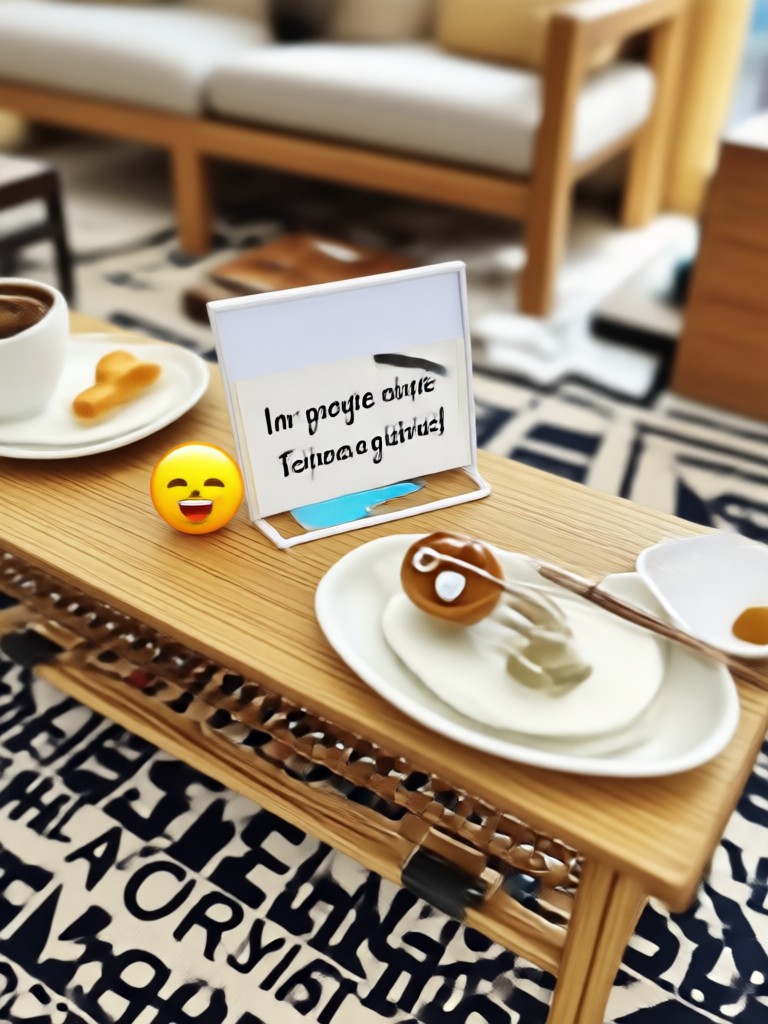
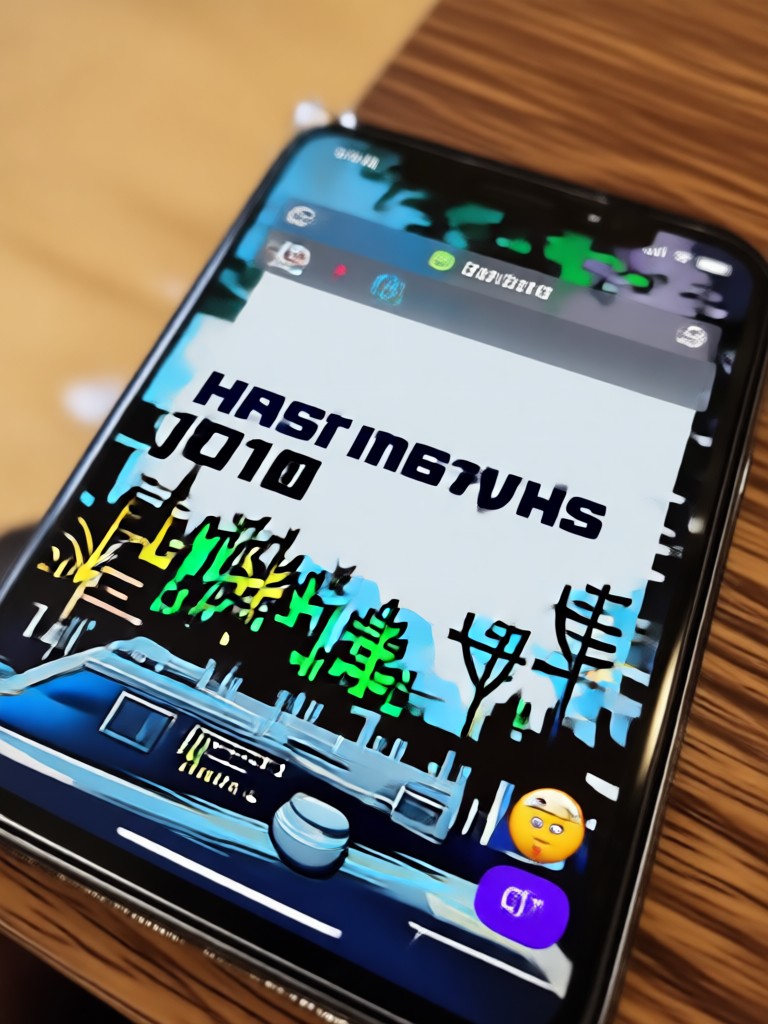
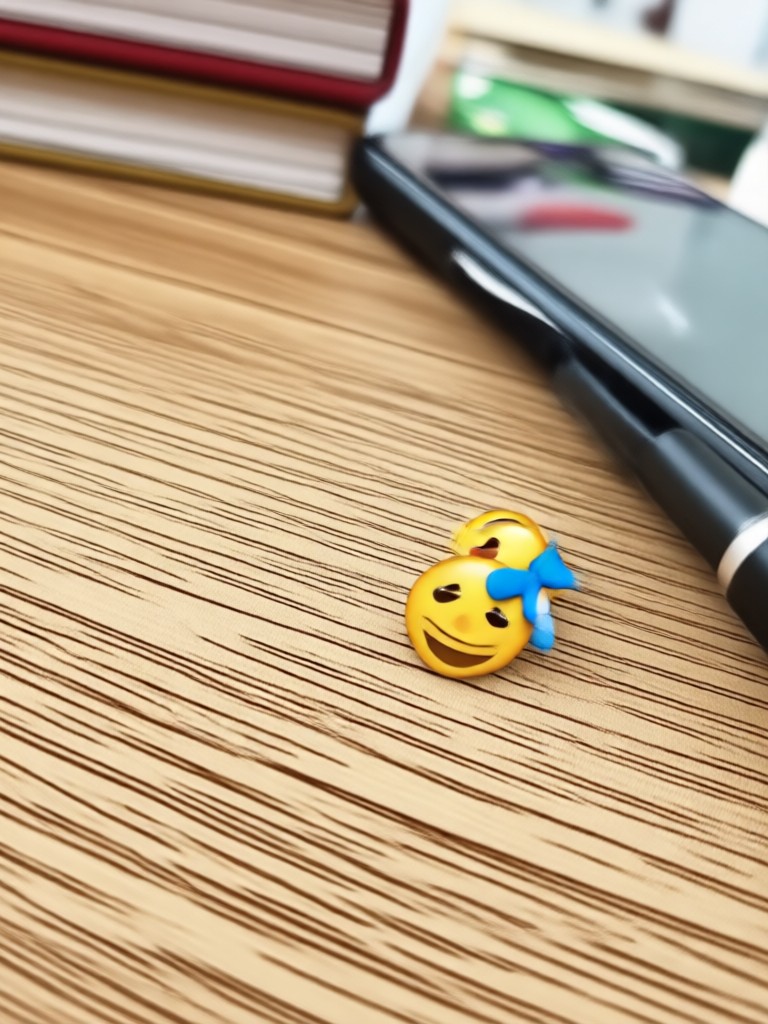
Before and After Emoji Removal
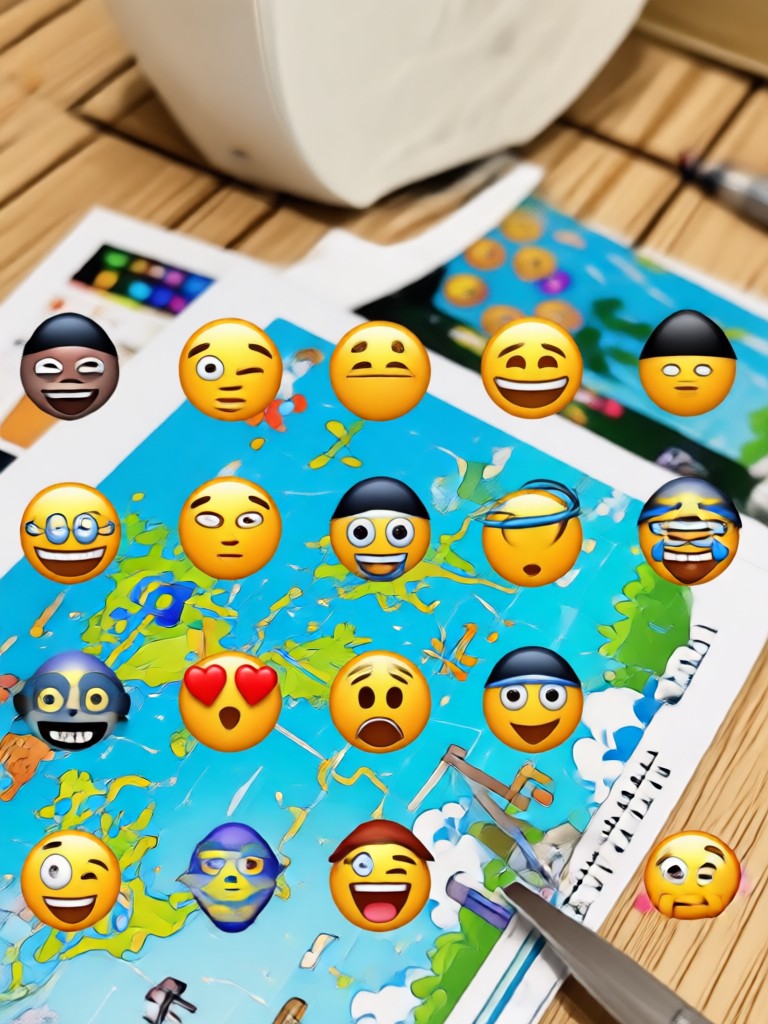
See how gloglo removes emojis from photos while preserving original details. Browse real examples of clean edits.

Why Use gloglo to Remove Emojis
Unlike basic photo editors, gloglo uses advanced AI to understand the context behind the emoji and rebuild the hidden area with realistic details. It works on faces, skin, backgrounds, and complex textures.
Why Use gloglo to Remove Emojis
Unlike basic photo editors, gloglo uses advanced AI to understand the context behind the emoji and rebuild the hidden area with realistic details. It works on faces, skin, backgrounds, and complex textures.
Frequently Asked Questions About Emoji Removal
Find answers to common questions about removing emojis from pictures with AI.
Here is What People Think About Us
Perfect for cleaning up social media posts
I often get stickers covering parts of my photos. gloglo removes them in seconds and the result looks untouched. I use it for Instagram stories all the time.
Saved my vacation photos
My kids put emojis all over our family pictures. I was able to erase every single one and the background matched perfectly. Highly recommend this tool.
Better than desktop editors
I used to spend hours cloning out objects in Photoshop. gloglo does it automatically and much faster, right from my phone. The quality is impressive.
More Topics You May Like
Explore more topics you may like and discover fresh ideas tailored to your interests.

Photo Makeup Editor Online Free: Try Virtual Makeup Now

Turn Blurry Photos Into Crisp 4K with AI

AI Shoe Generator: Design Custom Sneakers in Seconds

AI VHS Photo Effect: Retro 90s Camera Filter
Photo Makeup Editor Online Free: Try Virtual Makeup Now
Turn Blurry Photos Into Crisp 4K with AI
AI Shoe Generator: Design Custom Sneakers in Seconds
AI VHS Photo Effect: Retro 90s Camera Filter
Ready to Remove Emojis From Your Pictures?
Download gloglo now and clean up any photo with AI. Erase emojis, stickers, and unwanted objects in seconds.
Ready to Remove Emojis From Your Pictures?
Download gloglo now and clean up any photo with AI. Erase emojis, stickers, and unwanted objects in seconds.