Blur Photo To 4K Converter
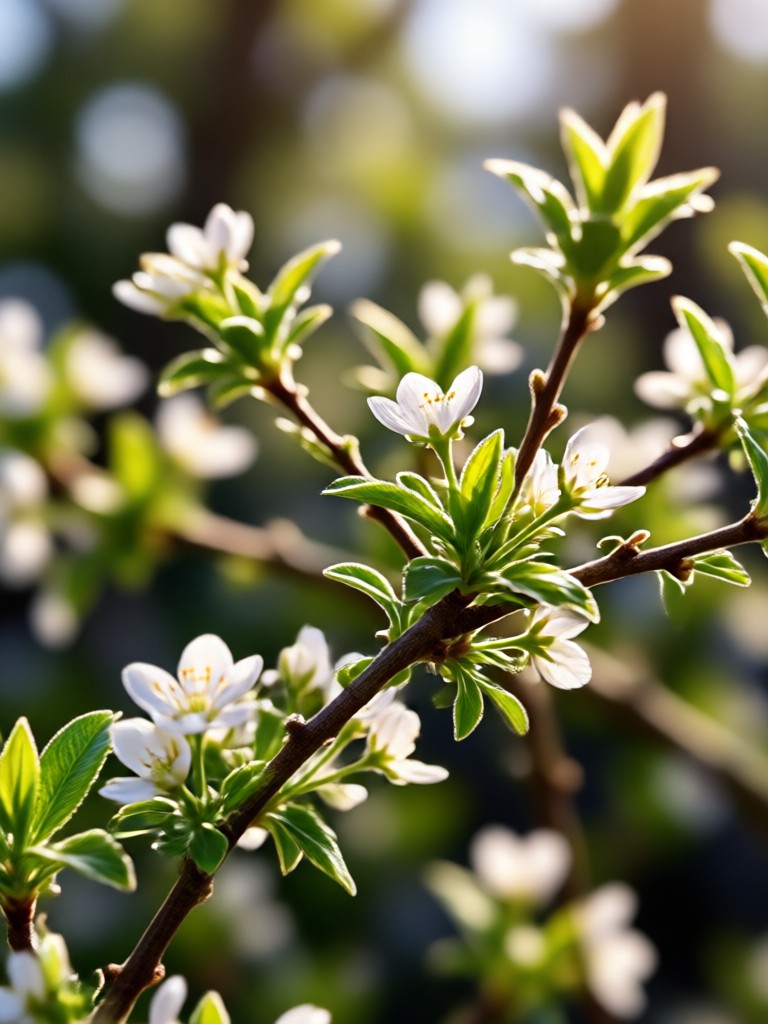
Choose the Right Enhancement Filter
Discover filters that unblur, sharpen, and upscale your photos to 4K quality. Pick the one that fits your style.
Key Features of Blur Photo To 4K Converter
Turn blurry images into crisp 4K masterpieces with gloglo's AI tools.
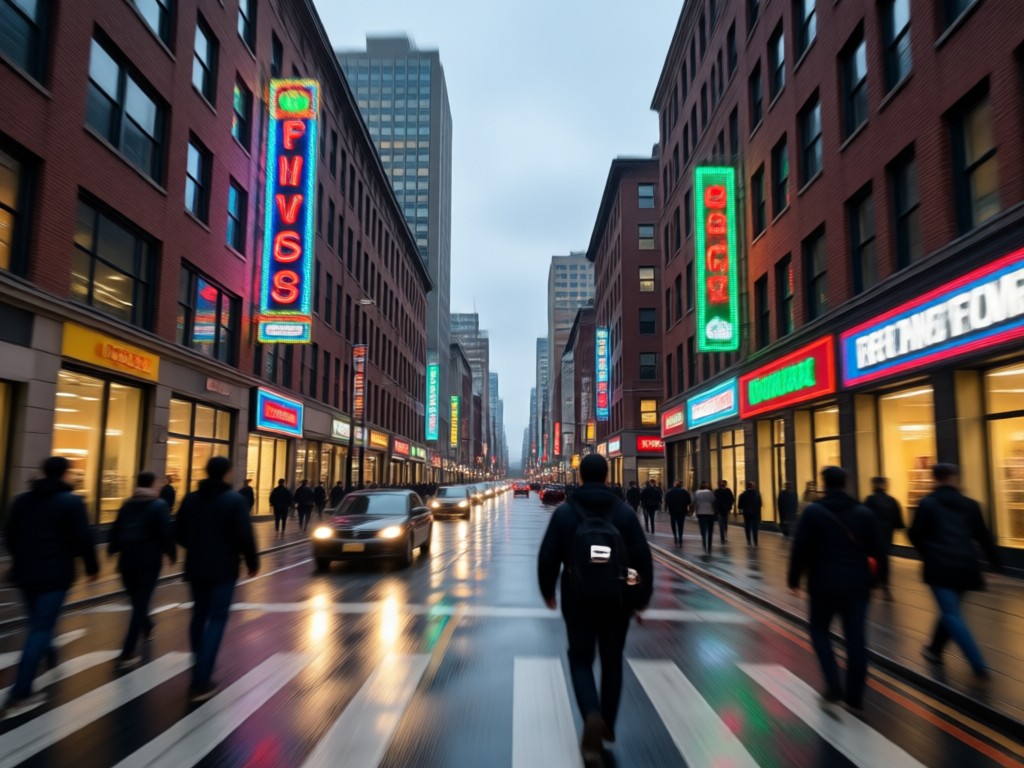
AI Unblur & Sharpen
Remove motion blur, out of focus areas, and noise with one tap. gloglo intelligently reconstructs details to make every face and texture clear.
AI Unblur & Sharpen
Remove motion blur, out of focus areas, and noise with one tap. gloglo intelligently reconstructs details to make every face and texture clear.
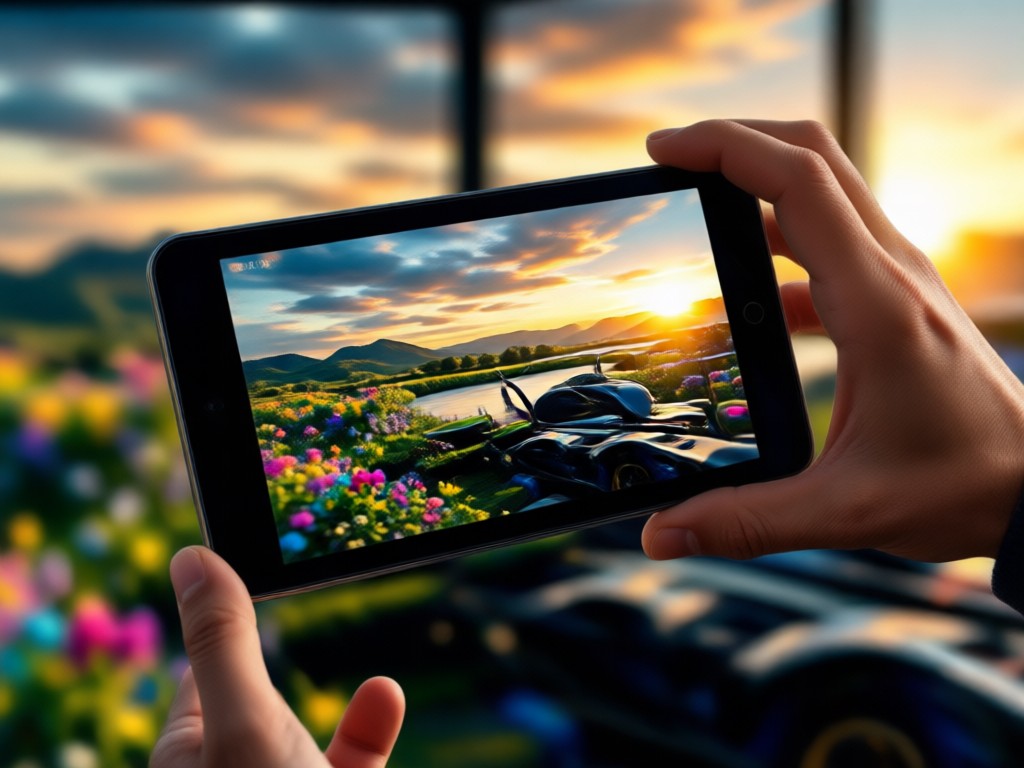
4K Resolution Upscaling
Upscale any photo to 4K resolution while preserving natural colors and fine details. Perfect for printing, social media, and professional work.
4K Resolution Upscaling
Upscale any photo to 4K resolution while preserving natural colors and fine details. Perfect for printing, social media, and professional work.
One Tap Style Filters
Apply over one million style templates after enhancing your photo. Transform a blurry snapshot into a cinematic portrait, anime art, or oil painting.
One Tap Style Filters
Apply over one million style templates after enhancing your photo. Transform a blurry snapshot into a cinematic portrait, anime art, or oil painting.
How to Convert Blurry Photos to 4K
Follow three simple steps to unblur and upscale your images with gloglo.

Step 01.
Download the gloglo app from Google Play to access the blur photo to 4K converter.

Step 02.
Upload your blurry photo and choose an enhancement filter or 4K upscaling template.

Step 03.
Generate your crisp 4K image and download or share it on social media.
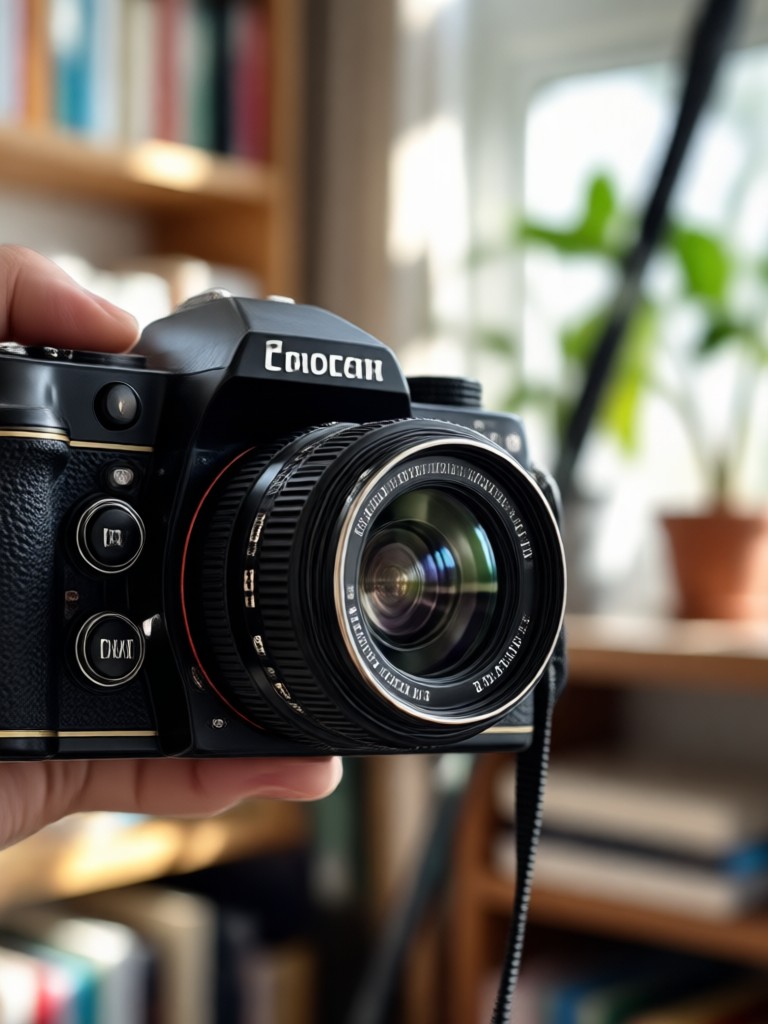
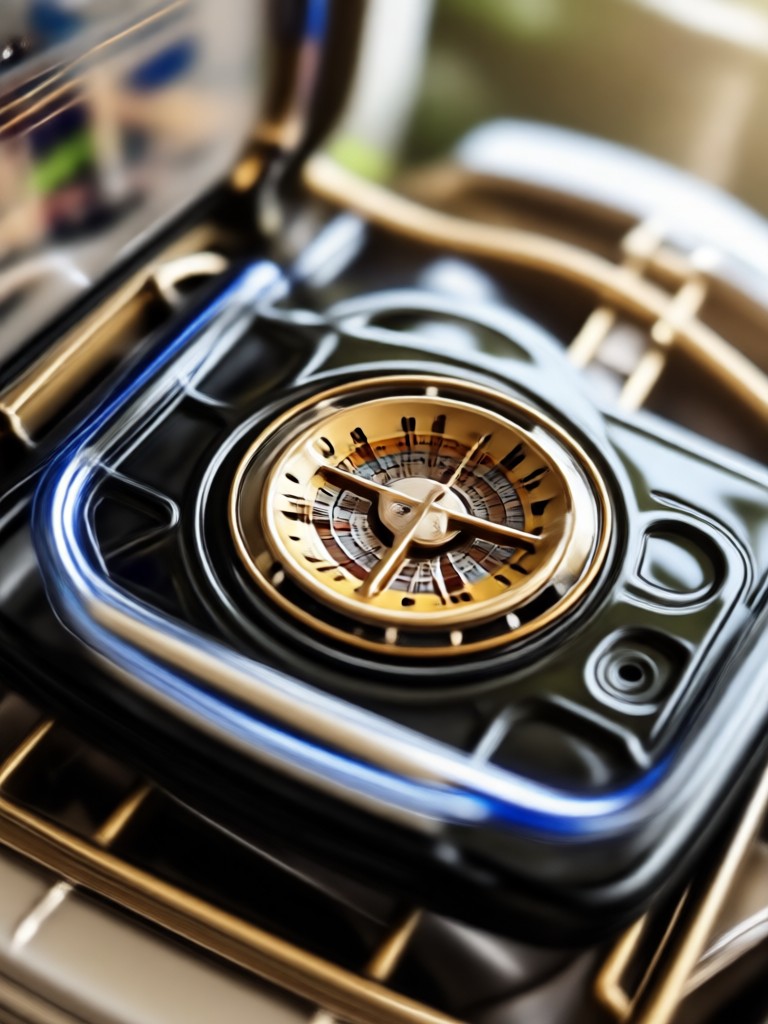
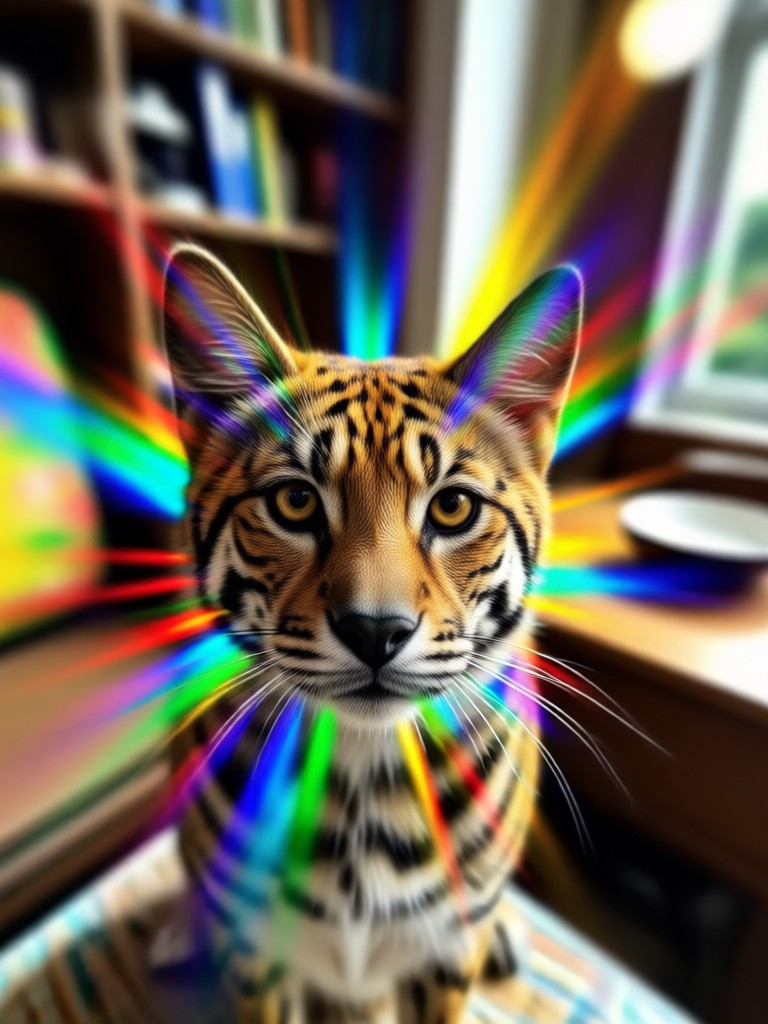
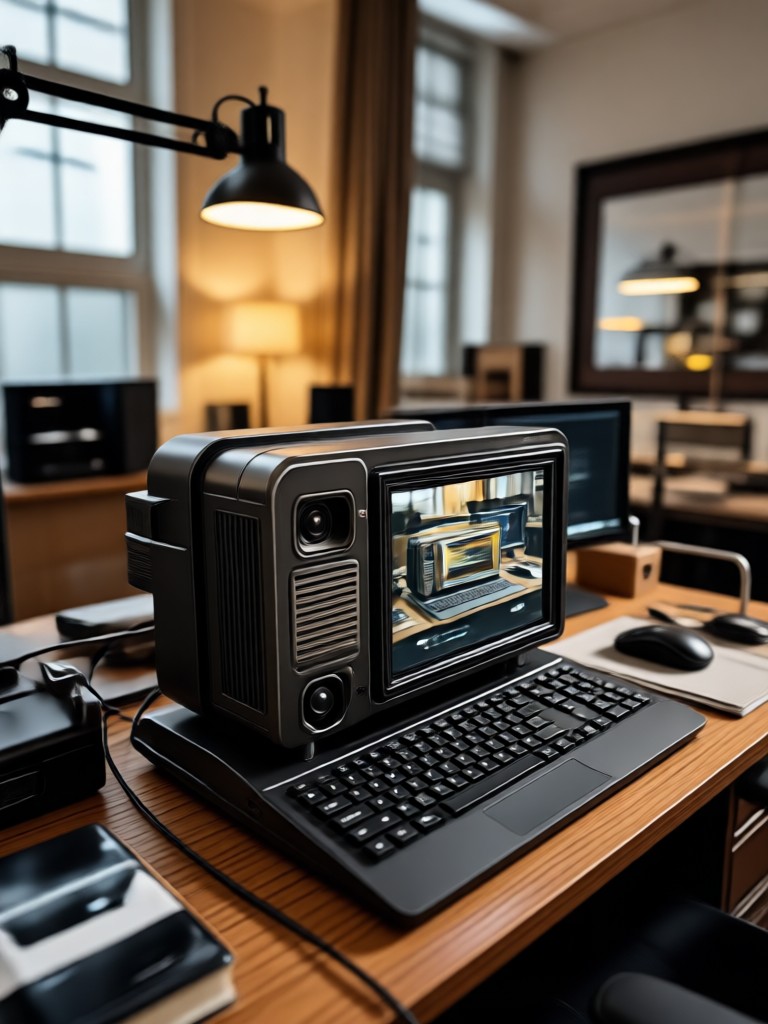
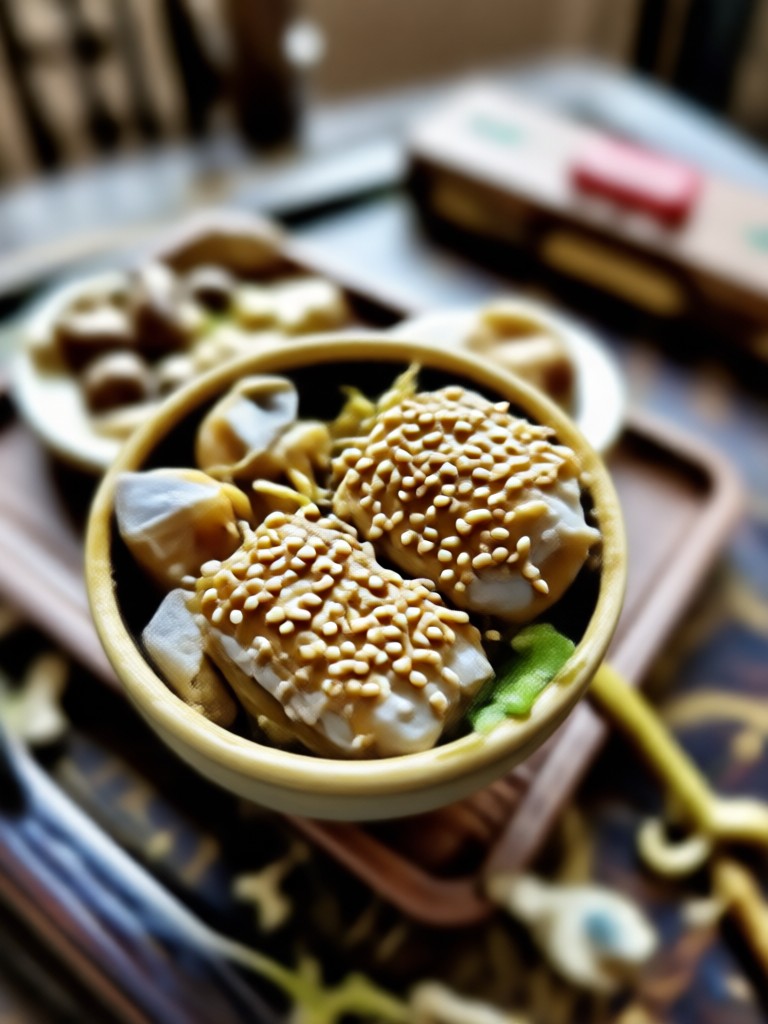
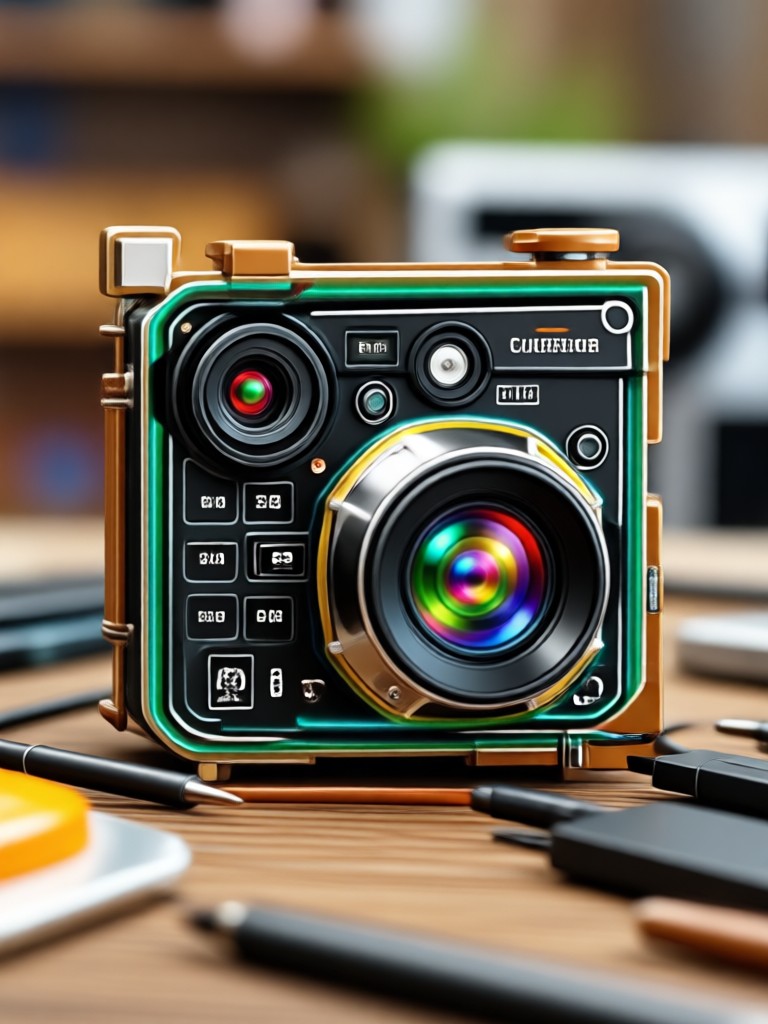
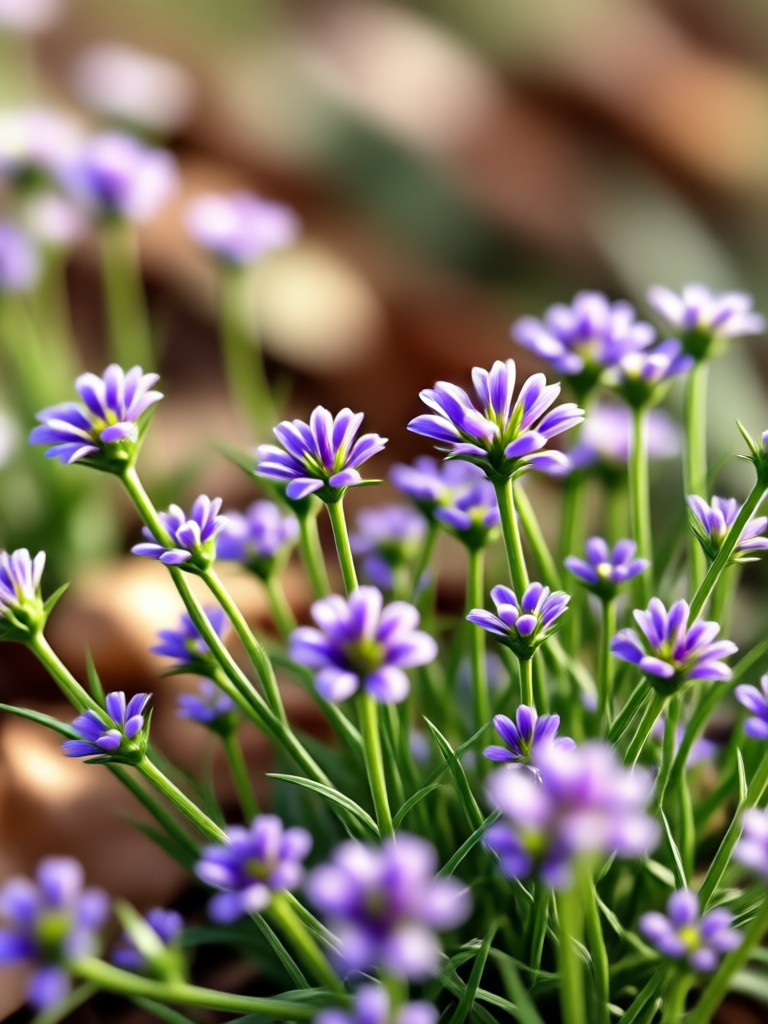
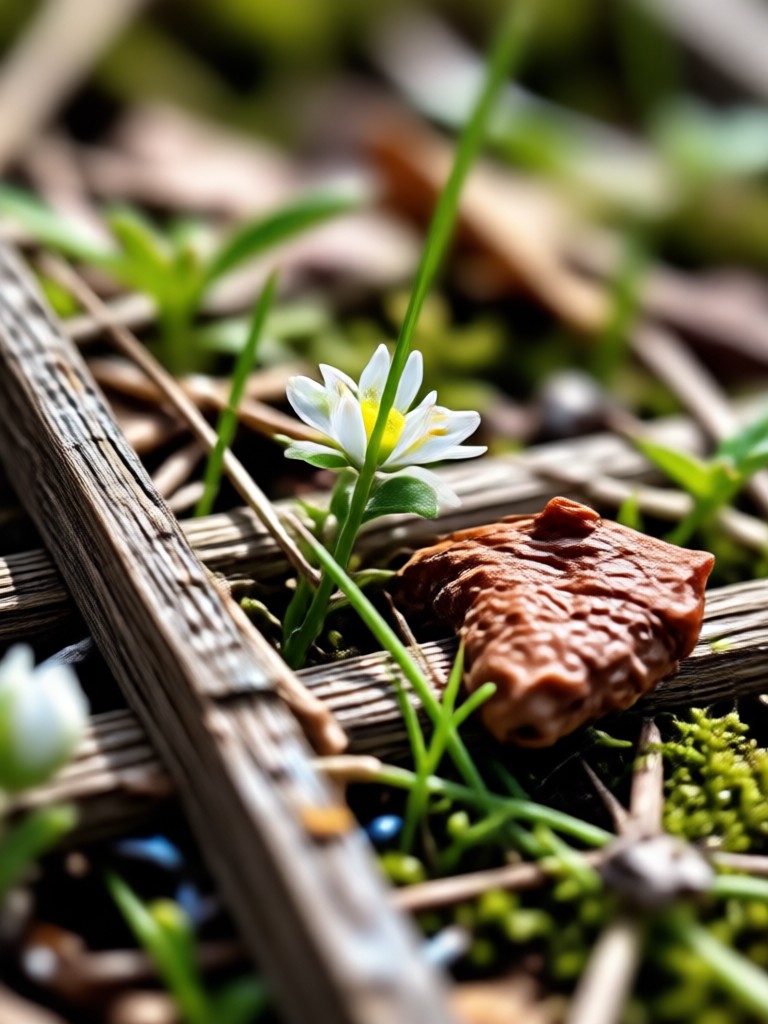
Blur Photo To 4K Converter Results
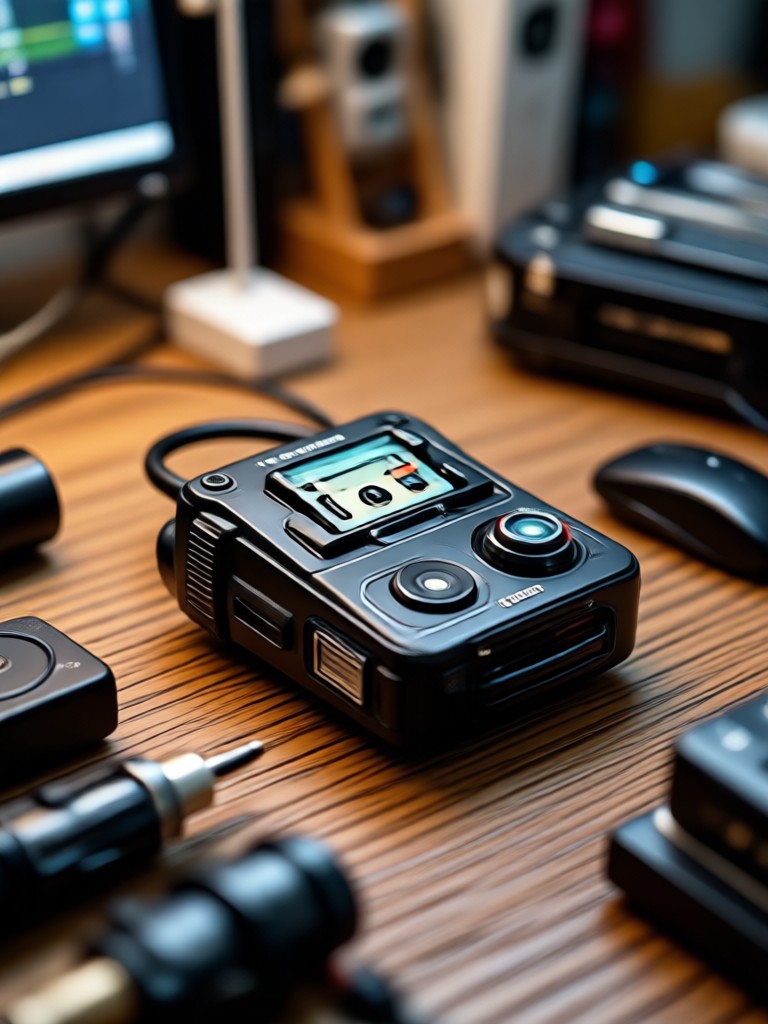
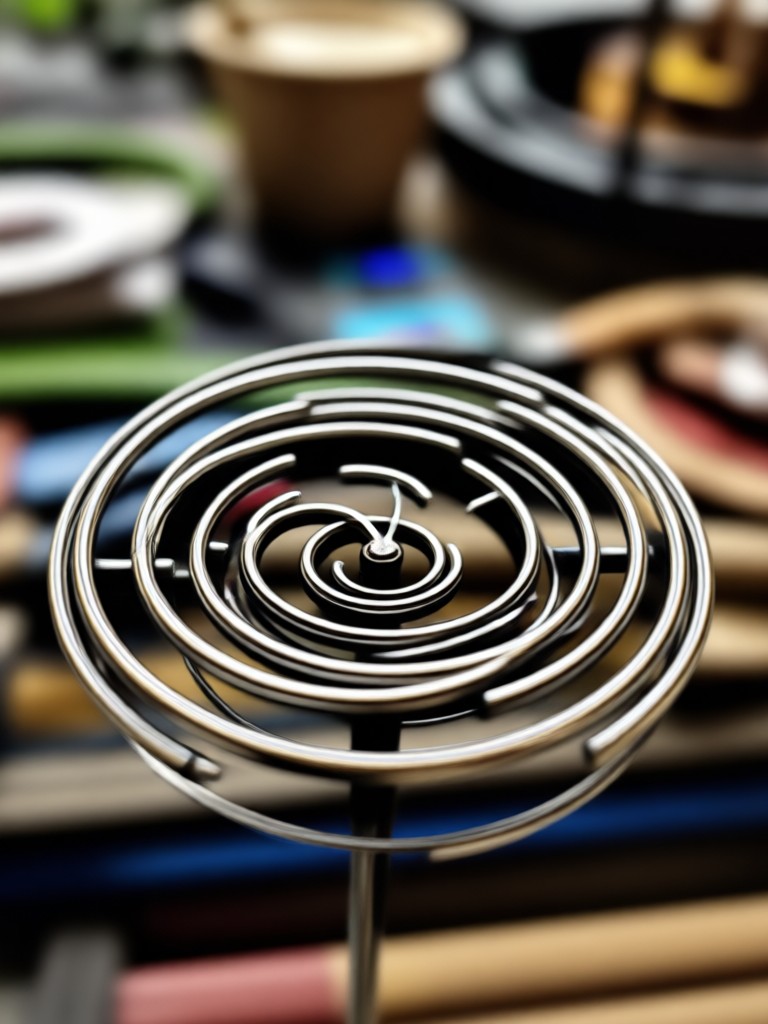
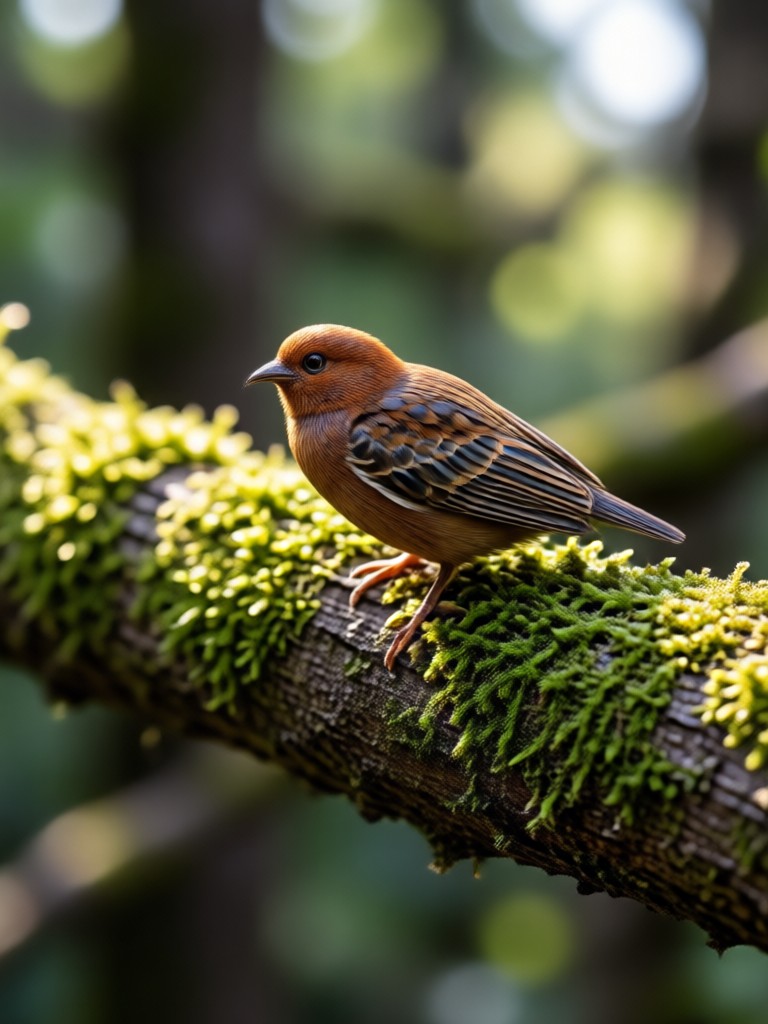
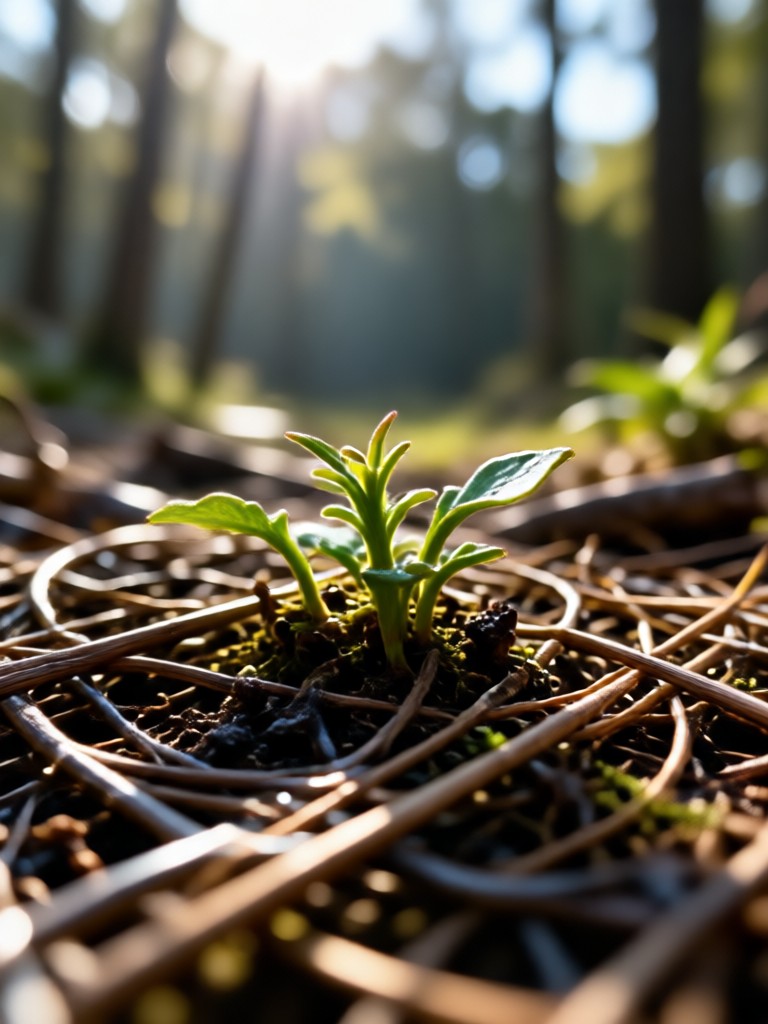
See how blurry photos become crisp 4K images using gloglo's AI enhancement tools.
Why Use gloglo for Photo Enhancement
gloglo combines professional AI upscaling with an easy mobile workflow.
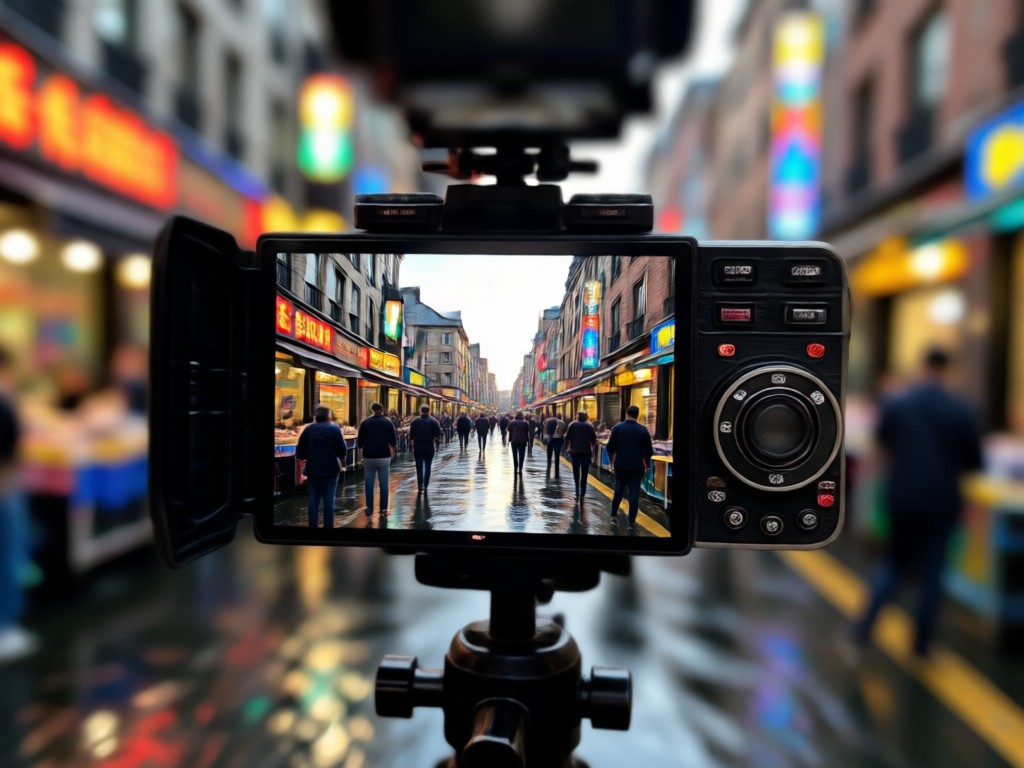
From Blurry to Brilliant in Seconds
Unlike complicated desktop software, gloglo works entirely on your phone. Upload a blurry photo, tap enhance, and download a 4K version instantly. The AI understands faces, landscapes, and objects, applying the right amount of sharpening and noise reduction for natural looking results. Whether you need to fix an old family picture or boost a social media post, gloglo makes it simple and fun.
From Blurry to Brilliant in Seconds
Unlike complicated desktop software, gloglo works entirely on your phone. Upload a blurry photo, tap enhance, and download a 4K version instantly. The AI understands faces, landscapes, and objects, applying the right amount of sharpening and noise reduction for natural looking results. Whether you need to fix an old family picture or boost a social media post, gloglo makes it simple and fun.
Get the Blur Photo To 4K Converter App
Download gloglo from Google Play and start turning blurry pictures into sharp 4K images in minutes.

Who Uses the Blur Photo To 4K Converter

Louis Yule
I restored my grandparents' old wedding photo. The blur was bad, but gloglo turned it into a crisp 4K image I could print and frame.

Mandy Sander
Social media compression always ruined my product photos. Now I unblur and upscale them to 4K before posting. The difference is night and day.
Orville Garcia
I shoot videos on my phone and often grab stills that are slightly out of focus. gloglo fixes them in seconds and makes them look professional.
Sam Green
As a content creator, I need quick fixes. The blur photo to 4K converter is now my go to tool for cleaning up low resolution screenshots.
Louis Yule
I restored my grandparents' old wedding photo. The blur was bad, but gloglo turned it into a crisp 4K image I could print and frame.
Mandy Sander
Social media compression always ruined my product photos. Now I unblur and upscale them to 4K before posting. The difference is night and day.
Orville Garcia
I shoot videos on my phone and often grab stills that are slightly out of focus. gloglo fixes them in seconds and makes them look professional.
Sam Green
As a content creator, I need quick fixes. The blur photo to 4K converter is now my go to tool for cleaning up low resolution screenshots.
Louis Yule
I restored my grandparents' old wedding photo. The blur was bad, but gloglo turned it into a crisp 4K image I could print and frame.
Mandy Sander
Social media compression always ruined my product photos. Now I unblur and upscale them to 4K before posting. The difference is night and day.
Orville Garcia
I shoot videos on my phone and often grab stills that are slightly out of focus. gloglo fixes them in seconds and makes them look professional.
Sam Green
As a content creator, I need quick fixes. The blur photo to 4K converter is now my go to tool for cleaning up low resolution screenshots.
Frequently Asked Questions About Blur Photo To 4K Converter
Find clear answers about unblurring and upscaling your images with gloglo.
More Topics You May Like
Explore more AI tools and effects to expand your creative possibilities.
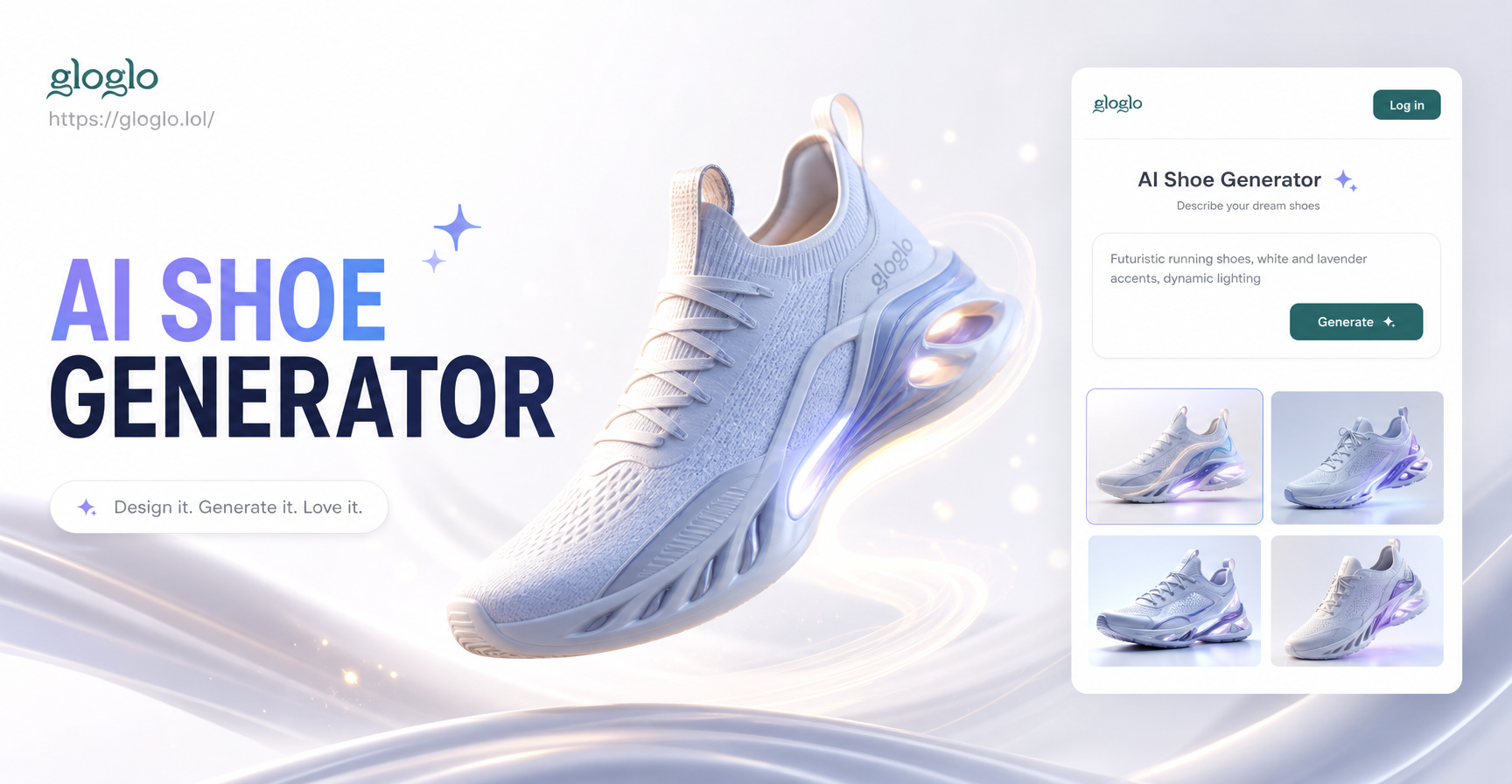
AI Shoe Generator: Design Custom Sneakers in Seconds
Turn your ideas into custom kicks with the AI Shoe Generator. Upload a photo, choose a style, and watch the AI design unique sneakers in seconds. No design skills needed.
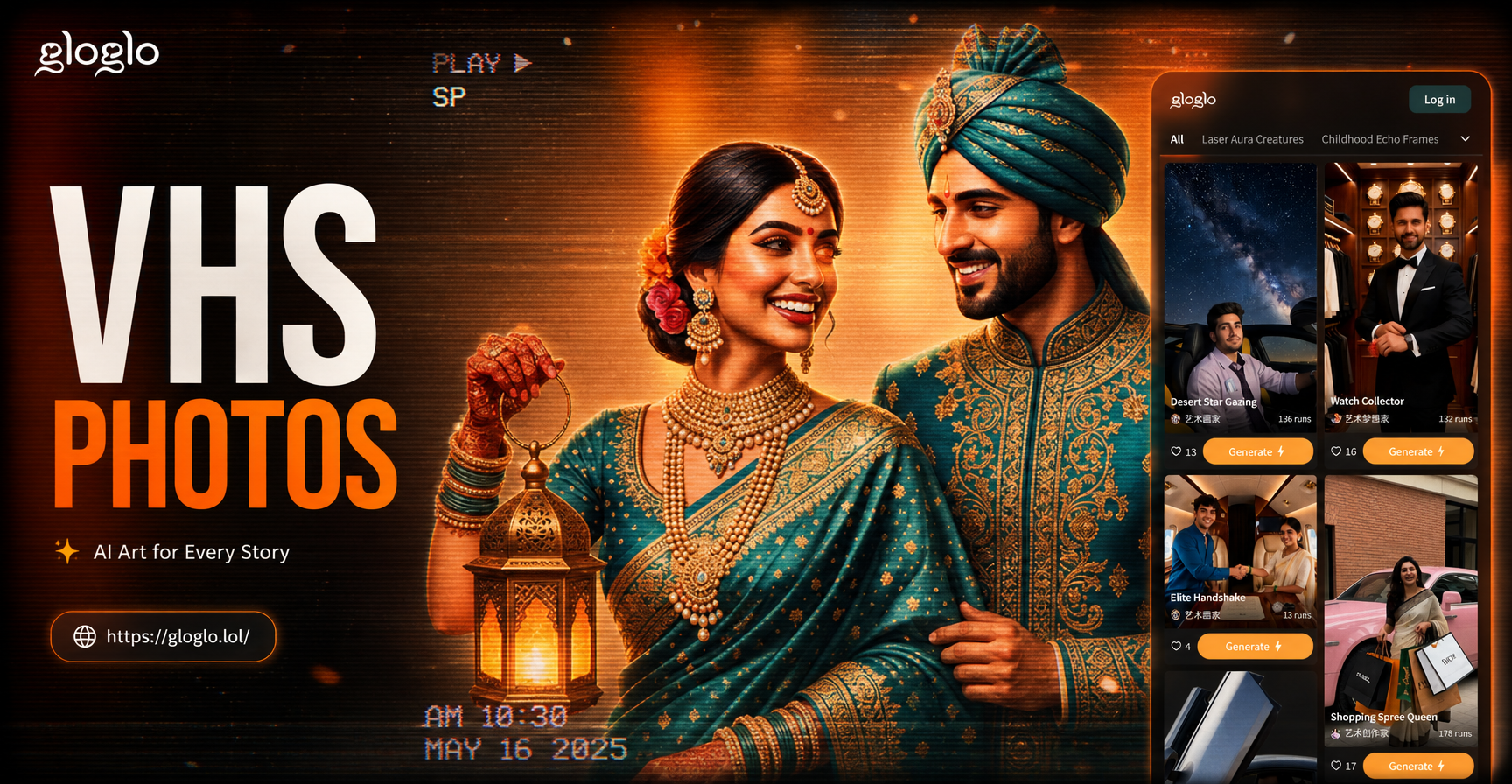
AI VHS Photo Effect: Retro 90s Camera Filter
Turn any photo into a grainy, retro VHS frame. Add realistic scanlines, glitch effects, date stamps, and washed-out colors. No editing skills needed. Download gloglo and create vintage aesthetic photos in seconds.
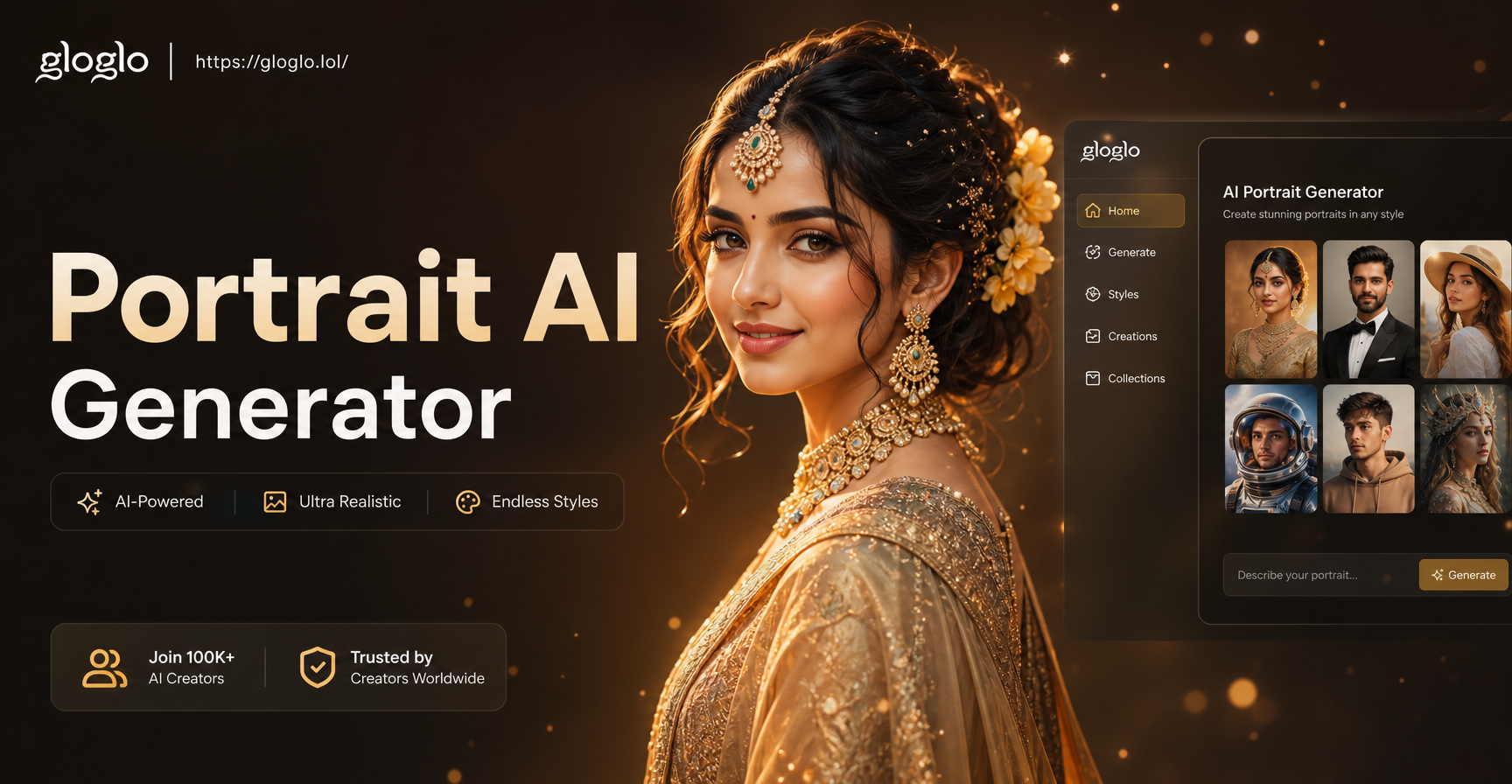
Portrait AI Image Generator: Turn Selfies Into Art
Create stunning AI portraits from your photos. Choose from anime, oil painting, 3D, cyberpunk and more styles. Realistic results in seconds. Try it free now.
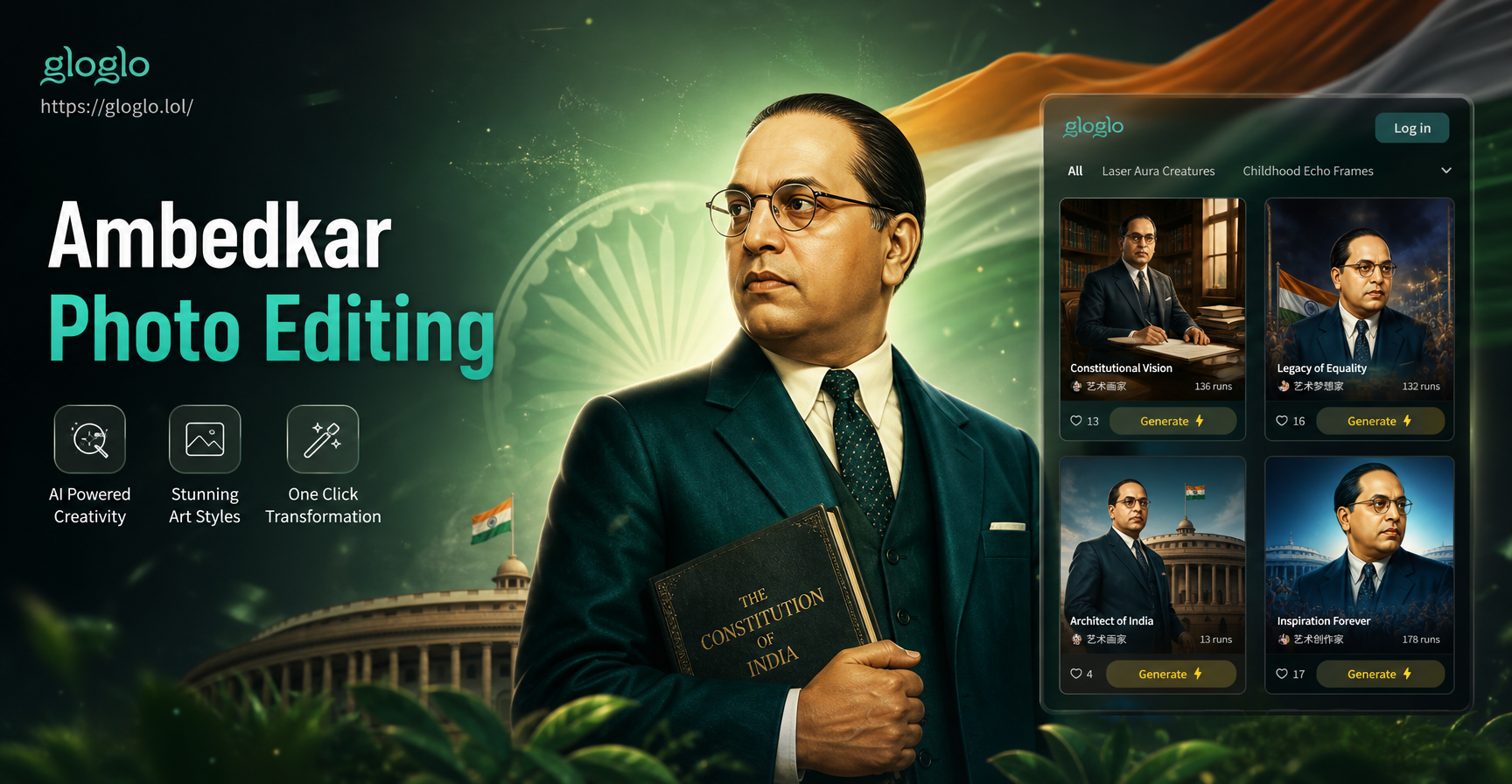
Ambedkar Photo Editing: Create Stunning Tributes Easily
Ambedkar photo editing made easy. Upload a photo, pick a style, and create respectful tributes in seconds. Hundreds of frames and filters. Download the free app.
Ready to Fix Your Blurry Photos?
Download gloglo today and start converting blurry pictures into stunning 4K images. Easy to use, no design skills required.

Ready to Fix Your Blurry Photos?
Download gloglo today and start converting blurry pictures into stunning 4K images. Easy to use, no design skills required.