Best AI Face Enhancer
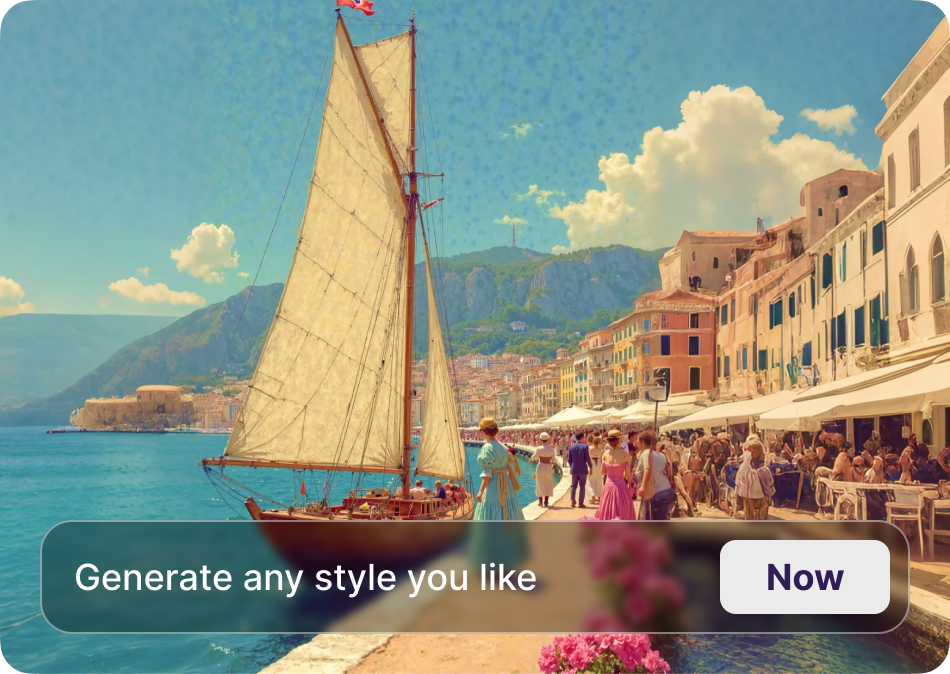
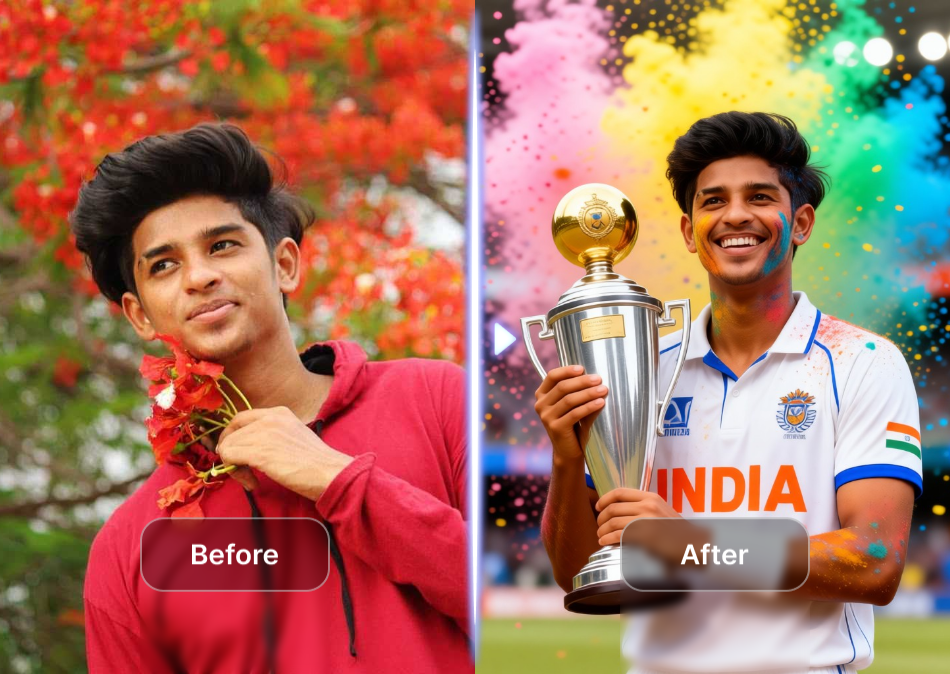
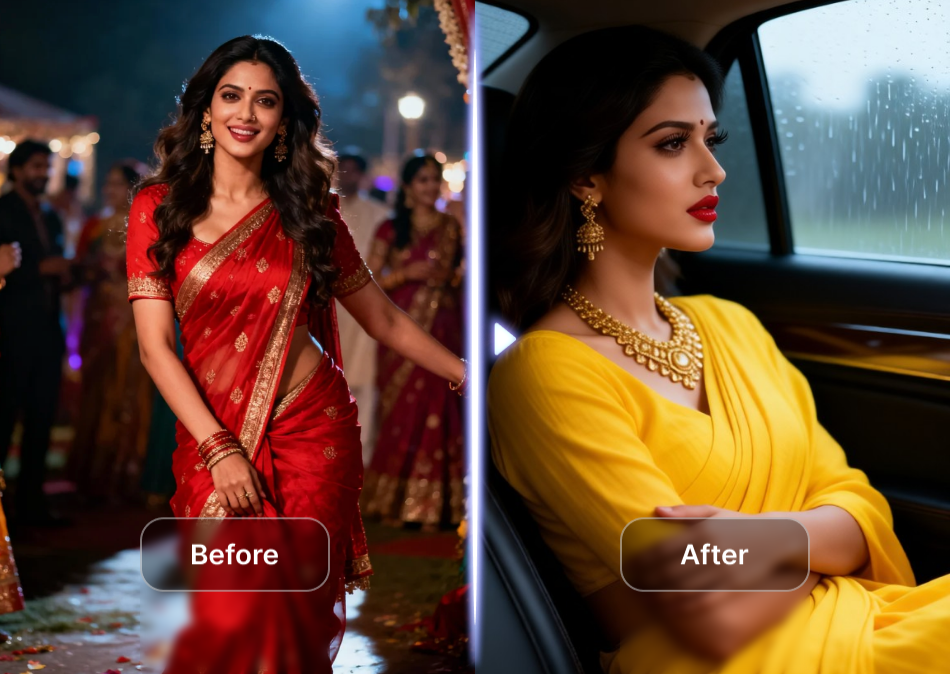
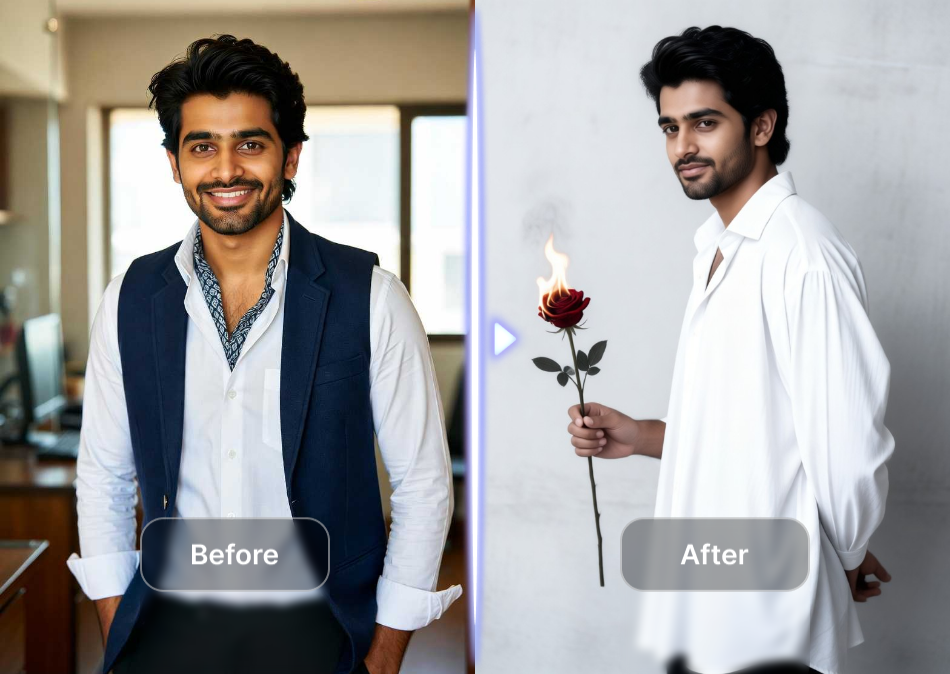
Choose the Face Enhancement Style That Fits Your Photo
Discover face enhancer filters for portraits, selfies, group shots, and old photos. Each style adjusts clarity, skin tone, and detail intensity automatically.
Powerful Face Enhancement Tools in One App
gloglo combines multiple AI models to improve face clarity, color, and texture. You control the intensity and style for every portrait or group photo.
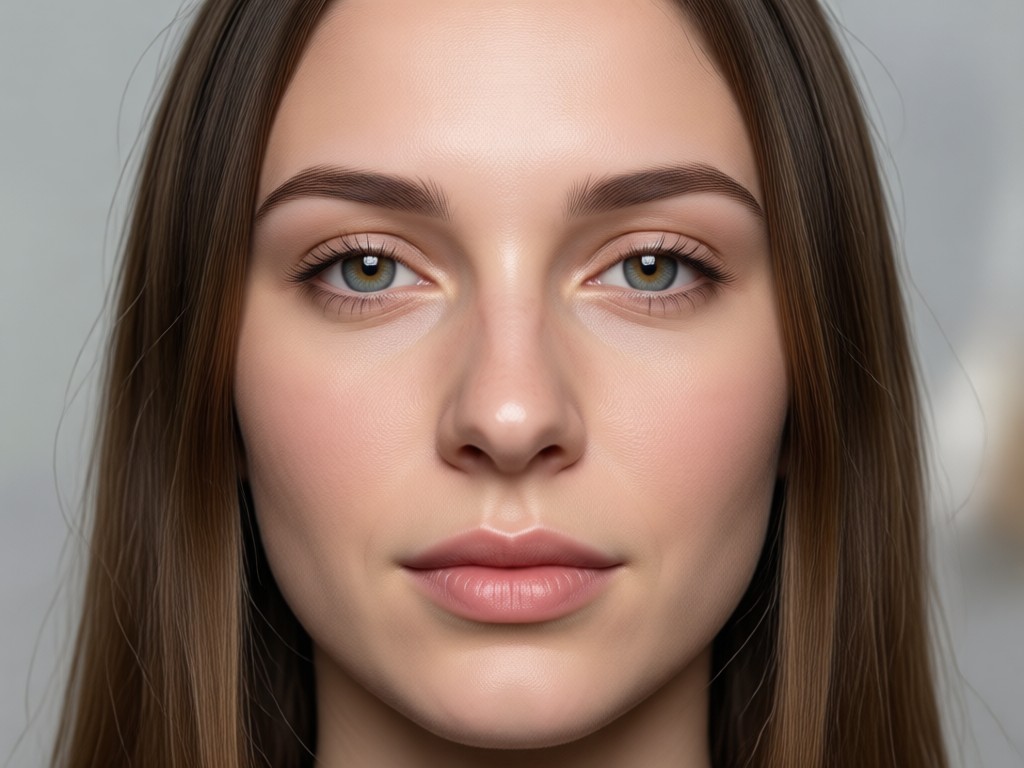
Detail Recovery
Restore sharpness to eyes, lips, and hair strands while keeping skin texture natural and free of heavy smoothing.
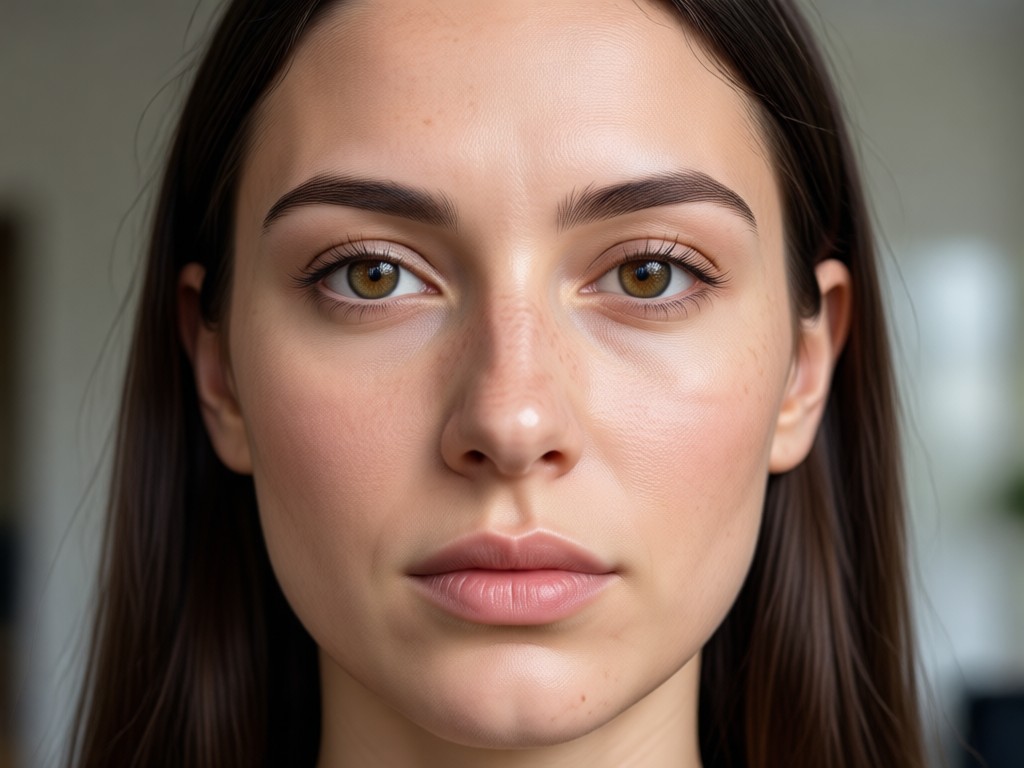
Portrait Retouching
Even out skin tone, reduce glare, and enhance facial contours without making the photo look overedited or artificial.
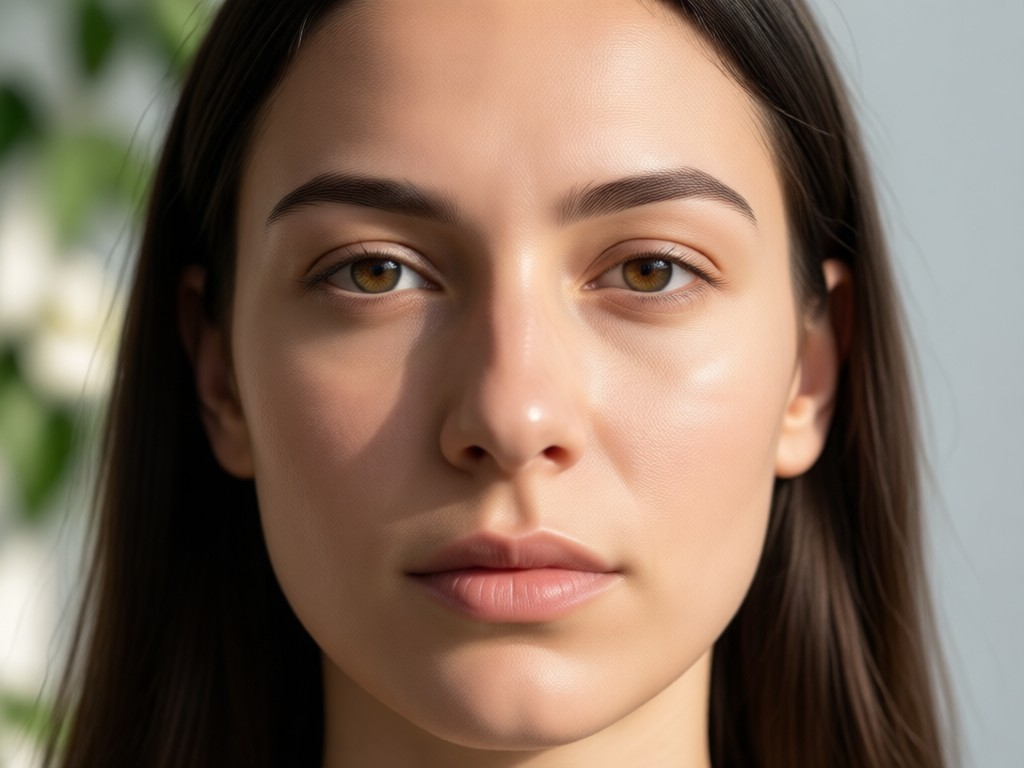
Multi Face Processing
Upload group shots and the AI identifies each face separately, so everyone stays clear, consistent, and recognizable.
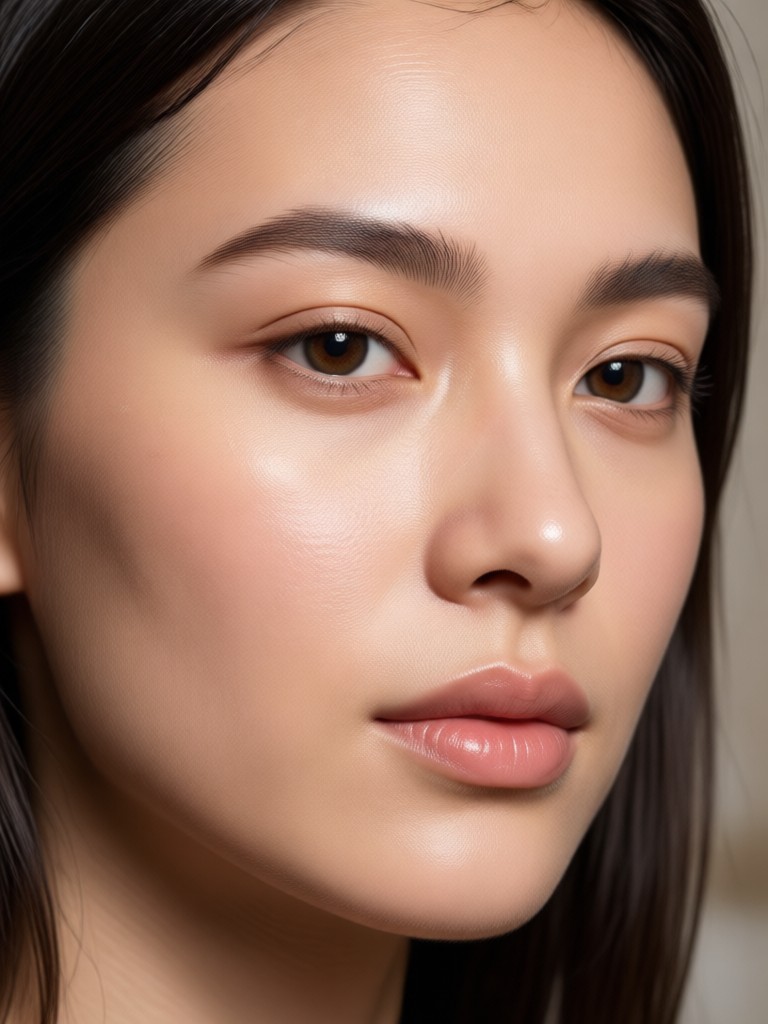
See Real Face Enhancement Results
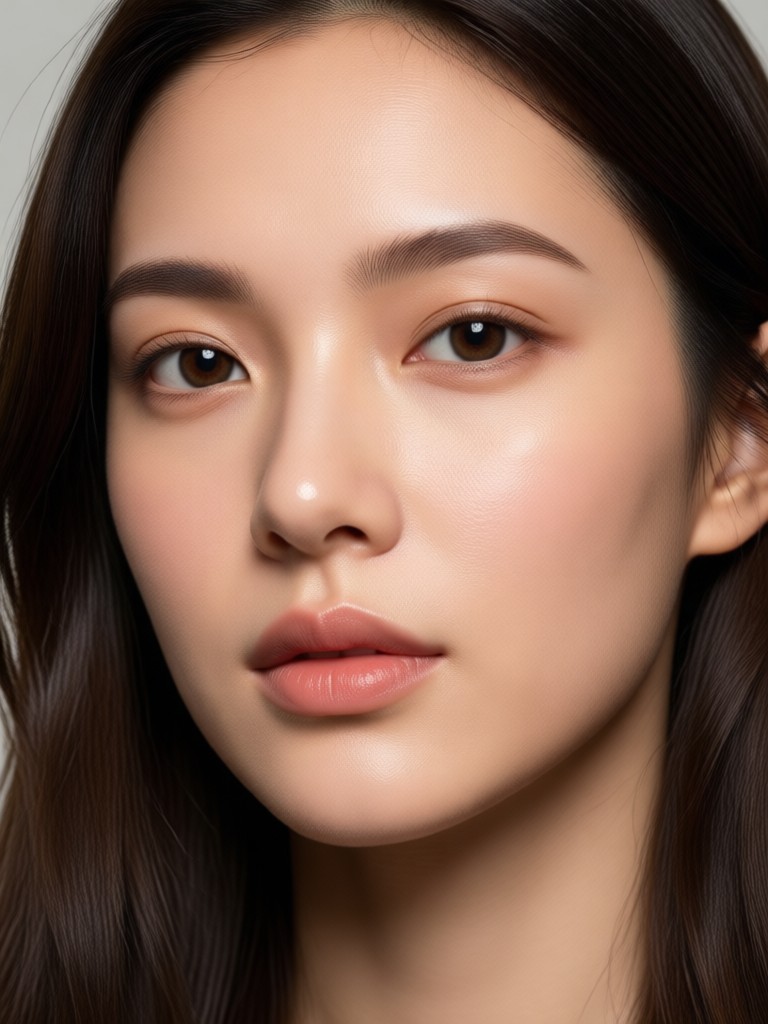
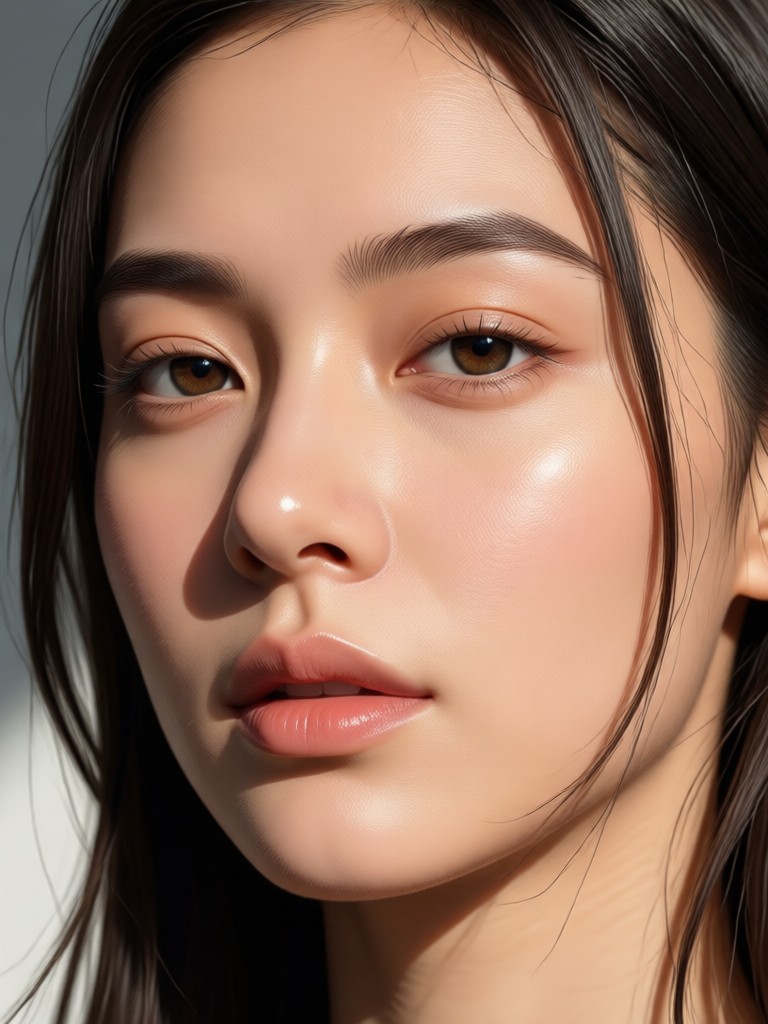
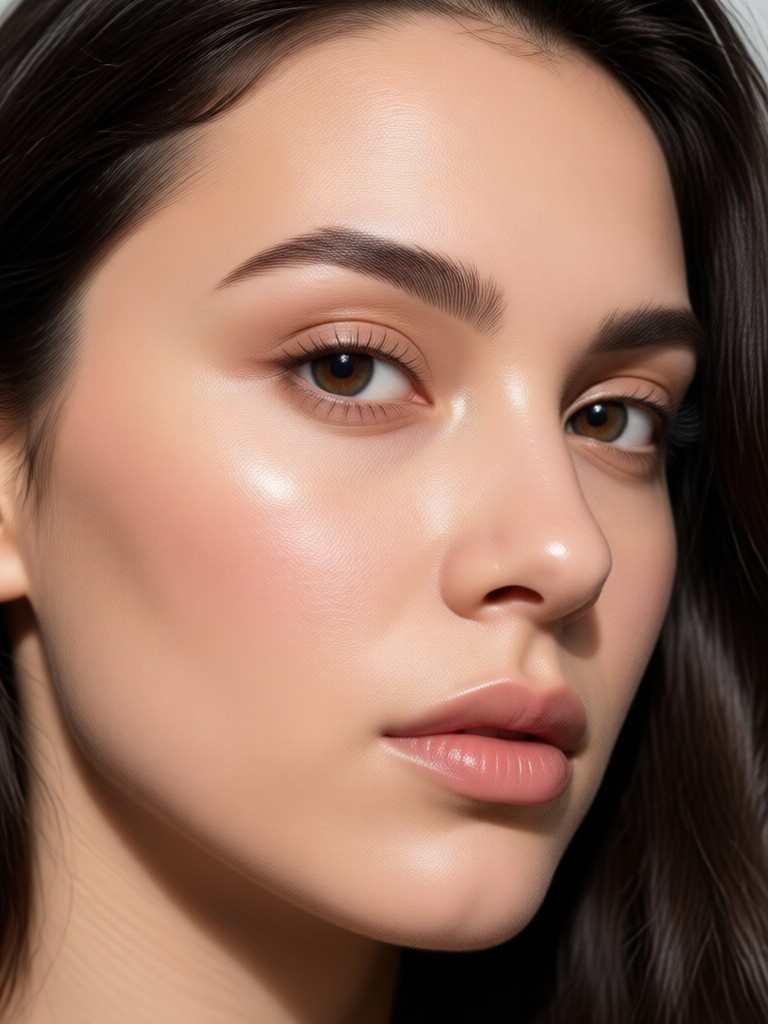
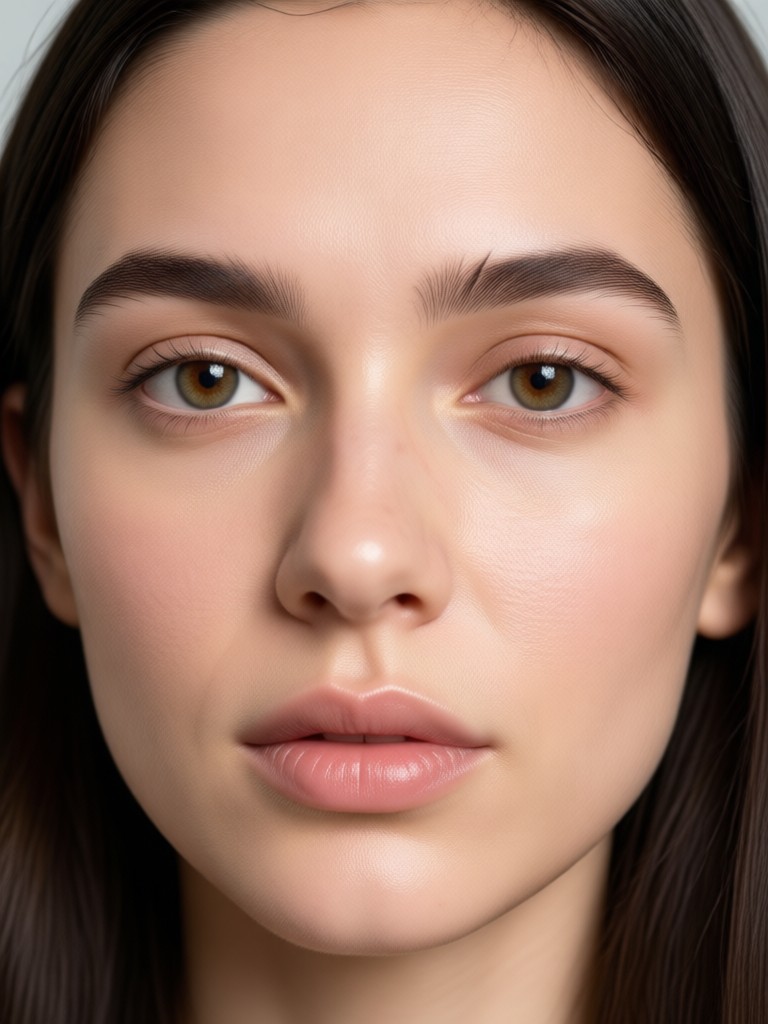
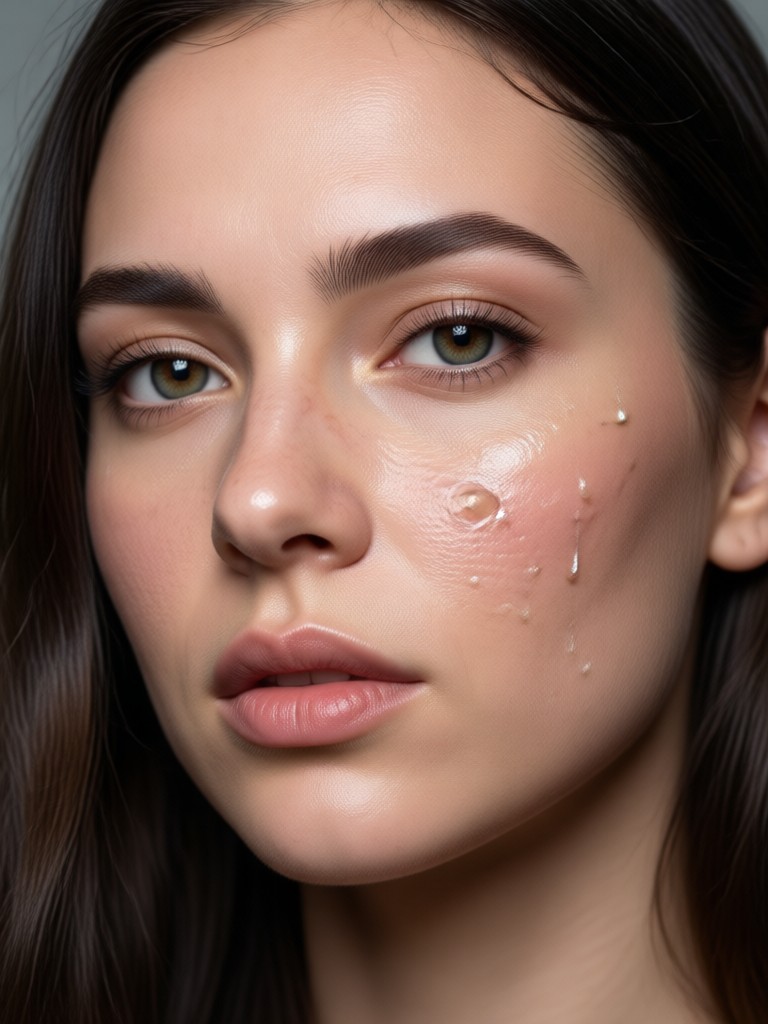
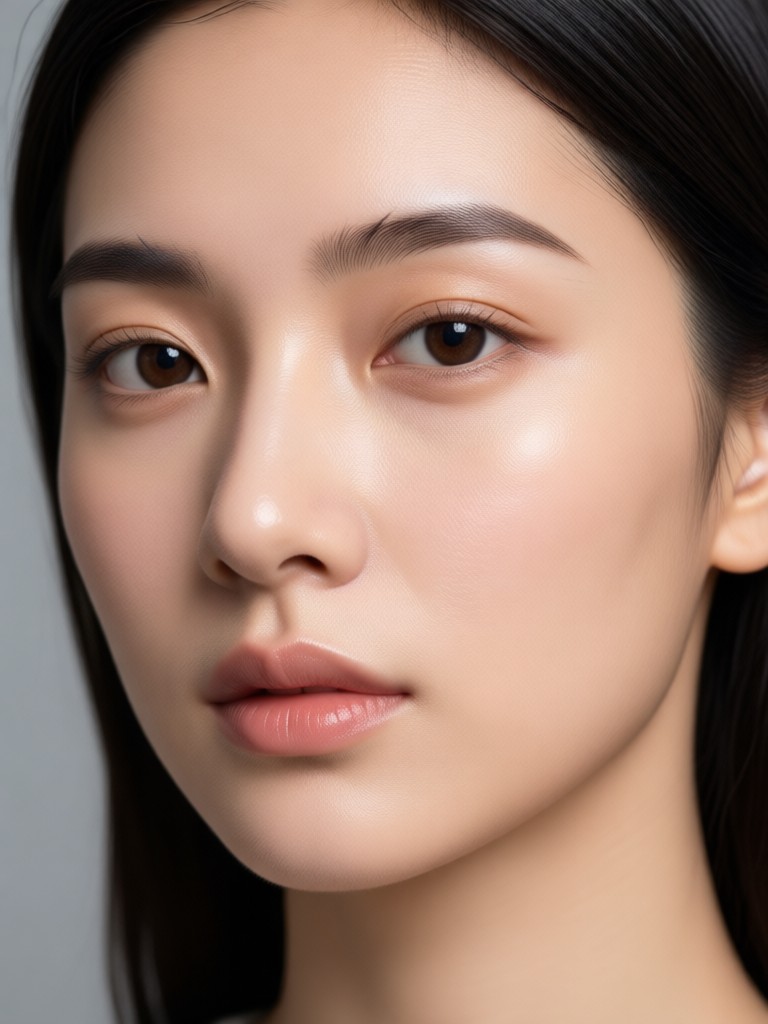
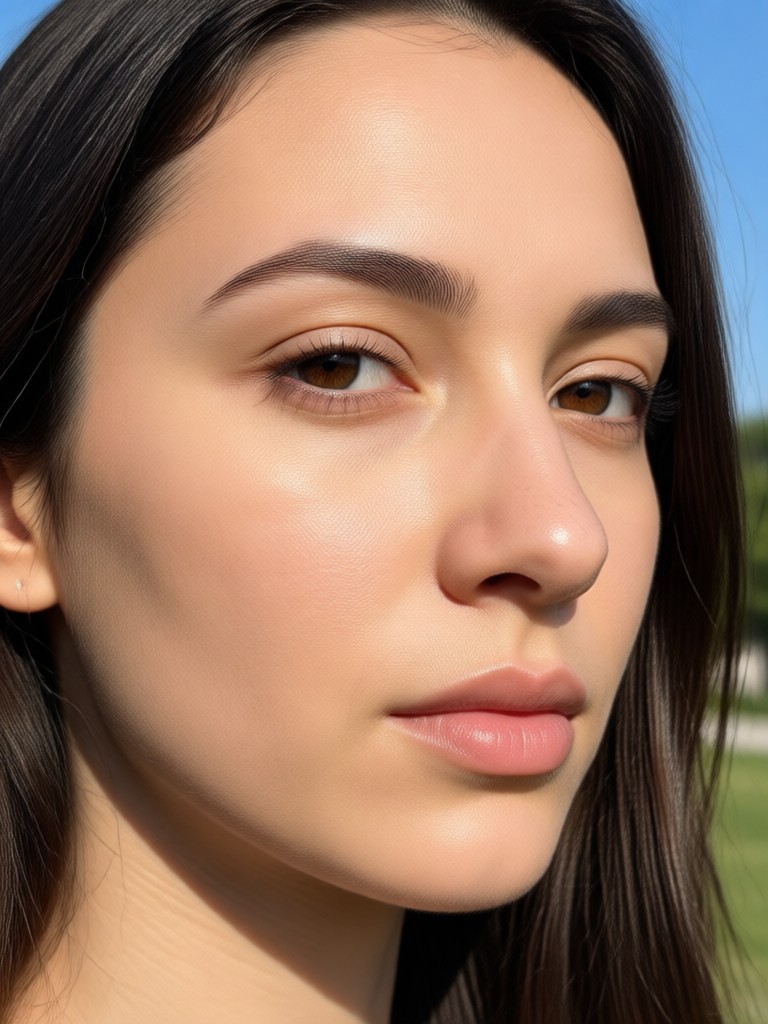
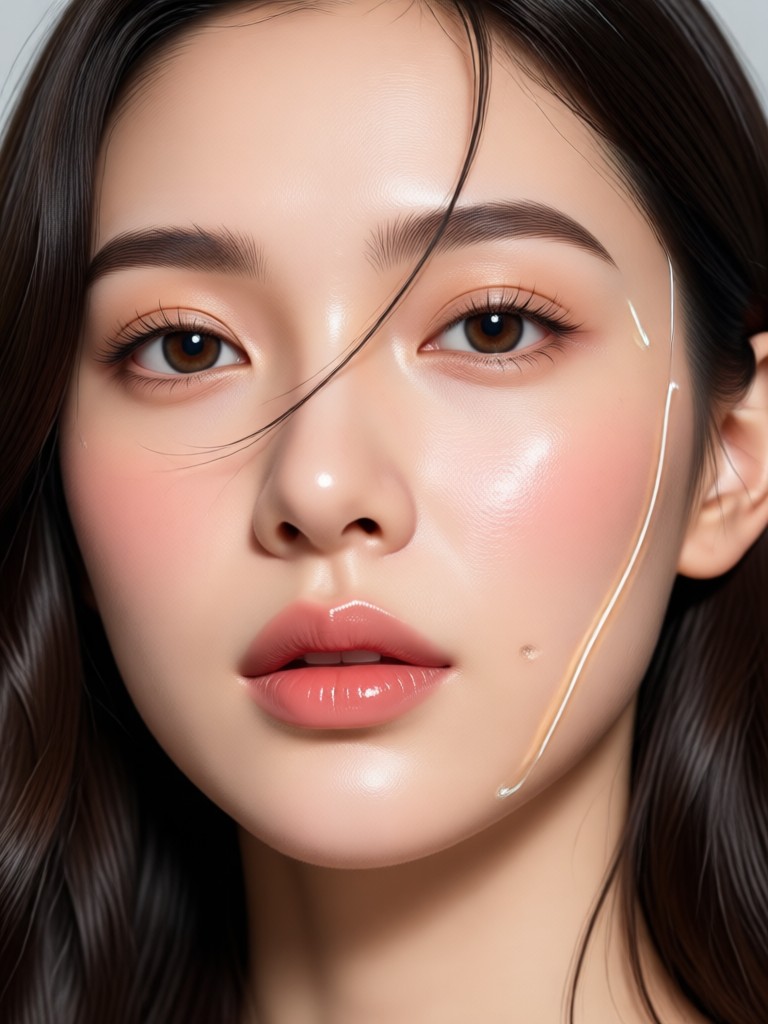
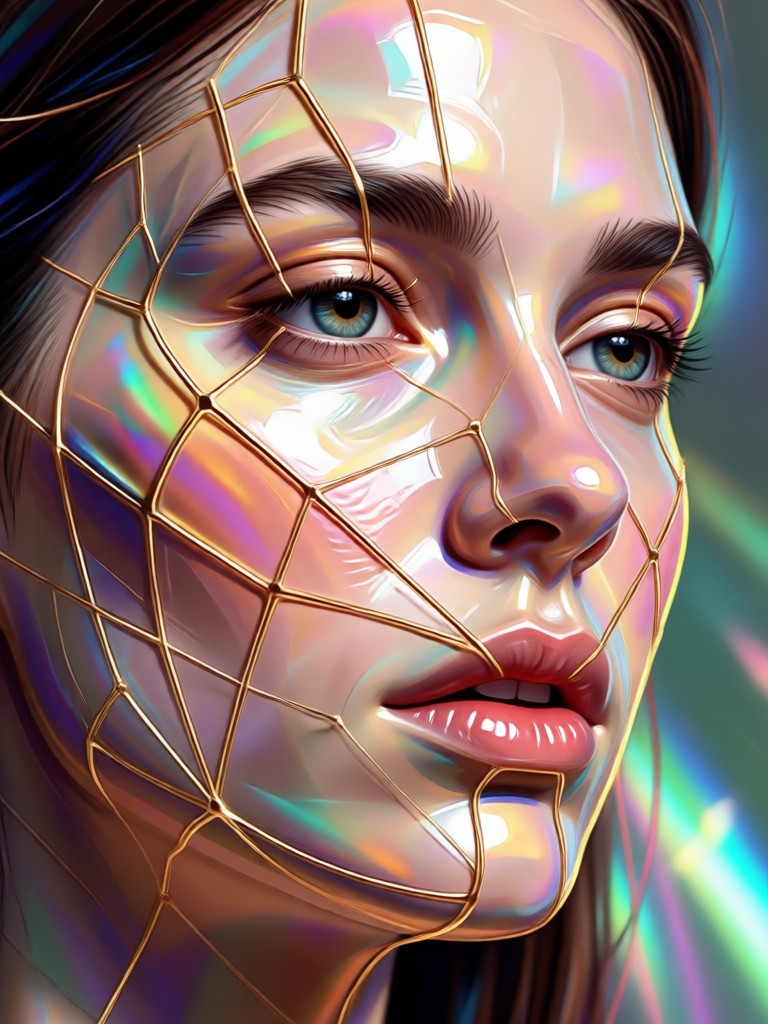
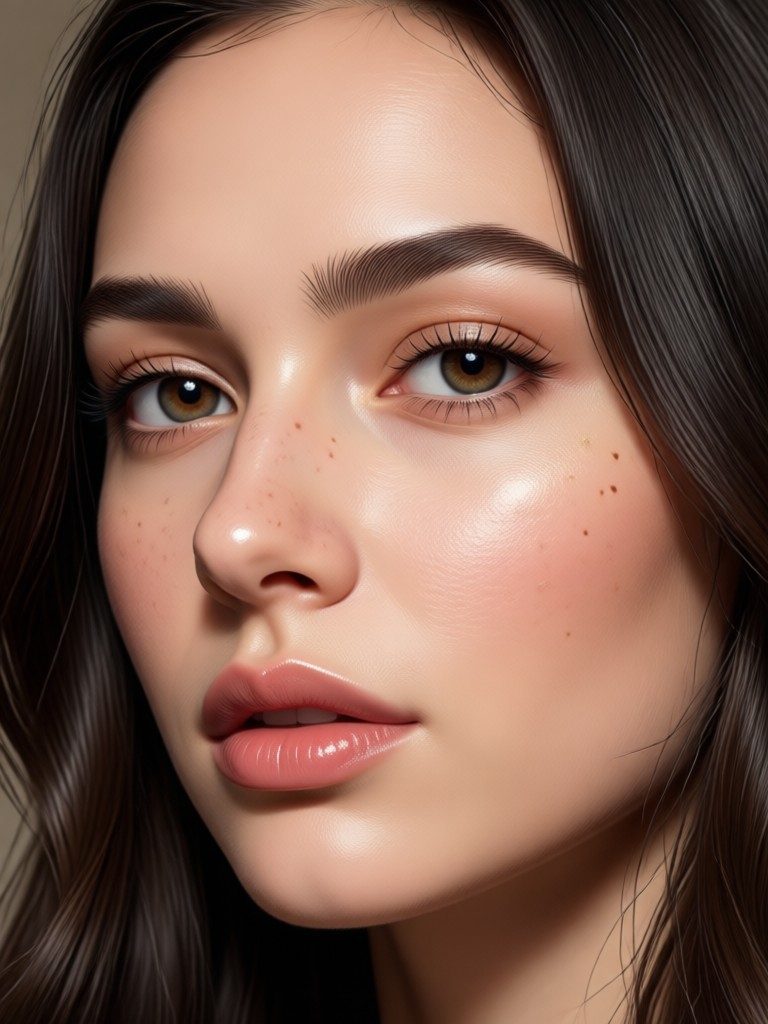
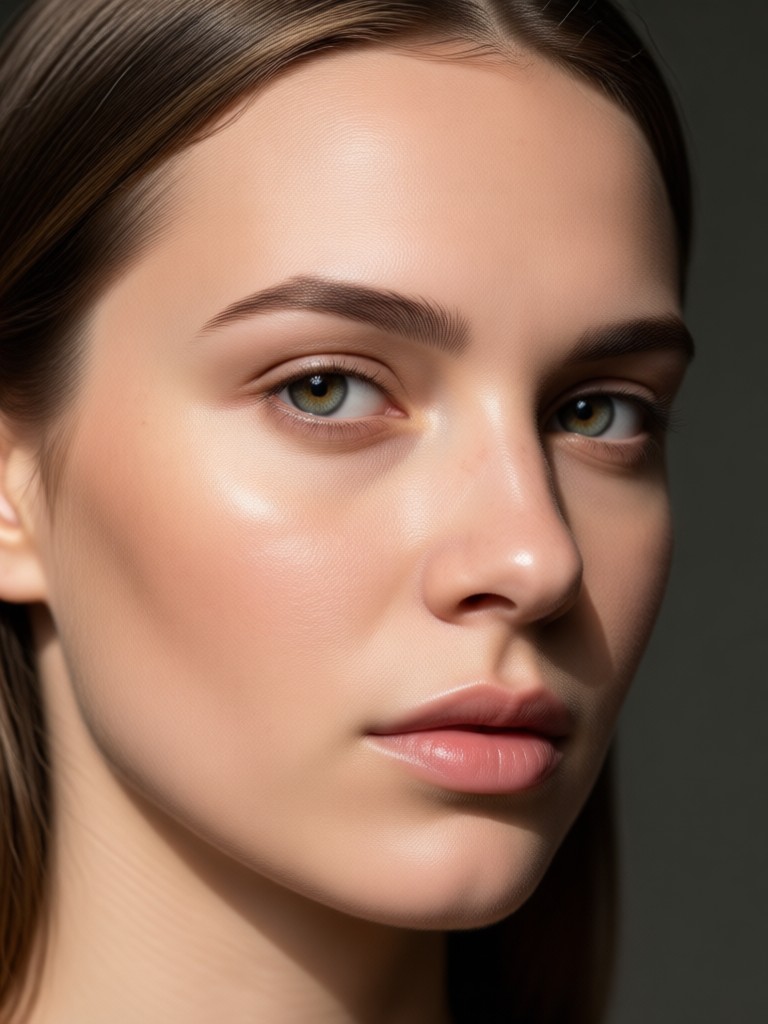
Browse examples of blurry portraits transformed into sharp, natural looking photos. Each image shows the detail recovery and retouching power available inside the gloglo app.
How to Enhance a Face Photo in 3 Steps
Use the best AI face enhancer on your phone to turn ordinary portraits into clear, polished images in less than a minute.

Step 01.
Download gloglo from Google Play and open the AI face enhancer tool on your phone.

Step 02.
Upload a portrait or group photo and choose a face enhancement style with the intensity you prefer.

Step 03.
Generate the enhanced image and save or share your polished portrait directly to social media.
Why gloglo Is the Best AI Face Enhancer for Mobile
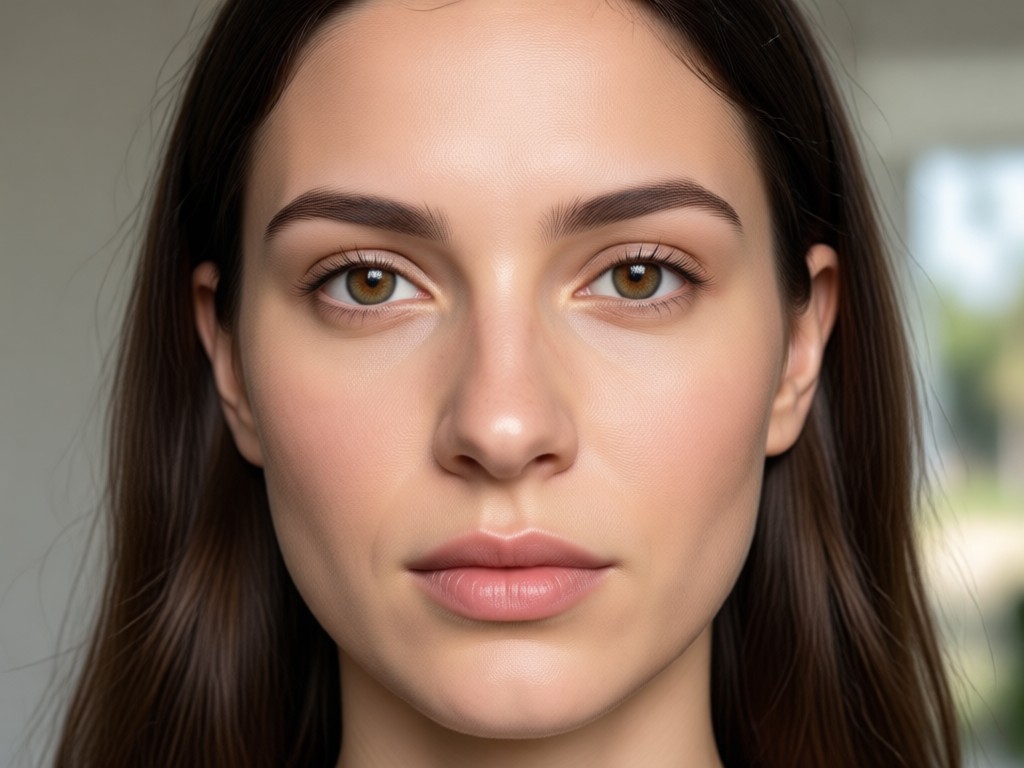
Unlike basic filters, gloglo uses advanced AI to recover real facial details instead of just smoothing skin. It handles multiple faces, respects natural texture, and works entirely on your phone. You get studio quality portrait editing without complicated software or design experience.
Why gloglo Is the Best AI Face Enhancer for Mobile
Unlike basic filters, gloglo uses advanced AI to recover real facial details instead of just smoothing skin. It handles multiple faces, respects natural texture, and works entirely on your phone. You get studio quality portrait editing without complicated software or design experience.
Who Uses AI Face Enhancement
Louis Yule
I restored dozens of old family portraits. The faces came back sharp and natural, not waxy. It only took a few seconds per photo.
Mandy Sander
I use gloglo to clean up selfies before posting. It fixes blur and softens shine while keeping my face looking like me.
Orville Garcia
Group photos from events used to have someone out of focus. This app sharpens every face at once. Huge time saver.
Sam Green
The AI face enhancement is the best I have tried on mobile. It handles low light shots and low resolution images surprisingly well.
Louis Yule
I restored dozens of old family portraits. The faces came back sharp and natural, not waxy. It only took a few seconds per photo.
Mandy Sander
I use gloglo to clean up selfies before posting. It fixes blur and softens shine while keeping my face looking like me.
Orville Garcia
Group photos from events used to have someone out of focus. This app sharpens every face at once. Huge time saver.
Sam Green
The AI face enhancement is the best I have tried on mobile. It handles low light shots and low resolution images surprisingly well.
Louis Yule
I restored dozens of old family portraits. The faces came back sharp and natural, not waxy. It only took a few seconds per photo.
Mandy Sander
I use gloglo to clean up selfies before posting. It fixes blur and softens shine while keeping my face looking like me.
Orville Garcia
Group photos from events used to have someone out of focus. This app sharpens every face at once. Huge time saver.
Sam Green
The AI face enhancement is the best I have tried on mobile. It handles low light shots and low resolution images surprisingly well.
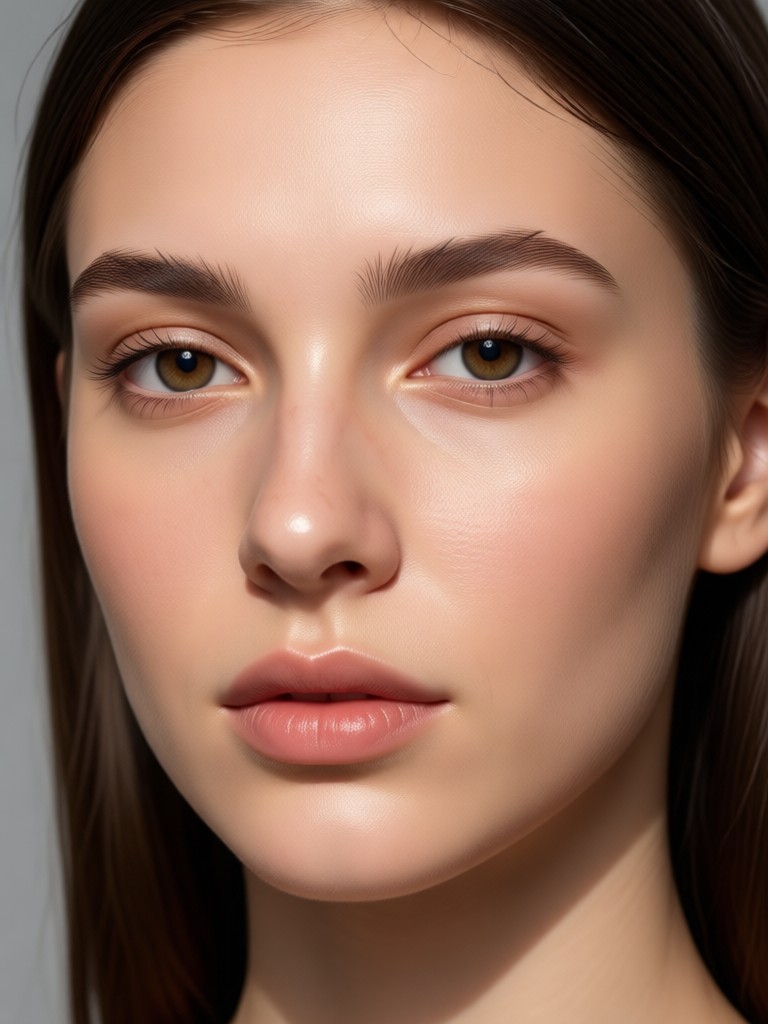
AI Face Enhancer App for Android
Improve facial details, restore clarity, and retouch portraits directly on your phone. Download gloglo from Google Play and start enhancing your favorite photos today.

Frequently Asked Questions About AI Face Enhancement
Find clear answers about how the best AI face enhancer works, what you can edit, and how to get the most natural results.
Video Tutorials for AI Face Enhancement
Watch step by step demos that show how to sharpen faces, retouch portraits, and restore old photos using the gloglo app.
More Topics You May Like
Explore more topics you may like and discover fresh ideas tailored to your interests.

Play YouTube In Background Prompts for AI Visuals
Discover creative prompts to generate stunning background visuals and videos for YouTube background play. Use gloglo to create lo-fi scenes, ambient animations, and cinematic loops. Download the app and start creating today.
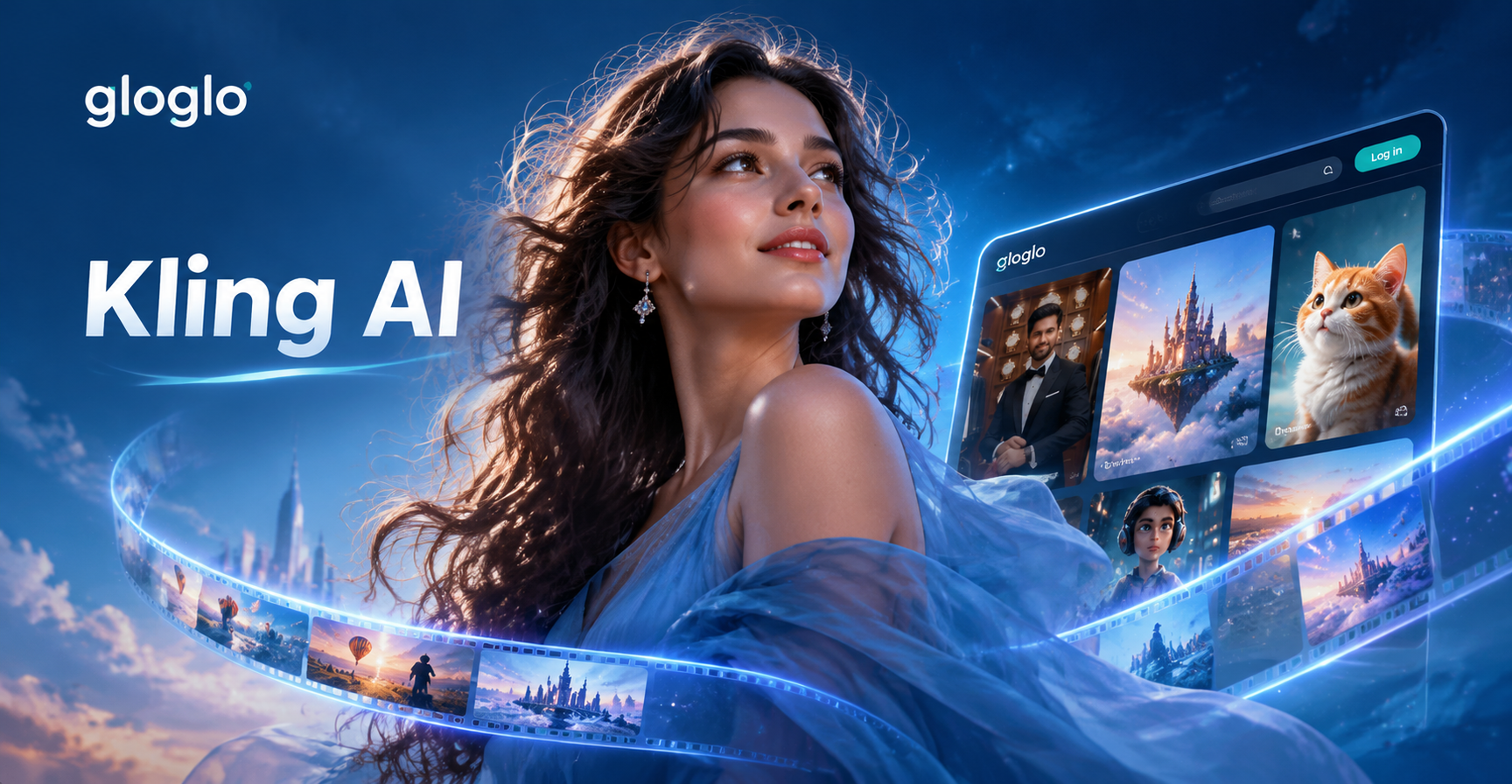
Kling AI Prompts That Turn Ideas into Cinematic Videos
Explore Kling AI prompts for cinematic videos and images. Use Kling 2.1 styles, realistic motion, and creative scene ideas in gloglo. Download the app now.

Safe AI Clothing Swap: Telegram Undress Bots Alternative
Looking for Telegram undress bots? Try gloglo for safe AI clothing swaps and style transformations. Download the app now.
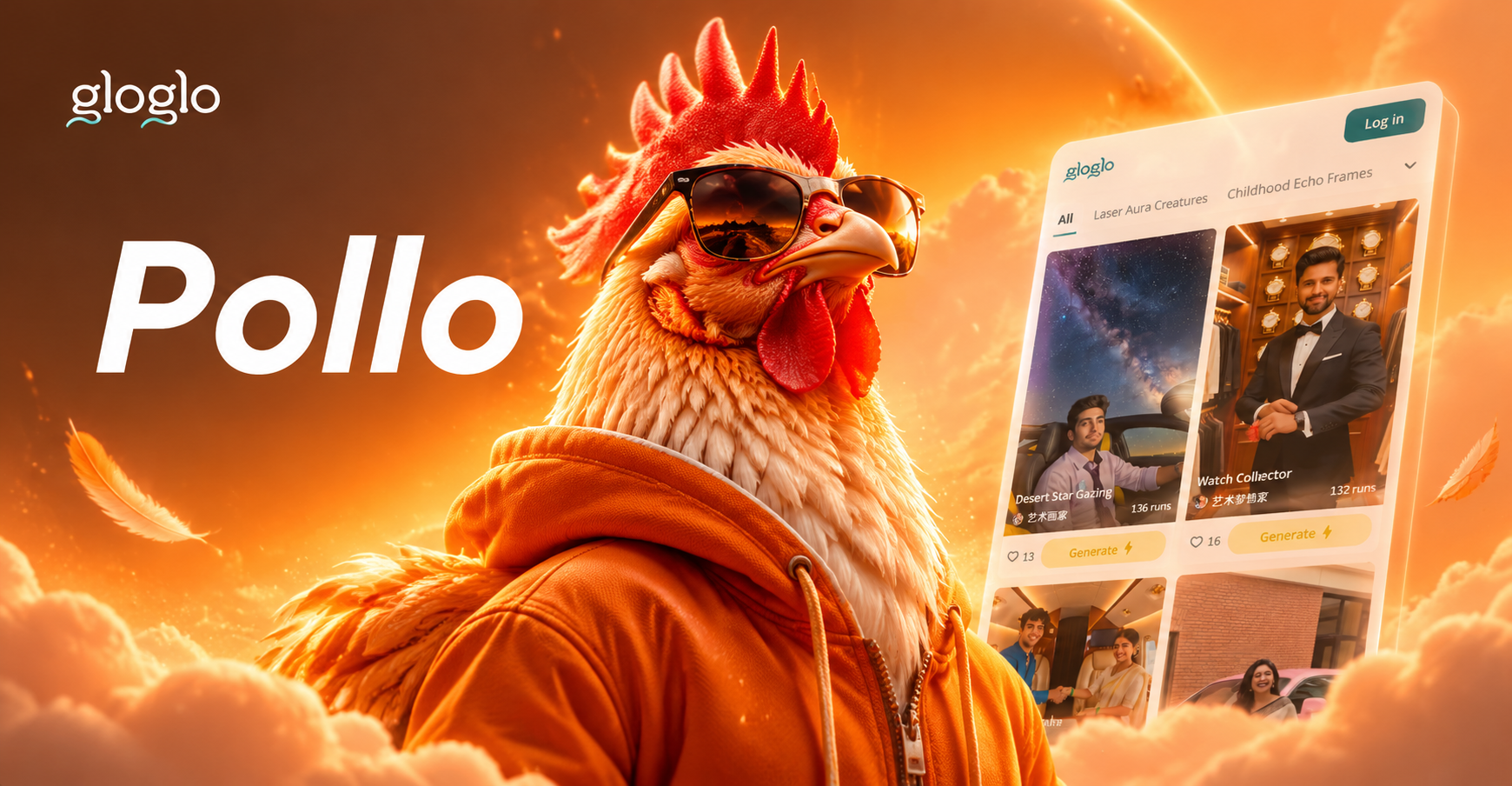
Create Fun Pollo AI Art with Creative Prompts
Explore Pollo AI prompts to generate playful, artistic chicken-themed images. Try these ready-to-use prompt ideas and turn simple text into stunning AI art with the gloglo app.
Enhance Faces Anywhere with gloglo
Download gloglo from Google Play and turn blurry portraits into sharp, polished photos in seconds. The best AI face enhancer is ready on your phone.

Enhance Faces Anywhere with gloglo
Download gloglo from Google Play and turn blurry portraits into sharp, polished photos in seconds. The best AI face enhancer is ready on your phone.