Kling AI Prompts for Cinematic Creation

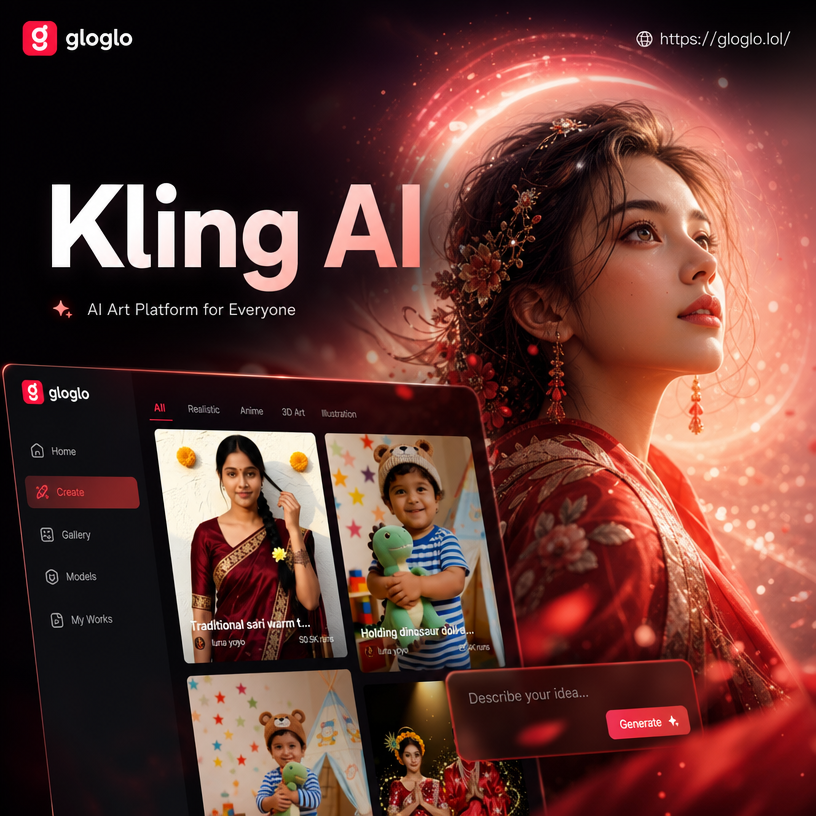
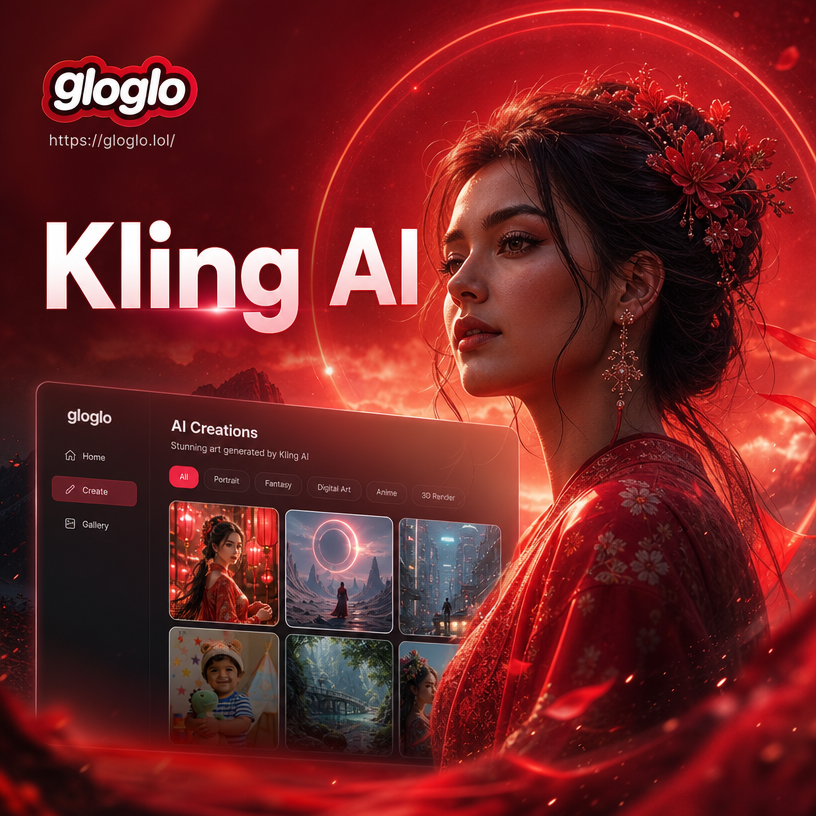

Explore Kling AI Style Filters
Discover filters and style templates that pair perfectly with Kling AI prompts, from cinematic realism to anime and 3D clay.
Key Features of Kling AI Prompts
Kling AI prompts inside gloglo give you powerful control over style, motion, and realism. Whether you want cinematic camera moves, portrait animation, or surreal scenes, you can generate polished results without complex prompt engineering.
Cinematic Motion Control
Describe camera moves, lighting, and pacing. Kling AI interprets your prompt into smooth, film-like video sequences with natural motion.
Kling 2.1 Realism
Access updated Kling 2.1 style logic for sharper textures, better face consistency, and more accurate lighting in generated scenes.

Style and Scene Variety
Mix prompts with anime, cyberpunk, watercolor, or 3D clay filters. One prompt can produce multiple creative directions across styles.
How to Use Kling AI Prompts in gloglo
Turn a simple text prompt into a stunning Kling AI video or image in three easy steps. No design skills needed, just download gloglo and start creating cinematic content.

Step 01.
Download gloglo from Google Play and open the app to access Kling AI prompt tools.

Step 02.
Choose a Kling AI style filter or enter your own prompt. Pick from cinematic, anime, 3D clay, and more.

Step 03.
Generate your image or video, preview the result, then download or share it directly to social media.
Popular Kling AI Prompt Styles
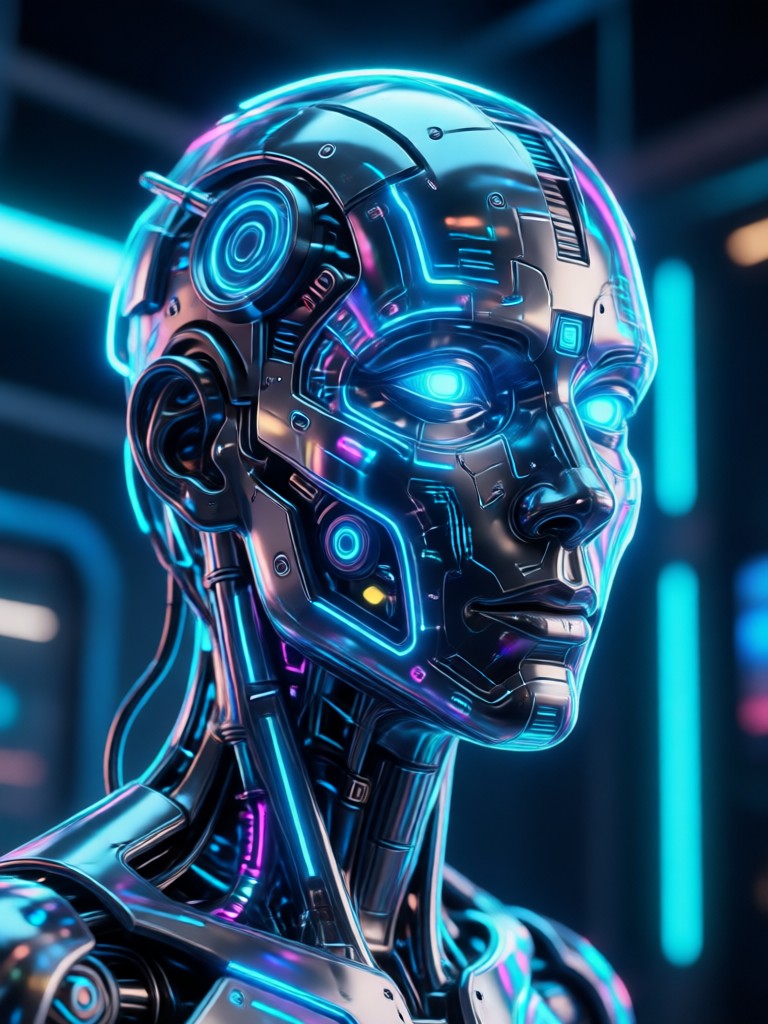
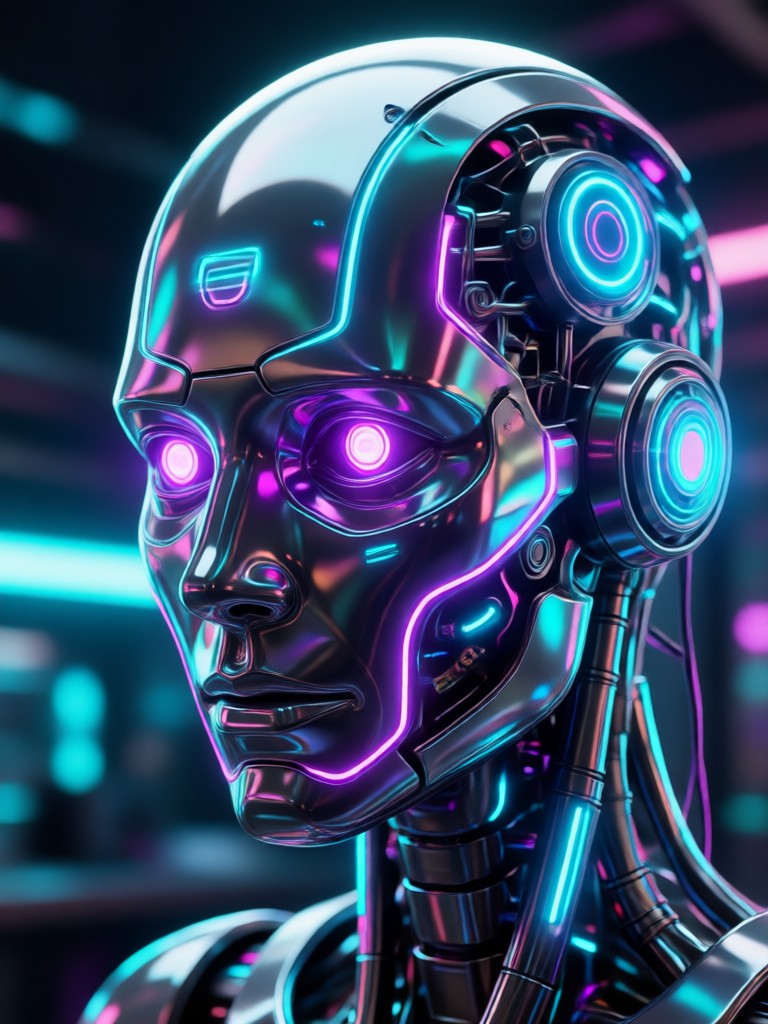
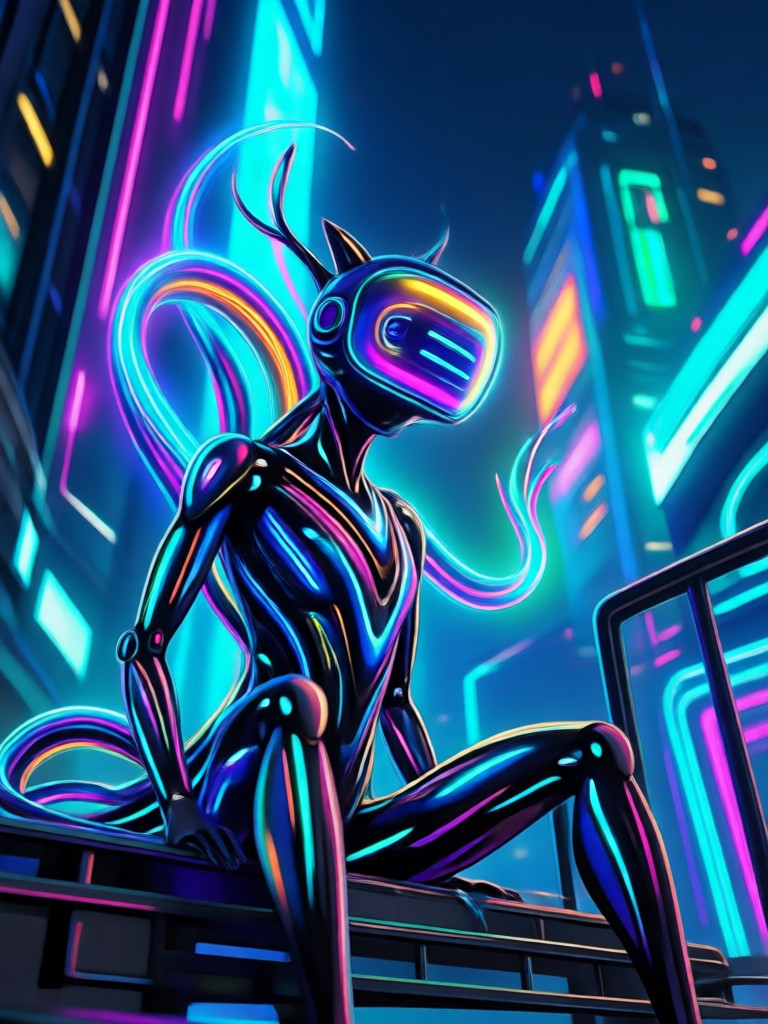
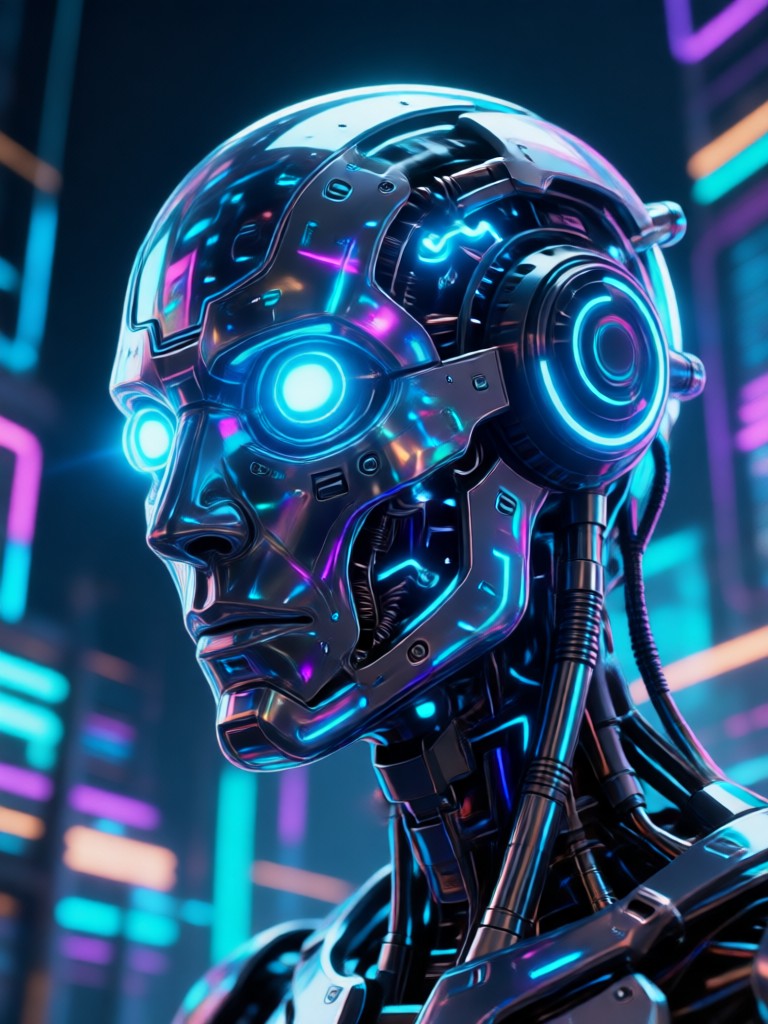
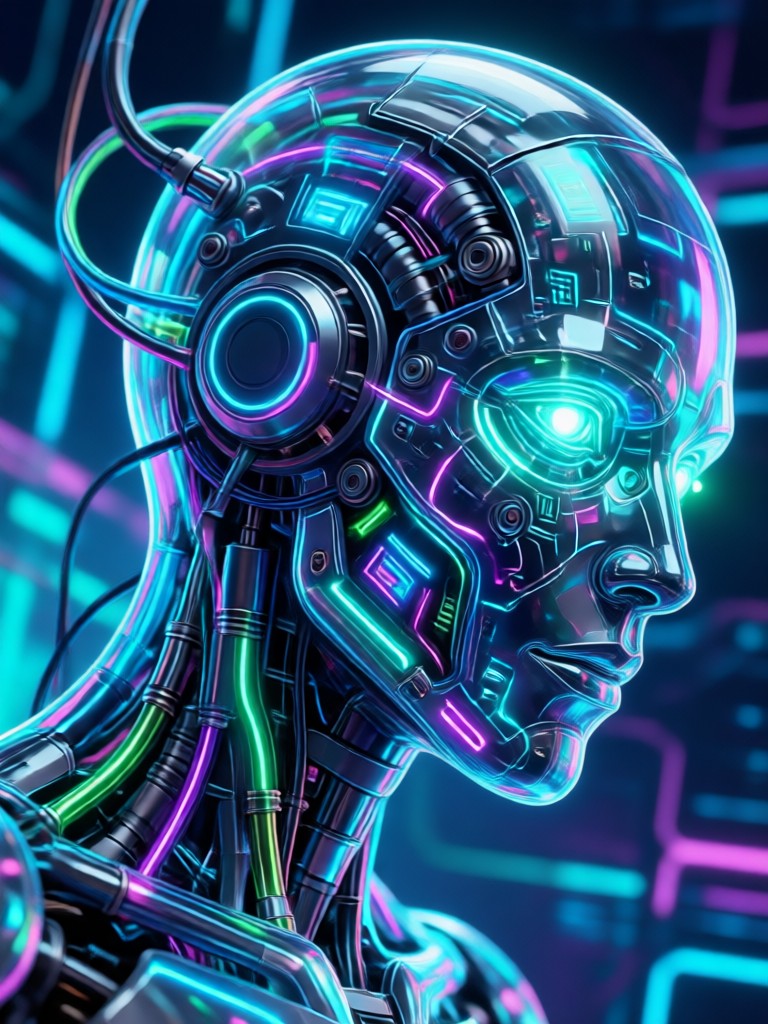
See what creators are making with Kling AI prompts. Each style below uses the same simple process. Pick a label, enter a prompt, and generate your own version in gloglo.
Why Use Kling AI Prompts in gloglo
Kling AI prompts save you hours of editing and rendering. The gloglo app combines style filters, motion logic, and face consistency so your images and videos look professionally produced. Upload a photo or start from text, and let the AI do the heavy lifting.
Why Use Kling AI Prompts in gloglo
Kling AI prompts save you hours of editing and rendering. The gloglo app combines style filters, motion logic, and face consistency so your images and videos look professionally produced. Upload a photo or start from text, and let the AI do the heavy lifting.
What Creators Say About Kling AI Prompts
Cinematic results without the learning curve
I tried Kling AI prompts for a short fashion reel. The lighting and motion looked like a professional camera crew shot it. Took me less than five minutes.
Kling 2.1 made my stills move beautifully
I uploaded a portrait and used a Kling 2.1 prompt to add subtle wind and hair movement. The result was smooth and realistic. My audience thought it was real footage.
Perfect for experimenting with different styles
Switching between cinematic, anime, and cyberpunk prompts is so easy. I use gloglo for all my concept art and short video tests before full production.
Frequently Asked Questions
Find answers to common questions about Kling AI prompts, Kling 2.1, and how to use them in the gloglo mobile app.
More Topics You May Like
Explore more topics you may like and discover fresh ideas tailored to your interests.

Safe AI Clothing Swap: Telegram Undress Bots Alternative
Create Fun Pollo AI Art with Creative Prompts

Heygen AI Prompts: Create AI Video Avatars & Talking Heads

Best YouTube Alternatives: Top 8 Picks for Creators
Safe AI Clothing Swap: Telegram Undress Bots Alternative
Create Fun Pollo AI Art with Creative Prompts
Heygen AI Prompts: Create AI Video Avatars & Talking Heads
Best YouTube Alternatives: Top 8 Picks for Creators
Create with Kling AI Prompts Now
Ready to turn words into cinematic visuals? Download gloglo on Google Play and explore Kling AI prompts, hundreds of style filters, and fast generation. Your next viral video is a few taps away.
Create with Kling AI Prompts Now
Ready to turn words into cinematic visuals? Download gloglo on Google Play and explore Kling AI prompts, hundreds of style filters, and fast generation. Your next viral video is a few taps away.