Captions AI
Choose a Caption Style That Matches Your Brand
Explore AI caption templates for every platform and tone, from playful social posts to polished professional updates.
Key Features of Captions AI
Create on-brand captions in seconds with powerful AI writing tools designed for creators, marketers, and small businesses.
Smart Caption Generator
Turn a few keywords into complete captions that match your voice. Just pick a platform and tone, and the AI writes multiple options you can copy instantly.
Smart Caption Generator
Turn a few keywords into complete captions that match your voice. Just pick a platform and tone, and the AI writes multiple options you can copy instantly.
Automatic Hashtag Suggestions
Boost discoverability with relevant hashtags generated for each caption. Choose from popular, niche, or branded tags without doing manual research.
Automatic Hashtag Suggestions
Boost discoverability with relevant hashtags generated for each caption. Choose from popular, niche, or branded tags without doing manual research.
Tone and Style Control
Switch between witty, professional, emotional, and promotional writing styles. Adjust length and language so every caption fits your content perfectly.
Tone and Style Control
Switch between witty, professional, emotional, and promotional writing styles. Adjust length and language so every caption fits your content perfectly.
Popular Caption Styles You Can Generate
Browse sample caption formats for different content goals. Download the app to generate similar captions tailored to your own photos and videos.



Why Creators Use Captions AI Every Day
Writing captions takes time and creative energy. Captions AI removes the guesswork by generating platform-ready text in seconds. Keep your feed consistent, engage your audience, and never stare at a blank caption box again.
Why Creators Use Captions AI Every Day
Writing captions takes time and creative energy. Captions AI removes the guesswork by generating platform-ready text in seconds. Keep your feed consistent, engage your audience, and never stare at a blank caption box again.
How to Generate AI Captions in 3 Steps
Create polished captions for any post in minutes using the gloglo app.
Step 01.
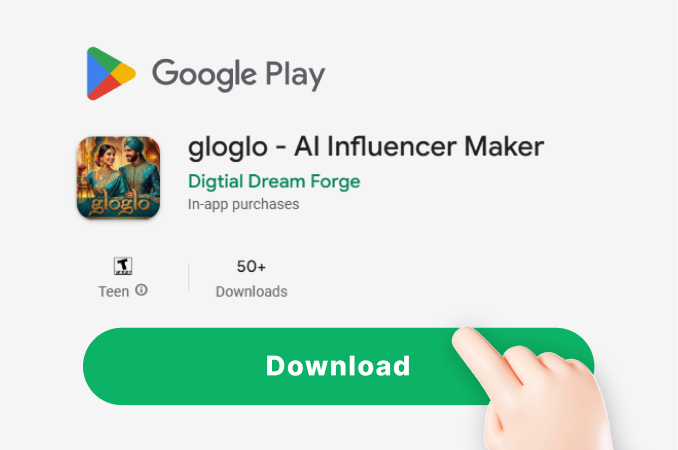
Download the gloglo app from Google Play and open the Captions AI tool.
Step 02.
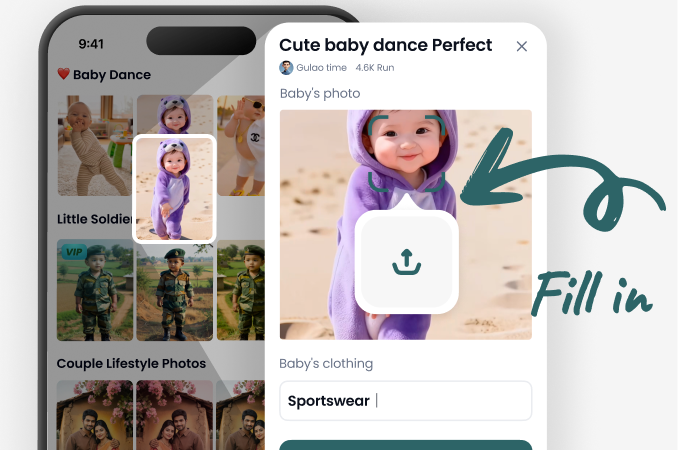
Describe your photo or video, pick a tone and platform, and add any keywords you want included.
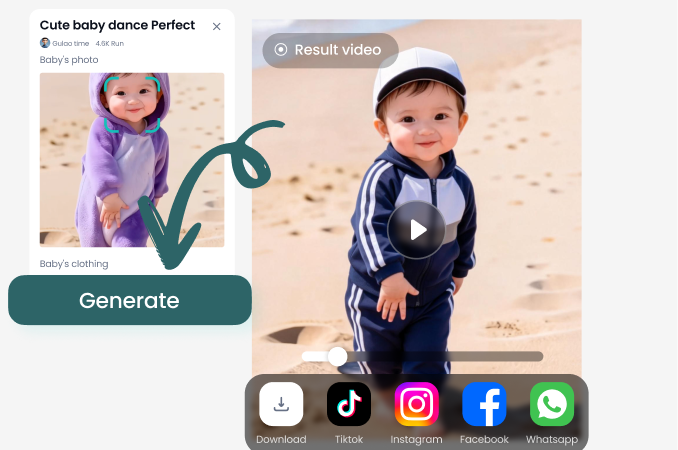
Step 03.
Generate multiple caption options, copy your favorite, and share it directly to Instagram, TikTok, or YouTube.
Captions AI for All Your Social Platforms
Generate captions for Instagram, TikTok, Facebook, LinkedIn, and YouTube Shorts. Get the right tone and format every time.

What Users Say About Captions AI
I save hours every week
I used to spend 20 minutes writing captions for each reel. Now I open Captions AI, type three words, and get five great options. My engagement actually went up because the hooks are stronger.
Perfect for my small business
Running a boutique means posting daily. Captions AI gives me professional, on-brand captions in seconds. The hashtag suggestions alone are worth the download.
Finally no more caption block
I used to skip posting because writing captions felt like a chore. This app makes it fun. The witty style always makes me laugh and my followers love it.
Frequently Asked Questions
Find clear answers about Captions AI and how to get the most out of the gloglo app.
More Topics You May Like
Explore more caption and content creation resources to level up your social media game.

Best YouTube Alternatives: Top 8 Picks for Creators

Heygen AI Prompts: Create AI Video Avatars & Talking Heads
Create Fun Pollo AI Art with Creative Prompts
Safe AI Clothing Swap: Telegram Undress Bots Alternative
Best YouTube Alternatives: Top 8 Picks for Creators
Heygen AI Prompts: Create AI Video Avatars & Talking Heads
Create Fun Pollo AI Art with Creative Prompts
Safe AI Clothing Swap: Telegram Undress Bots Alternative
Ready to Write Better Captions with AI?
Download gloglo and start generating platform-ready captions, hooks, and hashtags in seconds. Your next viral post is one tap away.

Ready to Write Better Captions with AI?
Download gloglo and start generating platform-ready captions, hooks, and hashtags in seconds. Your next viral post is one tap away.