YouTube Reaction Thumbnail Prompts
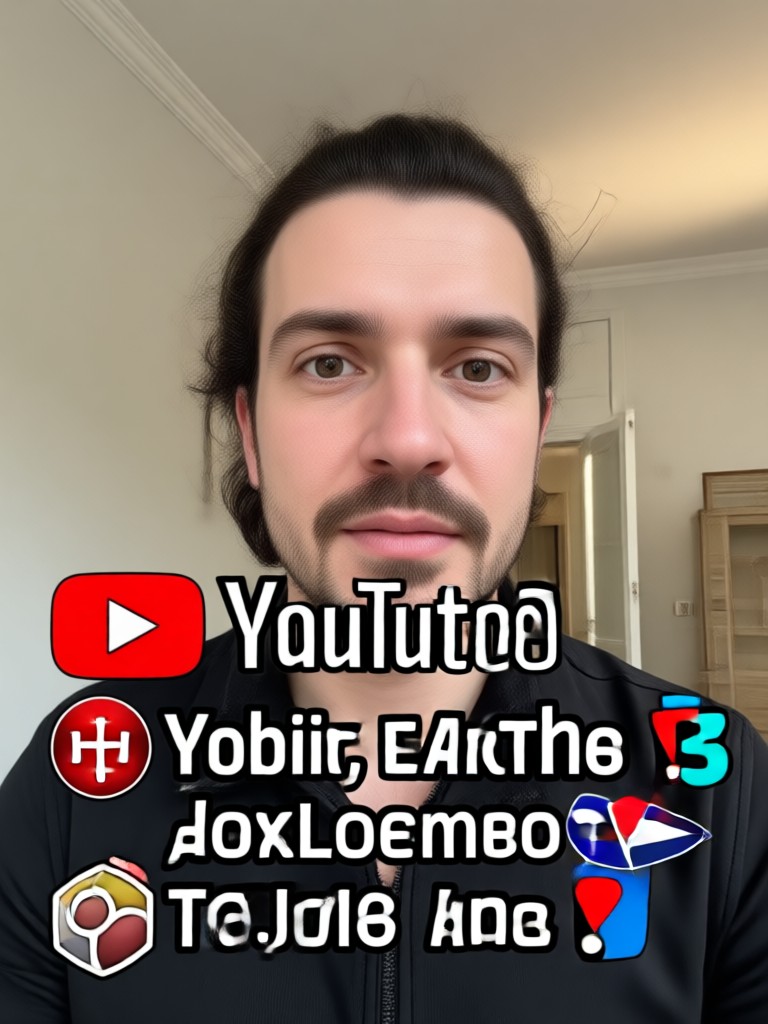
Choose a Thumbnail Style for Your Reaction
Explore filters that match your video mood, from hyper realistic to anime and comic styles.
Key Features of AI Reaction Thumbnail Prompts
Generate high quality reaction thumbnails for YouTube using gloglo's powerful AI tools and style filters.
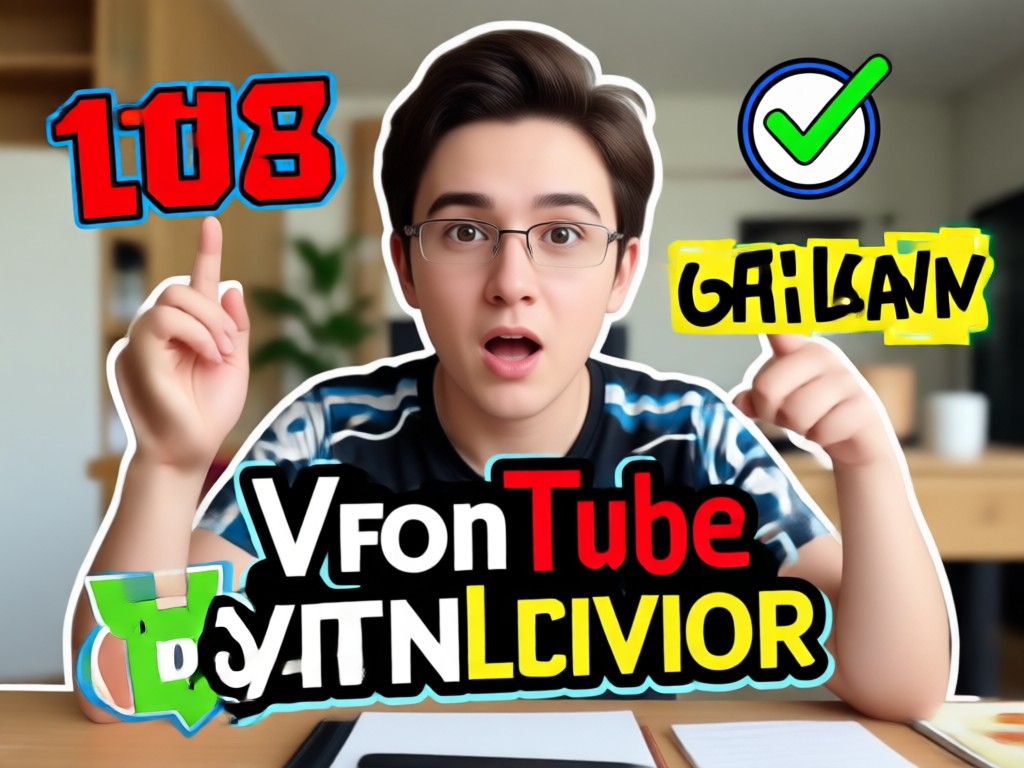
Instant Face Reaction Generation
Upload a photo and choose a reaction prompt. AI adds shocked, laughing, or excited expressions while keeping your face recognizable.
Instant Face Reaction Generation
Upload a photo and choose a reaction prompt. AI adds shocked, laughing, or excited expressions while keeping your face recognizable.
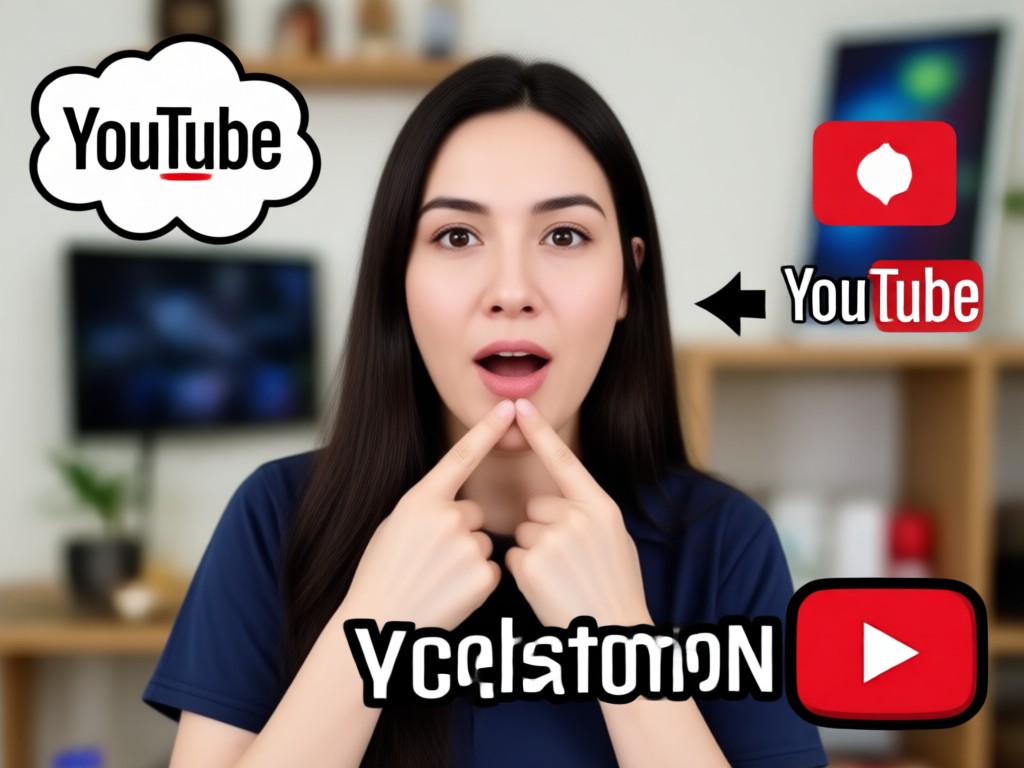
Massive Style Filter Library
Apply over a million styles including realistic photo, anime, comic, and cinematic looks. Match your channel's vibe with one tap.
Massive Style Filter Library
Apply over a million styles including realistic photo, anime, comic, and cinematic looks. Match your channel's vibe with one tap.
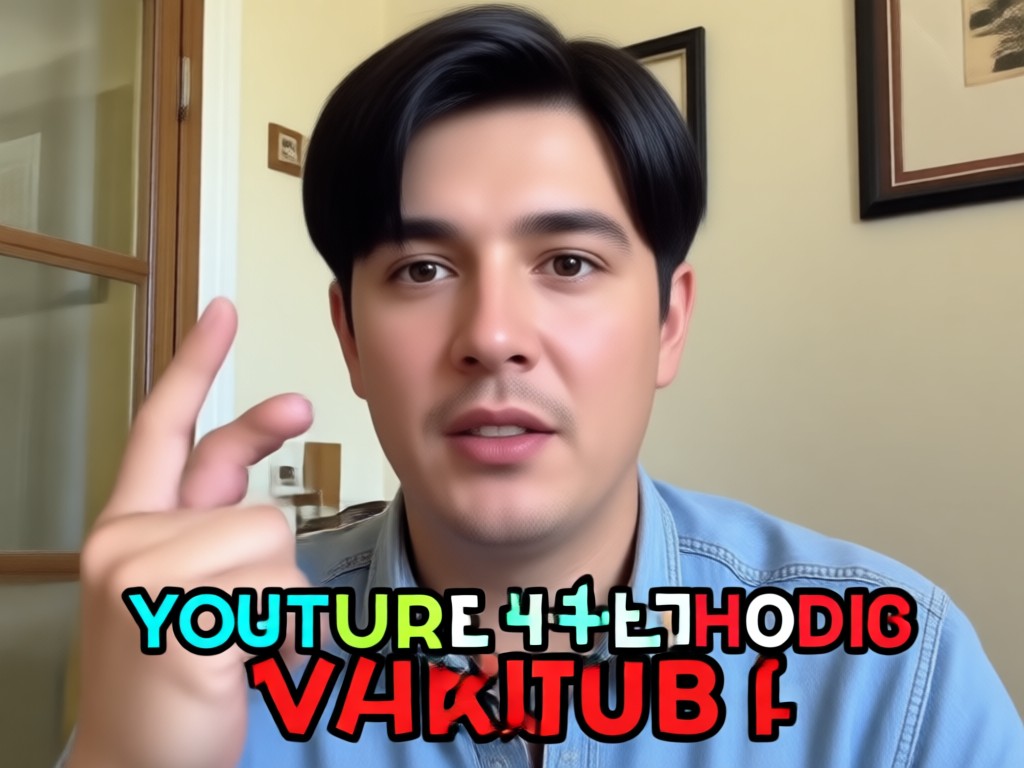
Viral Thumbnail Optimization
Create bold, high contrast thumbnails designed to increase clicks. Use dramatic expressions and colorful backgrounds that stand out in search results.
Viral Thumbnail Optimization
Create bold, high contrast thumbnails designed to increase clicks. Use dramatic expressions and colorful backgrounds that stand out in search results.
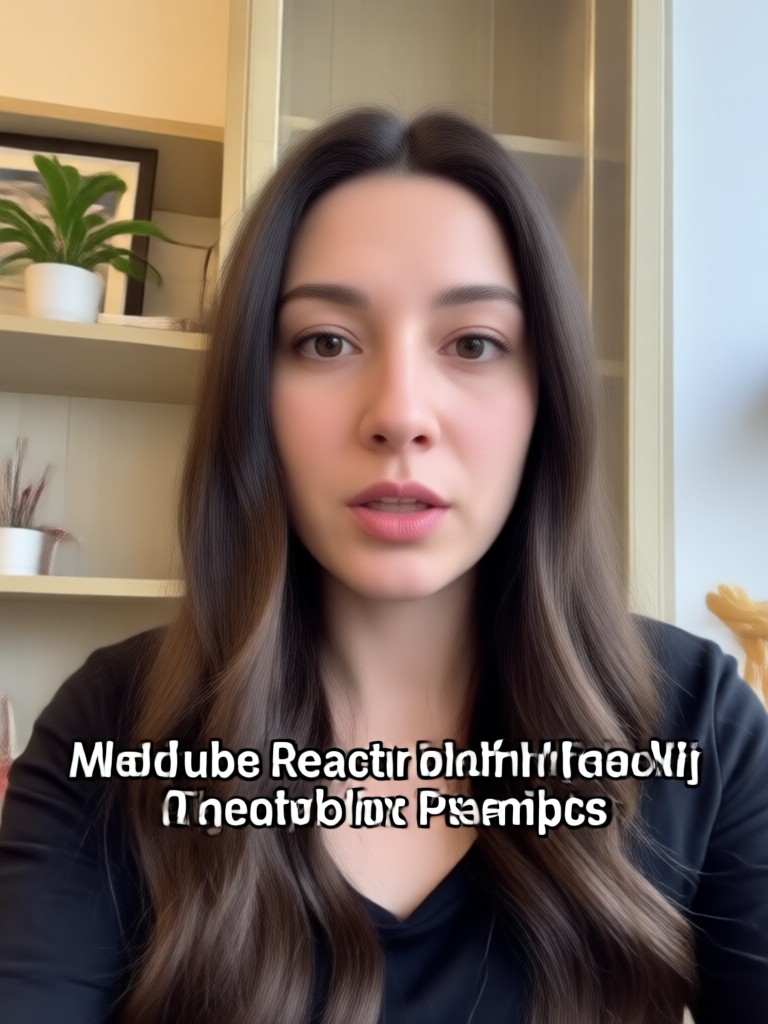
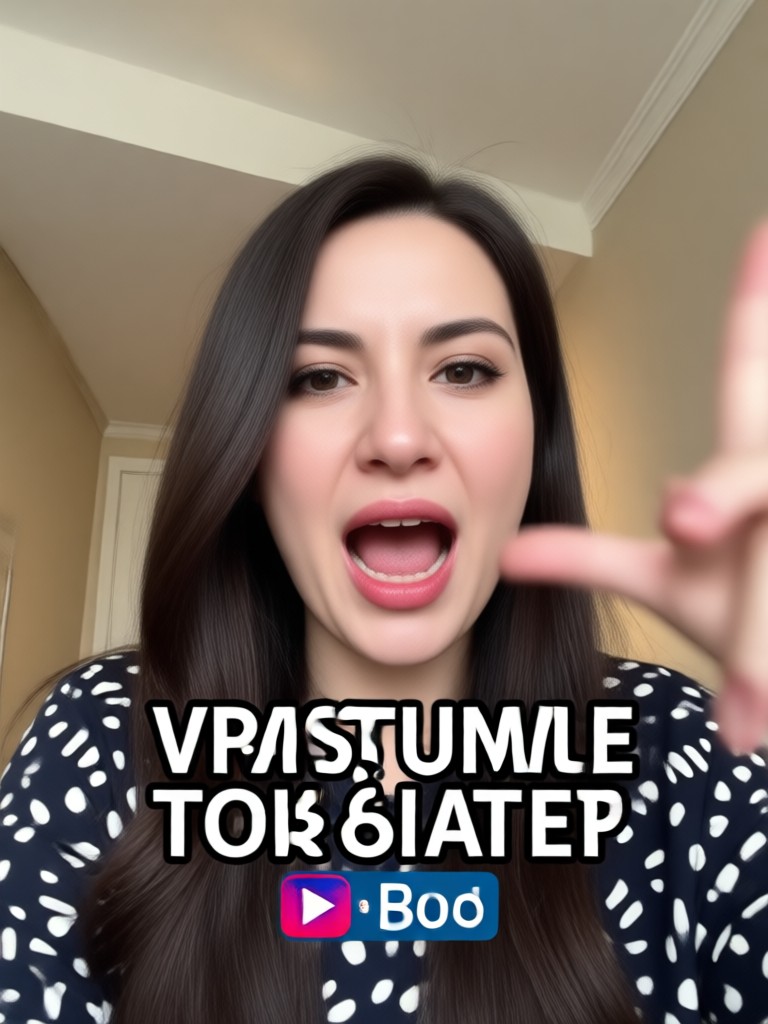
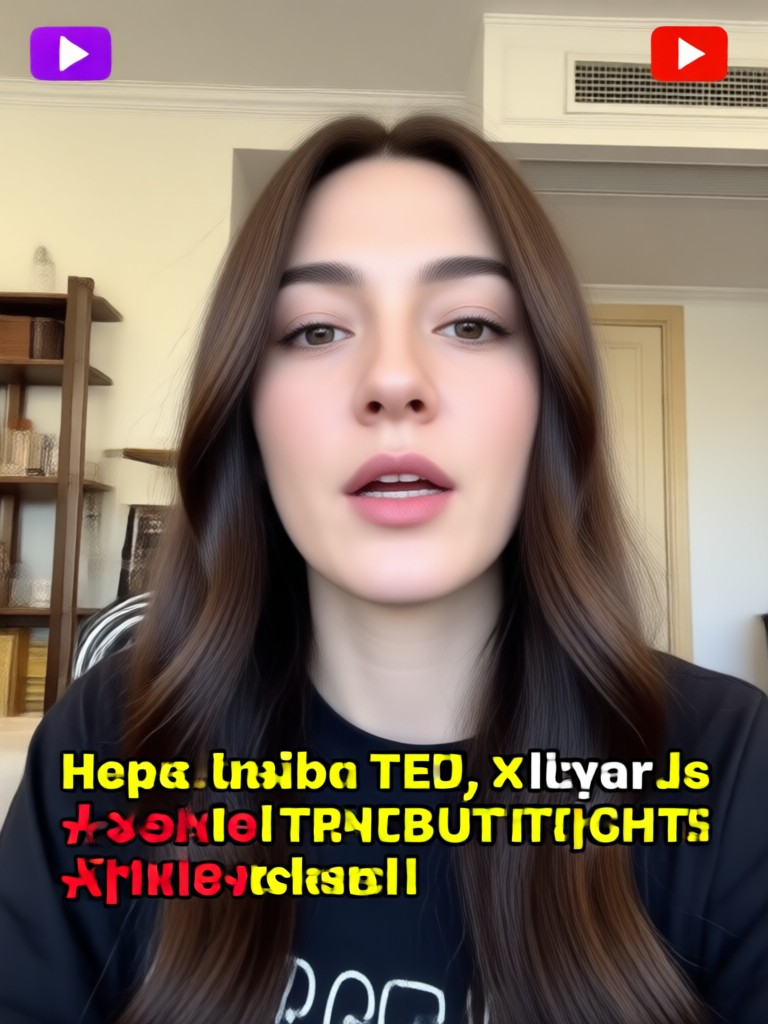
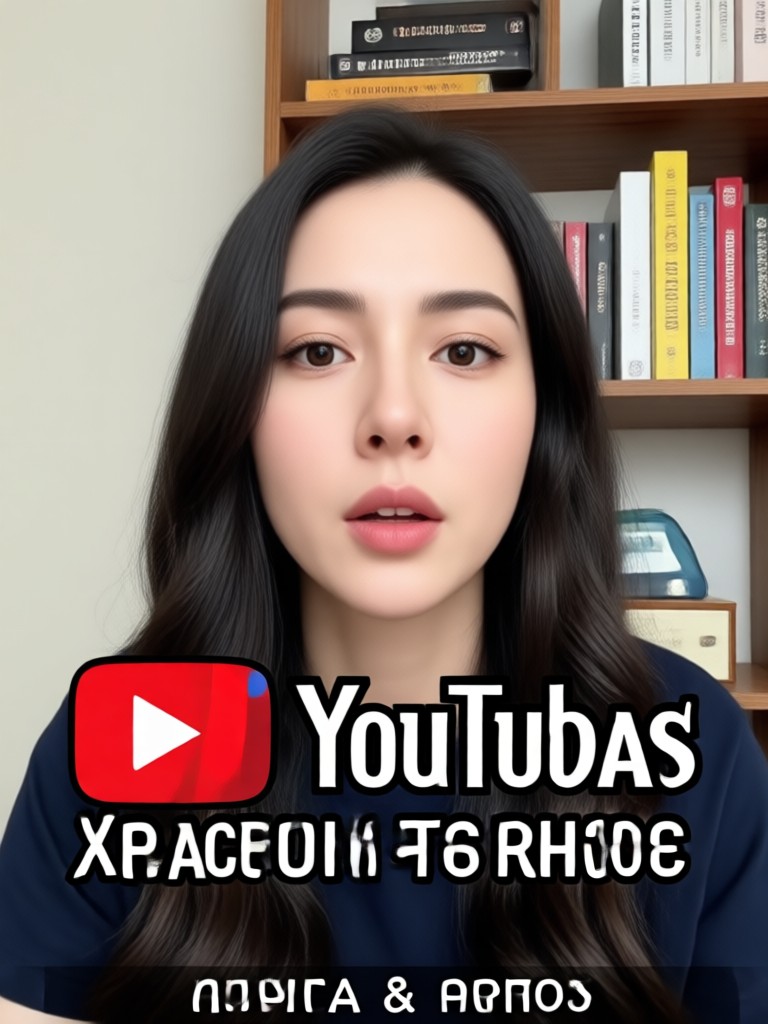
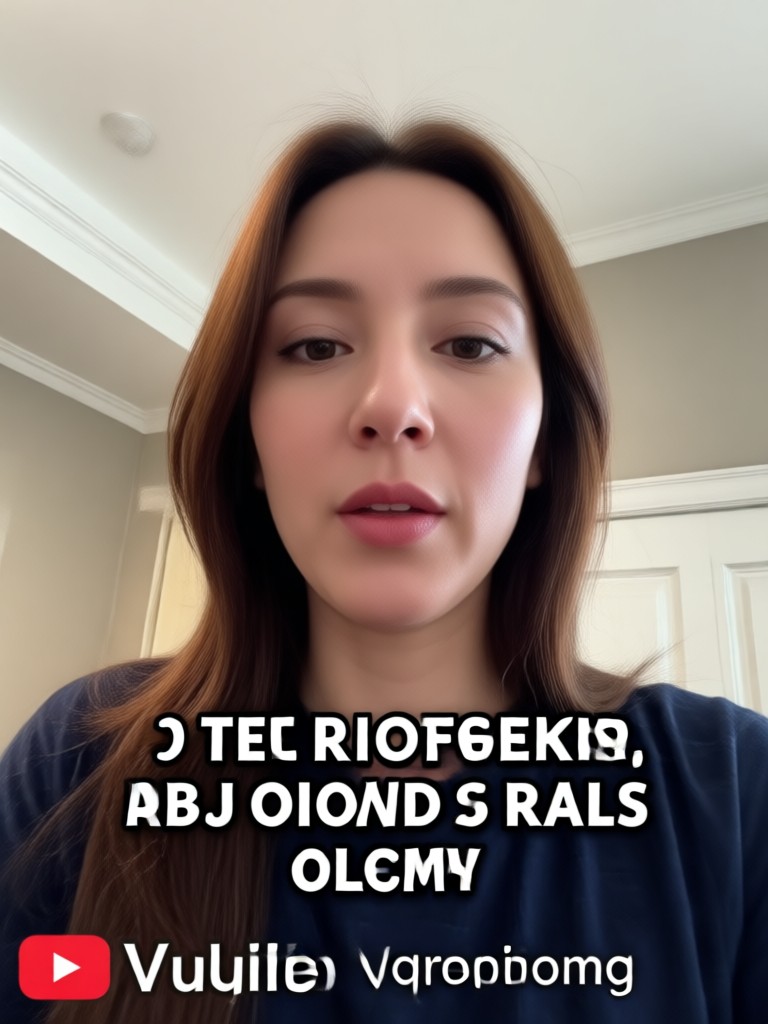
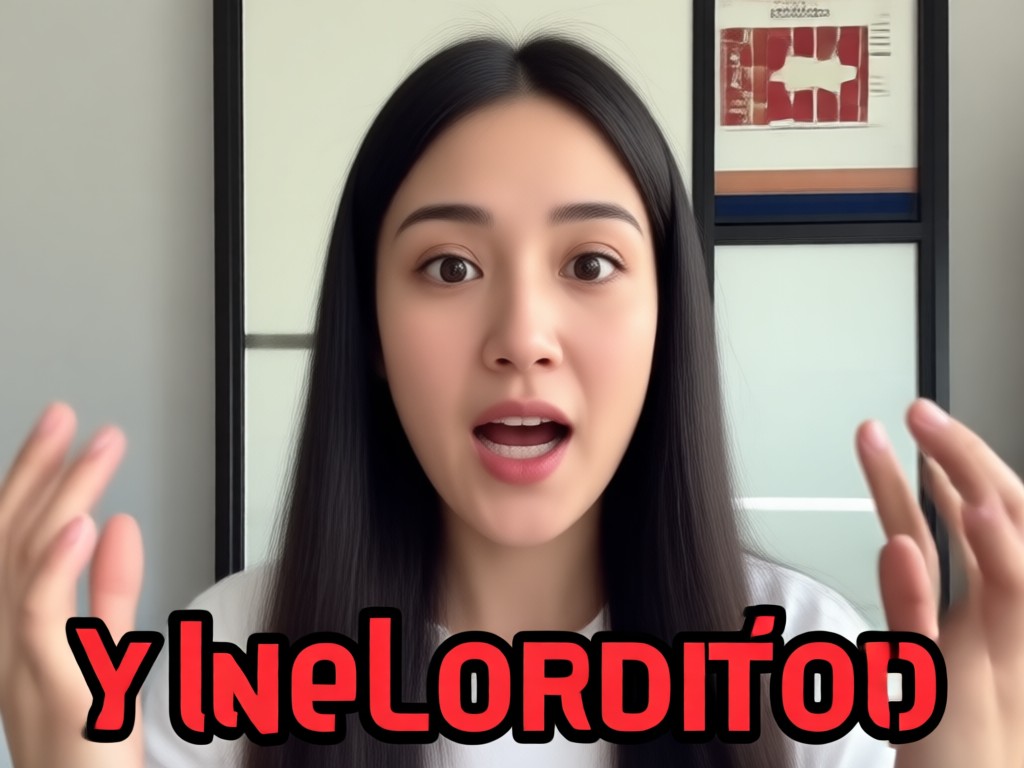
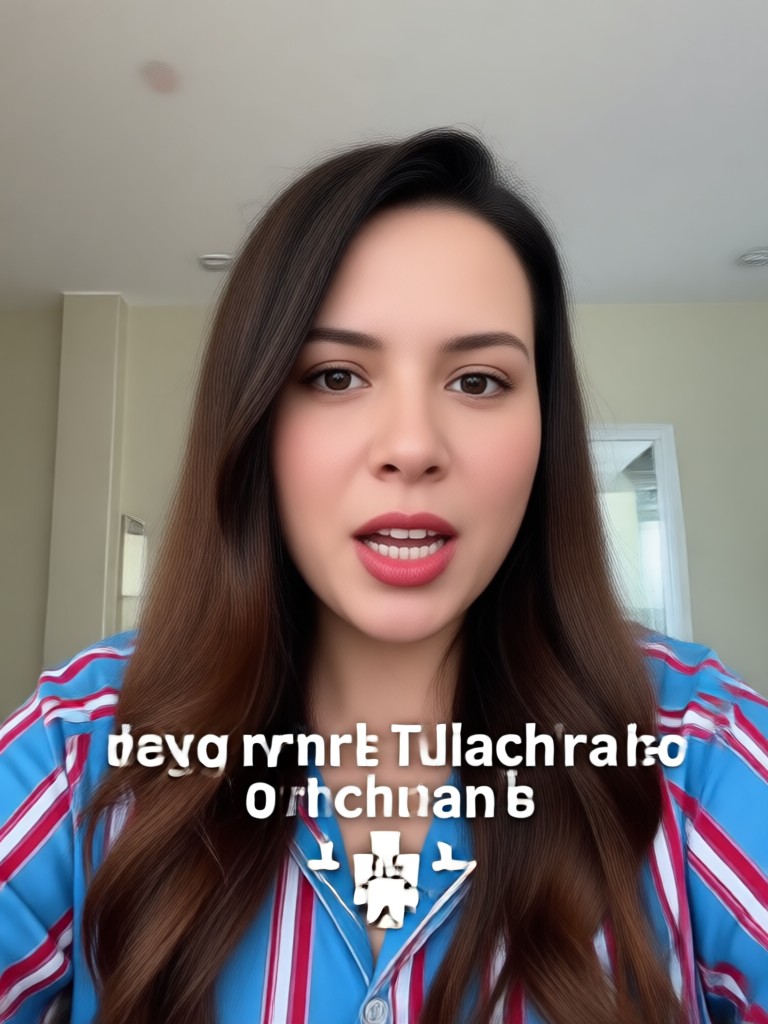
Popular Reaction Thumbnail Styles to Try
See how different AI prompts turn a neutral face into a high impact YouTube reaction thumbnail. Choose a style and generate your own in seconds.
How to Create YouTube Reaction Thumbnails with AI
Follow three simple steps to generate custom reaction thumbnails using gloglo on your phone.

Step 01.
Download the gloglo app from Google Play and open the AI image generator.

Step 02.
Upload a portrait or selfie and pick a reaction style like shocked, laughing, or excited.

Step 03.
Enter your favorite YouTube reaction thumbnail prompt, generate, and save the ready to upload image.
Why Use AI for YouTube Reaction Thumbnails?
Traditional thumbnail editing takes hours. AI prompts let you generate expressive, attention grabbing reaction faces in seconds without complex software or design skills. Just upload a photo, choose a prompt, and download a thumbnail that looks professionally made.
Why Use AI for YouTube Reaction Thumbnails?
Traditional thumbnail editing takes hours. AI prompts let you generate expressive, attention grabbing reaction faces in seconds without complex software or design skills. Just upload a photo, choose a prompt, and download a thumbnail that looks professionally made.
What Creators Say About gloglo Reaction Thumbnails
Finally no more boring thumbnails
I used to spend hours in Photoshop making reaction faces. With gloglo prompts I get a better thumbnail in under a minute. My click through rate went up noticeably.
Perfect for my reaction channel
The AI facial expressions look natural and the style filters match my content perfectly. I can test ten different prompts before choosing one.
Incredibly easy to use
I have zero design experience. I typed a shocked face prompt, picked a comic style, and downloaded a thumbnail I was proud to upload.
Frequently Asked Questions About YouTube Reaction Thumbnail Prompts
Find clear answers about generating reaction thumbnails with AI prompts and the gloglo mobile app.
Download gloglo to Create Reaction Thumbnails on the Go
Access AI reaction thumbnail prompts, style filters, and face generation tools directly from your phone. No web editor needed.

More YouTube Thumbnail Topics You May Like
Explore more AI thumbnail ideas and creative guides to boost your channel.

Prompt On Boat: Create Stunning AI Boat Art

Create Heartwarming Granddad and Grandson Photo Prompts

Master Medium Shot Photos with AI Prompts
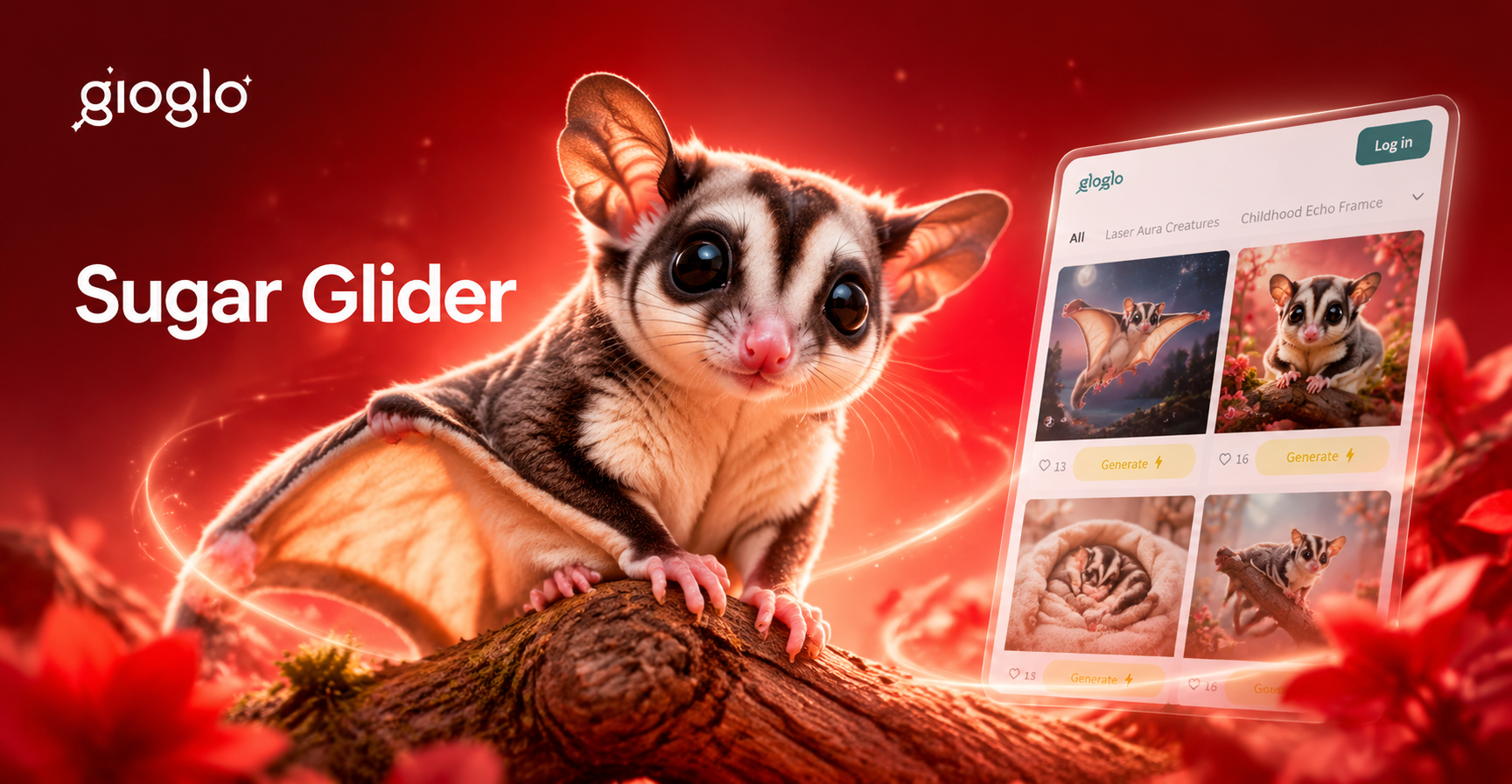
Adorable Sugar Glider Image Prompts for AI Art
Prompt On Boat: Create Stunning AI Boat Art
Create Heartwarming Granddad and Grandson Photo Prompts
Master Medium Shot Photos with AI Prompts
Adorable Sugar Glider Image Prompts for AI Art
Turn Any Face into a Viral Reaction Thumbnail
Download gloglo now and get access to millions of AI style filters and reaction prompts. Create scroll stopping YouTube thumbnails in seconds.

Turn Any Face into a Viral Reaction Thumbnail
Download gloglo now and get access to millions of AI style filters and reaction prompts. Create scroll stopping YouTube thumbnails in seconds.