AI Medium Shot Photo Prompt
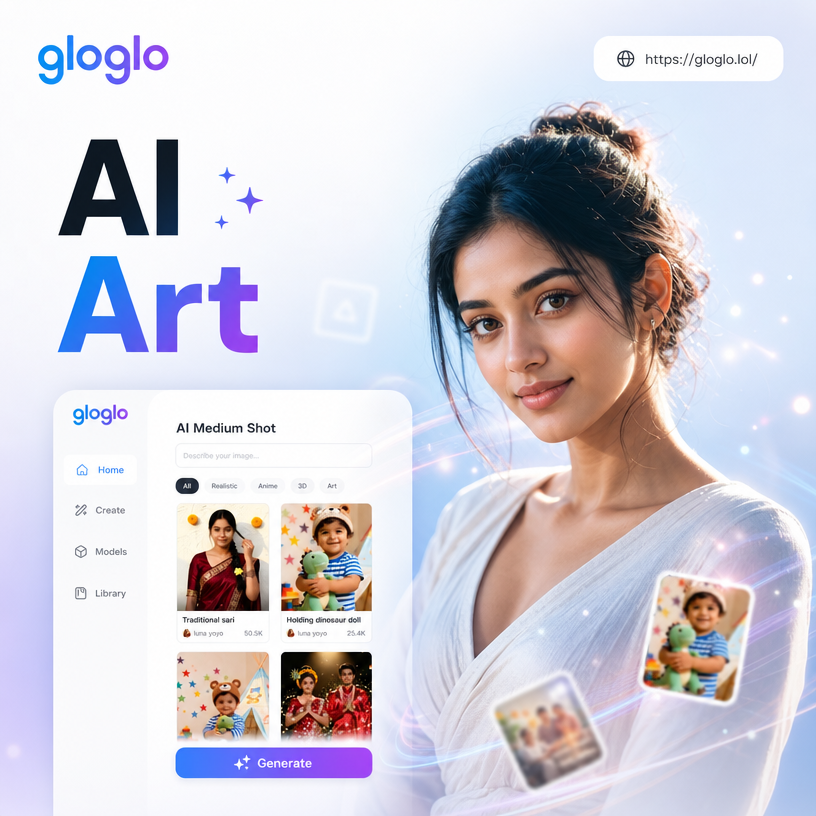


Choose the Medium Shot Style That Fits Your Scene
Explore AI filters for realistic photography, cinematic stills, anime art, and product shots. Find the perfect medium shot prompt style and generate in seconds.
Key Features for AI Medium Shot Photo Prompts
Turn simple text into balanced medium shot photos with the right framing, subject distance, and background detail. No complex prompt engineering required.
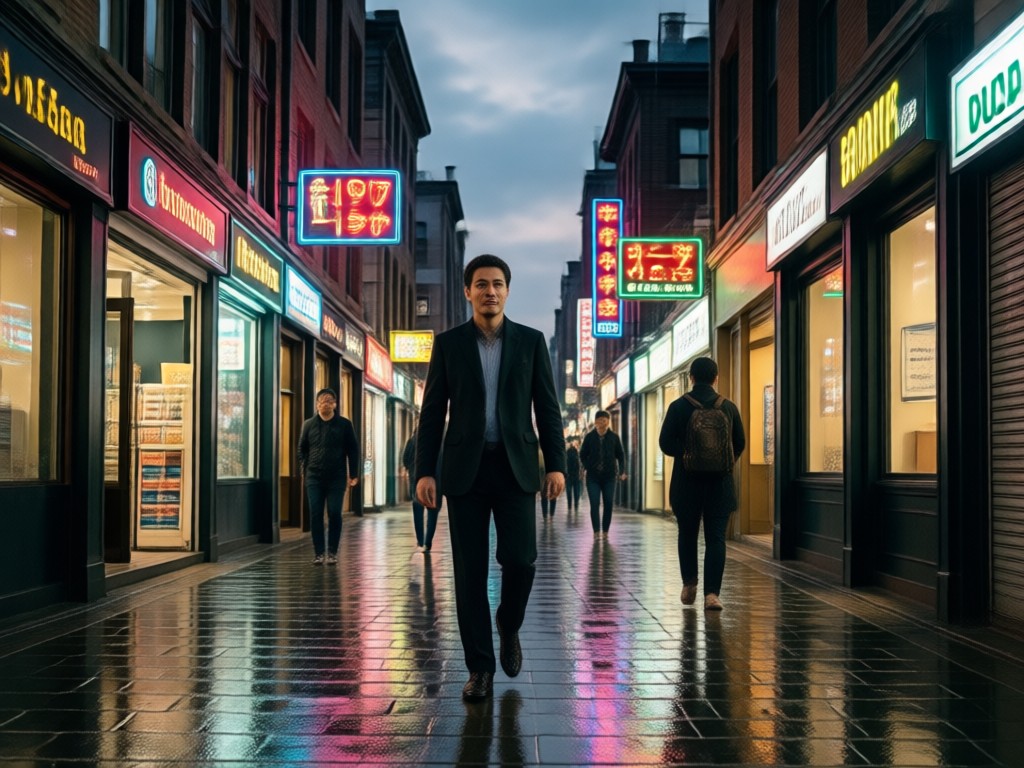
Text to Medium Shot Photos
Describe your scene in plain language. The AI composes a balanced medium shot with the right framing, subject distance, and background detail for you.
Text to Medium Shot Photos
Describe your scene in plain language. The AI composes a balanced medium shot with the right framing, subject distance, and background detail for you.
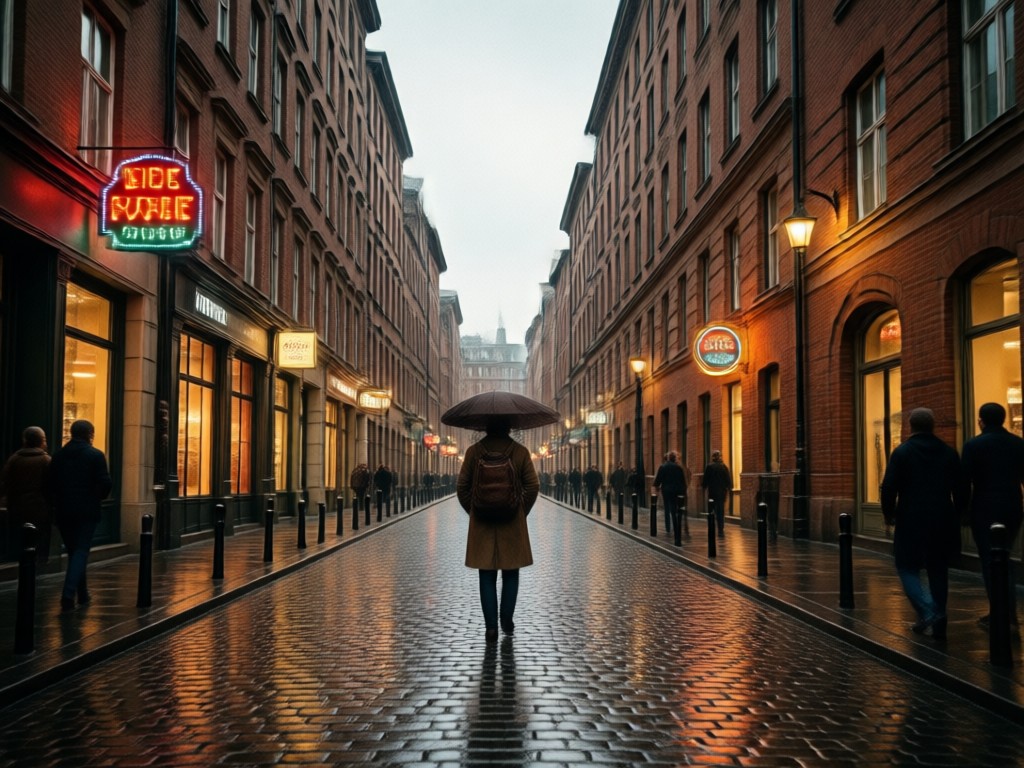
Image to Image Medium Shot
Upload a reference photo and keep the subject while changing camera angle, lighting, or style. Perfect for turning close ups into balanced medium shots.
Image to Image Medium Shot
Upload a reference photo and keep the subject while changing camera angle, lighting, or style. Perfect for turning close ups into balanced medium shots.
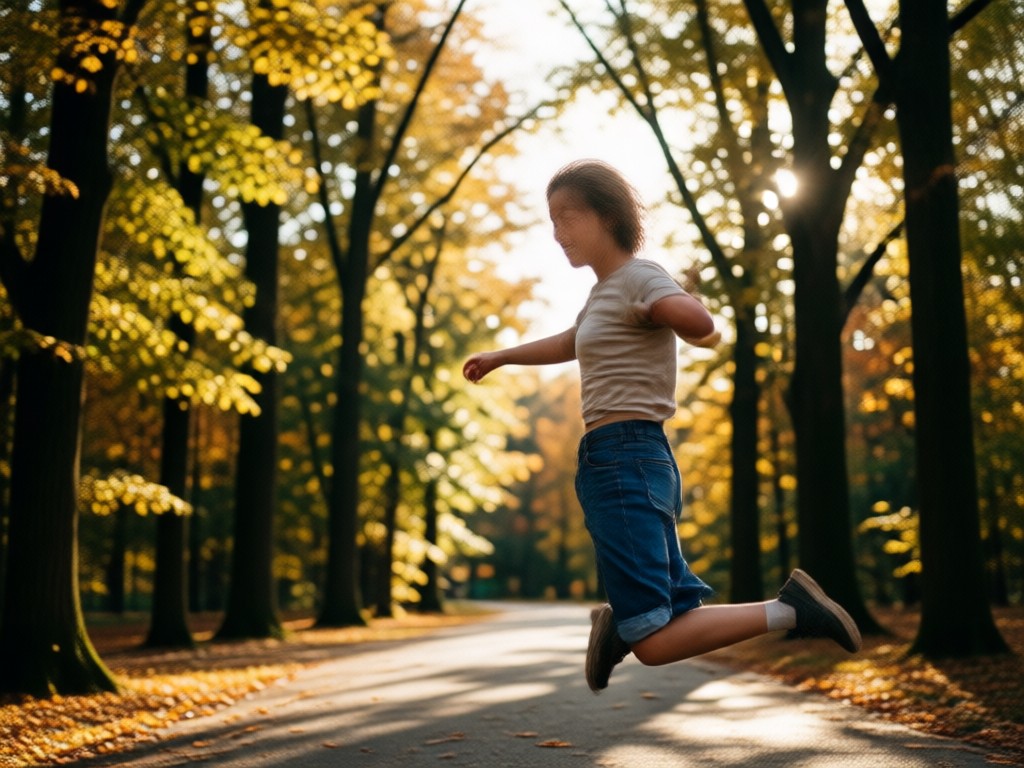
Cinematic Style Templates
Choose from over a million filters including film still, anime, product photography, and realistic portraits. Apply a look that matches your medium shot prompt.
Cinematic Style Templates
Choose from over a million filters including film still, anime, product photography, and realistic portraits. Apply a look that matches your medium shot prompt.
Explore AI Medium Shot Photo Examples
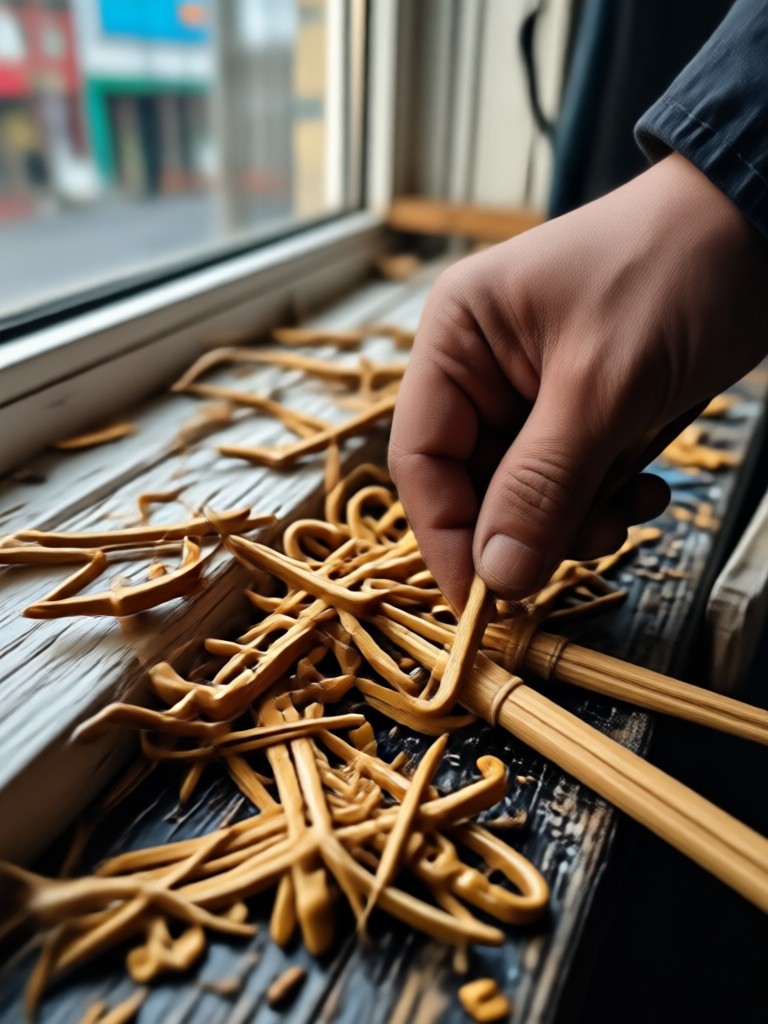
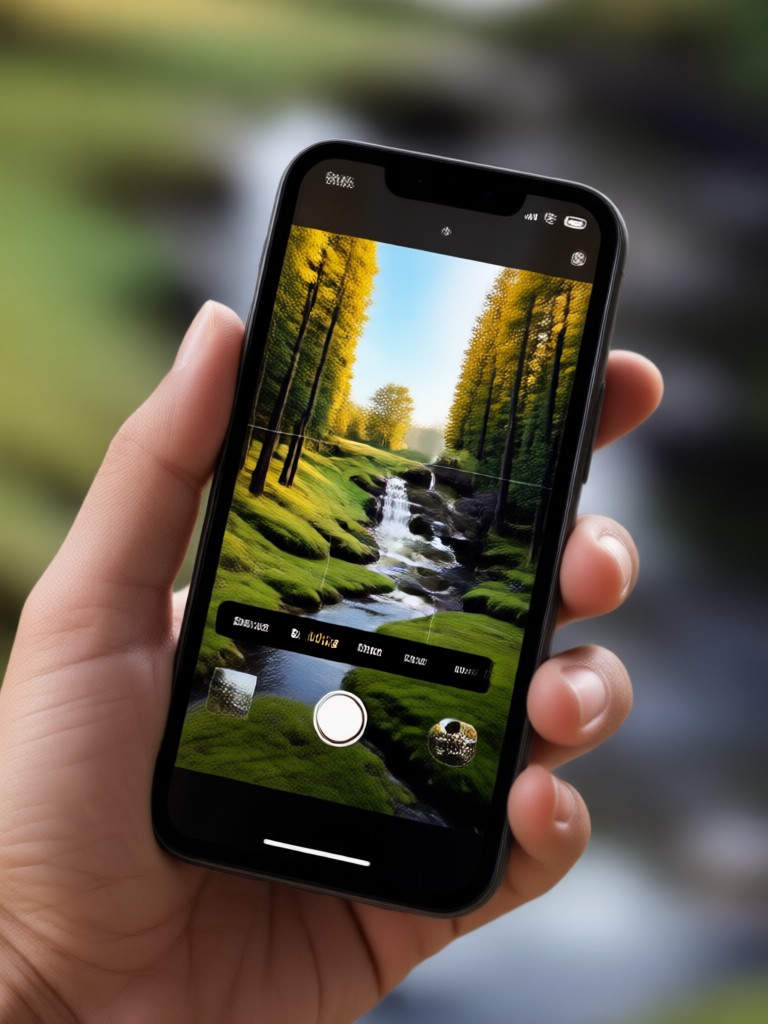
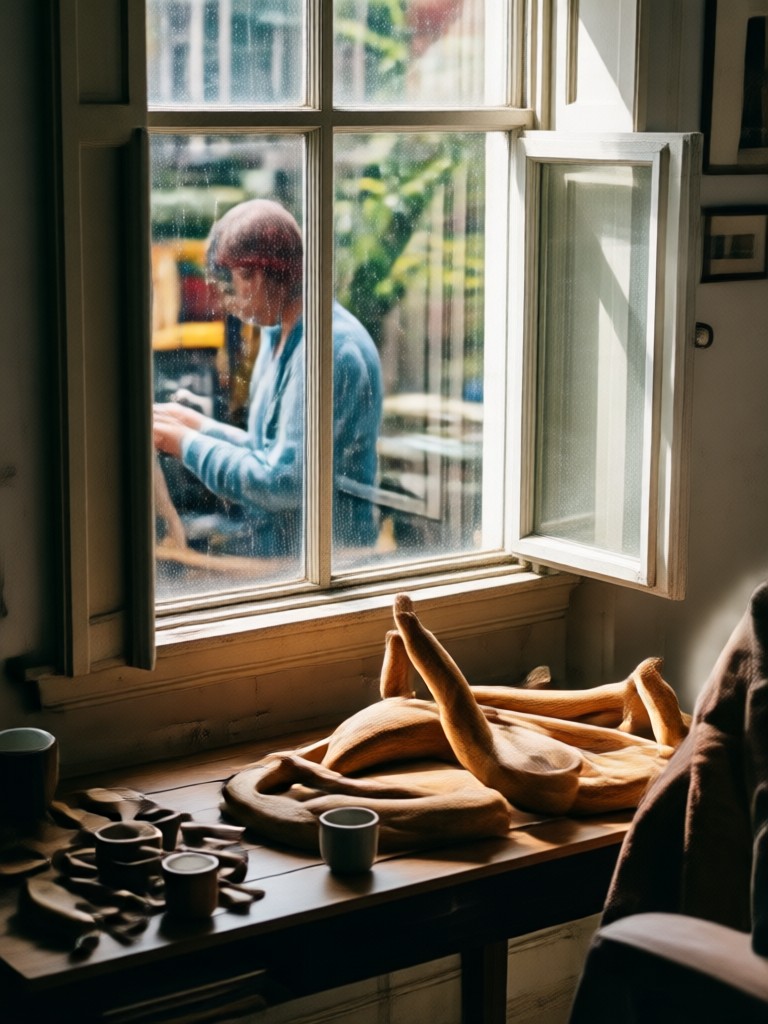
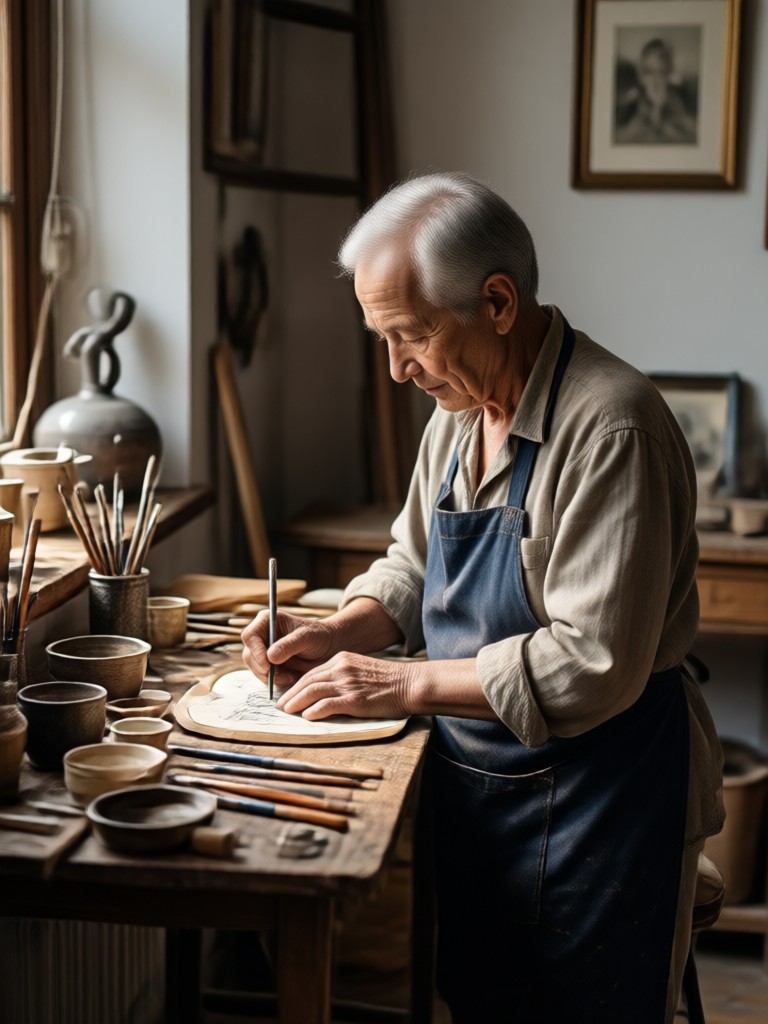
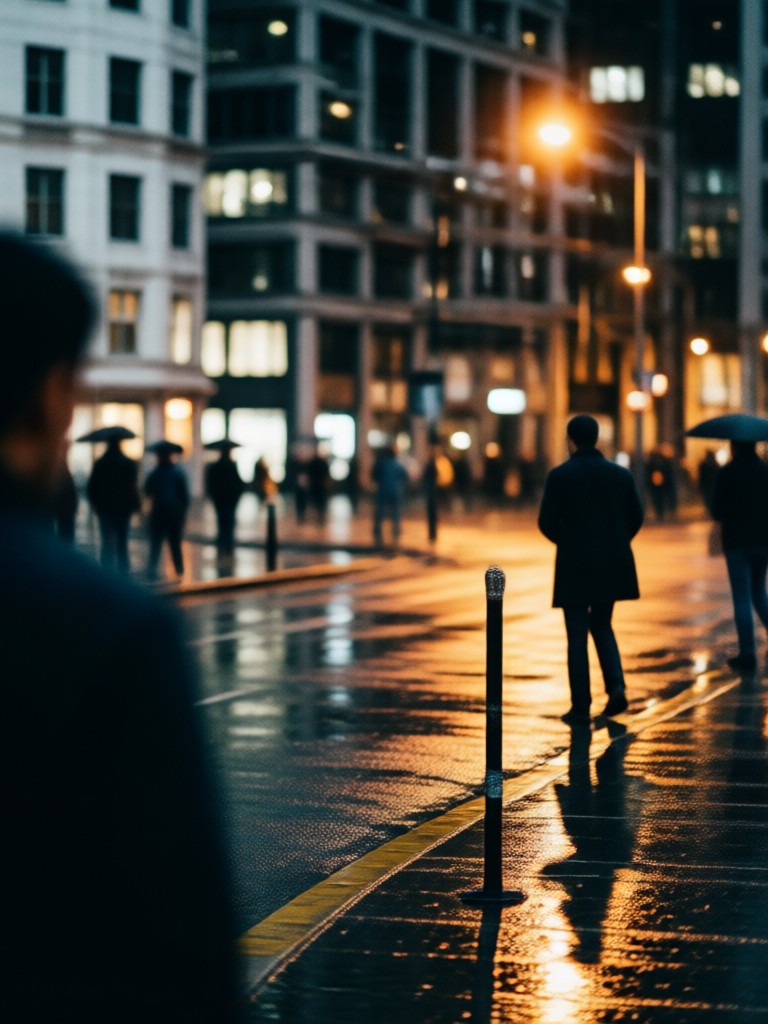
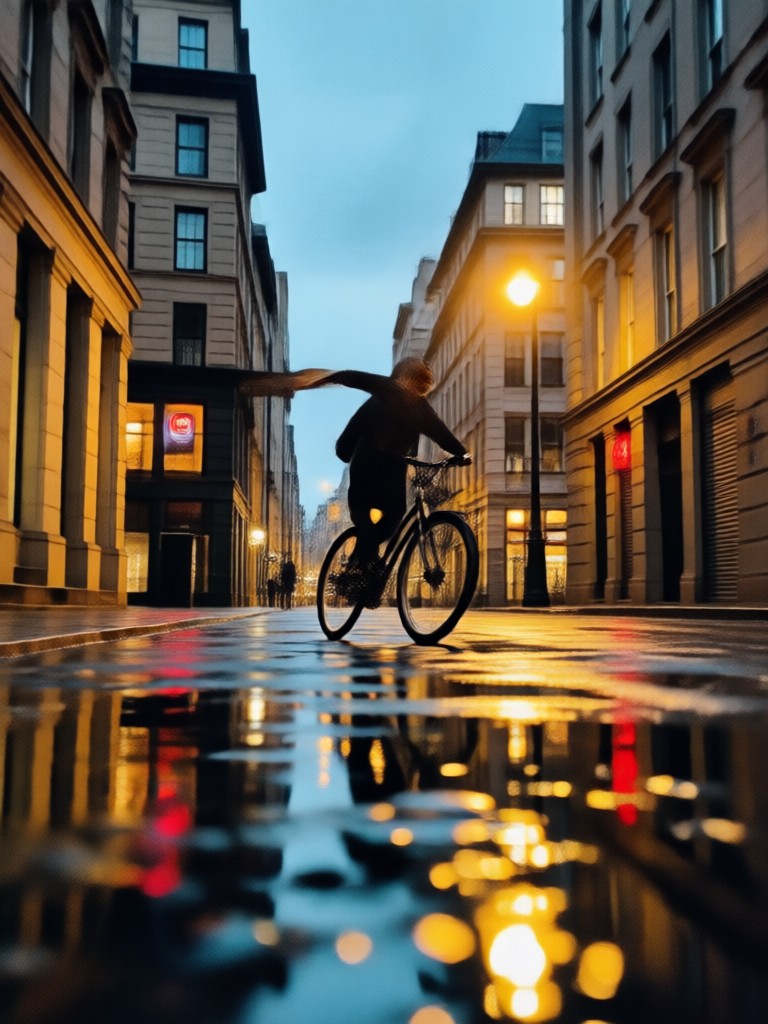
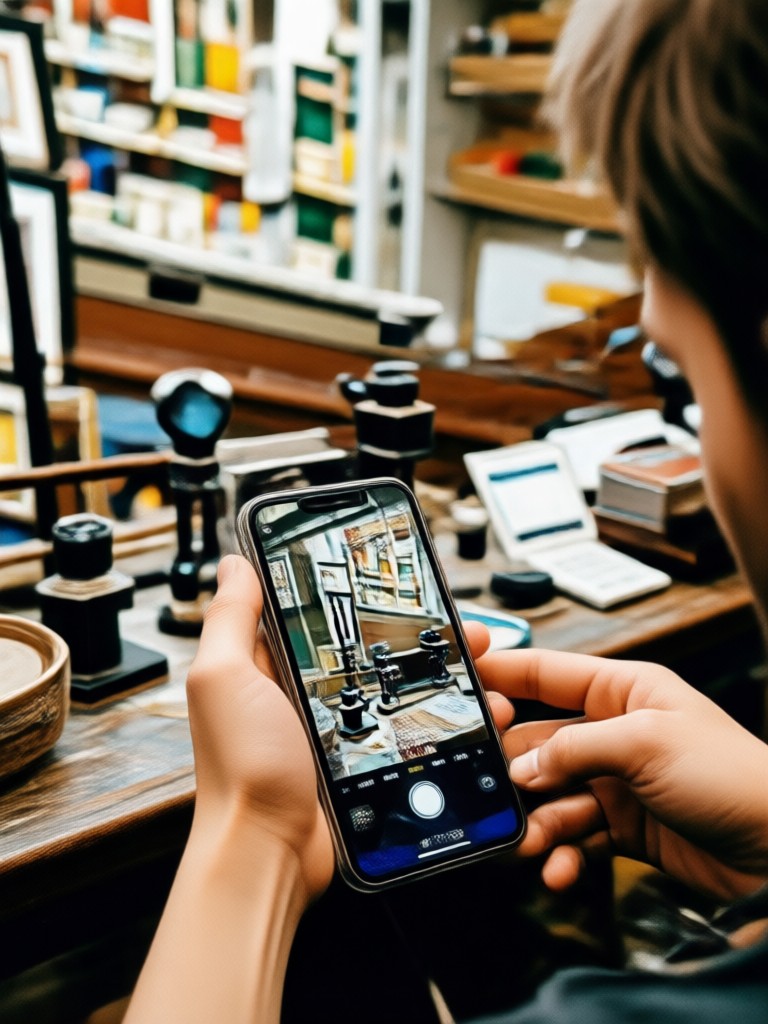
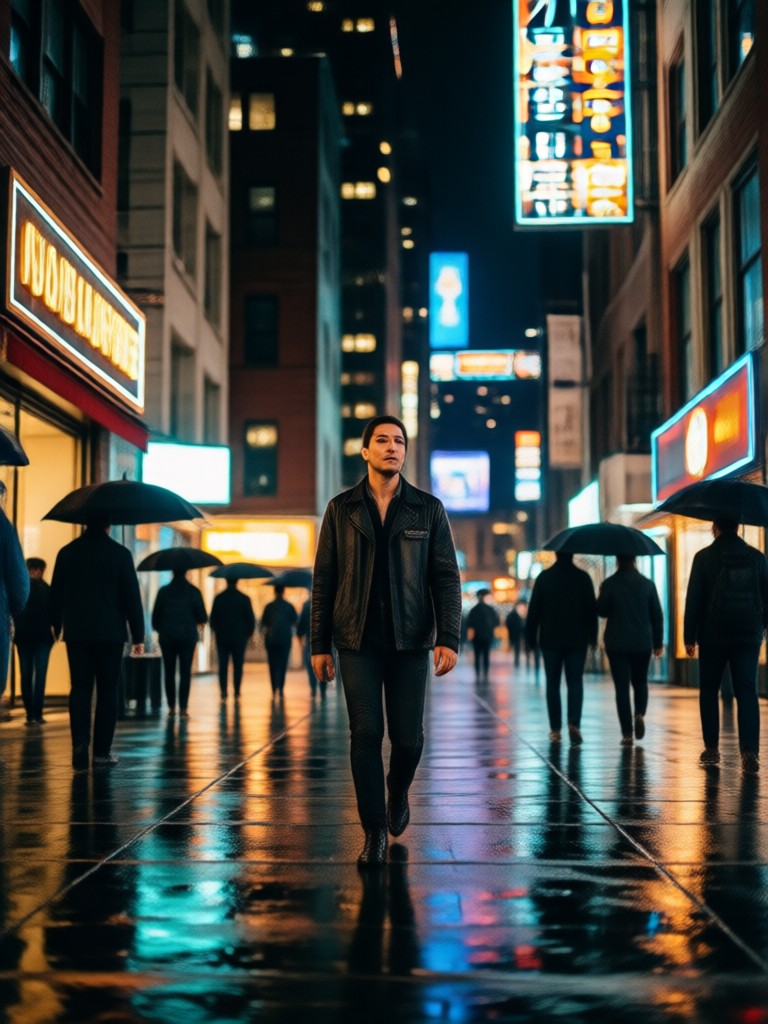
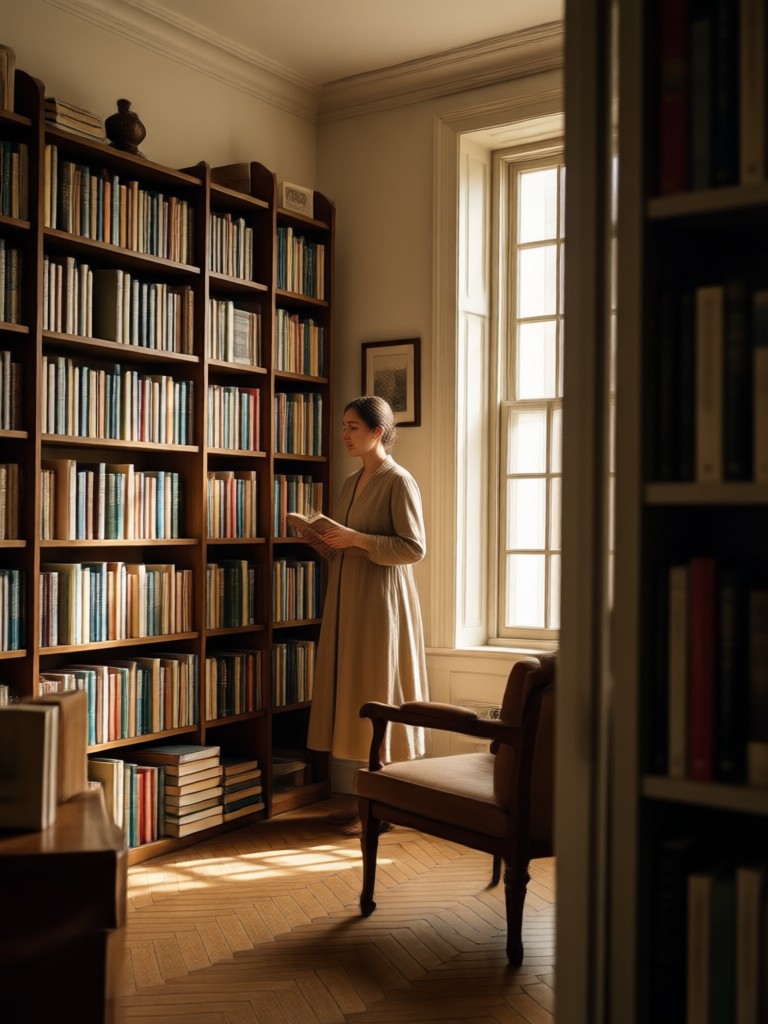
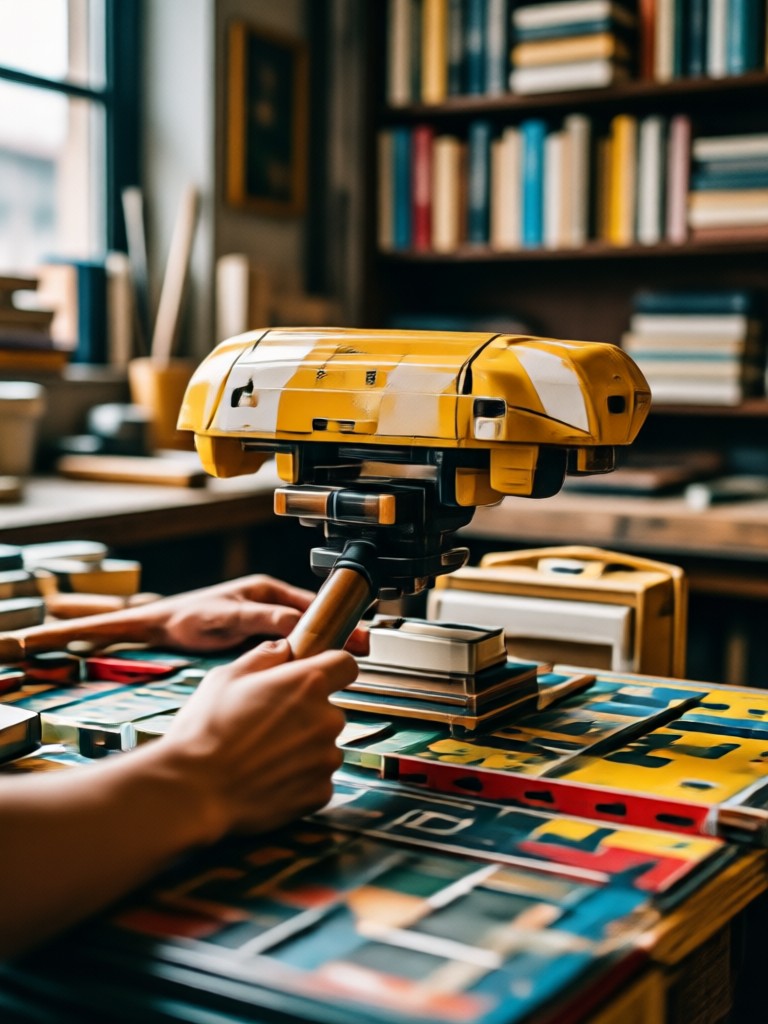
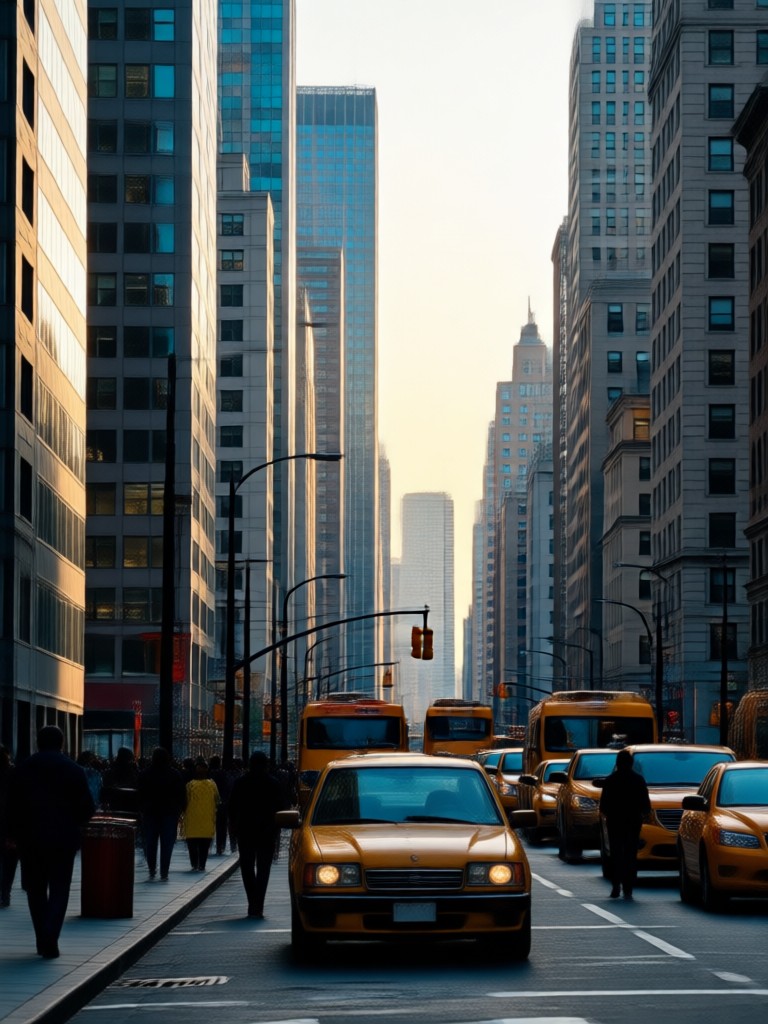
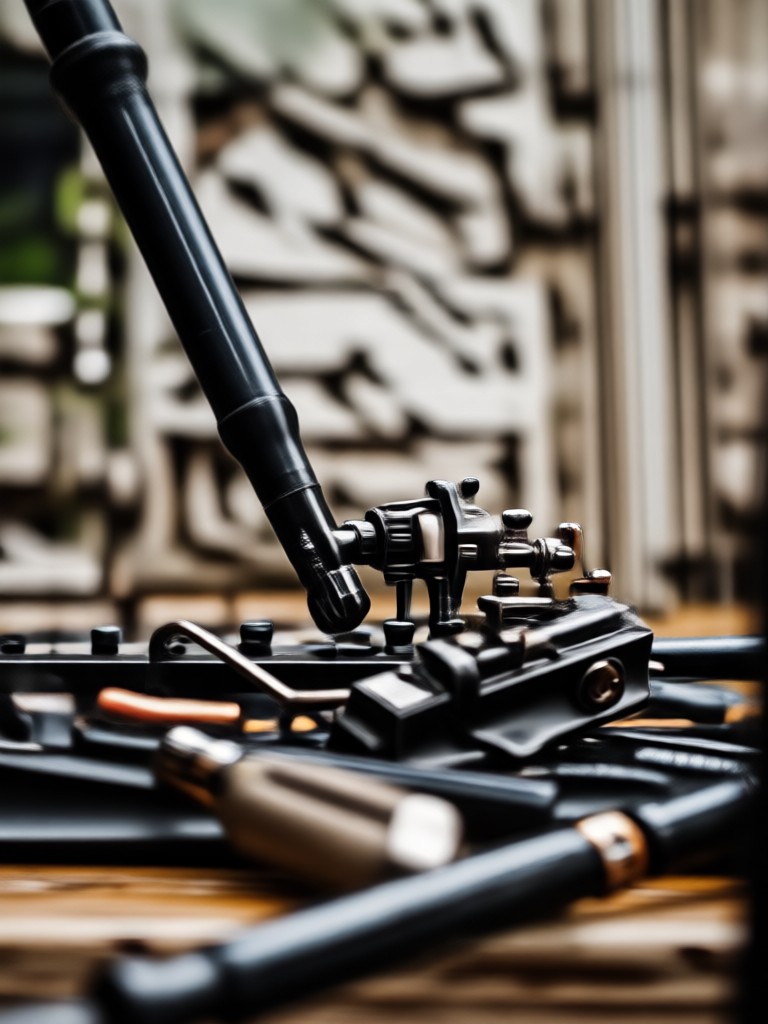
Browse AI generated medium shot photos in different styles. See how simple prompts create balanced compositions for portraits, products, street scenes, and cinematic frames.
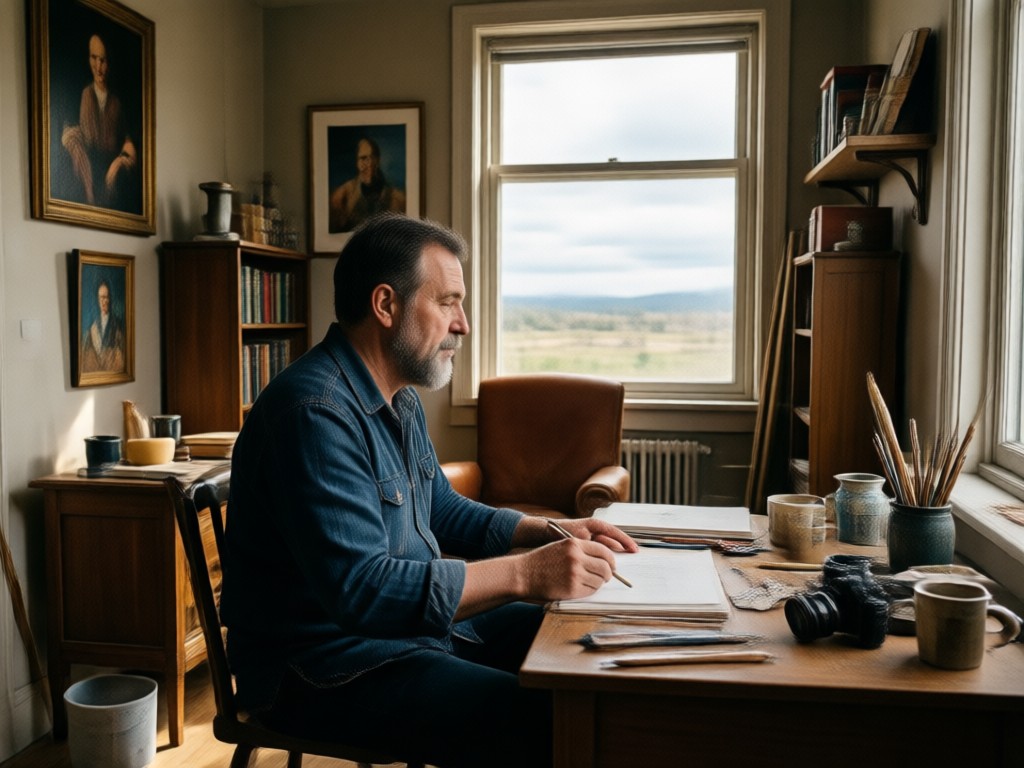
Why Use gloglo for Medium Shot Photo Prompts?
You do not need a DSLR or lighting setup to get a professional medium shot. The gloglo app handles camera angle, framing, and style so you can focus on describing the scene. Create consistent photos for social media, ecommerce, or storyboards without hiring a photographer.
Why Use gloglo for Medium Shot Photo Prompts?
You do not need a DSLR or lighting setup to get a professional medium shot. The gloglo app handles camera angle, framing, and style so you can focus on describing the scene. Create consistent photos for social media, ecommerce, or storyboards without hiring a photographer.
How to Create a Medium Shot Photo with AI
Follow three simple steps to turn your medium shot prompt into a polished photo using gloglo.

Step 01.
Download the gloglo app from Google Play. It is built for mobile and ready to generate medium shot photos anywhere.

Step 02.
Choose a style template that fits your medium shot prompt, from realistic portraiture to cinematic film stills.

Step 03.
Type your prompt or upload a reference image, generate, then save and share your medium shot photo.
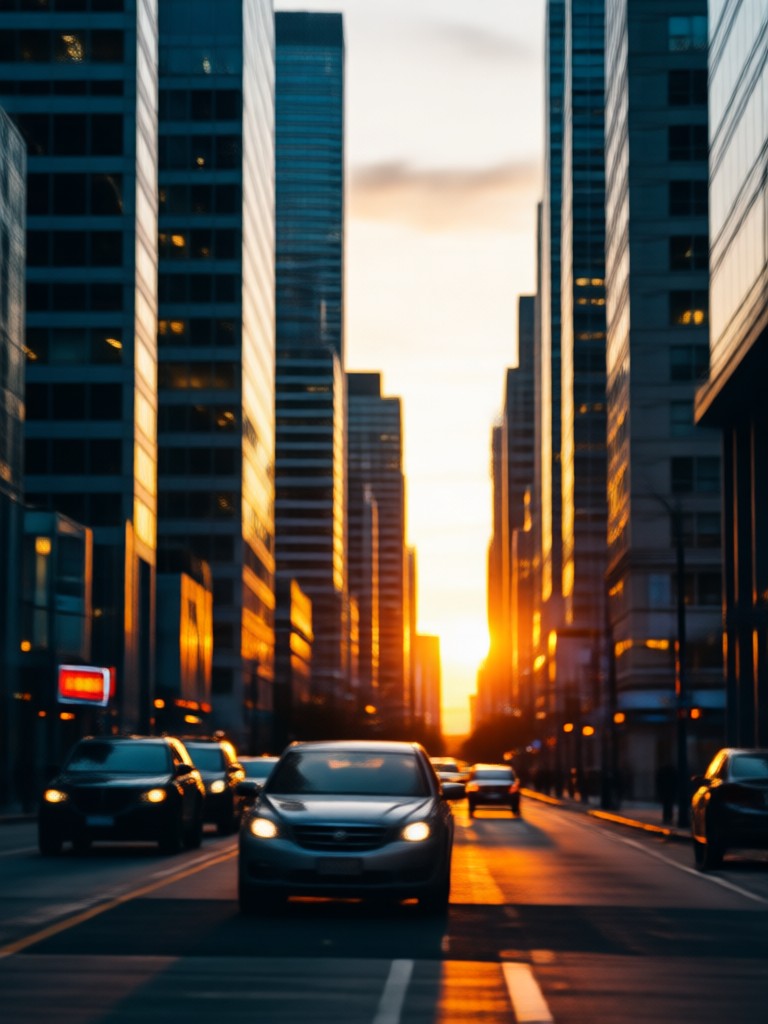
Generate Medium Shot Photos on Mobile
The gloglo app puts AI photo composition in your pocket. Create medium shot portraits, product scenes, and lifestyle images with no design skills required.

Who Uses AI Medium Shot Photo Prompts
Maya Chen
I write one medium shot prompt and get a balanced product photo for my online store. It saves me hours of studio time.

Daniel Reyes
The medium shot AI prompts help me storyboard film ideas. I can test framing and lighting without picking up a camera.
Priya Sharma
I create lifestyle content for Instagram. The app turns simple text into polished medium shot photos that look professional.

Tom Becker
As a blogger, I need consistent visual style. gloglo medium shot prompts give me clean compositions with zero editing.
Maya Chen
I write one medium shot prompt and get a balanced product photo for my online store. It saves me hours of studio time.
Daniel Reyes
The medium shot AI prompts help me storyboard film ideas. I can test framing and lighting without picking up a camera.
Priya Sharma
I create lifestyle content for Instagram. The app turns simple text into polished medium shot photos that look professional.
Tom Becker
As a blogger, I need consistent visual style. gloglo medium shot prompts give me clean compositions with zero editing.
Maya Chen
I write one medium shot prompt and get a balanced product photo for my online store. It saves me hours of studio time.
Daniel Reyes
The medium shot AI prompts help me storyboard film ideas. I can test framing and lighting without picking up a camera.
Priya Sharma
I create lifestyle content for Instagram. The app turns simple text into polished medium shot photos that look professional.
Tom Becker
As a blogger, I need consistent visual style. gloglo medium shot prompts give me clean compositions with zero editing.
Frequently Asked Questions About AI Medium Shot Photo Prompts
Find clear answers to common questions about creating balanced medium shot photos with AI prompts and the gloglo app.
More Topics You May Like
Explore more AI photo prompt guides and style ideas tailored to your creative interests.
Adorable Sugar Glider Image Prompts for AI Art
Discover cute and creative sugar glider image prompts for AI art. Generate realistic, anime, and 3D sugar glider images with gloglo. Easy prompt ideas inside.
AI Split Photo Prompt Ideas That Transform Your Photos
Discover creative AI split photo prompts for multi-panel images. Upload a photo, apply a split style, and generate stunning results in seconds with gloglo.
Kids Coloring Page Prompts: Best Ideas for Creative Fun
Discover the best kids coloring page prompts. Generate adorable coloring book pages with AI. Perfect for parents, teachers, and creators. Get printable designs instantly.
Pika AI Video Prompts: 50+ Creative Ideas to Try Free
Discover Pika AI video prompts for cinematic clips, anime scenes, product ads, and more. Copy and adapt these prompt ideas in the gloglo app to generate stunning AI videos in seconds.
Create Your First Medium Shot Photo Now
Download gloglo and turn simple prompts into polished medium shot photos. Choose a style, type your scene, and generate in seconds.
Create Your First Medium Shot Photo Now
Download gloglo and turn simple prompts into polished medium shot photos. Choose a style, type your scene, and generate in seconds.