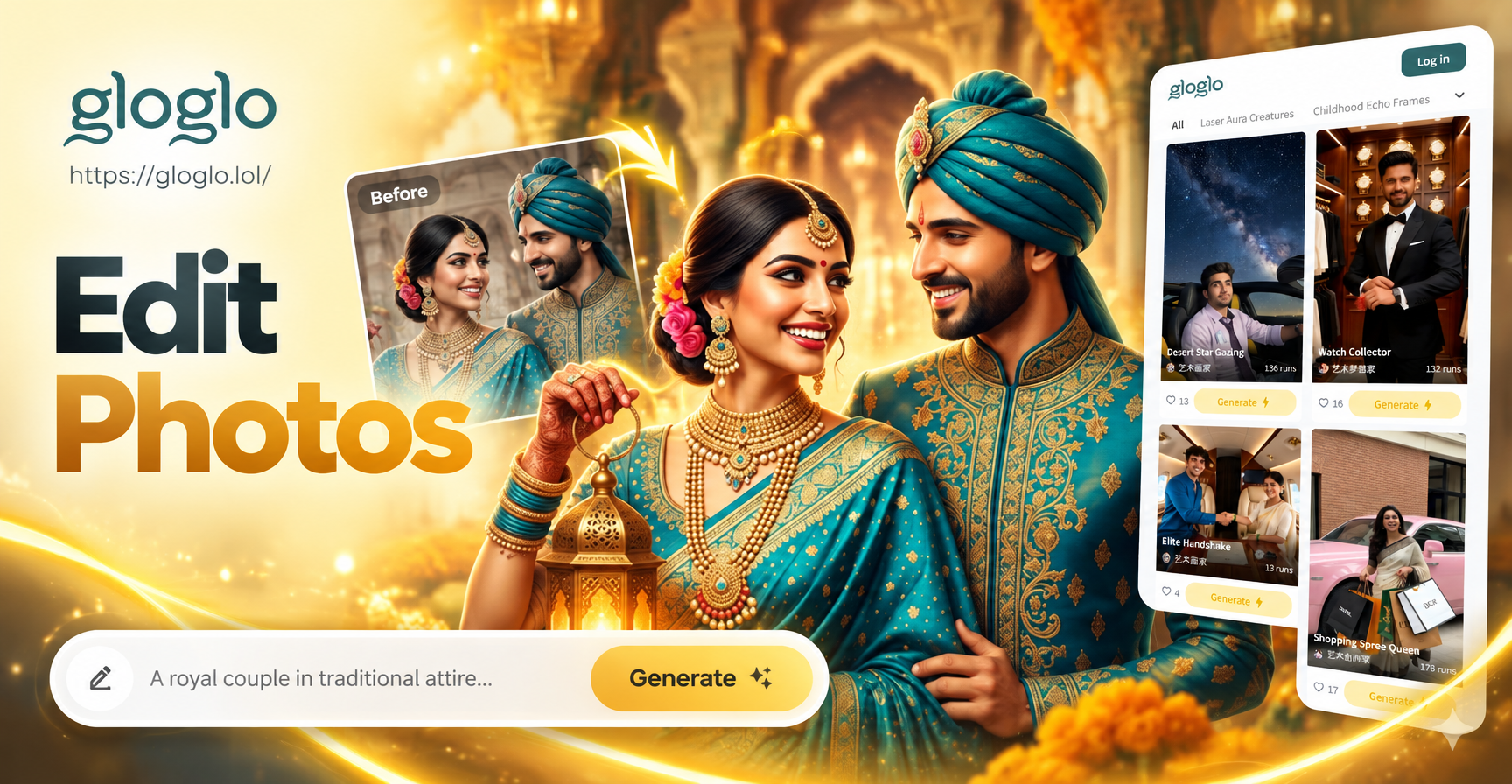
Diwali AI photo editing prompts help you turn ordinary photos into festive masterpieces. Whether you want a glowing diya portrait, a family group shot with a decorated home background, or a cinematic night scene with fireworks, the right prompt tells the AI exactly what to create. This guide includes specific, ready to use prompts and practical tips for adapting them to your own photos.
Why Use Specific Diwali AI Photo Editing Prompts?
Generic prompts produce generic results. A prompt like Diwali photo often returns a random festive image without your face, your outfit, or your background. Specific prompts give the AI clear direction about lighting, colors, clothing, decorations, and mood. On gloglo, you can combine these prompts with your own uploaded photo to keep your identity while changing the scene around you.
Essential Diwali Visual Elements to Include in Prompts
- Diyas (oil lamps) and warm golden light
- Marigold garlands and rangoli patterns
- Traditional Indian clothing such as sarees, lehengas, kurtas
- Festive colors like red, gold, orange, and deep purple
- Fireworks and night sky backdrops
- Decorated home interiors with fairy lights
Diwali Portrait Prompts for Photo Editing
Use these prompts when you want a festive portrait. Upload your photo in gloglo and apply the prompt as an editing instruction.
Prompt 1: Classic Diya Portrait
Edit the photo to show a warm Diwali portrait. The subject wears a red and gold saree with traditional jewelry. She holds a lit diya in her cupped hands. The background is softly blurred with rows of glowing oil lamps and marigold garlands. Golden hour lighting falls on her face. Photorealistic, 4K, festive atmosphere.
Prompt 2: Elegant Kurta Look
Transform the portrait into a Diwali greeting card. The man wears an embroidered navy blue kurta. Behind him, a dark wall is decorated with hanging brass lamps and strings of marigold. One main diya glows on a side table. Cinematic warm tones, shallow depth of field, high detail.
Prompt 3: Rangoli Background Portrait
Edit the photo so the subject stands beside a large colorful rangoli on the floor. The rangoli has intricate floral patterns in red, yellow, and white powder. A small brass diya sits at the center of the rangoli. The person wears a festive outfit and smiles softly. Bright even lighting, realistic texture.
Prompt 4: Modern Festive Glam
Restyle the portrait with a contemporary Diwali look. The subject wears a pastel pink lehenga with silver embroidery. Soft fairy lights blur in the background. A single diya adds a warm highlight on one side of the face. Clean and elegant, soft studio lighting, Instagram ready.
Prompt 5: Night Sky Fireworks Portrait
Place the subject on a balcony at night. Fireworks explode in the dark blue sky behind them. Their face is lit by the warm glow of a diya in the foreground. The person wears traditional Indian clothing. High contrast, festive and dramatic, photorealistic.
Family and Group Photo Prompts
These prompts work well when you upload a family photo and want to add a festive Diwali setting.
Prompt 6: Living Room Celebration
Edit the group photo to show the family standing in a beautifully decorated living room. The background has a marigold toran over the door, fairy lights along the walls, and a brass diya on the table. Everyone is dressed in festive Indian clothing. Warm yellow lighting, happy atmosphere, sharp faces.
Prompt 7: Courtyard Diyas and Rangoli
Reframe the group photo in a traditional Indian courtyard. The floor has a large rangoli design. Dozens of small diyas line the edges of the courtyard. The family sits or stands together, laughing. The evening sky is deep blue with a few sparklers. Realistic warm glow on all faces.
Prompt 8: Pooja Room Blessing
Transform the background into a home pooja room. The family stands before a decorated altar with marigold garlands, incense smoke, and lit brass lamps. Everyone has folded hands or holds a small diya. Soft golden light from the lamps, peaceful and reverent mood, detailed textures.
Prompt 9: Outdoor Market Festival
Edit the group photo to place the family in a festive Indian market at night. Stalls glow with hanging lanterns and piles of marigold. Sparklers crackle in one corner. The family walks together, smiling. Cinematic wide shot, shallow depth of field on the crowd, vibrant bokeh.
Prompt 10: Multi Generation Portrait
Keep all faces clear and recognizable. Place the family on a decorated veranda with a silk curtain in the background. Diyas are arranged on the floor. Elder members sit on chairs, younger members stand behind. Everyone wears traditional clothes. Soft portrait lighting, festive color palette, high resolution.
Cinematic and Dramatic Diwali Prompts
Prompt 11: Rainy Diwali Night
Edit the photo to add a rainy Diwali night. The subject holds a transparent umbrella. Diyas and street lamps reflect on wet pavement. Fireworks bloom faintly through the rain. Moody cinematic lighting, teal and orange color grade, photorealistic.
Prompt 12: Palace Courtyard
Place the subject in a grand palace courtyard during Diwali. Marble arches frame the scene. Hanging brass lamps and marigold strings create a royal atmosphere. The subject wears traditional royal attire. Dramatic golden backlight, elegant composition, 4K.
Prompt 13: Sparkler Long Exposure
Create a long exposure effect. The subject holds a burning sparkler and draws a heart of light in the air. Their face is sharp and lit by the sparkler. The background is dark with a few distant diyas. Artistic light trails, warm highlights, high contrast.
Prompt 14: Diwali Window Reflection
Show the subject looking out of a window decorated with diyas. The reflection of fireworks appears on the glass. Warm interior light contrasts with the cool night. Thoughtful mood, cinematic composition, realistic shadows.
Prompt 15: Vintage Bollywood Poster
Restyle the photo as a vintage Bollywood Diwali poster. The subject wears a classic 1970s Indian outfit. The background has hand painted style fireworks and diyas. Slightly faded colors, film grain, retro typography space at the top. Stylized but recognizable.
Creative and Artistic Diwali Prompts
Prompt 16: Ghibli Style Diwali
Transform the photo into a Studio Ghibli inspired Diwali scene. Soft watercolor background, glowing paper lanterns, small diyas on a windowsill. The subject has large expressive eyes and a gentle smile. Warm pastel colors, dreamy atmosphere, hand drawn look.
Prompt 17: 3D Clay Diwali
Convert the photo into a 3D clay animation style. The subject becomes a cute clay figure sitting beside a tiny clay diya. The background is a miniature clay village with marigold garlands. Soft studio lighting, smooth clay texture, adorable and festive.
Prompt 18: Watercolor Diwali Card
Edit the photo into a watercolor painting. The subject stands in the center, surrounded by loose watercolor diyas, marigolds, and fireworks splashes. White card background with festive red and gold accents. Artistic, elegant, suitable for a Diwali greeting card.
Prompt 19: Cyberpunk Diwali Fusion
Give the Diwali photo a cyberpunk twist. Neon diyas and holographic rangoli patterns glow in a futuristic street. The subject wears a fusion outfit with glowing accents. Purple and gold color palette, rain slicked streets, cinematic neon glow.
Prompt 20: Minimalist Festive Poster
Create a minimalist Diwali poster. The subject is positioned to one side. A single large diya and a marigold stem occupy the other side. Clean beige background, subtle shadow, bold festive typography space. Modern, elegant, high resolution.
Quick Prompt Ideas for Diwali Social Media
Prompt 21: Festive Reel Cover
Create a vertical cover image. The subject stands in the center with arms slightly open, wearing festive clothing. Background is blurred with diyas and fairy lights. Bold text space at the top for Happy Diwali. Bright, cheerful, high contrast.
Prompt 22: Couple Diwali Portrait
Edit the photo to show a couple standing together on a terrace. They hold sparklers and smile at each other. Fireworks explode above. Both wear coordinated traditional outfits. Warm golden light, romantic festive mood, sharp faces.
Prompt 23: Pet Friendly Diwali
Include a pet in the photo. A dog or cat sits beside a diya with a marigold collar. The owner kneels next to the pet. The background has a decorated doorway. Soft lighting, gentle and cute, photorealistic.
Prompt 24: Traditional Dance Pose
Transform the portrait into a festive dance pose. The subject wears a colorful lehenga and holds a diya in one hand. The other hand is raised elegantly. Colorful powder bursts in the background. Dynamic, joyful, festival energy.
Prompt 25: Diwali Table Setting
Focus on a festive table. The subject sits behind the table, which is decorated with diyas, sweets, and marigold. The background is softly blurred. The overall mood is cozy and inviting. Warm indoor lighting, photorealistic.
How to Adapt These Prompts for Your Own Photos
When you use gloglo, upload the photo you want to edit and then add one of these prompts as the editing instruction. Keep the following tips in mind:
- Describe the person in the photo exactly as they appear, including clothing if you want to keep it. If you want to change the outfit, mention the new style and color clearly.
- Always include the phrase keep the face recognizable or maintain the original face so the AI does not replace your identity.
- Match the lighting in the prompt to your original photo. If your photo was taken indoors, choose indoor Diwali backgrounds like living room or pooja room prompts.
- If the result looks overedited, reduce the number of decorative elements in the prompt. Start with one diya and one background element, then add more.
Common Mistakes and How to Fix Them
Mistake 1: Too Many Elements at Once
A prompt with ten different decorations can confuse the AI and create clutter. Fix it by focusing on one main subject, one type of lighting, and two or three background details.
Mistake 2: Face Changes or Blends
If the AI changes your face, add the phrase preserve the original facial features and identity at the end of the prompt. In gloglo, use the image to image mode for better face retention.
Mistake 3: Unnatural Lighting
If the new background has warm diya light but your face looks flat, add a lighting description such as warm golden glow on the face from the diya and soft shadows on the opposite side.
Mistake 4: Cultural Details Look Generic
Generic prompts may ignore specific Diwali elements. Mention exact items like brass diya with a cotton wick, marigold toran, rangoli made of colored powder, and embroidered saree border to get authentic results.
Start Creating Your Diwali Edit Today
Download gloglo from Google Play and open the app. Choose the image to image or text to image tool, paste a Diwali prompt, and generate. You can try different style templates like photorealistic, Ghibli, 3D clay, or watercolor to match your mood. With specific prompts and a photo you love, you can create a festive image worth sharing.