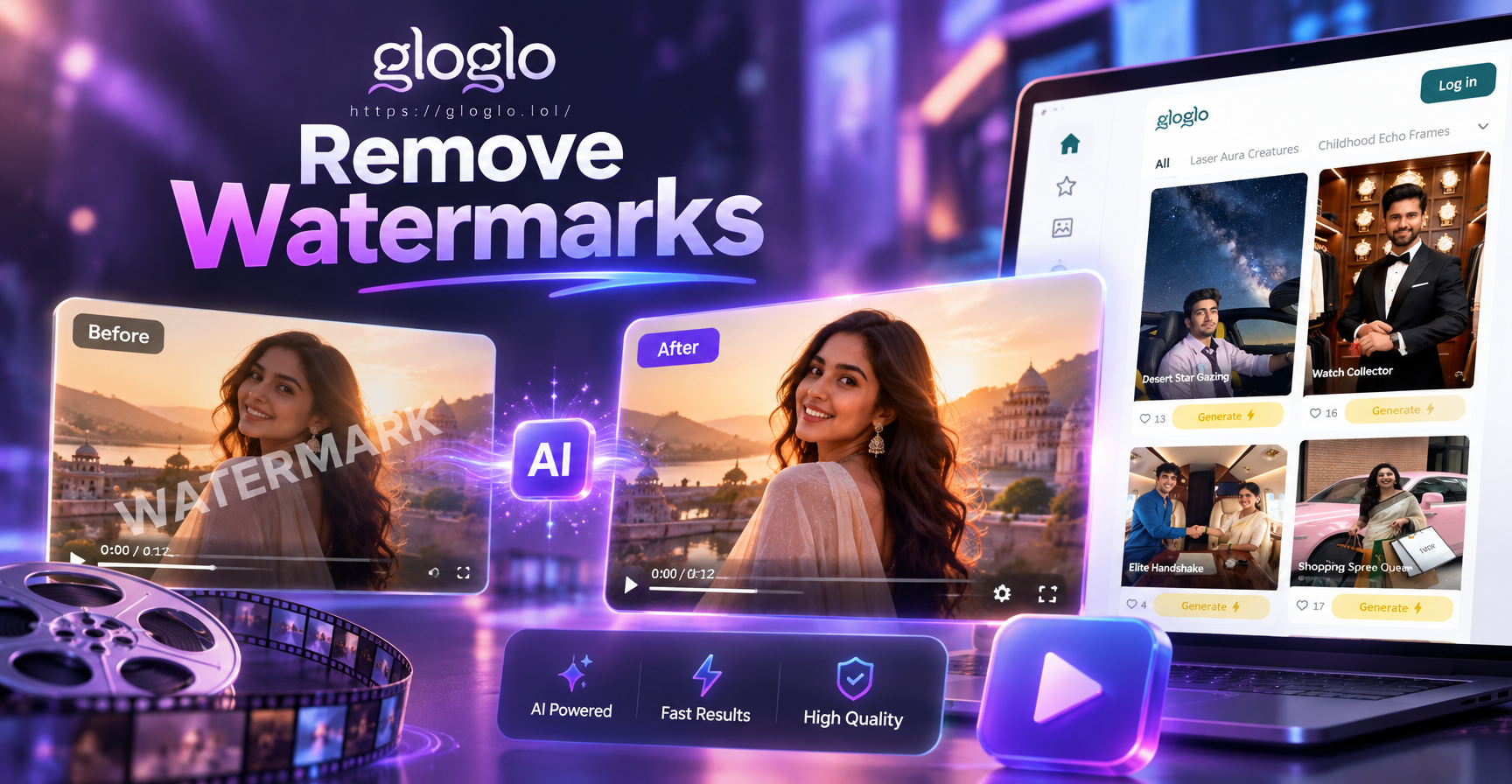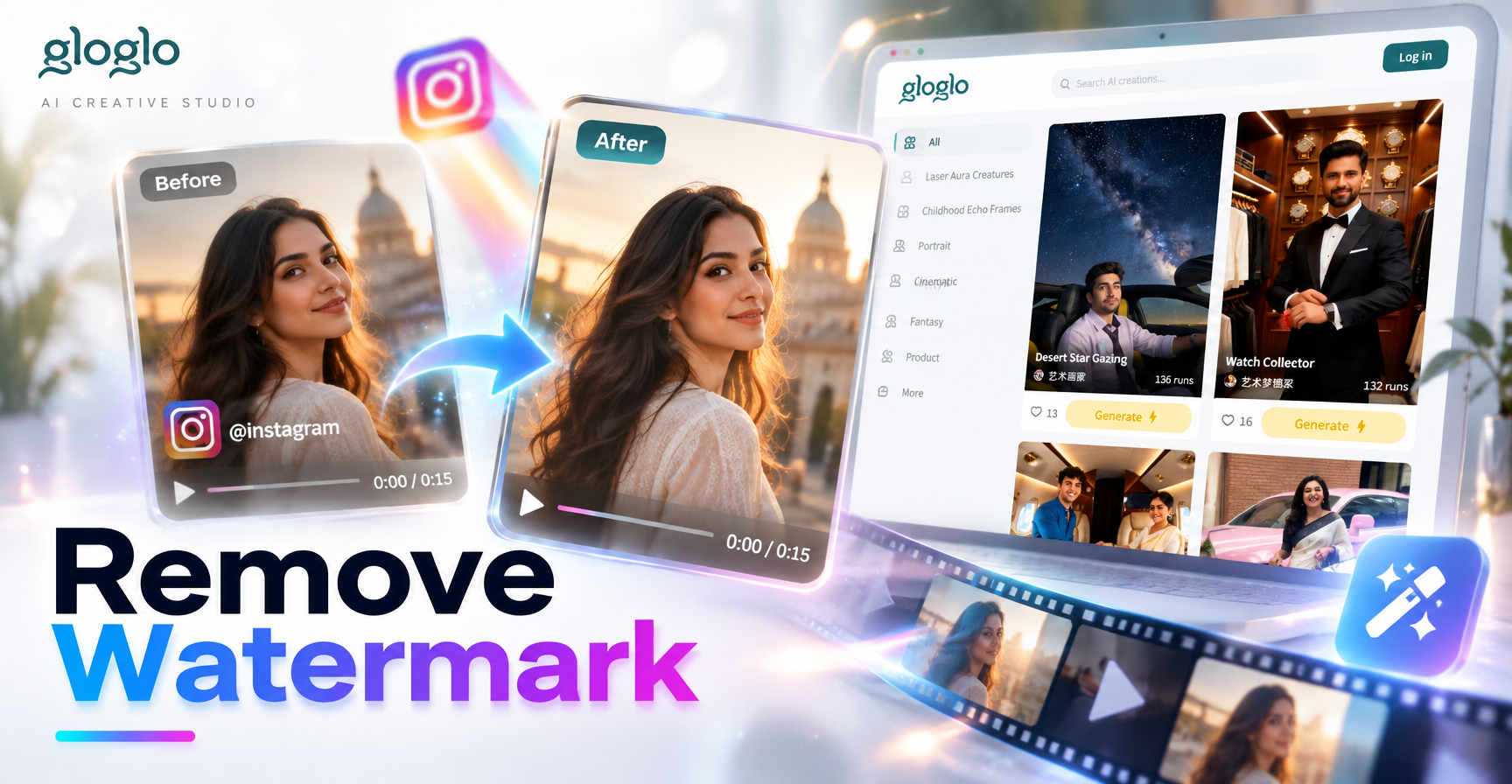
Why Instagram Videos Often Have Watermarks
Instagram itself does not attach a permanent watermark to videos that you upload from your phone. The visible watermark on many Instagram videos usually comes from TikTok, CapCut, or another editing app. When a creator saves a video from one platform and reposts it to Instagram, the original watermark often remains. You may also see watermarks from screen recording tools, stock sites, or a creator's handle. Understanding the source helps you decide which removal method will work best.
What You Can Actually Remove
Before you start, look at the watermark position. A small corner logo can often be cropped away with minimal loss. A large center watermark is harder to remove without damaging the frame. If the watermark moves or pulses, simple blur or sticker methods will not work. In those cases, AI object removal or a full recreation of the video may be your best options. Always keep a copy of the original video so you can compare the result and undo mistakes.
Method 1: Crop the Watermark Out
Cropping is the simplest and safest way to remove a watermark that sits at the bottom or top edge of the frame. Most video editors on mobile and desktop have a crop tool. You resize the frame so the watermark falls outside the visible area. The downside is that you lose part of the image. If the watermark is small and close to the edge, this method preserves almost all of the important content.
How to Crop in Any Video Editor
- Open your video in an editing app such as CapCut, InShot, or the built in photo app on your phone.
- Tap the crop or canvas adjustment tool.
- Drag the edges of the frame inward until the watermark disappears.
- Keep the subject centered and check that heads or important details are not cut off.
- Export the video at the highest available resolution.
This method works best for watermarks positioned in the bottom right or bottom left corner. Cropping a watermark that sits in the middle will rarely produce a usable video.
Method 2: Cover the Watermark with a Blur or Sticker
If cropping would cut off something important, you can cover the watermark with a blur patch, a solid color box, or a sticker. This method does not remove the watermark. It hides it. A blurred patch blends into the background and draws less attention than a sharp logo. Many editors include a mosaic or blur effect that you can place over the watermark area.
How to Apply a Blur Cover
- Import your video into a mobile editor that supports overlays and effects.
- Add a duplicate of the video as a new layer, or use the built in mosaic sticker.
- Position the blur patch directly over the watermark.
- Use keyframes to move the blur if the watermark changes position.
- Adjust the blur intensity so the patch matches the surrounding background.
The final result is often softer than the surrounding area, but it is usually acceptable for casual social media posts. For high quality work, AI object removal gives cleaner results.
Method 3: Use AI Object Removal Tools
Modern video editors now include AI powered tools that can fill in a selected area based on the surrounding pixels. This process is sometimes called inpainting. You mark the watermark, and the tool replaces it with new background texture. The result can look seamless, especially when the watermark is small and the background is simple. Tools that support this feature include some versions of CapCut, Adobe Premiere Pro, and dedicated watermark remover apps.
AI Object Removal in Popular Editors
In programs like CapCut, look for a remove object or heal tool. Draw a mask around the watermark and let the AI process the frame. For videos, the tool may need to track the area across multiple frames. If your editor does not have this feature, you can use a free online watermark remover. Be cautious about uploading private videos to unknown websites. Always read the privacy policy and avoid services that ask for unnecessary account permissions.
Method 4: Recreate the Video Without a Watermark
Sometimes the cleanest solution is not to remove the watermark at all. Instead, you can recreate the video as original content. If the video shows a simple scene, a person talking, or a common visual effect, an AI video generator can produce a similar clip from a text prompt or an uploaded reference image. This approach avoids editing complications and gives you a fully watermark free file. The mobile app gloglo offers text to video and image to video generation with a large library of style filters, which is useful when you want to create a fresh version of a concept without reusing a watermarked clip.
Method 5: Use a Dedicated Online Watermark Remover
Online watermark removers are convenient because they require no installation. You upload the video, select the watermark area, and download the processed file. However, quality varies widely. Some tools compress the video heavily or add their own brand. Others may fail on moving watermarks. If you use an online tool, choose one with a clear privacy policy and the ability to process HD video. Never upload confidential or copyrighted material to an unfamiliar service.
Step by Step Example: Remove a TikTok Watermark from an Instagram Video
- Download the Instagram video to your phone using a method that respects the creator's permissions.
- Open the video in CapCut or another editor that supports overlay and mask tools.
- Check the watermark position. If it is in the bottom corner, try cropping first.
- If cropping cuts off the subject, add a blur patch or a mosaic sticker over the watermark.
- If the background is simple, use an AI remove tool to fill the area.
- Play back the video at full speed to ensure the watermark no longer appears.
- Export in high resolution and compare it with the original before posting.
This workflow works for most short form videos found on Instagram, especially Reels that were originally created on TikTok.
Common Problems and How to Fix Them
One common issue is a fuzzy or pixelated area where the watermark used to be. This happens when the patch does not match the background. Try lowering the opacity of the blur or using a smaller patch. Another issue is a watermark that moves. In that case, use keyframes to animate the blur or sticker across the timeline. If the watermark overlaps a face or an important object, no editing trick will fully recover the hidden detail. The best solution is to find the original video from the creator or to recreate the content yourself.
Legal and Ethical Considerations
Removing a watermark can raise legal and ethical questions. A watermark often signals copyright ownership or content attribution. In many countries, removing a watermark to hide the source of a video may violate copyright law or the platform's terms of service. Instagram and TikTok both prohibit forms of content misuse. Before you remove a watermark, ask yourself whether you have permission to use the video. If the video belongs to someone else, the safest route is to contact the creator and request a clean version or explicit permission. If the video is your own but it picked up a watermark from an editing app, removal is usually fine.
How gloglo Helps You Avoid Watermarks in the First Place
If you often find yourself downloading and cleaning up videos, consider creating original content with gloglo. The mobile app combines text to image, text to video, image to image, and image to video tools in one place. You can enter a short description, pick a style template from over one million filters, and generate a new clip that belongs to you. Because the content is generated from your own prompts and reference images, it has no pre existing watermark. That eliminates the need for cropping, blurring, or AI removal. The app is available on Google Play for Android users.
Final Thoughts
Removing a watermark from an Instagram video is possible through cropping, blurring, object removal, or online tools. The right method depends on the size and position of the watermark and on the video itself. Always keep a backup, avoid low quality online services, and respect copyright rules. When you need a clean, original video, gloglo gives you a way to create watermark free content from scratch. Download the gloglo app today and start producing your own AI generated videos.