Add Kawaii Filter To Photo
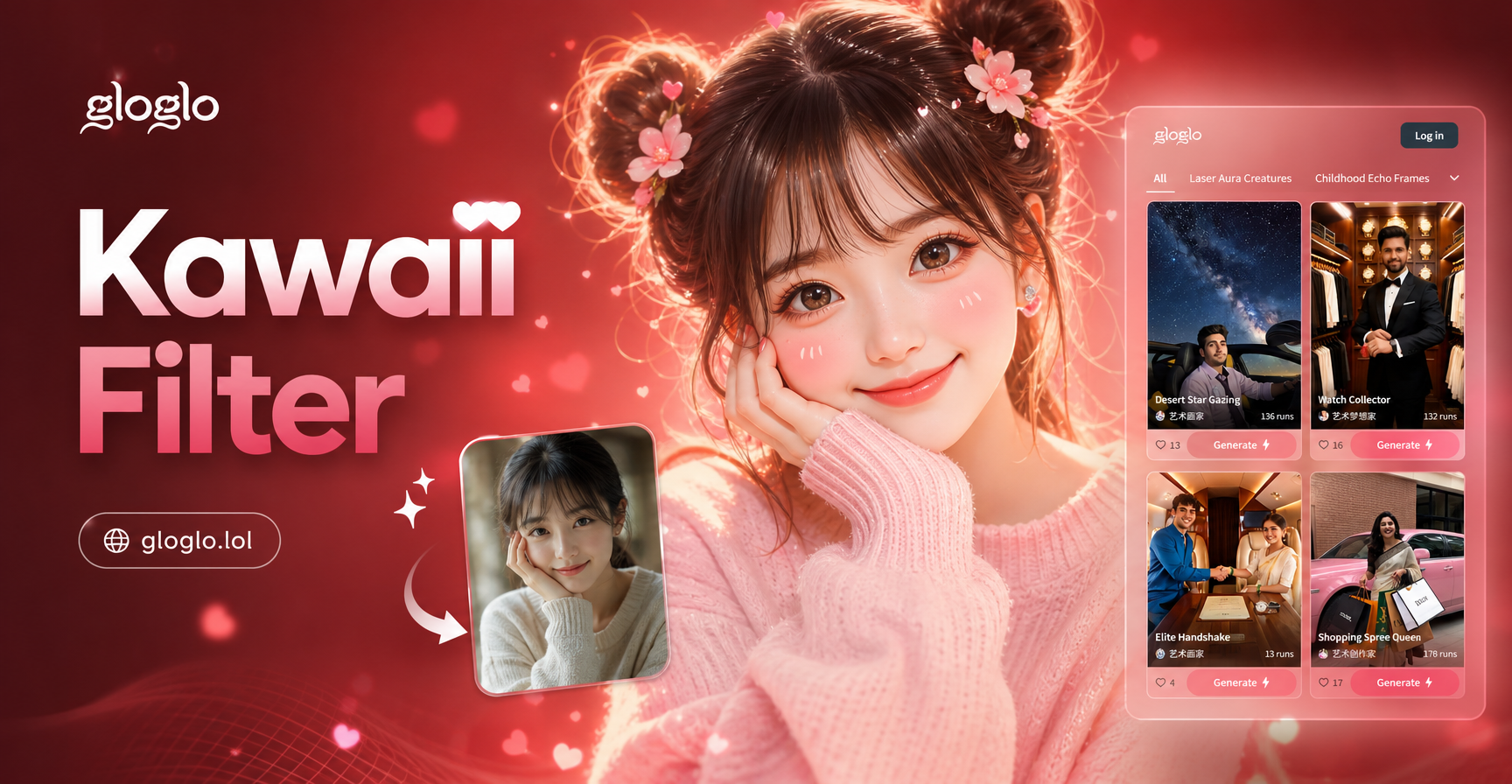
Choose Your Kawaii Vibe
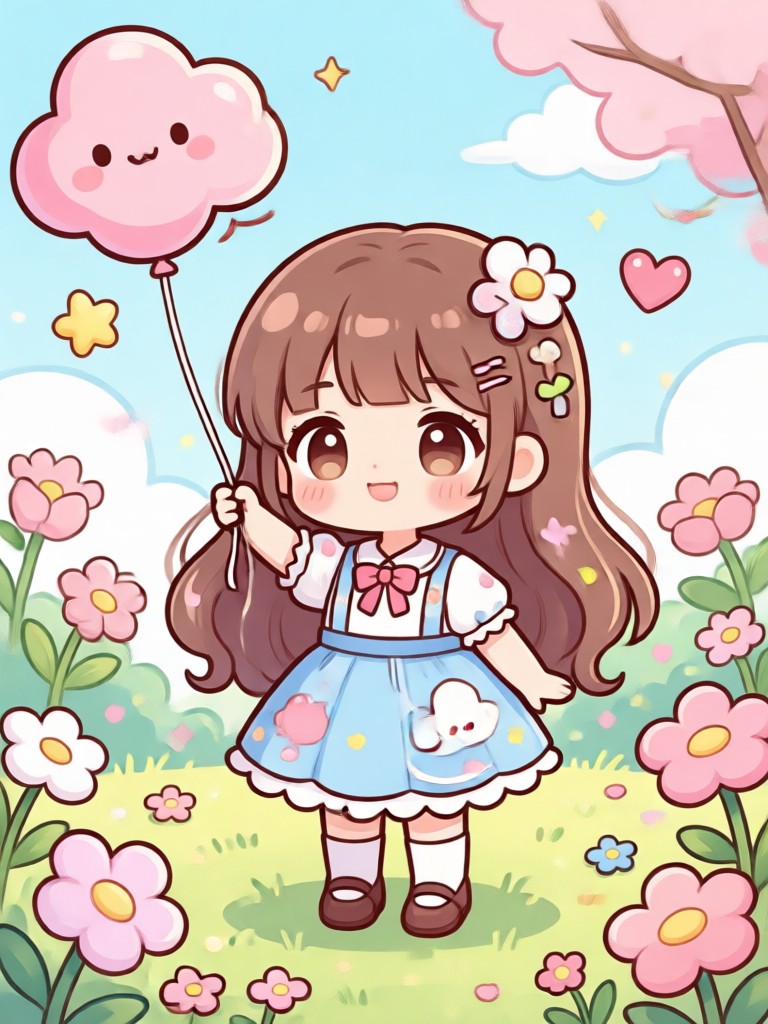
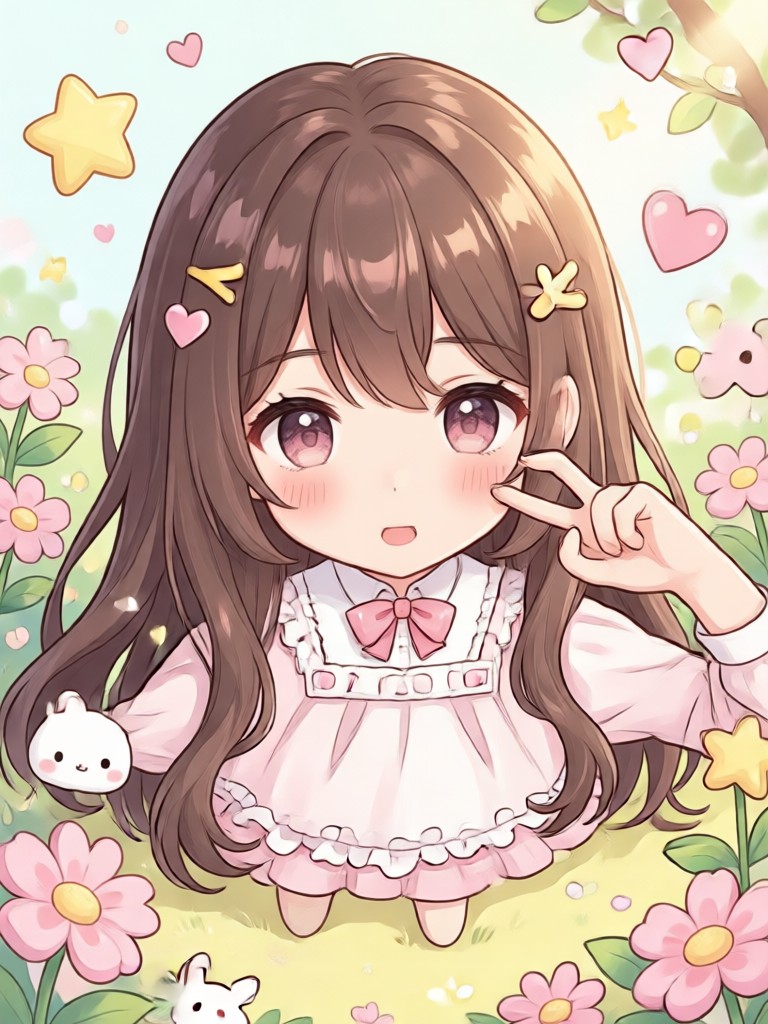
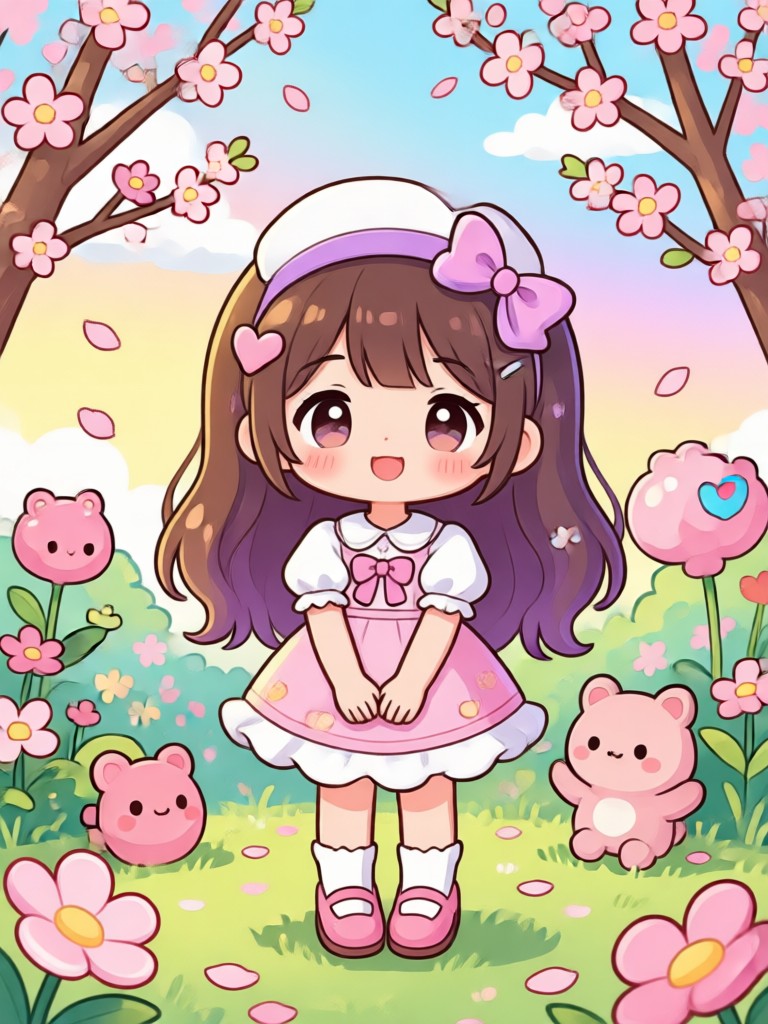
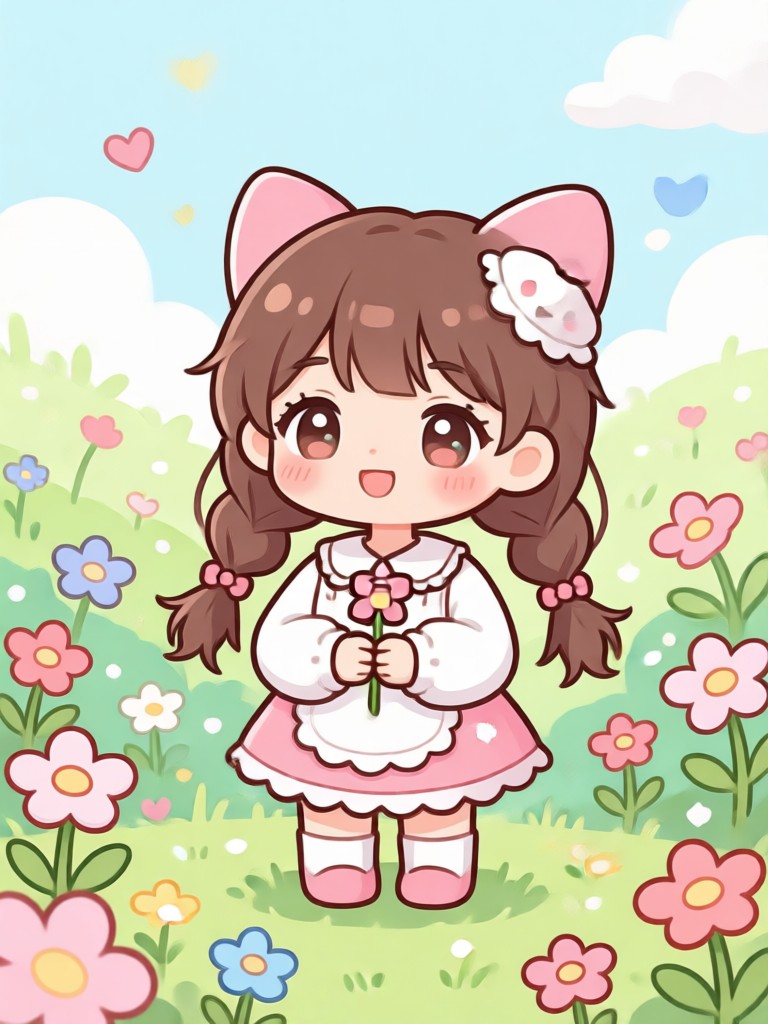
Find the perfect kawaii filter for your mood, from pastel princess to magical anime girl.
What Makes a Photo Kawaii?
Our AI understands the core kawaii aesthetic, applying authentic anime magic to every detail.
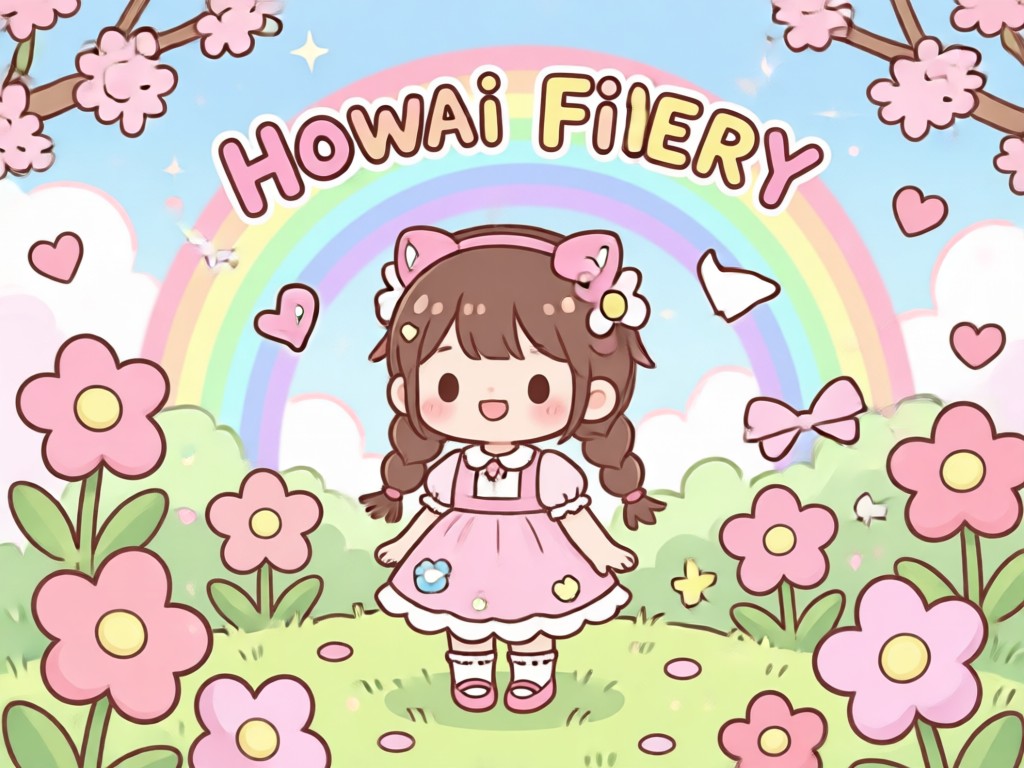
Anime Eye Enhancement
AI automatically enlarges and brightens eyes, adding sparkling highlights for that signature innocent, wide-eyed look found in kawaii anime art.
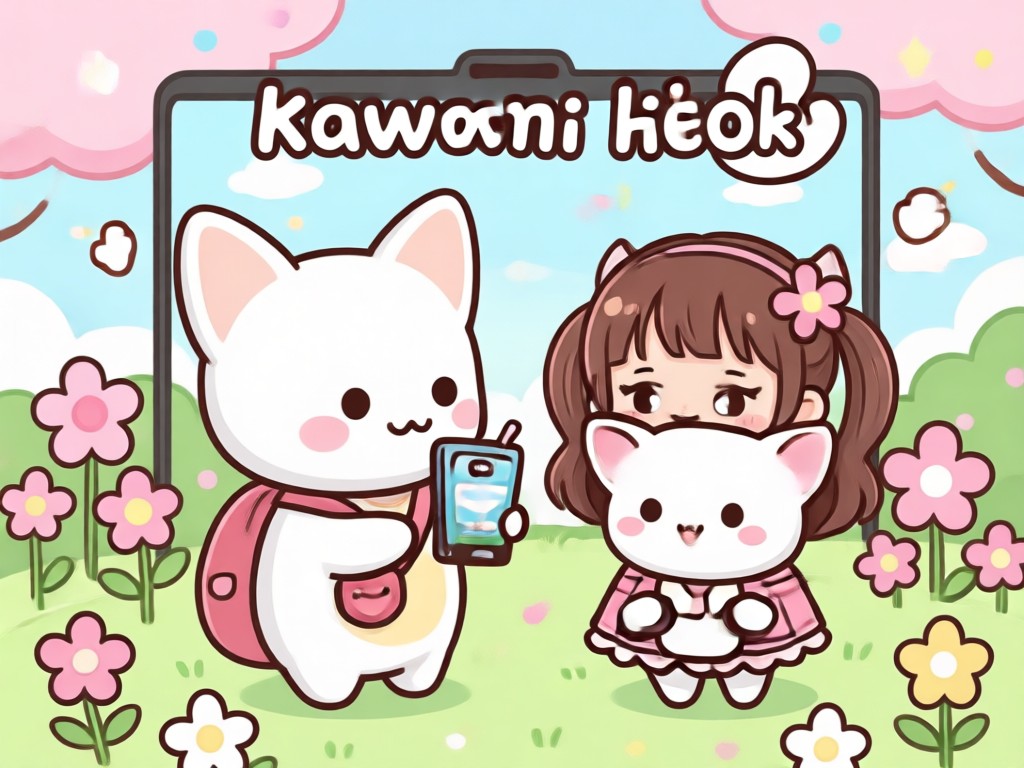
Soft Pastel Color Grading
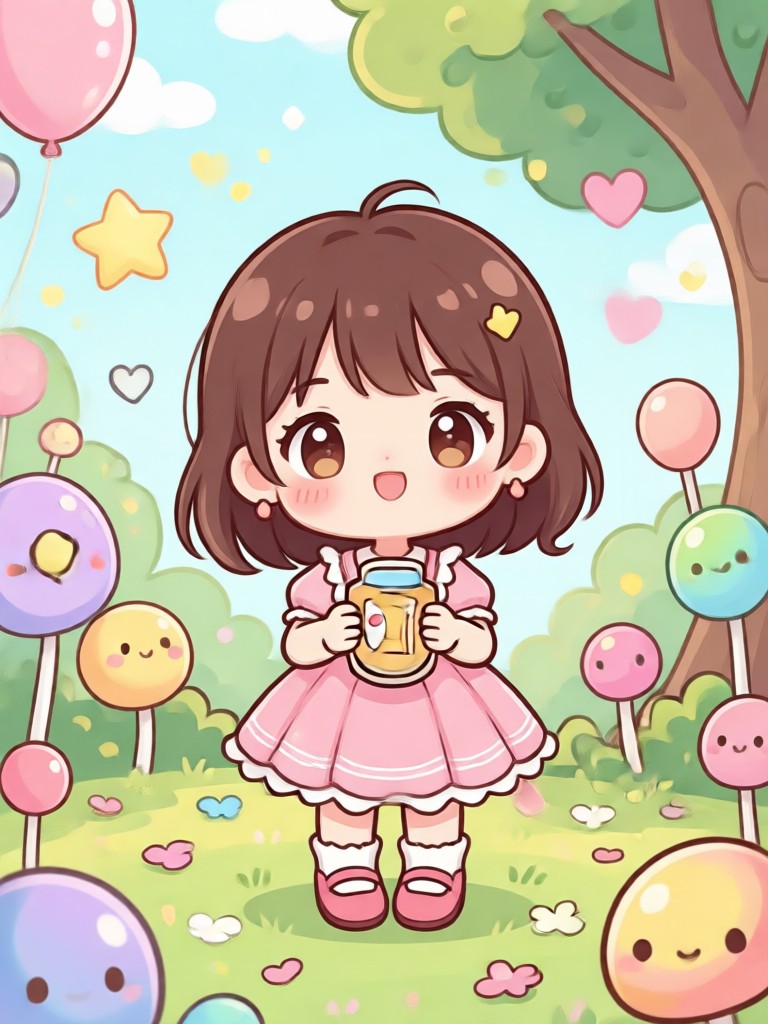
Transforms harsh lighting into a soft, dreamy palette. Adds gentle blush to cheeks and applies cohesive pastel tones to skin, hair, and backgrounds.
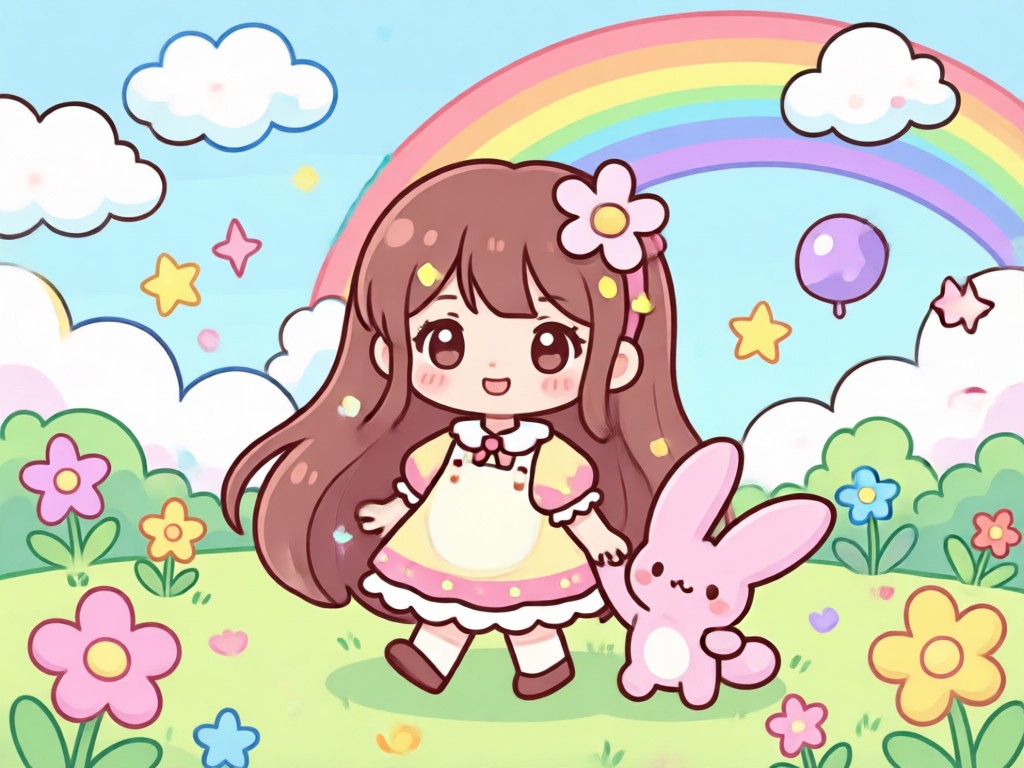
Cute Accessory & Backgrounds
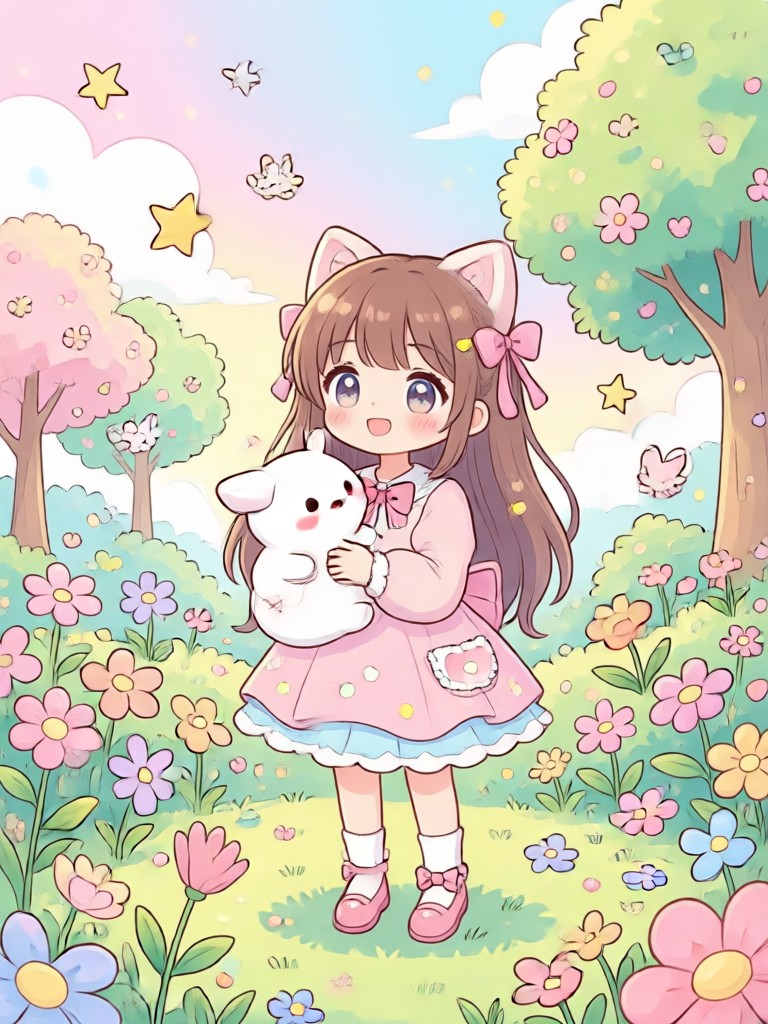
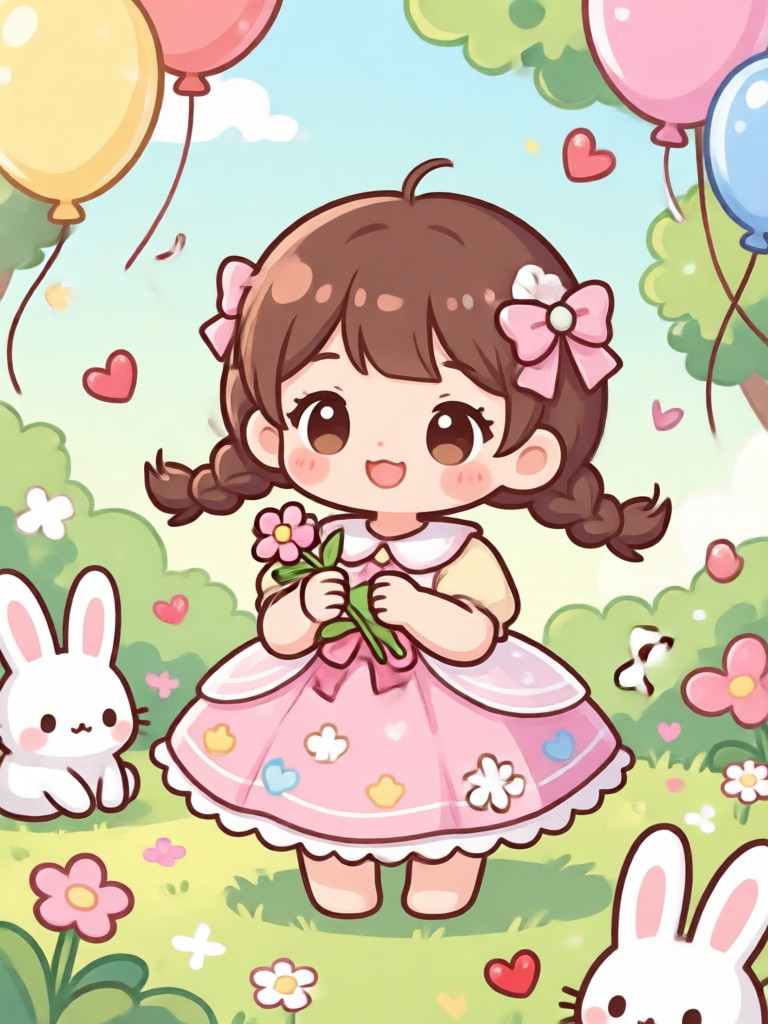
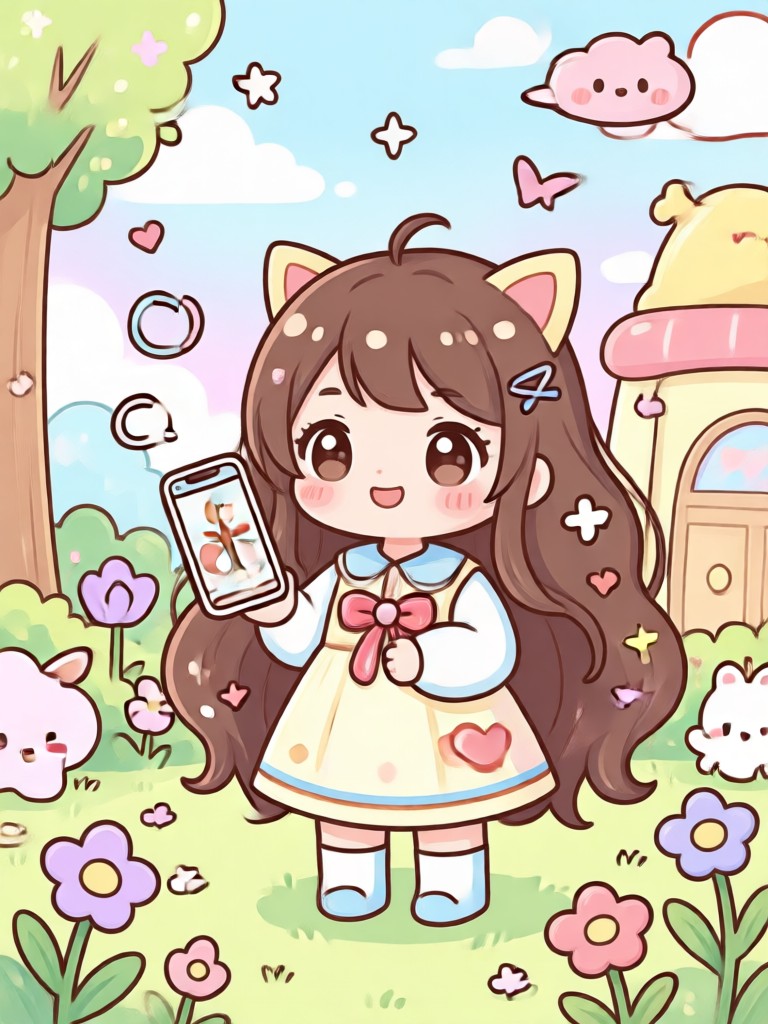
Generates playful kawaii elements like animal ears, ribbons, sparkles, and whimsical fantasy backgrounds to complete your charming transformation.
Kawaii Filter Gallery
See the magical transformations. Our AI kawaii filters work on selfies, portraits, and even pet photos for maximum cuteness.
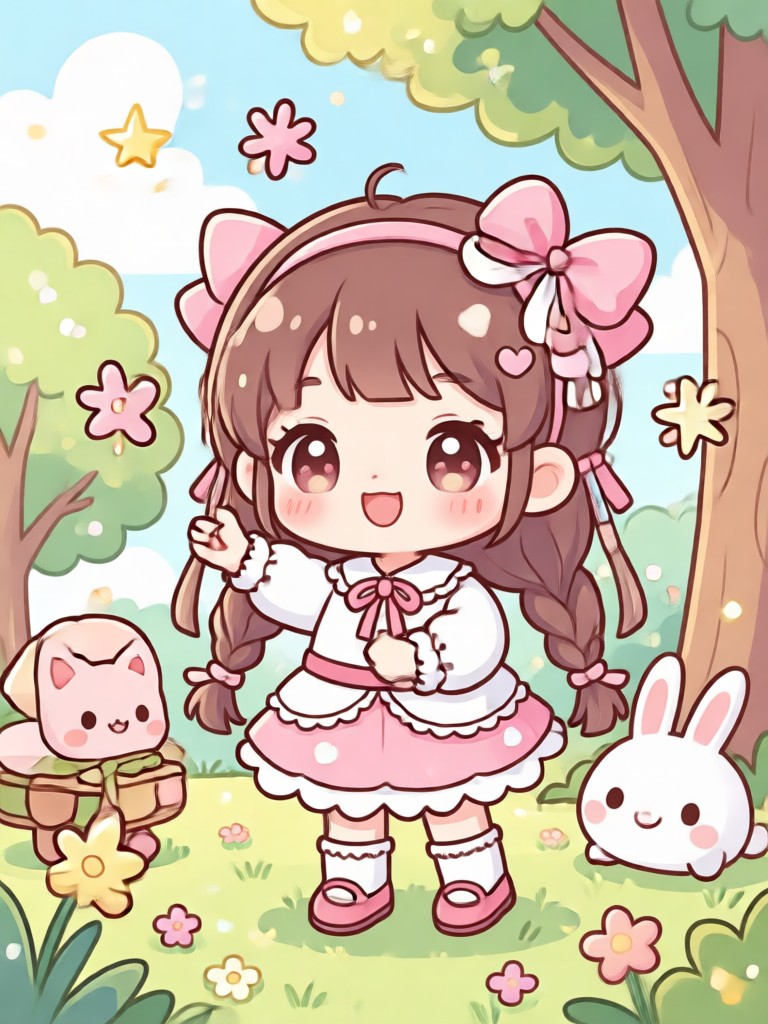
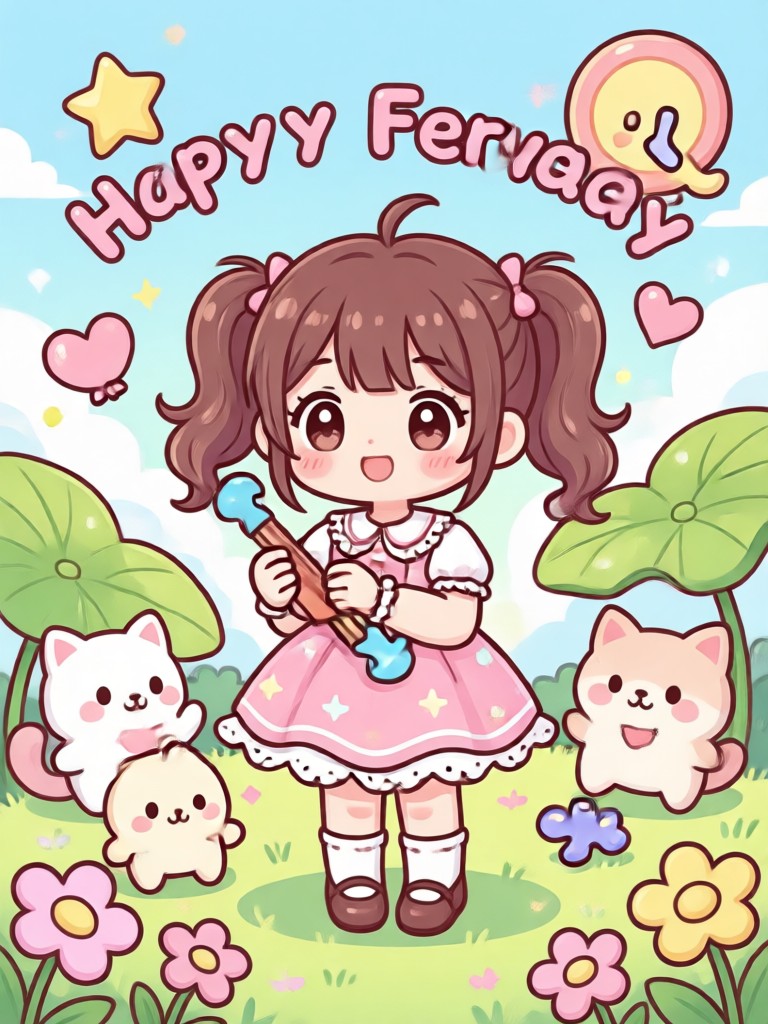
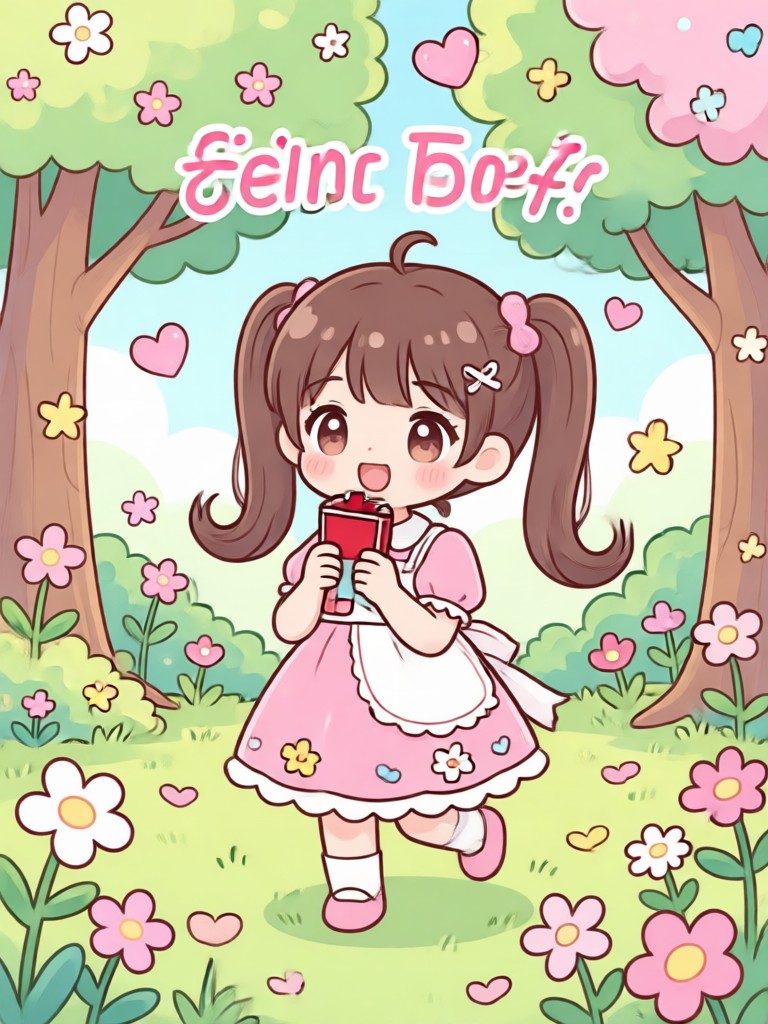
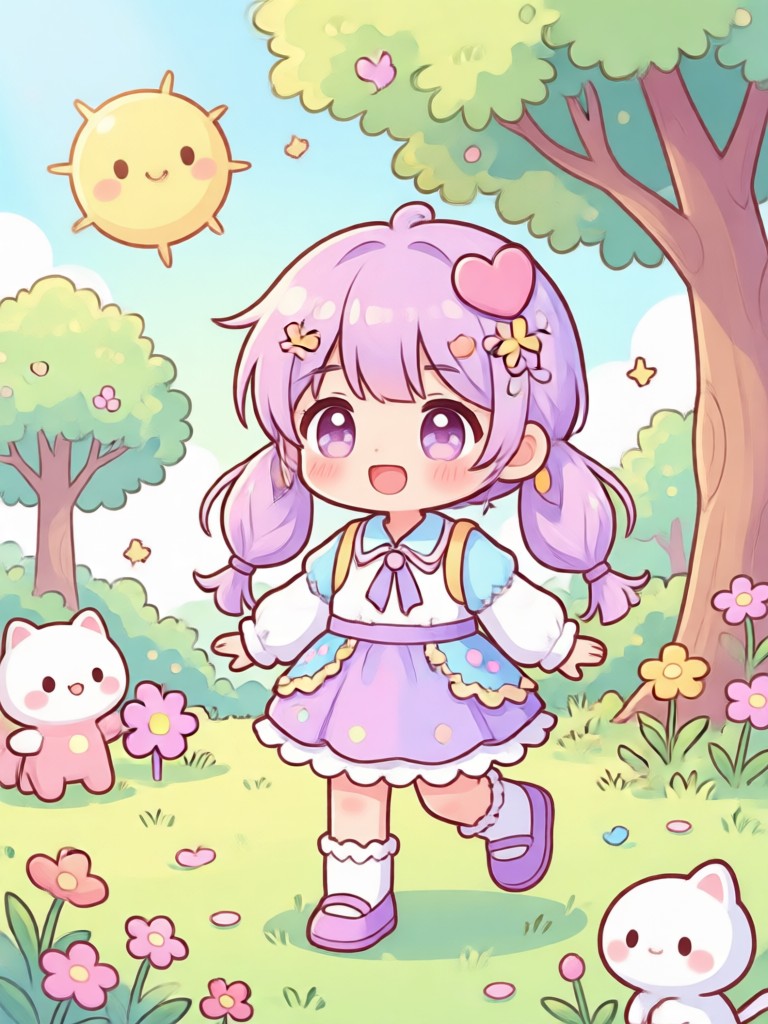
How to Add Kawaii Filter to Photo?
Create adorable kawaii anime photos in three simple steps with our mobile app.
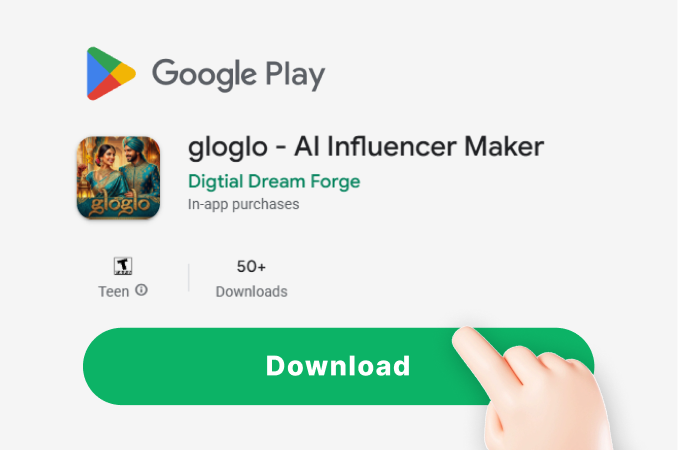
Step 01.
Download the gloglo app from Google Play. It's your all-in-one mobile studio for AI photo and video creation.
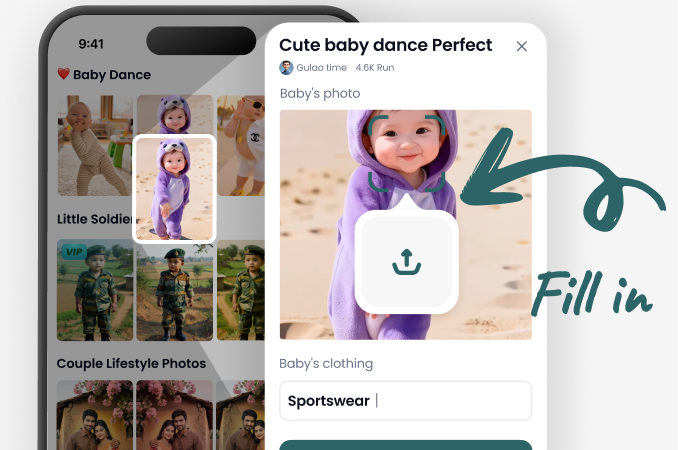
Step 02.
Open the app and tap 'Image to Image'. Upload your photo, then browse and select your favorite kawaii style filter from our vast library.
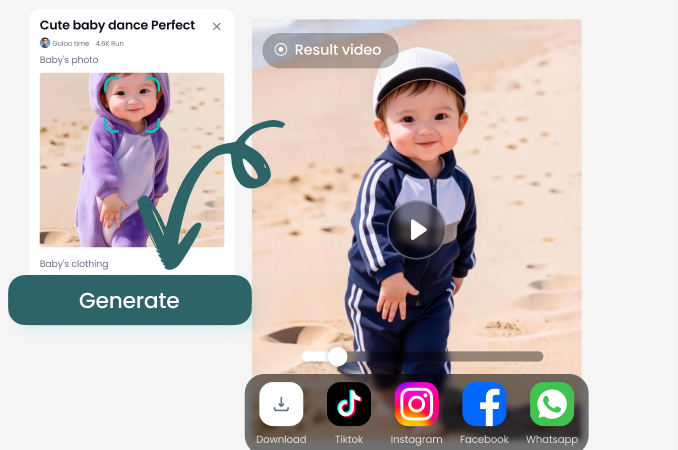
Step 03.
Tap 'Generate'. In seconds, your kawaii masterpiece is ready. Download it instantly to share your cuteness on social media or with friends.
Users Love Our Kawaii Magic
My profile pics have never been cuter!
I tried so many apps to get that anime look. This one actually works. The eyes get bigger and brighter, and the blush looks so natural. My Instagram feed is now 100% kawaii.
Perfect for matching my OC's aesthetic
I draw original characters and use this to visualize them in different kawaii styles. The filters are diverse, from magical girl to soft pastel. It's an incredible inspiration tool.
Even my cat looks like a anime sidekick now
This app is not just for people. I uploaded a photo of my grumpy cat, and the AI turned him into the most adorable kawaii creature with tiny ears. My friends can't stop laughing.
Kawaii Filter FAQs
Get quick answers to common questions about creating adorable anime-style photos with our AI filters.
More Topics You May Like
Explore more topics you may like and discover fresh ideas tailored to your interests.
AI Freckle Generator: Add Natural Spots to Your Photos
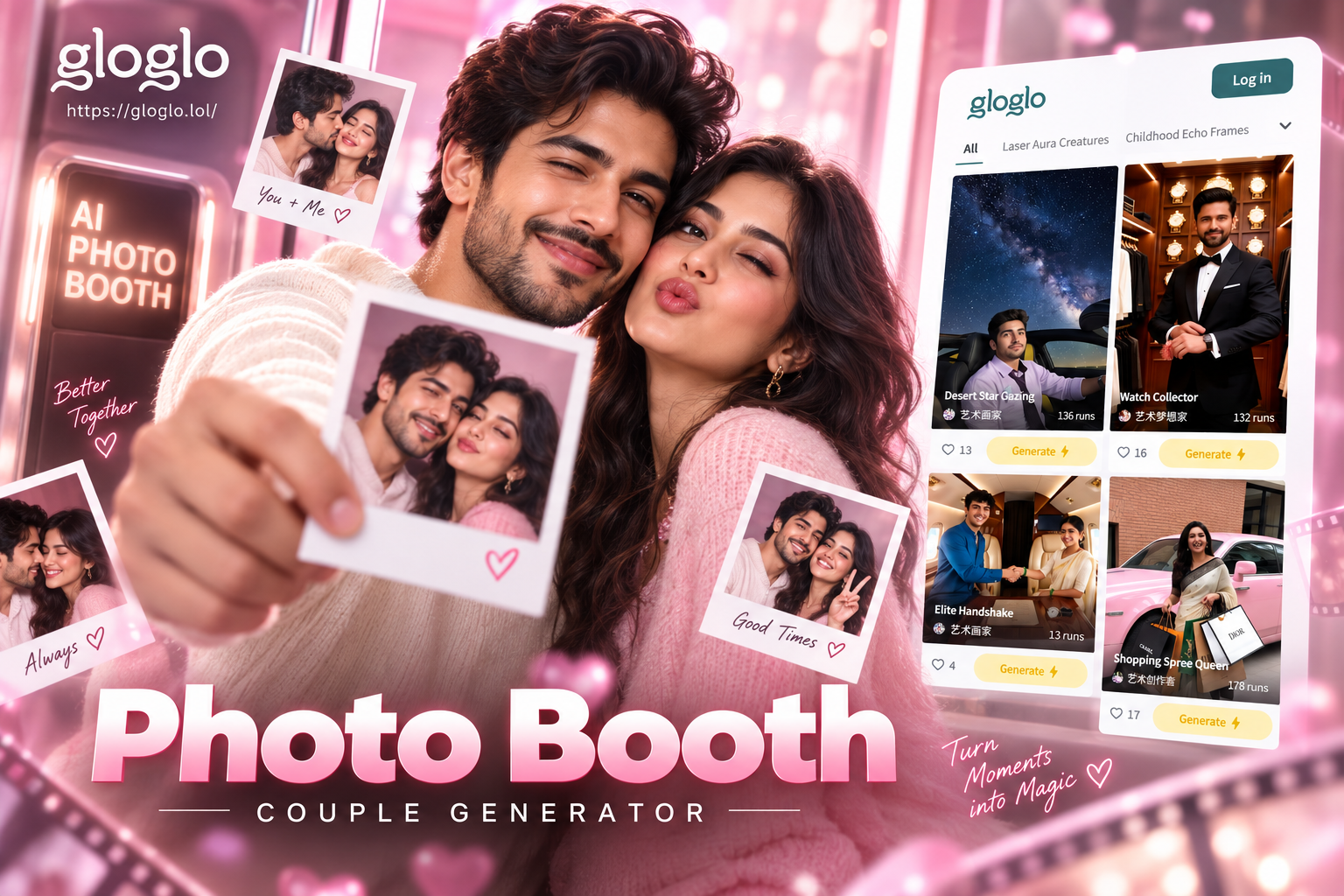
AI Polaroid Photo Booth for Couples | Make Your Memory
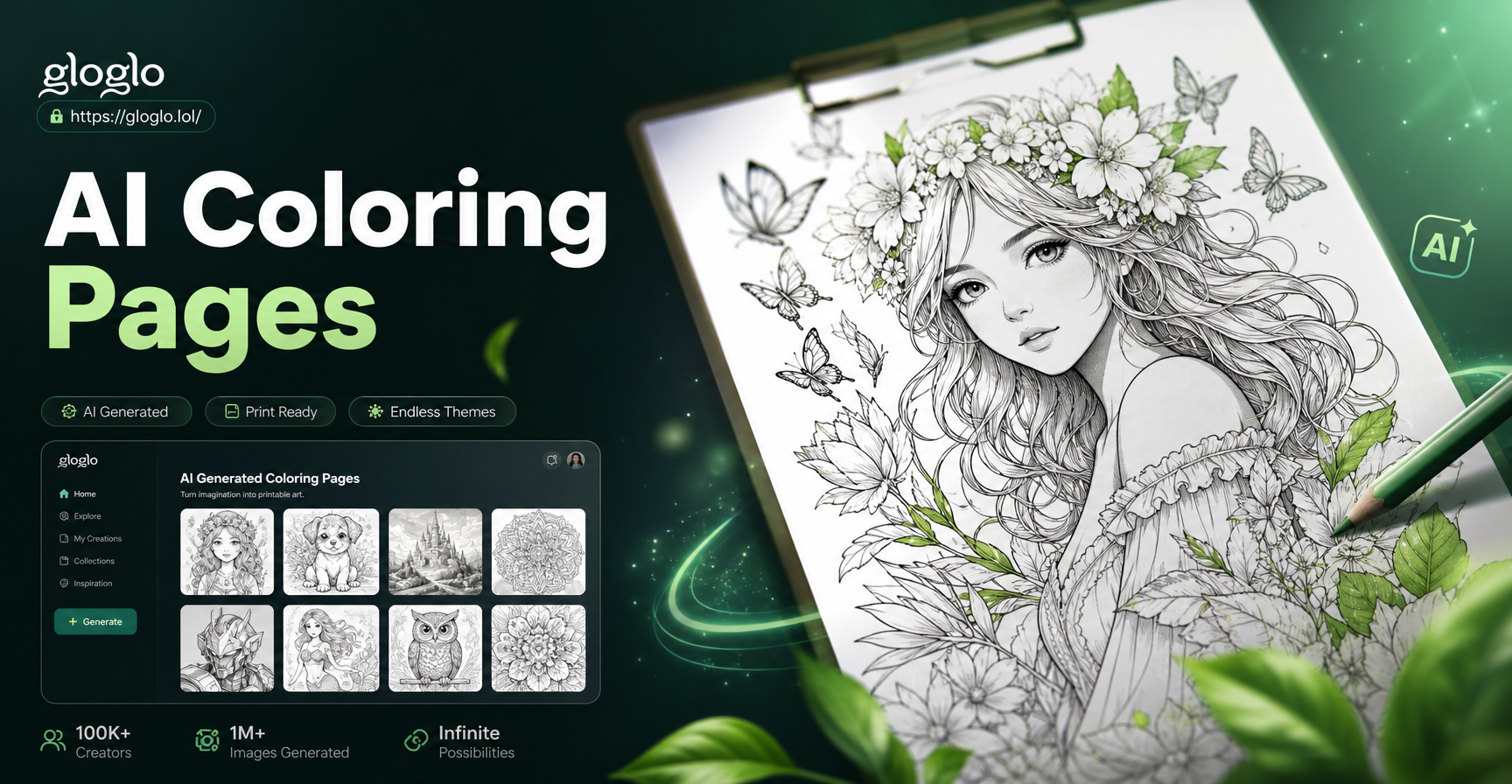
AI Generated Coloring Pages for Instant Creative Fun
Cinematic Smoke Portrait Art | Transform Photos with AI
AI Freckle Generator: Add Natural Spots to Your Photos
AI Polaroid Photo Booth for Couples | Make Your Memory
AI Generated Coloring Pages for Instant Creative Fun
Cinematic Smoke Portrait Art | Transform Photos with AI
Unleash Your Inner Kawaii
Stop scrolling and start creating. Transform your world into a cute, pastel anime dream with the tap of a button.
Unleash Your Inner Kawaii
Stop scrolling and start creating. Transform your world into a cute, pastel anime dream with the tap of a button.