AI House Plan Generator

Choose the House Plan Style That Suits You
Explore different architectural filters to match your project. From cozy cabins to sprawling modern villas, pick a style and let AI generate the perfect layout.
Key Features of AI House Plan Generator
From quick concept sketches to detailed room layouts, gloglo's AI house plan tools help you visualize space without complexity. Here is what makes our generator stand out.
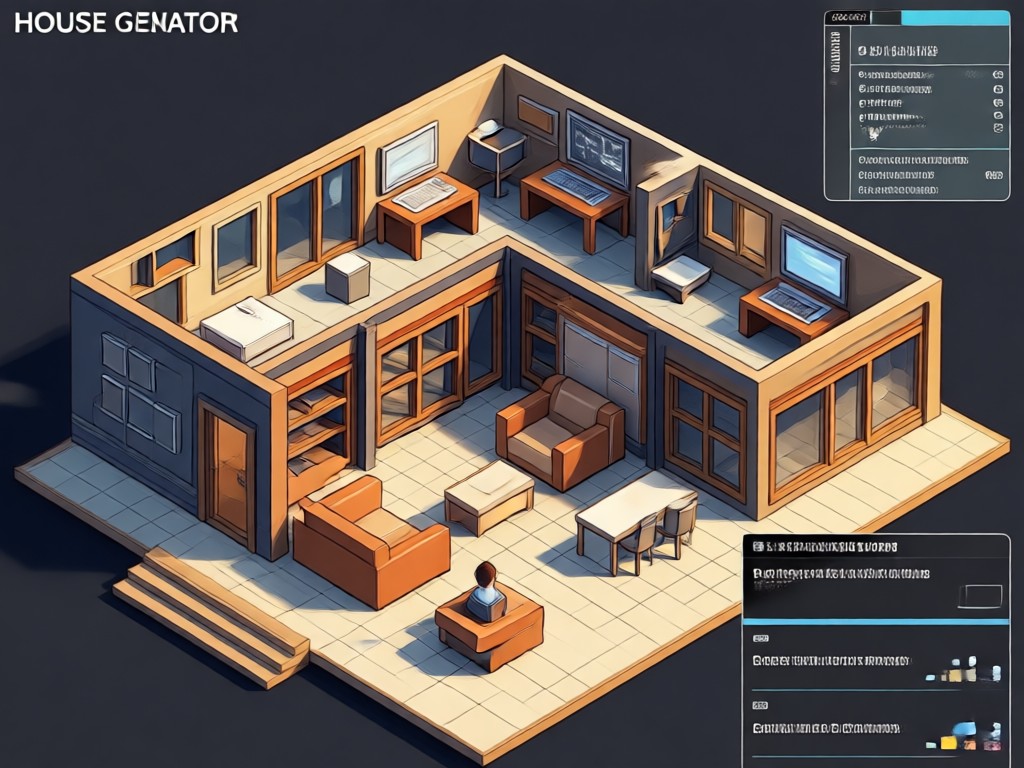
Text to Floor Plan
Type a simple description like a three bedroom cottage with open kitchen and the AI creates a matching layout in seconds. Perfect for brainstorming new ideas.
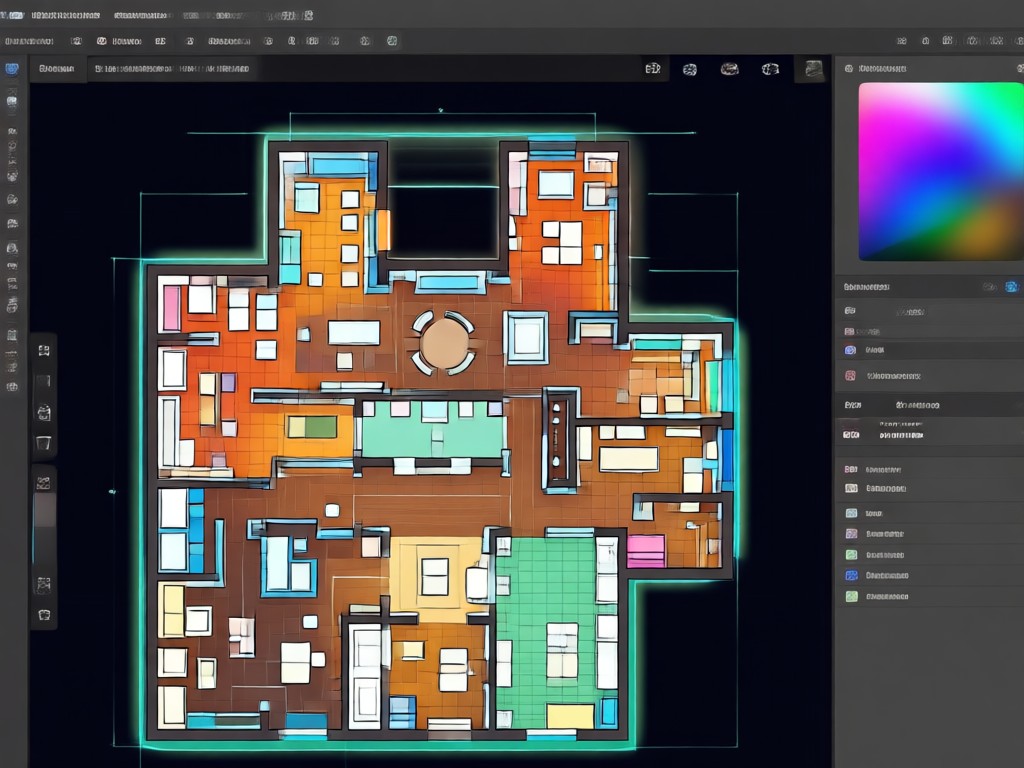
Sketch to Blueprint
Upload a rough hand drawn sketch and let AI clean it up into a structured, professional looking plan with proper walls, doors, and windows.
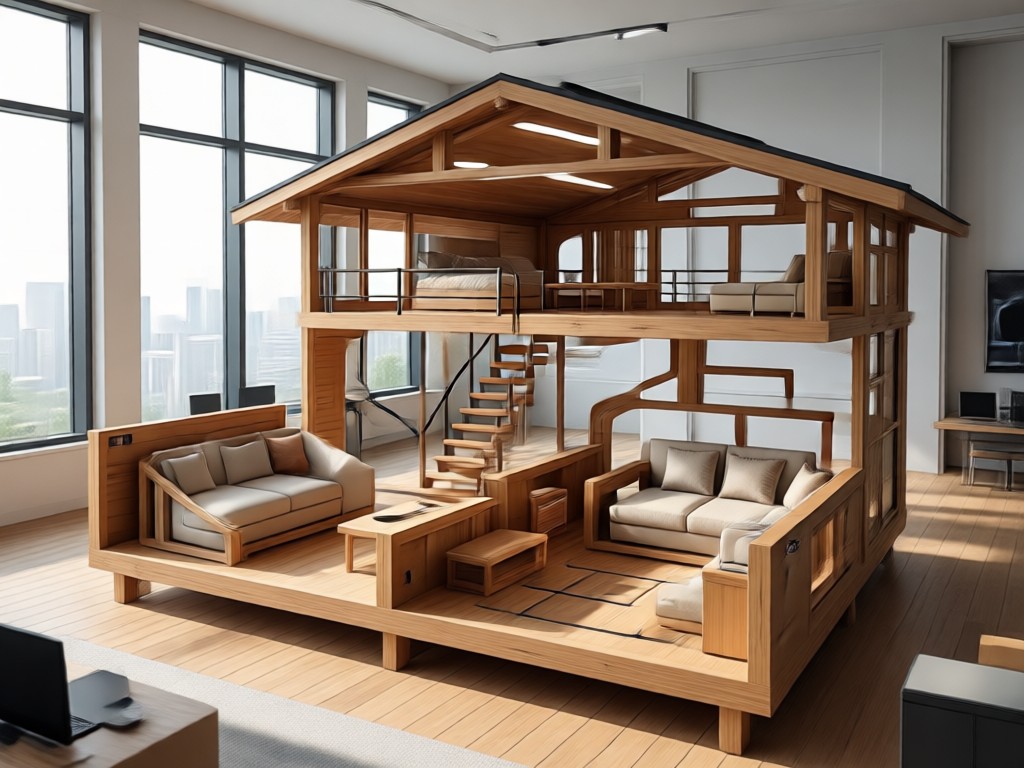
Multi Style Rendering
Apply different visual filters to your plan. Switch between blueprint style, 3D clay model, watercolor, or realistic render to present your idea beautifully.
Why Use an AI House Plan Generator?
Skip the expensive software and steep learning curve. AI generated floor plans are fast, flexible, and surprisingly accurate for early stage design work.
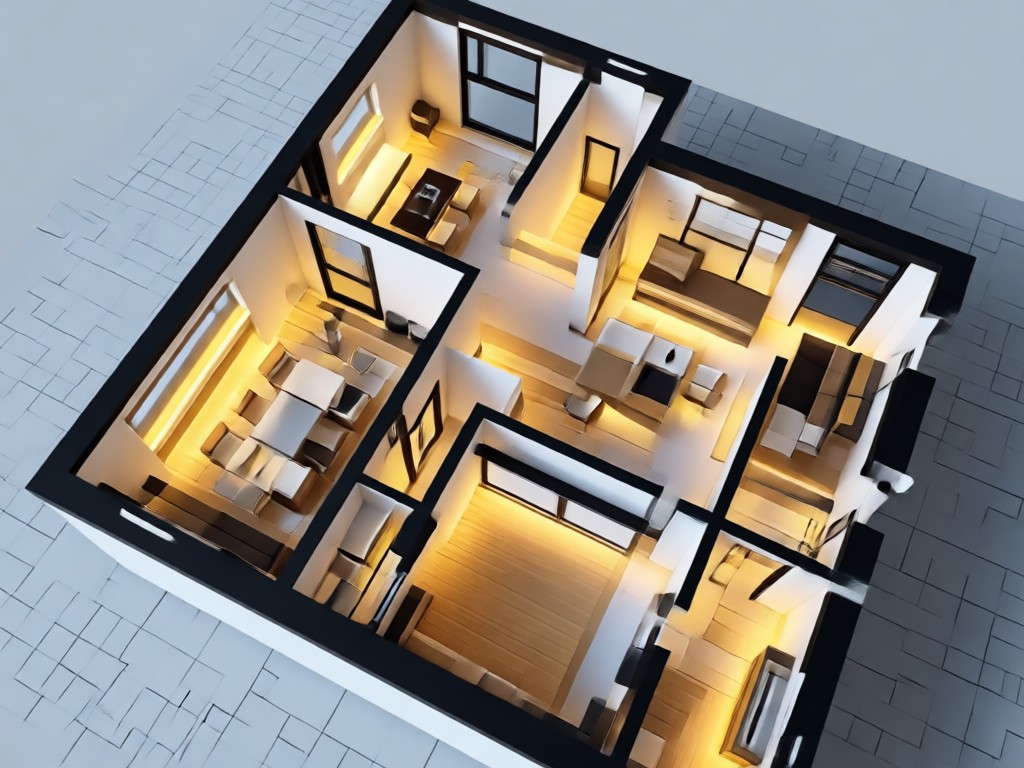
From Idea to Layout in Minutes
Traditional floor plan software takes hours to master, and hiring a designer can be costly for a simple concept. With gloglo, you simply describe your vision or upload a rough sketch, and the AI house plan generator produces multiple layout options instantly. This speed allows you to experiment with different room arrangements, test open versus closed kitchens, or visualize an extra bathroom without committing to a final design. Whether you are planning a renovation, designing a tiny home, or just exploring ideas for a future build, this tool removes the technical barriers and lets you focus on creativity. It is perfect for homeowners, real estate agents, students, and hobbyist designers who need professional looking plans without the professional price tag or complexity.
From Idea to Layout in Minutes
Traditional floor plan software takes hours to master, and hiring a designer can be costly for a simple concept. With gloglo, you simply describe your vision or upload a rough sketch, and the AI house plan generator produces multiple layout options instantly. This speed allows you to experiment with different room arrangements, test open versus closed kitchens, or visualize an extra bathroom without committing to a final design. Whether you are planning a renovation, designing a tiny home, or just exploring ideas for a future build, this tool removes the technical barriers and lets you focus on creativity. It is perfect for homeowners, real estate agents, students, and hobbyist designers who need professional looking plans without the professional price tag or complexity.
How to Generate AI House Plans?
Create detailed house plans in three simple steps. The entire process happens inside the gloglo mobile app.

Step 01.
Download the gloglo app from Google Play and open the AI House Plan Generator tool. No account setup is required to start a free trial.

Step 02.
Upload a reference sketch or type a text description of your ideal home. Choose a style filter like modern, rustic, or minimalist for the output.

Step 03.
Generate your house plan, review the layout, and download the image to share with your architect, family, or social media followers.
AI House Plan Ideas Gallery
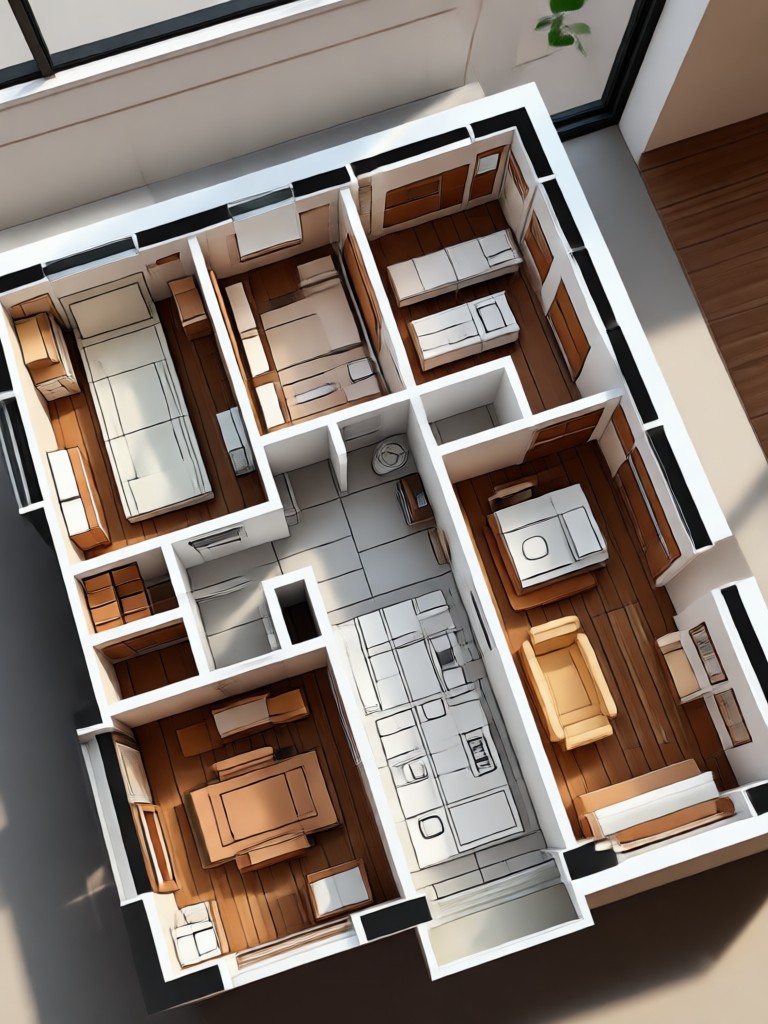
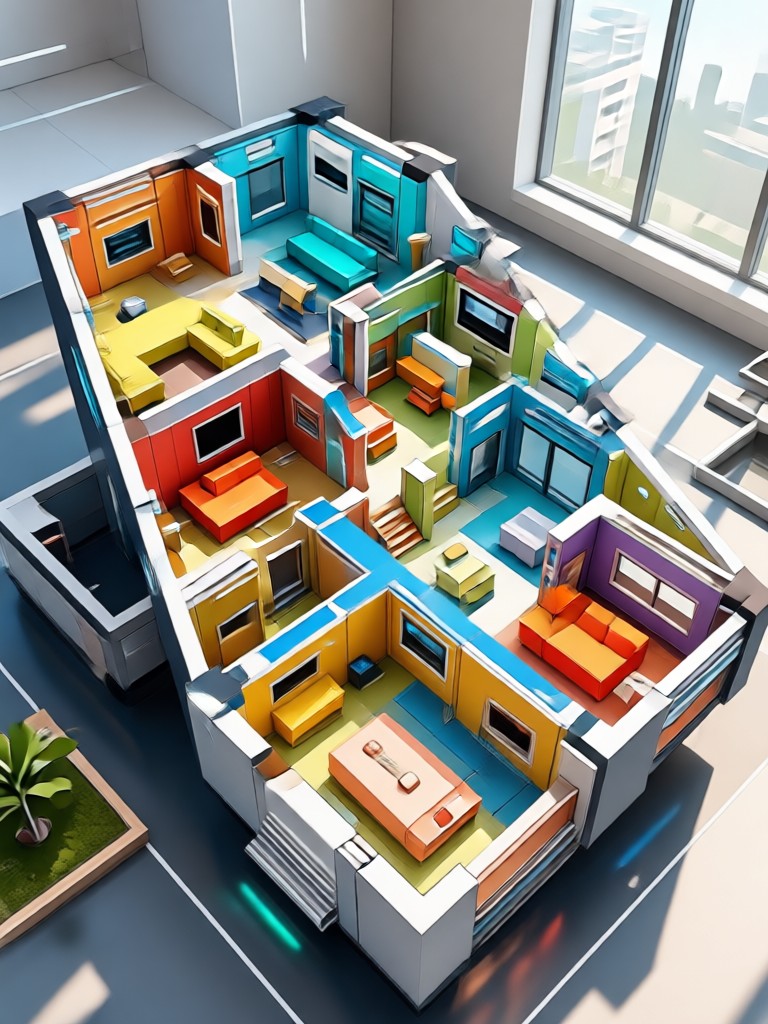
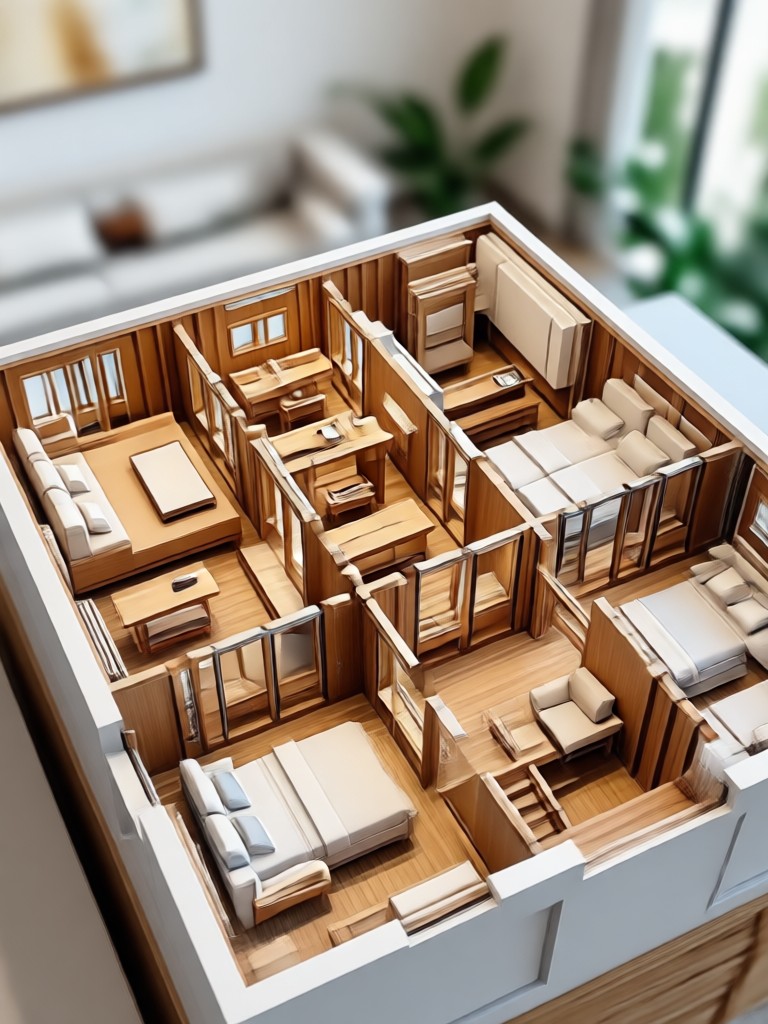
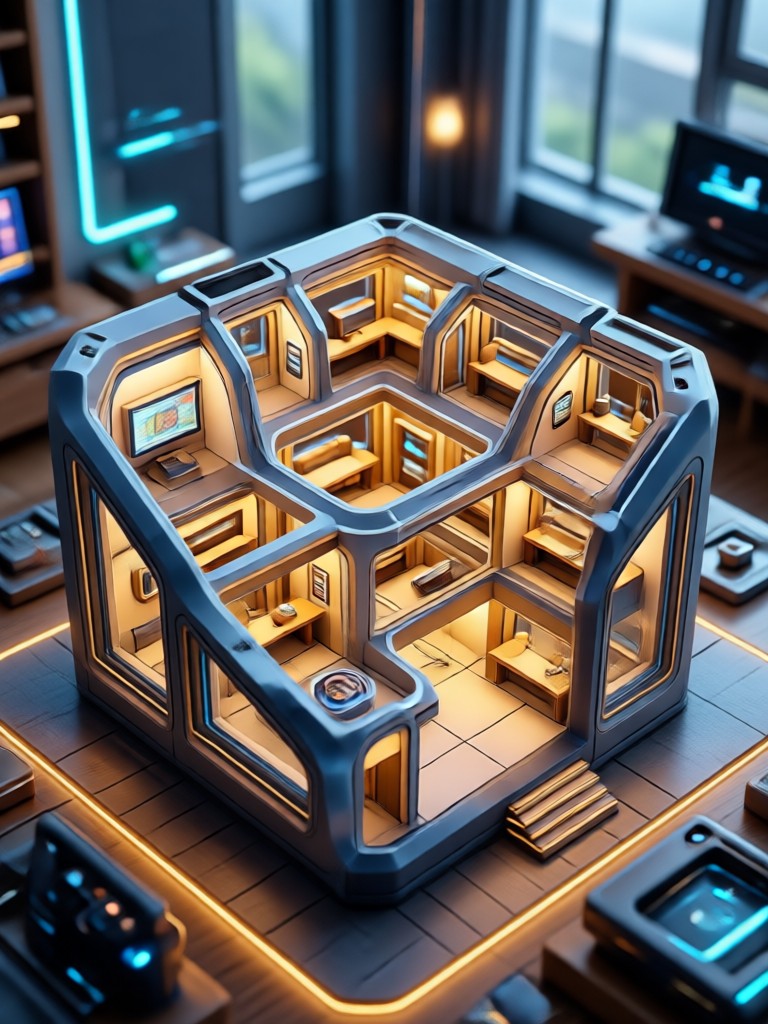
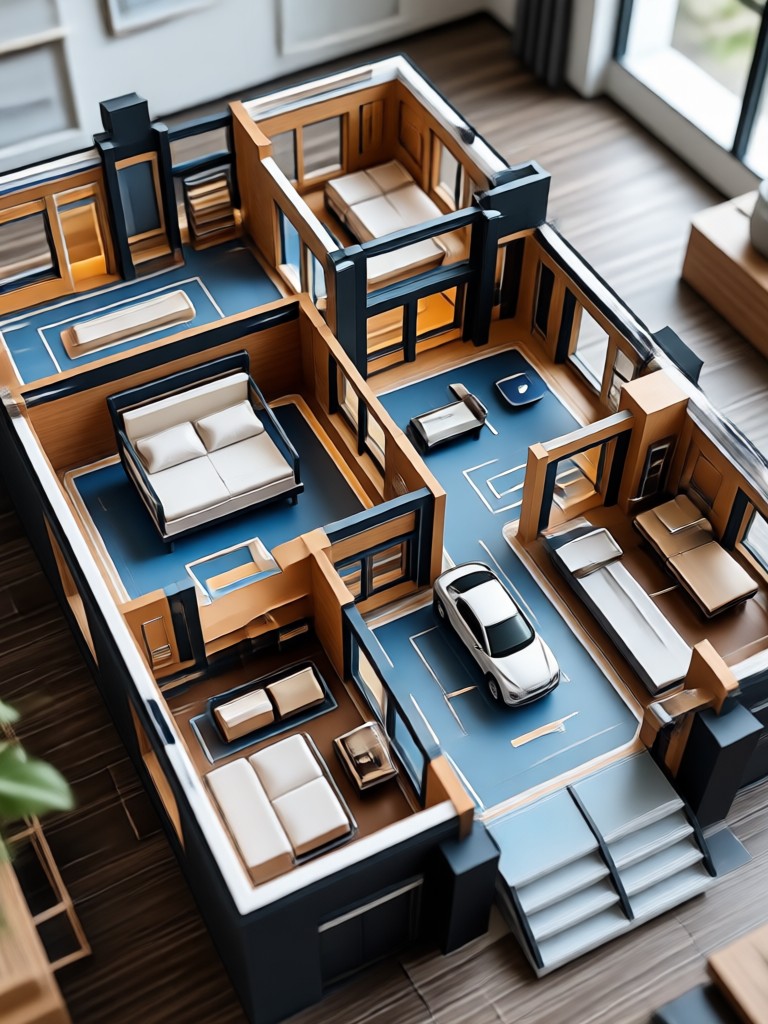
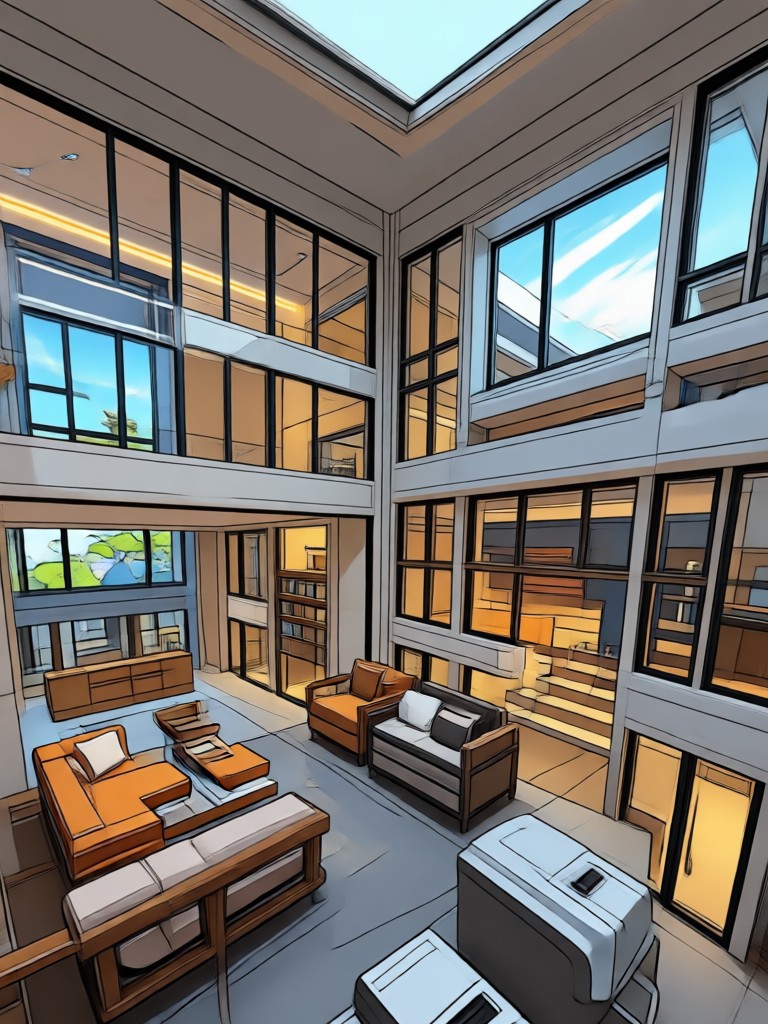
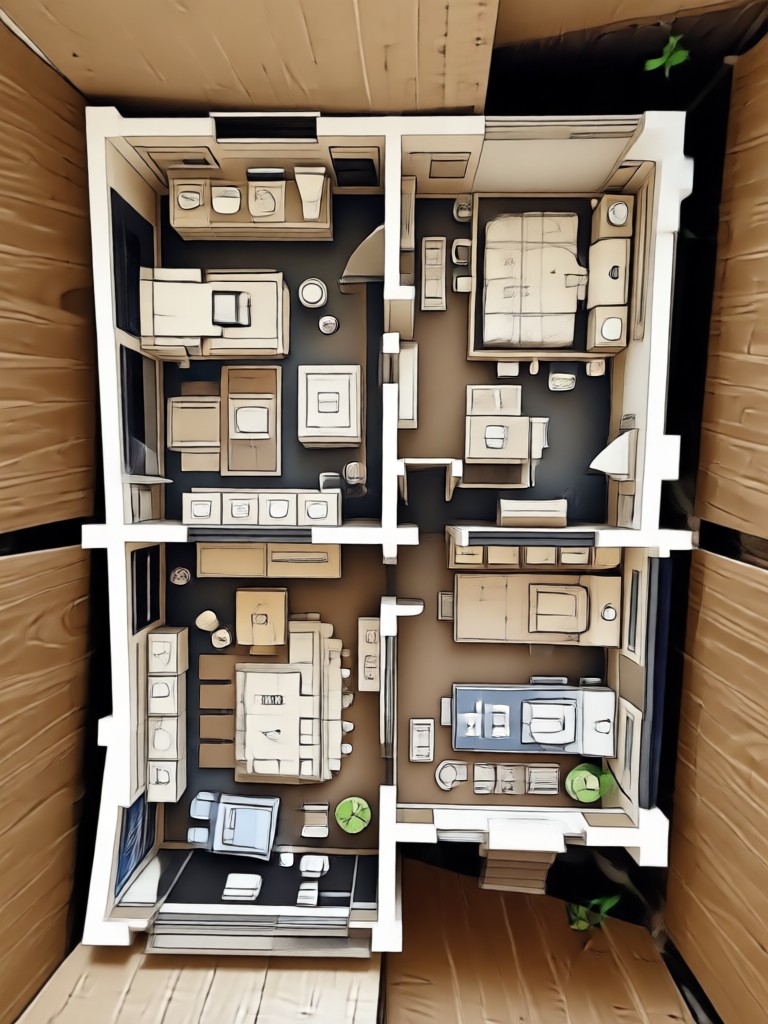
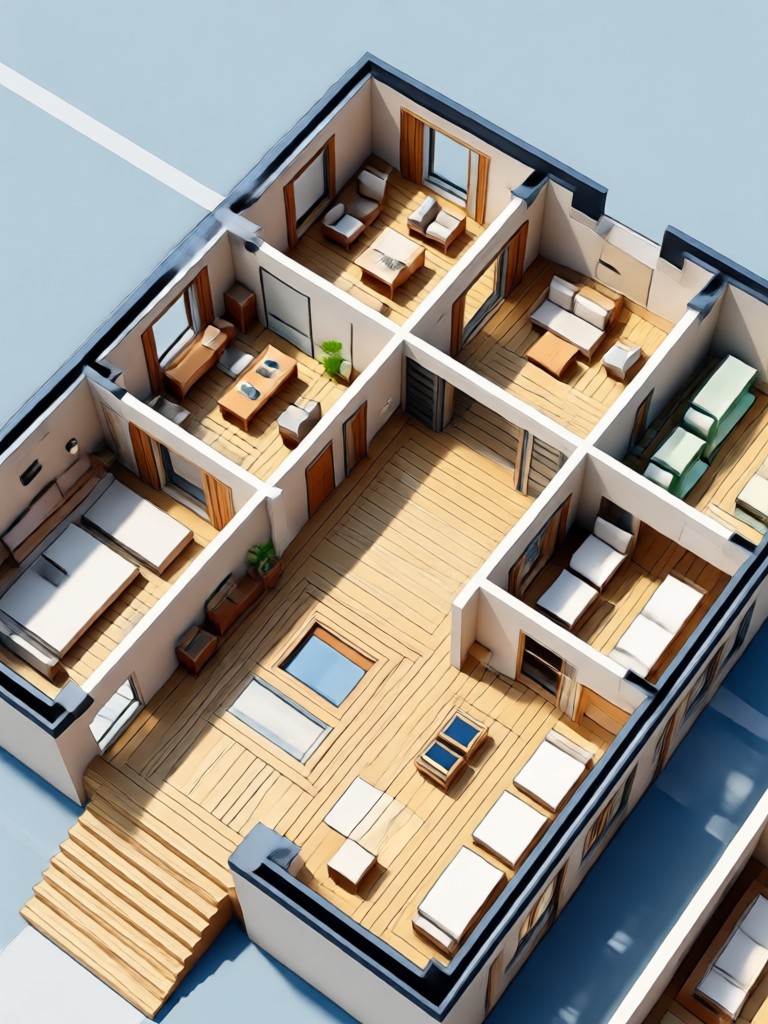
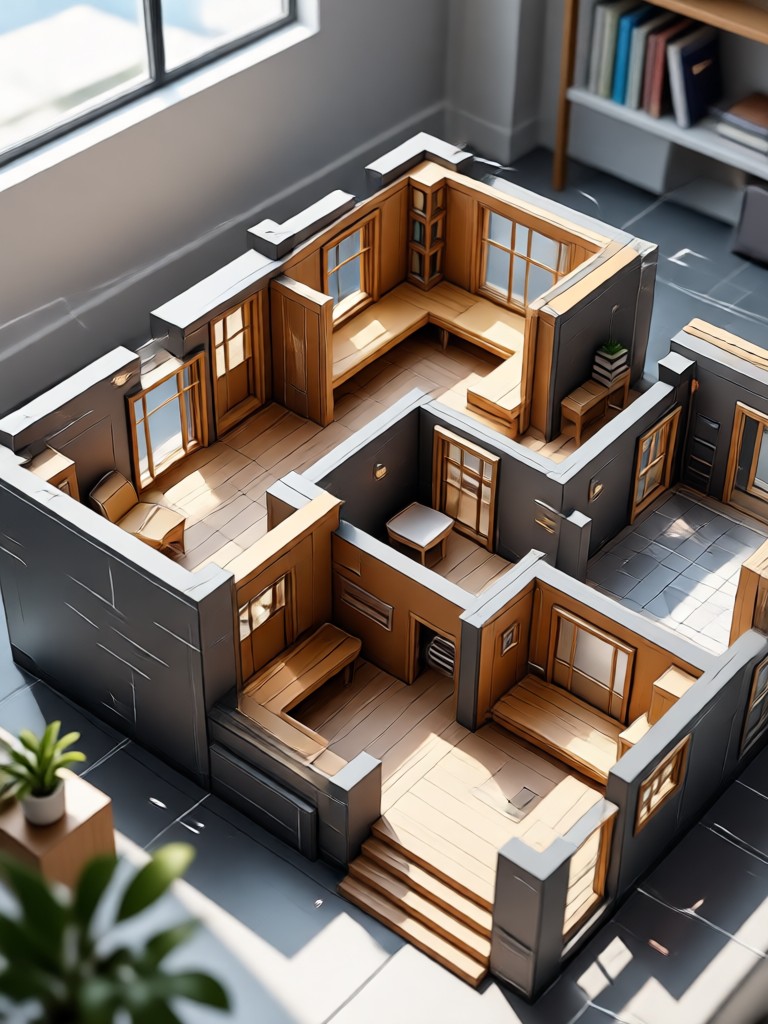
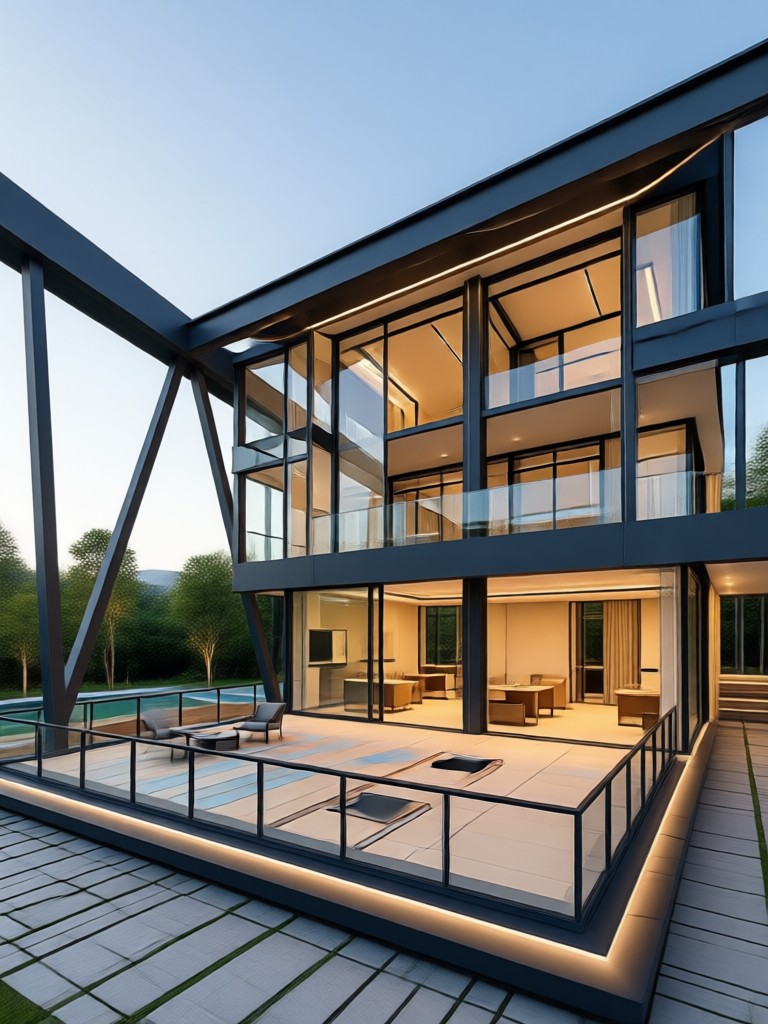
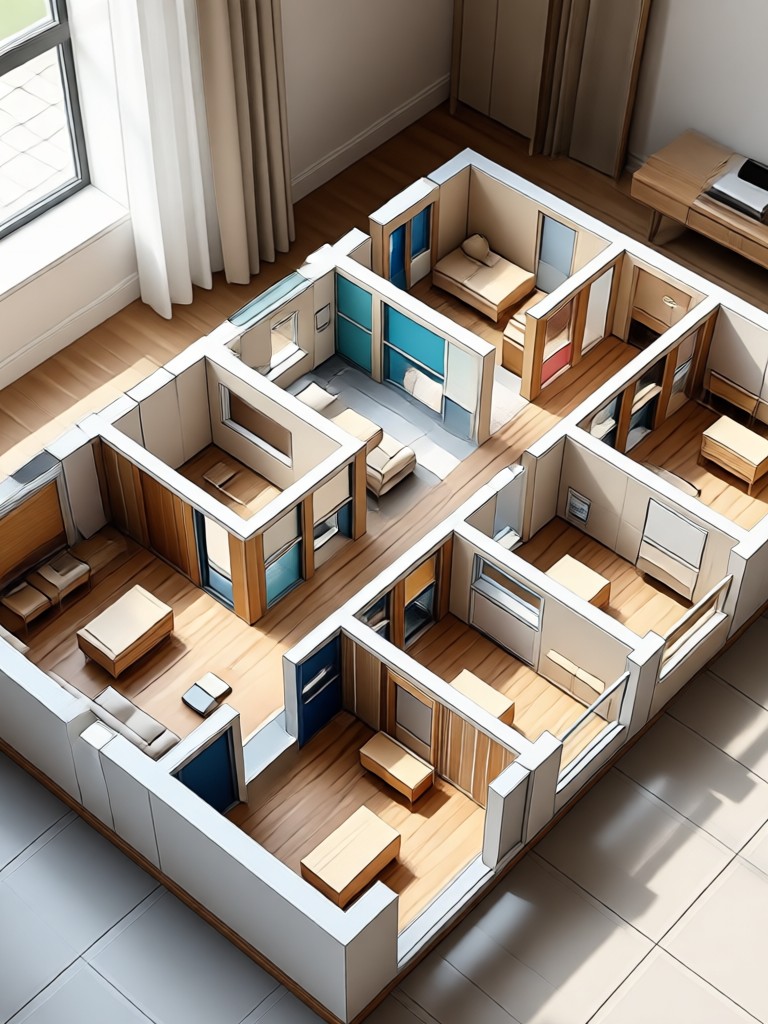
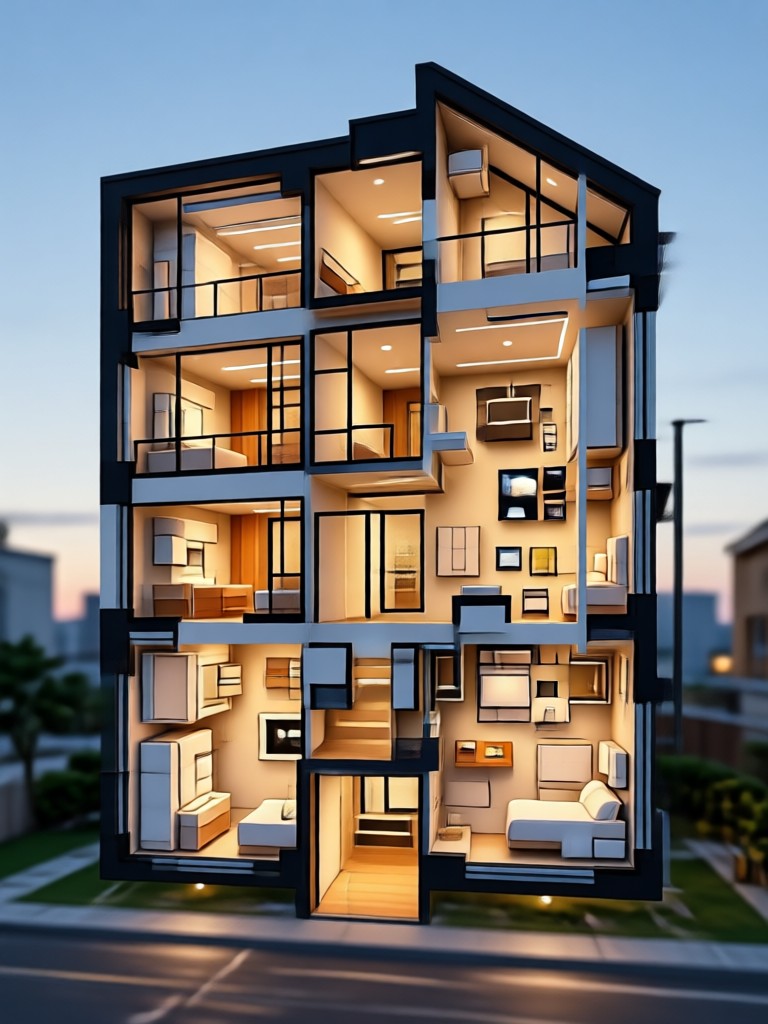
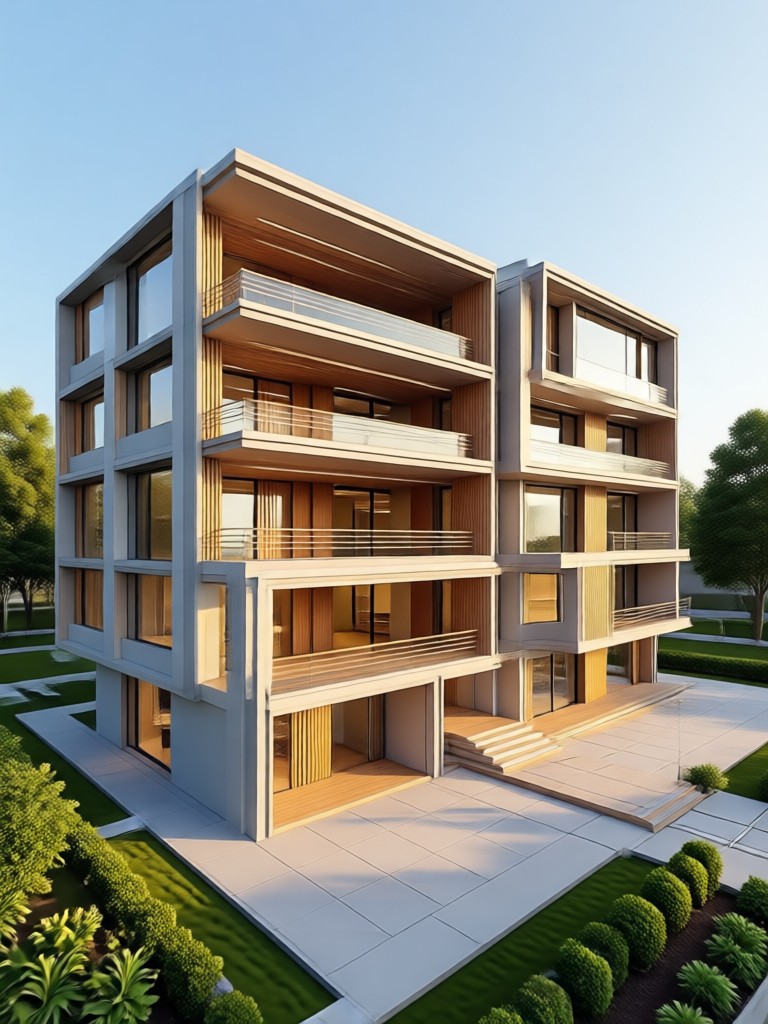
Browse a selection of AI generated house plans created with gloglo. These examples showcase different styles, from compact studio layouts to expansive family homes. Use them as inspiration for your next project.
AI House Design Tool for Mobile
Design floor plans on the go. gloglo works entirely from your phone, so you can sketch, generate, and share house ideas from anywhere. No desktop required.

Frequently Asked Questions About AI House Plan Generator
Find clear answers to common questions about generating floor plans with AI on gloglo.
Who Uses the AI House Plan Generator

Mia Thompson
I used the AI house design generator to plan our kitchen renovation. I sketched out my current layout, and within minutes I had three new options to show my contractor. Huge time saver.

Carlos Mendes
As a real estate agent, I use this to create simple floor plans for listings that only have photos. The AI house layout tool gives buyers a clear sense of space without needing professional software.

Aisha Patel
I am an architecture student and use gloglo for quick concept exploration. Typing a prompt and seeing a floor plan in different styles helps me brainstorm before I commit to detailed drawings.

Jonas Weber
Designing a tiny home on a budget. This AI floor plan generator free trial let me test multiple layouts for my 250 square foot space. It saved me hundreds in design fees.
Mia Thompson
I used the AI house design generator to plan our kitchen renovation. I sketched out my current layout, and within minutes I had three new options to show my contractor. Huge time saver.
Carlos Mendes
As a real estate agent, I use this to create simple floor plans for listings that only have photos. The AI house layout tool gives buyers a clear sense of space without needing professional software.
Aisha Patel
I am an architecture student and use gloglo for quick concept exploration. Typing a prompt and seeing a floor plan in different styles helps me brainstorm before I commit to detailed drawings.
Jonas Weber
Designing a tiny home on a budget. This AI floor plan generator free trial let me test multiple layouts for my 250 square foot space. It saved me hundreds in design fees.
Mia Thompson
I used the AI house design generator to plan our kitchen renovation. I sketched out my current layout, and within minutes I had three new options to show my contractor. Huge time saver.
Carlos Mendes
As a real estate agent, I use this to create simple floor plans for listings that only have photos. The AI house layout tool gives buyers a clear sense of space without needing professional software.
Aisha Patel
I am an architecture student and use gloglo for quick concept exploration. Typing a prompt and seeing a floor plan in different styles helps me brainstorm before I commit to detailed drawings.
Jonas Weber
Designing a tiny home on a budget. This AI floor plan generator free trial let me test multiple layouts for my 250 square foot space. It saved me hundreds in design fees.
More Topics You May Like
Explore more AI design tools and creative ideas tailored to your interests.

Transform Any Face: AI Facial Expression Changer
Upload a photo and change facial expressions instantly with AI. Turn a frown into a smile, add a wink, or create surprised looks. Realistic results in seconds. No editing skills needed.

Happy Diwali Poster Maker App: Festive Design Ideas
Create stunning Happy Diwali posters with AI. Upload photos, apply festive filters with diyas and rangoli, and generate professional Diwali greeting posters in seconds. Download the app now.

Hari Malaysia Photo Edit: AI Merdeka Filters
Create stunning Hari Malaysia photo edits with AI. Upload a photo, apply Merdeka themed filters, and transform your pictures with Jalur Gemilang effects. Download gloglo now.

Add Dazzling Sparkle with Glitter AI Effects
Turn photos into sparkling art with Glitter AI. Upload a picture, choose a glitter style, and add shimmer, shine, and magical sparkle in seconds. Download the app to create.
Start Designing Your House Plan Today
Download gloglo and turn text or sketches into professional house plans in seconds. Free trial available now on Google Play.
Start Designing Your House Plan Today
Download gloglo and turn text or sketches into professional house plans in seconds. Free trial available now on Google Play.